Intel® Teach EssentialsICT in the Classroom ConferenceSt John's College, Johannesburg 5-7 July 2011Workshop by Claire DeanSenior Trainer SchoolNet SAHead of ICT, Stirling Primary, East London
Workshop outlineIntroduction: Course Focus, Outcomes, Curriculum Modules, Prerequisite Skills, ExpectationsCharacteristics of Good Projects Good Instructional Design & Project Characteristics 3.  Assessing Projects	  Assessment strategiesLegal and Ethical Practice Related to ICT UseCopyright quizPlanning for Learner Success	  Considering Different Learning ModalitiesFacilitating with ICT	  Browse Web resources 2
1.  Introduction: The Intel® Teach Program is a worldwide initiative to provide teachers with the skills to effectively integrate technology into existing curriculum to improve student learning.  Since 1999, the Intel Teach Program has helped over 5 million educators in more than 40 countries. The goal or Essential Question of the Intel® Teach Essentials Course is to answer:How can ICT be used most effectively to support and assess learning?3
4Course FocusUsing ICT effectively in the classroom to promote 21st century skillsIdentifying ways learners and teachers can use ICT to enhance learning through research, communication, collaboration, and productivity strategies and toolsProviding hands-on learning and the creation of curricular projects and assessments, which address national curriculum outcomesFacilitating learner-centered classrooms that encourage learner self-direction and higher-order thinkingCollaborating with colleagues to improve teaching and learning by problem solving and participating in peer reviews of projects
5OutcomesProject Portfolio ready to implement that includes:AssessmentsFacilitationLearner sampleLearner supportProject planAligns to assessment standardsFocuses through the use of Curriculum-Framing QuestionsIncludes Assessment Timeline to note ongoing assessmentProvides accommodations to support all learnersProject plan template
6Curriculum ModulesModule 1: Teaching with ProjectsFocus: Project-based learning and project designModule 2: Planning My ProjectFocus: Curriculum-Framing Questions and ongoing learner-centered assessmentModule 3: Making ConnectionsFocus: The Internet to support teaching and learningModule 4: Creating Samples of LearningFocus: Project outcomes from a learner perspective
7Curriculum ModulesModule 5: Assessing Learner ProjectsFocus: Formative and summative assessmentModule 6: Planning for Learner SuccessFocus: Learner support and self-directionModule 7: Facilitating with ICTFocus: Teacher as facilitatorModule 8: Showcasing Project PortfoliosFocus: Sharing Learning
8Prerequisite SkillsParticipants should possess intermediate-level computer skills Ability to:Format and edit text
Copy, cut, and paste text and graphics
Save documents
Use e-mail
Navigate and perform a search on the Internet
Use a word processing application9ExpectationsAttend maximum of 40 hours (5 days) face-to-face training.Invariably you have to put extra hours in.Be on timeParticipate in all activities and discussions
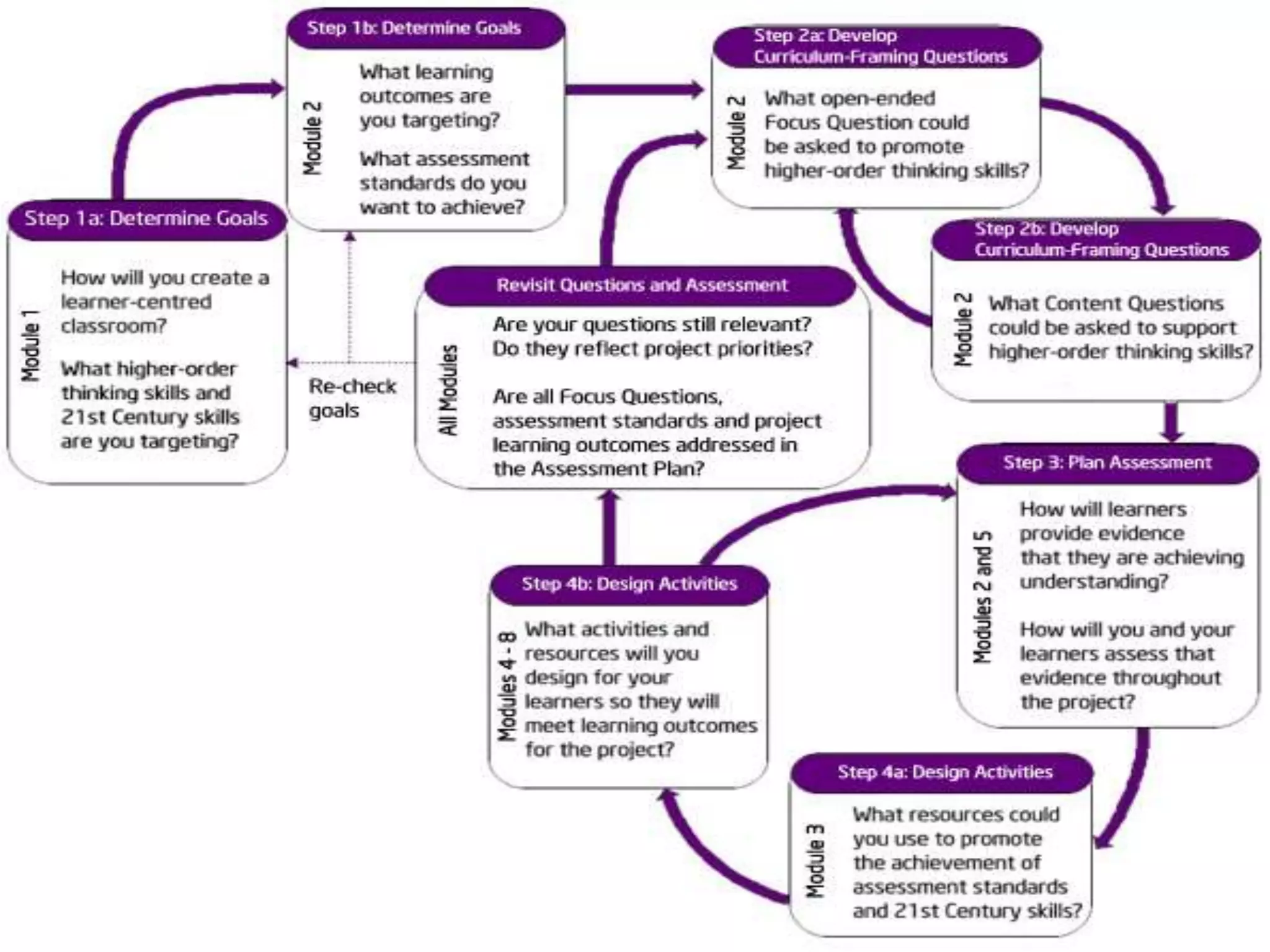
2.  Characteristics of Good ProjectsModule 1: Teaching with Projects - Activity 2Examining Good Instructional DesignProject planning is not linear; it always involves circling back to previous steps to ensure alignment among components of your project as shown in the graphic(see next slide for diagram)10
11
Examining Good Instructional DesignModule 1: Teaching with Projects - Activity 3Move into teams of 2
Foundation Phase
Intermediate Phase
Senior Phase
Investigate projects online
Use Projects characteristics checklist handout12

Intel teach essentials (july2011)

  • 1.
    Intel® Teach EssentialsICTin the Classroom ConferenceSt John's College, Johannesburg 5-7 July 2011Workshop by Claire DeanSenior Trainer SchoolNet SAHead of ICT, Stirling Primary, East London
  • 2.
    Workshop outlineIntroduction: CourseFocus, Outcomes, Curriculum Modules, Prerequisite Skills, ExpectationsCharacteristics of Good Projects Good Instructional Design & Project Characteristics 3. Assessing Projects Assessment strategiesLegal and Ethical Practice Related to ICT UseCopyright quizPlanning for Learner Success Considering Different Learning ModalitiesFacilitating with ICT Browse Web resources 2
  • 3.
    1. Introduction:The Intel® Teach Program is a worldwide initiative to provide teachers with the skills to effectively integrate technology into existing curriculum to improve student learning. Since 1999, the Intel Teach Program has helped over 5 million educators in more than 40 countries. The goal or Essential Question of the Intel® Teach Essentials Course is to answer:How can ICT be used most effectively to support and assess learning?3
  • 4.
    4Course FocusUsing ICTeffectively in the classroom to promote 21st century skillsIdentifying ways learners and teachers can use ICT to enhance learning through research, communication, collaboration, and productivity strategies and toolsProviding hands-on learning and the creation of curricular projects and assessments, which address national curriculum outcomesFacilitating learner-centered classrooms that encourage learner self-direction and higher-order thinkingCollaborating with colleagues to improve teaching and learning by problem solving and participating in peer reviews of projects
  • 5.
    5OutcomesProject Portfolio readyto implement that includes:AssessmentsFacilitationLearner sampleLearner supportProject planAligns to assessment standardsFocuses through the use of Curriculum-Framing QuestionsIncludes Assessment Timeline to note ongoing assessmentProvides accommodations to support all learnersProject plan template
  • 6.
    6Curriculum ModulesModule 1:Teaching with ProjectsFocus: Project-based learning and project designModule 2: Planning My ProjectFocus: Curriculum-Framing Questions and ongoing learner-centered assessmentModule 3: Making ConnectionsFocus: The Internet to support teaching and learningModule 4: Creating Samples of LearningFocus: Project outcomes from a learner perspective
  • 7.
    7Curriculum ModulesModule 5:Assessing Learner ProjectsFocus: Formative and summative assessmentModule 6: Planning for Learner SuccessFocus: Learner support and self-directionModule 7: Facilitating with ICTFocus: Teacher as facilitatorModule 8: Showcasing Project PortfoliosFocus: Sharing Learning
  • 8.
    8Prerequisite SkillsParticipants shouldpossess intermediate-level computer skills Ability to:Format and edit text
  • 9.
    Copy, cut, andpaste text and graphics
  • 10.
  • 11.
  • 12.
    Navigate and performa search on the Internet
  • 13.
    Use a wordprocessing application9ExpectationsAttend maximum of 40 hours (5 days) face-to-face training.Invariably you have to put extra hours in.Be on timeParticipate in all activities and discussions
  • 14.
    2. Characteristicsof Good ProjectsModule 1: Teaching with Projects - Activity 2Examining Good Instructional DesignProject planning is not linear; it always involves circling back to previous steps to ensure alignment among components of your project as shown in the graphic(see next slide for diagram)10
  • 15.
  • 16.
    Examining Good InstructionalDesignModule 1: Teaching with Projects - Activity 3Move into teams of 2
  • 17.
  • 18.
  • 19.
  • 20.
  • 21.
    Use Projects characteristicschecklist handout12
  • 22.
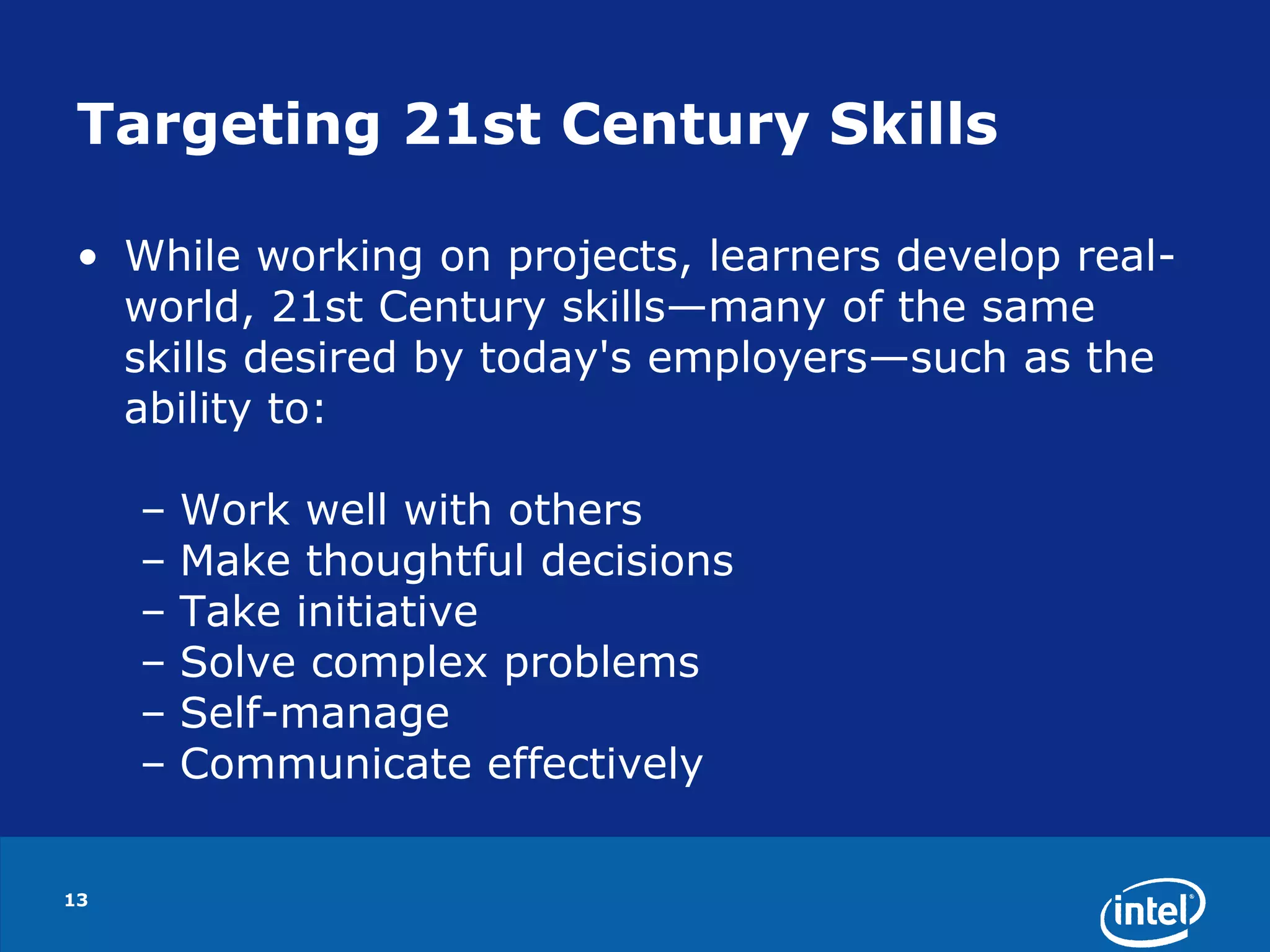
    Targeting 21st CenturySkillsWhile working on projects, learners develop real-world, 21st Century skills—many of the same skills desired by today's employers—such as the ability to:Work well with others Make thoughtful decisionsTake initiative Solve complex problems Self-manage Communicate effectively 13
  • 23.
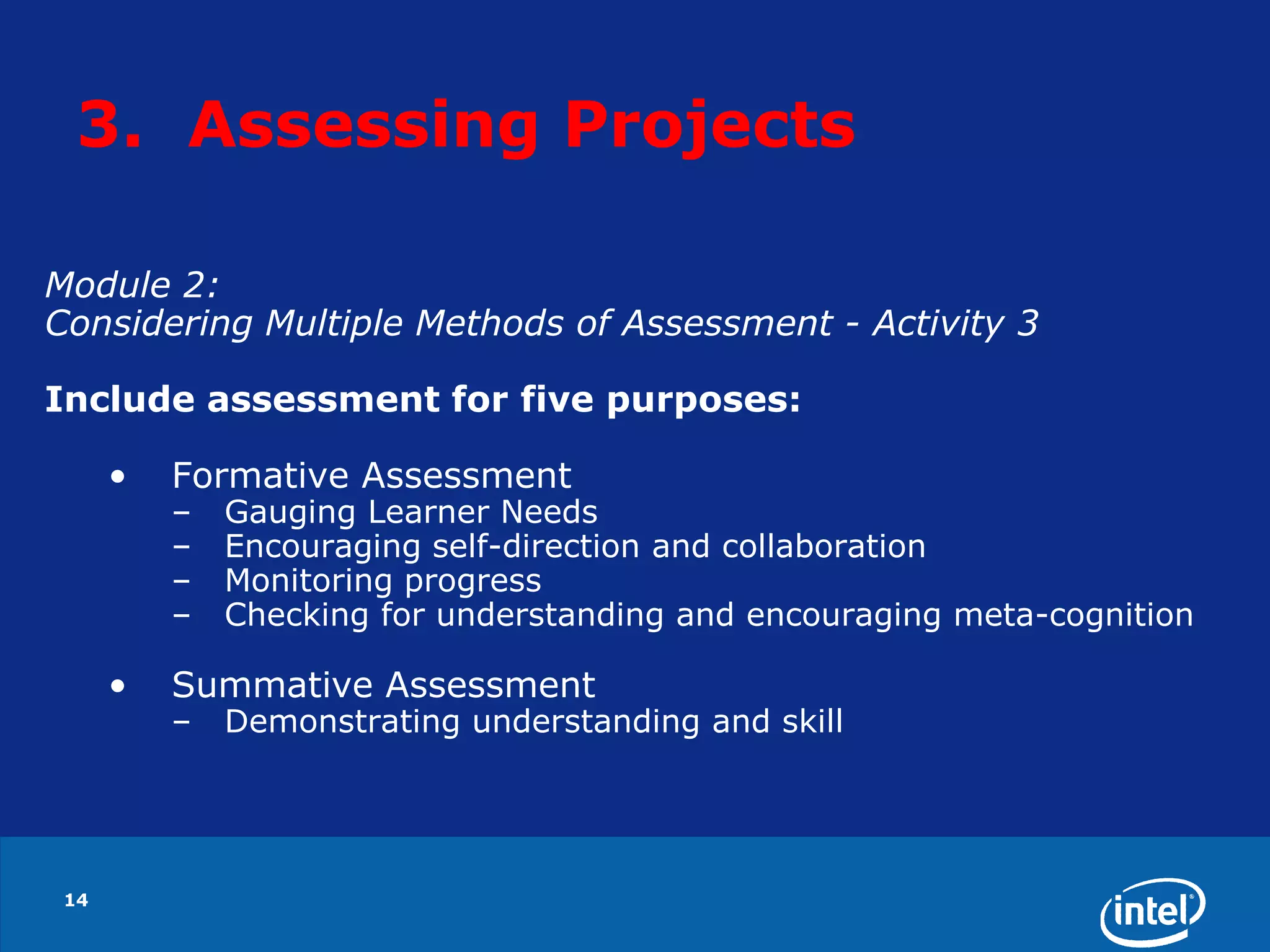
    14Module 2: ConsideringMultiple Methods of Assessment - Activity 3Include assessment for five purposes:Formative Assessment
  • 24.
  • 25.
  • 26.
  • 27.
    Checking for understandingand encouraging meta-cognition
  • 28.
  • 29.
    Demonstrating understanding andskill3. Assessing Projects
  • 30.
  • 31.
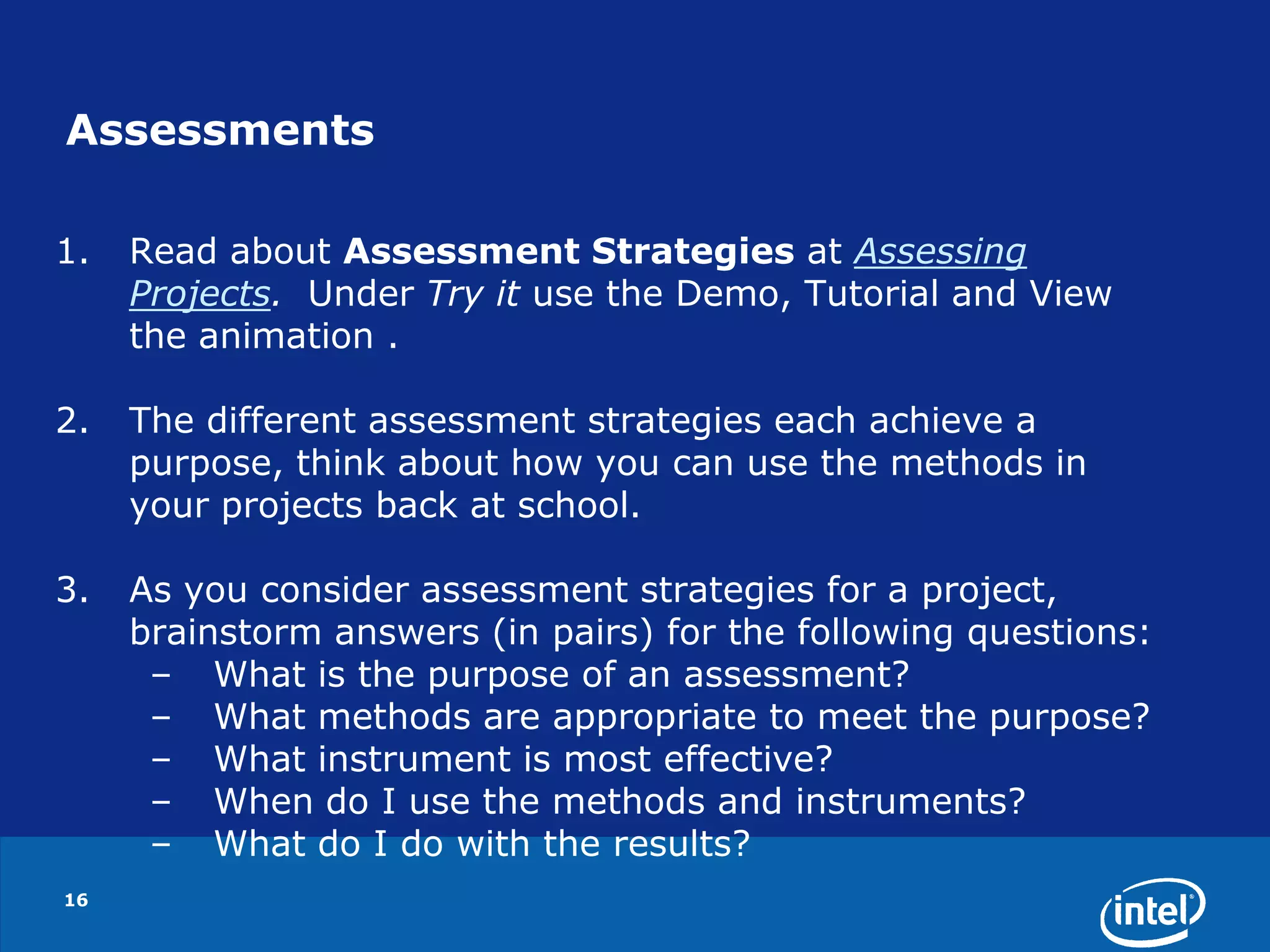
    16AssessmentsRead about AssessmentStrategies at Assessing Projects. Under Try it use the Demo, Tutorial and View the animation .The different assessment strategies each achieve a purpose, think about how you can use the methods in your projects back at school.As you consider assessment strategies for a project, brainstorm answers (in pairs) for the following questions:What is the purpose of an assessment?What methods are appropriate to meet the purpose?What instrument is most effective?When do I use the methods and instruments?What do I do with the results?
  • 32.
    174. Legaland Ethical Practice related to ICT useModule 3: Modeling and Teaching Legal and Ethical Practice Related to ICT Use - Activity 2Exploring CopyrightTake the copyright quiz.
  • 33.
    185. Planningfor Learner SuccessModule 6: Planning for Learner Success - Activity 1Creating Accommodations for All Learners Considering Different Learning Modalities Break into groups of 3 and assign each group member to report one of the following frameworks:Visual-auditory-kinesthetic Left brain/right brain Multiple intelligencesClick on Thinking Skills Frameworks > Learning StylesDiscuss how these different ways of looking at learning styles could have an impact on a project.
  • 34.
    196. Facilitatingwith SuccessModule 7: Additional Resources - Activity 11. Considering DoE Guidelines2. The Facilitation ExamplesSample presentations, publications, wikis, and blogs for teacher and classroom use. 3. Creating Facilitation Materials Online Resources
  • 35.
    Interested?Do you knowhow ICT can be used most effectively to support and assess learning?20
  • 36.
    Questions?Intel Teach programs:http://www.schoolnet.org.za/ttf/index.htmIntel Project Coordinator - Dezlin Jacobsoffice: 011 403 5777fax : 086 517 4808email: dezlin@schoolnet.org.za

Editor's Notes

  • #13 Not all units of work need to incorporate project approaches to learning, but when appropriate, the integration of a project can greatly enhance learner learning. Some units of work are project-based from start to finish, while other units only incorporate a project as a culminating experience or in one part of the project.
  • #19 Meeting the needs of all learners requires careful preparation and planning in project design. All learners need the right amount of scaffolding so that they feel confident and comfortable taking risks, and are working to become independent learners. Learners with learning difficulties, non-first language speakers, and learners with exceptional abilities need different kinds of support.