Technology and
Project-Based Learning in
the ELA classroom
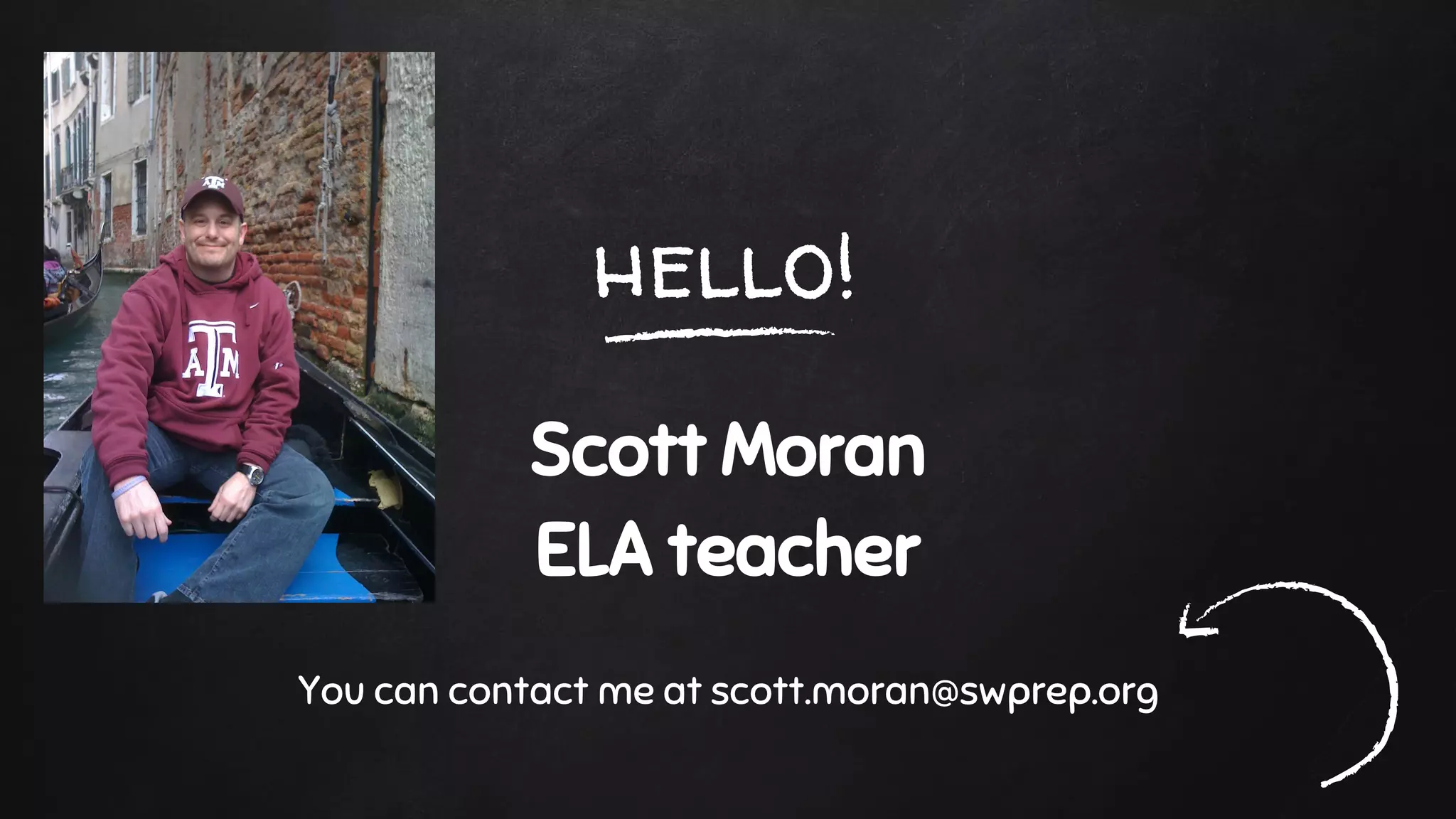
hello!
Scott Moran
ELA teacher
You can contact me at scott.moran@swprep.org
Raise your hand if you remember these.
Raise your hand if you were teaching when these were popular.
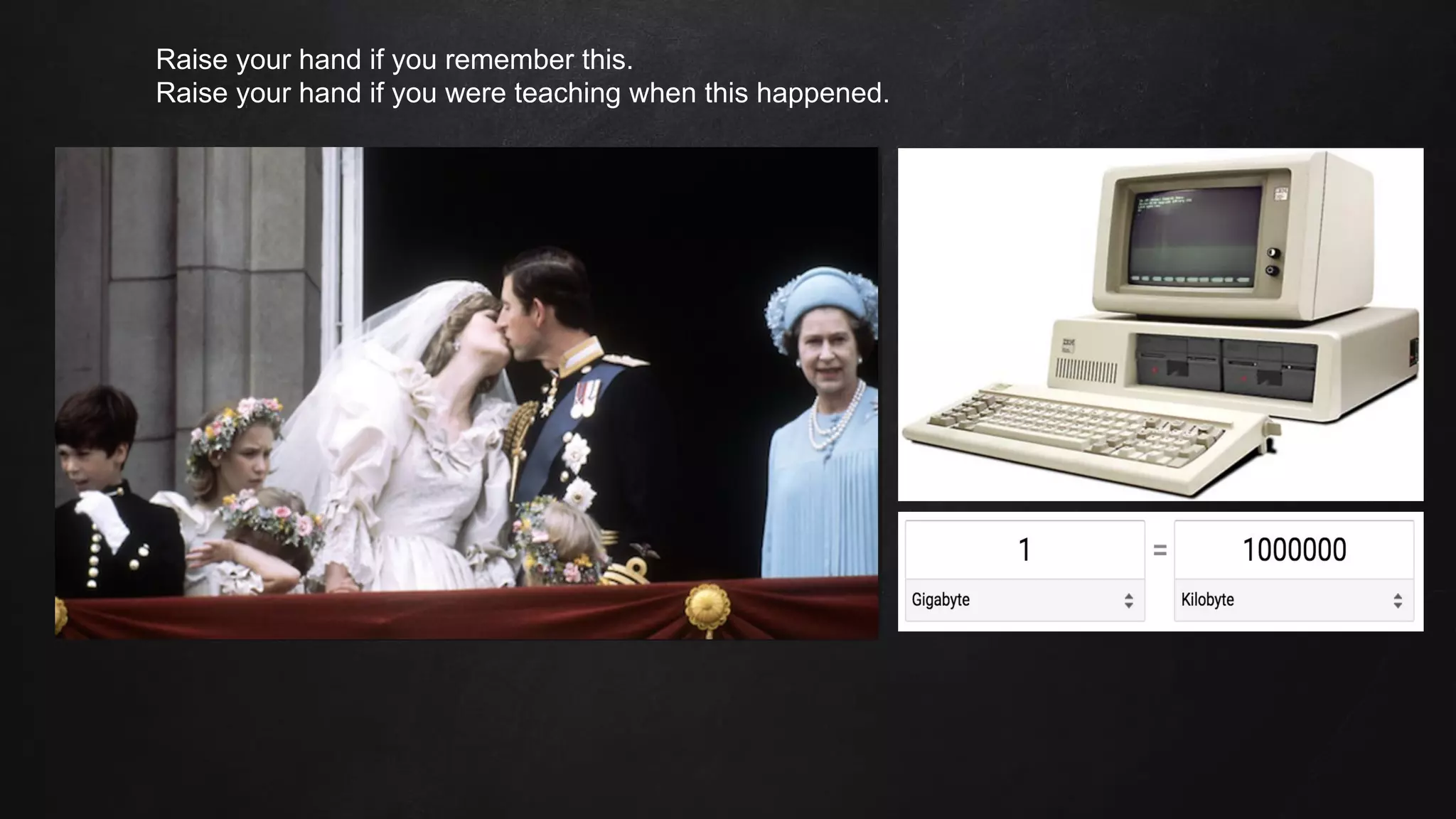
Raise your hand if you remember this.
Raise your hand if you were teaching when this happened.
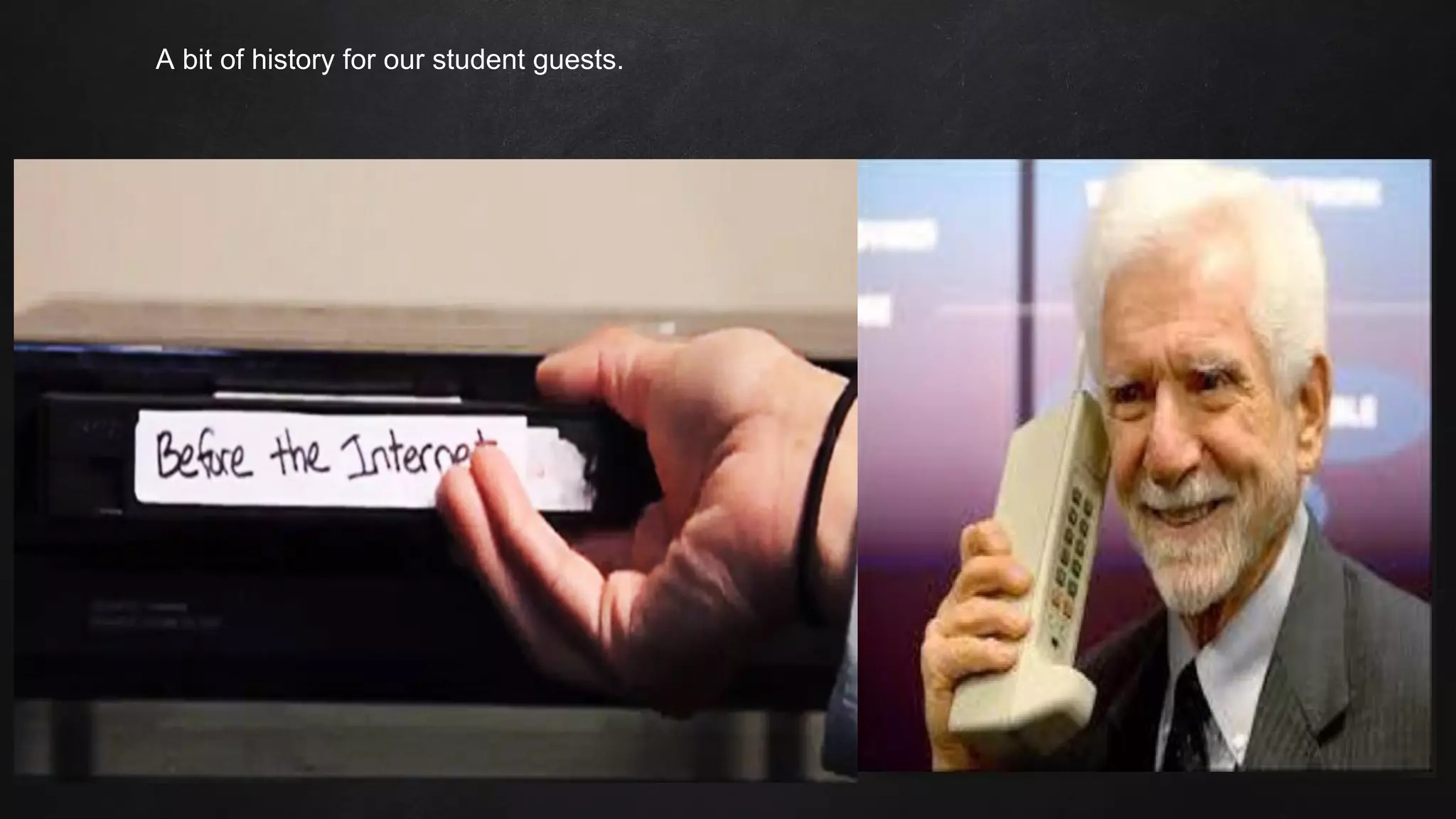
A bit of history for our student guests.
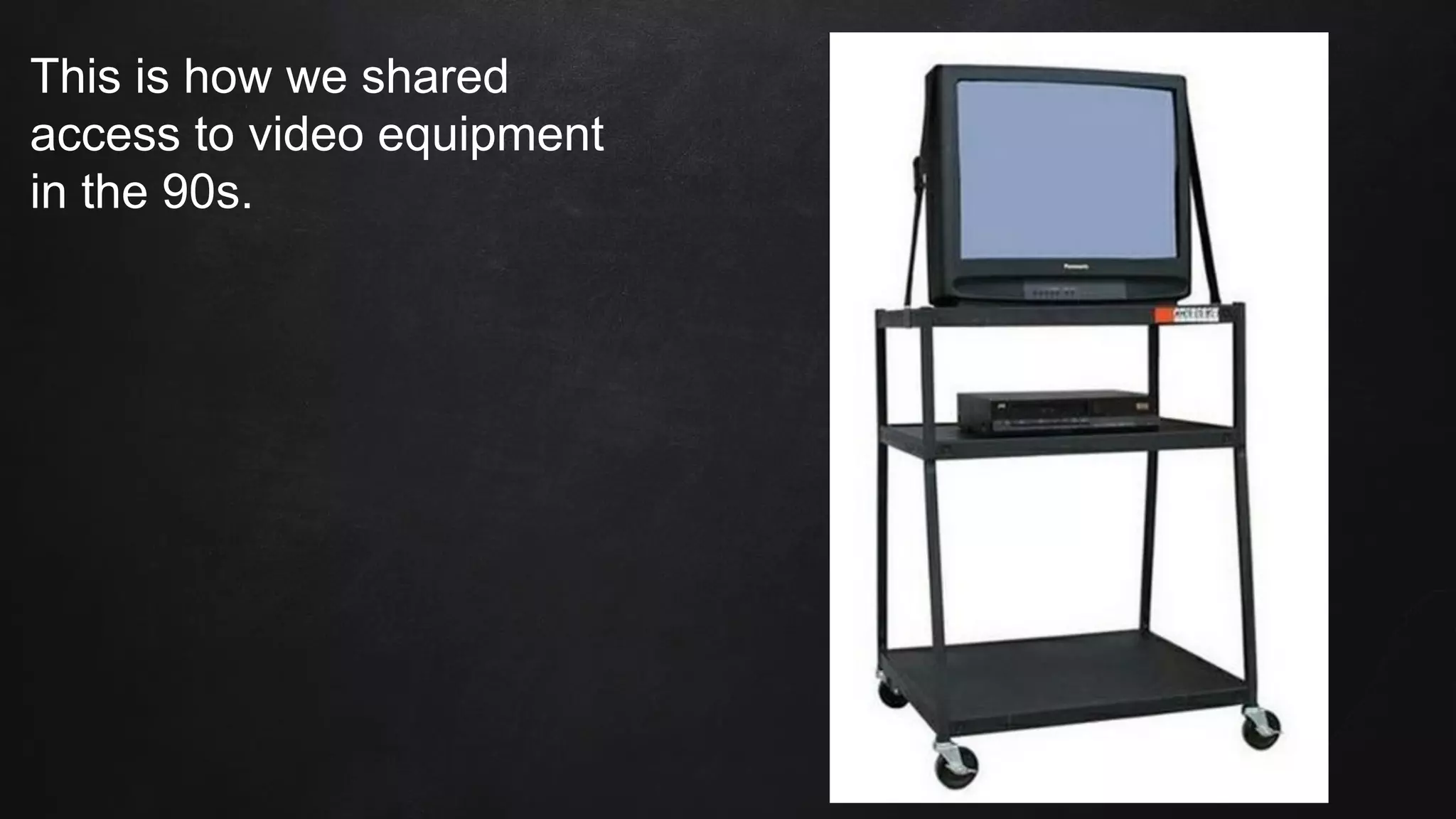
This is how we shared
access to video equipment
in the 90s.
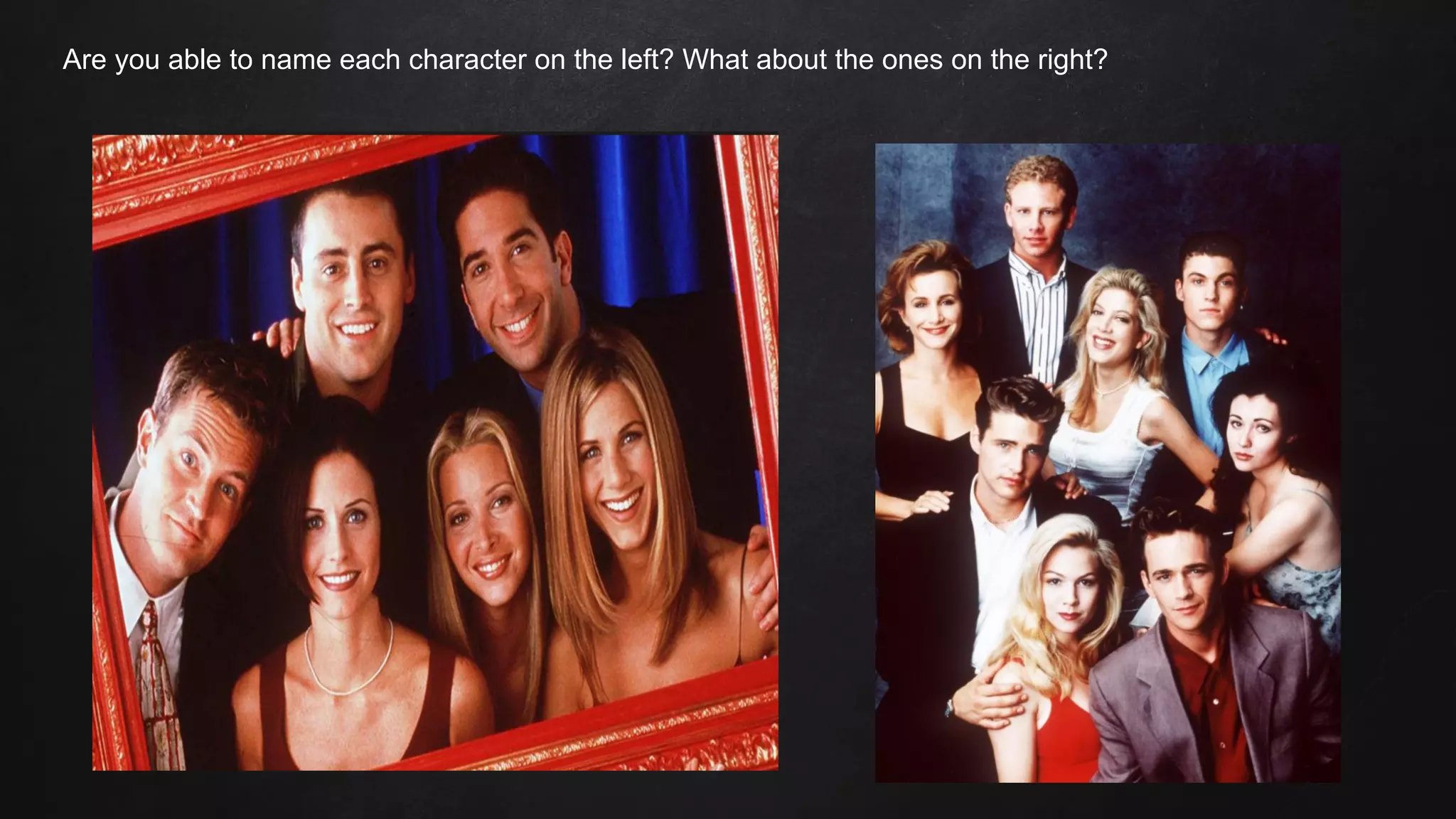
Are you able to name each character on the left? What about the ones on the right?
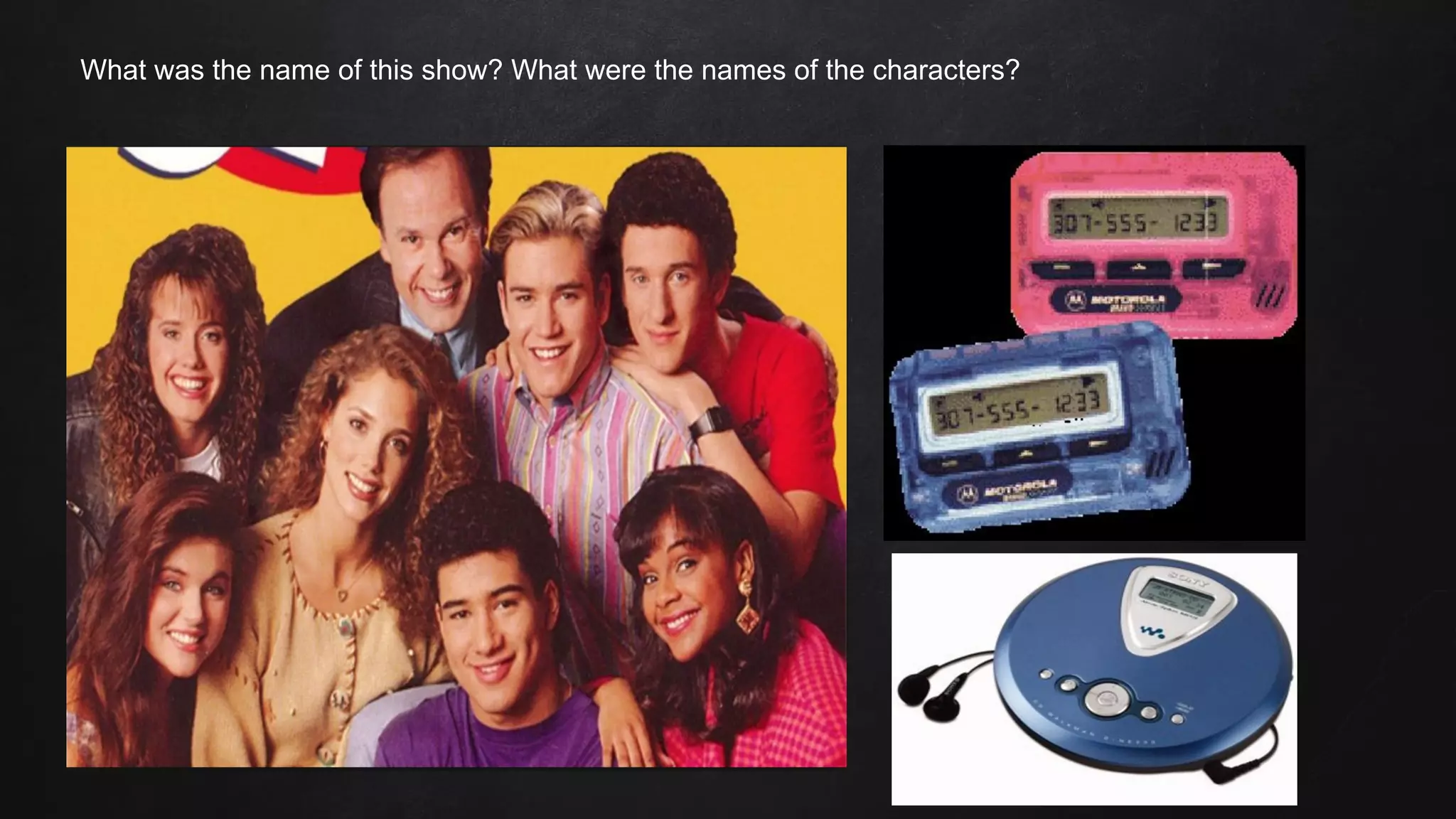
What was the name of this show? What were the names of the characters?
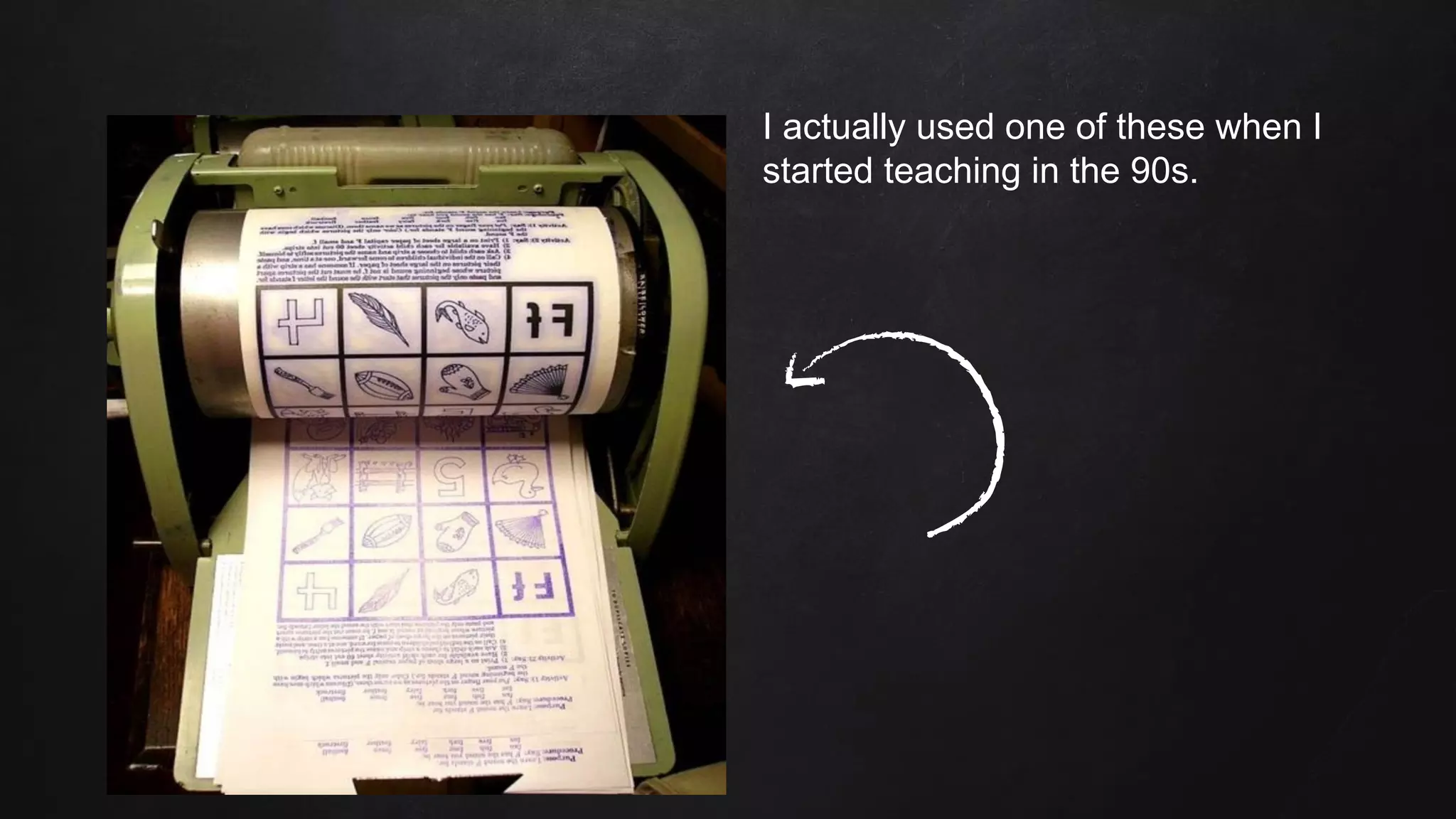
I actually used one of these when I
started teaching in the 90s.
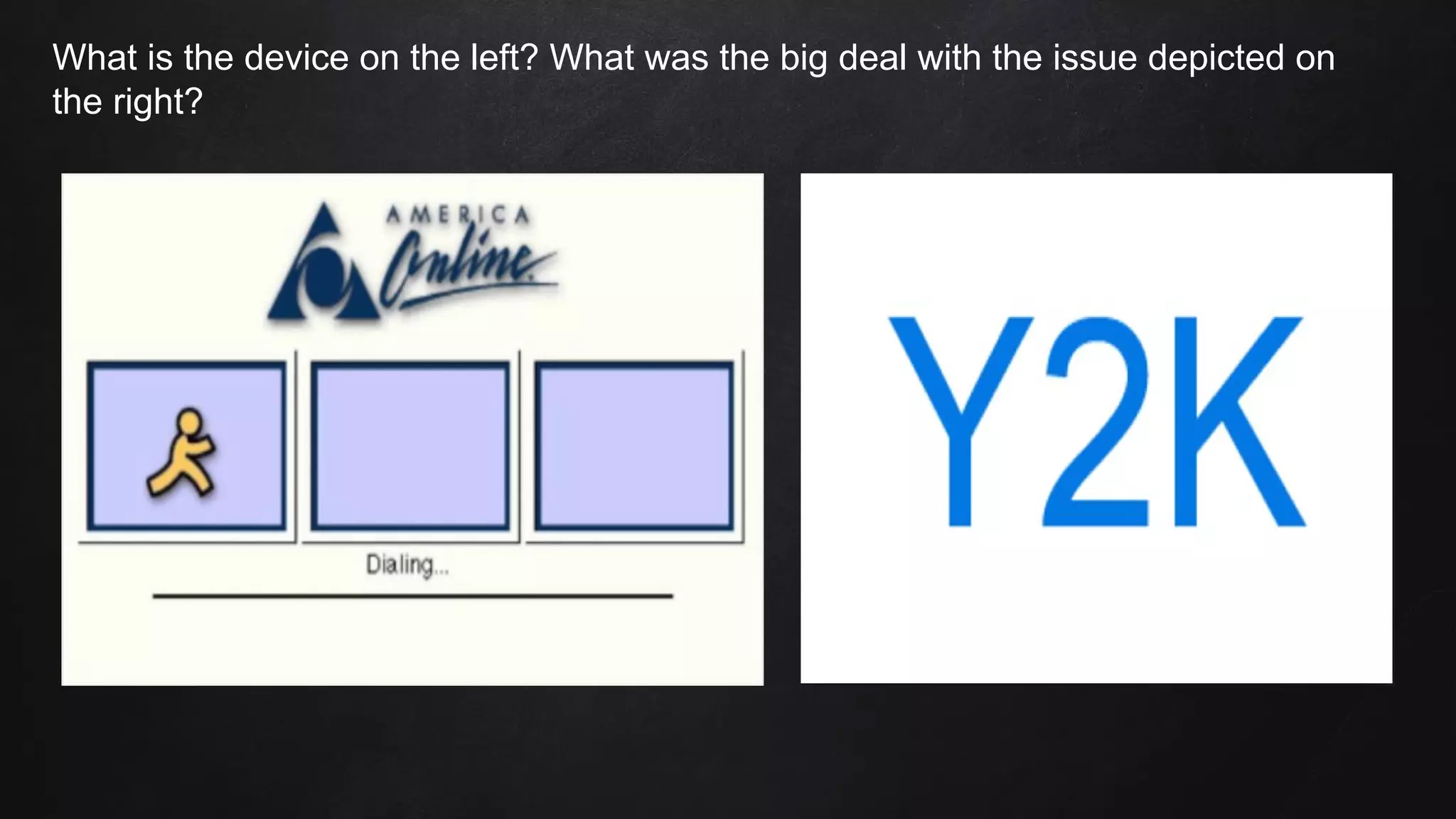
What is the device on the left? What was the big deal with the issue depicted on
the right?
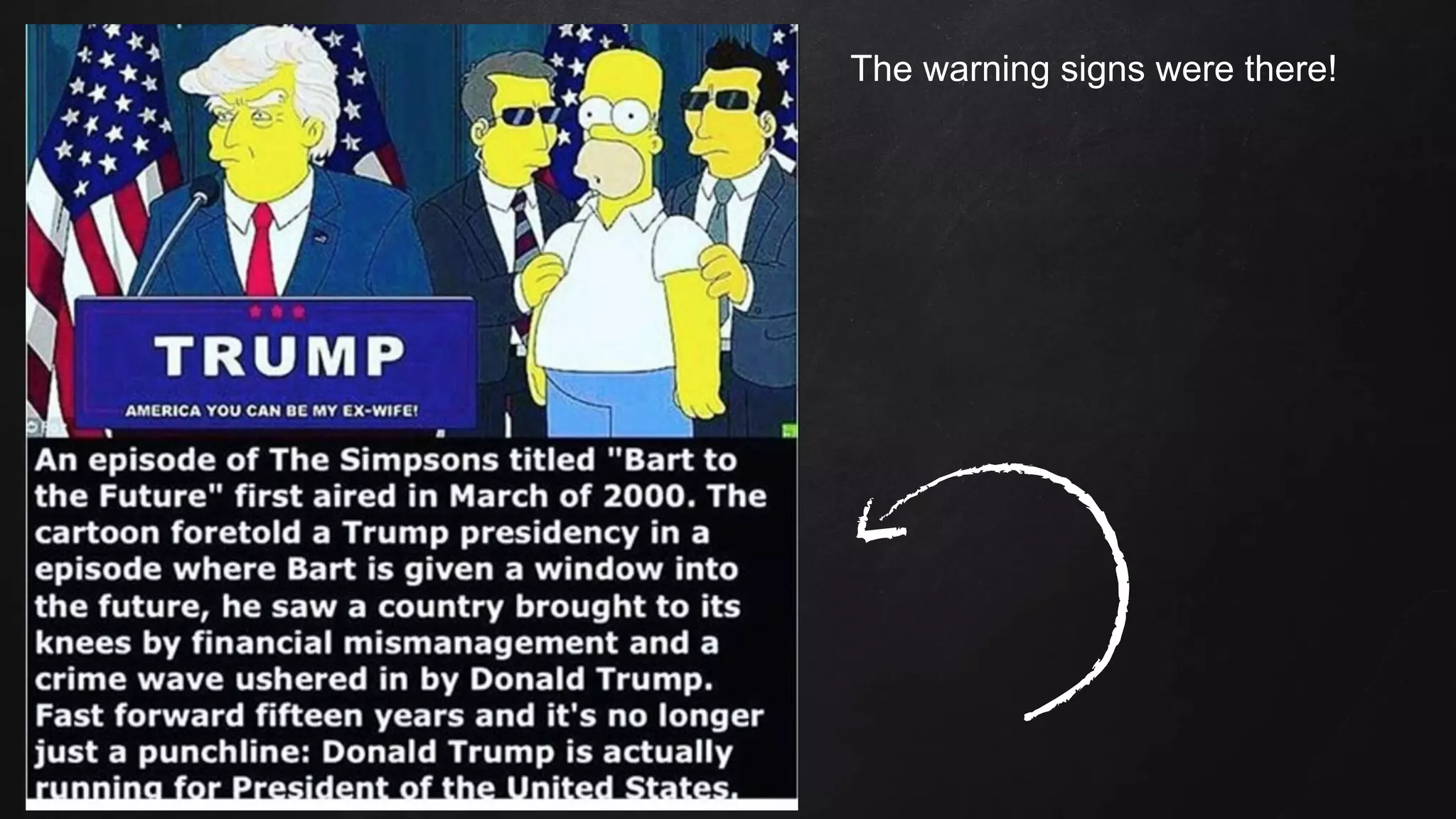
The warning signs were there!
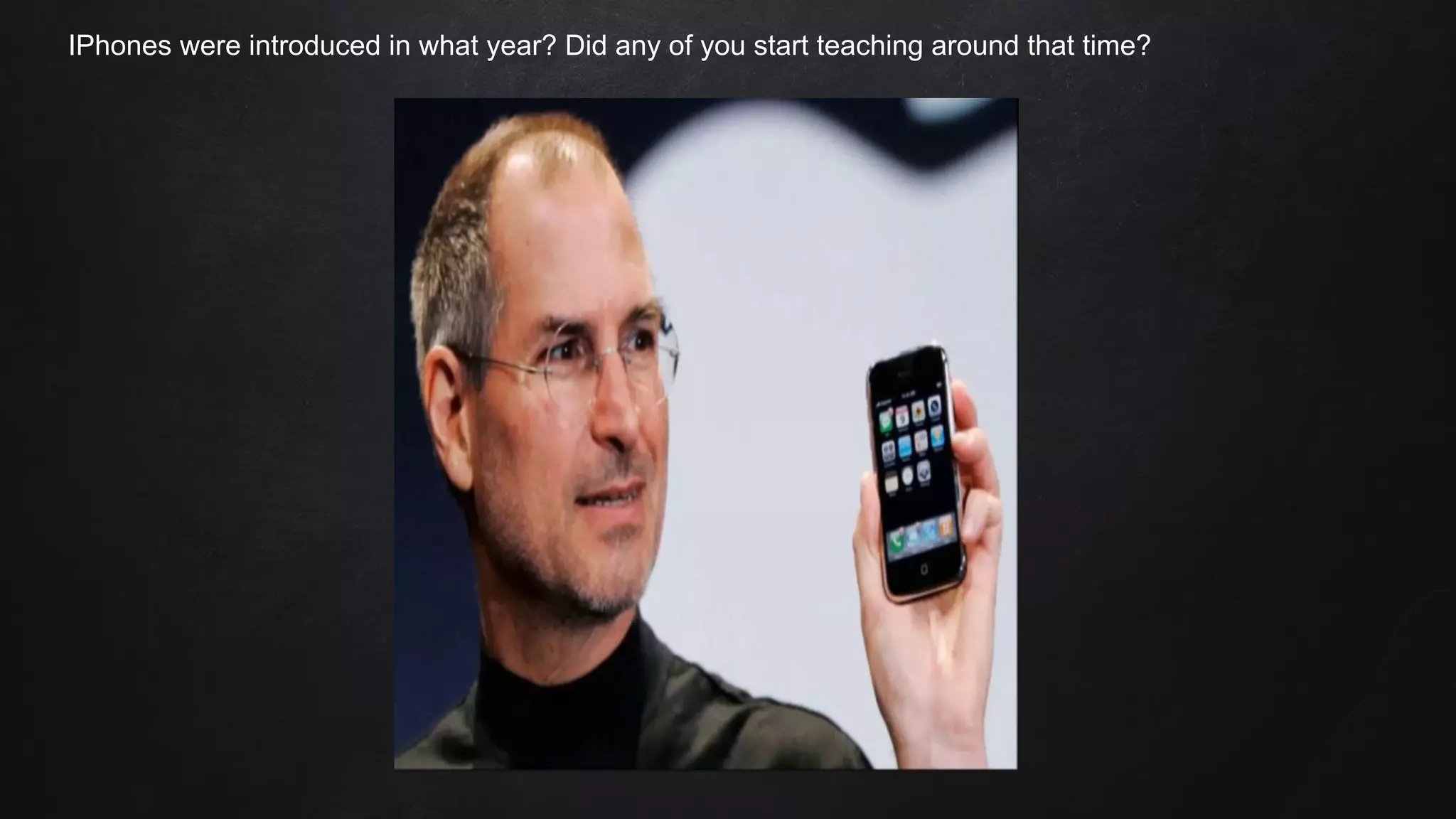
IPhones were introduced in what year? Did any of you start teaching around that time?
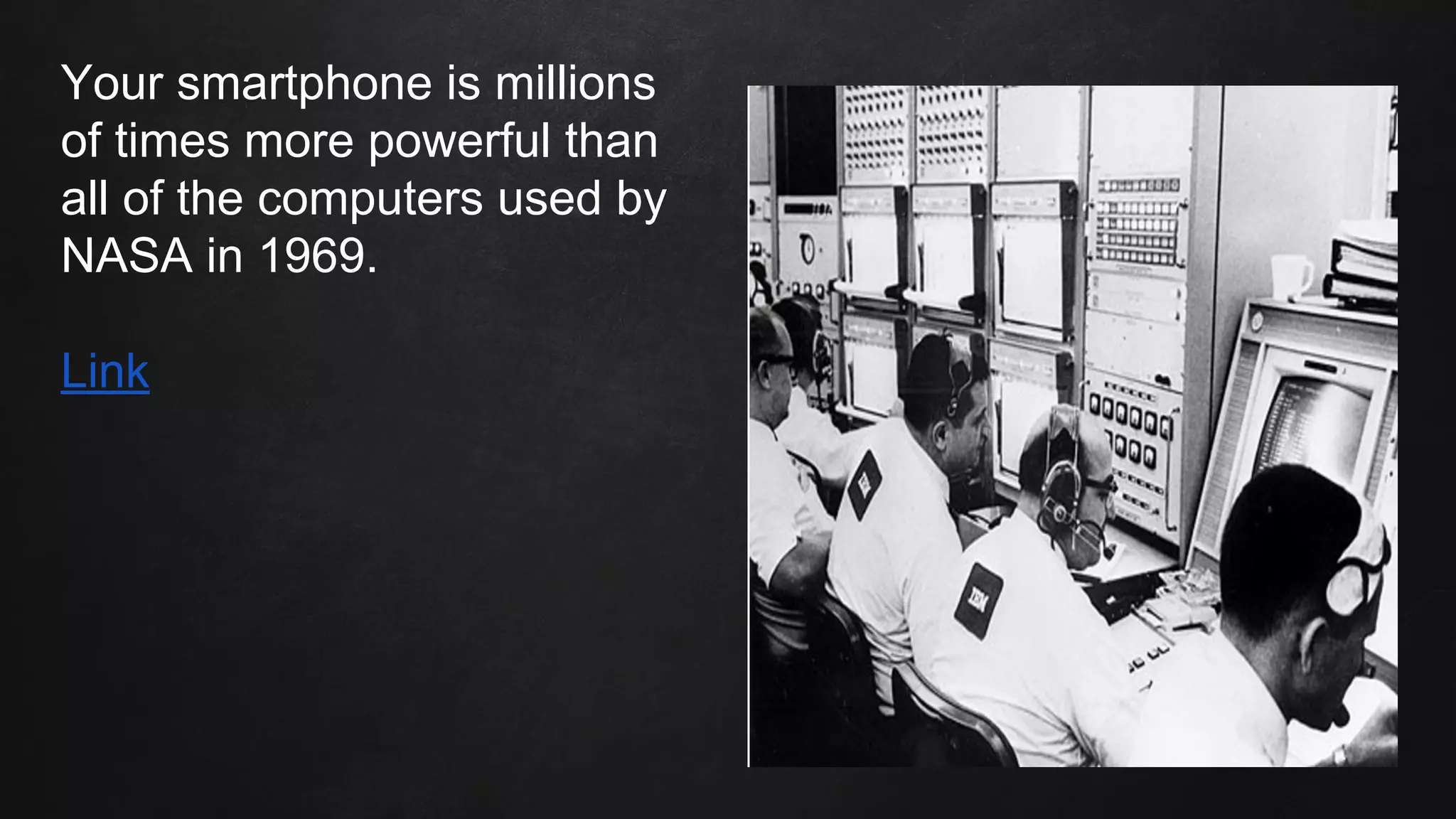
Your smartphone is millions
of times more powerful than
all of the computers used by
NASA in 1969.
Link
Table of Contents
1. Questions
2. Statistics
3. Evidence
4. A Starting Point
5. 21st Century Learning
6. PBL overview
7. My PBL Unit
8. PBL resources
Questions
Have you ever wished you had time to integrate technology into your
lessons? What might have kept you from doing so?
Have you ever been hesitant to integrate technology into your lessons?
What might have kept you from doing so?
Have you ever found yourself repeating the same lessons year after year,
in exactly the same way?
Link
1.
2.
Possibilities
● Lack of access to technology.
● Lack of access to reliable technology.
● Time constraints.
● Lack of training or understanding.
Many of us have had to deal with at least one of these issues.
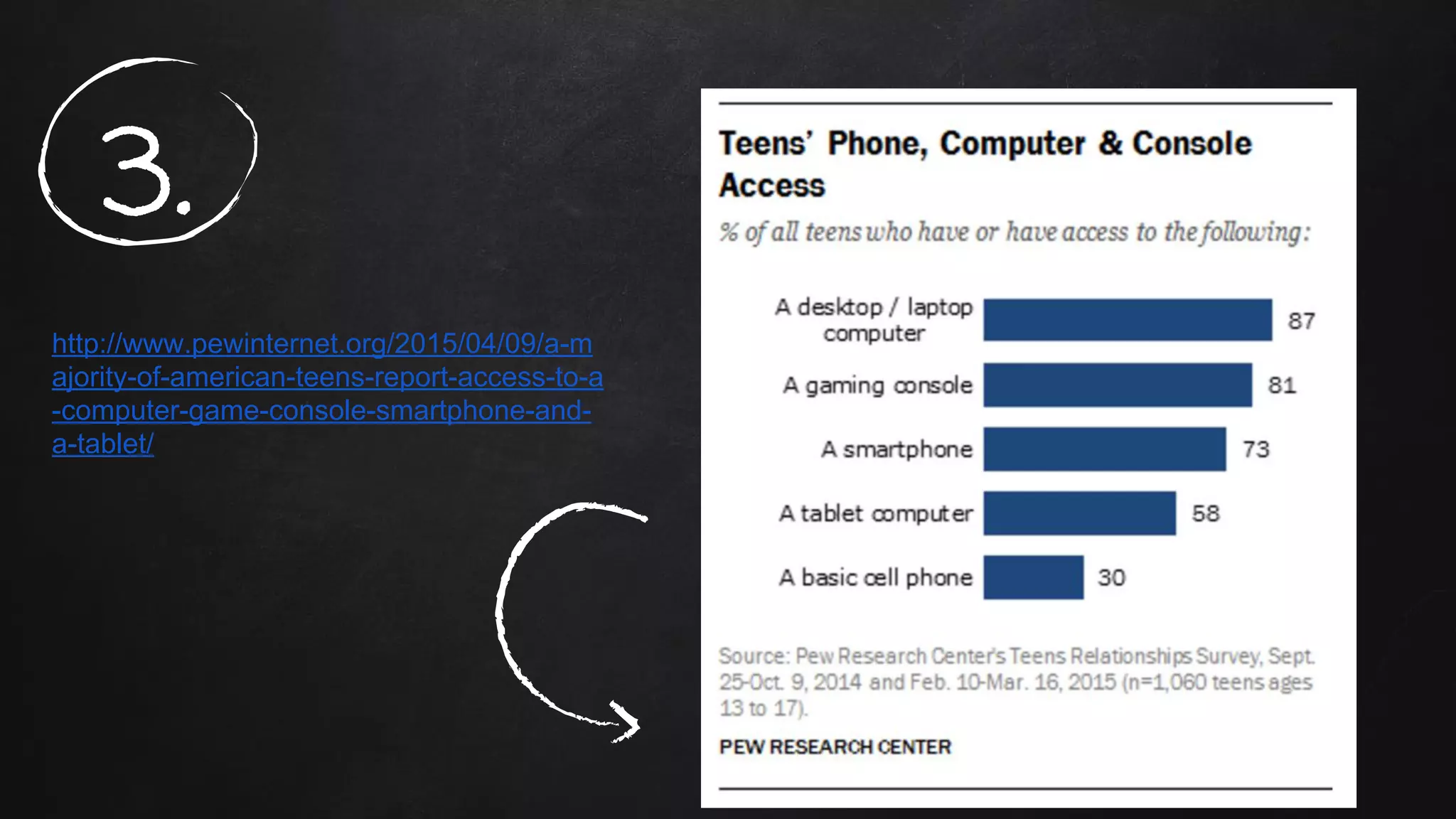
http://www.pewinternet.org/2015/04/09/a-m
ajority-of-american-teens-report-access-to-a
-computer-game-console-smartphone-and-
a-tablet/
3.
“Digital writing differs from conventional composition in ways that can spur
student engagement and creativity. By design, pen-and-paper composition is a
one-person undertaking. But digital writing is often collaborative.
Writing re-launched: Teaching with digital tools. Education Week.
4.
“Computers seem to motivate reluctant writers. Students are more willing to
engage and sustain in writing activities when they use a computer.
The effect of computers on student writing: A meta-analysis of studies from 1992-2002
5.
“Reflection continually emerges as a suggested way of helping practitioners better understand what
they know and do as they develop their knowledge of practice through what they learn in practice.
Reflection places an emphasis on learning through questioning and investigation to lead to the
development of understanding.
Effective reflective practice: In search of meaning in learning about
Teaching.
6.
Where should you start?
www.freetech4teachers.com - Blog with practical suggestions for
technology use in the classroom.
www.edutecher.net - Classifies apps and sites by subject matter.
www.bie.org - Buck Institute for Education (PBL)
Resources list
7.
Students today expect more from their teachers.
21st Century Learning
Direct teaching is necessary at times, but making lessons more student-oriented
and interactive increases student interest and engagement.
Collaboration, critical thinking and real-world problems are keys to keeping
students engaged and interested.
8.
1. Effective integration of
technology is NOT simply having
students complete an
assignment online. Instead, it
requires carefully planned
lessons, well-conceived
questions (HOTS),
demonstrations of mastery
(formative and summative), and
reflective learning (blogs).
Things to remember
2. Technology must be used to
increase student engagement,
collaboration and learning.
3. This is a way to differentiate, meet
the needs of GT students, etc.
9.
Google Docs and Google Slides
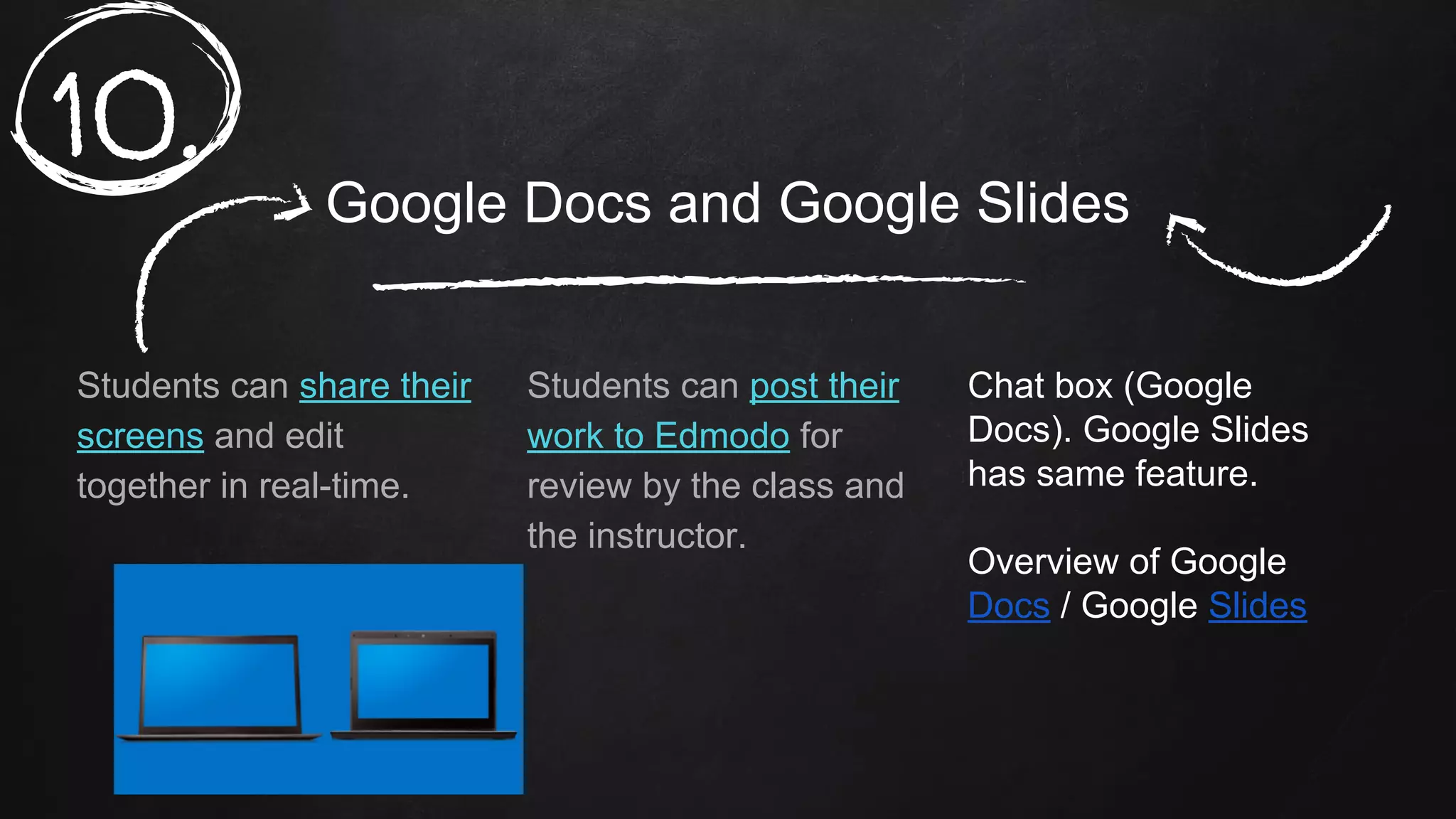
Students can share their
screens and edit
together in real-time.
Students can post their
work to Edmodo for
review by the class and
the instructor.
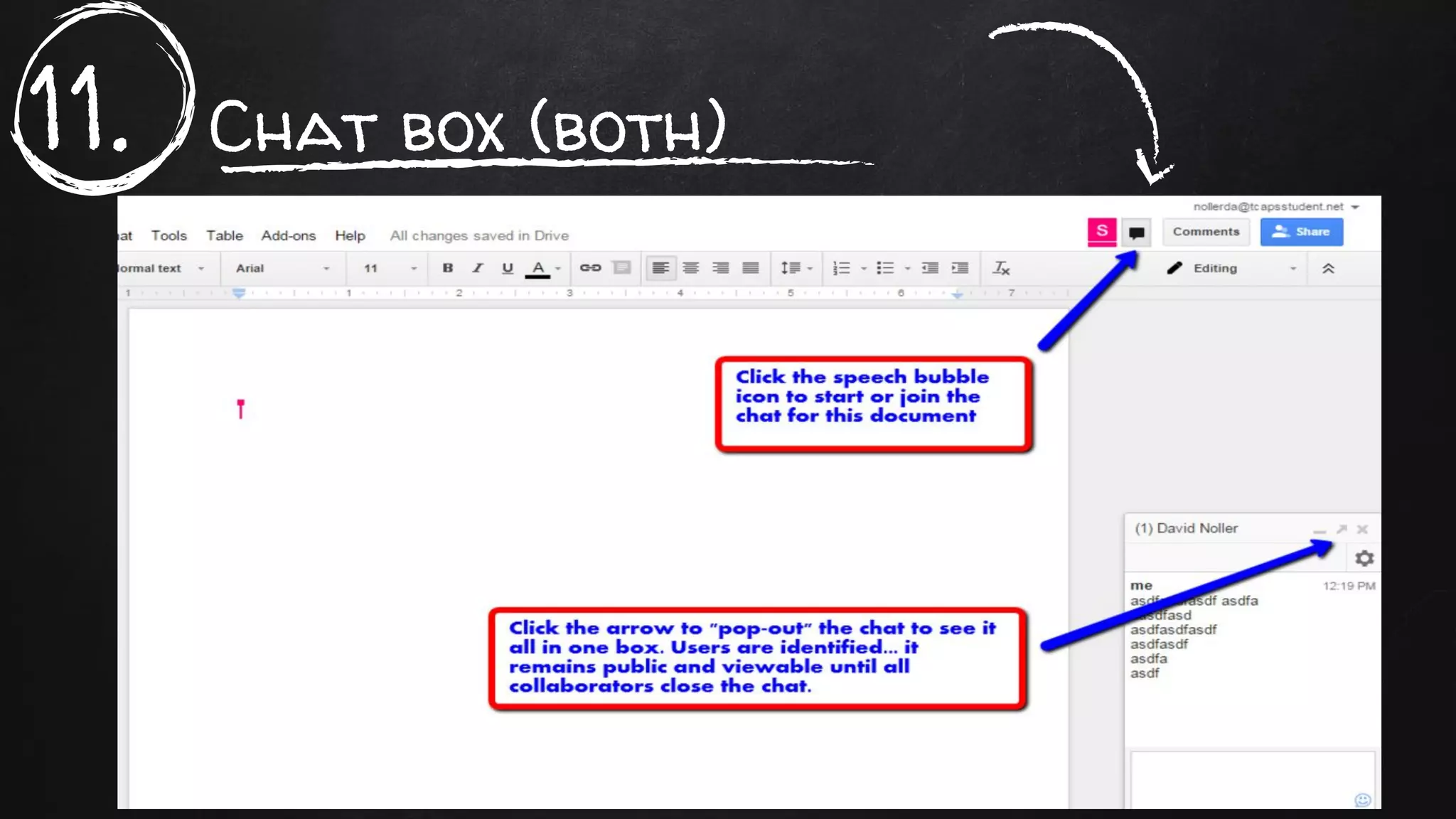
Chat box (Google
Docs). Google Slides
has same feature.
Overview of Google
Docs / Google Slides
10.
11. Chat box (both)
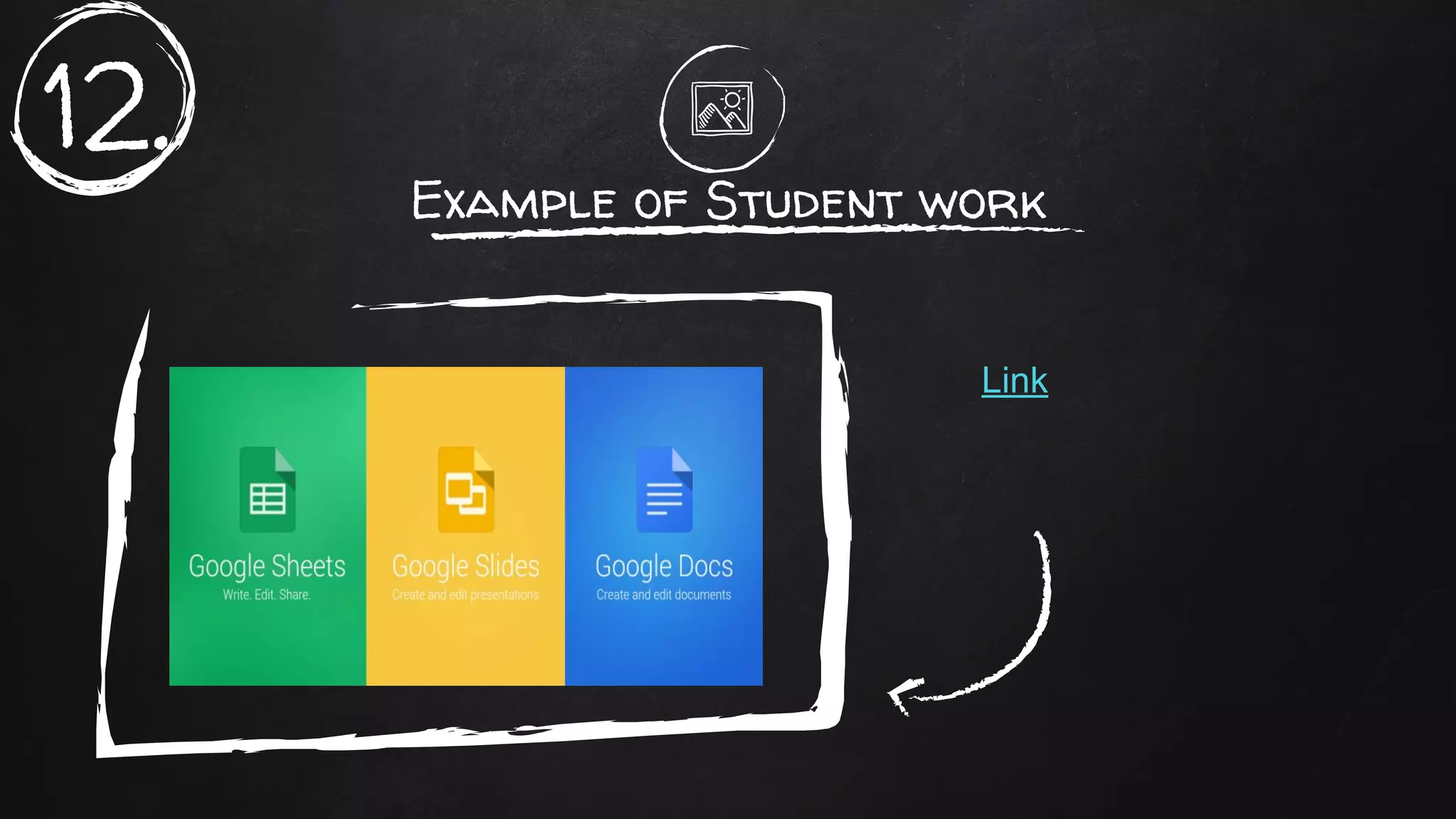
Example of Student work
Link
12.
Place your screenshot here
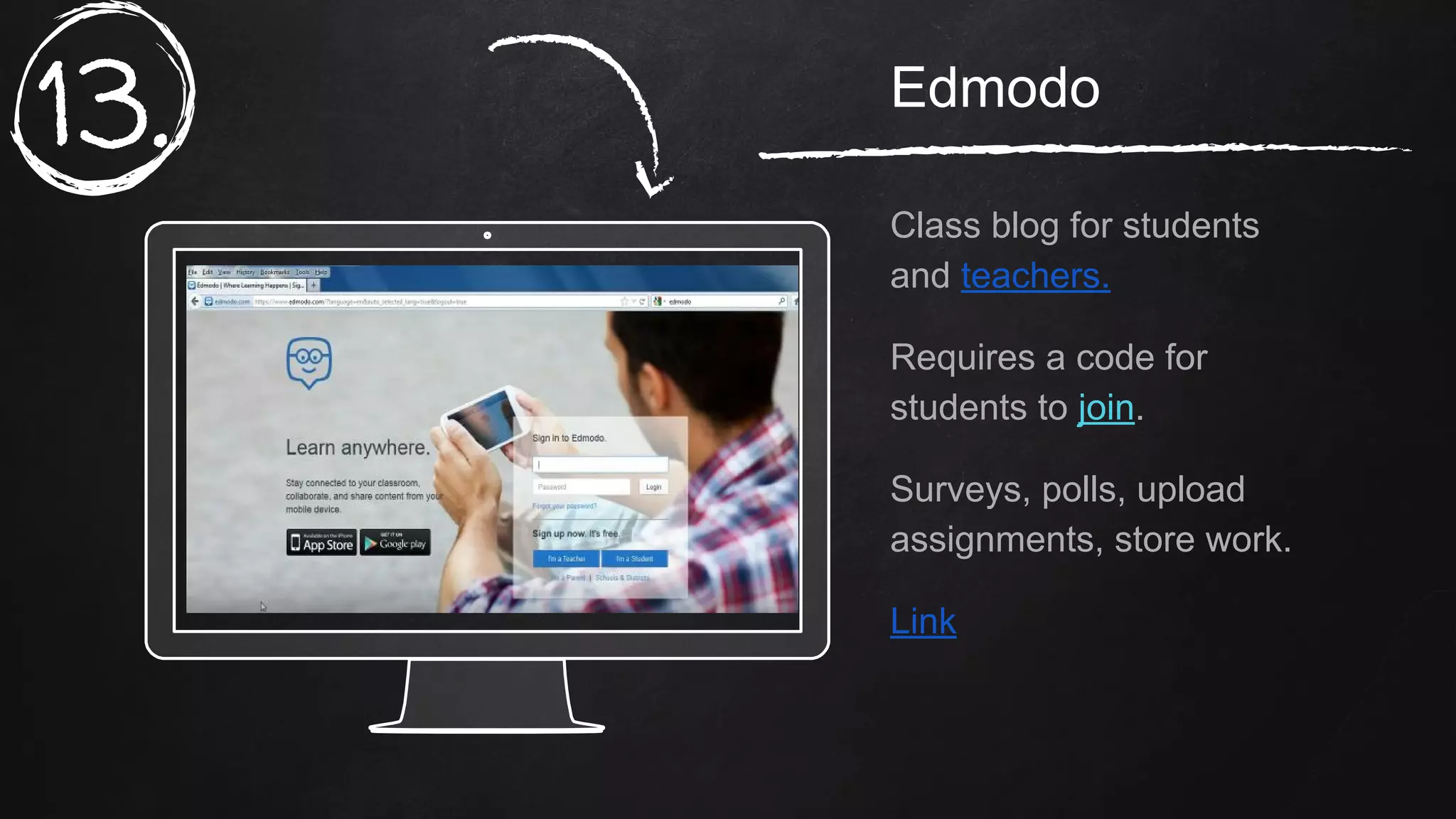
Edmodo
Class blog for students
and teachers.
Requires a code for
students to join.
Surveys, polls, upload
assignments, store work.
Link
13.
Place your screenshot here
Presentation
sites
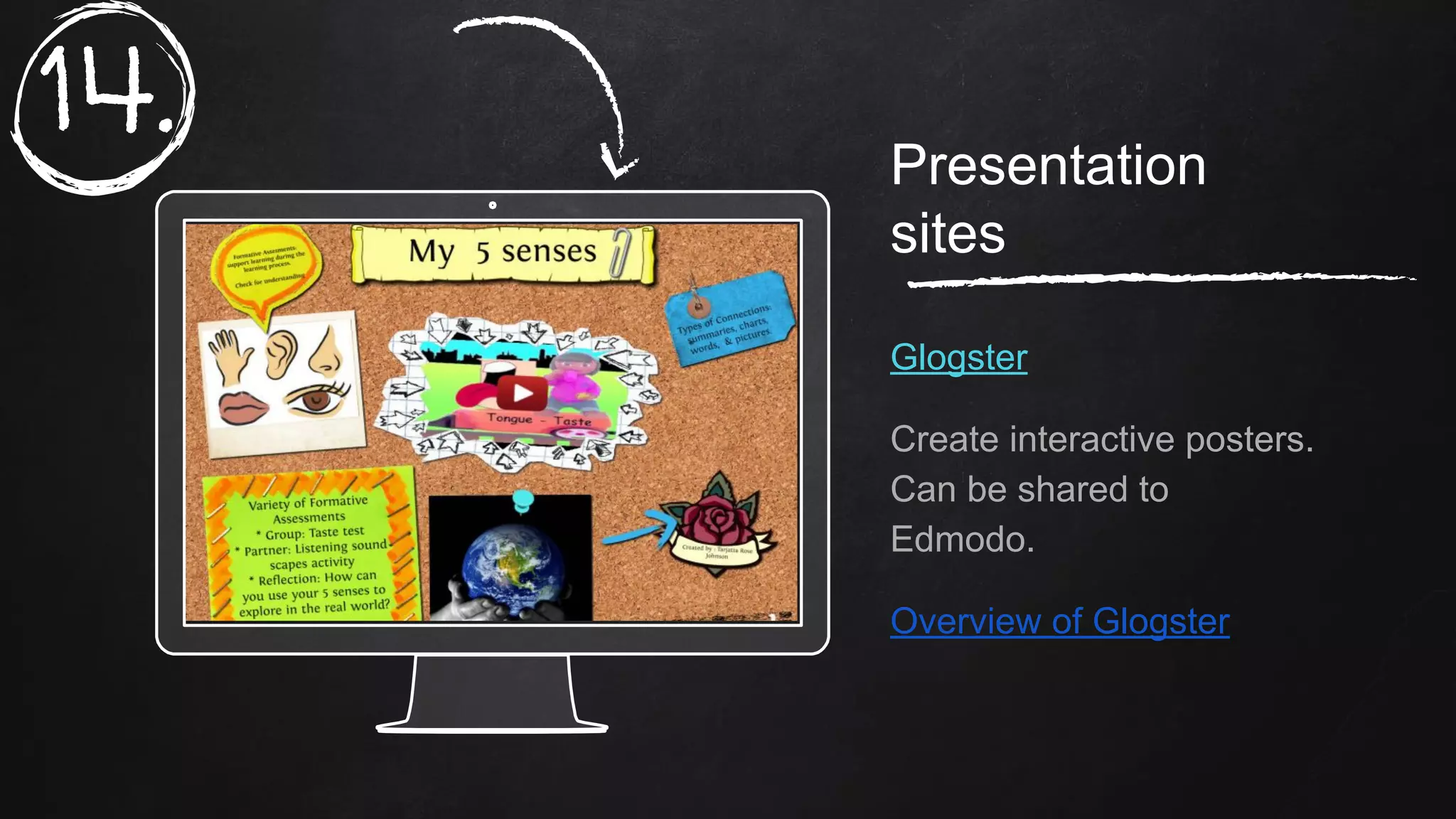
Glogster
Create interactive posters.
Can be shared to
Edmodo.
Overview of Glogster
14.
Place your screenshot here
Piktochart
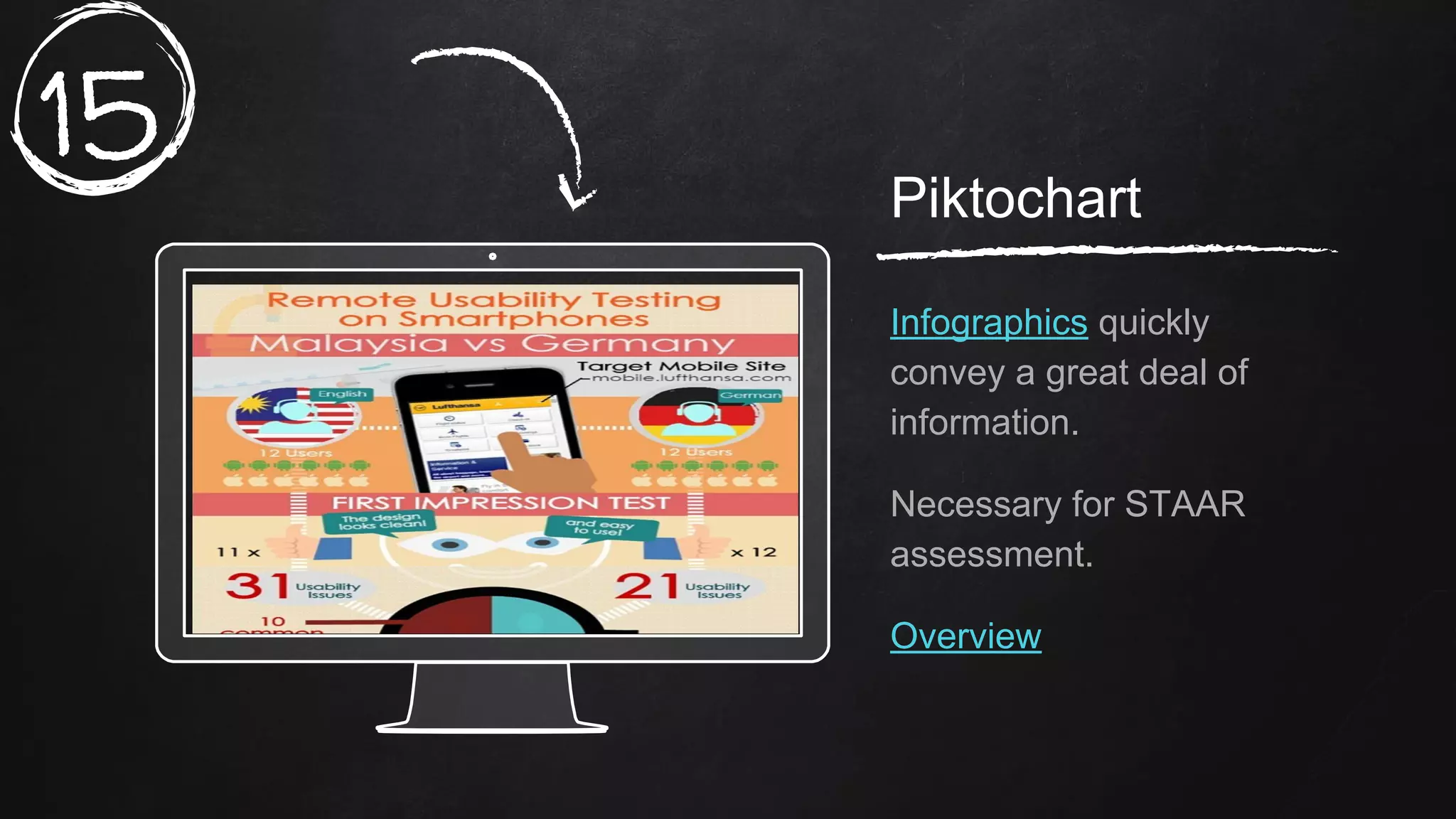
Infographics quickly
convey a great deal of
information.
Necessary for STAAR
assessment.
Overview
15.
Place your screenshot here
Powtoon
Animated presentations
(free). Student example.
Overview
16.
Place your screenshot here
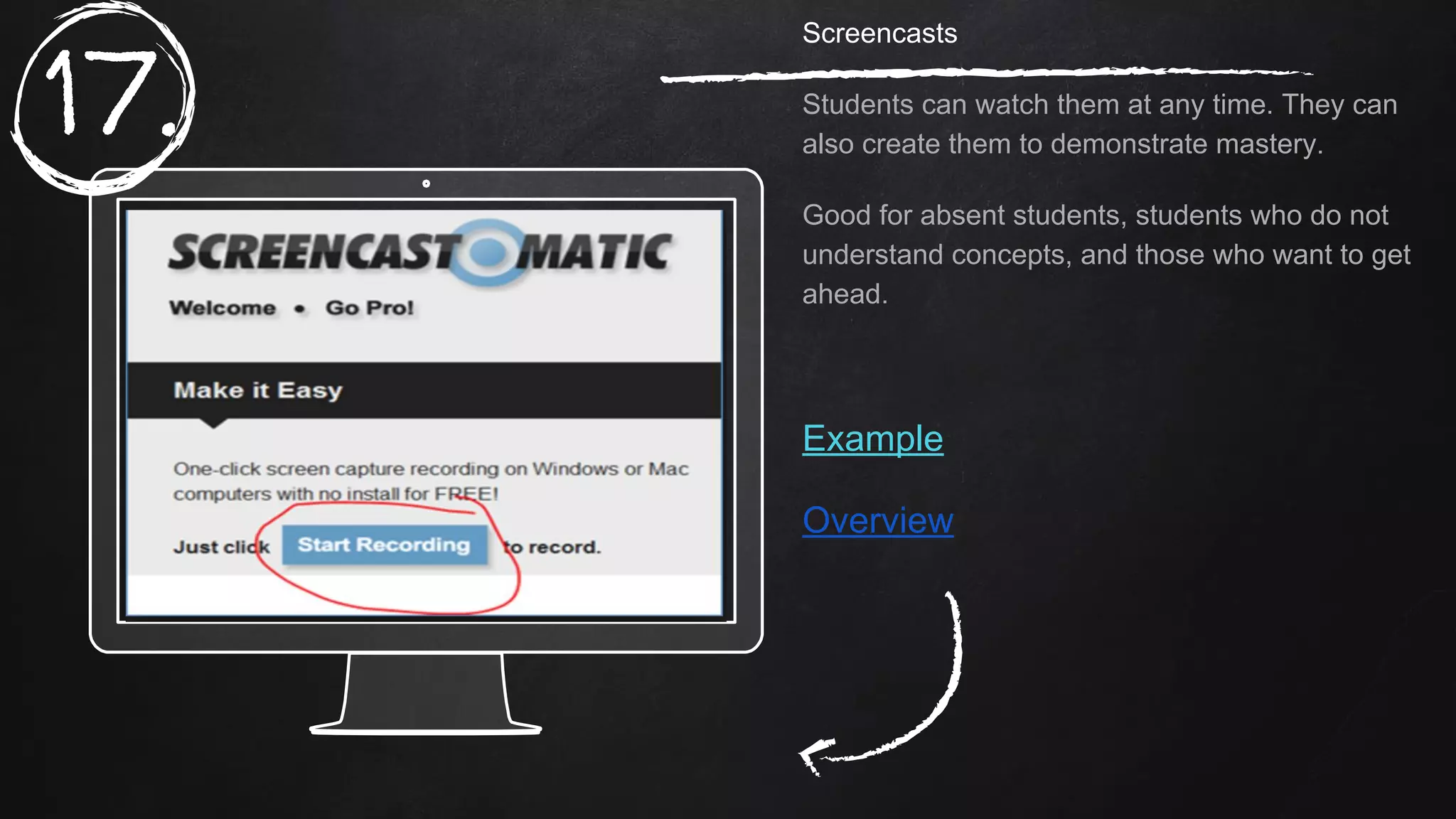
Screencasts
Students can watch them at any time. They can
also create them to demonstrate mastery.
Good for absent students, students who do not
understand concepts, and those who want to get
ahead.
Example
Overview
17.
Place your screenshot here
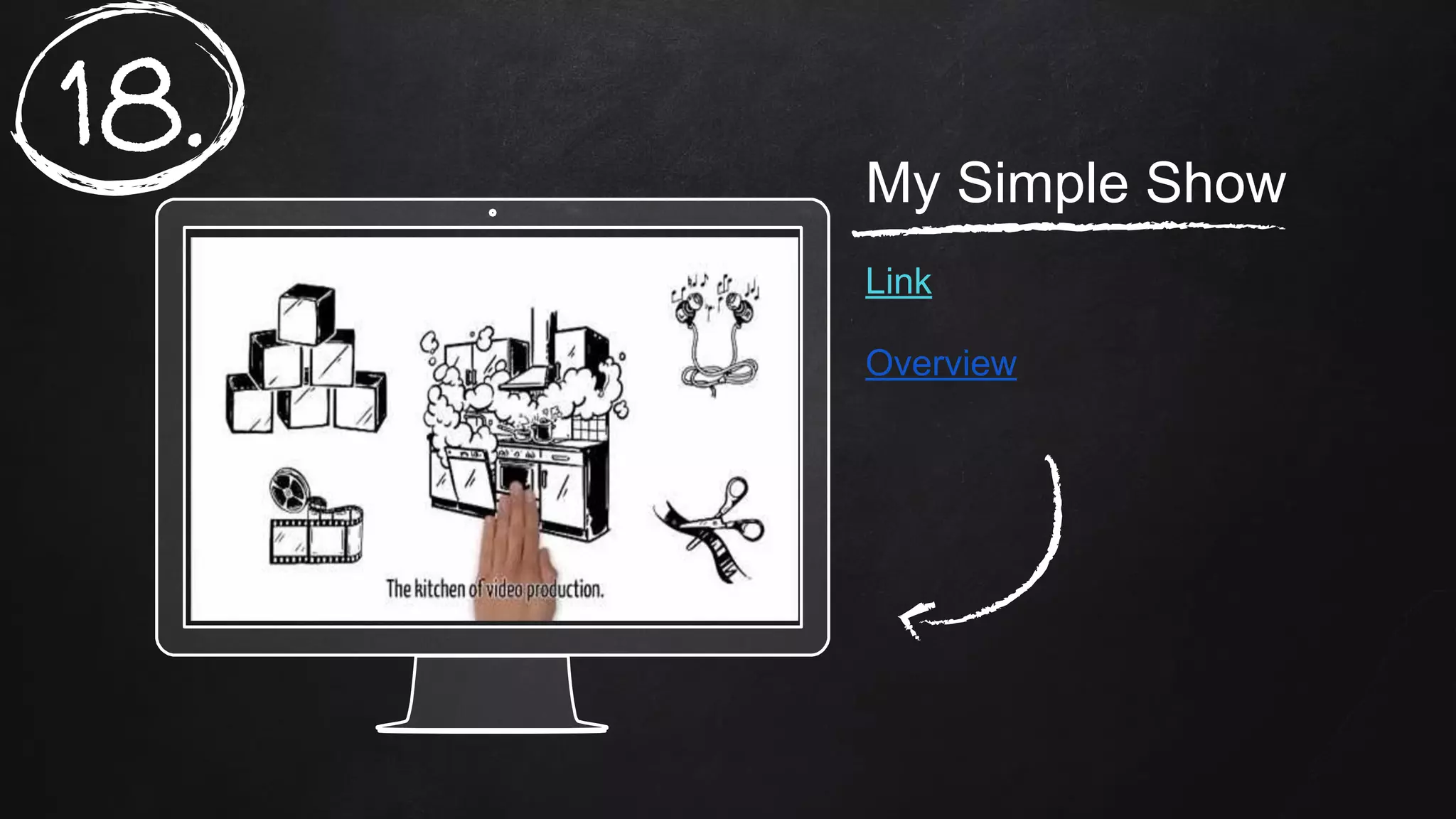
My Simple Show
Link
Overview
18.
Place your screenshot here
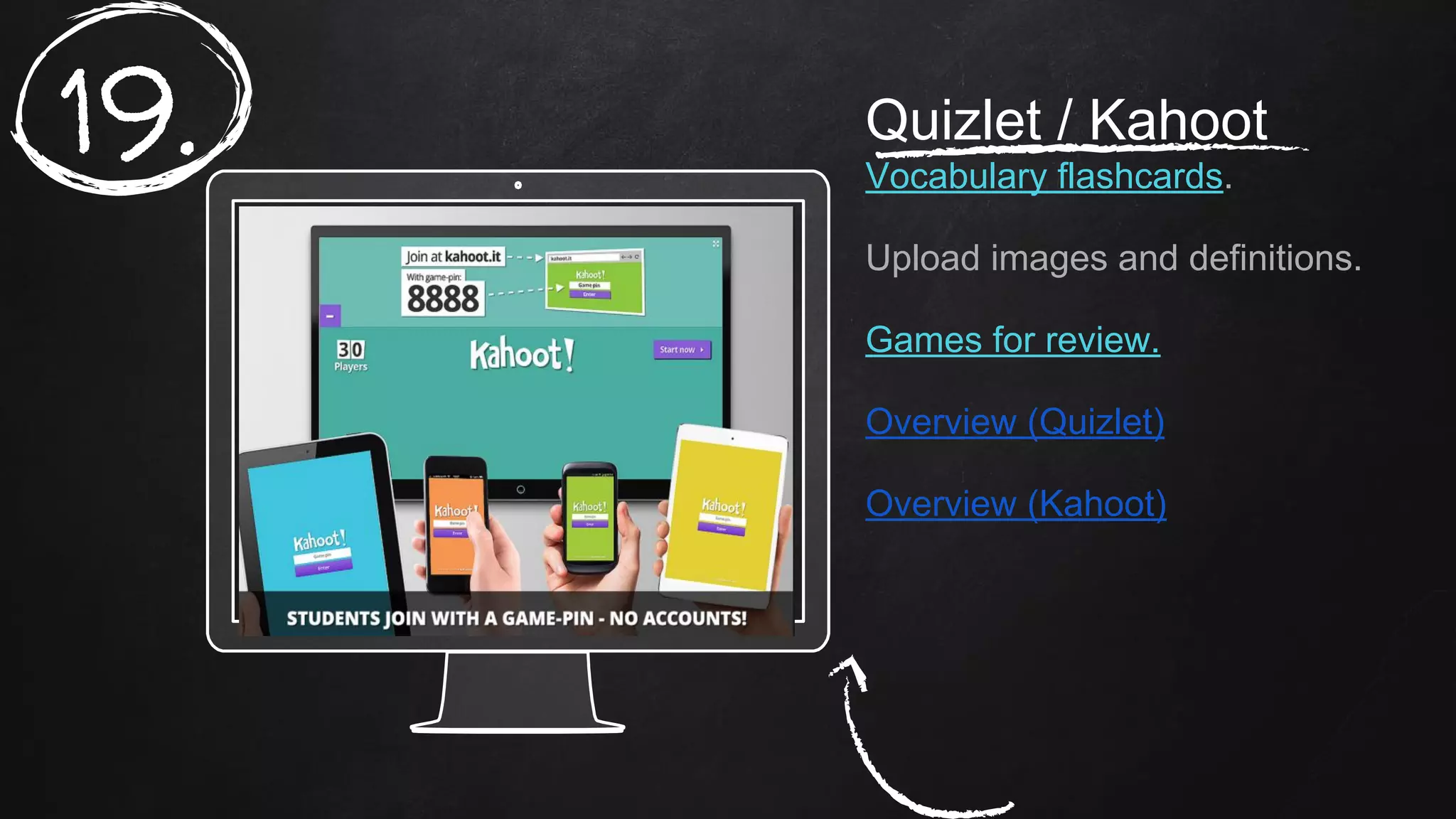
Quizlet / Kahoot
Vocabulary flashcards.
Upload images and definitions.
Games for review.
Overview (Quizlet)
Overview (Kahoot)
19.
Place your screenshot here
Edublogs
Students can reflect on
work.
Good for them to do so.
Link
Overview
20.
Place your screenshot here
Seesaw.me
Digital portfolios
Link
Overview
21.
Place your screenshot here
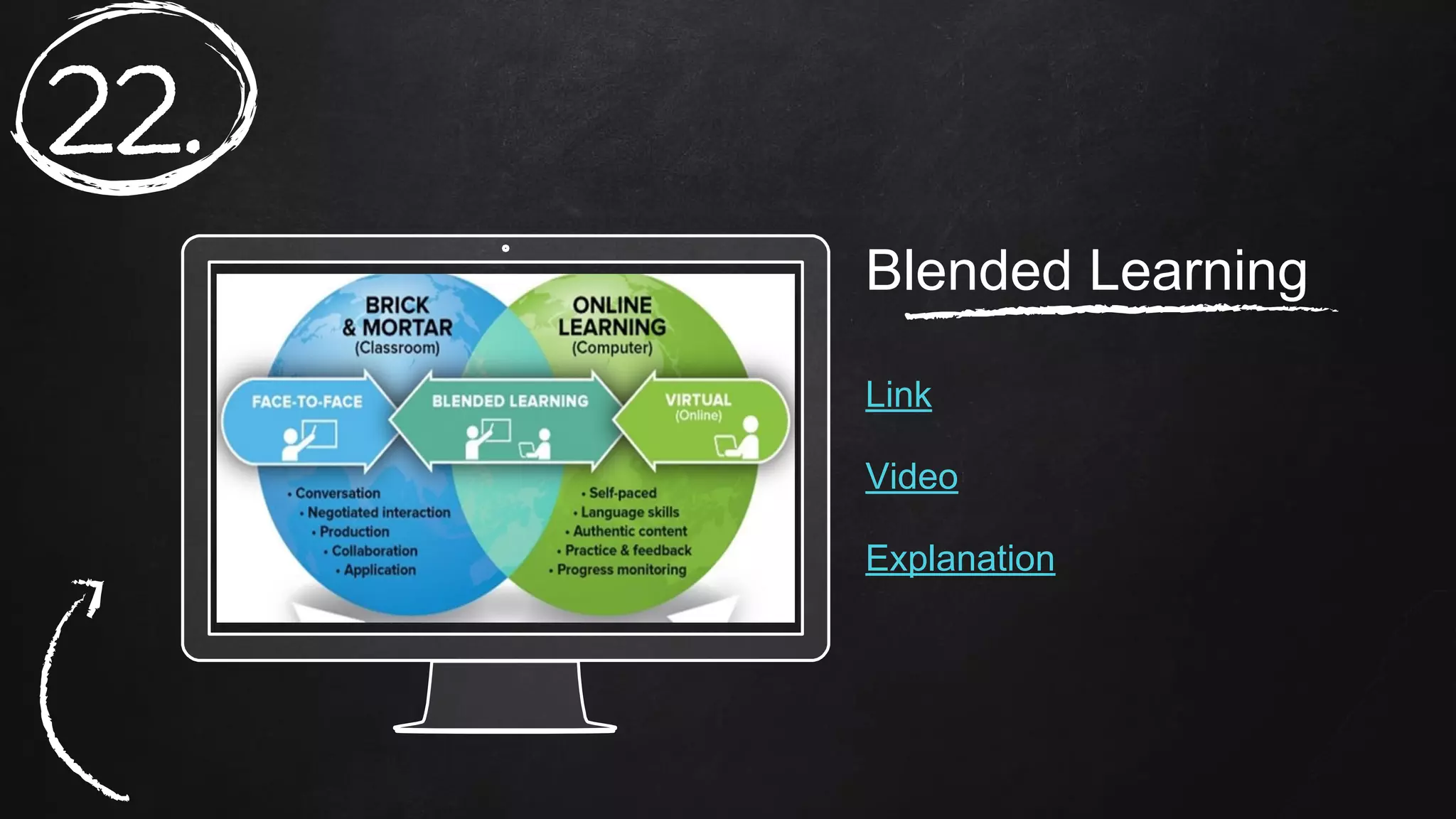
Blended Learning
Link
Video
Explanation
22.
Place your screenshot here
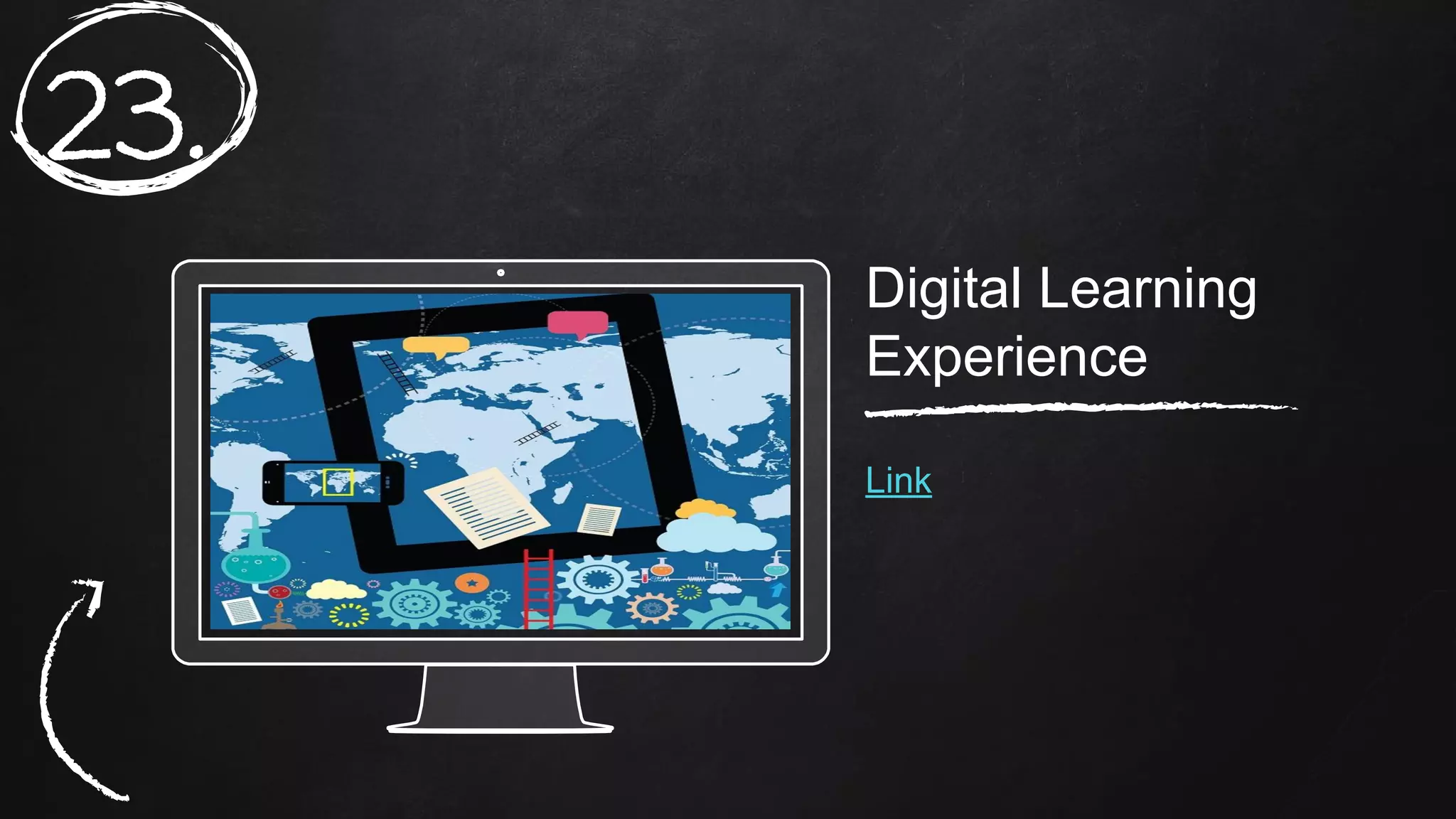
Digital Learning
Experience
Link
23.
Place your screenshot here
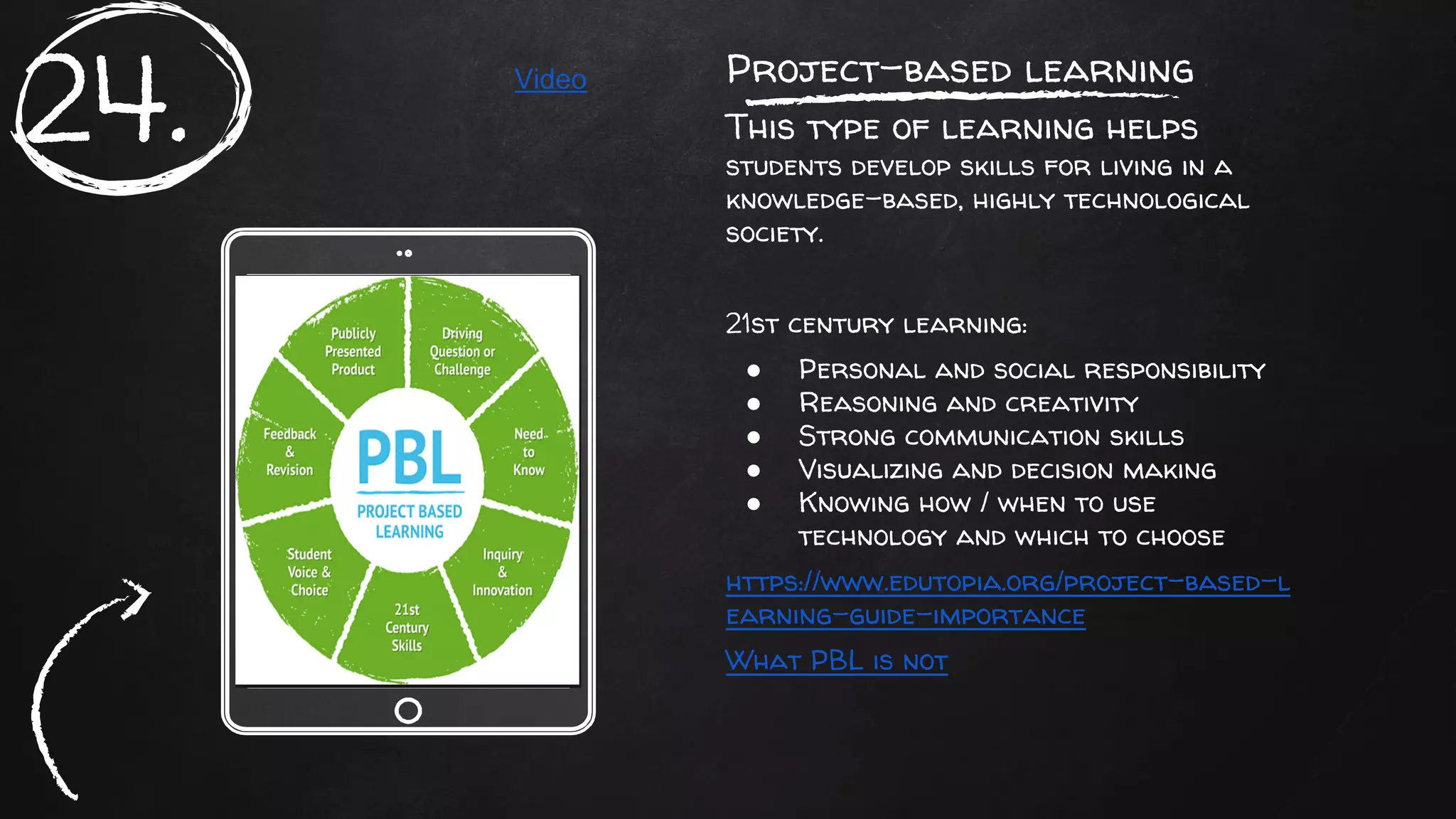
Project-based learning
This type of learning helps
students develop skills for living in a
knowledge-based, highly technological
society.
21st century learning:
● Personal and social responsibility
● Reasoning and creativity
● Strong communication skills
● Visualizing and decision making
● Knowing how / when to use
technology and which to choose
https://www.edutopia.org/project-based-l
earning-guide-importance
What PBL is not
24. Video
Place your screenshot here
Project-based learning
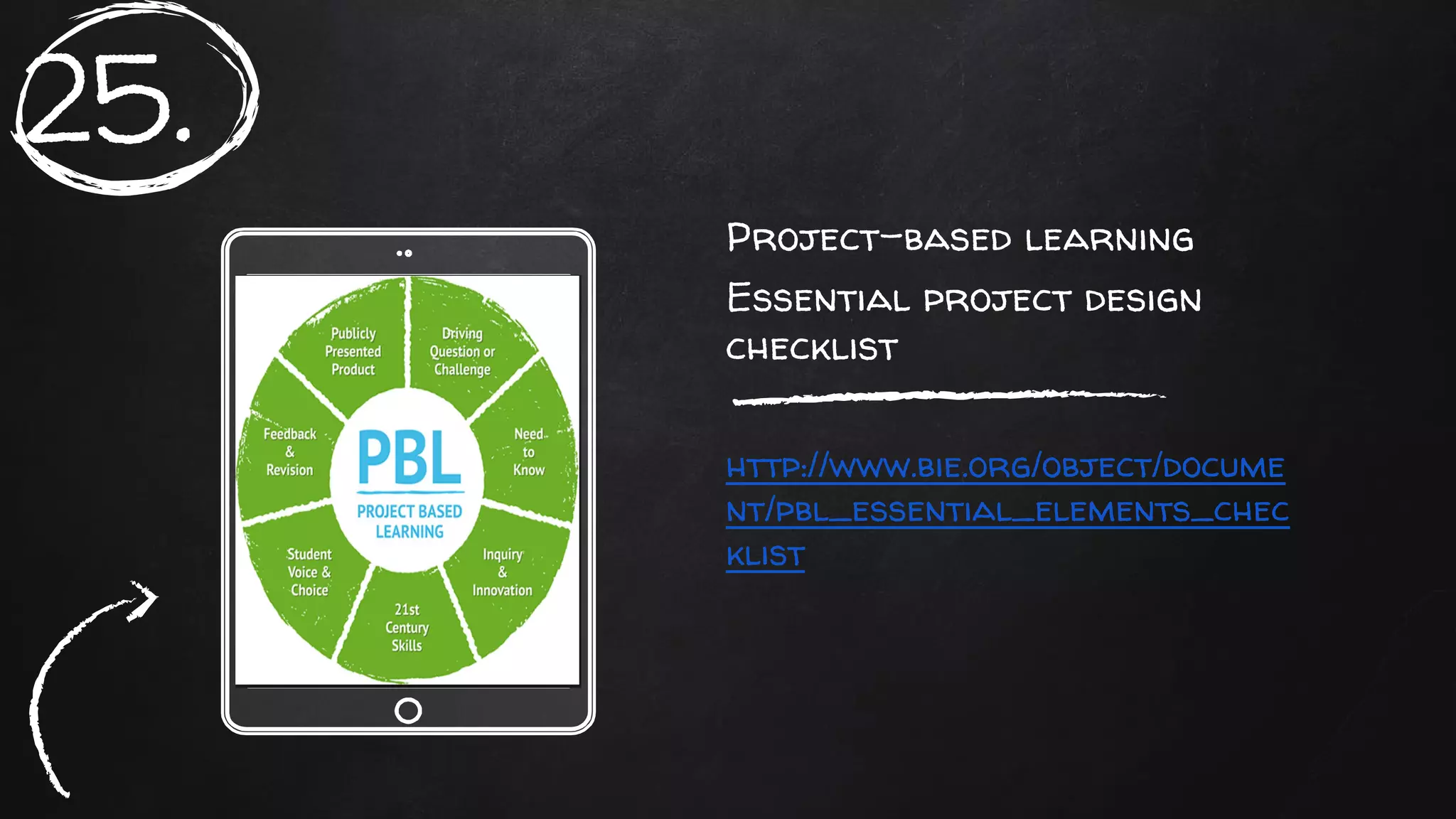
Essential project design
checklist
http://www.bie.org/object/docume
nt/pbl_essential_elements_chec
klist
25.
Place your screenshot here
Project-based learning
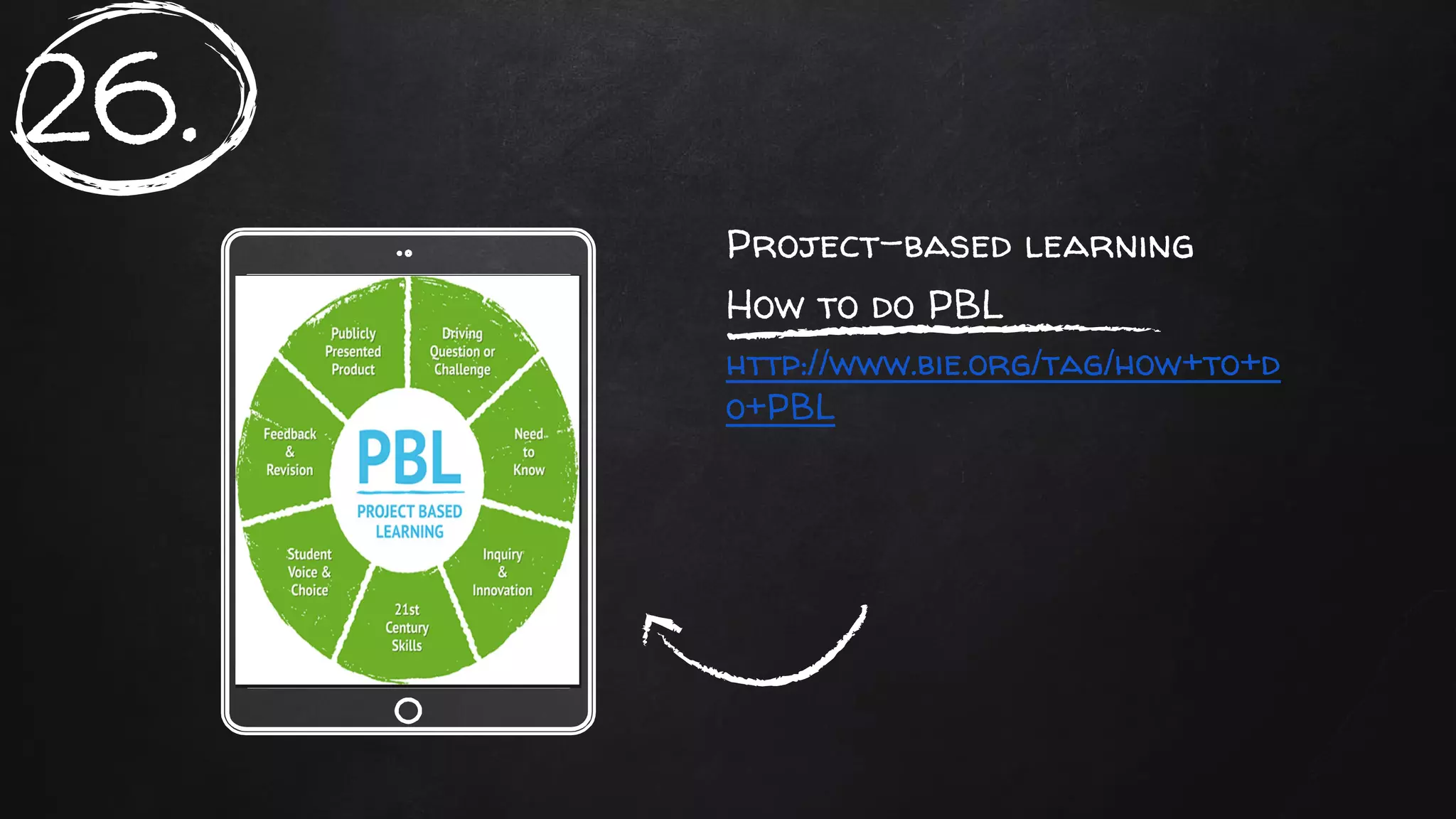
How to do PBL
http://www.bie.org/tag/how+to+d
o+PBL
26.
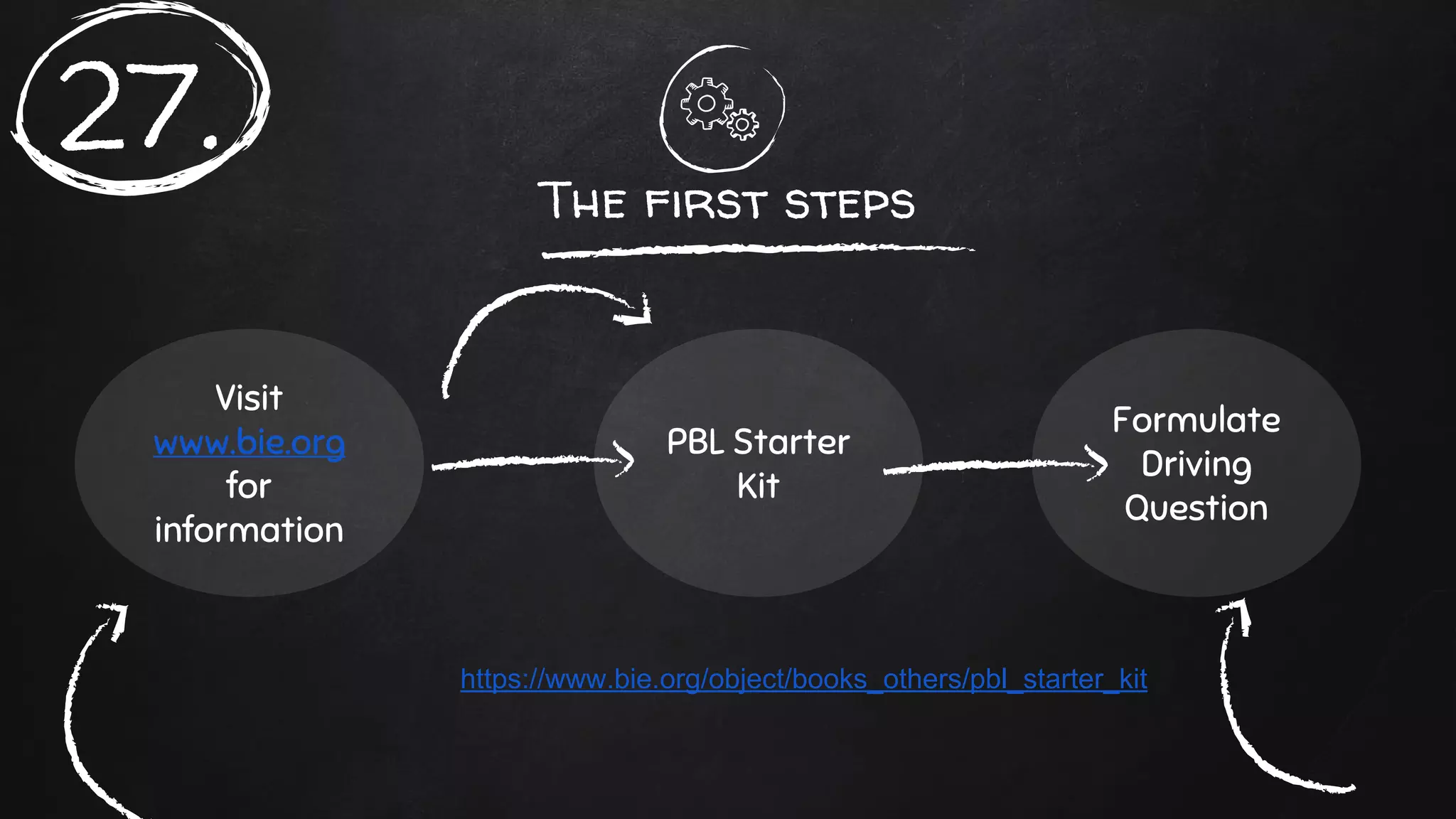
The first steps
Visit
www.bie.org
for
information
PBL Starter
Kit
Formulate
Driving
Question
https://www.bie.org/object/books_others/pbl_starter_kit
27.
1. Introduction: Provides background information and
explains what teaching is like in a PBL classroom.
2. Spotlight: Six sample projects from various schools,
subject areas, and grade levels.
3. Getting started: the process of developing ideas,
setting goals, and writing a driving question.
28.
4. Planning and preparing: How to design the tasks and products
students will complete, assess their work, launch the project, etc.
5. Managing your project: what to do once the project is underway,
how to build the right classroom culture, manage day-to-day tasks,
etc.
6. Reflect and perfect: how to reflect on results after the project
is over.
7. After the last bell: things to consider before doing another
project.
8. Useful stuff: planning forms, rubrics, etc.
29.
The driving question
1. Clearly states the purpose of the project.
2. Phrased as a question to drive inquiry.
3. It is at the heart of the culminating projects and
performances.
4. Relevant, important, urgent or otherwise
interesting.
5. Open-ended and complex: Requires higher-level
thinking.
6. Linked to the core of what you want students to
learn.
30.
My PBL Unit
Link
My PBL Unit
31.
My PBL Unit
32.
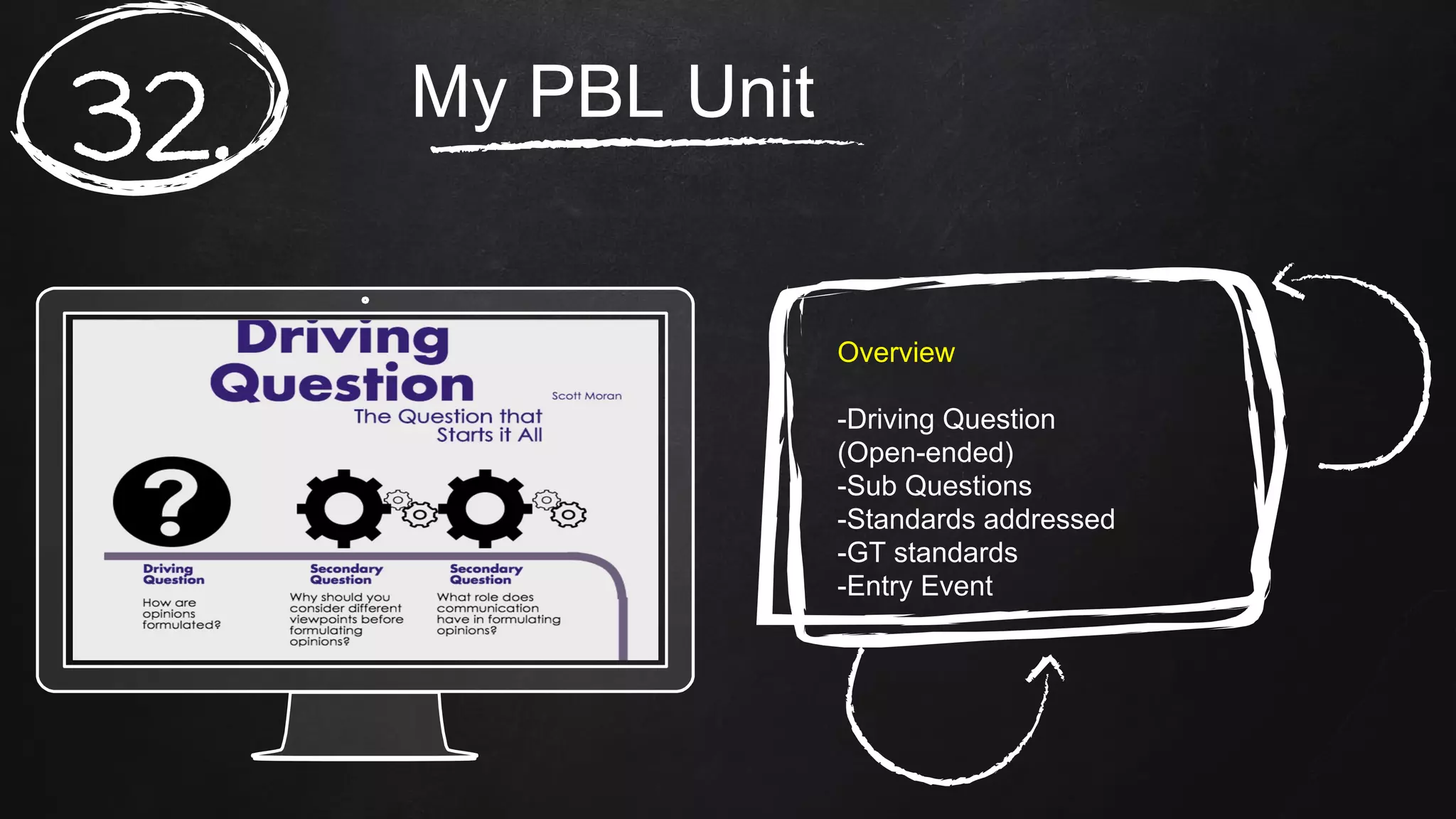
Overview
-Driving Question
(Open-ended)
-Sub Questions
-Standards addressed
-GT standards
-Entry Event
My PBL Unit
33.
Products and Performances
-Products created
-Instructional methods
-Resources needed
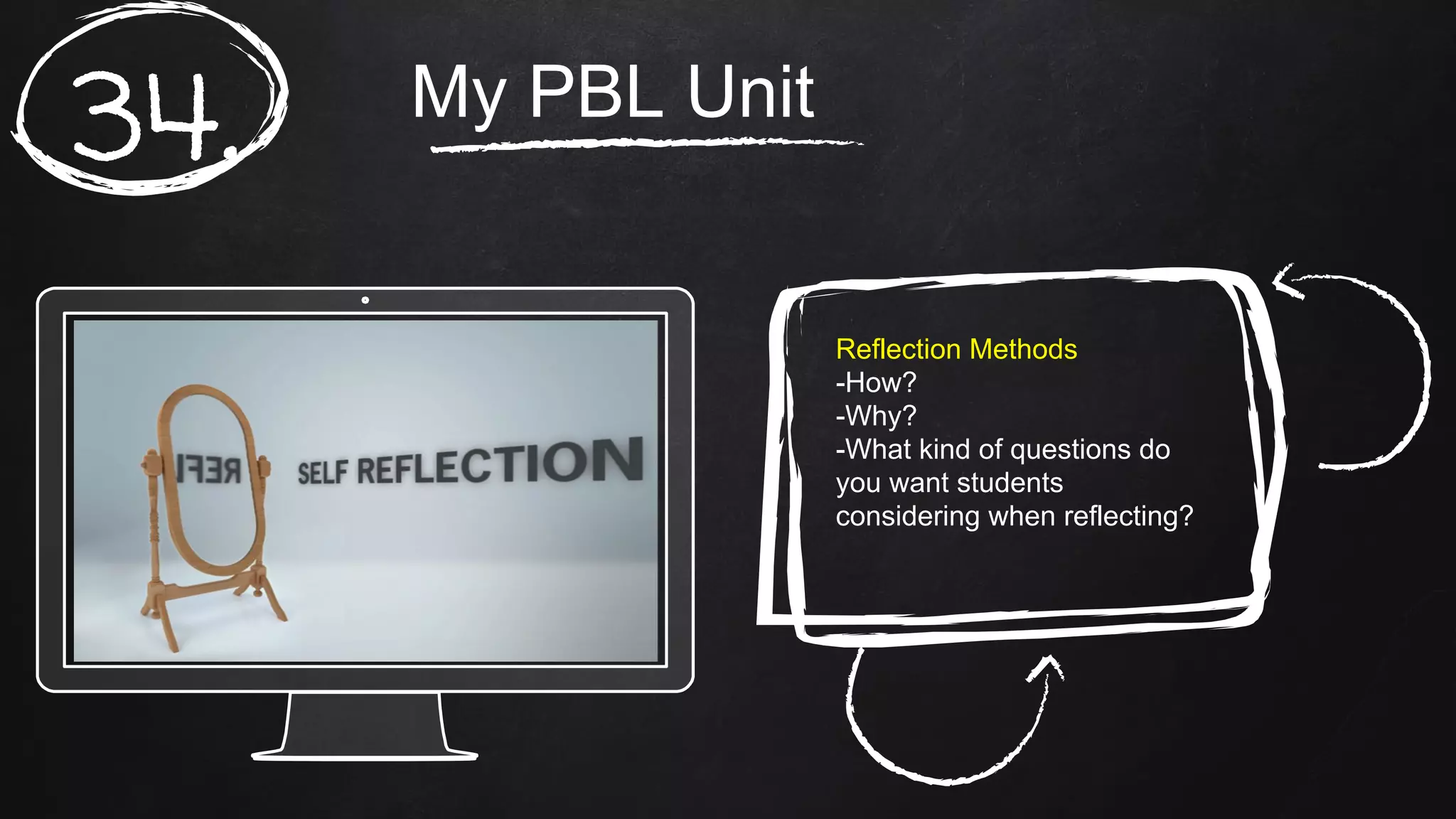
-Reflection methods
My PBL Unit
34.
Reflection Methods
-How?
-Why?
-What kind of questions do
you want students
considering when reflecting?
My PBL Unit
35.
Assessments
-Rubrics
-Formative assessments
-Summative assessments
My PBL Unit
36.
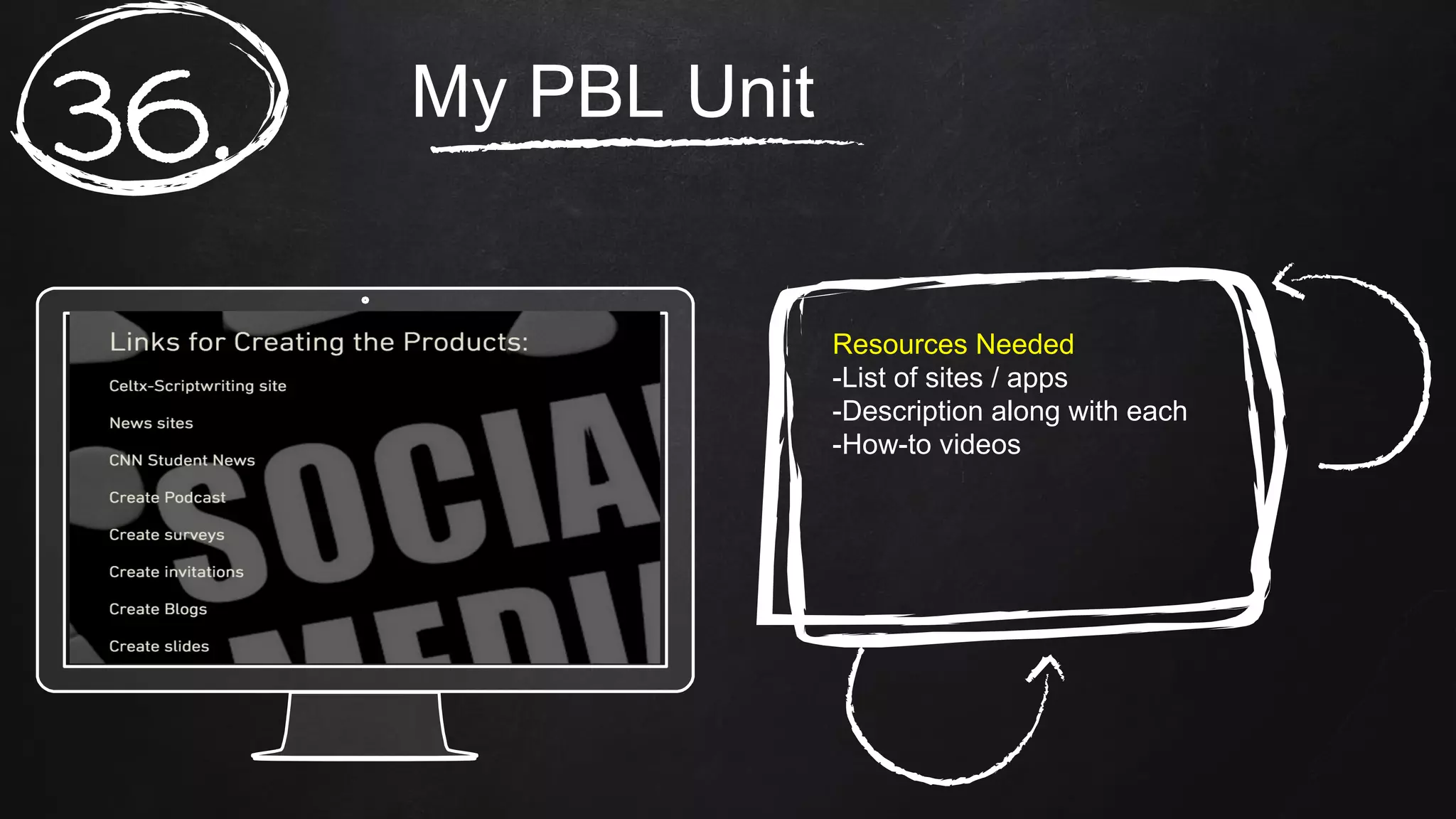
Resources Needed
-List of sites / apps
-Description along with each
-How-to videos
My PBL Unit
37.
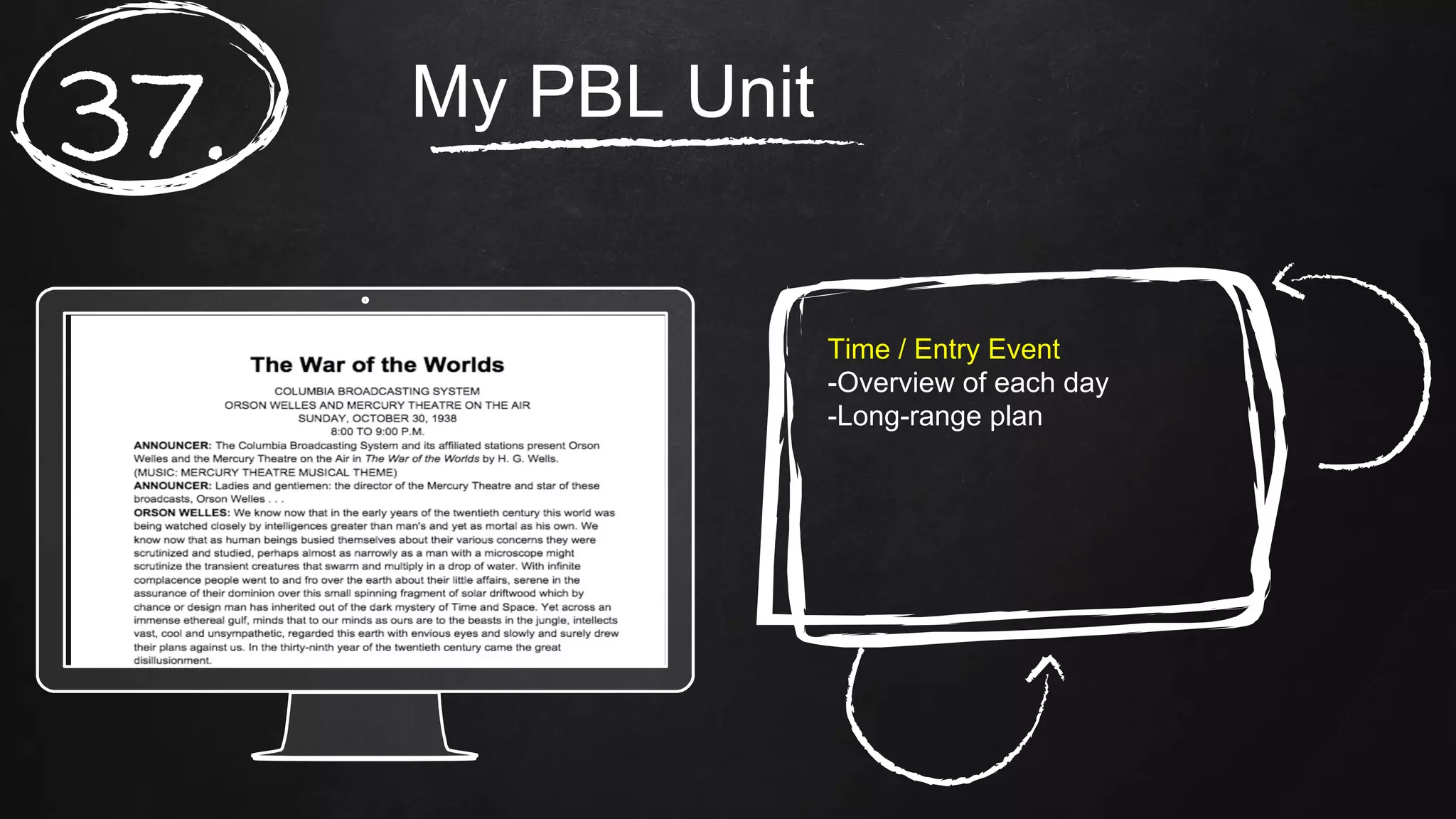
Time / Entry Event
-Overview of each day
-Long-range plan
My PBL Unit
38.
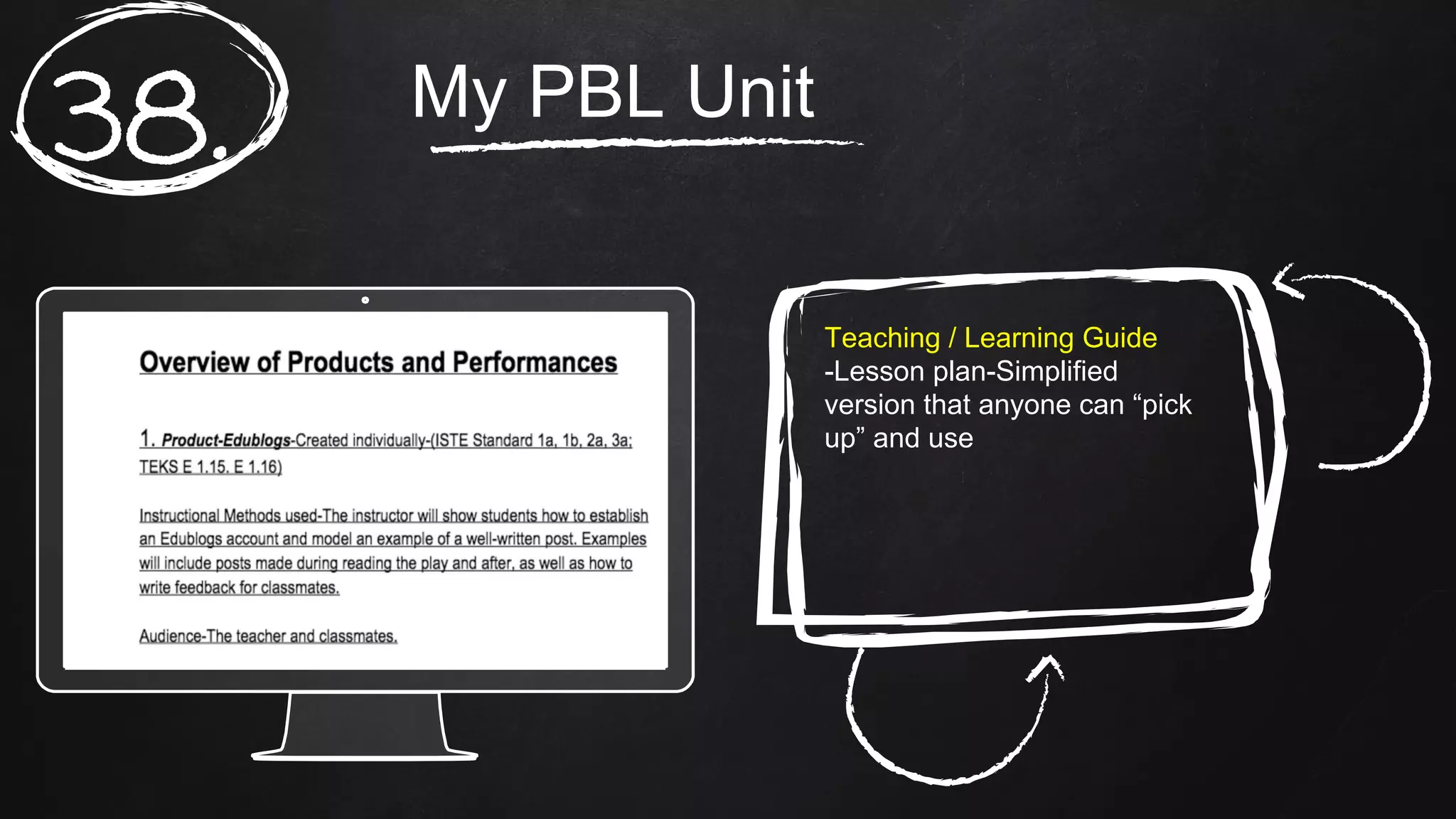
Teaching / Learning Guide
-Lesson plan-Simplified
version that anyone can “pick
up” and use
My PBL Unit
39.
Instructor Resources
-More links and examples
-Videos
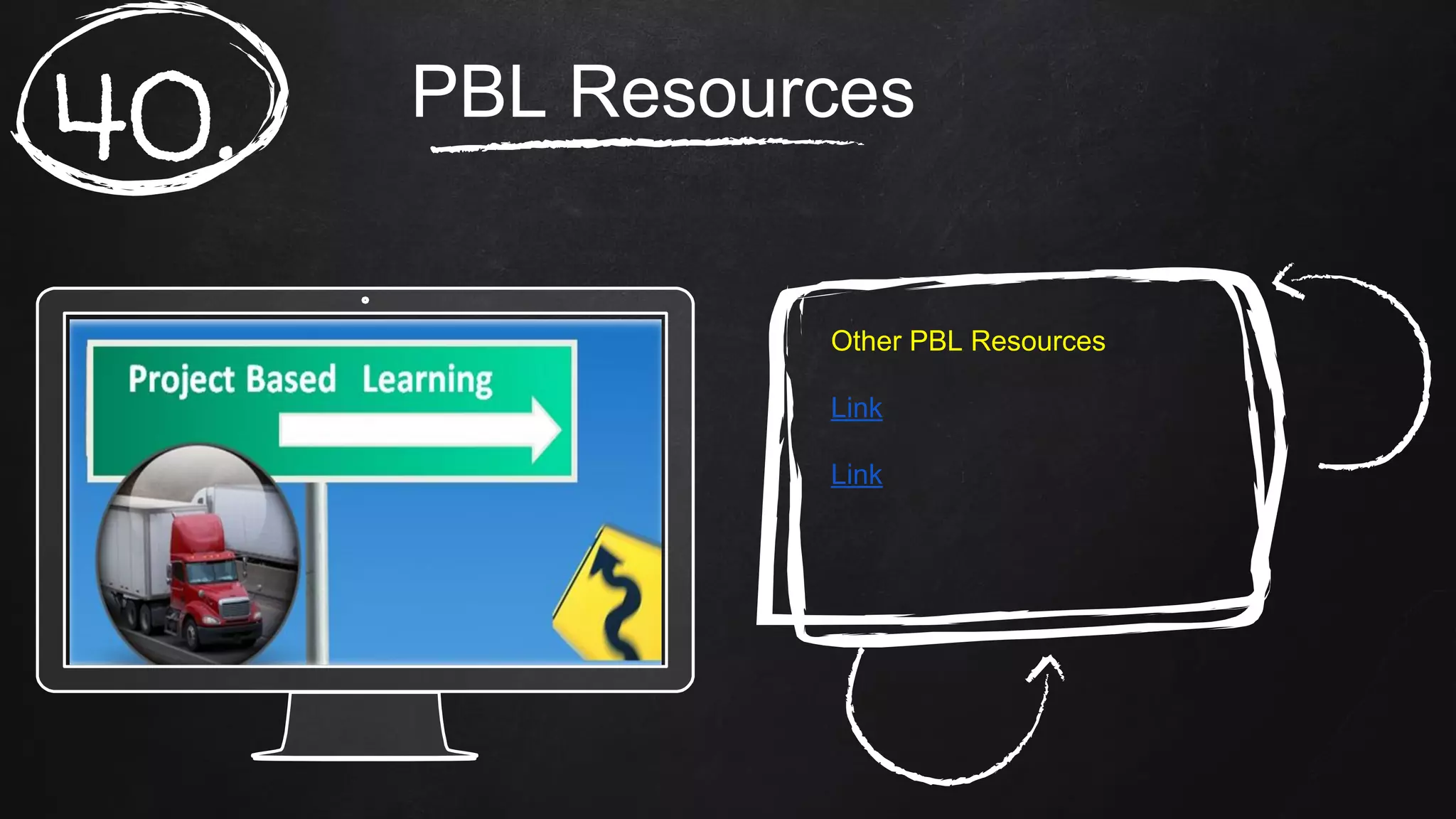
PBL Resources
40.
Other PBL Resources
Link
Link
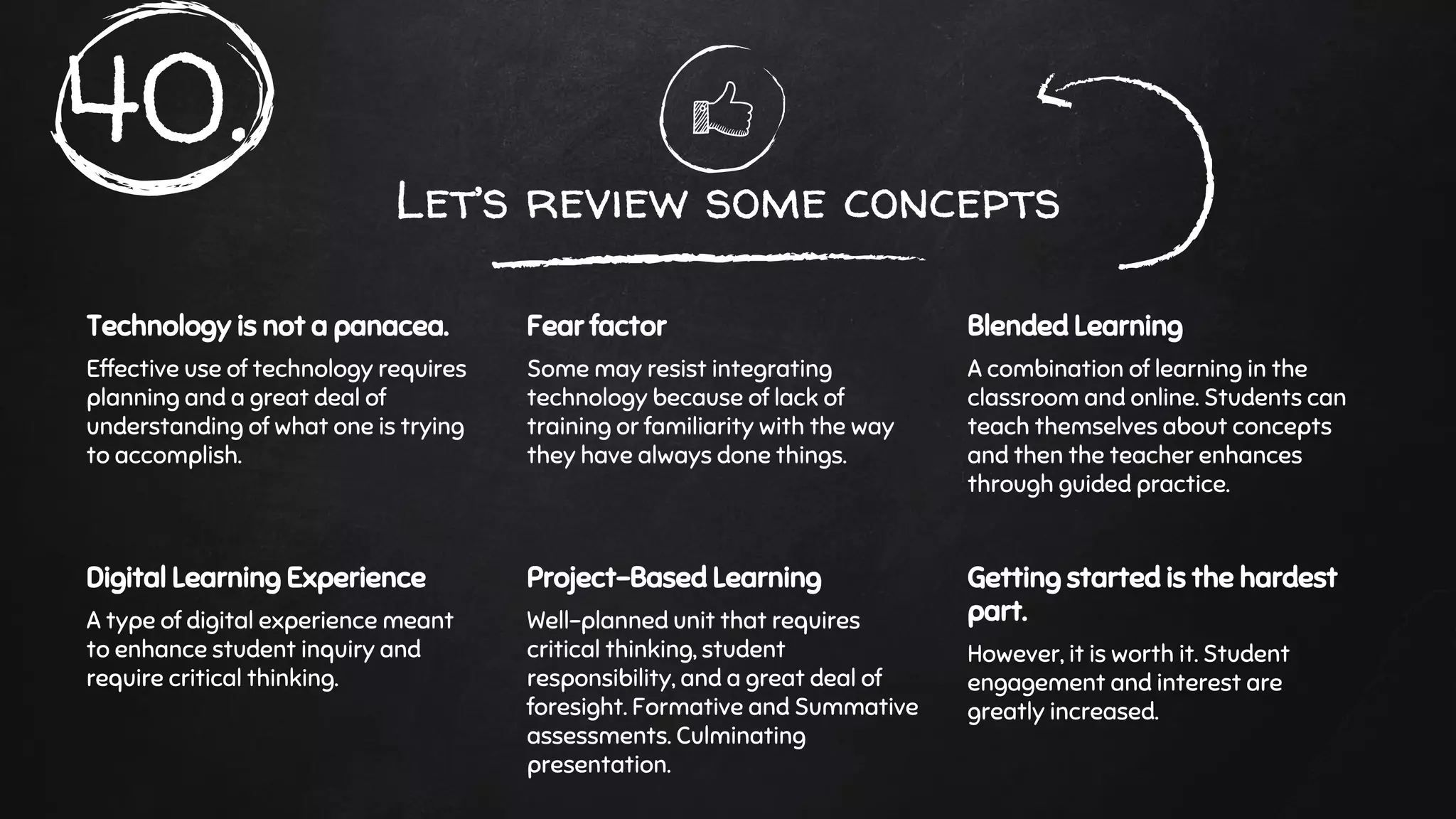
Let’s review some concepts
Technology is not a panacea.
Effective use of technology requires
planning and a great deal of
understanding of what one is trying
to accomplish.
Fear factor
Some may resist integrating
technology because of lack of
training or familiarity with the way
they have always done things.
Blended Learning
A combination of learning in the
classroom and online. Students can
teach themselves about concepts
and then the teacher enhances
through guided practice.
Digital Learning Experience
A type of digital experience meant
to enhance student inquiry and
require critical thinking.
Project-Based Learning
Well-planned unit that requires
critical thinking, student
responsibility, and a great deal of
foresight. Formative and Summative
assessments. Culminating
presentation.
Getting started is the hardest
part.
However, it is worth it. Student
engagement and interest are
greatly increased.
40.
thanks!
Any questions?
You can find me at
scott.moran@swprep.org

Technology and Project-Based Learning in the ELA classroom (2)

  • 1.
  • 2.
    hello! Scott Moran ELA teacher Youcan contact me at scott.moran@swprep.org
  • 3.
    Raise your handif you remember these. Raise your hand if you were teaching when these were popular.
  • 4.
    Raise your handif you remember this. Raise your hand if you were teaching when this happened.
  • 5.
    A bit ofhistory for our student guests.
  • 6.
    This is howwe shared access to video equipment in the 90s.
  • 7.
    Are you ableto name each character on the left? What about the ones on the right?
  • 8.
    What was thename of this show? What were the names of the characters?
  • 9.
    I actually usedone of these when I started teaching in the 90s.
  • 10.
    What is thedevice on the left? What was the big deal with the issue depicted on the right?
  • 11.
    The warning signswere there!
  • 12.
    IPhones were introducedin what year? Did any of you start teaching around that time?
  • 13.
    Your smartphone ismillions of times more powerful than all of the computers used by NASA in 1969. Link
  • 14.
    Table of Contents 1.Questions 2. Statistics 3. Evidence 4. A Starting Point 5. 21st Century Learning 6. PBL overview 7. My PBL Unit 8. PBL resources
  • 15.
    Questions Have you everwished you had time to integrate technology into your lessons? What might have kept you from doing so? Have you ever been hesitant to integrate technology into your lessons? What might have kept you from doing so? Have you ever found yourself repeating the same lessons year after year, in exactly the same way? Link 1.
  • 16.
    2. Possibilities ● Lack ofaccess to technology. ● Lack of access to reliable technology. ● Time constraints. ● Lack of training or understanding. Many of us have had to deal with at least one of these issues.
  • 17.
  • 18.
    “Digital writing differsfrom conventional composition in ways that can spur student engagement and creativity. By design, pen-and-paper composition is a one-person undertaking. But digital writing is often collaborative. Writing re-launched: Teaching with digital tools. Education Week. 4.
  • 19.
    “Computers seem tomotivate reluctant writers. Students are more willing to engage and sustain in writing activities when they use a computer. The effect of computers on student writing: A meta-analysis of studies from 1992-2002 5.
  • 20.
    “Reflection continually emergesas a suggested way of helping practitioners better understand what they know and do as they develop their knowledge of practice through what they learn in practice. Reflection places an emphasis on learning through questioning and investigation to lead to the development of understanding. Effective reflective practice: In search of meaning in learning about Teaching. 6.
  • 21.
    Where should youstart? www.freetech4teachers.com - Blog with practical suggestions for technology use in the classroom. www.edutecher.net - Classifies apps and sites by subject matter. www.bie.org - Buck Institute for Education (PBL) Resources list 7.
  • 22.
    Students today expectmore from their teachers. 21st Century Learning Direct teaching is necessary at times, but making lessons more student-oriented and interactive increases student interest and engagement. Collaboration, critical thinking and real-world problems are keys to keeping students engaged and interested. 8.
  • 23.
    1. Effective integrationof technology is NOT simply having students complete an assignment online. Instead, it requires carefully planned lessons, well-conceived questions (HOTS), demonstrations of mastery (formative and summative), and reflective learning (blogs). Things to remember 2. Technology must be used to increase student engagement, collaboration and learning. 3. This is a way to differentiate, meet the needs of GT students, etc. 9.
  • 24.
    Google Docs andGoogle Slides Students can share their screens and edit together in real-time. Students can post their work to Edmodo for review by the class and the instructor. Chat box (Google Docs). Google Slides has same feature. Overview of Google Docs / Google Slides 10.
  • 25.
  • 26.
    Example of Studentwork Link 12.
  • 27.
    Place your screenshothere Edmodo Class blog for students and teachers. Requires a code for students to join. Surveys, polls, upload assignments, store work. Link 13.
  • 28.
    Place your screenshothere Presentation sites Glogster Create interactive posters. Can be shared to Edmodo. Overview of Glogster 14.
  • 29.
    Place your screenshothere Piktochart Infographics quickly convey a great deal of information. Necessary for STAAR assessment. Overview 15.
  • 30.
    Place your screenshothere Powtoon Animated presentations (free). Student example. Overview 16.
  • 31.
    Place your screenshothere Screencasts Students can watch them at any time. They can also create them to demonstrate mastery. Good for absent students, students who do not understand concepts, and those who want to get ahead. Example Overview 17.
  • 32.
    Place your screenshothere My Simple Show Link Overview 18.
  • 33.
    Place your screenshothere Quizlet / Kahoot Vocabulary flashcards. Upload images and definitions. Games for review. Overview (Quizlet) Overview (Kahoot) 19.
  • 34.
    Place your screenshothere Edublogs Students can reflect on work. Good for them to do so. Link Overview 20.
  • 35.
    Place your screenshothere Seesaw.me Digital portfolios Link Overview 21.
  • 36.
    Place your screenshothere Blended Learning Link Video Explanation 22.
  • 37.
    Place your screenshothere Digital Learning Experience Link 23.
  • 38.
    Place your screenshothere Project-based learning This type of learning helps students develop skills for living in a knowledge-based, highly technological society. 21st century learning: ● Personal and social responsibility ● Reasoning and creativity ● Strong communication skills ● Visualizing and decision making ● Knowing how / when to use technology and which to choose https://www.edutopia.org/project-based-l earning-guide-importance What PBL is not 24. Video
  • 39.
    Place your screenshothere Project-based learning Essential project design checklist http://www.bie.org/object/docume nt/pbl_essential_elements_chec klist 25.
  • 40.
    Place your screenshothere Project-based learning How to do PBL http://www.bie.org/tag/how+to+d o+PBL 26.
  • 41.
    The first steps Visit www.bie.org for information PBLStarter Kit Formulate Driving Question https://www.bie.org/object/books_others/pbl_starter_kit 27.
  • 42.
    1. Introduction: Providesbackground information and explains what teaching is like in a PBL classroom. 2. Spotlight: Six sample projects from various schools, subject areas, and grade levels. 3. Getting started: the process of developing ideas, setting goals, and writing a driving question. 28.
  • 43.
    4. Planning andpreparing: How to design the tasks and products students will complete, assess their work, launch the project, etc. 5. Managing your project: what to do once the project is underway, how to build the right classroom culture, manage day-to-day tasks, etc. 6. Reflect and perfect: how to reflect on results after the project is over. 7. After the last bell: things to consider before doing another project. 8. Useful stuff: planning forms, rubrics, etc. 29.
  • 44.
    The driving question 1.Clearly states the purpose of the project. 2. Phrased as a question to drive inquiry. 3. It is at the heart of the culminating projects and performances. 4. Relevant, important, urgent or otherwise interesting. 5. Open-ended and complex: Requires higher-level thinking. 6. Linked to the core of what you want students to learn. 30.
  • 45.
    My PBL Unit Link MyPBL Unit 31.
  • 46.
    My PBL Unit 32. Overview -DrivingQuestion (Open-ended) -Sub Questions -Standards addressed -GT standards -Entry Event
  • 47.
    My PBL Unit 33. Productsand Performances -Products created -Instructional methods -Resources needed -Reflection methods
  • 48.
    My PBL Unit 34. ReflectionMethods -How? -Why? -What kind of questions do you want students considering when reflecting?
  • 49.
    My PBL Unit 35. Assessments -Rubrics -Formativeassessments -Summative assessments
  • 50.
    My PBL Unit 36. ResourcesNeeded -List of sites / apps -Description along with each -How-to videos
  • 51.
    My PBL Unit 37. Time/ Entry Event -Overview of each day -Long-range plan
  • 52.
    My PBL Unit 38. Teaching/ Learning Guide -Lesson plan-Simplified version that anyone can “pick up” and use
  • 53.
    My PBL Unit 39. InstructorResources -More links and examples -Videos
  • 54.
    PBL Resources 40. Other PBLResources Link Link
  • 55.
    Let’s review someconcepts Technology is not a panacea. Effective use of technology requires planning and a great deal of understanding of what one is trying to accomplish. Fear factor Some may resist integrating technology because of lack of training or familiarity with the way they have always done things. Blended Learning A combination of learning in the classroom and online. Students can teach themselves about concepts and then the teacher enhances through guided practice. Digital Learning Experience A type of digital experience meant to enhance student inquiry and require critical thinking. Project-Based Learning Well-planned unit that requires critical thinking, student responsibility, and a great deal of foresight. Formative and Summative assessments. Culminating presentation. Getting started is the hardest part. However, it is worth it. Student engagement and interest are greatly increased. 40.
  • 56.
    thanks! Any questions? You canfind me at scott.moran@swprep.org