


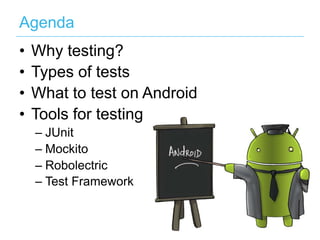
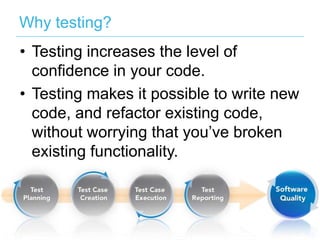
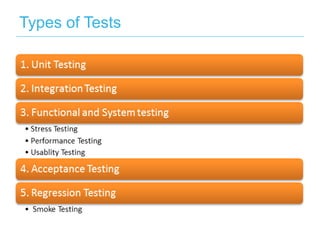









The document outlines the importance of testing in software development, particularly in Android applications, and discusses various testing tools such as JUnit, Mockito, and Robolectric. It emphasizes that testing boosts confidence in code quality and enables safe refactoring. Additionally, it lists concepts like dependency injection and continuous integration while encouraging developers to adopt testing practices.


![Droid con 2013 workshop unit testing in android [robolectirc]](https://cdn.slidesharecdn.com/ss_thumbnails/droidcon2013workshop-unittestinginandroidrobolectirc-131127032715-phpapp02-thumbnail.jpg?width=640&height=640&fit=bounds)


![[AnDevCon 2016] Mutation Testing for Android](https://cdn.slidesharecdn.com/ss_thumbnails/hazems-andevconandroidmutationtesting-161209035617-thumbnail.jpg?width=640&height=640&fit=bounds)


![[Ultracode Munich #4] Short introduction to the new Android build system incl...](https://cdn.slidesharecdn.com/ss_thumbnails/android-131115031036-phpapp01-thumbnail.jpg?width=640&height=640&fit=bounds)


