A guide to automated
Android testing
by @darrillaga
Challenges
What to test
1. Utilities
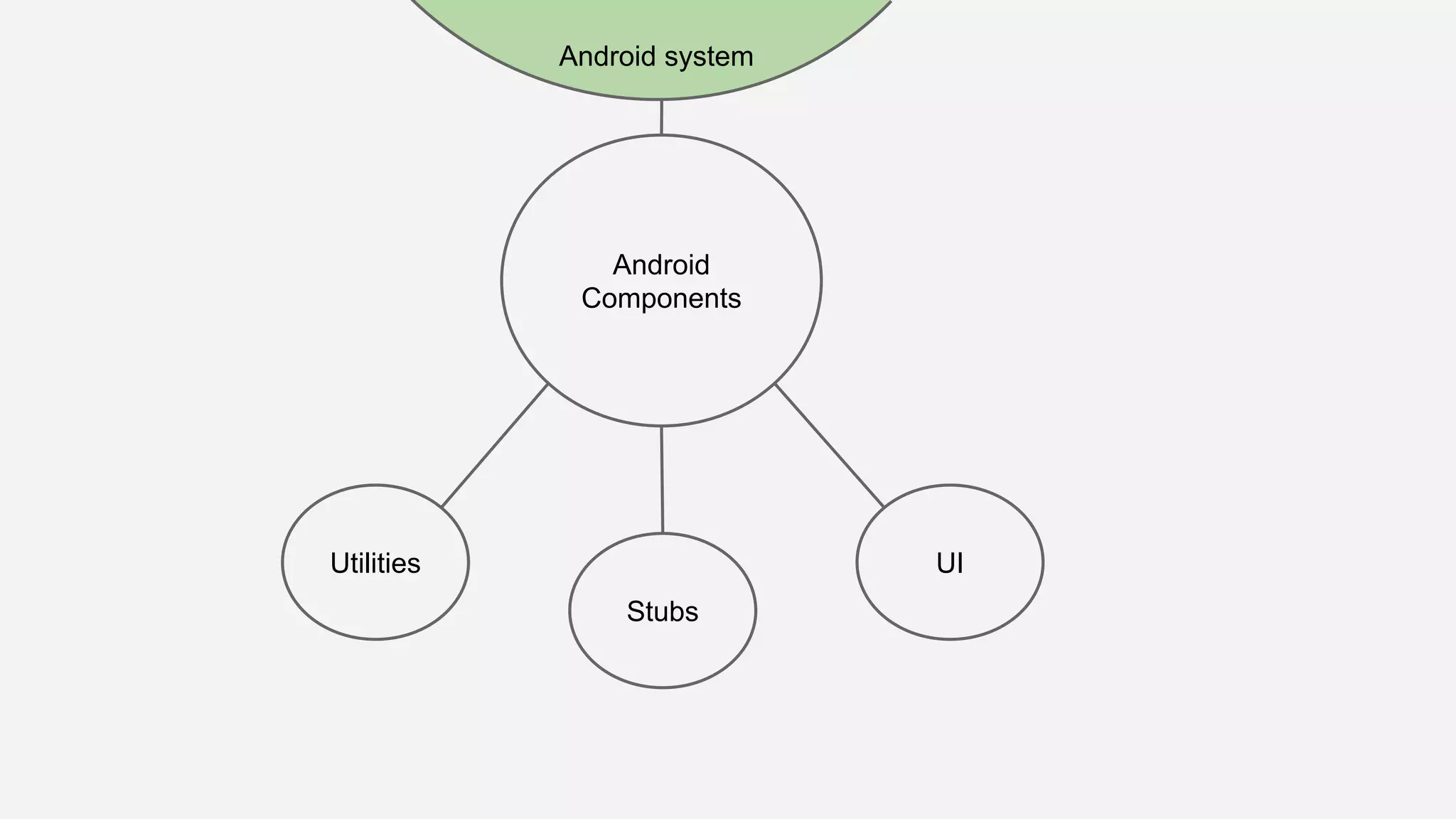
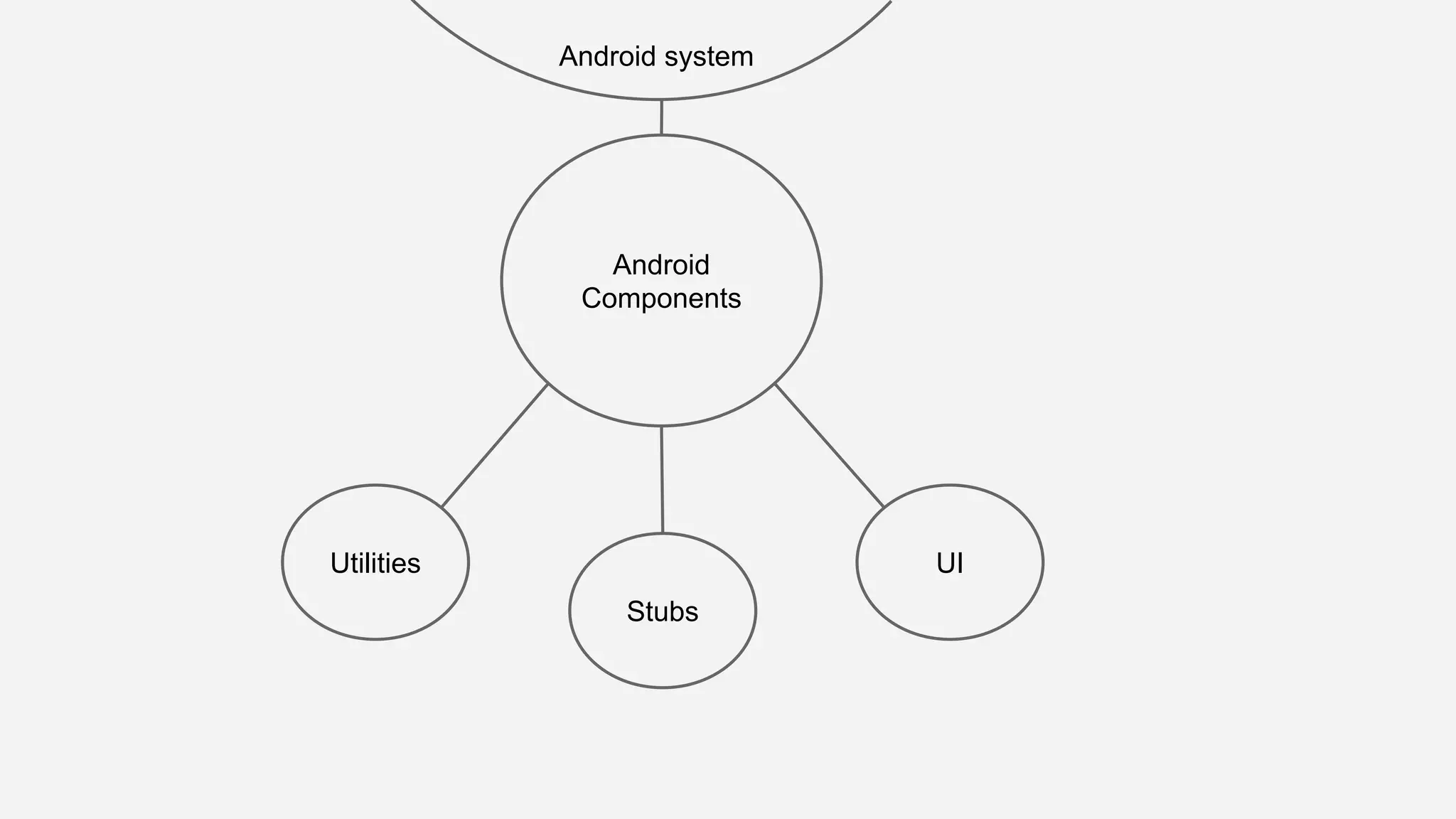
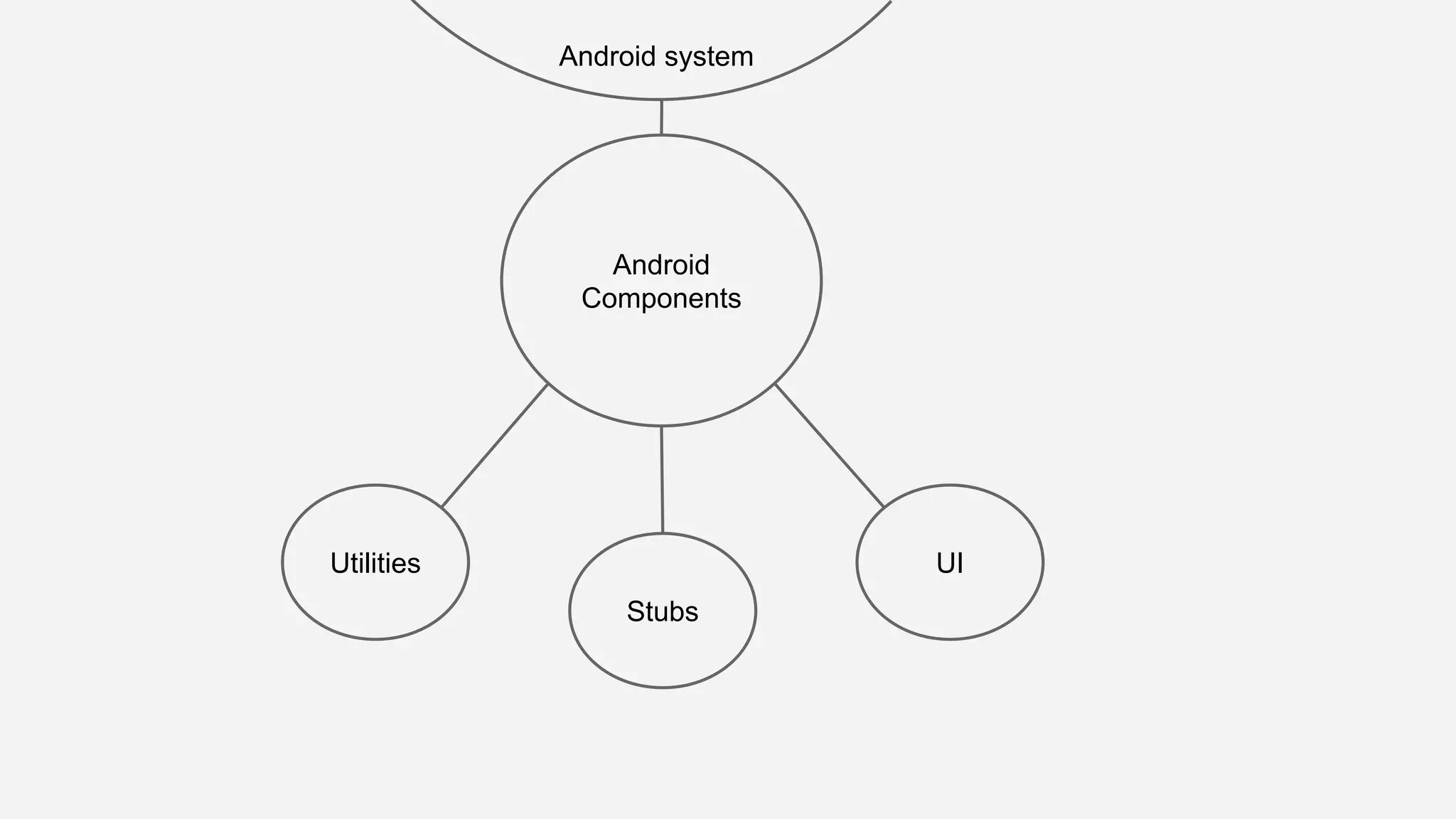
2. Android components
3. UI
4. Expected user behavior
What to test
1. Utilities
2. Android components
3. UI
4. Expected user behavior
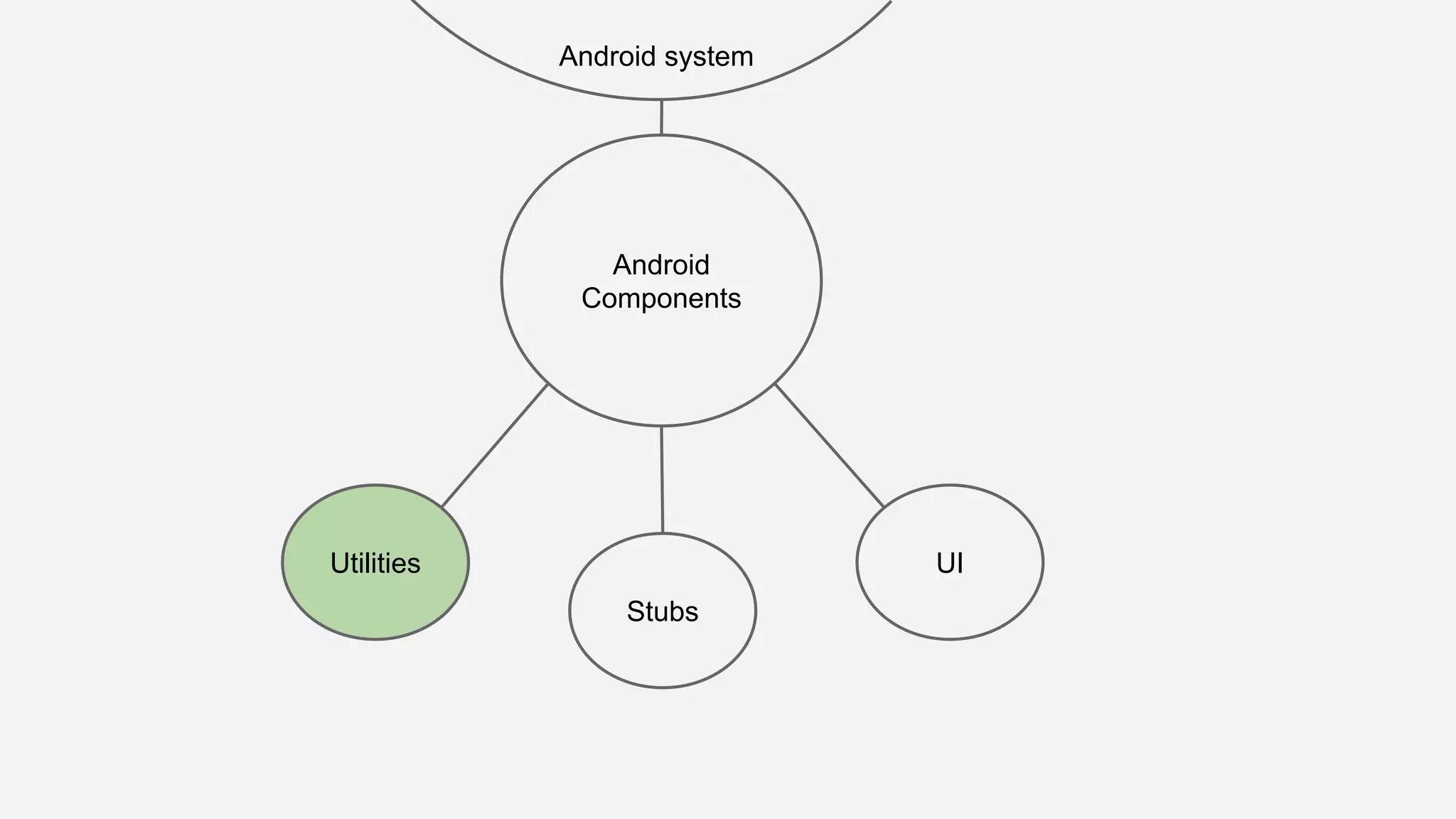
Utilities
Utilities are every piece of code, both pure java
and Android-dependant, that are used as tools
in the development process.
What to test
1. Utilities
2. Android components
3. UI
4. Expected user behavior
Android components
1. Activities
2. Fragments
3. Services
These are the most common components.
What to test
1. Utilities
2. Android components
3. UI
4. Expected user behavior
UI
UI specific behavior and custom views.
What to test
1. Utilities
2. Android components
3. UI
4. Expected user behavior
Expected user behavior
Functional testing on our activities, based on
expected behavior.
How to test
1. Using support libraries
2. Stub code we can’t control while testing
3. Decoupled code
4. Testing everything that could be error-prone
How to test
1. Using support libraries
2. Stub code we can’t control while testing
3. Decoupled code
4. Testing everything that could be error-prone
Using support libraries
1. Instrumentation
2. Android JUnit Runner
3. Espresso
4. UIAutomator
Using support libraries
1. Instrumentation
2. Android JUnit Runner
3. Espresso
4. UIAutomator
Instrumentation
This framework monitors all of the interaction
between the Android system and the
application.
Android testing libraries are built on top of the
Instrumentation framework.
Using support libraries
1. Instrumentation
2. Android JUnit Runner
3. Espresso
4. UIAutomator
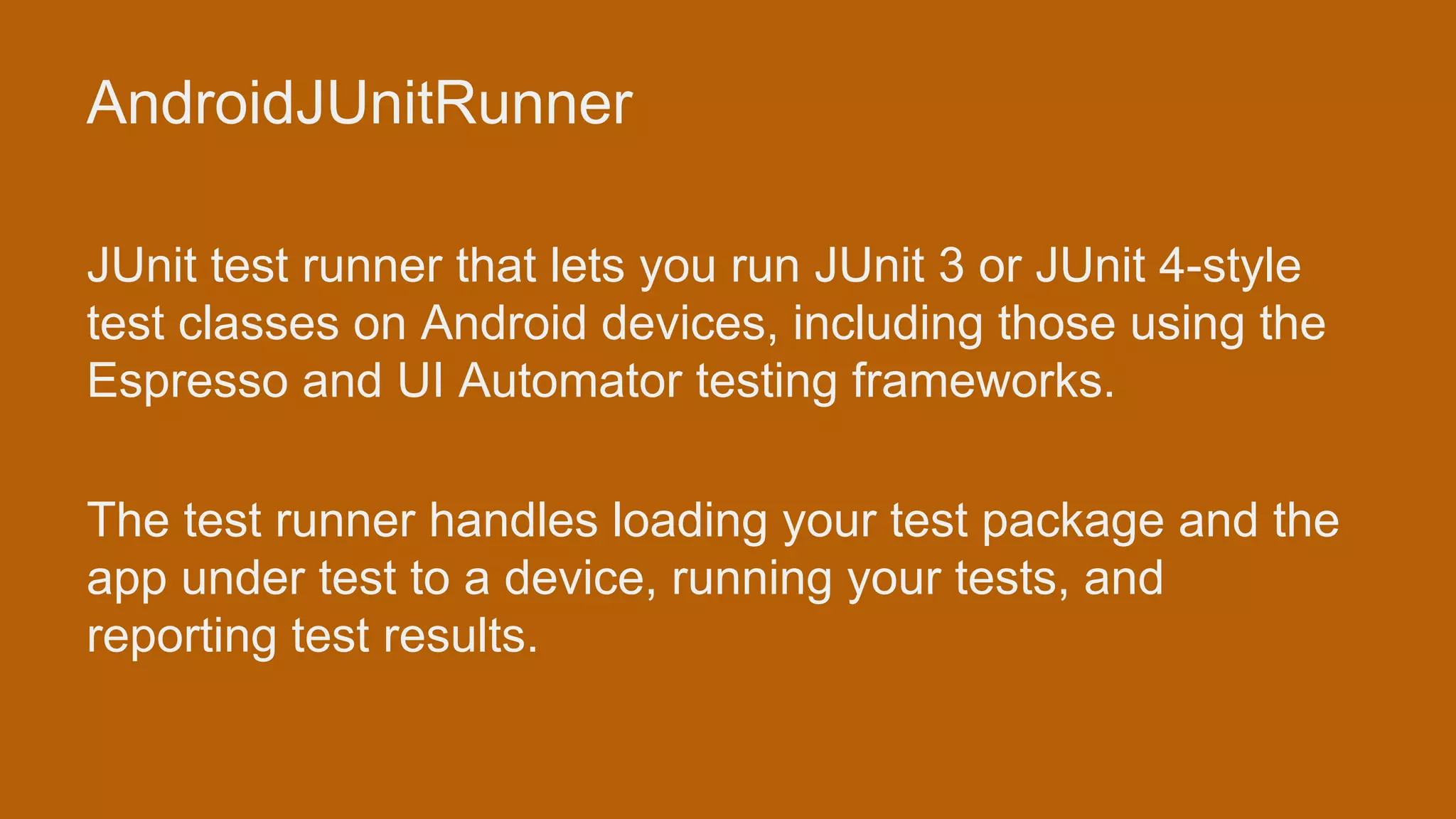
AndroidJUnitRunner
JUnit test runner that lets you run JUnit 3 or JUnit 4-style
test classes on Android devices, including those using the
Espresso and UI Automator testing frameworks.
The test runner handles loading your test package and the
app under test to a device, running your tests, and
reporting test results.
Using support libraries
1. Instrumentation
2. Android JUnit Runner
3. Espresso
4. UIAutomator
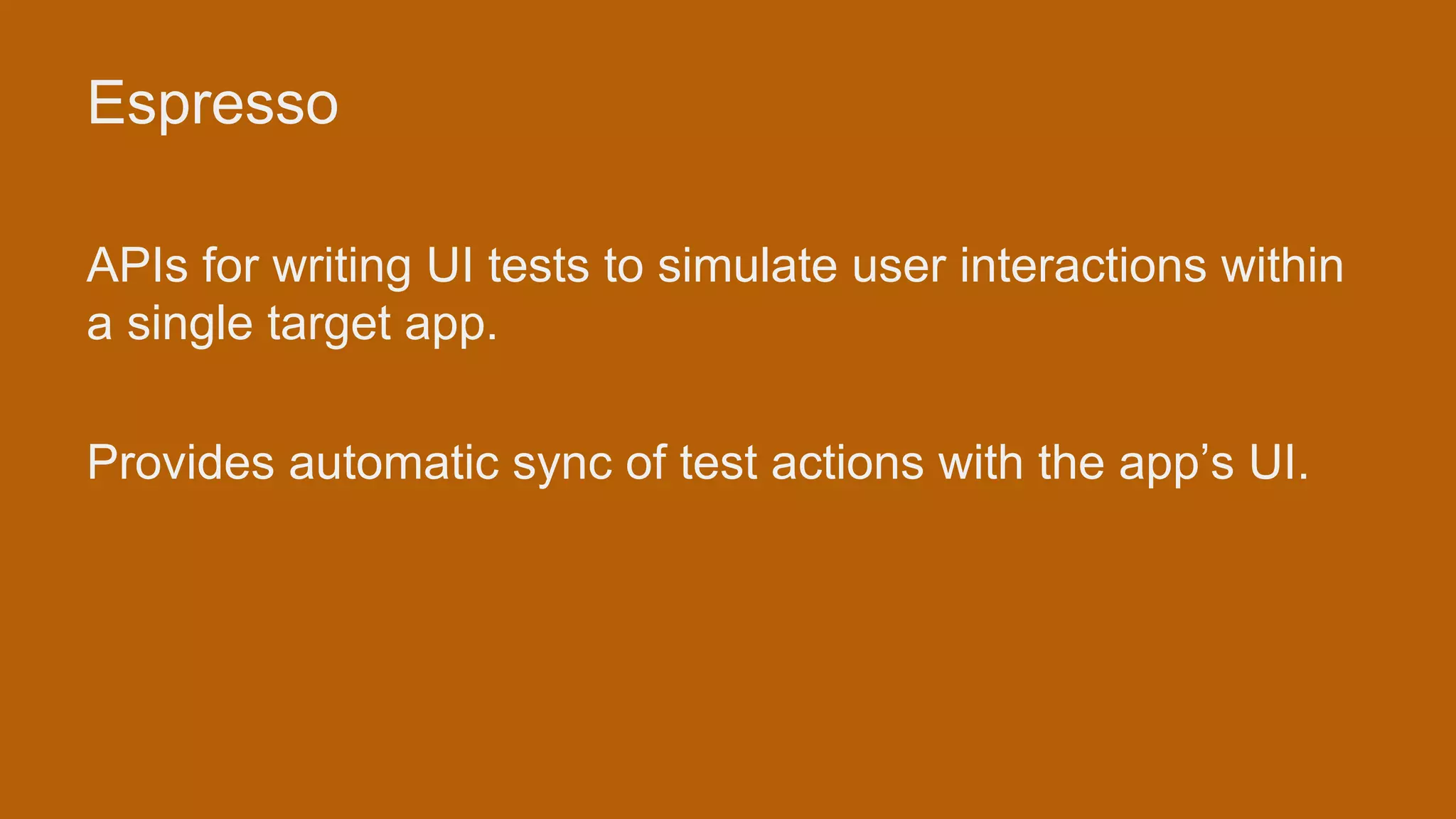
Espresso
APIs for writing UI tests to simulate user interactions within
a single target app.
Provides automatic sync of test actions with the app’s UI.
Using support libraries
1. Instrumentation
2. Android JUnit Runner
3. Espresso
4. UIAutomator
UI Automator
This framework provides a set of APIs to build UI tests that
perform interactions on user apps and system apps.
The UI Automator APIs allows you to perform operations
such as opening the Settings menu or the app launcher in a
test device.
How to test
1. Using support libraries
2. Stub code we can’t control while testing
3. Decoupled code
4. Testing everything that could be error-prone
Stub code we can’t control with testing
1. Robospice
2. Card reader
3. Thermal printer SDK
4. Bluetooth
How to test
1. Using support libraries
2. Stub code we can’t control while testing
3. Decoupled code
4. Testing everything that could be error-prone
Decoupled code
1. Android components only in charge of
lifecycle
2. Layer for business logic
3. Layer modeling views
4. Create utilities for code that can be unit
tested
How to test
1. Using support libraries
2. Stub code we can’t control while testing
3. Decoupled code
4. Testing everything that could be error-prone
Testing everything that could be error-prone
1. Do not test getter/setters
2. Test code created by us
3. Do not test third-party code (stub it or let it
be)
Wrapping up
Android
Components
Utilities
Android system
UI
Stubs
Android
Components
Utilities
Android system
UI
Stubs
Android
Components
Utilities
Android system
UI
Stubs
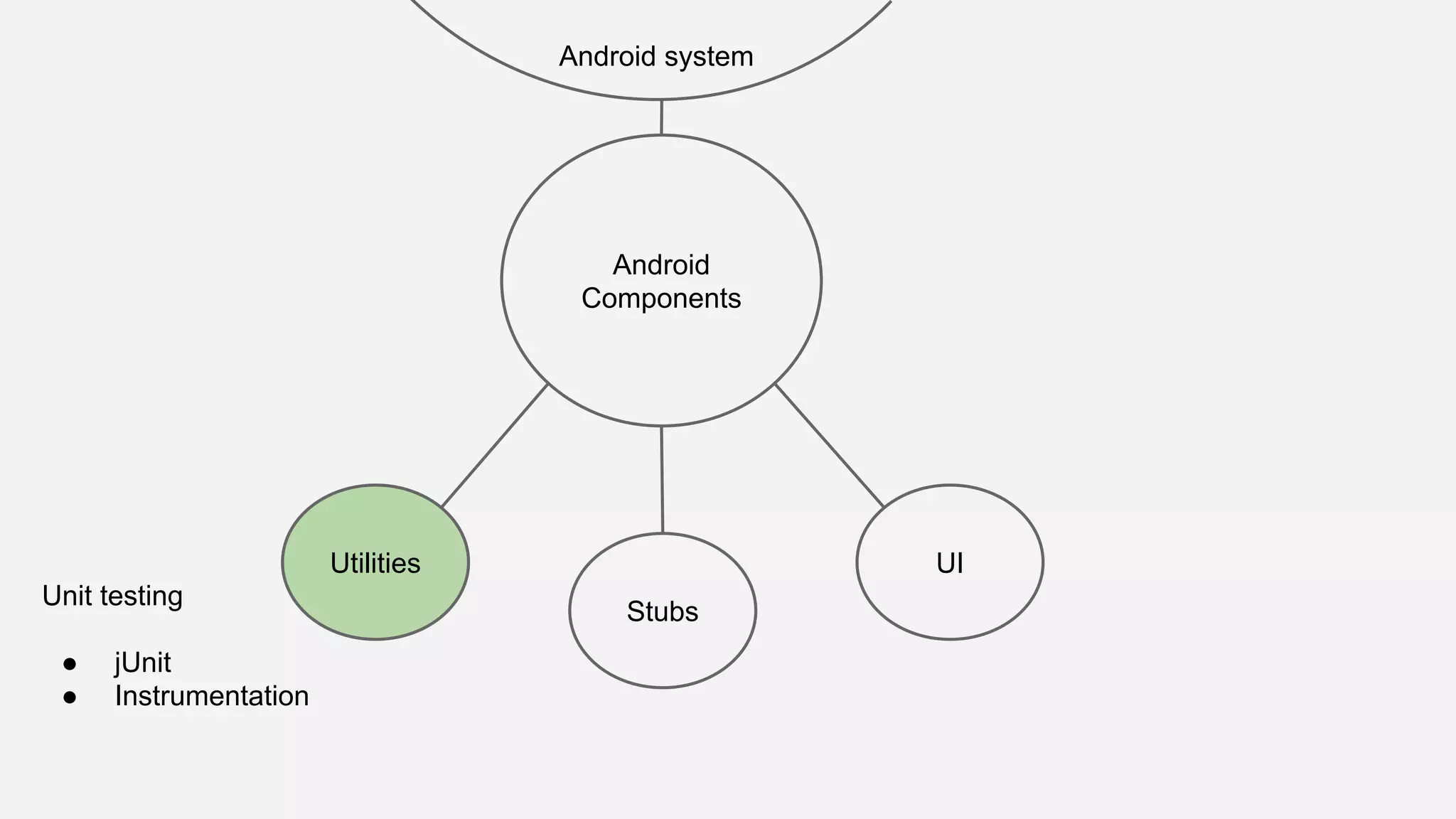
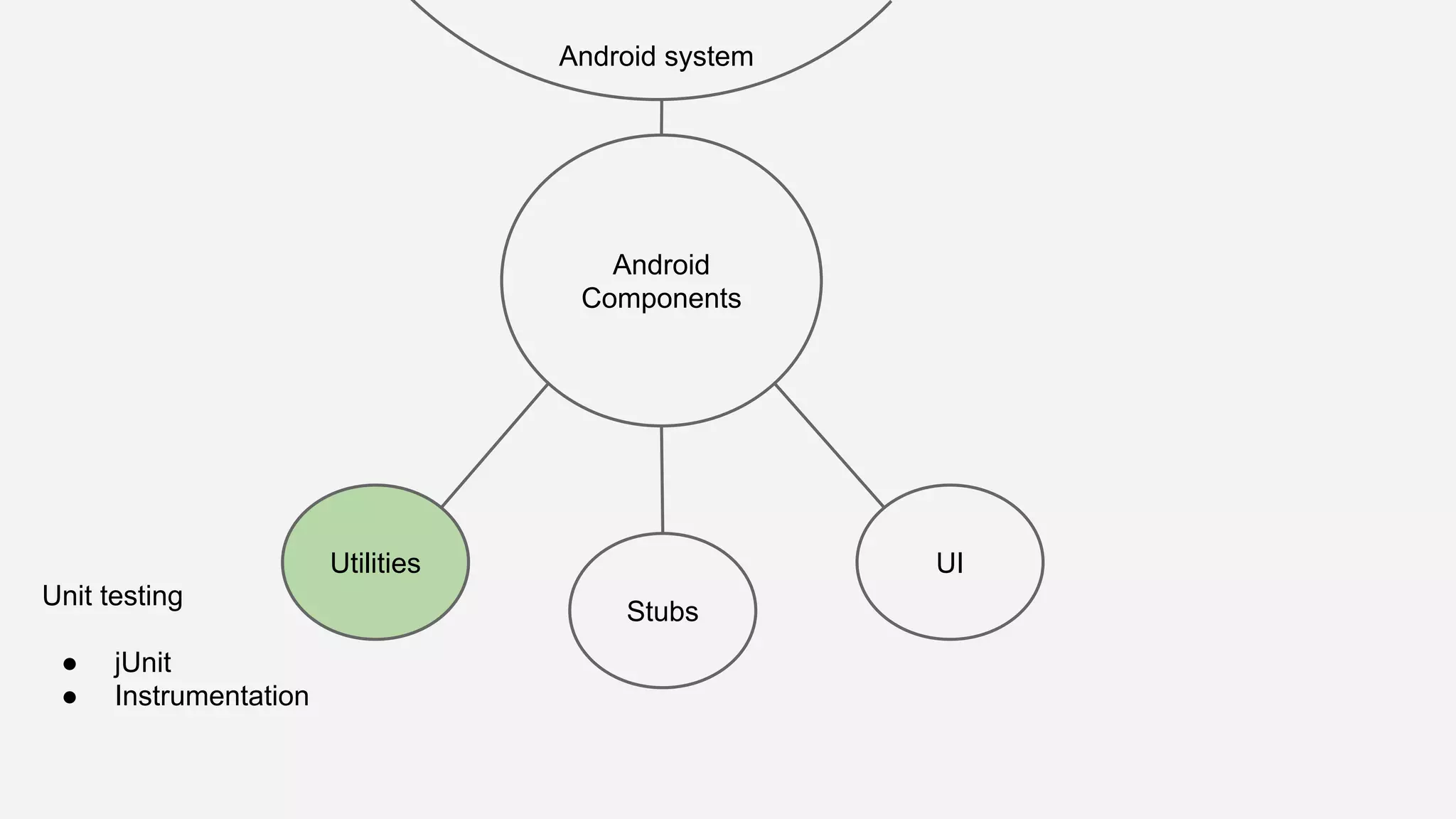
Unit testing
● jUnit
● Instrumentation
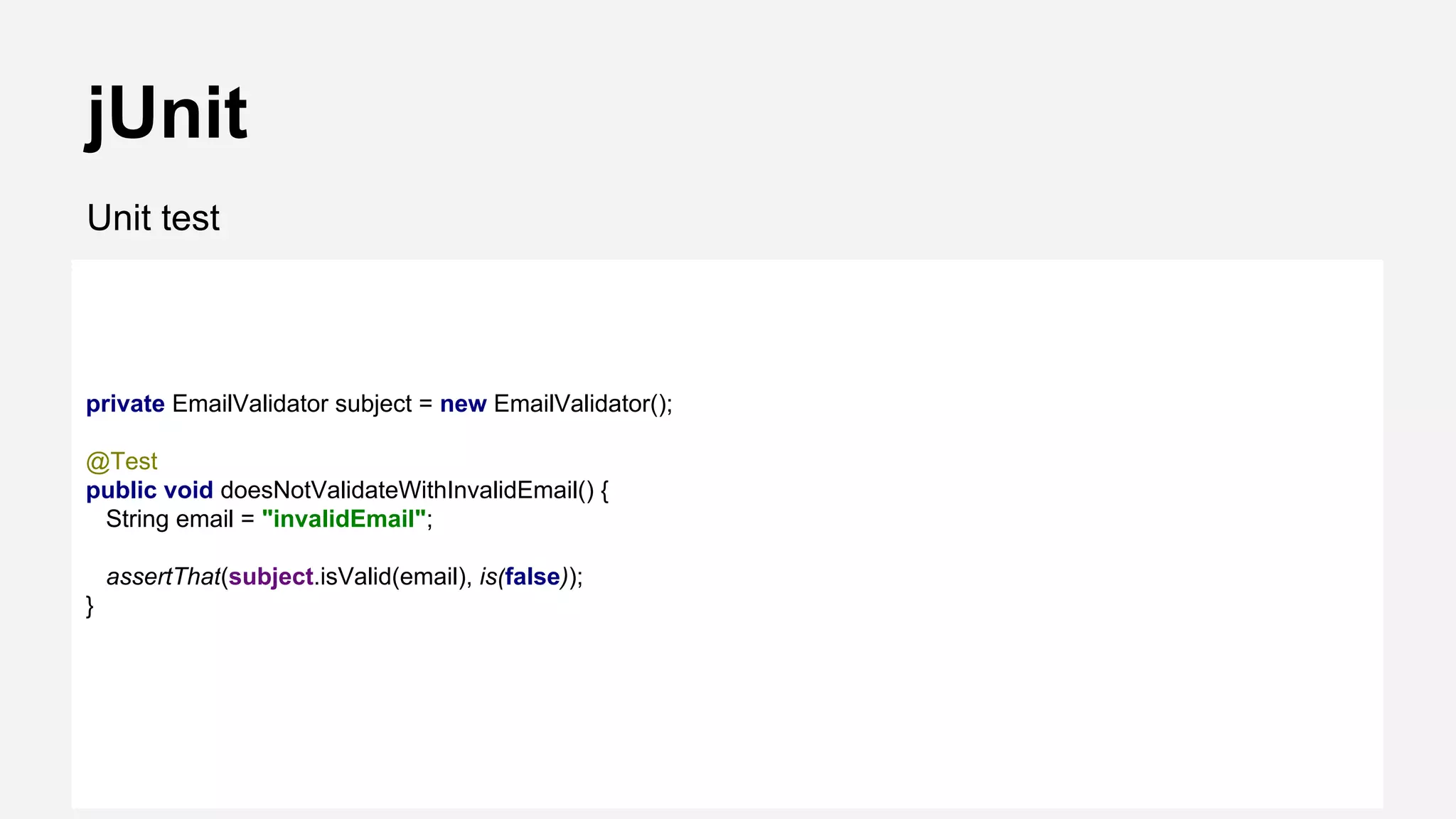
jUnit
Unit test
private EmailValidator subject = new EmailValidator();
@Test
public void doesNotValidateWithInvalidEmail() {
String email = "invalidEmail";
assertThat(subject.isValid(email), is(false));
}
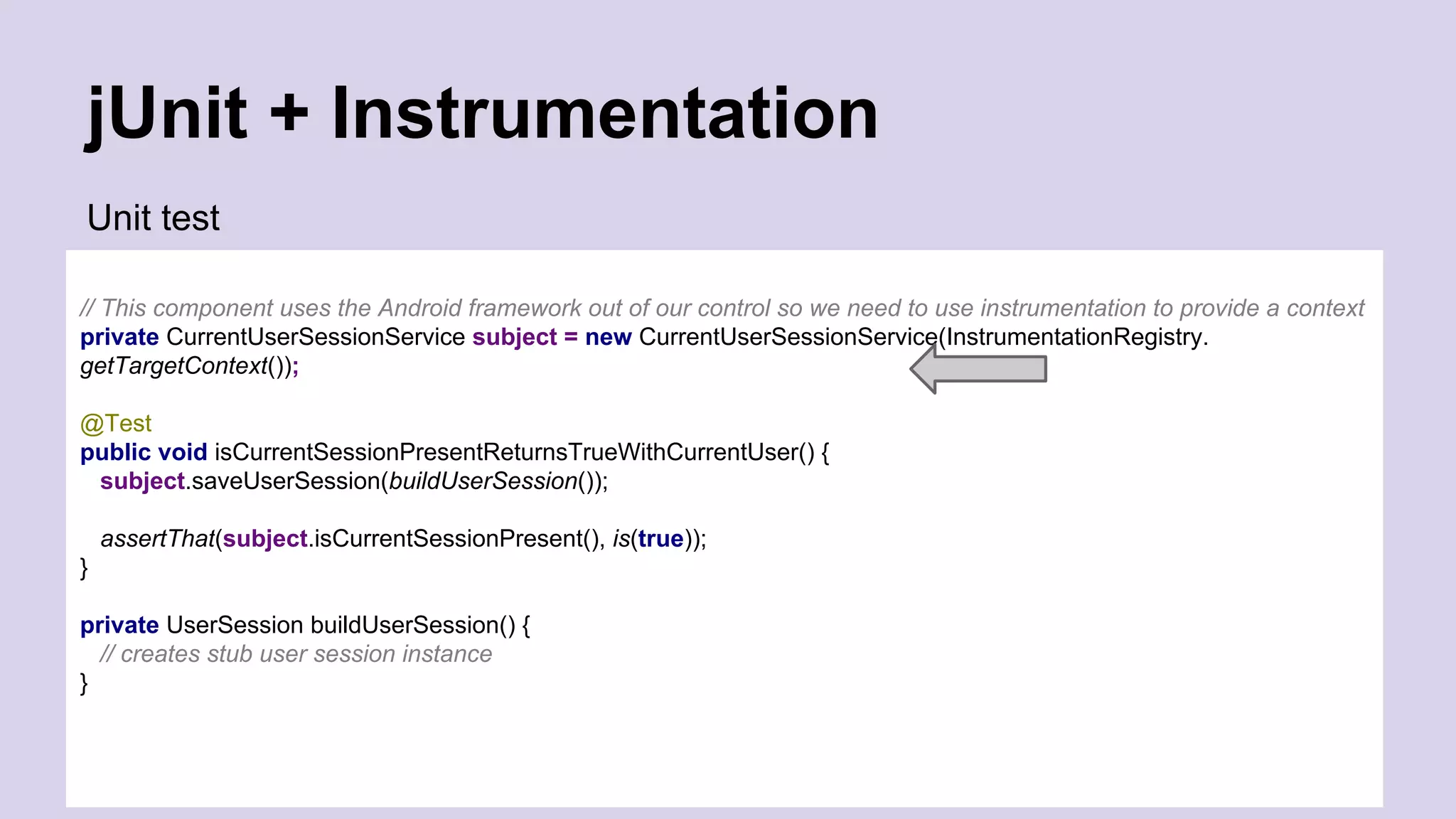
jUnit + Instrumentation
Unit test
// This component uses the Android framework out of our control so we need to use instrumentation to provide a context
private CurrentUserSessionService subject = new CurrentUserSessionService(InstrumentationRegistry.
getTargetContext());
@Test
public void isCurrentSessionPresentReturnsTrueWithCurrentUser() {
subject.saveUserSession(buildUserSession());
assertThat(subject.isCurrentSessionPresent(), is(true));
}
private UserSession buildUserSession() {
// creates stub user session instance
}
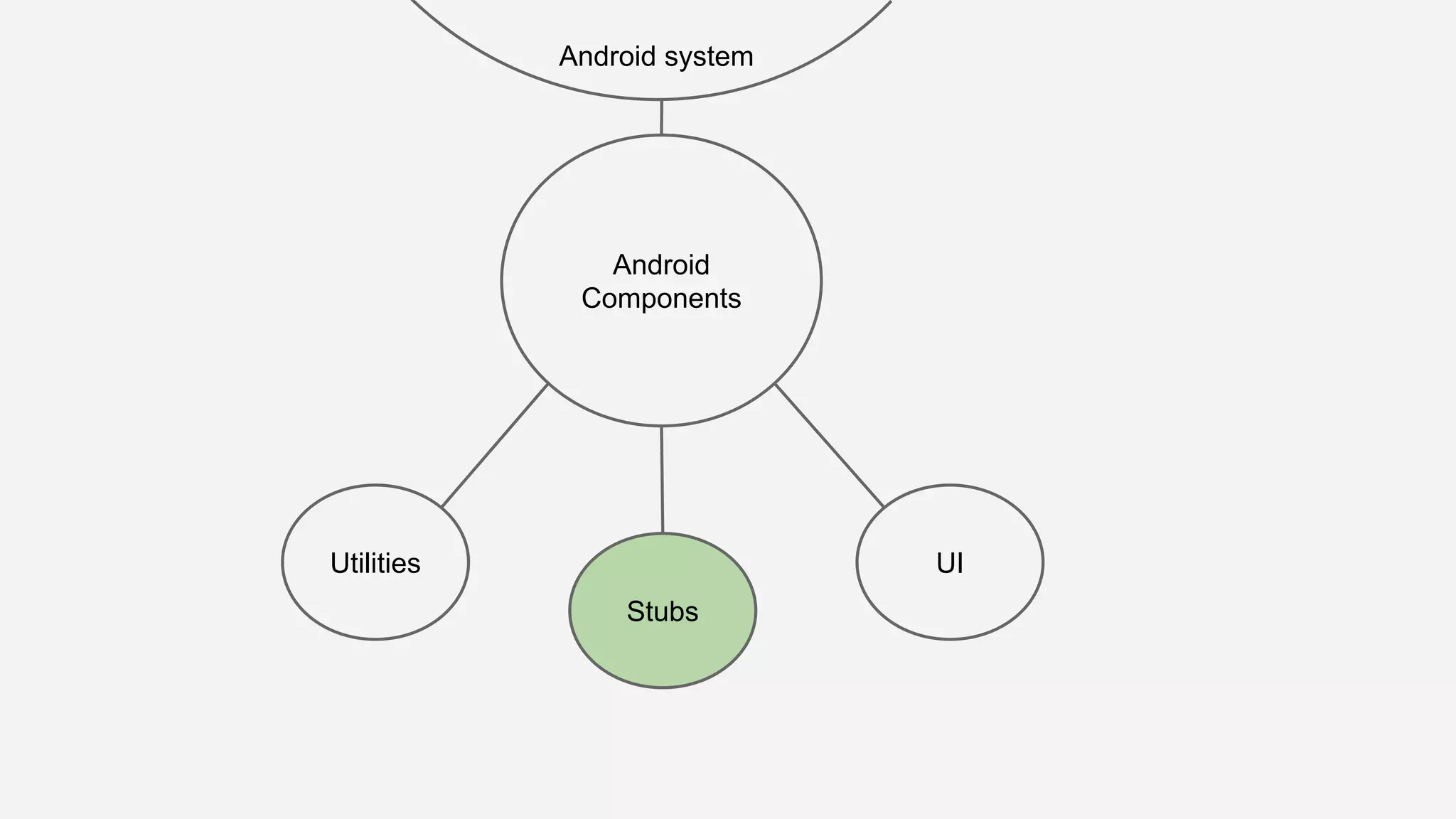
Android
Components
Utilities
Android system
UI
Stubs
Android
Components
Utilities
Android system
UI
Stubs
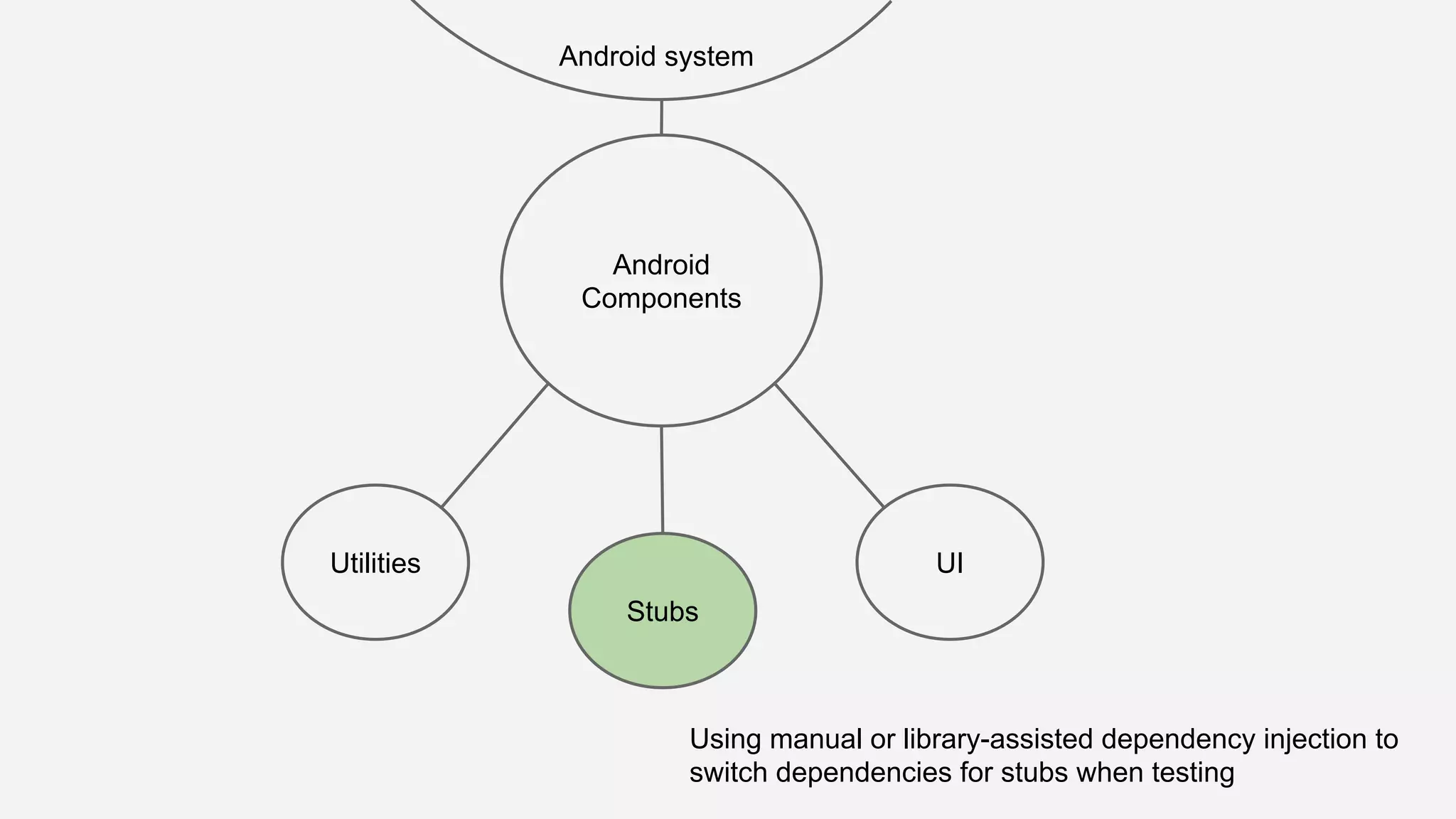
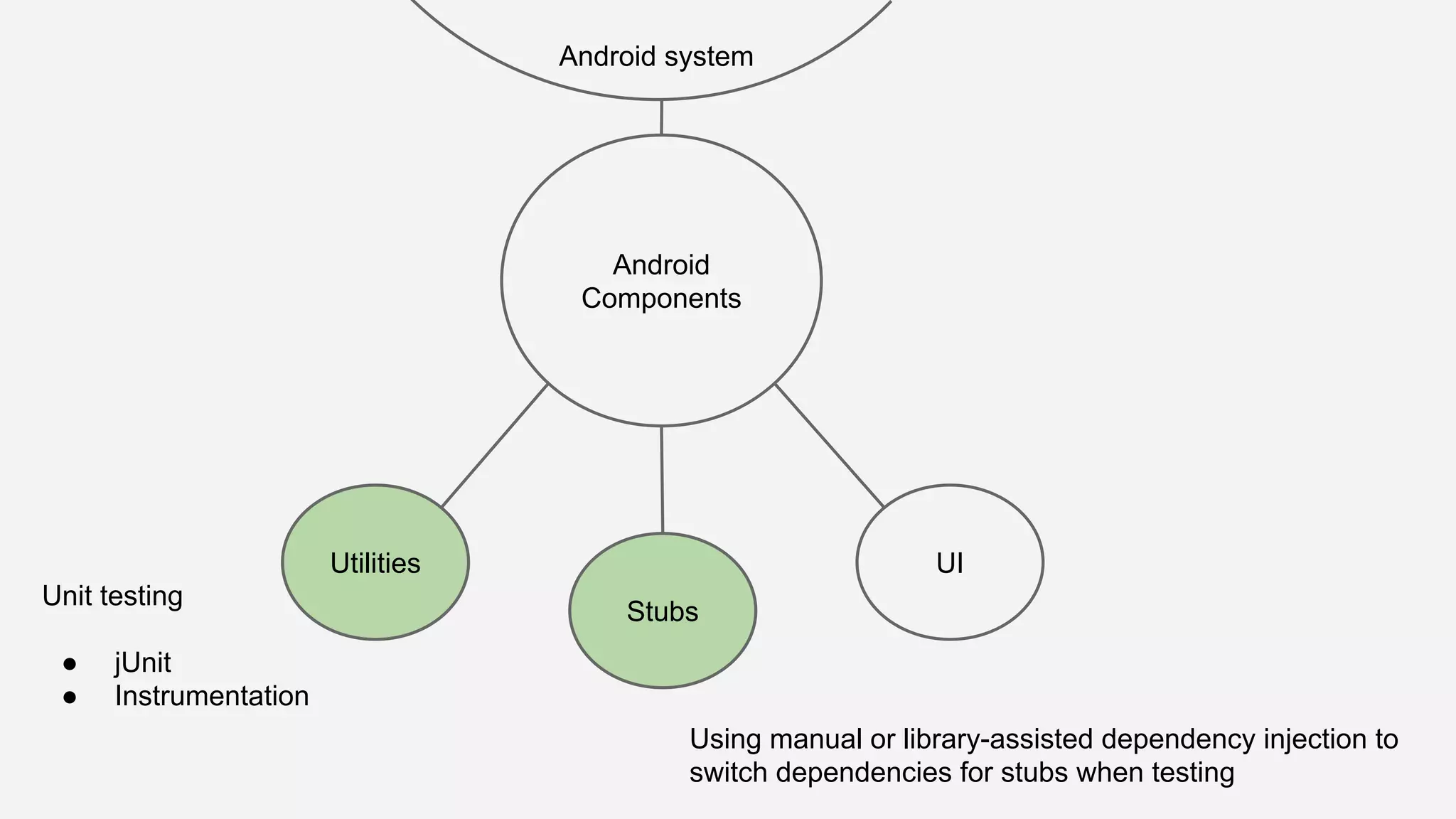
Using manual or library-assisted dependency injection to
switch dependencies for stubs when testing
Android
Components
Utilities
Android system
UI
Stubs
Android
Components
Utilities
Android system
UI
Stubs
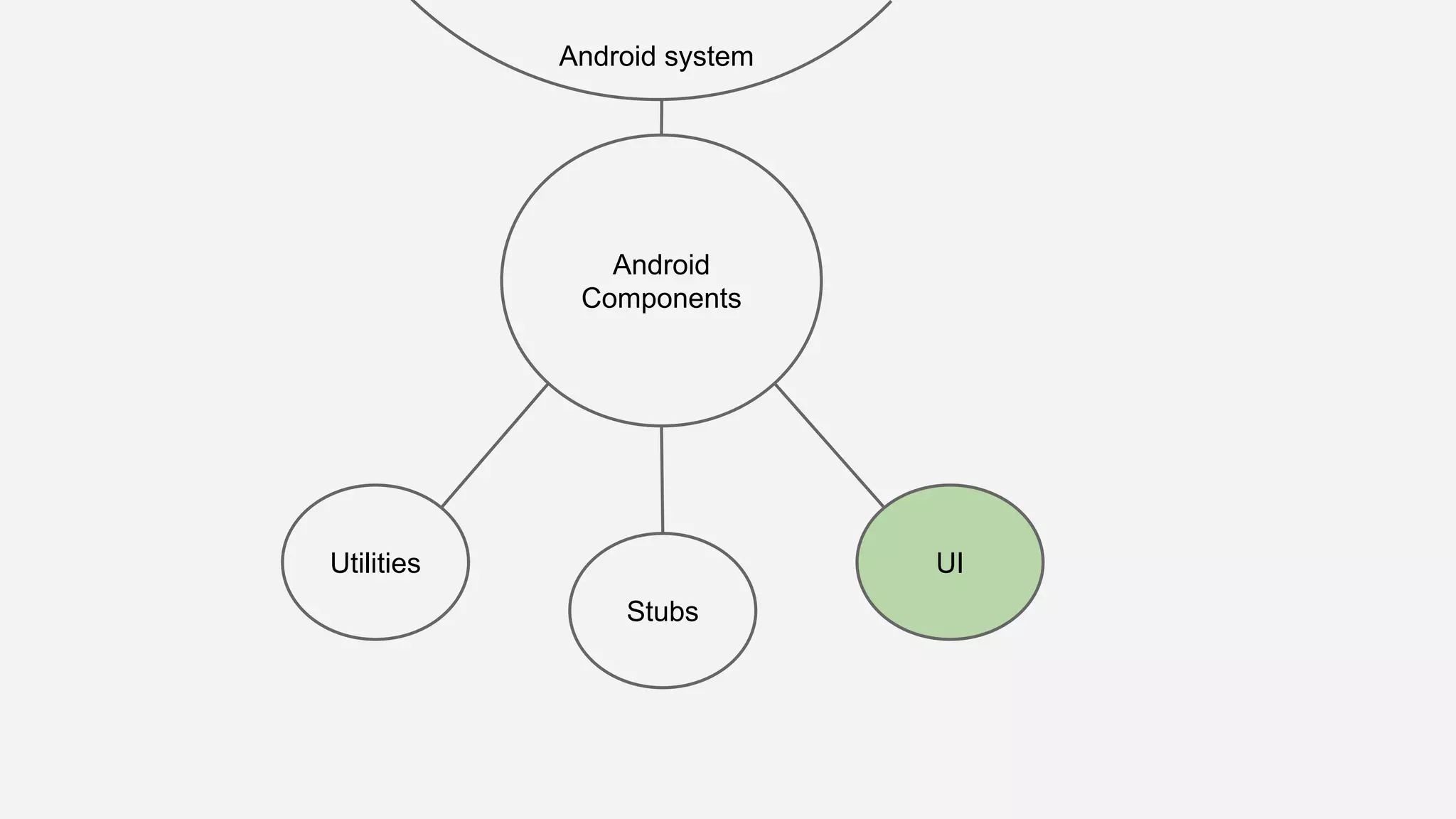
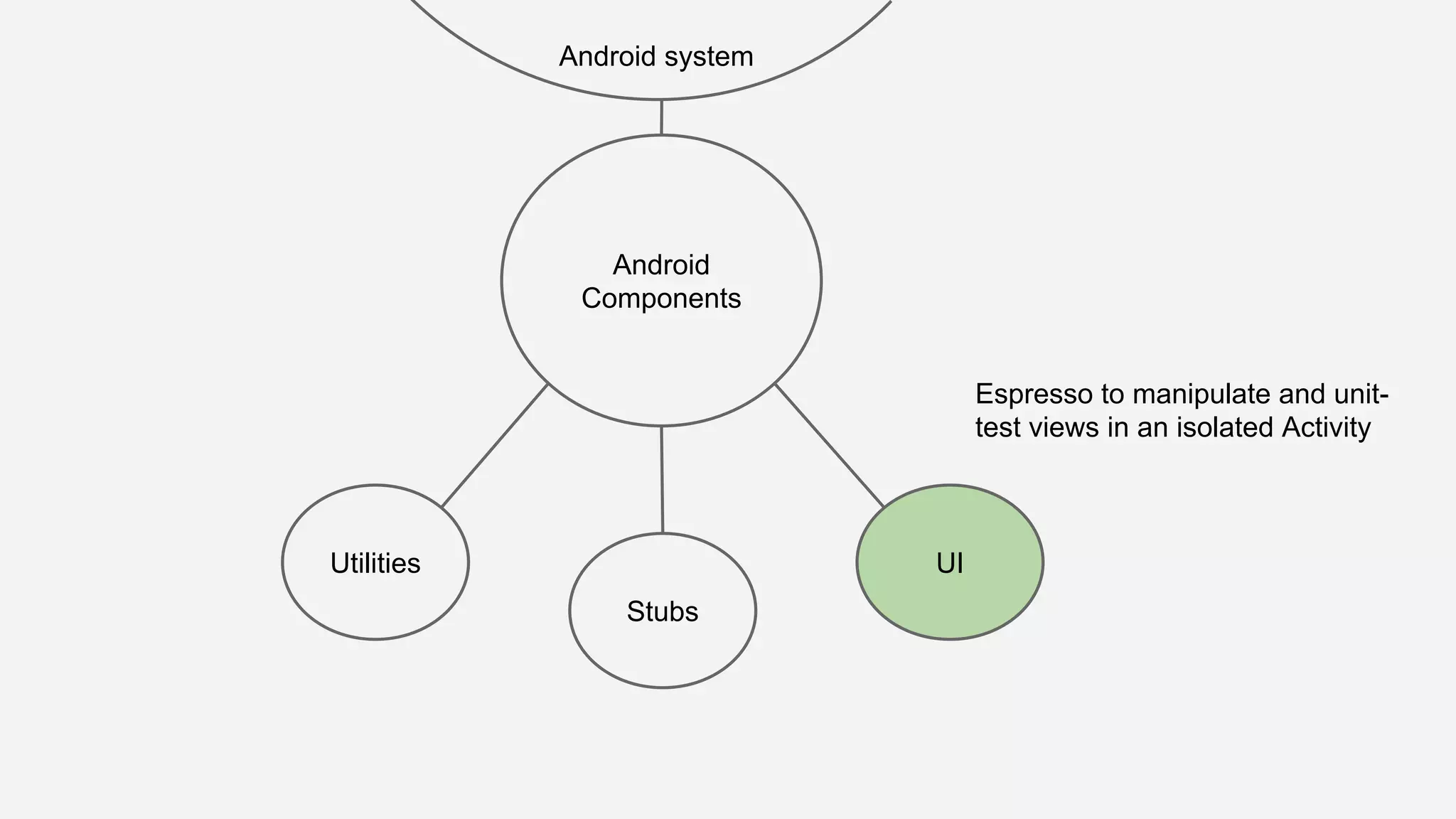
Espresso to manipulate and unit-
test views in an isolated Activity
Android
Components
Utilities
Android system
UI
Stubs
Android
Components
Utilities
Android system
UI
Stubs
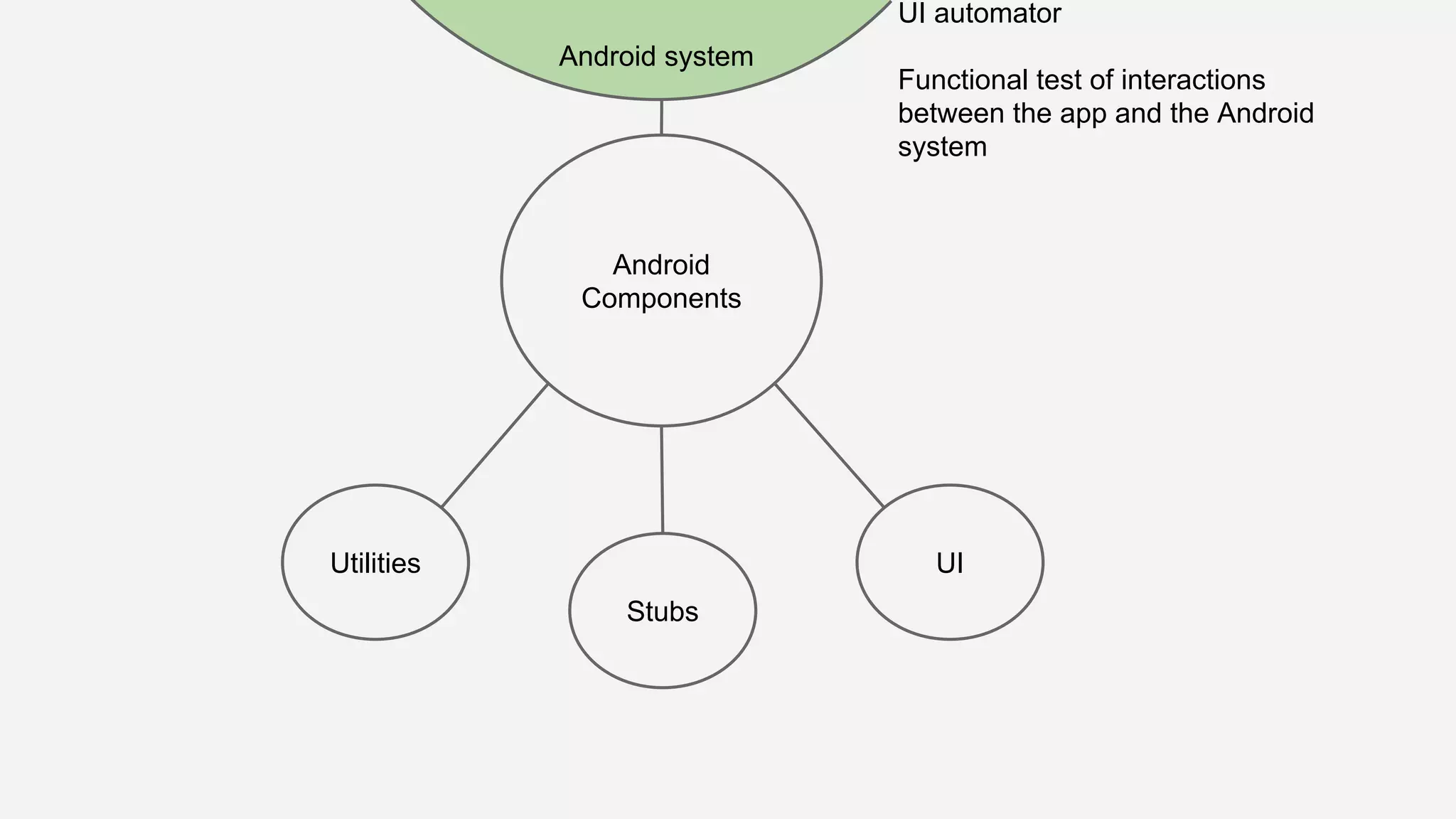
UI automator
Functional test of interactions
between the app and the Android
system
Android
Components
Utilities
Android system
UI
Stubs
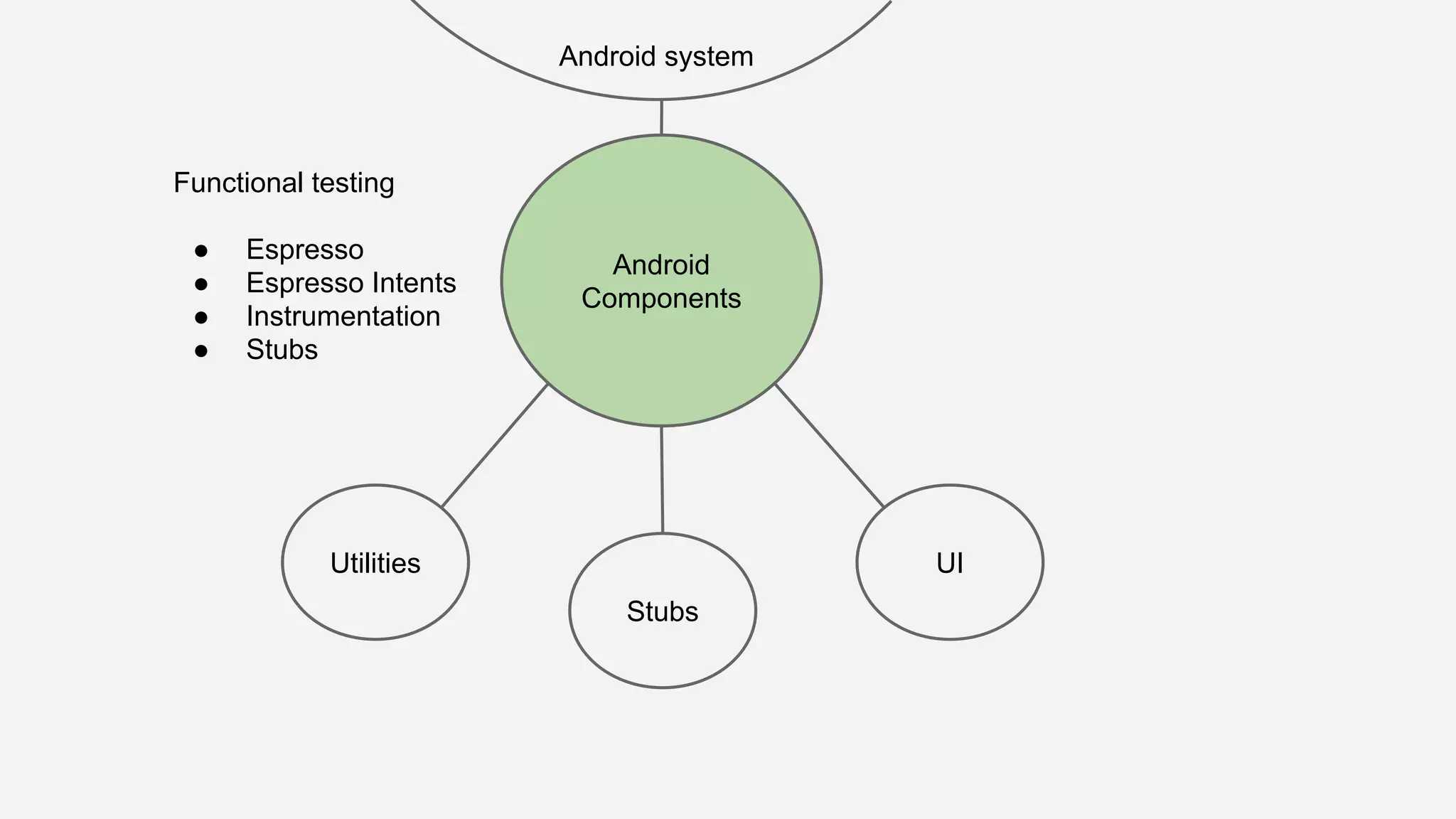
Functional testing
● Espresso
● Espresso Intents
● Instrumentation
● Stubs
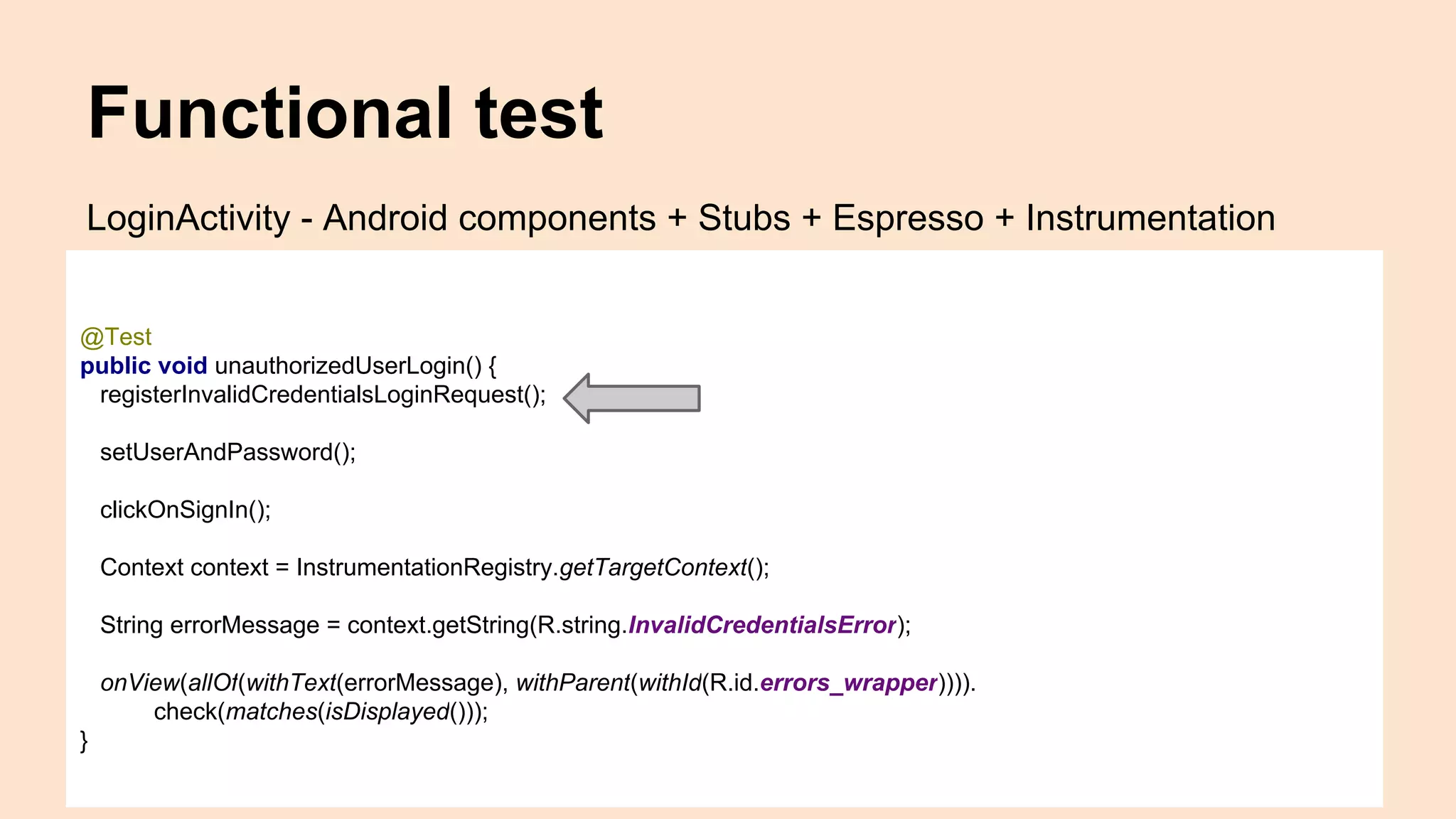
Functional test
@Test
public void unauthorizedUserLogin() {
registerInvalidCredentialsLoginRequest();
setUserAndPassword();
clickOnSignIn();
Context context = InstrumentationRegistry.getTargetContext();
String errorMessage = context.getString(R.string.InvalidCredentialsError);
onView(allOf(withText(errorMessage), withParent(withId(R.id.errors_wrapper)))).
check(matches(isDisplayed()));
}
LoginActivity - Android components + Stubs + Espresso + Instrumentation
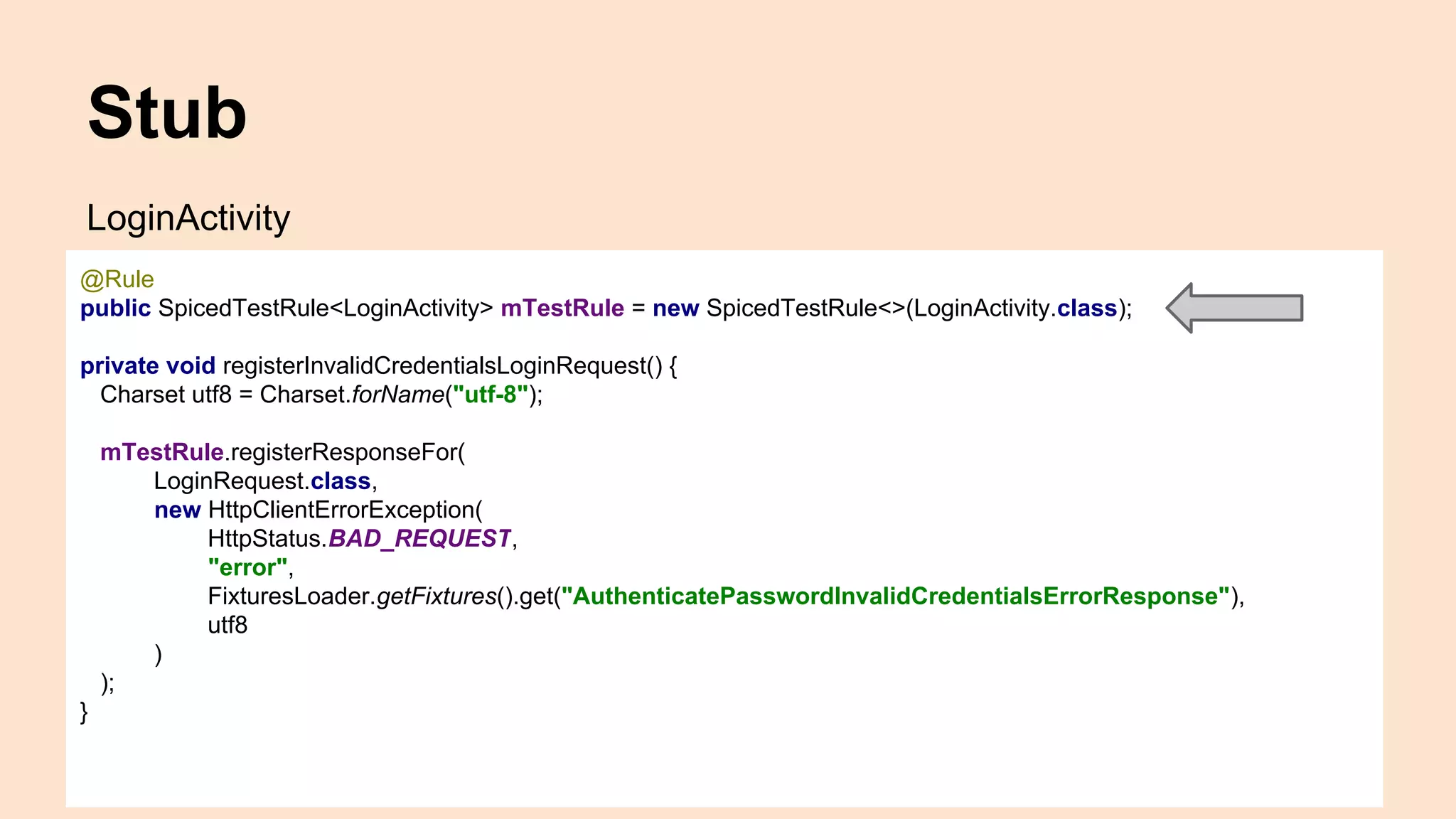
Stub
LoginActivity
@Rule
public SpicedTestRule<LoginActivity> mTestRule = new SpicedTestRule<>(LoginActivity.class);
private void registerInvalidCredentialsLoginRequest() {
Charset utf8 = Charset.forName("utf-8");
mTestRule.registerResponseFor(
LoginRequest.class,
new HttpClientErrorException(
HttpStatus.BAD_REQUEST,
"error",
FixturesLoader.getFixtures().get("AuthenticatePasswordInvalidCredentialsErrorResponse"),
utf8
)
);
}
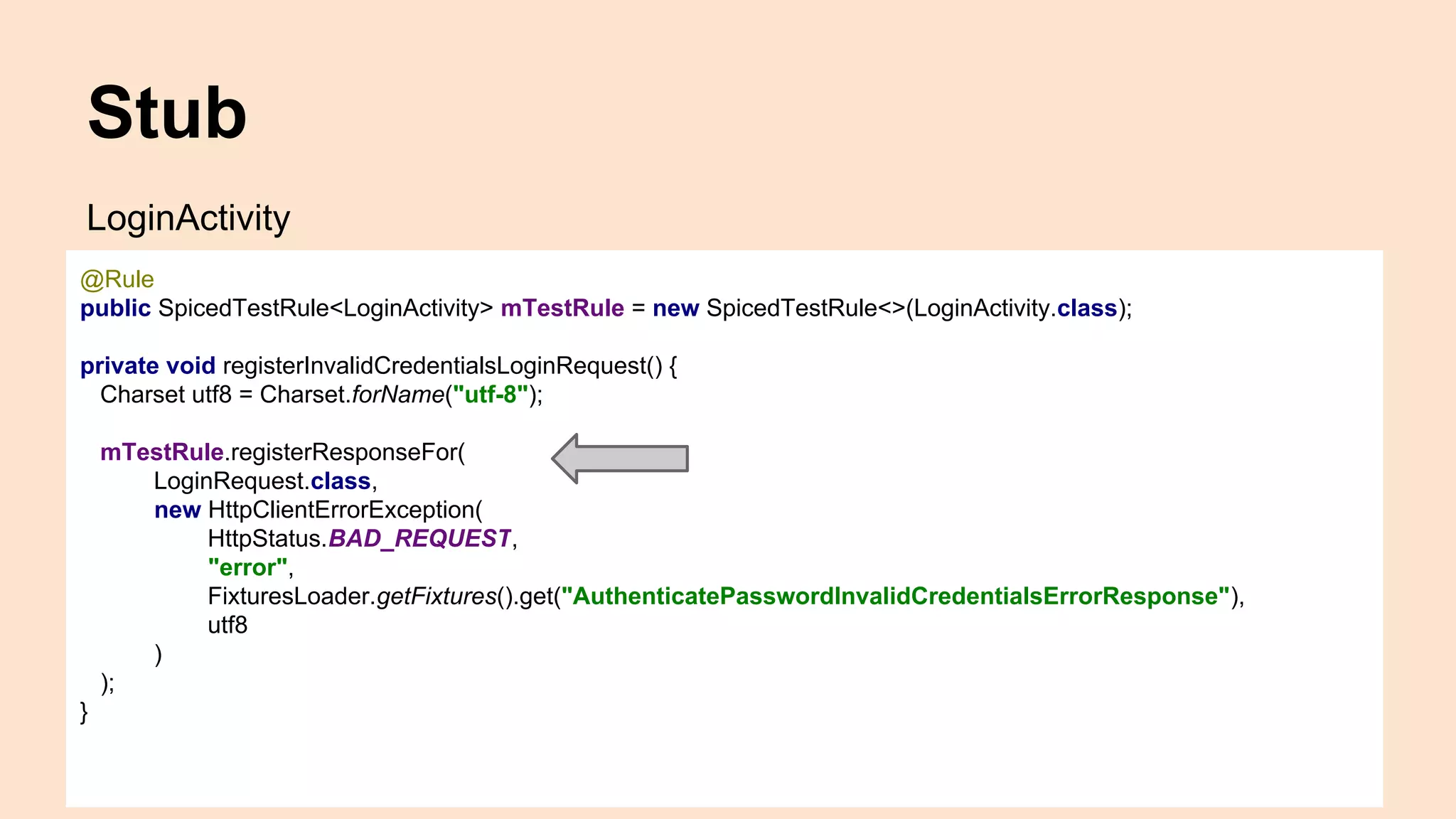
Stub
LoginActivity
@Rule
public SpicedTestRule<LoginActivity> mTestRule = new SpicedTestRule<>(LoginActivity.class);
private void registerInvalidCredentialsLoginRequest() {
Charset utf8 = Charset.forName("utf-8");
mTestRule.registerResponseFor(
LoginRequest.class,
new HttpClientErrorException(
HttpStatus.BAD_REQUEST,
"error",
FixturesLoader.getFixtures().get("AuthenticatePasswordInvalidCredentialsErrorResponse"),
utf8
)
);
}
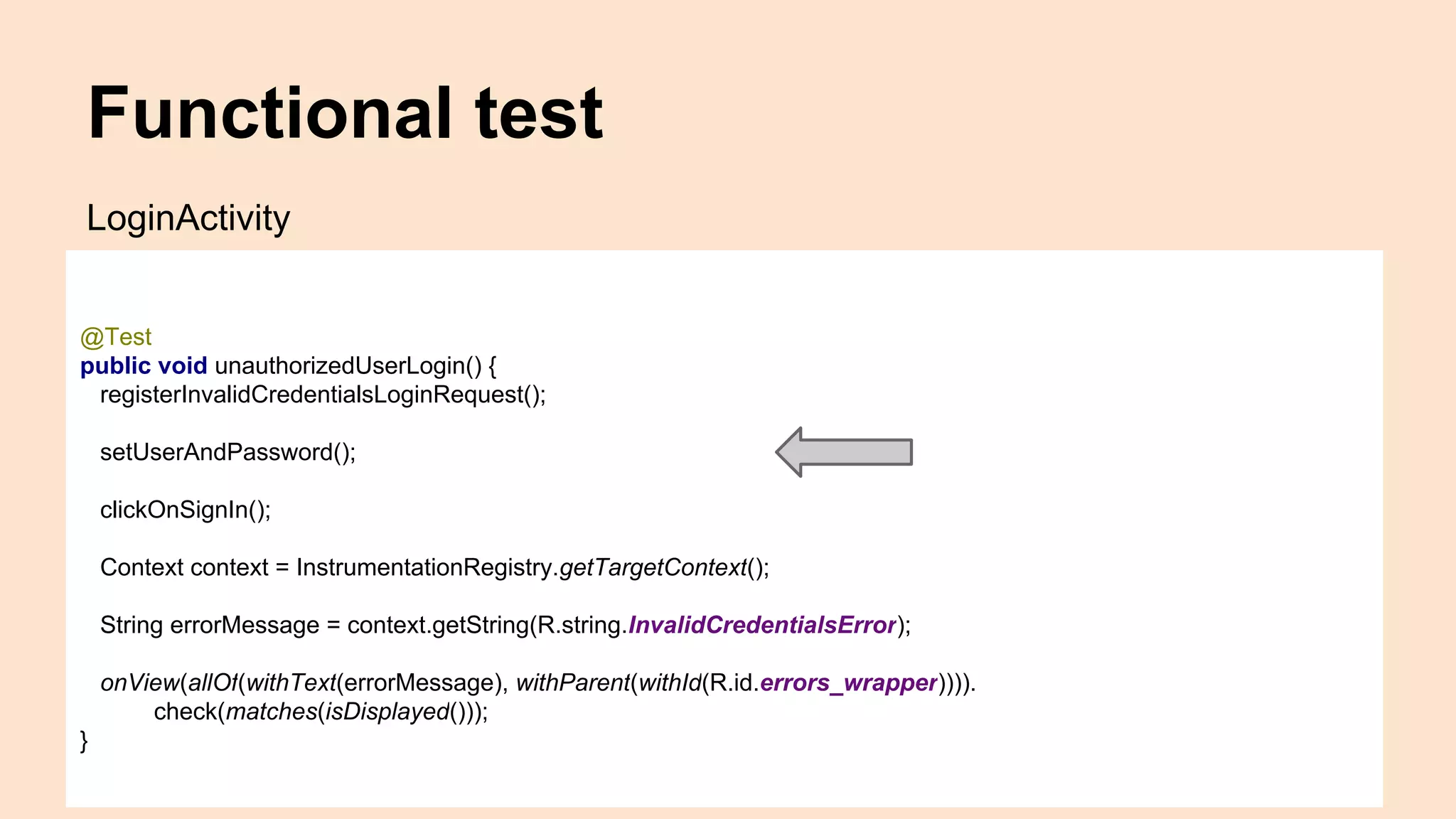
Functional test
@Test
public void unauthorizedUserLogin() {
registerInvalidCredentialsLoginRequest();
setUserAndPassword();
clickOnSignIn();
Context context = InstrumentationRegistry.getTargetContext();
String errorMessage = context.getString(R.string.InvalidCredentialsError);
onView(allOf(withText(errorMessage), withParent(withId(R.id.errors_wrapper)))).
check(matches(isDisplayed()));
}
LoginActivity
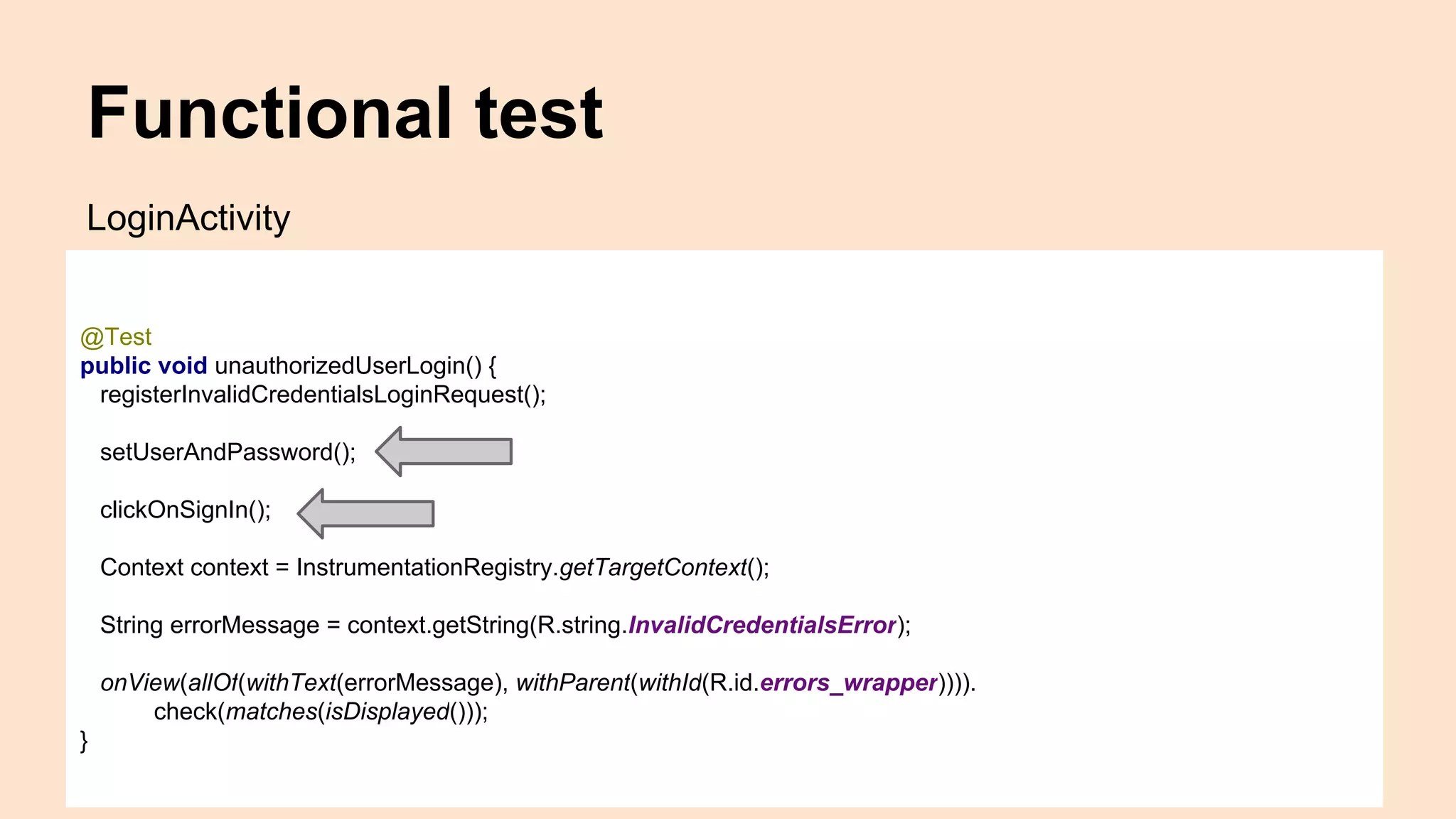
Functional test
@Test
public void unauthorizedUserLogin() {
registerInvalidCredentialsLoginRequest();
setUserAndPassword();
clickOnSignIn();
Context context = InstrumentationRegistry.getTargetContext();
String errorMessage = context.getString(R.string.InvalidCredentialsError);
onView(allOf(withText(errorMessage), withParent(withId(R.id.errors_wrapper)))).
check(matches(isDisplayed()));
}
LoginActivity
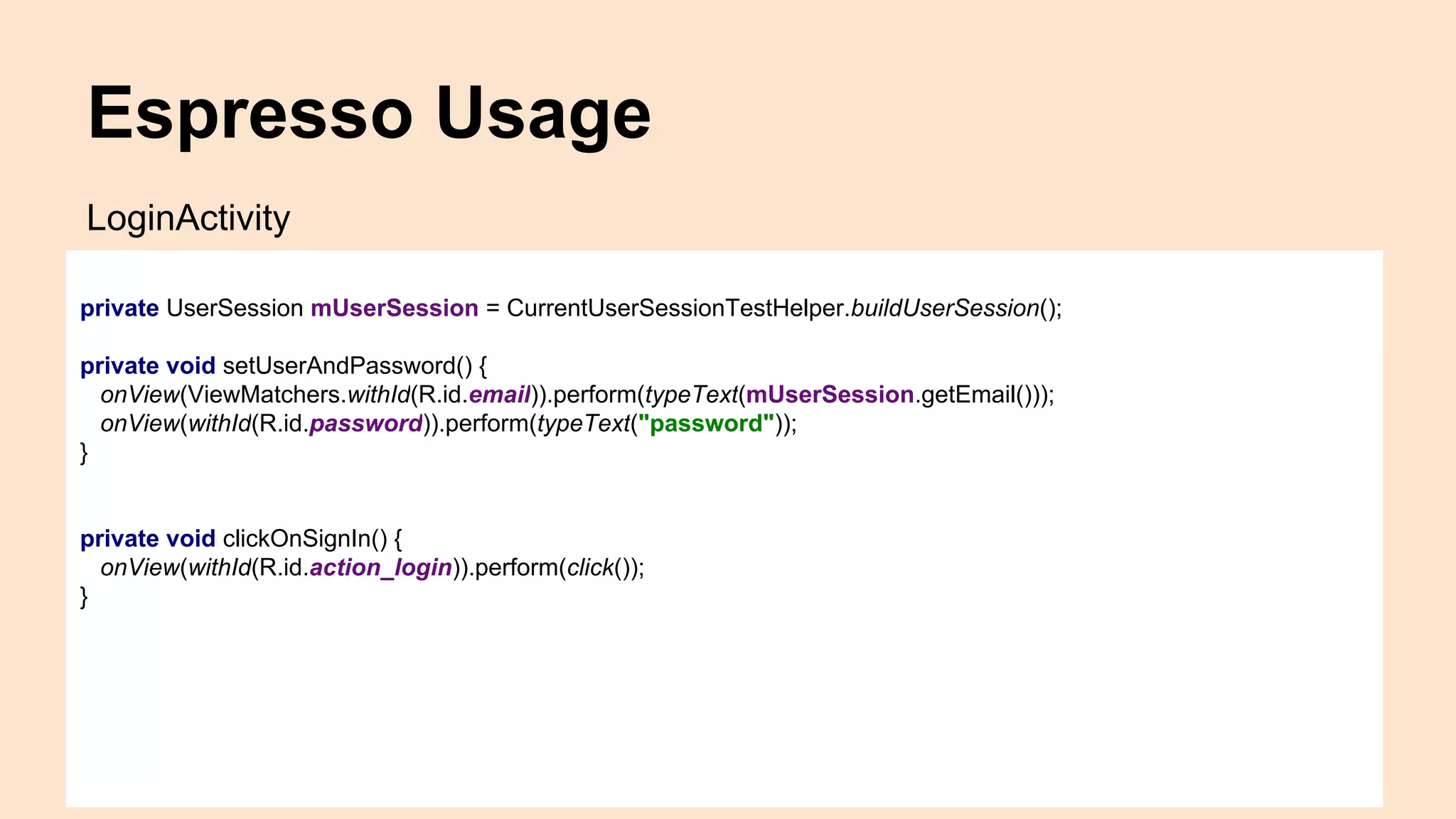
Espresso Usage
private UserSession mUserSession = CurrentUserSessionTestHelper.buildUserSession();
private void setUserAndPassword() {
onView(ViewMatchers.withId(R.id.email)).perform(typeText(mUserSession.getEmail()));
onView(withId(R.id.password)).perform(typeText("password"));
}
private void clickOnSignIn() {
onView(withId(R.id.action_login)).perform(click());
}
LoginActivity
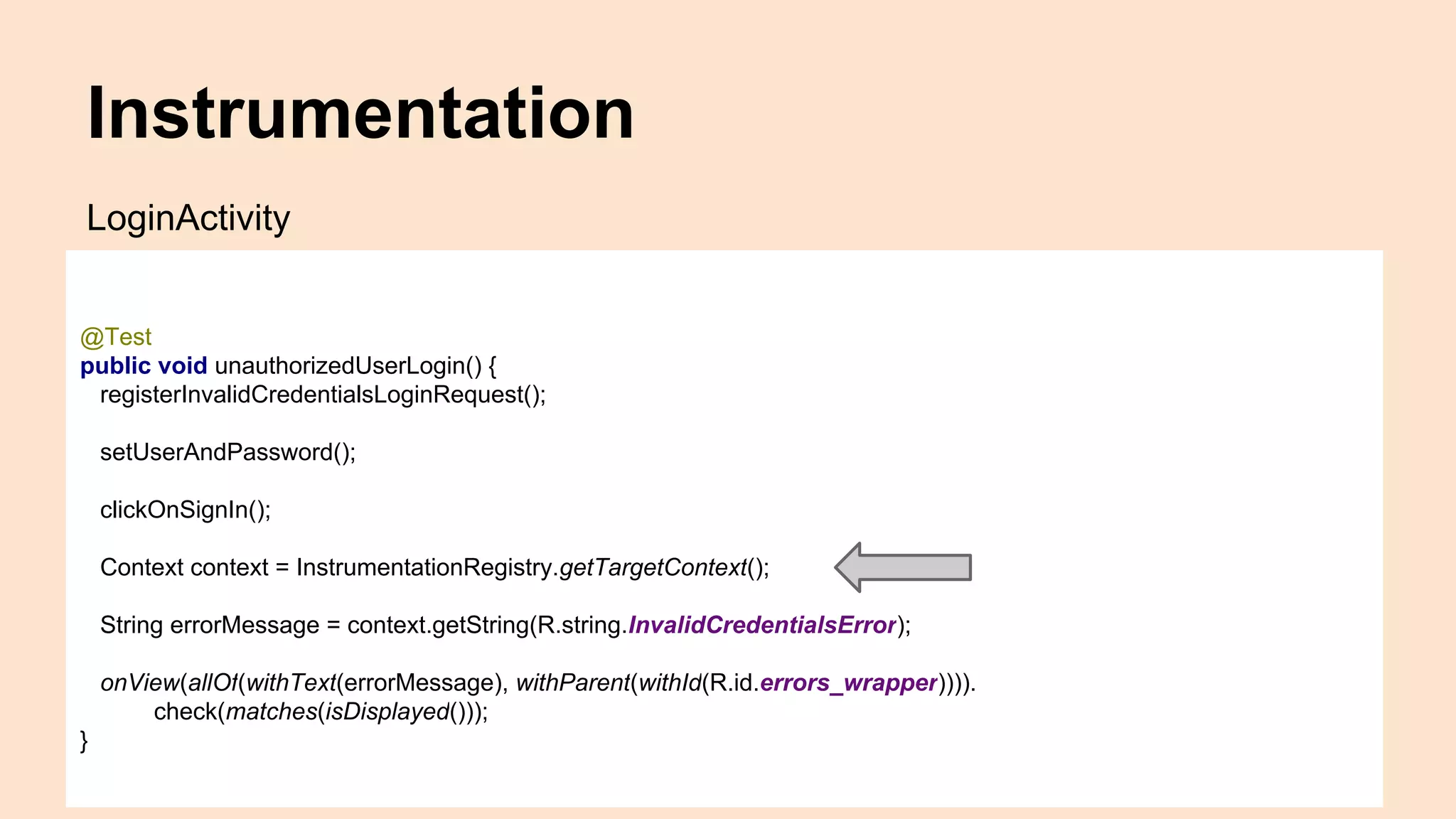
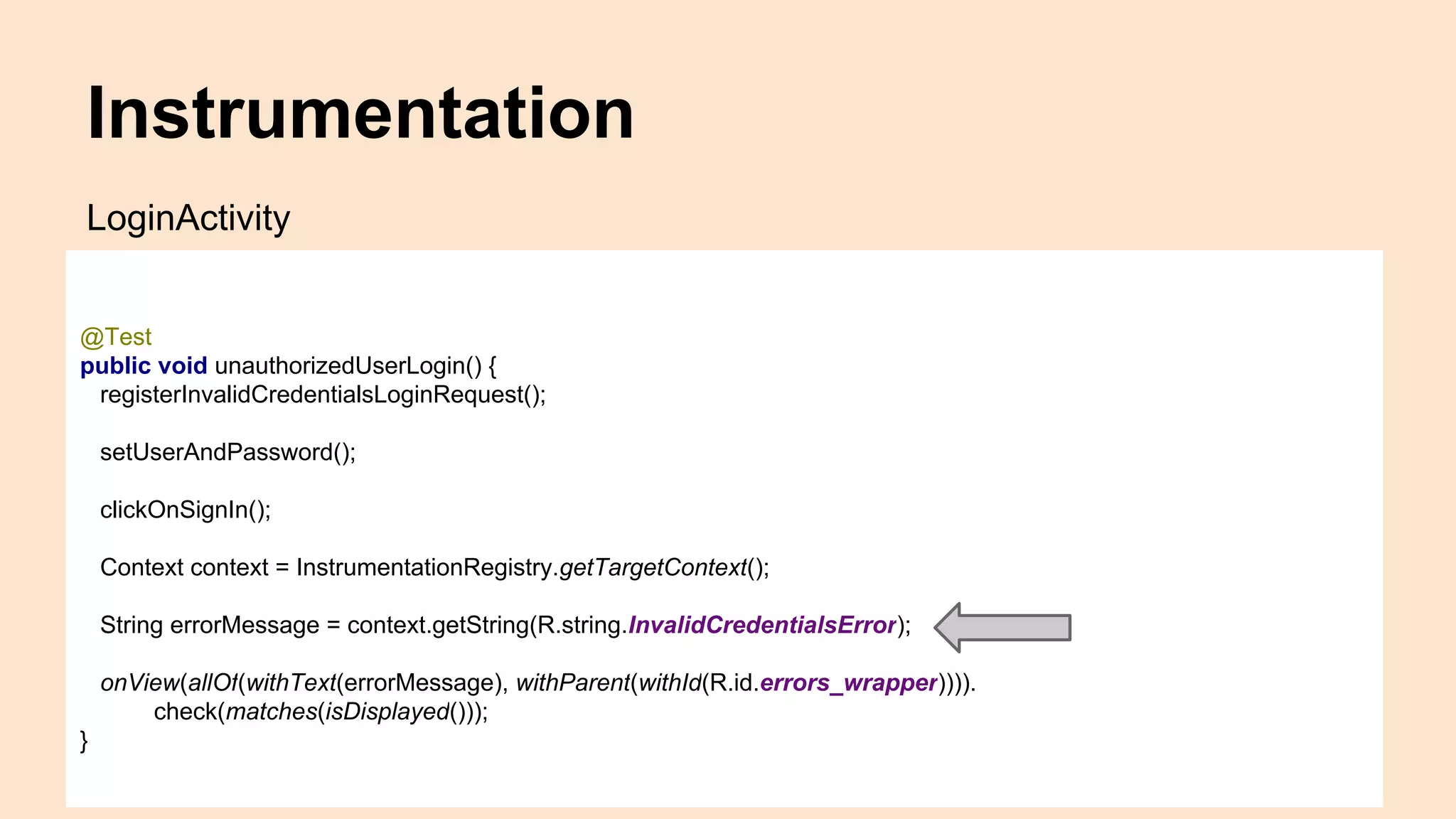
Instrumentation
@Test
public void unauthorizedUserLogin() {
registerInvalidCredentialsLoginRequest();
setUserAndPassword();
clickOnSignIn();
Context context = InstrumentationRegistry.getTargetContext();
String errorMessage = context.getString(R.string.InvalidCredentialsError);
onView(allOf(withText(errorMessage), withParent(withId(R.id.errors_wrapper)))).
check(matches(isDisplayed()));
}
LoginActivity
Instrumentation
@Test
public void unauthorizedUserLogin() {
registerInvalidCredentialsLoginRequest();
setUserAndPassword();
clickOnSignIn();
Context context = InstrumentationRegistry.getTargetContext();
String errorMessage = context.getString(R.string.InvalidCredentialsError);
onView(allOf(withText(errorMessage), withParent(withId(R.id.errors_wrapper)))).
check(matches(isDisplayed()));
}
LoginActivity
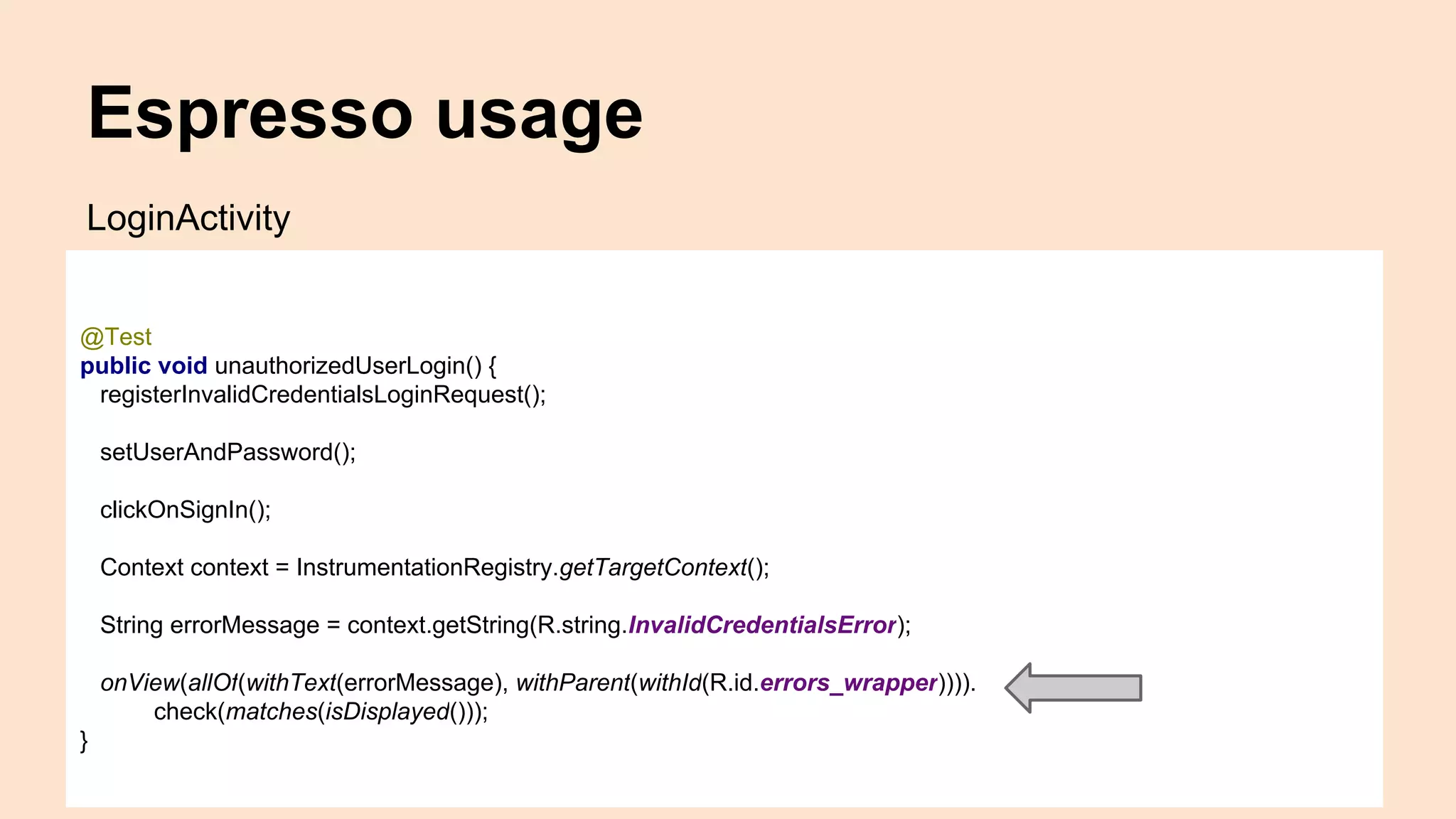
Espresso usage
@Test
public void unauthorizedUserLogin() {
registerInvalidCredentialsLoginRequest();
setUserAndPassword();
clickOnSignIn();
Context context = InstrumentationRegistry.getTargetContext();
String errorMessage = context.getString(R.string.InvalidCredentialsError);
onView(allOf(withText(errorMessage), withParent(withId(R.id.errors_wrapper)))).
check(matches(isDisplayed()));
}
LoginActivity
Espresso usage
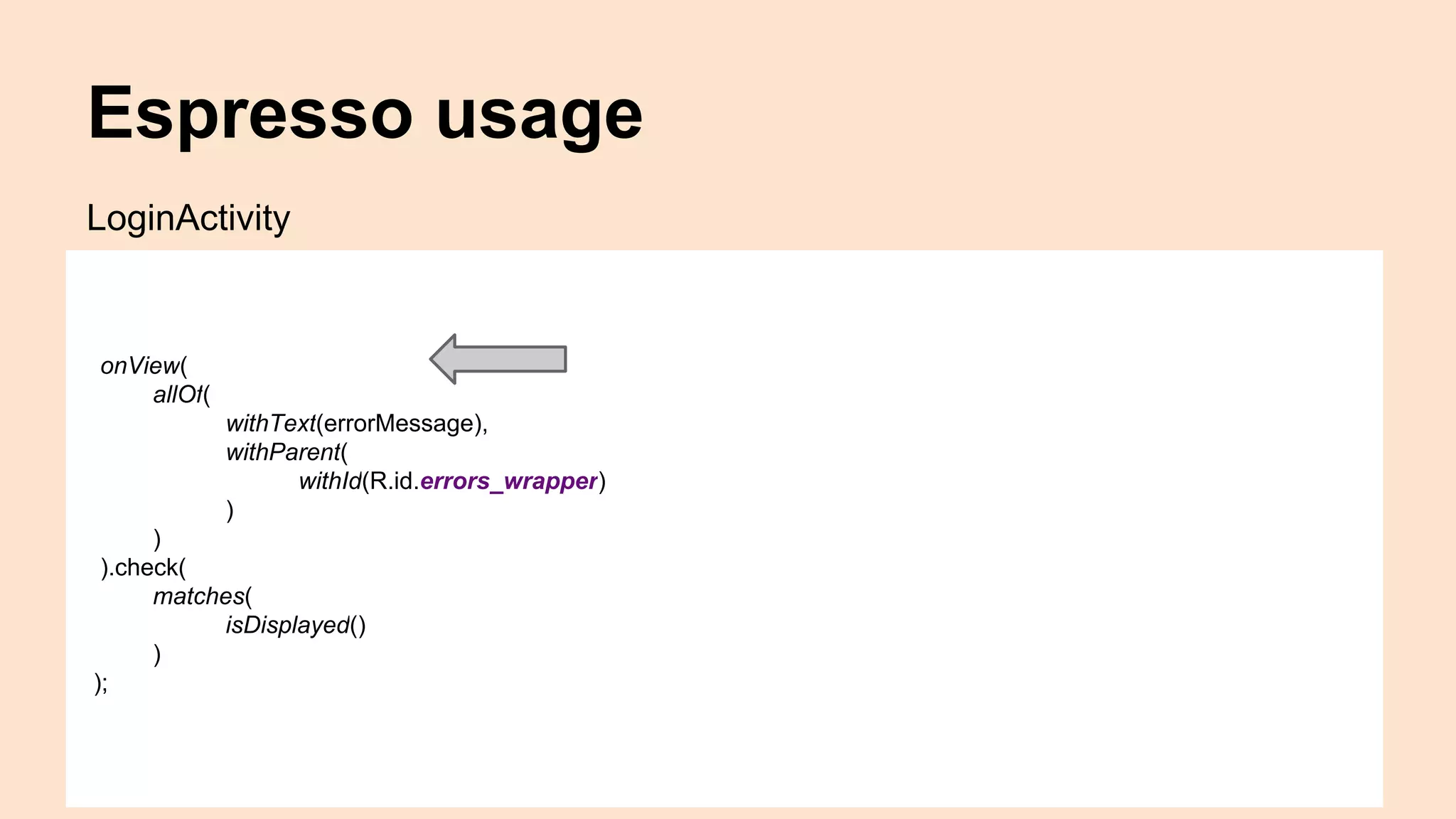
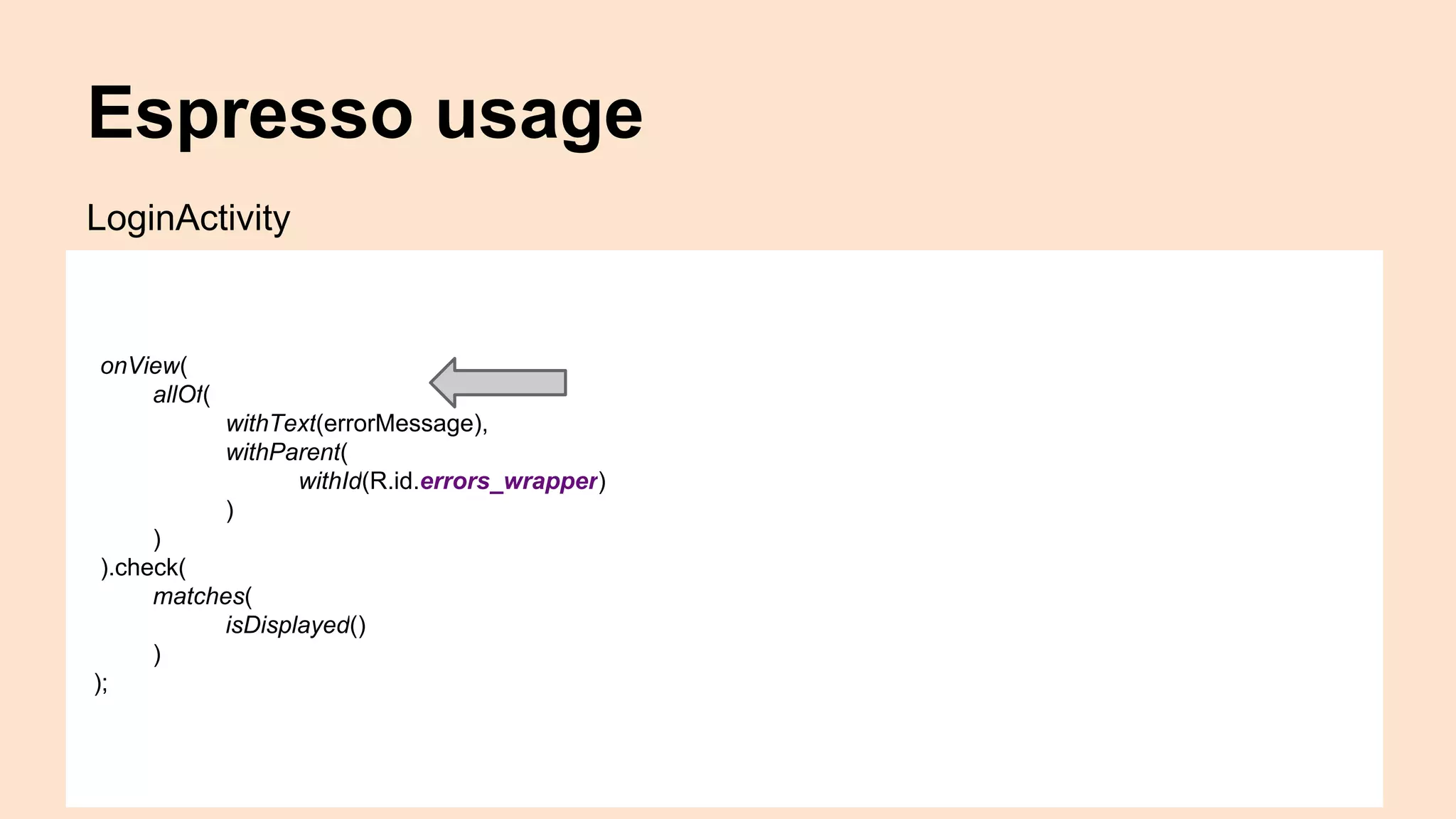
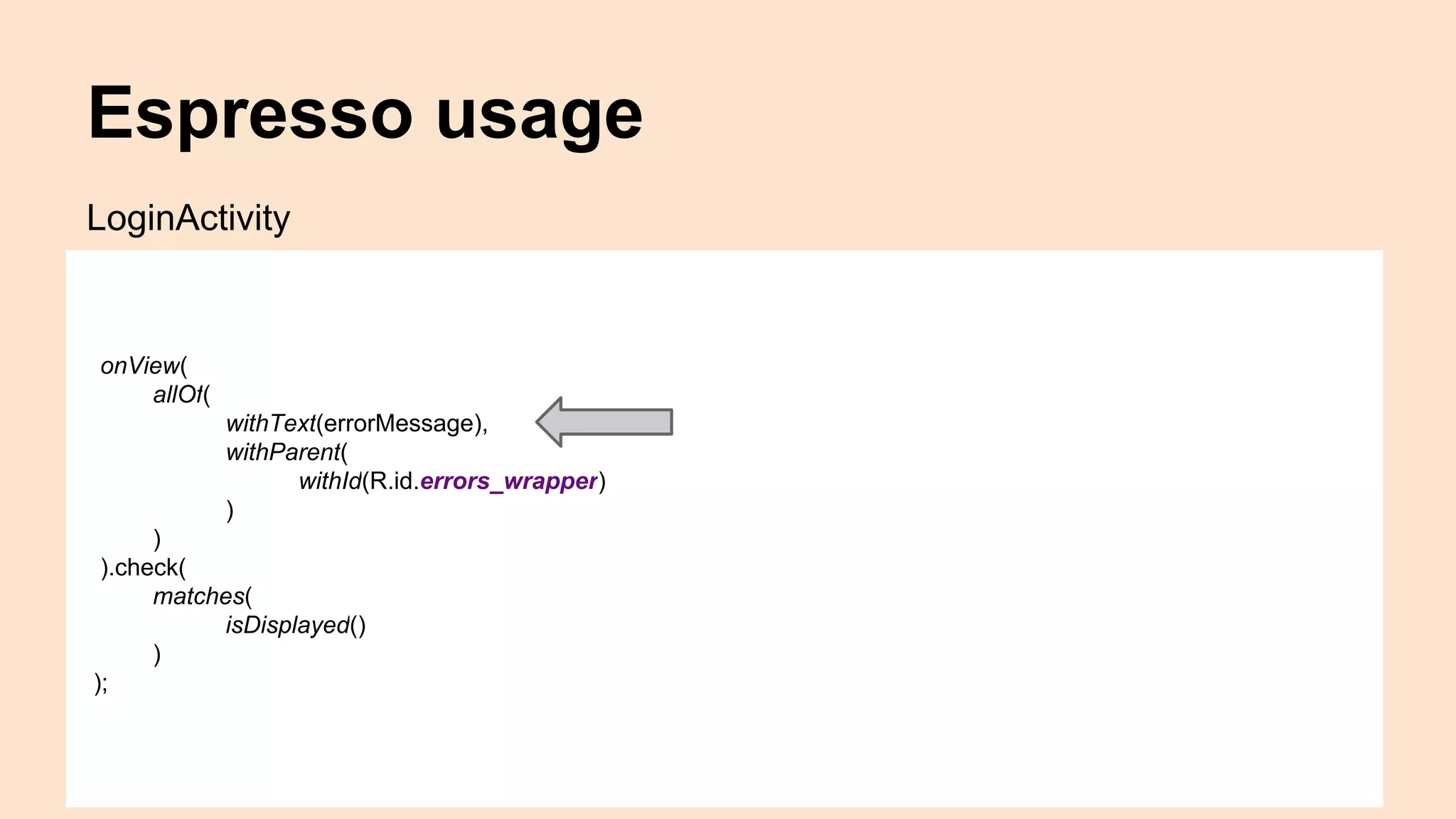
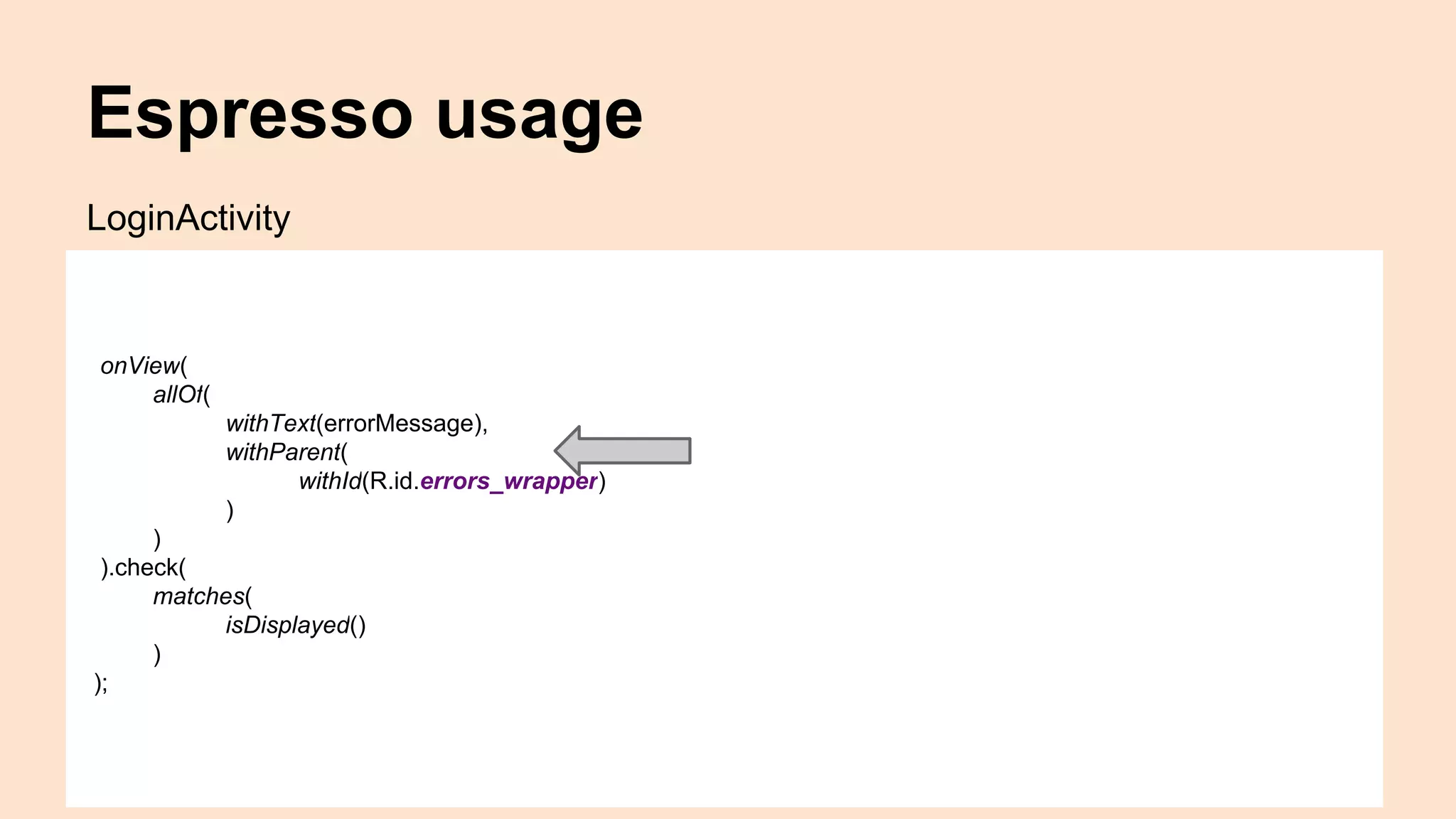
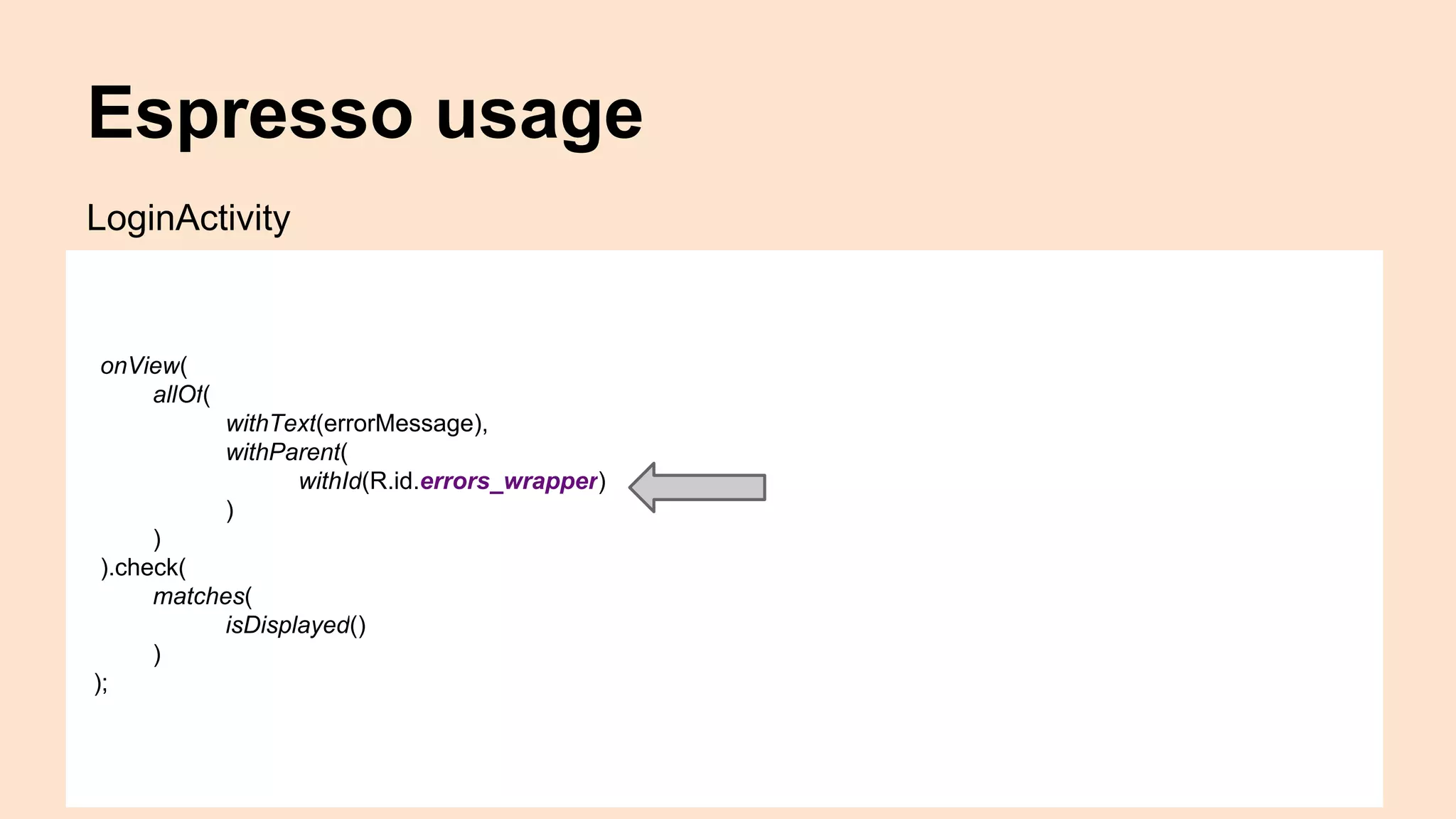
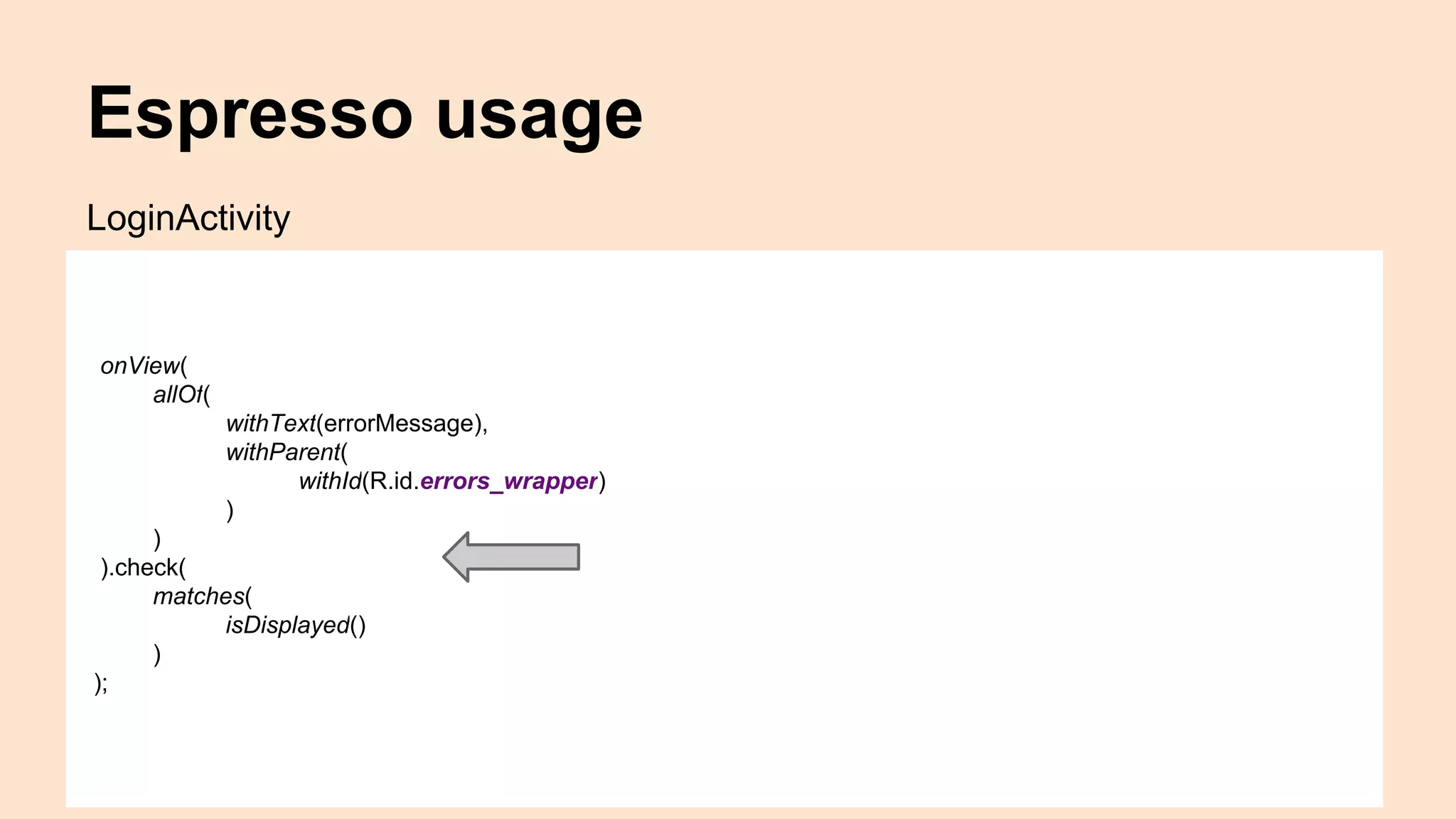
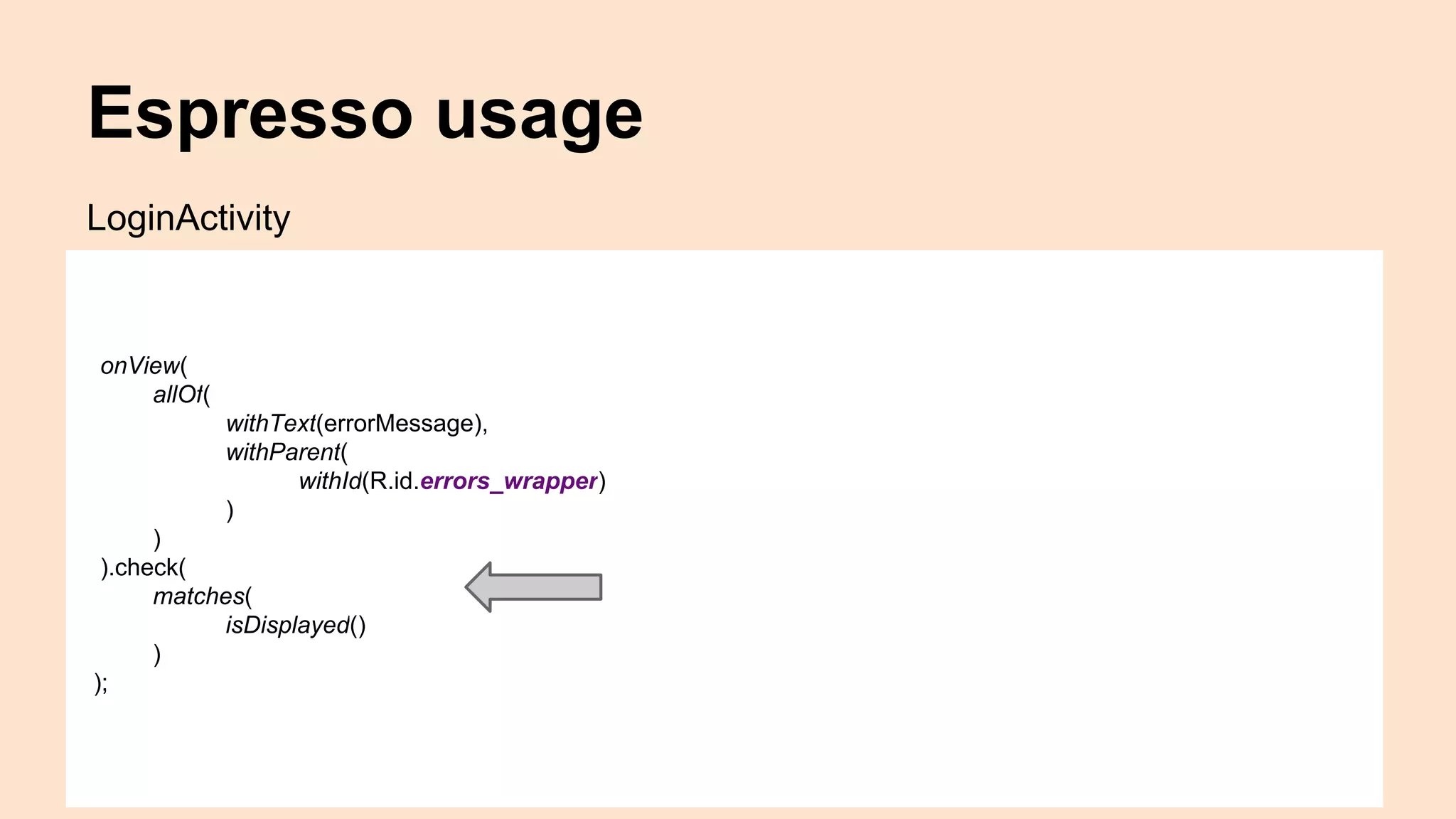
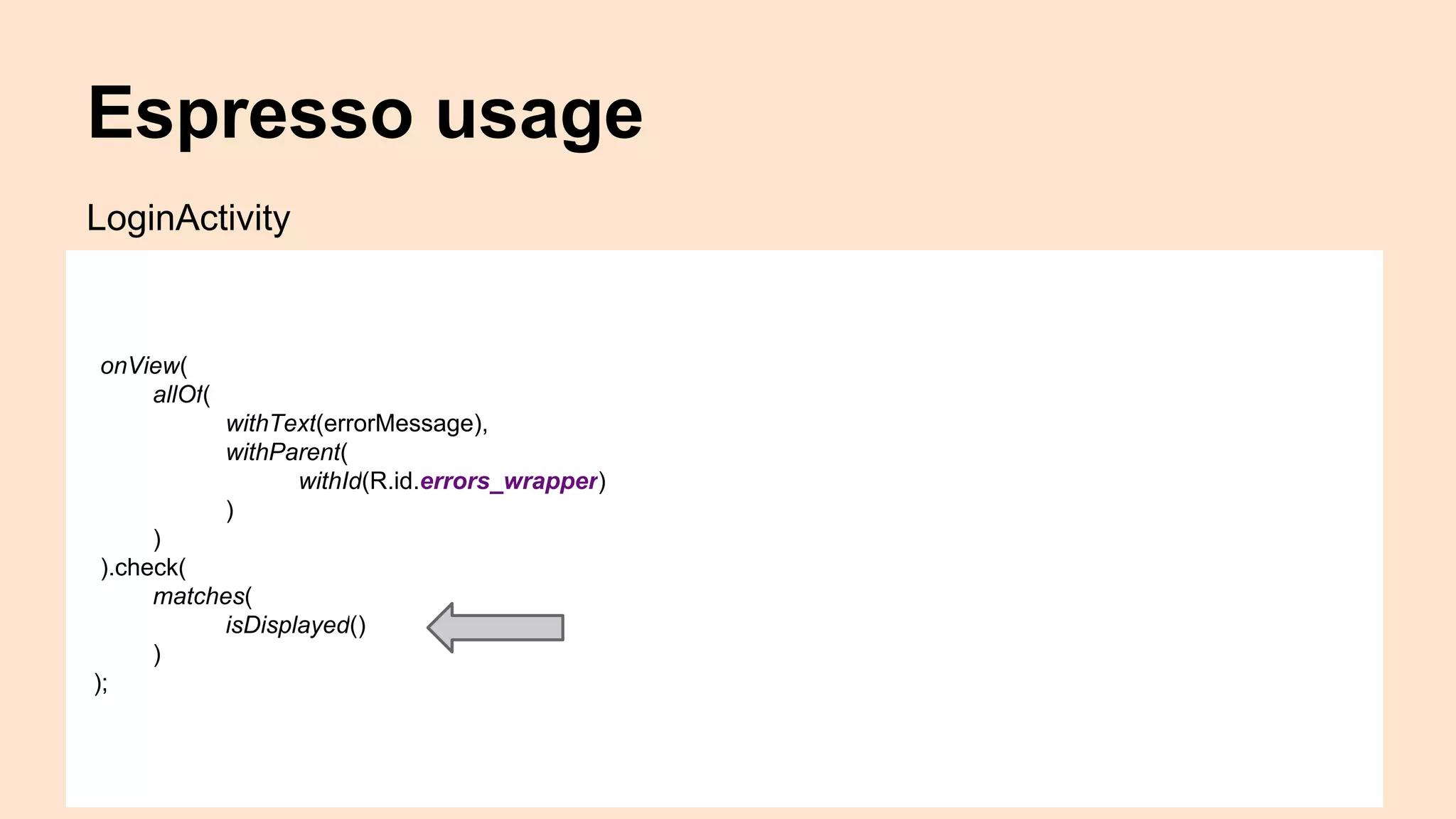
onView(
allOf(
withText(errorMessage),
withParent(
withId(R.id.errors_wrapper)
)
)
).check(
matches(
isDisplayed()
)
);
LoginActivity
Espresso usage
onView(
allOf(
withText(errorMessage),
withParent(
withId(R.id.errors_wrapper)
)
)
).check(
matches(
isDisplayed()
)
);
LoginActivity
Espresso usage
onView(
allOf(
withText(errorMessage),
withParent(
withId(R.id.errors_wrapper)
)
)
).check(
matches(
isDisplayed()
)
);
LoginActivity
Espresso usage
onView(
allOf(
withText(errorMessage),
withParent(
withId(R.id.errors_wrapper)
)
)
).check(
matches(
isDisplayed()
)
);
LoginActivity
Espresso usage
onView(
allOf(
withText(errorMessage),
withParent(
withId(R.id.errors_wrapper)
)
)
).check(
matches(
isDisplayed()
)
);
LoginActivity
Espresso usage
onView(
allOf(
withText(errorMessage),
withParent(
withId(R.id.errors_wrapper)
)
)
).check(
matches(
isDisplayed()
)
);
LoginActivity
Espresso usage
onView(
allOf(
withText(errorMessage),
withParent(
withId(R.id.errors_wrapper)
)
)
).check(
matches(
isDisplayed()
)
);
LoginActivity
Espresso usage
onView(
allOf(
withText(errorMessage),
withParent(
withId(R.id.errors_wrapper)
)
)
).check(
matches(
isDisplayed()
)
);
LoginActivity
Intents
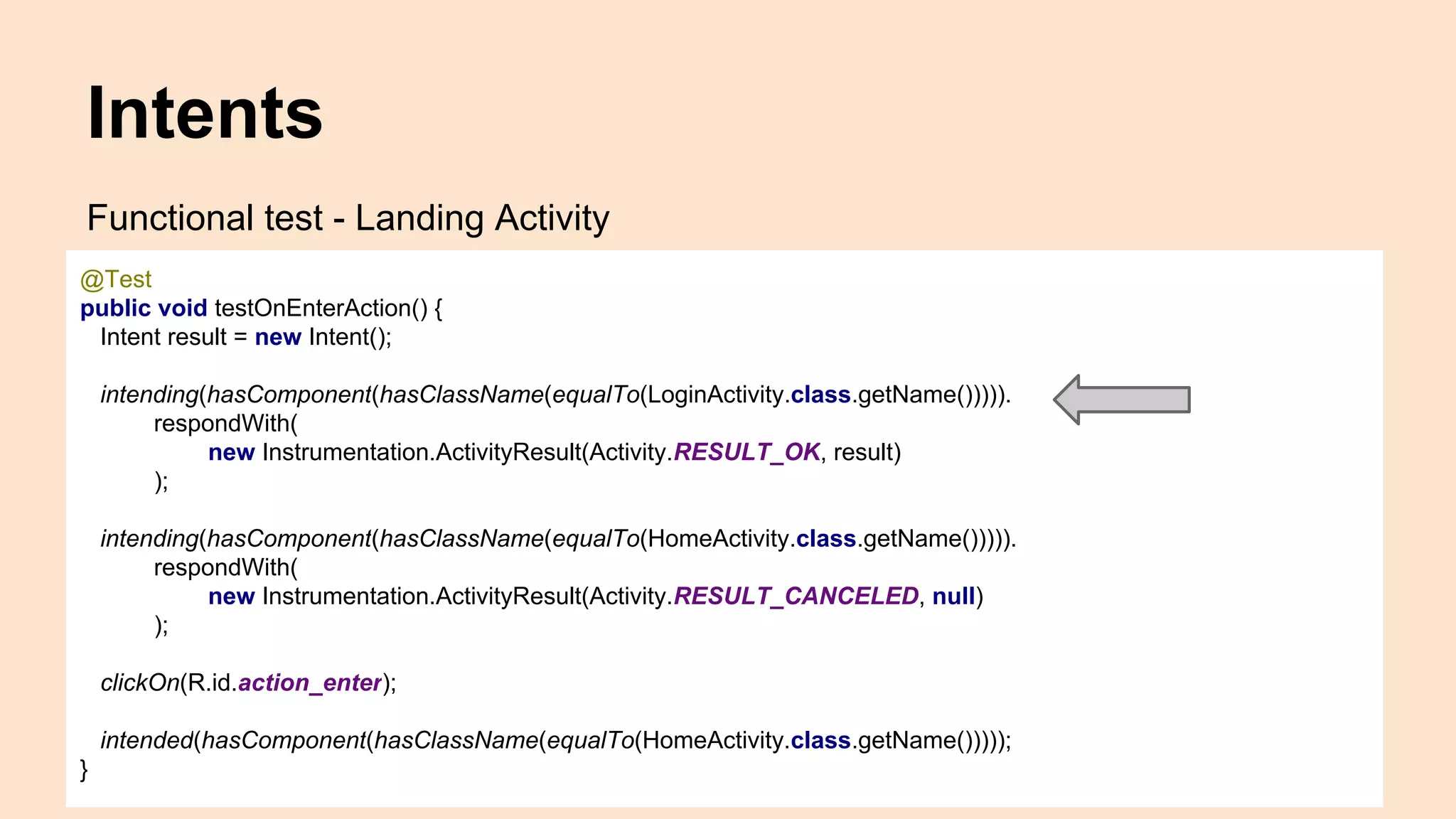
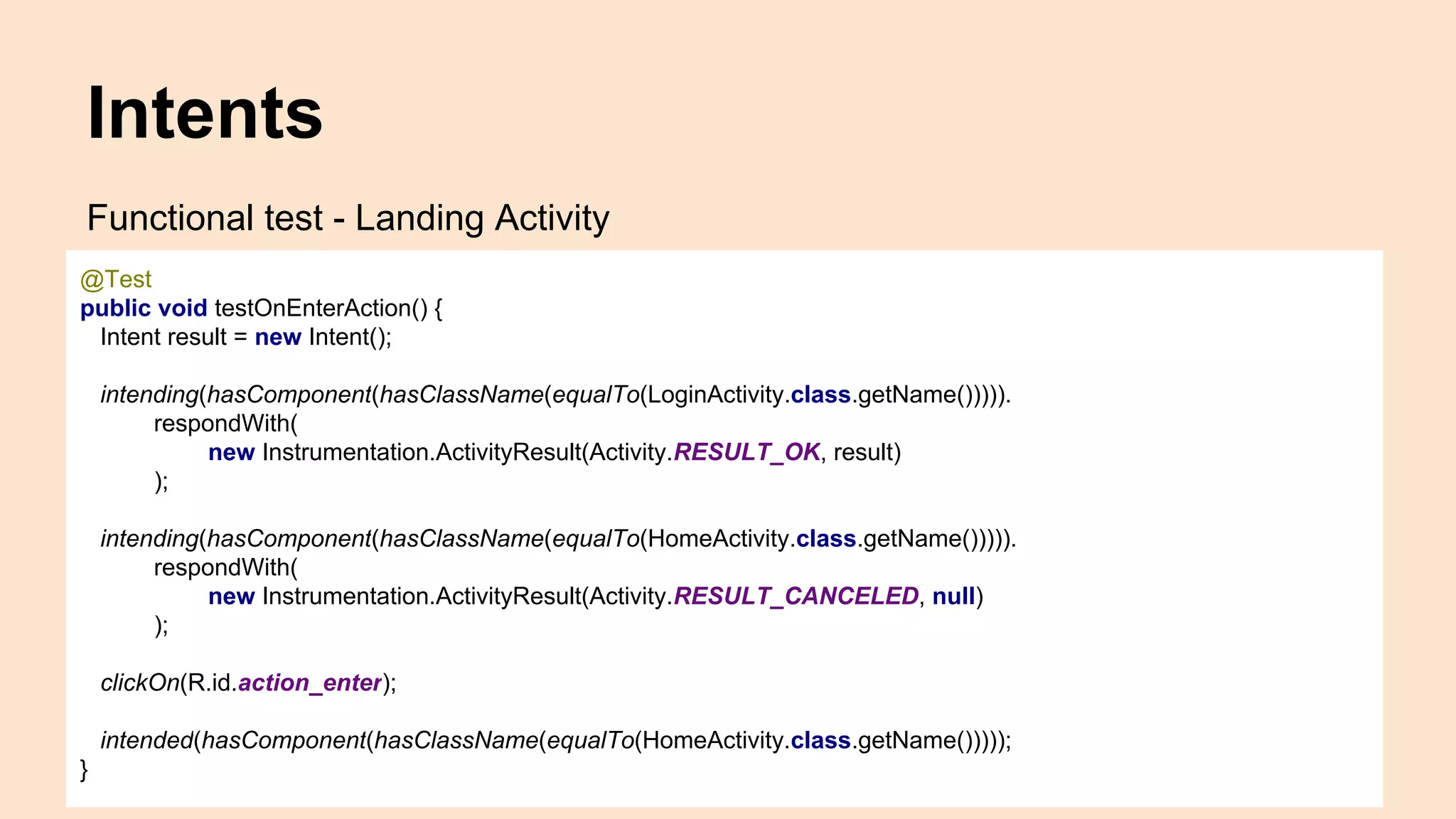
Functional test - Landing Activity
@Test
public void testOnEnterAction() {
Intent result = new Intent();
intending(hasComponent(hasClassName(equalTo(LoginActivity.class.getName())))).
respondWith(
new Instrumentation.ActivityResult(Activity.RESULT_OK, result)
);
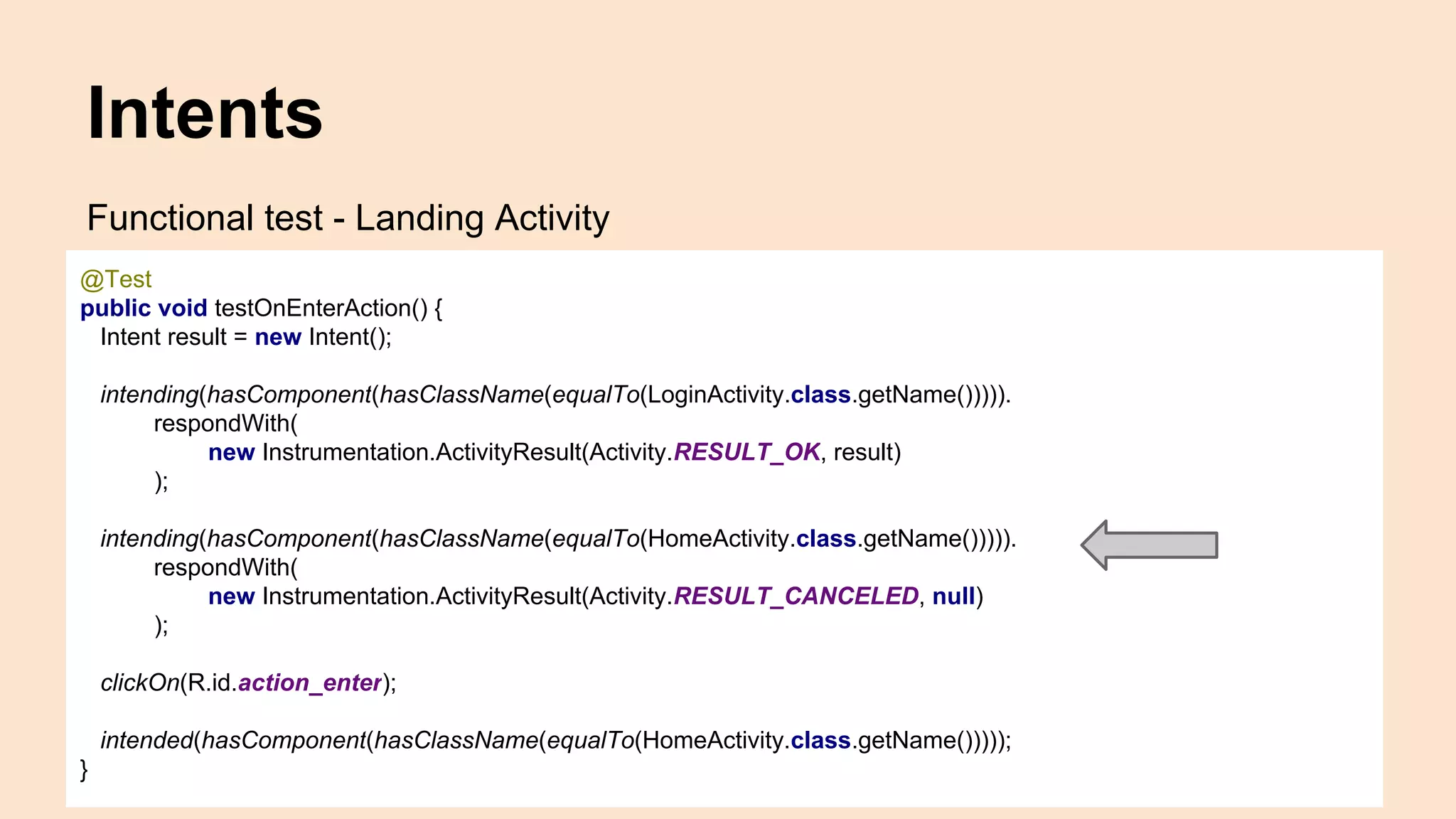
intending(hasComponent(hasClassName(equalTo(HomeActivity.class.getName())))).
respondWith(
new Instrumentation.ActivityResult(Activity.RESULT_CANCELED, null)
);
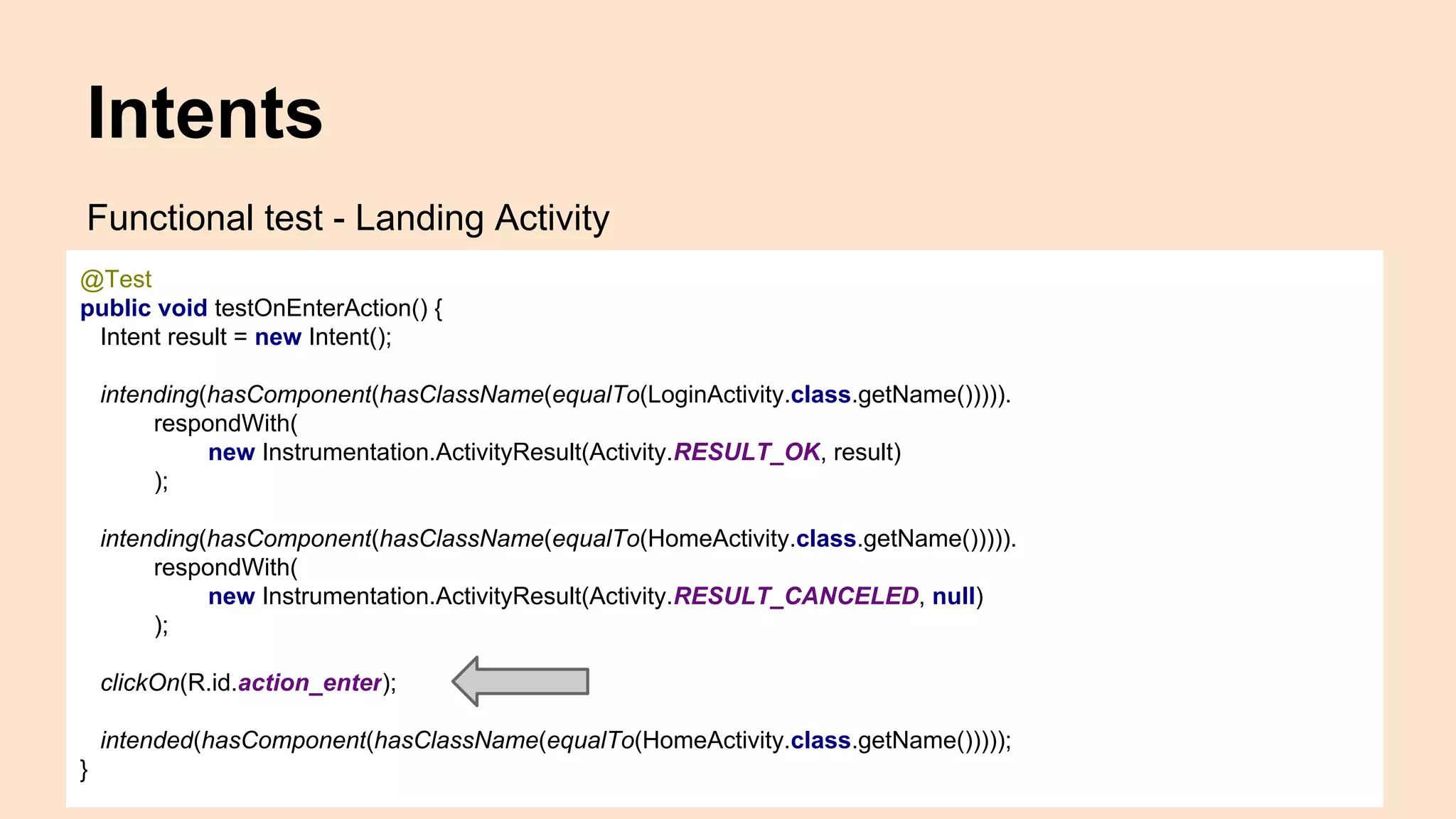
clickOn(R.id.action_enter);
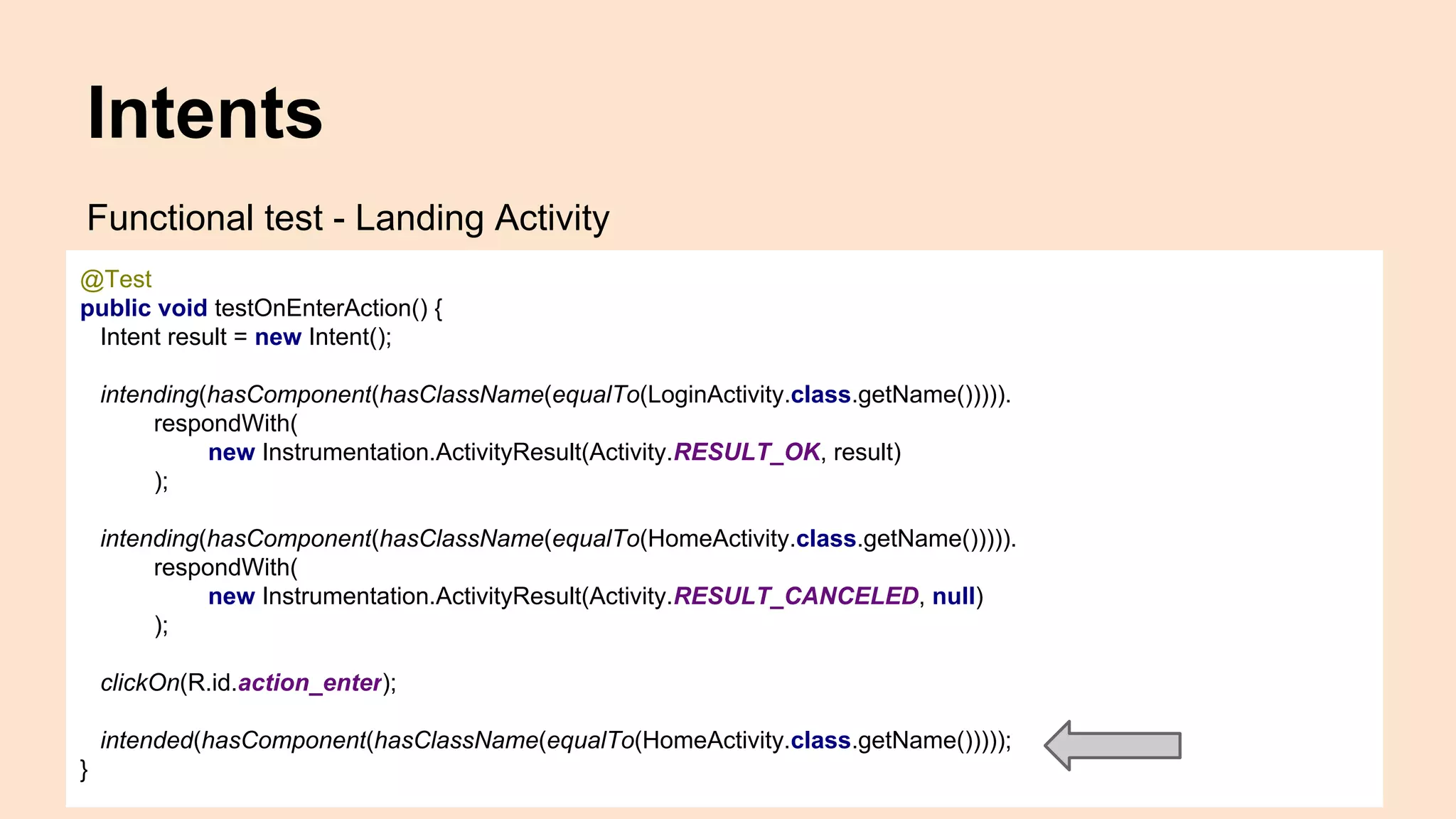
intended(hasComponent(hasClassName(equalTo(HomeActivity.class.getName()))));
}
Intents
Functional test - Landing Activity
@Test
public void testOnEnterAction() {
Intent result = new Intent();
intending(hasComponent(hasClassName(equalTo(LoginActivity.class.getName())))).
respondWith(
new Instrumentation.ActivityResult(Activity.RESULT_OK, result)
);
intending(hasComponent(hasClassName(equalTo(HomeActivity.class.getName())))).
respondWith(
new Instrumentation.ActivityResult(Activity.RESULT_CANCELED, null)
);
clickOn(R.id.action_enter);
intended(hasComponent(hasClassName(equalTo(HomeActivity.class.getName()))));
}
Intents
Functional test - Landing Activity
@Test
public void testOnEnterAction() {
Intent result = new Intent();
intending(hasComponent(hasClassName(equalTo(LoginActivity.class.getName())))).
respondWith(
new Instrumentation.ActivityResult(Activity.RESULT_OK, result)
);
intending(hasComponent(hasClassName(equalTo(HomeActivity.class.getName())))).
respondWith(
new Instrumentation.ActivityResult(Activity.RESULT_CANCELED, null)
);
clickOn(R.id.action_enter);
intended(hasComponent(hasClassName(equalTo(HomeActivity.class.getName()))));
}
Intents
Functional test - Landing Activity
@Test
public void testOnEnterAction() {
Intent result = new Intent();
intending(hasComponent(hasClassName(equalTo(LoginActivity.class.getName())))).
respondWith(
new Instrumentation.ActivityResult(Activity.RESULT_OK, result)
);
intending(hasComponent(hasClassName(equalTo(HomeActivity.class.getName())))).
respondWith(
new Instrumentation.ActivityResult(Activity.RESULT_CANCELED, null)
);
clickOn(R.id.action_enter);
intended(hasComponent(hasClassName(equalTo(HomeActivity.class.getName()))));
}
Intents
Functional test - Landing Activity
@Test
public void testOnEnterAction() {
Intent result = new Intent();
intending(hasComponent(hasClassName(equalTo(LoginActivity.class.getName())))).
respondWith(
new Instrumentation.ActivityResult(Activity.RESULT_OK, result)
);
intending(hasComponent(hasClassName(equalTo(HomeActivity.class.getName())))).
respondWith(
new Instrumentation.ActivityResult(Activity.RESULT_CANCELED, null)
);
clickOn(R.id.action_enter);
intended(hasComponent(hasClassName(equalTo(HomeActivity.class.getName()))));
}
Android
Components
Utilities
Android system
UI
Stubs
Android
Components
Utilities
Android system
UI
Stubs
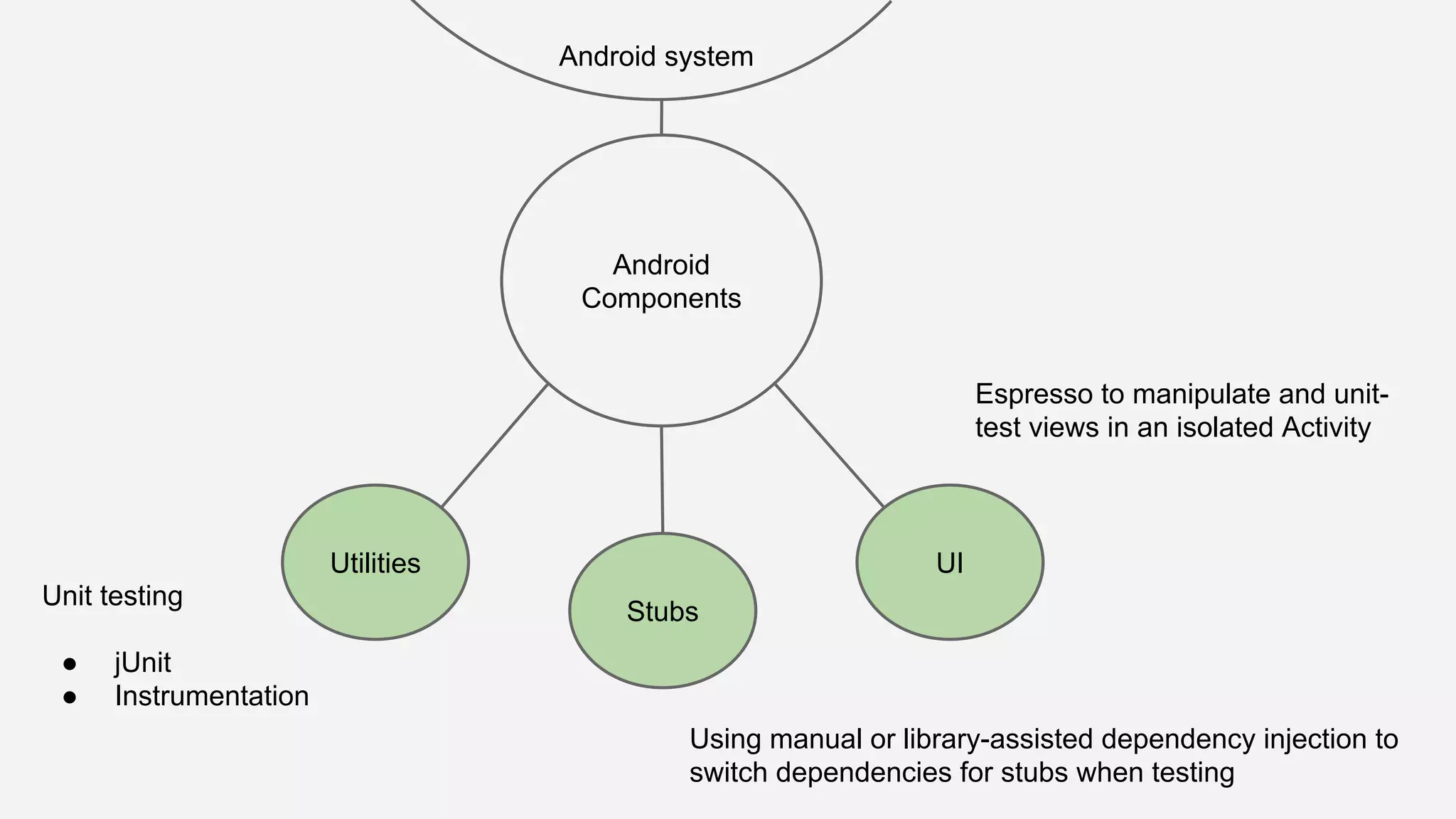
Unit testing
● jUnit
● Instrumentation
Android
Components
Utilities
Android system
UI
Stubs
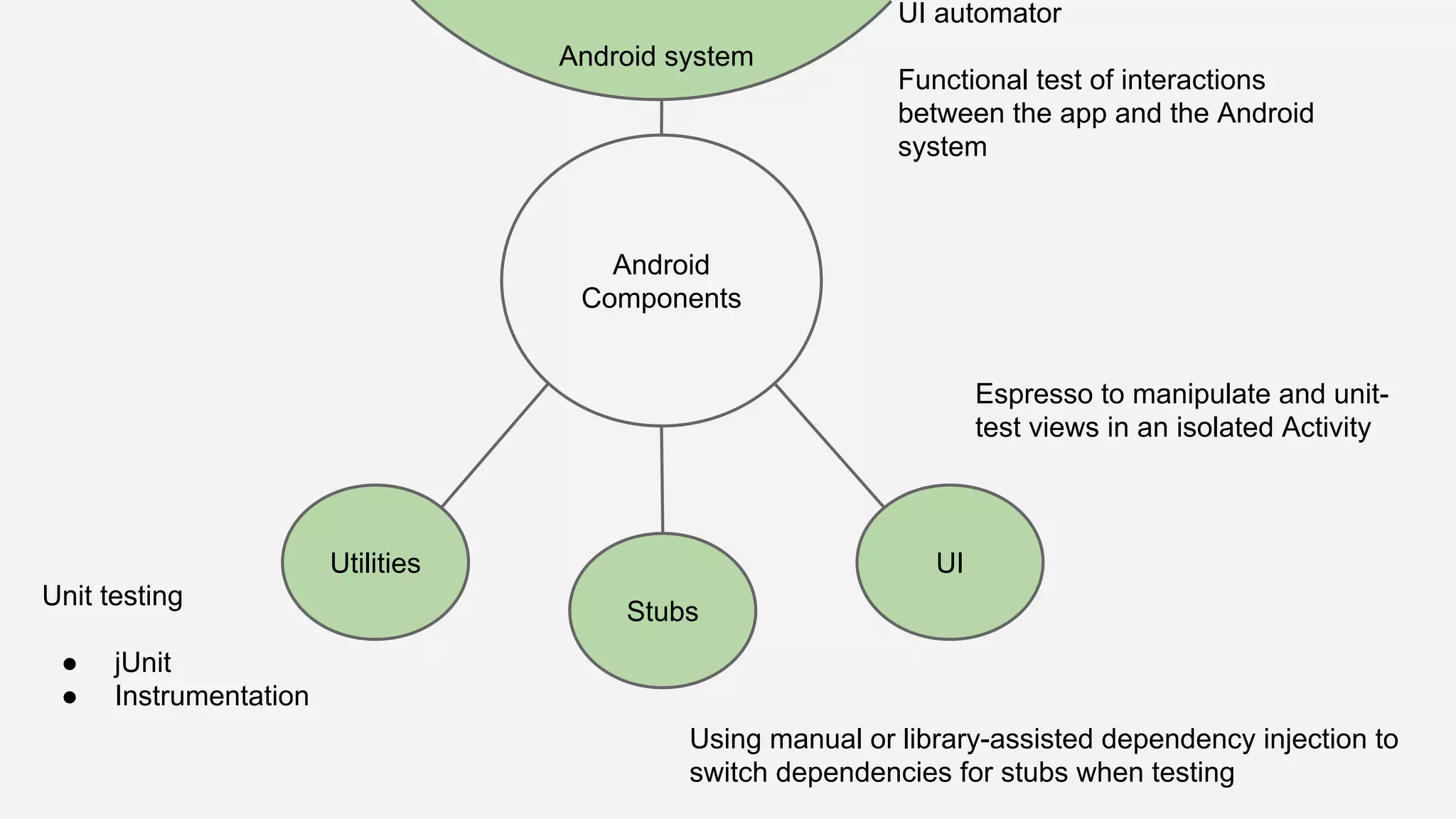
Using manual or library-assisted dependency injection to
switch dependencies for stubs when testing
Unit testing
● jUnit
● Instrumentation
Android
Components
Utilities
Android system
UI
Stubs
Espresso to manipulate and unit-
test views in an isolated Activity
Using manual or library-assisted dependency injection to
switch dependencies for stubs when testing
Unit testing
● jUnit
● Instrumentation
Android
Components
Utilities
Android system
UI
Stubs
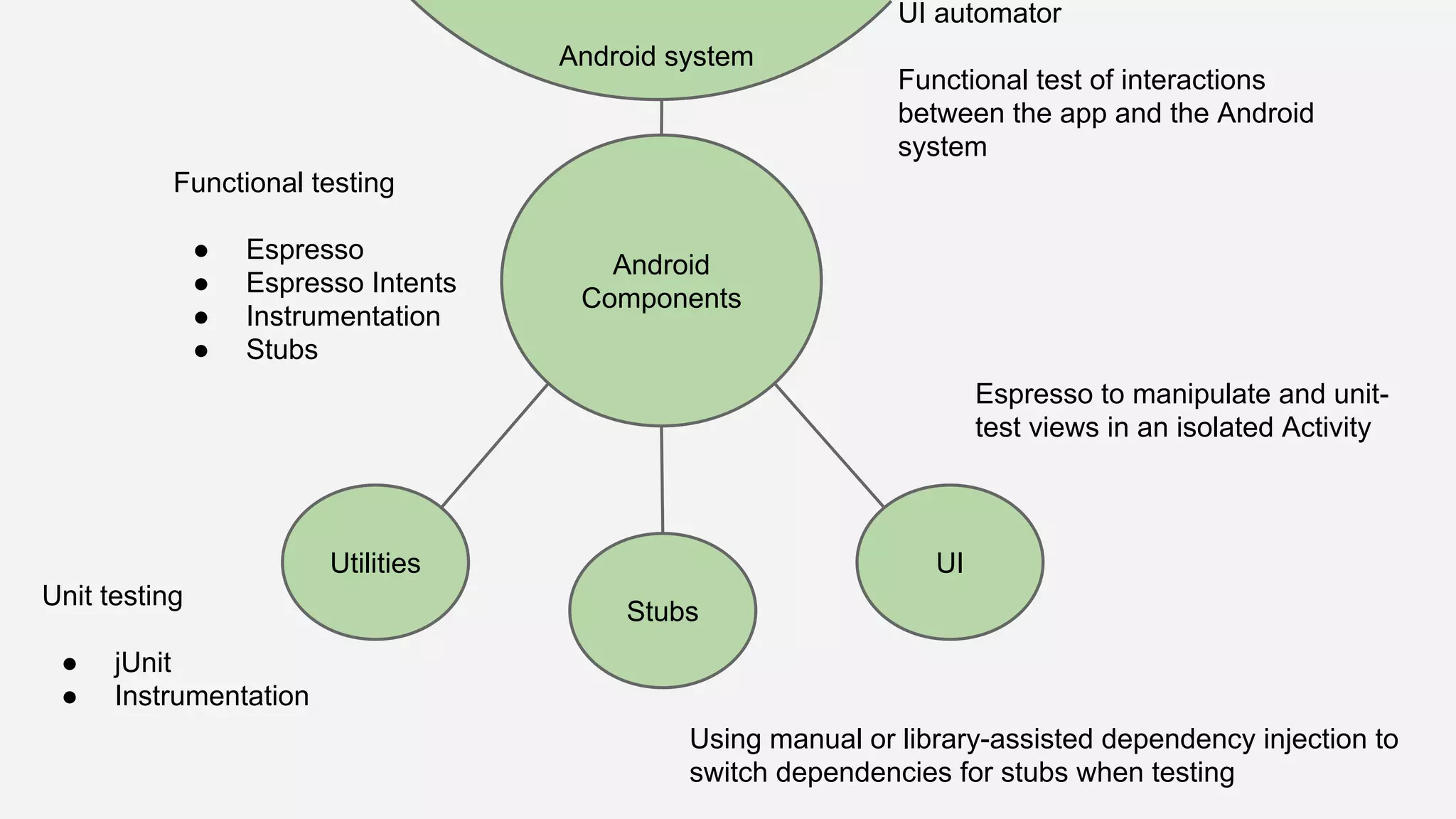
Espresso to manipulate and unit-
test views in an isolated Activity
UI automator
Functional test of interactions
between the app and the Android
system
Using manual or library-assisted dependency injection to
switch dependencies for stubs when testing
Unit testing
● jUnit
● Instrumentation
Android
Components
Utilities
Android system
UI
Stubs
Espresso to manipulate and unit-
test views in an isolated Activity
Functional testing
● Espresso
● Espresso Intents
● Instrumentation
● Stubs
UI automator
Functional test of interactions
between the app and the Android
system
Using manual or library-assisted dependency injection to
switch dependencies for stubs when testing
Unit testing
● jUnit
● Instrumentation
...then 2 + 2 = 4 so...
We can test on Android!
References
https://developer.android.com/training/testing.html
http://developer.android.com/reference/android/app/Instrumentation.html
https://developer.android.com/tools/testing-support-library/index.html
Thanks to
Ariel, Gian, Juanma, Michel
@moove_it
Questions?

A guide to Android automated testing