INFORMATION ARCHITECTURE
Getting Your Blueprints In Order
Agenda
   Defining User Experience
   Defining Information Architecture (IA)
   Breaking Down the Concepts of Information Architecture
   How Does IA Fit into the Project Lifecycle
   Strategy and Tactics
   Wireframe to Design Examples
   Why IA Matters
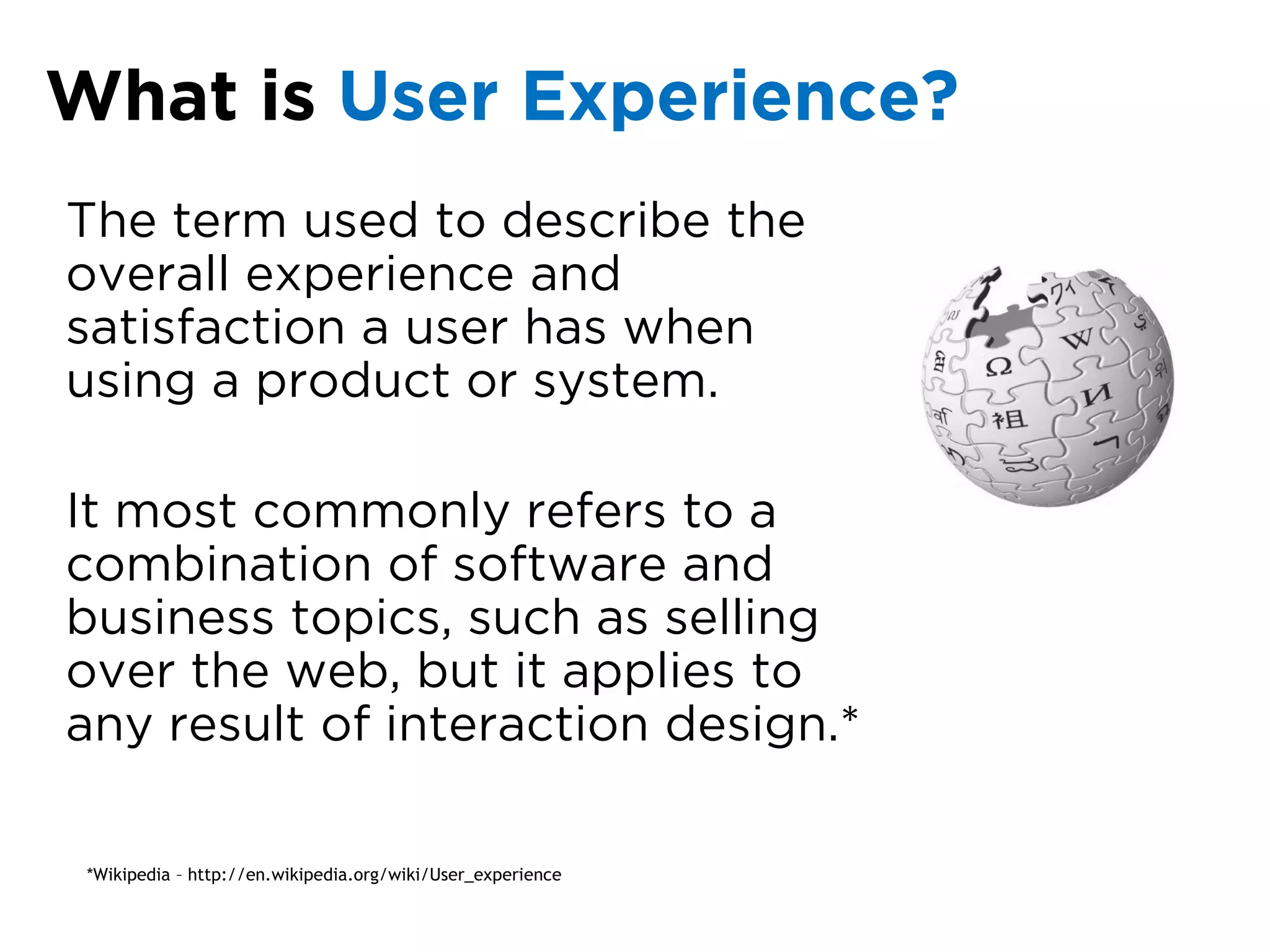
What is User Experience?
The term used to describe the
overall experience and
satisfaction a user has when
using a product or system.

It most commonly refers to a
combination of software and
business topics, such as selling
over the web, but it applies to
any result of interaction design.*

 *Wikipedia – http://en.wikipedia.org/wiki/User_experience
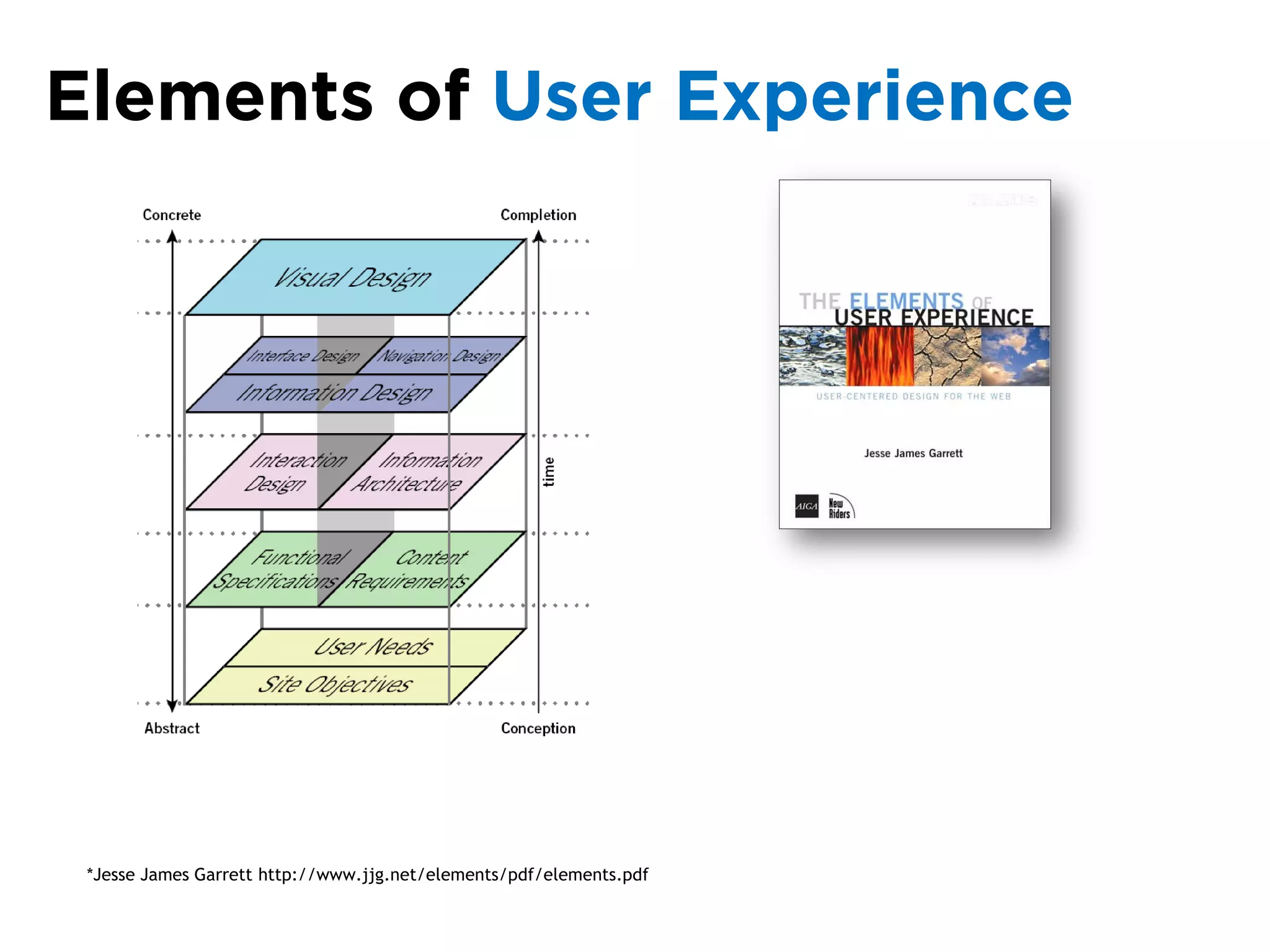
Elements of User Experience


 *Jesse James Garrett http://www.jjg.net/elements/pdf/elements.pdf
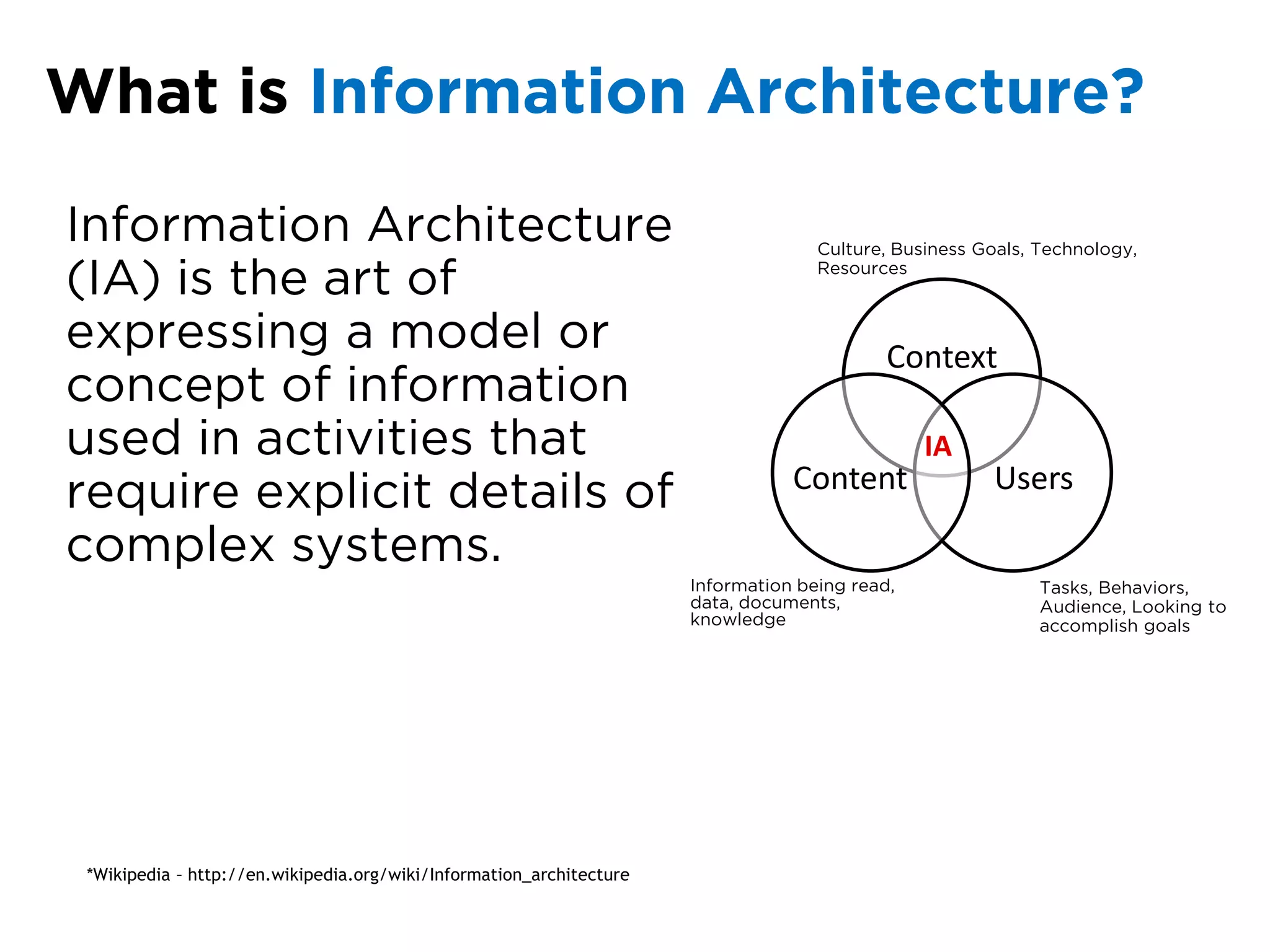
What is Information Architecture?

Information Architecture                                                            Culture, Business Goals, Technology,

(IA) is the art of                                                                  Resources


expressing a model or                                                                       Context
concept of information
used in activities that                                                                         IA
                                                                                 Content               Users
require explicit details of
complex systems.
                                                                      Information being read,                Tasks, Behaviors,
                                                                      data, documents,                       Audience, Looking to
                                                                      knowledge                              accomplish goals


 *Wikipedia – http://en.wikipedia.org/wiki/Information_architecture
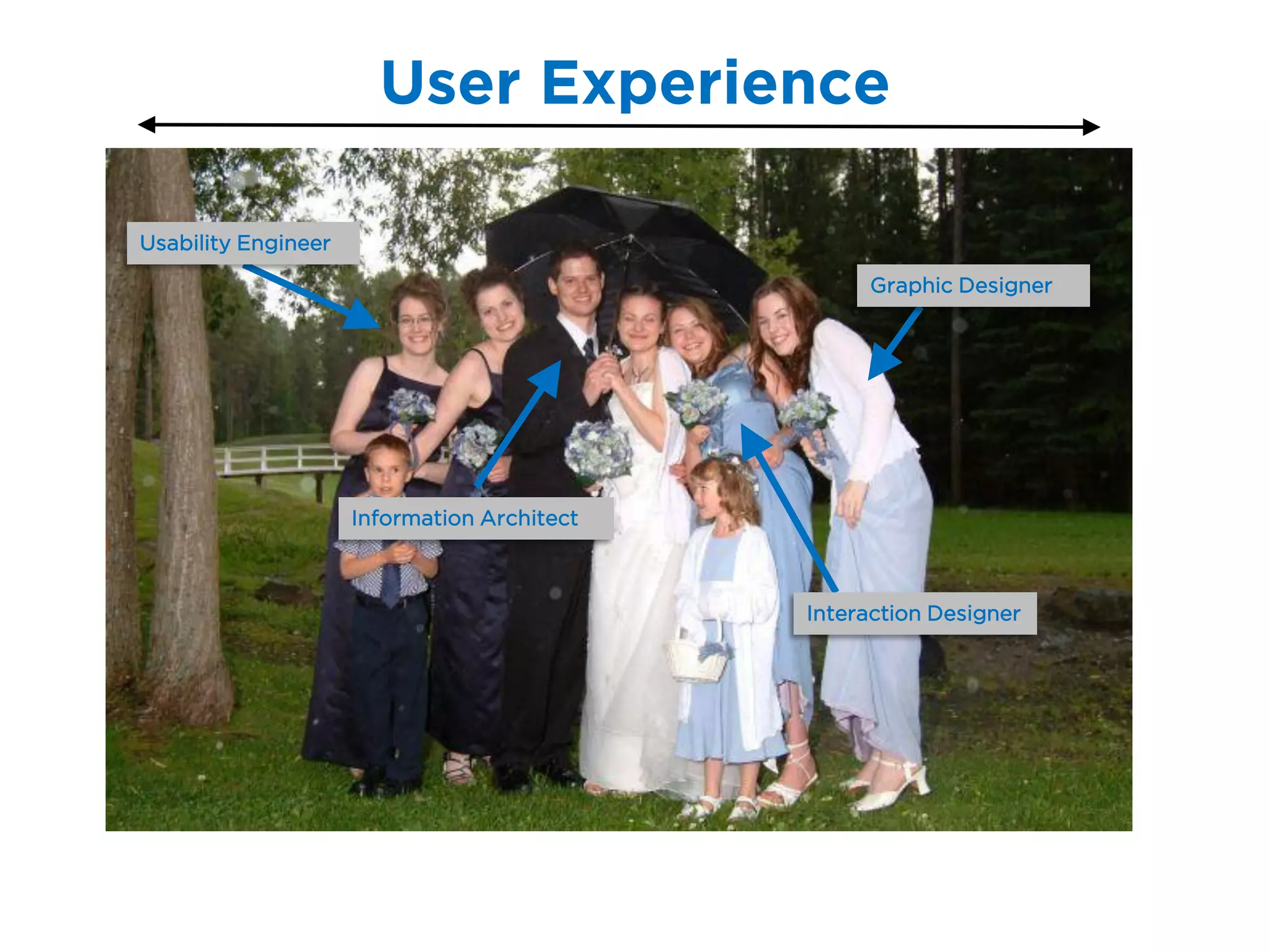
User Experience

Usability Engineer

                                                  Graphic Designer


                     Information Architect


                                             Interaction Designer
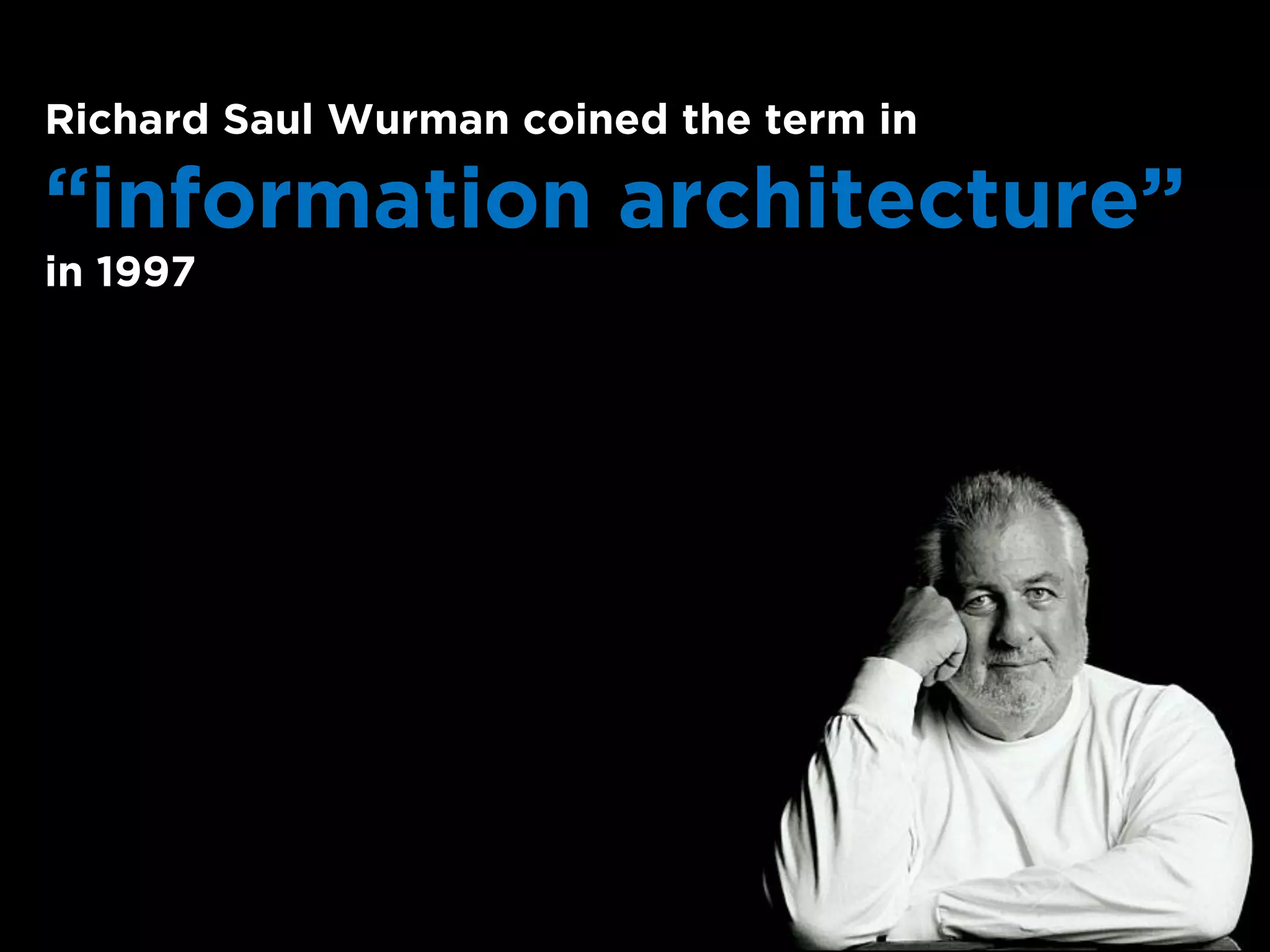
Richard Saul Wurman coined the term in

“information architecture”
in 1997
Let’s take a   Deeper Dive
Breaking Down the Concepts of
     Information Architecture
 1   Information

 2   Structuring, Organizing, and Labeling

 3   Finding and Managing
 4   Art and Science
Information
is Data
and
Knowledge
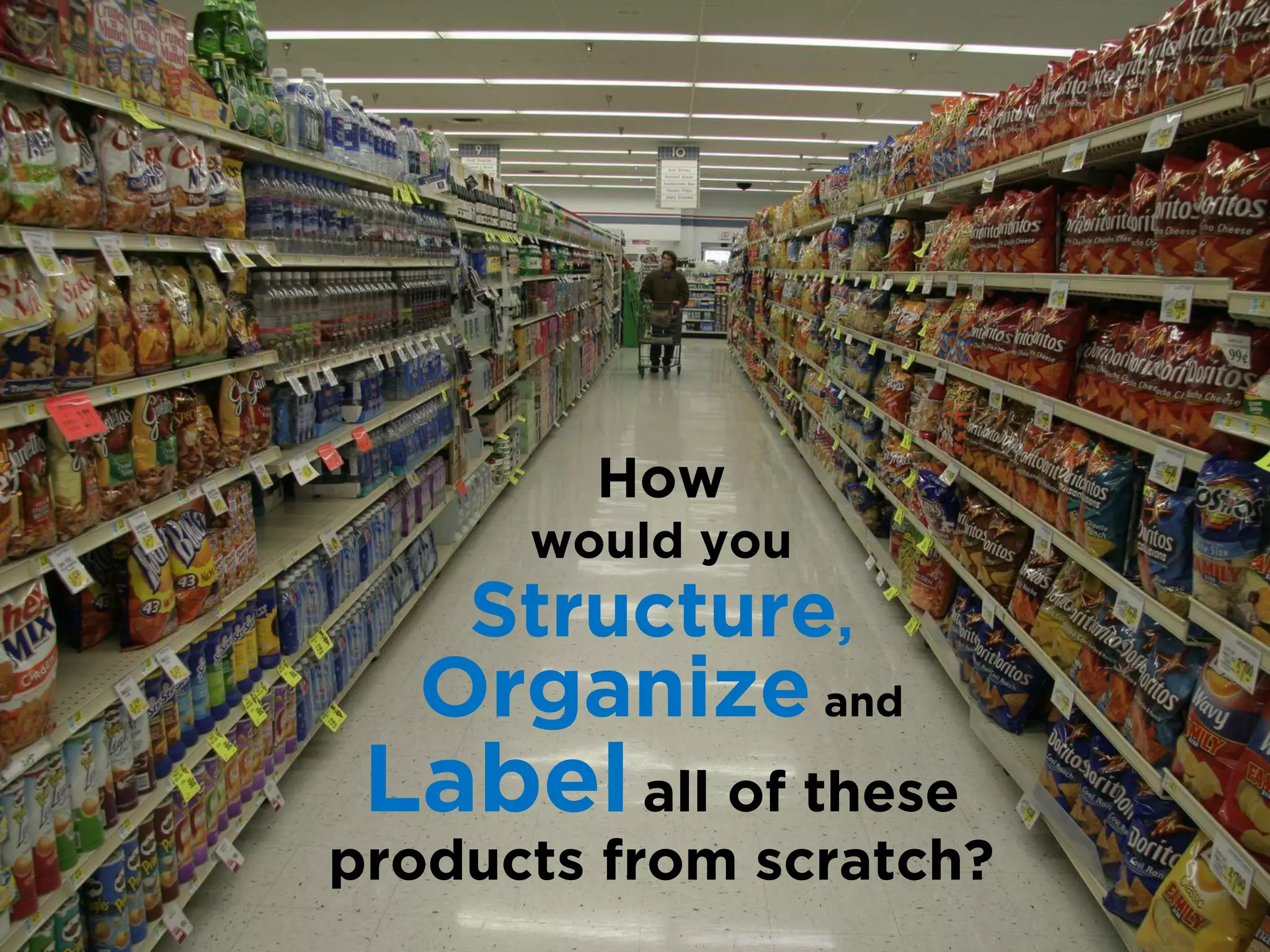
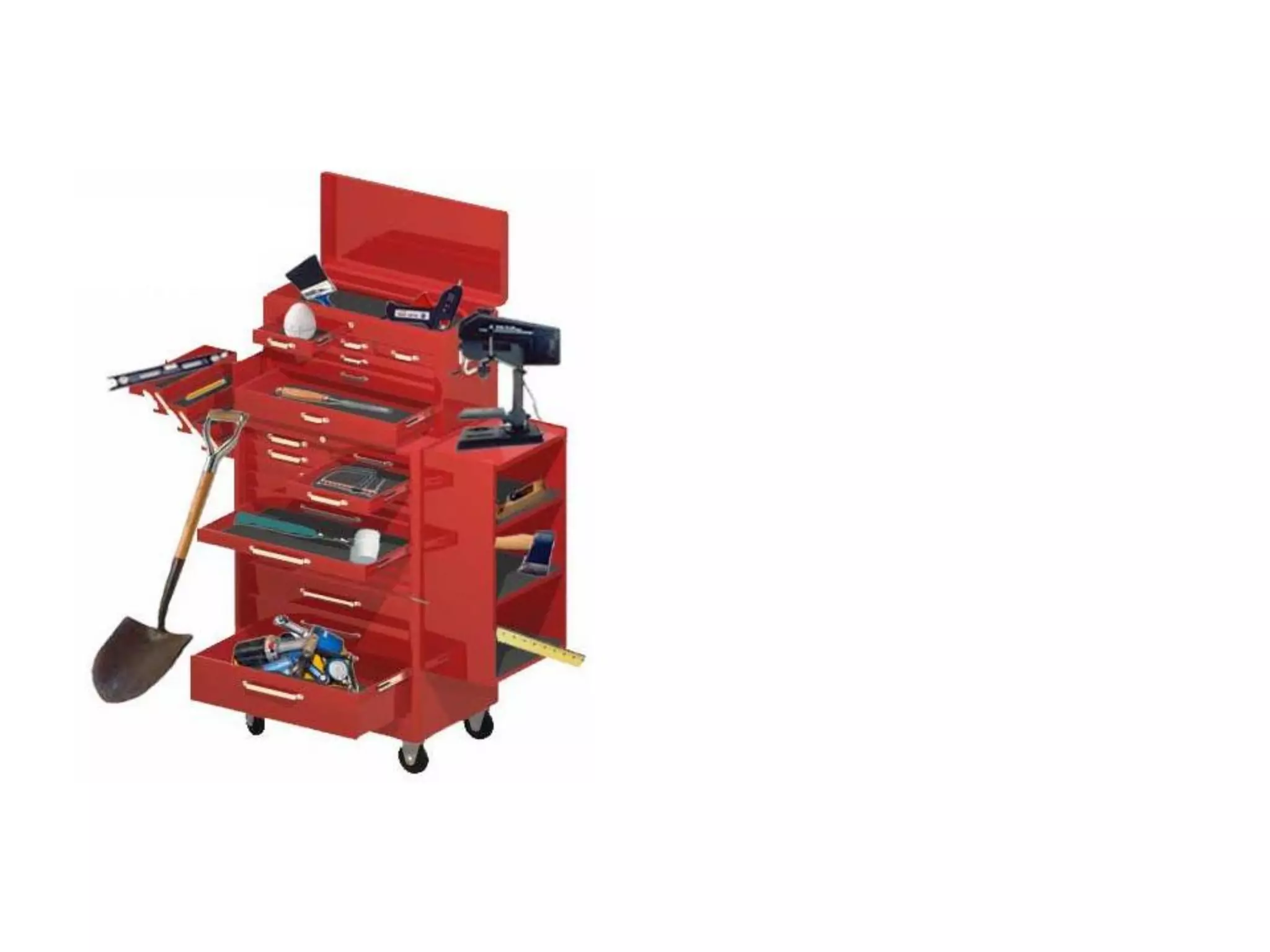
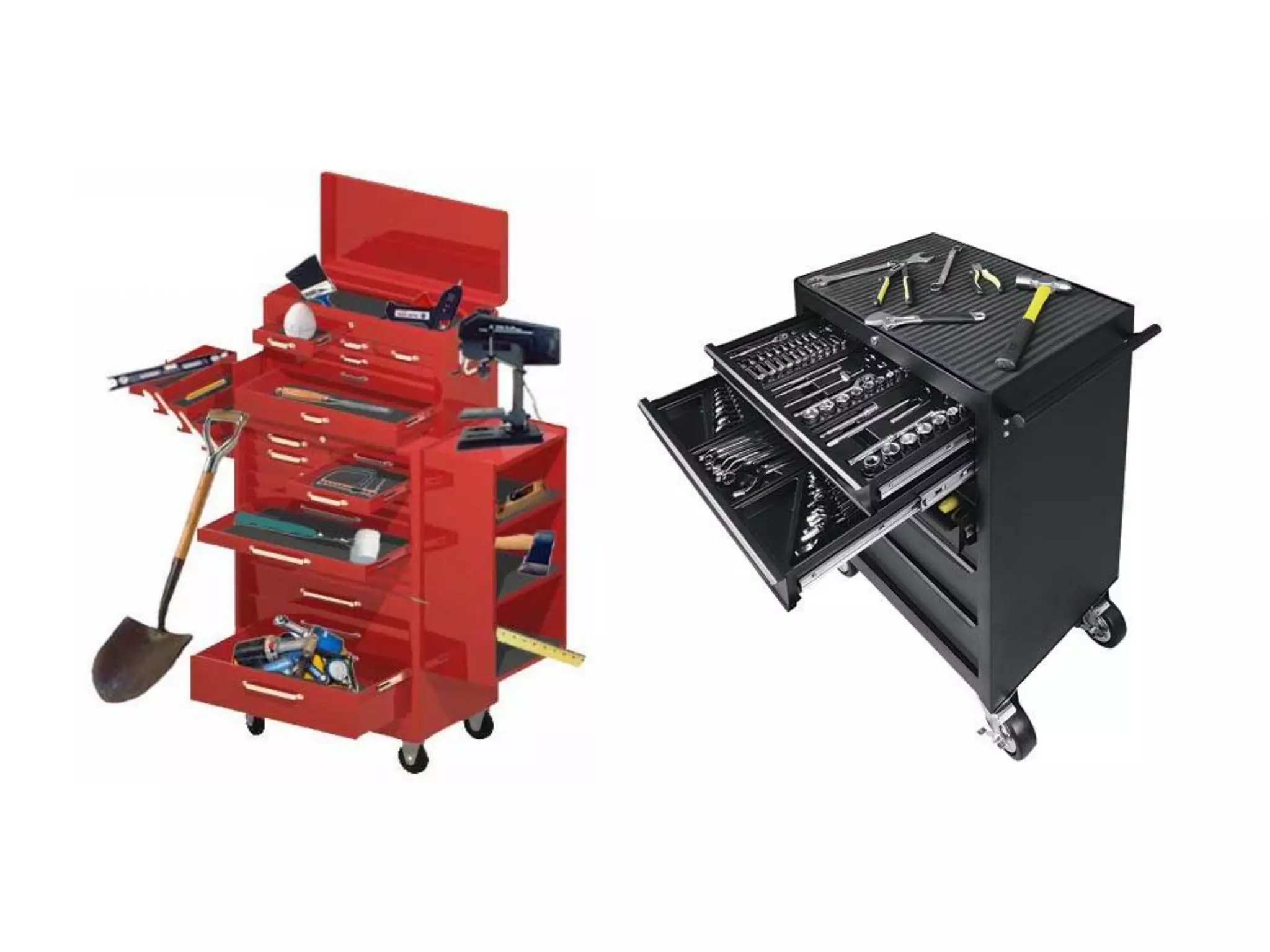
How
      would you
    Structure,
  Organize and
 Label all of these
products from scratch?
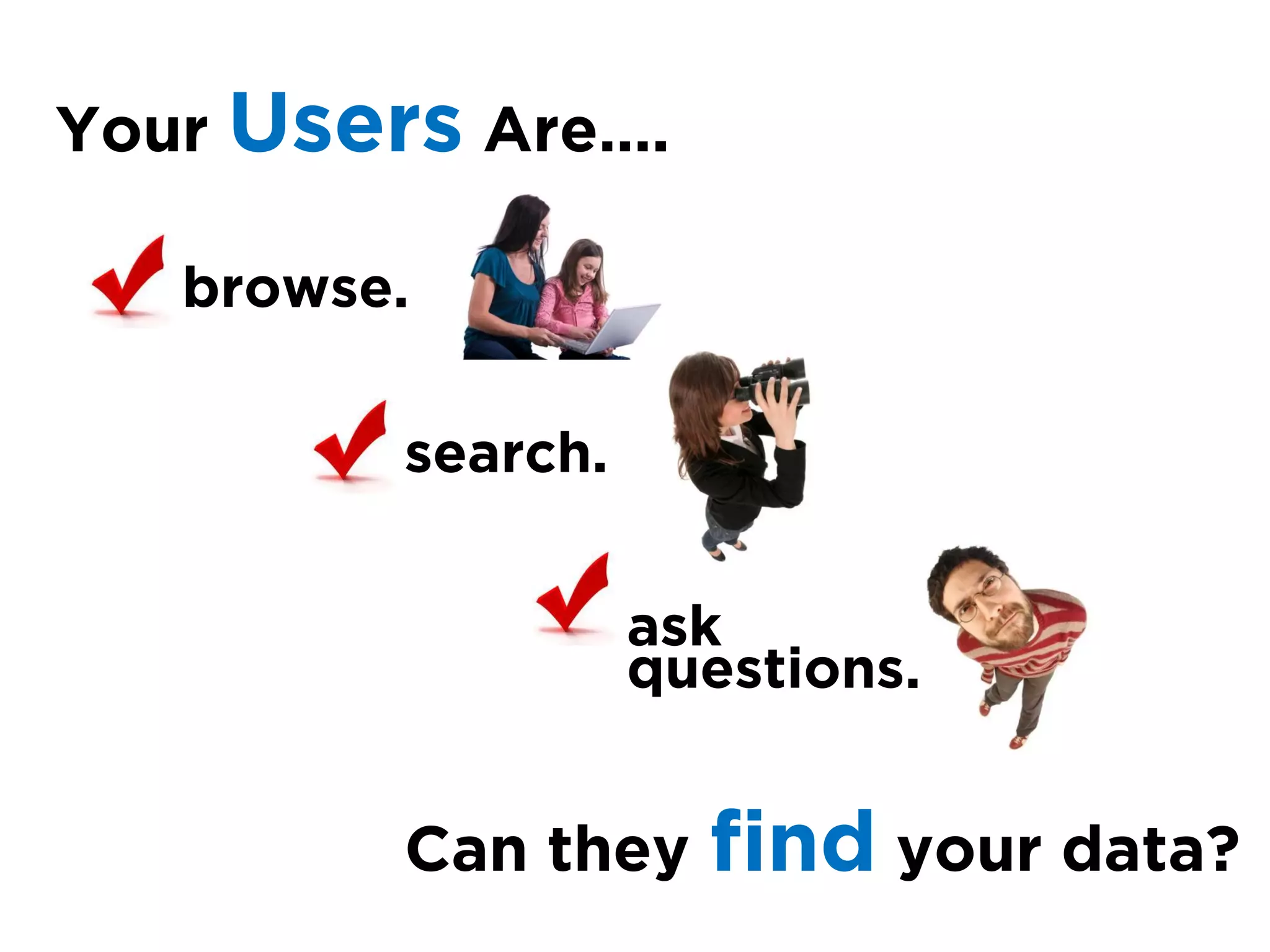
Your Users Are….

   browse.

         search.


                   ask
                   questions.


         Can they    find your data?
Managing
these
solutions
entails
finding a
balance
between the
user and the
business
needs
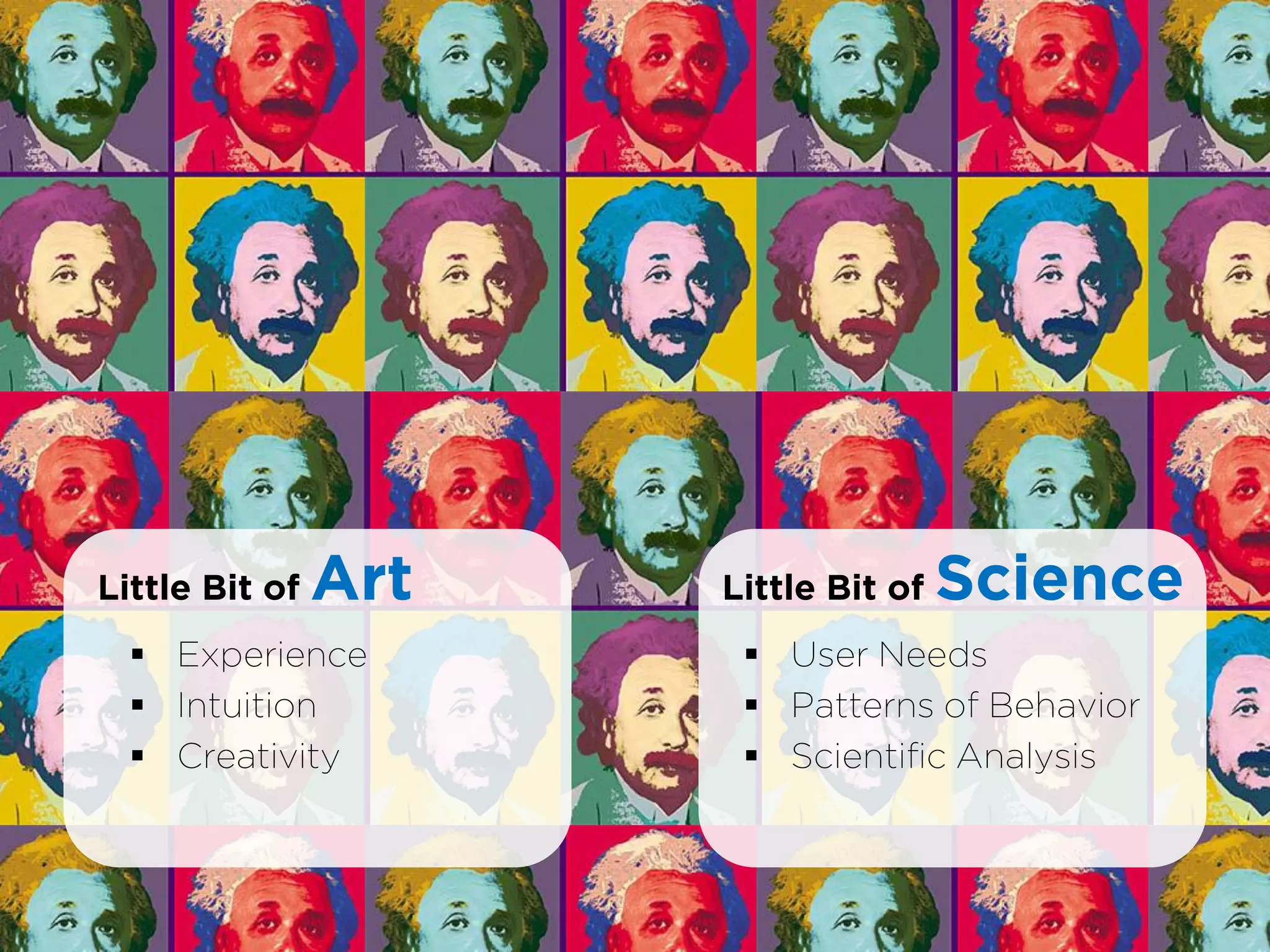
Little Bit of   Art   Little Bit of   Science
   Experience          User Needs
   Intuition           Patterns of Behavior
   Creativity          Scientific Analysis
Succinctly…
Information Architects could almost be called

“Digital Librarians”
Where Does IA Fit into
the Project Lifecycle?
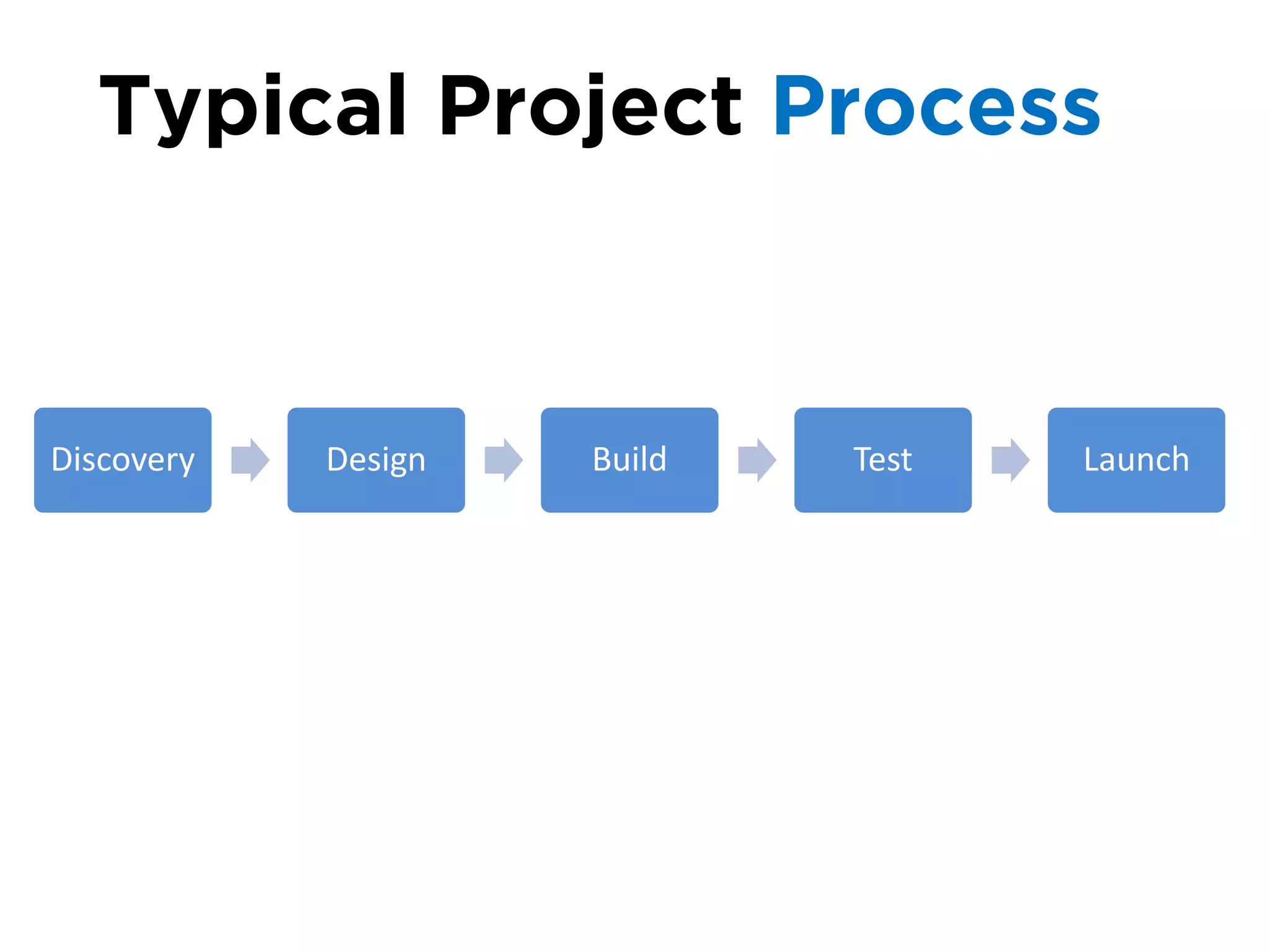
Typical Project Process


Discovery   Design   Build   Test   Launch
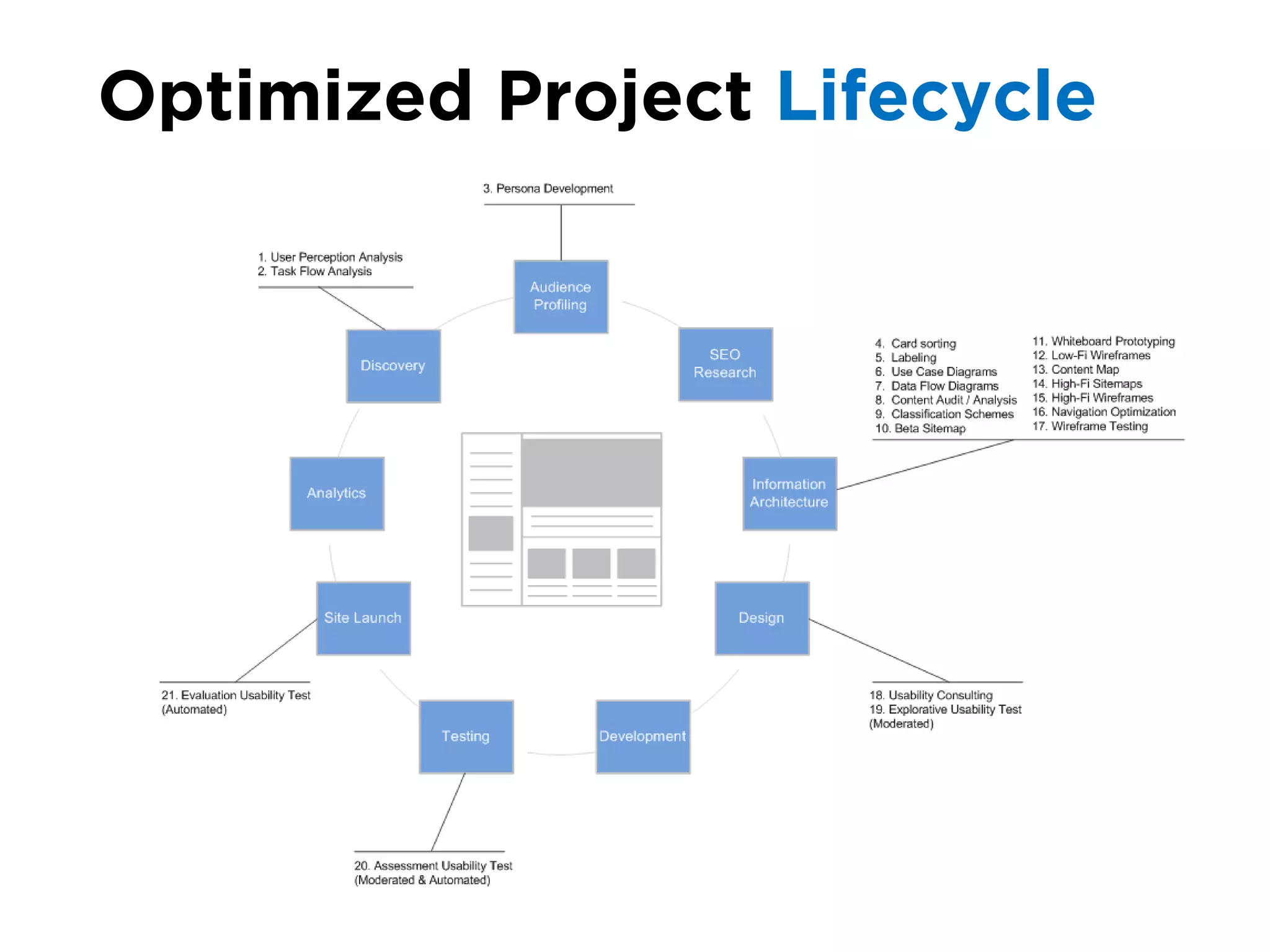
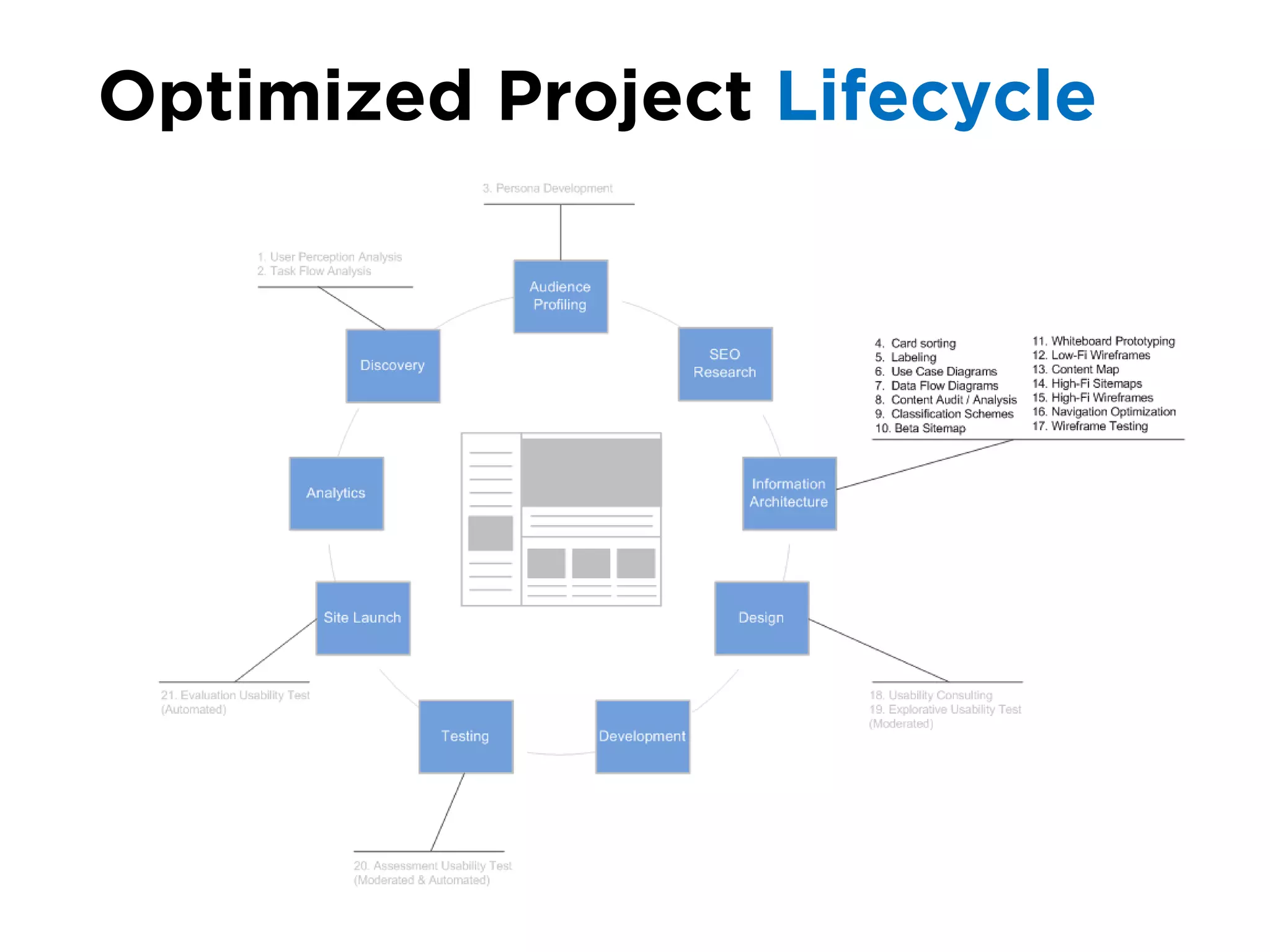
Optimized Project Lifecycle
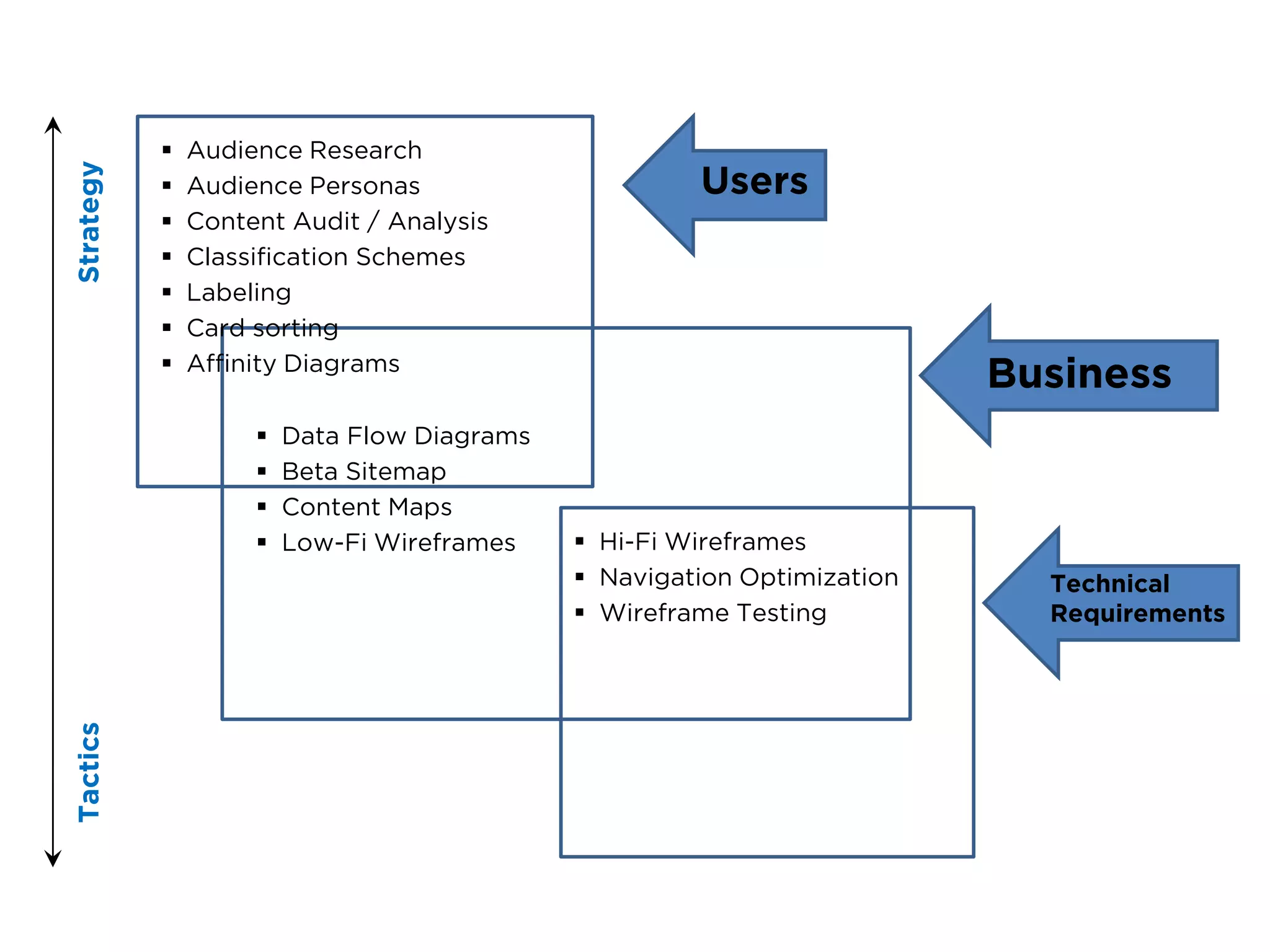
Strategy and Tactics
   Audience Research
Strategy


              Audience Personas                      Users
              Content Audit / Analysis
              Classification Schemes
              Labeling
              Card sorting
              Affinity Diagrams
                                                                         Business
                       Data Flow Diagrams
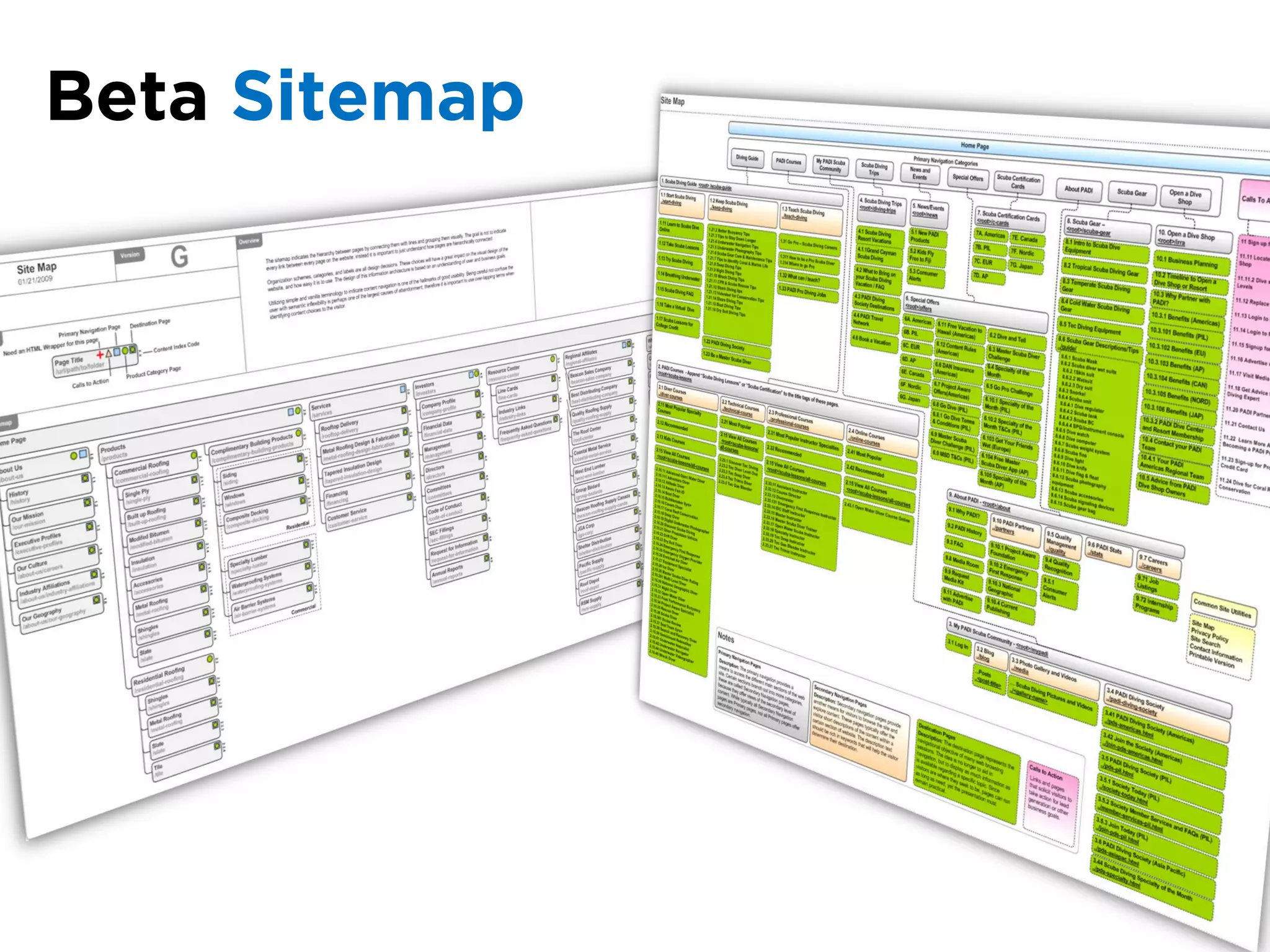
                       Beta Sitemap
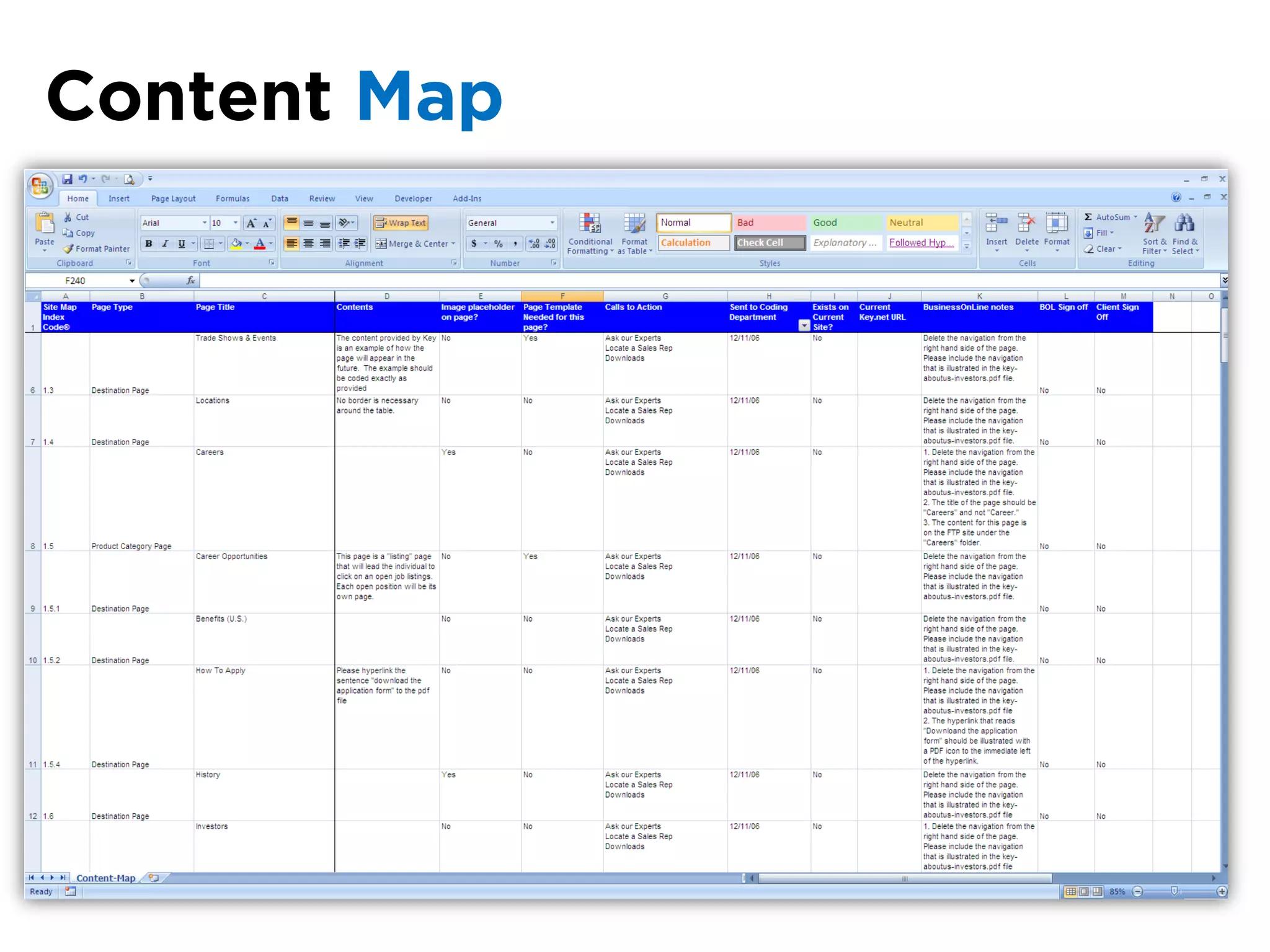
                       Content Maps
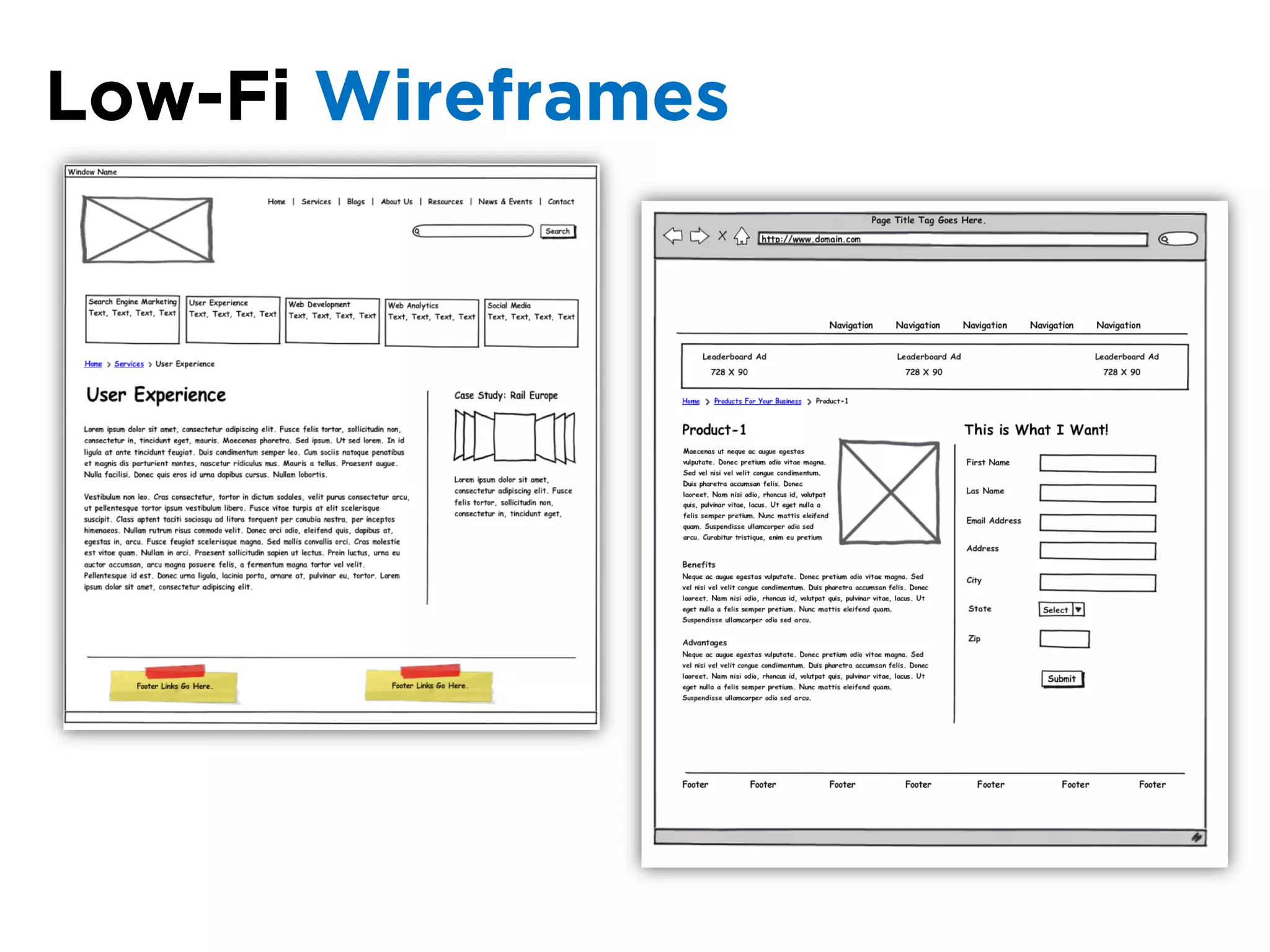
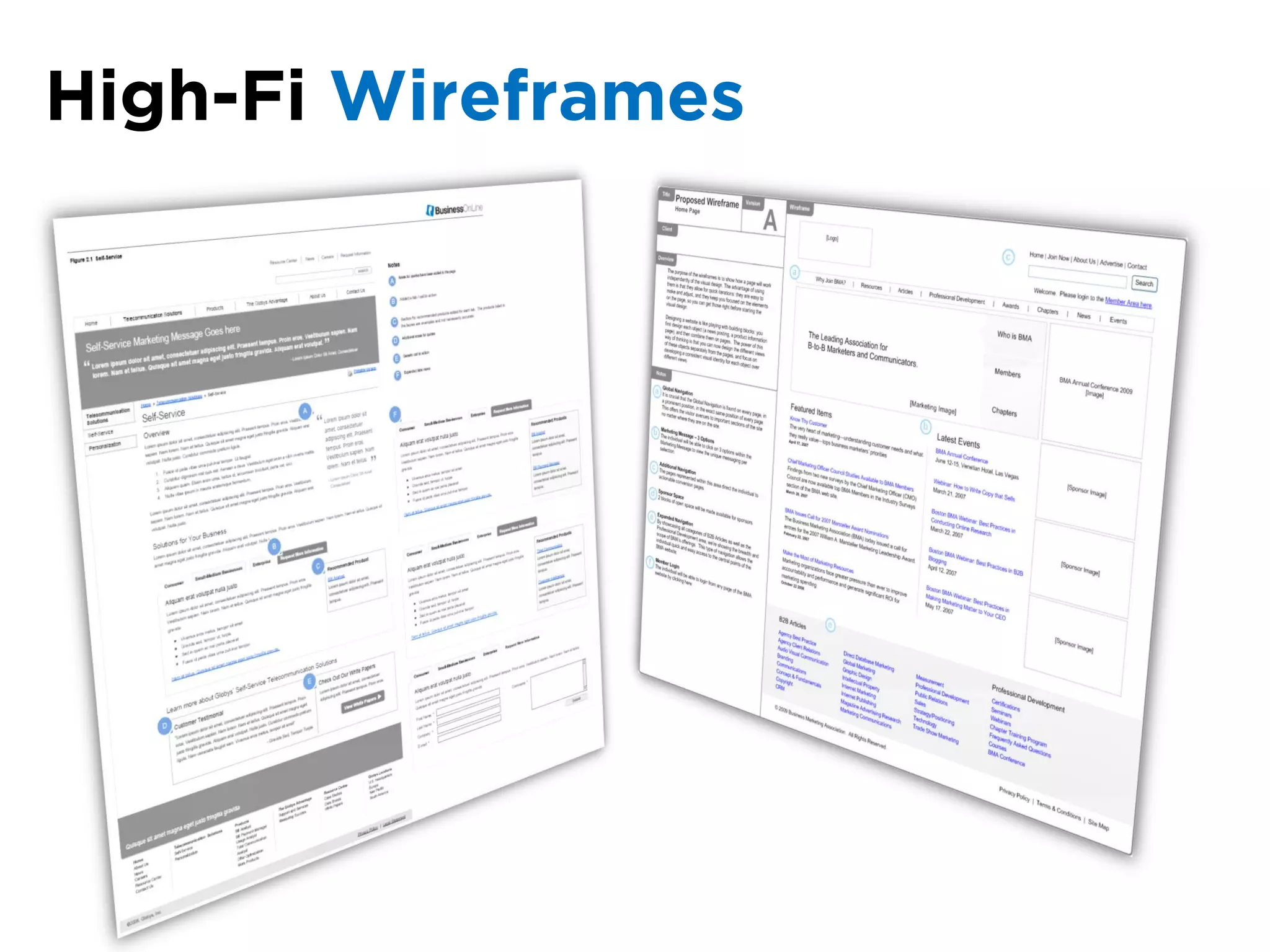
                       Low-Fi Wireframes     Hi-Fi Wireframes
                                              Navigation Optimization     Technical
                                              Wireframe Testing           Requirements
Tactics
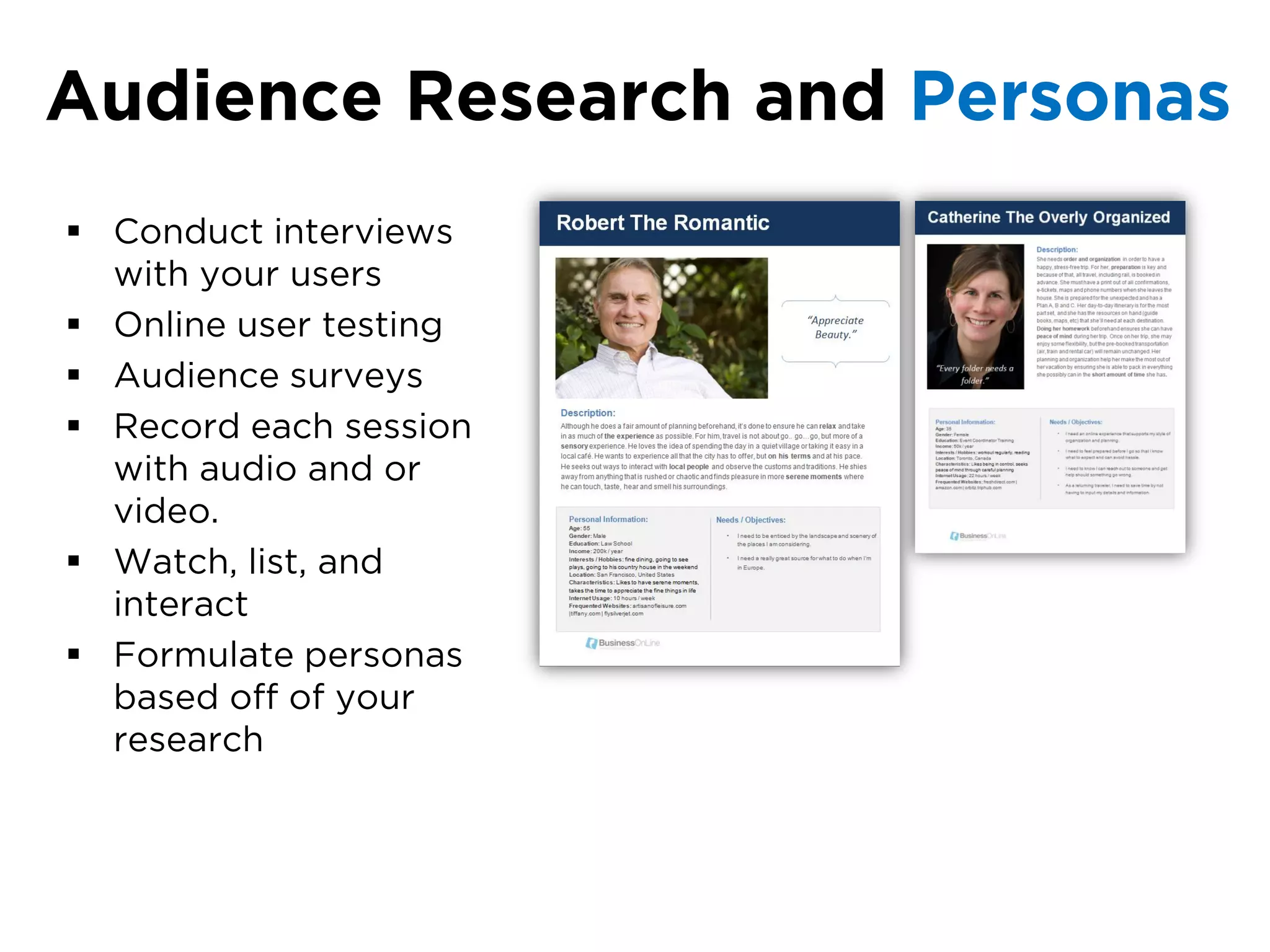
Audience Research and Personas
 Conduct interviews
  with your users
 Online user testing
 Audience surveys
 Record each session
  with audio and or
  video.
 Watch, list, and
  interact
 Formulate personas
  based off of your
  research
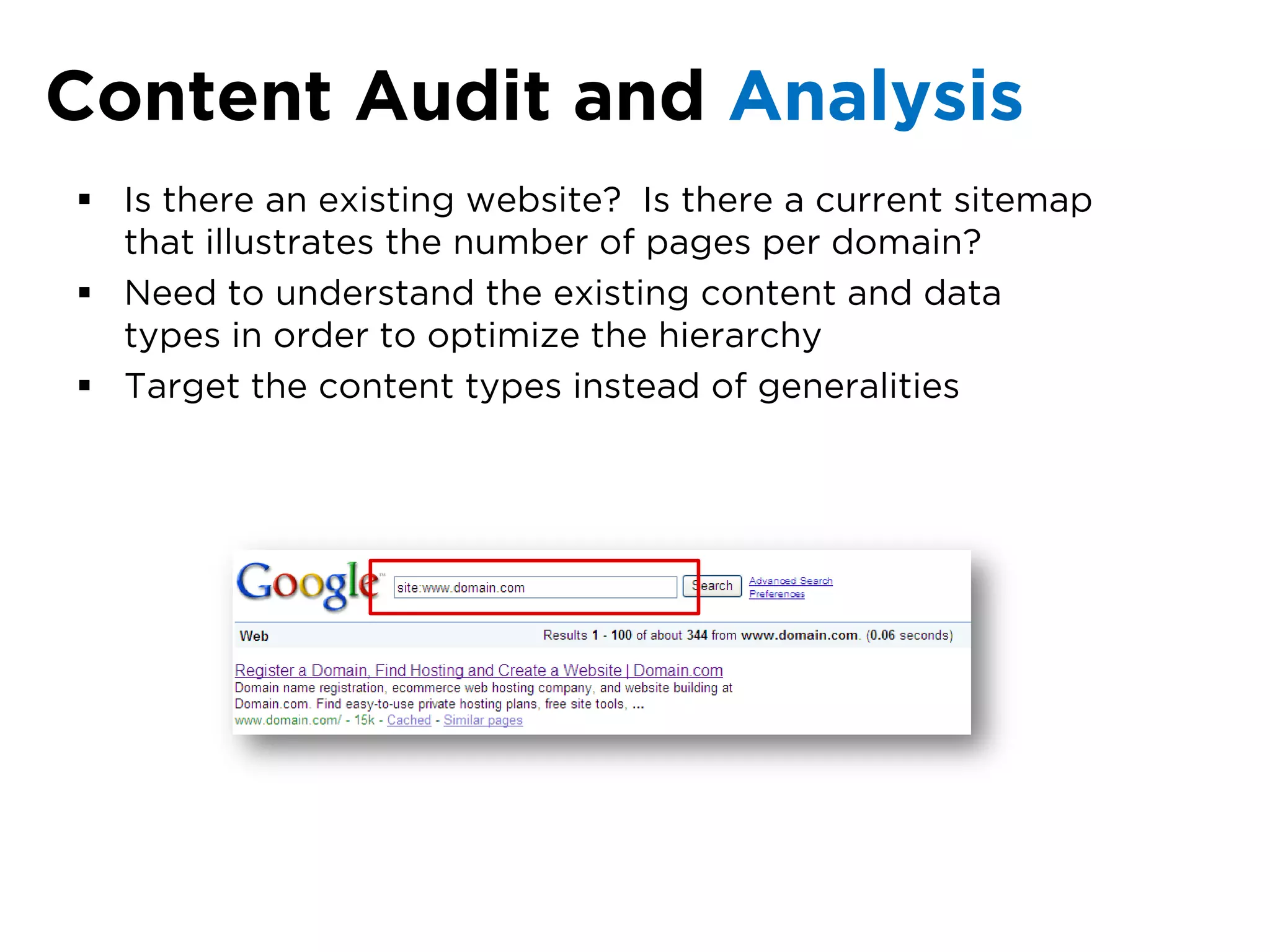
Content Audit and Analysis
 Is there an existing website? Is there a current sitemap
  that illustrates the number of pages per domain?
 Need to understand the existing content and data
  types in order to optimize the hierarchy
 Target the content types instead of generalities
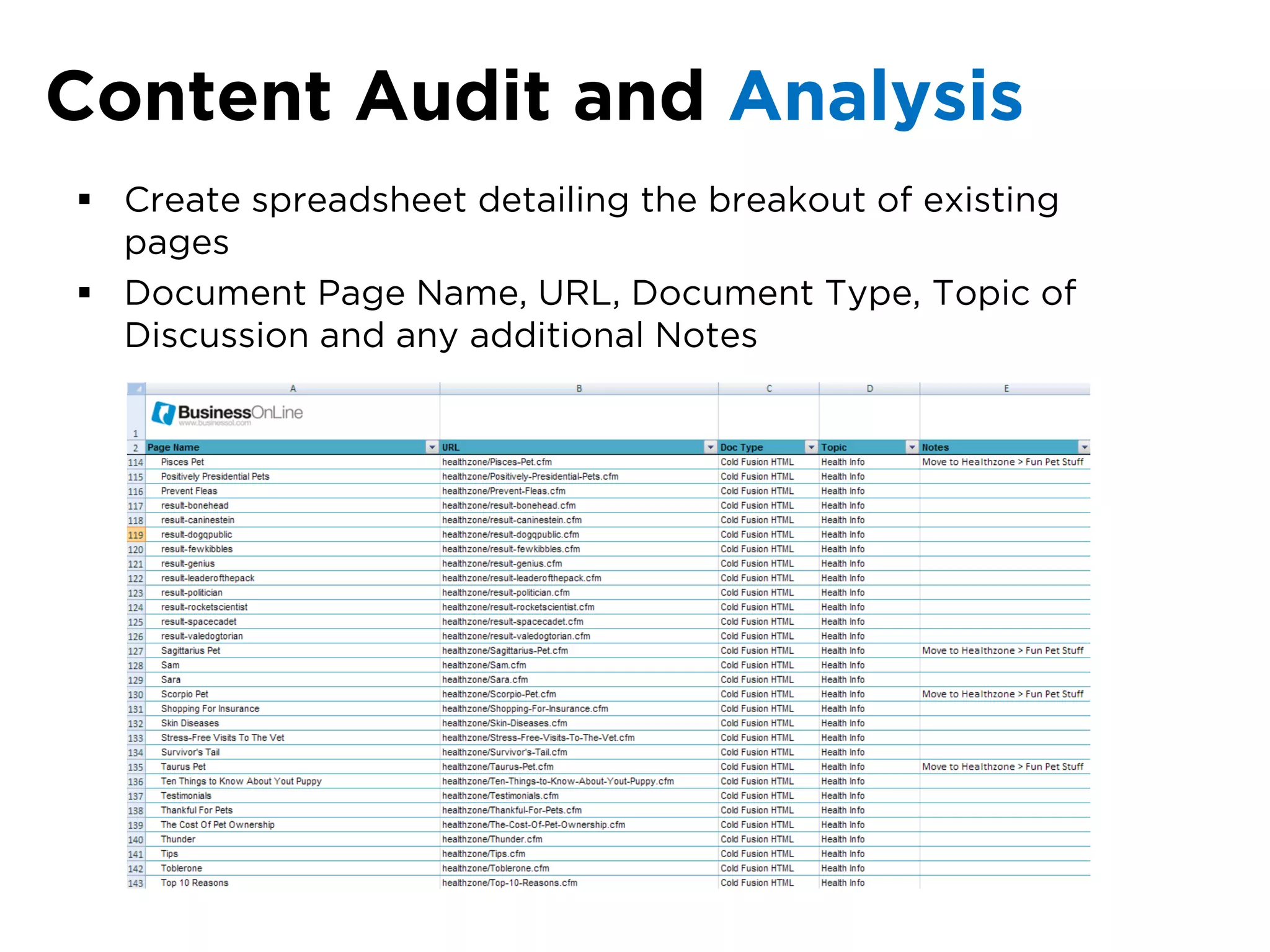
Content Audit and Analysis
 Create spreadsheet detailing the breakout of existing
  pages
 Document Page Name, URL, Document Type, Topic of
  Discussion and any additional Notes
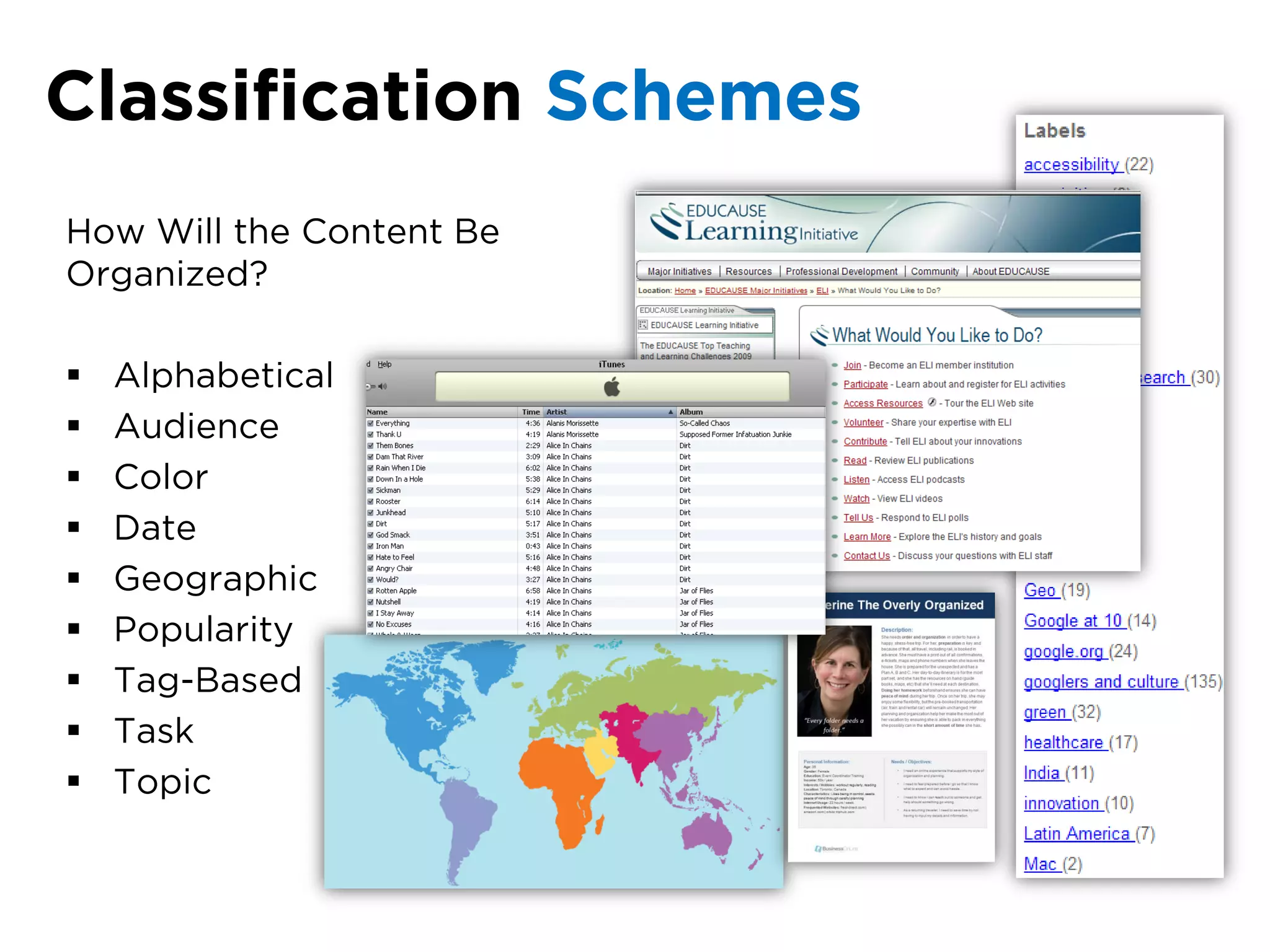
Classification Schemes
How Will the Content Be
Organized?

   Alphabetical
   Audience
   Color
   Date
   Geographic
   Popularity
   Tag-Based
   Task
   Topic
Labeling
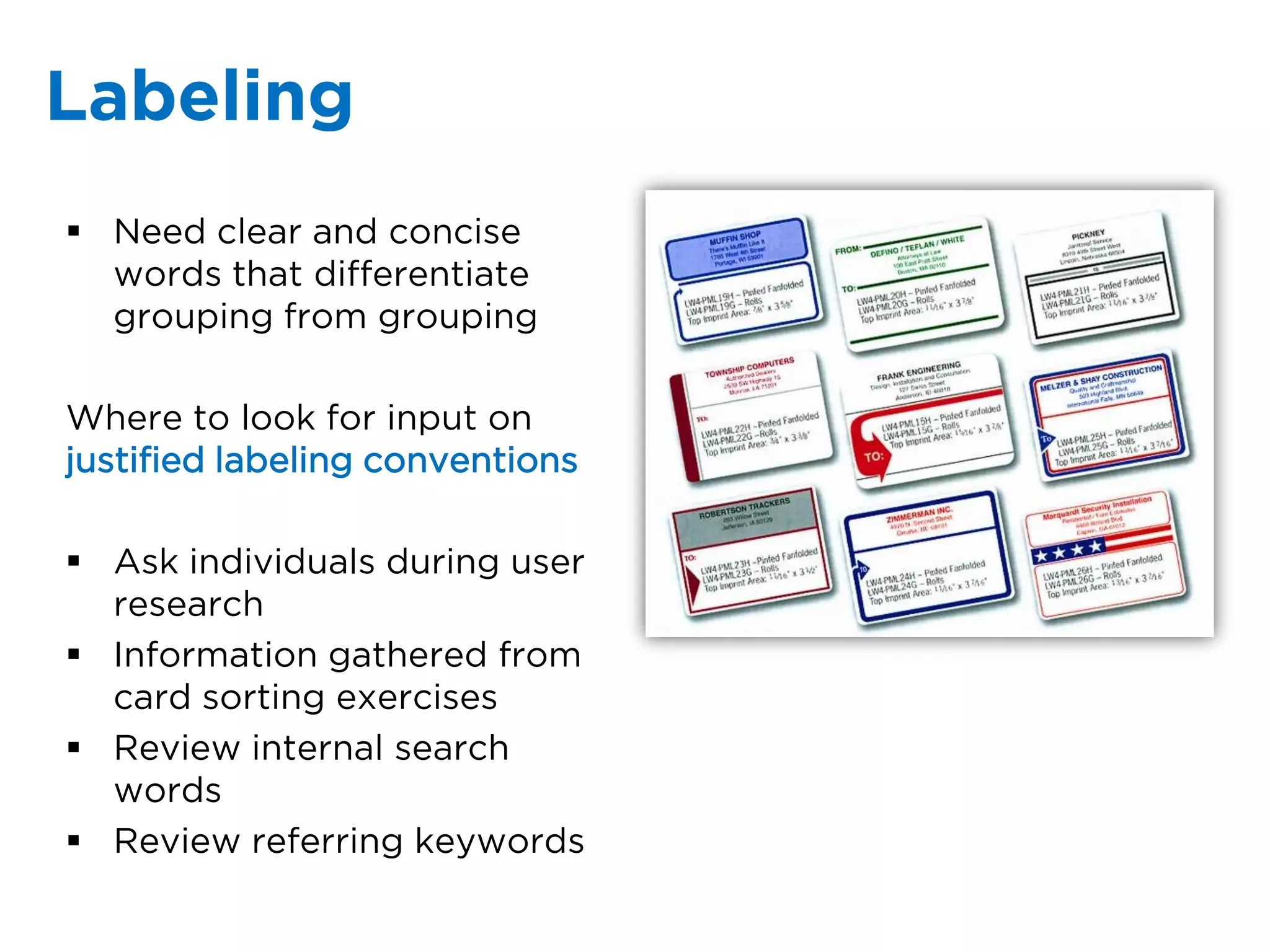
 Need clear and concise
  words that differentiate
  grouping from grouping

Where to look for input on
justified labeling conventions

 Ask individuals during user
  research
 Information gathered from
  card sorting exercises
 Review internal search
  words
 Review referring keywords
Card sorting
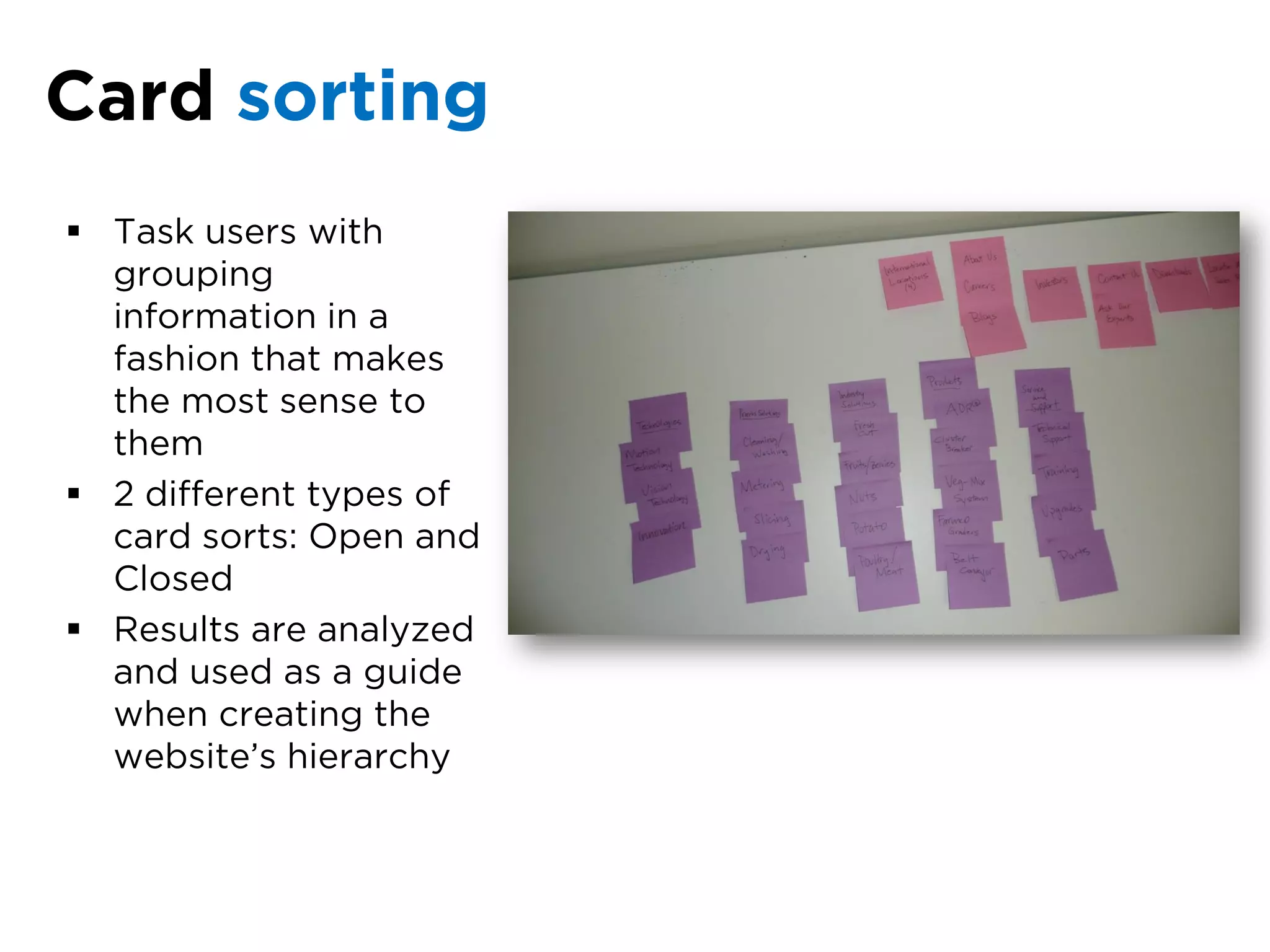
 Task users with
  grouping
  information in a
  fashion that makes
  the most sense to
  them
 2 different types of
  card sorts: Open and
  Closed
 Results are analyzed
  and used as a guide
  when creating the
  website’s hierarchy
Affinity Diagrams
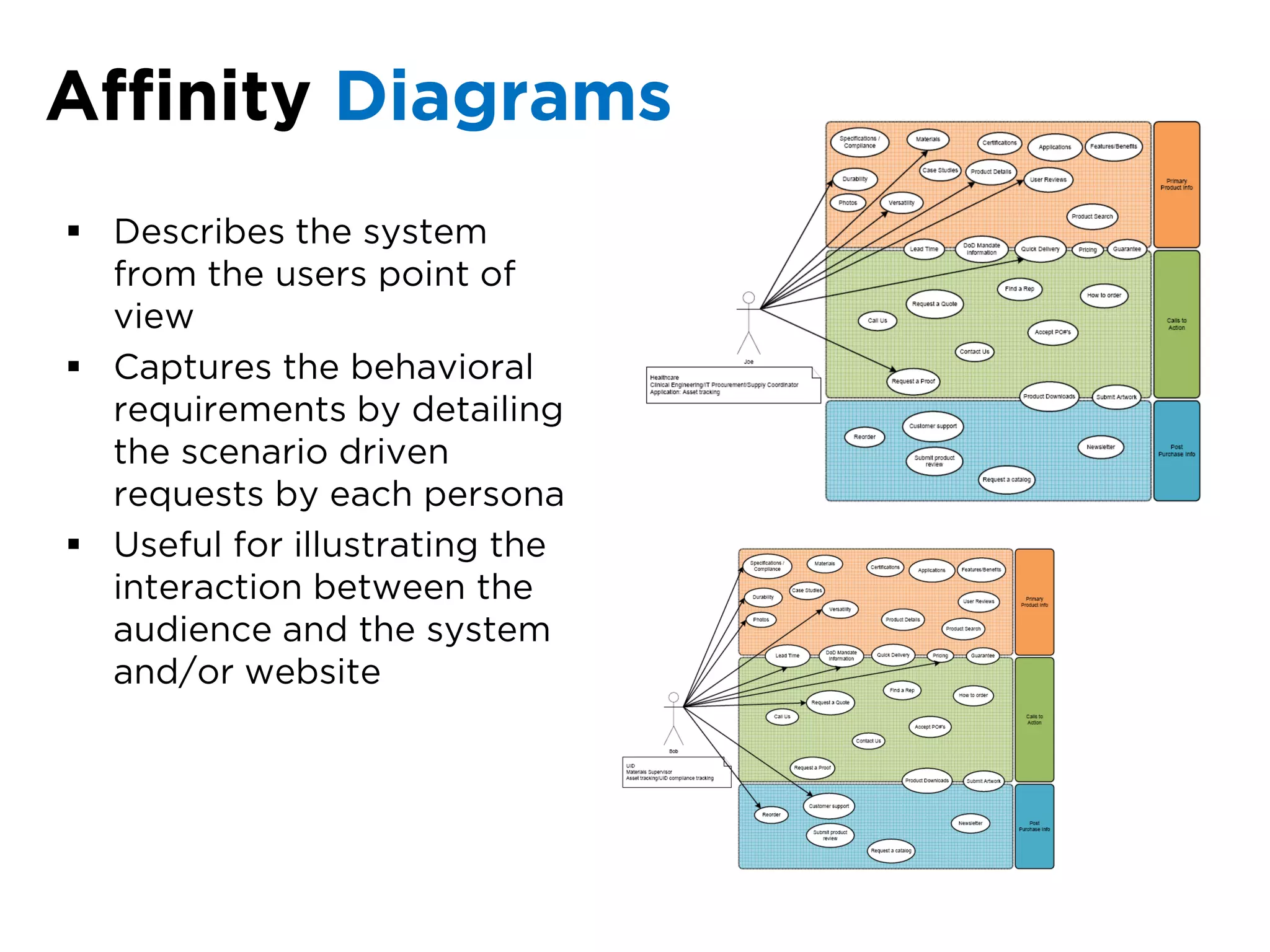
 Describes the system
  from the users point of
  view
 Captures the behavioral
  requirements by detailing
  the scenario driven
  requests by each persona
 Useful for illustrating the
  interaction between the
  audience and the system
  and/or website
Data Flow Diagrams

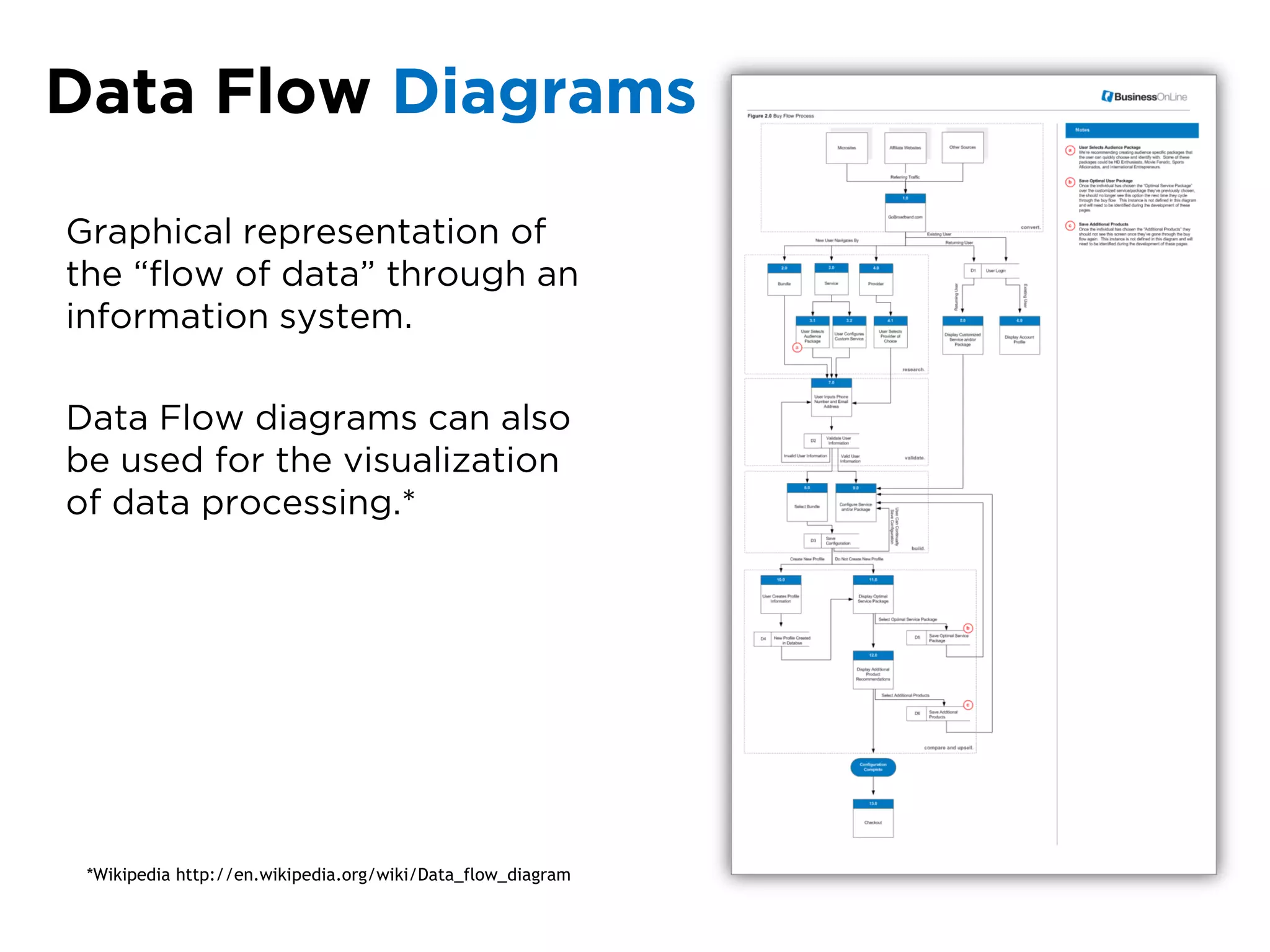
Graphical representation of
the “flow of data” through an
information system.

Data Flow diagrams can also
be used for the visualization
of data processing.*


 *Wikipedia http://en.wikipedia.org/wiki/Data_flow_diagram
Beta Sitemap
Content Map
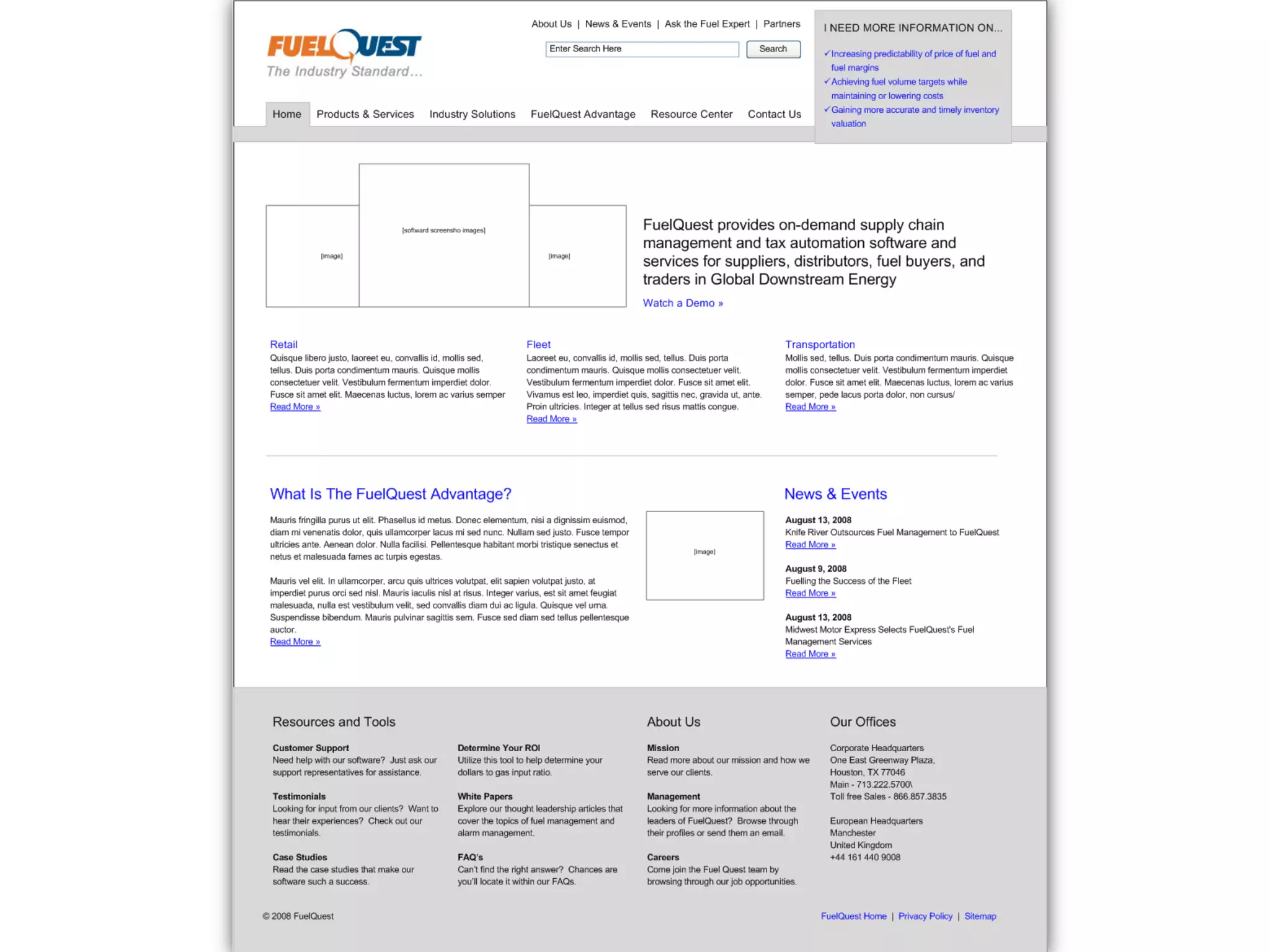
Low-Fi Wireframes
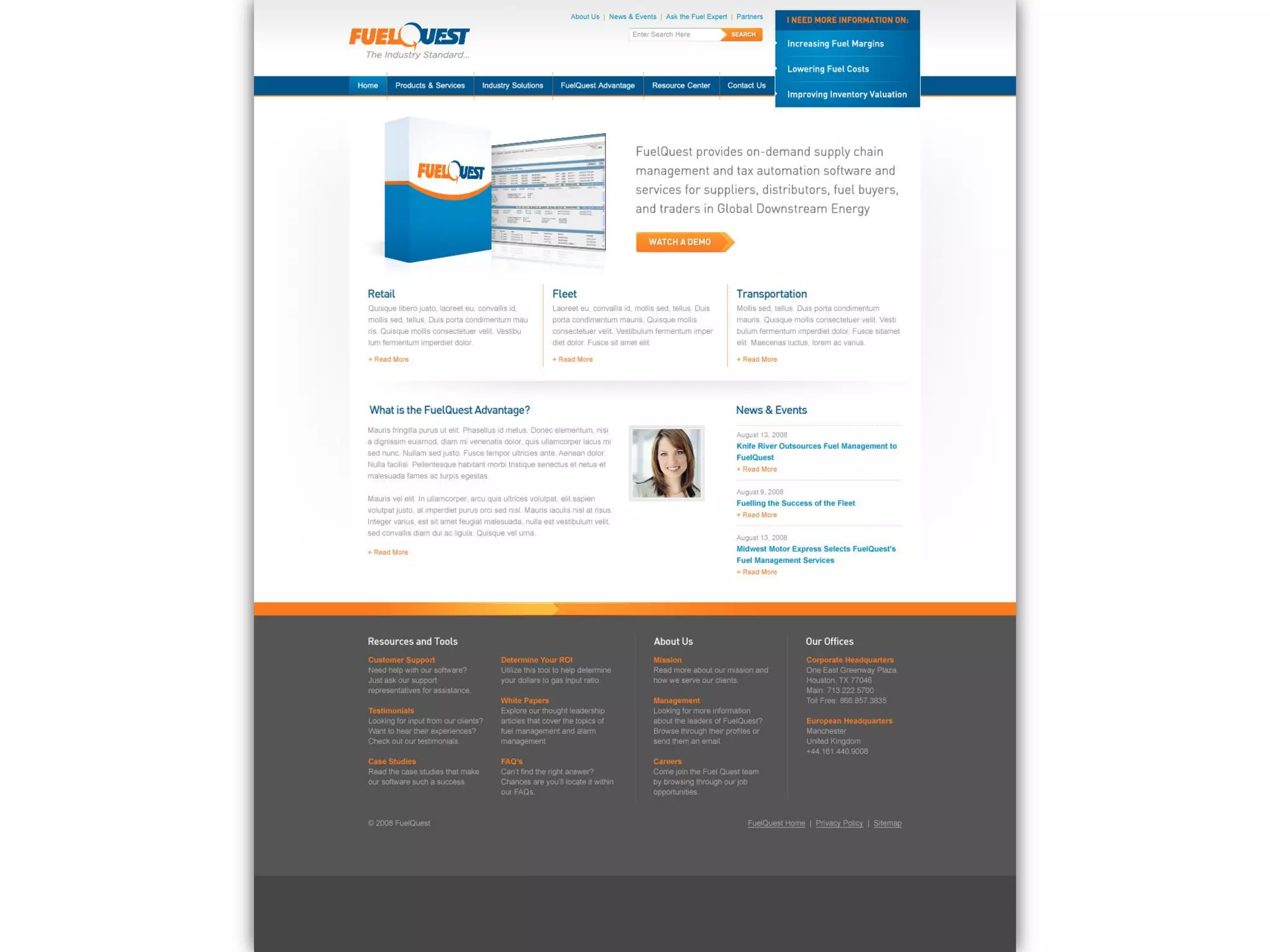
High-Fi Wireframes
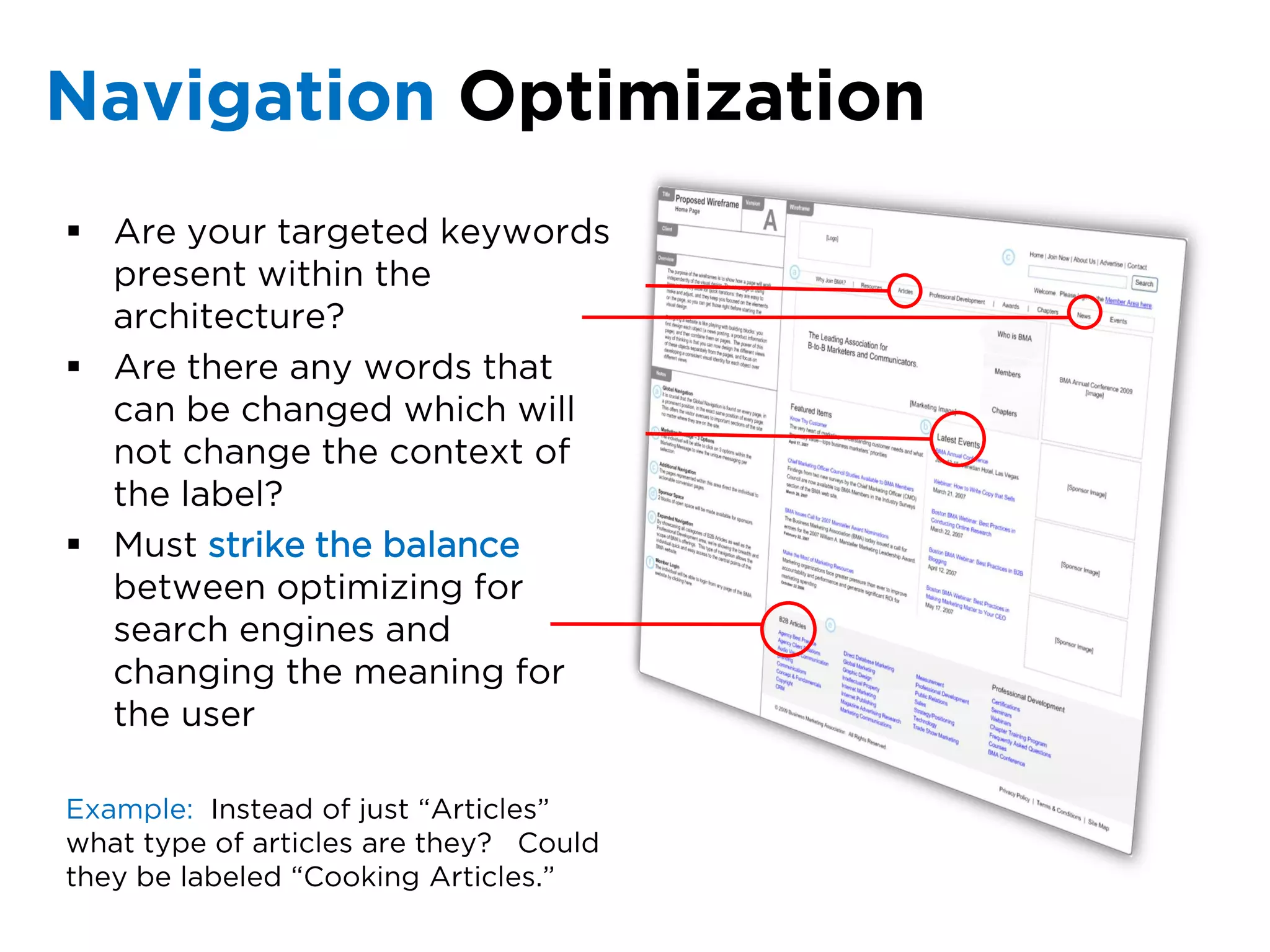
Navigation Optimization
 Are your targeted keywords
  present within the
  architecture?
 Are there any words that
  can be changed which will
  not change the context of
  the label?
 Must strike the balance
  between optimizing for
  search engines and
  changing the meaning for
  the user

Example: Instead of just “Articles”
what type of articles are they? Could
they be labeled “Cooking Articles.”
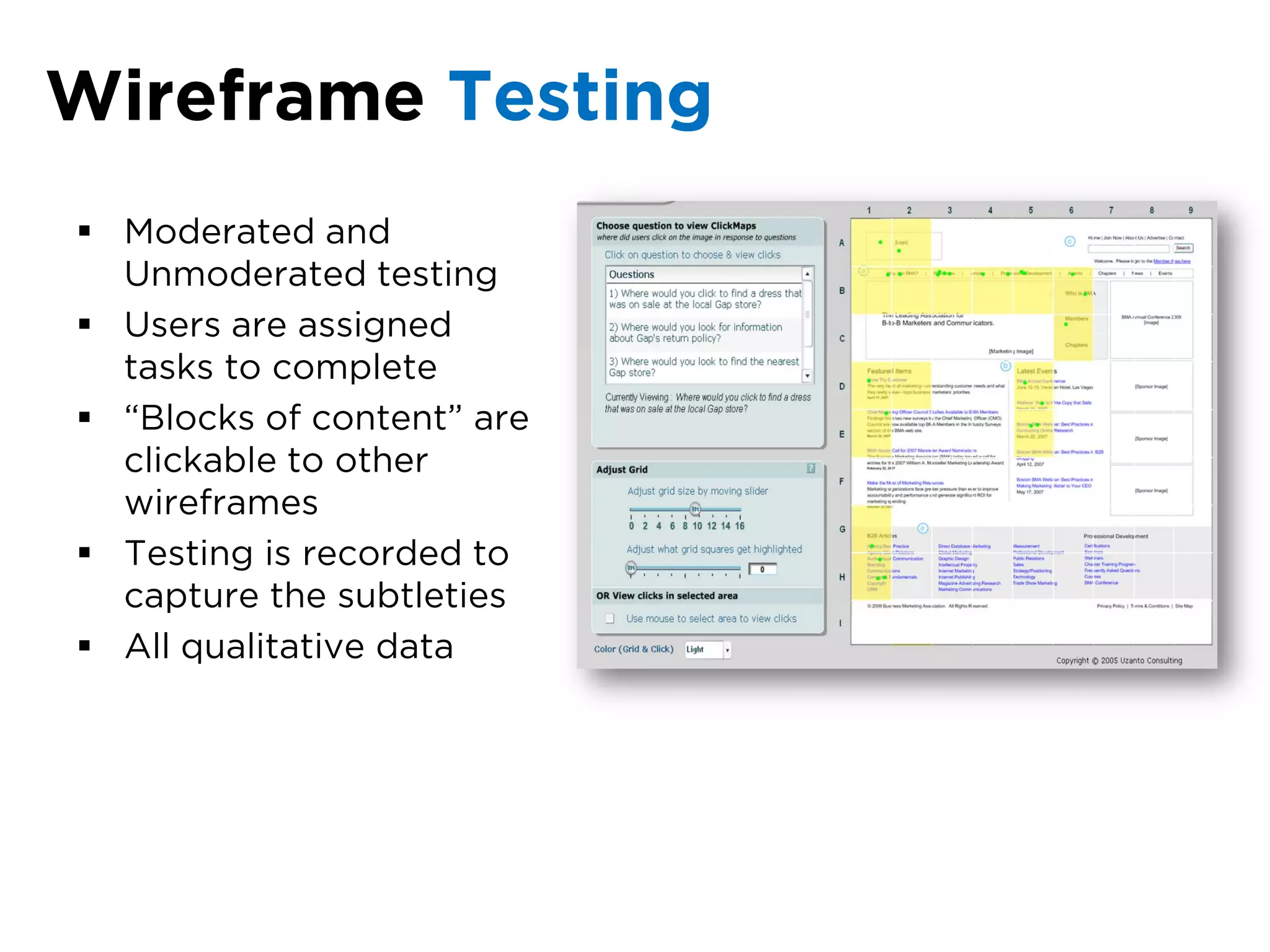
Wireframe Testing
 Moderated and
  Unmoderated testing
 Users are assigned
  tasks to complete
 “Blocks of content” are
  clickable to other
  wireframes
 Testing is recorded to
  capture the subtleties
 All qualitative data
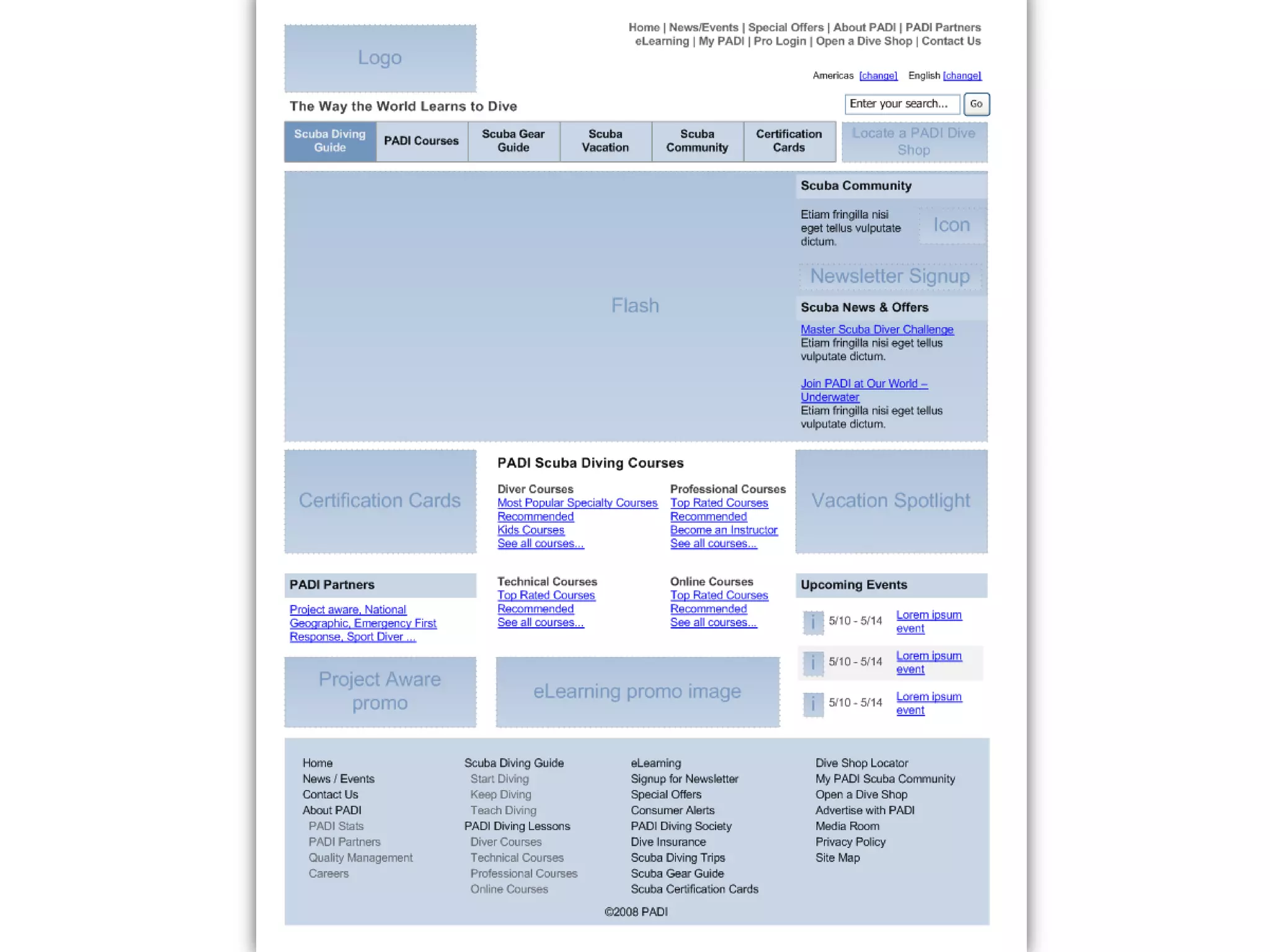
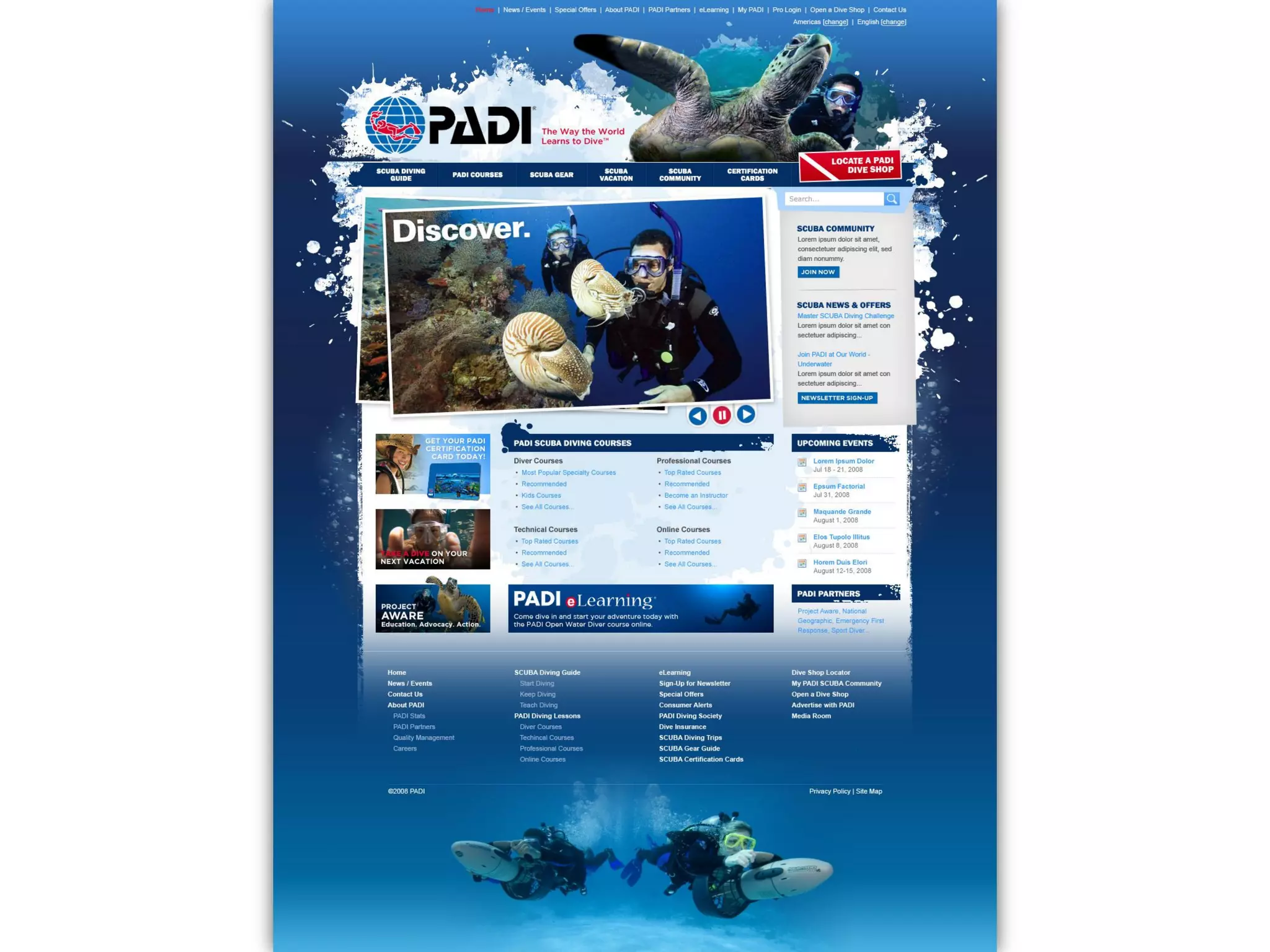
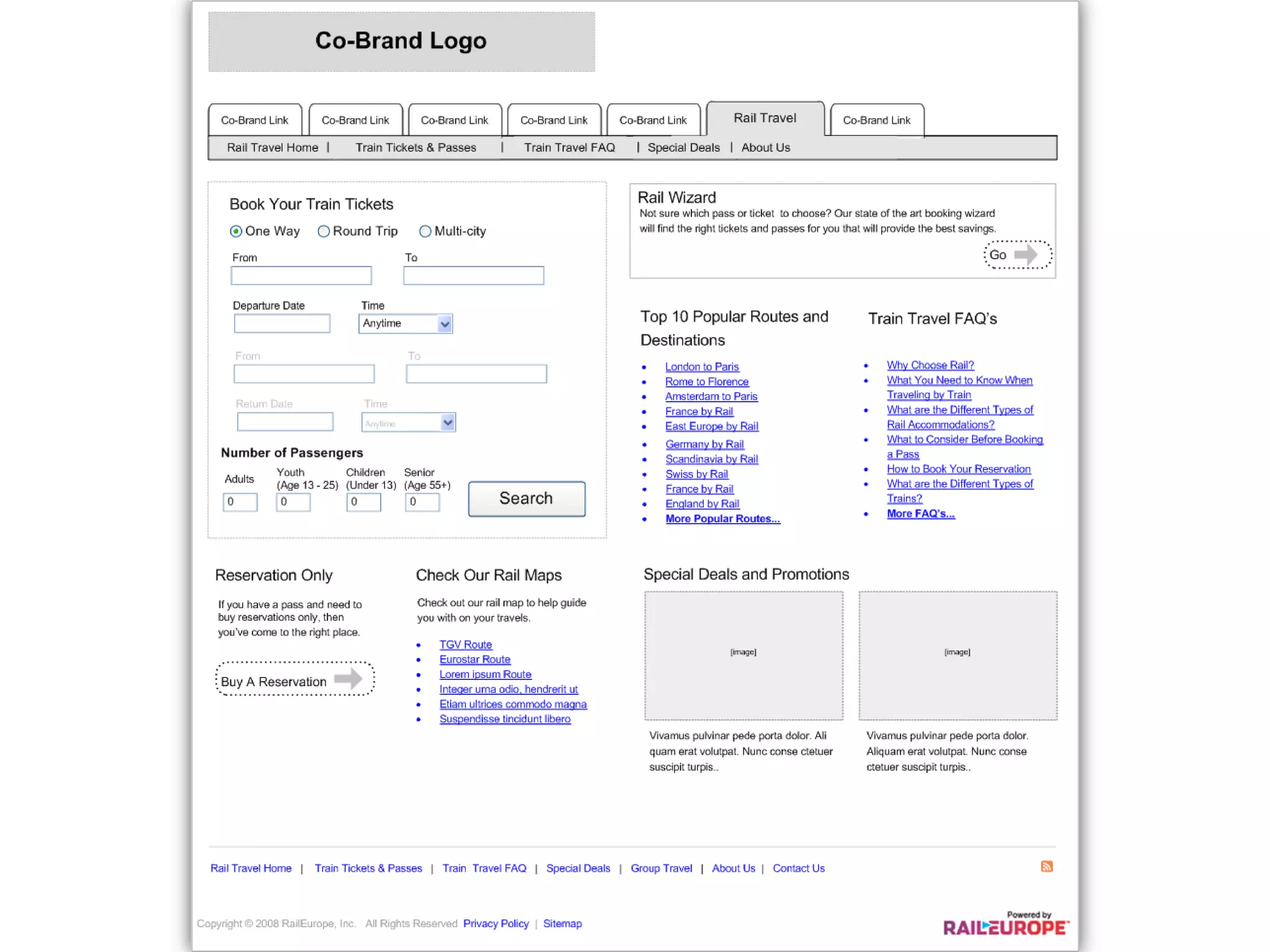
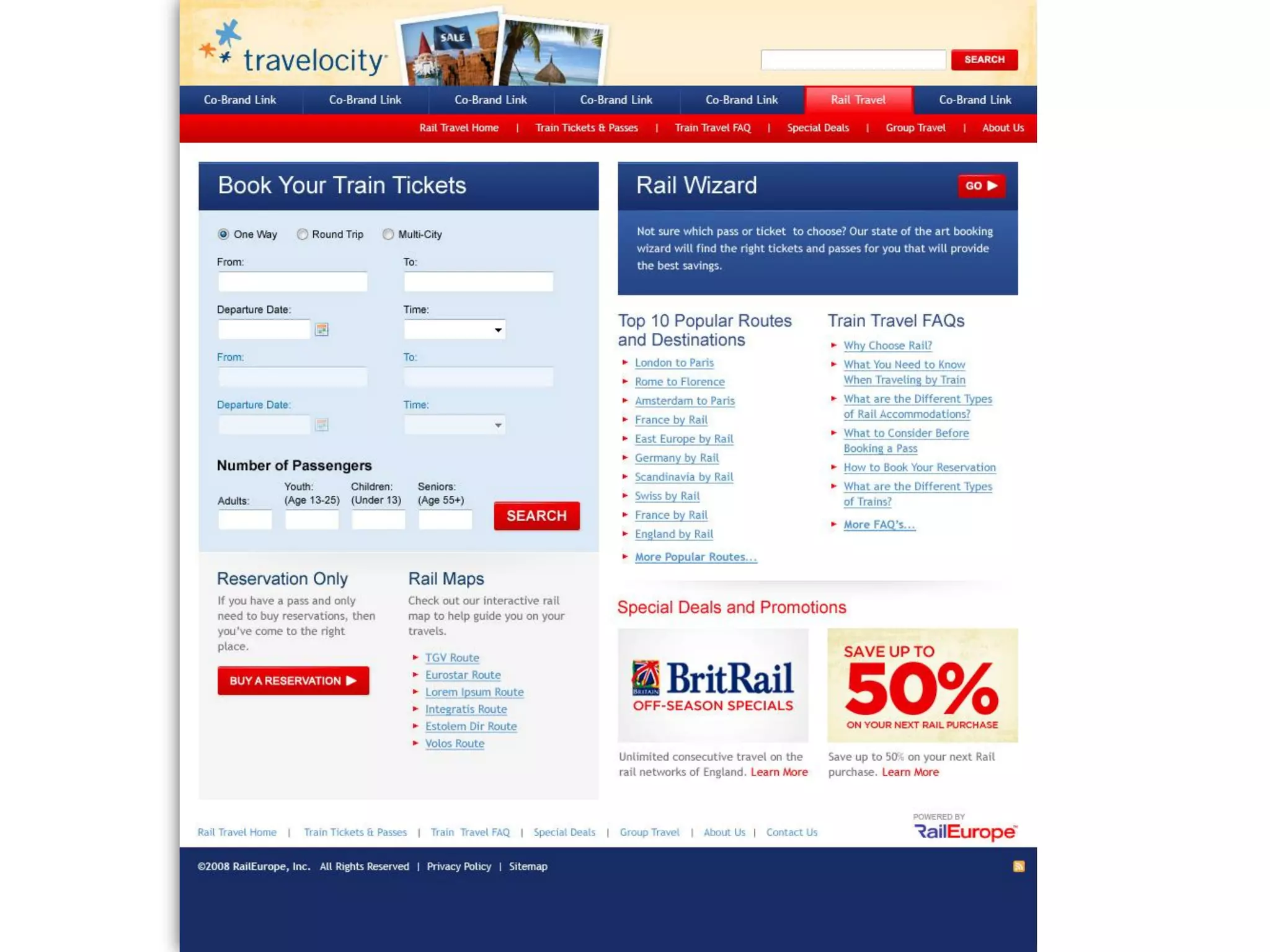
Wireframe to Design
     Examples
Why Does Information
Architecture Matter?
Why Does Information
Architecture Matter?


      consider this…
Do you know how many potential customers
         leave your site due to frustration?
How much extra
time and money is
spent on customer
support because
your customers
can’t find the
information they
seek?
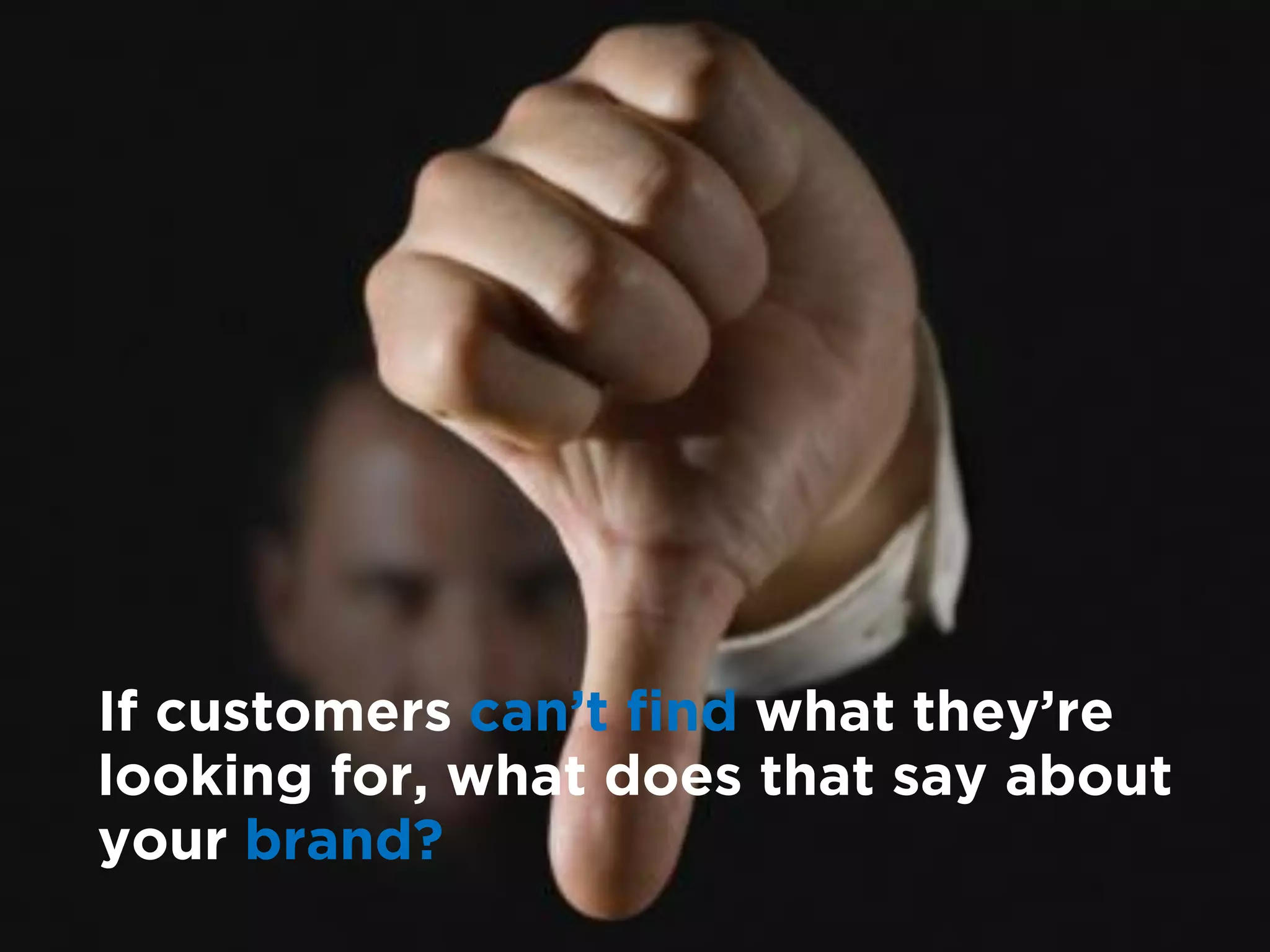
If customers can’t find what they’re
looking for, what does that say about
your brand?
Jakob Nielson states:

“   The cost of poor navigation and lack of
    design standards is….at least ten million
    dollars per year in lost employee
    productivity for a company with 10,000
    employees.
               ”
Continuing IA Education
               Websites / Blogs

               http://www.iainstitute.org
               http://www.boxesandarrows.com
               http://www.userglue.com/blog
               http://maadmob.net/donna/blog/
               http://blog.jjg.net/
               http://semanticstudios.com/
               http://louisrosenfeld.com/home/
               http://businessol.com/usability-blog
Thank you.
Questions.
Wrap Up.

Information Architecture: Get Your Blue Prints in Order

  • 1.
  • 2.
    Agenda  Defining User Experience  Defining Information Architecture (IA)  Breaking Down the Concepts of Information Architecture  How Does IA Fit into the Project Lifecycle  Strategy and Tactics  Wireframe to Design Examples  Why IA Matters
  • 3.
    What is UserExperience? The term used to describe the overall experience and satisfaction a user has when using a product or system. It most commonly refers to a combination of software and business topics, such as selling over the web, but it applies to any result of interaction design.* *Wikipedia – http://en.wikipedia.org/wiki/User_experience
  • 4.
    Elements of UserExperience *Jesse James Garrett http://www.jjg.net/elements/pdf/elements.pdf
  • 5.
    What is InformationArchitecture? Information Architecture Culture, Business Goals, Technology, (IA) is the art of Resources expressing a model or Context concept of information used in activities that IA Content Users require explicit details of complex systems. Information being read, Tasks, Behaviors, data, documents, Audience, Looking to knowledge accomplish goals *Wikipedia – http://en.wikipedia.org/wiki/Information_architecture
  • 6.
    User Experience Usability Engineer Graphic Designer Information Architect Interaction Designer
  • 7.
    Richard Saul Wurmancoined the term in “information architecture” in 1997
  • 8.
    Let’s take a Deeper Dive
  • 9.
    Breaking Down theConcepts of Information Architecture 1 Information 2 Structuring, Organizing, and Labeling 3 Finding and Managing 4 Art and Science
  • 10.
  • 11.
    How would you Structure, Organize and Label all of these products from scratch?
  • 12.
    Your Users Are…. browse. search. ask questions. Can they find your data?
  • 13.
  • 14.
    Little Bit of Art Little Bit of Science  Experience  User Needs  Intuition  Patterns of Behavior  Creativity  Scientific Analysis
  • 15.
  • 16.
    Information Architects couldalmost be called “Digital Librarians”
  • 17.
    Where Does IAFit into the Project Lifecycle?
  • 18.
    Typical Project Process Discovery Design Build Test Launch
  • 19.
  • 20.
  • 21.
  • 22.
    Audience Research Strategy  Audience Personas Users  Content Audit / Analysis  Classification Schemes  Labeling  Card sorting  Affinity Diagrams Business  Data Flow Diagrams  Beta Sitemap  Content Maps  Low-Fi Wireframes  Hi-Fi Wireframes  Navigation Optimization Technical  Wireframe Testing Requirements Tactics
  • 23.
    Audience Research andPersonas  Conduct interviews with your users  Online user testing  Audience surveys  Record each session with audio and or video.  Watch, list, and interact  Formulate personas based off of your research
  • 24.
    Content Audit andAnalysis  Is there an existing website? Is there a current sitemap that illustrates the number of pages per domain?  Need to understand the existing content and data types in order to optimize the hierarchy  Target the content types instead of generalities
  • 25.
    Content Audit andAnalysis  Create spreadsheet detailing the breakout of existing pages  Document Page Name, URL, Document Type, Topic of Discussion and any additional Notes
  • 26.
    Classification Schemes How Willthe Content Be Organized?  Alphabetical  Audience  Color  Date  Geographic  Popularity  Tag-Based  Task  Topic
  • 27.
    Labeling  Need clearand concise words that differentiate grouping from grouping Where to look for input on justified labeling conventions  Ask individuals during user research  Information gathered from card sorting exercises  Review internal search words  Review referring keywords
  • 28.
    Card sorting  Taskusers with grouping information in a fashion that makes the most sense to them  2 different types of card sorts: Open and Closed  Results are analyzed and used as a guide when creating the website’s hierarchy
  • 29.
    Affinity Diagrams  Describesthe system from the users point of view  Captures the behavioral requirements by detailing the scenario driven requests by each persona  Useful for illustrating the interaction between the audience and the system and/or website
  • 30.
    Data Flow Diagrams Graphicalrepresentation of the “flow of data” through an information system. Data Flow diagrams can also be used for the visualization of data processing.* *Wikipedia http://en.wikipedia.org/wiki/Data_flow_diagram
  • 31.
  • 32.
  • 33.
  • 34.
  • 35.
    Navigation Optimization  Areyour targeted keywords present within the architecture?  Are there any words that can be changed which will not change the context of the label?  Must strike the balance between optimizing for search engines and changing the meaning for the user Example: Instead of just “Articles” what type of articles are they? Could they be labeled “Cooking Articles.”
  • 36.
    Wireframe Testing  Moderatedand Unmoderated testing  Users are assigned tasks to complete  “Blocks of content” are clickable to other wireframes  Testing is recorded to capture the subtleties  All qualitative data
  • 37.
  • 44.
  • 45.
    Why Does Information ArchitectureMatter? consider this…
  • 46.
    Do you knowhow many potential customers leave your site due to frustration?
  • 47.
    How much extra timeand money is spent on customer support because your customers can’t find the information they seek?
  • 48.
    If customers can’tfind what they’re looking for, what does that say about your brand?
  • 49.
    Jakob Nielson states: “ The cost of poor navigation and lack of design standards is….at least ten million dollars per year in lost employee productivity for a company with 10,000 employees. ”
  • 50.
    Continuing IA Education Websites / Blogs http://www.iainstitute.org http://www.boxesandarrows.com http://www.userglue.com/blog http://maadmob.net/donna/blog/ http://blog.jjg.net/ http://semanticstudios.com/ http://louisrosenfeld.com/home/ http://businessol.com/usability-blog
  • 53.