Jared Smith
@jared_w_sm
ith
webaim.org
Implementing and
Evaluating Web
Accessibility
Accessibility
...
... is a continuum.
... is a process.
... can always be
improved.
Guidelines are
measures on the
continuum of
accessibility
Web Content
Accessibility
Guidelines 2.0
•Finalized in 2008•Principles-based and technology
agnostic = ethereal and often
confusing
•WebAIM’s WCAG 2.0 Checklist
•WCAG 2.1 draft available
Perceivable
Operable
Understandab
le Robust
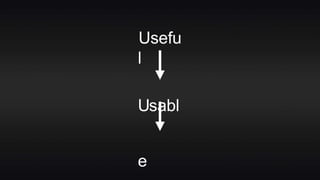
Usefu
l
Usabl
e
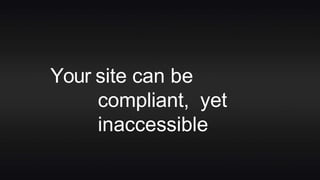
Your site can be
compliant, yet
inaccessible
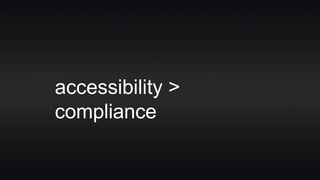
accessibility >
compliance
Your site can be
technically accessible,
yet functionally
inaccessible
Perceivab
le
Auditory
Disabilities
•Captions for video & live audio
•Text transcripts for all audio
content
•Audio description, too?
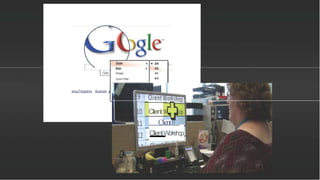
Visual
Disabilities
•Blindness
•Low vision
•Color
deficiency
[
Goo
Zoom
Size
Shape
ZoomFilter
• 2X
3X
4X
BX
sing Programs - Busines
Client
Client
ClientWorkshop
Visual
Disabilities
•Sufficient contrast
•http://webaim.org/resourc
es/
contrastcheck
er/•Ensure that meaning is not conveyed
with color alone
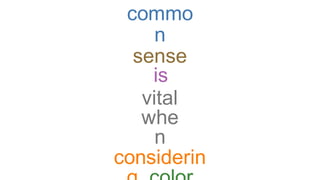
commo
n
sense
is
vital
whe
n
considerin
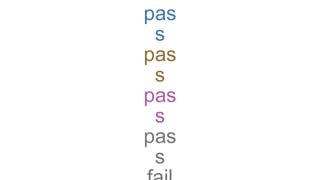
pas
s
pas
s
pas
s
pas
s
Structure and
Semantics
Is theapplication and content
structured to facilitate
understanding and
navigation?
Are thesemantics of
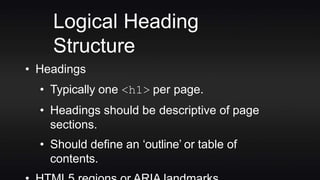
Logical Heading
Structure
• Headings
• Typically one <h1> per page.
• Headings should be descriptive of page
sections.
• Should define an ‘outline’ or table of
contents.
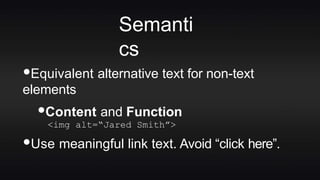
Semanti
cs
•Equivalent alternative text for non-text
elements
•Content and Function
<img alt=“Jared Smith”>
•Use meaningful link text. Avoid “click here”.
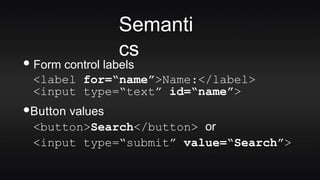
• Form control labels
<label for=“name”>Name:</label>
<input type=“text” id=“name”>
•Button values
<button>Search</button> or
<input type=“submit” value=“Search”>
Semanti
cs
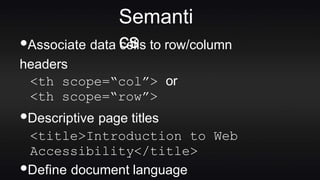
•Associate data cells to row/column
headers
<th scope=“col”> or
<th scope=“row”>
•Descriptive page titles
<title>Introduction to Web
Accessibility</title>
•Define document language
Semanti
cs
Most people today can hardly conceive of life
without the internet. Some have argued that no
other single invention has been more
revolutionary since Gutenberg's printing press in
the 1400s. Now, at the click of a mouse, the world
can be "at your fingertips"— that is, if you can use
a mouse... and see the screen... and hear the
audio—in other words, if you don't have a
disability of any kind.
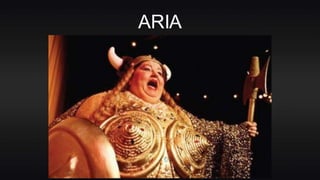
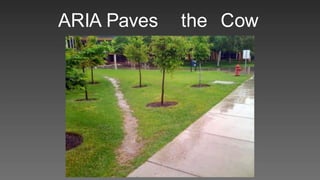
ARIA
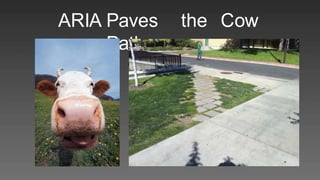
ARIA Paves the Cow
Paths
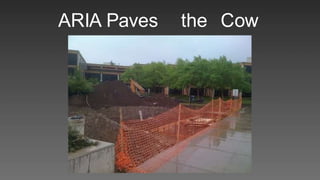
ARIA Paves the Cow
Paths
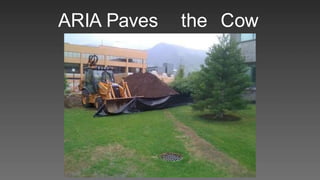
ARIA Paves the Cow
Paths
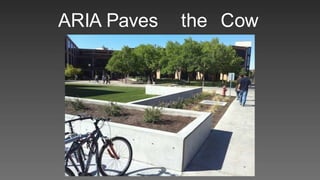
ARIA Paves the Cow
Paths
ARIA Paves the Cow
Paths
Semanti
cs
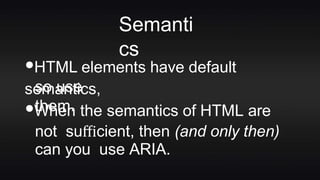
•HTML elements have default
semantics,so use
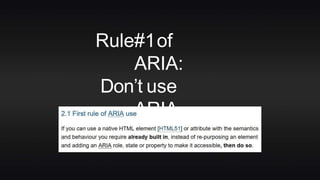
them.•When the semantics of HTML are
not sufficient, then (and only then)
can you use ARIA.
Rule#1of
ARIA:
Don’t use
ARIA
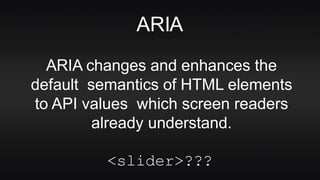
ARIA
ARIA changes and enhances the
default semantics of HTML elements
to API values which screen readers
already understand.
<slider>???
Just use a
button!
Operabl
e
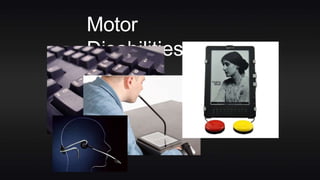
Motor
Disabilities
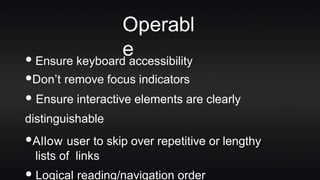
Operabl
e
• Ensure keyboard accessibility
•Don’t remove focus indicators
• Ensure interactive elements are clearly
distinguishable
•Allow user to skip over repetitive or lengthy
lists of links
Logical reading/navigation order
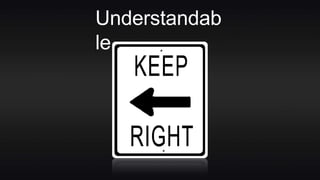
Understandab
le
Who does this
affect?
•Users with cognitive or
learningdisabilitie
s•Largest disability group. Larger
than all the others put together.
•Everyone!
Understandab
le
•Be careful with movement and
other
distracters
•Simplify and be consistent.
•Avoid small text
Understandab
le
•Avoid long line lengths
•Focus the user’s attention
•“Chunk” and simplify content
•Balance cognitive load vs.
functionality
+
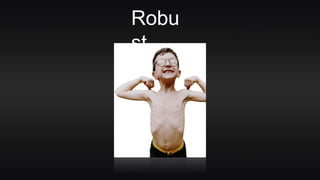
Robu
st
Does it work in the
technologies utilized by
our end users?
Robu
st
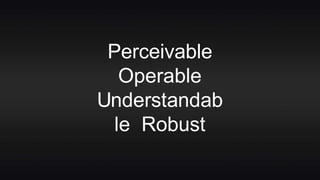
Perceivable
Operable
Understandab
le Robust
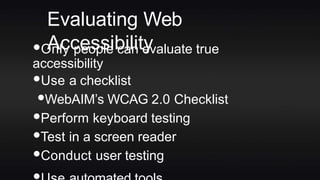
Evaluating Web
Accessibility•Only people can evaluate true
accessibility
•Use a checklist
•WebAIM’s WCAG 2.0 Checklist
•Perform keyboard testing
•Test in a screen reader
•Conduct user testing
wave.webaim.o
rg
“For people without disabilities,
technology makes things
convenient, whereas for people
with disabilities, it makes things
possible.”
- Judy Hueman
thank
you
Jared Smith
@jared_w_smi
th webaim.org

Implementing and Evaluating Web Accessibility