

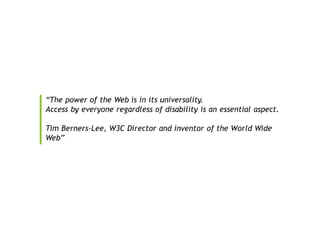
ACCESSIBILITY
TESTING USING AXE
APARNA GOPALAKRISHNAN
TEST AUTOMATION CONSULTANT
ABOUT ME
• Test Automation Consultant, Trainer
• Twitter – @aparna2019
• Linked in - https://www.linkedin.com/in/aparna-a-
gopalakrishnan-8088765a/
• Email - aparna.vadakath@gmail.com
AGENDA
• Introduction to Web Accessibility- What and Why?
• Common Accessibility Issues
• The Guidelines (WCAG Overview)
• Web Accessibility Testing Options/Tools
• Onto Axe
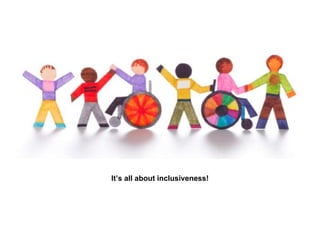
What is web accessibility?
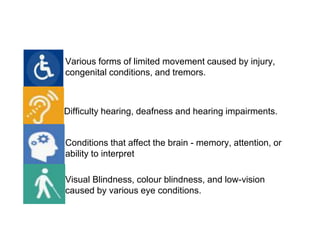
Difficulty hearing, deafness and hearing impairments.
Visual Blindness, colour blindness, and low-vision
caused by various eye conditions.
Various forms of limited movement caused by injury,
congenital conditions, and tremors.
Conditions that affect the brain - memory, attention, or
ability to interpret
It’s all about inclusiveness!
Report says 1 in 5 people have disability.
There are 11.9 million disabled people in the UK
which is nearly 19% of the population.
Why does Accessibility
Matter?
• Social Responsibility
• Better Business
• Accessible websites are easier to find by search
engines
• “Accessibility Optimized” websites are easier to
navigate and simple to use
• Accessibility helps everyone
COMMON ACCESSIBILITY
ISSUES
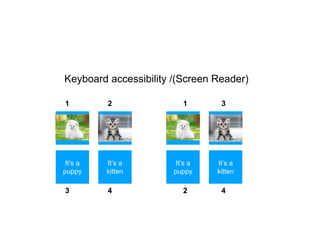
Keyboard accessibility /(Screen Reader)
Image 1
It’s a
kitten
It’s a
puppy
Image 2 Image 1
It’s a
kitten
It’s a
puppy
Image 2
1 2
3 4
1 3
2 4
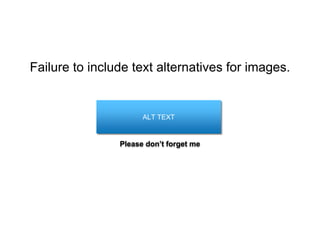
Failure to include text alternatives for images.
ALT TEXT
Please don’t forget me
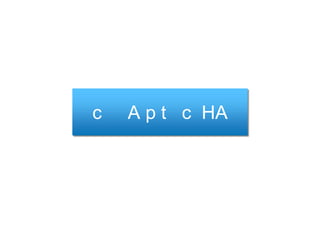
c A p t c HA
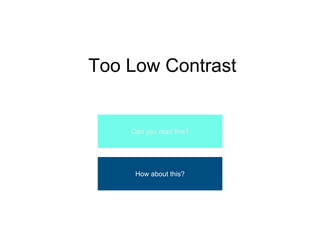
Too Low Contrast
Can you read this?
How about this?
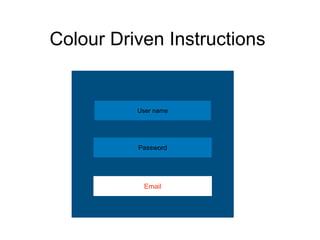
User name
Password
Email
Colour Driven Instructions
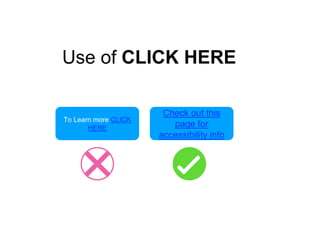
To Learn more CLICK
HERE
Check out this
page for
accessibility info
Use of CLICK HERE
HOW CAN WE
ENSURE OUR
WEBSITE
IS INCLUSIVE?
WCAG 2 OVERVIEW
(Web Content Accessibility Guidelines)
“The WCAG documents explain how to
make web content more accessible to
people with disabilities.”
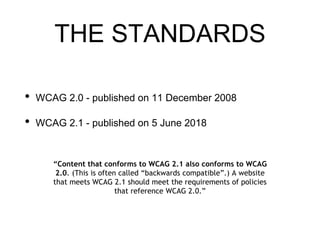
THE STANDARDS
• WCAG 2.0 - published on 11 December 2008
• WCAG 2.1 - published on 5 June 2018
“Content that conforms to WCAG 2.1 also conforms to WCAG
2.0. (This is often called “backwards compatible”.) A website
that meets WCAG 2.1 should meet the requirements of policies
that reference WCAG 2.0.”
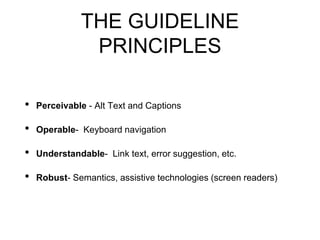
THE GUIDELINE
PRINCIPLES
• Perceivable - Alt Text and Captions
• Operable- Keyboard navigation
• Understandable- Link text, error suggestion, etc.
• Robust- Semantics, assistive technologies (screen readers)
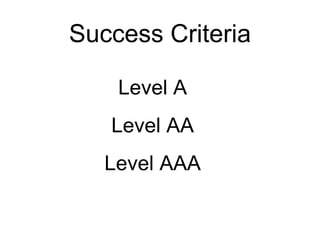
Success Criteria
Level A
Level AA
Level AAA
Web Accessibility Testing
There is no substitute for real user feedback.
You need to include people with disabilities to test.
FACT
Accessibility Testing Options,
Tools, etc.
• Tab through the page using keyboard
• Screen readers (JAWS, NVDA, Talk Back, Speak
Screen, etc.)
• Zoom Text
• Browser plug-in(Axe, WAVE)
• APIs for automation (axe, pally, totalValidator,
etc.)
On to AXE!!!!
An Open source product from the Deque for accessibility testing
Axe
• Browser plug-in (chrome and Firefox)
• APIs for web accessibility automation
• Native apps and hybrid apps for android(Android
App and Axe Android API)
**iOS will be coming soon!
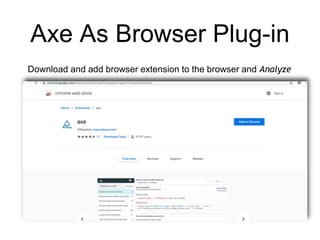
Axe As Browser Plug-in
Download and add browser extension to the browser and Analyze
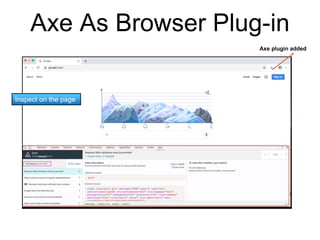
Axe As Browser Plug-in
Axe plugin added
Inspect on the page
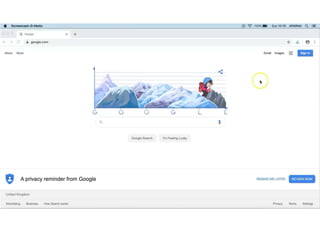
Axe As Browser Plug-in
Axe API For Web
Accessibility Automation
➢Open source accessibility rules for automated testing
➢Can be integrated on to existing automation framework
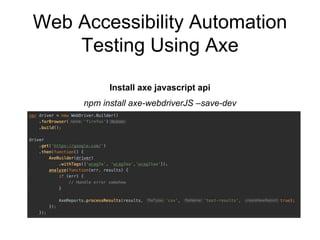
Web Accessibility Automation
Testing Using Axe
Install axe javascript api
npm install axe-webdriverJS –save-dev
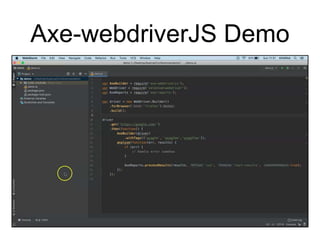
Axe-webdriverJS Demo
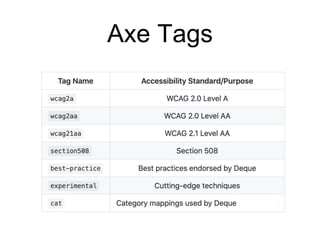
Axe Tags
Axe Rules
axe.getRules([‘wcag21a’]);
axe.getRules(<tags>);
Page scanning options
// To run only specific set of rules
AxeBuilder(driver).withTags([‘wcag2a’]);
//To limit analysis to only specified rules
AxeBuilder(driver).withRules(['html-lang', ‘image-alt’]);
//To disable some rules
AxeBuilder(driver).disableRules(‘color-contrast’);
Pros
• No false-positive scenarios
• Better rule coverage
• Seamless integration feasibility with test automation
framework
• Easy integration with CI
• Easy to use
• Open Source
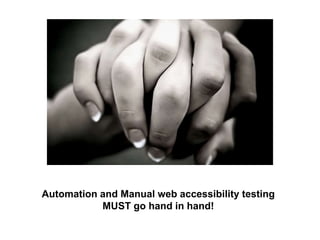
Automation and Manual web accessibility testing
MUST go hand in hand!
IS FOR EVERY ONE, LET’S DO OUR BEST TO ENSURE AS IT S
References
• https://www.gov.uk/service-manual/helping-people-to-use-
your-service/testing-for-accessibility
• https://www.smashingmagazine.com/2018/09/importance-
manual-accessibility-testing/
• https://www.w3.org/WAI/fundamentals/accessibility-intro/
• https://www.deque.com/axe/
Web Accessibility Testing With Axe

Web Accessibility Testing With Axe

Editor's Notes

  • #6 Accessibility = Availability? Accessibility is Usability of the website for disabled or differently abled people.
  • #7 We are talking about people who are differently abled.
  • #9 Accessibility is to make sure the user experience
  • #20 Accessibility is not just following the rules. It’s about usability as well. So we have to involve people with disabilities to test
  • #23 Perceivable - - about alt text and captions (briefly). Web content easier to read Operable - Helps to navigate and look for content Keyboard navigation Animation and flashes Form labels Pause or delay (provide enough time to users to read and use content) Understandable- Make content readable, predictable and understandable -providing link text -error suggestion -navigation Robust- Make content compatible It has to be interpreted by a wide variety of user agents, including assistive technologies. -semantics
  • #24 Levels Level A – basic web accessibility check, easiest to implement, low impact on presentation/visually E.g.: 1.2.2 – captions must be provided for pre-recorded video Level AA – moderate check – bit more responsible checks! E.g: 1.2.4Captions (Live) - Level AA captions must be provided for live videos Levels Level AAA – specific user impact and increased complexity to implement E.g.: 1.2.6Sign Language (Pre-recorded) - Level AAA Sign language interpretation must be provided for all prerecorded content **Mostly used checks are A and AA
  • #25 If we don’t involve people with disabilities while framing the problem, we wont understand how they think. And if we don’t understand how they think, we wont know how to serve their needs in the best way possible.
  • #39 So here unlike any other test automation - be it functional/non functional/API/compatibility, we may not see a benefit in terms of saving time, because not all the rules are covered through automation. And not only one tool will help to find out all the accessibility issues, So we need to do a manual round of testing using screen readers or other tools to ensure there are no accessibility issues. What matters is TEST YOUR CODE Automating web accessibility testing is not a replacement of manual web accessibility testing.
  • #40 Testing your code Test your code regularly, using both automated testing and manual testing. These tests will also uncover issues with design and content. It’s important to do both types of testing - you’ll miss some issues if you only do automated testing.