How to Create a  Weebly Website Sarah Bosler MHS Teacher Librarian May 2010
But first…why? -- Design a web site for your students/classroom -- Use as a tool for inter-departmental collaboration -- Teach students to make websites instead of PowerPoints -- An all-in-one place portal for important class/grade-level projects -- A book discussion forum for sharing photos, videos, reviews, and more!
Who benefits? Students Parents  Your Department Other Departments Other teachers within and outside district
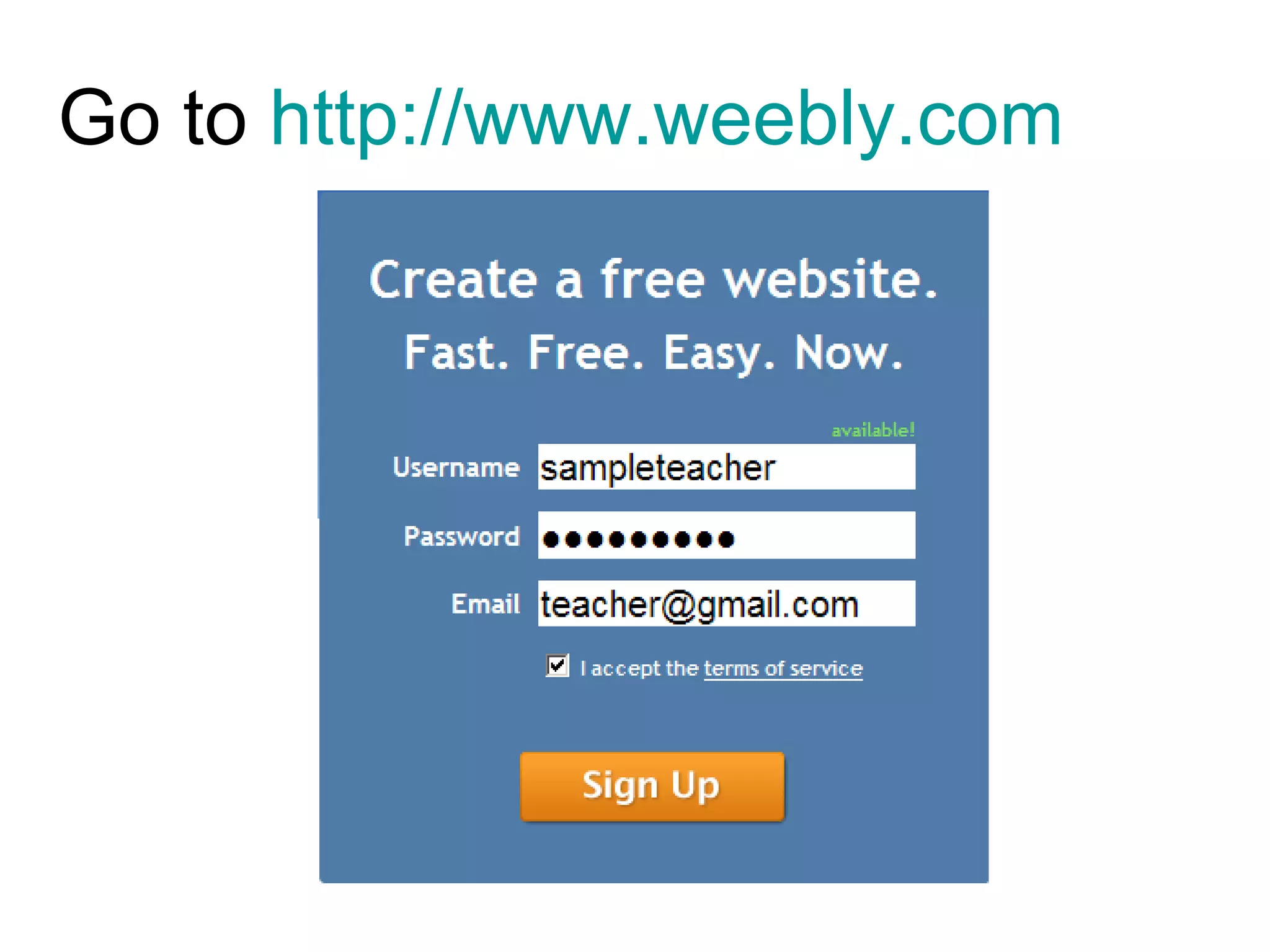
Go to  http://www.weebly.com
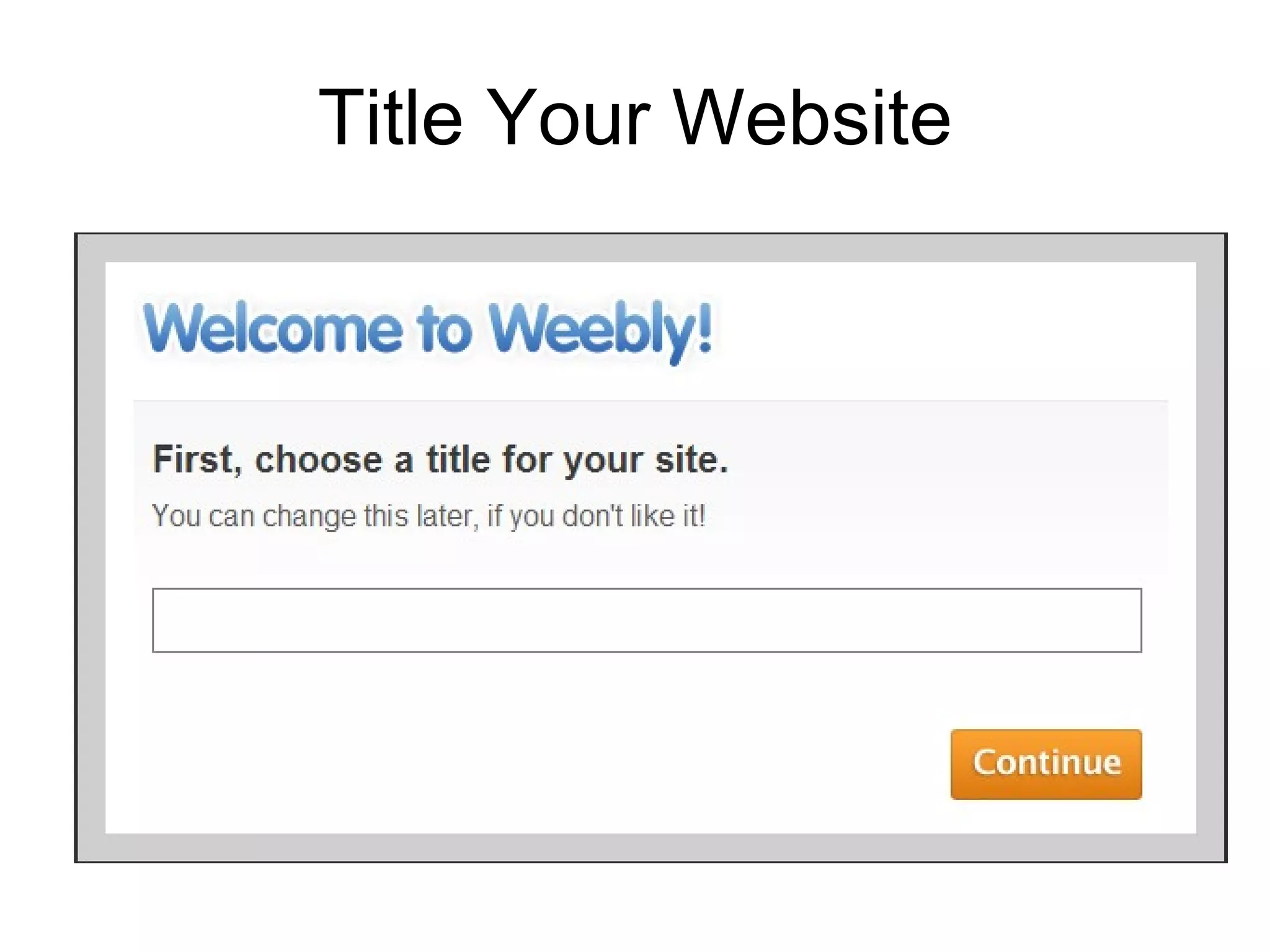
Title Your Website
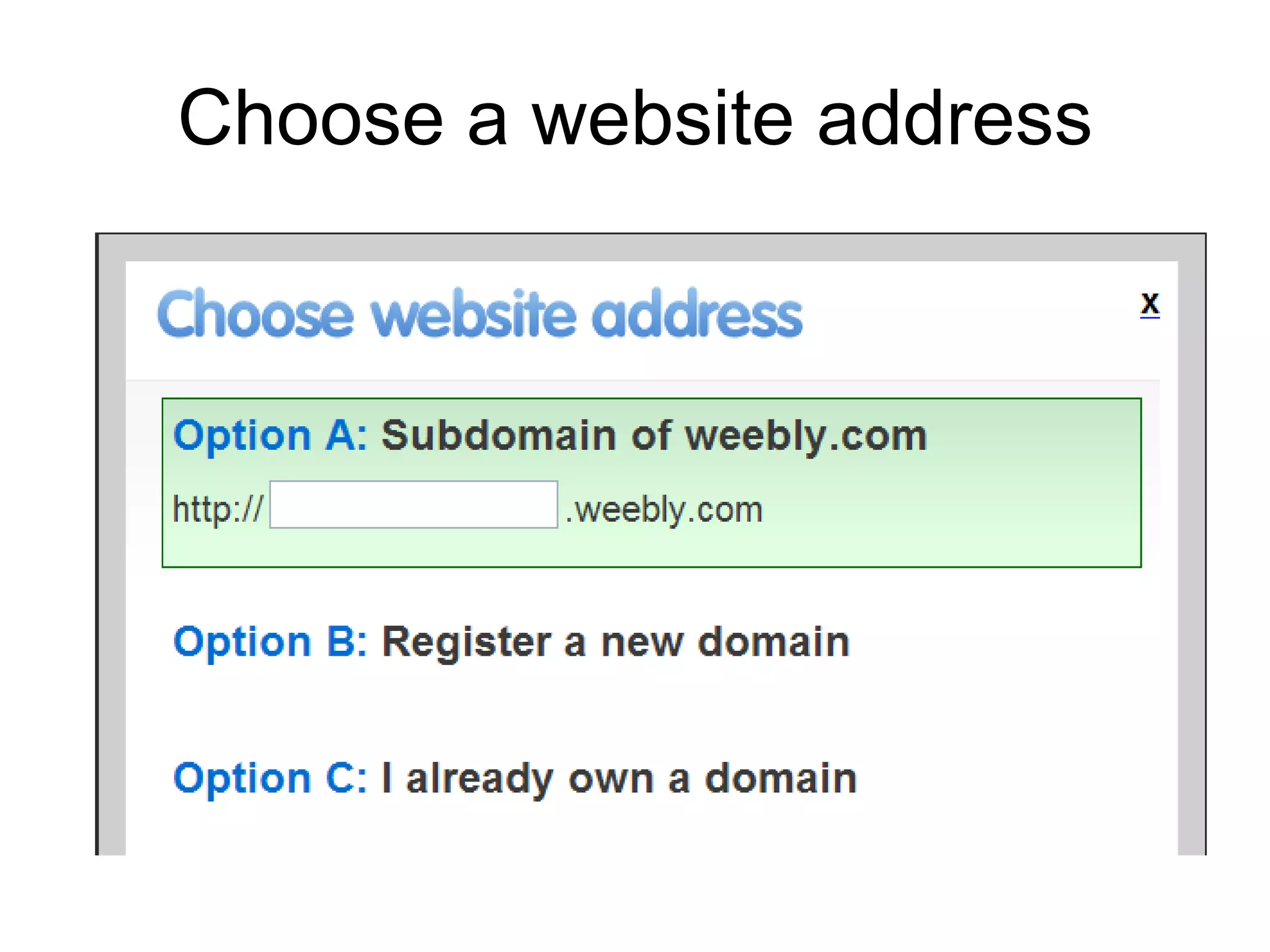
Choose a website address
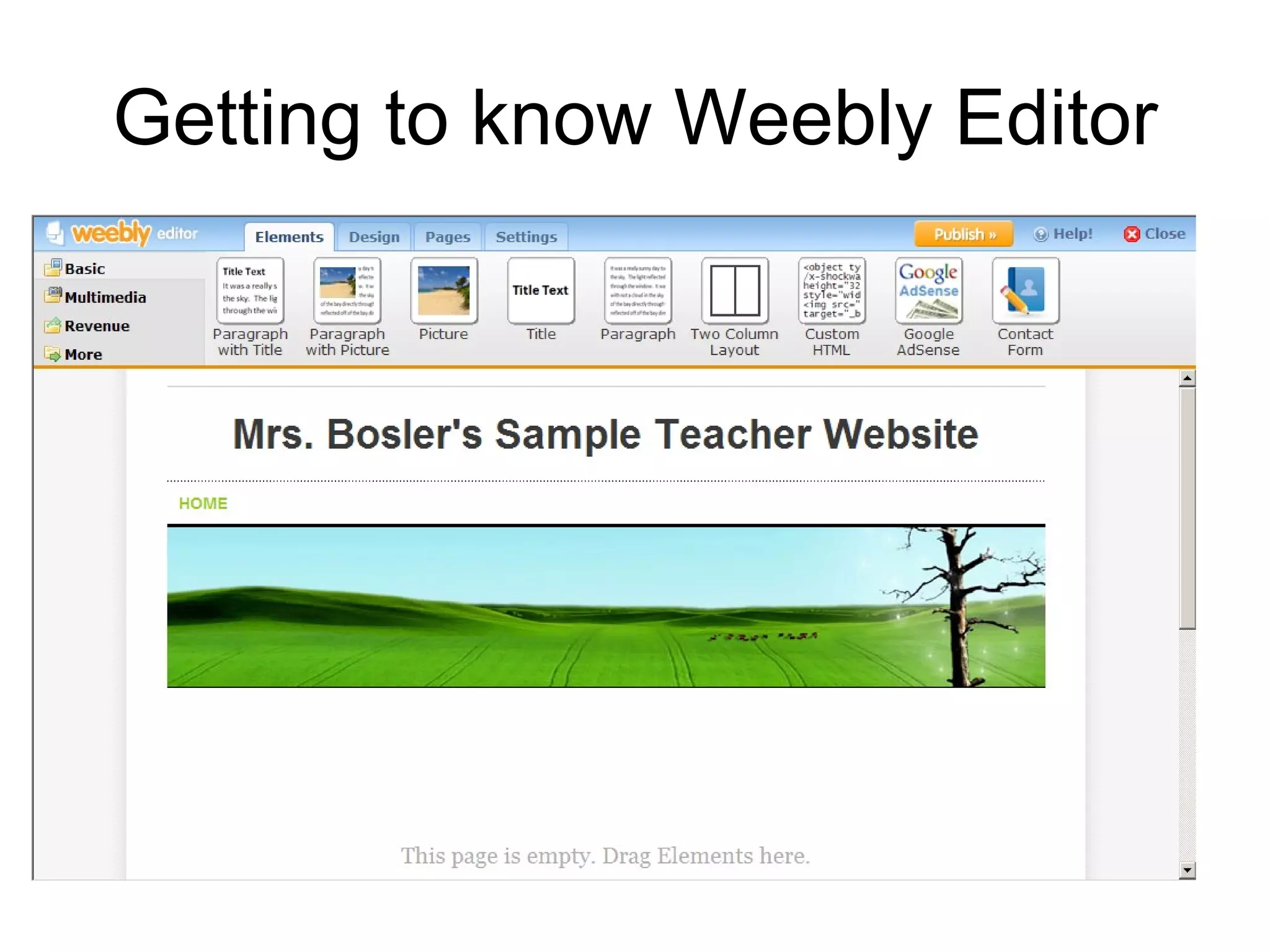
Getting to know Weebly Editor
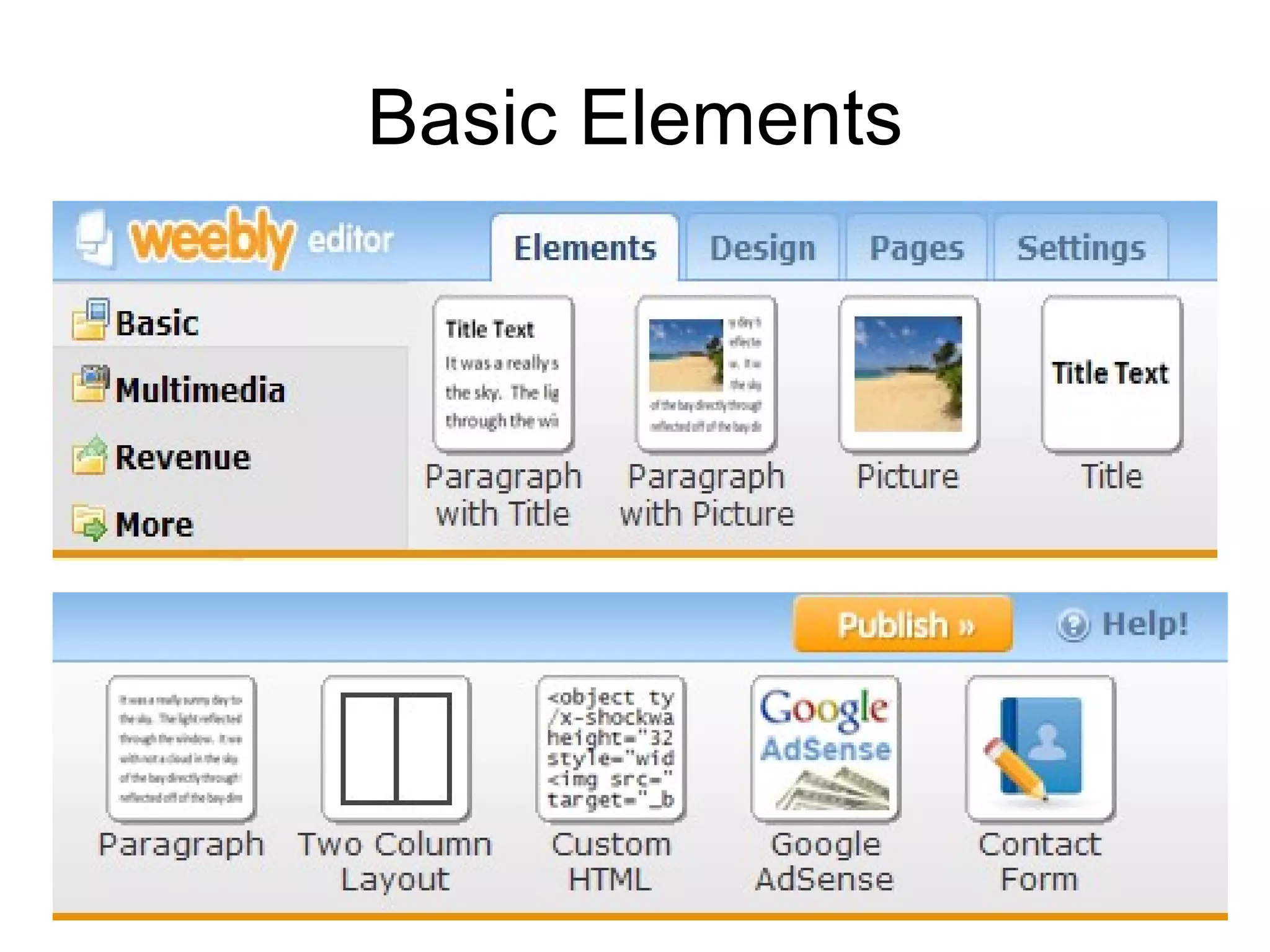
Basic Elements
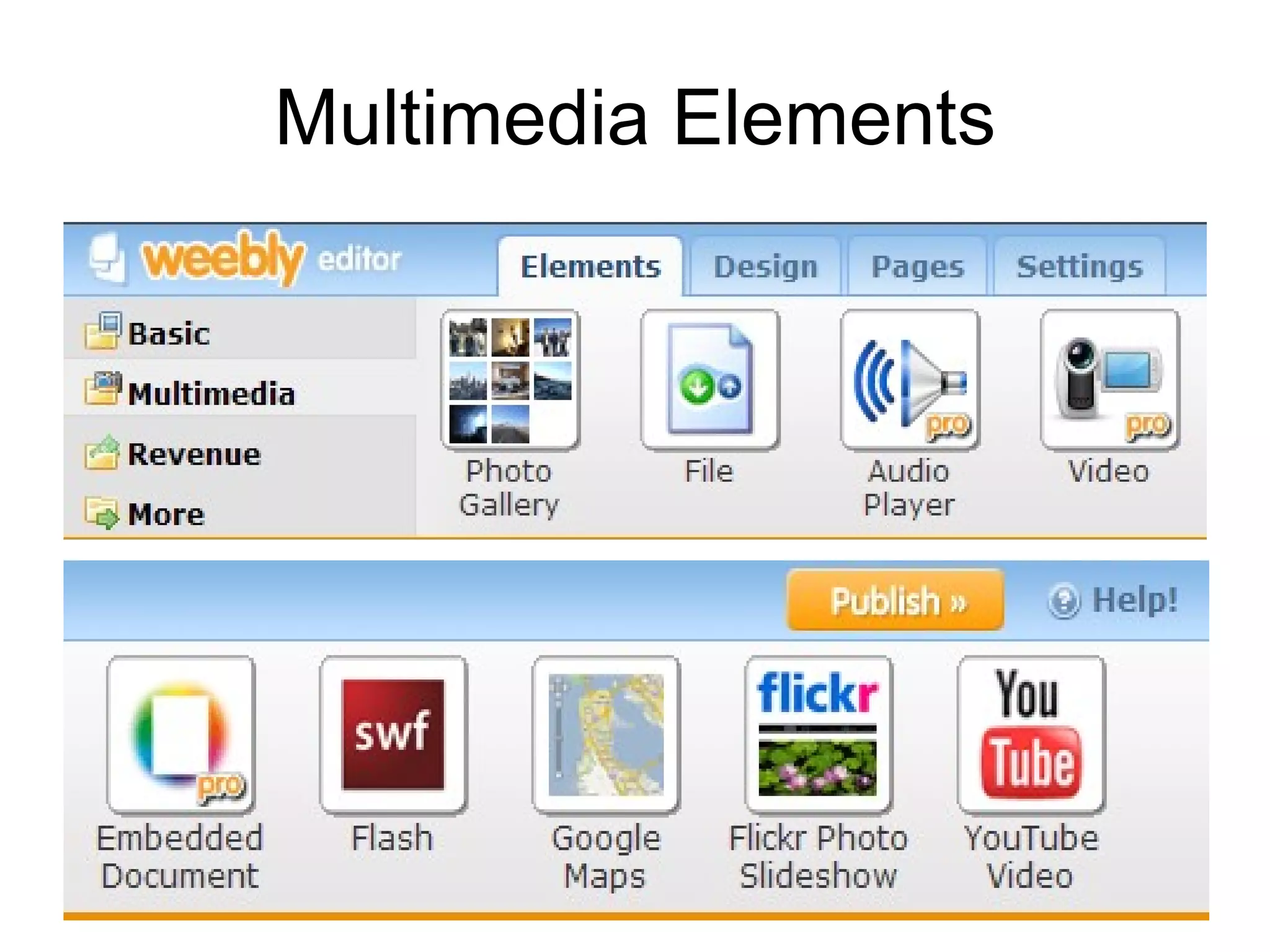
Multimedia Elements
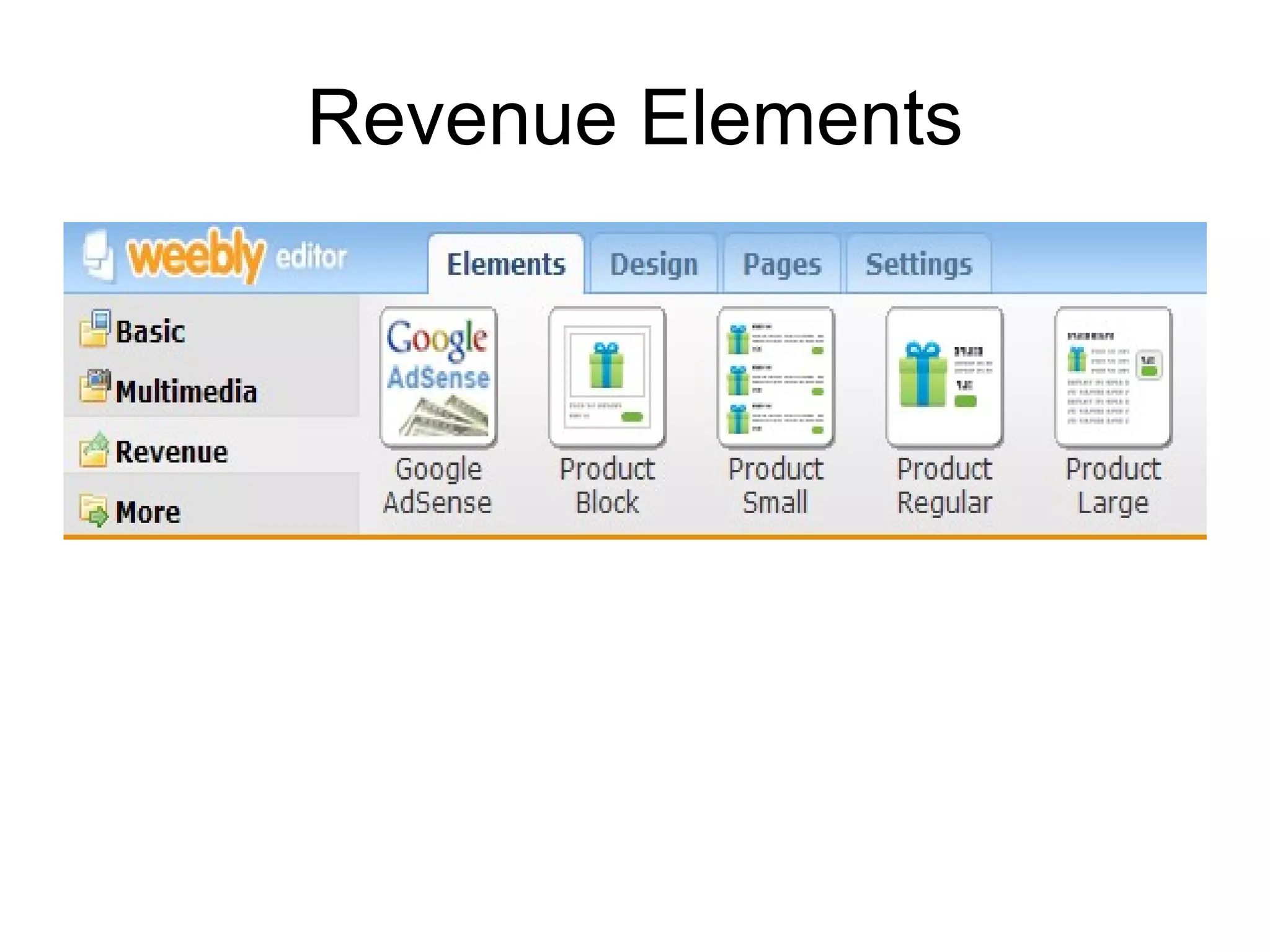
Revenue Elements
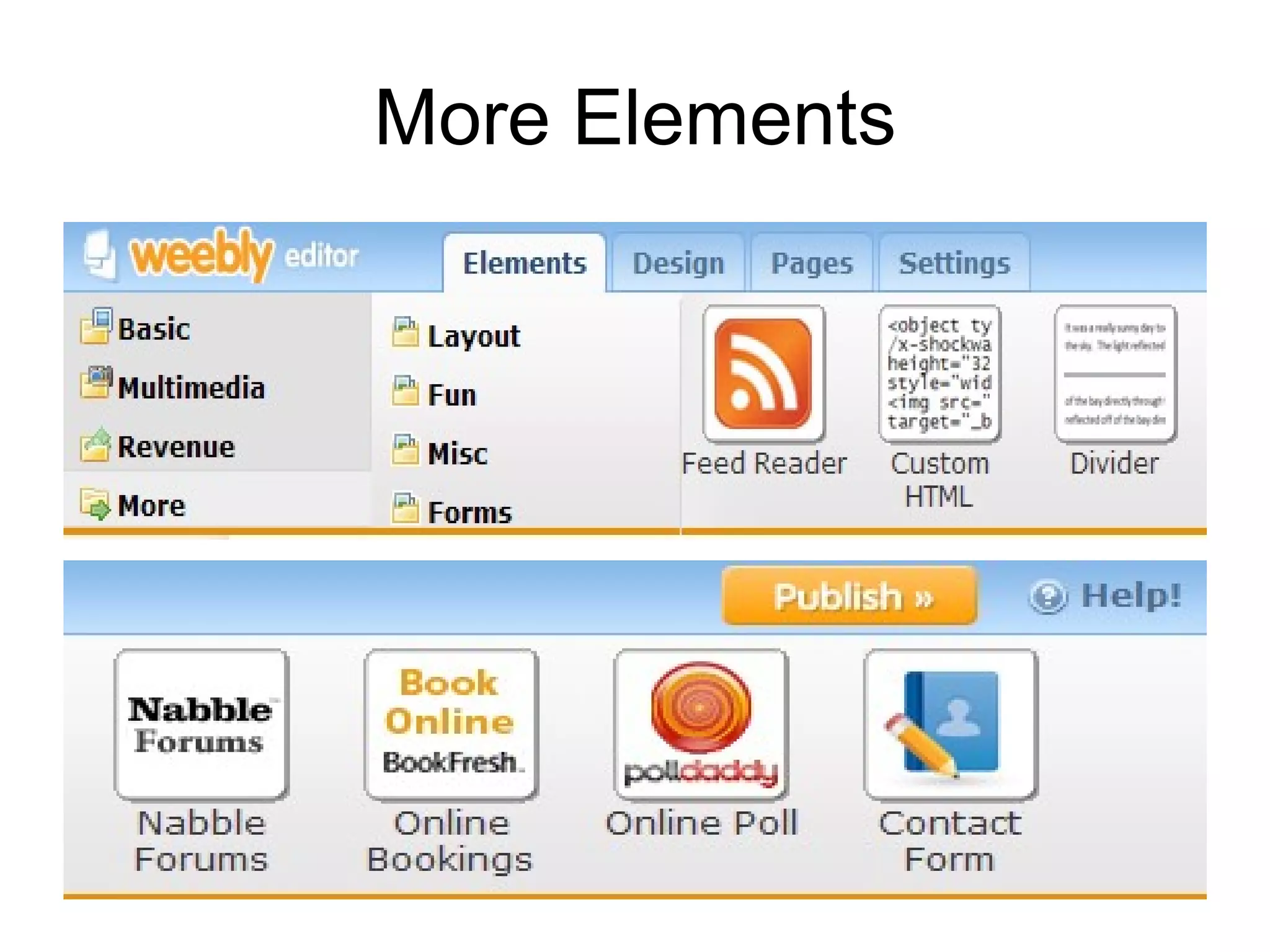
More Elements
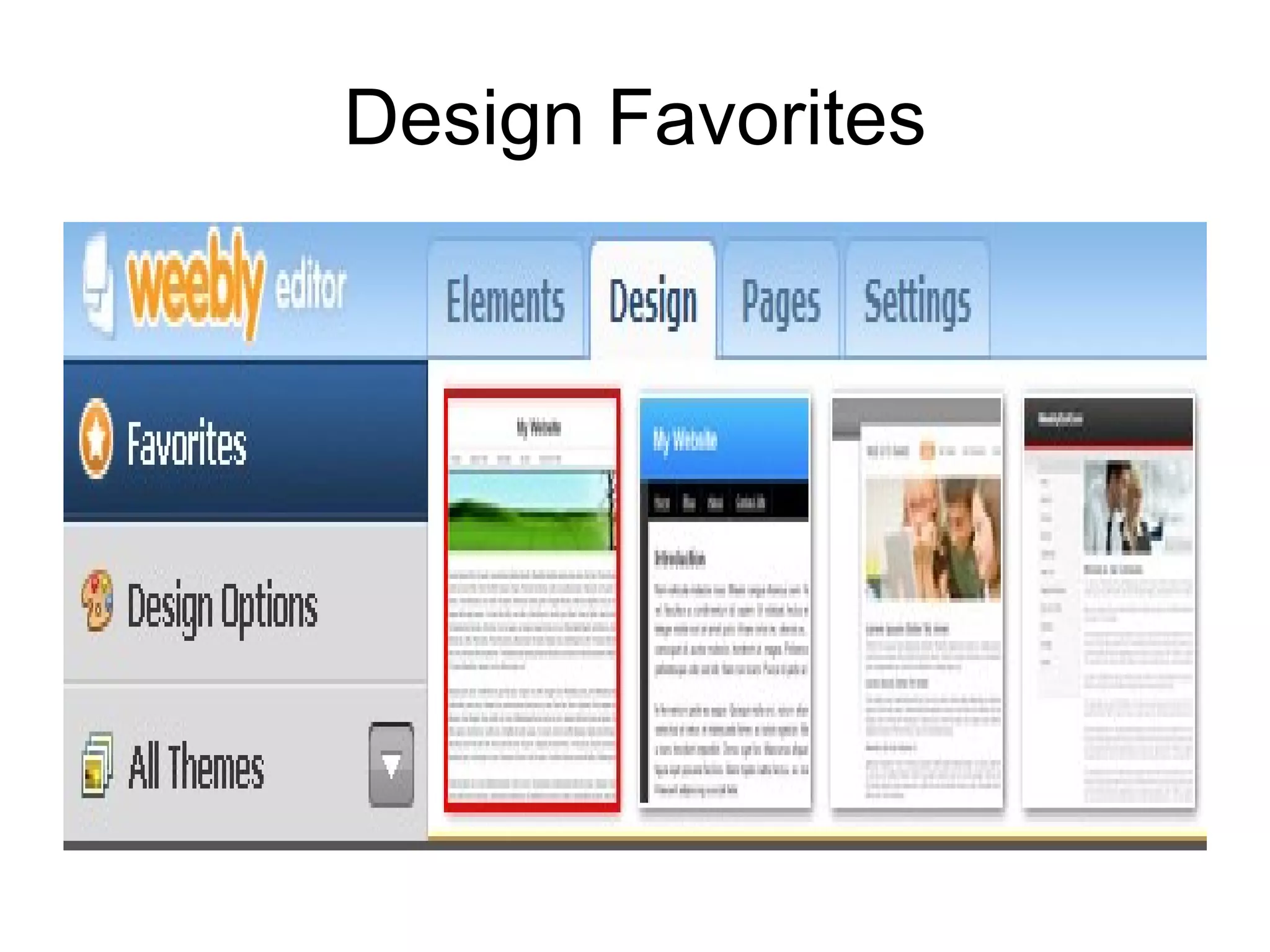
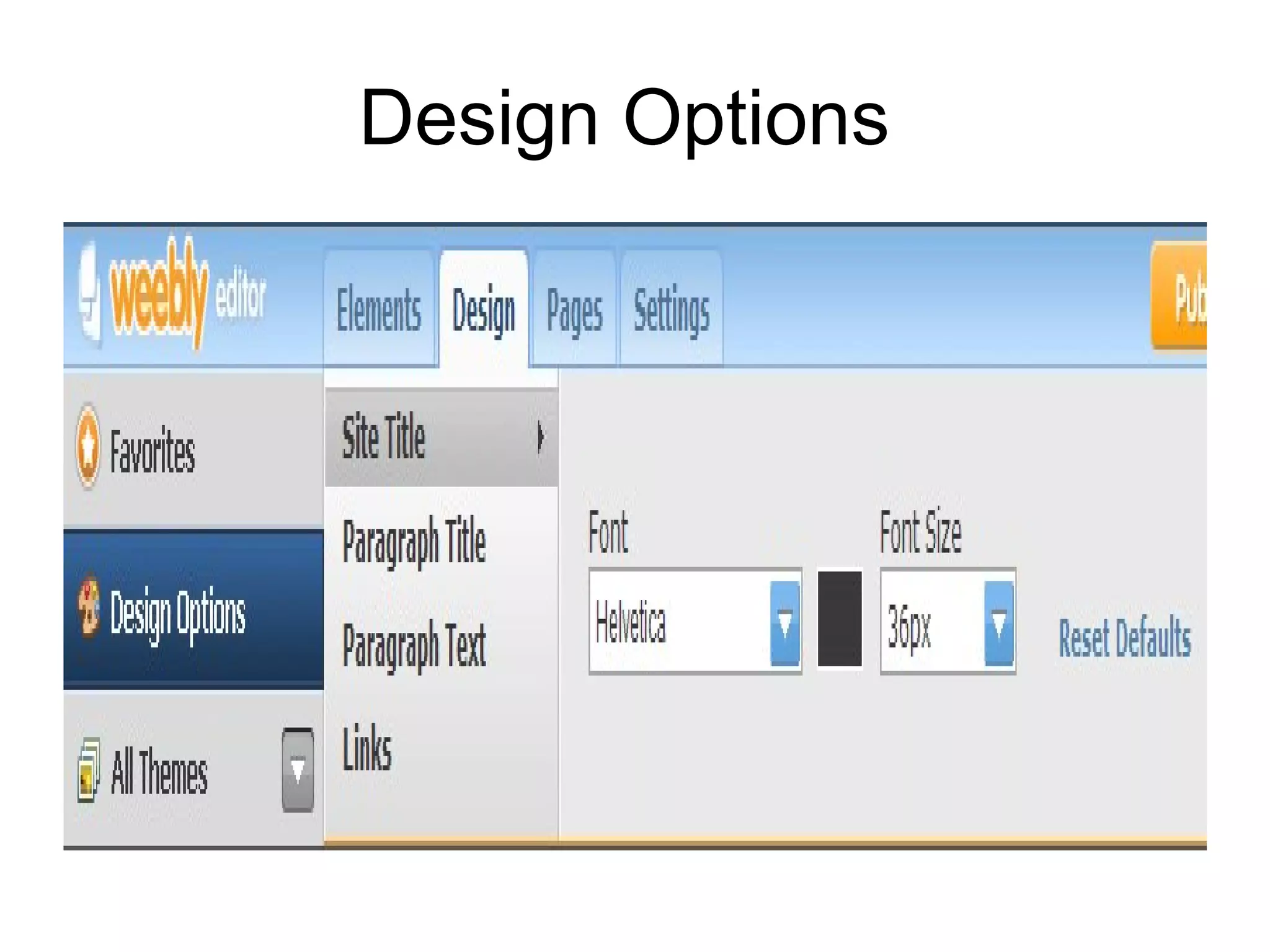
Design Favorites
Design Options
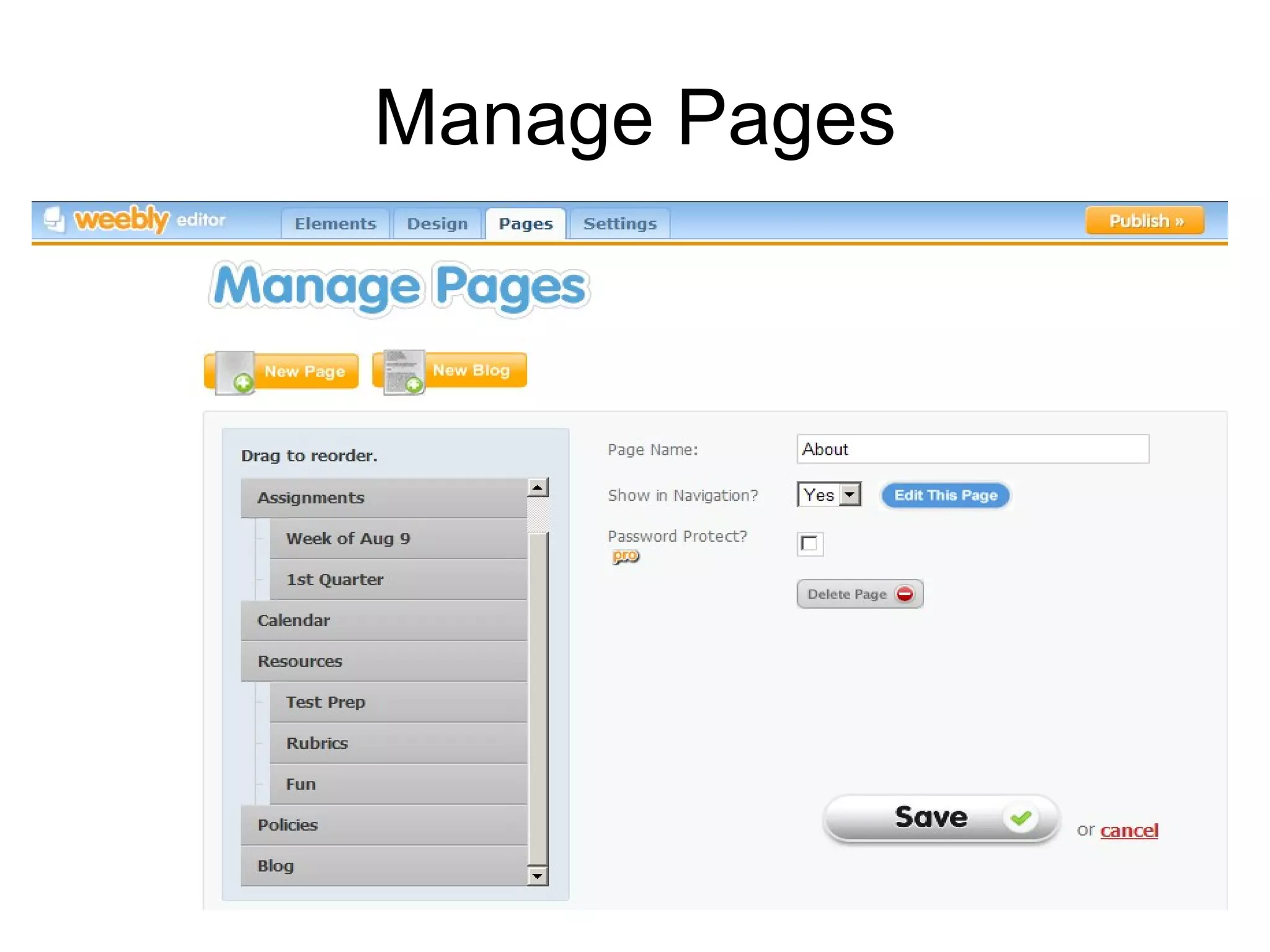
Manage Pages
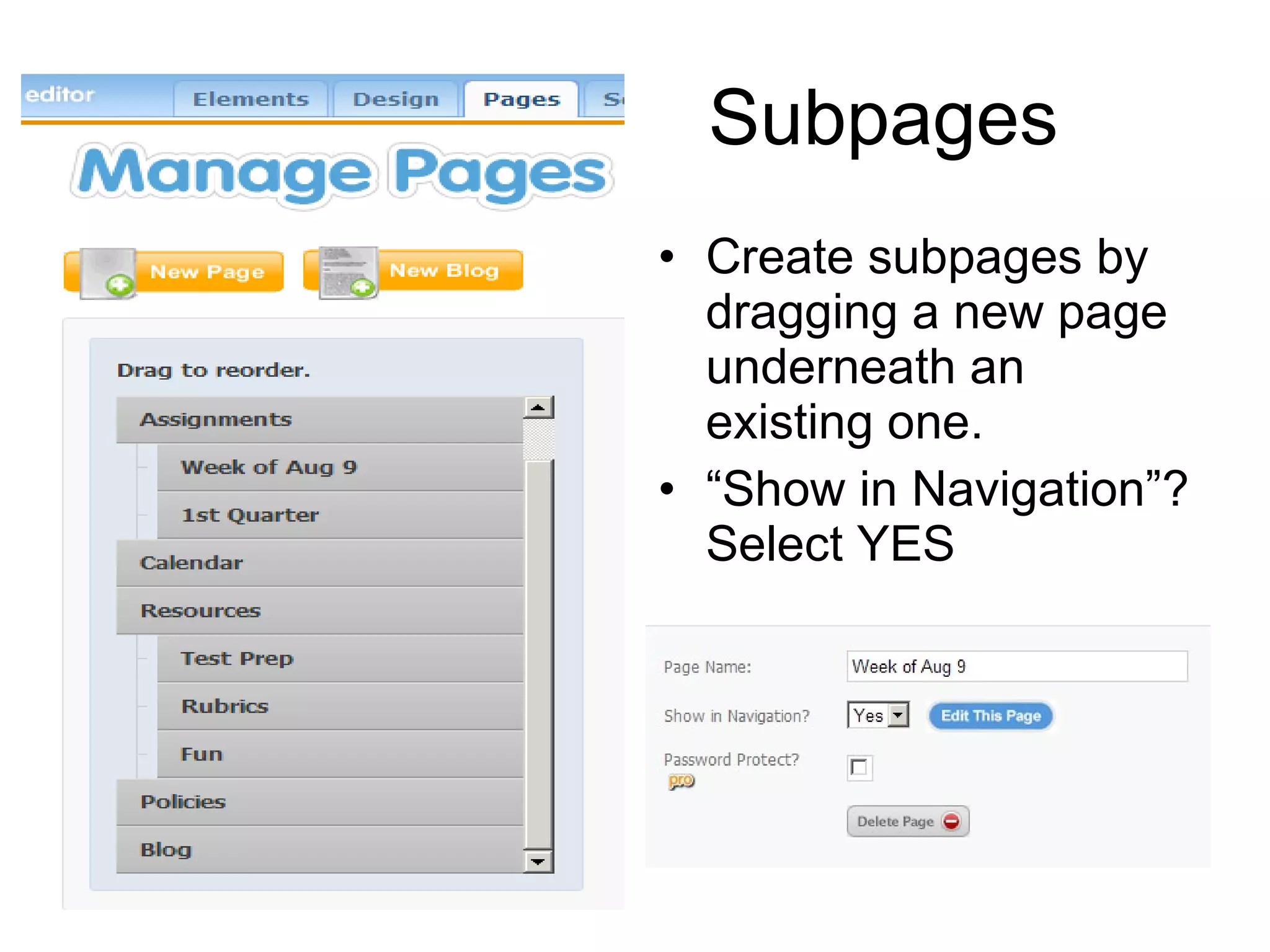
Subpages Create subpages by dragging a new page underneath an existing one.  “ Show in Navigation”? Select YES
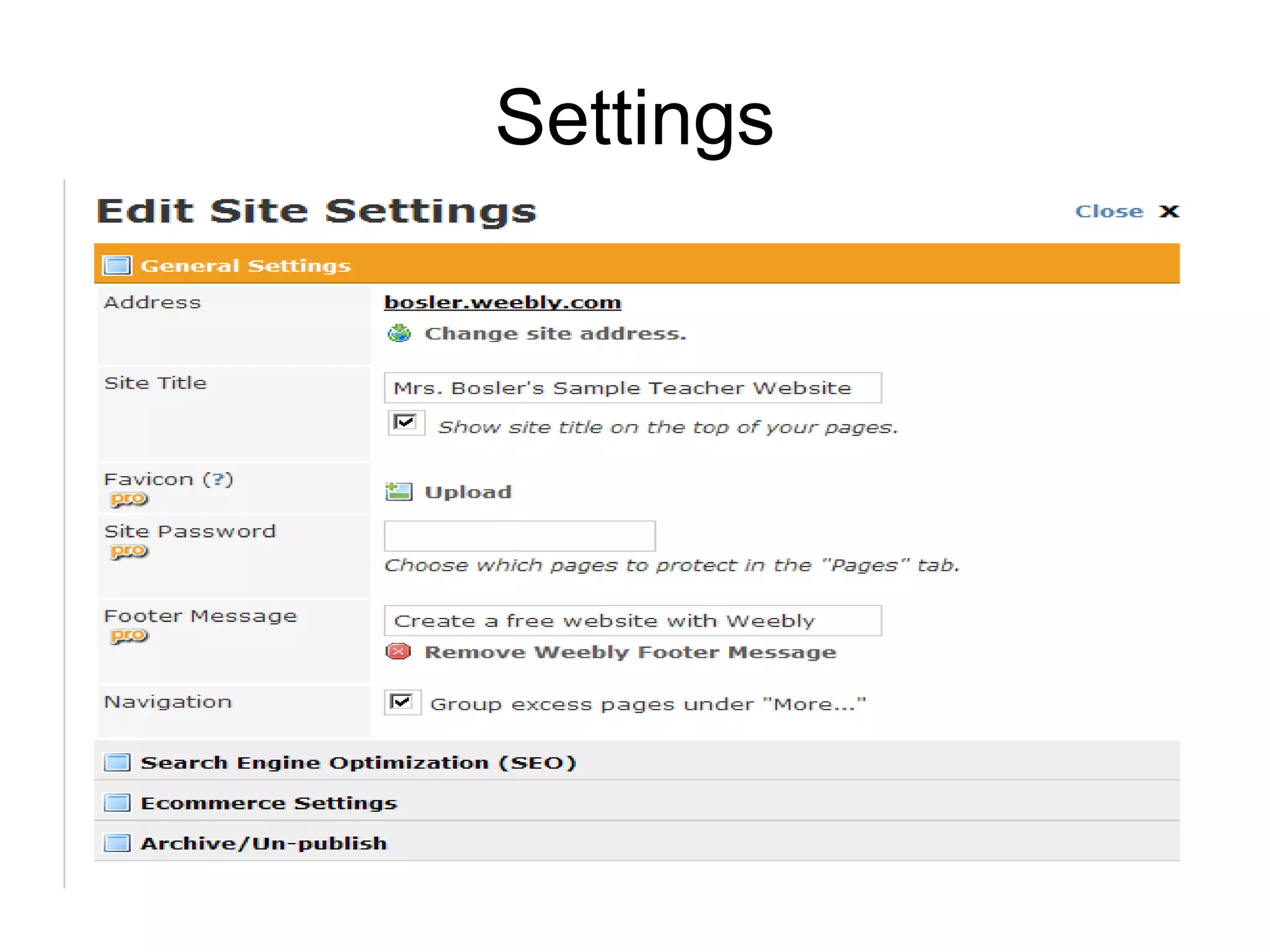
Settings
Teen Usability Basics Simple, but not childish Relatively modest, clean design Top Half 3 Clicks Minimum scrolling Interactive features, not overly glitzy Nielsen, Jakob. Usability of Websites for Teenagers (Jakob Nielsen’s AlertBox). Useit.com: Jakob Nielsen on Usability and Web Design.  31 Jan. 2005. 11 May 2010. Web.
Page Suggestions About -schedule, contact info, brief bio. Policies -grading, behavior, attendance, makeup work, extra credit, etc.) Rubrics -district writing, special projects Assignments -blog format?, handouts Resources -online textbook, subject links Library -catalog, databases, project pages
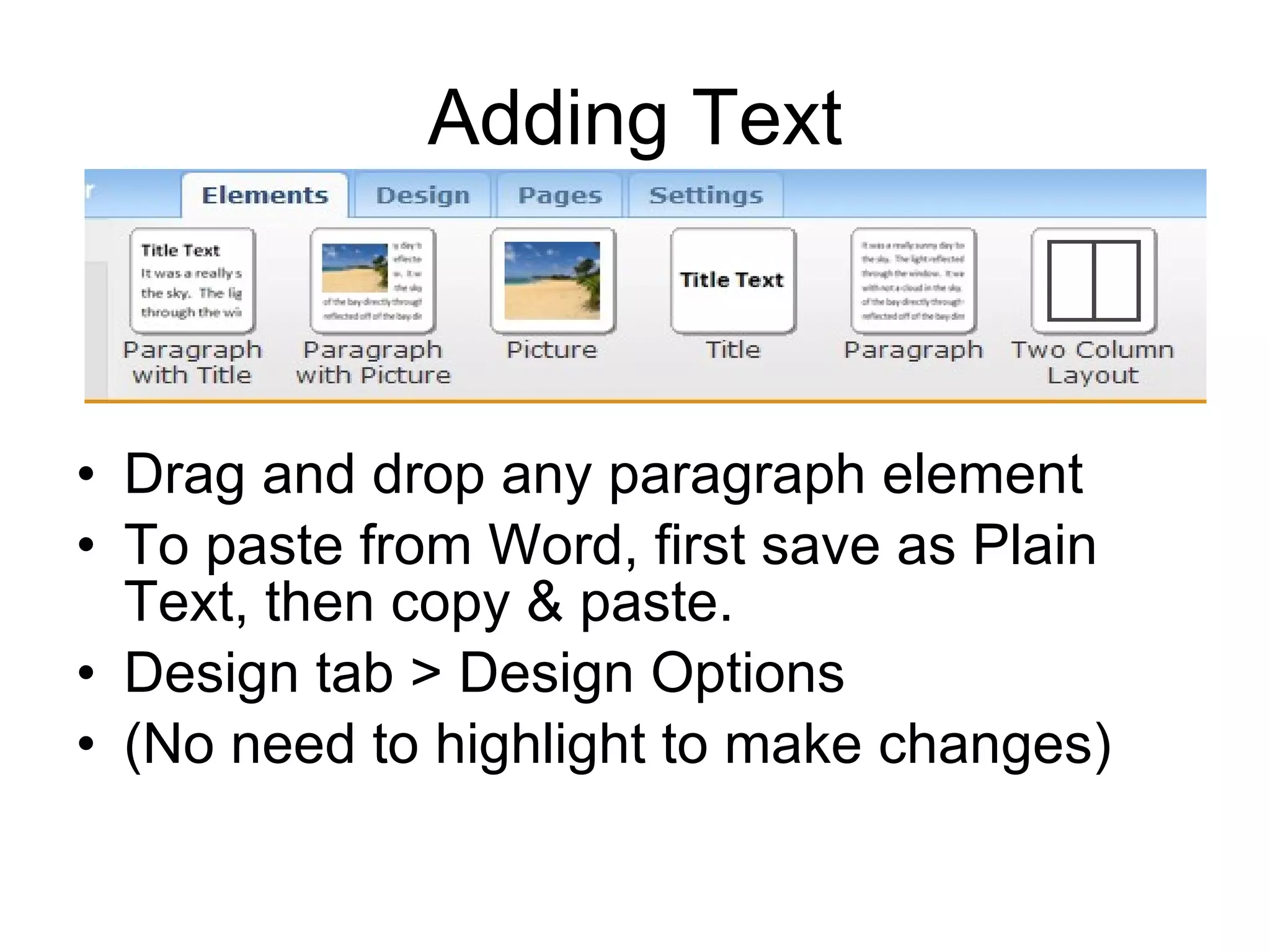
Adding Text Drag and drop any paragraph element To paste from Word, first save as Plain Text, then copy & paste. Design tab > Design Options (No need to highlight to make changes)
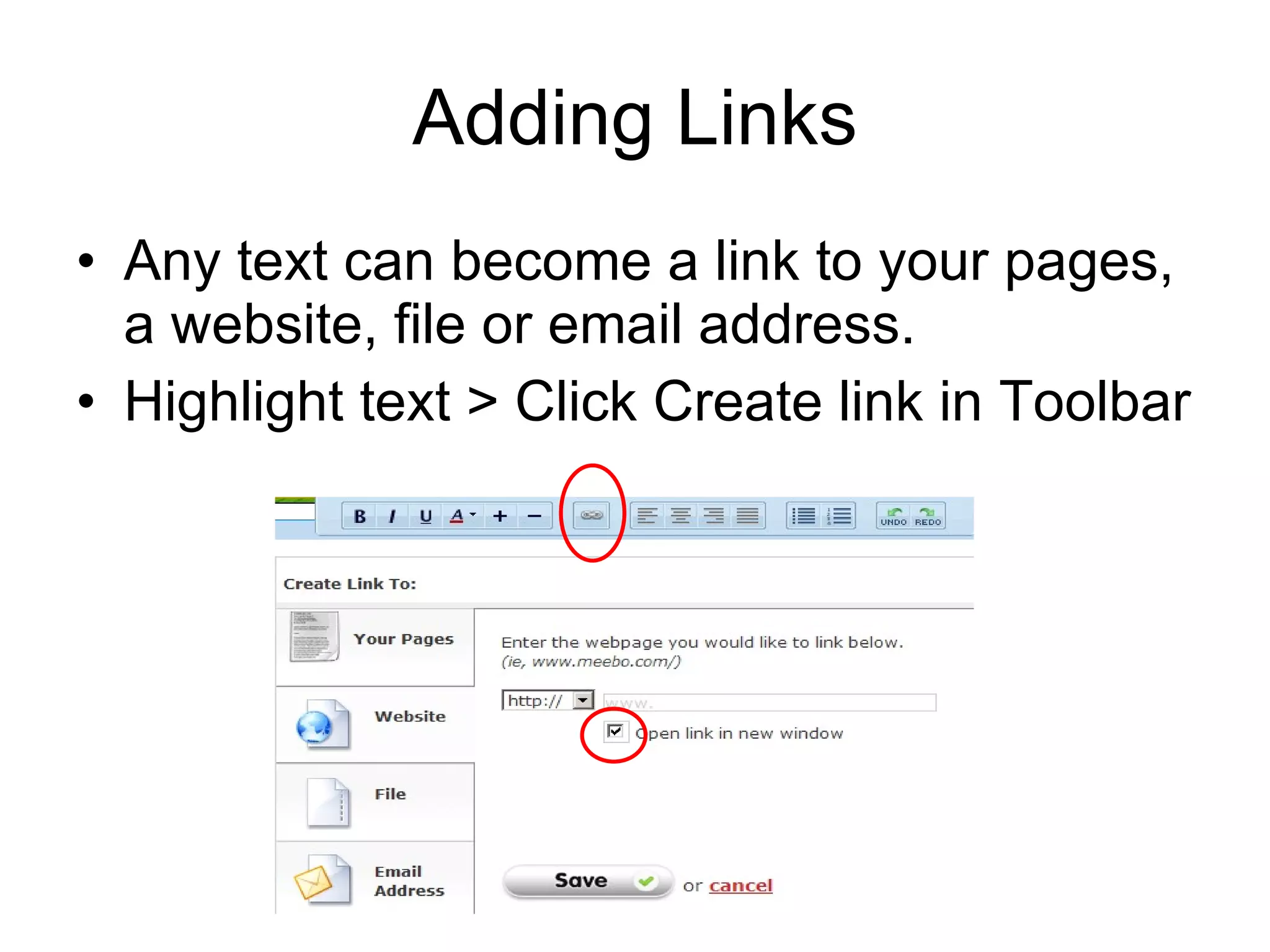
Adding Links Any text can become a link to your pages, a website, file or email address. Highlight text > Click Create link in Toolbar
Social Bookmarking Delicious  http://delicious.com/   Get at your bookmarked websites anywhere Tag and organize them Share with others, find related sites My Links  http://delicious.com/mrsbosler   MHS ELD Links  http://delicious.com/mrsbosler/eld   Dept/Topic Links  http://www.mohigh.com/links.html
Adding Images CJUHSD Board Policy 6137.2  Re: District & School Web Sites  ”No personal information about students… shall be published on a district or school web page.”  “Photographs of students shall be used only with written permission from the students’ parents/guardians.” To obtain written permission, use Form PE-82  Public Authorization Waiver, Release & Indemnity Agreement
Sharing Presentations SlideShare  http://www.slideshare.net/   Embed PPTs on your website
Copyright Friendliness Joyce Valenza’s Wiki-Images & Sound  http://copyrightfriendly.wikispaces.com/
Image Generators Yahoo Avatars Big Huge Labs Image Chef BeFunky Wordle GoAnimate (add sound too) http://copyrightfriendly.wikispaces.com/Image+generators+and+clipart
Interactive Features Teens Like Online quizzes  Forms for providing feedback or asking questions  Online voting  Games  Features for sharing pictures or stories  Message boards  Forums for offering and receiving advice  Features for creating a website or otherwise adding content  Nielsen, Jakob. Usability of Websites for Teenagers (Jakob Nielsen’s AlertBox). Useit.com: Jakob Nielsen on Usability and Web Design.  31 Jan. 2005. 11 May 2010. Web.
Weebly Bells & Whistles Multimedia Elements Photo Gallery, File, Flash, Google maps, Flickr Photo Slideshow, YouTube Video Pro ($25 year)  More Elements Online Poll (Poll Daddy) http://www.mohigh.com/surveys.html
Other Bells & Whistles Dvolver  http://www.dvolver.com/live/moviemaker.html   Animoto  http://www.Animoto.com   GoAnimate  http://www.GoAnimate.com   Streaming Video Resources  http:// streamingvideo.wikispaces.com /   Convert YouTube files to view on campus http:// www.zamzar.com /
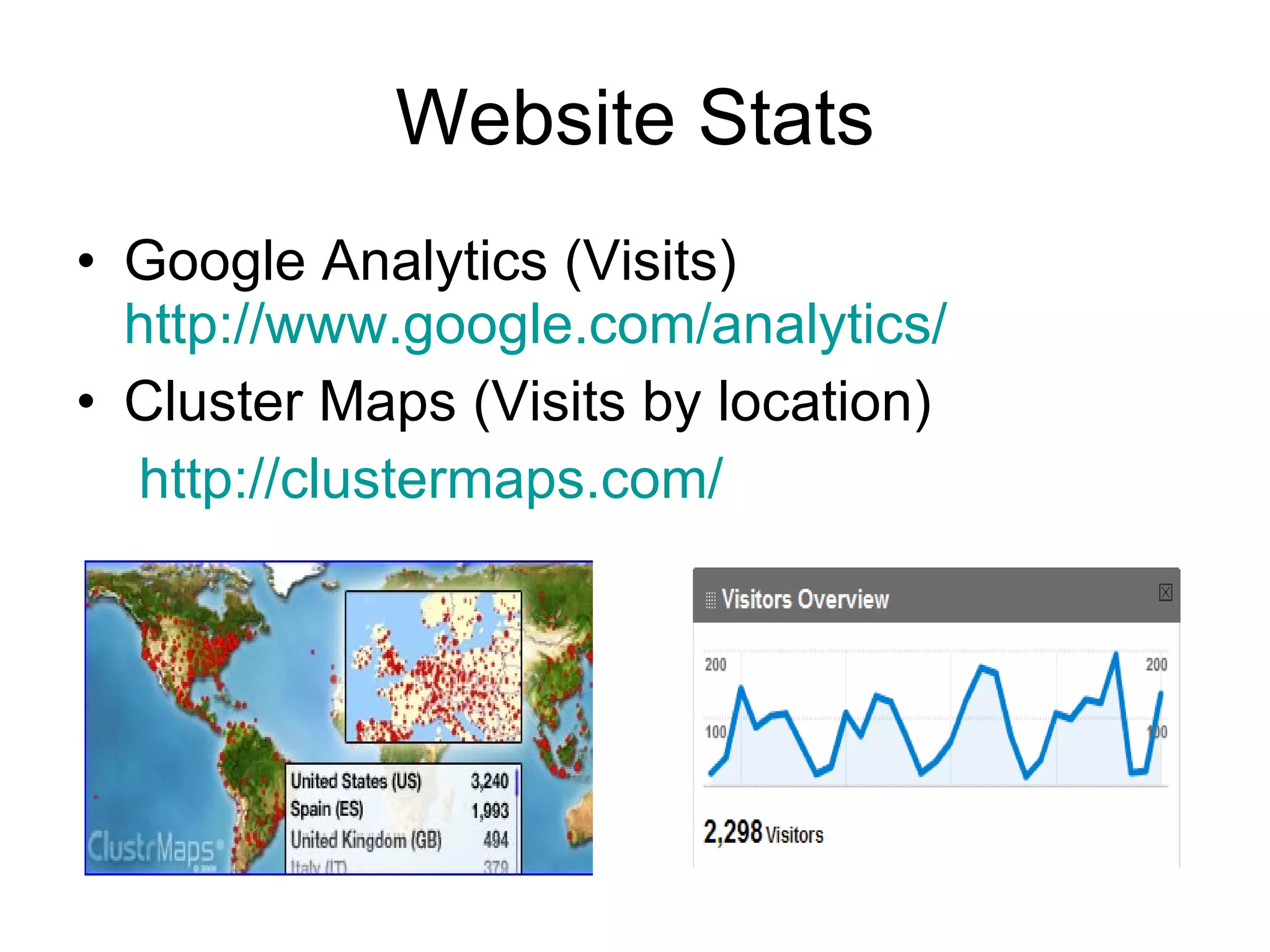
Website Stats Google Analytics (Visits)  http://www.google.com/analytics/   Cluster Maps (Visits by location) http://clustermaps.com/
Let’s Get Started

Howto createweeblysite2

  • 1.
    How to Createa Weebly Website Sarah Bosler MHS Teacher Librarian May 2010
  • 2.
    But first…why? -- Designa web site for your students/classroom -- Use as a tool for inter-departmental collaboration -- Teach students to make websites instead of PowerPoints -- An all-in-one place portal for important class/grade-level projects -- A book discussion forum for sharing photos, videos, reviews, and more!
  • 3.
    Who benefits? StudentsParents Your Department Other Departments Other teachers within and outside district
  • 4.
    Go to http://www.weebly.com
  • 5.
  • 6.
  • 7.
    Getting to knowWeebly Editor
  • 8.
  • 9.
  • 10.
  • 11.
  • 12.
  • 13.
  • 14.
  • 15.
    Subpages Create subpagesby dragging a new page underneath an existing one. “ Show in Navigation”? Select YES
  • 16.
  • 17.
    Teen Usability BasicsSimple, but not childish Relatively modest, clean design Top Half 3 Clicks Minimum scrolling Interactive features, not overly glitzy Nielsen, Jakob. Usability of Websites for Teenagers (Jakob Nielsen’s AlertBox). Useit.com: Jakob Nielsen on Usability and Web Design. 31 Jan. 2005. 11 May 2010. Web.
  • 18.
    Page Suggestions About-schedule, contact info, brief bio. Policies -grading, behavior, attendance, makeup work, extra credit, etc.) Rubrics -district writing, special projects Assignments -blog format?, handouts Resources -online textbook, subject links Library -catalog, databases, project pages
  • 19.
    Adding Text Dragand drop any paragraph element To paste from Word, first save as Plain Text, then copy & paste. Design tab > Design Options (No need to highlight to make changes)
  • 20.
    Adding Links Anytext can become a link to your pages, a website, file or email address. Highlight text > Click Create link in Toolbar
  • 21.
    Social Bookmarking Delicious http://delicious.com/ Get at your bookmarked websites anywhere Tag and organize them Share with others, find related sites My Links http://delicious.com/mrsbosler MHS ELD Links http://delicious.com/mrsbosler/eld Dept/Topic Links http://www.mohigh.com/links.html
  • 22.
    Adding Images CJUHSDBoard Policy 6137.2 Re: District & School Web Sites ”No personal information about students… shall be published on a district or school web page.” “Photographs of students shall be used only with written permission from the students’ parents/guardians.” To obtain written permission, use Form PE-82 Public Authorization Waiver, Release & Indemnity Agreement
  • 23.
    Sharing Presentations SlideShare http://www.slideshare.net/ Embed PPTs on your website
  • 24.
    Copyright Friendliness JoyceValenza’s Wiki-Images & Sound http://copyrightfriendly.wikispaces.com/
  • 25.
    Image Generators YahooAvatars Big Huge Labs Image Chef BeFunky Wordle GoAnimate (add sound too) http://copyrightfriendly.wikispaces.com/Image+generators+and+clipart
  • 26.
    Interactive Features TeensLike Online quizzes Forms for providing feedback or asking questions Online voting Games Features for sharing pictures or stories Message boards Forums for offering and receiving advice Features for creating a website or otherwise adding content Nielsen, Jakob. Usability of Websites for Teenagers (Jakob Nielsen’s AlertBox). Useit.com: Jakob Nielsen on Usability and Web Design. 31 Jan. 2005. 11 May 2010. Web.
  • 27.
    Weebly Bells &Whistles Multimedia Elements Photo Gallery, File, Flash, Google maps, Flickr Photo Slideshow, YouTube Video Pro ($25 year) More Elements Online Poll (Poll Daddy) http://www.mohigh.com/surveys.html
  • 28.
    Other Bells &Whistles Dvolver http://www.dvolver.com/live/moviemaker.html Animoto http://www.Animoto.com GoAnimate http://www.GoAnimate.com Streaming Video Resources http:// streamingvideo.wikispaces.com / Convert YouTube files to view on campus http:// www.zamzar.com /
  • 29.
    Website Stats GoogleAnalytics (Visits) http://www.google.com/analytics/ Cluster Maps (Visits by location) http://clustermaps.com/
  • 30.