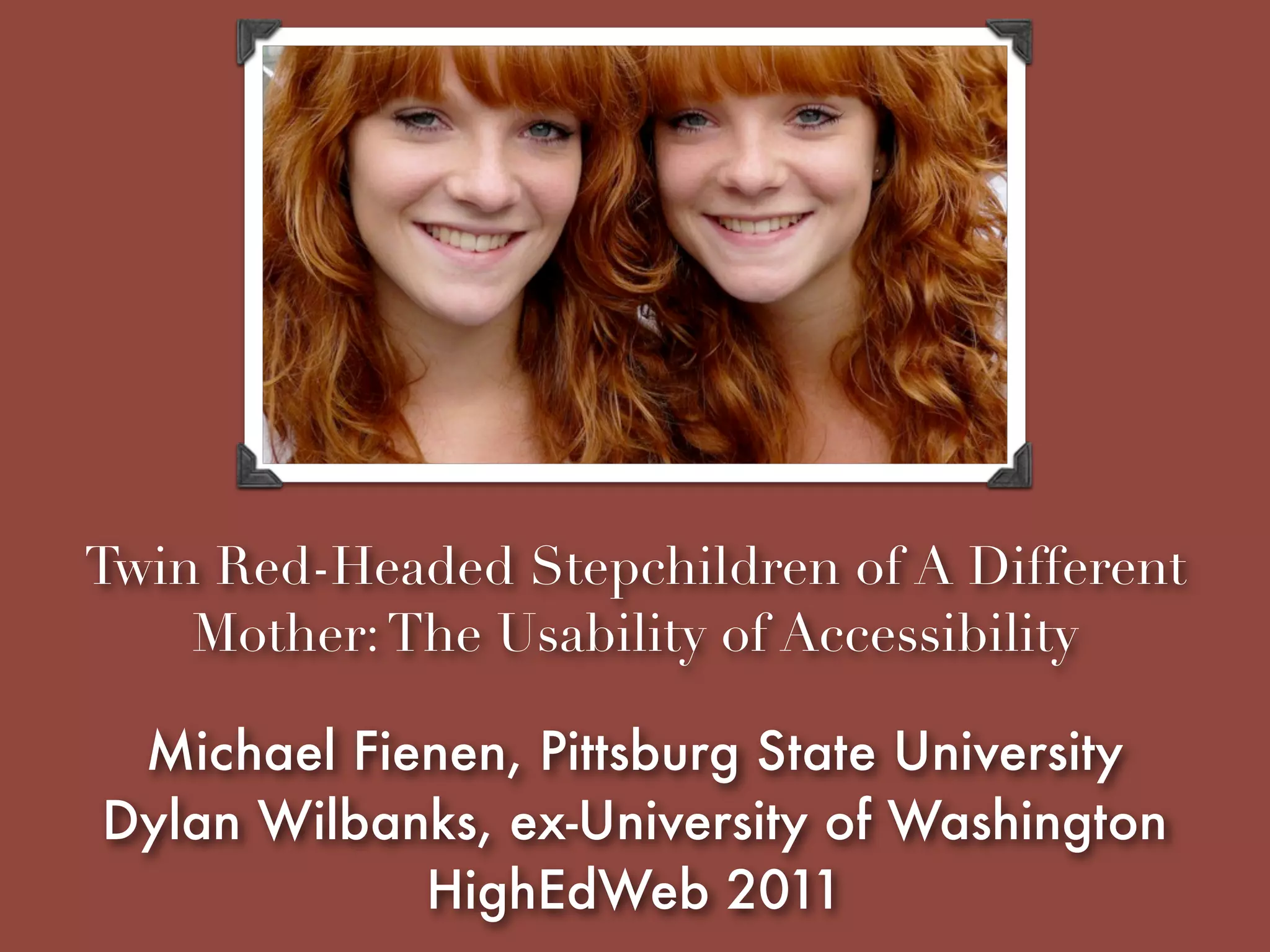
Twin Red-Headed Stepchildren of A Different
    Mother: The Usability of Accessibility

 Michael Fienen, Pittsburg State University
Dylan Wilbanks, ex-University of Washington
            HighEdWeb 2011
Questions, comments,
complaints on Twitter:
        #tnt7
http://www.flickr.com/photos/cronncc/5101603572/
I joined a rapidly growing
cloud-based enterprise software
company which I will not name.


Hint: It’s called Apptio and we’re hiring like crazy.
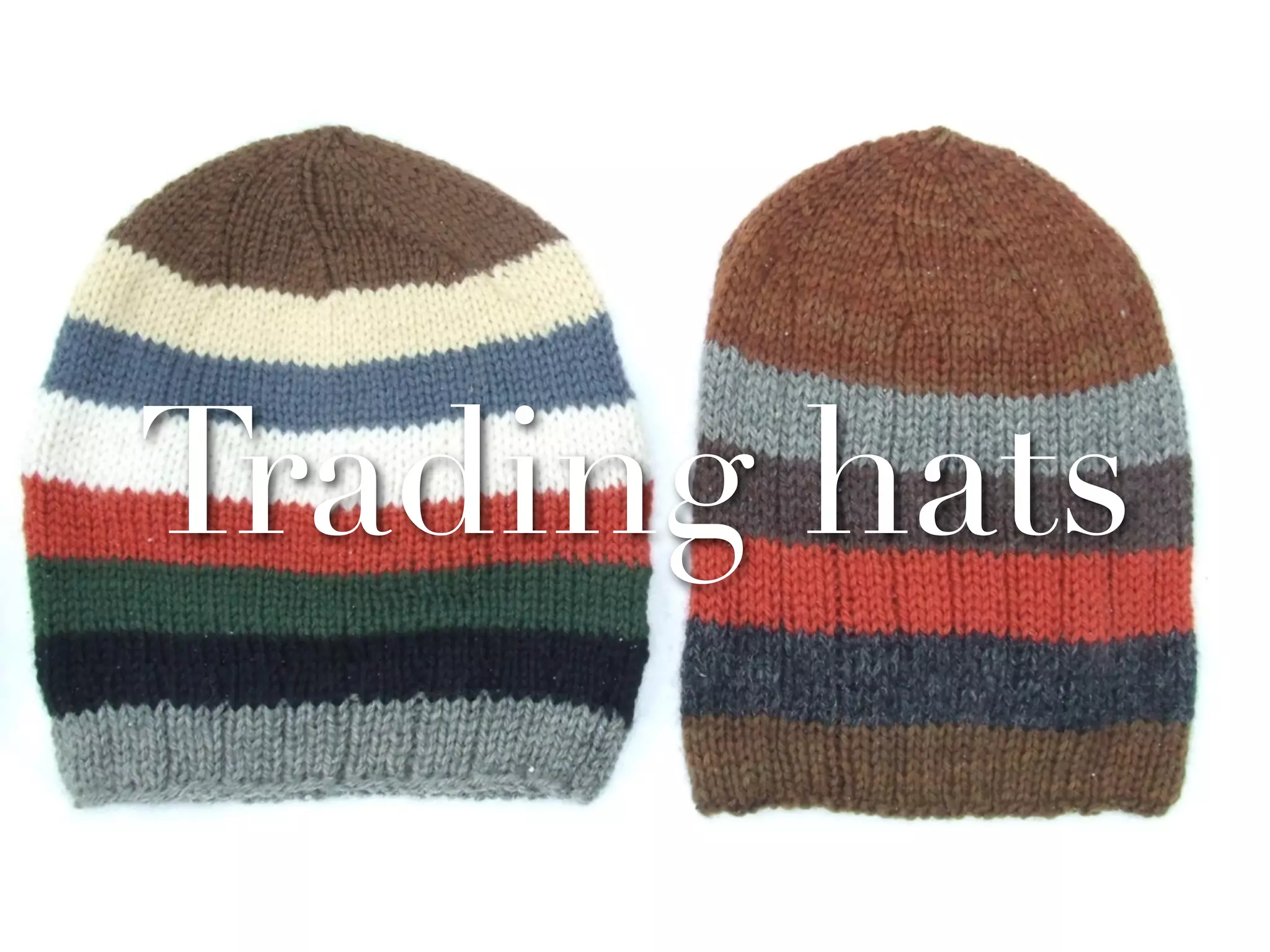
Trading hats

   http://www.flickr.com/photos/87255087@N00/311428426/
Trading hats

   http://www.flickr.com/photos/87255087@N00/311428426/
I realized usability and
accessibility have a lot
    of congruencies.
For example
•It’s always left for “later” (and
  “later” sometimes never comes)

• People don’t design and develop
  with either in mind enough

•And ignoring either one comes
  back to bite you in the end
The Redheaded
Stepchildren of the Web


         http://www.flickr.com/photos/e3000/6158888518/
The Redheaded
Stepchildren of the Web


         http://www.flickr.com/photos/e3000/6158888518/
Let’s get one thing clear.
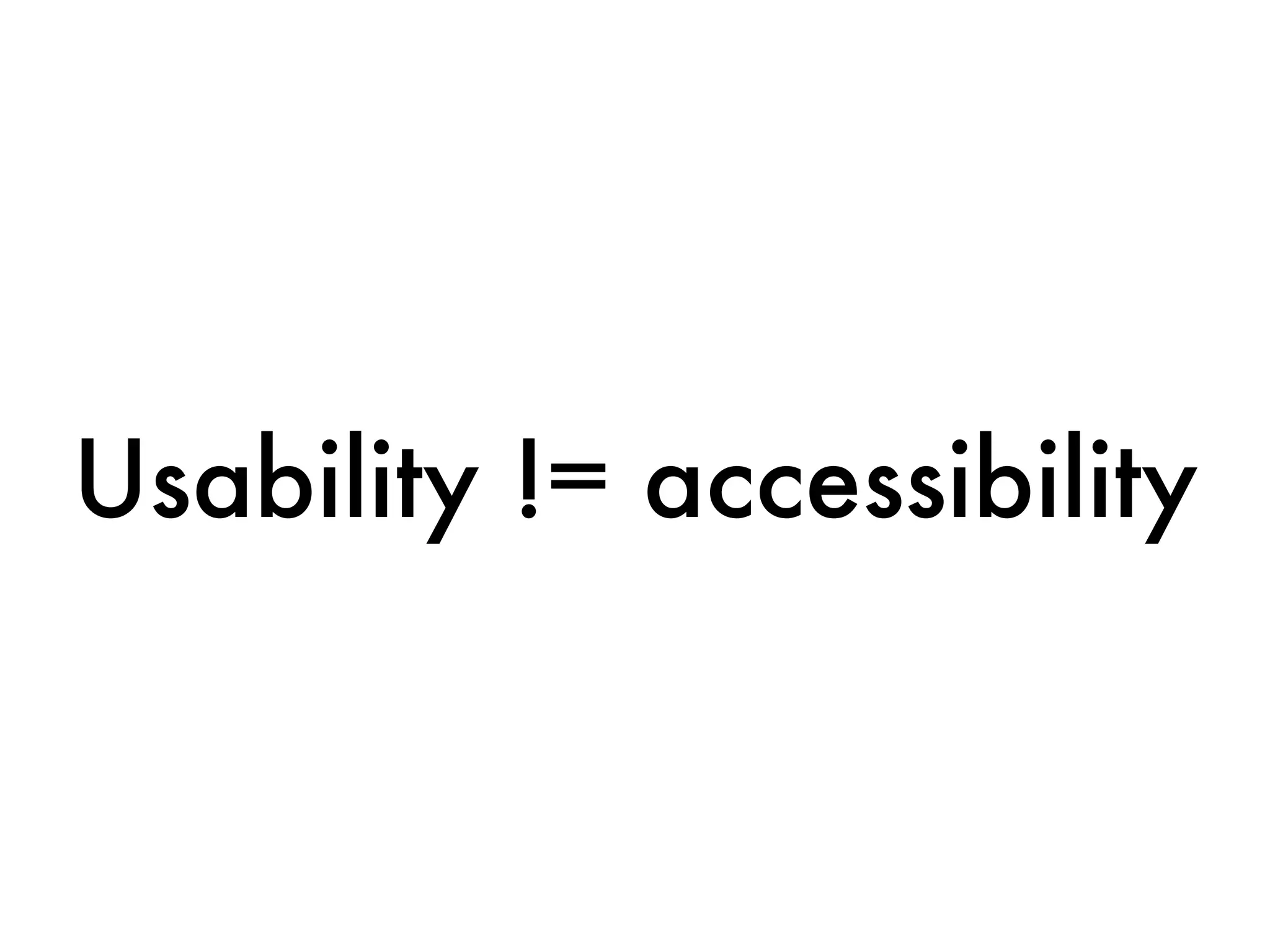
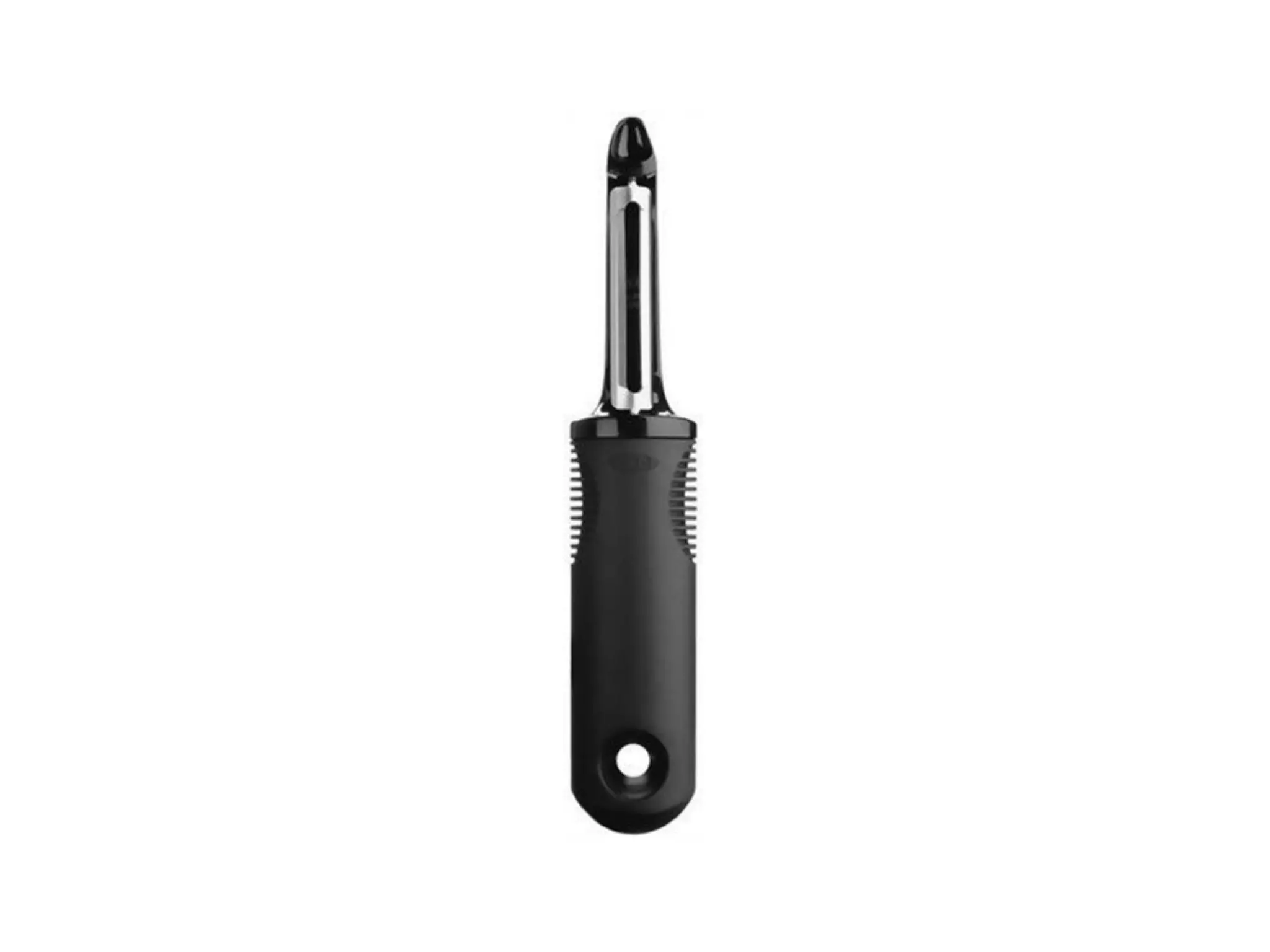
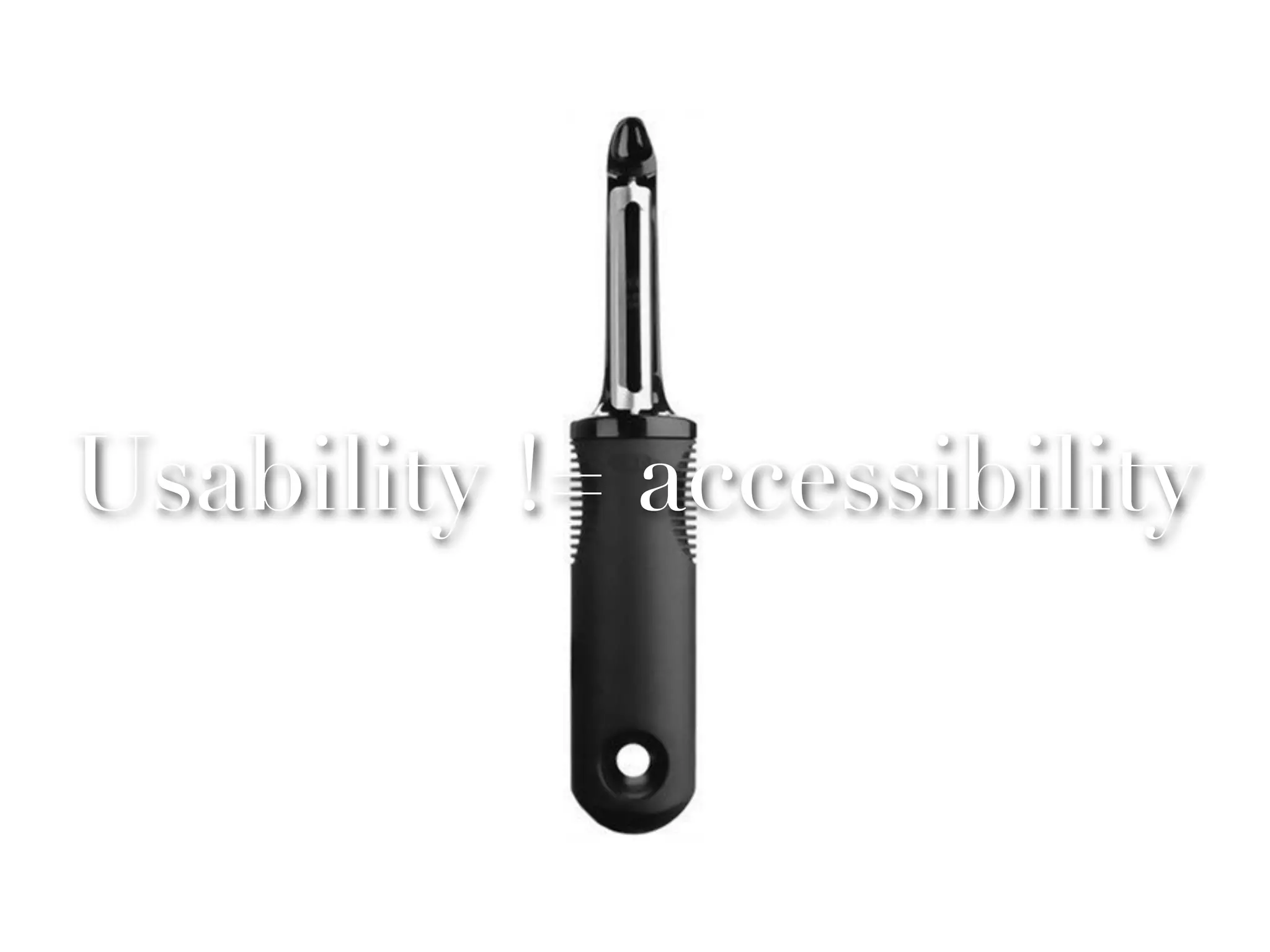
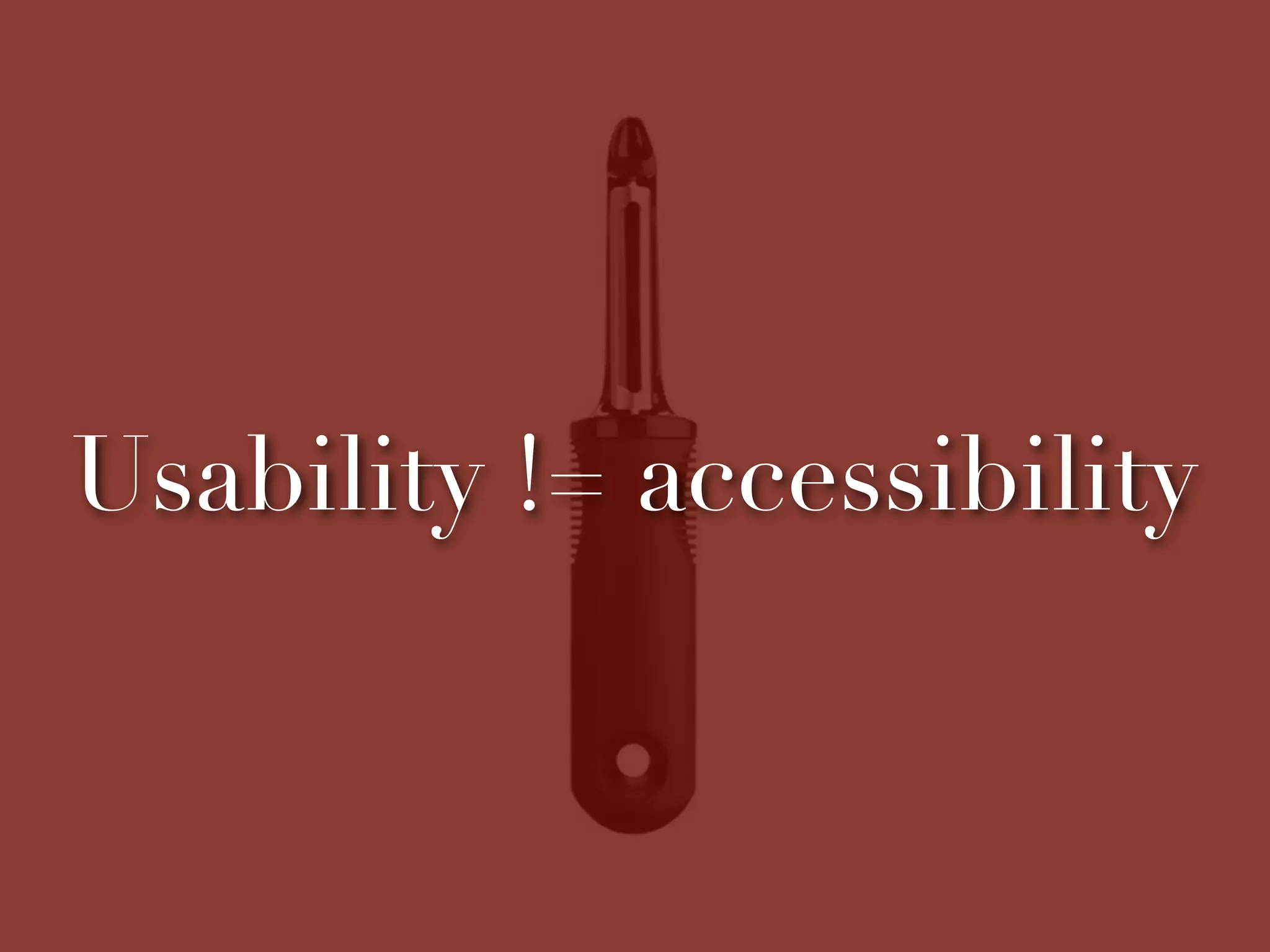
Usability != accessibility
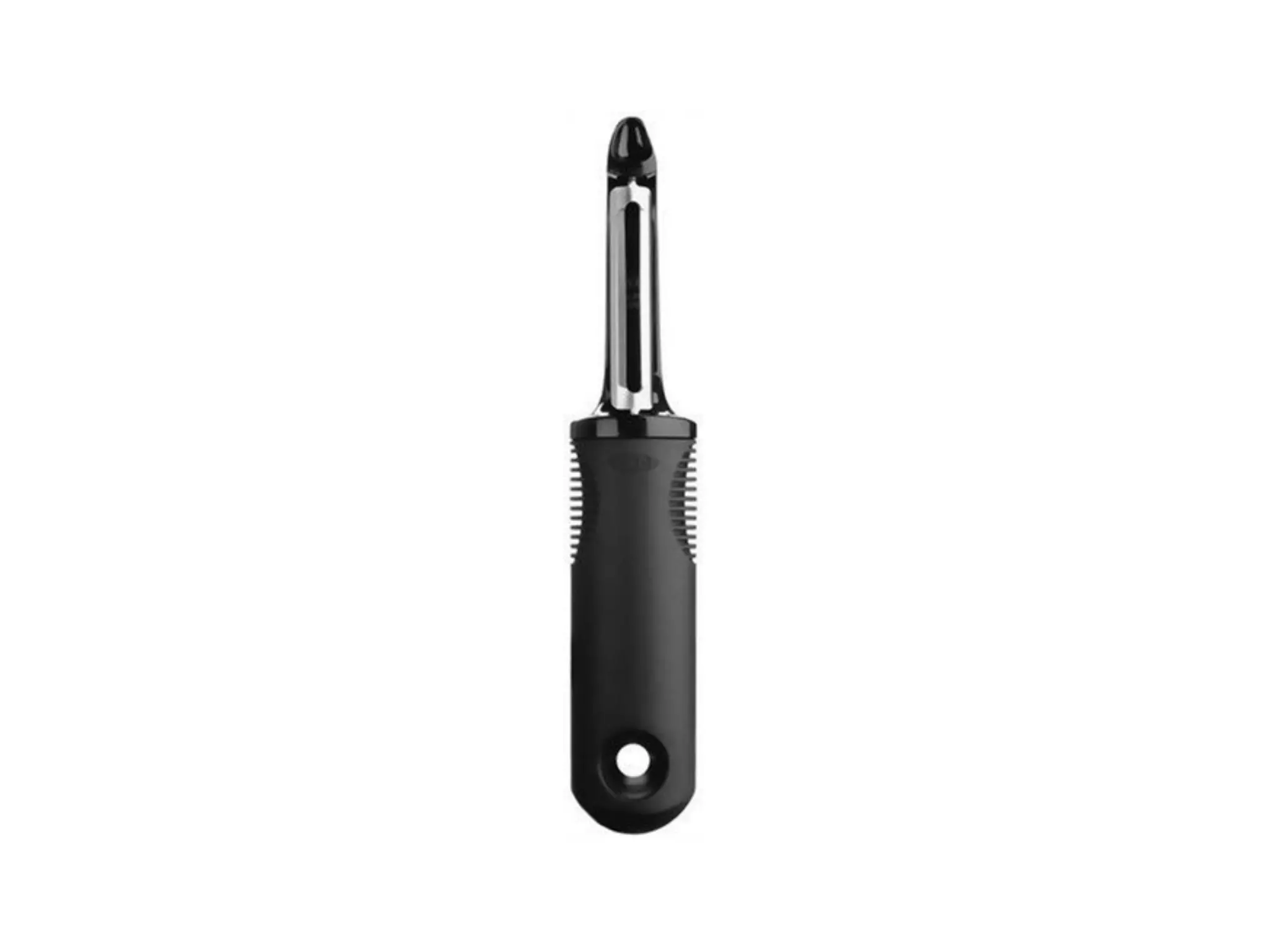
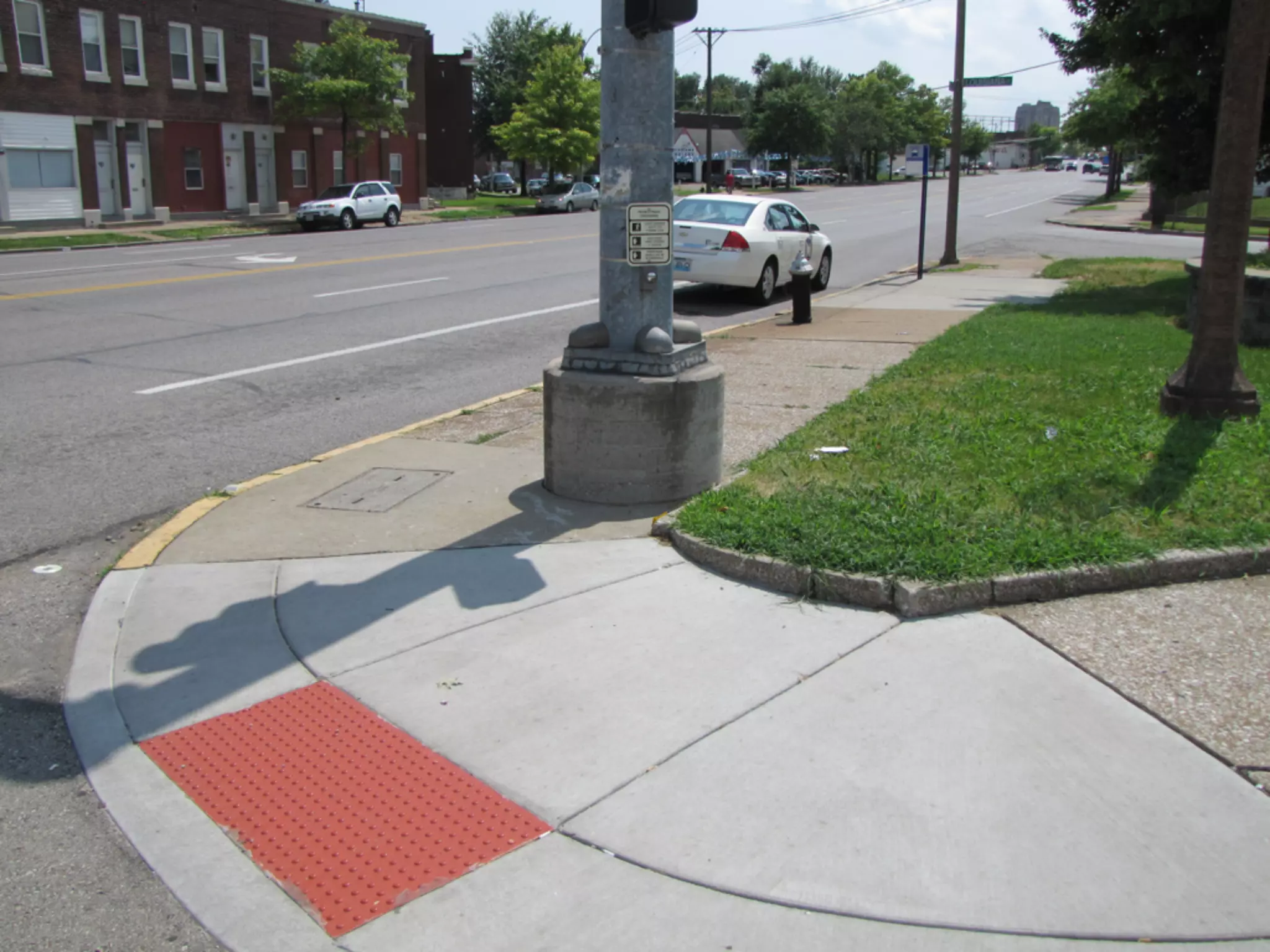
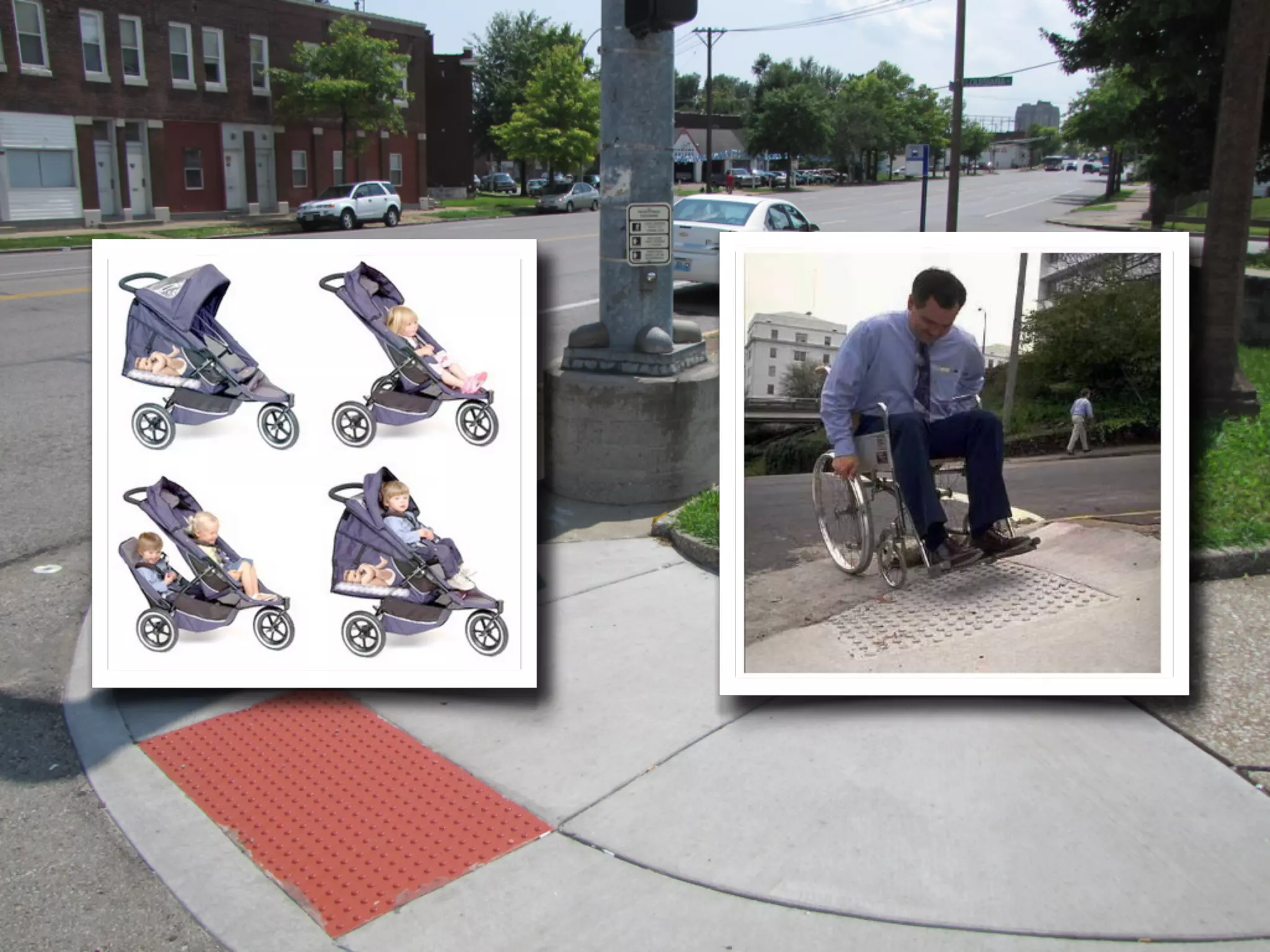
The curse of the
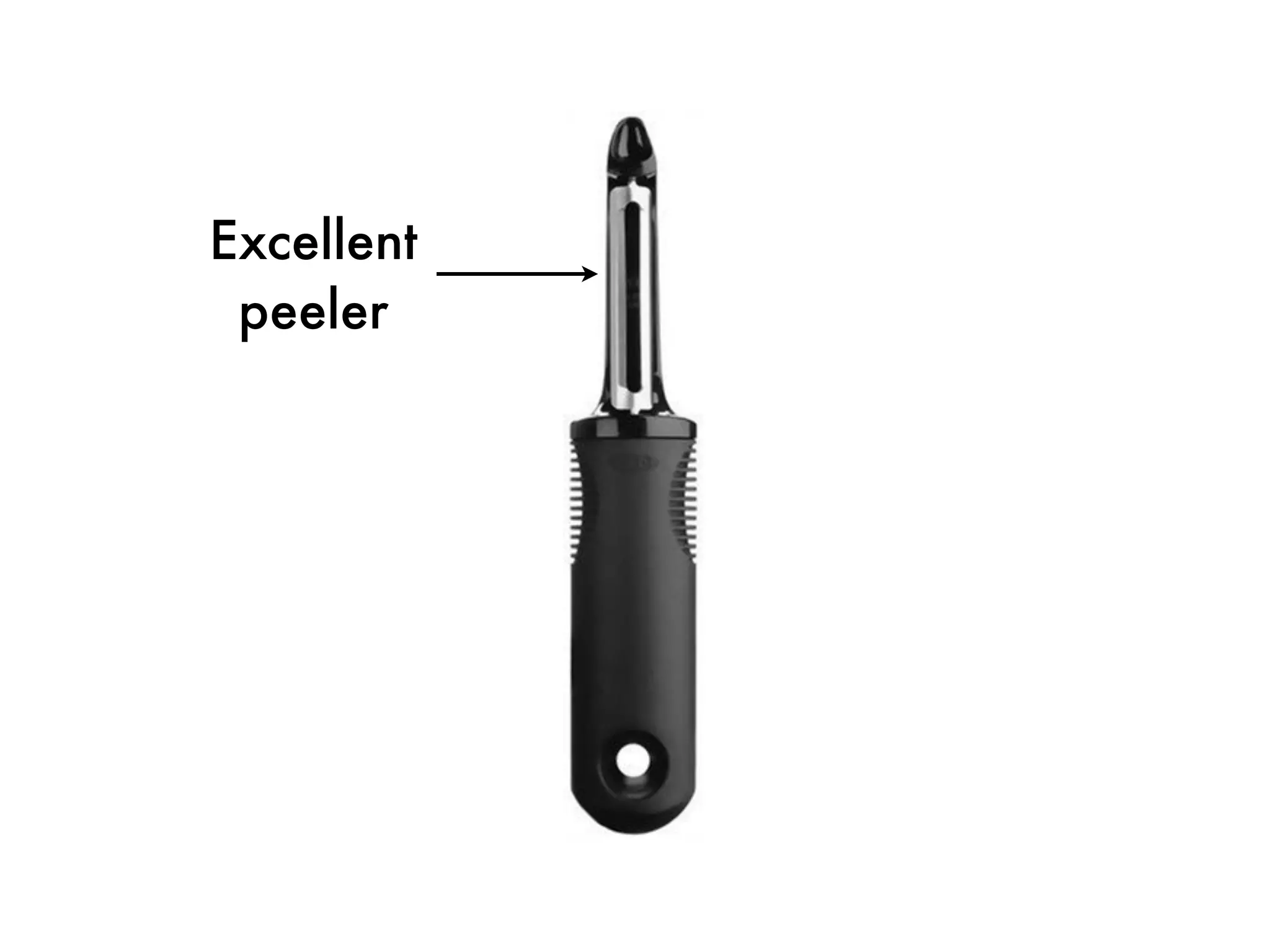
vegetable peeler
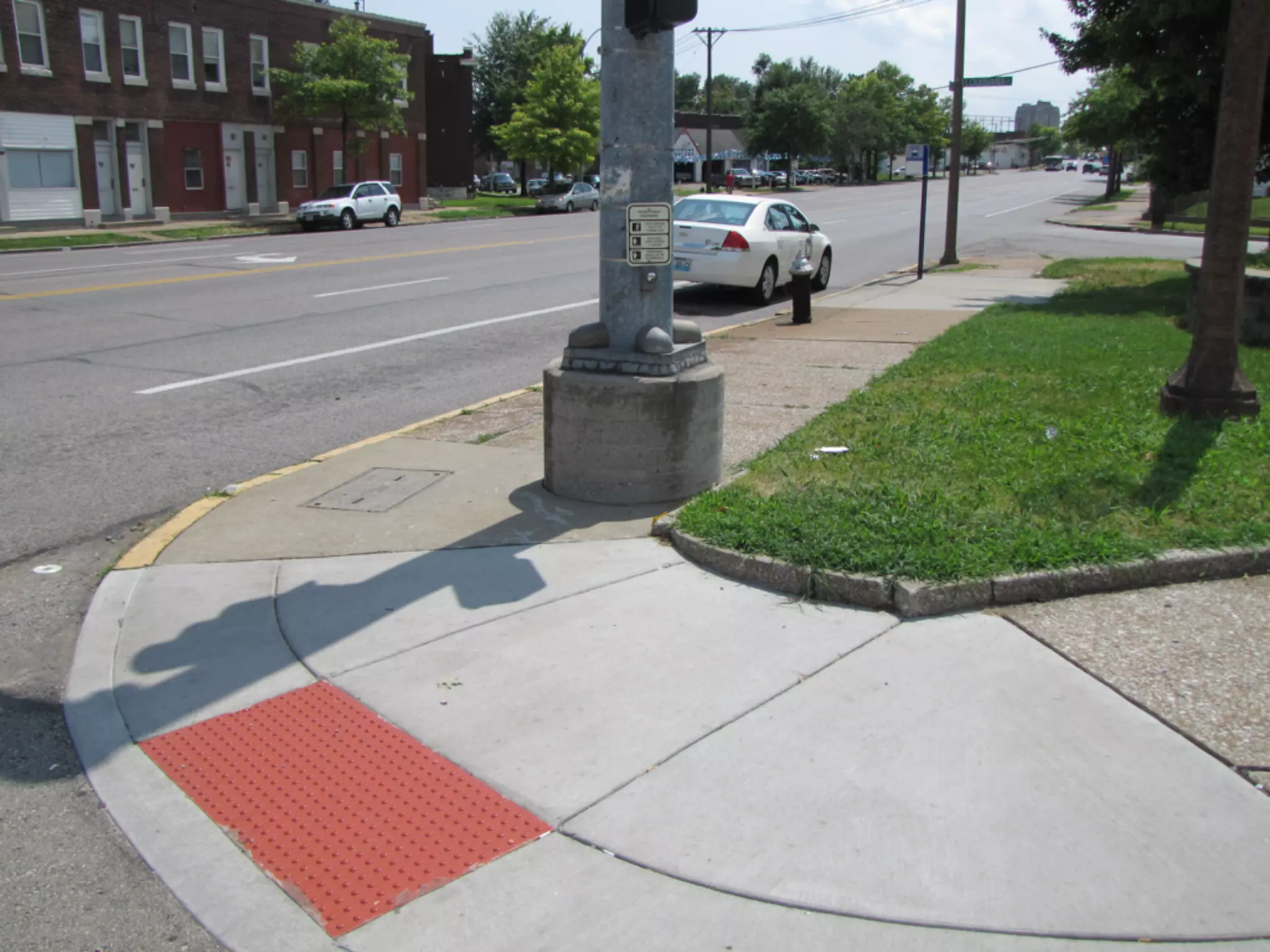
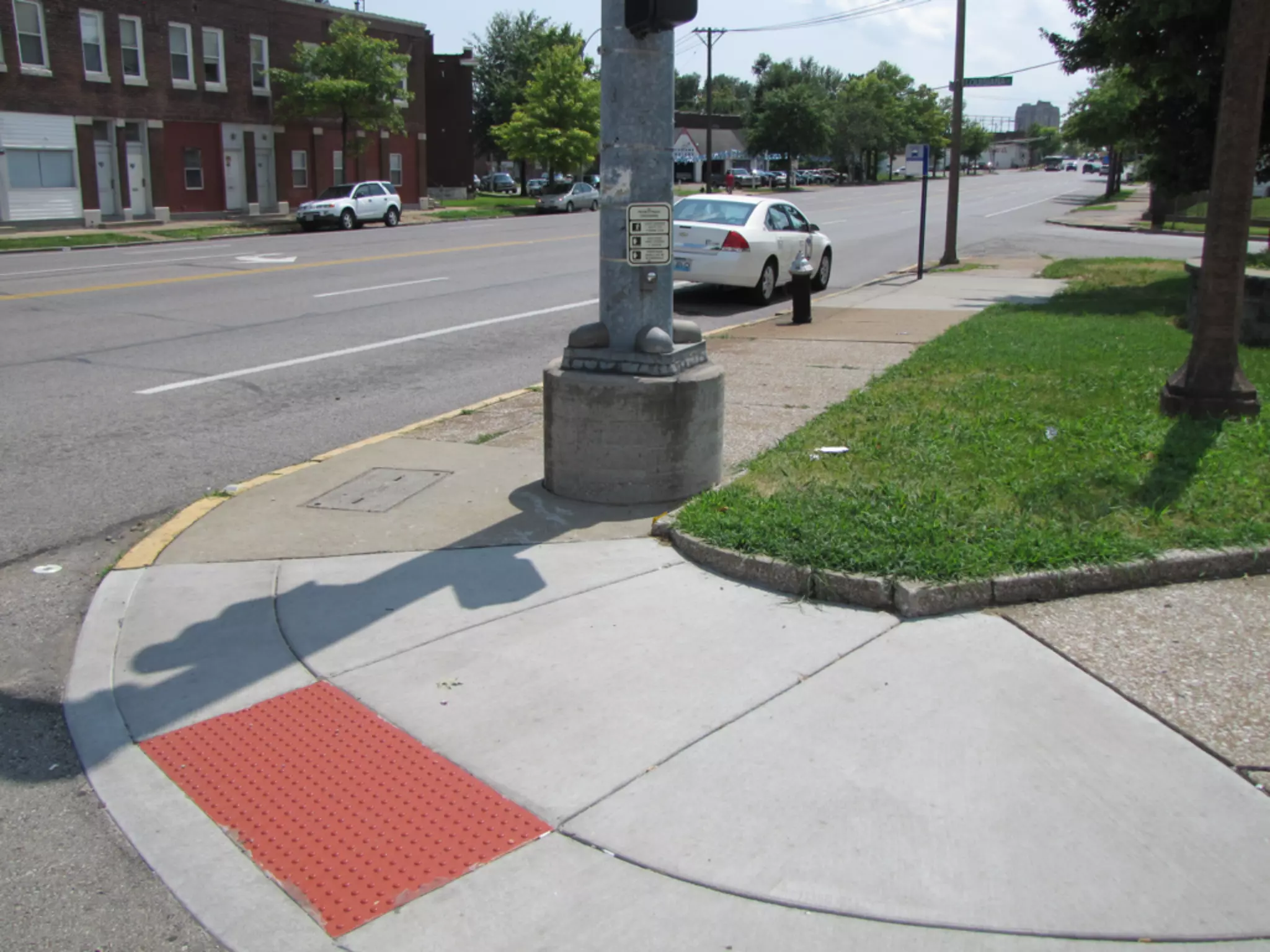
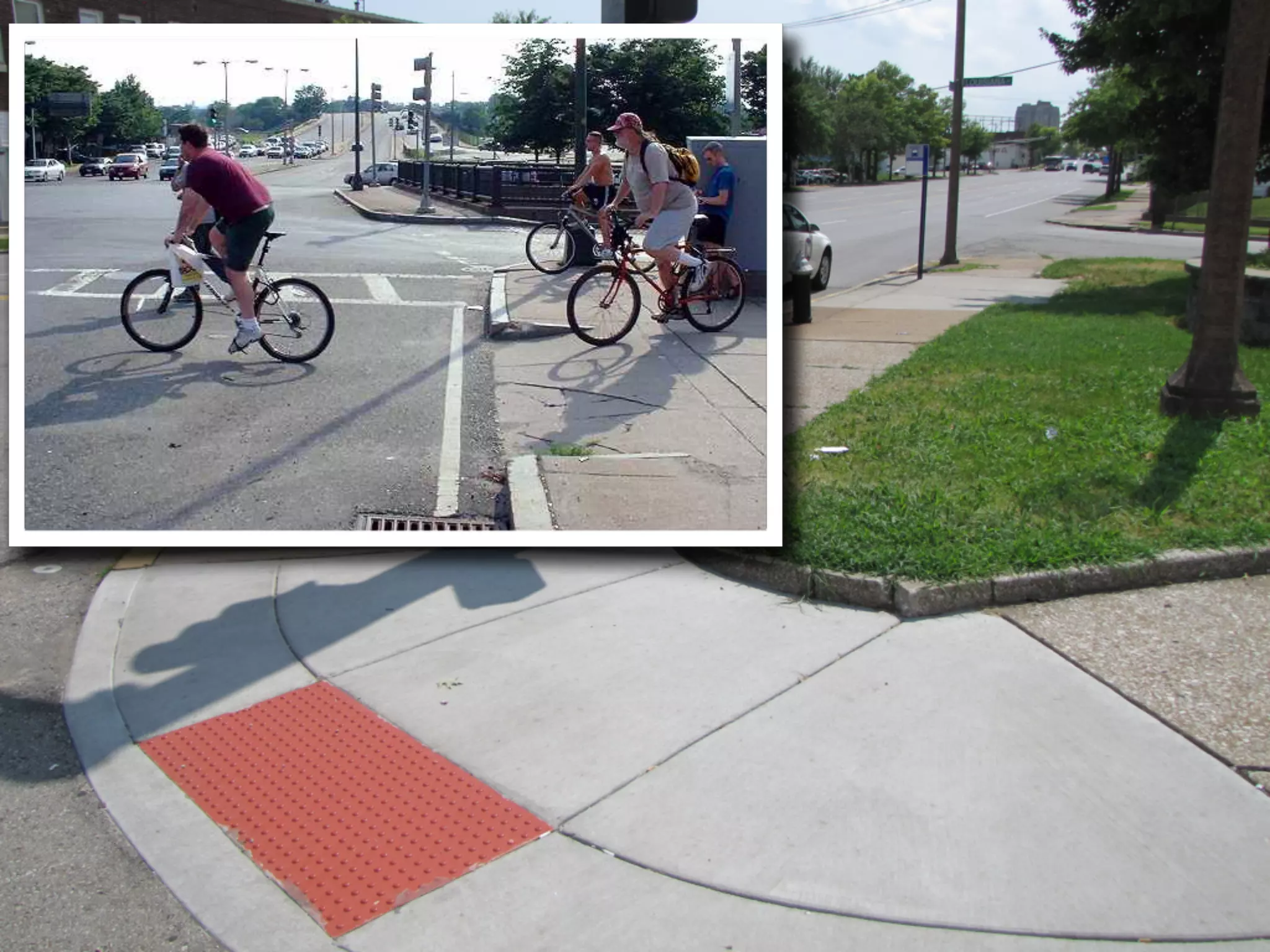
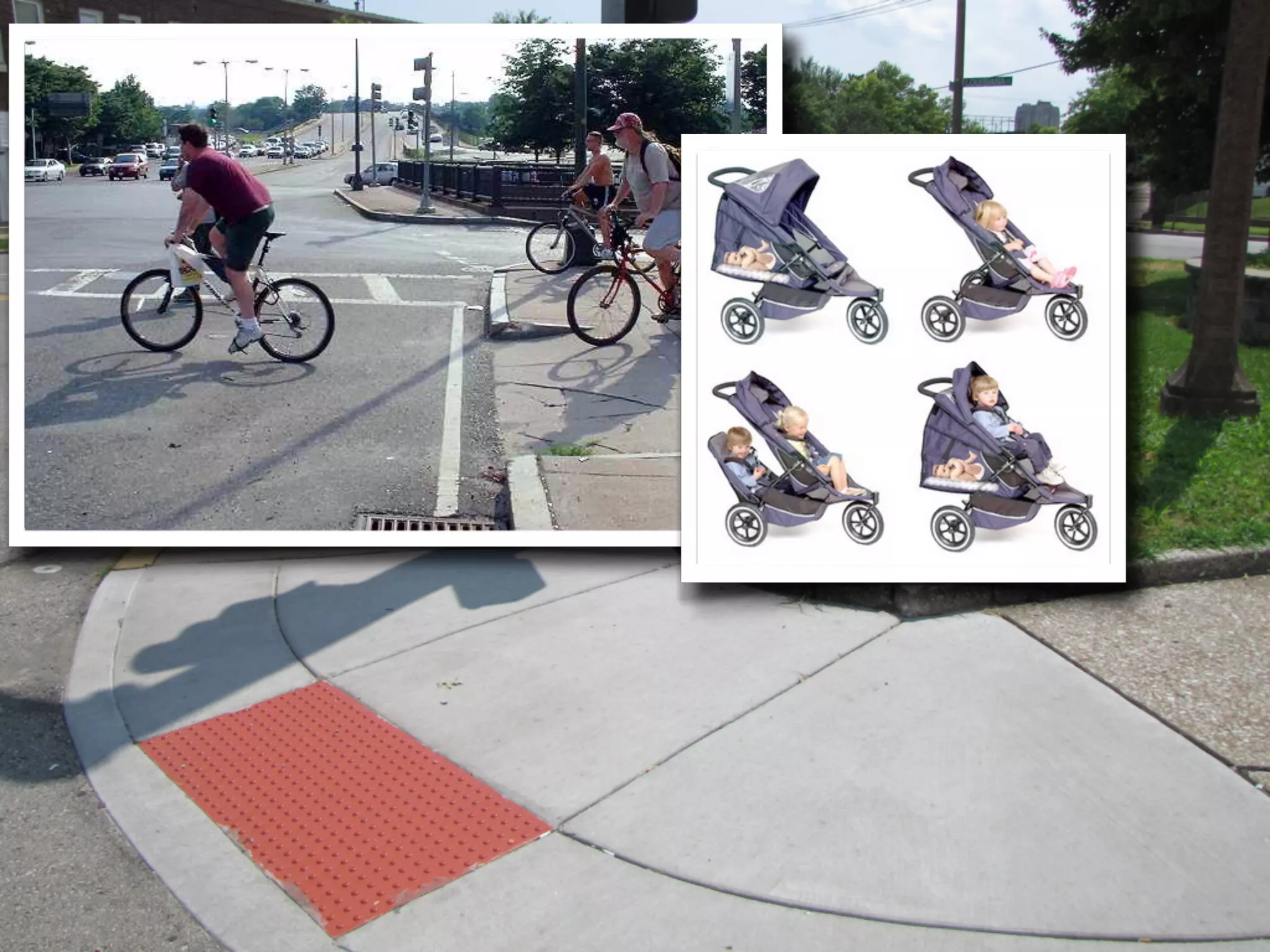
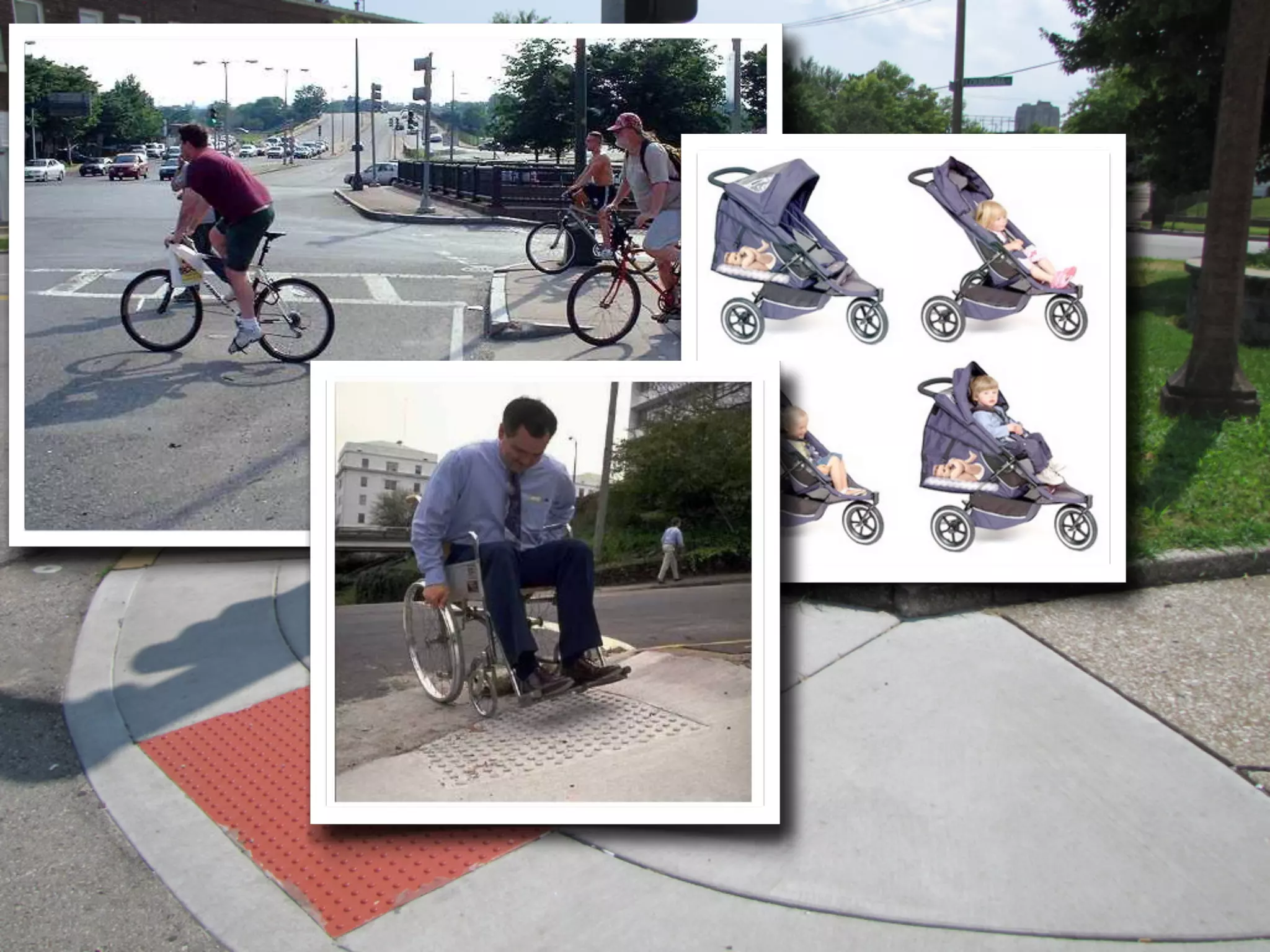
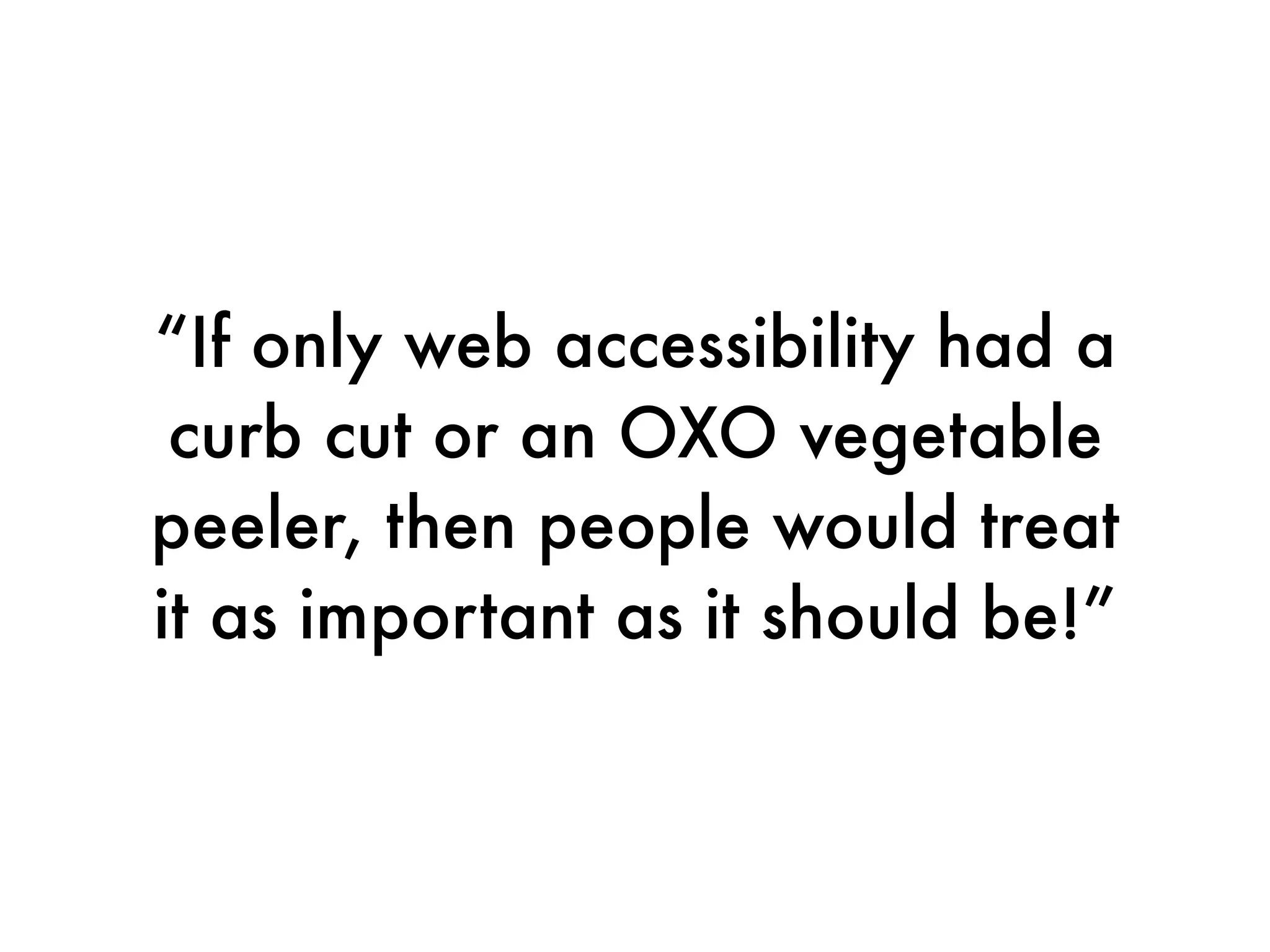
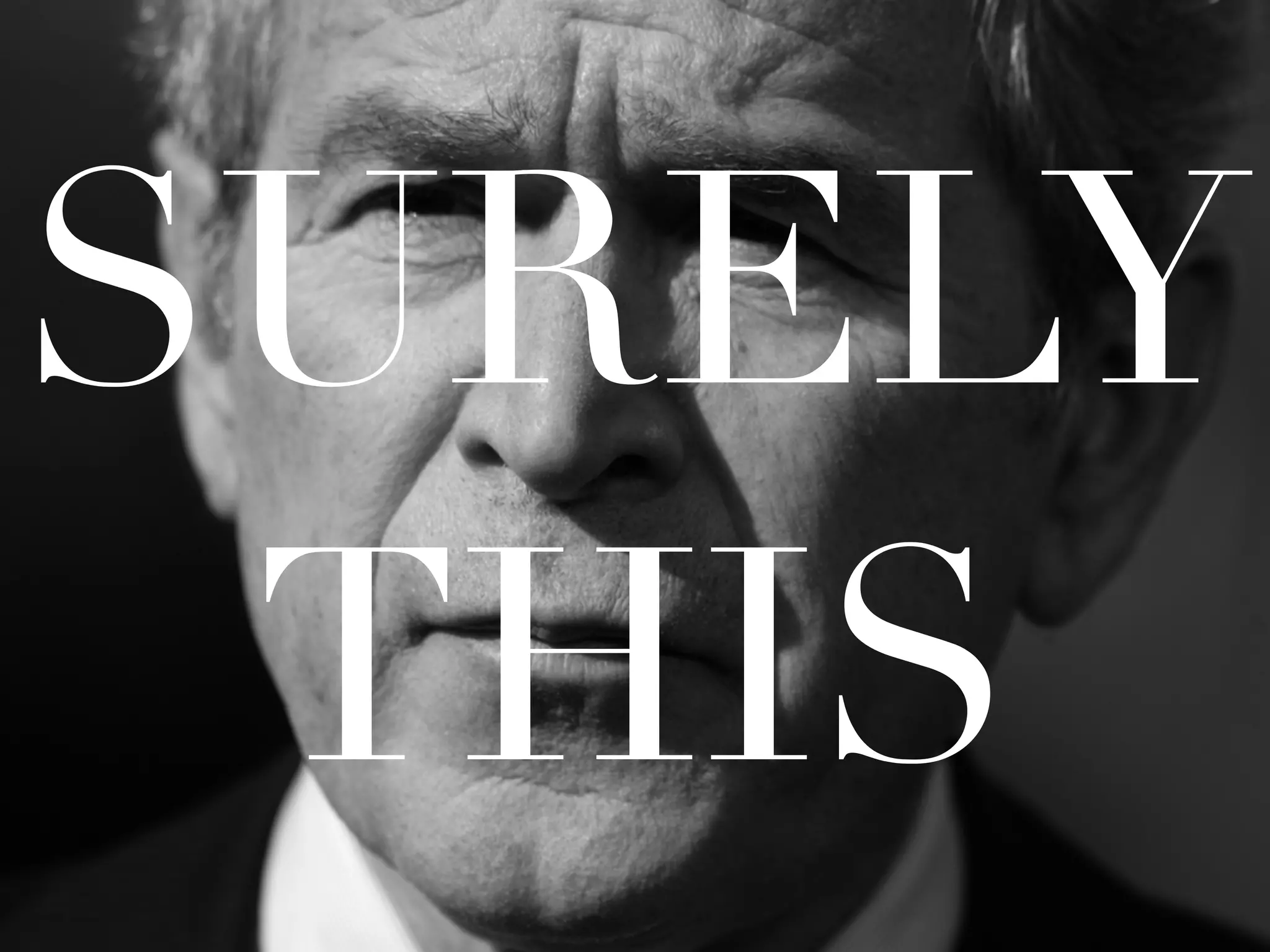
“If only web accessibility had a
 curb cut or an OXO vegetable
peeler, then people would treat
it as important as it should be!”
SURELY
 THIS
SURELY
 THIS
SURELY
 THIS
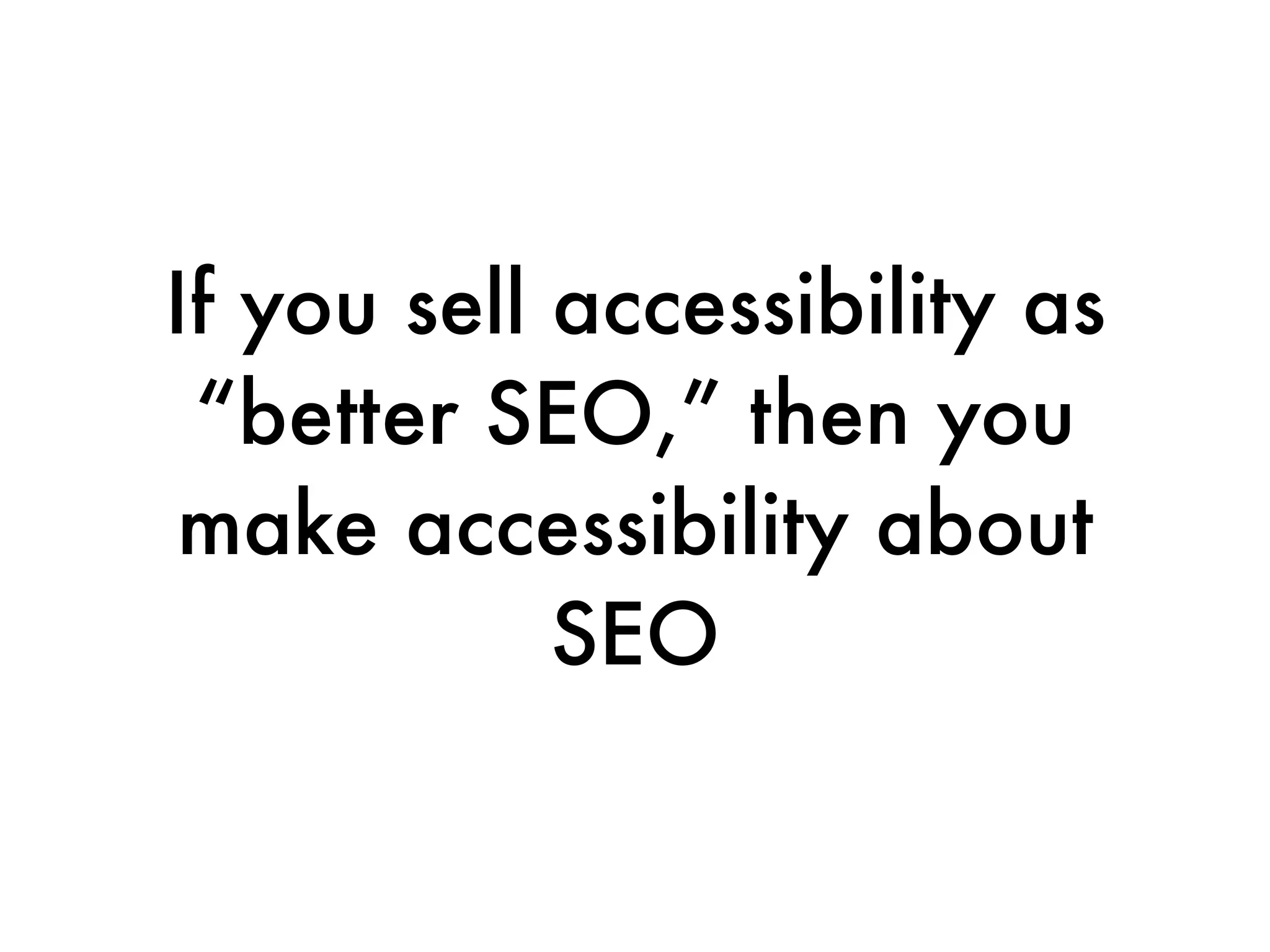
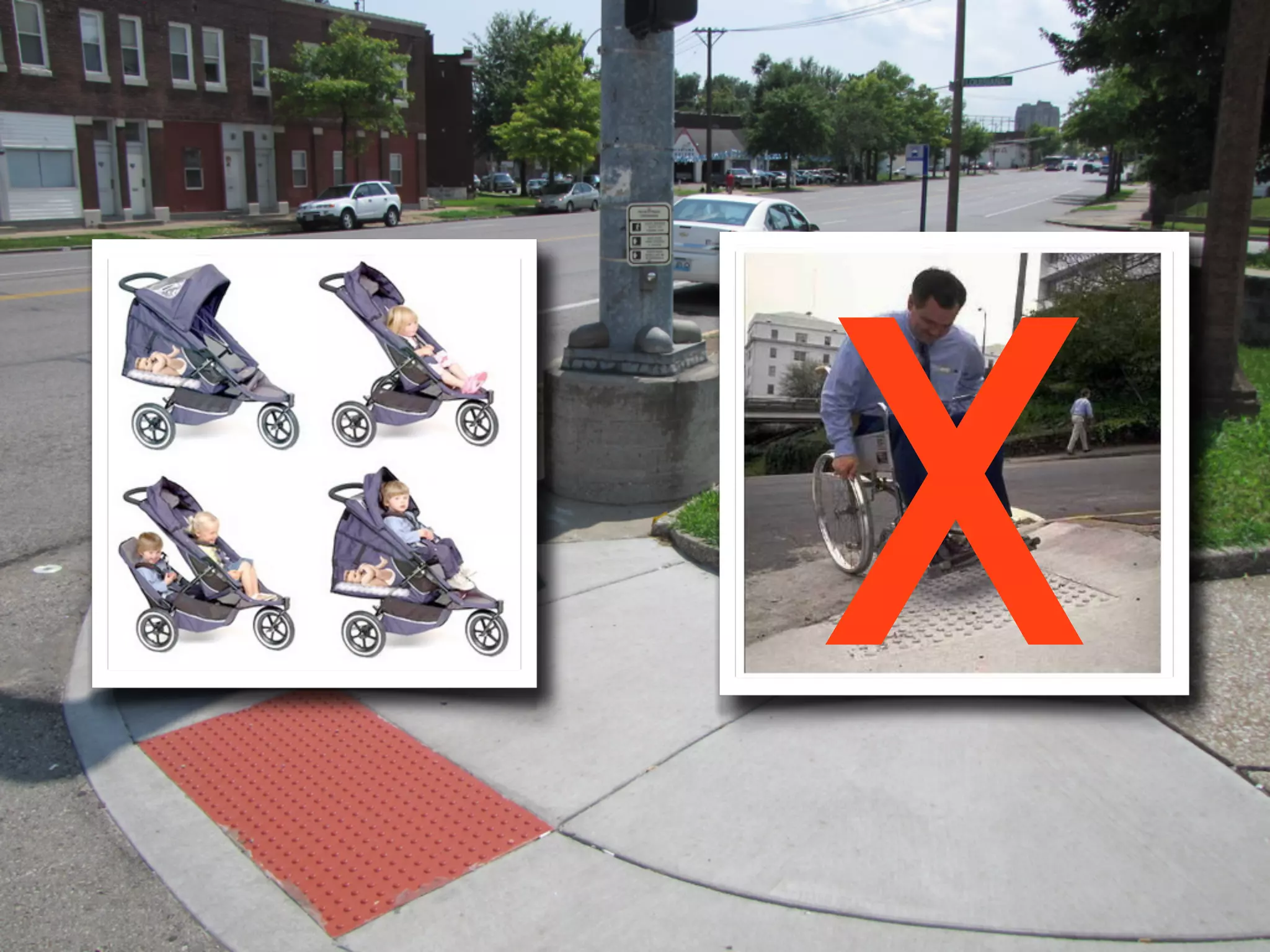
If you sell accessibility as
 “better SEO,” then you
 make accessibility about
            SEO
X
Let’s resolve to stop
  chasing peelers.
Usability can help with
     accessibility
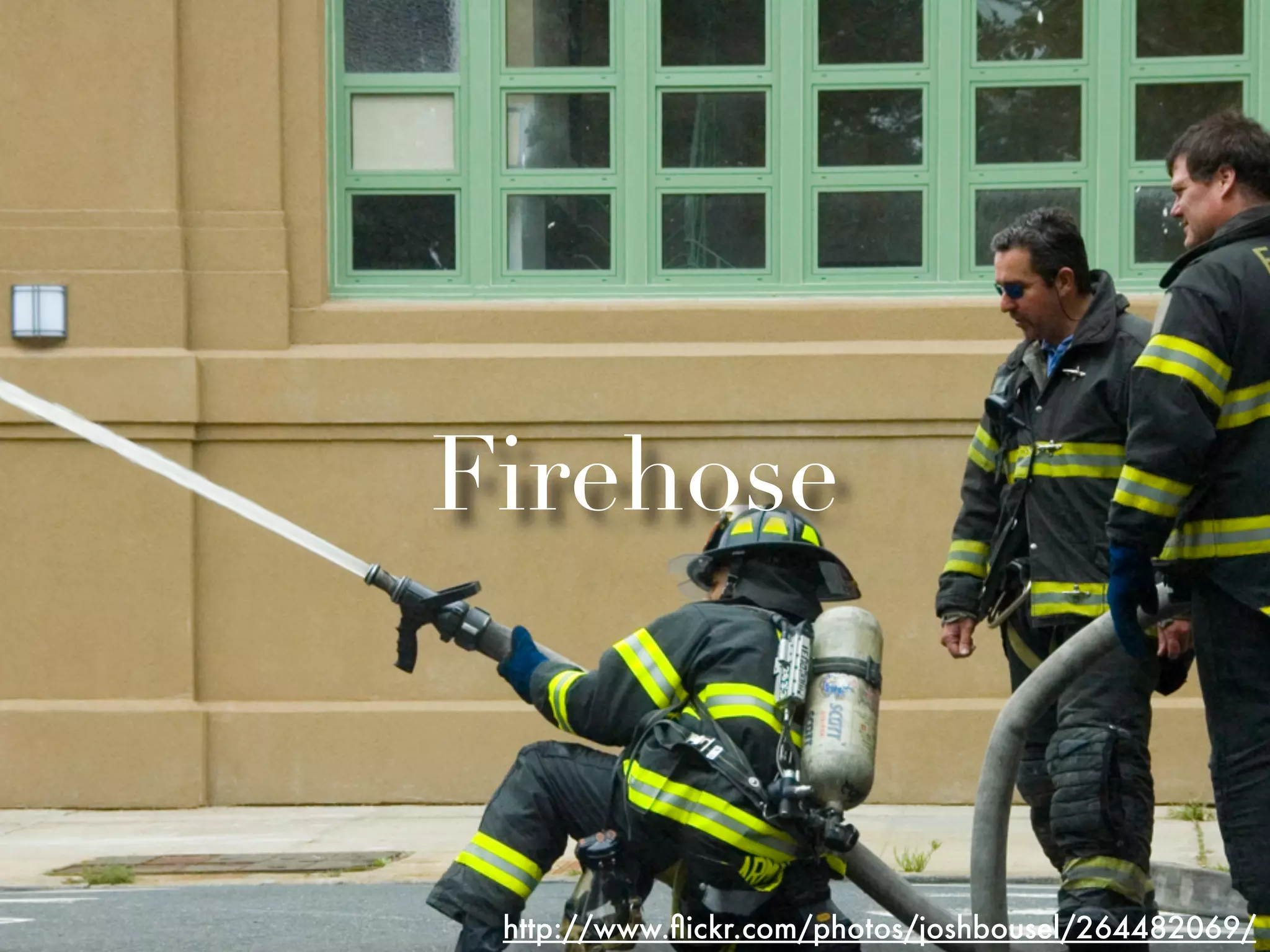
Firehose


 http://www.flickr.com/photos/joshbousel/264482069/
Firehose


 http://www.flickr.com/photos/joshbousel/264482069/
See our Delicious stack:
   http://bit.ly/tnt7
Design with usability
AND accessibility in mind
The earlier you think
about accessibility, the
    less work it is
Early, often
Early, often
Early, often
Lay of the Land

•Implementation
•Verification
•Evangelization
•The Takeaway
Implementation

   http://www.flickr.com/photos/35188692@N00/2392520183/
Implementation

   http://www.flickr.com/photos/35188692@N00/2392520183/
So let’s talk about
   three things
Three things

1. Your Templates
2. Your Forms
3. Your Videos
1. Your Templates
Ask your CMS vendor
 about accessibility
Don't blindly accept
  the "garbage in/
garbage out" answer
Ask your vendor

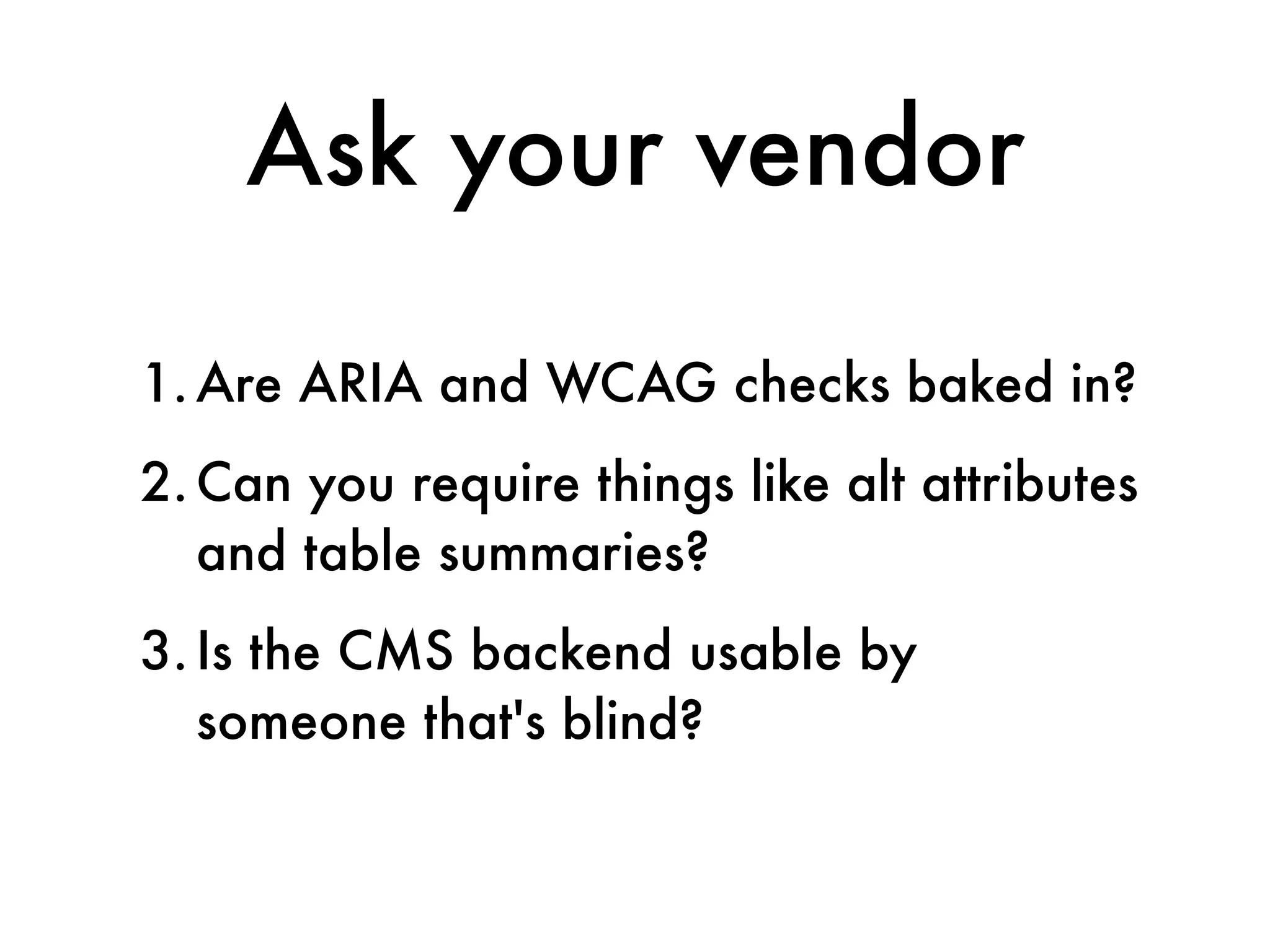
1. Are ARIA and WCAG checks baked in?
2. Can you require things like alt attributes
   and table summaries?
3. Is the CMS backend usable by
   someone that's blind?
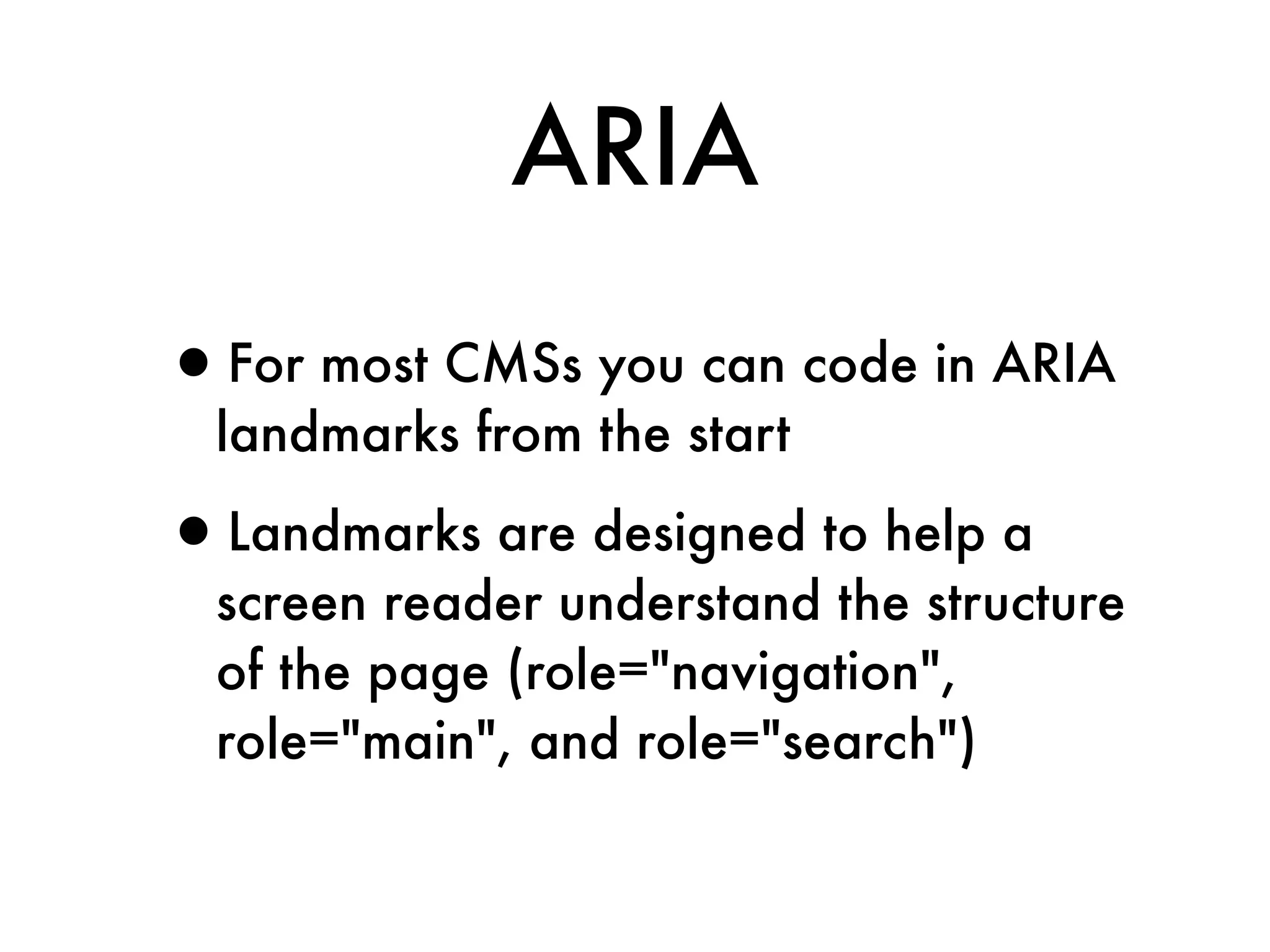
ARIA

•For most CMSs you can code in ARIA
  landmarks from the start

•Landmarks are designed to help a
  screen reader understand the structure
  of the page (role="navigation",
  role="main", and role="search")
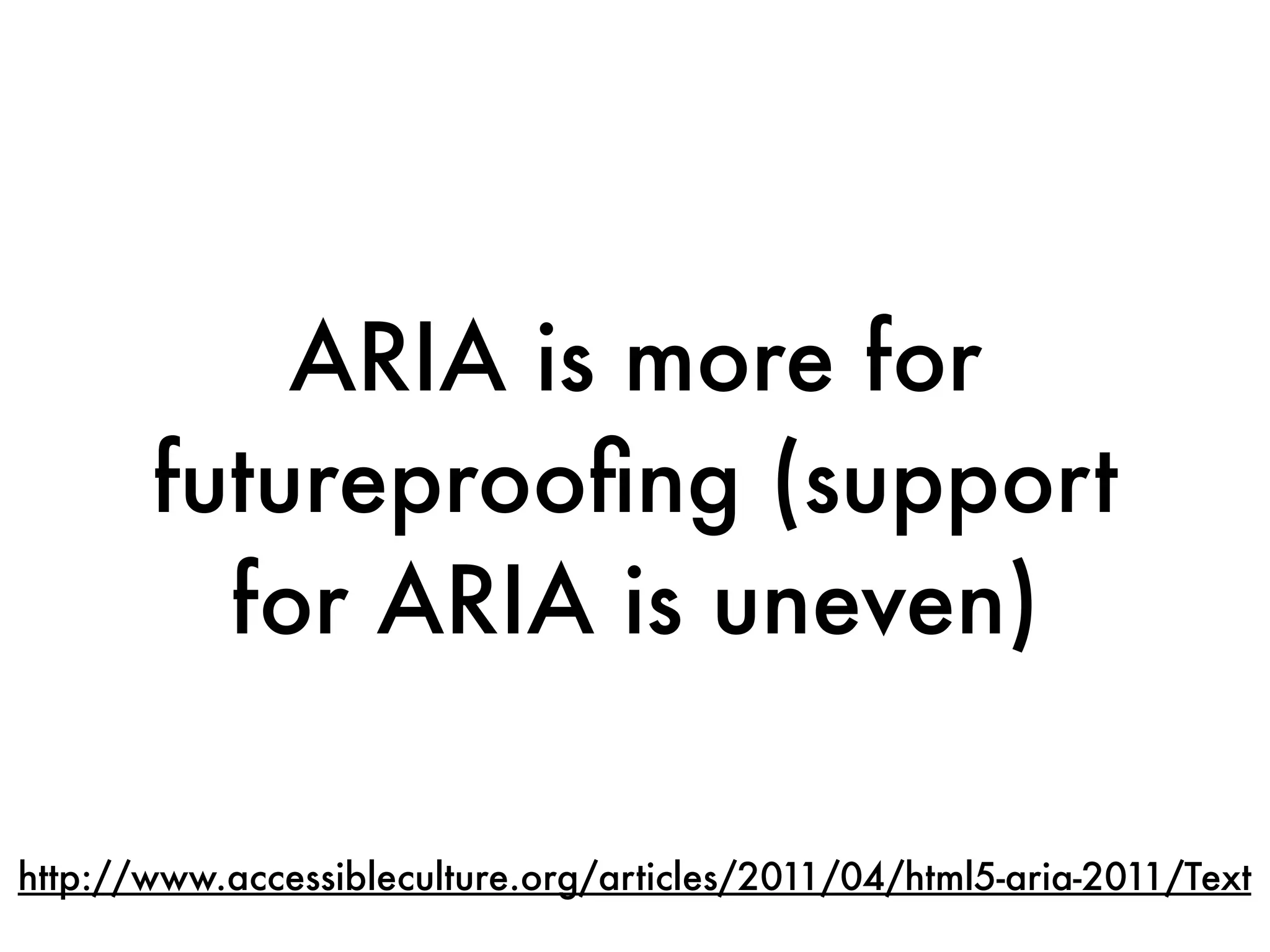
ARIA is more for
       futureproofing (support
         for ARIA is uneven)

http://www.accessibleculture.org/articles/2011/04/html5-aria-2011/Text
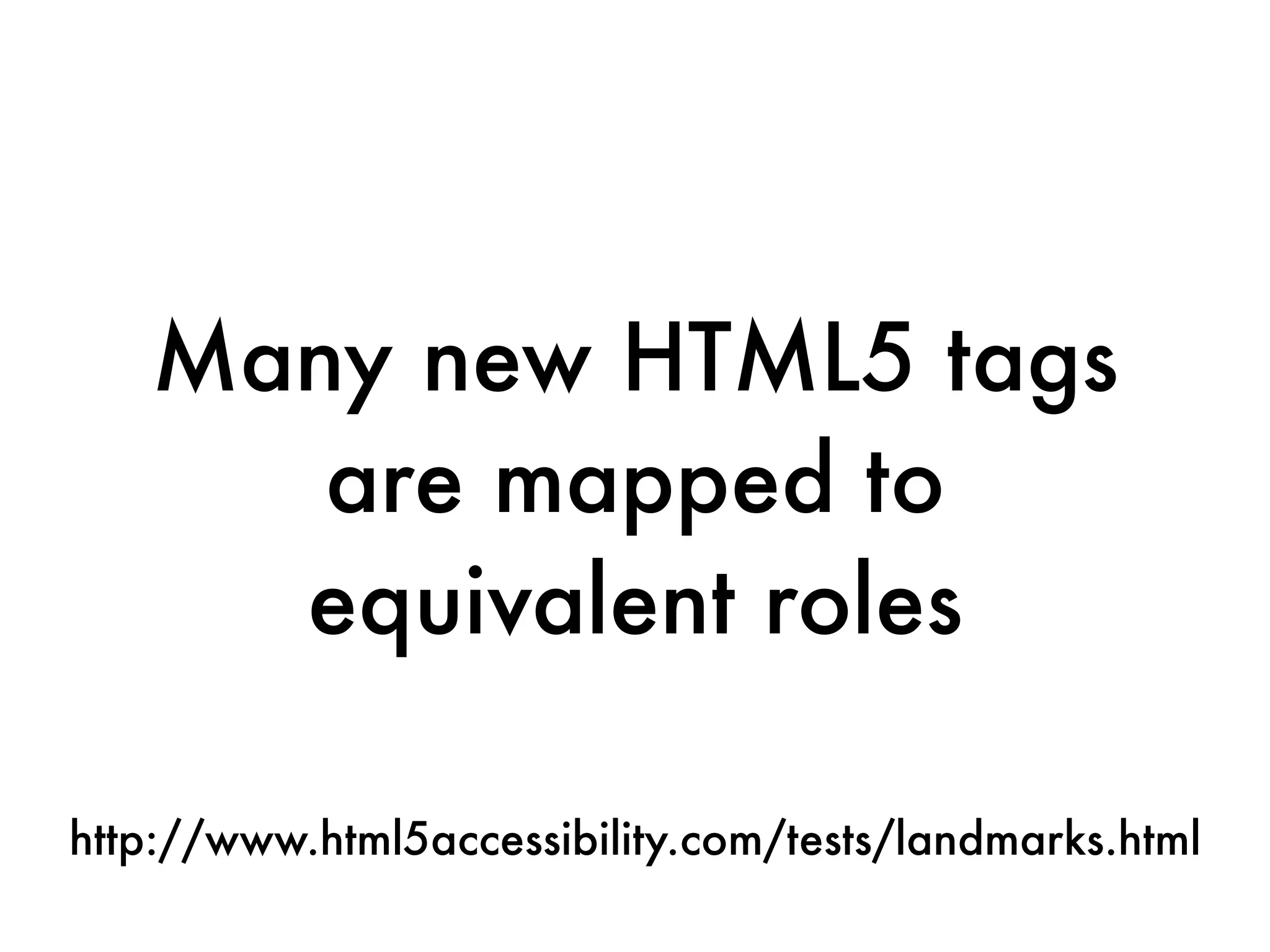
Many new HTML5 tags
      are mapped to
     equivalent roles

http://www.html5accessibility.com/tests/landmarks.html
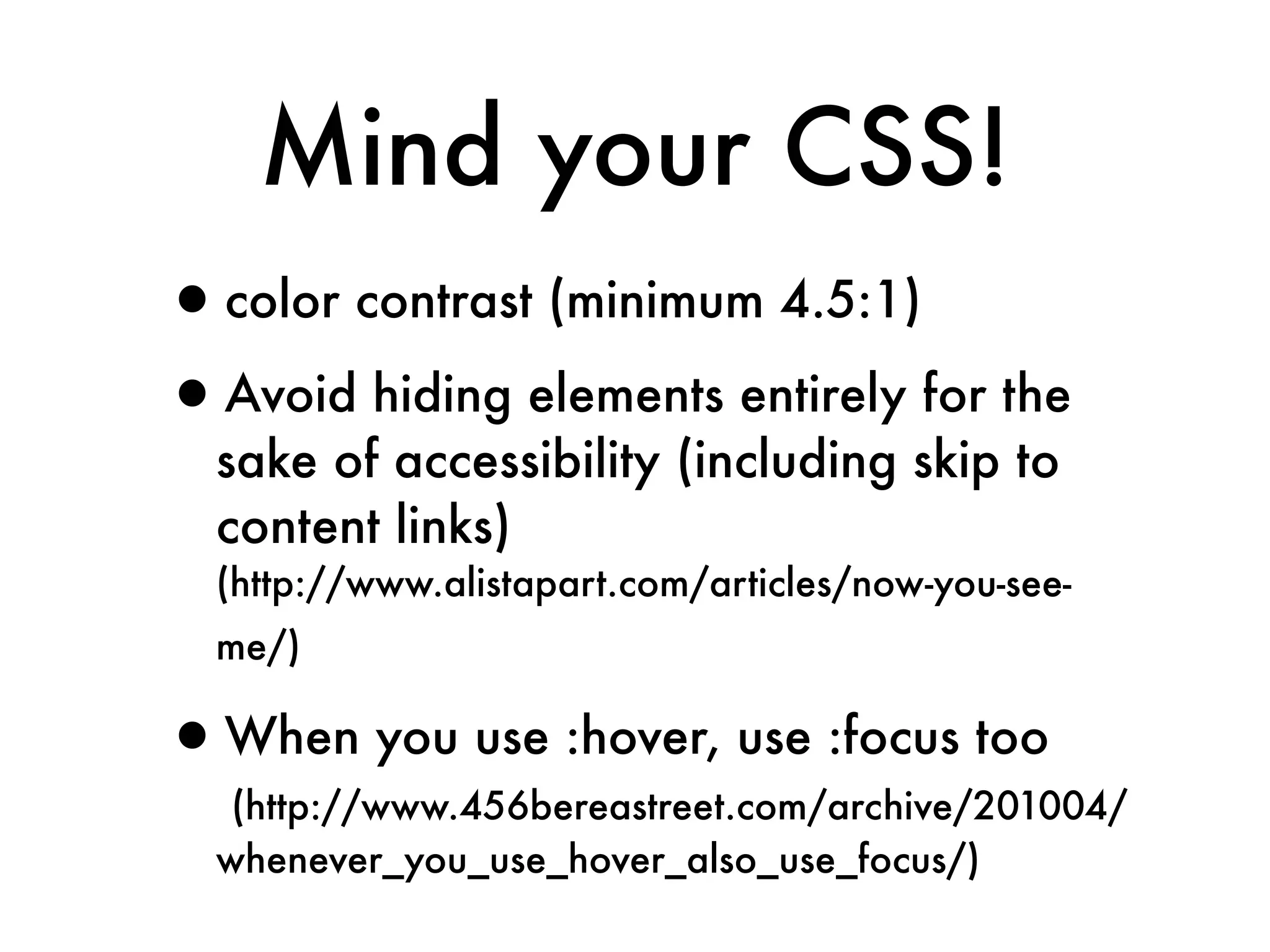
Mind your CSS!
•color contrast (minimum 4.5:1)
•Avoid hiding elements entirely for the
  sake of accessibility (including skip to
  content links)
  (http://www.alistapart.com/articles/now-you-see-
  me/)

•When you use :hover, use :focus too
   (http://www.456bereastreet.com/archive/201004/
  whenever_you_use_hover_also_use_focus/)
Good semantic coding is
your first line of defense
in both accessibility and
        usability
2. Your Forms
Show of hands, who
 here loves making
       forms?
(besides Dylan, but we all knew he was weird.)
Forms are a major point of
interactivity, and ensuring it’s
  accessible can be difficult.
Can you use JavaScript
   and AJAX? Yes!
JavaScript and
        Accessibility
•You can enhance accessibility with
  JavaScript + AJAX
 •Text sizing
 •Input validation
•Focus on progressive enhancement
There's no excuse for a
    form to break if
JavaScript isn't enabled.
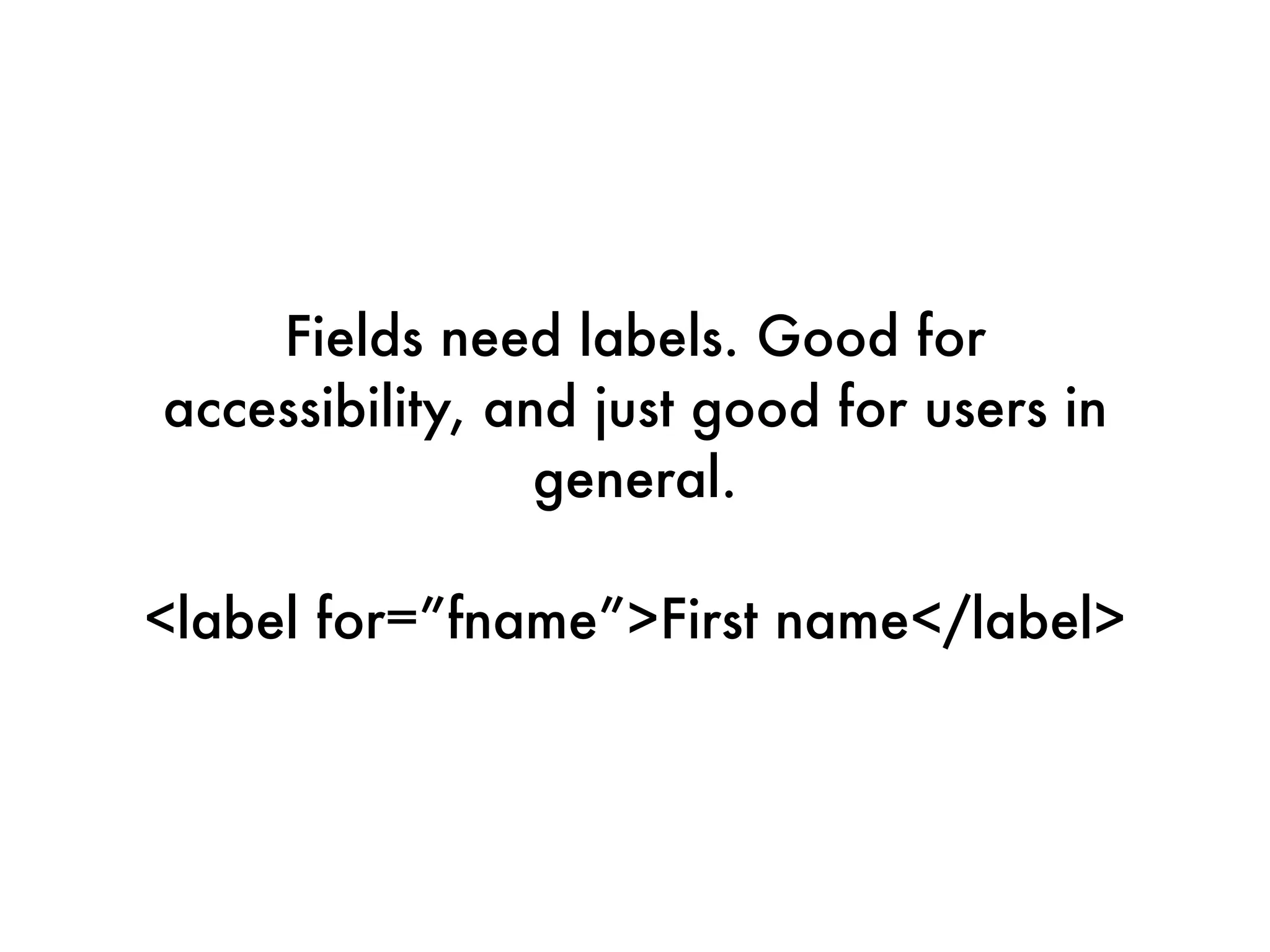
Fields need labels. Good for
accessibility, and just good for users in
                 general. 

<label for=”fname”>First name</label>
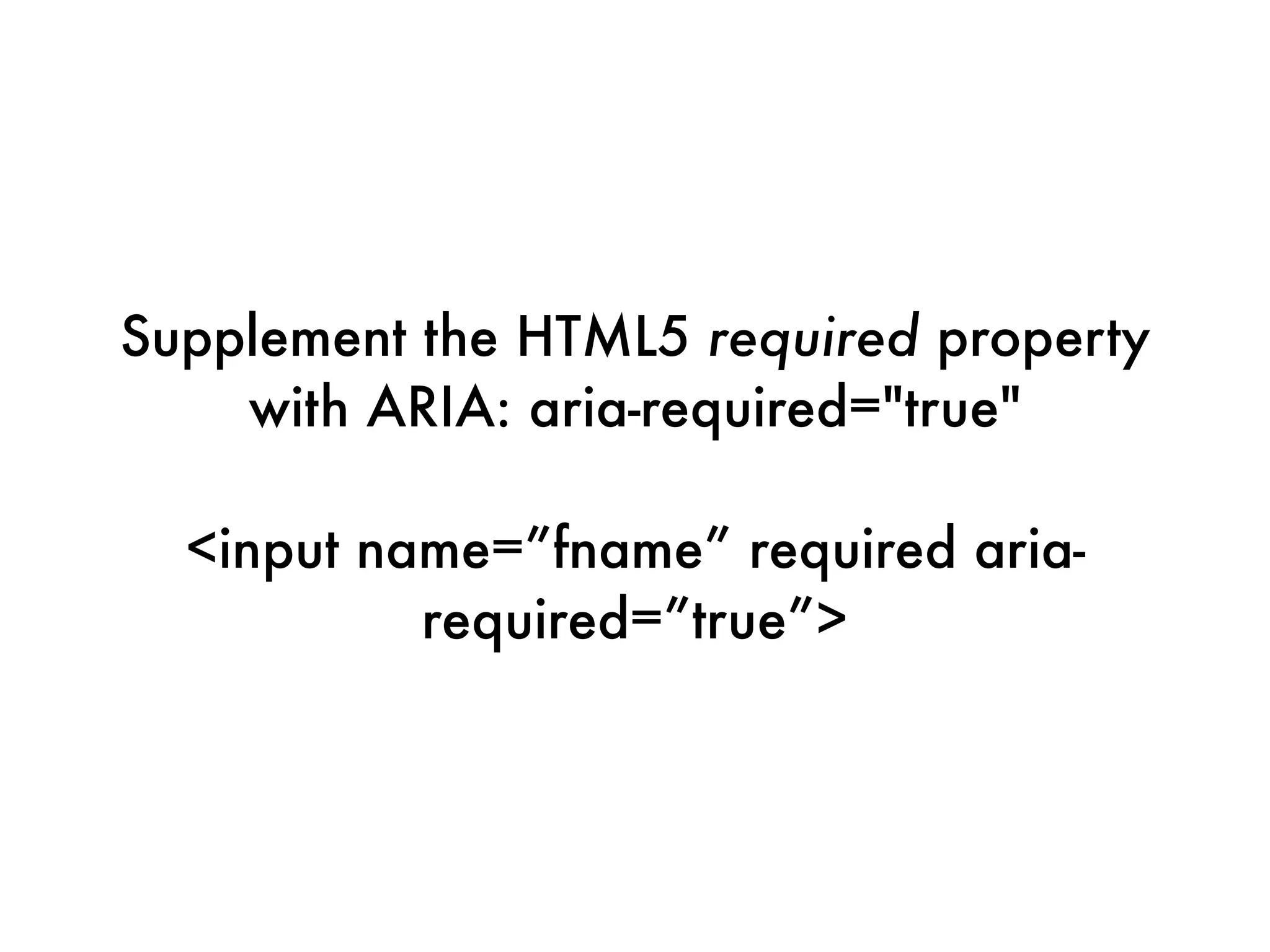
Supplement the HTML5 required property
    with ARIA: aria-required="true"

  <input name=”fname” required aria-
           required=”true”>
3. Your Video
Caption your videos

•Captions help more than the deaf
 •SEO
 •International users
 •Normal people too!
Don't rely on machine
   transcription. Srsly.

http://mashable.com/2010/03/05/youtube-caption-fail/
Farm it out instead
Farm it out instead
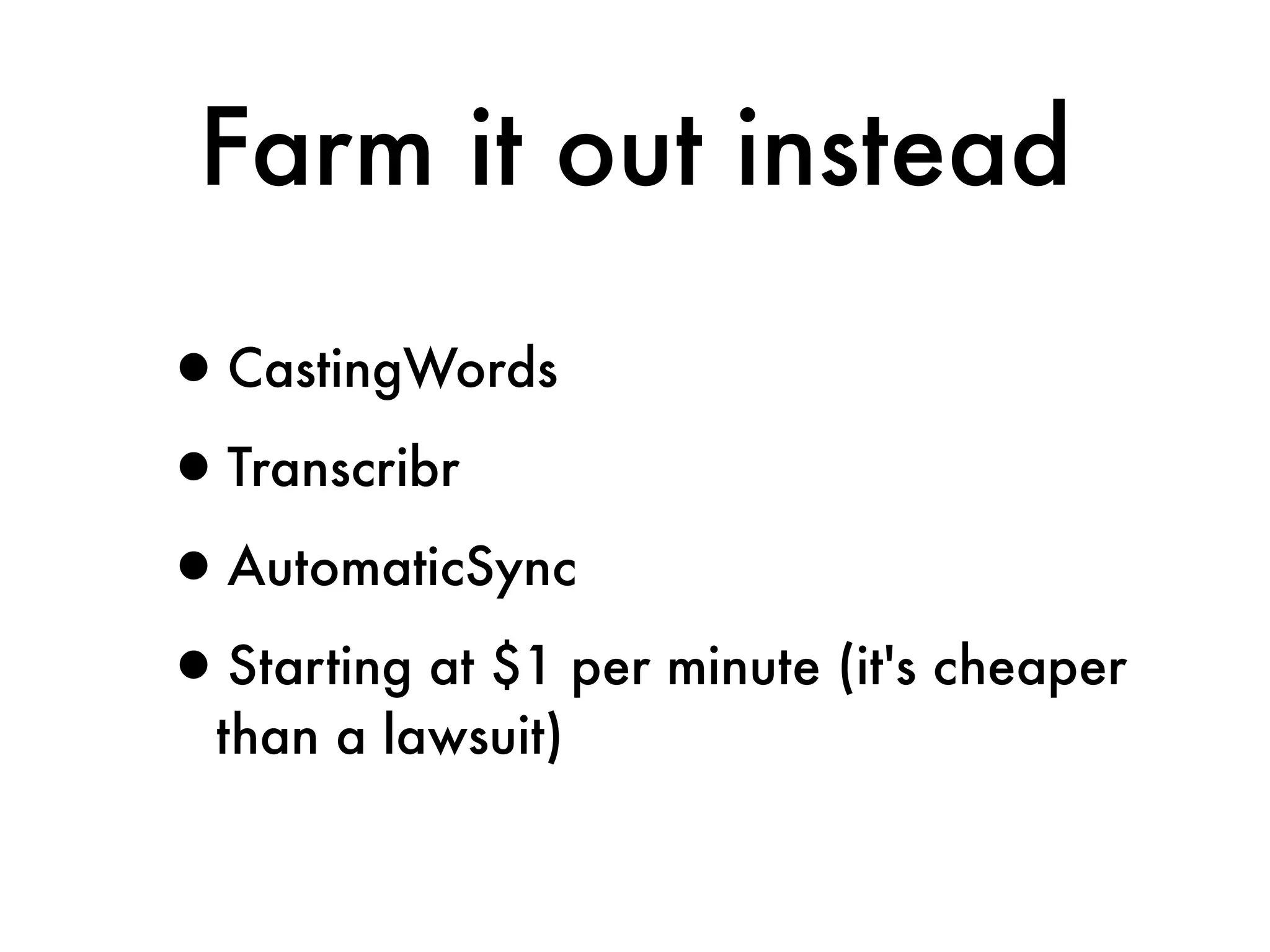
Farm it out instead

•CastingWords
•Transcribr
•AutomaticSync
•Starting at $1 per minute (it's cheaper
  than a lawsuit)
"Produced" video likely has a
script, which can be the basis for
   your captions. You're almost
          there already!
YouTube resources
•Leaning on YouTube means access to good tools
 •Auto-timing vs machine transcription
 •Familiar interface
•Consistency in caption tool
•Keyboard accessible player
•All of this INCLUDES lecture capture as well,
  not just marketing video.
Verification

    http://www.flickr.com/photos/wallyg/3964329905/
Verification

    http://www.flickr.com/photos/wallyg/3964329905/
Test, test, test

Quantitative and qualitative
Do not be afraid
   to iterate.
“We can’t make it
accessible. There’s just
too much to change.”
Everest is not a day hike.
Tools


•See the Delicious stack: http://bit.ly/tnt7
•Not all accessibility guidelines can be
  verified through automated scanning
Do you have an
accessible technology
   lab on campus?
Find it. Make friends
with the facilitators and
          users.
“Do usability testing with
people with disabilities.”
     -- Jared Smith

http://webaim.org/blog/accessibility-user-testing/
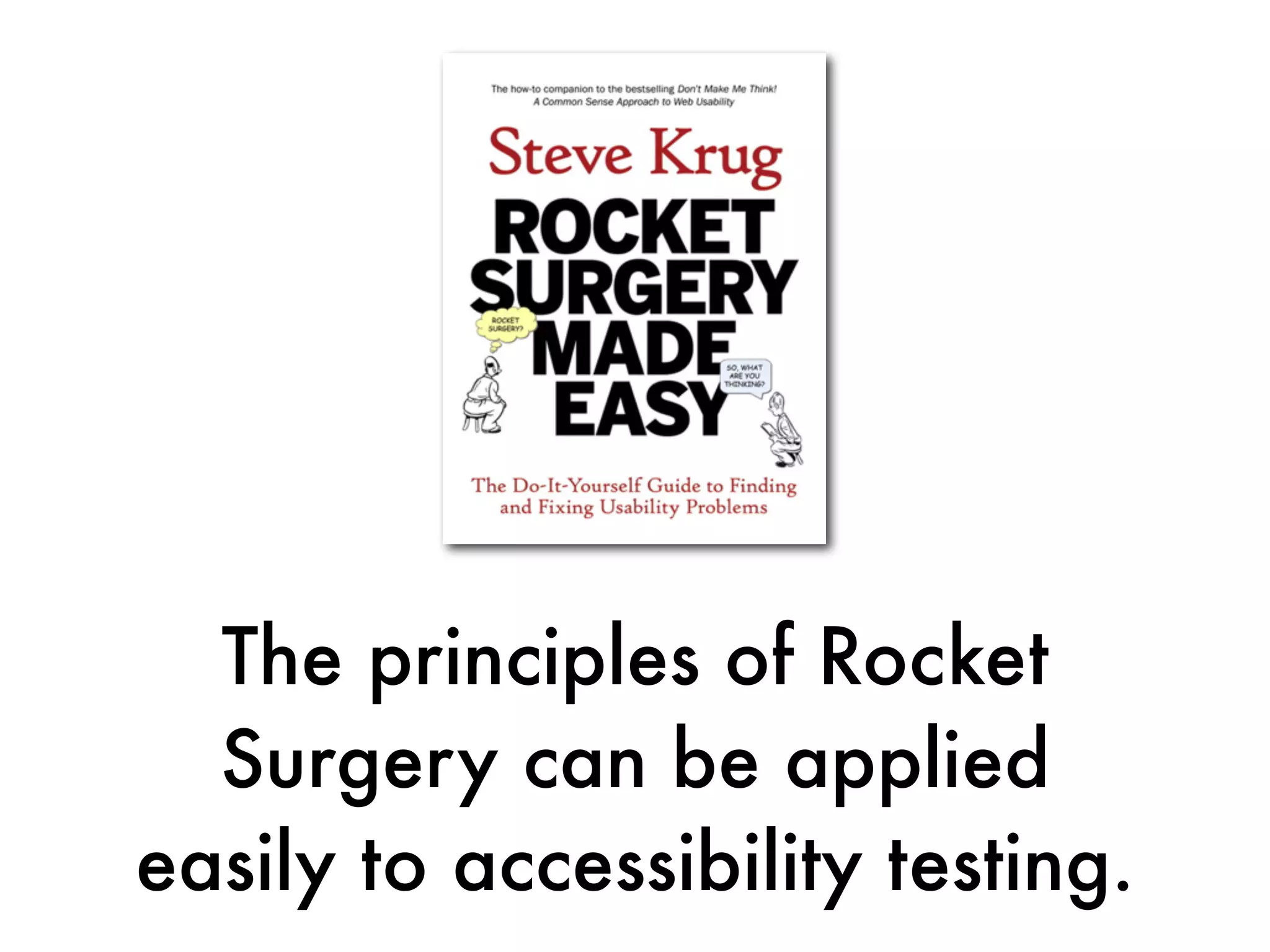
The principles of Rocket
  Surgery can be applied
easily to accessibility testing.
Nothing is more powerful
than watching someone FAIL
  using something you built.
If all else fails, try the
 Rough Threefold Test
Rough Threefold Test
1. Check for colorblindness issues

      • In Photoshop CS5 you can easily show how
         an image looks to people with color
         blindness
         (http://www.adobe.com/accessibility/products/photoshop/
         overview.html)

      • Alternatively, use the aforementioned color
         tests

      • Or find someone in your office with color
         blindness -- 7-10% of all men
Rough Threefold Test
2. The Keyboard Test

 • Rip out your mouse
 • Try using the site without it (tab keys
    and arrows)

 • Shake your head in shame
Rough Threefold Test
3. The Voice Browser Test

  •http://www.iheni.com/quick-tip-testing-web-content-for-
   Good: Henny Swan’s tricks

     screen-readers-without-a-screen-reader/

  •Better: Fangs plugin for Firefox, Firevox
  •Best: NVDA (free open source voice
     browser) + VoiceOver (baked into OS X)
Evangelization


    http://www.flickr.com/photos/mulmatsherm/2221223106/
Evangelization


    http://www.flickr.com/photos/mulmatsherm/2221223106/
Preach to the congregation,
     teach the elders
Down
Down
Down

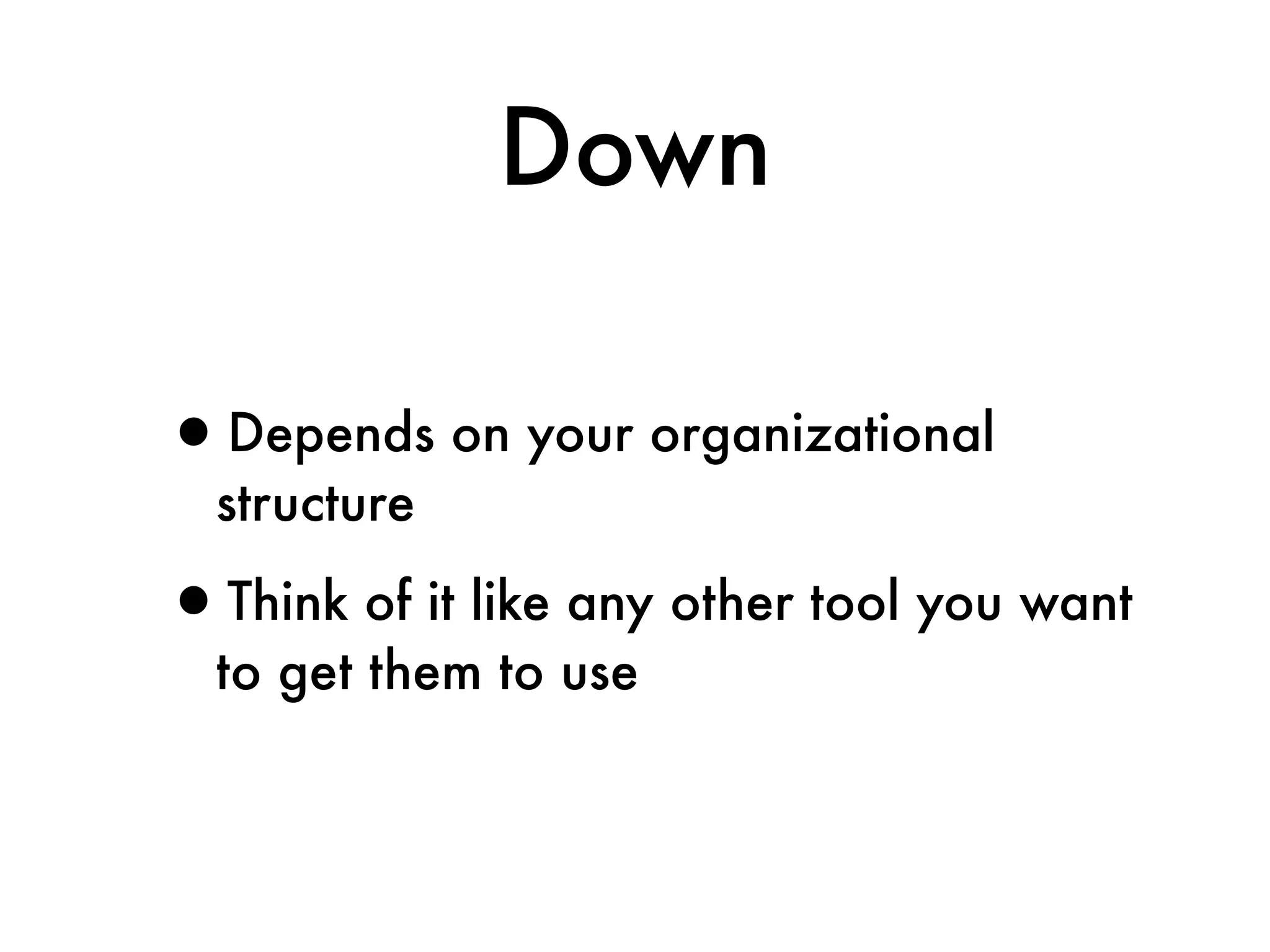
•Depends on your organizational
  structure

•Think of it like any other tool you want
  to get them to use
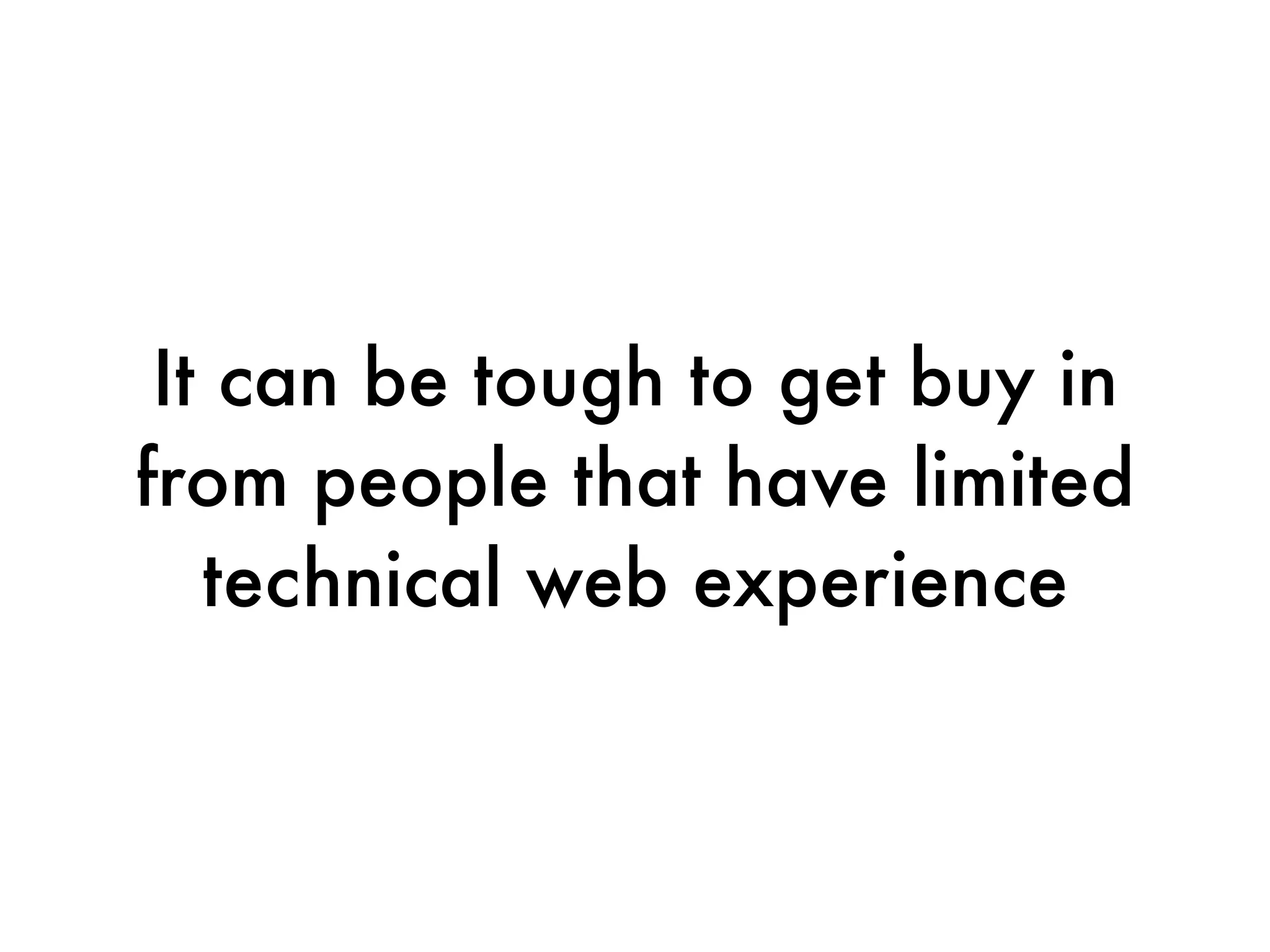
It can be tough to get buy in
from people that have limited
   technical web experience
People with limited tech
      knowledge


•Know their limitations
•Address it in chunks they can process
Sometimes people see
 the importance, but still
lack implementation skills
Teach techniques as just "part of
 the process," don't break it out
  like it's something different or
                extra
Be prepared to do it for them,
 but use that as an opportunity,
don't view it like taking on extra
               work
Up
Up
Up
•Four gambits:
 •Legal
 •Good PR
 •Enrollment
 •IT
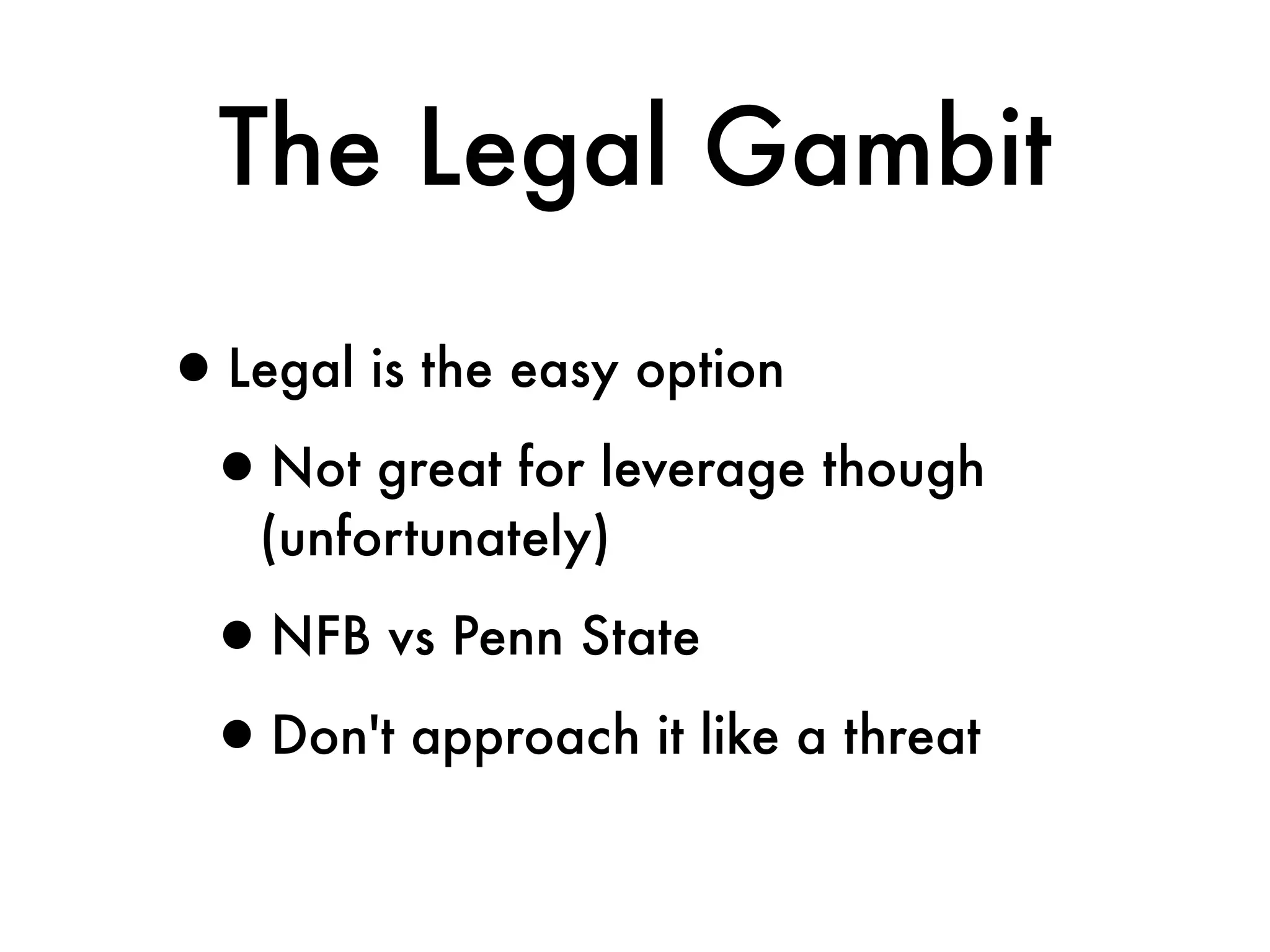
The Legal Gambit

•Legal is the easy option
 •Not great for leverage though
   (unfortunately)

 •NFB vs Penn State
 •Don't approach it like a threat
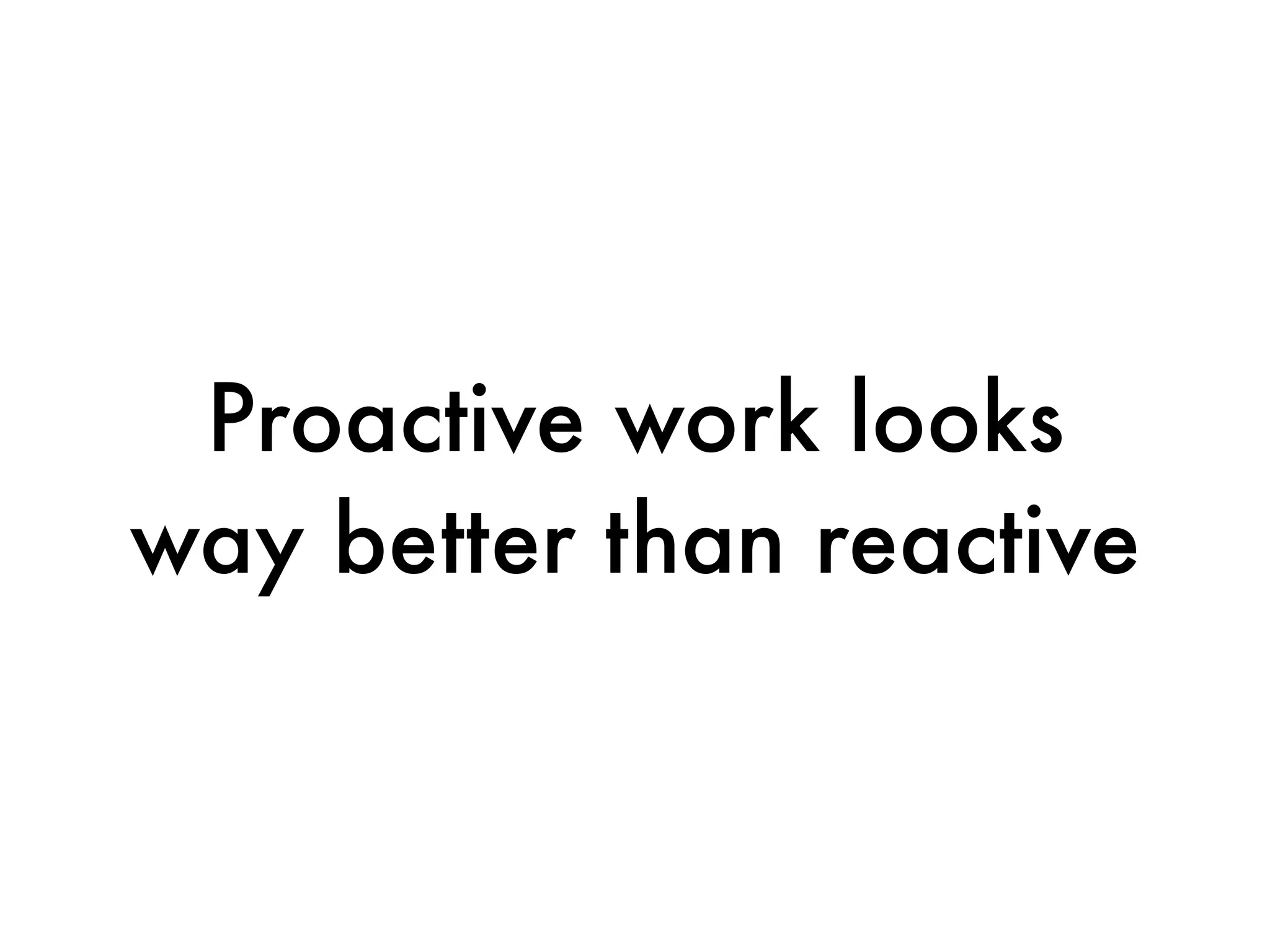
Proactive work looks
way better than reactive
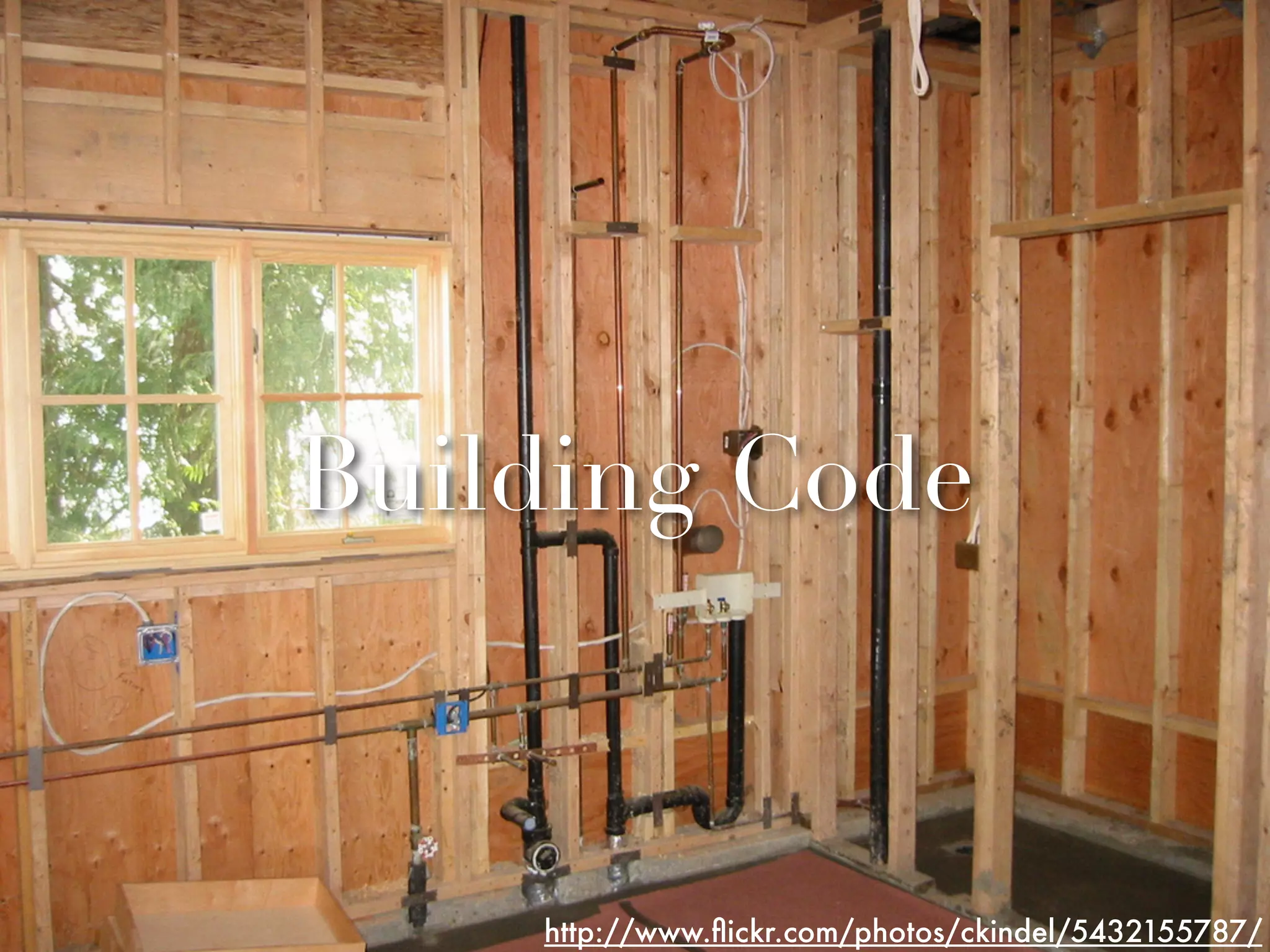
Building Code


    http://www.flickr.com/photos/ckindel/5432155787/
Building Code


    http://www.flickr.com/photos/ckindel/5432155787/
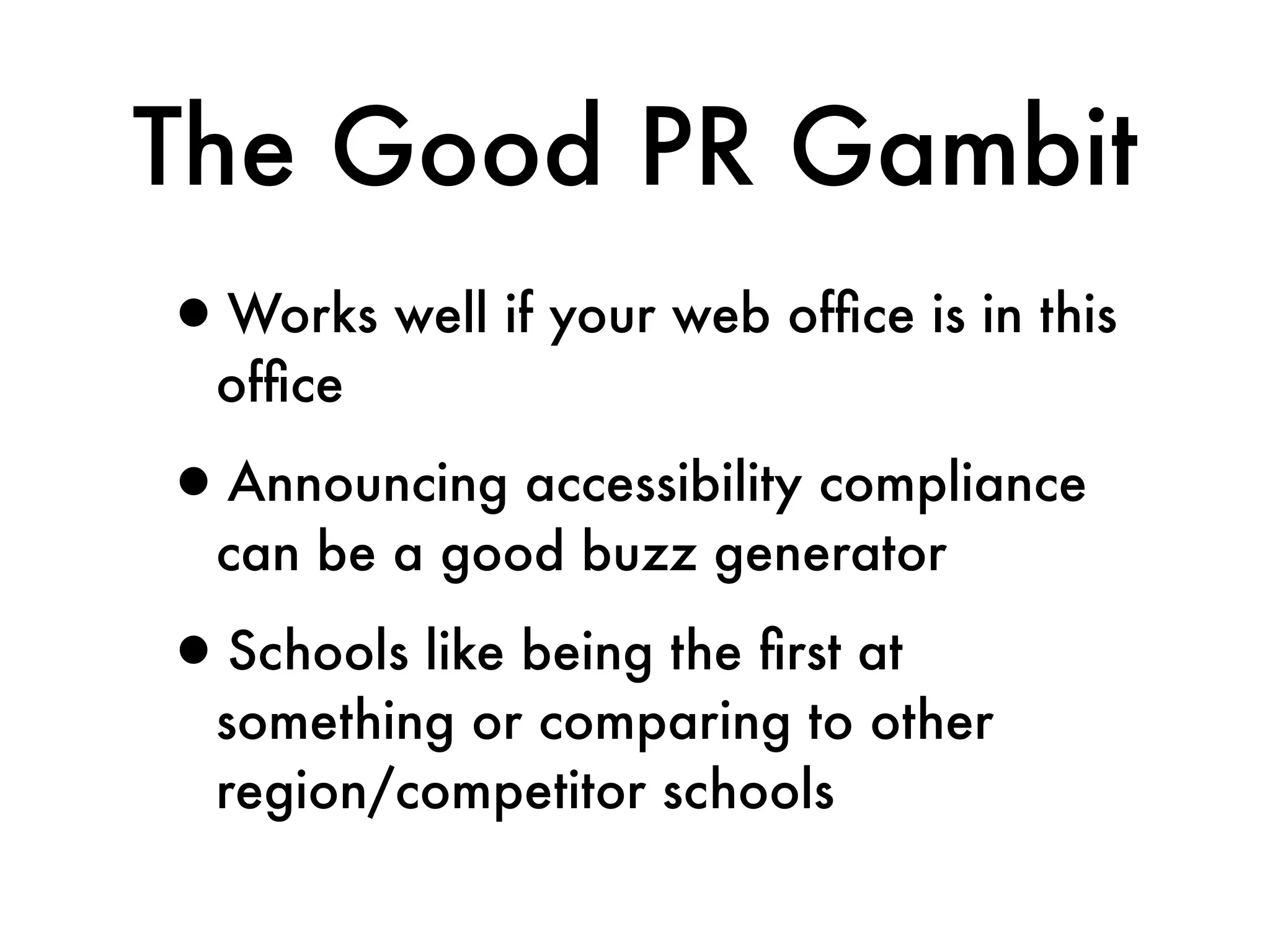
The Good PR Gambit
•Works well if your web office is in this
  office

•Announcing accessibility compliance
  can be a good buzz generator

•Schools like being the first at
  something or comparing to other
  region/competitor schools
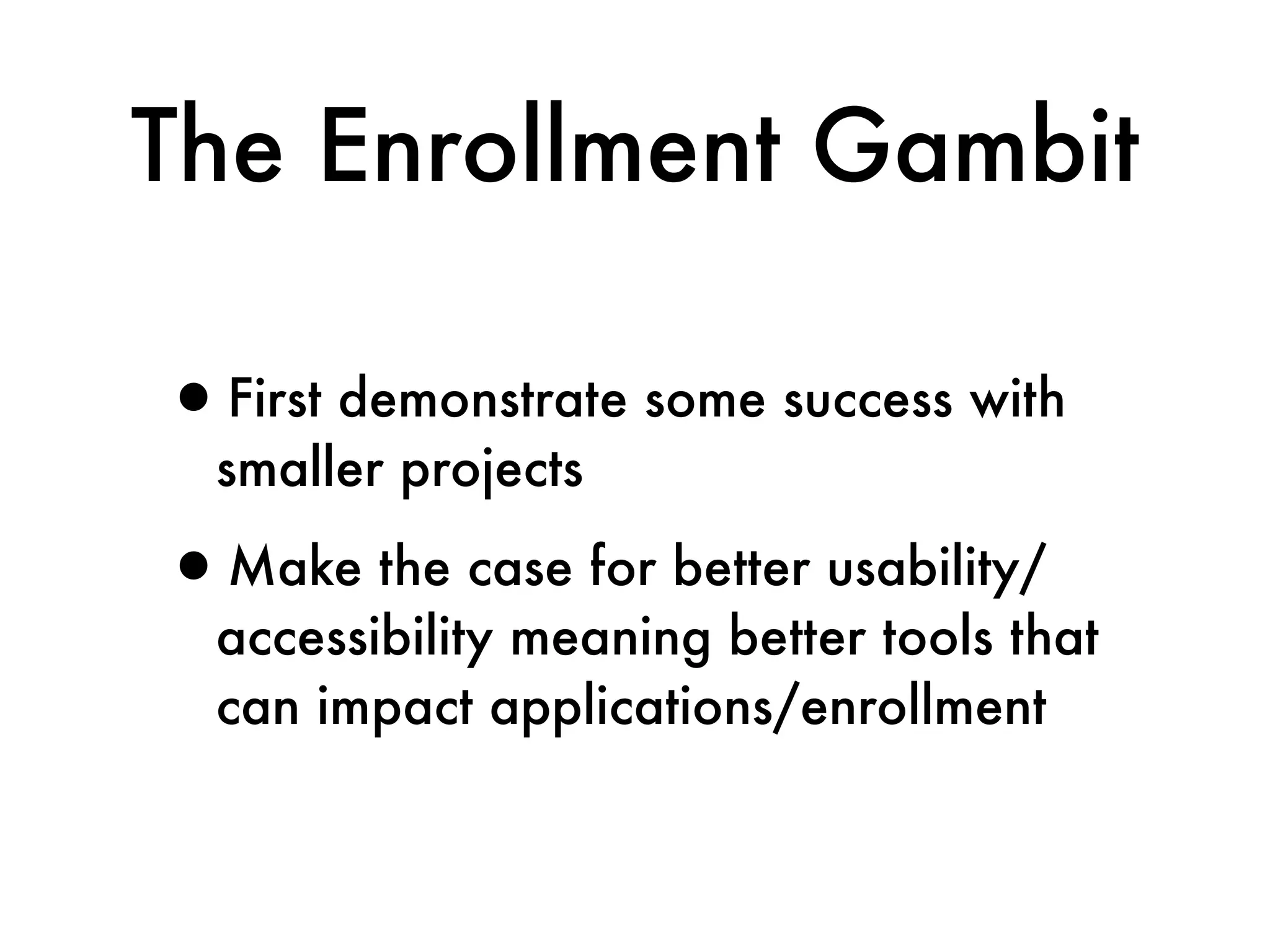
The Enrollment Gambit

•First demonstrate some success with
  smaller projects

•Make the case for better usability/
  accessibility meaning better tools that
  can impact applications/enrollment
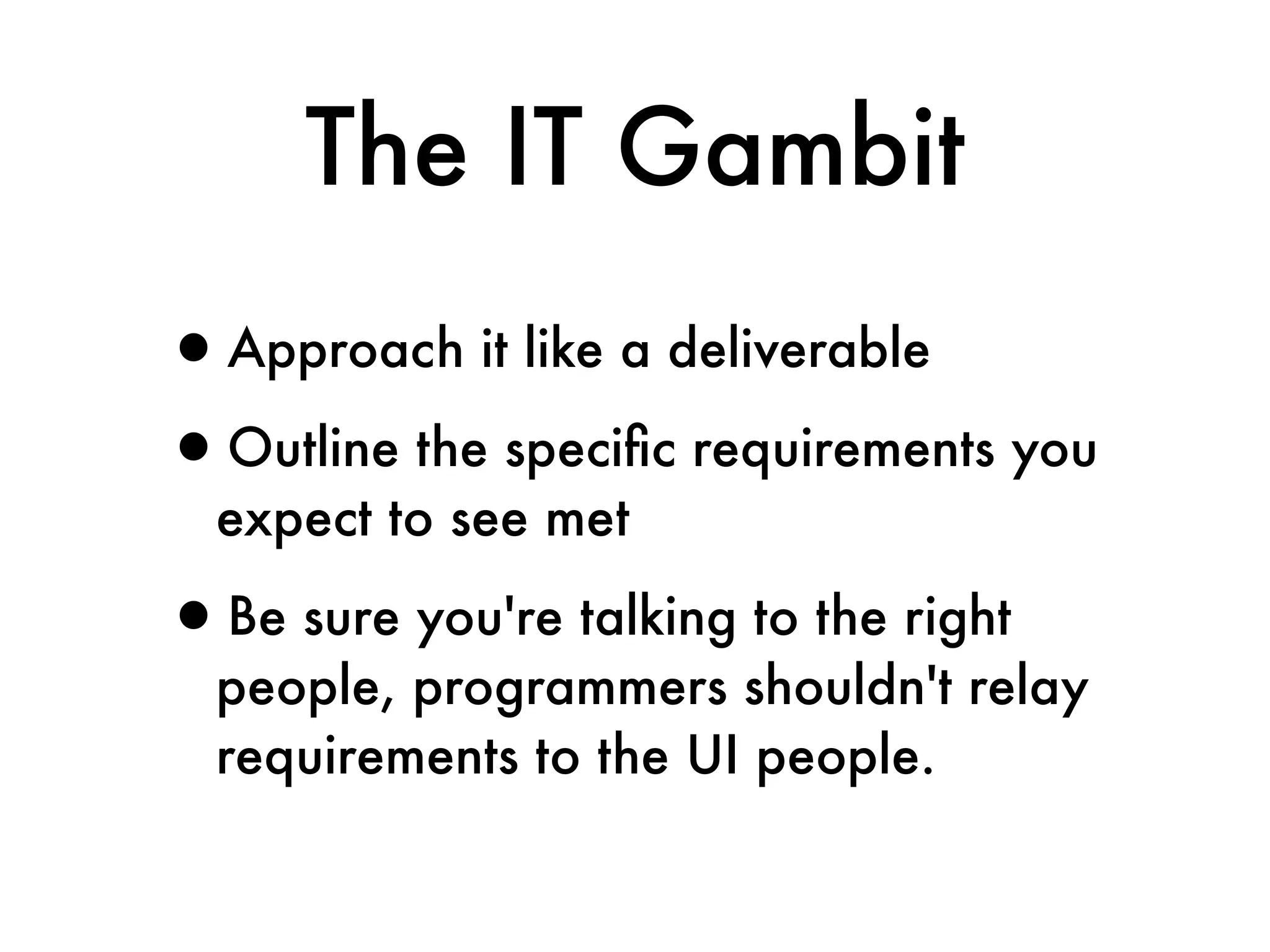
The IT Gambit
•Approach it like a deliverable
•Outline the specific requirements you
  expect to see met

•Be sure you're talking to the right
  people, programmers shouldn't relay
  requirements to the UI people.
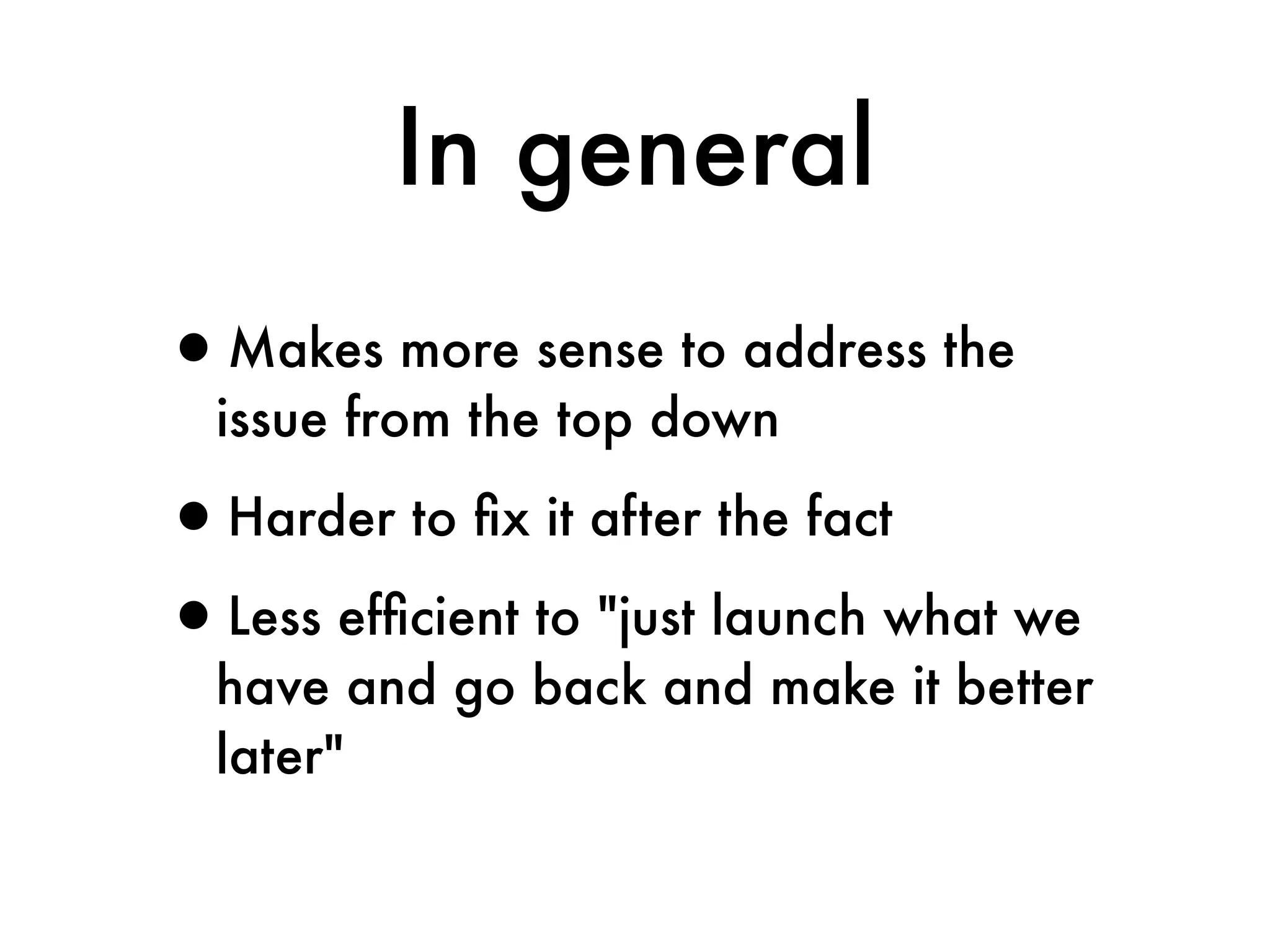
In general
•Makes more sense to address the
  issue from the top down

•Harder to fix it after the fact
•Less efficient to "just launch what we
  have and go back and make it better
  later"
Frame the issue as being
 all about the experience
your users have on the site
Give people with disabilities
their own voice, and they will
   give voice to your site’s
    accessibility problems
The Takeaway
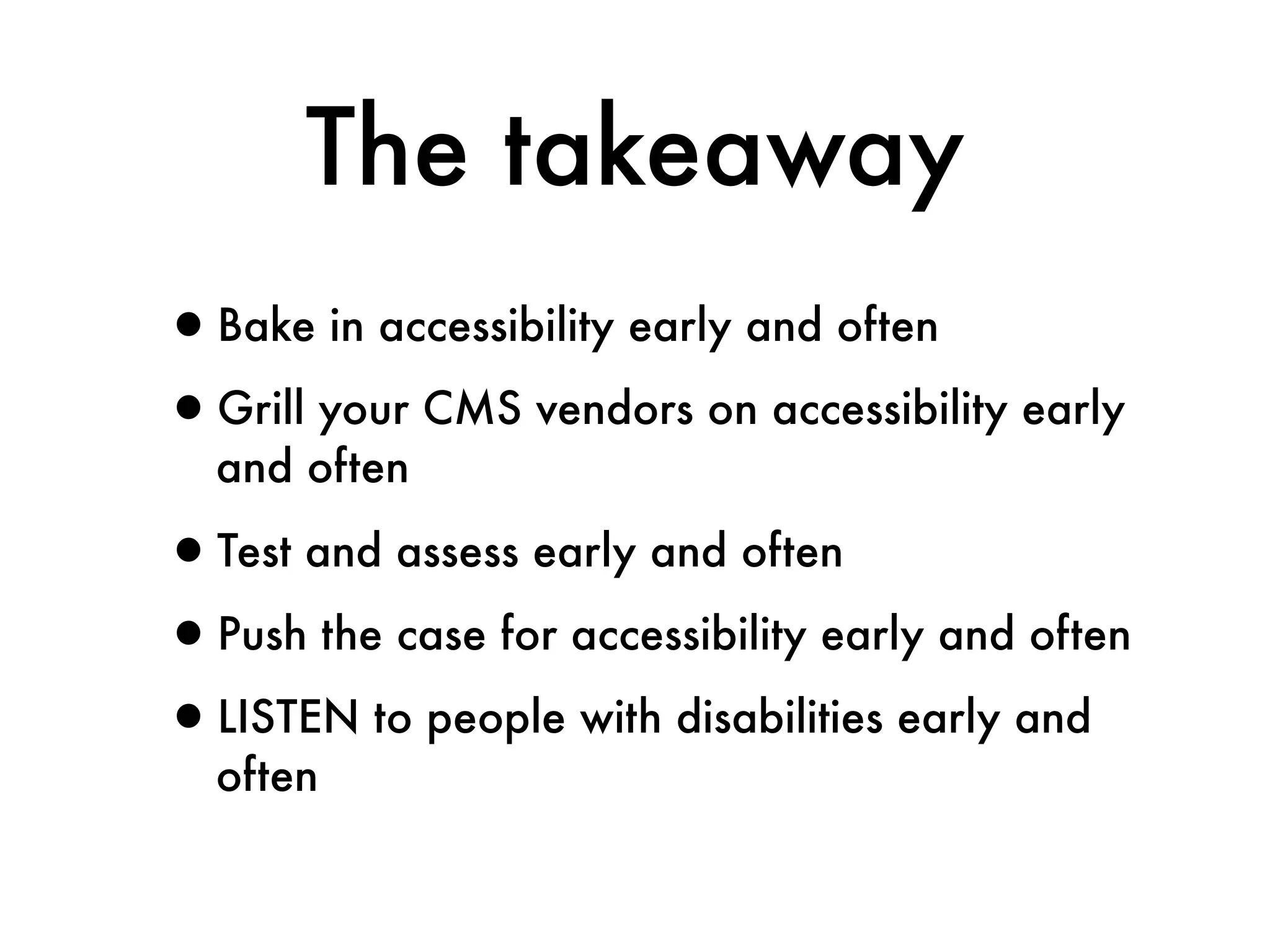
The takeaway
•Bake in accessibility early and often
•Grill your CMS vendors on accessibility early
  and often

•Test and assess early and often
•Push the case for accessibility early and often
•LISTEN to people with disabilities early and
  often
Accessibility isn’t easy
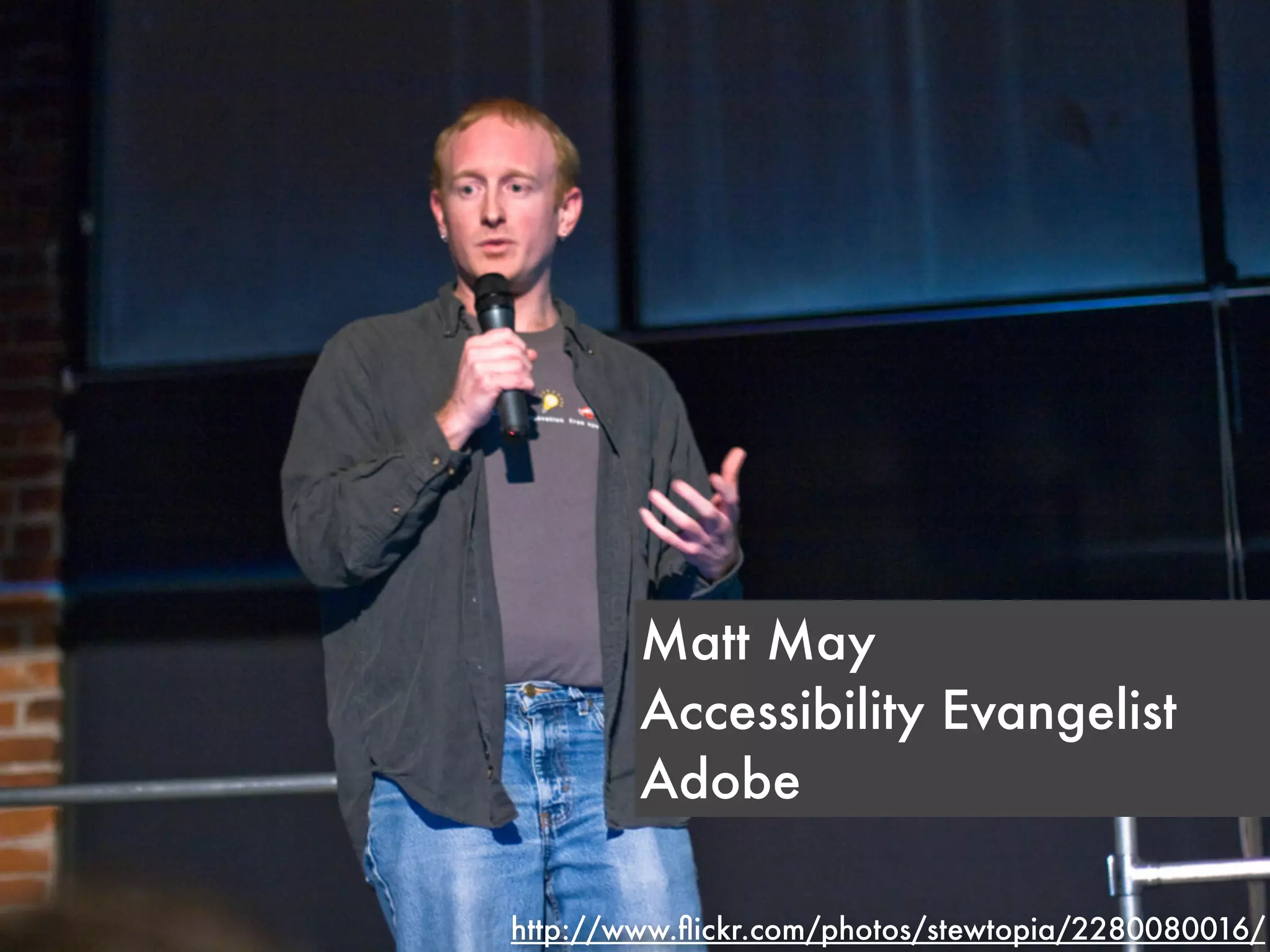
Matt May
        Accessibility Evangelist
        Adobe

http://www.flickr.com/photos/stewtopia/2280080016/
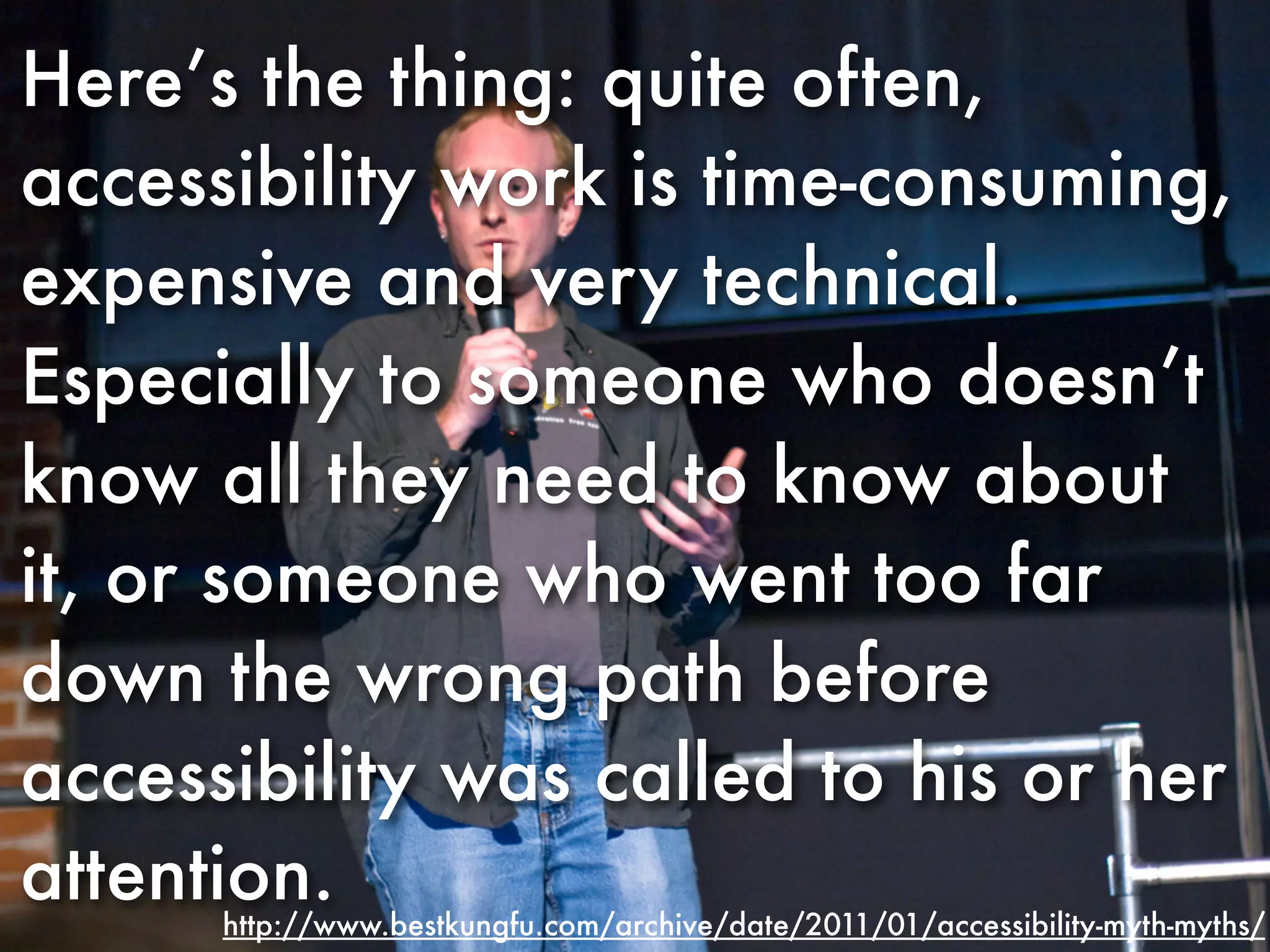
Here’s the thing: quite often,
accessibility work is time-consuming,
expensive and very technical.
Especially to someone who doesn’t
know all they need to know about
it, or someone who went too far
down the wrong path before
accessibility was called to his or her
attention.
      http://www.bestkungfu.com/archive/date/2011/01/accessibility-myth-myths/
Here’s the thing: quite often,
accessibility work is time-consuming,
expensive and very technical.
Especially to someone who doesn’t
know all they need to know about
it, or someone who went too far
down the wrong path before
accessibility was called to his or her
attention.
      http://www.bestkungfu.com/archive/date/2011/01/accessibility-myth-myths/
Early, often
Just like usability
Stay simple, don’t be
   afraid to iterate
You will get it wrong
(repeatedly). Just keep
       iterating.
It’s about people.
Listen to your users with
         disabilities.
One more thing...
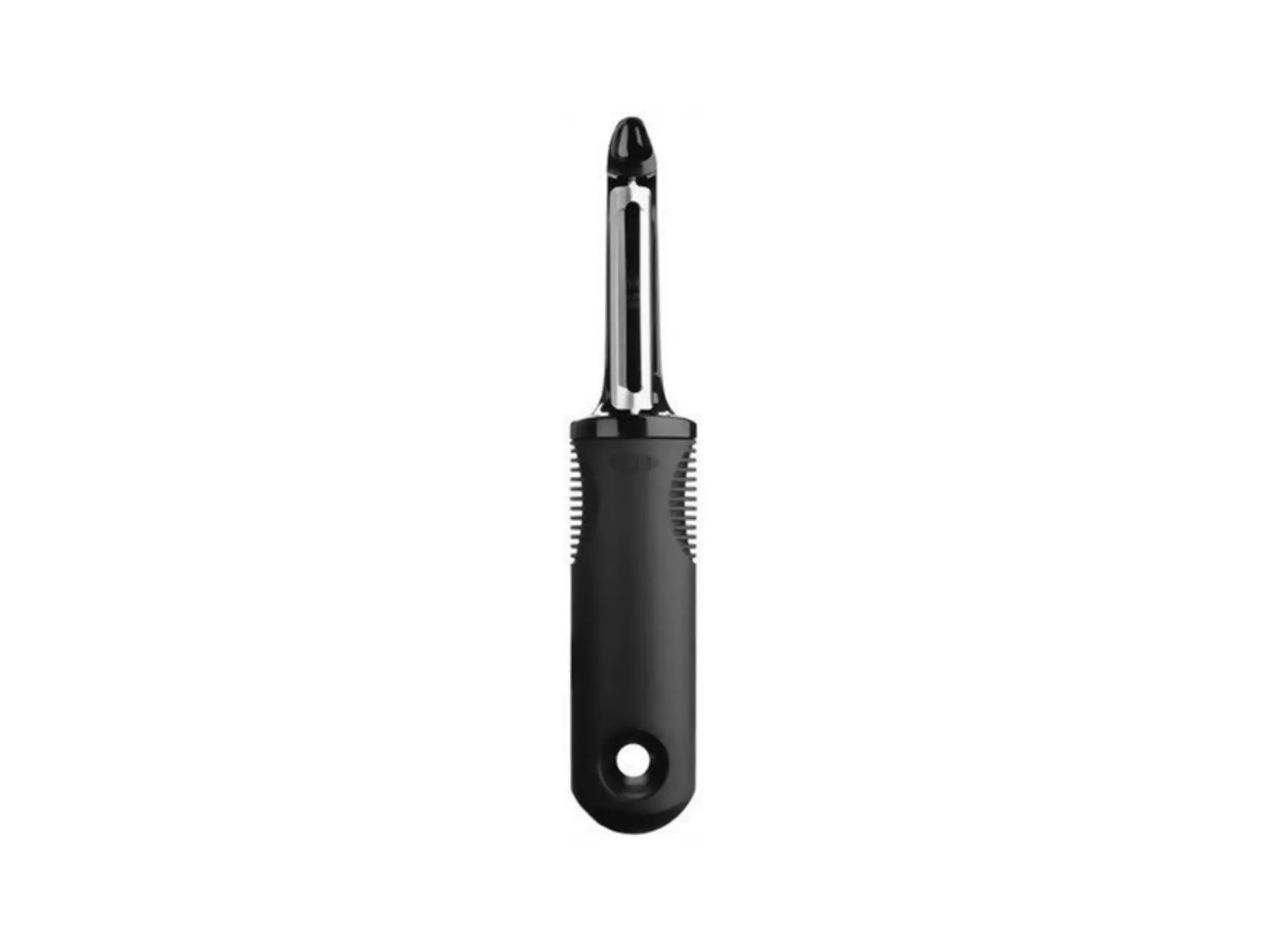
Usability != accessibility
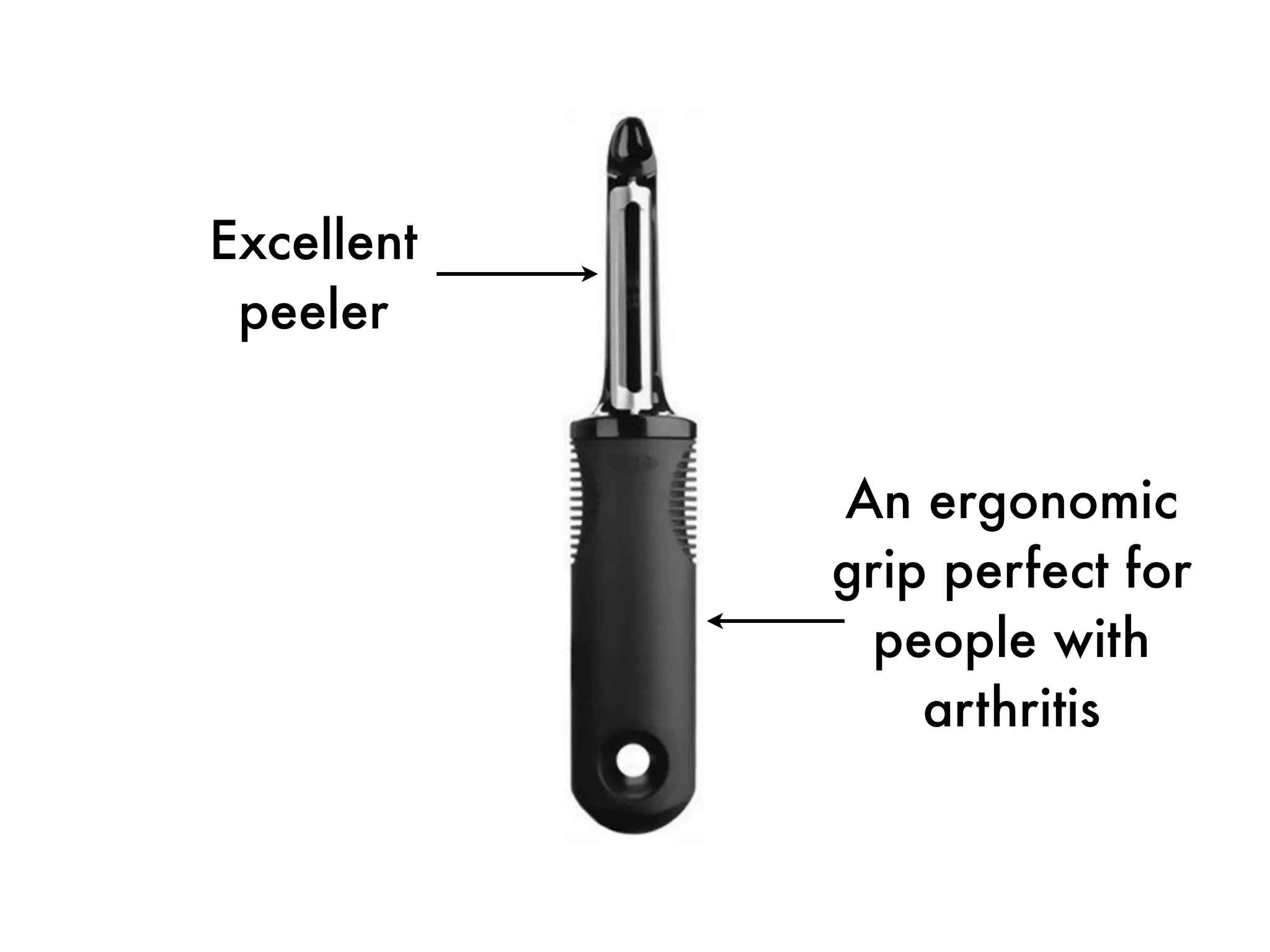
Excellent
 peeler
Excellent
 peeler


            An ergonomic
            grip perfect for
             people with
                arthritis
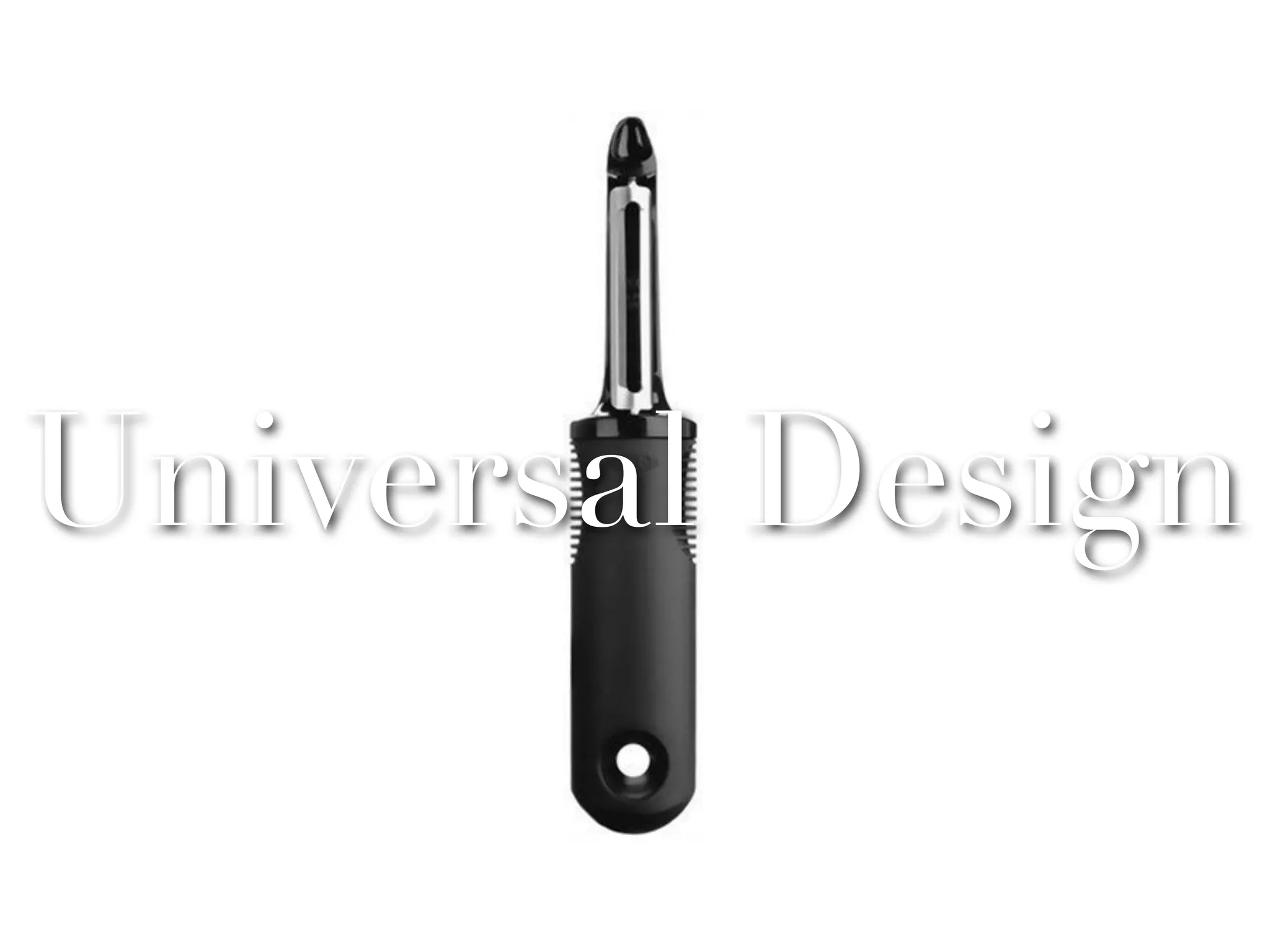
Universal Design
Universal Design
Universal design means
building with everyone
        in mind
Usability and accessibility
   come together in
   universal design.
http://www.slideshare.net/wendyabc/inclusive-universe-2010


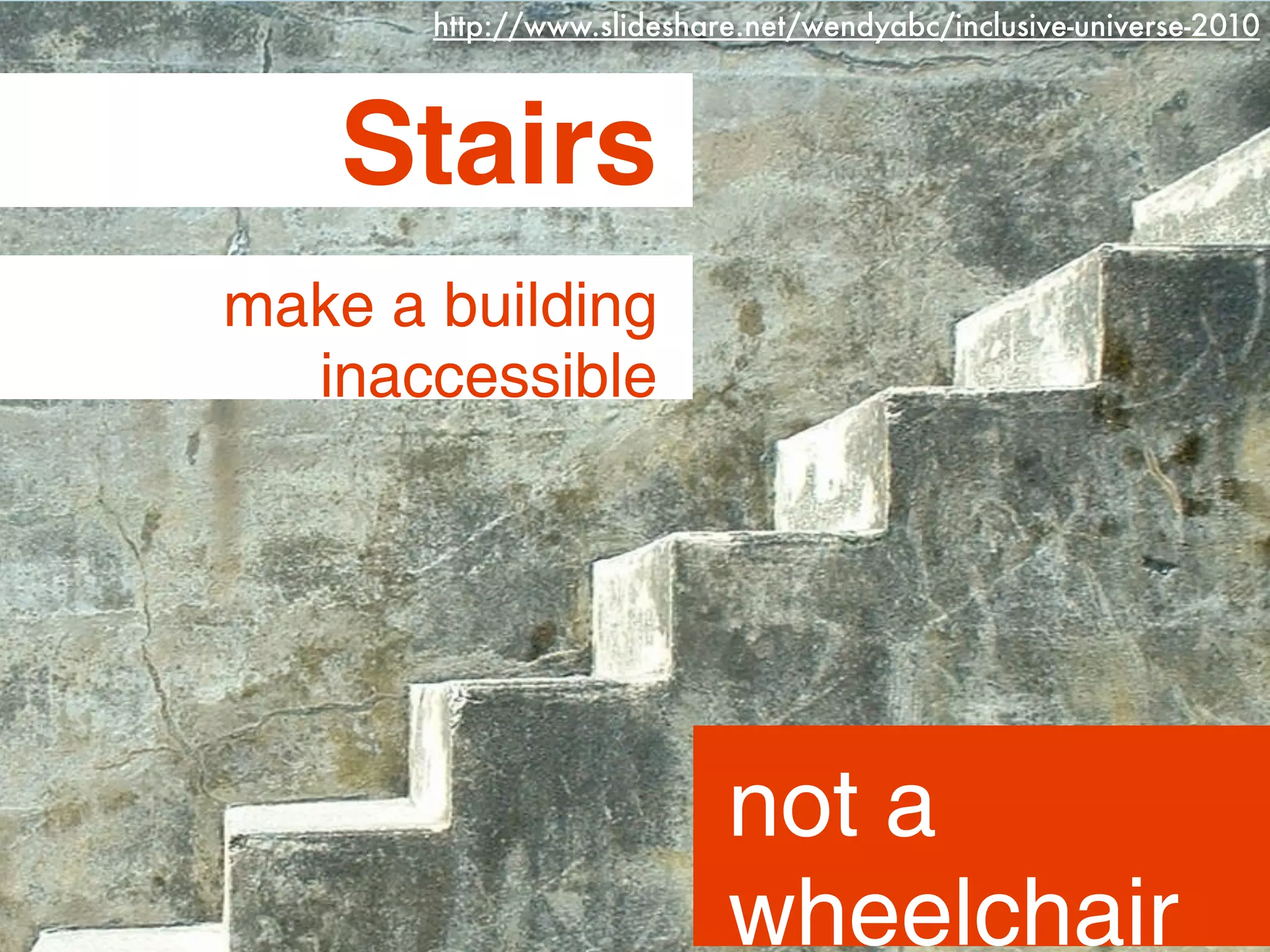
    Stairs
make a building
  inaccessible


                           not a
                           wheelchair
http://www.flickr.com/photos/casaschmidt/357913407/
http://www.flickr.com/photos/teamlane/5900499333/
http://www.flickr.com/photos/dougtone/6015139932/
http://www.flickr.com/photos/dougtone/6015129404/
http://www.flickr.com/photos/rosasay/6101284990/
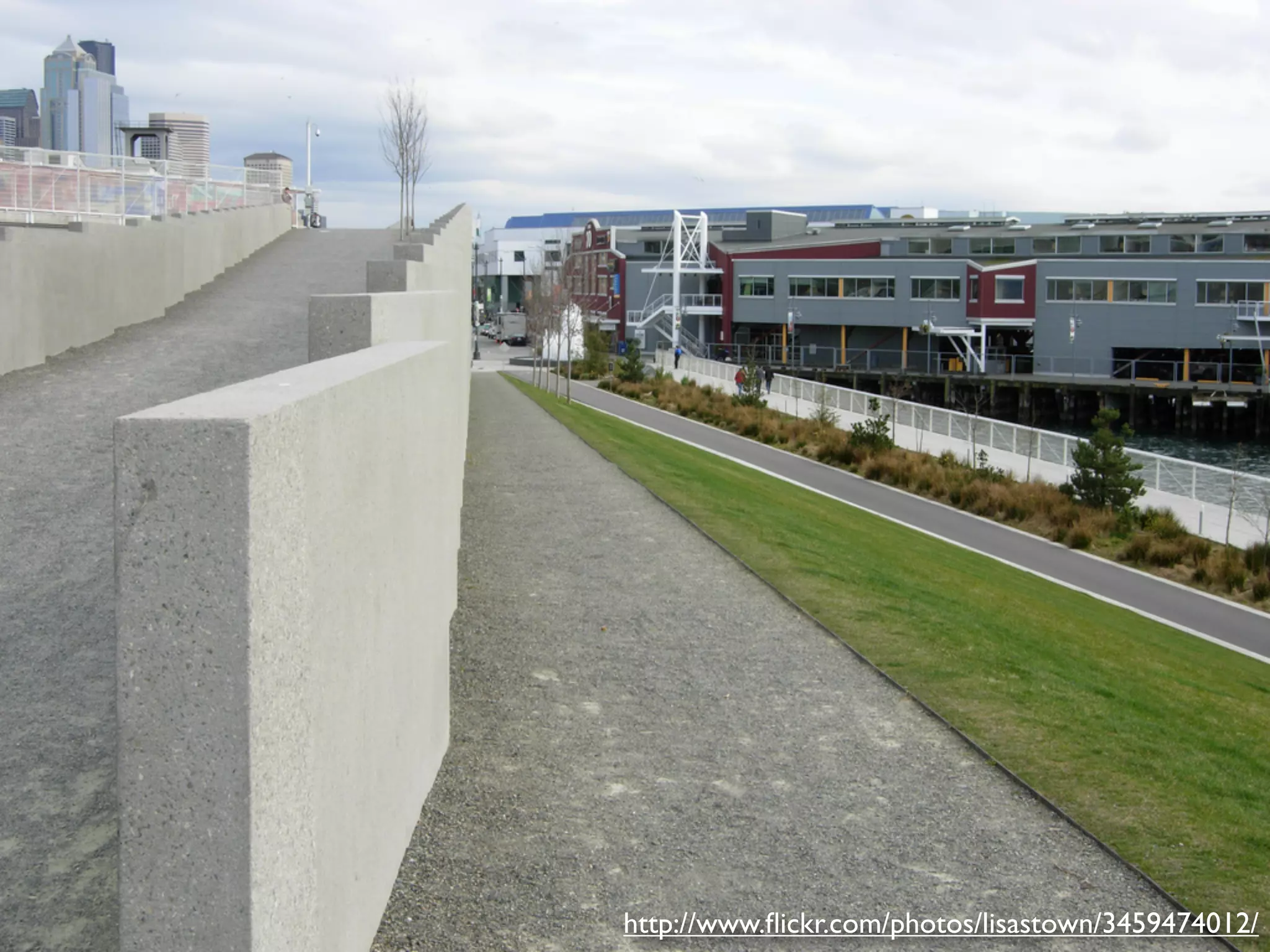
http://www.flickr.com/photos/lisastown/3459474012/
One web for everyone
Thank you
Thank you
Contact us
Michael
    Email: michael@nucloud.com
    Web: fienen.com
    Twitter: @fienen

Dylan
    Email: wnalyd@gmail.com
    Web: dylanwilbanks.com
    Twitter: @dylanw

    Thanks to @ericstoller for the inspiration

Twin Redheaded Stepchildren of a Different Mother: The Usability of Accessibility

Editor's Notes