Presented by  Bharti Bhutani Faculty at Ishan Institute of Management & Technology
Agenda Slide   Structure Font Color Background
This slides you should cover the main points (titles) you will deal in whole presentation
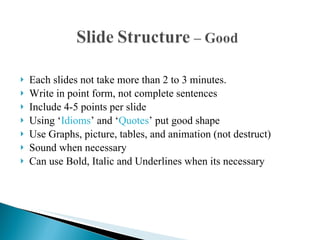
Each slides not take more than 2 to 3 minutes. Write in point form, not complete sentences Include 4-5 points per slide Using ‘ Idioms ’ and ‘ Quotes ’ put good shape Use Graphs, picture, tables, and animation (not destruct) Sound when necessary  Can use Bold, Italic and Underlines when its necessary
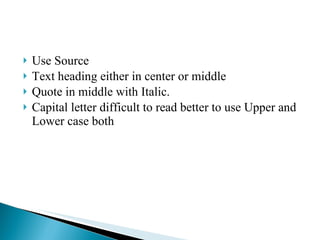
Use Source  Text heading either in center or middle Quote in middle with Italic. Capital letter difficult to read better to use Upper and Lower case both
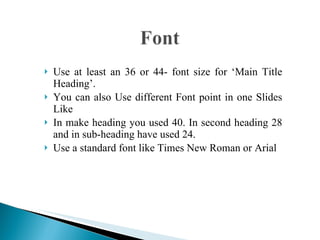
Use at least an 36 or 44- font size for ‘Main Title Heading’. You can also Use different Font point in one Slides Like In make heading you used 40. In second heading 28 and in sub-heading have used 24. Use a standard font like Times New Roman or Arial
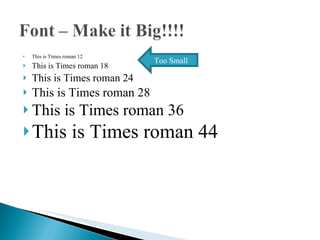
This is Times roman 12 This is Times roman 18 This is Times roman 24 This is Times roman 28 This is Times roman 36 This is Times roman 44 Too Small
 
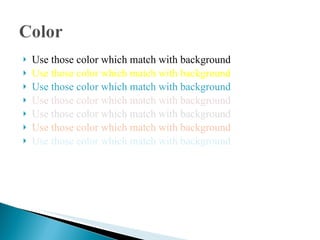
Use those color which match with background Use those color which match with background Use those color which match with background Use those color which match with background Use those color which match with background Use those color which match with background Use those color which match with background
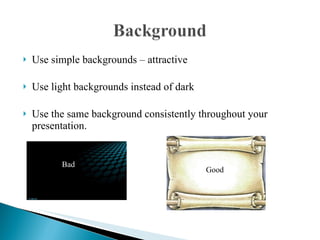
Use simple backgrounds – attractive  Use light backgrounds instead of dark Use the same background consistently throughout your presentation. Bad Good
 

How to make effective power point presentation

  • 1.
    Presented by Bharti Bhutani Faculty at Ishan Institute of Management & Technology
  • 2.
    Agenda Slide Structure Font Color Background
  • 3.
    This slides youshould cover the main points (titles) you will deal in whole presentation
  • 4.
    Each slides nottake more than 2 to 3 minutes. Write in point form, not complete sentences Include 4-5 points per slide Using ‘ Idioms ’ and ‘ Quotes ’ put good shape Use Graphs, picture, tables, and animation (not destruct) Sound when necessary Can use Bold, Italic and Underlines when its necessary
  • 5.
    Use Source Text heading either in center or middle Quote in middle with Italic. Capital letter difficult to read better to use Upper and Lower case both
  • 6.
    Use at leastan 36 or 44- font size for ‘Main Title Heading’. You can also Use different Font point in one Slides Like In make heading you used 40. In second heading 28 and in sub-heading have used 24. Use a standard font like Times New Roman or Arial
  • 7.
    This is Timesroman 12 This is Times roman 18 This is Times roman 24 This is Times roman 28 This is Times roman 36 This is Times roman 44 Too Small
  • 8.
  • 9.
    Use those colorwhich match with background Use those color which match with background Use those color which match with background Use those color which match with background Use those color which match with background Use those color which match with background Use those color which match with background
  • 10.
    Use simple backgrounds– attractive Use light backgrounds instead of dark Use the same background consistently throughout your presentation. Bad Good
  • 11.