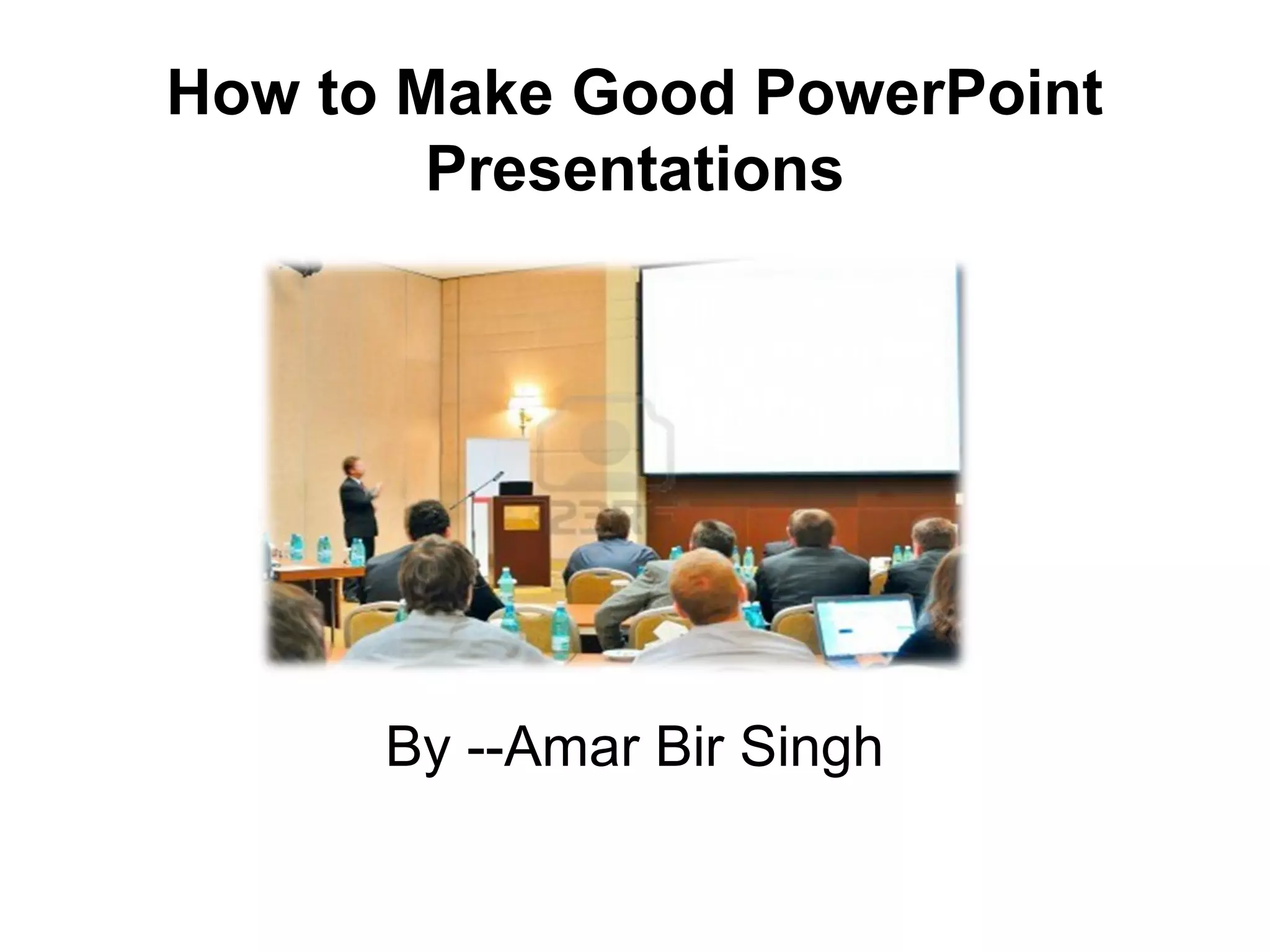
How to Make Good PowerPoint
Presentations
By --Amar Bir Singh
Outline
• Common mistakes in formatting a
PowerPoint presentation
• Examples of Mistakes
• Tips regarding the content of a
presentation
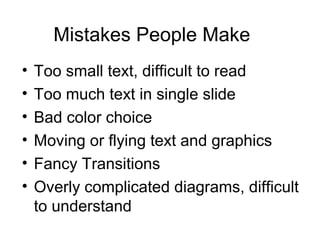
Mistakes People Make
• Too small text, difficult to read
• Too much text in single slide
• Bad color choice
• Moving or flying text and graphics
• Fancy Transitions
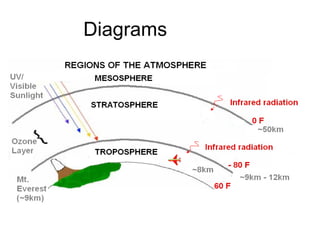
• Overly complicated diagrams, difficult
to understand
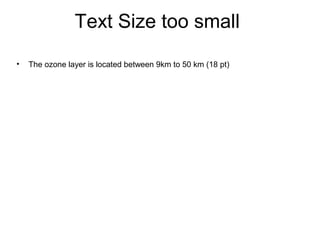
Text Size too small
• The ozone layer is located between 9km to 50 km (18 pt)
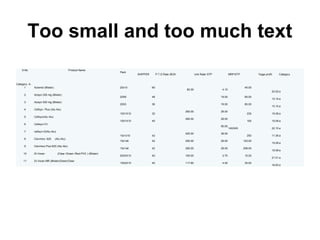
Too small and too much text
S.No Product Name
Pack
SHIPPER P.T.D Rate /BOX Unit Rate/ STP MRP/STP %age profit Category
Category -A
1 Aclomol (Blister) 20x10 60
82.00 4.10
45.00
22.02 a
2 Azisyn 250 mg (Blister)
20X6 48 19.00 85.00
13.10 a
3 Azisyn 500 mg (Blister)
20X3 36 19.00 85.00
13.10 a
4 Cefisyn Plus (Alu Alu)
10X1X10 32
290.00 29.00
235 15.08 a
5 Cefisyn(Alu Alu)
10X1X10 40
290.00 29.00
100 15.08 a
6 Cefisyn-CV
50.00
140/245 22.10 a
7 cefisyn-O(Alu-Alu)
10x1x10 42
400.00 38.00
250 11.36 a
8 Clavimox -625 (Alu-Alu)
10x1x6 42 290.00 29.00 120.00
15.08 a
9 Clavimox Plus-625 (Alu-Alu)
10x1x6 42 290.00 29.00 258.00
15.08 a
10 Di-Voran (Clear /Green /Red-PVC ) (Blister)
20X3X10 40 165.00 2.75 15.20
21.01 a
11 Di-Voran MR (Blister)Green/Clear
15X2X10 40 117.60 4.00 35.00
16.83 a
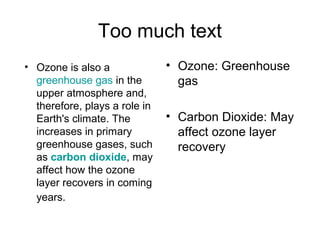
Too much text
• Ozone: Greenhouse
gas
• Carbon Dioxide: May
affect ozone layer
recovery
• Ozone is also a
greenhouse gas in the
upper atmosphere and,
therefore, plays a role in
Earth's climate. The
increases in primary
greenhouse gases, such
as carbon dioxide, may
affect how the ozone
layer recovers in coming
years.
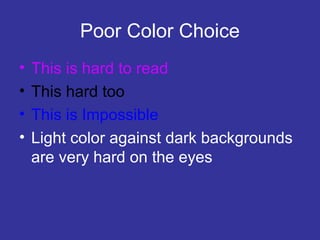
Poor Color Choice
• This is hard to read
• This hard too
• This is Impossible
• Light color against dark backgrounds
are very hard on the eyes
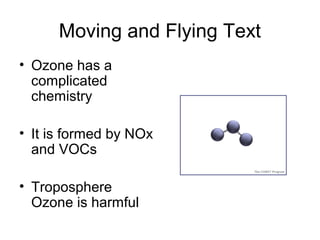
Moving and Flying Text
• Ozone has a
complicated
chemistry
• It is formed by NOx
and VOCs
• Troposphere
Ozone is harmful
Diagrams
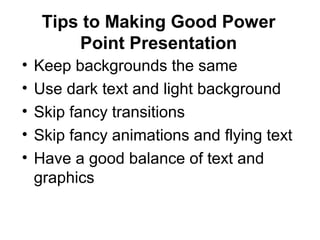
Tips to Making Good Power
Point Presentation
• Keep backgrounds the same
• Use dark text and light background
• Skip fancy transitions
• Skip fancy animations and flying text
• Have a good balance of text and
graphics
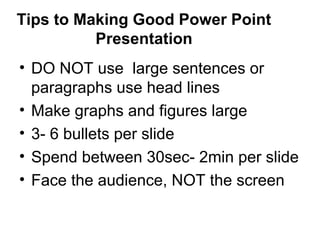
Tips to Making Good Power Point
Presentation
• DO NOT use large sentences or
paragraphs use head lines
• Make graphs and figures large
• 3- 6 bullets per slide
• Spend between 30sec- 2min per slide
• Face the audience, NOT the screen
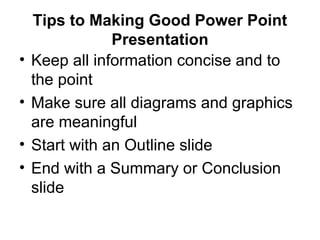
Tips to Making Good Power Point
Presentation
• Keep all information concise and to
the point
• Make sure all diagrams and graphics
are meaningful
• Start with an Outline slide
• End with a Summary or Conclusion
slide
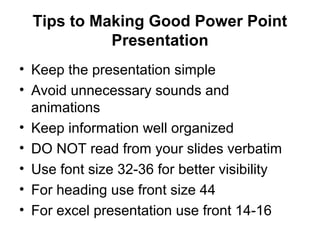
• Keep the presentation simple
• Avoid unnecessary sounds and
animations
• Keep information well organized
• DO NOT read from your slides verbatim
• Use font size 32-36 for better visibility
• For heading use front size 44
• For excel presentation use front 14-16
Tips to Making Good Power Point
Presentation
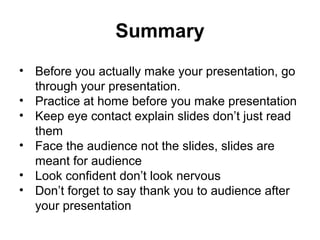
Summary
• Before you actually make your presentation, go
through your presentation.
• Practice at home before you make presentation
• Keep eye contact explain slides don’t just read
them
• Face the audience not the slides, slides are
meant for audience
• Look confident don’t look nervous
• Don’t forget to say thank you to audience after
your presentation
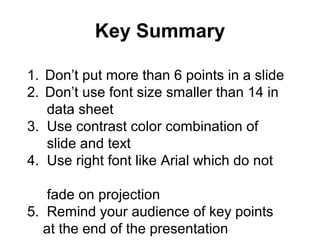
Key Summary
1. Don’t put more than 6 points in a slide
2. Don’t use font size smaller than 14 in
data sheet
3. Use contrast color combination of
slide and text
4. Use right font like Arial which do not
fade on projection
5. Remind your audience of key points
at the end of the presentation
How to make a good power point presentation

How to make a good power point presentation

  • 1.
    How to MakeGood PowerPoint Presentations By --Amar Bir Singh
  • 2.
    Outline • Common mistakesin formatting a PowerPoint presentation • Examples of Mistakes • Tips regarding the content of a presentation
  • 3.
    Mistakes People Make •Too small text, difficult to read • Too much text in single slide • Bad color choice • Moving or flying text and graphics • Fancy Transitions • Overly complicated diagrams, difficult to understand
  • 4.
    Text Size toosmall • The ozone layer is located between 9km to 50 km (18 pt)
  • 5.
    Too small andtoo much text S.No Product Name Pack SHIPPER P.T.D Rate /BOX Unit Rate/ STP MRP/STP %age profit Category Category -A 1 Aclomol (Blister) 20x10 60 82.00 4.10 45.00 22.02 a 2 Azisyn 250 mg (Blister) 20X6 48 19.00 85.00 13.10 a 3 Azisyn 500 mg (Blister) 20X3 36 19.00 85.00 13.10 a 4 Cefisyn Plus (Alu Alu) 10X1X10 32 290.00 29.00 235 15.08 a 5 Cefisyn(Alu Alu) 10X1X10 40 290.00 29.00 100 15.08 a 6 Cefisyn-CV 50.00 140/245 22.10 a 7 cefisyn-O(Alu-Alu) 10x1x10 42 400.00 38.00 250 11.36 a 8 Clavimox -625 (Alu-Alu) 10x1x6 42 290.00 29.00 120.00 15.08 a 9 Clavimox Plus-625 (Alu-Alu) 10x1x6 42 290.00 29.00 258.00 15.08 a 10 Di-Voran (Clear /Green /Red-PVC ) (Blister) 20X3X10 40 165.00 2.75 15.20 21.01 a 11 Di-Voran MR (Blister)Green/Clear 15X2X10 40 117.60 4.00 35.00 16.83 a
  • 6.
    Too much text •Ozone: Greenhouse gas • Carbon Dioxide: May affect ozone layer recovery • Ozone is also a greenhouse gas in the upper atmosphere and, therefore, plays a role in Earth's climate. The increases in primary greenhouse gases, such as carbon dioxide, may affect how the ozone layer recovers in coming years.
  • 7.
    Poor Color Choice •This is hard to read • This hard too • This is Impossible • Light color against dark backgrounds are very hard on the eyes
  • 8.
    Moving and FlyingText • Ozone has a complicated chemistry • It is formed by NOx and VOCs • Troposphere Ozone is harmful
  • 9.
  • 10.
    Tips to MakingGood Power Point Presentation • Keep backgrounds the same • Use dark text and light background • Skip fancy transitions • Skip fancy animations and flying text • Have a good balance of text and graphics
  • 11.
    Tips to MakingGood Power Point Presentation • DO NOT use large sentences or paragraphs use head lines • Make graphs and figures large • 3- 6 bullets per slide • Spend between 30sec- 2min per slide • Face the audience, NOT the screen
  • 12.
    Tips to MakingGood Power Point Presentation • Keep all information concise and to the point • Make sure all diagrams and graphics are meaningful • Start with an Outline slide • End with a Summary or Conclusion slide
  • 13.
    • Keep thepresentation simple • Avoid unnecessary sounds and animations • Keep information well organized • DO NOT read from your slides verbatim • Use font size 32-36 for better visibility • For heading use front size 44 • For excel presentation use front 14-16 Tips to Making Good Power Point Presentation
  • 14.
    Summary • Before youactually make your presentation, go through your presentation. • Practice at home before you make presentation • Keep eye contact explain slides don’t just read them • Face the audience not the slides, slides are meant for audience • Look confident don’t look nervous • Don’t forget to say thank you to audience after your presentation
  • 15.
    Key Summary 1. Don’tput more than 6 points in a slide 2. Don’t use font size smaller than 14 in data sheet 3. Use contrast color combination of slide and text 4. Use right font like Arial which do not fade on projection 5. Remind your audience of key points at the end of the presentation