












03.04.2020
12.09.2020
#
2020
#
Become a Power Automate
Hero with Doctor Flow
Doctor Flow aka Serge Luca
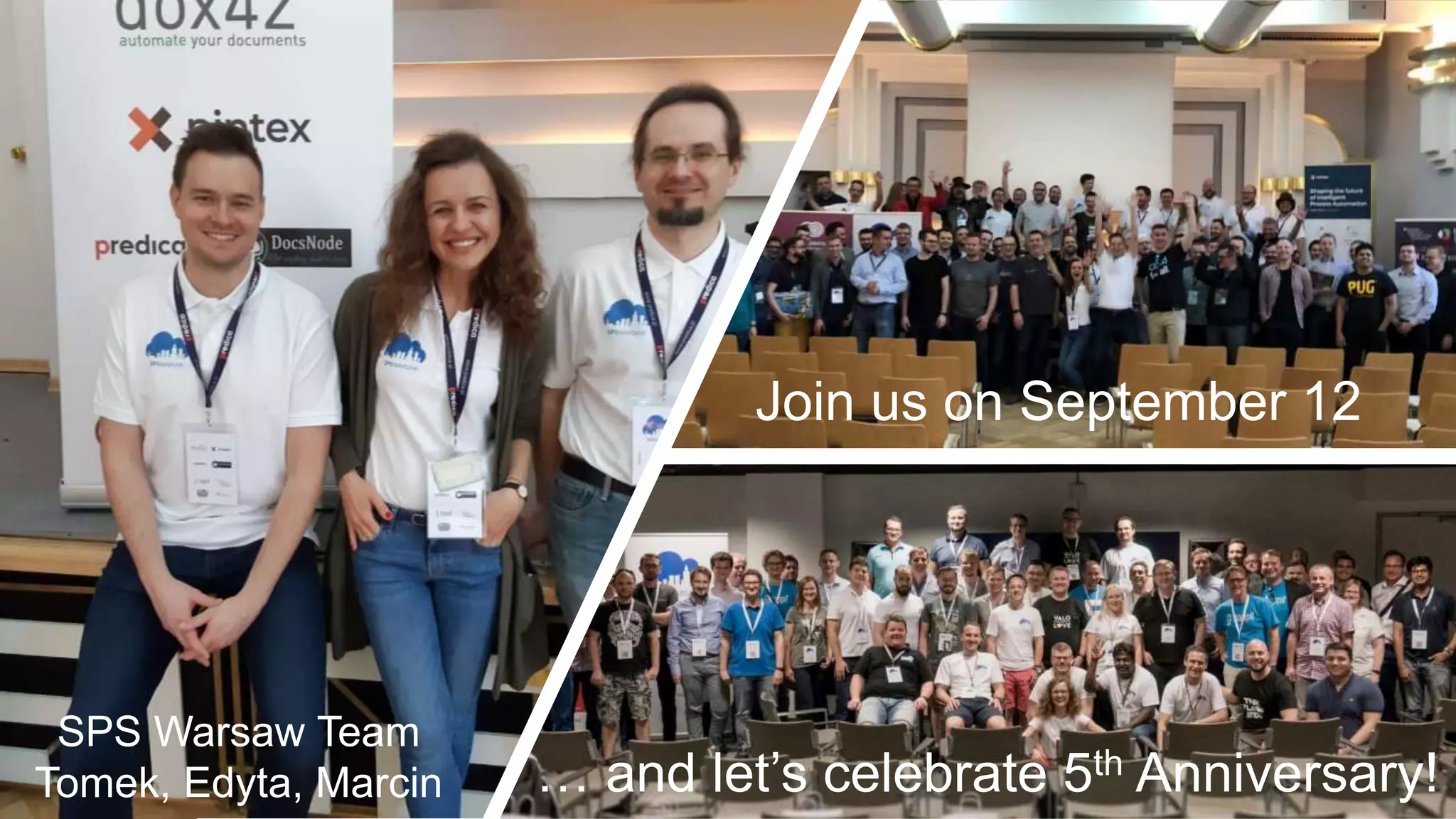
Join us on September 12
… and let’s celebrate 5th Anniversary!
SPS Warsaw Team
Tomek, Edyta, Marcin
03.04.2020
12.09.2020
#
Sponsors and Partners
Here is our experience after 3 years
and 13 enterprise Power Platform projects…
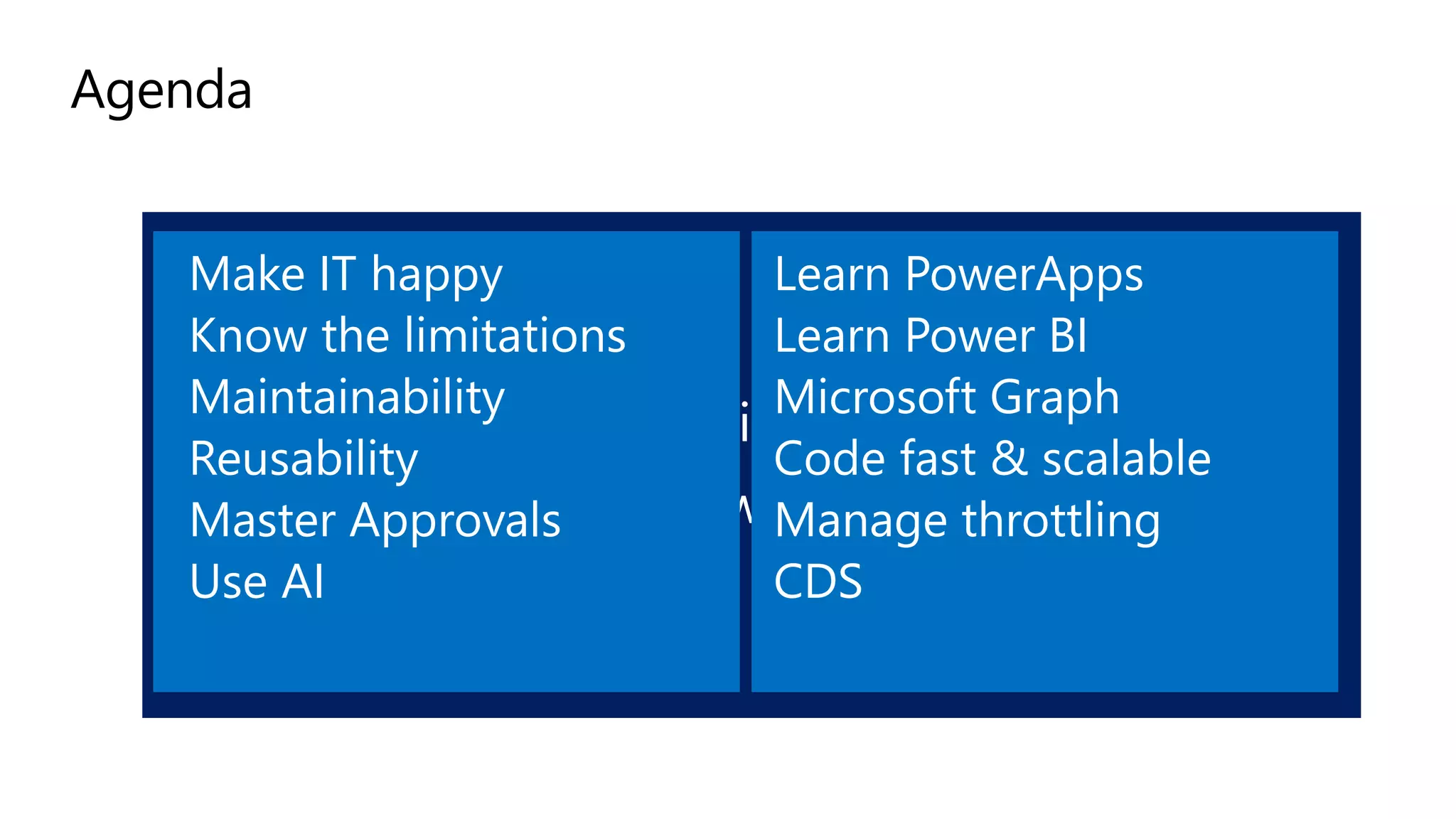
Agenda
Make IT happy
Know the limitations
Maintainability
Reusability
Master Approvals
Use AI
Learn PowerApps
Learn Power BI
Microsoft Graph
Code fast & scalable
Manage throttling
CDS
Watch my Ignite 2019 Orlando sessions
BRK3159
“Become a flow super-hero” (= Flow Advanced-Part 2)
BRK3152
“Energize mission critical enterprise business processes with
Microsoft Flow: patterns, tips and tricks” (= Flow Advanced -Part 1)
Office Apps & services MVP
Business Applications MVP
O365 Architect
@sergeluca
Power Platform Associates, Brussels
Office365
Flow
Dev
Architecture
Bullshit
Doctor Flow aka “Serge Luca”
Make IT Happy
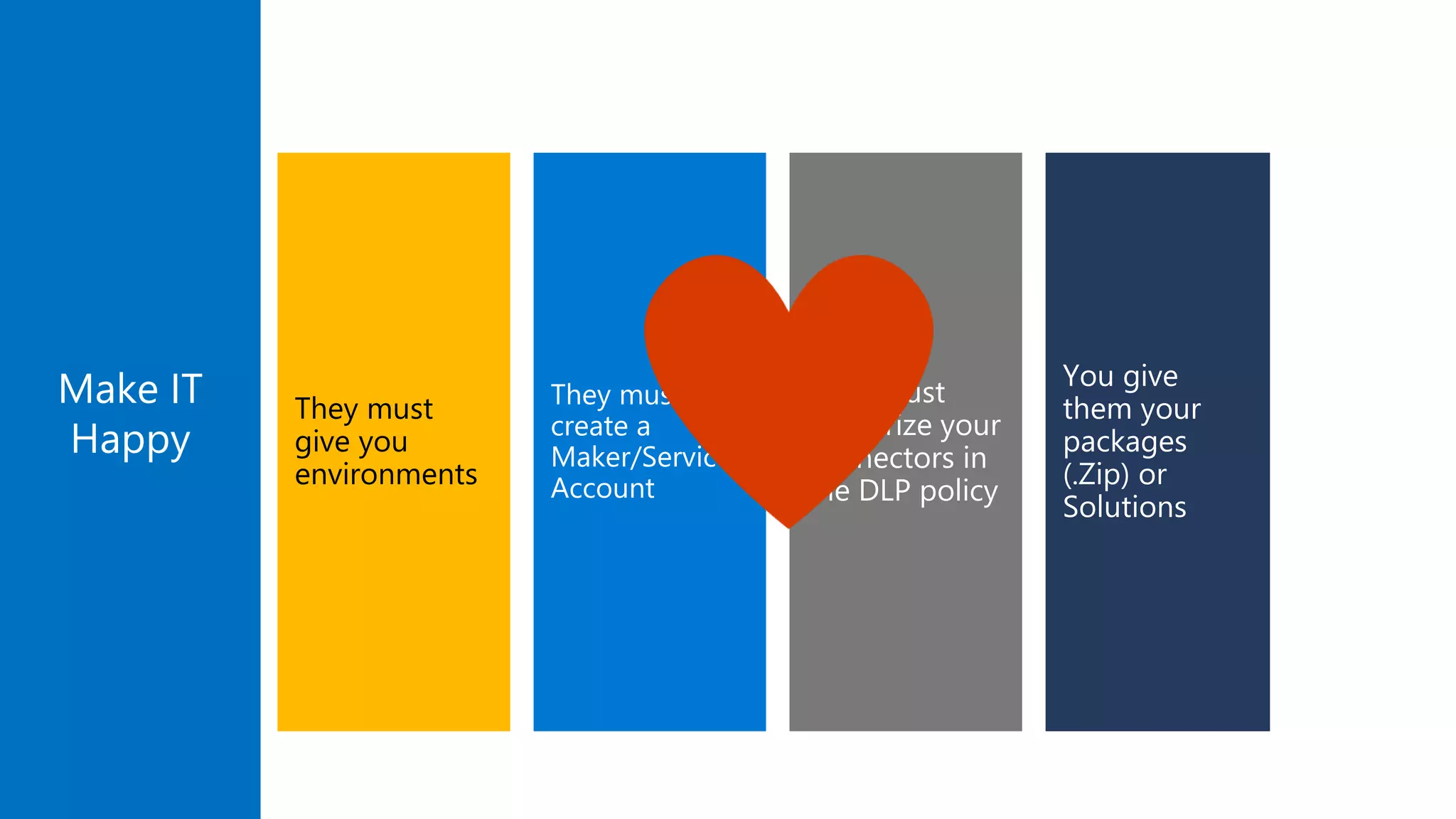
Make IT
Happy
Make IT
Happy
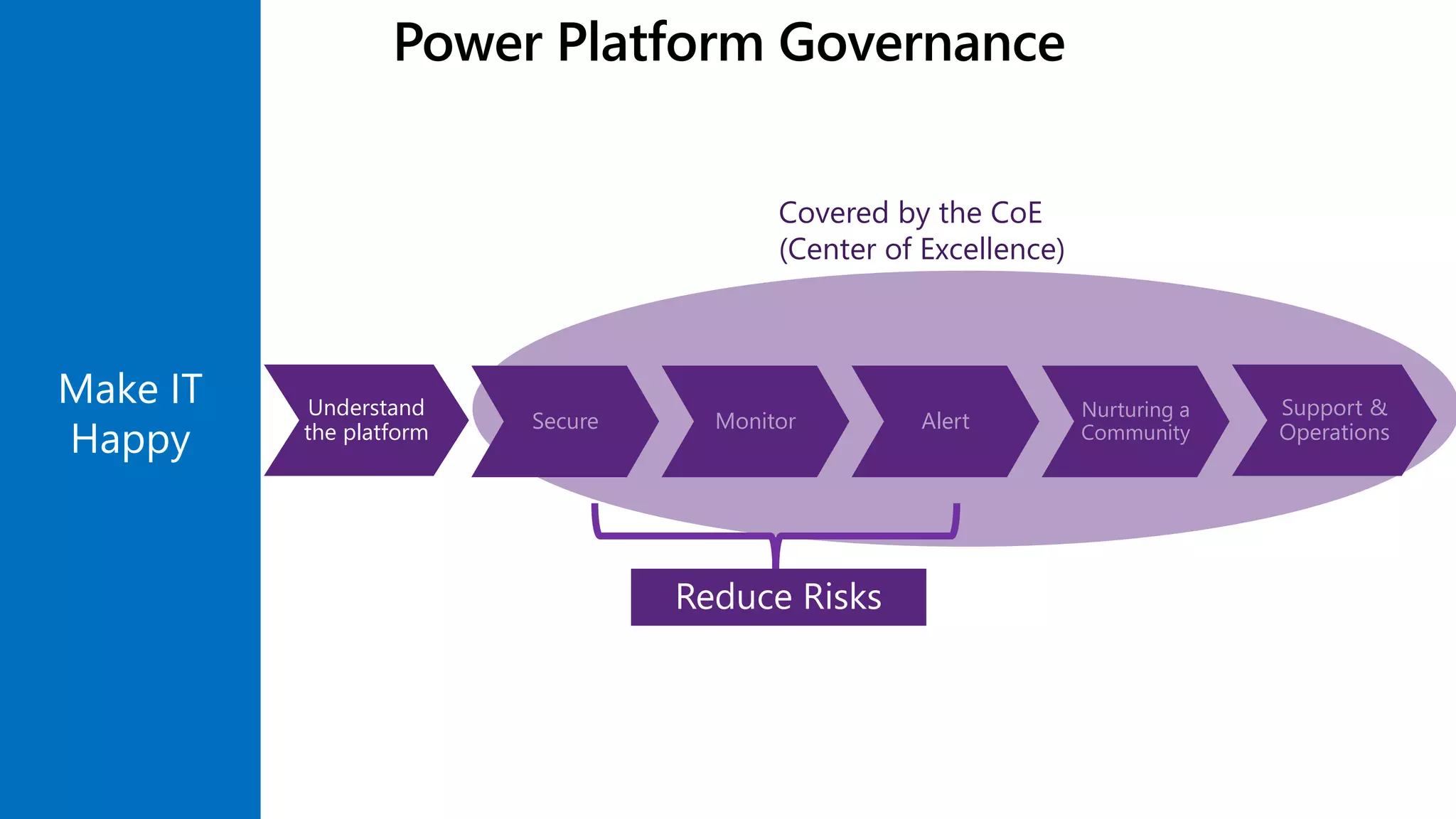
Understand
the platform Secure Monitor Alert
Nurturing a
Community
Support &
Operations
Covered by the CoE
(Center of Excellence)
Reduce Risks
Power Platform Governance
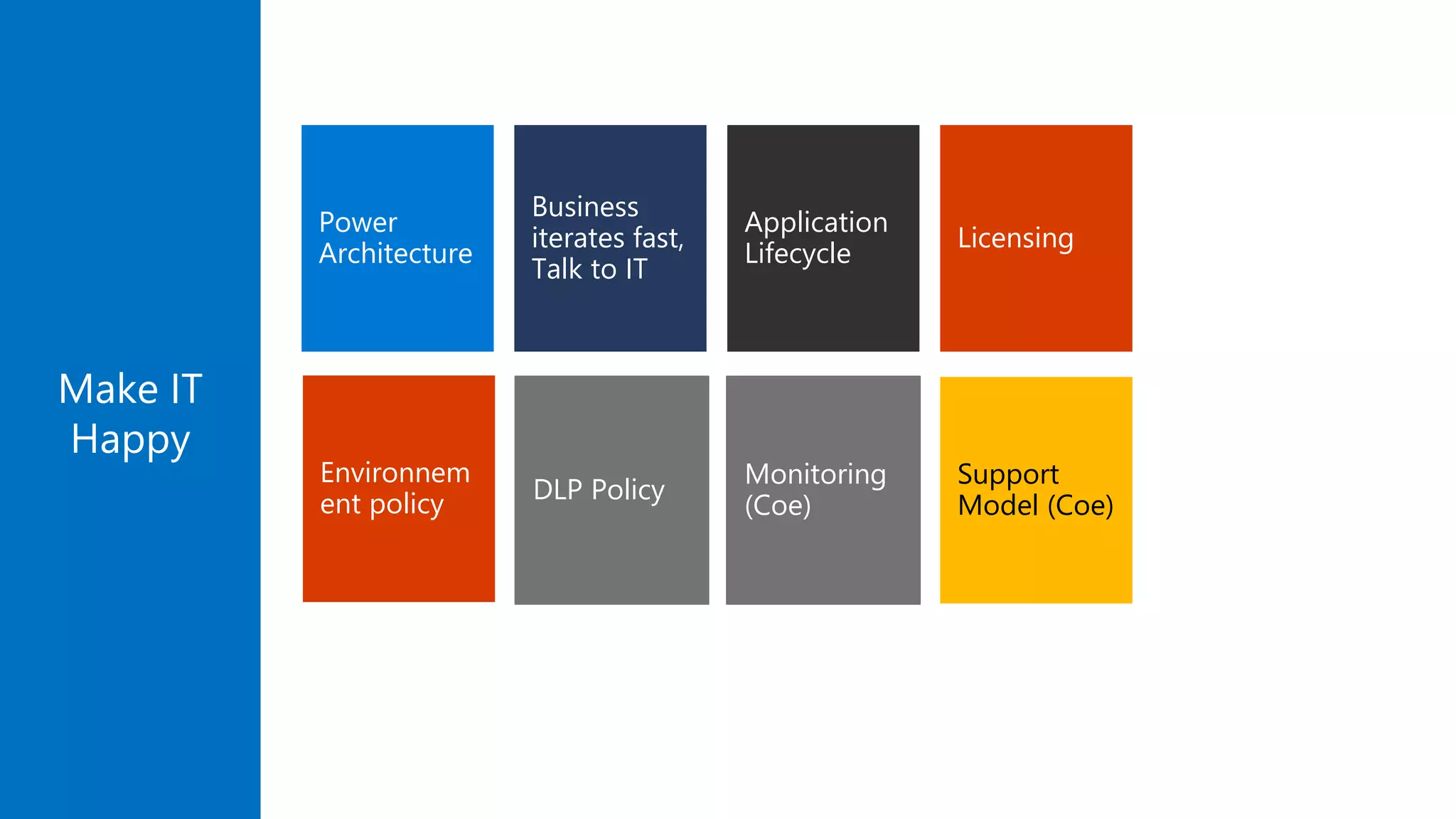
Power
Architecture
Business
iterates fast,
Talk to IT
Support
Model (Coe)
Monitoring
(Coe)
Application
Lifecycle
Licensing
Make IT
Happy
Environnem
ent policy DLP Policy
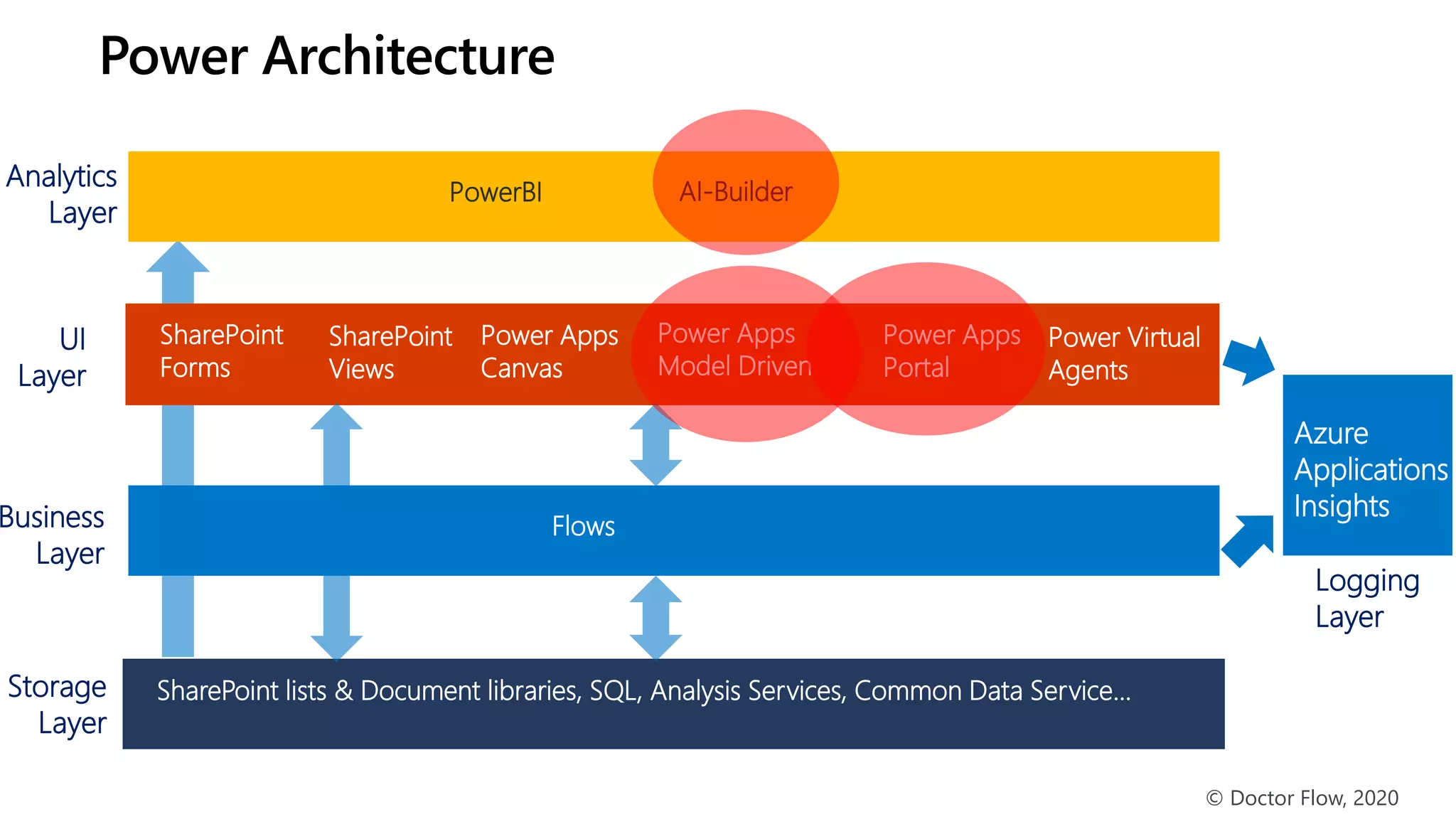
Business
Layer
Storage
Layer
UI
Layer
Flows
SharePoint lists & Document libraries, SQL, Analysis Services, Common Data Service…
Analytics
Layer
PowerBI
© Doctor Flow, 2020
SharePoint
Forms
Power Apps
Canvas
SharePoint
Views
Power Architecture
Power Apps
Model Driven
Power Virtual
Agents
Power Apps
Portal
AI-Builder
Logging
Layer
Azure
Applications
Insights
They must
create a
Maker/Service
Account
Make IT
Happy
You give
them your
packages
(.Zip) or
Solutions
They must
authorize your
connectors in
the DLP policy
They must
give you
environments
Demo
Light Application Lifecycle
Management (ALM)
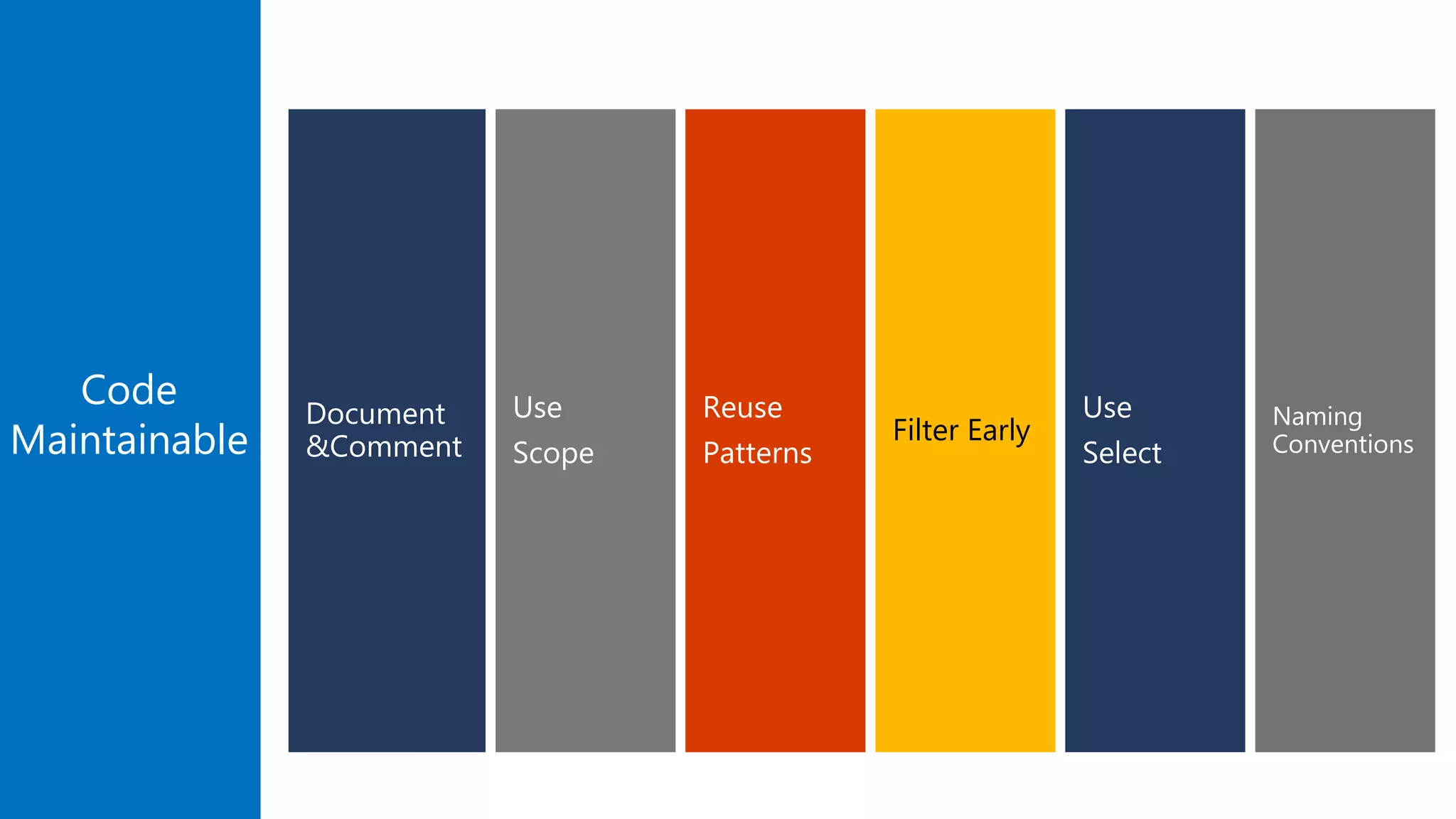
Make Your Code
Maintainable
Code
Maintainable
Use
Scope
Document
&Comment
Reuse
Patterns
Filter Early
Use
Select
Naming
Conventions
Demo
Maintainable Code
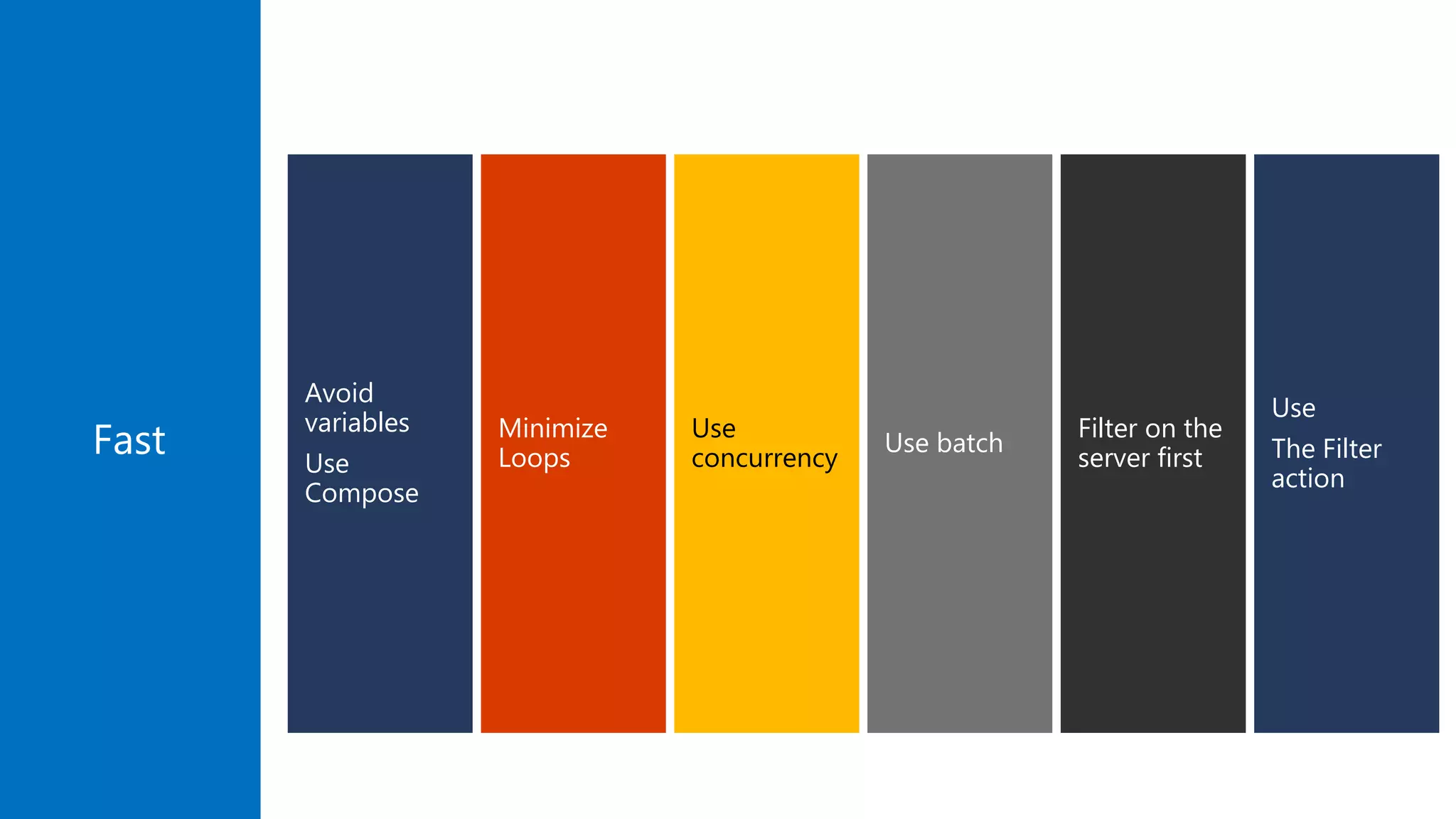
Make Your Flows Fast
And Scalable
Minimize
Loops
Avoid
variables
Use
Compose
Filter on the
server first
Use batch
Use
The Filter
action
Use
concurrencyFast
Demo
Code Running Fast
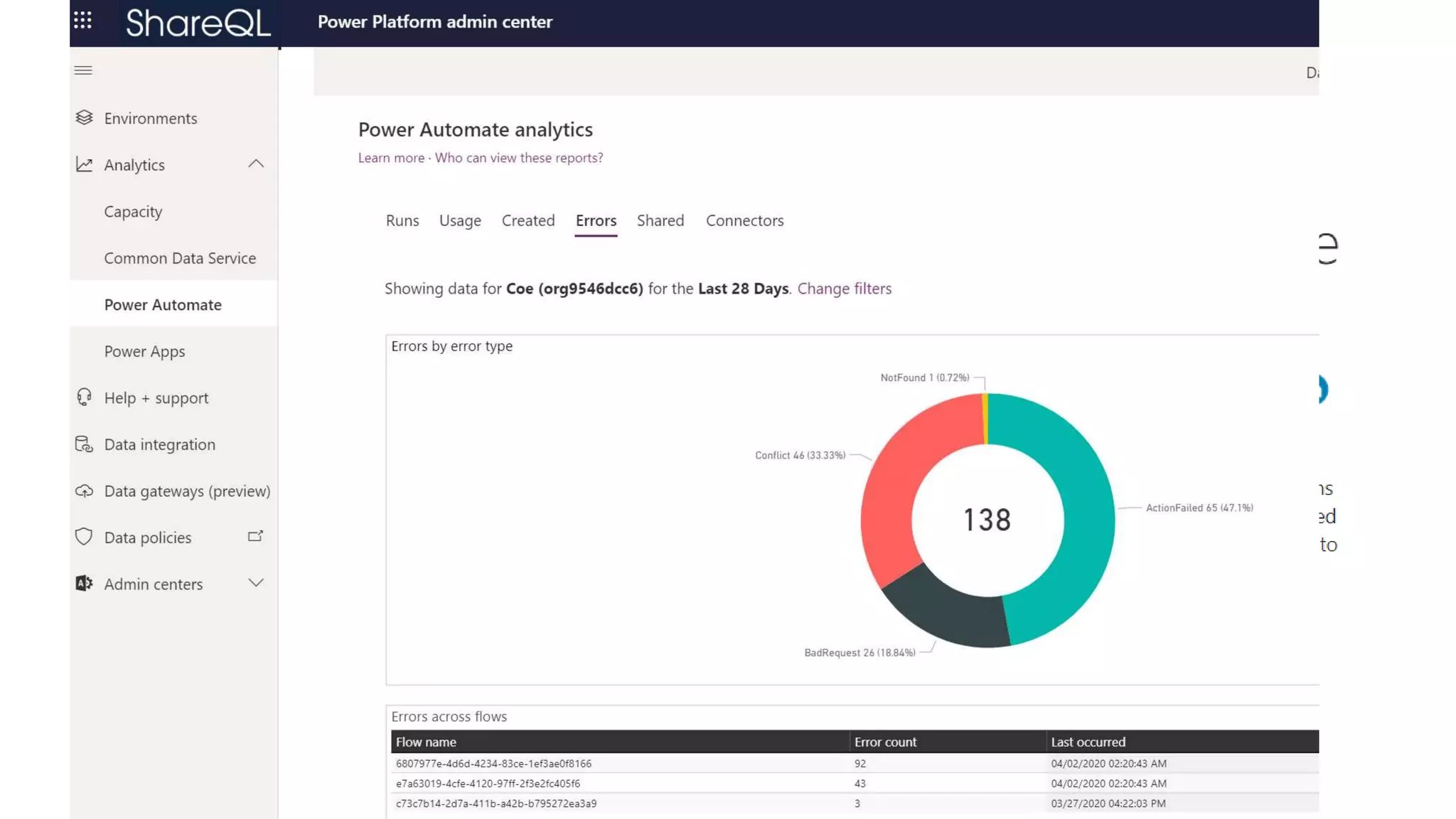
Manage Errors
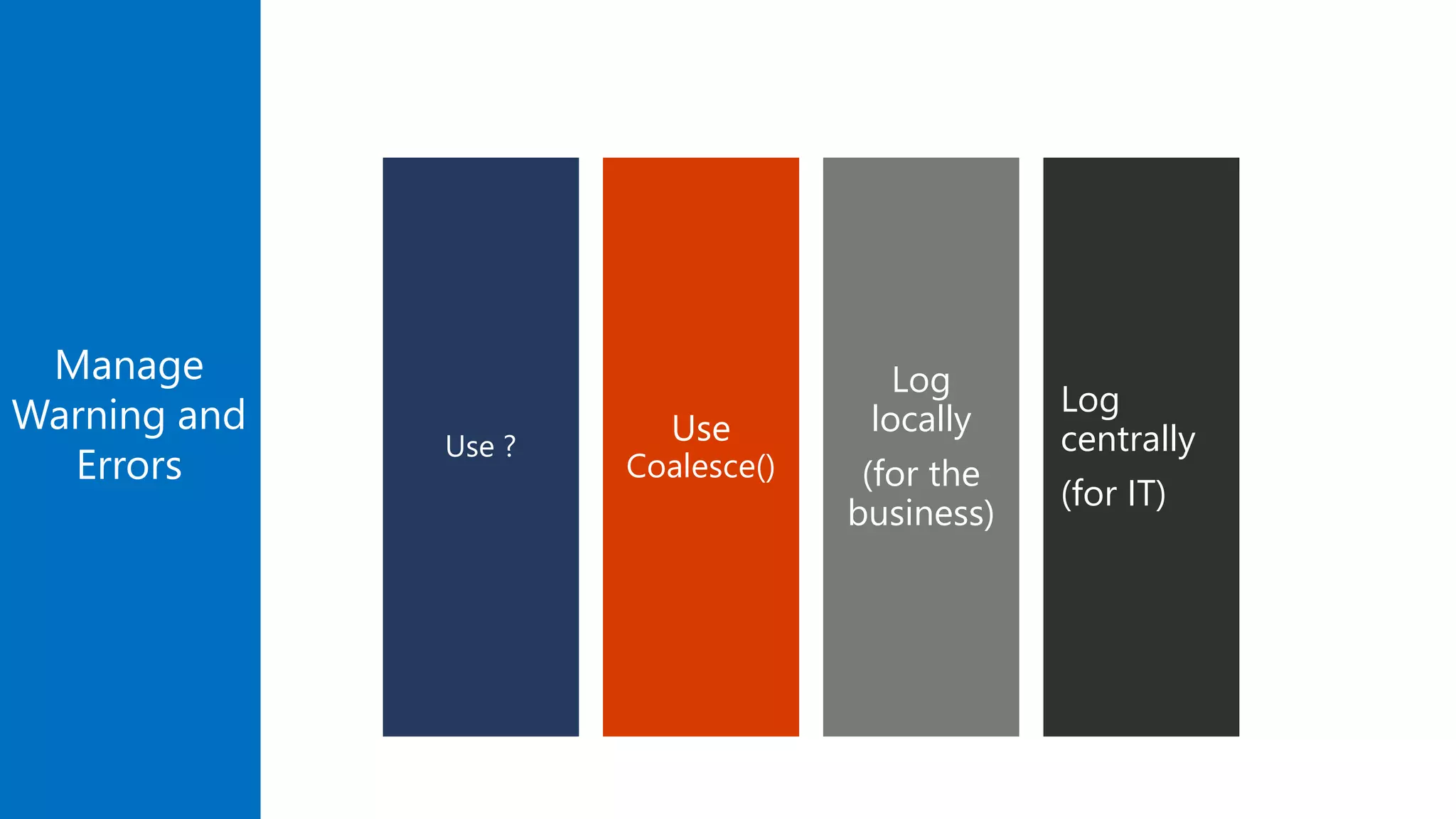
Log
centrally
(for IT)
Manage
Warning and
Errors
Log
locally
(for the
business)
Use
Coalesce()
Use ?
Demo
Manage Errors
Know The Limitations
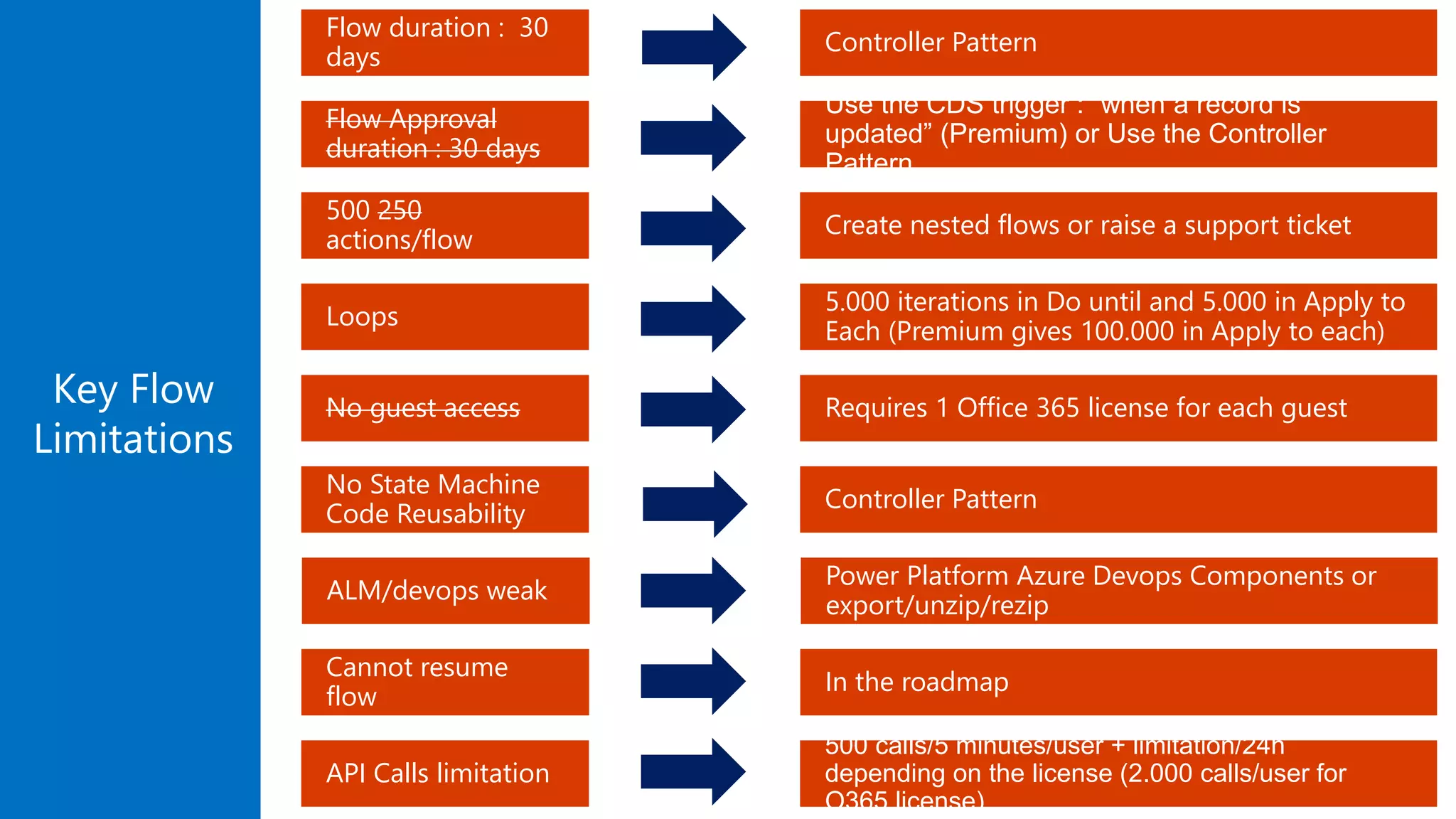
Key Flow
Limitations
No State Machine
Code Reusability
Loops
500 250
actions/flow
Flow Approval
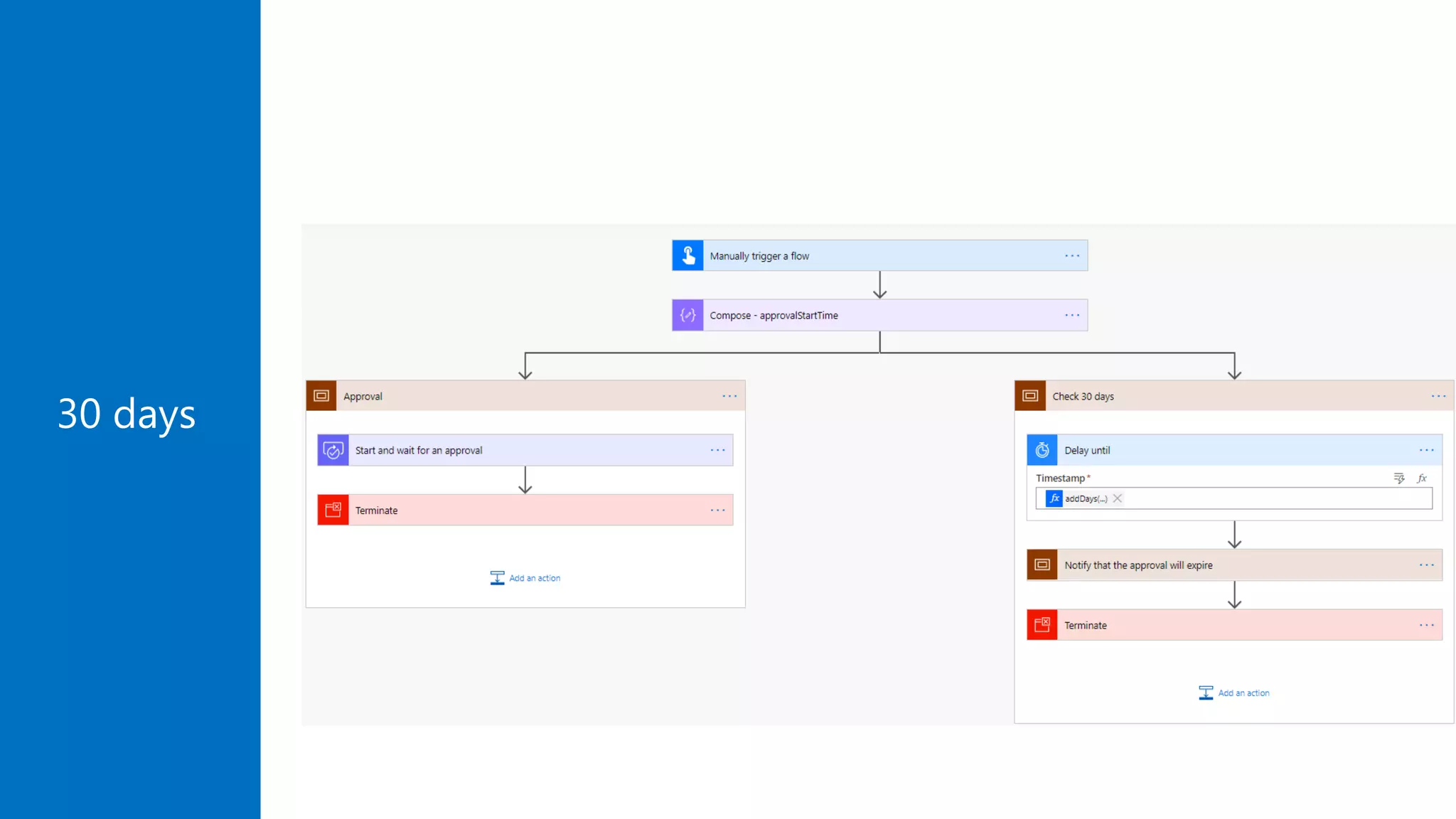
duration : 30 days
Flow duration : 30
days
No guest access
ALM/devops weak
Cannot resume
flow
API Calls limitation
Controller Pattern
5.000 iterations in Do until and 5.000 in Apply to
Each (Premium gives 100.000 in Apply to each)
Create nested flows or raise a support ticket
Use the CDS trigger : “when a record is
updated” (Premium) or Use the Controller
Pattern
Controller Pattern
Requires 1 Office 365 license for each guest
Power Platform Azure Devops Components or
export/unzip/rezip
In the roadmap
500 calls/5 minutes/user + limitation/24h
depending on the license (2.000 calls/user for
O365 license)
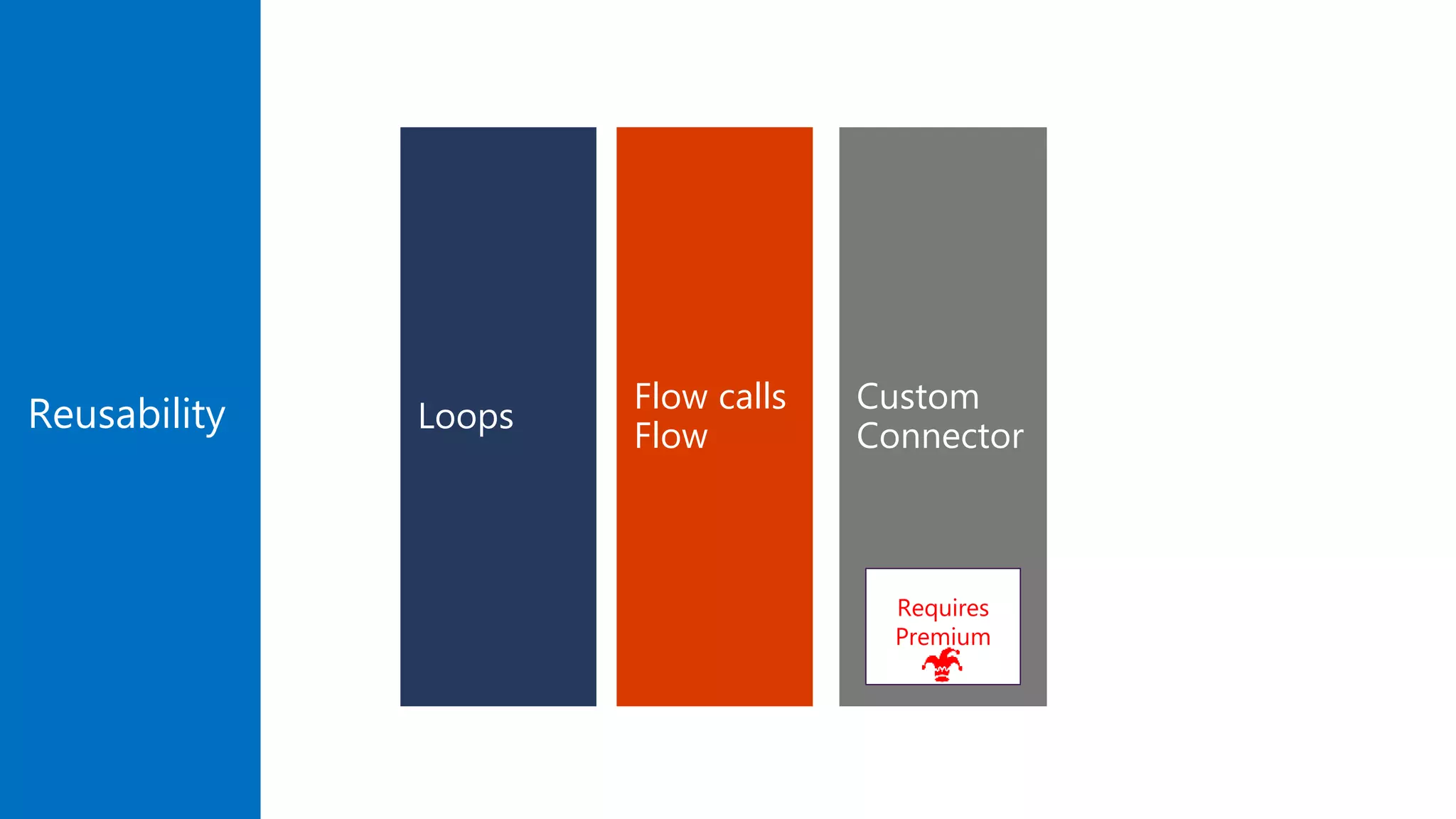
Make Your Code Reusable
Custom
Connector
Flow calls
Flow
Loops
Requires
Premium
Reusability
Master Approvals
30 days
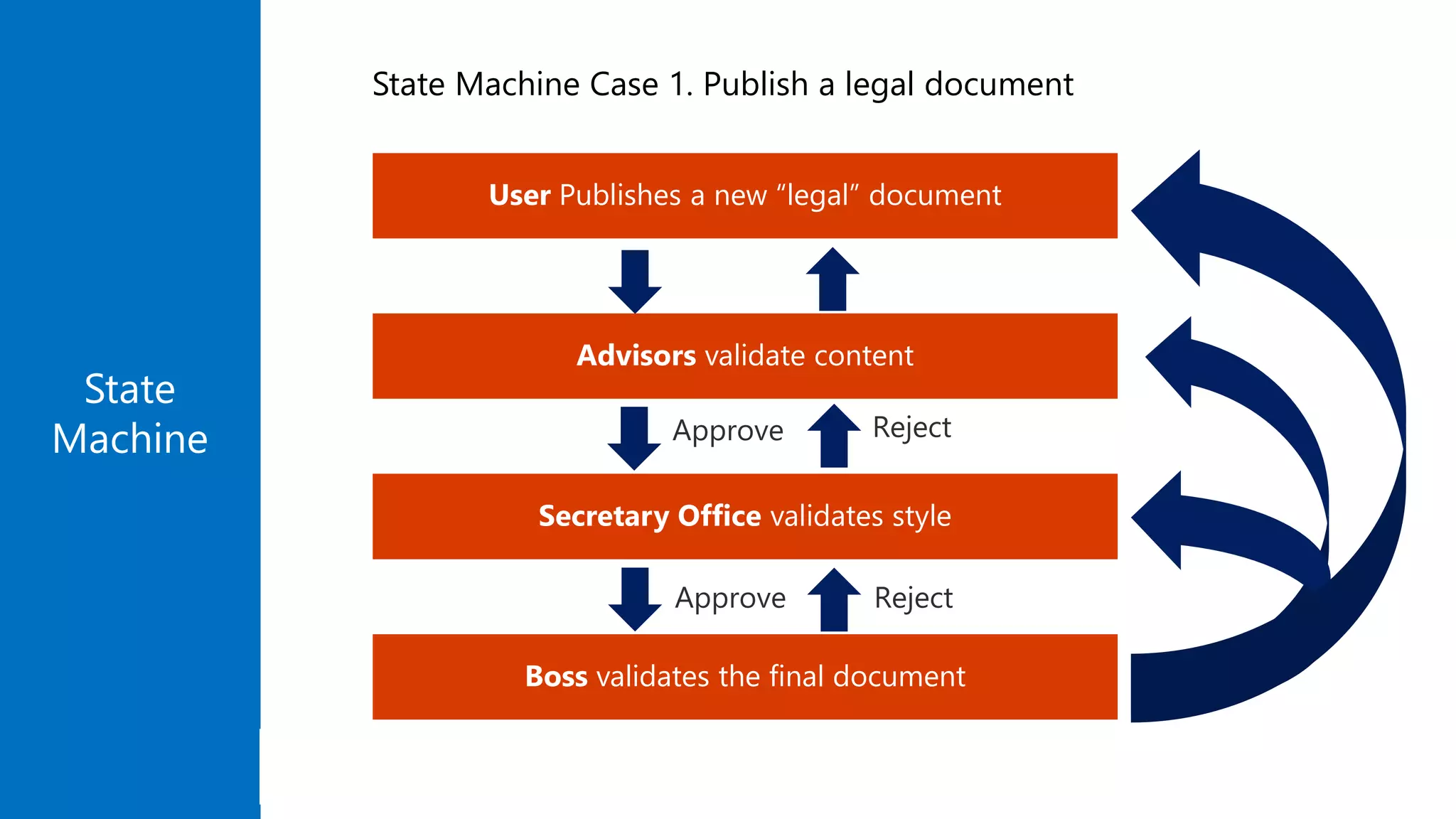
Boss validates the final document
Secretary Office validates style
Advisors validate content
User Publishes a new “legal” document
State
Machine
State Machine Case 1. Publish a legal document
State
Machine
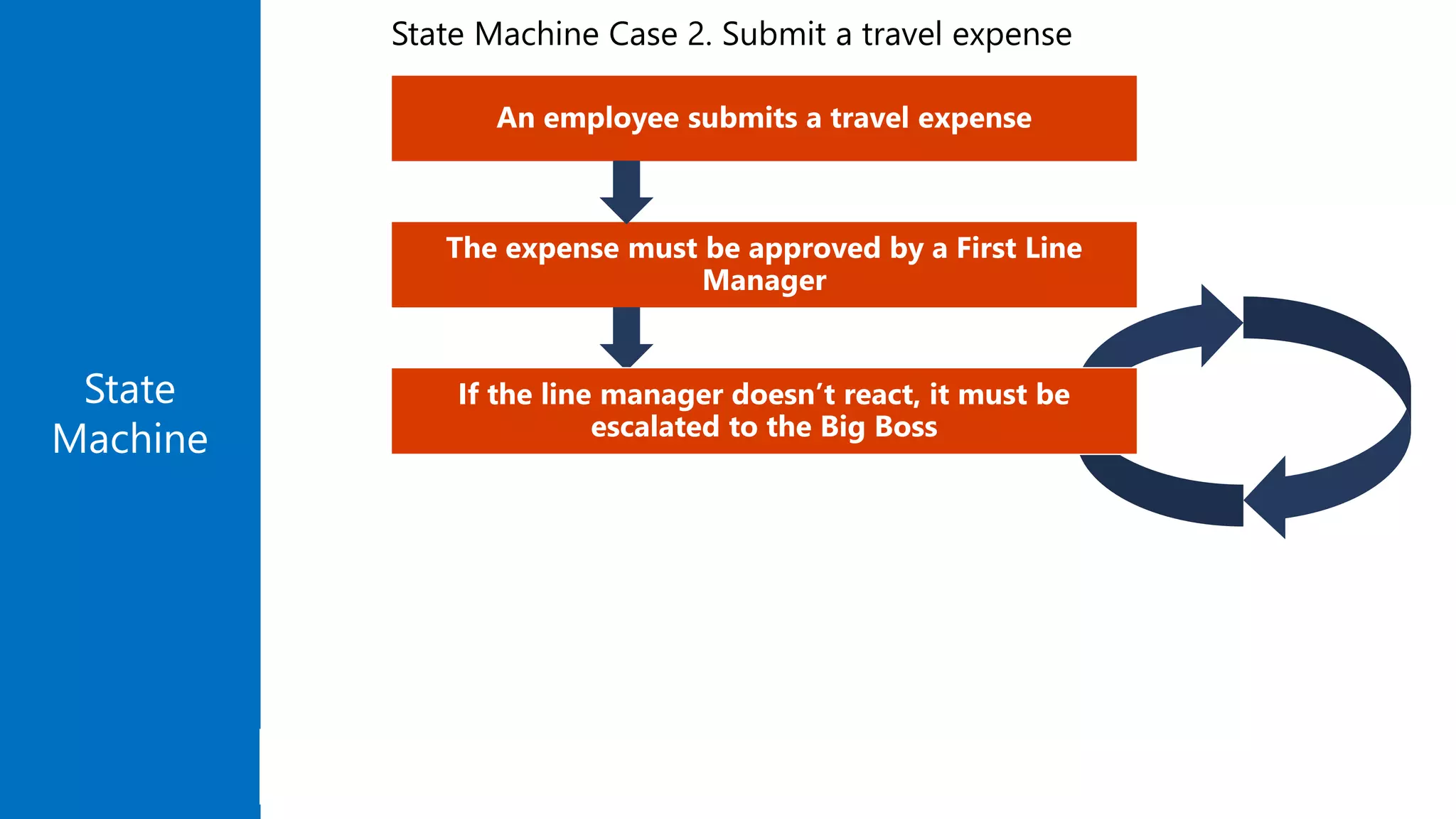
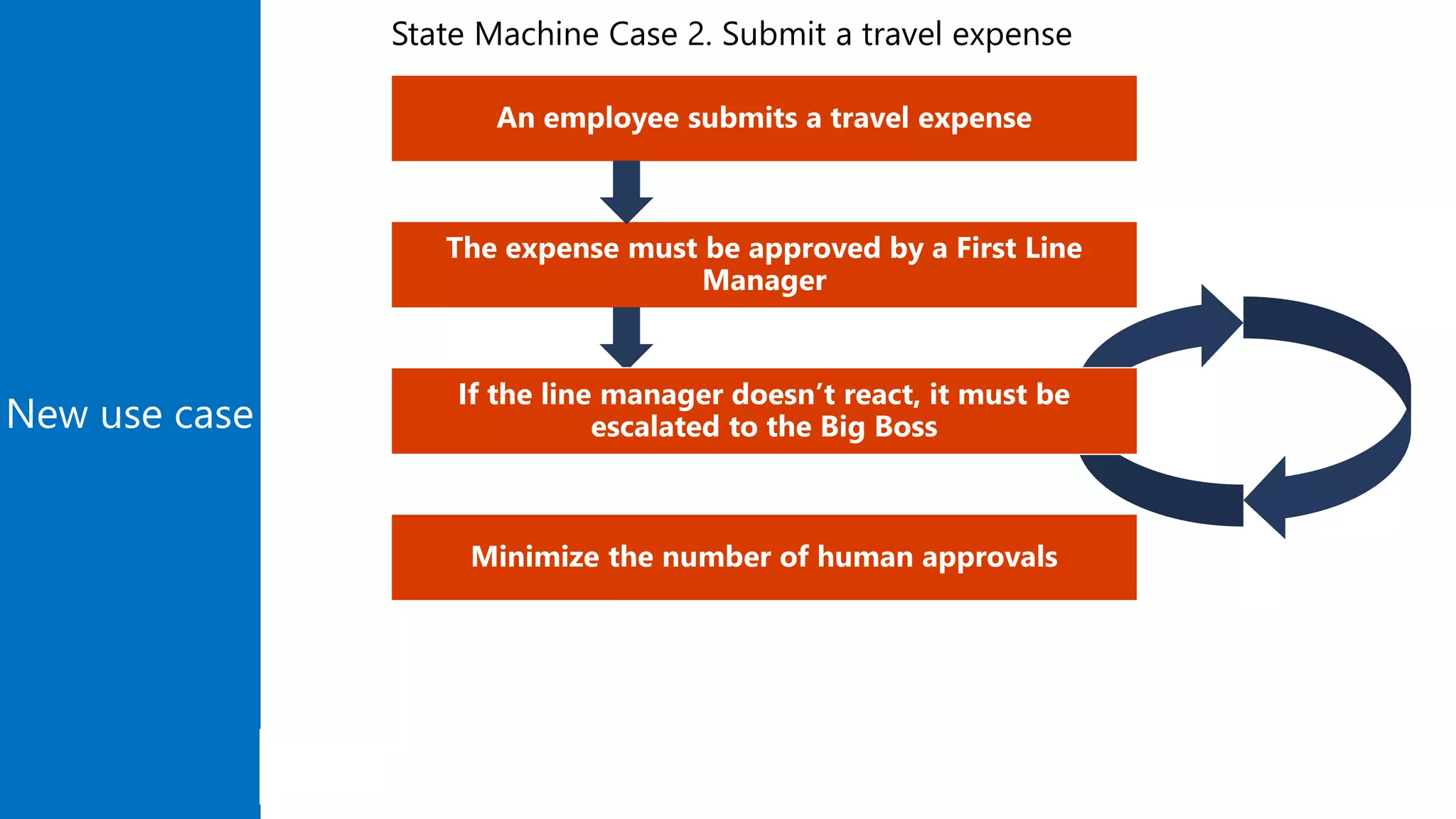
An employee submits a travel expense
The expense must be approved by a First Line
Manager
If the line manager doesn’t react, it must be
escalated to the Big Boss
State Machine Case 2. Submit a travel expense
Flow
Controller
Pattern
Normal flow
Service flow
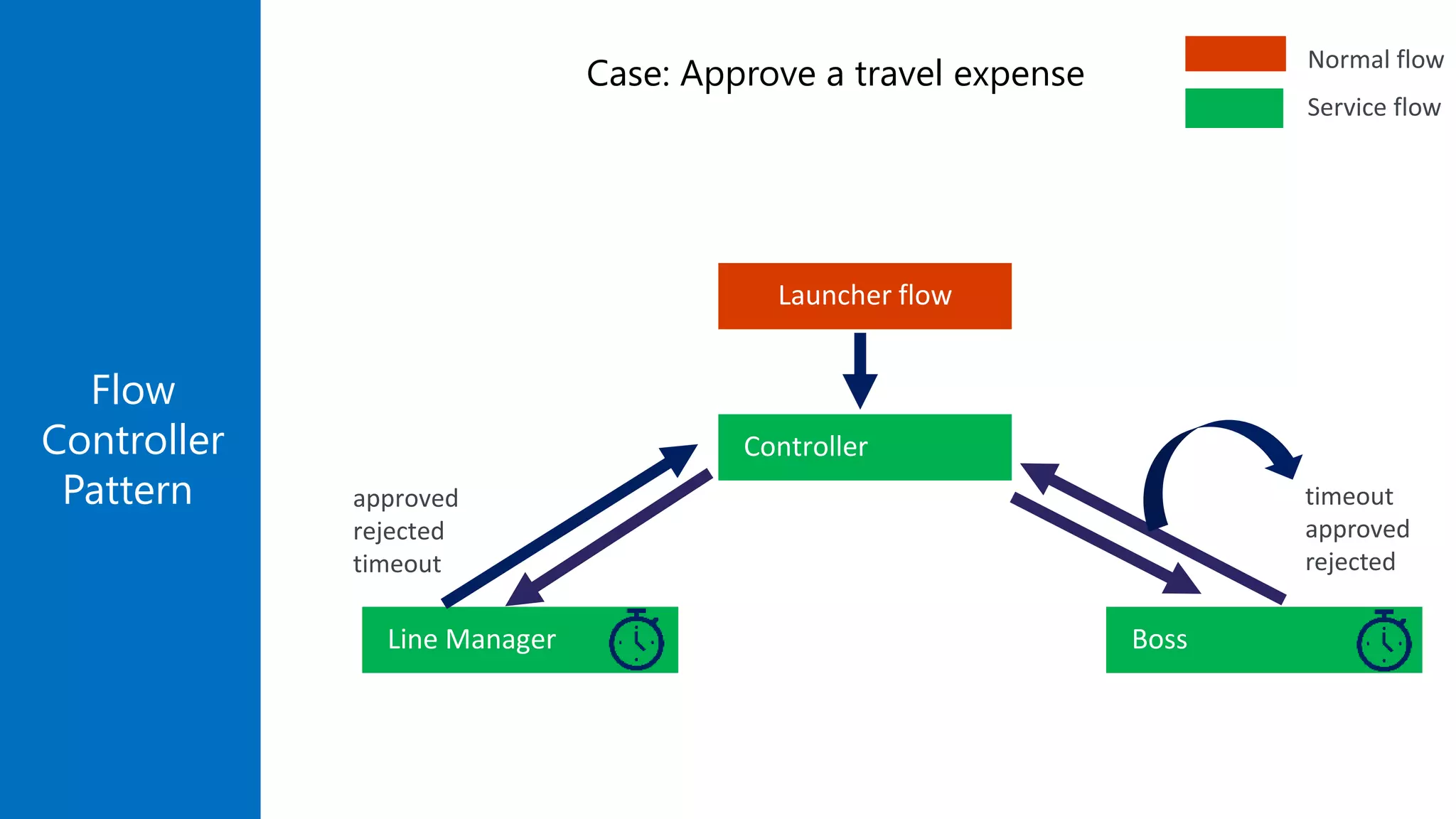
Case: Approve a travel expense
Controller
Launcher flow
Line Manager Boss
timeout
approved
rejected
approved
rejected
timeout
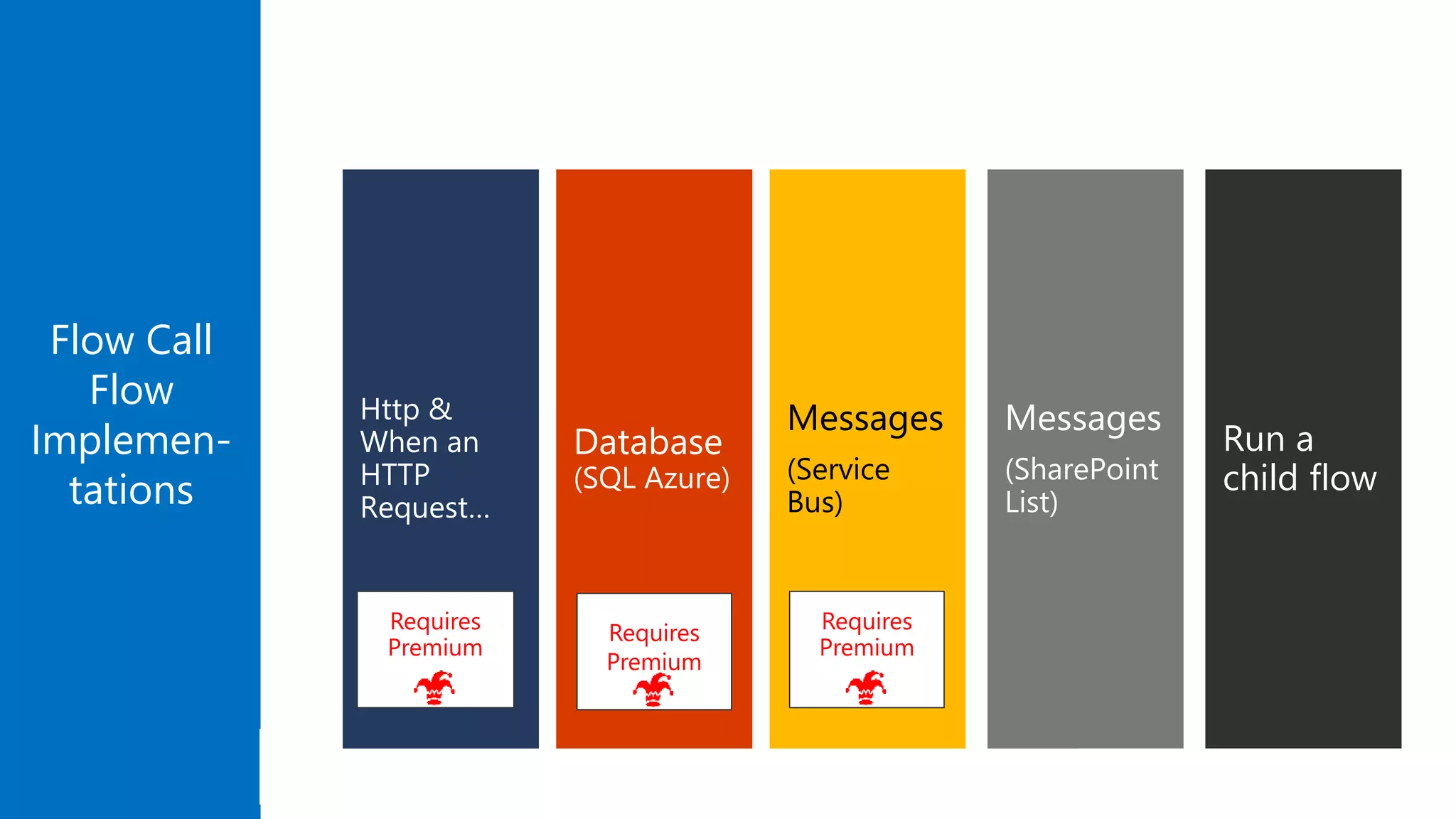
Flow Call
Flow
Implemen-
tations
Messages
(Service
Bus)
Database
(SQL Azure)
Http &
When an
HTTP
Request…
Requires
Premium
Requires
Premium
Requires
Premium
Messages
(SharePoint
List)
Run a
child flow
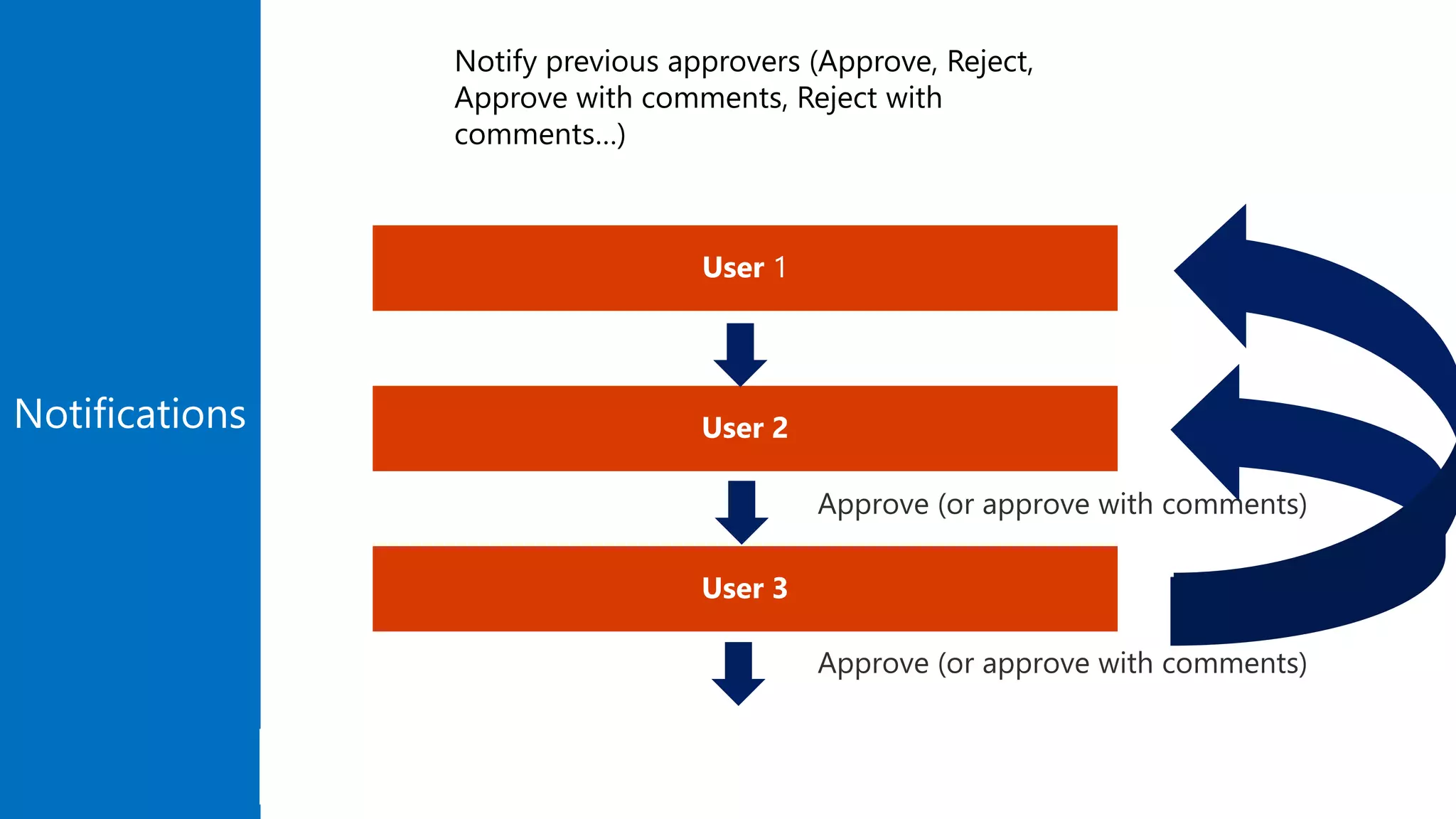
User 3
User 2
User 1
Notifications
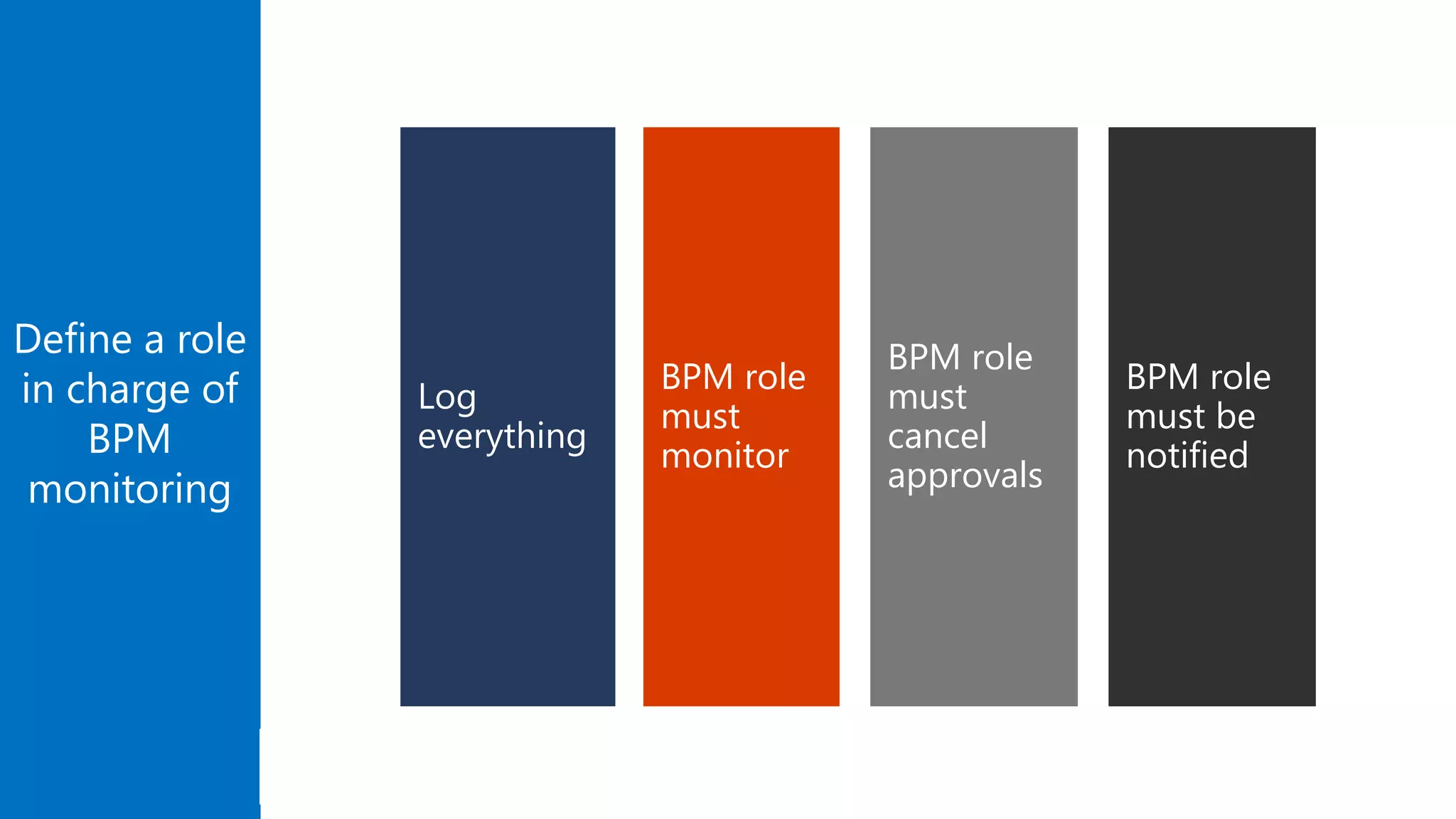
Define a role
in charge of
BPM
monitoring
BPM role
must
cancel
approvals
BPM role
must
monitor
Log
everything
BPM role
must be
notified
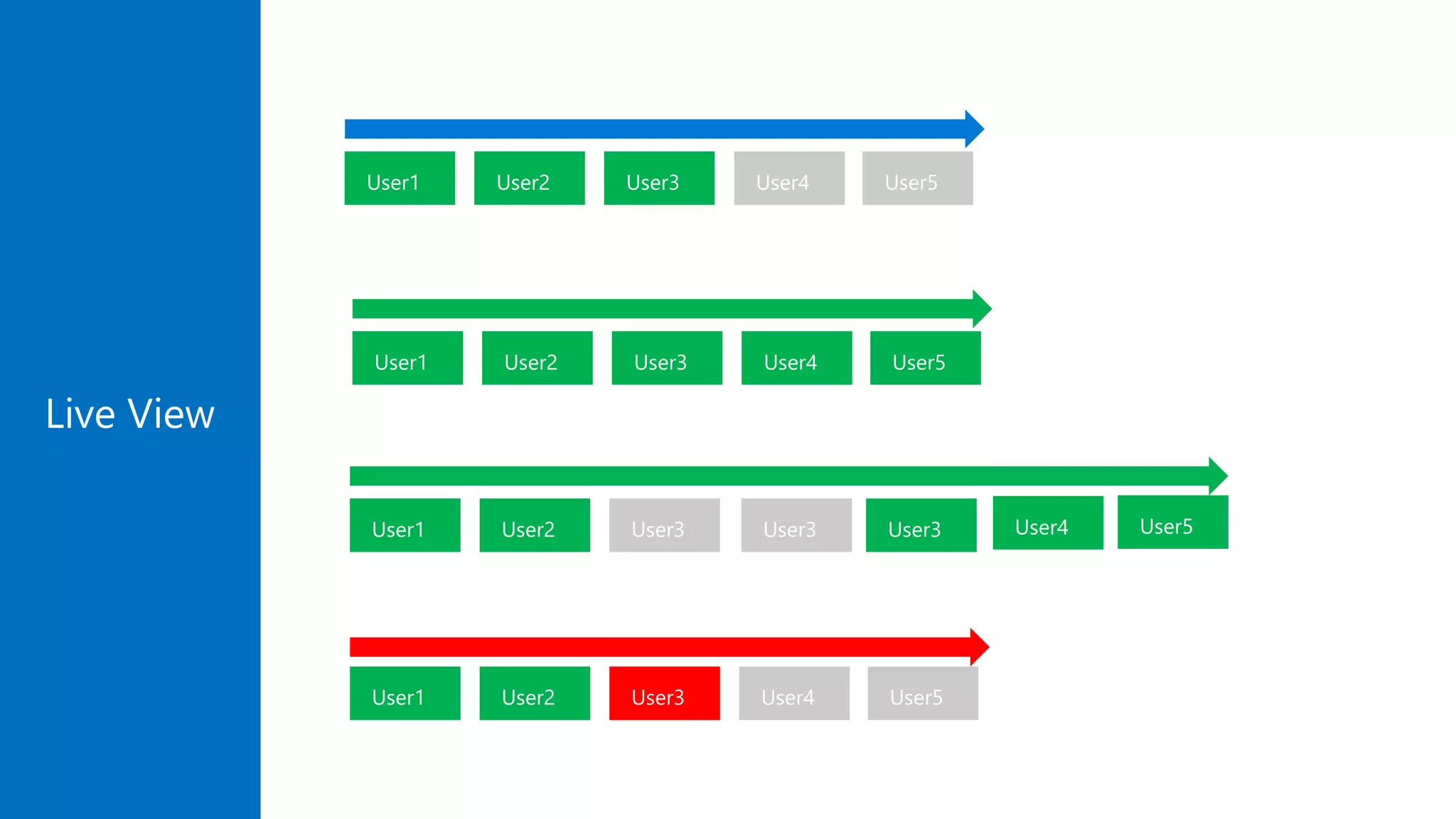
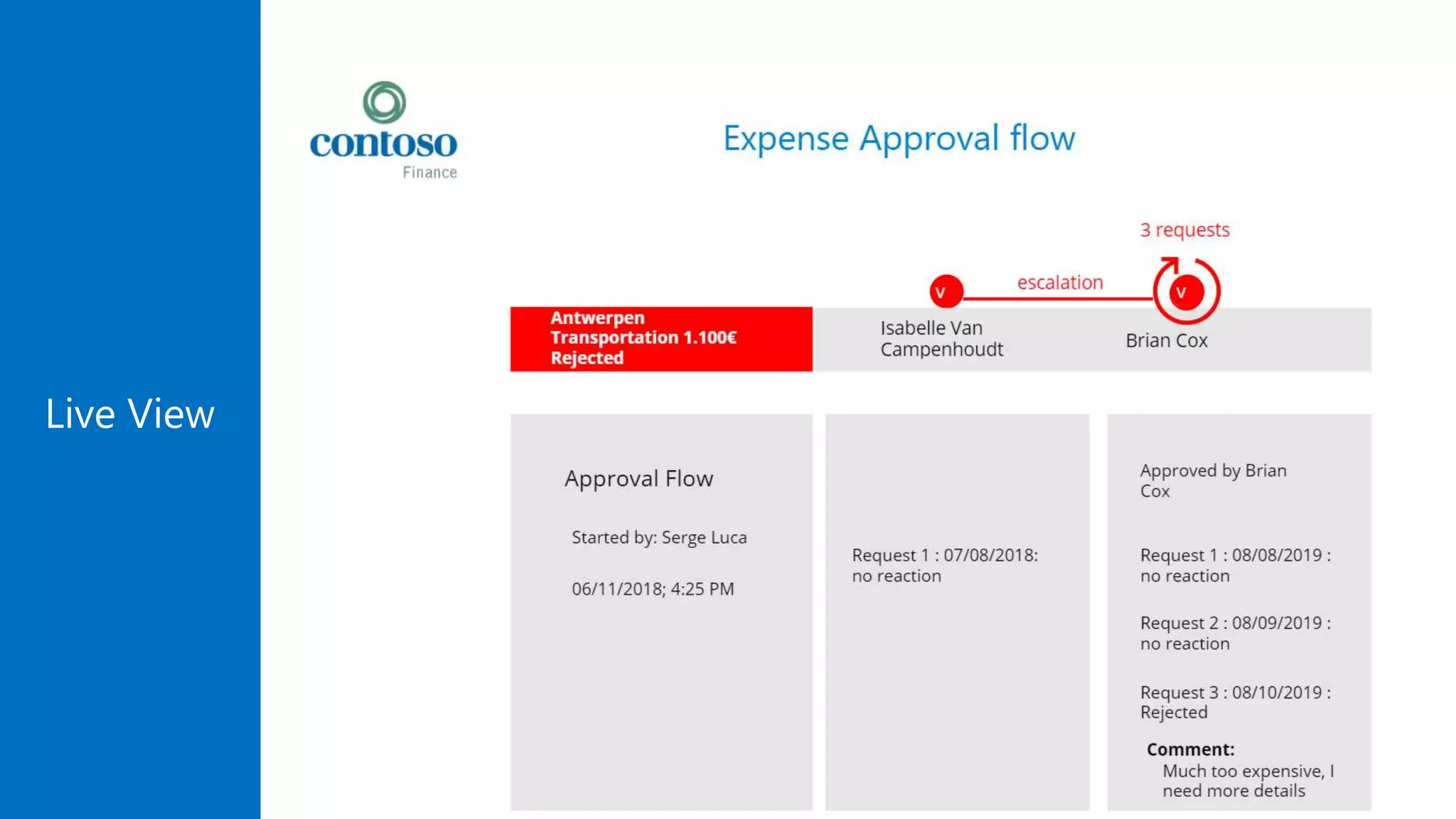
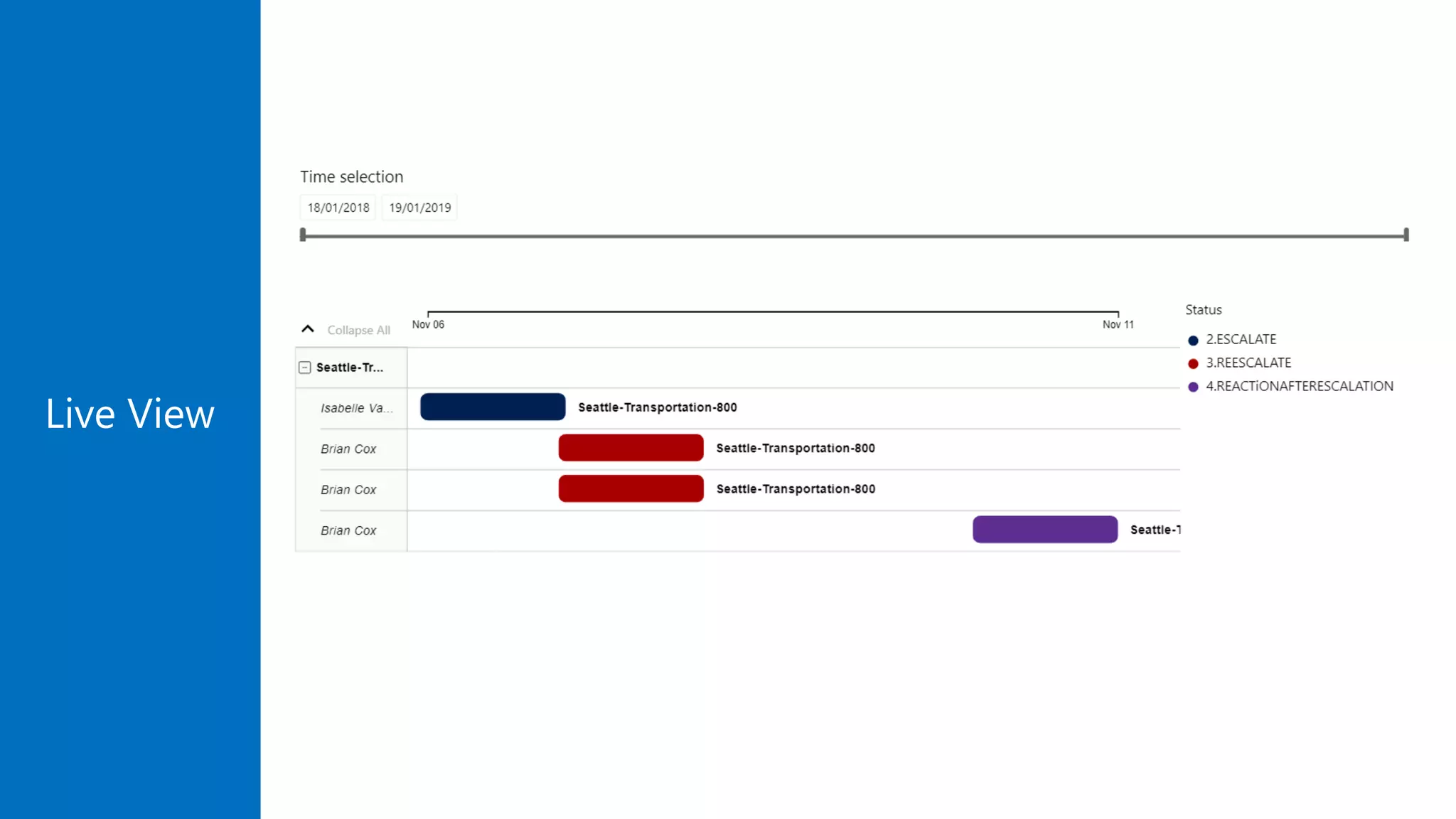
Live View
Live View
Live View
Demo
Approval Escalation
Approval Adaptive & Teams
Controller Pattern
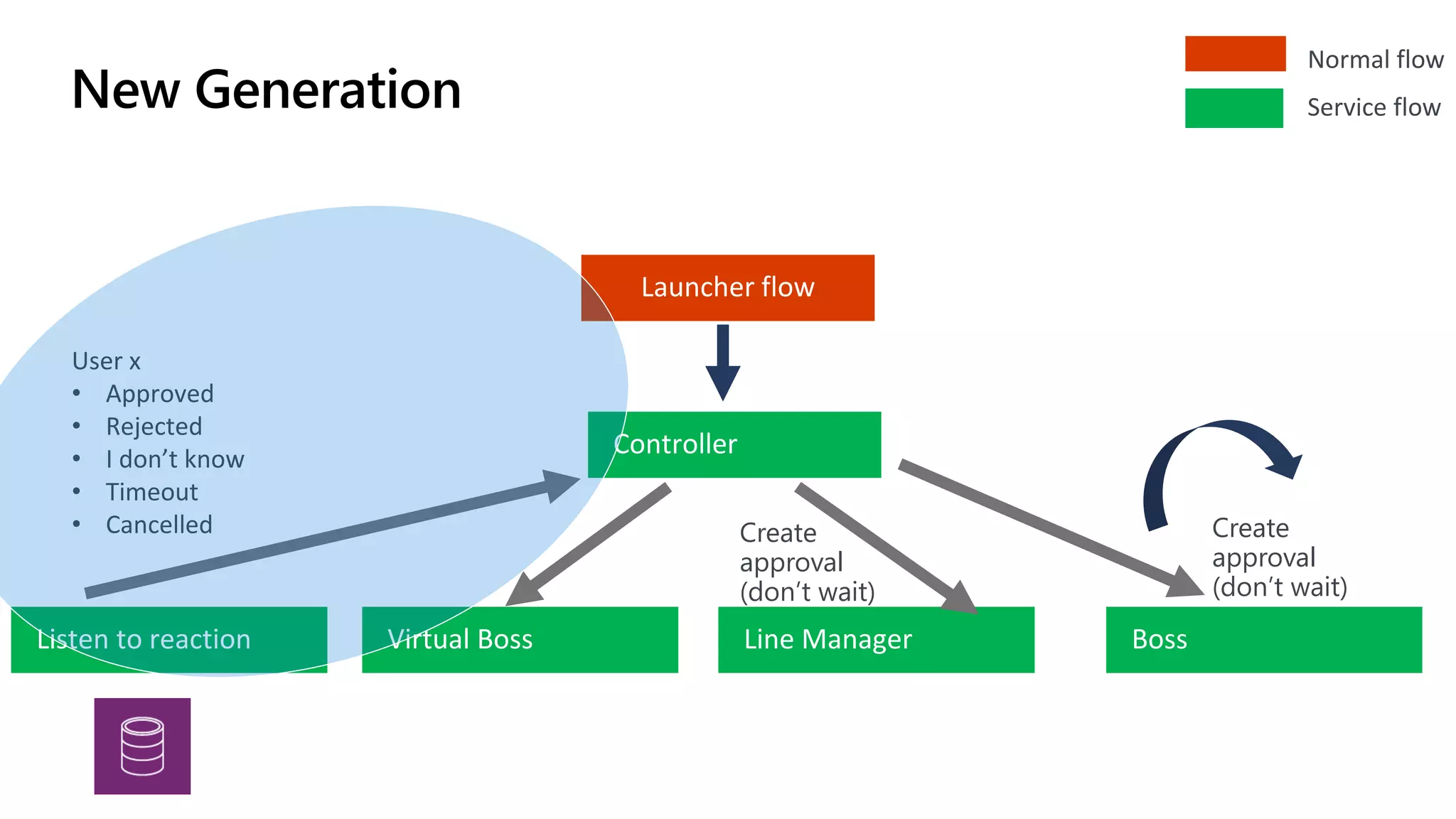
Controller
Launcher flow
Line ManagerVirtual Boss Boss
Normal flow
Service flow
User x
• Approved
• Rejected
• I don’t know
• Timeout
• Cancelled
Listen to reaction
Create
approval
(don’t wait)
Create
approval
(don’t wait)
New Generation
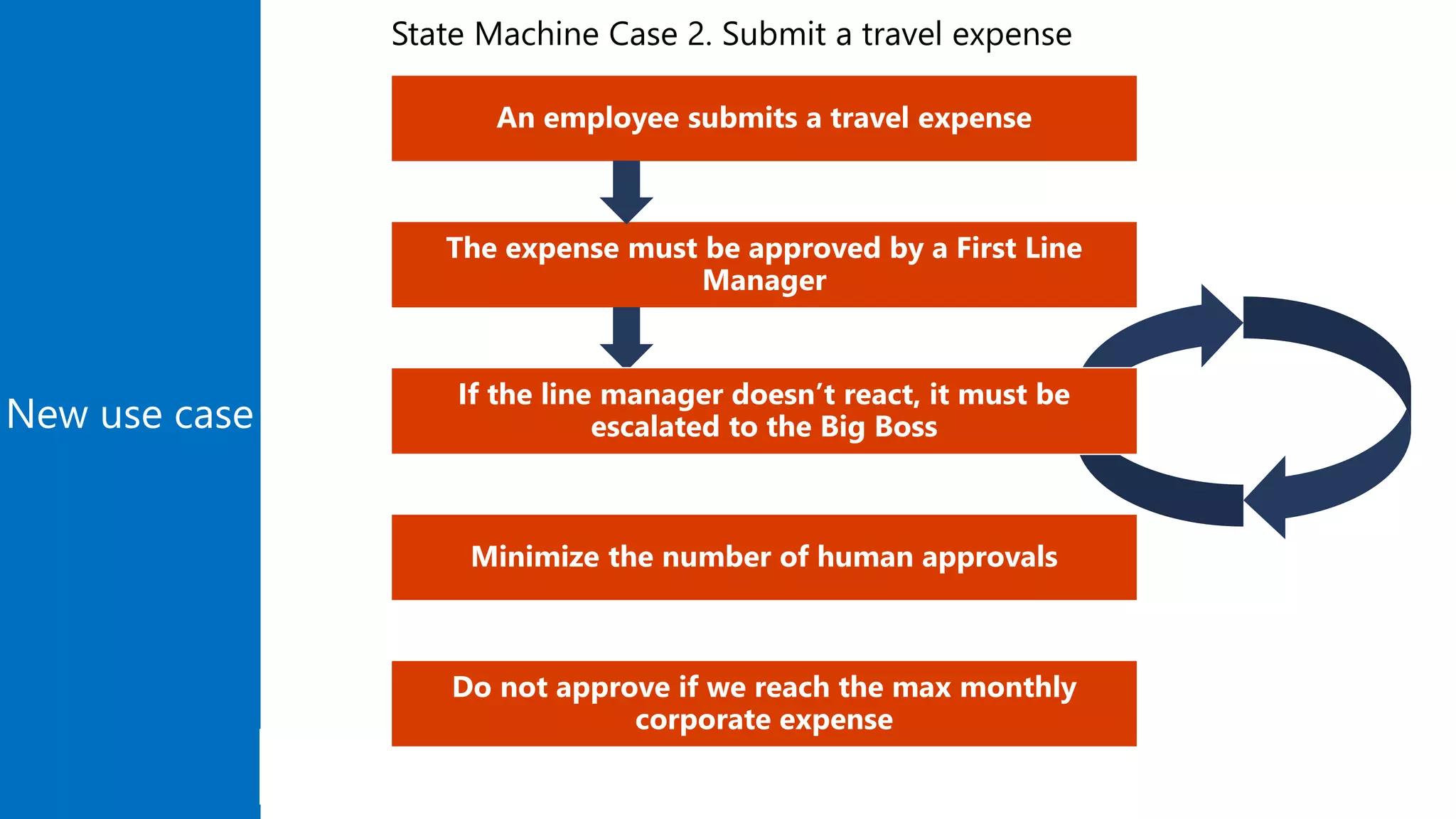
New use case
An employee submits a travel expense
The expense must be approved by a First Line
Manager
If the line manager doesn’t react, it must be
escalated to the Big Boss
Minimize the number of human approvals
State Machine Case 2. Submit a travel expense
Use AI
(but only in real business cases)
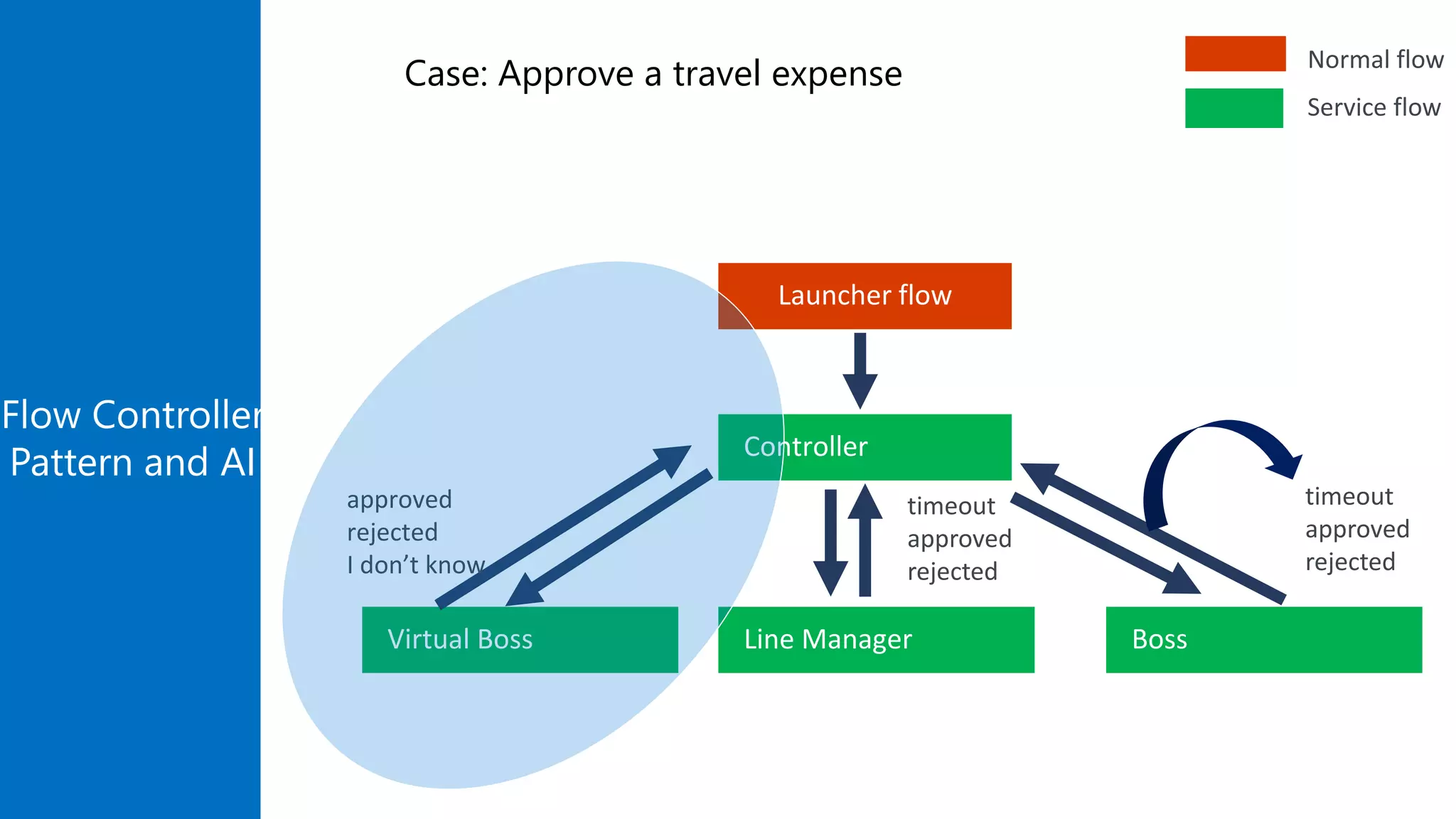
Flow Controller
Pattern and AI Controller
Launcher flow
Line ManagerVirtual Boss Boss
timeout
approved
rejected
timeout
approved
rejected
approved
rejected
I don’t know
Normal flow
Service flow
Case: Approve a travel expense
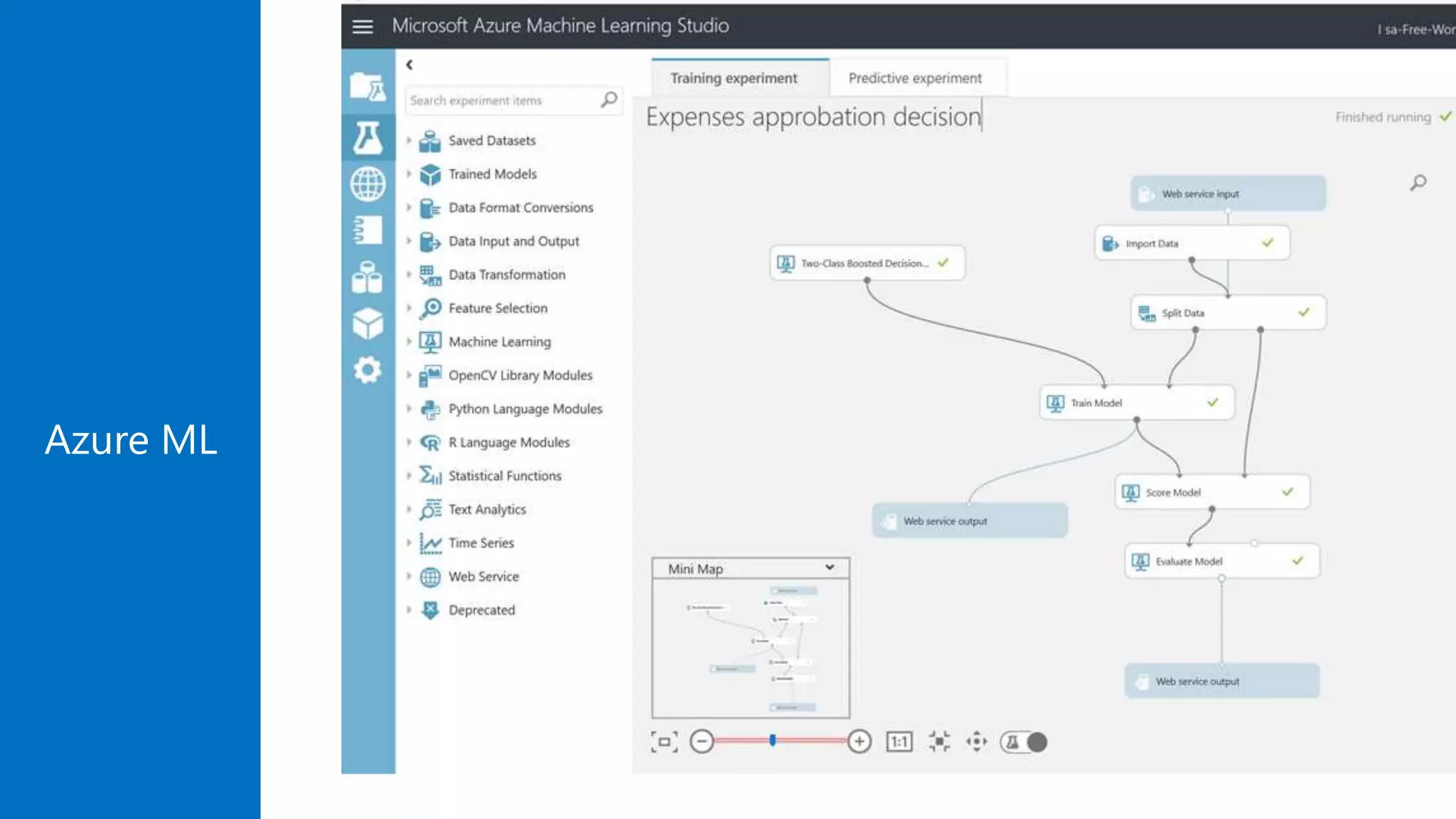
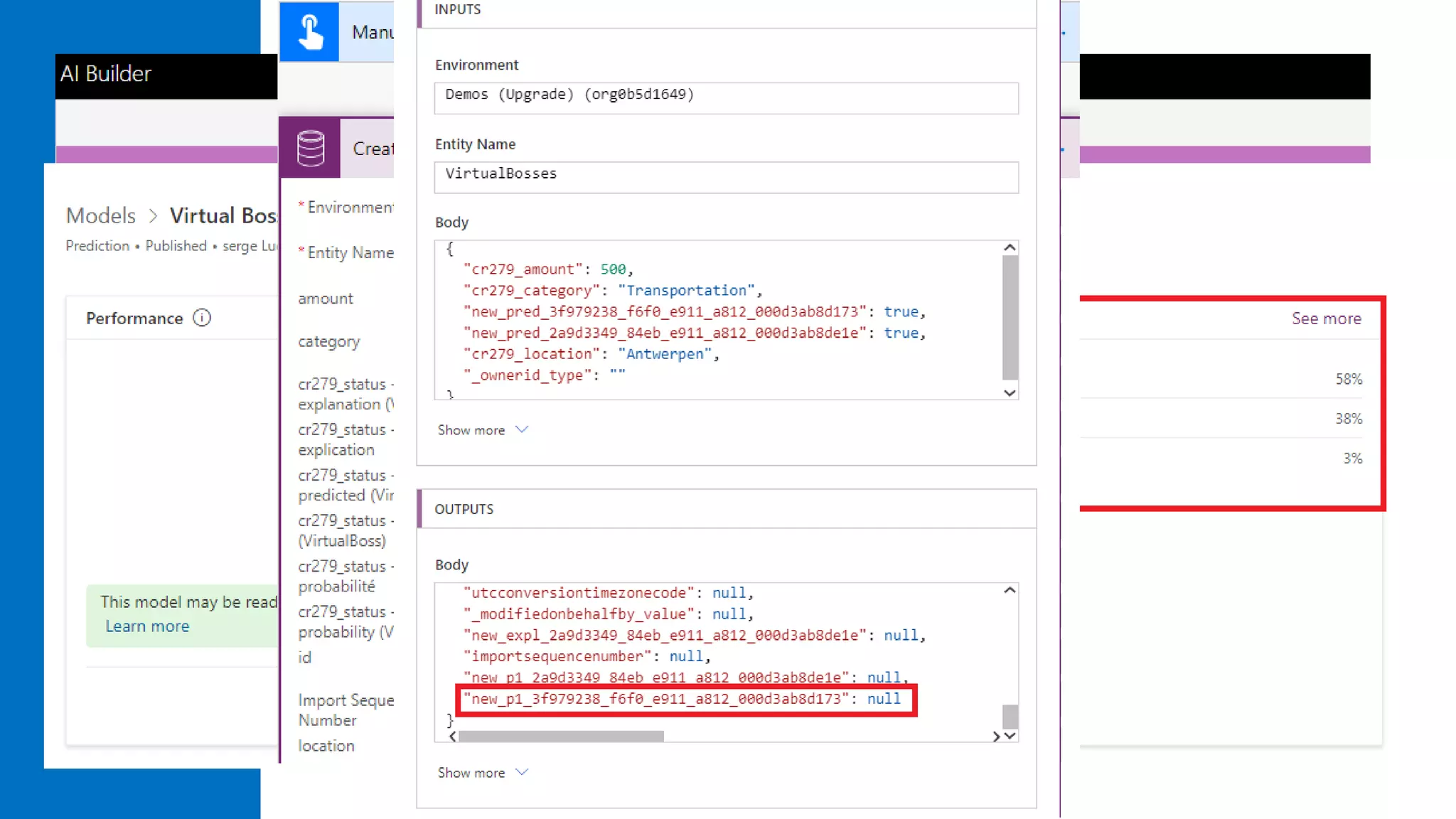
Azure ML
AI Builder
Understand the following
Power Automate to Power
Apps patterns
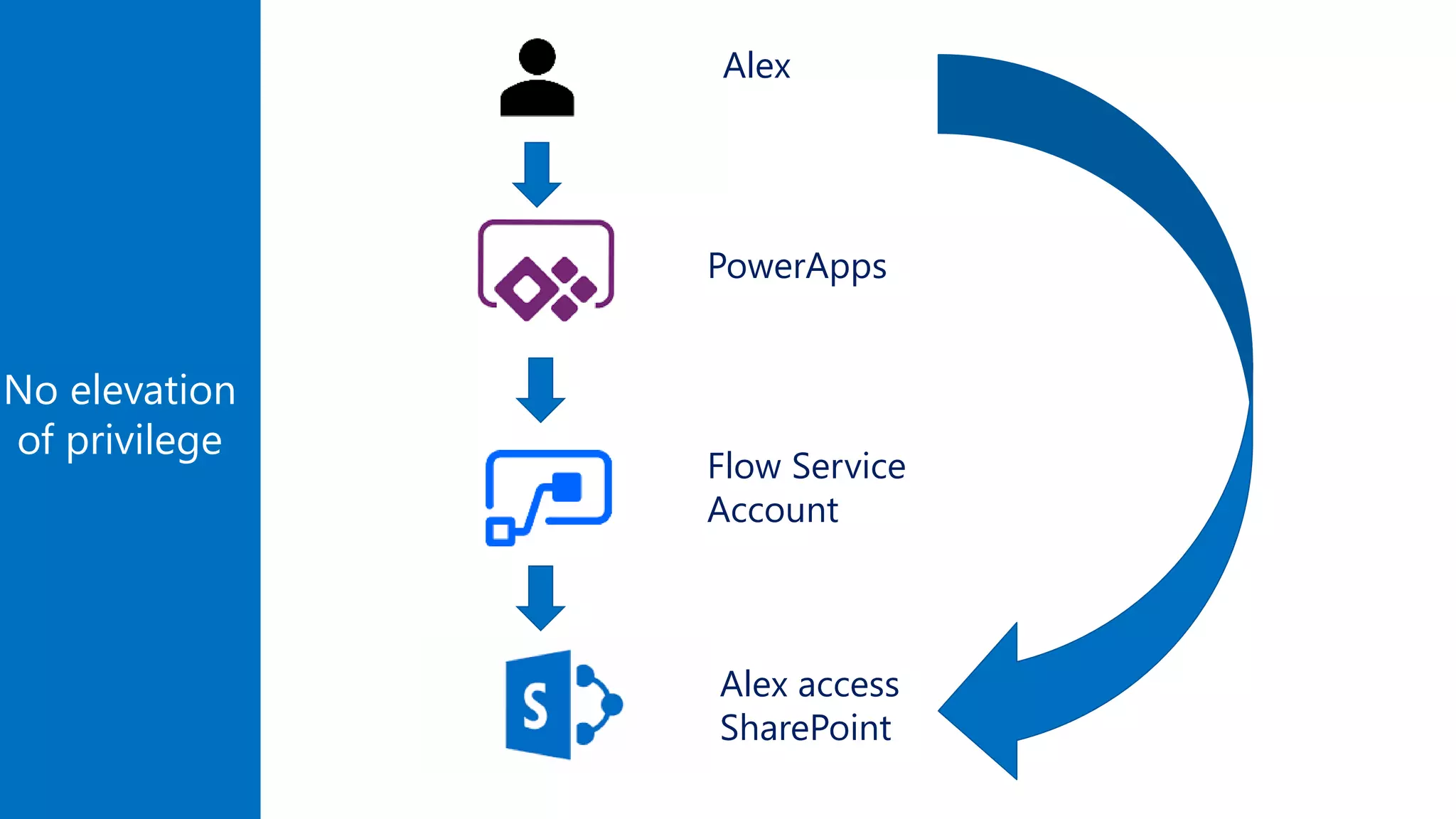
No elevation
of privilege
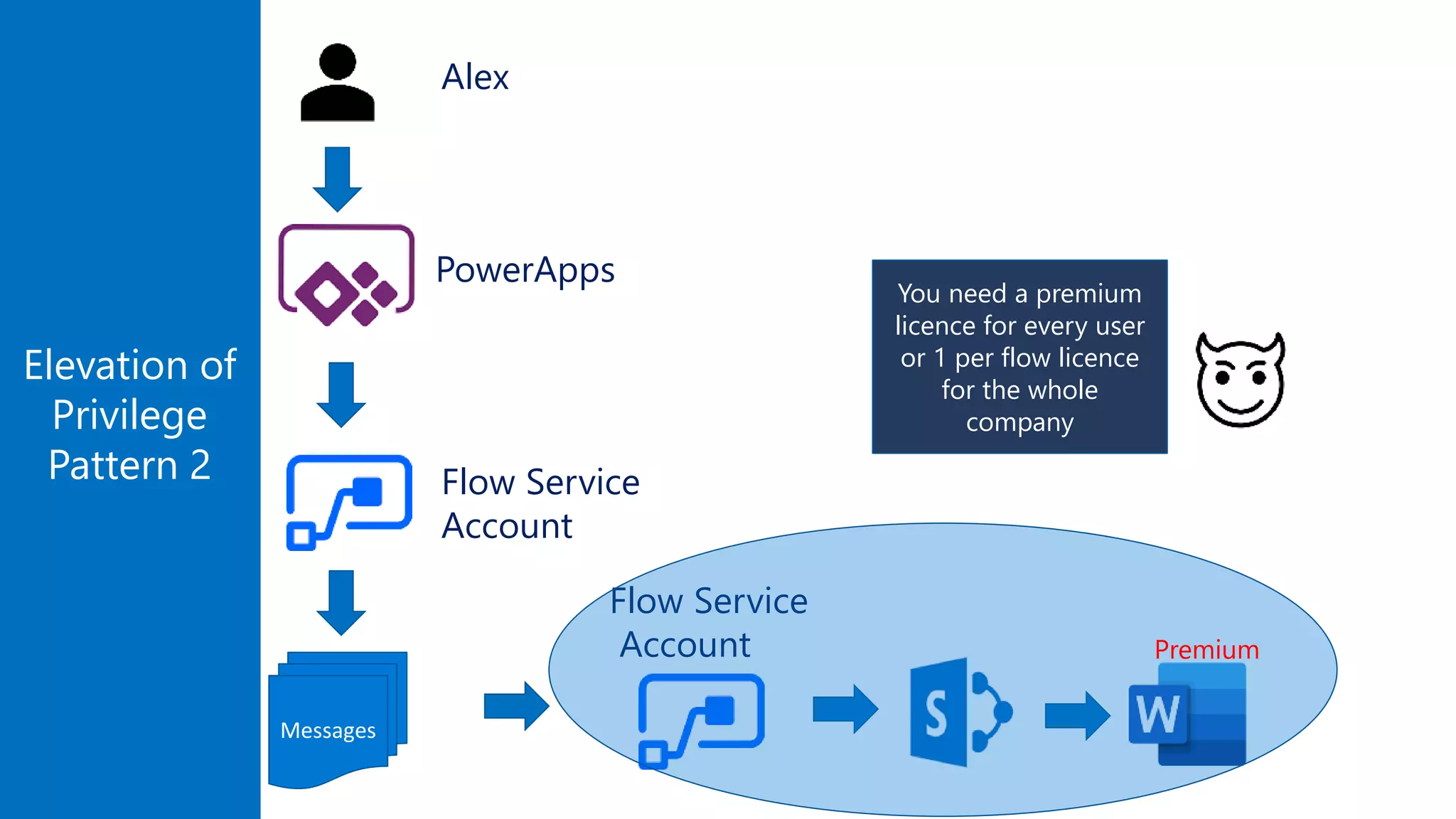
Alex
Flow Service
Account
Alex access
SharePoint
PowerApps
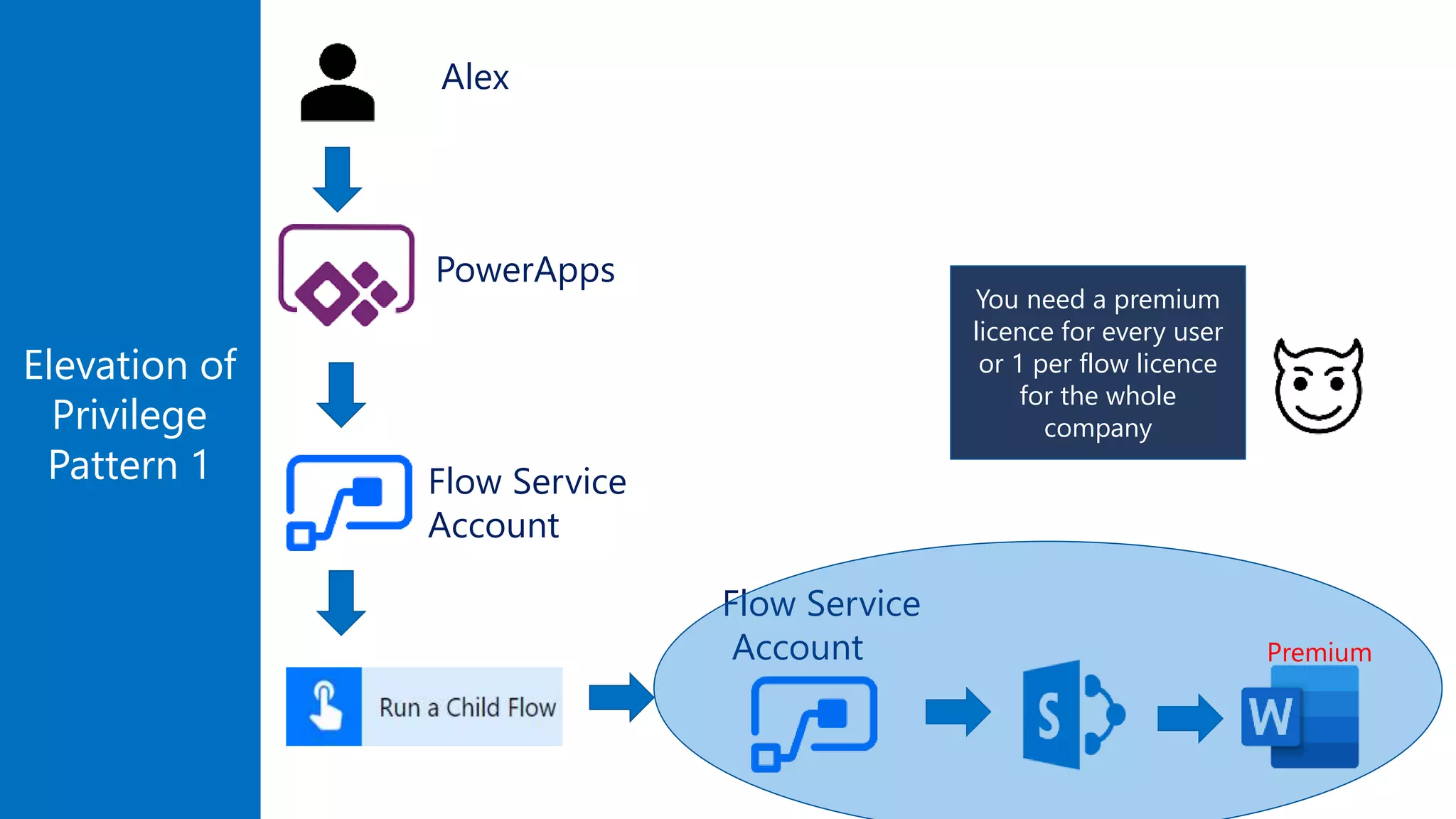
Elevation of
Privilege
Pattern 1
You need a premium
licence for every user
or 1 per flow licence
for the whole
company
Flow Service
Account
Flow Service
Account
PowerApps
Premium
Alex
Messages
Elevation of
Privilege
Pattern 2
You need a premium
licence for every user
or 1 per flow licence
for the whole
company
Flow Service
Account
Flow Service
Account
PowerApps
Premium
Alex
New use case
An employee submits a travel expense
The expense must be approved by a First Line
Manager
If the line manager doesn’t react, it must be
escalated to the Big Boss
Minimize the number of human approvals
Do not approve if we reach the max monthly
corporate expense
State Machine Case 2. Submit a travel expense
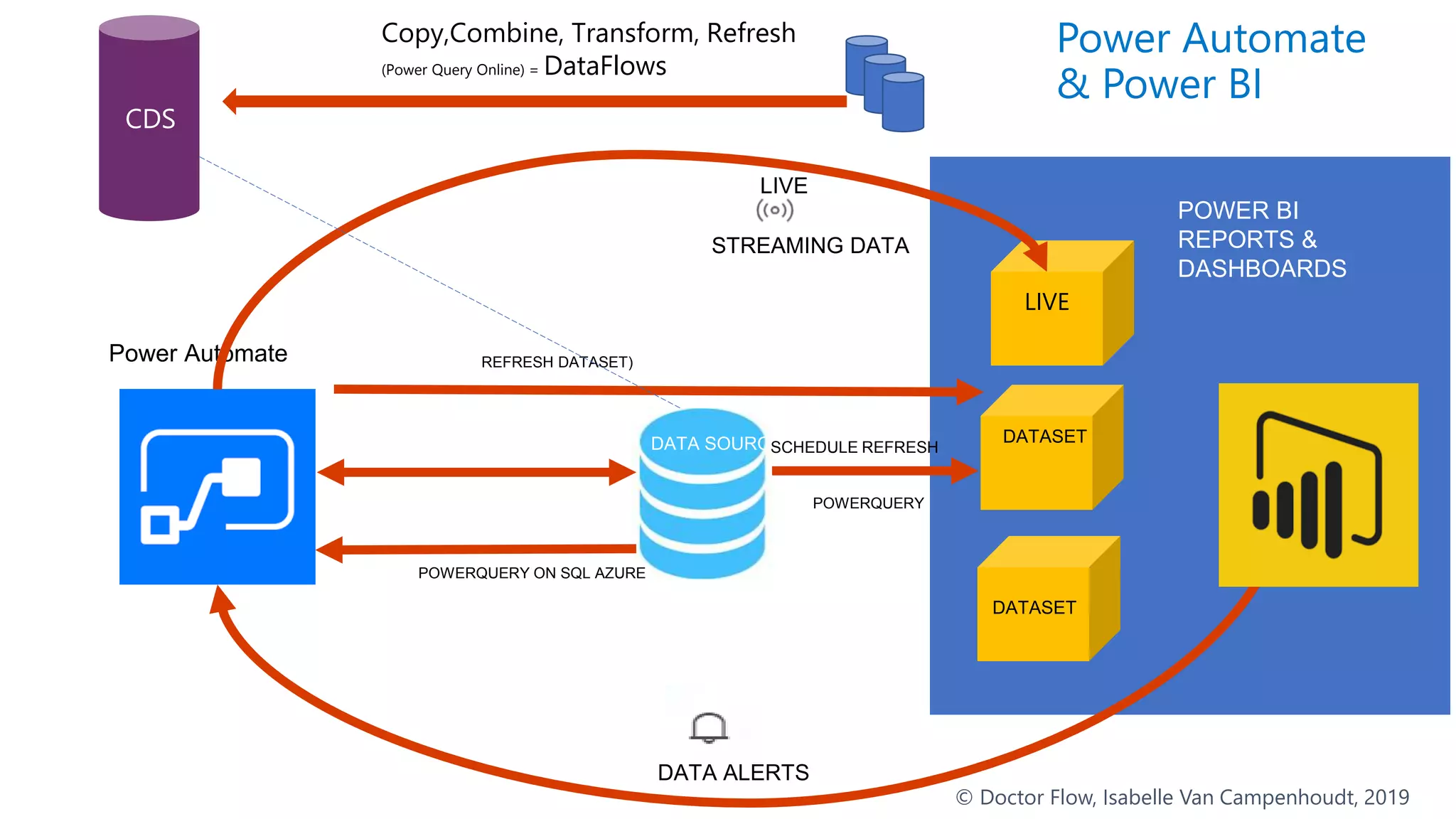
Learn and
use Power BI
Power Automate
DATA ALERTS
DATA SOURCE
POWER BI
REPORTS &
DASHBOARDS
STREAMING DATA
LIVE
POWERQUERY ON SQL AZURE
REFRESH DATASET)
POWERQUERY
SCHEDULED
REFRESH
Power Automate
& Power BI
LIVE
DATASET
DATASET
SCHEDULE REFRESH
© Doctor Flow, Isabelle Van Campenhoudt, 2019
CDS
Copy,Combine, Transform, Refresh
(Power Query Online) = DataFlows
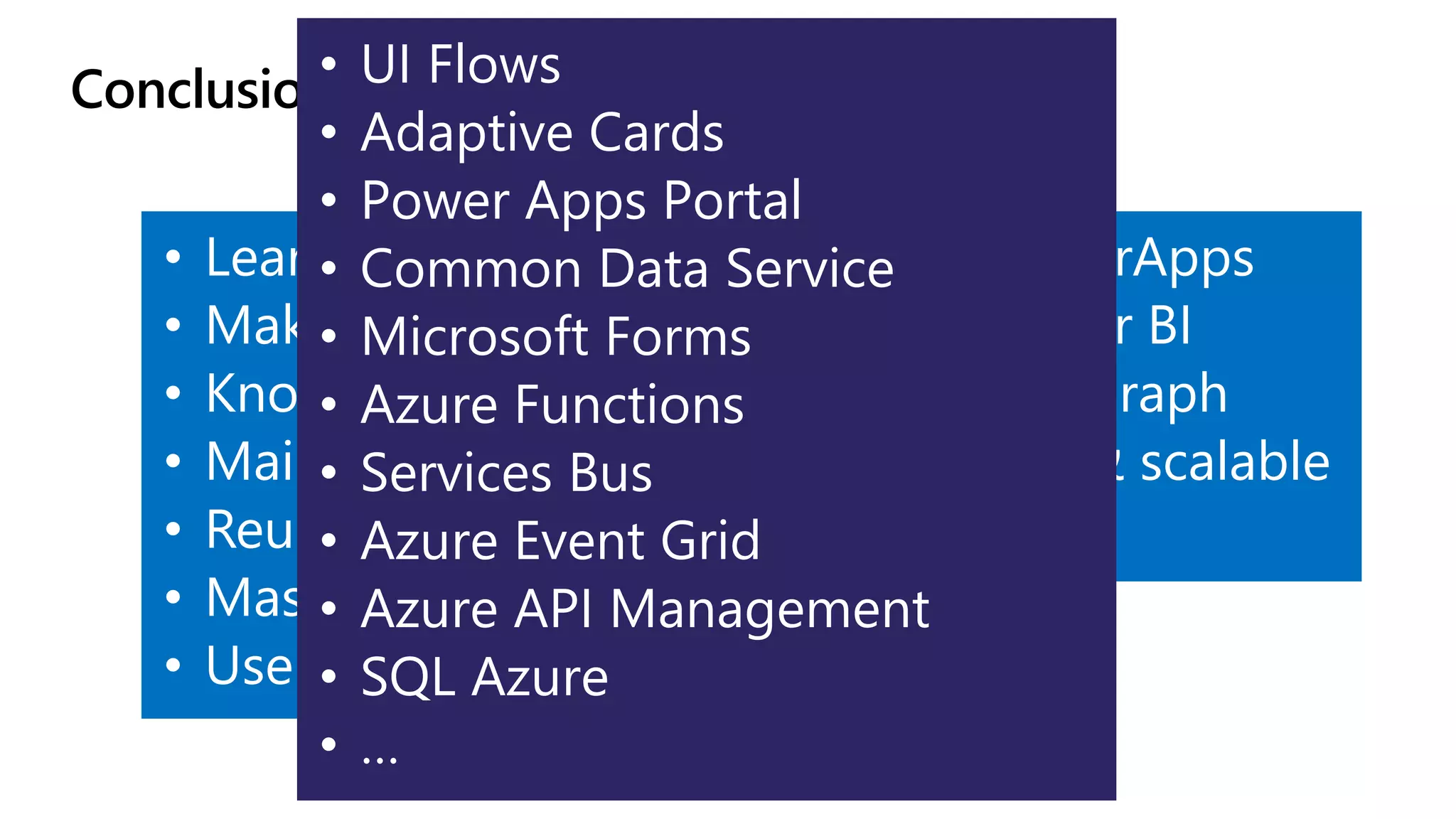
Conclusions : there is more than that…
• Learn & share
• Make IT happy
• Know the limitations
• Maintainability
• Reusability
• Master Approvals
• Use AI
• Learn PowerApps
• Learn Power BI
• Microsoft Graph
• Code fast & scalable
• UI Flows
• Adaptive Cards
• Power Apps Portal
• Common Data Service
• Microsoft Forms
• Azure Functions
• Services Bus
• Azure Event Grid
• Azure API Management
• SQL Azure
• …
03.04.2020
12.09.2020
#
We are doing this for the first time 
We’d love to hear you feedback!
http://bit.ly/SPSWarsaw2020Online_Survey
03.04.2020
12.09.2020
#
03.04.2020
12.09.2020
#
Thank you!
Meet us in-person on September, 12th at Polish Microsoft’s Office!

How to become a Power Automate/Flow hero with Doctor Flow (Session online SPSWarsaw - 2020)

Editor's Notes

  • #9 Open source picture: https://unsplash.com/photos/j9PpIy_x4EE
  • #10 Usage of service now
  • #14 Strat after 6’
  • #16 Get my timesheet: https://emea.flow.microsoft.com/manage/environments/Default-892b3446-d5f0-489e-a68d-605c1613aead/flows/edd198fb-15bb-4fce-96f9-25473cc9ce5e
  • #17 End of demo: 11’ 10’ 10’ 10’ Open gettimesheet maintainable: Show documentation compose talk about deployment Try and catch Show scope Show if_debug
  • #19 Most of the time this is not important When user interaction is involved this is important : PowerApps calls flows Automated flow : ex: create a global counter
  • #20 End of demo 15’ 15’ 14’ 13’
  • #22 In error demo, show that the condition block does not fail if value is null, but the switch does (the status is a choice field)
  • #23 End of demo : 17’ , 19’, 18’ 17’ 16’
  • #26 End of slide : 21’ 22’ ,21;20’ (16)
  • #34 End of this : 26 27’
  • #40 End of : 32’,30’,32’,29
  • #41 Todo : CDS diagram : how to cancel Controller pattern video 1 : https://www.youtube.com/watch?v=e8Nuswofodw Controller pattern video 2 : https://www.youtube.com/watch?v=qSYMC20aDiE
  • #46 34’ 36’ 35’ 32
  • #53 Powerquery <> oData Refresh dataset and query a dataset + reusing the result https://www.youtube.com/watch?v=Sn3XvkIGBOs&t=401s