MICROSOFT FLOW HAPPY HOUR
How to use flows, governance and upcoming features
THANKS TO OUR SPONSORS!
ABOUT US
Who are Daniel & Albert?
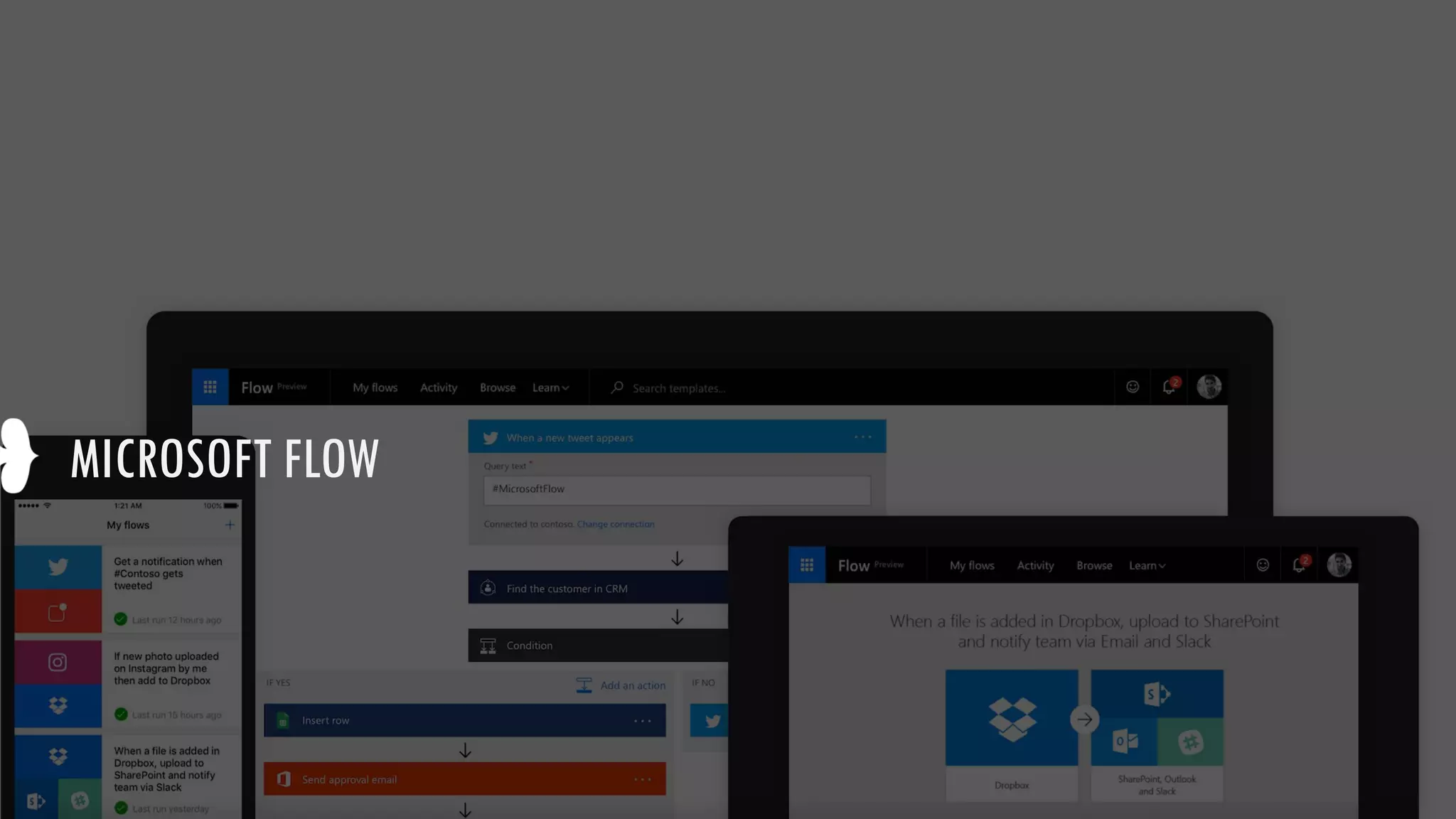
MICROSOFT FLOW
MICROSOFT FLOW
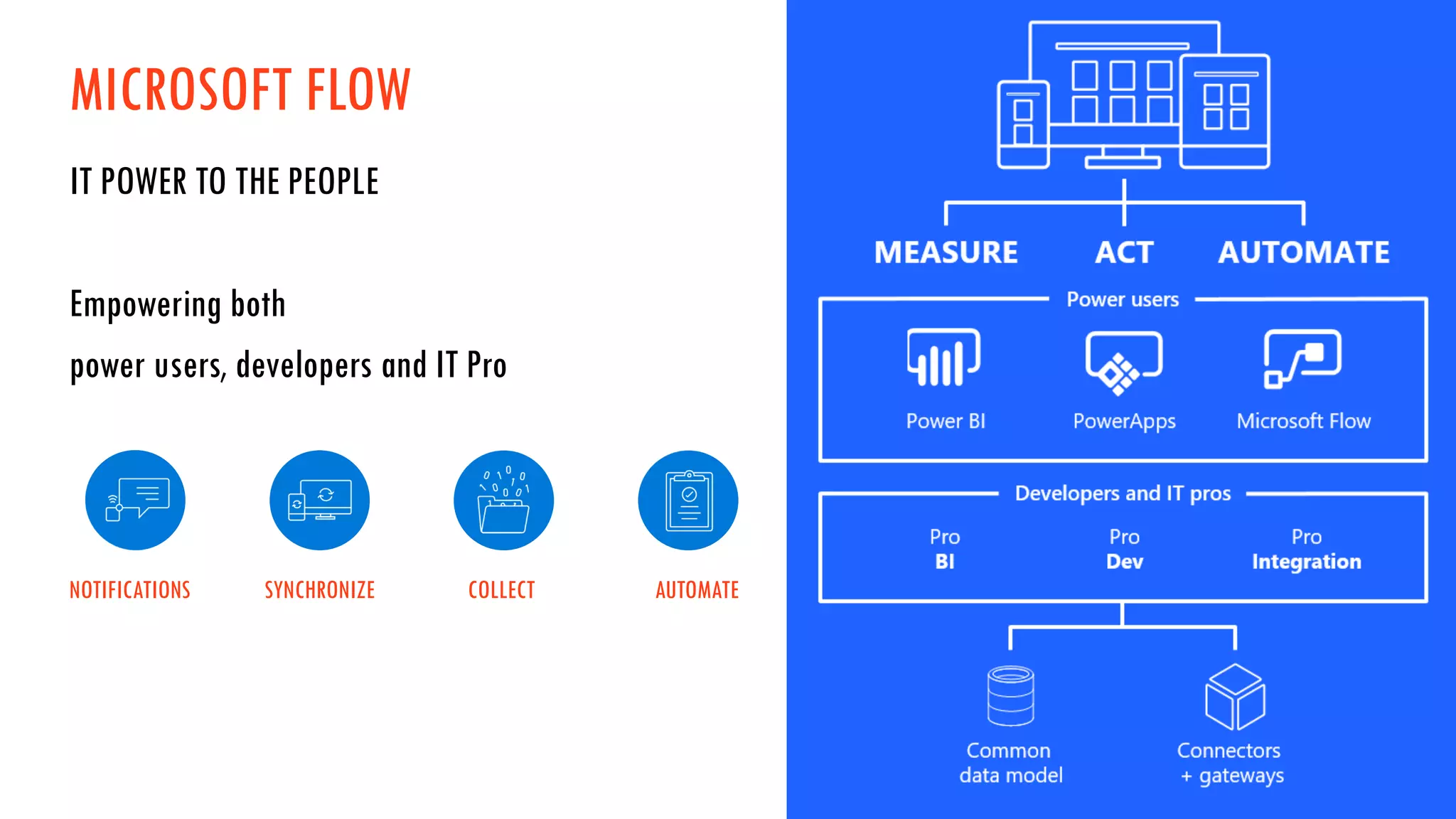
IT POWER TO THE PEOPLE
Empowering both
power users, developers and IT Pro
NOTIFICATIONS SYNCHRONIZE COLLECT AUTOMATE
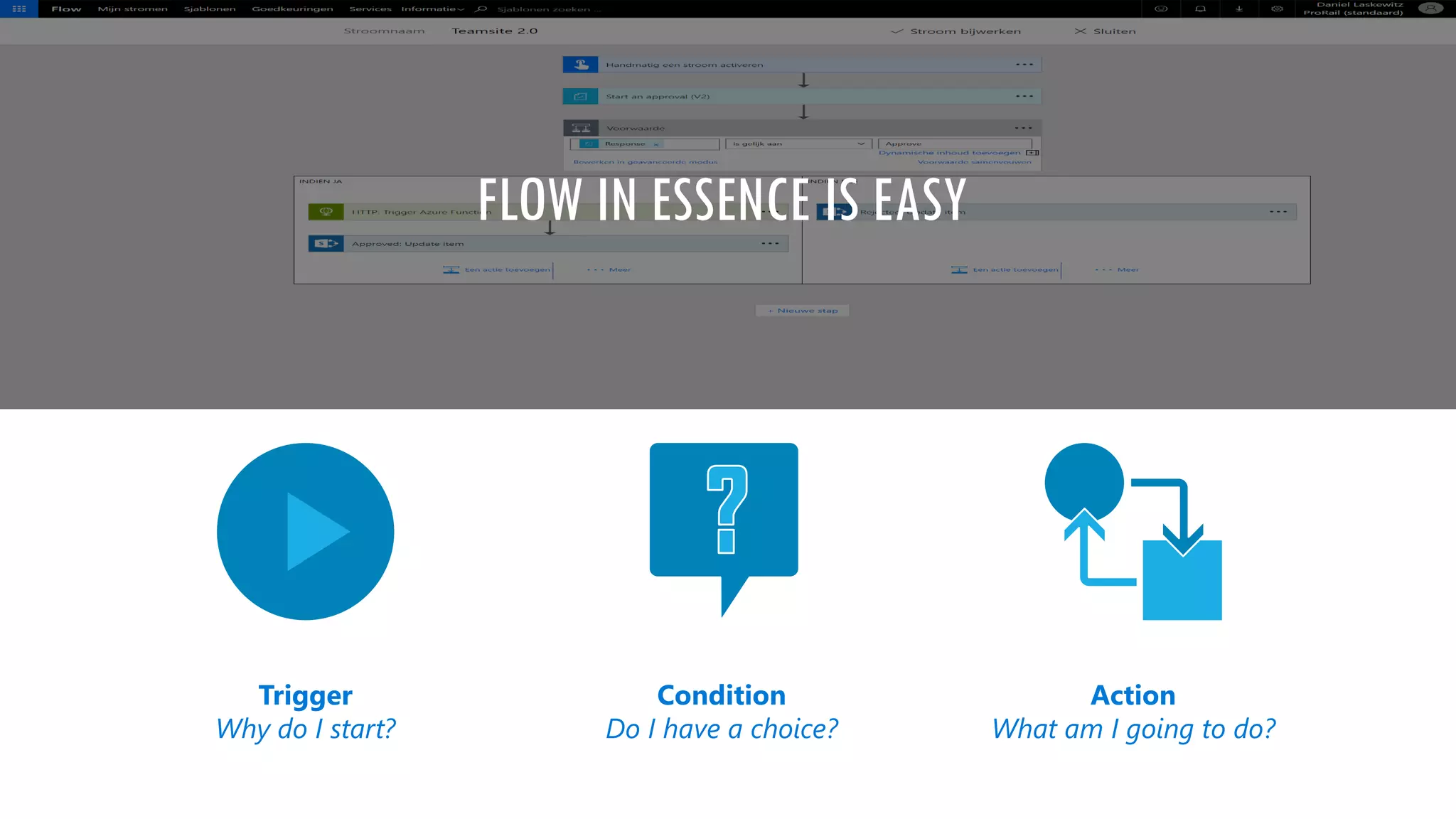
FLOW IN ESSENCE IS EASY
Trigger
Why do I start?
Condition
Do I have a choice?
Action
What am I going to do?
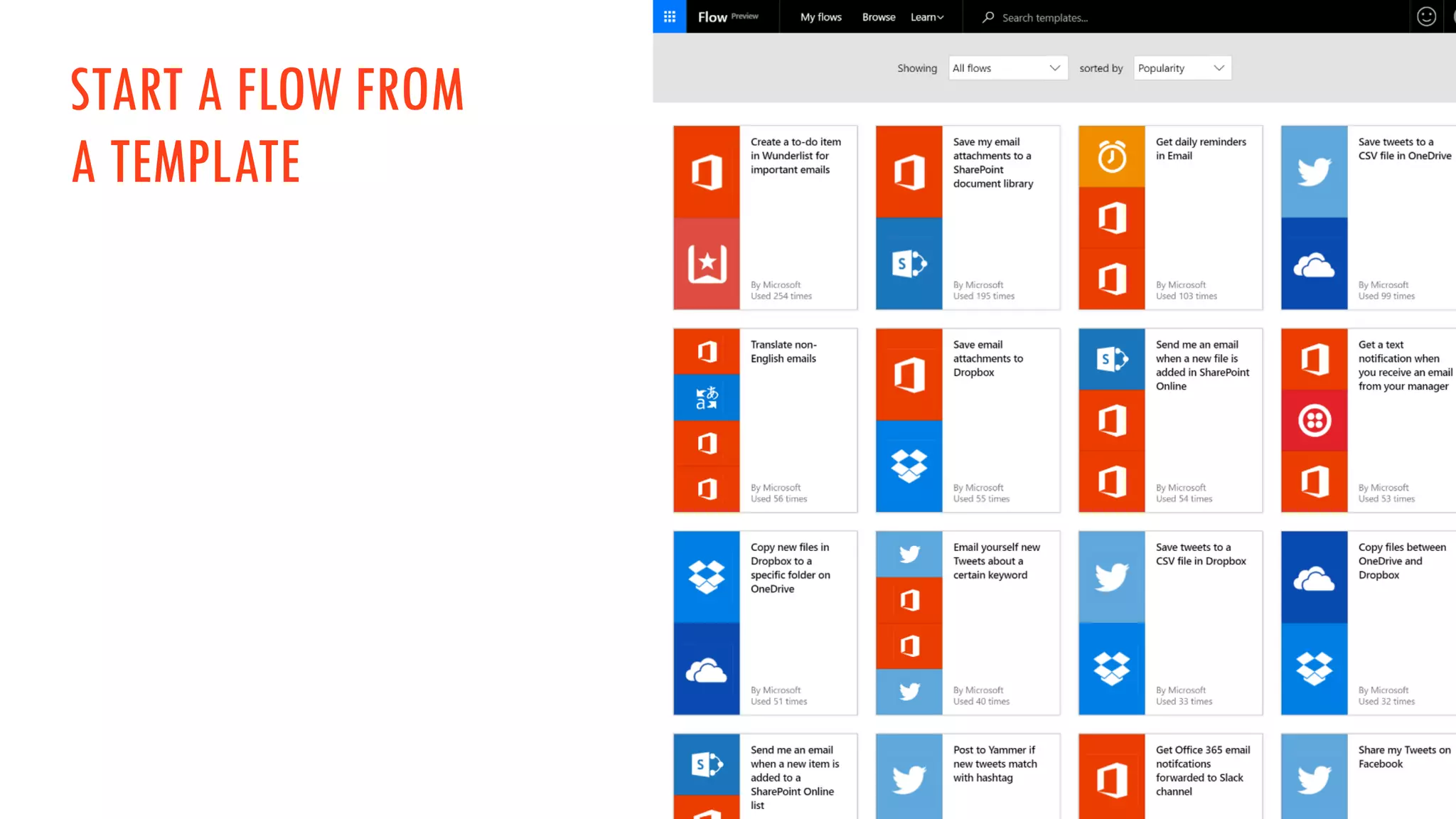
START A FLOW FROM
A TEMPLATE
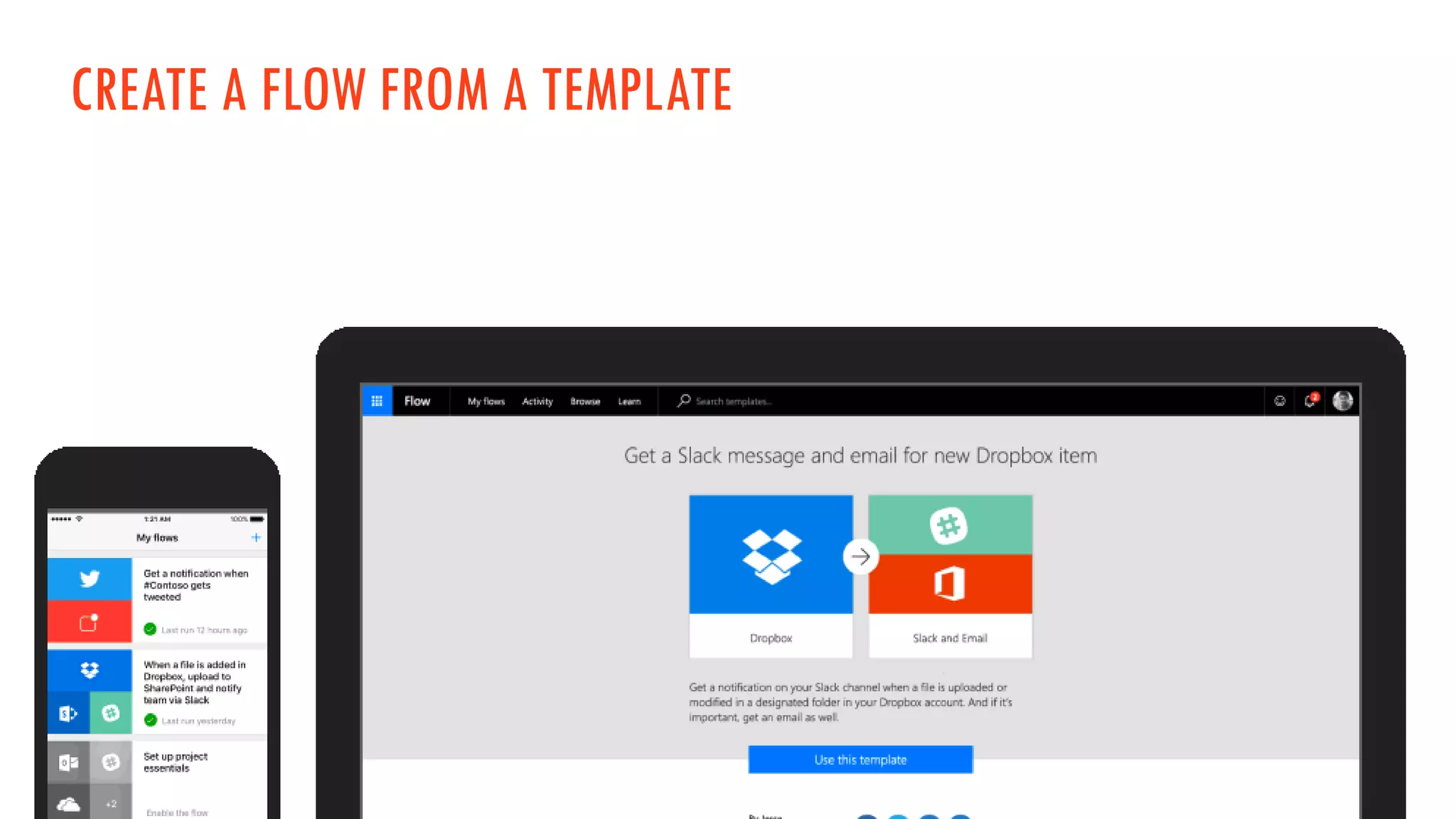
CREATE A FLOW FROM A TEMPLATE
MICROSOFT FLOW - CONNECTORS
Microsoft Flow has a list of more than 100+
connectors.
Some examples:
• SharePoint
• Twitter
• Facebook
• Salesforce
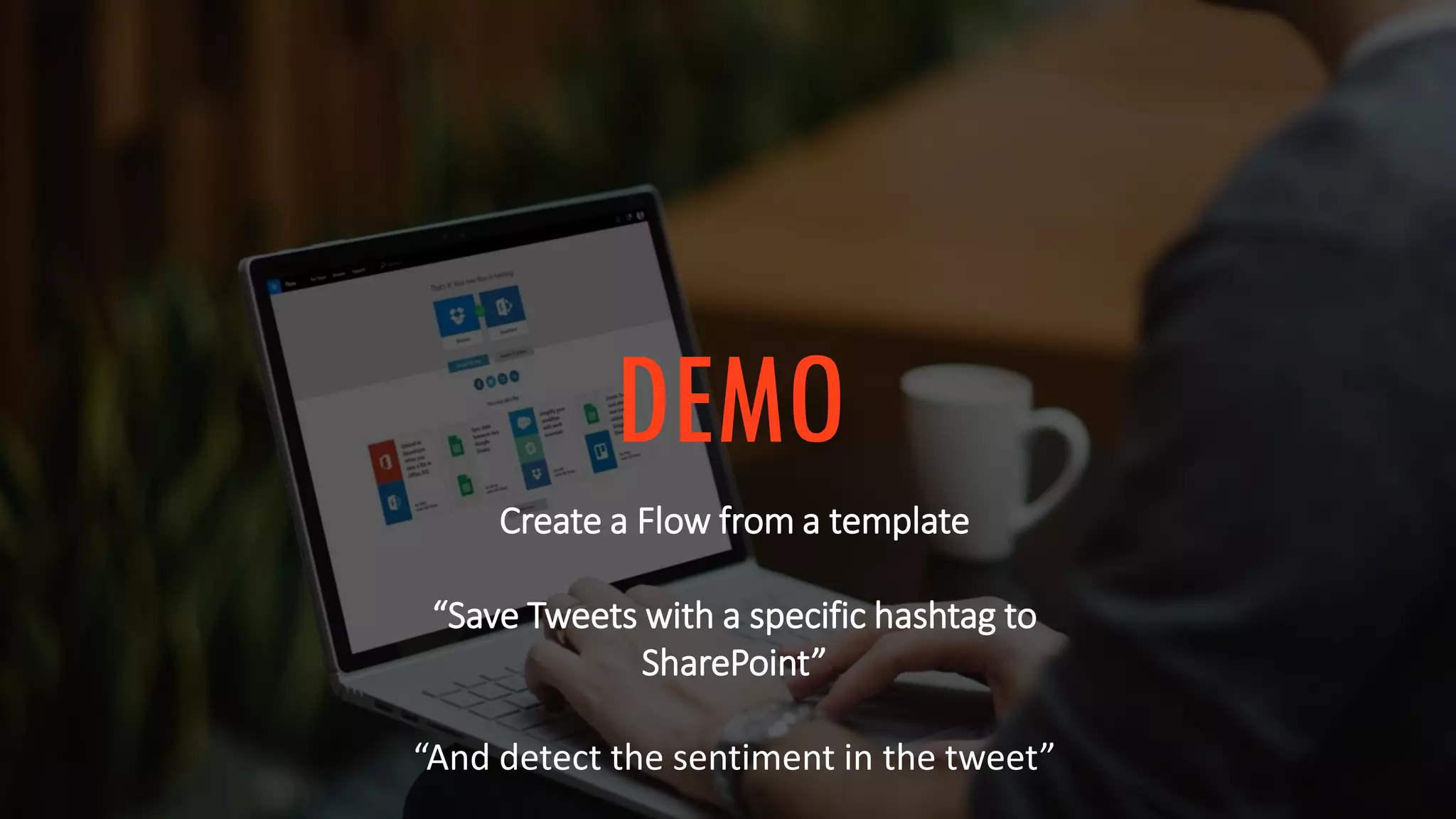
DEMO
Create a Flow from a template
“Save Tweets with a specific hashtag to
SharePoint”
“And detect the sentiment in the tweet”
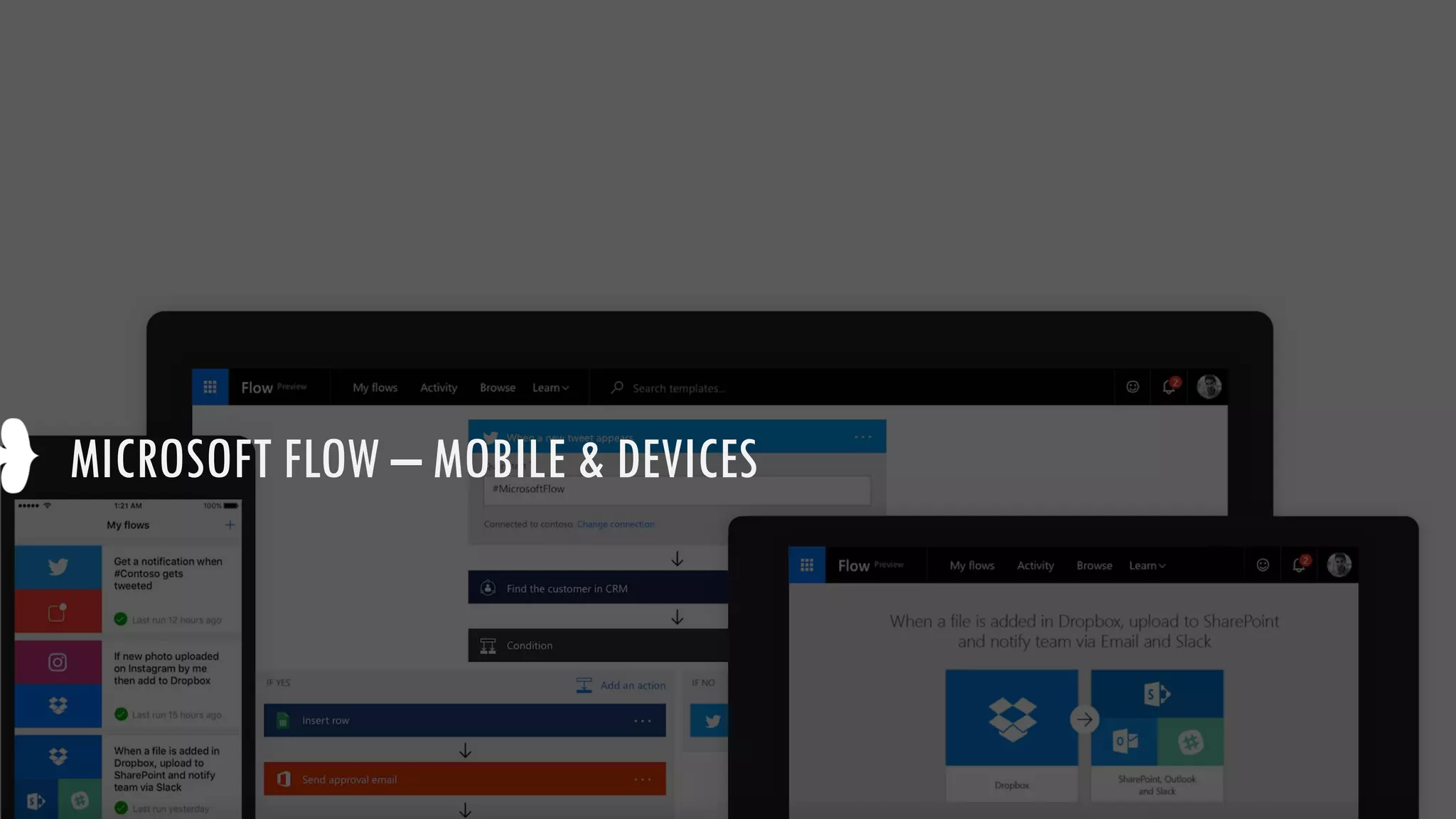
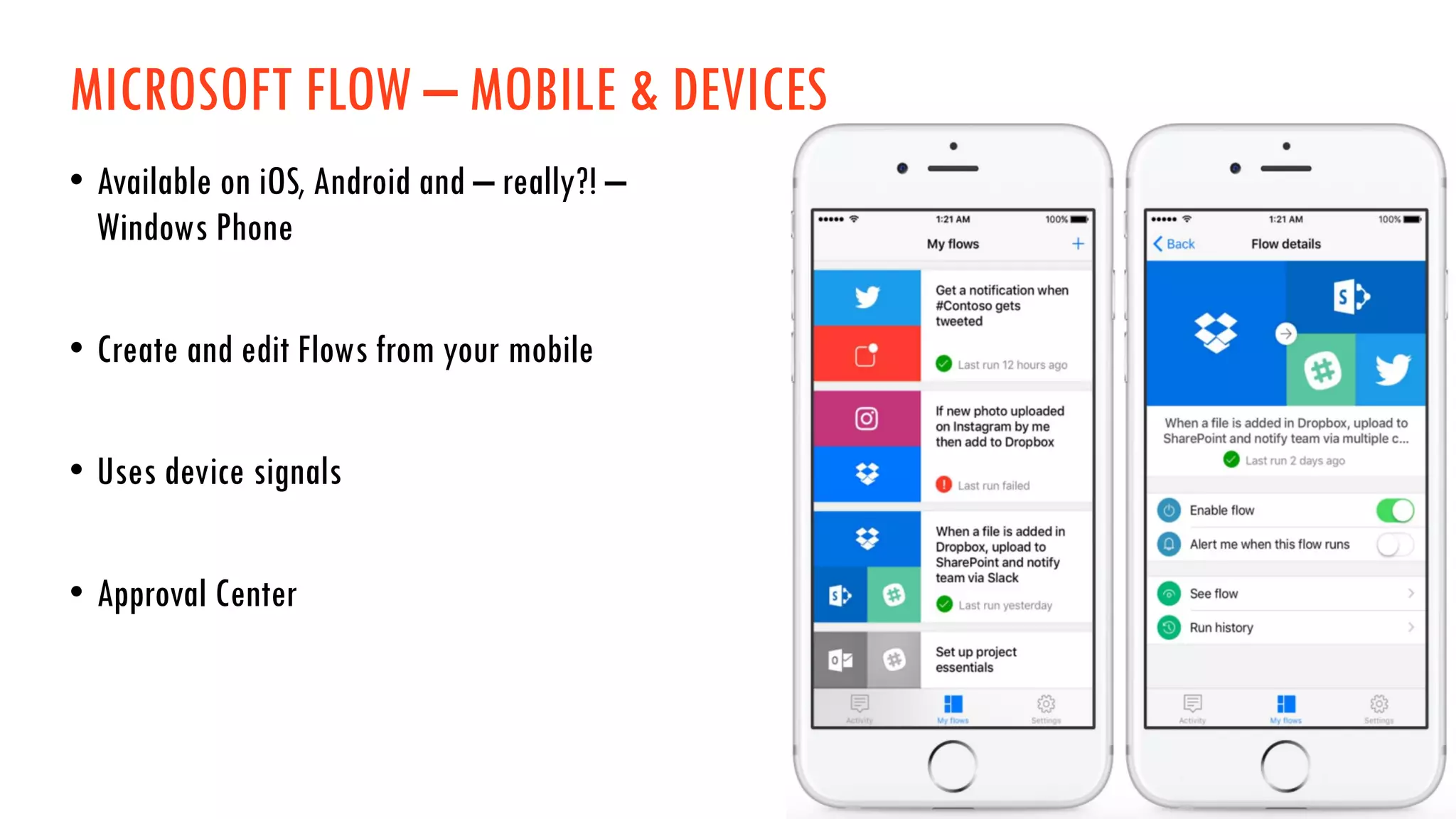
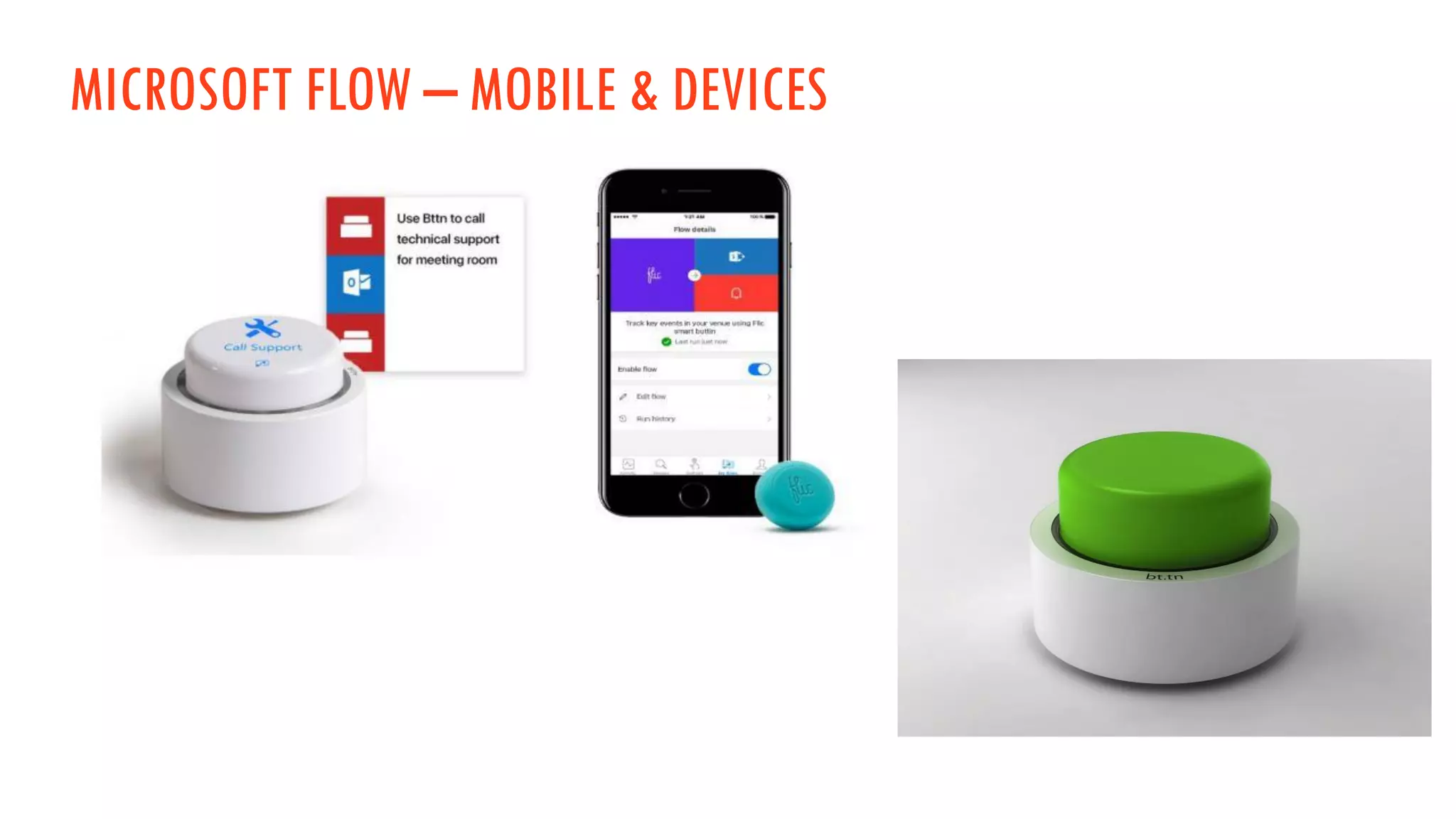
MICROSOFT FLOW – MOBILE & DEVICES
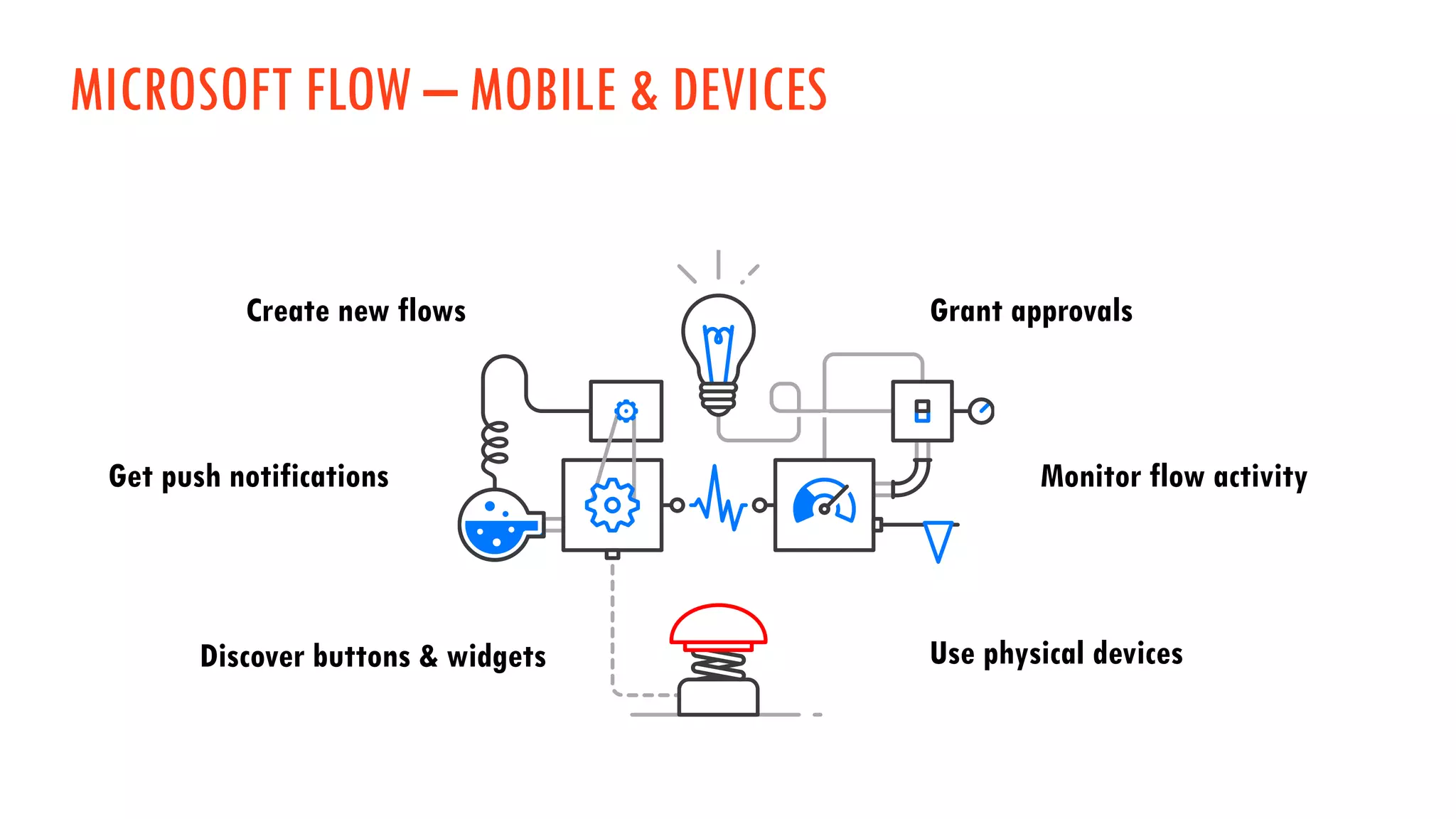
Create new flows
Monitor flow activityGet push notifications
Grant approvals
Discover buttons & widgets Use physical devices
MICROSOFT FLOW – MOBILE & DEVICES
• Available on iOS, Android and – really?! –
Windows Phone
• Create and edit Flows from your mobile
• Uses device signals
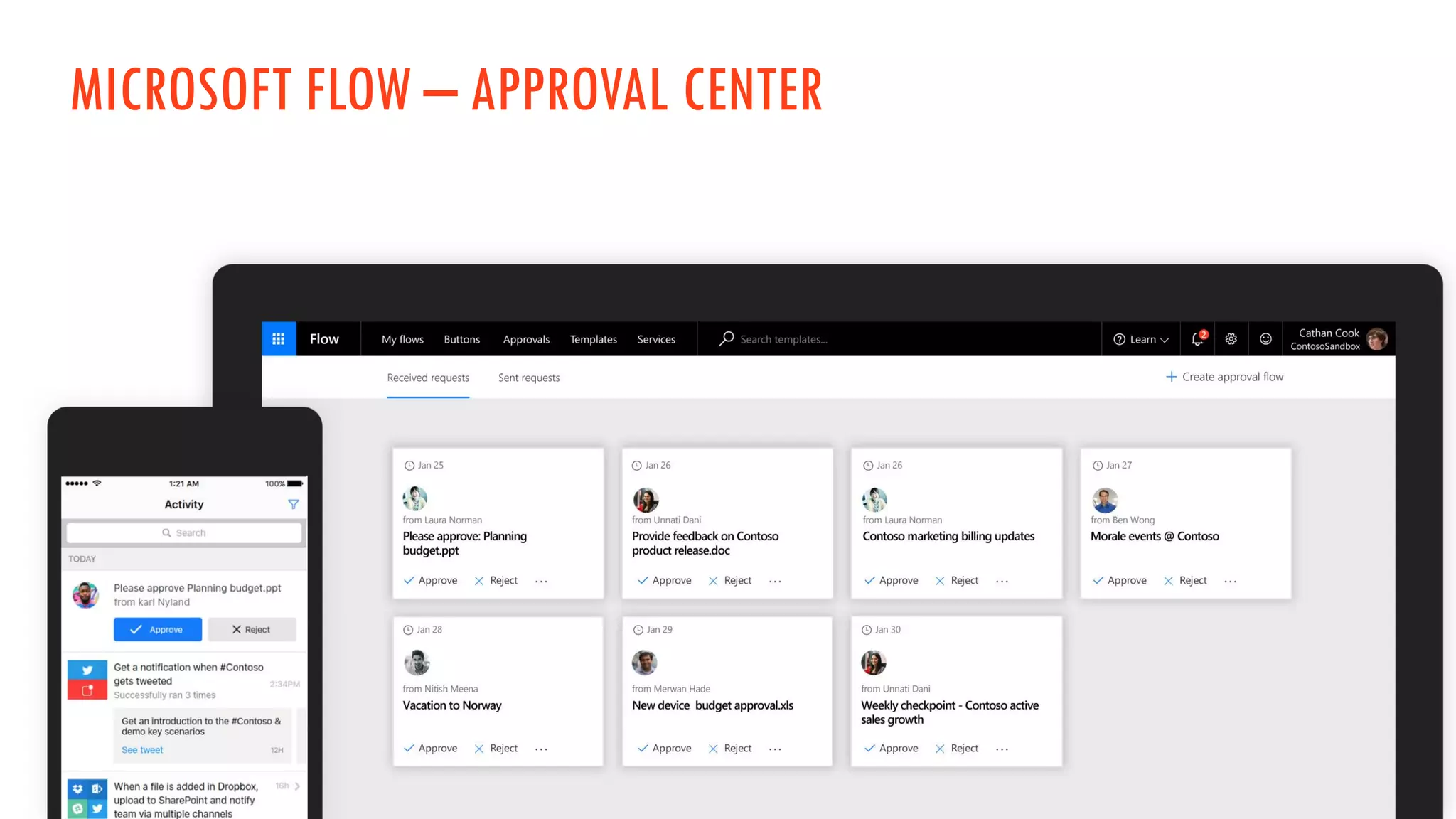
• Approval Center
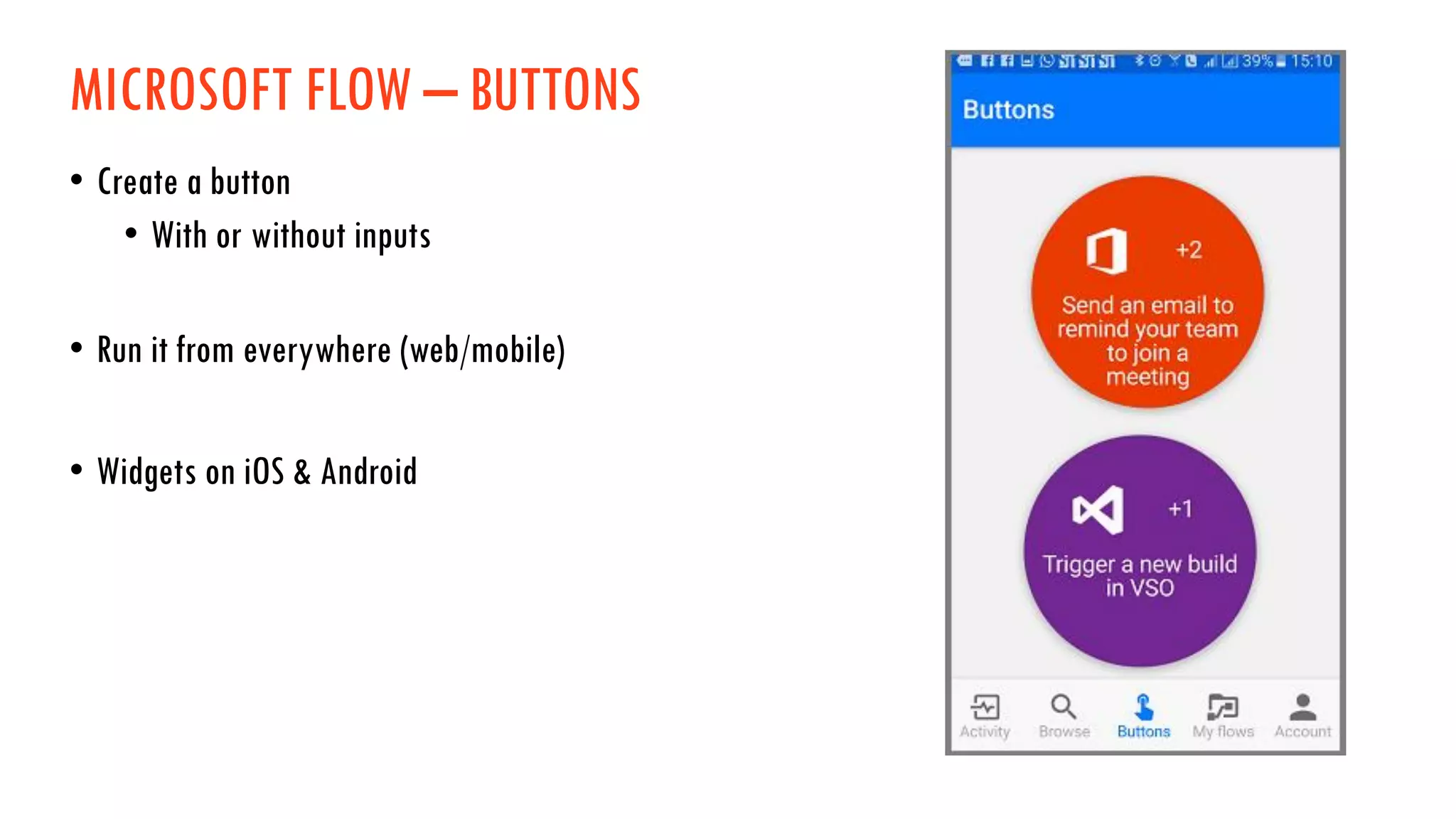
MICROSOFT FLOW – BUTTONS
• Create a button
• With or without inputs
• Run it from everywhere (web/mobile)
• Widgets on iOS & Android
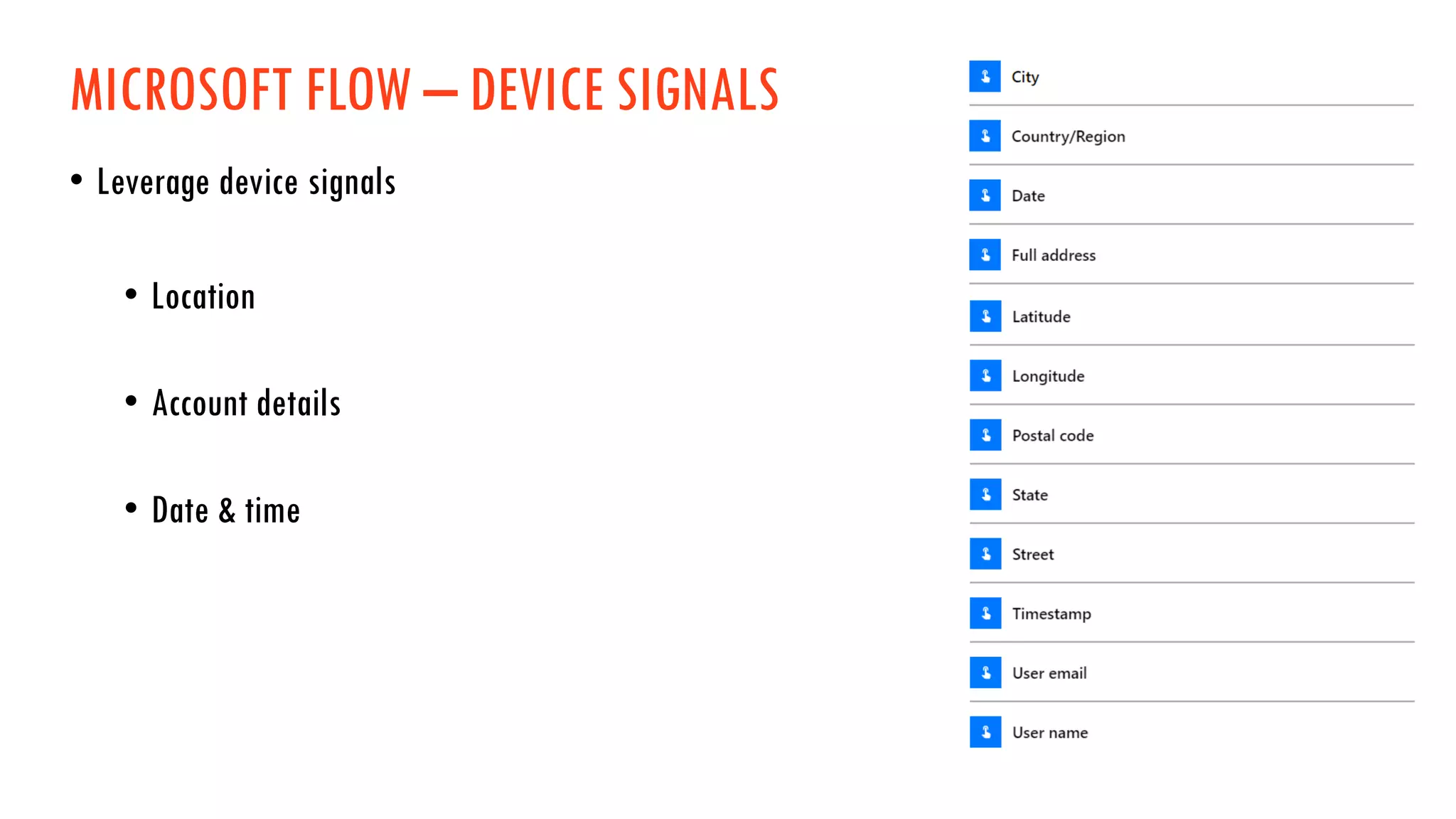
MICROSOFT FLOW – DEVICE SIGNALS
• Leverage device signals
• Location
• Account details
• Date & time
MICROSOFT FLOW – BUTTONS
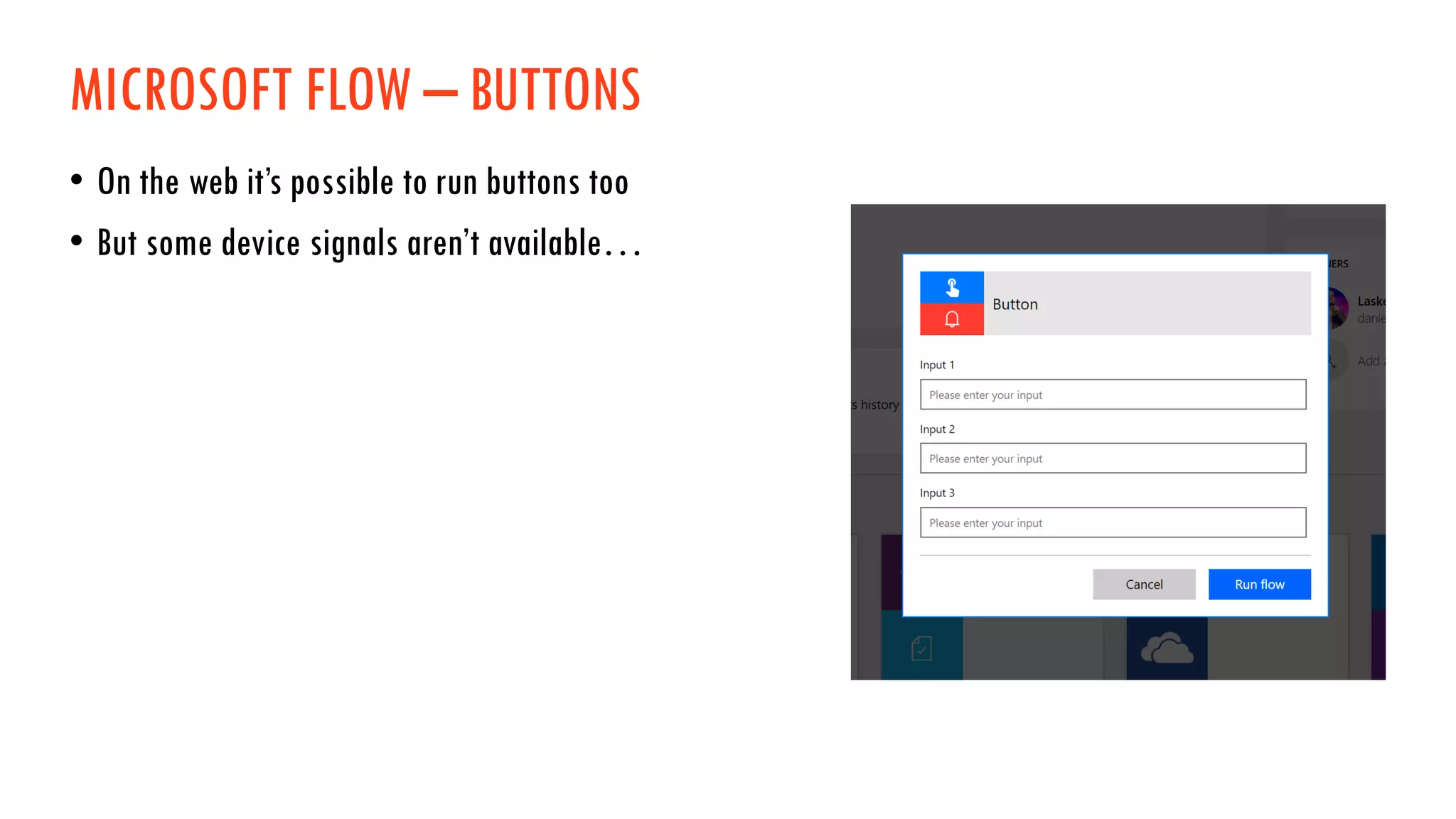
• On the web it’s possible to run buttons too
• But some device signals aren’t available…
MICROSOFT FLOW – DEVICE SIGNALS
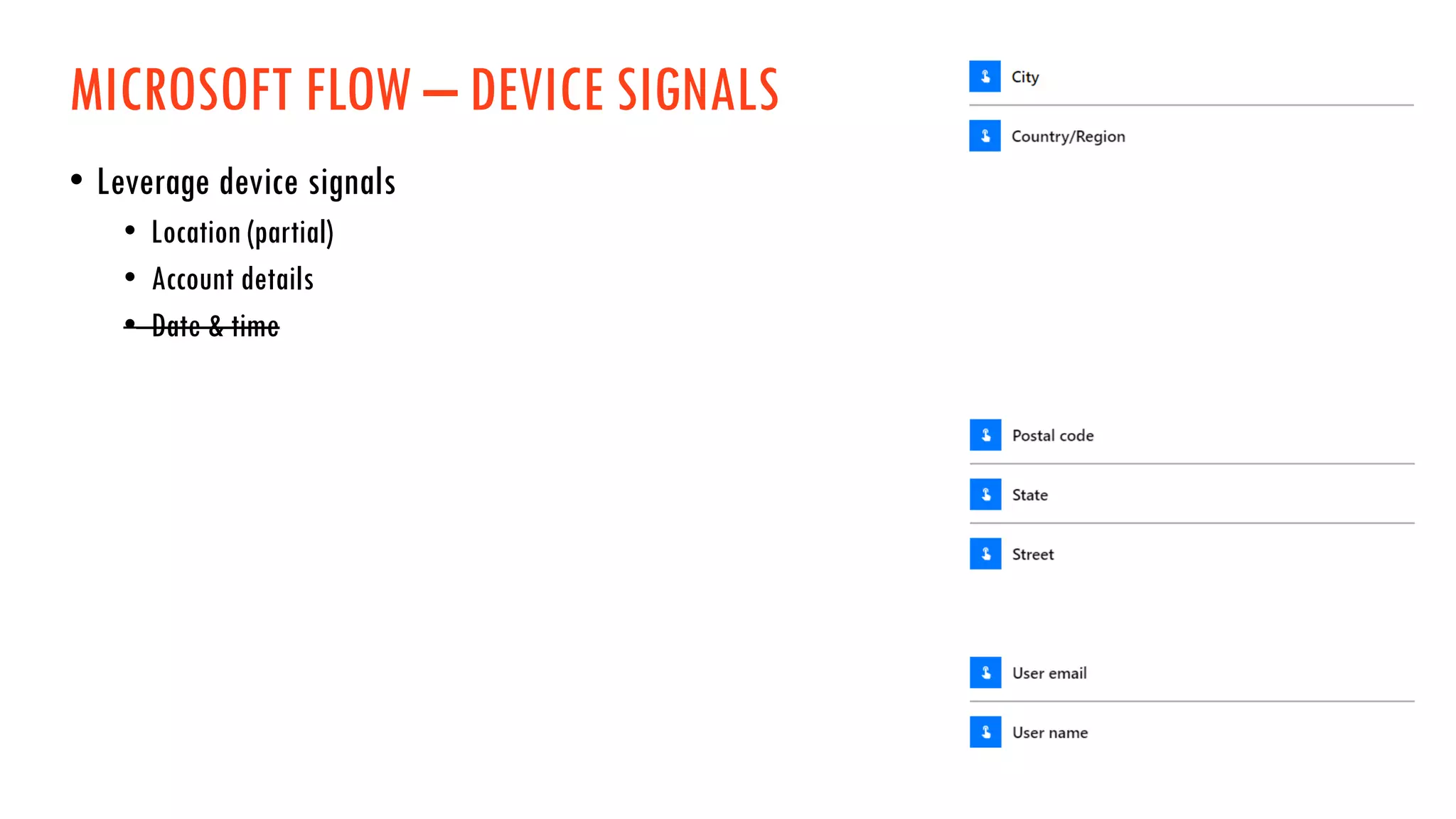
• Leverage device signals
• Location (partial)
• Account details
• Date & time
DEMO
Create a Flow with a mobile button
“Share my location”
MICROSOFT FLOW – APPROVAL CENTER
DEMO
Create a Flow with a modern approval
“Approve a Twitter post”
MICROSOFT FLOW – MOBILE & DEVICES
MICROSOFT FLOW - KEEPING FLOW SECURE
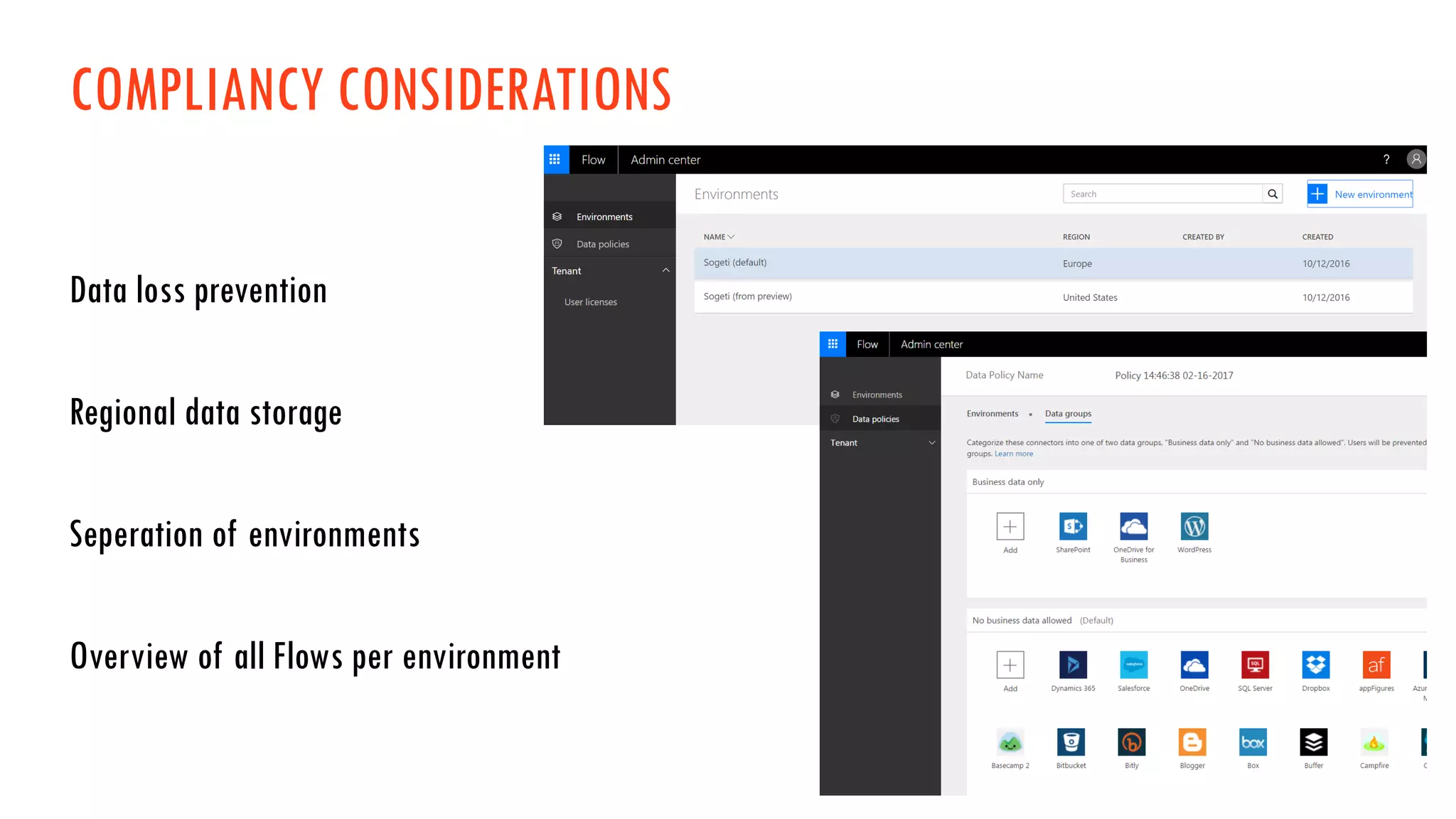
COMPLIANCY CONSIDERATIONS
Data loss prevention
Regional data storage
Seperation of environments
Overview of all Flows per environment
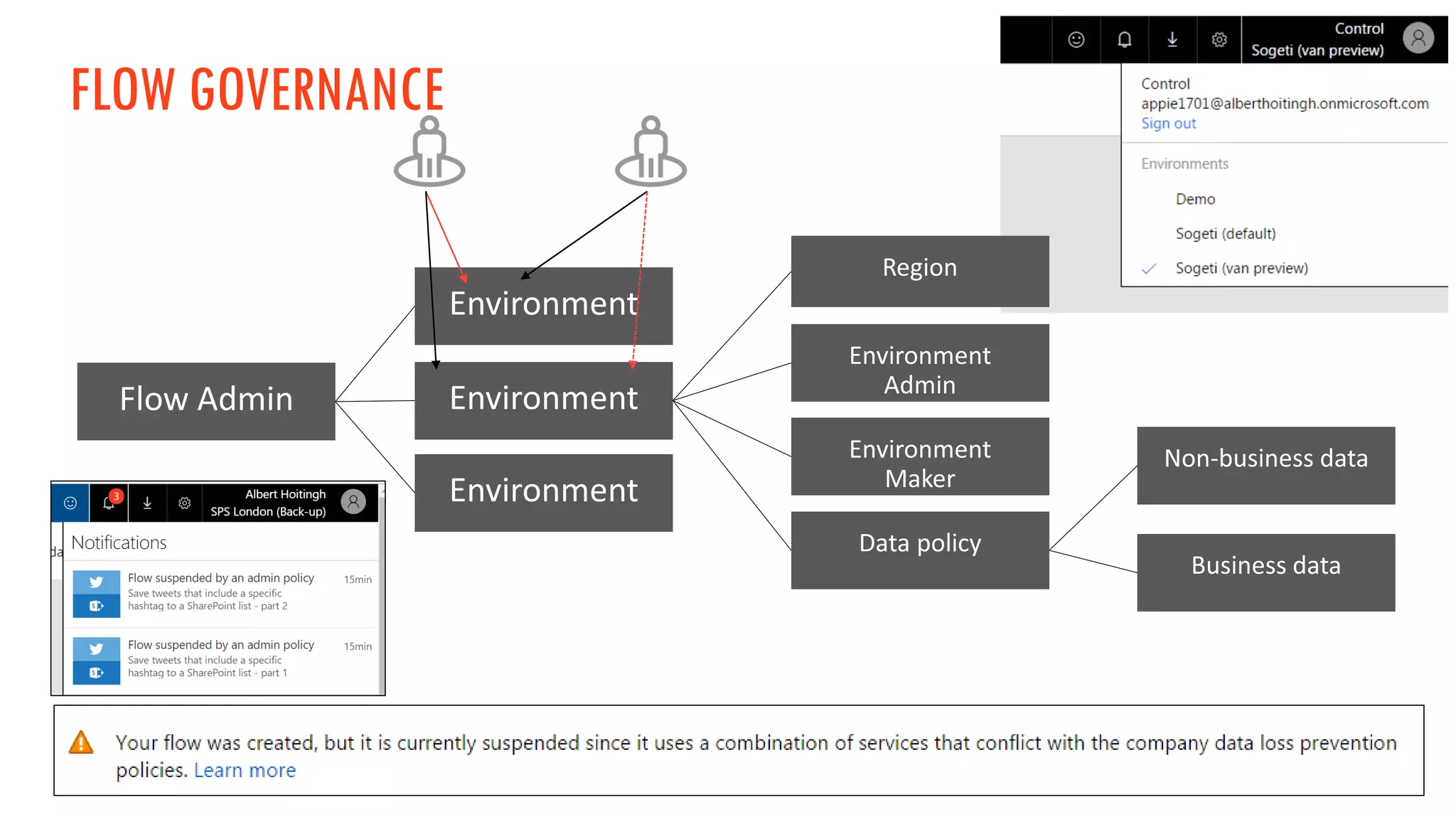
FLOW GOVERNANCE
DEMO
Keeping Flow Secure
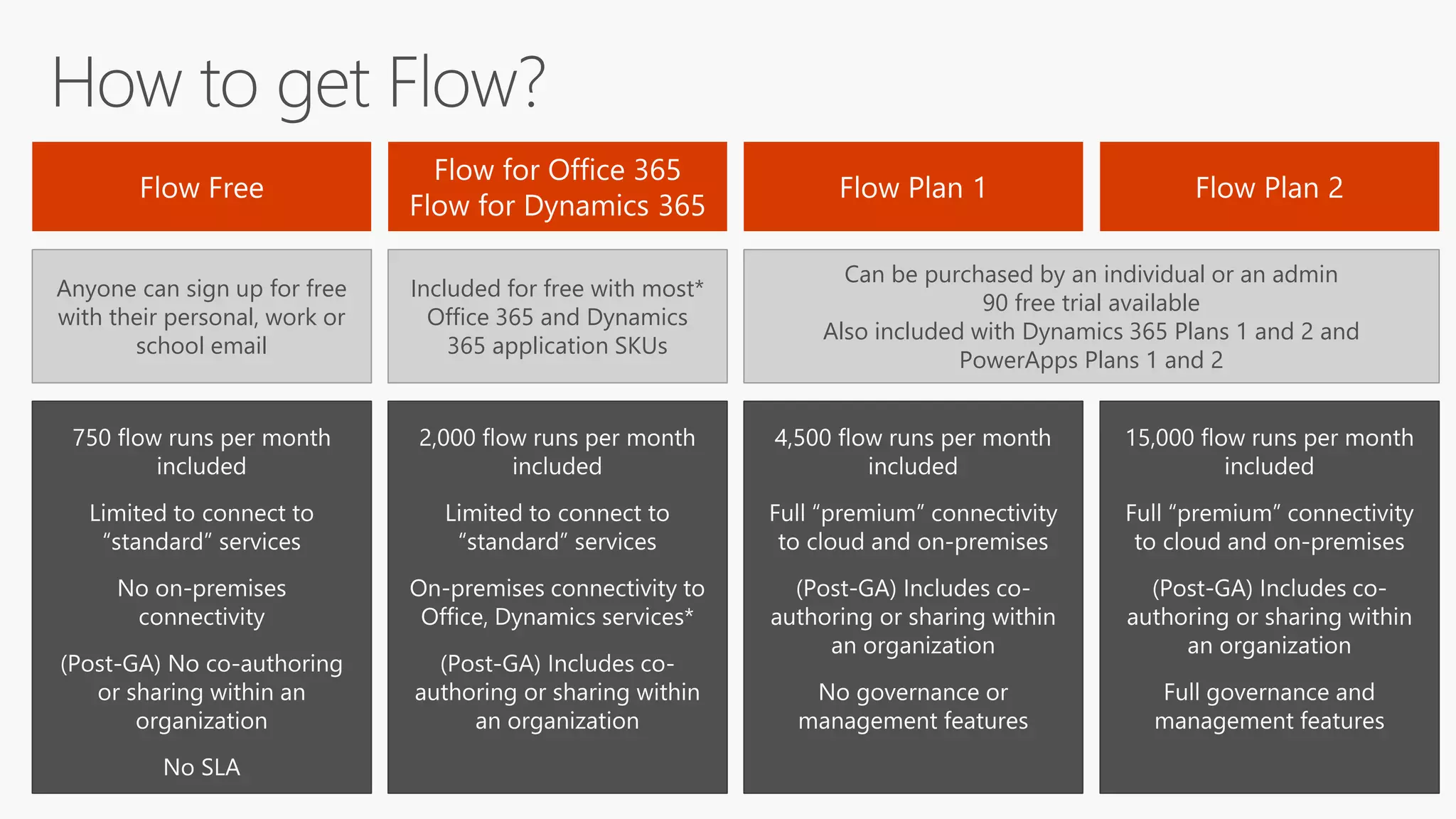
MICROSOFT FLOW – LICENSING & ROADMAP
Anyone can sign up for free
with their personal, work or
school email
Included for free with most*
Office 365 and Dynamics
365 application SKUs
Can be purchased by an individual or an admin
90 free trial available
Also included with Dynamics 365 Plans 1 and 2 and
PowerApps Plans 1 and 2
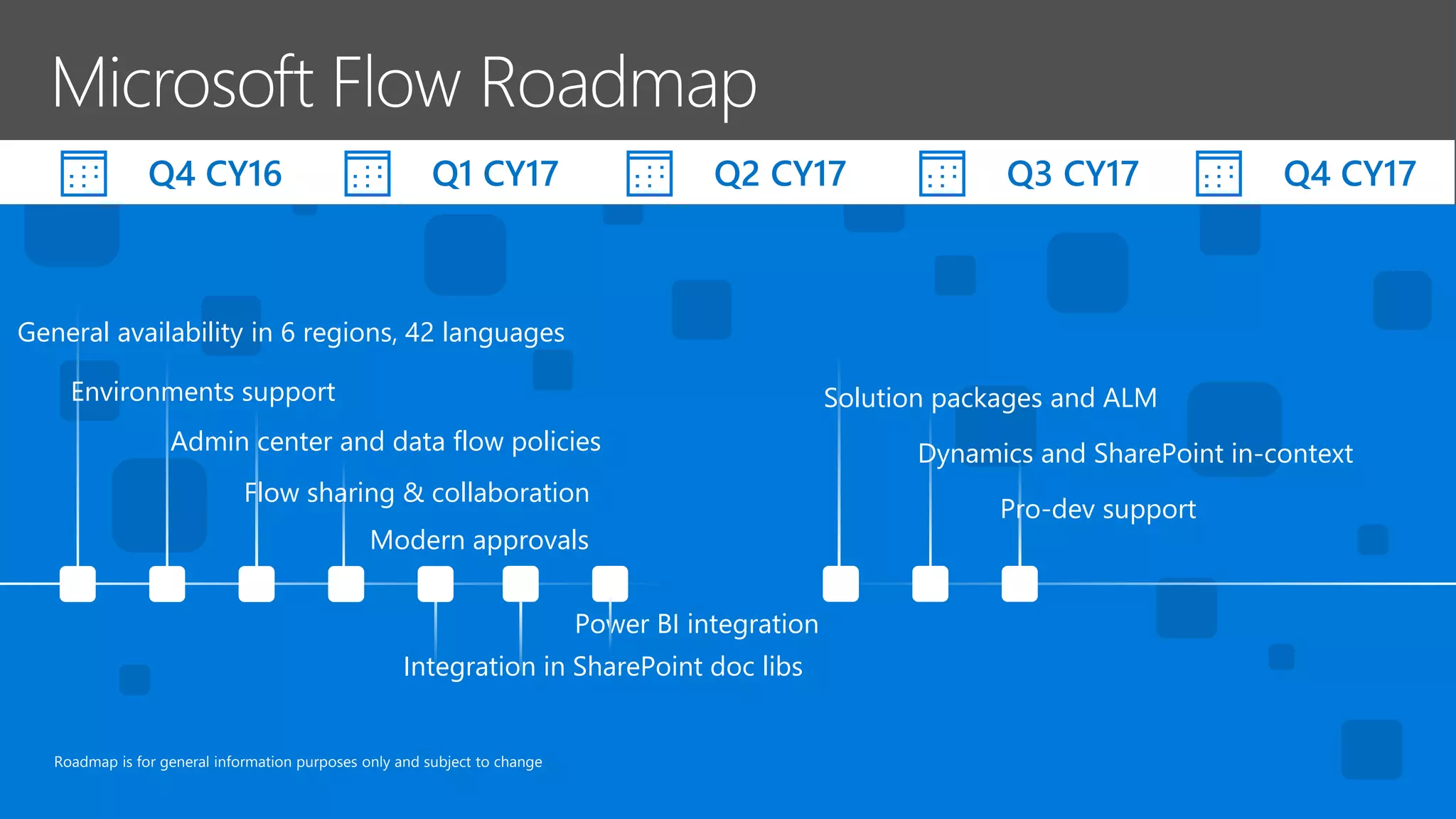
Roadmap is for general information purposes only and subject to change
General availability in 6 regions, 42 languages
Environments support
Admin center and data flow policies
Flow sharing & collaboration
Power BI integration
Q4 CY16
Solution packages and ALM
Dynamics and SharePoint in-context
Pro-dev support
Q1 CY17 Q2 CY17 Q3 CY17 Q4 CY17
Modern approvals
Integration in SharePoint doc libs
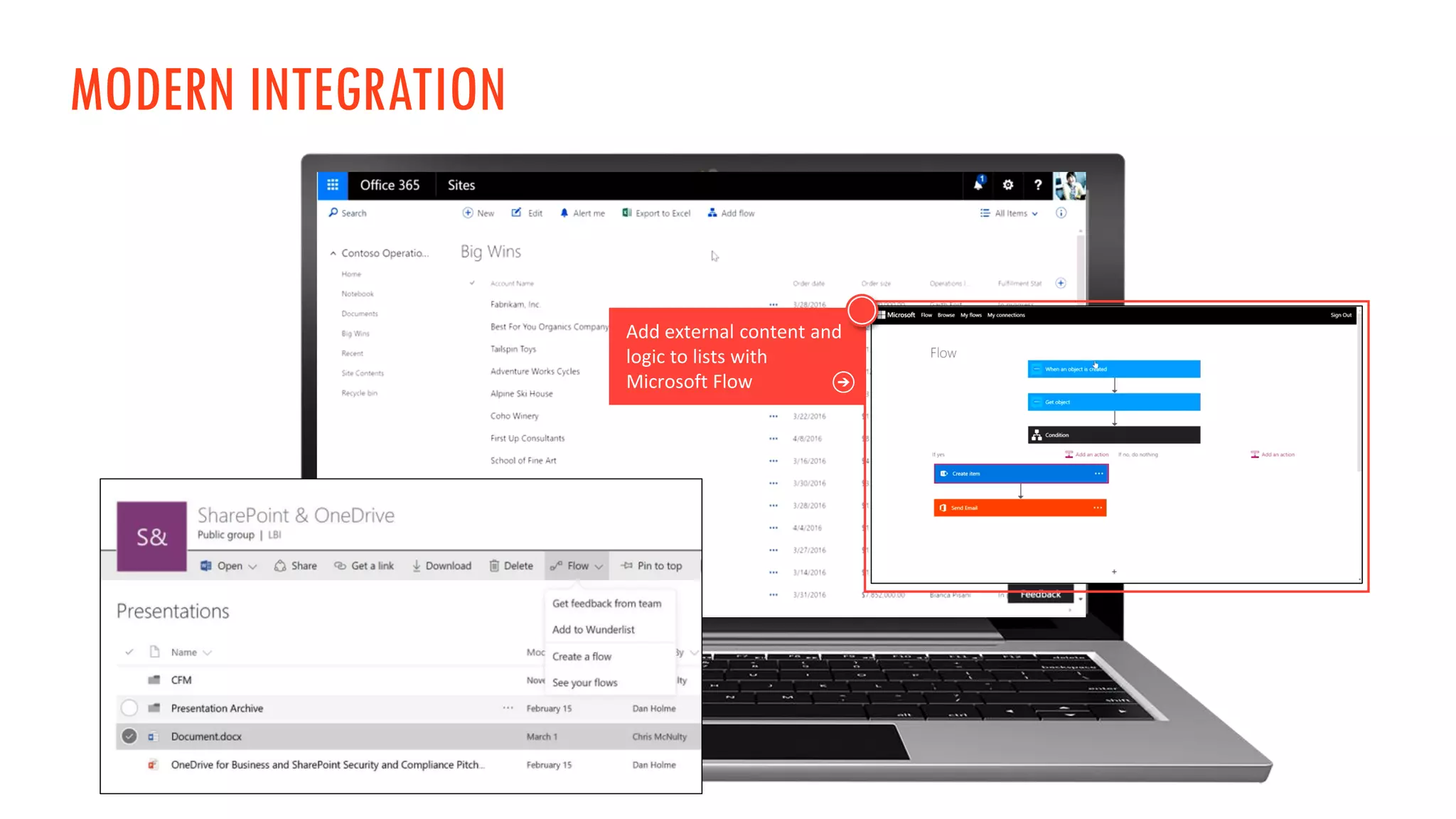
MODERN INTEGRATION
RESOURCES
• Microsoft Flow Blog
The Microsoft Flow team shares their updates here.
• Microsoft Flow Community
This is a community where you can share and vote for ideas, search
in the knowledge base and track community blogs.
• Microsoft Flow Templates
To get started, you can use these templates.
Thank you for your time….
Reach out to us on Twitter:
@AlbertHoitingh
@Laskewitz

SharePoint Saturday London - Microsoft Flow Happy Hour

  • 2.
    MICROSOFT FLOW HAPPYHOUR How to use flows, governance and upcoming features
  • 3.
    THANKS TO OURSPONSORS!
  • 4.
    ABOUT US Who areDaniel & Albert?
  • 5.
  • 6.
    MICROSOFT FLOW IT POWERTO THE PEOPLE Empowering both power users, developers and IT Pro NOTIFICATIONS SYNCHRONIZE COLLECT AUTOMATE
  • 7.
    FLOW IN ESSENCEIS EASY Trigger Why do I start? Condition Do I have a choice? Action What am I going to do?
  • 8.
    START A FLOWFROM A TEMPLATE
  • 9.
    CREATE A FLOWFROM A TEMPLATE
  • 10.
    MICROSOFT FLOW -CONNECTORS Microsoft Flow has a list of more than 100+ connectors. Some examples: • SharePoint • Twitter • Facebook • Salesforce
  • 11.
    DEMO Create a Flowfrom a template “Save Tweets with a specific hashtag to SharePoint” “And detect the sentiment in the tweet”
  • 12.
    MICROSOFT FLOW –MOBILE & DEVICES
  • 13.
    MICROSOFT FLOW –MOBILE & DEVICES Create new flows Monitor flow activityGet push notifications Grant approvals Discover buttons & widgets Use physical devices
  • 14.
    MICROSOFT FLOW –MOBILE & DEVICES • Available on iOS, Android and – really?! – Windows Phone • Create and edit Flows from your mobile • Uses device signals • Approval Center
  • 15.
  • 16.
    MICROSOFT FLOW –BUTTONS • Create a button • With or without inputs • Run it from everywhere (web/mobile) • Widgets on iOS & Android
  • 17.
    MICROSOFT FLOW –DEVICE SIGNALS • Leverage device signals • Location • Account details • Date & time
  • 18.
    MICROSOFT FLOW –BUTTONS • On the web it’s possible to run buttons too • But some device signals aren’t available…
  • 19.
    MICROSOFT FLOW –DEVICE SIGNALS • Leverage device signals • Location (partial) • Account details • Date & time
  • 20.
    DEMO Create a Flowwith a mobile button “Share my location”
  • 21.
    MICROSOFT FLOW –APPROVAL CENTER
  • 22.
    MICROSOFT FLOW –APPROVAL CENTER
  • 23.
    DEMO Create a Flowwith a modern approval “Approve a Twitter post”
  • 24.
    MICROSOFT FLOW –MOBILE & DEVICES
  • 25.
    MICROSOFT FLOW -KEEPING FLOW SECURE
  • 26.
    COMPLIANCY CONSIDERATIONS Data lossprevention Regional data storage Seperation of environments Overview of all Flows per environment
  • 27.
  • 28.
  • 29.
    MICROSOFT FLOW –LICENSING & ROADMAP
  • 30.
    Anyone can signup for free with their personal, work or school email Included for free with most* Office 365 and Dynamics 365 application SKUs Can be purchased by an individual or an admin 90 free trial available Also included with Dynamics 365 Plans 1 and 2 and PowerApps Plans 1 and 2
  • 31.
    Roadmap is forgeneral information purposes only and subject to change General availability in 6 regions, 42 languages Environments support Admin center and data flow policies Flow sharing & collaboration Power BI integration Q4 CY16 Solution packages and ALM Dynamics and SharePoint in-context Pro-dev support Q1 CY17 Q2 CY17 Q3 CY17 Q4 CY17 Modern approvals Integration in SharePoint doc libs
  • 32.
  • 33.
    RESOURCES • Microsoft FlowBlog The Microsoft Flow team shares their updates here. • Microsoft Flow Community This is a community where you can share and vote for ideas, search in the knowledge base and track community blogs. • Microsoft Flow Templates To get started, you can use these templates.
  • 34.
    Thank you foryour time…. Reach out to us on Twitter: @AlbertHoitingh @Laskewitz