











Energize your application
developments with Microsoft Flow
Serge Luca, Isabelle Van Campenhoudt
ShareQL, Belgium
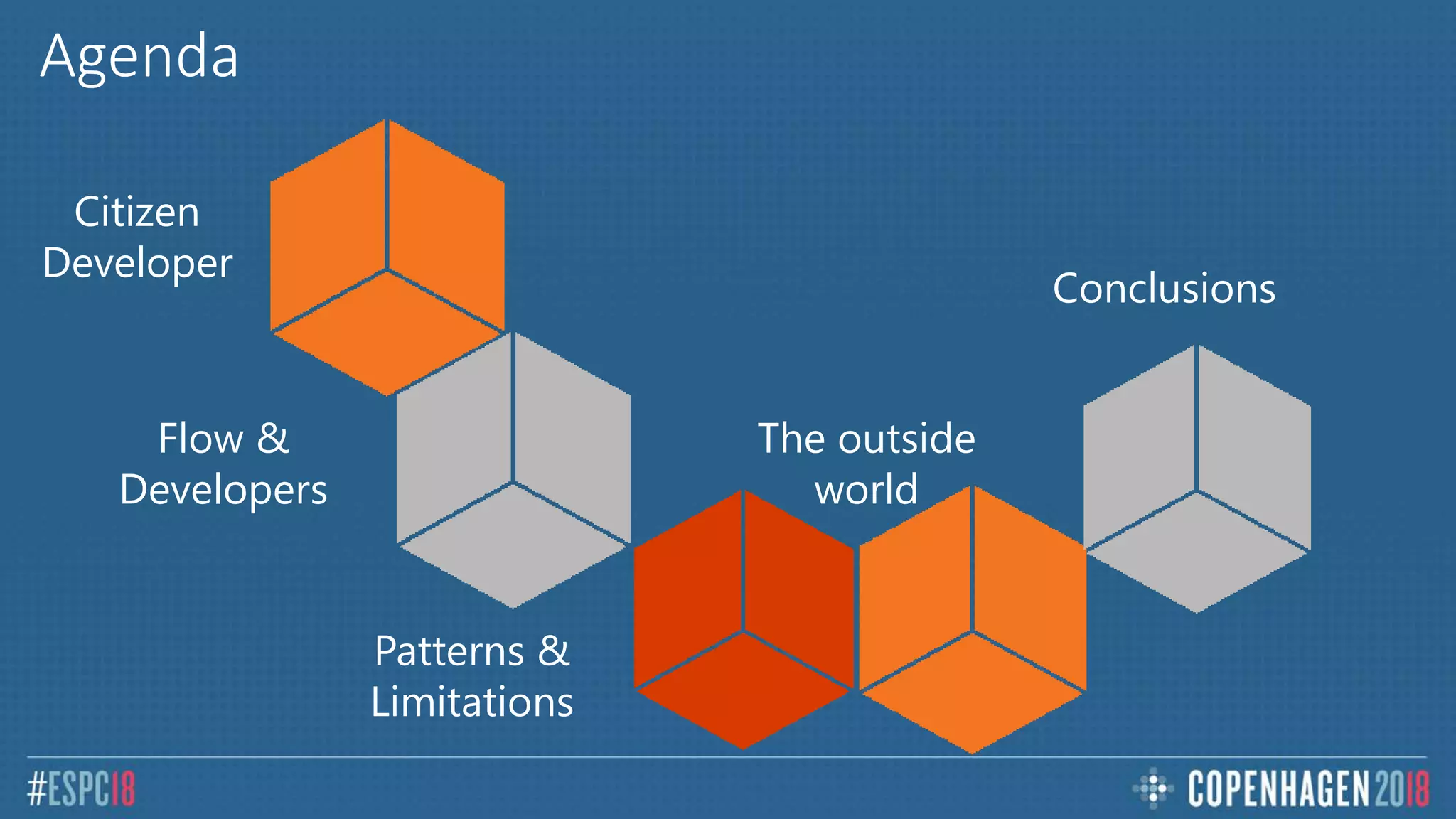
Conclusions
The outside
world
Patterns &
Limitations
Flow &
Developers
Citizen
Developer
Agenda
Office Apps & services MVP
Business Applications MVP
O365 Architect
@sergeluca
ShareQL Brussels
Office365
Flow
Dev
Architecture
Bullshit
Serge Luca aka “Doctor Flow”
Data Platform MVP
Consultant, speaker, trainer
@thesqlgrrrl
ShareQL Brussels
Isabelle Van Campenhoudt
SQL
BI
Tuning
Architecture
Coffee making
Questions ?
Microsoft Flow &
Citizen Developers
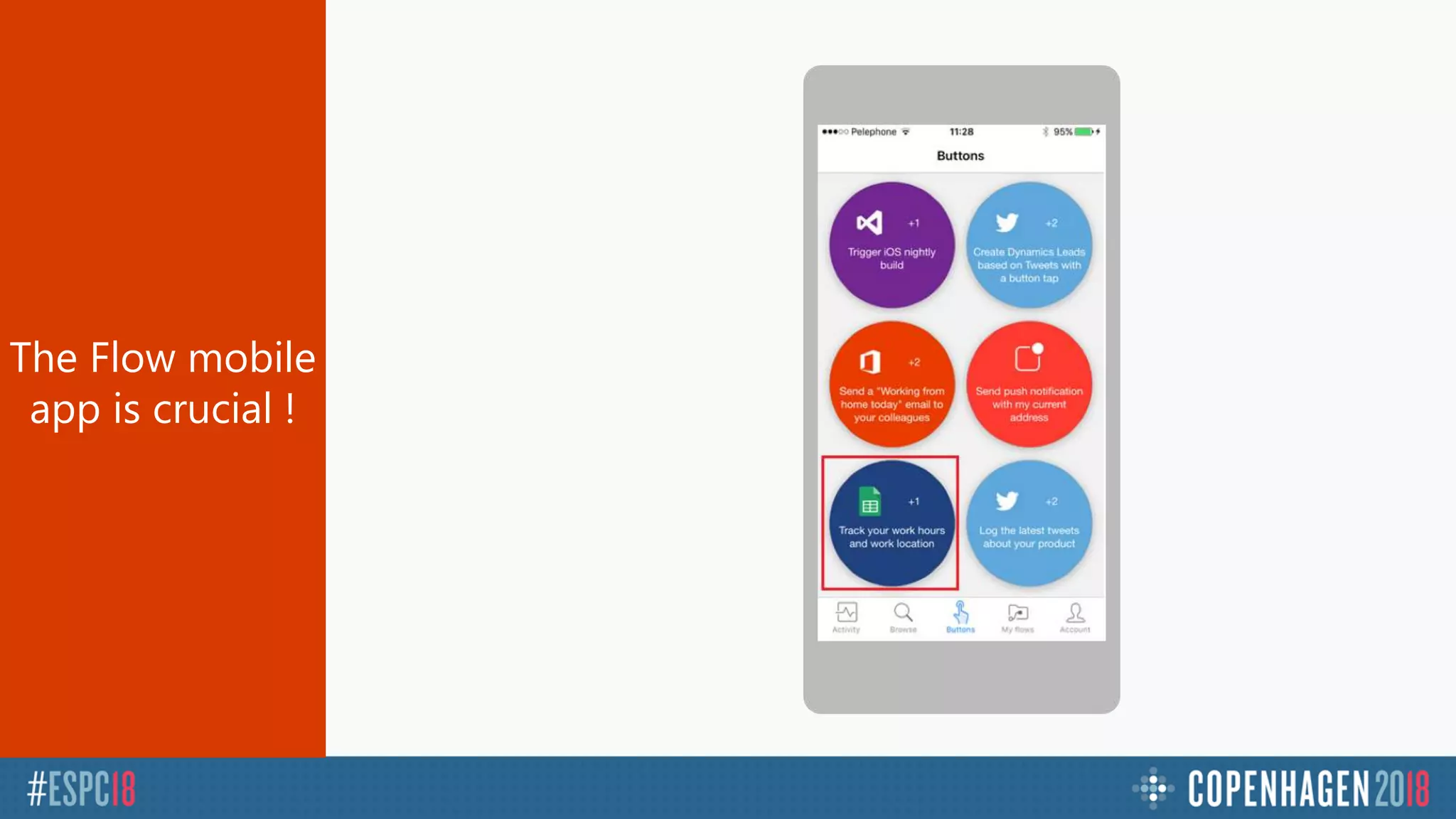
The Flow mobile
app is crucial !
Demo
Track your time
Automatic timesheet
Demo
Expense report
Flow approval escalation
Flow approval & Machine Learning
Approval Analytics
Microsoft Flow &
Developers
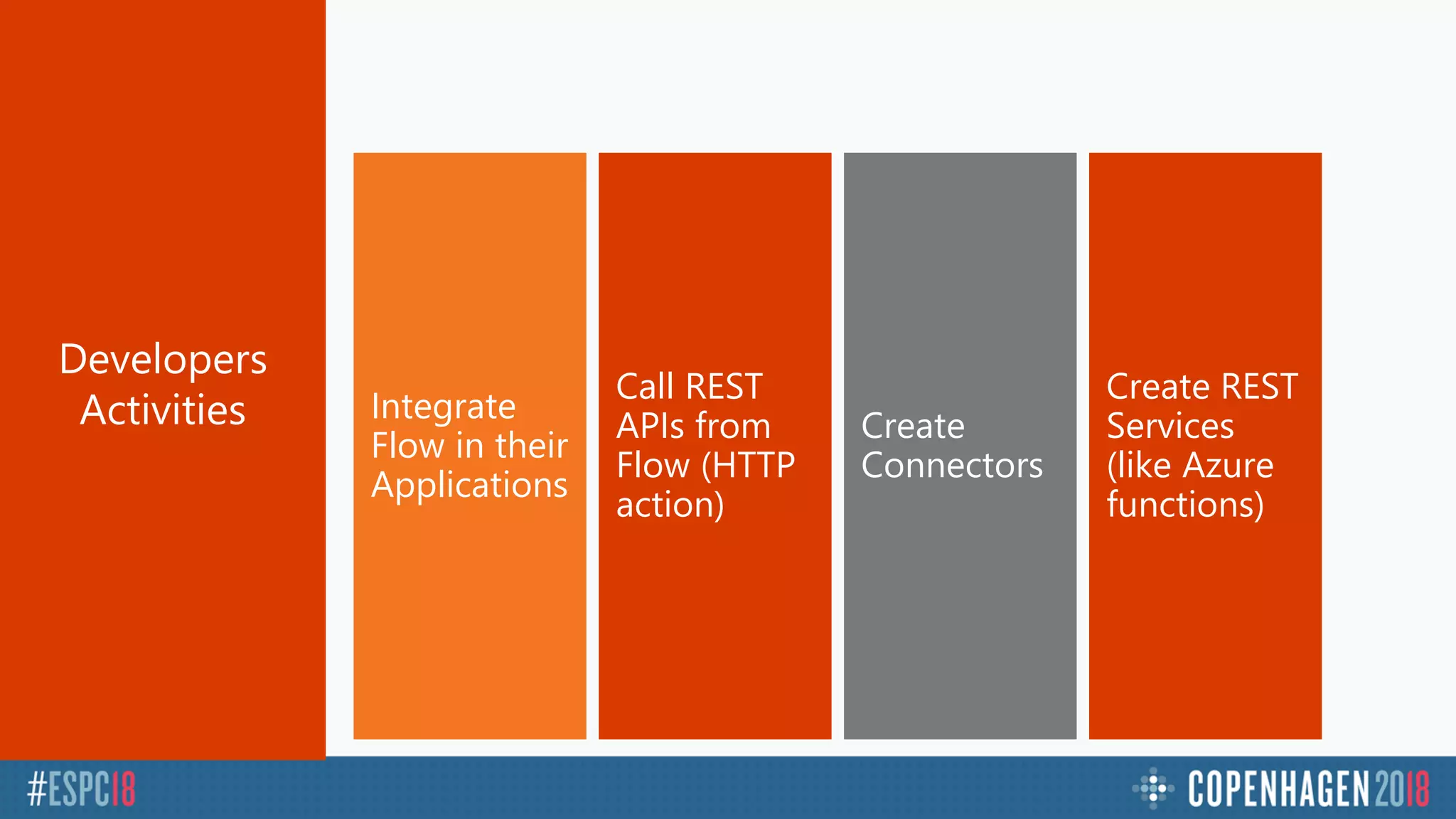
Create REST
Services
(like Azure
functions)
Create
Connectors
Call REST
APIs from
Flow (HTTP
action)
Integrate
Flow in their
Applications
Developers
Activities
Demo
Calling
the Graph API
Demo
Custom Connector
Patterns & Limitations
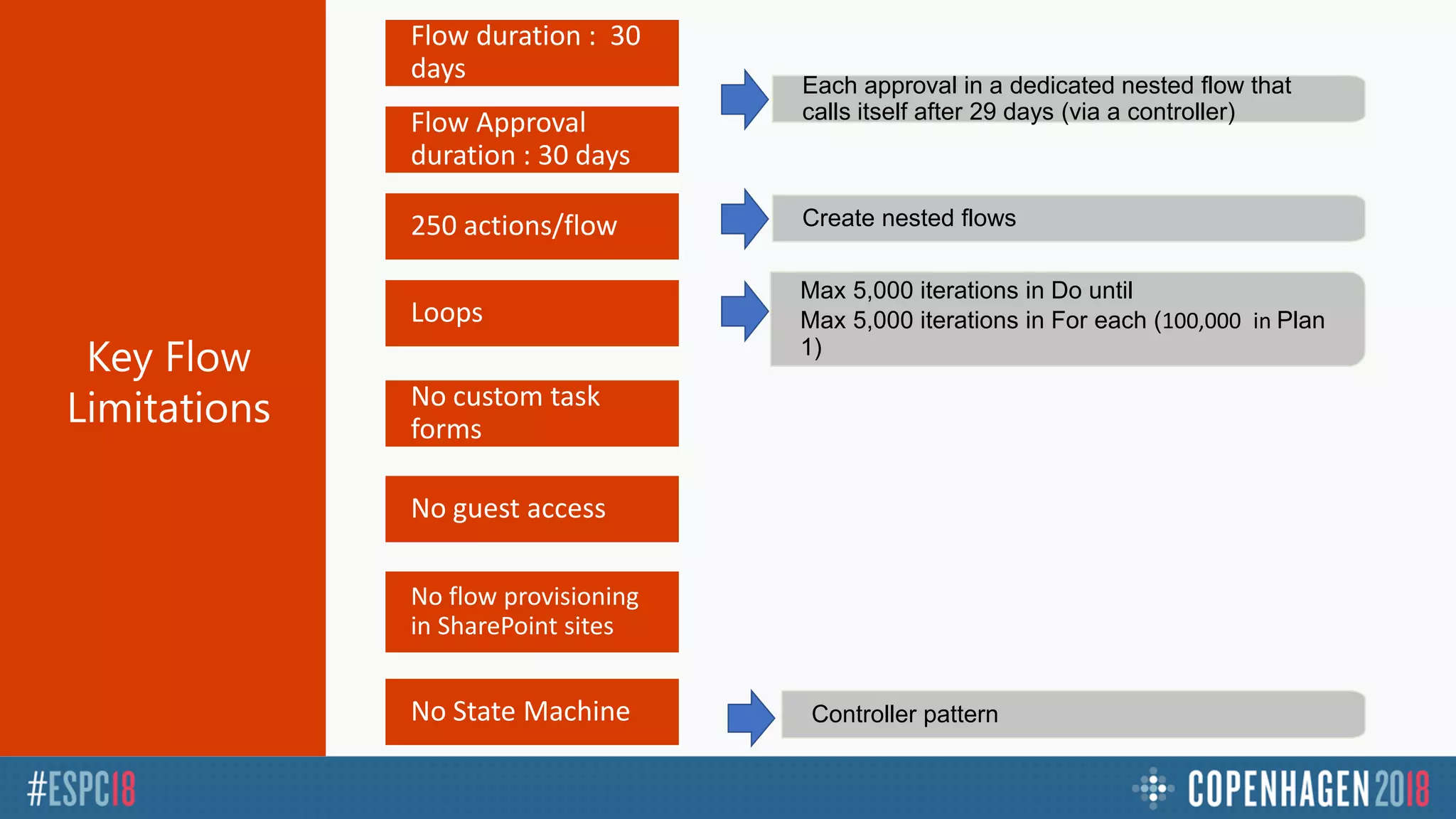
Controller patternNo State Machine
No custom task
forms
Max 5,000 iterations in Do until
Max 5,000 iterations in For each (100,000 in Plan
1)
Loops
Create nested flows250 actions/flow
Flow Approval
duration : 30 days
Flow duration : 30
days
No guest access
No flow provisioning
in SharePoint sites
Each approval in a dedicated nested flow that
calls itself after 29 days (via a controller)
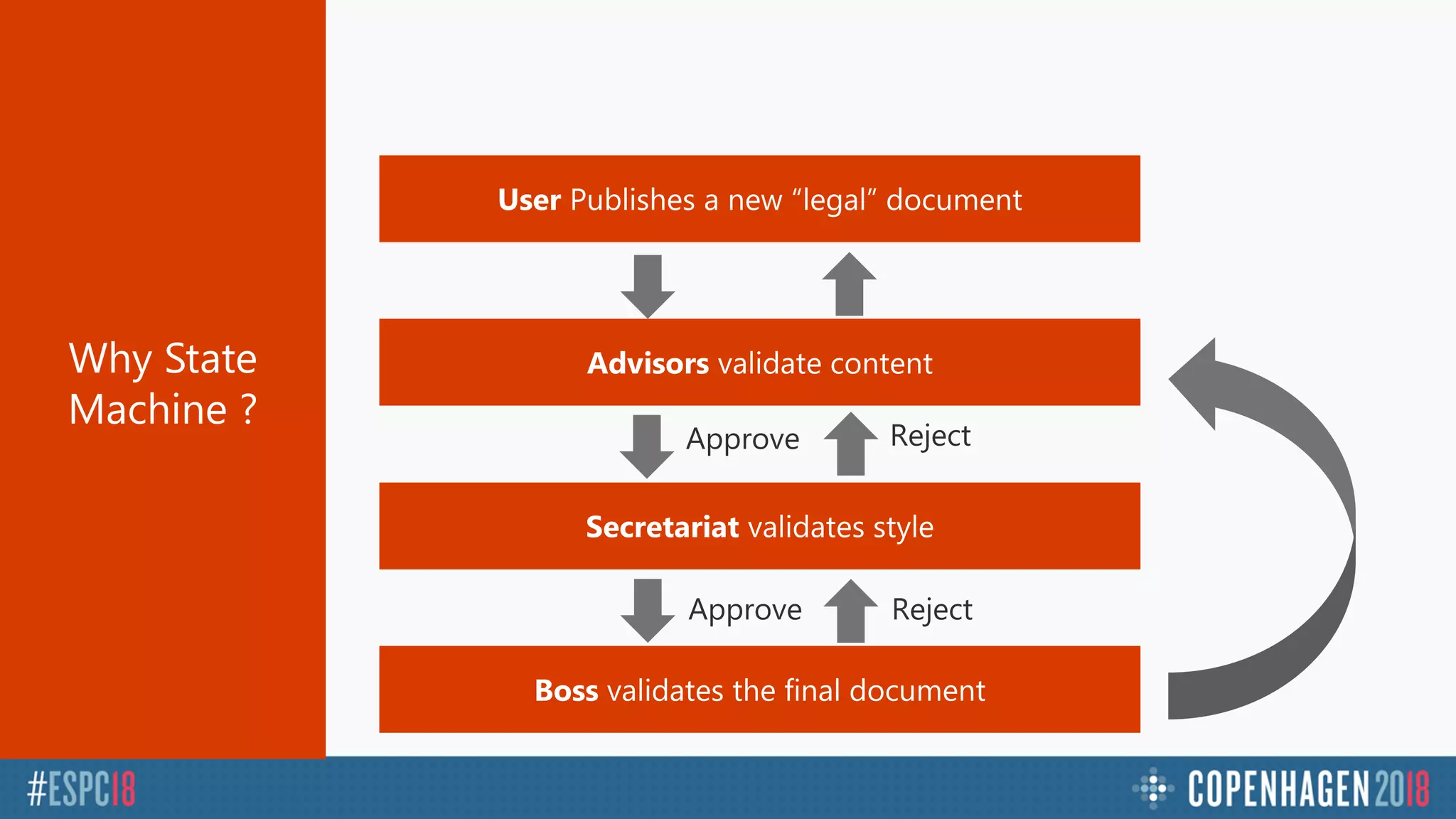
Why State
Machine ?
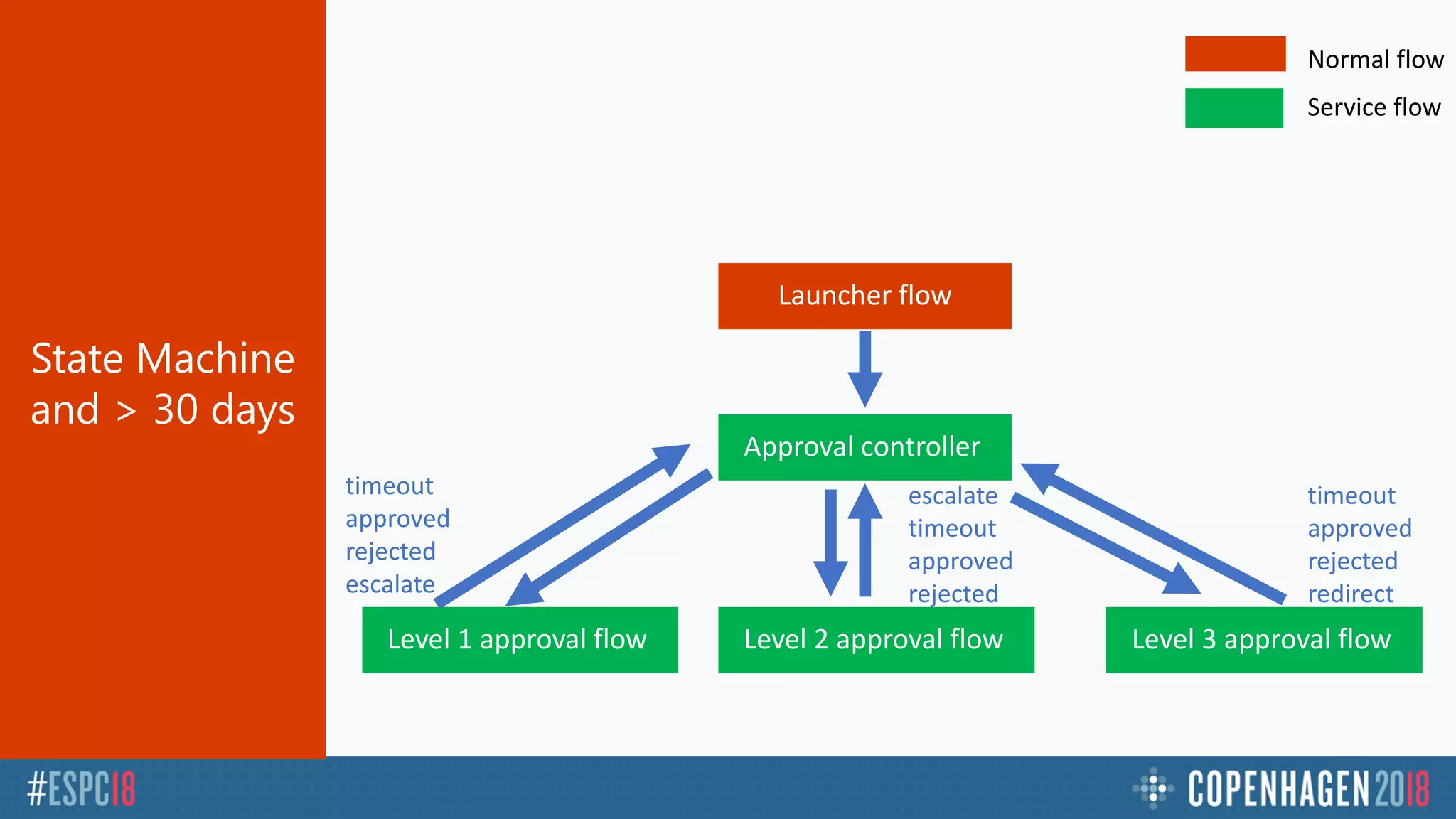
State Machine
and > 30 days
Approval controller
Launcher flow
Level 2 approval flowLevel 1 approval flow Level 3 approval flow
escalate
timeout
approved
rejected
timeout
approved
rejected
redirect
timeout
approved
rejected
escalate
Normal flow
Service flow
Demo
State Machine Pattern
> 30 days
Demo
Manage Errors
Demo
Parallelism Pattern
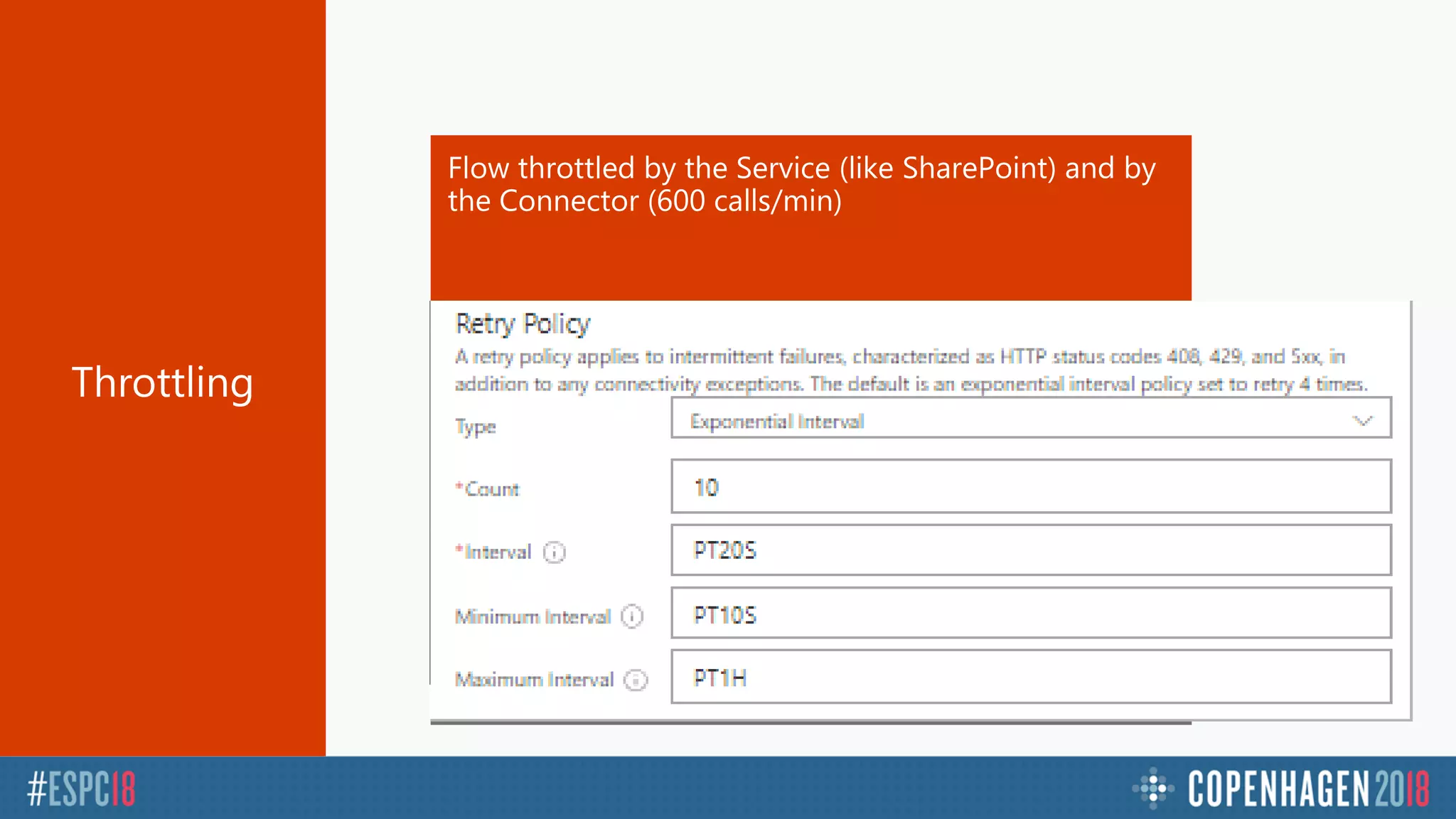
Adapt retry policy
Reduce flow concurrency
Use several connectors
Error HTTP 429 : « I’m too busy » come later (in 10 sec)
Flow throttled by the Service (like SharePoint) and by
the Connector (600 calls/min)
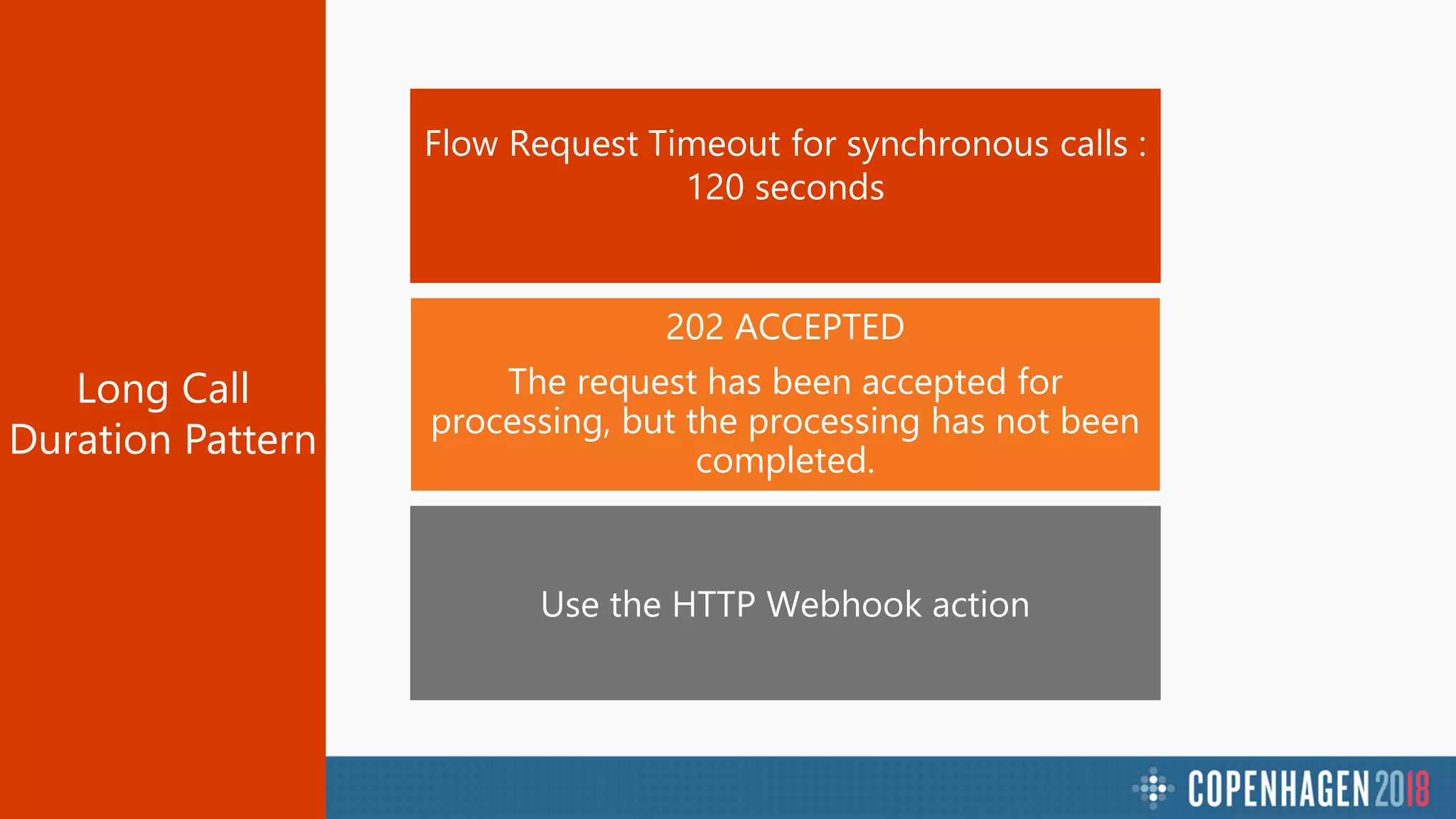
202 ACCEPTED
The request has been accepted for
processing, but the processing has not been
completed.
Long Call
Duration Pattern
Demo
Asynchronous Long Call
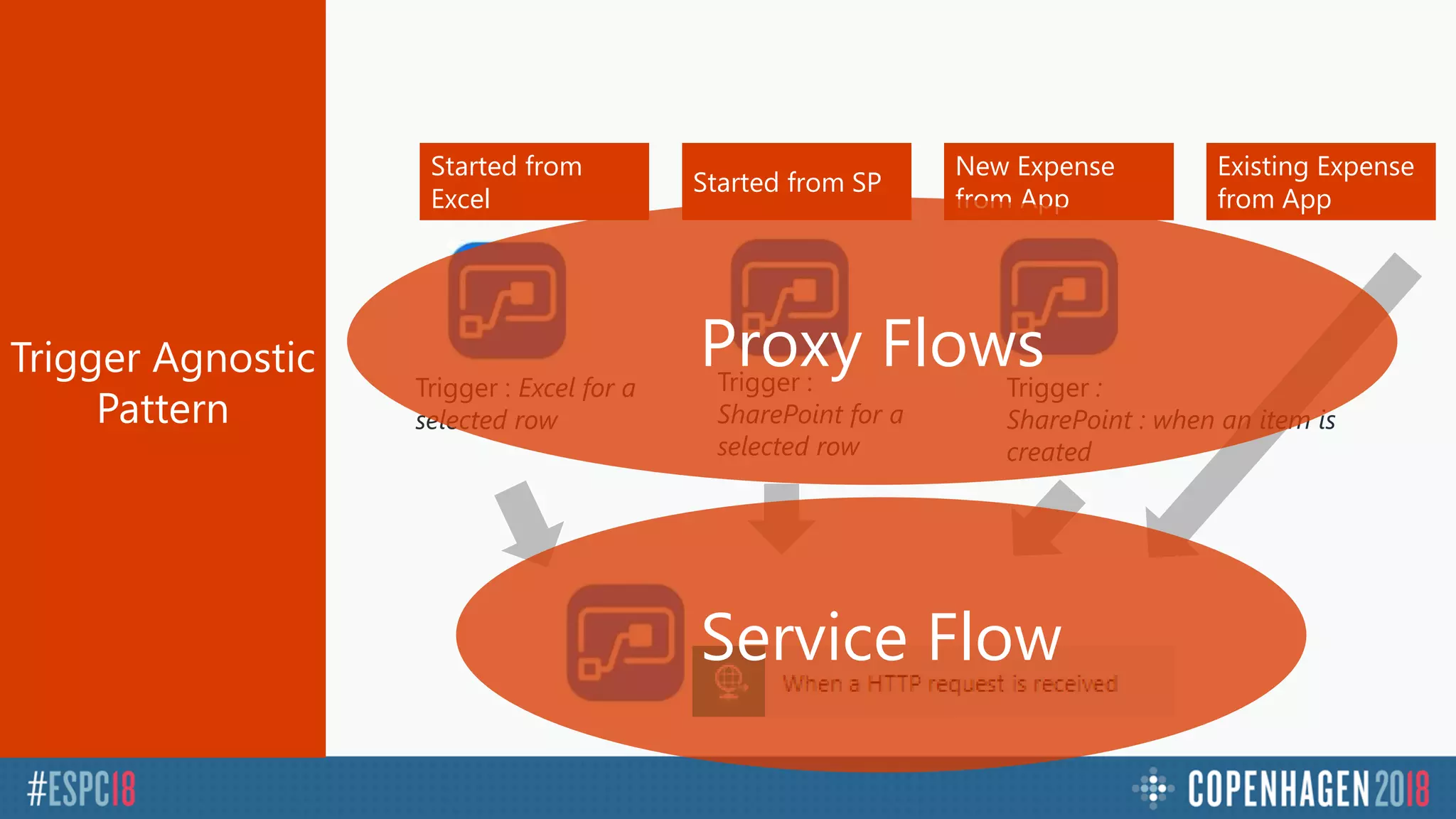
Started from
Excel
Started from SP
New Expense
from App
Trigger : Excel for a
selected row
Trigger :
SharePoint for a
selected row
Existing Expense
from App
Trigger :
SharePoint : when an item is
created
Proxy Flows
Service Flow
Flow Extensibility
& Communication
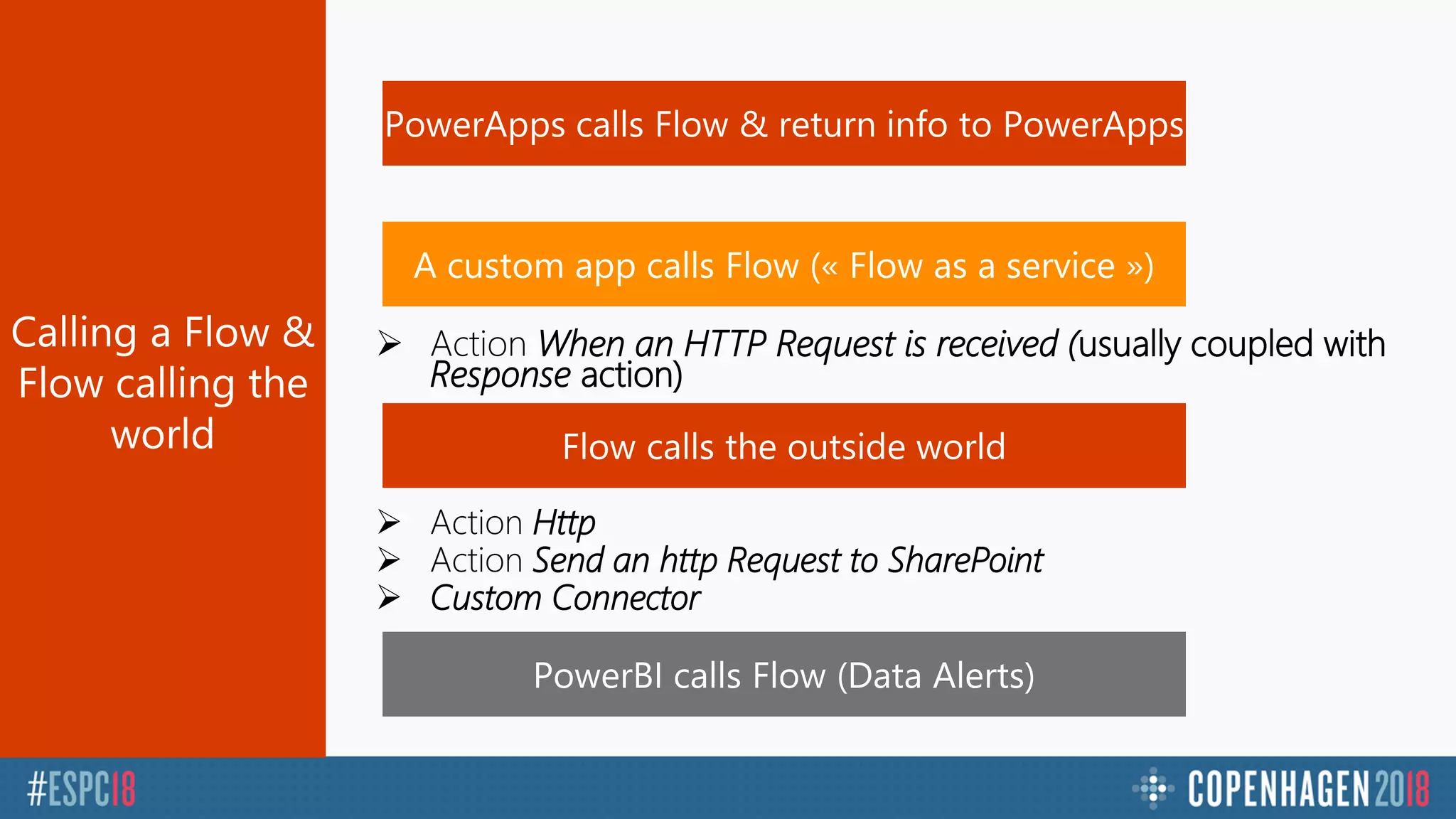
With The Outside World
 Action When an HTTP Request is received (usually coupled with
Response action)
 Action Http
 Action Send an http Request to SharePoint
 Custom Connector
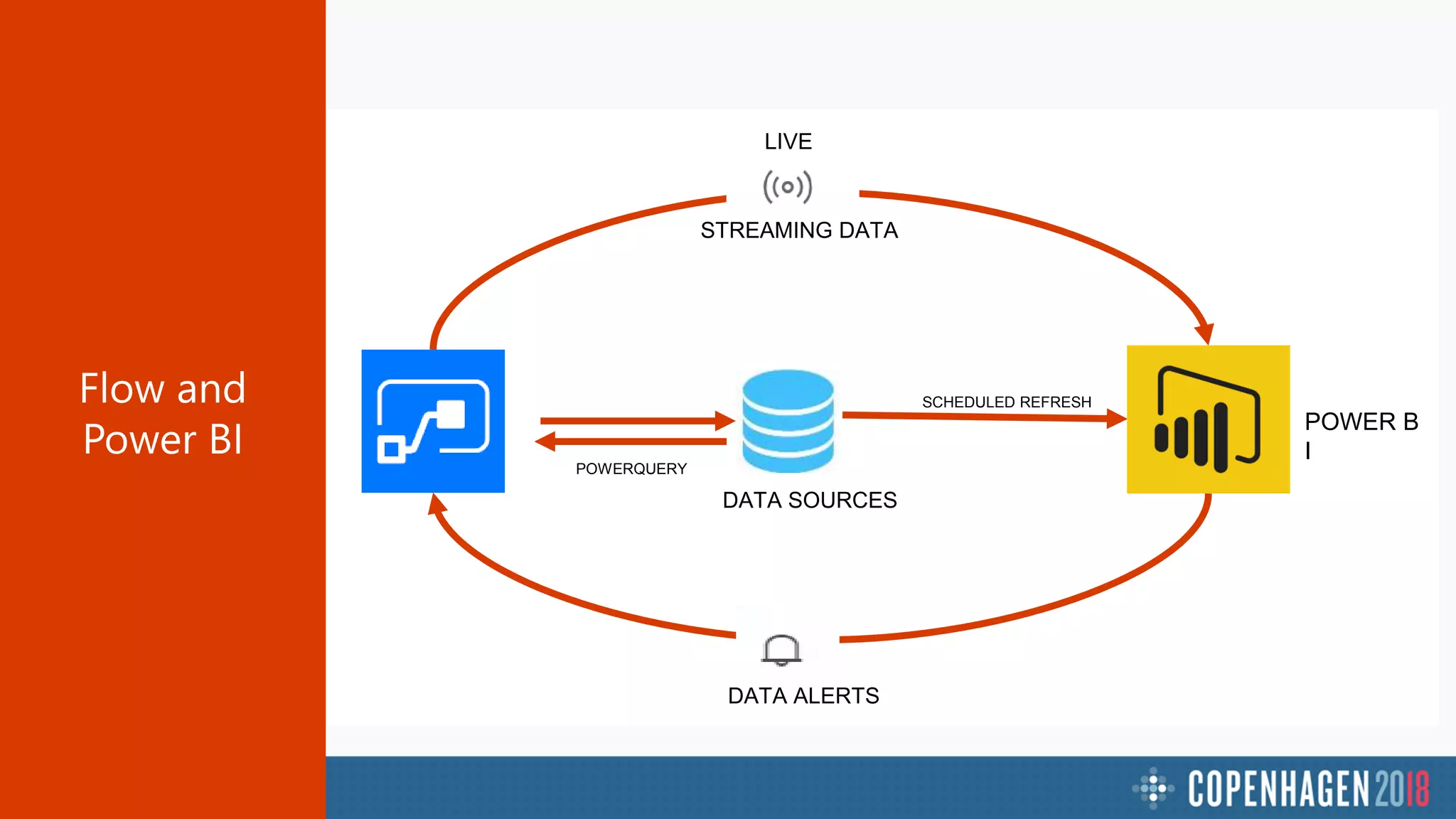
FLOW
DATA ALERTS
DATA SOURCES
POWER B
I
SCHEDULED REFRESH
STREAMING DATA
LIVE
POWERQUERY
Demo
Flow & Power BI
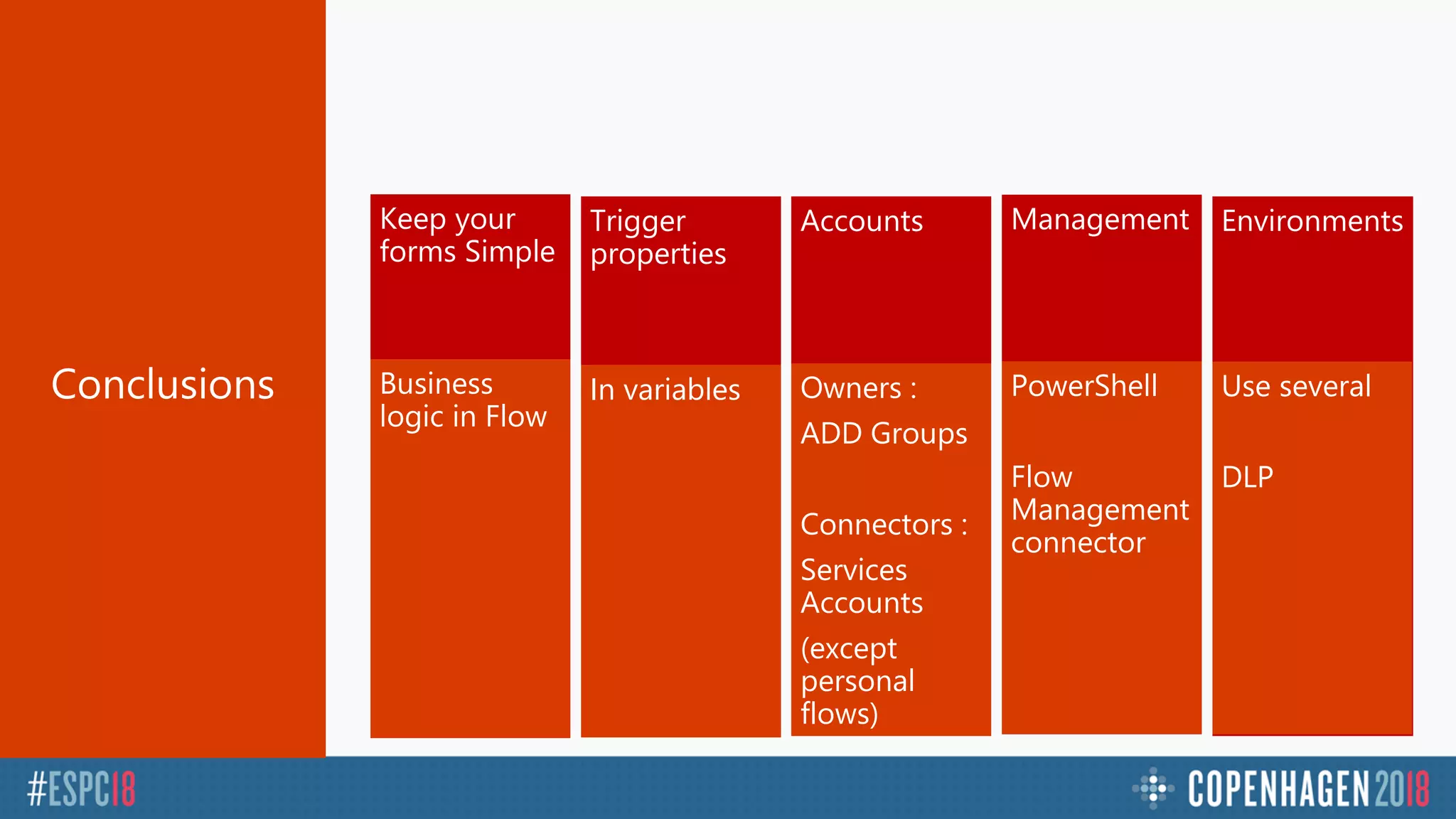
CONCLUSIONS
Keep your
forms Simple
Trigger
properties
Accounts Management Environments
Business
logic in Flow
In variables Owners :
ADD Groups
Connectors :
Services
Accounts
(except
personal
flows)
PowerShell
Flow
Management
connector
Use several
DLP
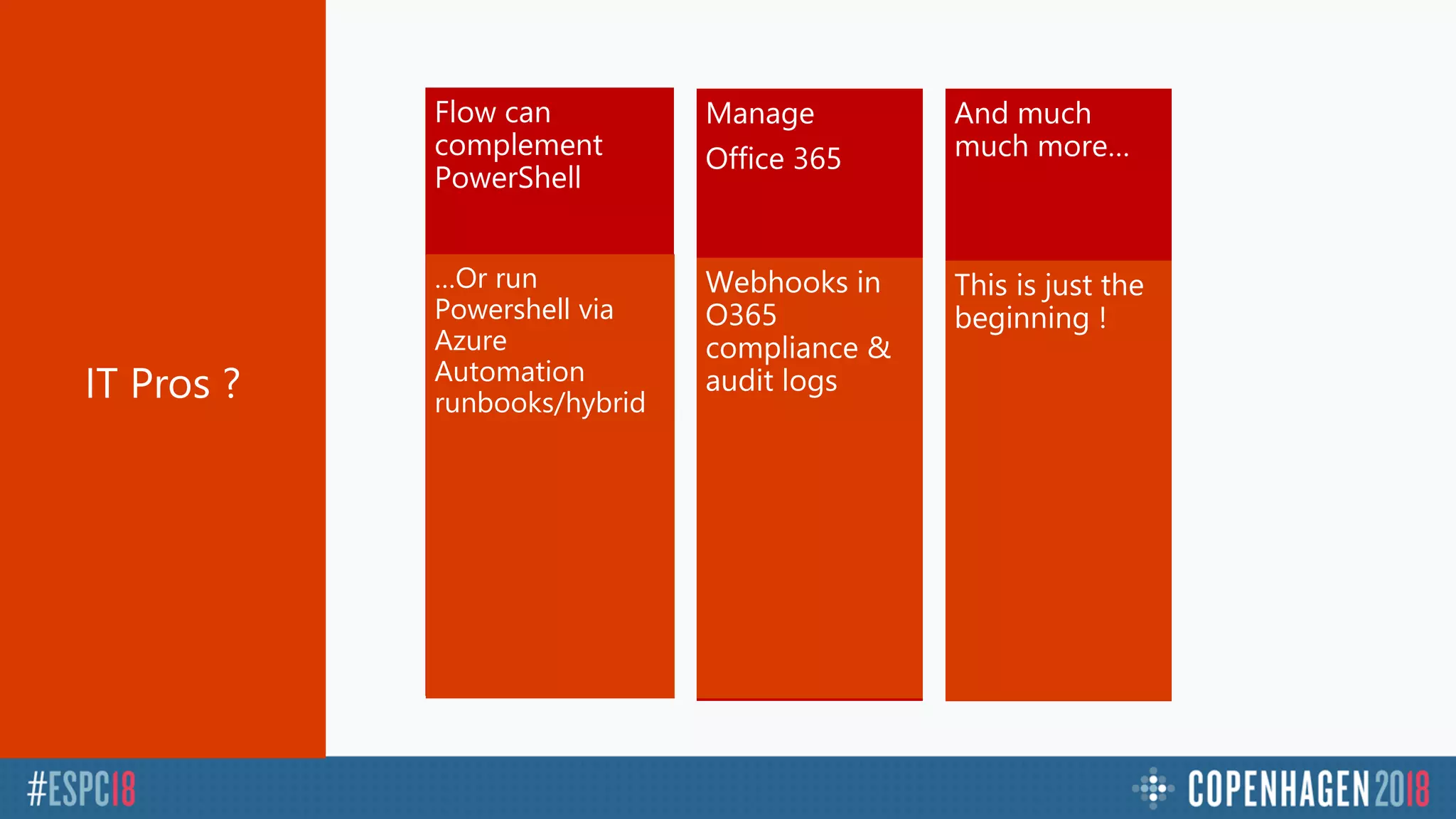
Flow can
complement
PowerShell
Manage
Office 365
…Or run
Powershell via
Azure
Automation
runbooks/hybrid
Webhooks in
O365
compliance &
audit logs
And much
much more…
This is just the
beginning !
Questions ?

ESPC18 Copenhagen session : Energize your application developments with microsoft flow

Editor's Notes

  • #2 This is the Pre-Title Screen. Please do not place any content on this screen.
  • #3 To add your image, please insert your picture and scale it to be bigger than the size of the white box shown.
  • #8 All pictures in this slidedeck come from the same free license free library Photo by rawpixel on Unsplash Picture from https://unsplash.com/search/photos/people-working
  • #11 Unlicensed picture from https://unsplash.com/photos/flEStjHTY14
  • #12 End of demo : 16’
  • #13 Photo by rawpixel on Unsplash Picture from https://unsplash.com/search/photos/people-working https://unsplash.com/photos/vGgn0xLdy8s
  • #17 Photo by rawpixel on Unsplash Picture from https://unsplash.com/photos/q3gmWA3e_WY
  • #21 uni
  • #22 Show the generic expense
  • #23 Fin : 32 minutes
  • #28 Photo by Mathieu Perrier on Unsplash
  • #31 Jusqu’ici: 7 min Duréee 8-10 min Demo scan Ondrive If doesn’t work set filepath is the content parameter (send mail) https://shareql.sharepoint.com/demosharepoint/nintext/ Show how to login App launcher ? SharePoint list online Show services https://flow.microsoft.com/en-us/services/ ( > 60 services) Show templates Type « SharePoint » to see sharepoint actions and « Office 365 » Triggers ( show triggers) Triggers in SharePoint Show flow « ShareQL expense » When a new item is created in expenses, ask my manager approve it if it is > 500 euros
  • #32 Photo by Mathieu Perrier on Unsplash https://images.unsplash.com/photo-1533780898421-b118c81ac26b?ixlib=rb-0.3.5&ixid=eyJhcHBfaWQiOjEyMDd9&s=3348d652058206f20c2cfc46fc532cfd&auto=format&fit=crop&w=1050&q=80