













Microsoft Flow Advanced: tips,
pitfalls, patterns with Doctor
Flow
Doctor Flow
Office Apps & services MVP
Business Applications MVP
O365 Architect
@sergeluca
ShareQL Brussels
Office365
Flow
Dev
Architecture
Bullshit
Doctor Flow aka “Serge Luca”
https://myignite.techcommunity.microsoft.com/sessions/66476
Microsoft
flow and
citizen
developers
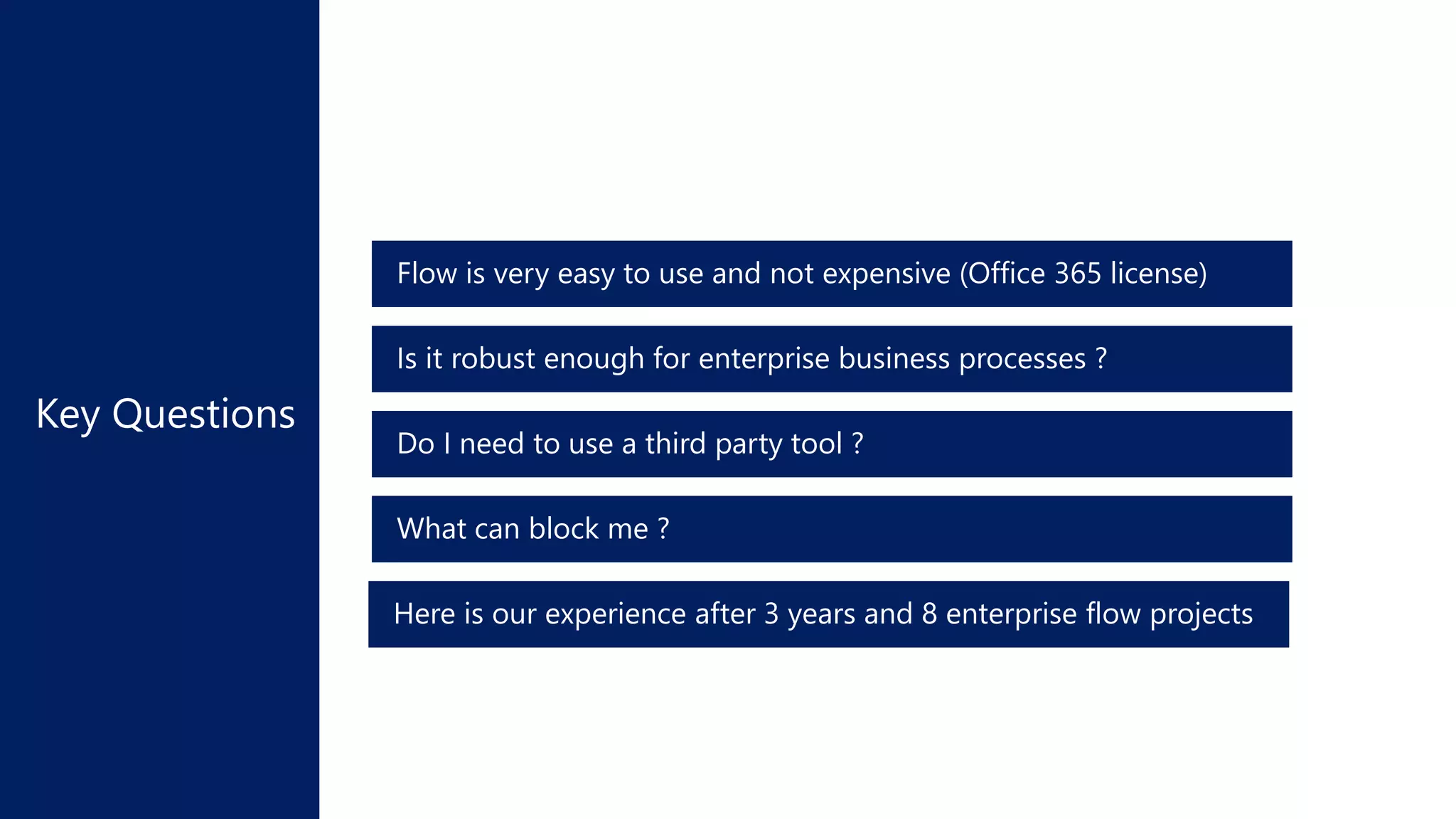
What can block me ?
Do I need to use a third party tool ?
Is it robust enough for enterprise business processes ?
Flow is very easy to use and not expensive (Office 365 license)
Here is our experience after 3 years and 8 enterprise flow projects
Demo:
Automatic timesheet
Microsoft
flow and
developers
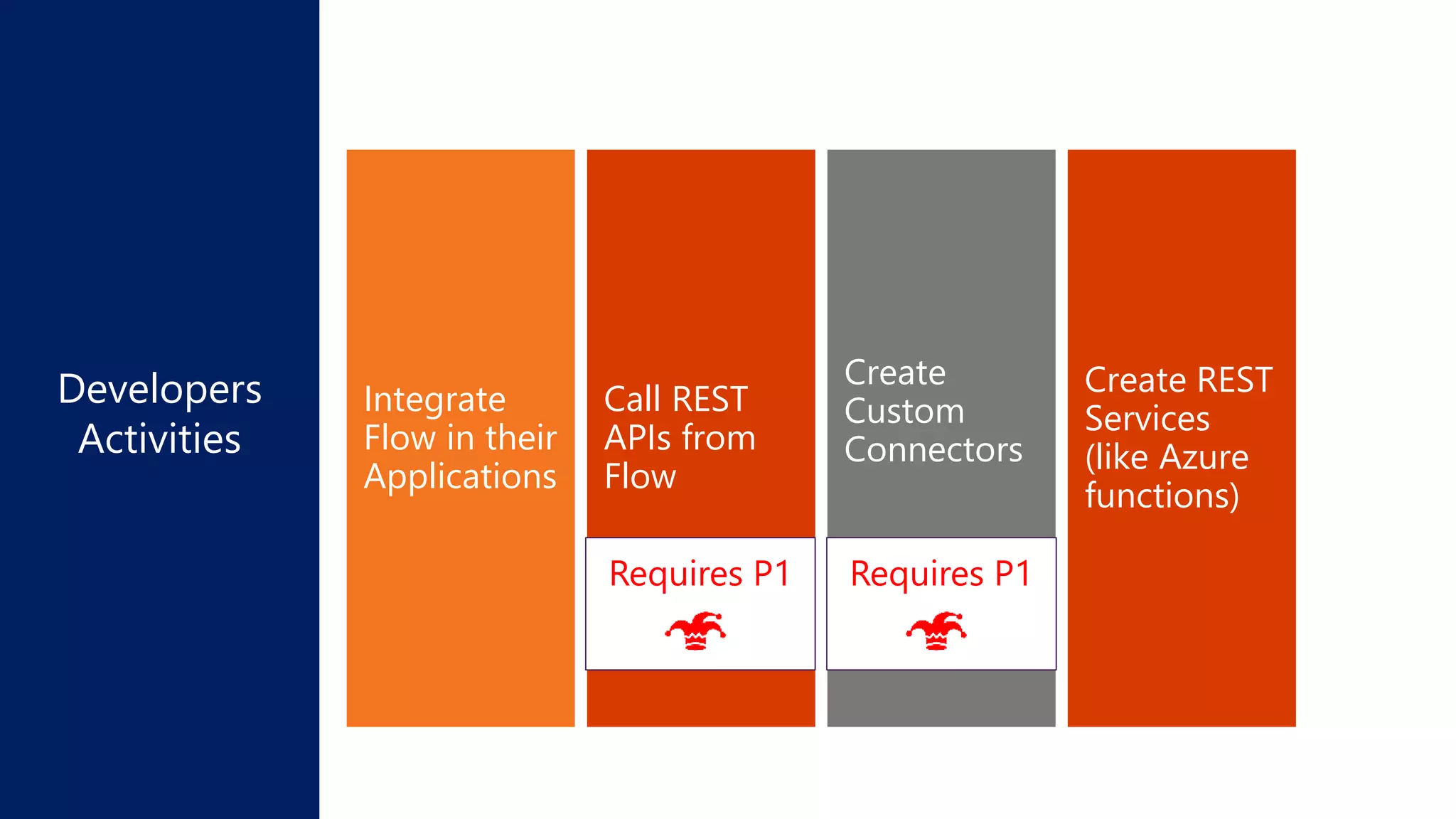
Create REST
Services
(like Azure
functions)
Create
Custom
Connectors
Call REST
APIs from
Flow
Integrate
Flow in their
Applications
Developers
Activities
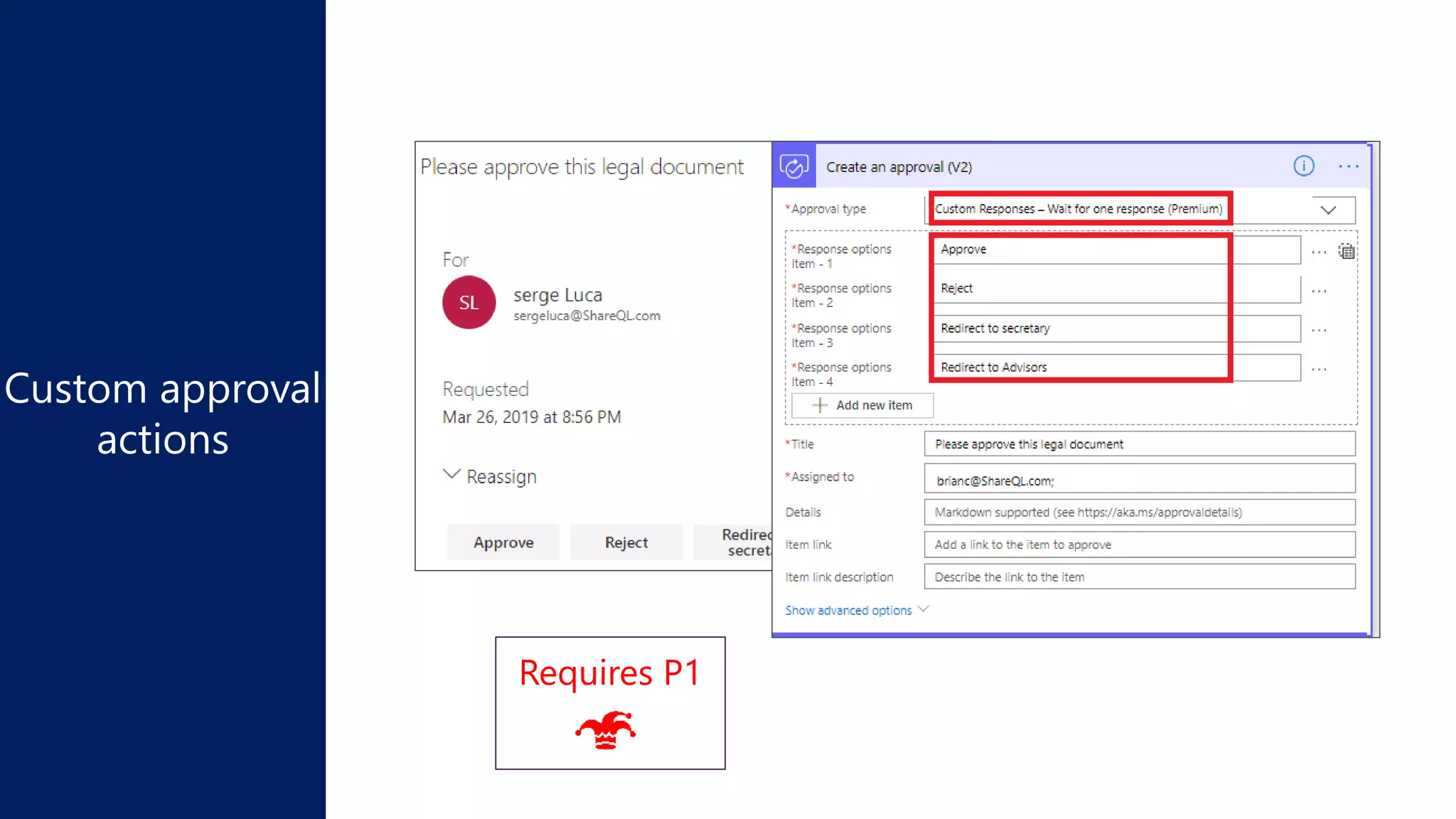
Requires P1Requires P1
Demo:
Calling
the Graph API
Requires P1
Demo:
Custom Connector
Requires P1
Patterns
and
limitations
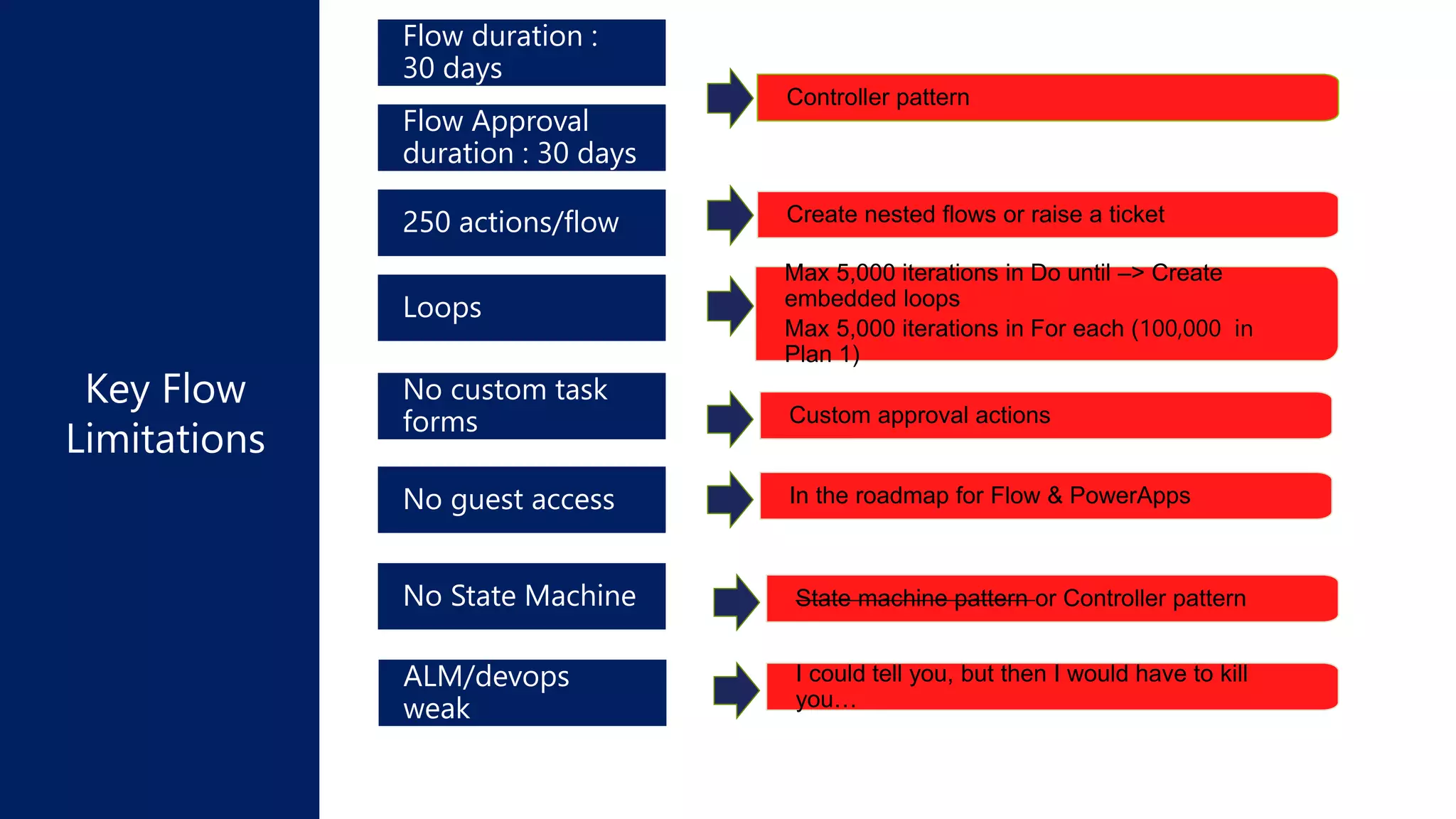
State machine pattern or Controller patternNo State Machine
No custom task
forms
Max 5,000 iterations in Do until –> Create
embedded loops
Max 5,000 iterations in For each (100,000 in
Plan 1)
Loops
Create nested flows or raise a ticket250 actions/flow
Flow Approval
duration : 30 days
Flow duration :
30 days
No guest access
Controller pattern
In the roadmap for Flow & PowerApps
ALM/devops
weak
I could tell you, but then I would have to kill
you…
Custom approval actions
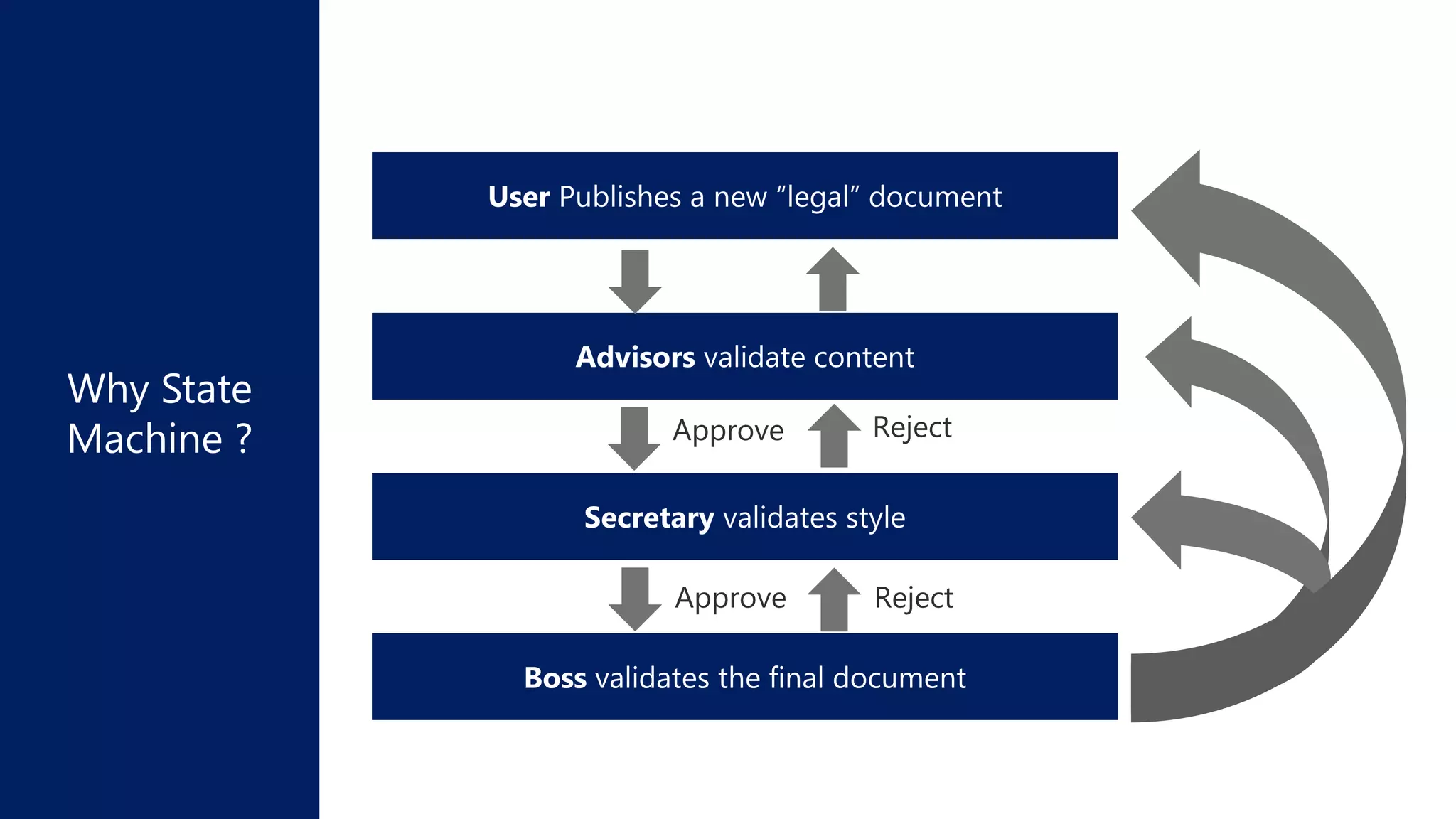
Why State
Machine ?
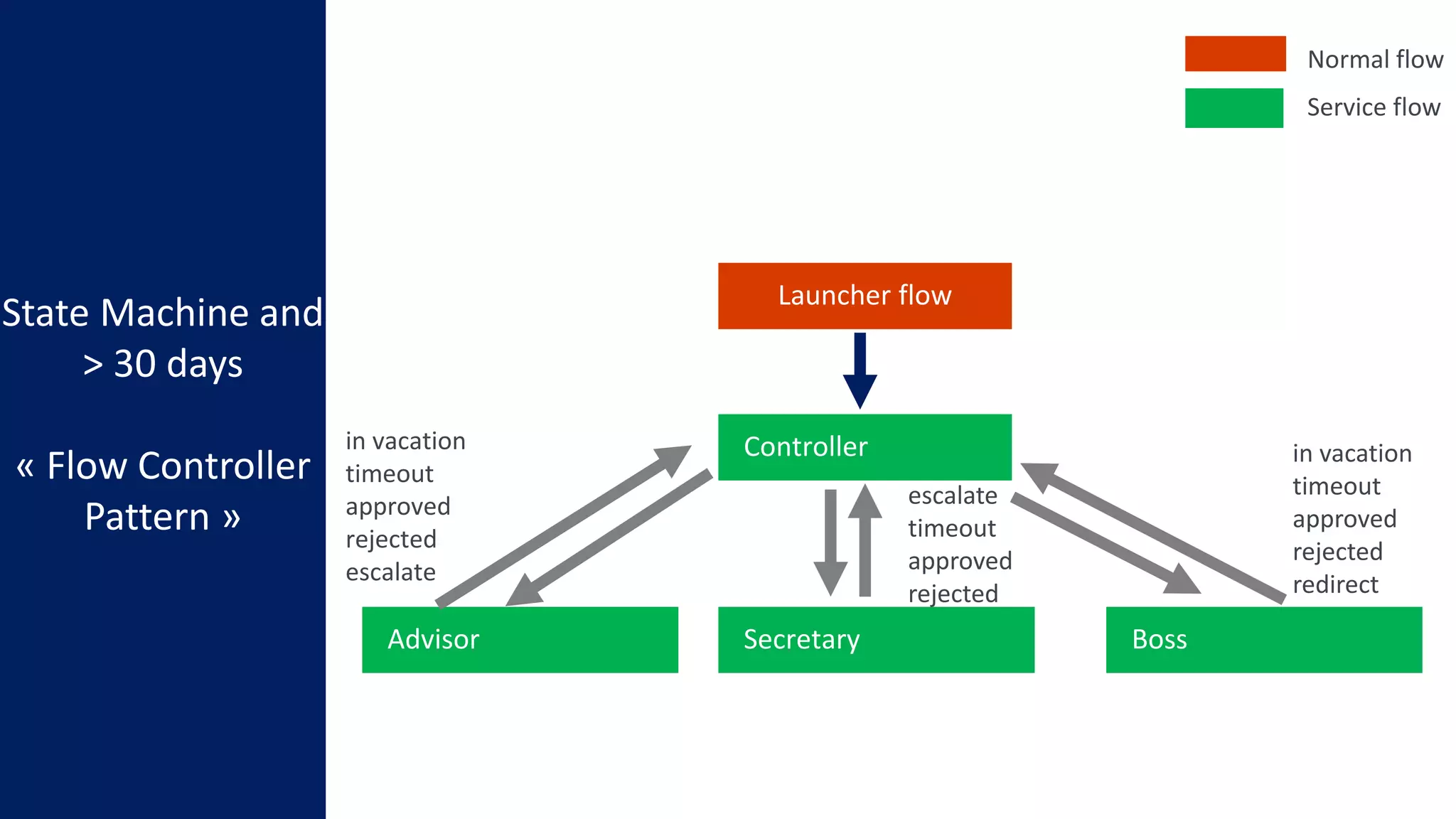
State Machine and
> 30 days
« Flow Controller
Pattern »
Controller
Launcher flow
SecretaryAdvisor Boss
escalate
timeout
approved
rejected
in vacation
timeout
approved
rejected
redirect
in vacation
timeout
approved
rejected
escalate
Normal flow
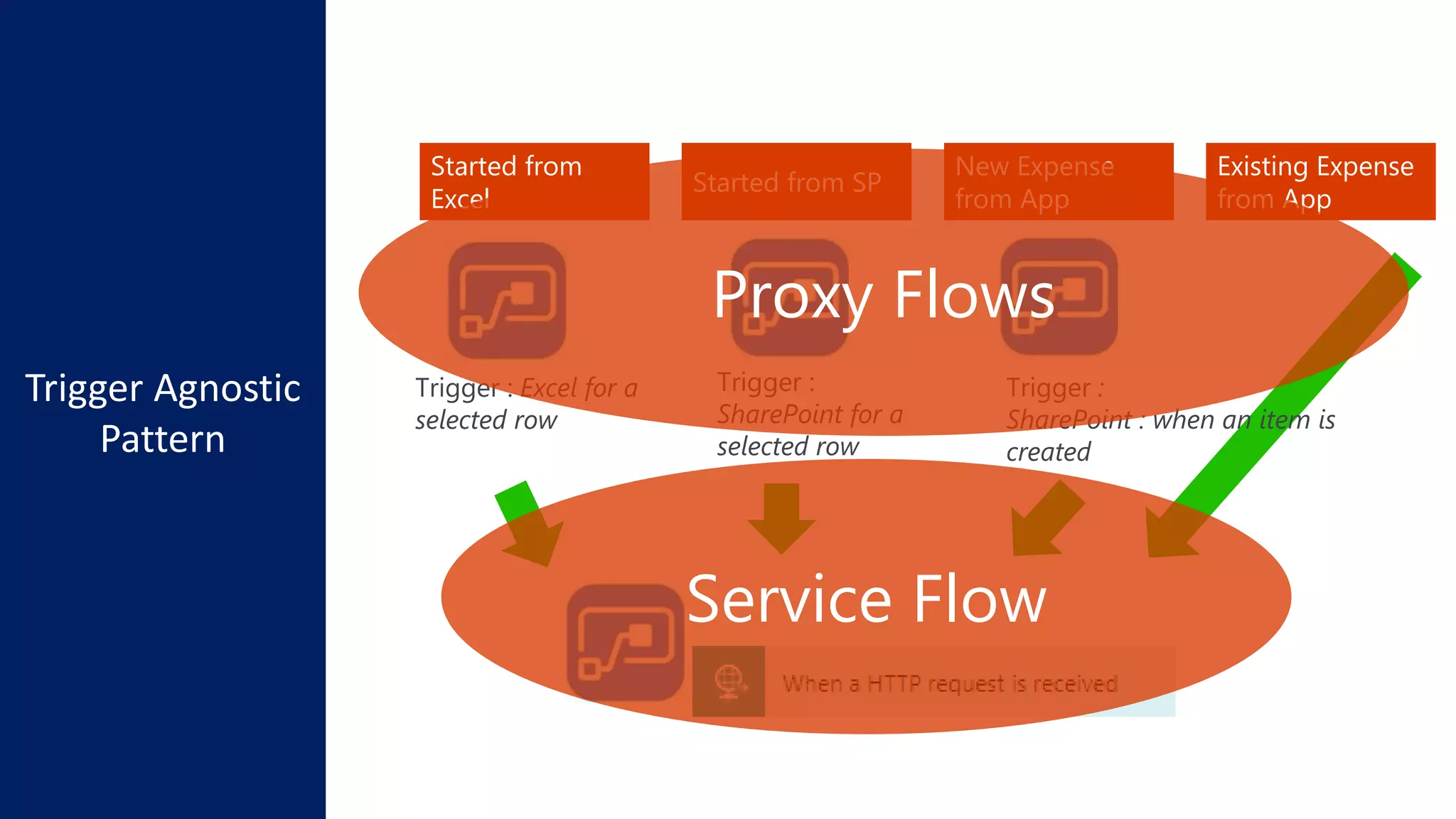
Service flow
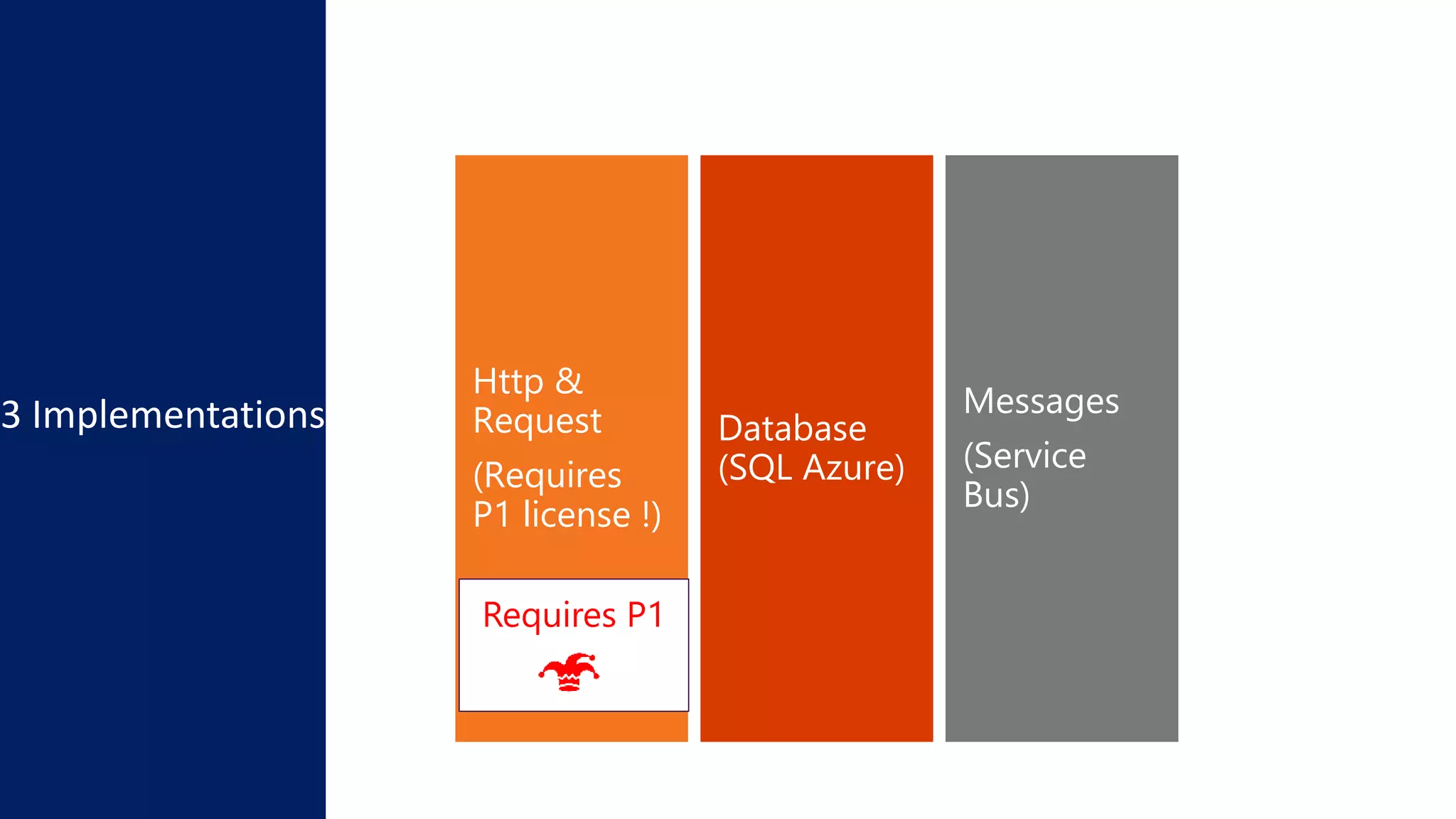
3 Implementations Messages
(Service
Bus)
Database
(SQL Azure)
Http &
Request
(Requires
P1 license !)
Requires P1
Demo:
Approval escalation
Approval analytics
Controller pattern
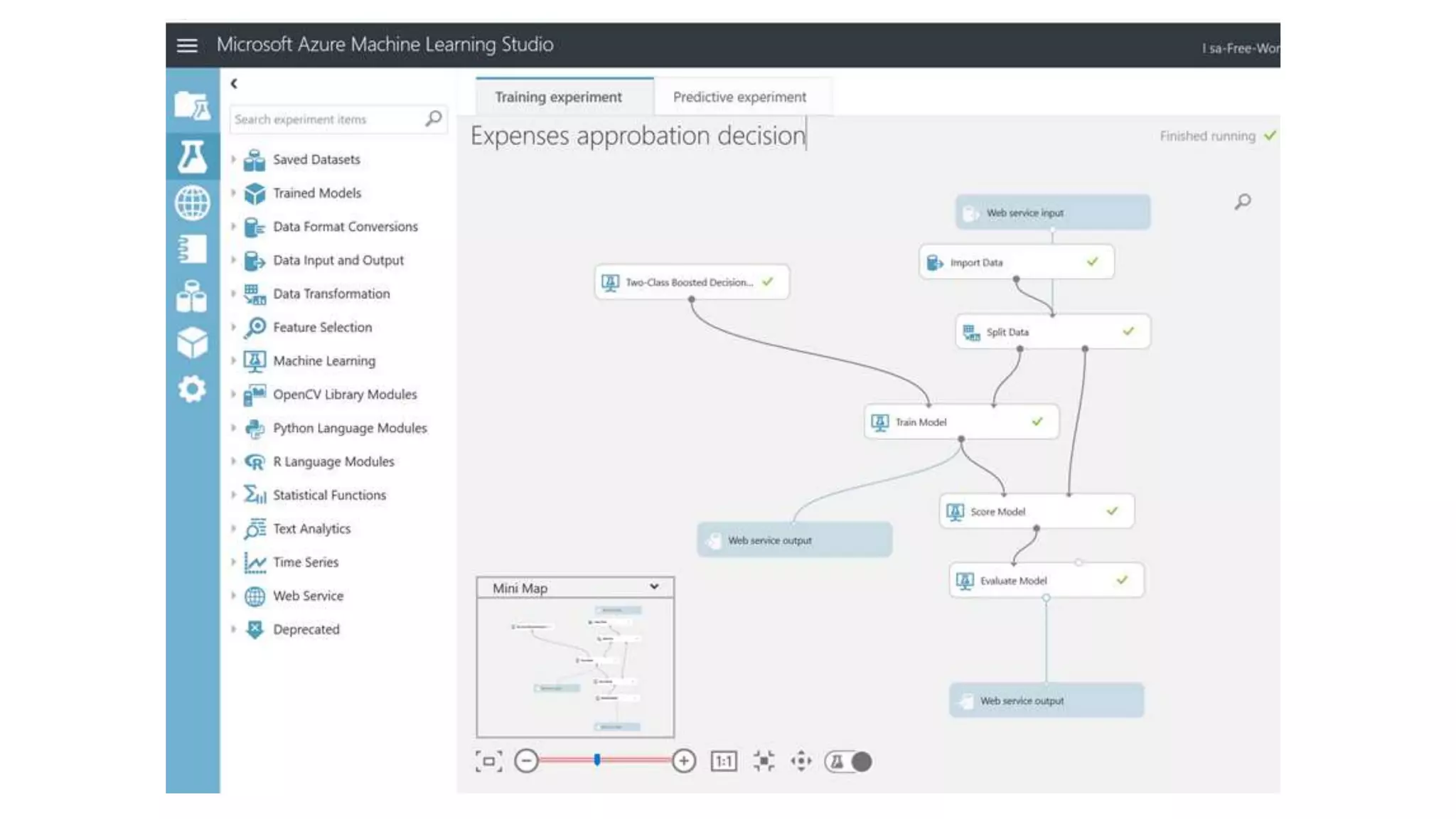
Machine Learning
Started from
Excel
Started from SP
New Expense
from App
Trigger : Excel for a
selected row
Trigger :
SharePoint for a
selected row
Existing Expense
from App
Trigger :
SharePoint : when an item is
created
Proxy Flows
Service Flow
Requires P1
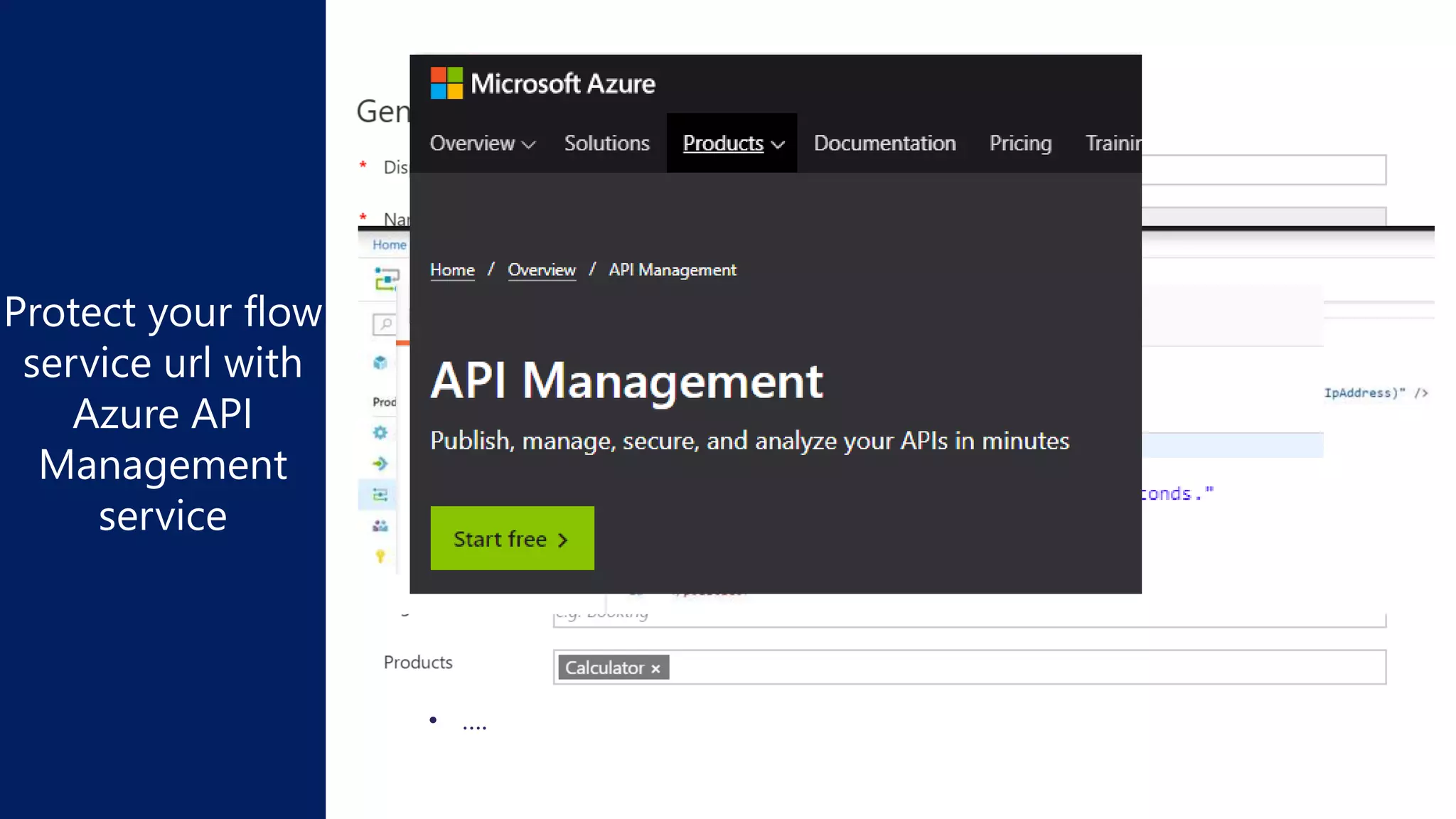
• the url might change, we want to use a stable vanity url like
https://flowdemo.azure-api.net
• you might need to protect it : authentication
• throttling
• restricting the callers to some specific network locations
• ….
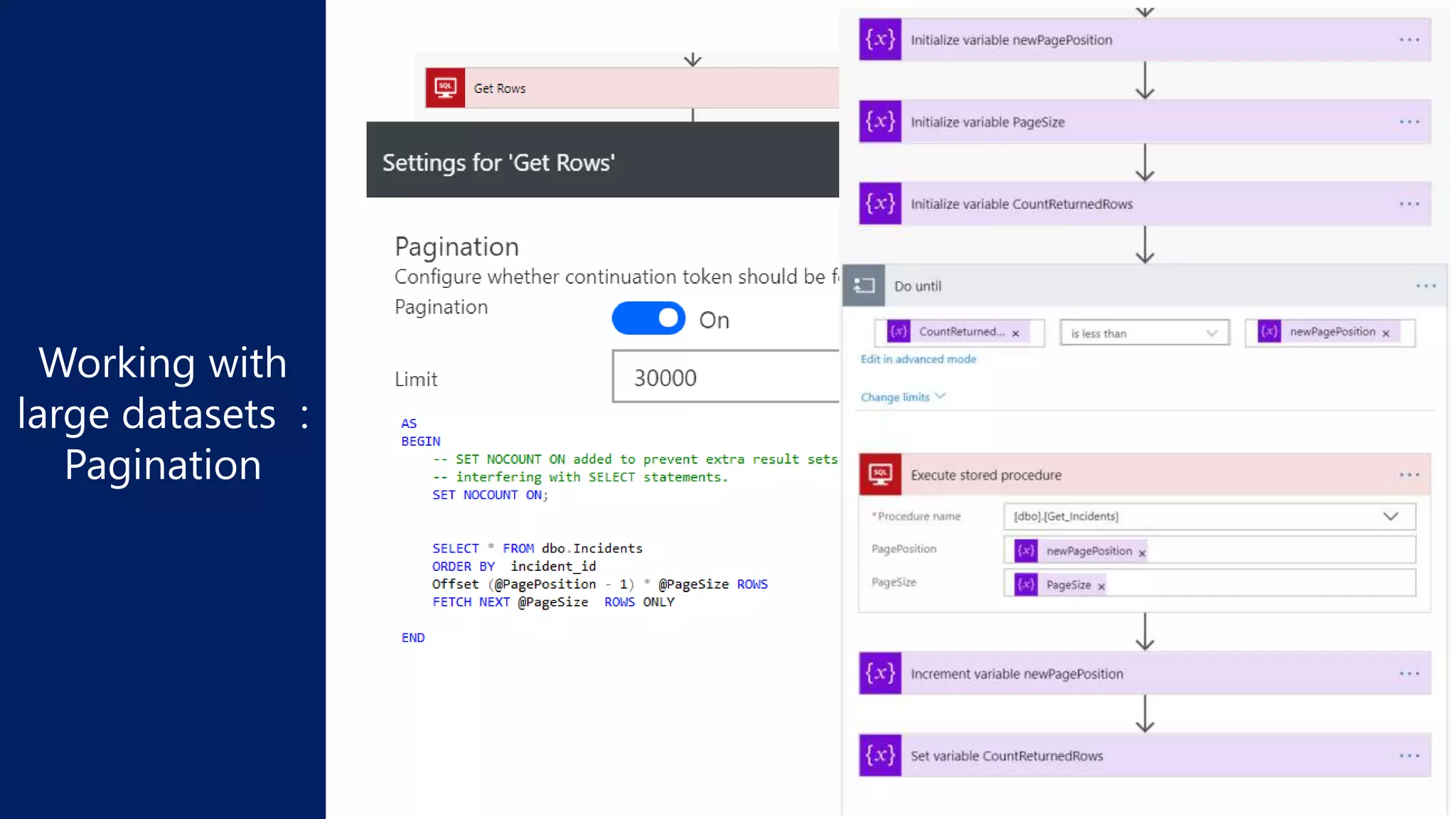
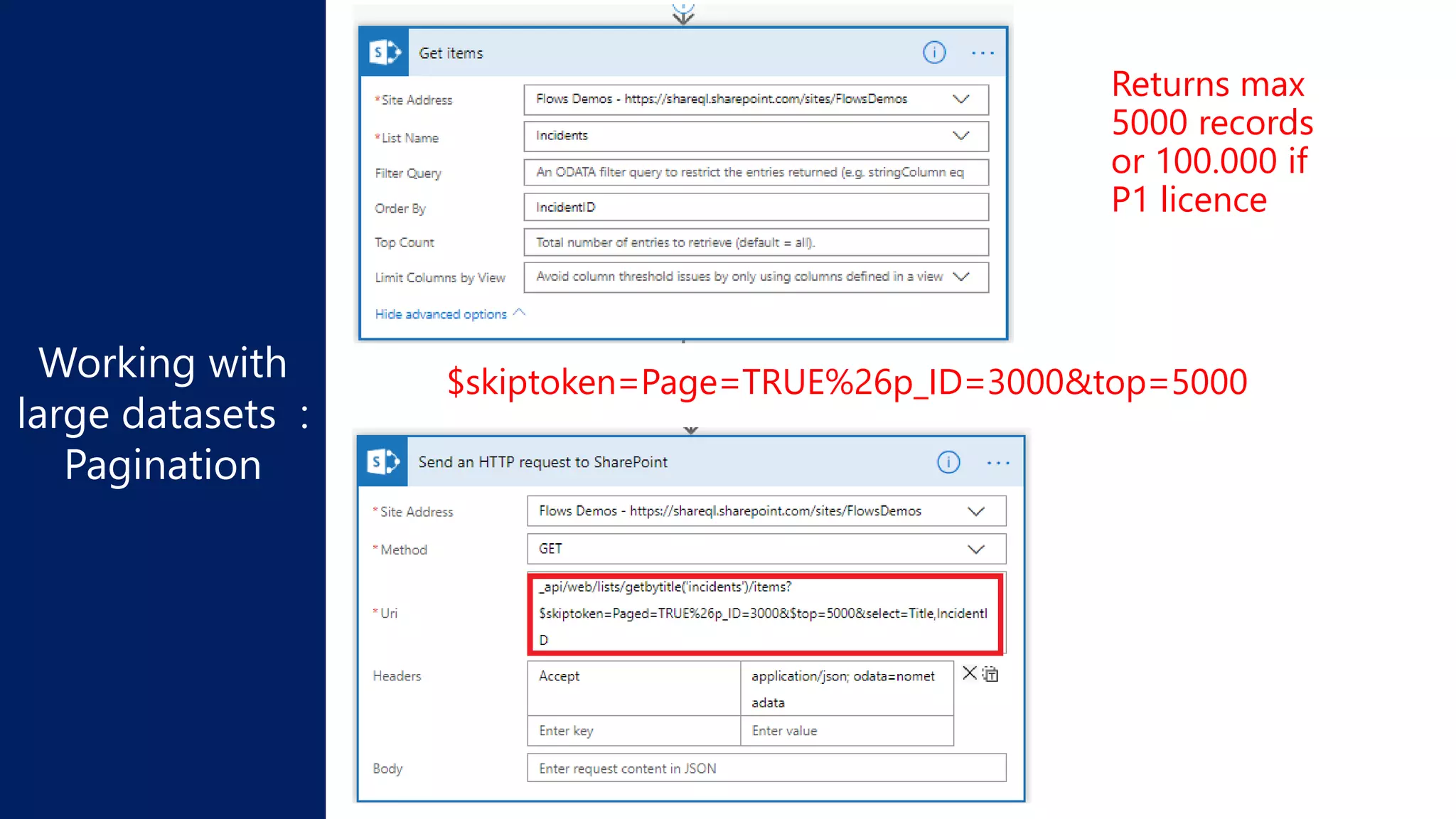
Returns max
2048 records
Returns max
5000 records
or 100.000 if
P1 licence
$skiptoken=Page=TRUE%26p_ID=3000&top=5000
Demo:
Manage errors
Demo:
Manage parallelism
Adapt retry policy
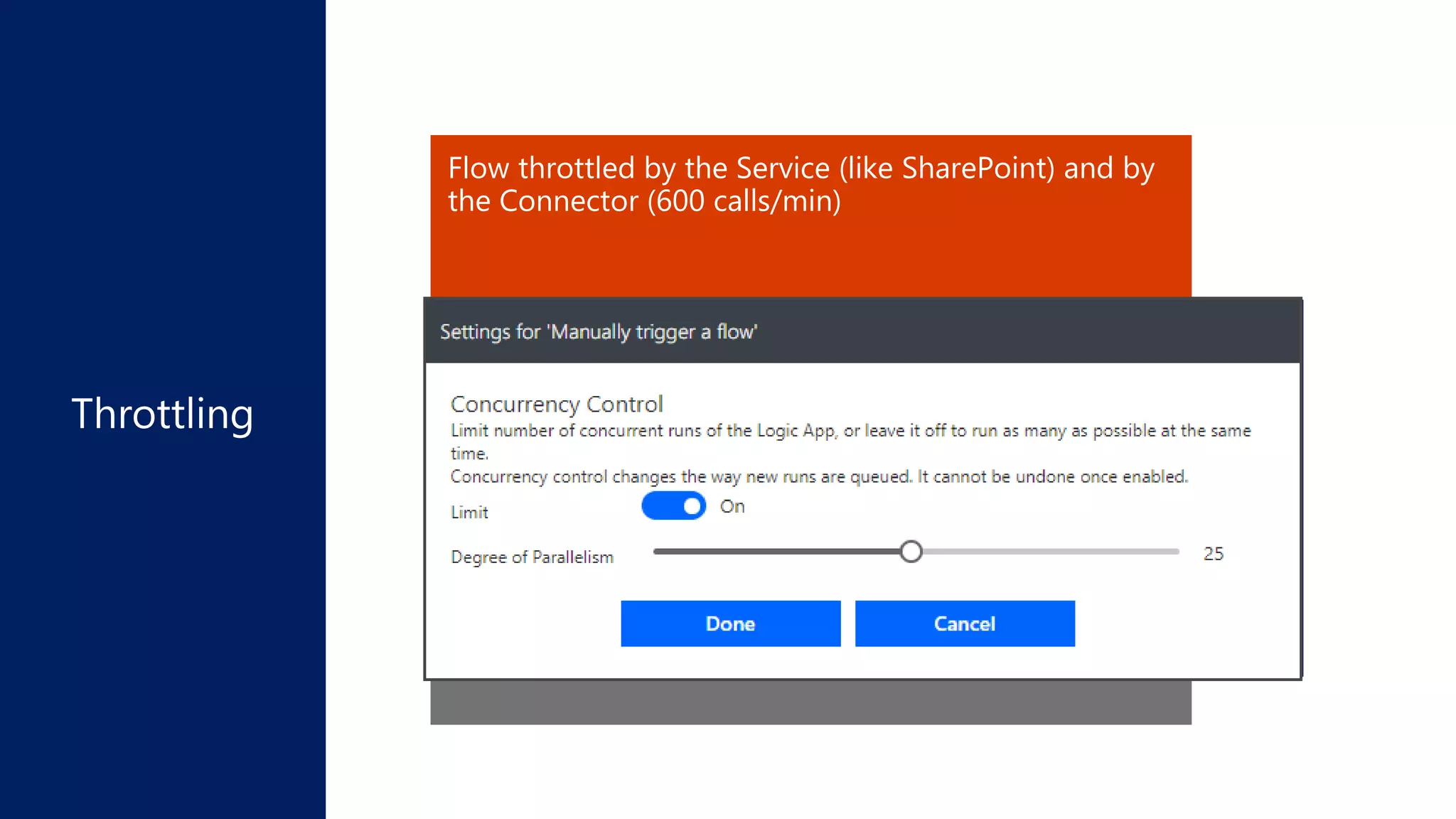
Reduce flow concurrency
Use several connectors
Error HTTP 429 : « I’m too busy » come later (in 10 sec)
Flow throttled by the Service (like SharePoint) and by
the Connector (600 calls/min)
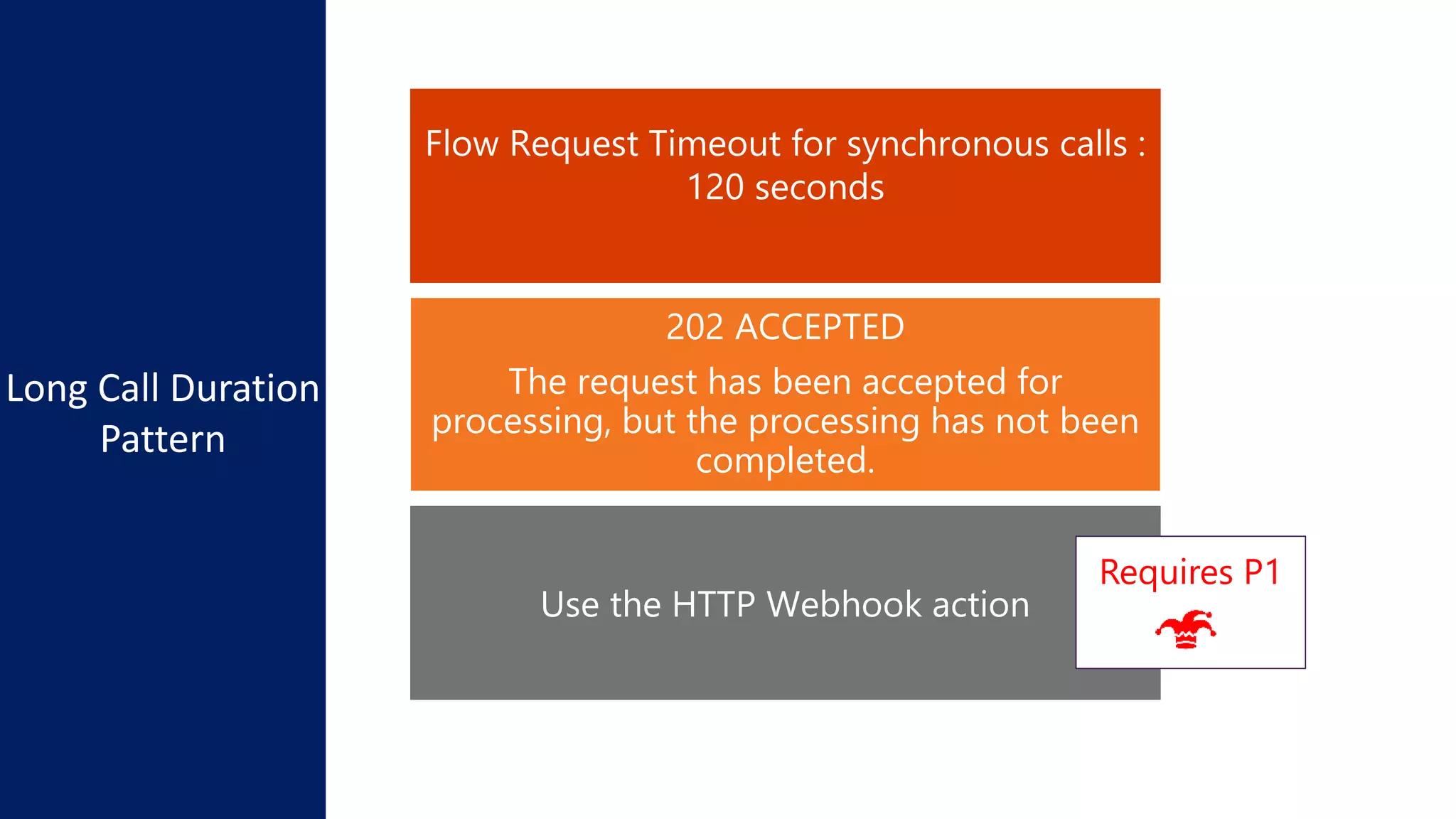
202 ACCEPTED
The request has been accepted for
processing, but the processing has not been
completed.
Long Call Duration
Pattern
Requires P1
Demo:
Manage Long calls
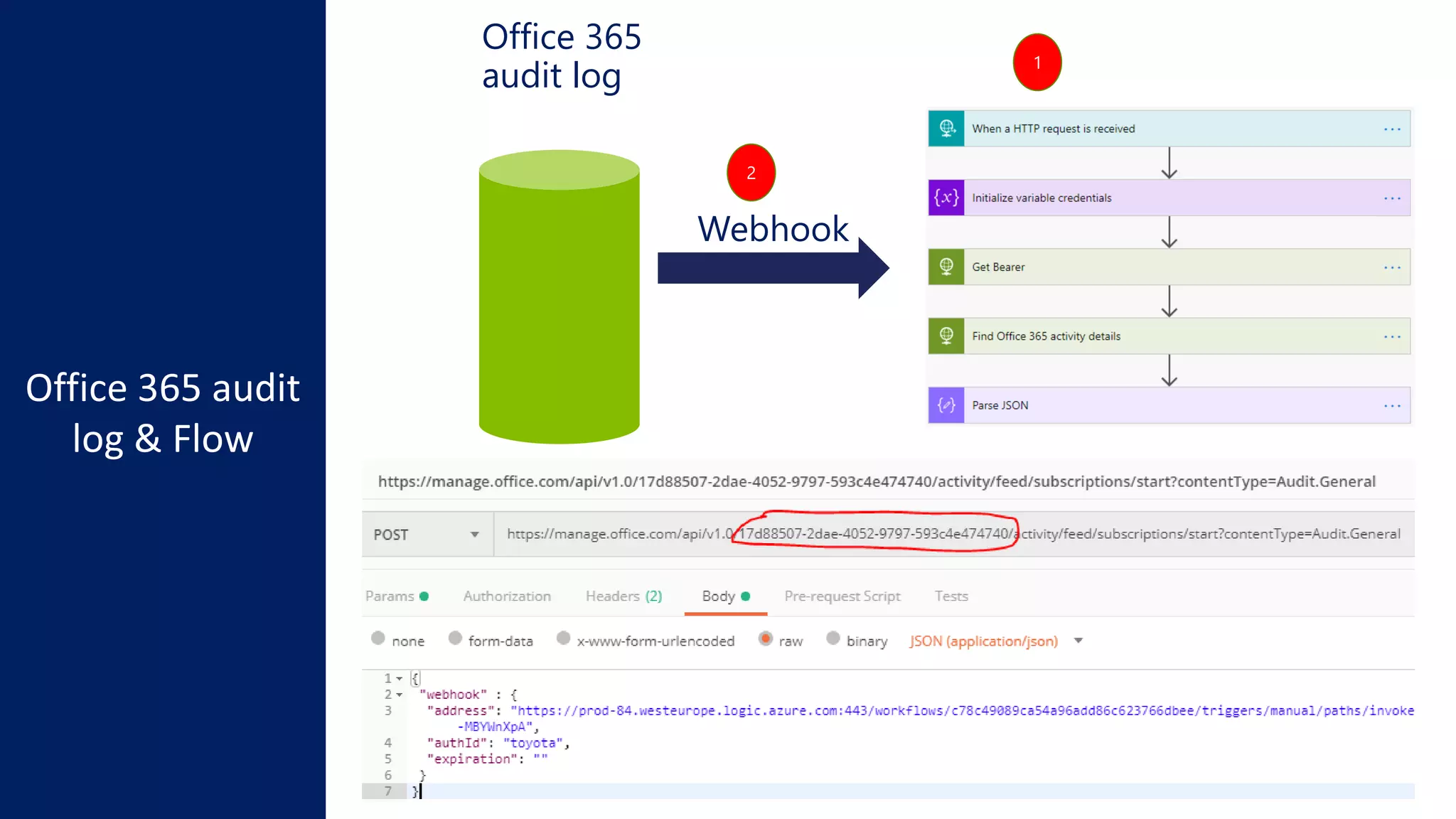
Office 365
audit log
Webhook
1
2
Microsoft
flow and
PowerBI
FLOW
DATA ALERTS
DATA SOURCES
POWER B
I
SCHEDULED REFRESH
STREAMING DATA
LIVE
POWERQUERY
Requires P1
Data On premises
REFRESH DATASET (april 2019)
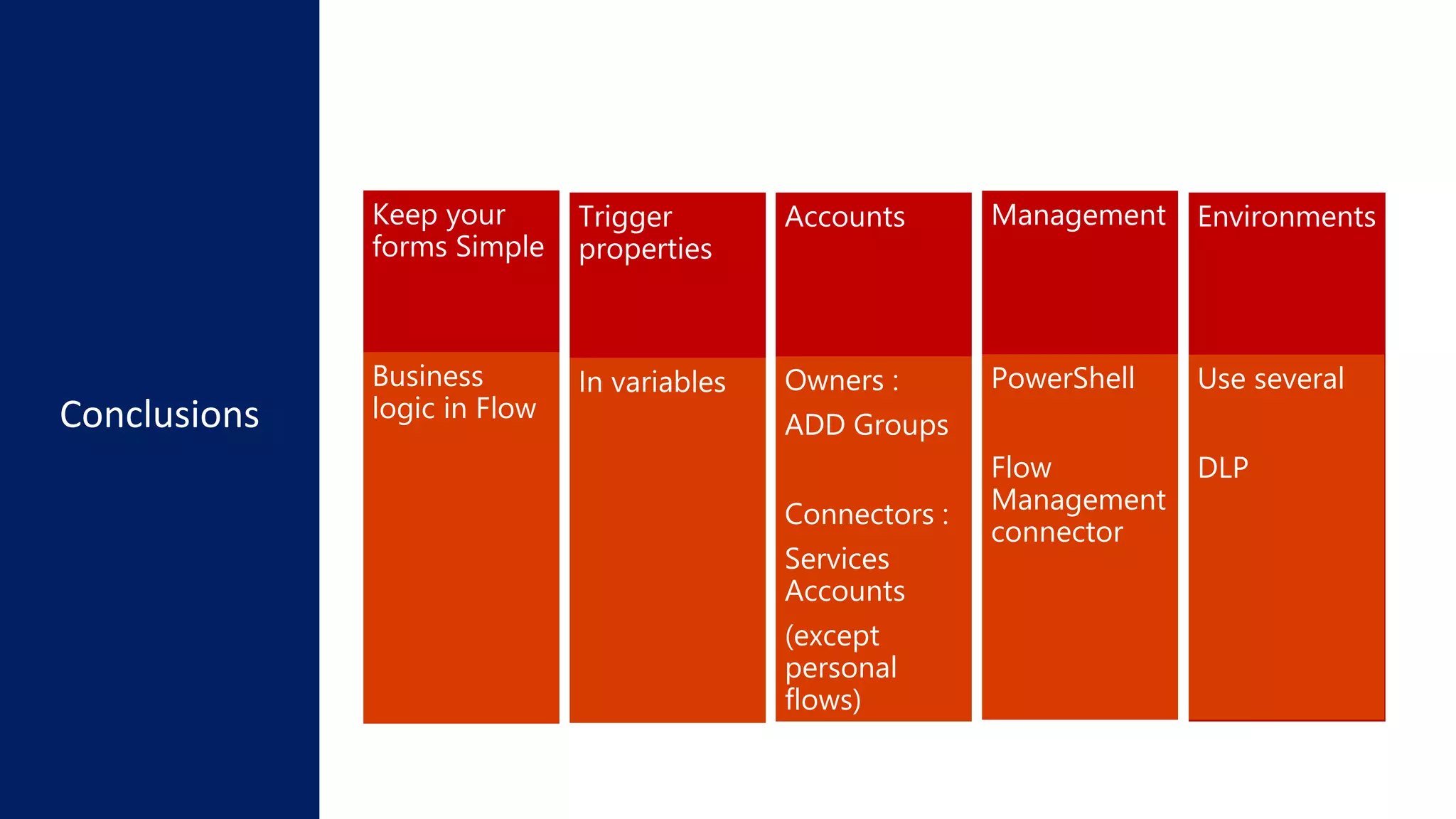
Conclusions
Keep your
forms Simple
Trigger
properties
Accounts Management Environments
Business
logic in Flow
In variables Owners :
ADD Groups
Connectors :
Services
Accounts
(except
personal
flows)
PowerShell
Flow
Management
connector
Use several
DLP
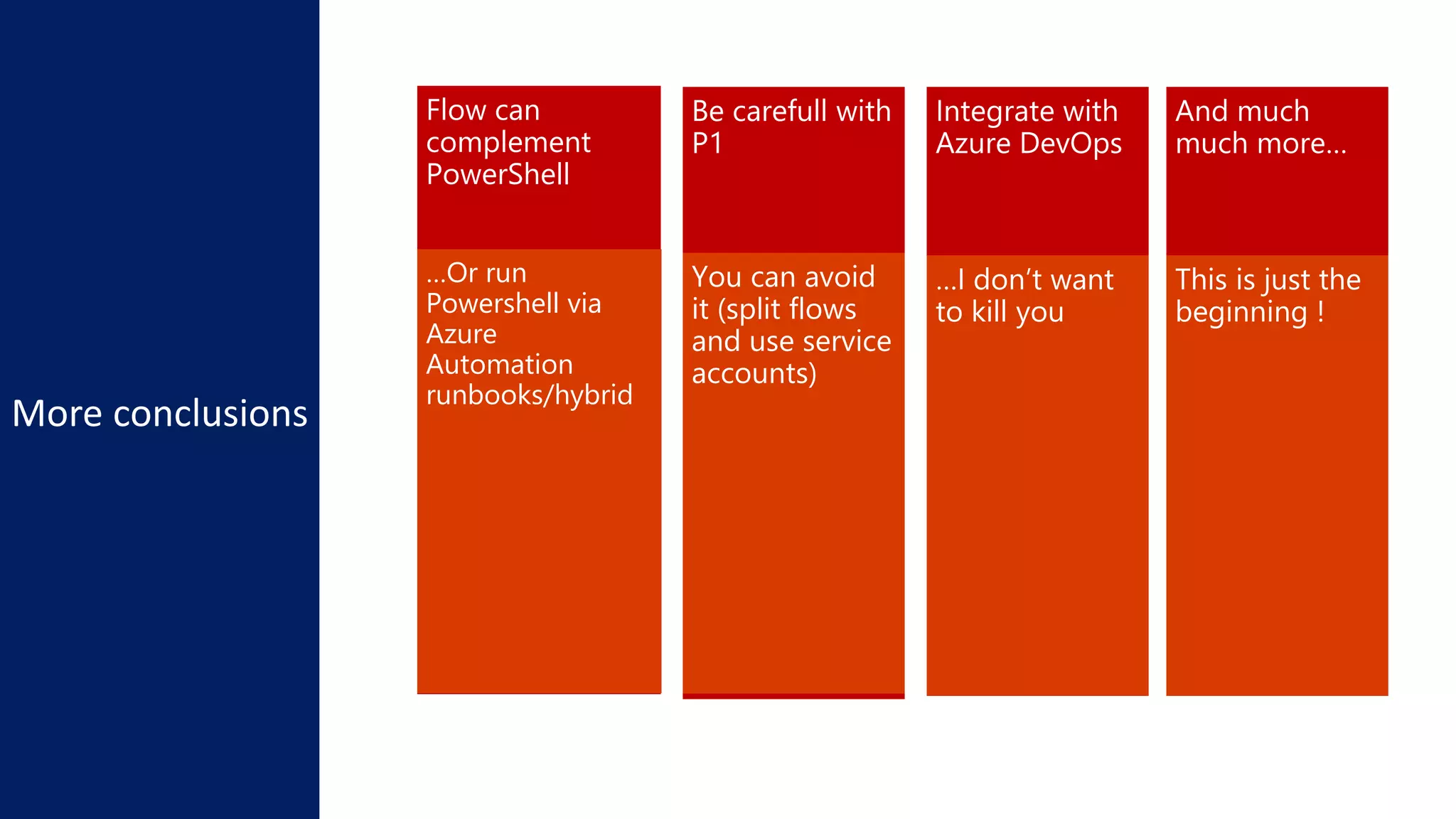
Flow can
complement
PowerShell
Be carefull with
P1
…Or run
Powershell via
Azure
Automation
runbooks/hybrid
You can avoid
it (split flows
and use service
accounts)
Integrate with
Azure DevOps
…I don’t want
to kill you
https://docs.microsoft.com/en-us/business-applications-release-
notes/April19/microsoft-flow/
And much
much more…
This is just the
beginning !

Doctor Flow- Best practices Microsoft flow - Techorama 2019

Editor's Notes

  • #16 Controller pattern video 1 : https://www.youtube.com/watch?v=e8Nuswofodw Controller pattern video 2 : https://www.youtube.com/watch?v=qSYMC20aDiE
  • #17 Hiw to avoid P1 : Avoid P1! https://sergeluca.wordpress.com/2019/03/05/using-the-flow-controller-pattern-with-azure-service-bus-or-database/
  • #22 Read my blog post: https://sergeluca.wordpress.com/2019/02/19/protect-your-nested-service-flows-with-azure-api-management-service/
  • #23 Adding data Retrieving data : see demo/ pagination demo flow
  • #24 Adding data Retrieving data : see demo/ pagination demo flow %26 is & encoded
  • #30 Lore details here: https://flow.microsoft.com/en-us/blog/automate-flow-governance/
  • #32 Powerquery <> oData Refresh dataset and query a dataset + reusing the result