Hardware & Software 
Components
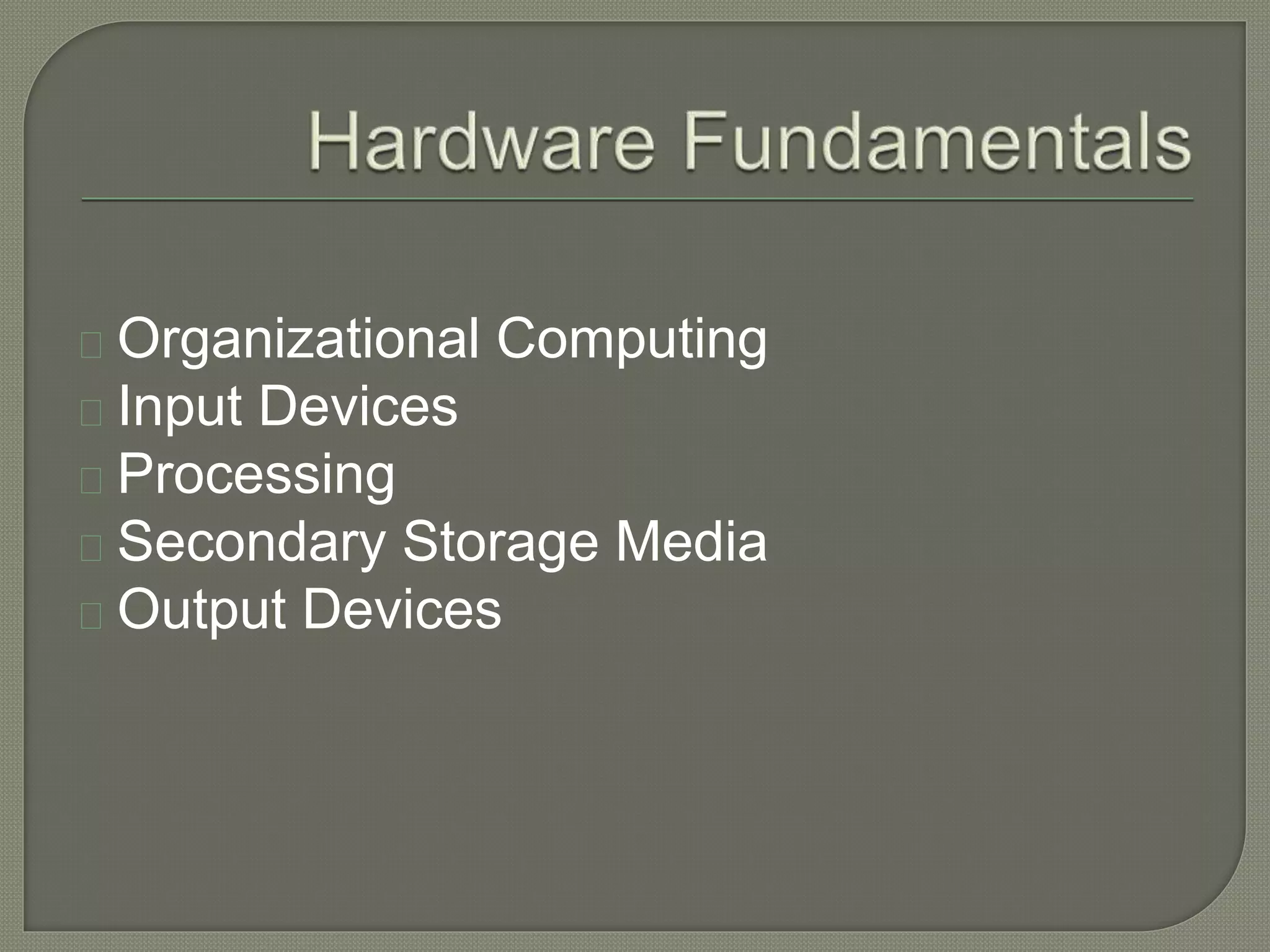
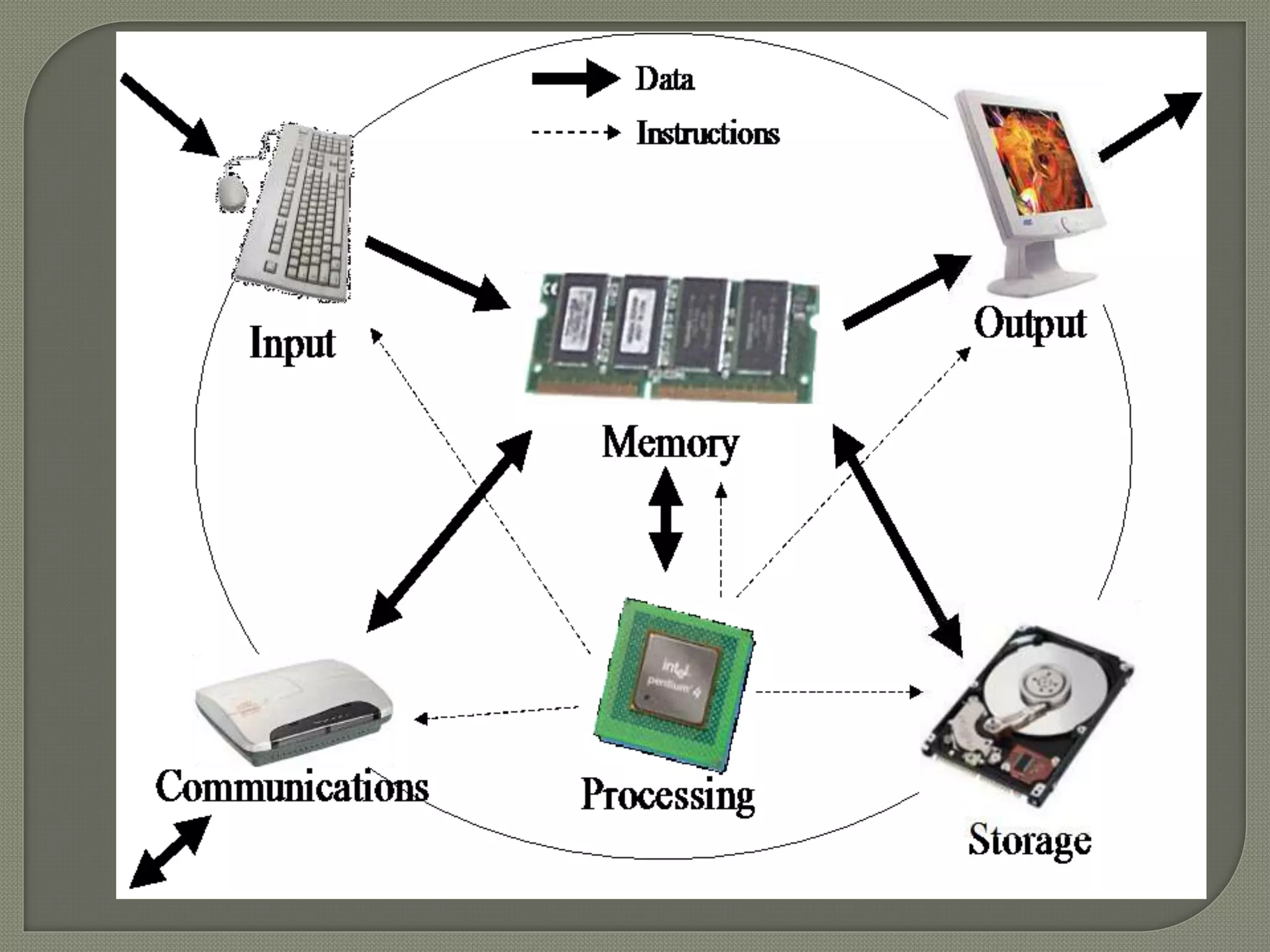
Organizational Computing 
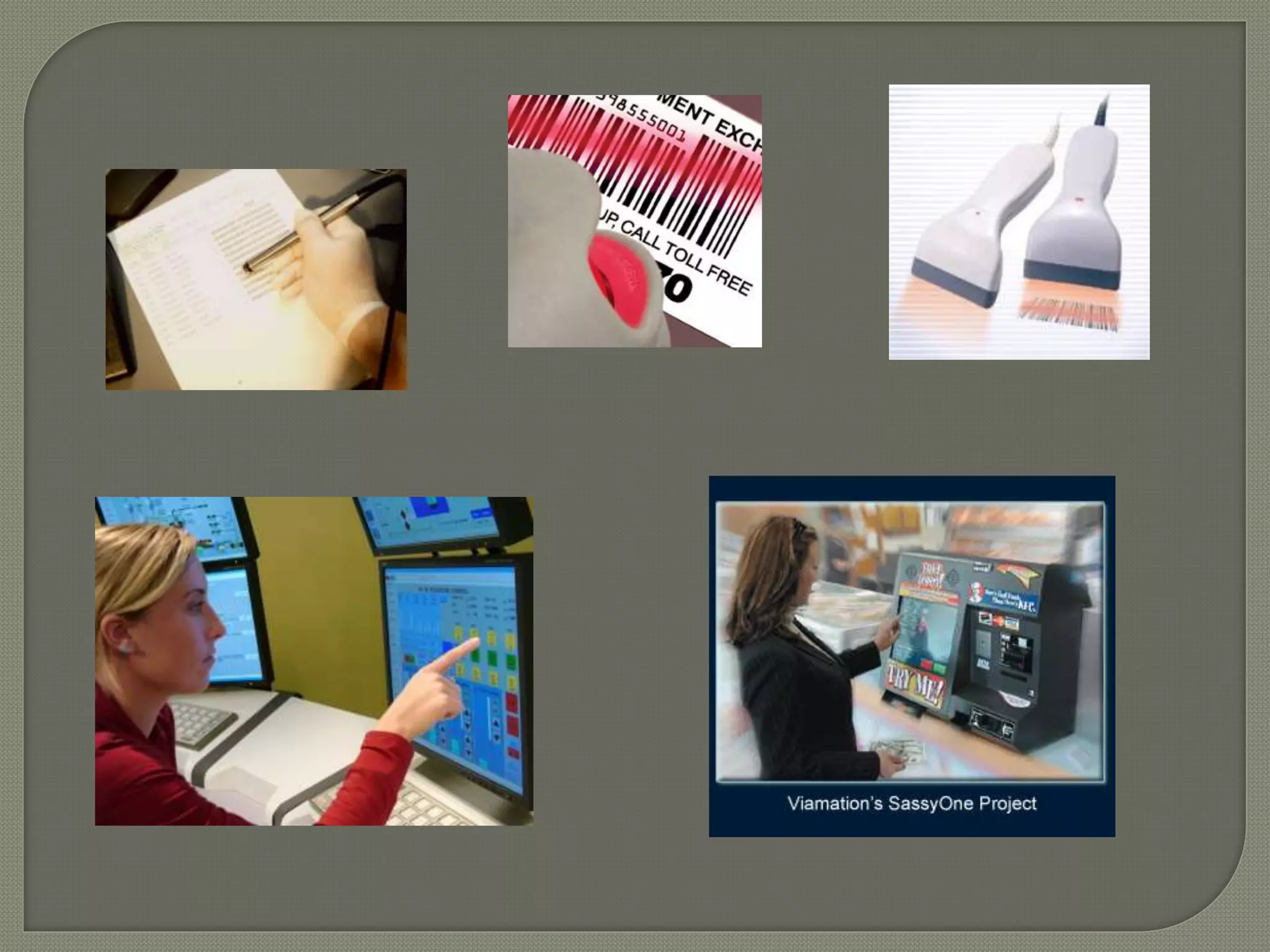
Input Devices 
Processing 
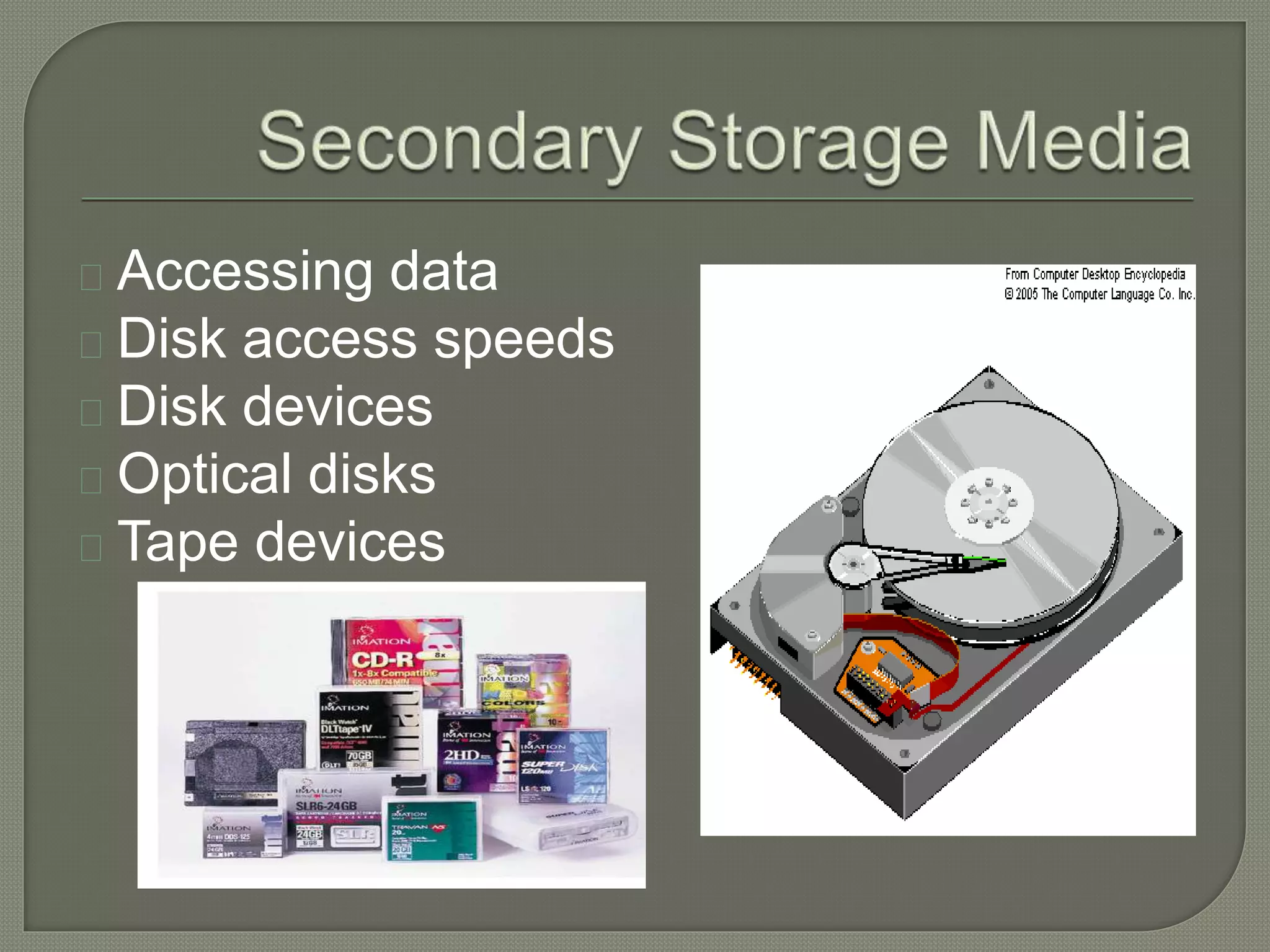
Secondary Storage Media 
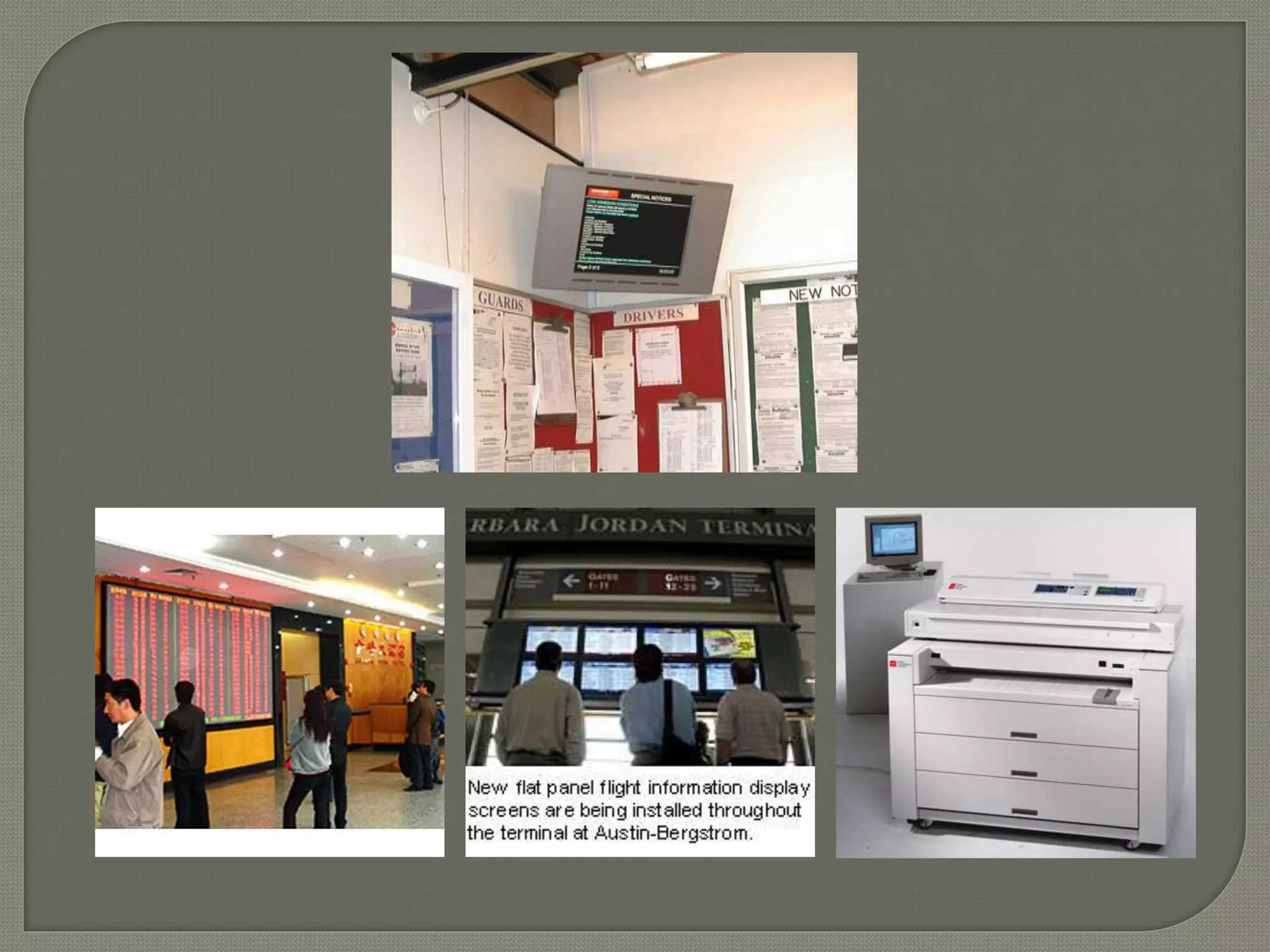
Output Devices
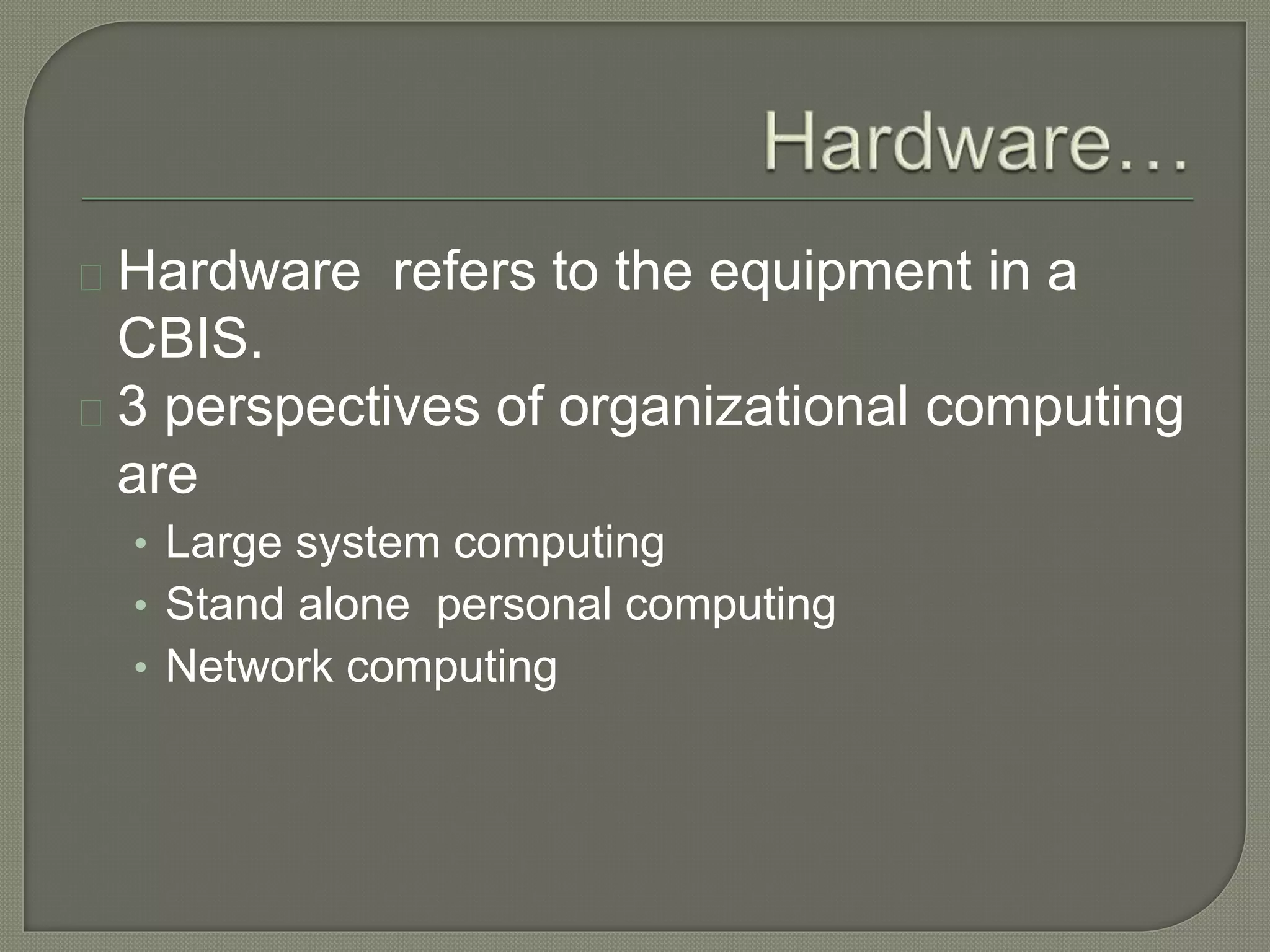
Hardware refers to the equipment in a 
CBIS. 
3 perspectives of organizational computing 
are 
• Large system computing 
• Stand alone personal computing 
• Network computing
In large-system computing configurations, 
terminals are attached to a central 
computer. The central computer performs 
most computations and controls attached 
peripherals such as printers.
Personal computers are used for individual 
work. Stand alone systems are not linked 
to other personal computers or large 
systems.
In network computing, multiple 
workstations allow users to share data 
and computing resources, both local and 
remote. Personal computer networks may 
also be linked to large systems.
End user input devices 
Pen-based technologies 
Imaging and digitizing devices 
Voice input devices 
Special purpose input devices 
• Source data automation 
• Specialized keyboards 
• Optical character recognition 
• Magnetic ink character recognition
Central processing unit 
Primary memory 
Machine cycle –to process program 
instruction 
Sizing – bits, bytes, hertz, MIPS and 
FLOPS 
Parallel processing
Accessing data 
Disk access speeds 
Disk devices 
Optical disks 
Tape devices
Display devices 
Screen resolution 
Text and graphics 
Monochrome/ color 
CRT/ flat panel 
Printers 
• Print quality 
• Solid font printers 
• Dot matrix printers 
• Ink jet printers 
• Thermal transfer printers 
• Laser printers 
Special purpose output devices 
• Plotters 
• Voice output 
• Film recorders 
• Computer output microfilm
System Software 
Application Software 
Software Engineering & Tools 
Trends regarding software 
Management Concerns
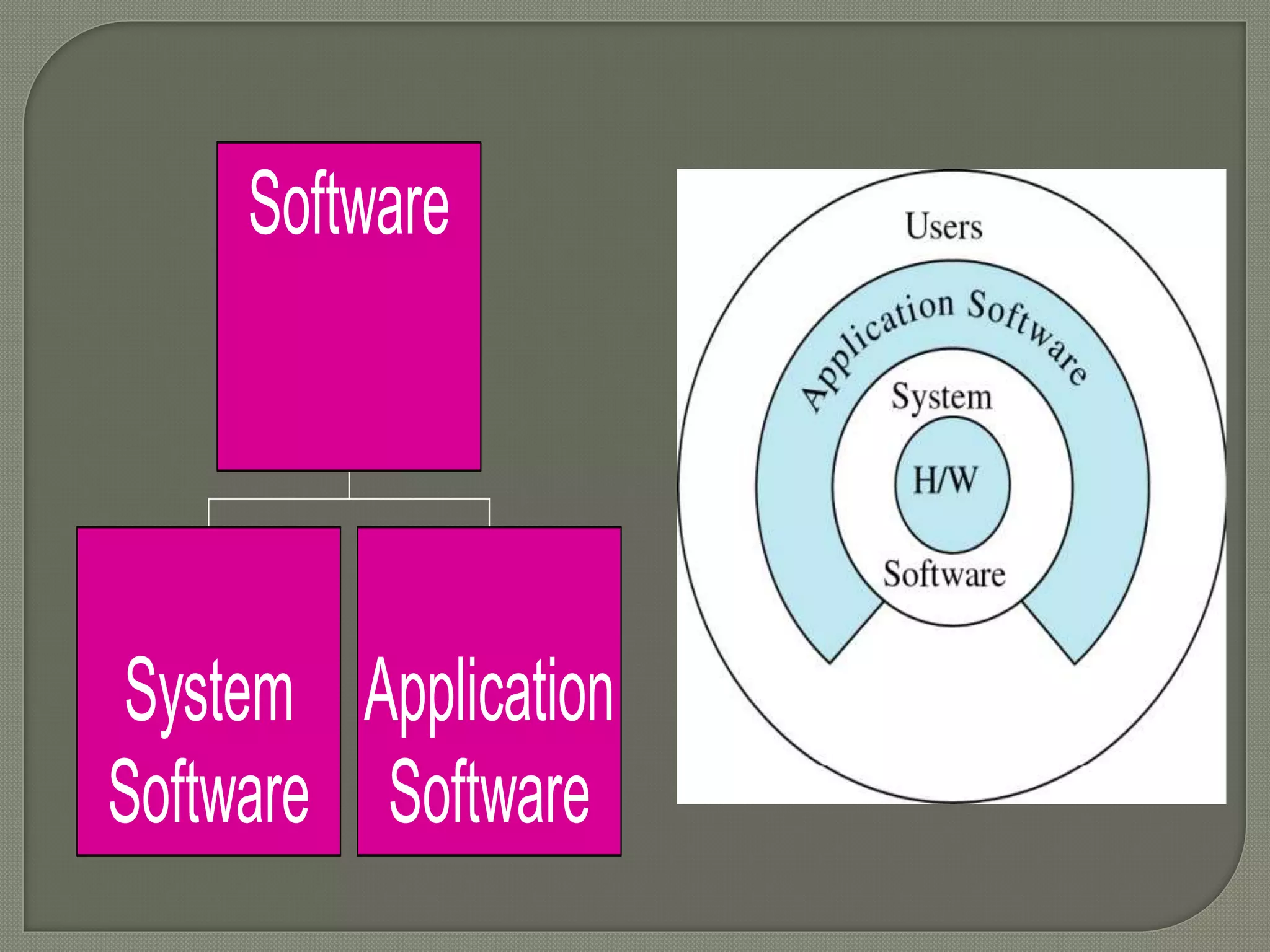
Software 
System 
Software 
Application 
Software
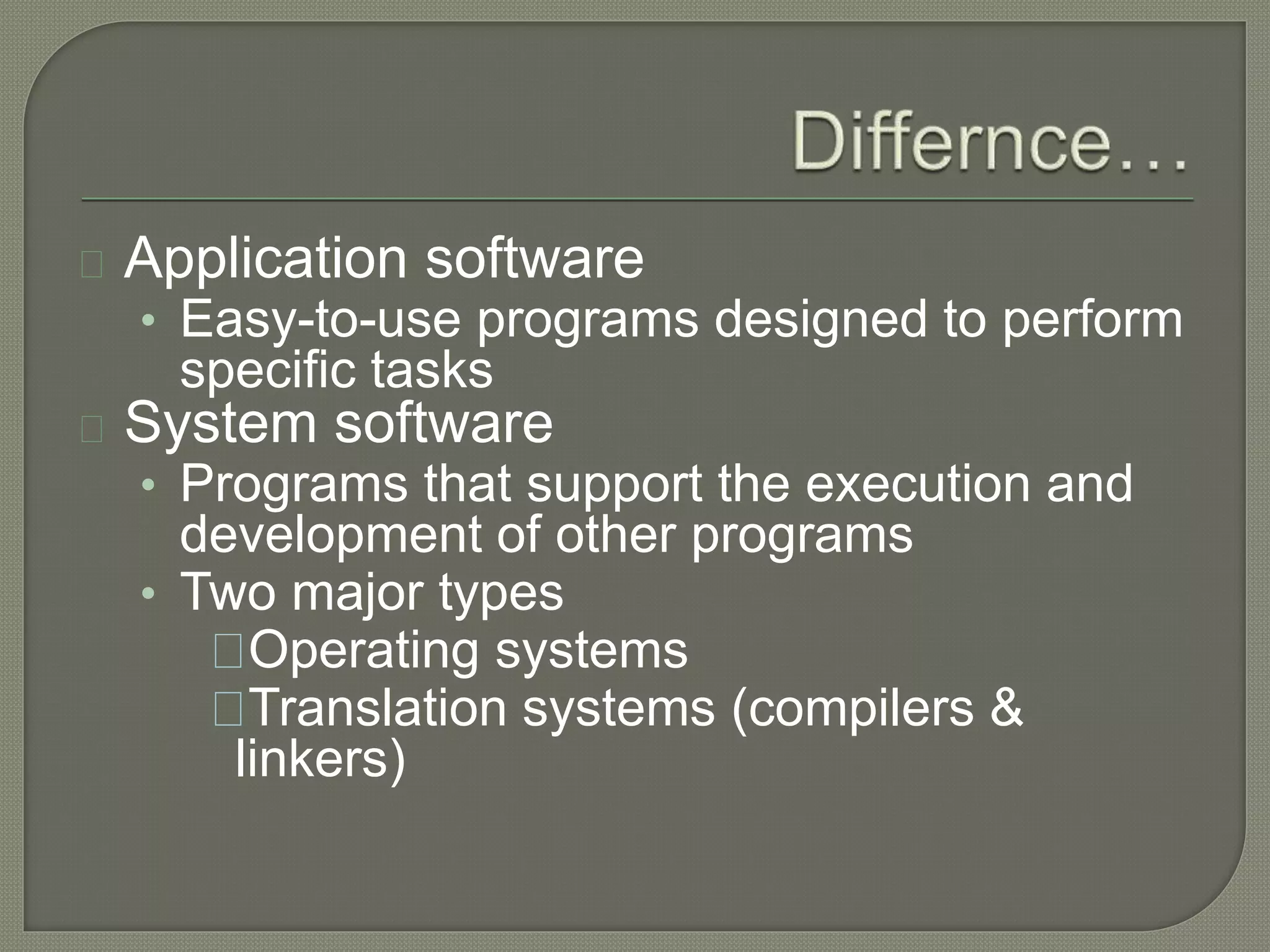
Application software 
• Easy-to-use programs designed to perform 
specific tasks 
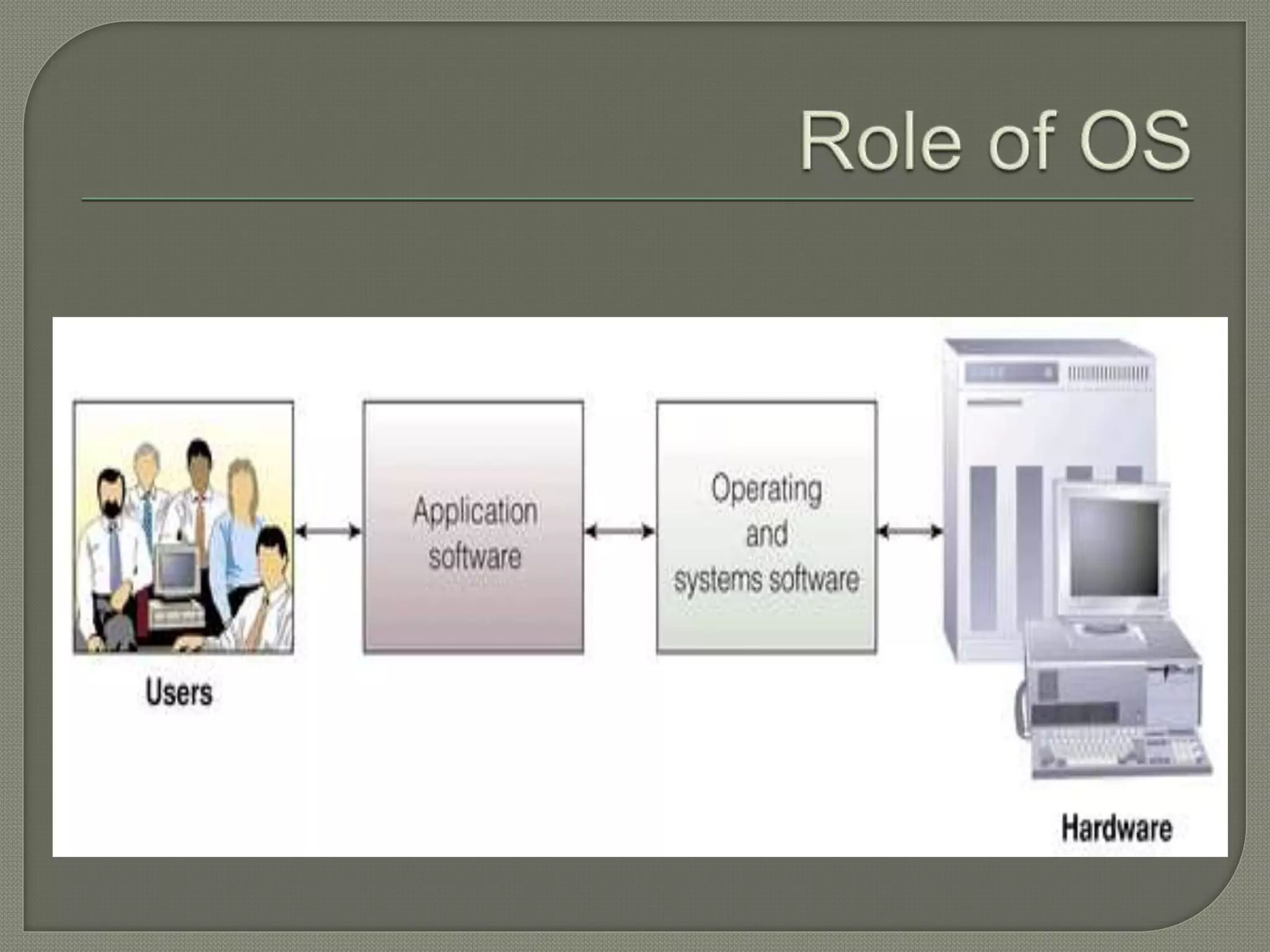
System software 
• Programs that support the execution and 
development of other programs 
• Two major types 
Operating systems 
Translation systems (compilers & 
linkers)
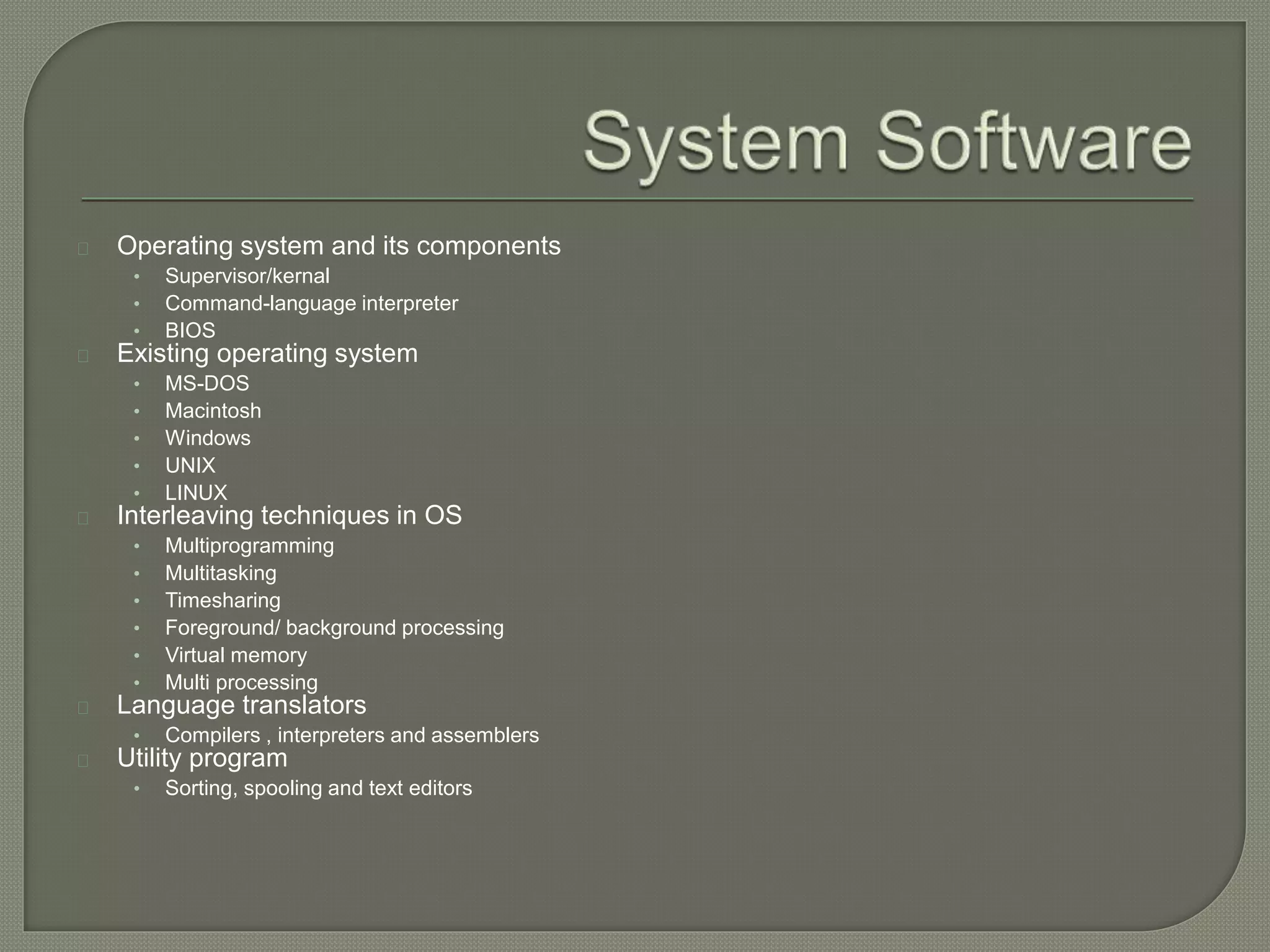
Operating system and its components 
• Supervisor/kernal 
• Command-language interpreter 
• BIOS 
Existing operating system 
• MS-DOS 
• Macintosh 
• Windows 
• UNIX 
• LINUX 
Interleaving techniques in OS 
• Multiprogramming 
• Multitasking 
• Timesharing 
• Foreground/ background processing 
• Virtual memory 
• Multi processing 
Language translators 
• Compilers , interpreters and assemblers 
Utility program 
• Sorting, spooling and text editors
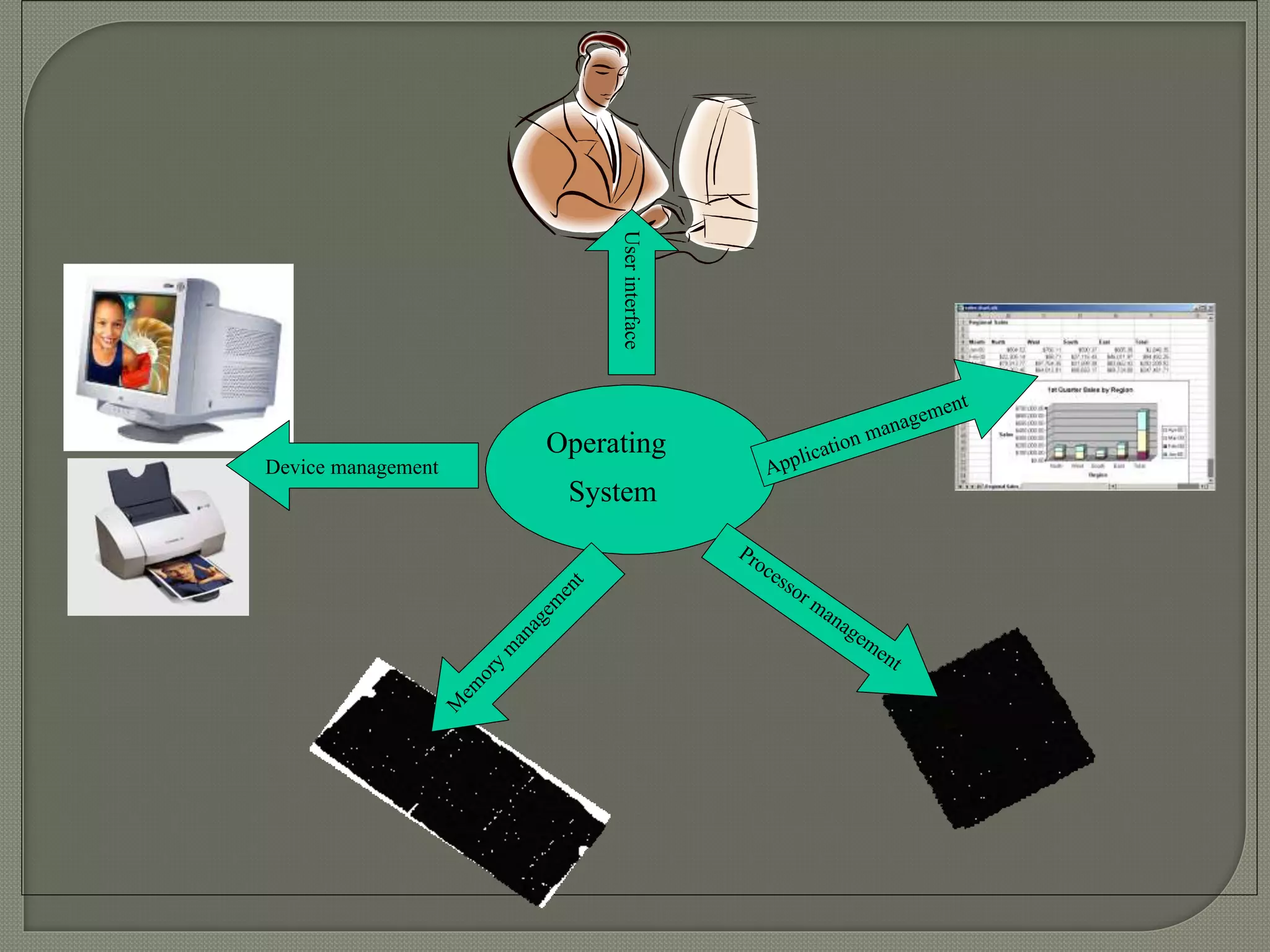
User interface 
Operating 
System 
Device management 
User interface 
management
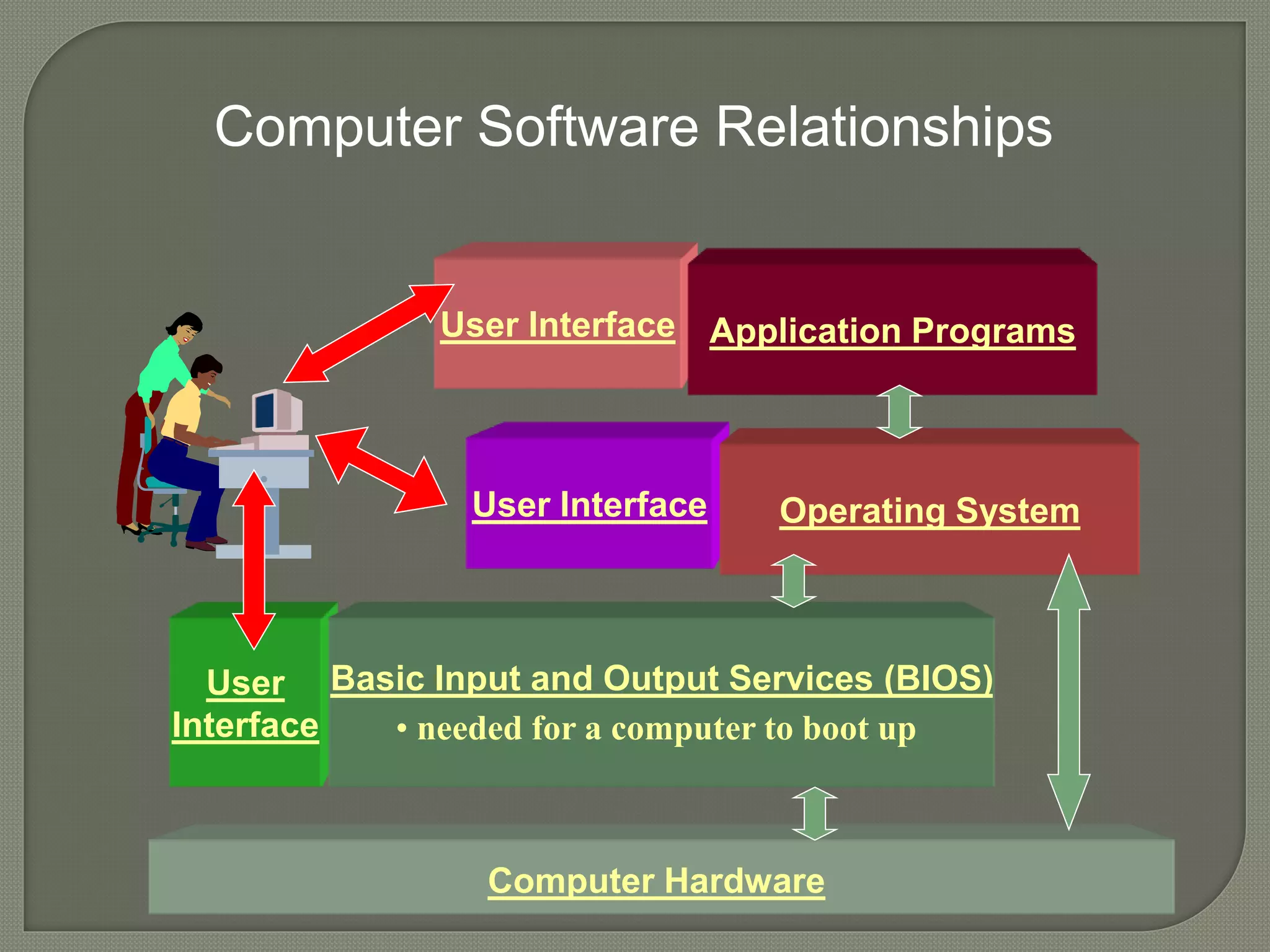
Computer Software Relationships 
User 
Interface 
User Interface 
User Interface 
Application Programs 
Operating System 
Basic Input and Output Services (BIOS) 
• needed for a computer to boot up 
Computer Hardware
General purpose Application software 
• Word Processing 
• Spreadsheets 
• File Managers and database management systems 
Special Purpose Application Software 
• Transaction Processing 
• Analysis & Decision Making 
• Planning, coordinating, Scheduling and organizing 
• Retrieving and updating 
• Reporting 
• Writing 
• Presentation 
• Communication 
• Training 
Programming languages 
• From low level to 4GLs
1. Explain Software engineering and also 
discuss CASE tools. 
2. What are the managerial issues related 
to software and application development.

Hardware software components

  • 1.
  • 2.
    Organizational Computing InputDevices Processing Secondary Storage Media Output Devices
  • 4.
    Hardware refers tothe equipment in a CBIS. 3 perspectives of organizational computing are • Large system computing • Stand alone personal computing • Network computing
  • 5.
    In large-system computingconfigurations, terminals are attached to a central computer. The central computer performs most computations and controls attached peripherals such as printers.
  • 6.
    Personal computers areused for individual work. Stand alone systems are not linked to other personal computers or large systems.
  • 7.
    In network computing,multiple workstations allow users to share data and computing resources, both local and remote. Personal computer networks may also be linked to large systems.
  • 8.
    End user inputdevices Pen-based technologies Imaging and digitizing devices Voice input devices Special purpose input devices • Source data automation • Specialized keyboards • Optical character recognition • Magnetic ink character recognition
  • 10.
    Central processing unit Primary memory Machine cycle –to process program instruction Sizing – bits, bytes, hertz, MIPS and FLOPS Parallel processing
  • 11.
    Accessing data Diskaccess speeds Disk devices Optical disks Tape devices
  • 12.
    Display devices Screenresolution Text and graphics Monochrome/ color CRT/ flat panel Printers • Print quality • Solid font printers • Dot matrix printers • Ink jet printers • Thermal transfer printers • Laser printers Special purpose output devices • Plotters • Voice output • Film recorders • Computer output microfilm
  • 14.
    System Software ApplicationSoftware Software Engineering & Tools Trends regarding software Management Concerns
  • 15.
    Software System Software Application Software
  • 16.
    Application software •Easy-to-use programs designed to perform specific tasks System software • Programs that support the execution and development of other programs • Two major types Operating systems Translation systems (compilers & linkers)
  • 17.
    Operating system andits components • Supervisor/kernal • Command-language interpreter • BIOS Existing operating system • MS-DOS • Macintosh • Windows • UNIX • LINUX Interleaving techniques in OS • Multiprogramming • Multitasking • Timesharing • Foreground/ background processing • Virtual memory • Multi processing Language translators • Compilers , interpreters and assemblers Utility program • Sorting, spooling and text editors
  • 18.
    User interface Operating System Device management User interface management
  • 20.
    Computer Software Relationships User Interface User Interface User Interface Application Programs Operating System Basic Input and Output Services (BIOS) • needed for a computer to boot up Computer Hardware
  • 21.
    General purpose Applicationsoftware • Word Processing • Spreadsheets • File Managers and database management systems Special Purpose Application Software • Transaction Processing • Analysis & Decision Making • Planning, coordinating, Scheduling and organizing • Retrieving and updating • Reporting • Writing • Presentation • Communication • Training Programming languages • From low level to 4GLs
  • 22.
    1. Explain Softwareengineering and also discuss CASE tools. 2. What are the managerial issues related to software and application development.