CHAPTER 2: COMPUTER
SYSTEMS
Hardware
At the end of the lesson, student should
be able to:
   Define the meaning of input
   Define the meaning of input devices
   Identify the input devices used for text, graphic,
    audio and video
Input
   Input is any data and instructions entered into the memory of
    a computer
   There are four types of input which are:


                       Text                           Graphic


                       Audio                          Video
Input Devices
   Input device is any hardware component that
    allows users to enter data and instructions into a
    computer.
   Examples of input devices are:
    i)     Keyboard
    ii)    Scanner
    iii)   Microphone
    iv)    Mouse
    v)     Webcam
A) Input Devices for Text
    Input Device        Explanation              Picture
Keyboard            Input device that
                   contains key users press to
                   enter data and instructions
                   into a computer

                    We can enter data such
                   as text and commands into
                   a computer by pressing the
                   keys on the keyboard
Barcode reader      A barcode reader is a
                   device that uses a light
                   source to read bar codes
                   and then converts them into
                   digital data that a
                   computer can process
B) Input Devices for Graphics
  Input Device            Explanation               Picture

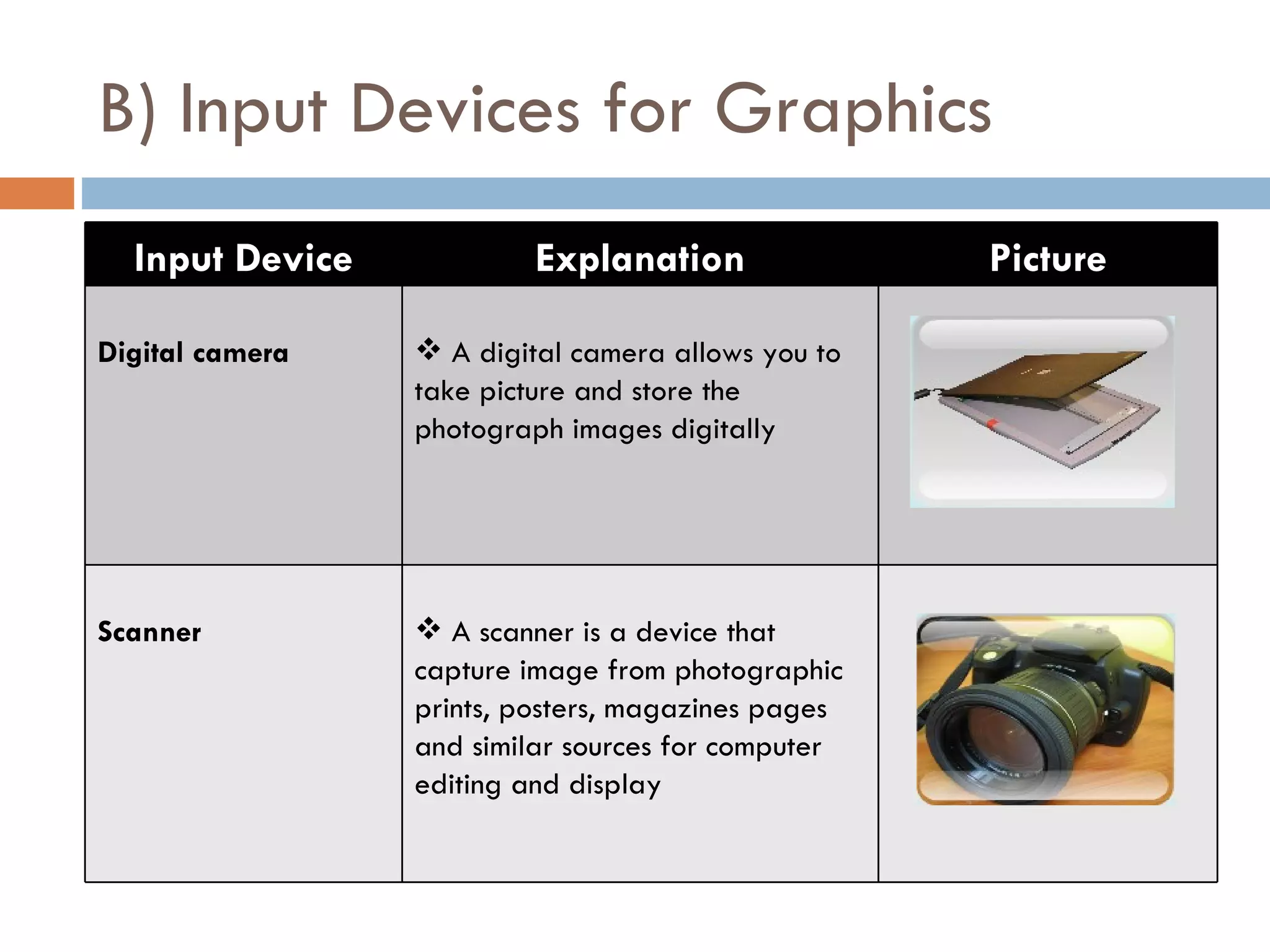
Digital camera    A digital camera allows you to
                 take picture and store the
                 photograph images digitally


Scanner           A scanner is a device that
                 capture image from photographic
                 prints, posters, magazines pages
                 and similar sources for computer
                 editing and display
C) Input Devices for Audio
  Input Device             Explanation                   Picture

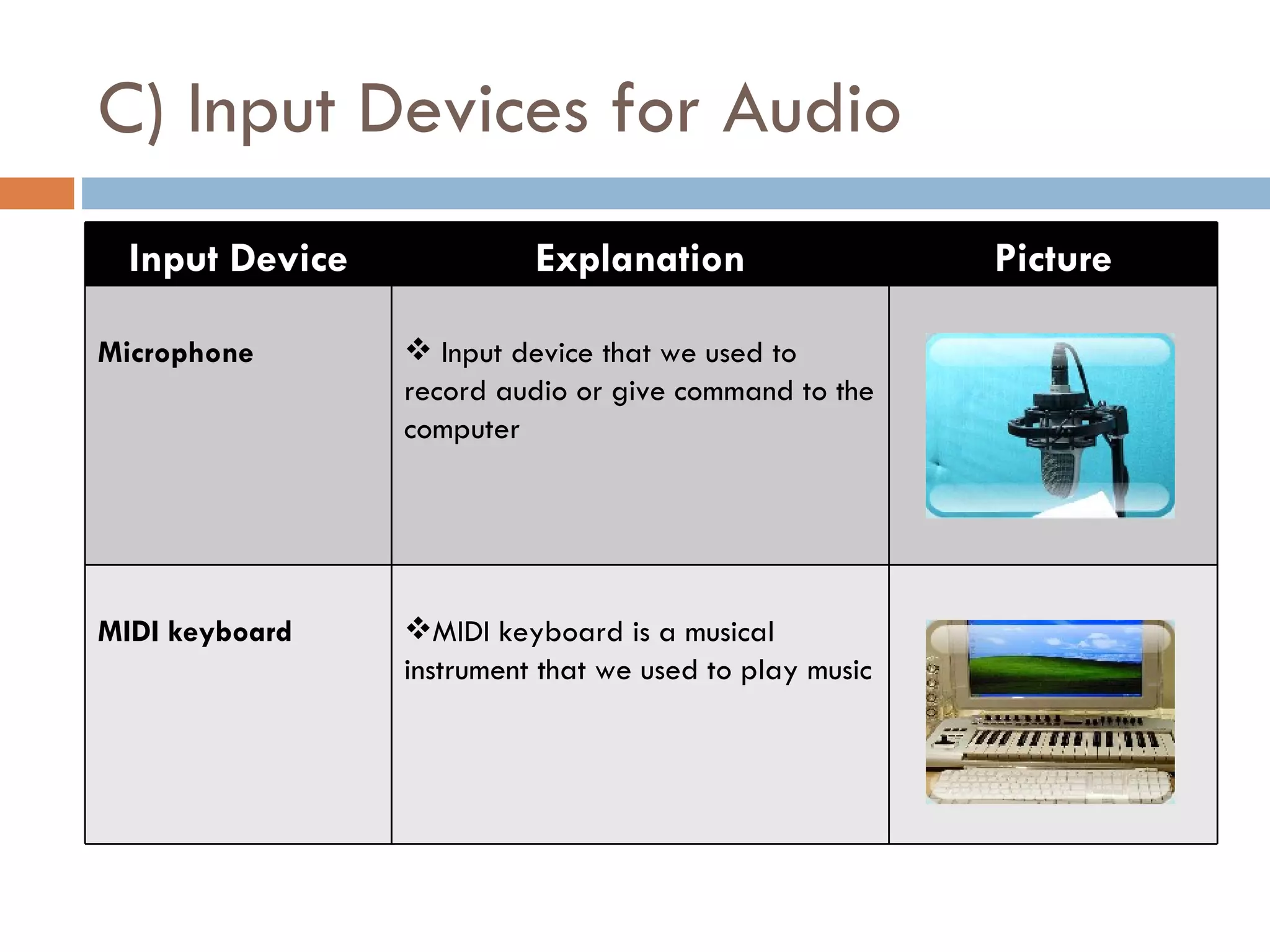
Microphone        Input device that we used to
                 record audio or give command to the
                 computer


MIDI keyboard    MIDI keyboard is a musical
                 instrument that we used to play music
D) Input Devices for Video
  Input Device             Explanation                   Picture

Digital video     A digital video camera allows us to
camera           record full motion and store the
                 capture motion digital


Webcam           A webcam is any video camera that
                 displays its output on a web page


CCTV             A Closed-Circuit Television (CCTV)
                 video camera is a type of digital
                 video camera that enables a home or
                 small business user to capture video
                 and still images
E) Pointing Device
Pointing Device   Picture                       Definition
Mouse                        A mouse is a small plastic box with buttons on
                            top and a rolling ball or optical ‘reader’
                            underneath

Pointing stick               A pressure-sensitive pointing device shape like
                            pencil eraser positioned between keys on a
                            keypad
Touchpad                     A small, flat, rectangle pointing device that is
                            sensitive to pressure and motion device

Joystick                     An input device with a vertical lever moved to
                            control pointing devices or on-screen objects

Trackball                    A stationary pointing device with a ball on top
                            or side

Gamepad                      A gamepad is the most common kind of game
                            controller, held in both hands with thumbs and
                            fingers used to provide input

INPUT DEVICE

  • 1.
  • 2.
    At the endof the lesson, student should be able to:  Define the meaning of input  Define the meaning of input devices  Identify the input devices used for text, graphic, audio and video
  • 3.
    Input  Input is any data and instructions entered into the memory of a computer  There are four types of input which are: Text Graphic Audio Video
  • 4.
    Input Devices  Input device is any hardware component that allows users to enter data and instructions into a computer.  Examples of input devices are: i) Keyboard ii) Scanner iii) Microphone iv) Mouse v) Webcam
  • 5.
    A) Input Devicesfor Text Input Device Explanation Picture Keyboard  Input device that contains key users press to enter data and instructions into a computer  We can enter data such as text and commands into a computer by pressing the keys on the keyboard Barcode reader  A barcode reader is a device that uses a light source to read bar codes and then converts them into digital data that a computer can process
  • 6.
    B) Input Devicesfor Graphics Input Device Explanation Picture Digital camera  A digital camera allows you to take picture and store the photograph images digitally Scanner  A scanner is a device that capture image from photographic prints, posters, magazines pages and similar sources for computer editing and display
  • 7.
    C) Input Devicesfor Audio Input Device Explanation Picture Microphone  Input device that we used to record audio or give command to the computer MIDI keyboard MIDI keyboard is a musical instrument that we used to play music
  • 8.
    D) Input Devicesfor Video Input Device Explanation Picture Digital video  A digital video camera allows us to camera record full motion and store the capture motion digital Webcam A webcam is any video camera that displays its output on a web page CCTV A Closed-Circuit Television (CCTV) video camera is a type of digital video camera that enables a home or small business user to capture video and still images
  • 9.
    E) Pointing Device PointingDevice Picture Definition Mouse  A mouse is a small plastic box with buttons on top and a rolling ball or optical ‘reader’ underneath Pointing stick  A pressure-sensitive pointing device shape like pencil eraser positioned between keys on a keypad Touchpad  A small, flat, rectangle pointing device that is sensitive to pressure and motion device Joystick  An input device with a vertical lever moved to control pointing devices or on-screen objects Trackball  A stationary pointing device with a ball on top or side Gamepad  A gamepad is the most common kind of game controller, held in both hands with thumbs and fingers used to provide input