Download as PDF, PPTX
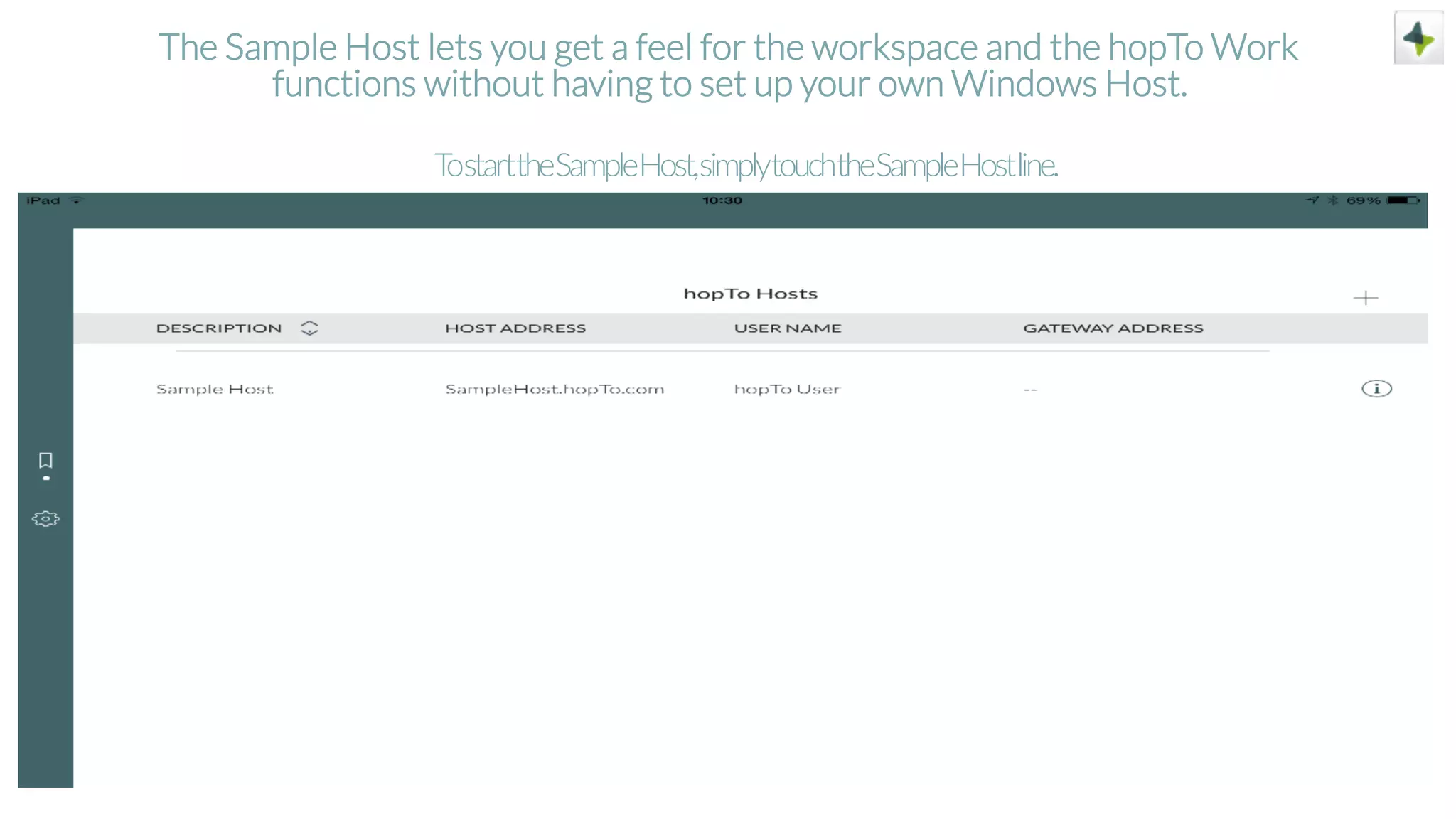
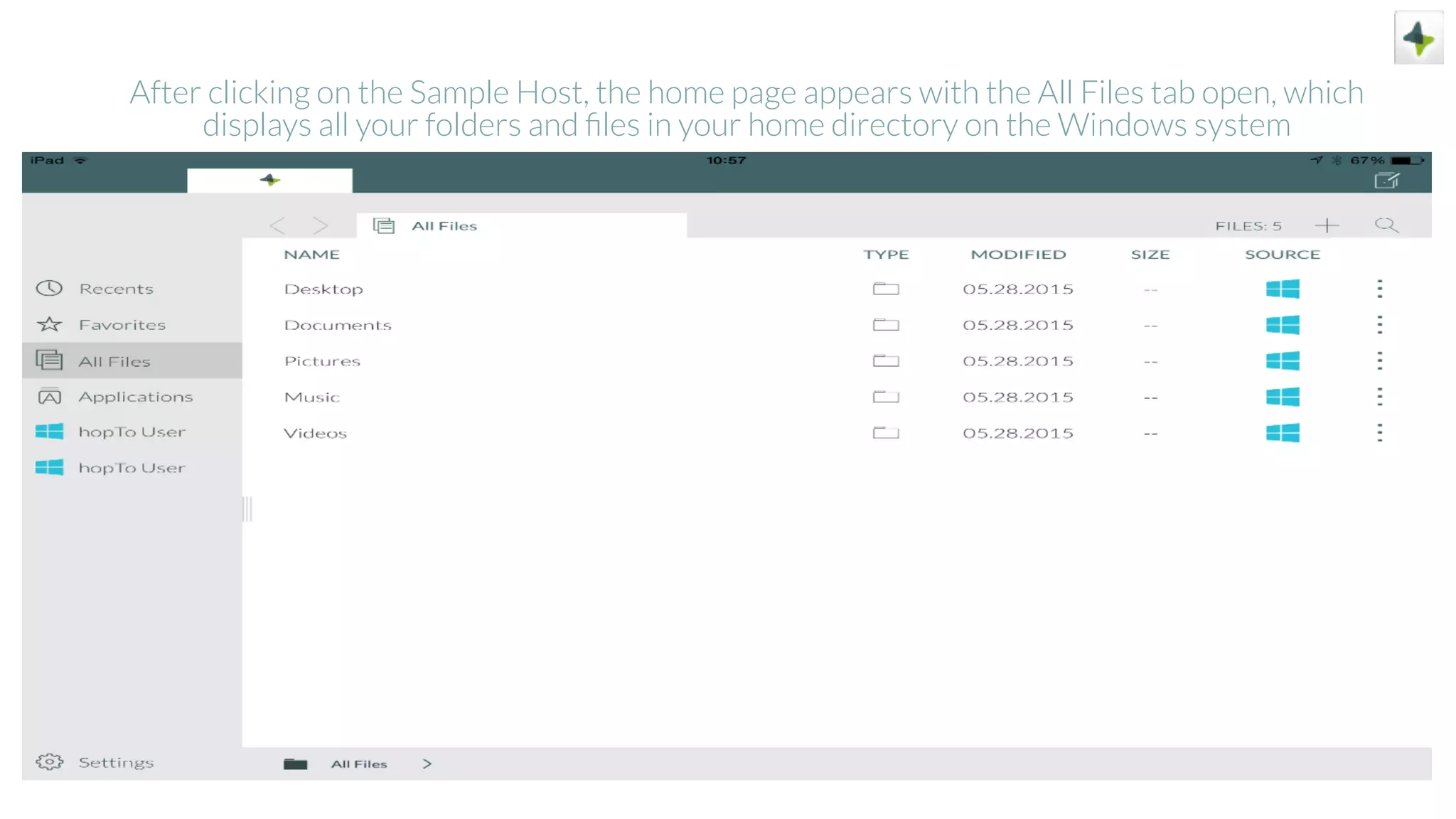
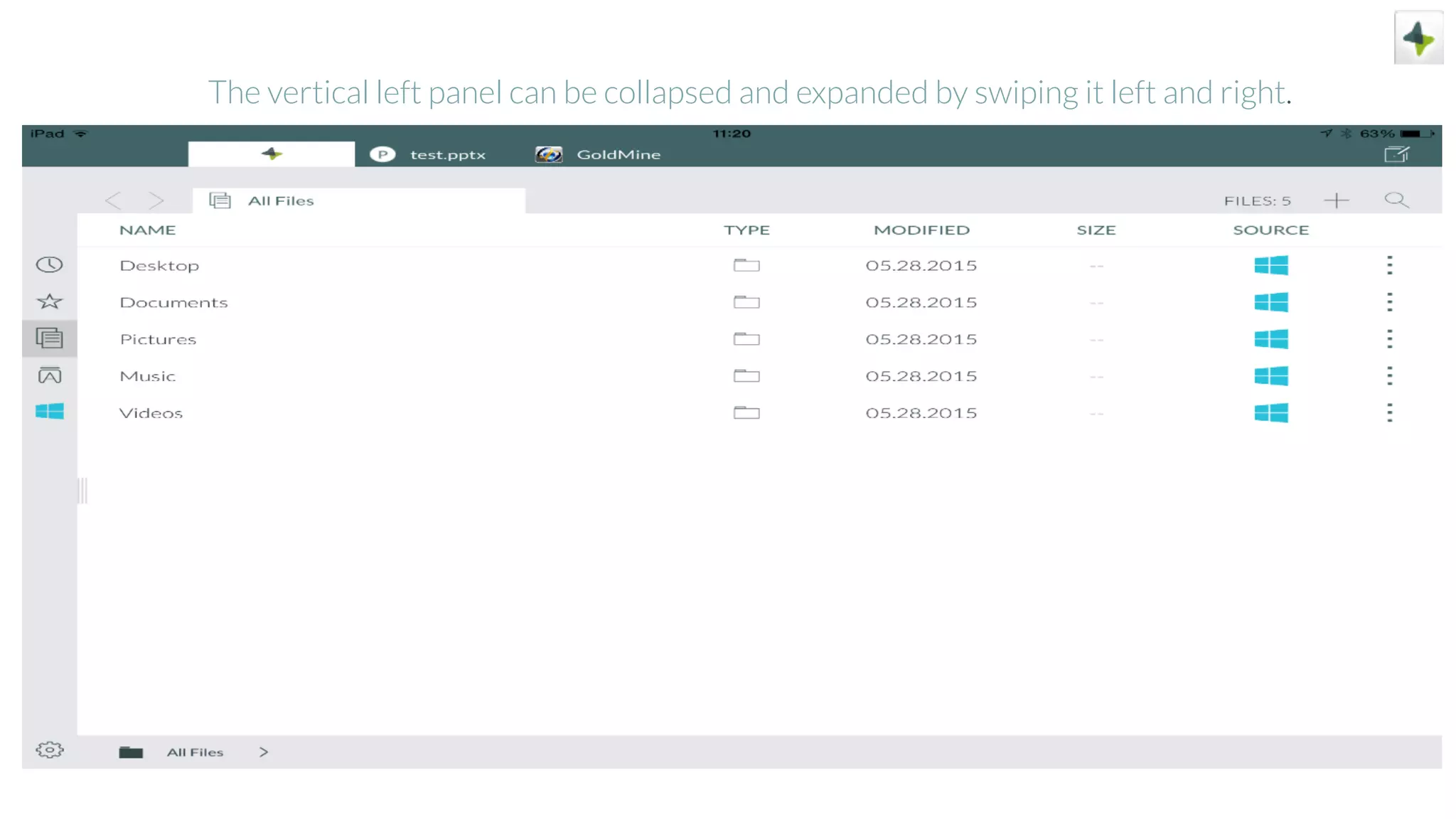
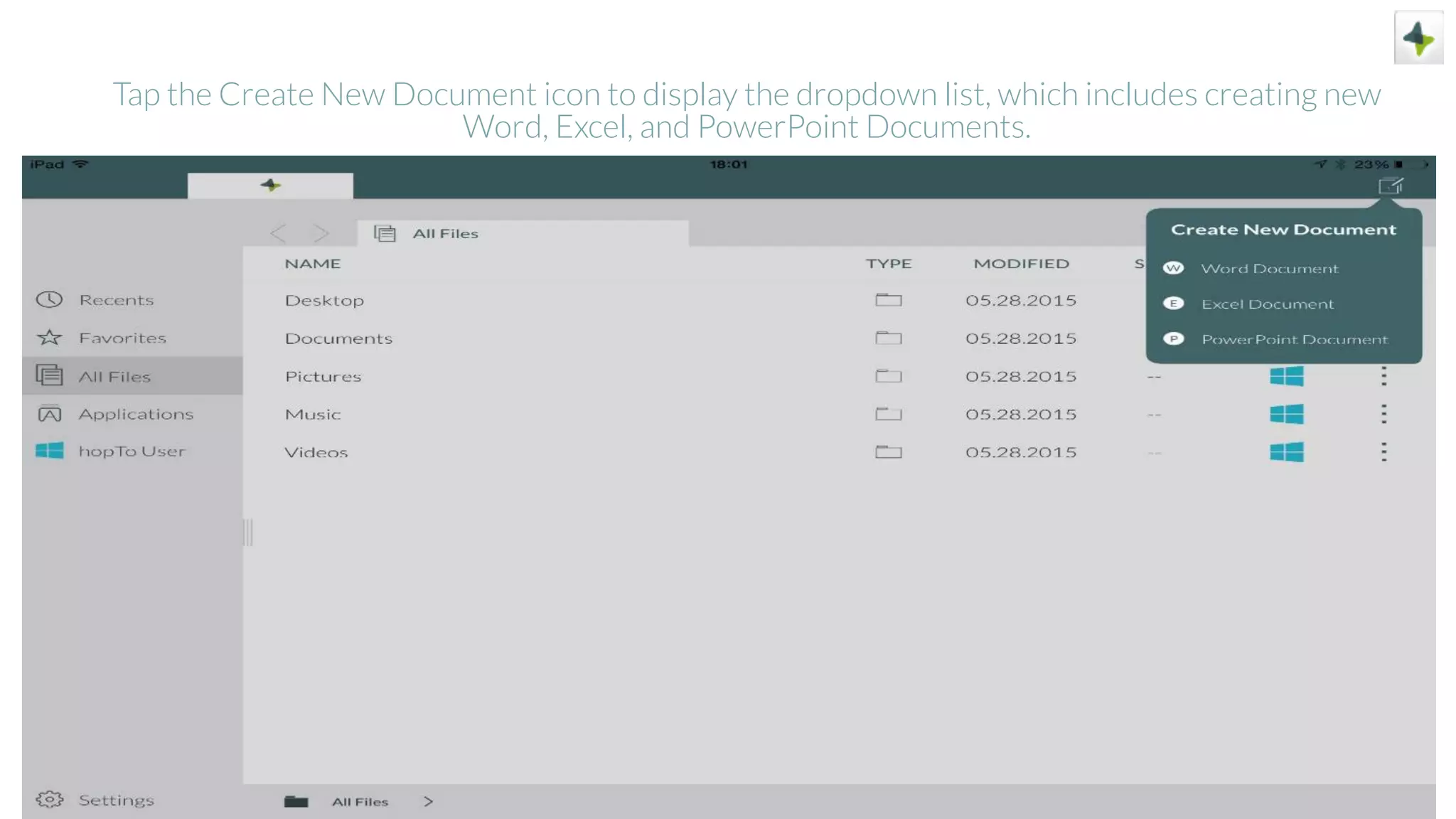
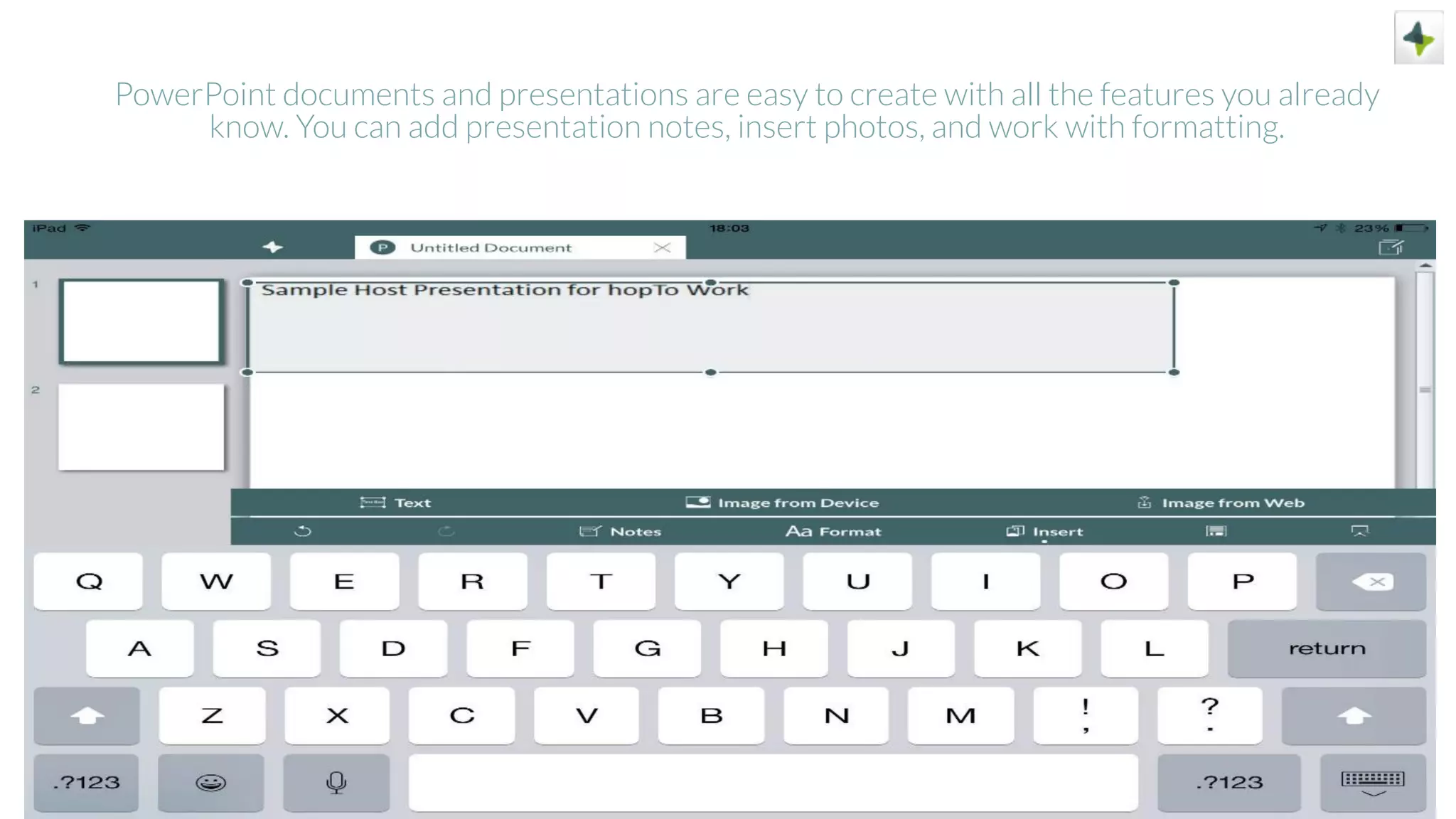
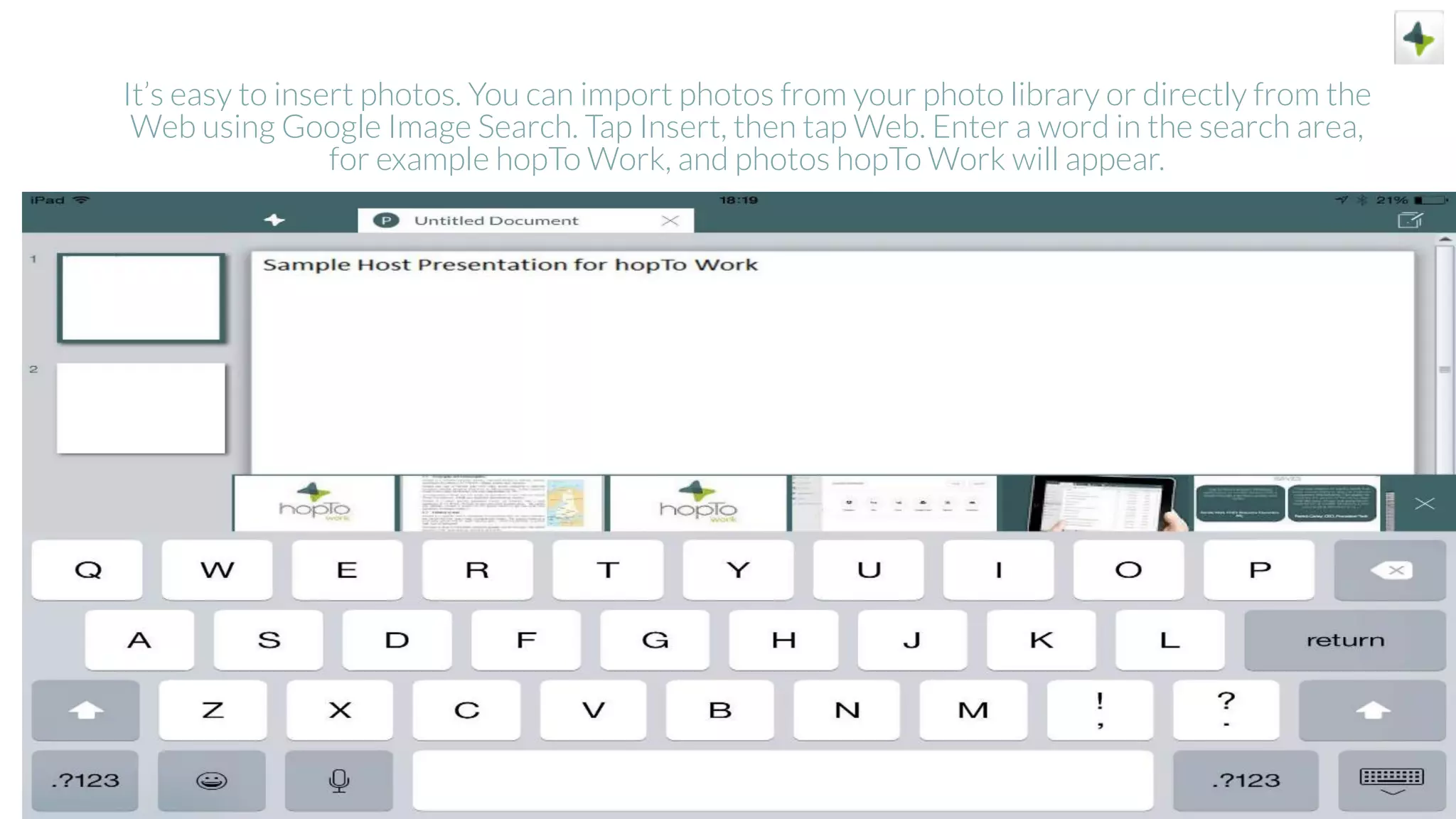
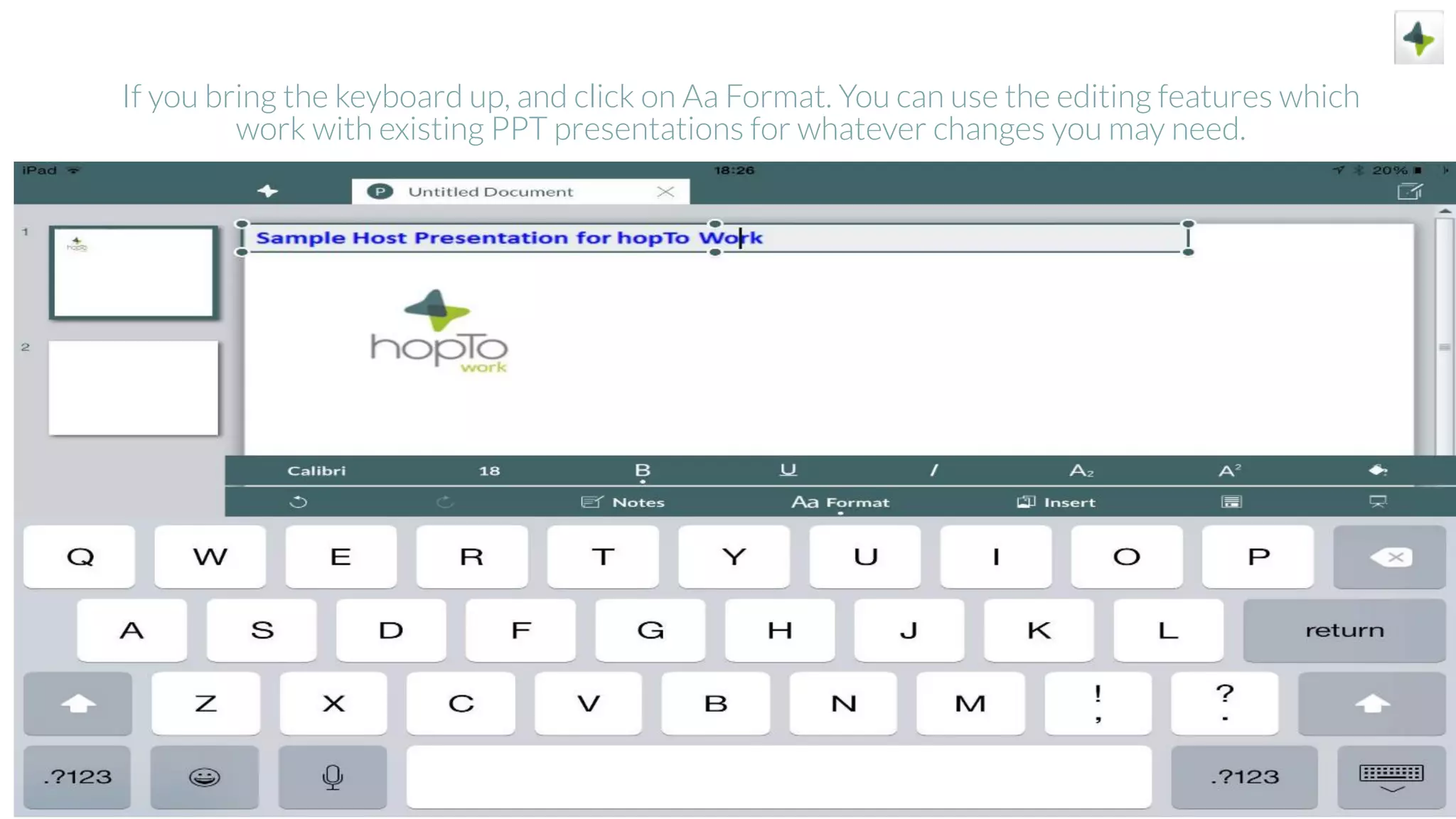
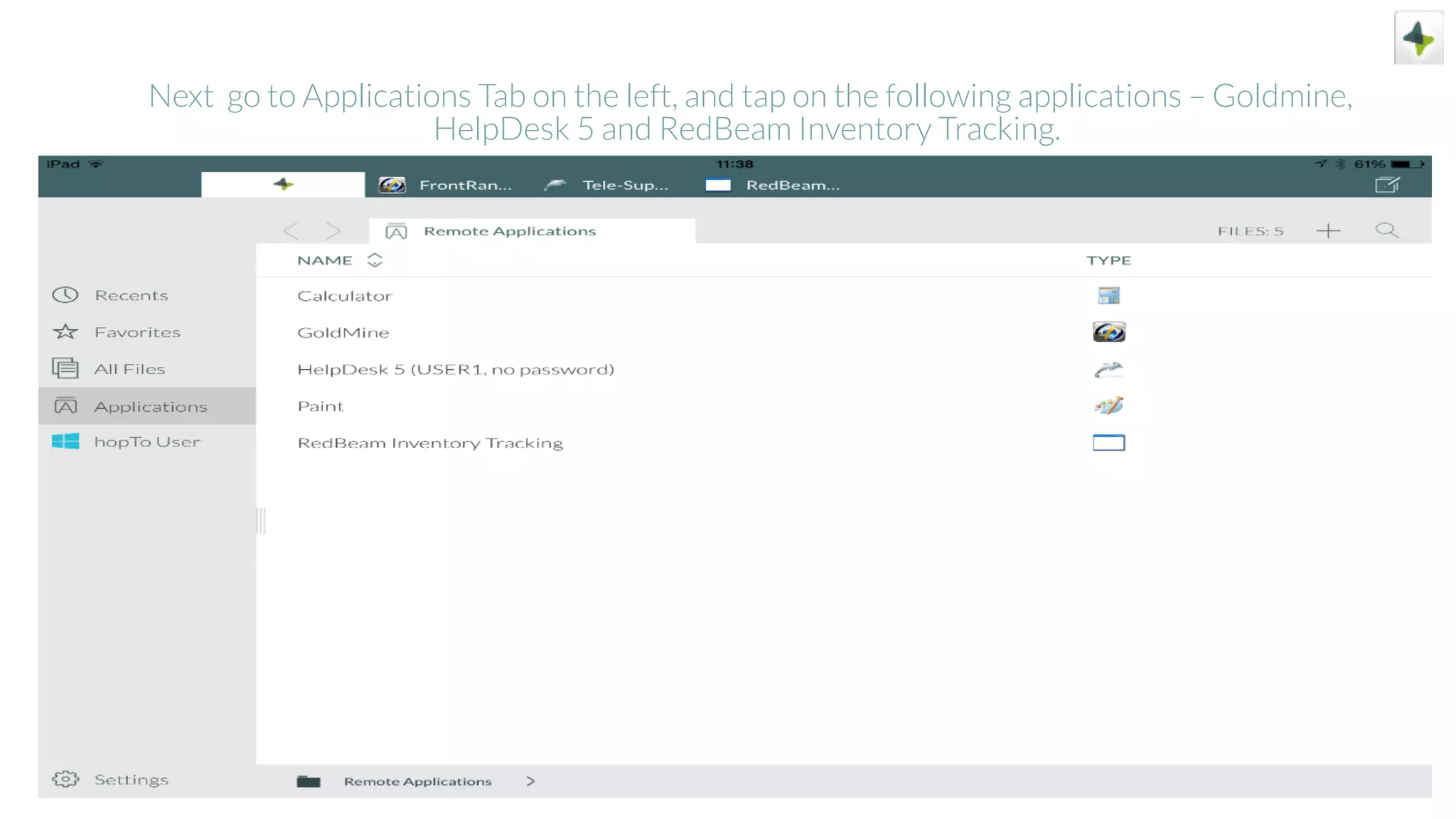
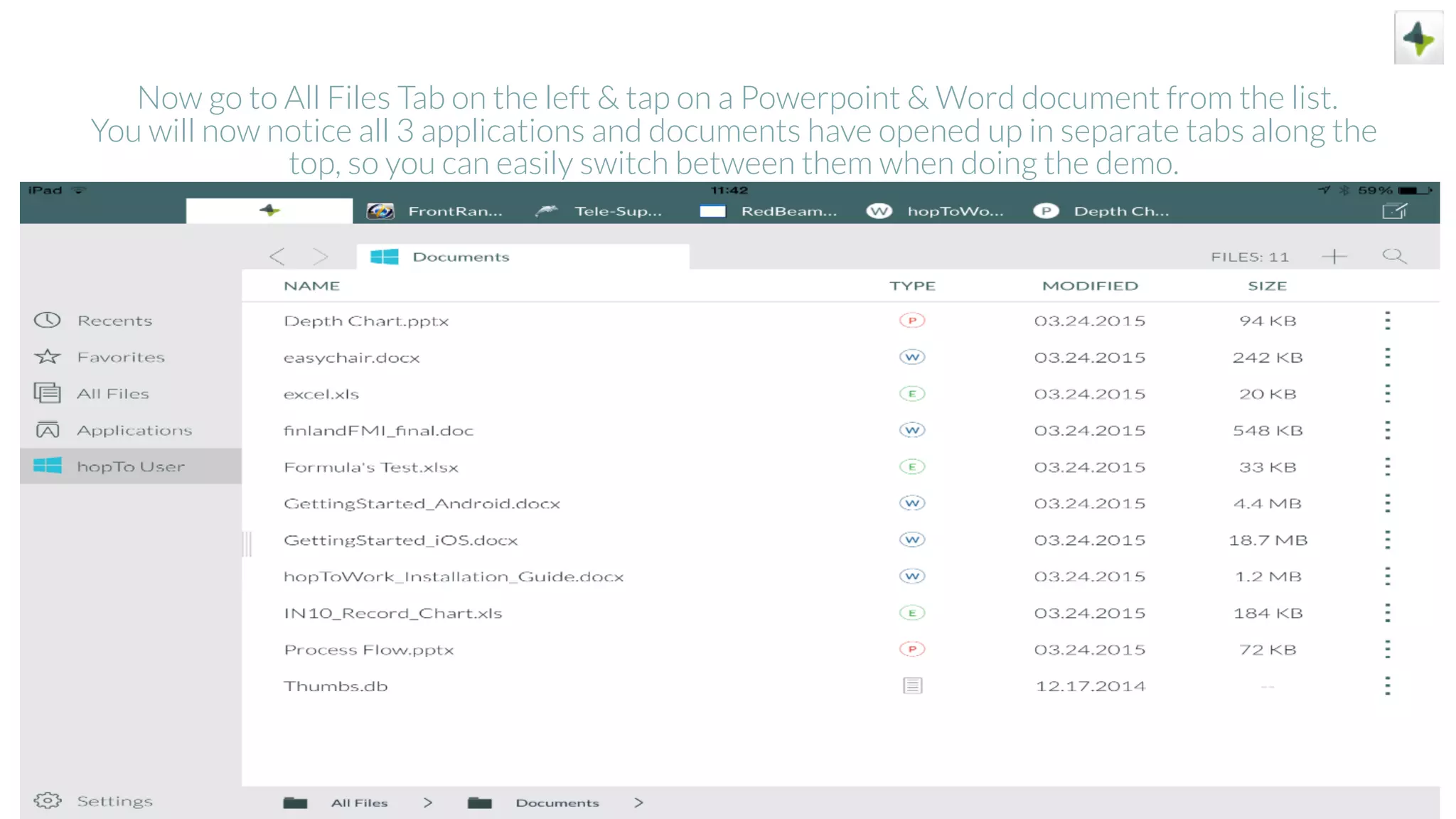
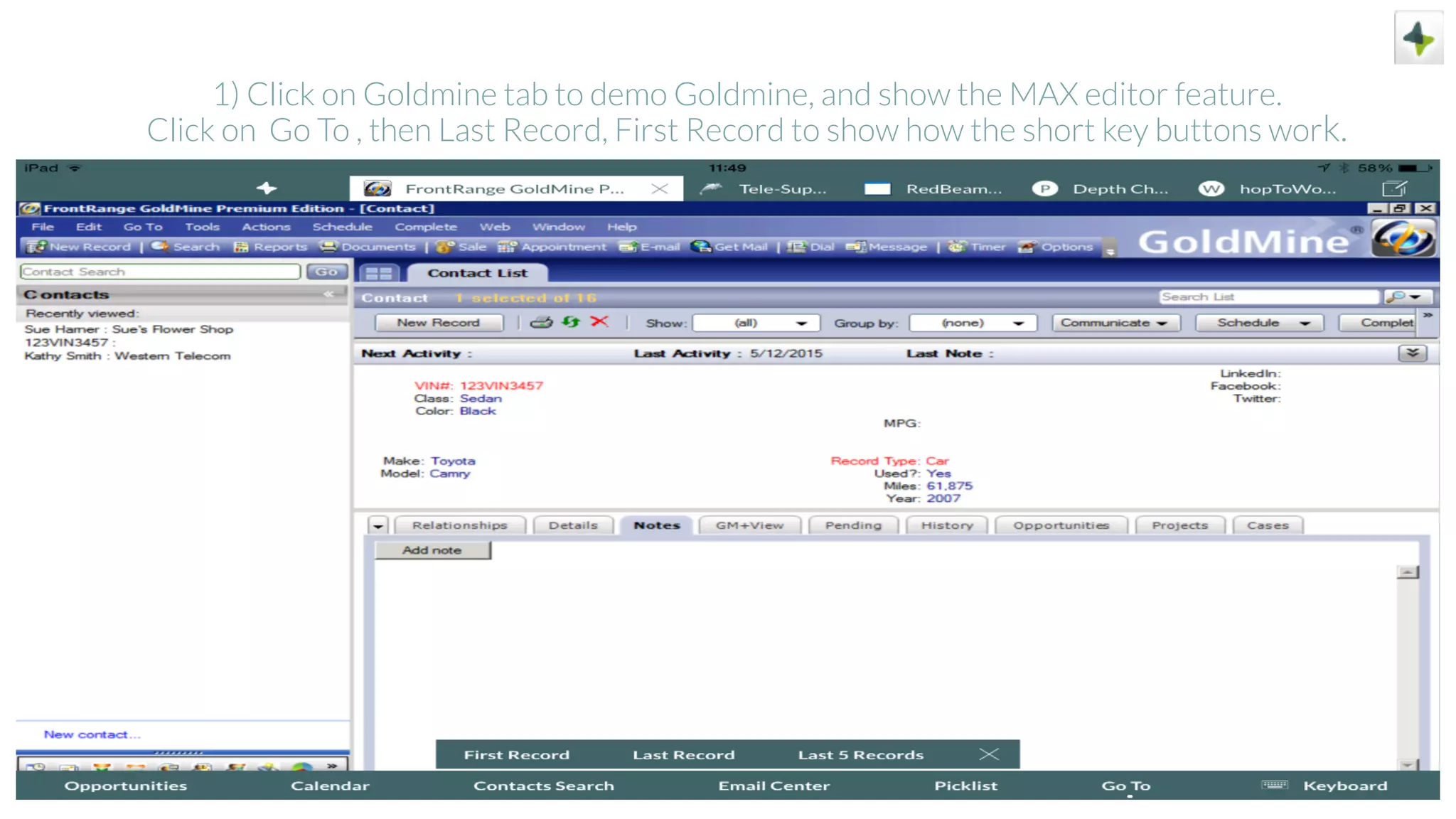
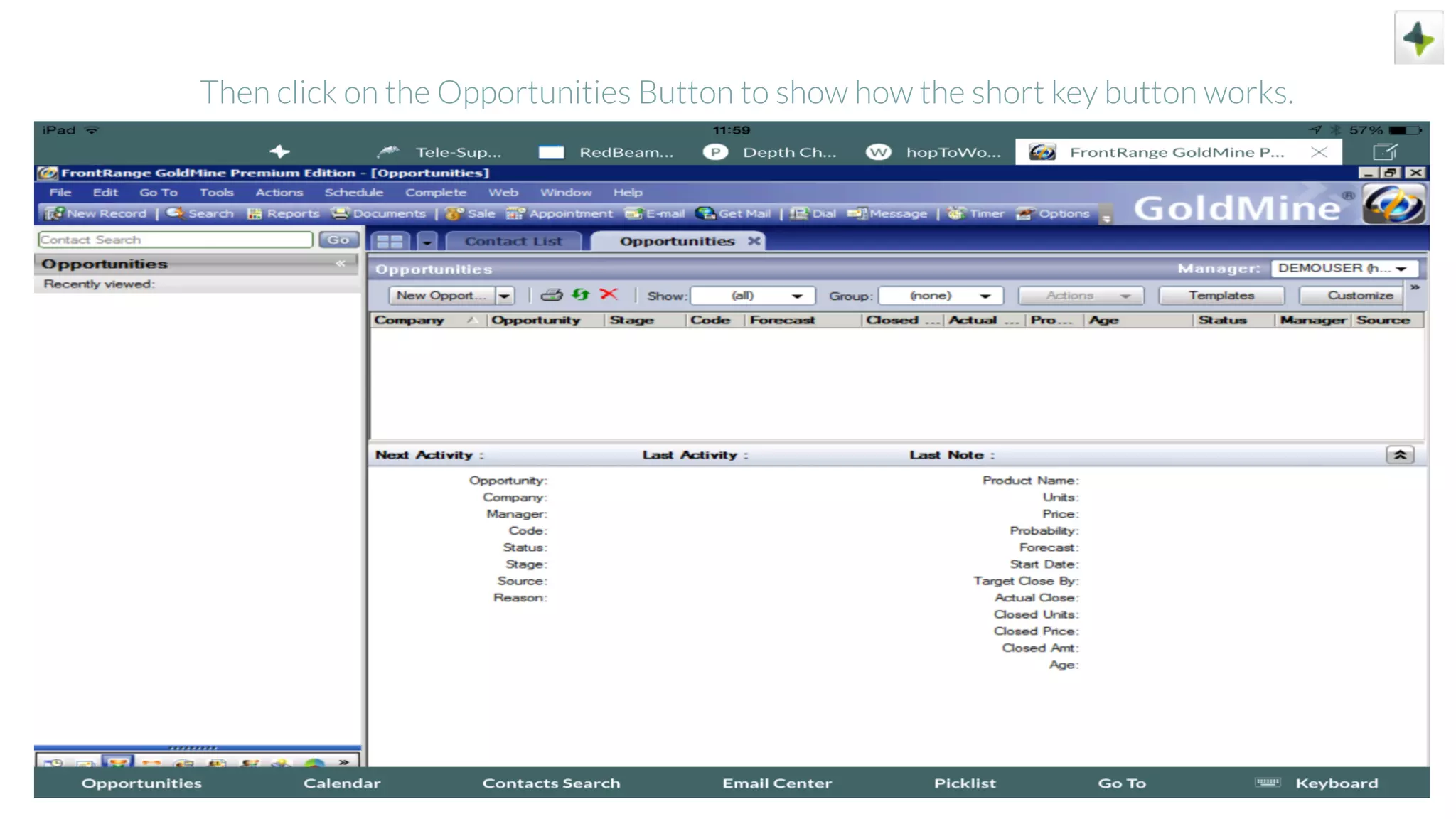
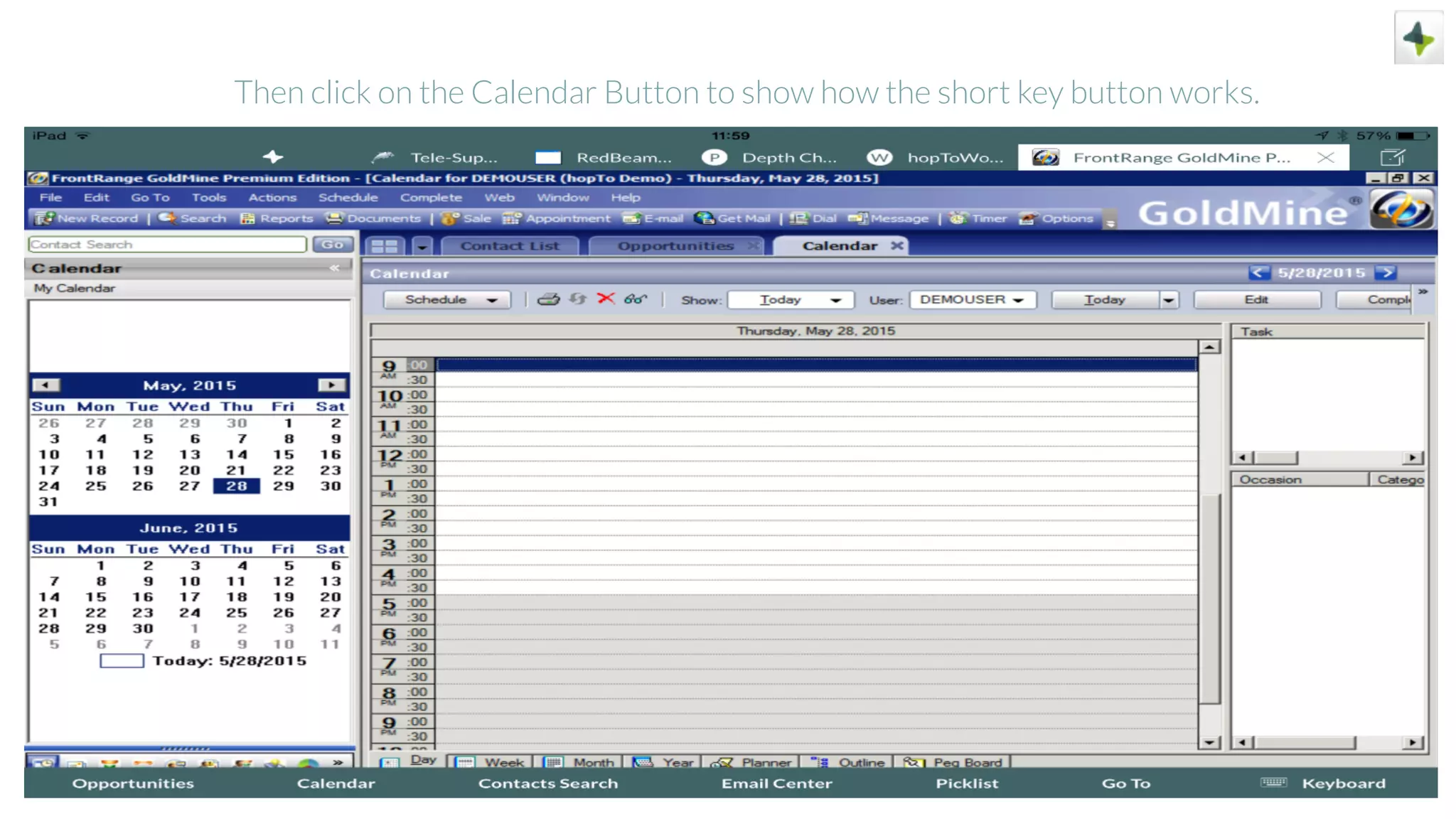
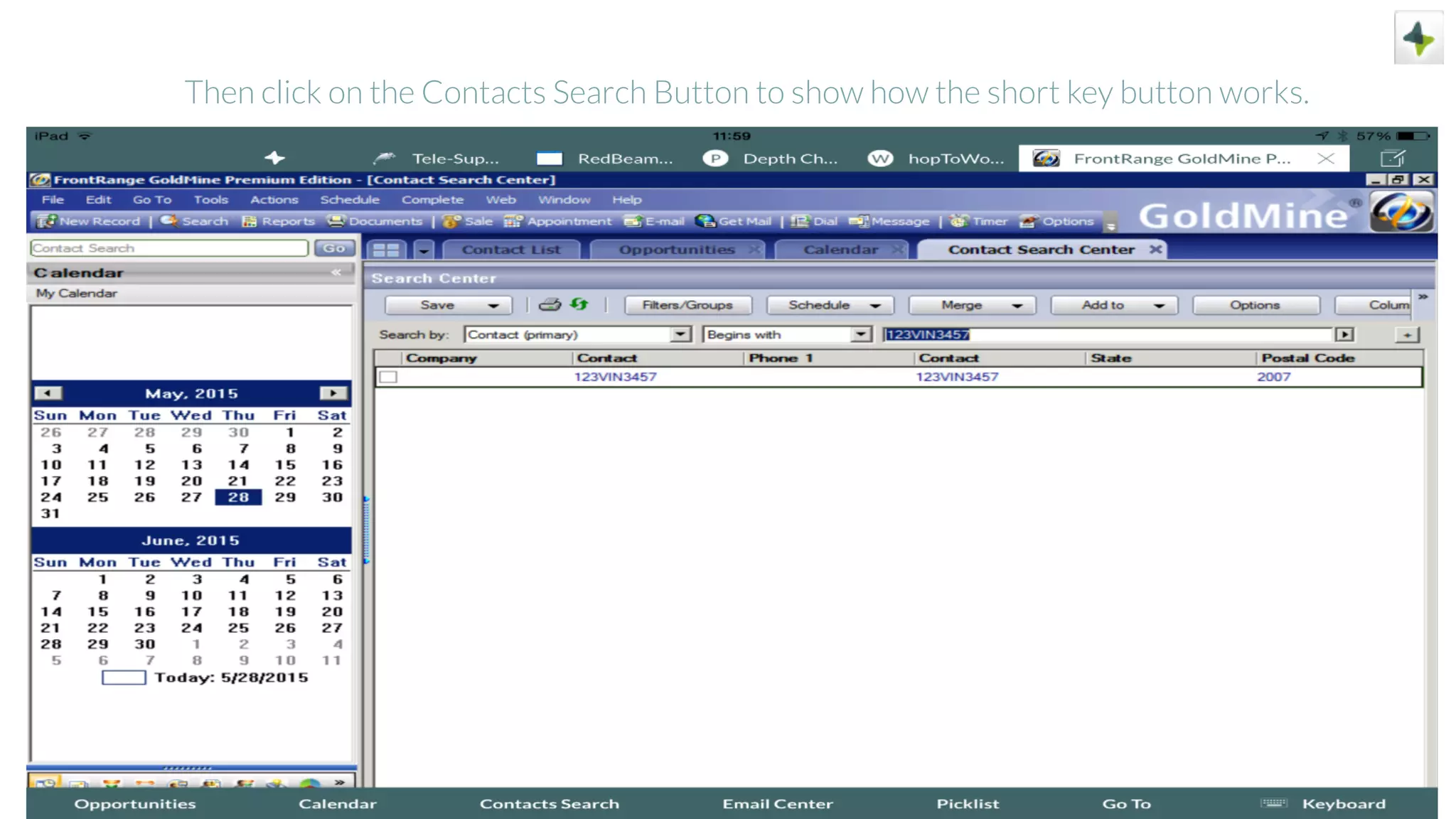
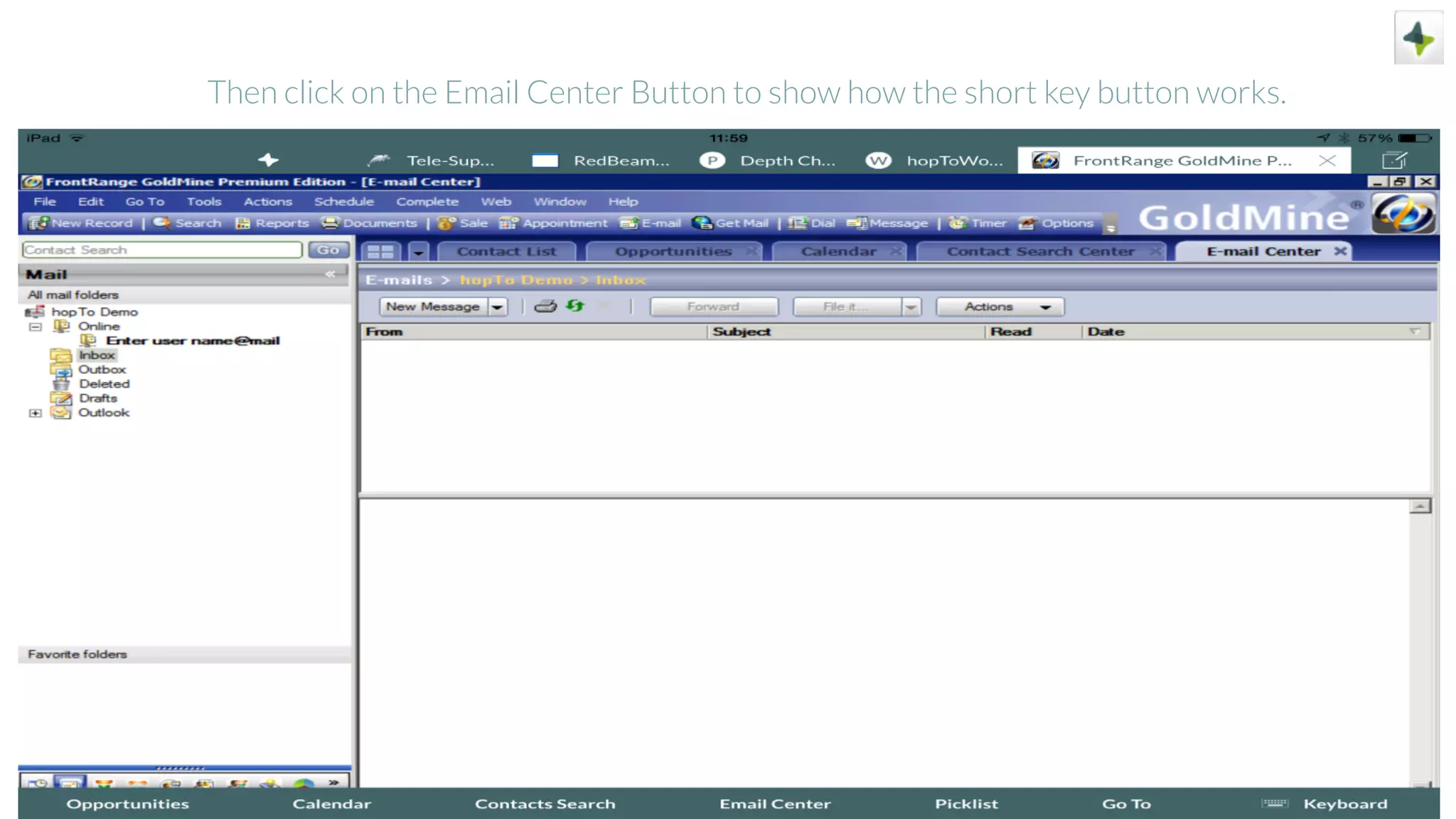
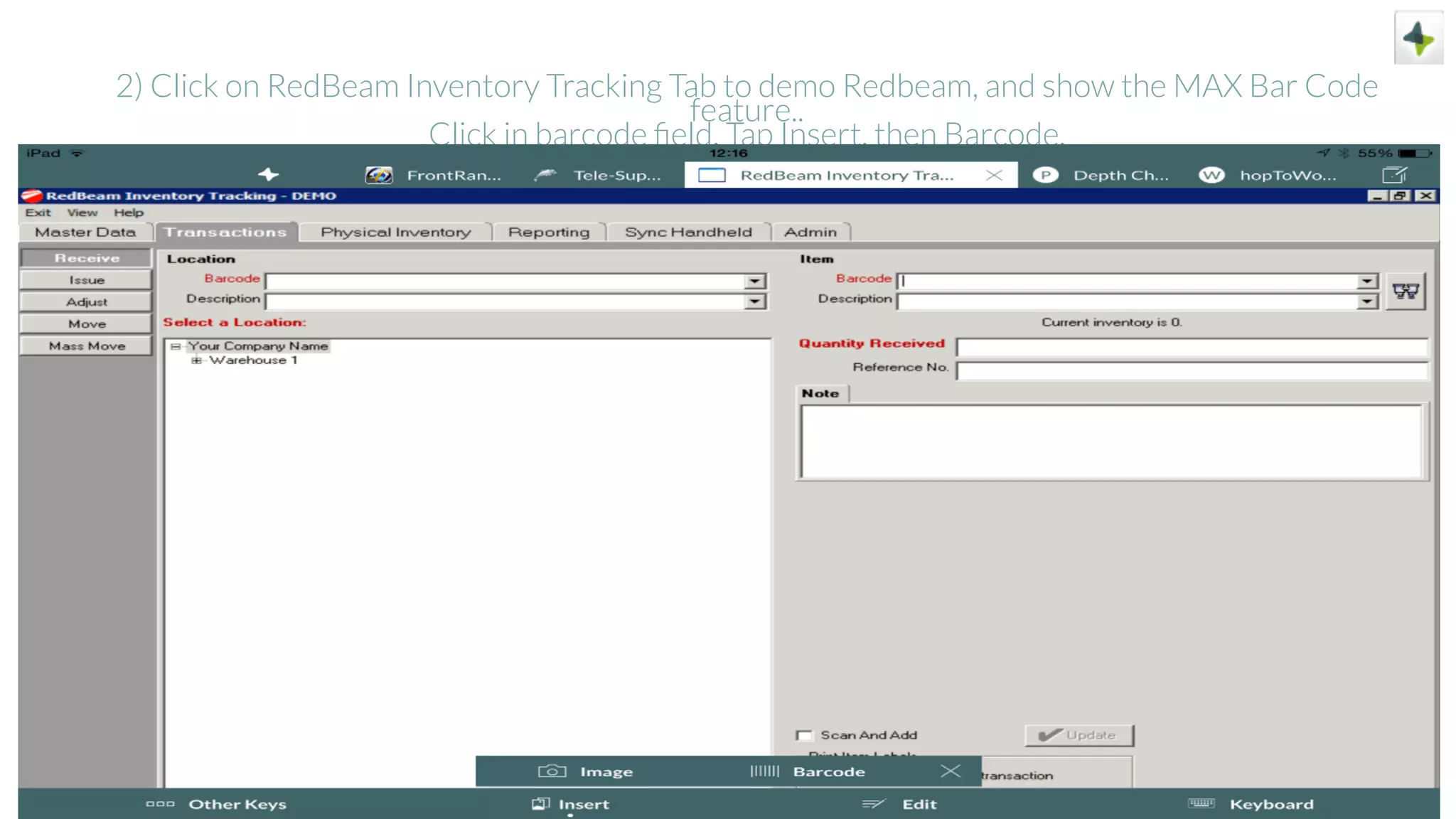
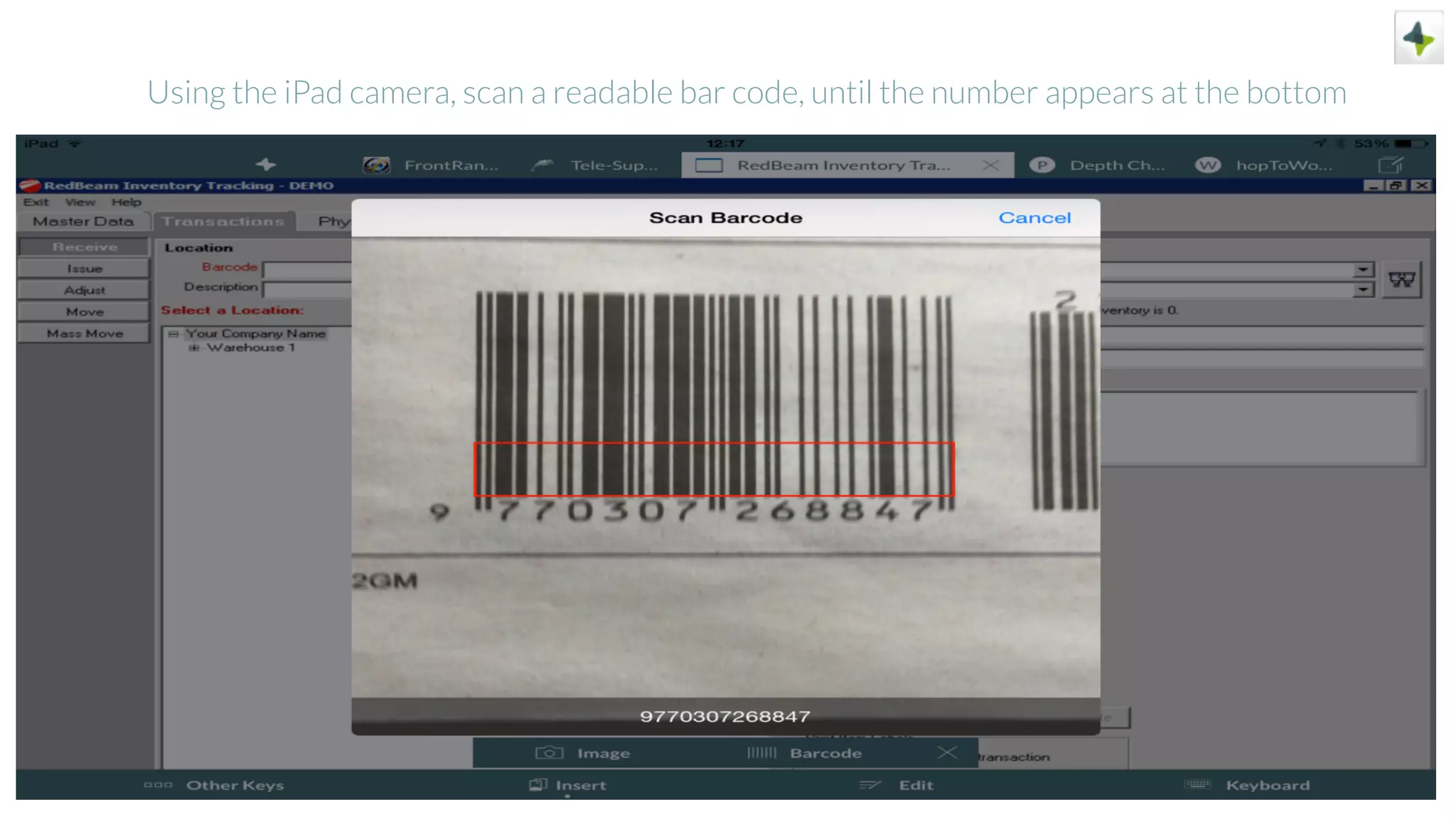
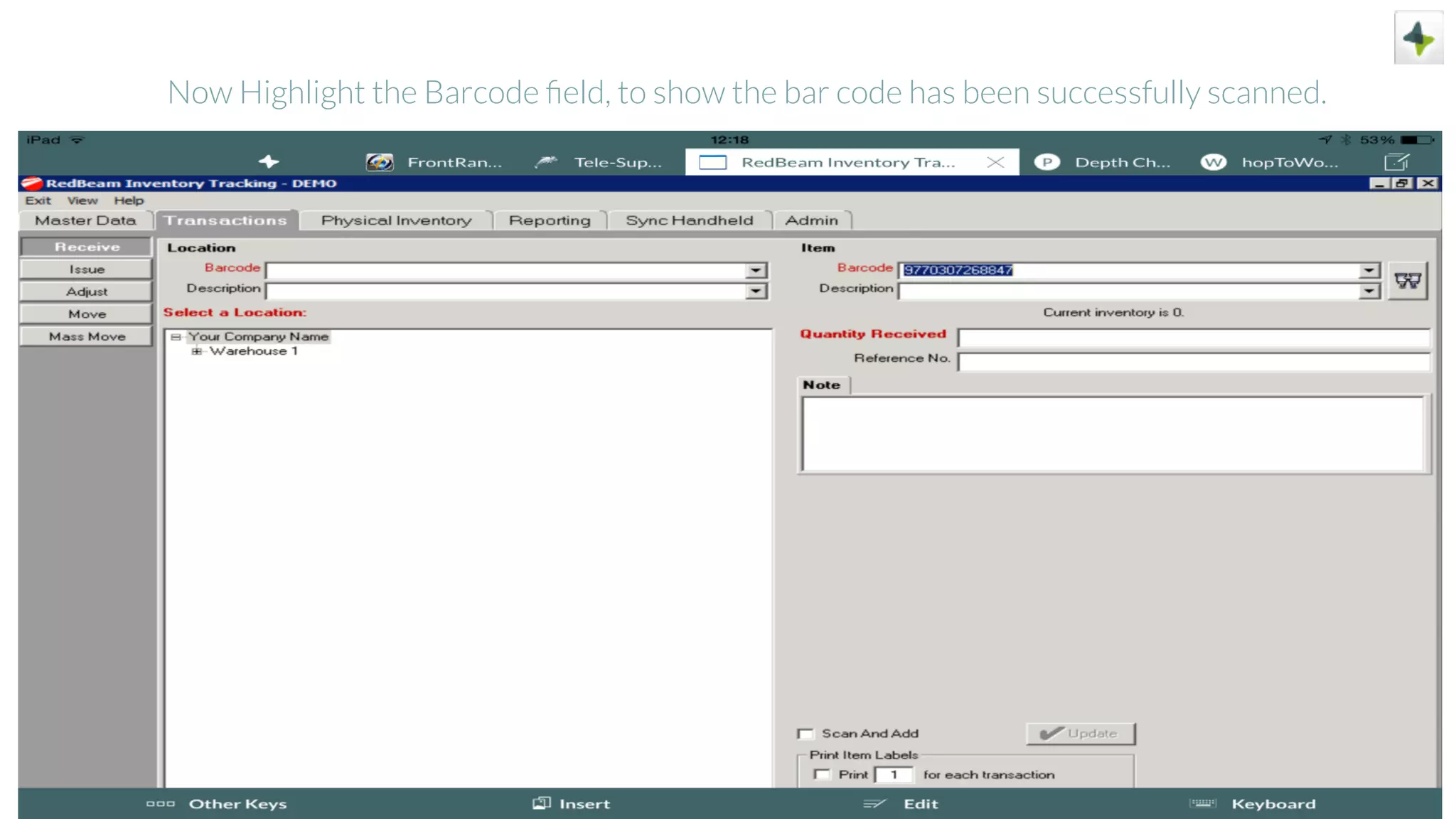
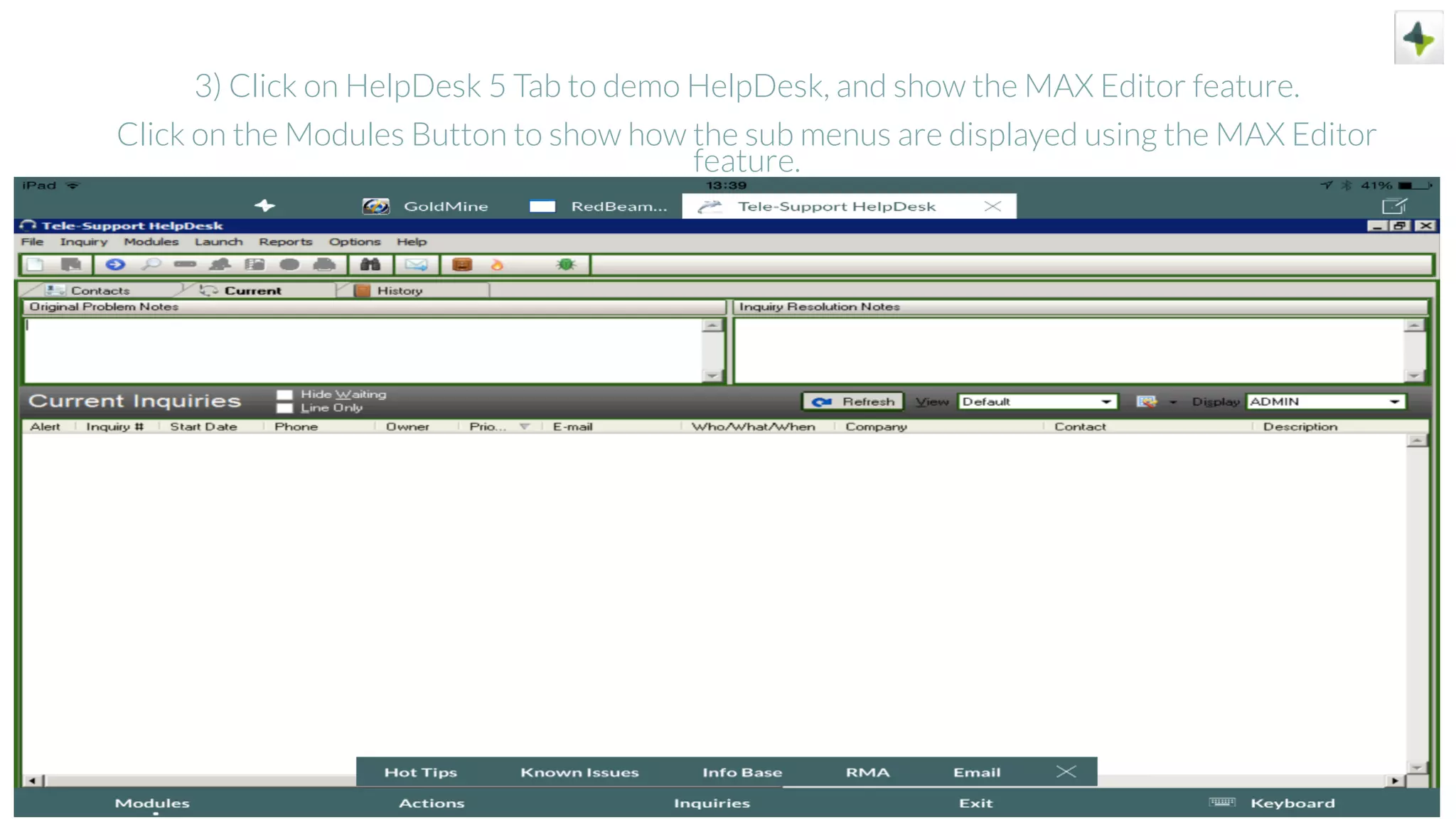
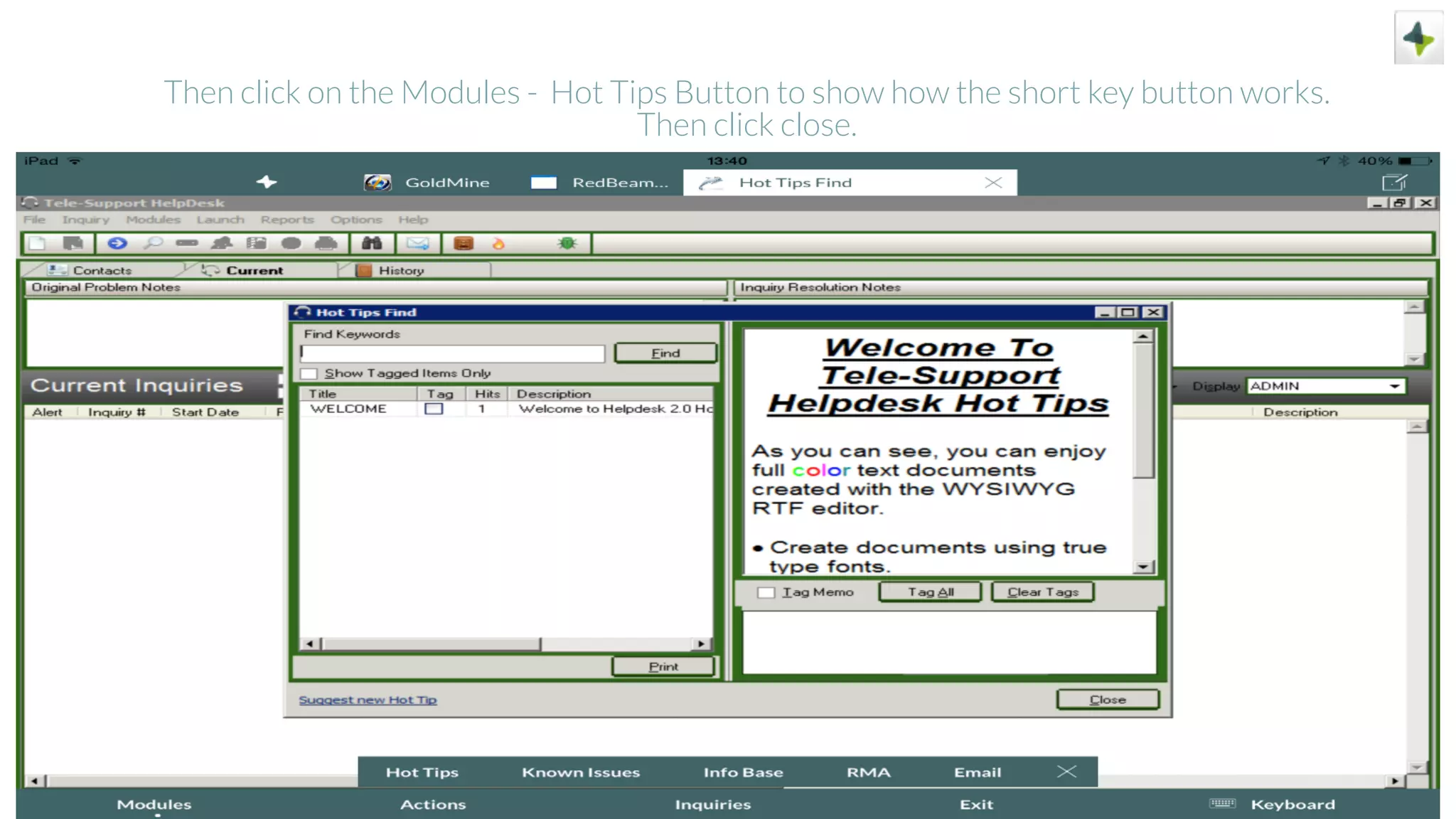
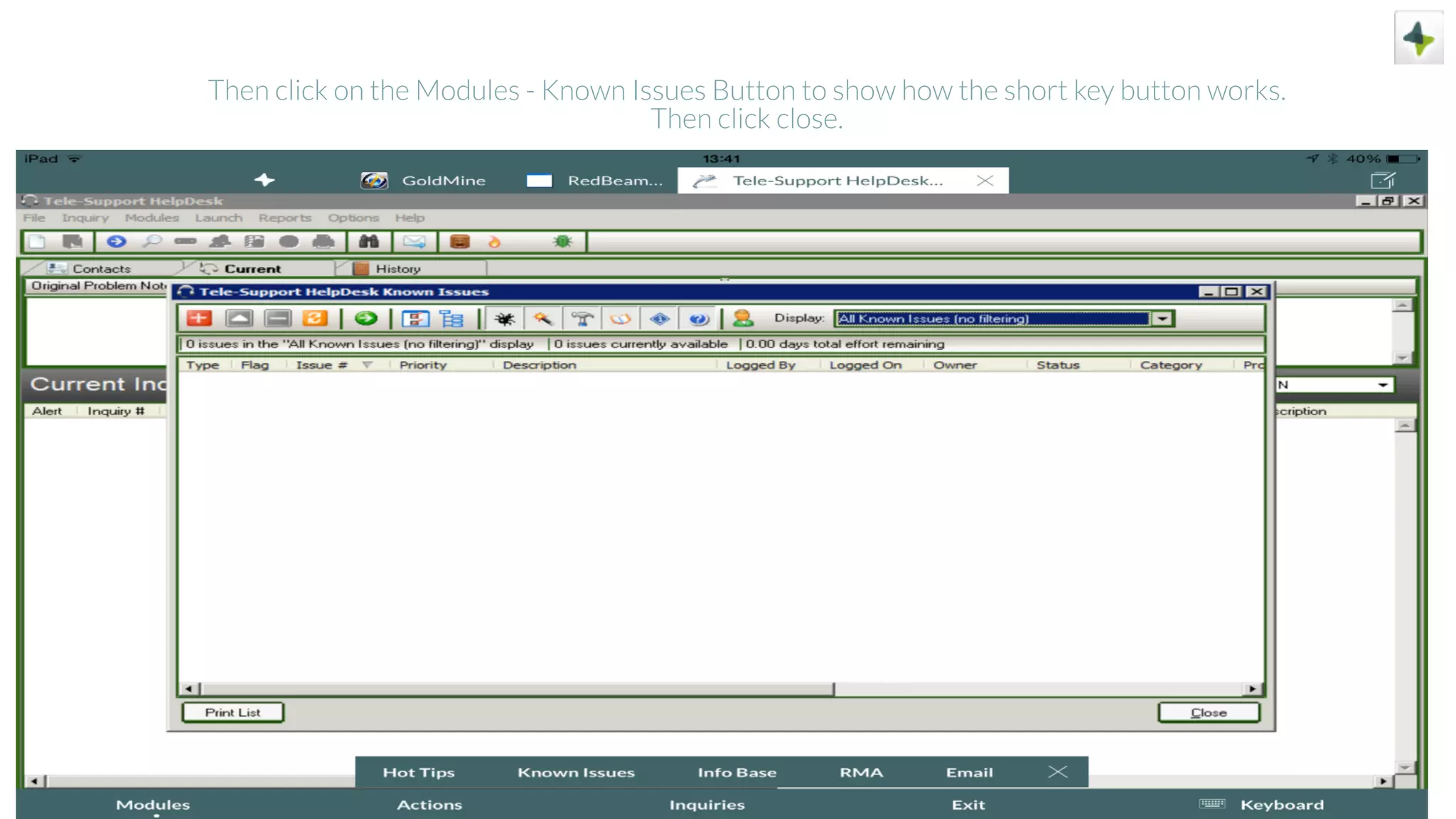
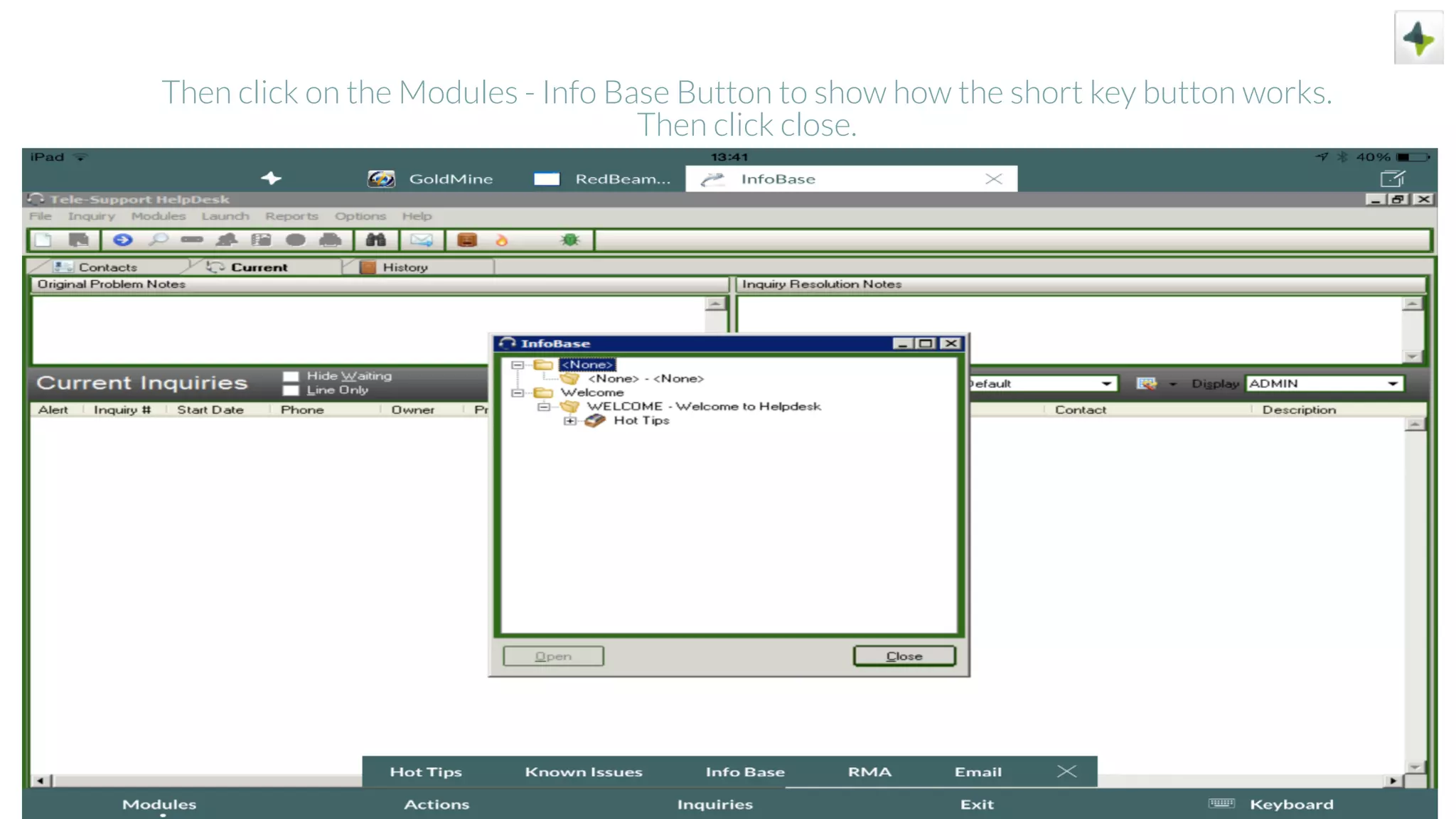
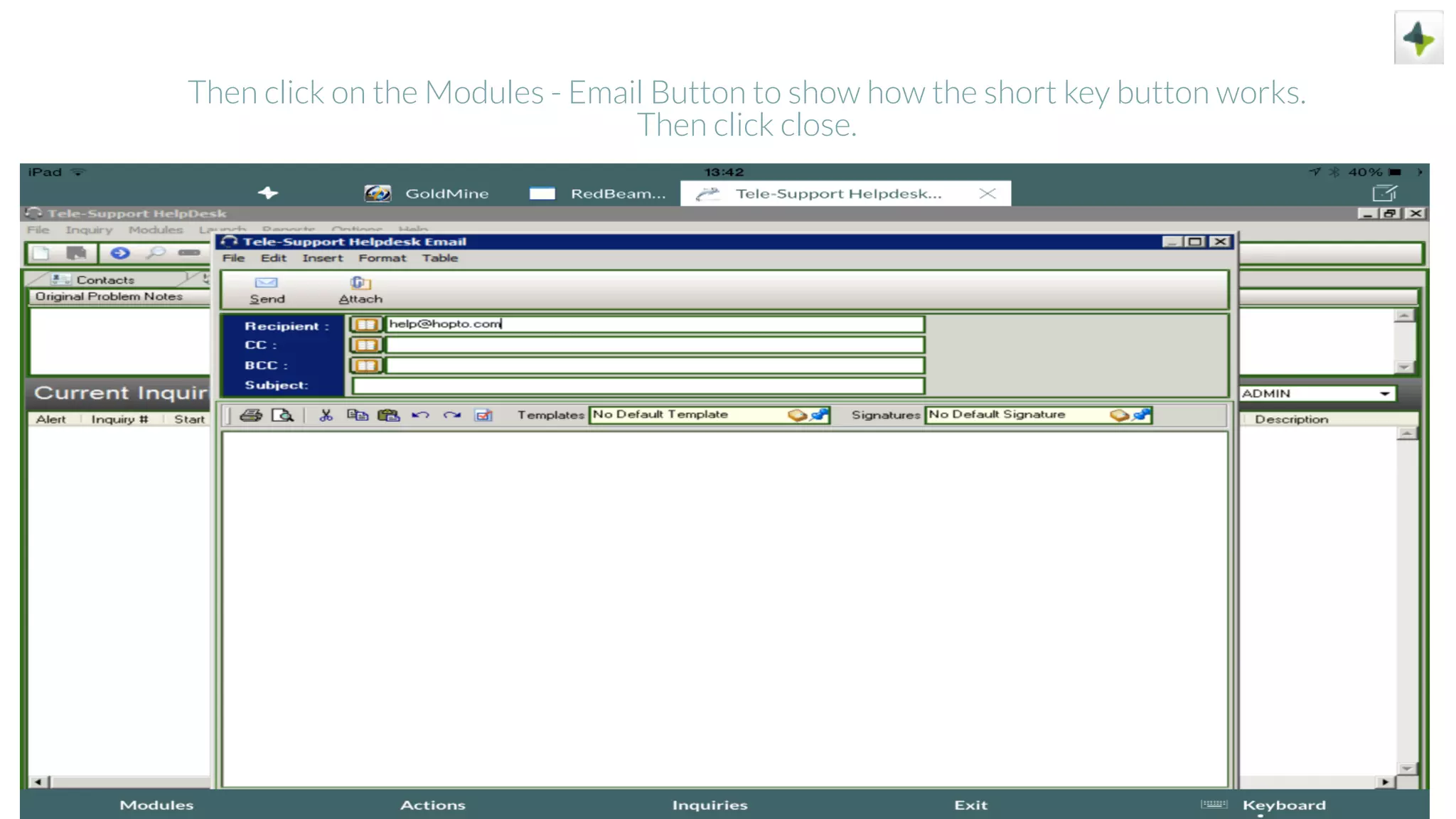
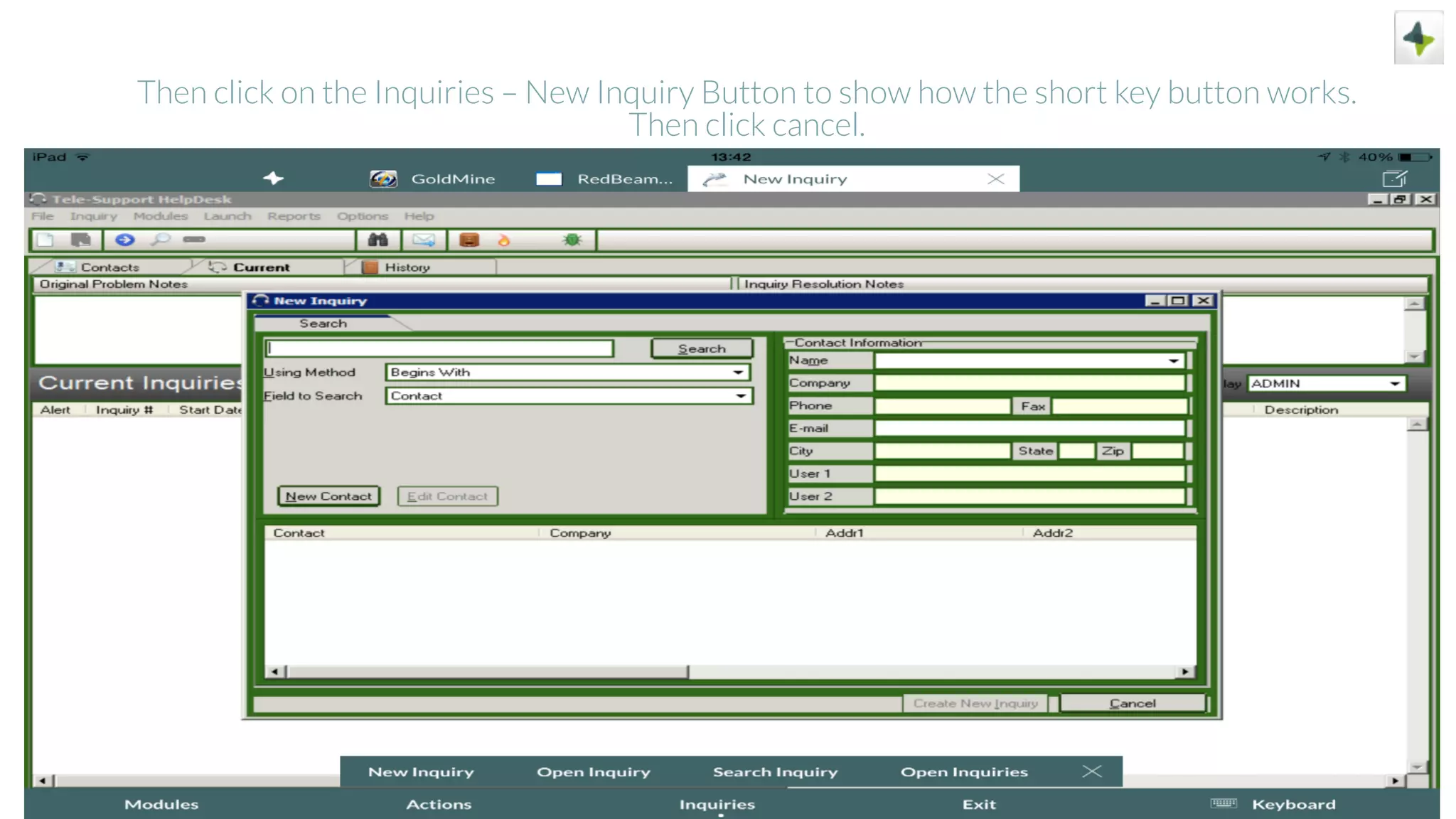
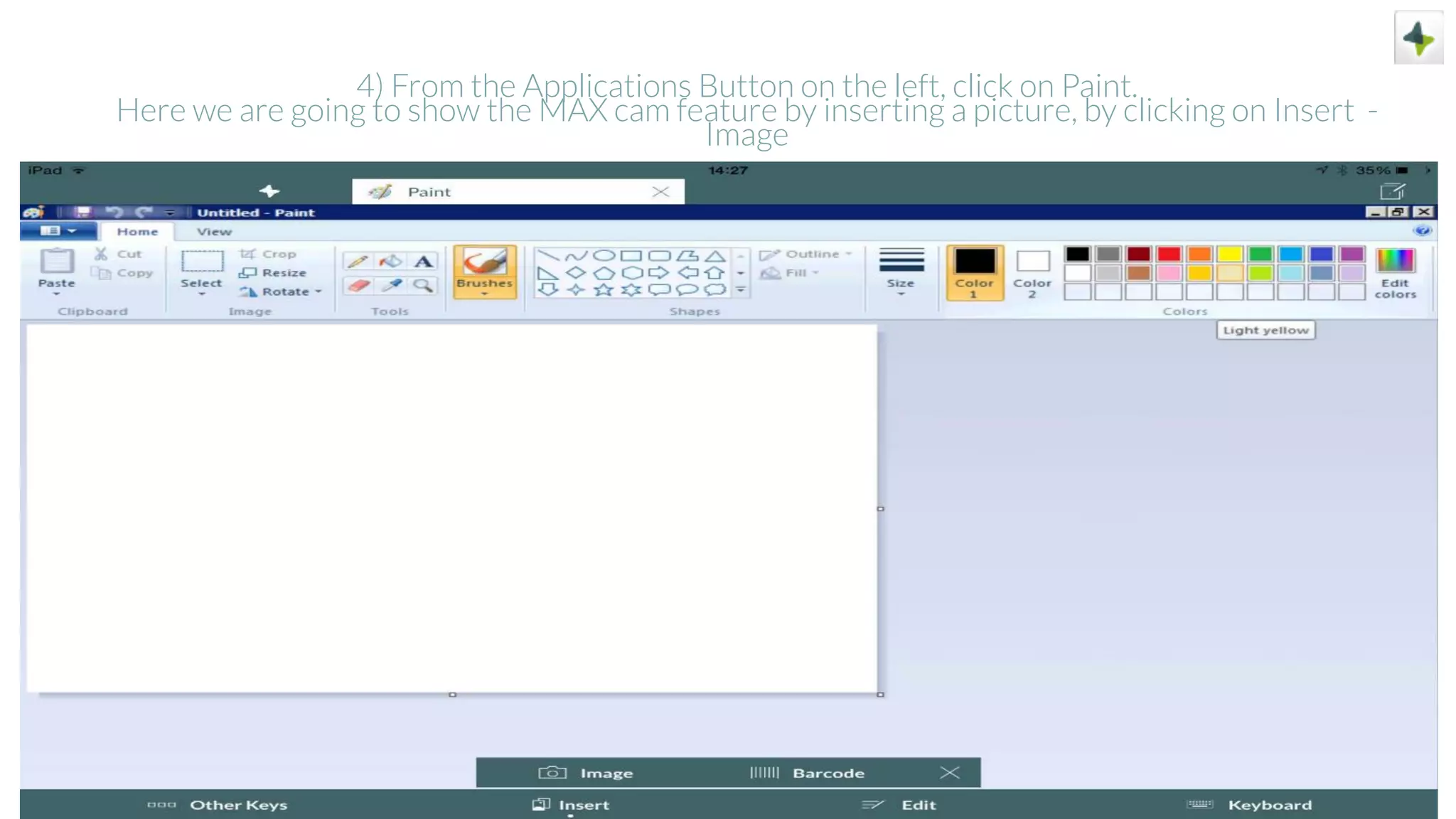
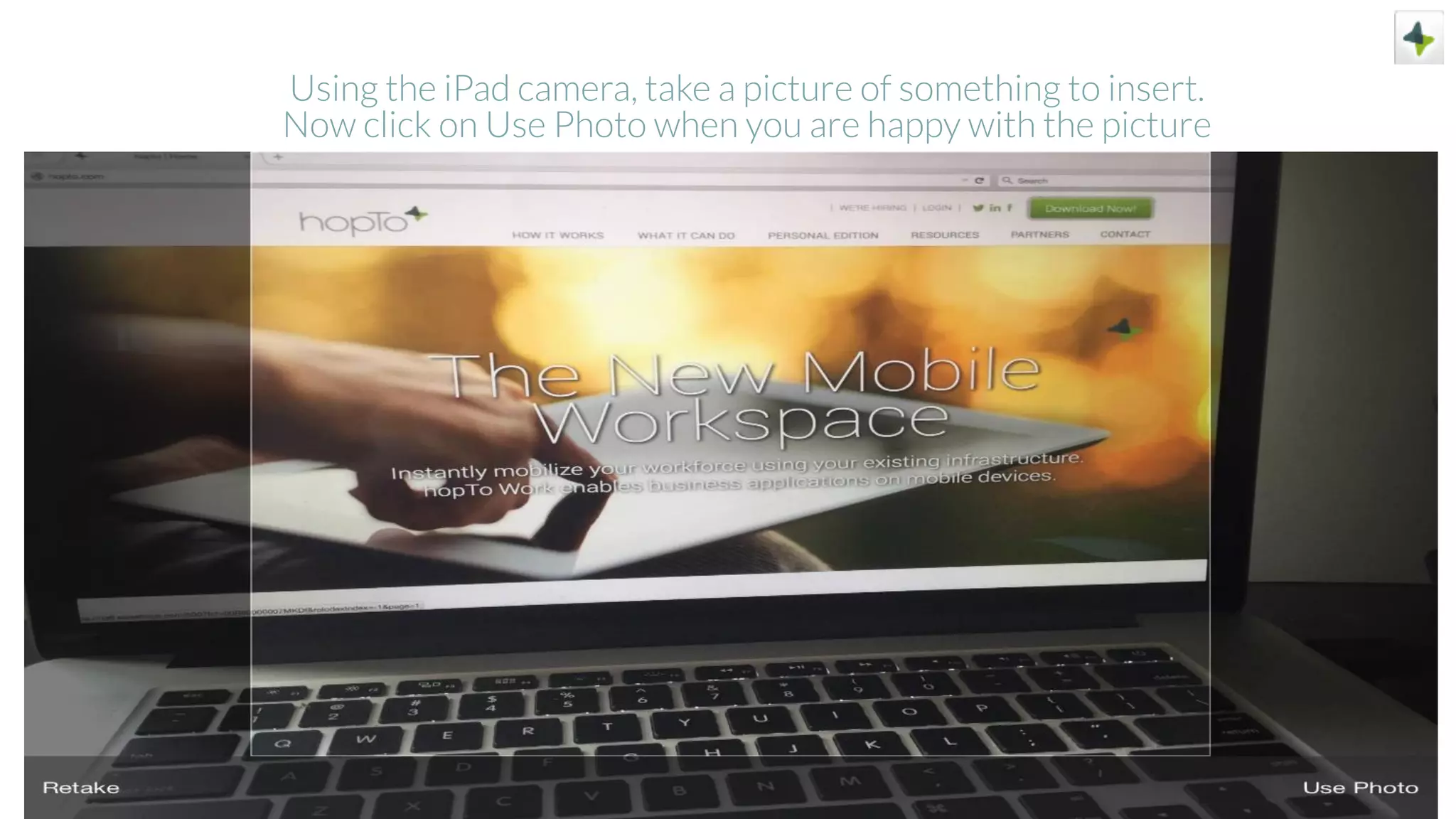
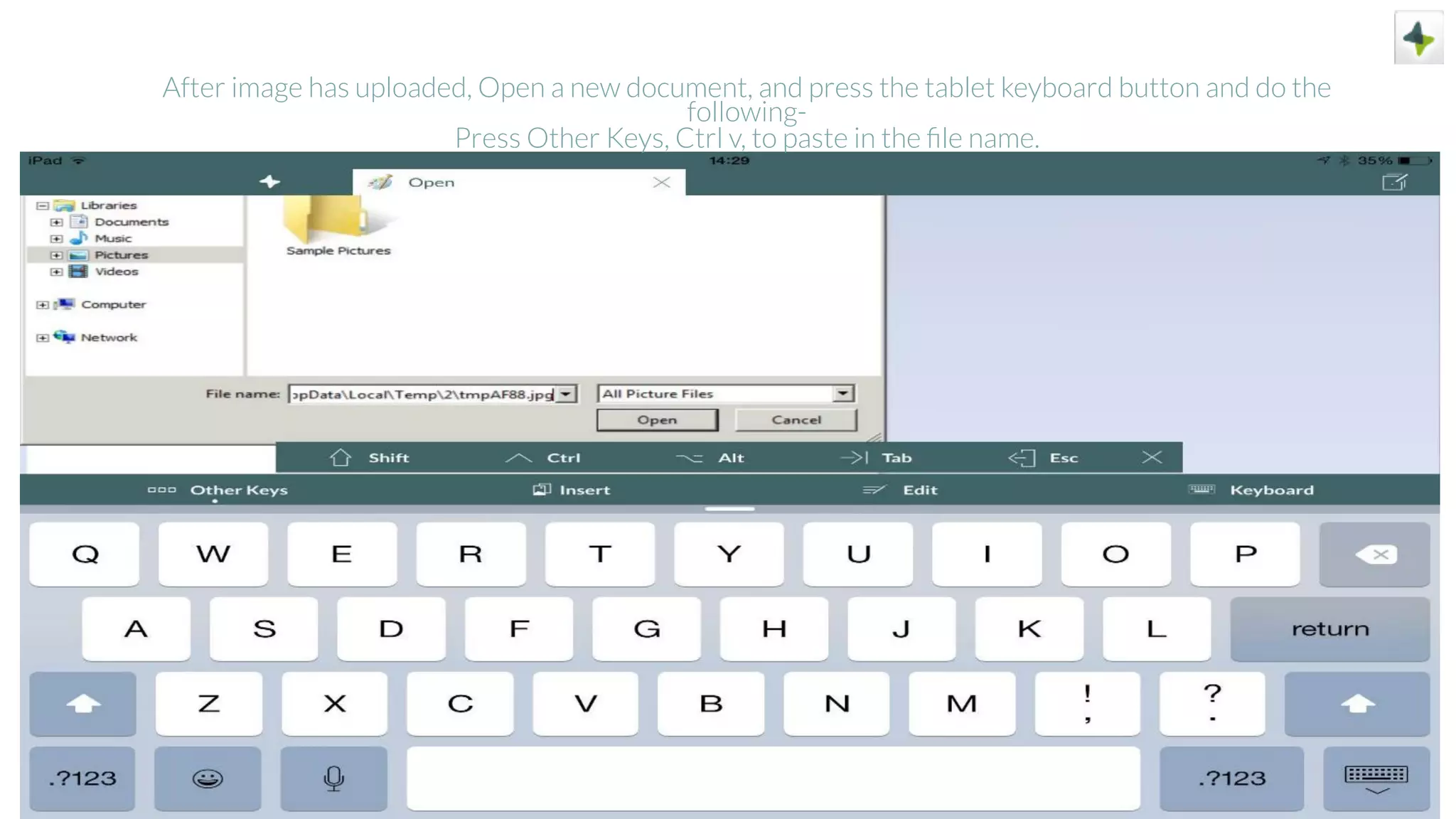
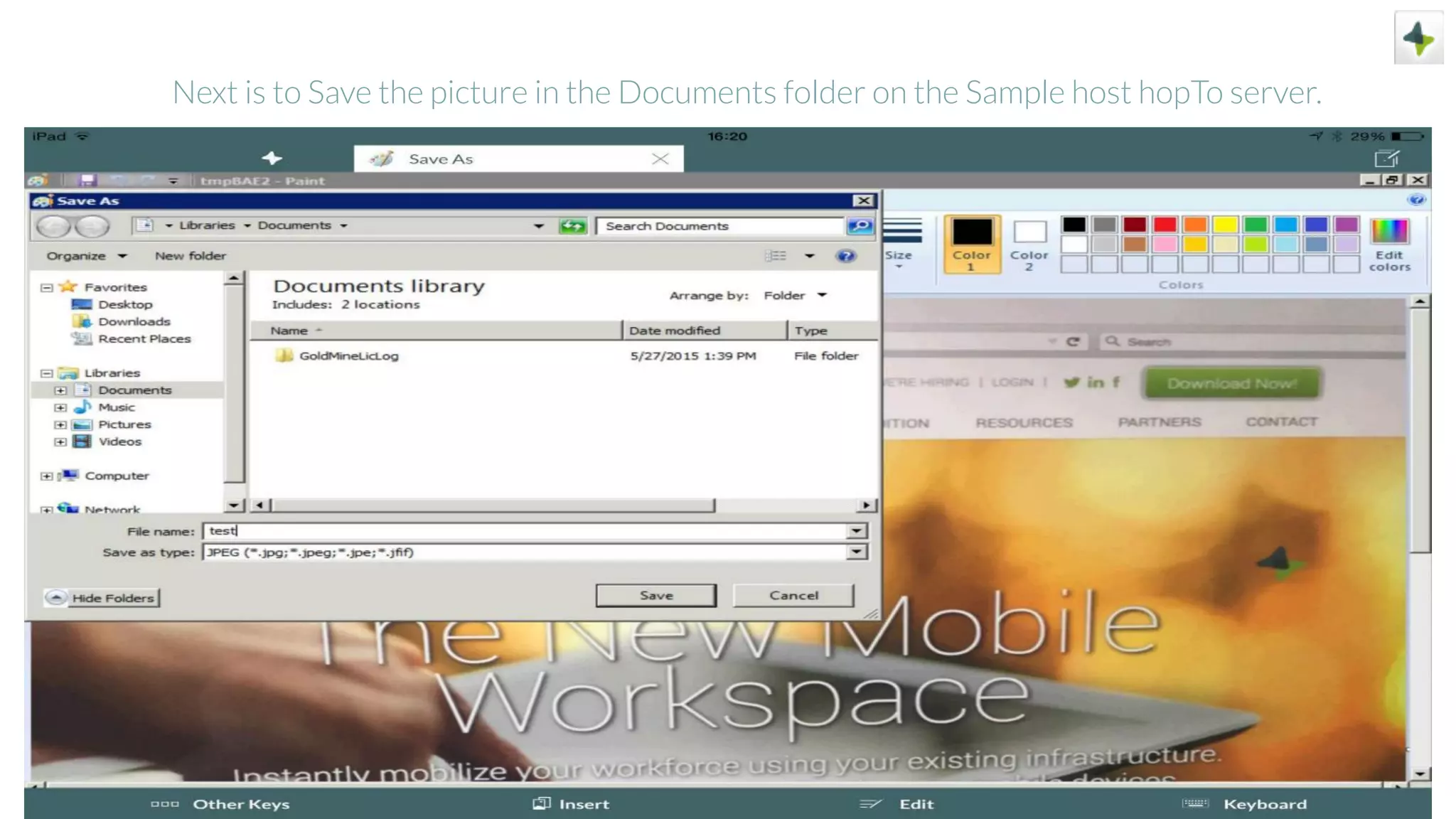
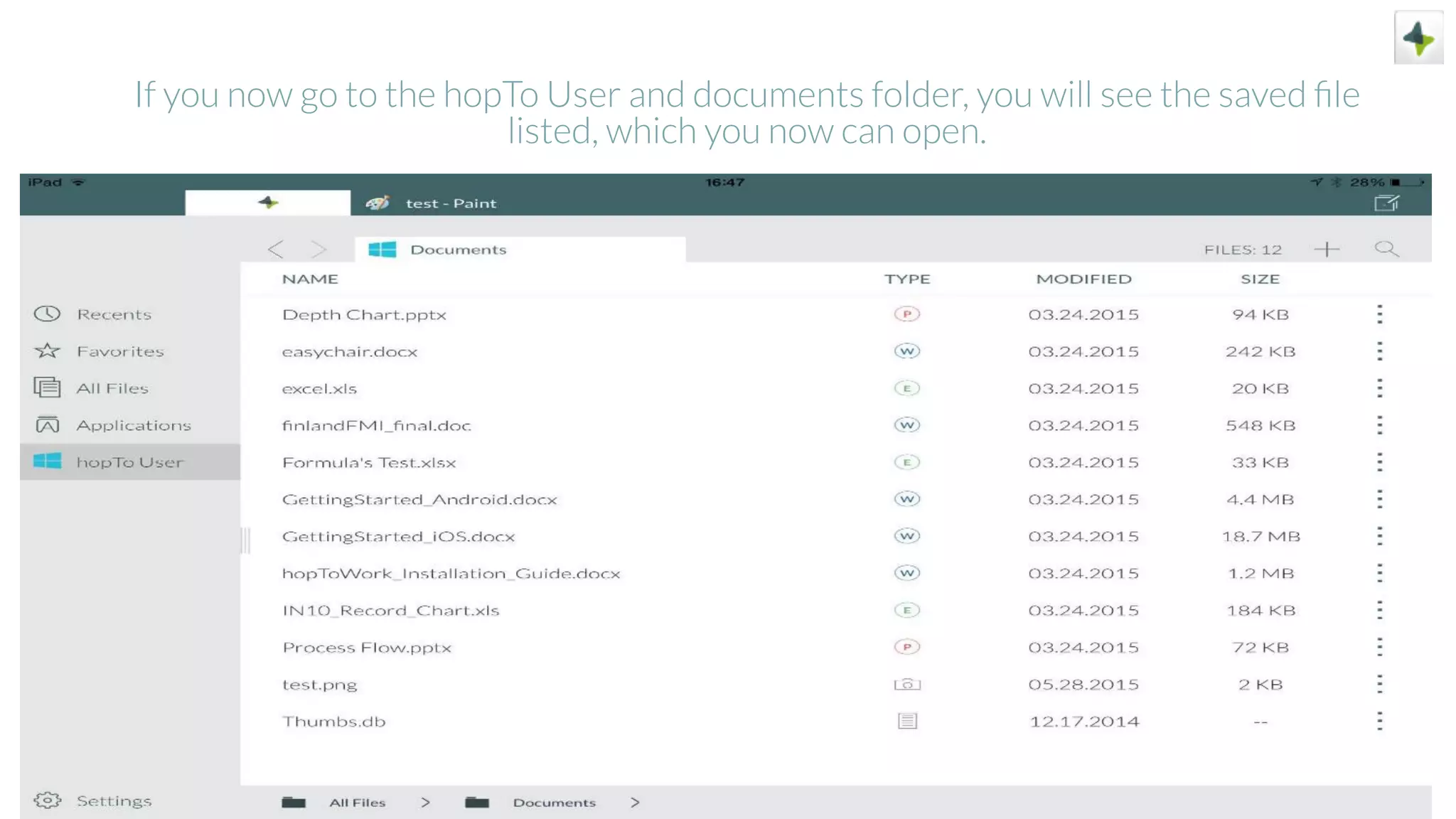
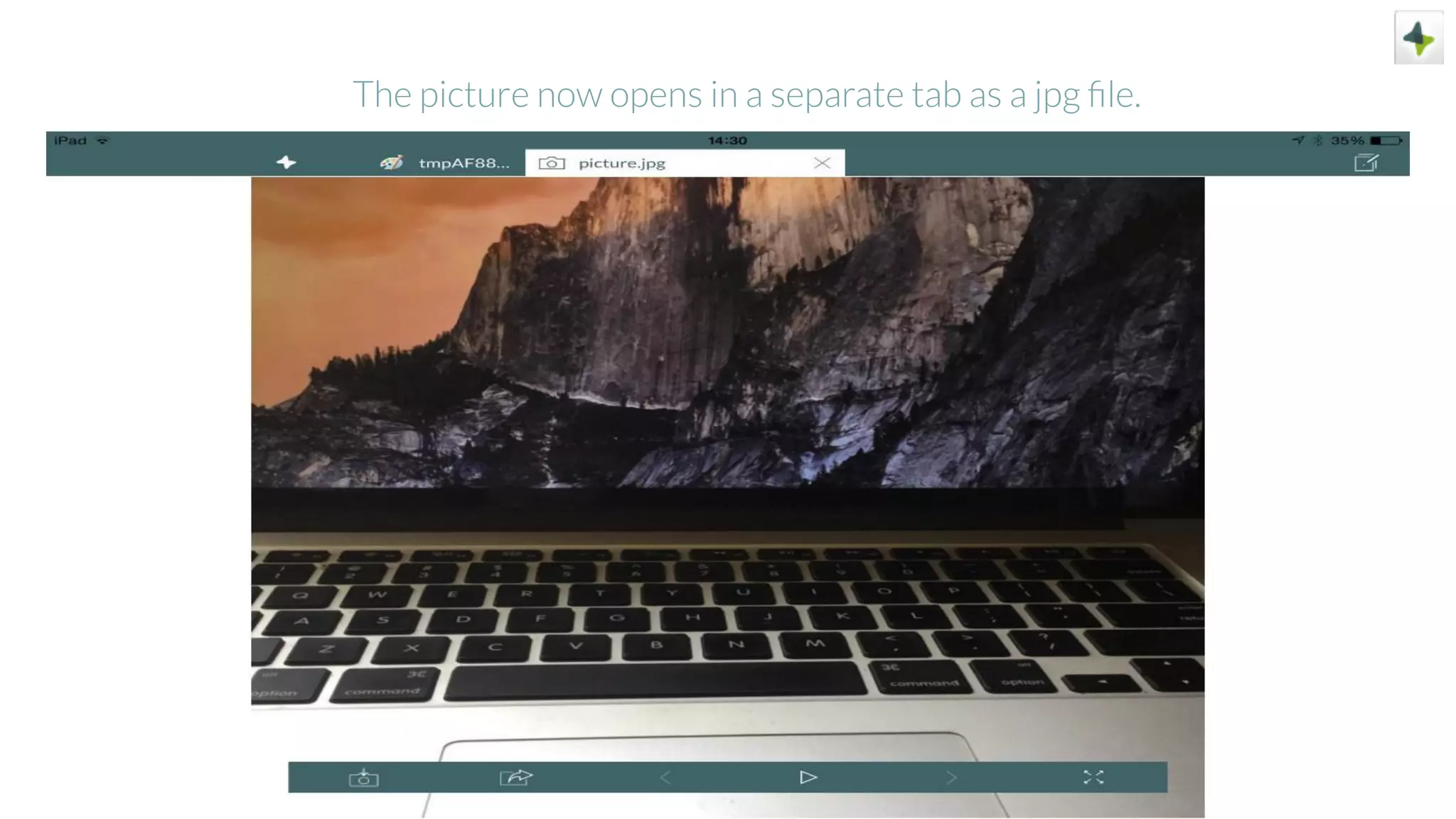
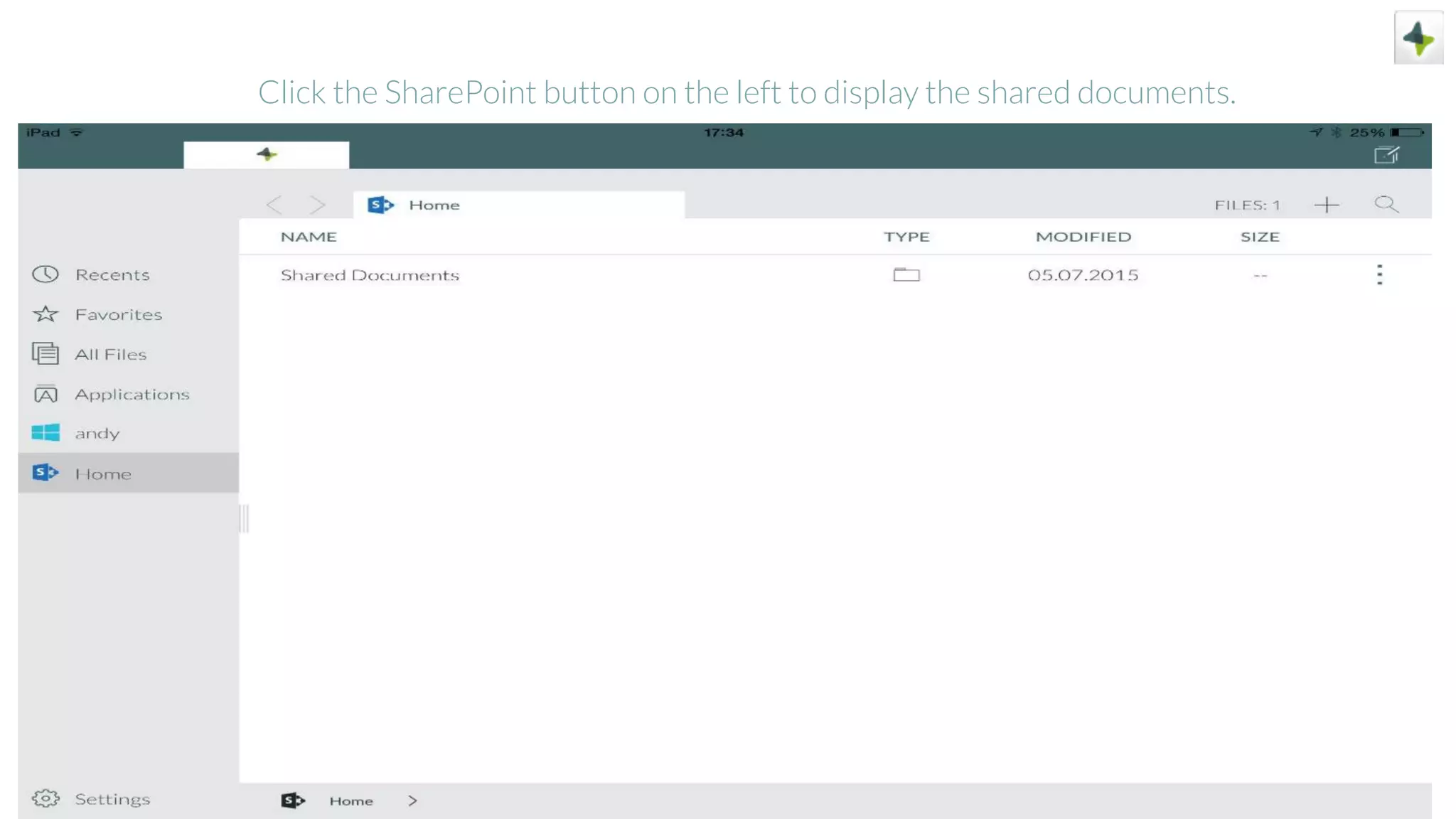
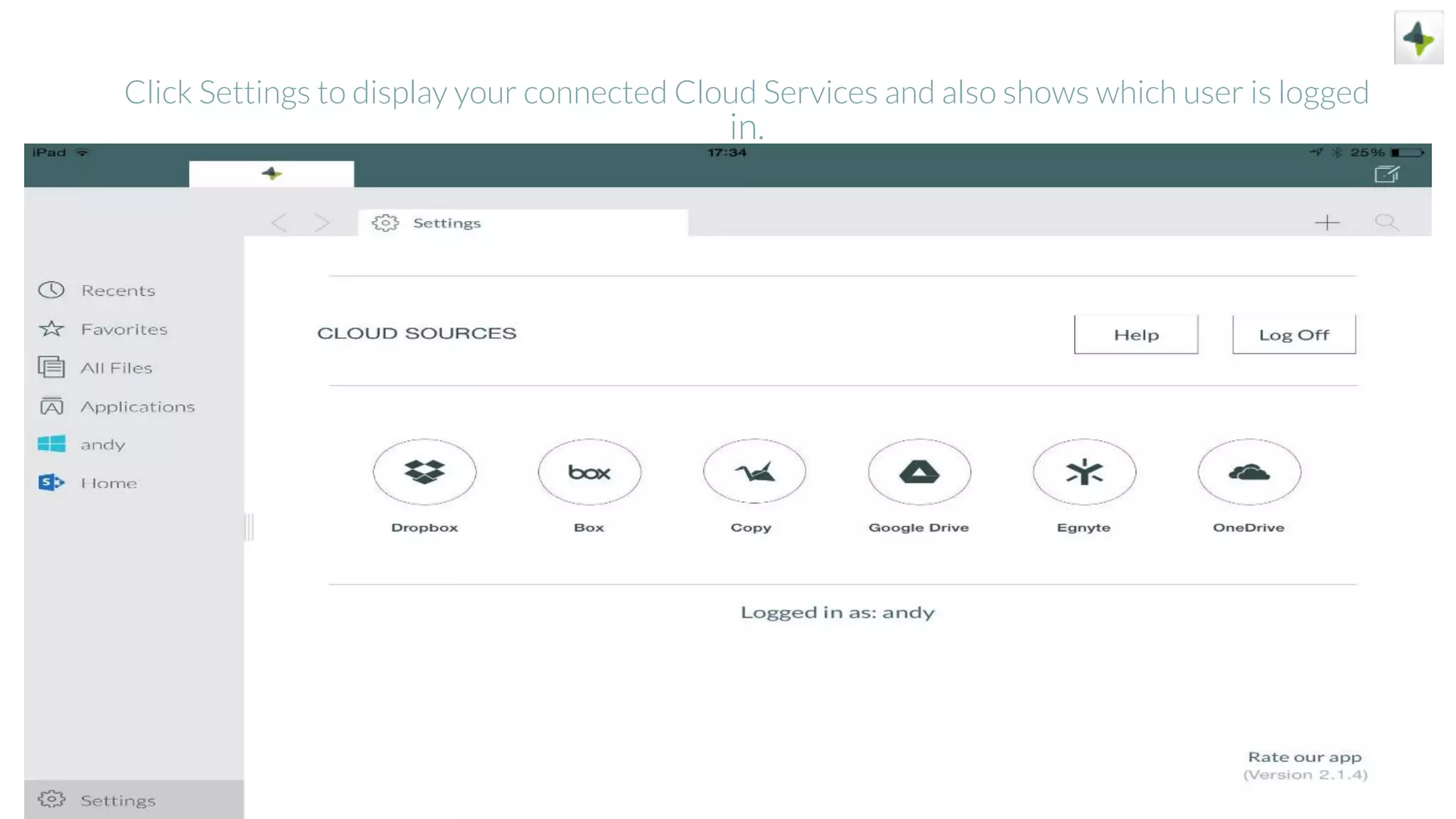
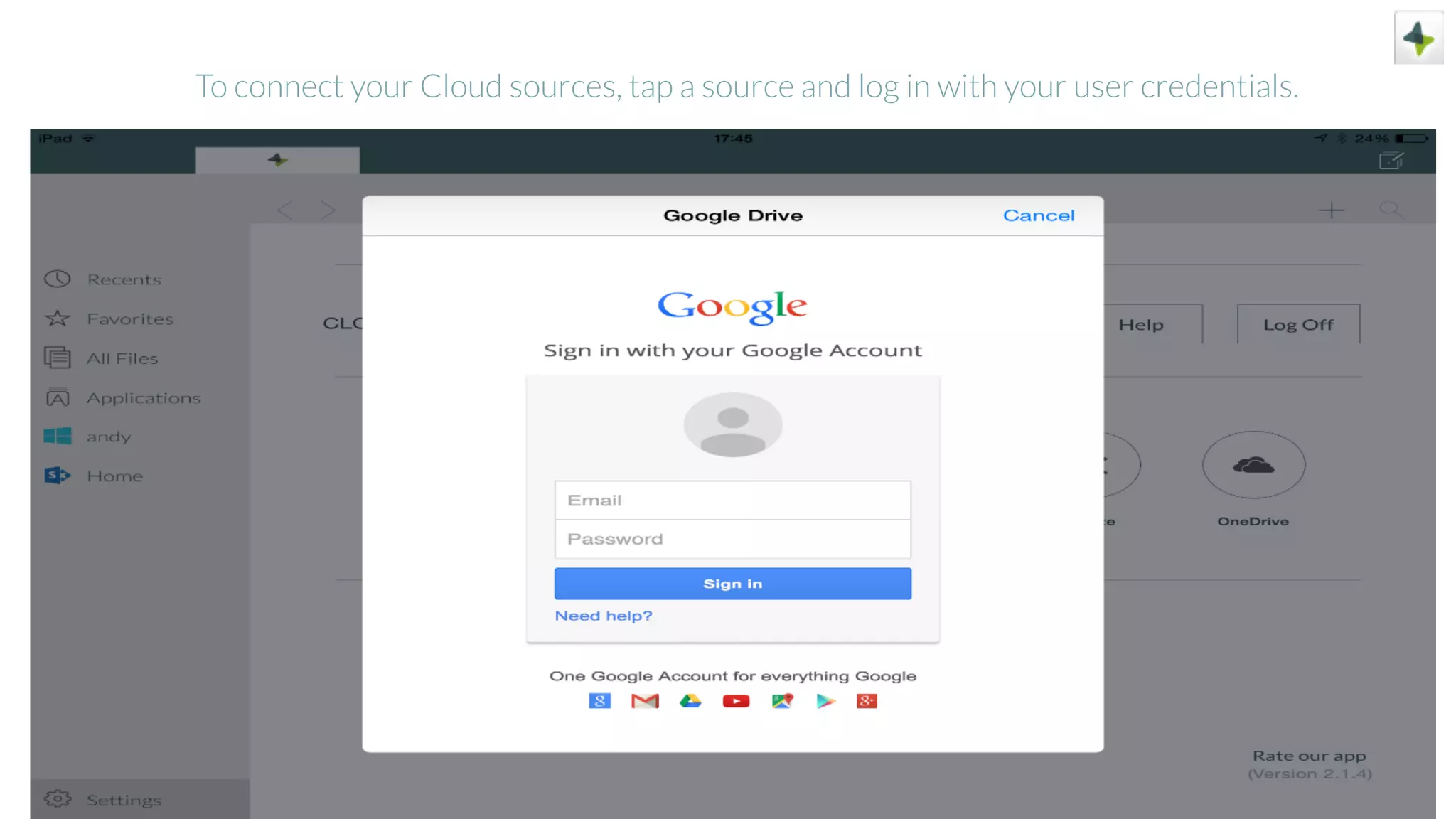
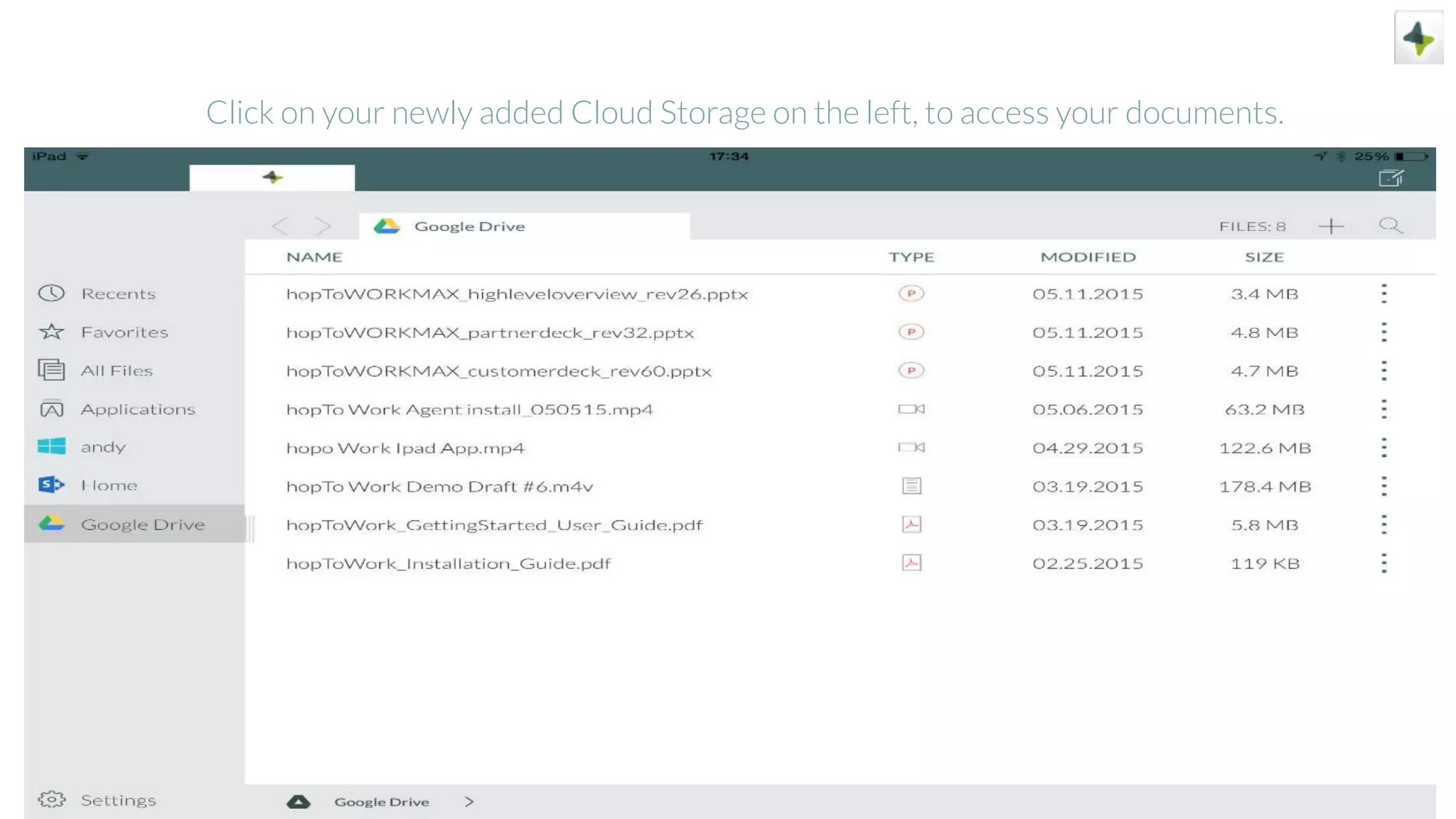
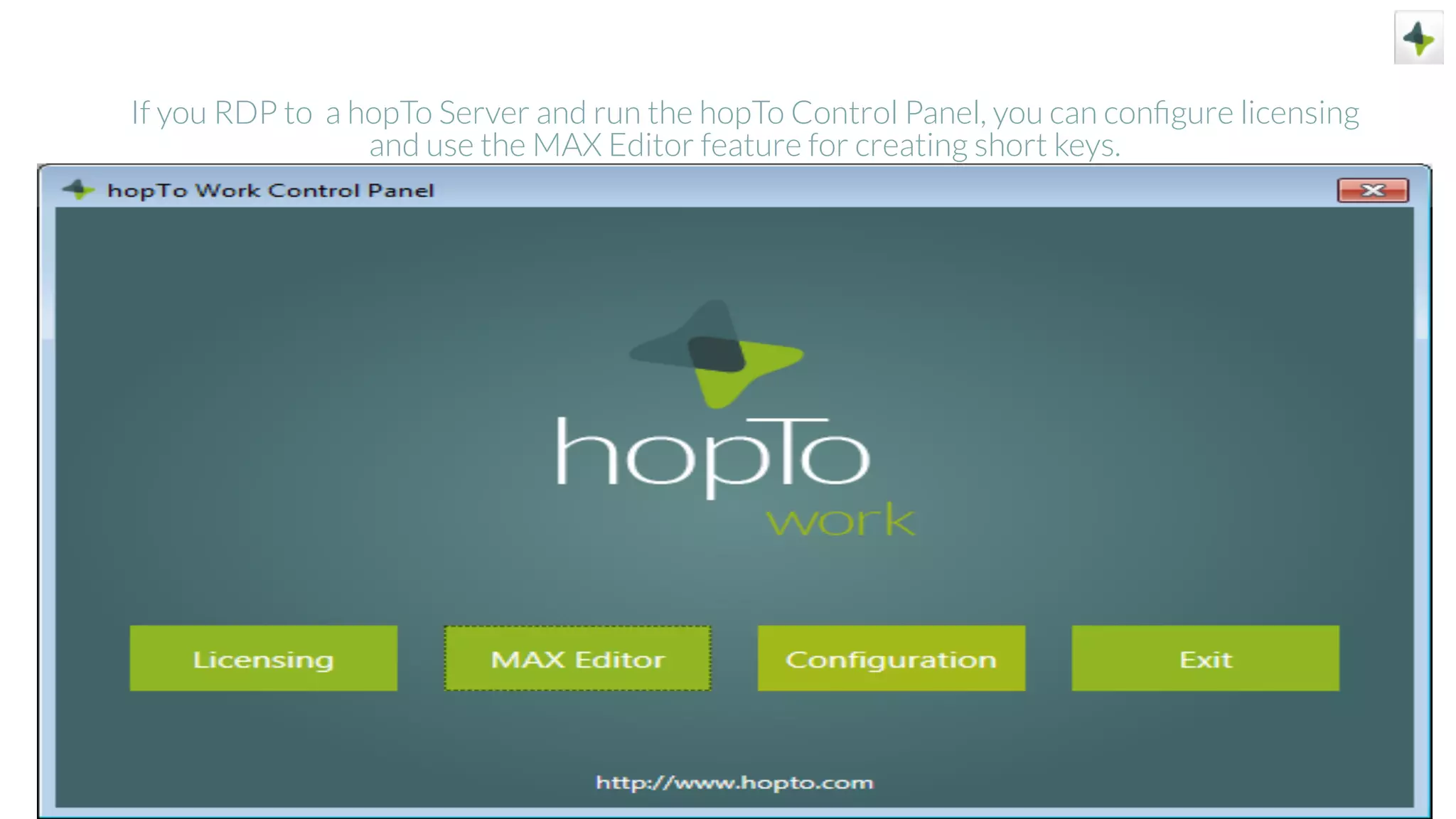
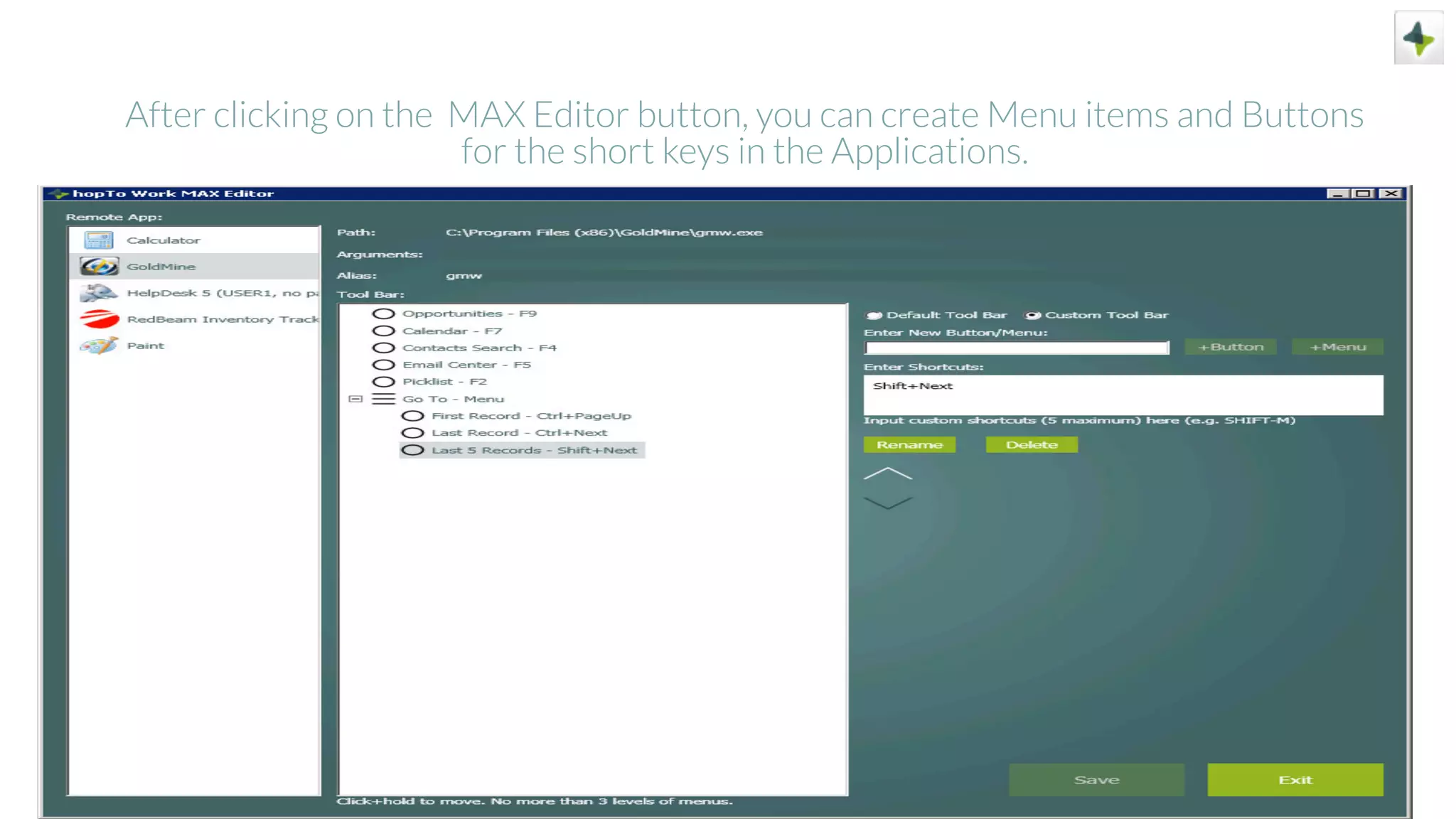

This document demonstrates how to use the sample host included with the hopTo Work client application. The sample host allows users to get familiar with the workspace and functions without setting up their own Windows host. It walks through opening documents and applications like Word, Excel, PowerPoint, Goldmine, HelpDesk 5, and RedBeam Inventory Tracking. It also shows how to take pictures, insert them into documents, and save files on the sample host. The document provides information on additional features like SharePoint integration and cloud storage connections. It includes links to learn more about hopTo Work through videos, webinars, and documentation.


