Downloaded 15 times


![Code sample
self.scoreLabel = [[SKLabelNode alloc]
initWithFontNamed:@"Chalkduster"];
self.scoreLabel.fontSize = 15;
self.scoreLabel.color = [UIColor whiteColor];
self.scoreLabel.position = CGPointMake(20, 300);
self.scoreLabel.zPosition = 100;
[self addChild:self.scoreLabel];](https://image.slidesharecdn.com/gamedevelopmentviaspritekit-150104114501-conversion-gate02/85/Game-development-via_sprite_kit-17-320.jpg)
![Code sample
-(void)touchesBegan:(NSSet *)touches withEvent:(UIEvent *)event {
SKAction *moveUp = [SKAction moveBy:CGVectorMake(0, 100)
duration:0.8];
SKAction *moveDown = [SKAction moveBy:CGVectorMake(0, -100)
duration:0.6];
SKAction *seq = [SKAction sequence:@[moveUp, moveDown]];
Player *player = (Player*)[self childNodeWithName:playerName];
[player runAction:seq];
}](https://image.slidesharecdn.com/gamedevelopmentviaspritekit-150104114501-conversion-gate02/85/Game-development-via_sprite_kit-19-320.jpg)
![Code sample
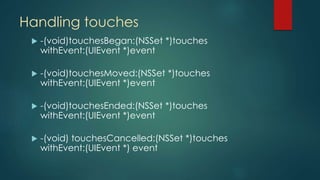
-(void)touchesMoved:(NSSet *)touches
withEvent:(UIEvent *)event {
UITouch *touch = [touches anyObject];
SKSpriteNode *touchedNode = (SKSpriteNode
*)[self nodeAtPoint:[touch locationInNode:self]];
if (touchedNode.name == playerName) {
Player *player = (Player*) touchedNode;
player.selected = YES;
return;
}
}](https://image.slidesharecdn.com/gamedevelopmentviaspritekit-150104114501-conversion-gate02/85/Game-development-via_sprite_kit-22-320.jpg)
![Code sample
- (void)update:(CFTimeInterval)currentTime{
Insert the following code into it:
[self enumerateChildNodesWithName:@"theLabel" usingBlock:^(SKNode
*node, BOOL *stop) {
node.position = CGPointMake(node.position.x - 2, node.
position.y);
if (node.position.x < - node.frame.size.width) {
node.position = CGPointMake(self.frame.size.width, node.
position.y);
}
}];
}](https://image.slidesharecdn.com/gamedevelopmentviaspritekit-150104114501-conversion-gate02/85/Game-development-via_sprite_kit-25-320.jpg)


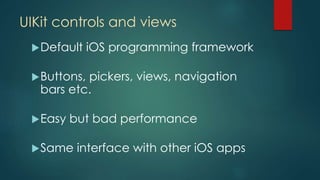
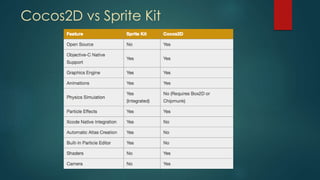
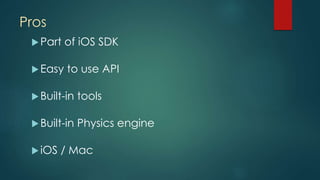
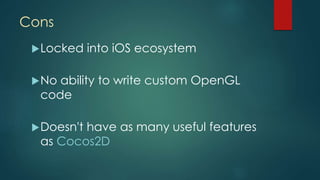
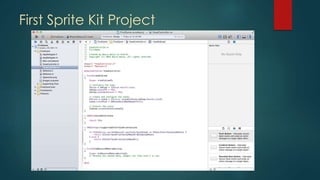
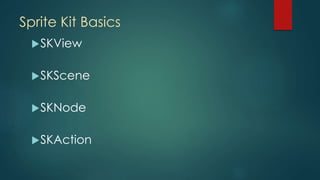
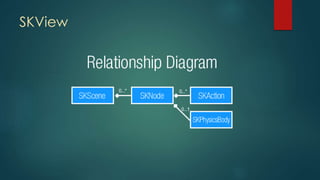
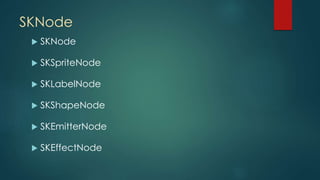
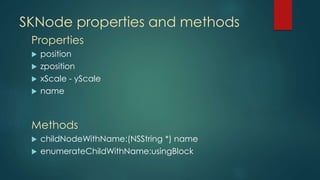
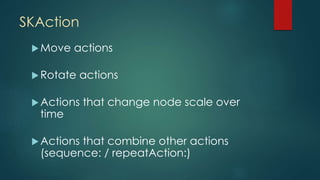
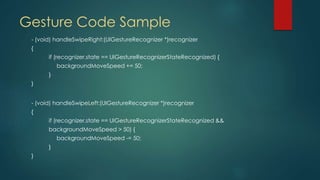
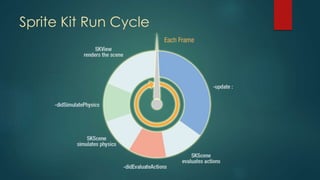
This document discusses game development using Sprite Kit, Apple's 2D game engine for iOS 7. It provides an overview of Sprite Kit basics like SKView, SKScene, SKNode, and SKAction. It also covers topics like game interaction using touches, gestures, and sensors as well as the Sprite Kit run cycle.


