


















Mobile Game Development
Experience with Unity
by
@hakansaglam
Hakan Saglam
5 Years Old as Game Developer
15 Years Old as Sofware Developer
25 Years Old as Gamer
present
2010
Largest Okey
community
in Turkey
Largest Game
community
in Turkey
Largest Spades
community
in US
Top 15
Mobile Games
in US
350M+
Users
Downloaded
300K+
Concurrent
Users
2
GAMES IN US
TOP GROSSING LISTS
PEOPLE PLAYING
OUR GAMES
CONCURRENTLY
300K+
COUNTRIES WHERE
OUR USERS RESIDE
150
15
GAMES IN APP
STORES
350M
INSTALLS 100
TEAM MEMBERS
Agenda
Why do we move to Unity?
Editor in Unity
Coding in Unity
Testing in Unity
Debugging in Unity
Profiling in Unity
Continuous Integration and Delivery with Unity
Why do we move to Unity?
HAXE
Runtime Performance
Existing Experience
Open Source
Code Reusability
Not Popular / No Community
Development Environment
Difficult Prototyping
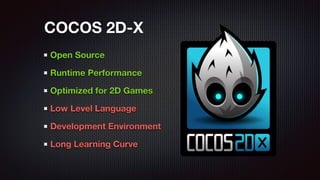
Open Source
Runtime Performance
Optimized for 2D Games
Low Level Language
Development Environment
Long Learning Curve
COCOS 2D-X
Open Source
Strong Community
Development Environment
Immature Technology
Limited / No Support
RoboVM Stopped !!!
LibGDX with RoboVM
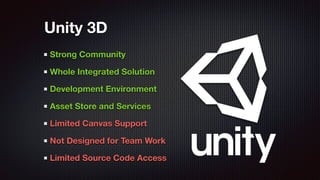
Strong Community
Whole Integrated Solution
Development Environment
Asset Store and Services
Limited Canvas Support
Not Designed for Team Work
Limited Source Code Access
Unity 3D
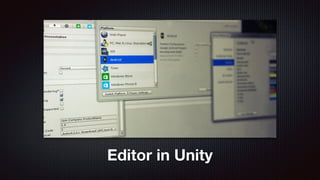
Editor in Unity
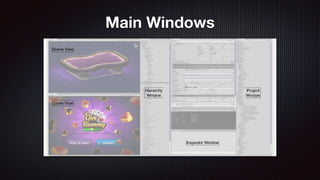
Main Windows
Customize
Menu
Items
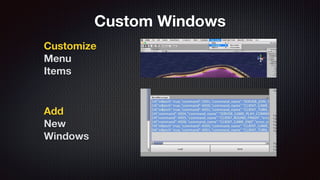
Add
New
Windows
Custom Windows
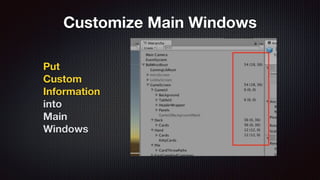
Put
Custom
Information
into
Main
Windows
Customize Main Windows
Coding in Unity
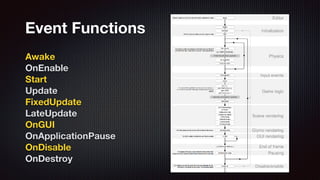
Awake
OnEnable
Start
Update
FixedUpdate
LateUpdate
OnGUI
OnApplicationPause
OnDisable
OnDestroy
Event Functions
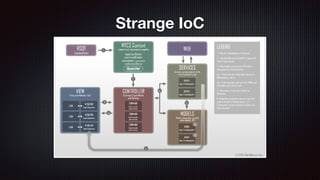
Strange IoC
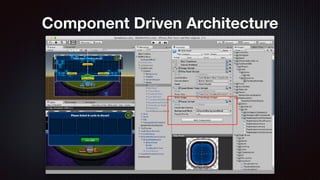
Component Driven Architecture
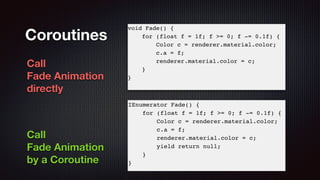
Call
Fade Animation
directly
Call
Fade Animation
by a Coroutine
Coroutines
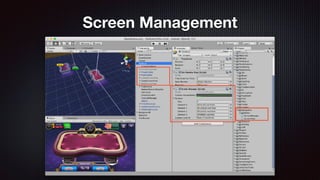
Screen Management
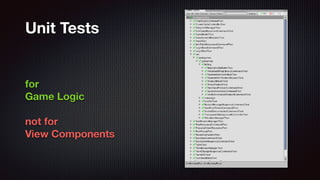
Testing in Unity
for
Game Logic
not for
View Components
Unit Tests
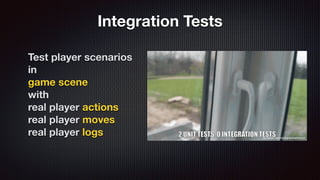
Integration Tests
Test player scenarios
in
game scene
with
real player actions
real player moves
real player logs
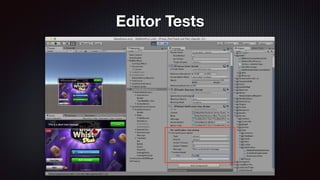
Editor Tests
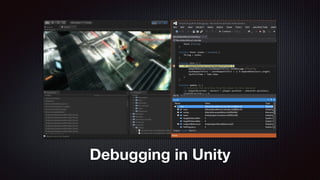
Debugging in Unity
Mono Develop
don’t use
MonoDevelop
Debugger
just use
Debug.Log();
function
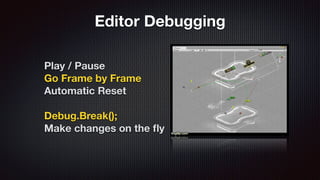
Editor Debugging
Play / Pause
Go Frame by Frame
Automatic Reset
Debug.Break();
Make changes on the fly
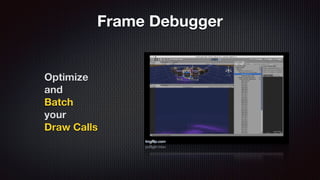
Frame Debugger
Optimize
and
Batch
your
Draw Calls
Debug on Xcode
Debug on Device
Debug via adb logcat
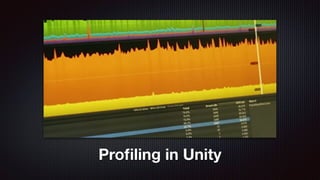
Profiling in Unity
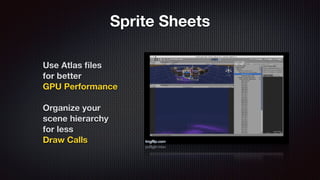
Sprite Sheets
Use Atlas files
for better
GPU Performance
Organize your
scene hierarchy
for less
Draw Calls
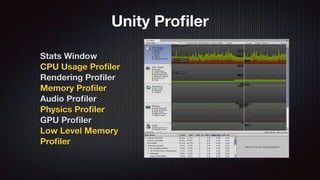
Stats Window
CPU Usage Profiler
Rendering Profiler
Memory Profiler
Audio Profiler
Physics Profiler
GPU Profiler
Low Level Memory
Profiler
Unity Profiler
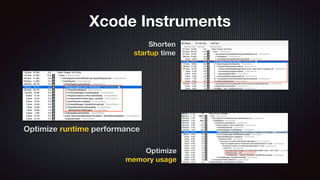
Shorten
startup time
Optimize runtime performance
Optimize
memory usage
Xcode Instruments
Continuous Integration with Unity
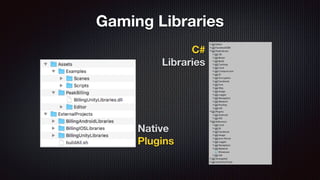
Native
Plugins
C#
Libraries
Gaming Libraries
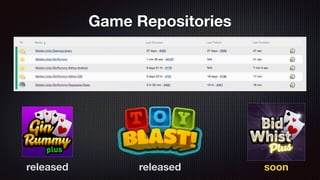
Game Repositories
released released soon
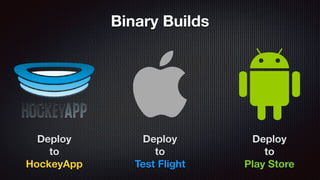
Binary Builds
Deploy
to
HockeyApp
Deploy
to
Test Flight
Deploy
to
Play Store
Unity Services
Ads
Analytics
Cloud Build
Multiplayer
Performance Reporting
Everyplay
Collaborate
Hardware Stats
Cloud Services
Asset Store
DOTween
UniWebView
Log Viewer
JSON .NET
TextMesh Pro
Best HTTP
Console Enhanced
Enhanced Scroller
Stats Monitor
Source Code
Open Source
Libraries
Unity Labs
Unity Engine
Source Code Access
Nikola Tesla
“Our virtues and our failings are inseparable,
like force and matter. When they separate, man
is no more.”
Our team is growing, and we want you to join us
www.peakgames.net/careers
THANK YOU
@hakansaglam

Mobile Game Development in Unity