

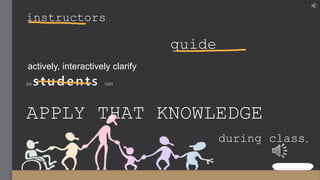
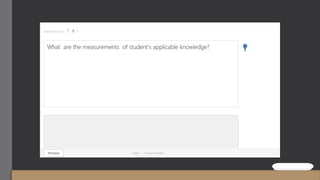
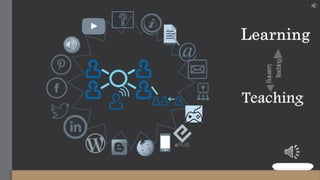
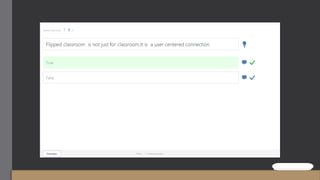
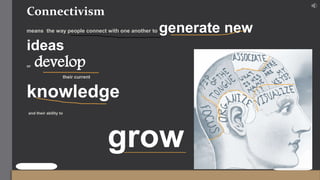

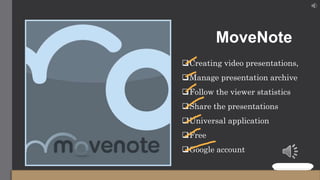
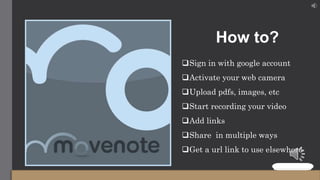
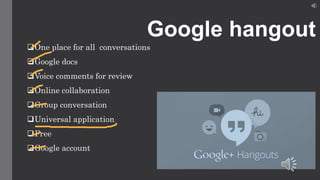
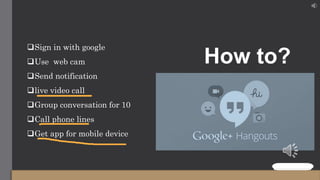
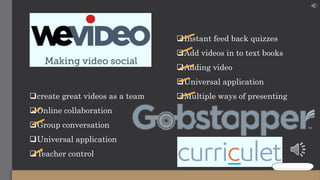
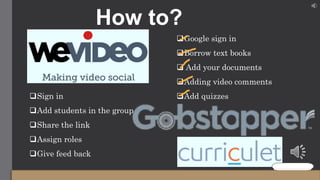
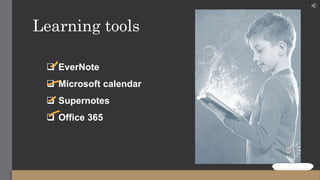
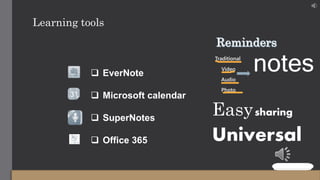
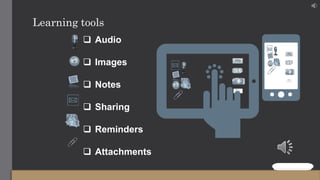

Flipping the classroom with technology allows instructors to guide students actively and interactively clarify knowledge before class so students can apply it during class, leading to 100% student performance and participation. Tools like MoveNote, Google Hangouts, and WeVideo enable online collaboration and video creation. Connectivism refers to how people connect to generate and develop knowledge and abilities. Learning tools like EverNote, Microsoft Calendar, SuperNotes and Office 365 facilitate note-taking across different media like text, audio, video and photos for easy sharing.


![Netex learningCloud | learningPlay [EN]](https://cdn.slidesharecdn.com/ss_thumbnails/nlcloud-learningplay-3q2017-en-170719140449-thumbnail.jpg?width=640&height=640&fit=bounds)
![Netex Webinar | Gamification and much more with learningPlay [EN]](https://cdn.slidesharecdn.com/ss_thumbnails/netexwebinargamificationandmuchmorewithlearningplayen-170726150116-thumbnail.jpg?width=640&height=640&fit=bounds)


