

ManageEngine Firewall
Analyzer
• Firewall log contains vital information that reveals powerful insights into
the security issues.
• Without a log analysis it is difficult to monitor traffic flow, security and
device configuration.
• Eventually resulting in security loopholes.
Firewall Analyzer
FIREWALL ANALYZER IS AVAILABLE IN TWO EDITIONS
> PREMIUM EDITION
> DISTRIBUTED EDITION
EDITIONS
PREMIUM DISTRIBUTED
> SUPPORTS UPTO 60
DEVICES
> FOR SMALL OR MEDIUM
SCALE NETWORK
EDITIONS
> FOR LARGE SCALE
NETWORK
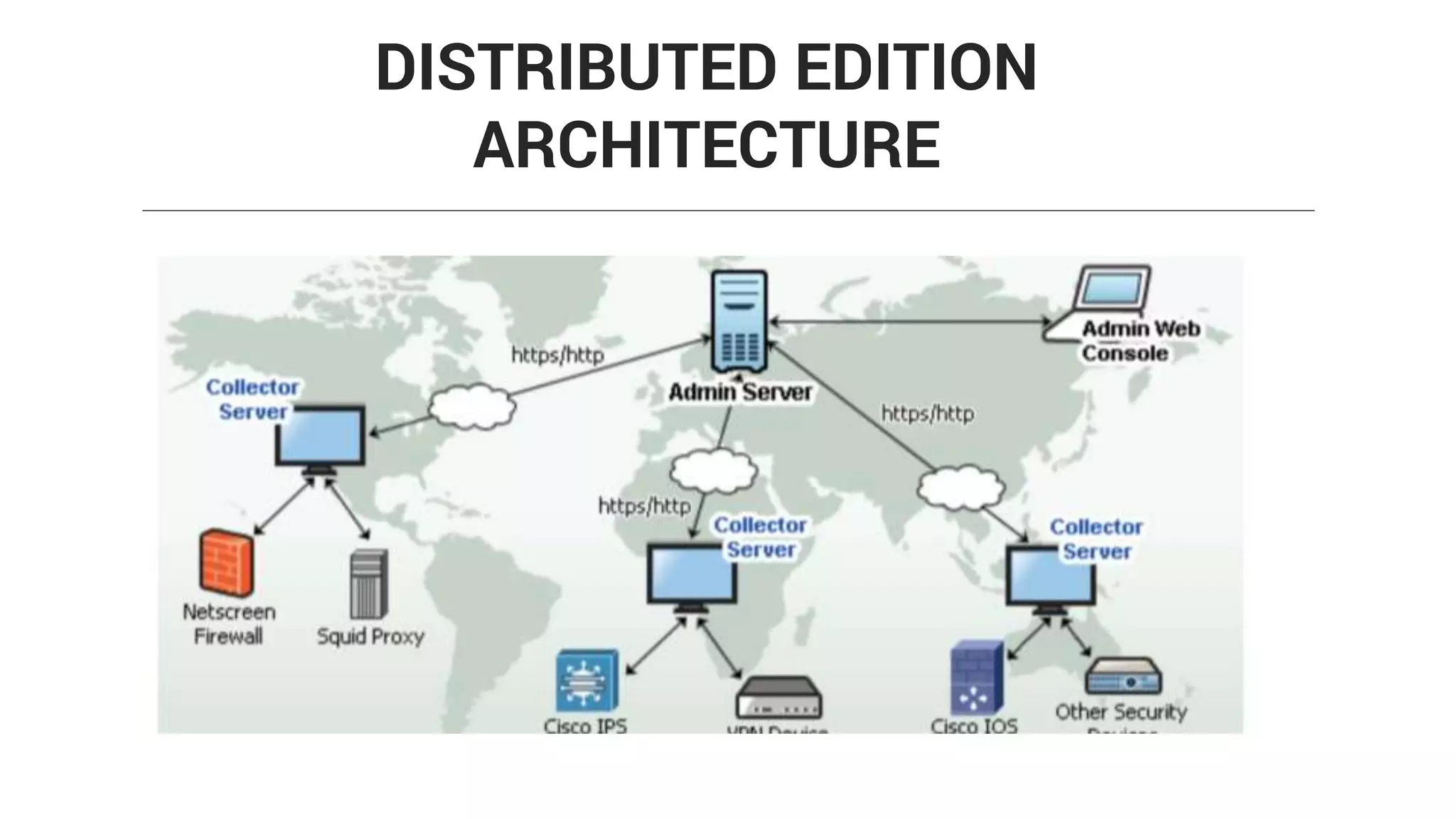
> DISTRIBUTED CENTRAL
(ADMIN) COLLECTOR
ARCHITECTURE
> Managed Security Service Provider can manage multiple customer-
site firewalls from a single, centralized Firewall Analyzer installation
> Administrator can define the scope of other users
> It helps you to collect, analyze, archive, and generate report for your
customer firewalls
DISTRIBUTED EDITION FOR MSSP
DISTRIBUTED EDITION
ARCHITECTURE
> BANDWIDTH AND TRAFFIC
> SECURITY
> DEVICE MANAGEMENT
FIREWALL ANALYZER
BANDWIDTH & TRAFFIC
ANALYSIS
> Which user is using the bandwidth?
> Which host consumes the bandwidth?
> What is the bandwidth share of various protocols?
> When the bandwidth is bursting at the seams?
Network Bandwidth reports answers to
a lot of bandwidth related questions.
> TRAFFIC REPORT
> PROTOCOL USAGE REPORT
> WEB USAGE REPORT
> MAIL USAGE REPORT
> VPN REPORT
> URL REPORT
FIREWALL REPORTS
SECURITY
ATTACKS
VIRUSES
DENIED EVENTS
SPAM
SECURITY THREATS
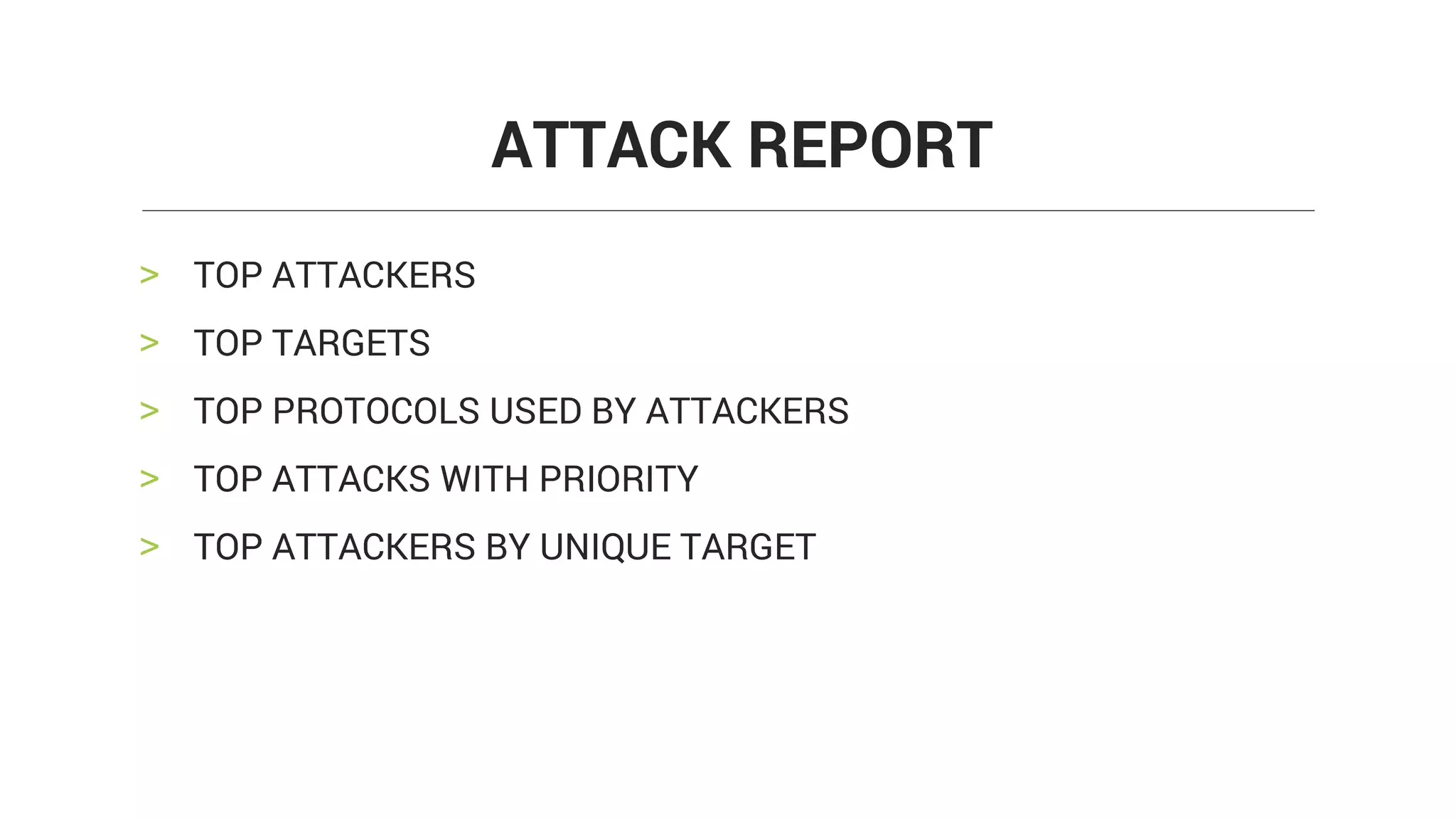
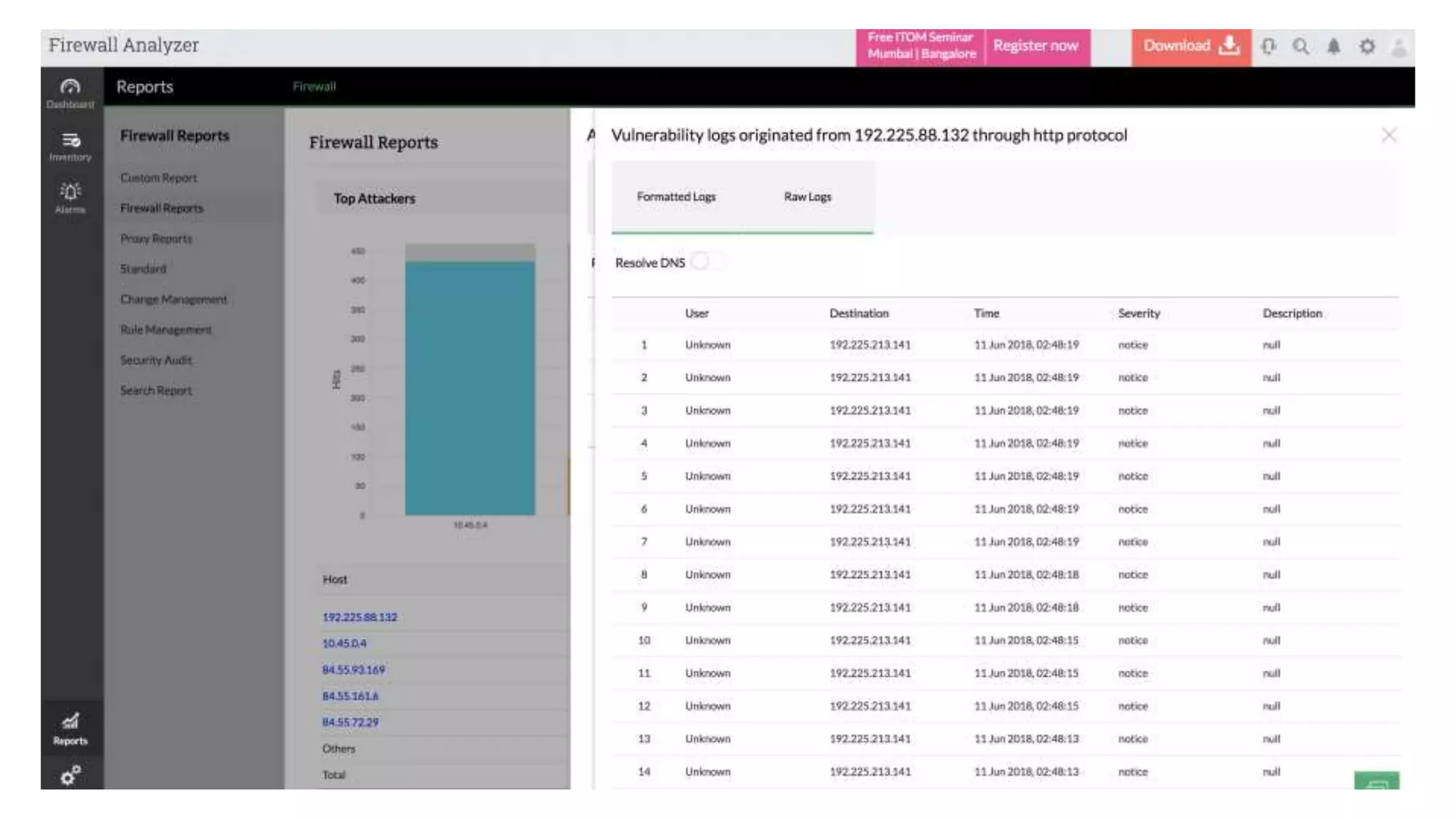
> TOP ATTACKERS
> TOP TARGETS
> TOP PROTOCOLS USED BY ATTACKERS
> TOP ATTACKS WITH PRIORITY
> TOP ATTACKERS BY UNIQUE TARGET
ATTACK REPORT
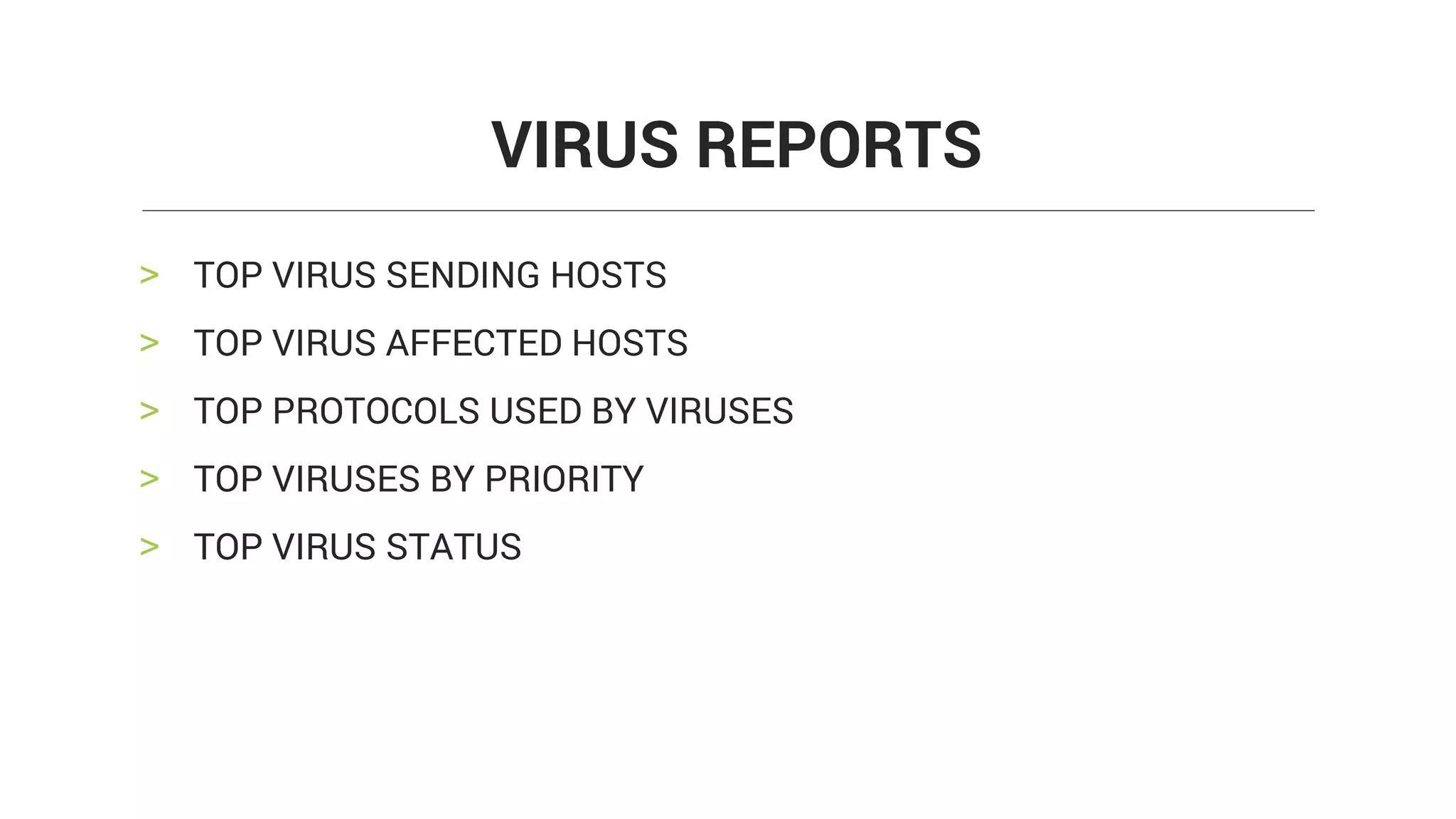
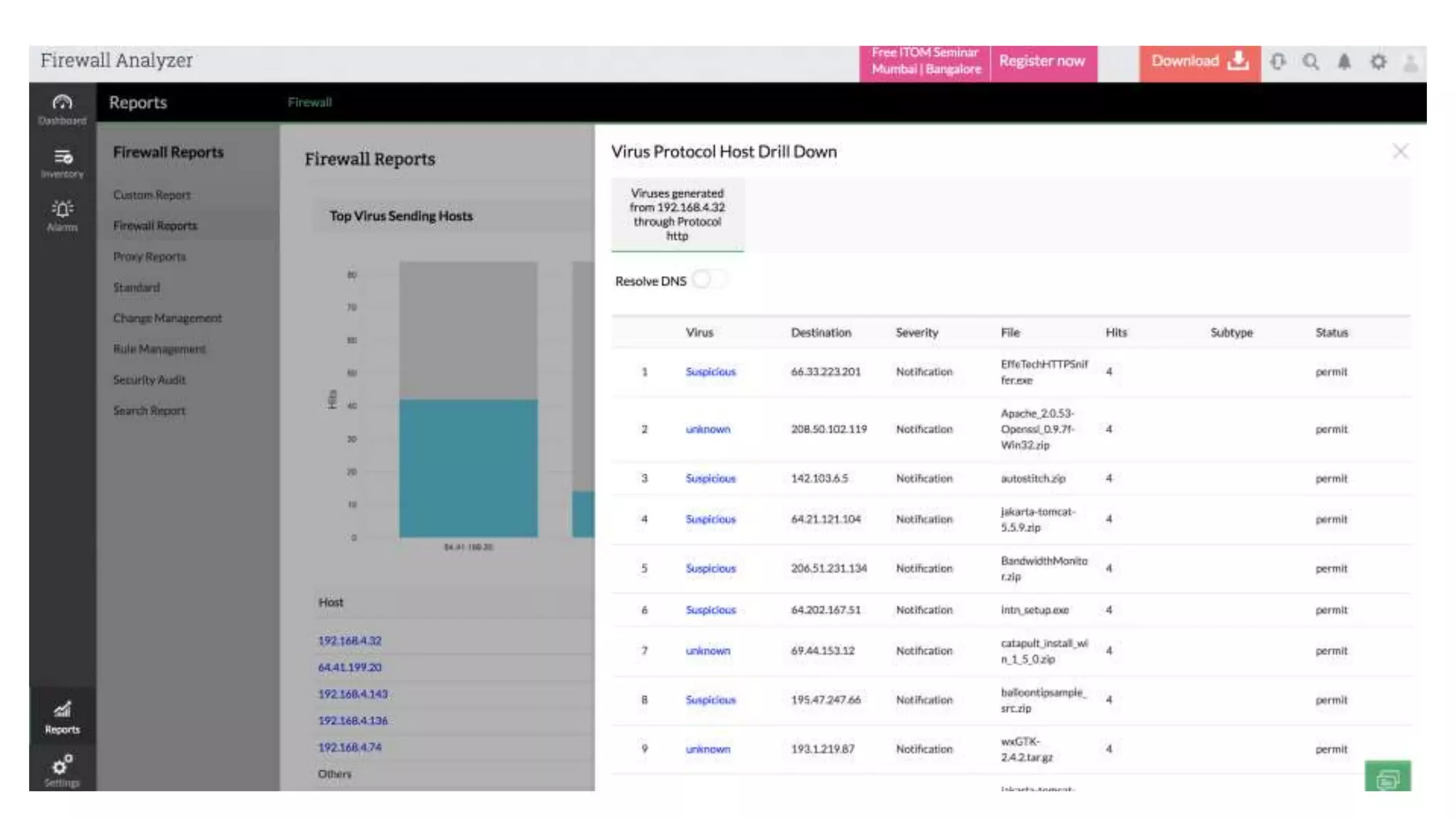
> TOP VIRUS SENDING HOSTS
> TOP VIRUS AFFECTED HOSTS
> TOP PROTOCOLS USED BY VIRUSES
> TOP VIRUSES BY PRIORITY
> TOP VIRUS STATUS
VIRUS REPORTS
> TOP DENIED HOSTS
> TOP DENIED DESTINATIONS
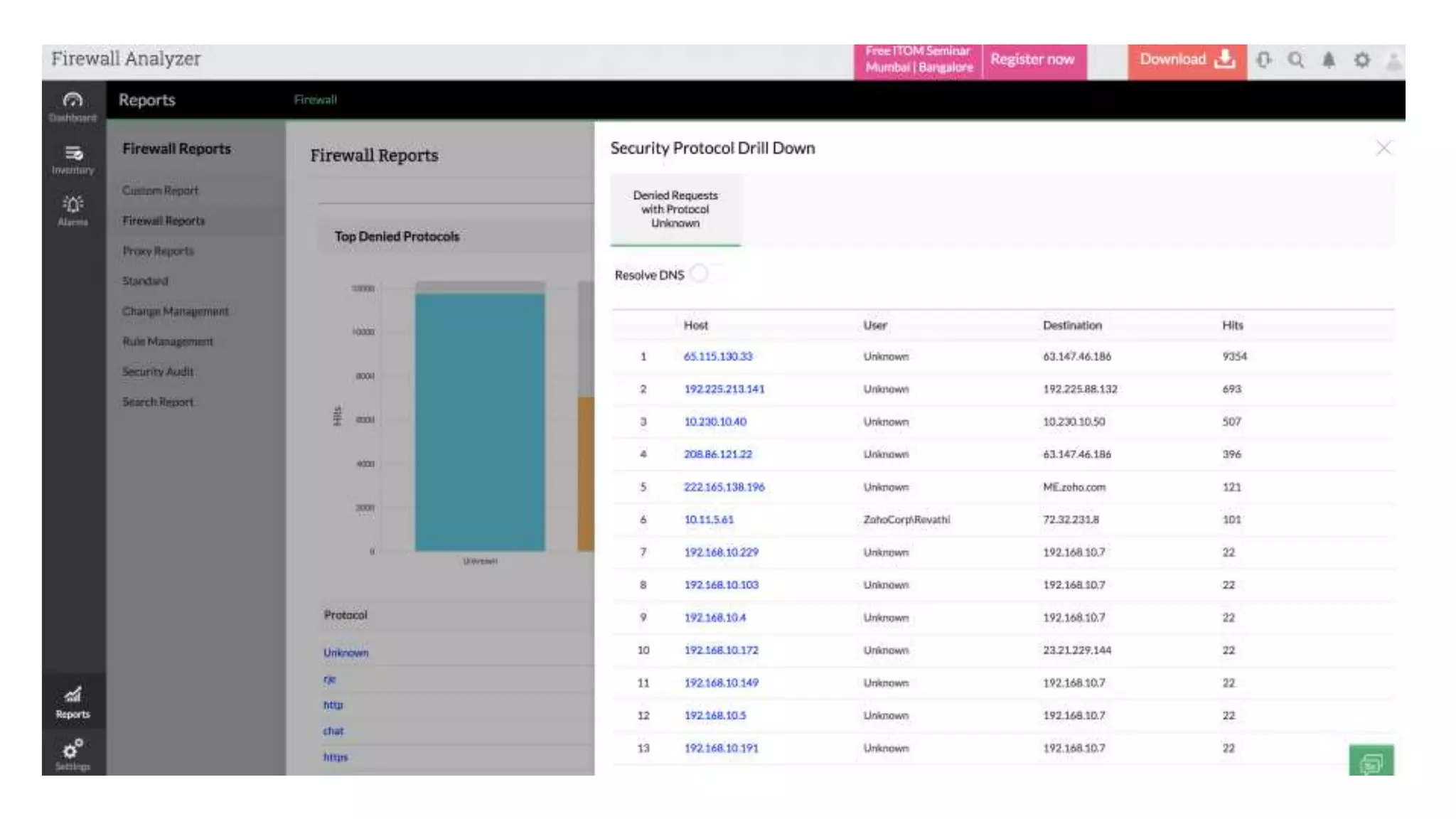
> TOP DENIED PROTOCOLS
> TOP SECURITY EVENTS
> TOP BLOCKED URL'S
DENIED EVENTS
DEVICE
MANAGEMENT
> CHANGE MANAGEMENT
> RULE MANAGEMENT
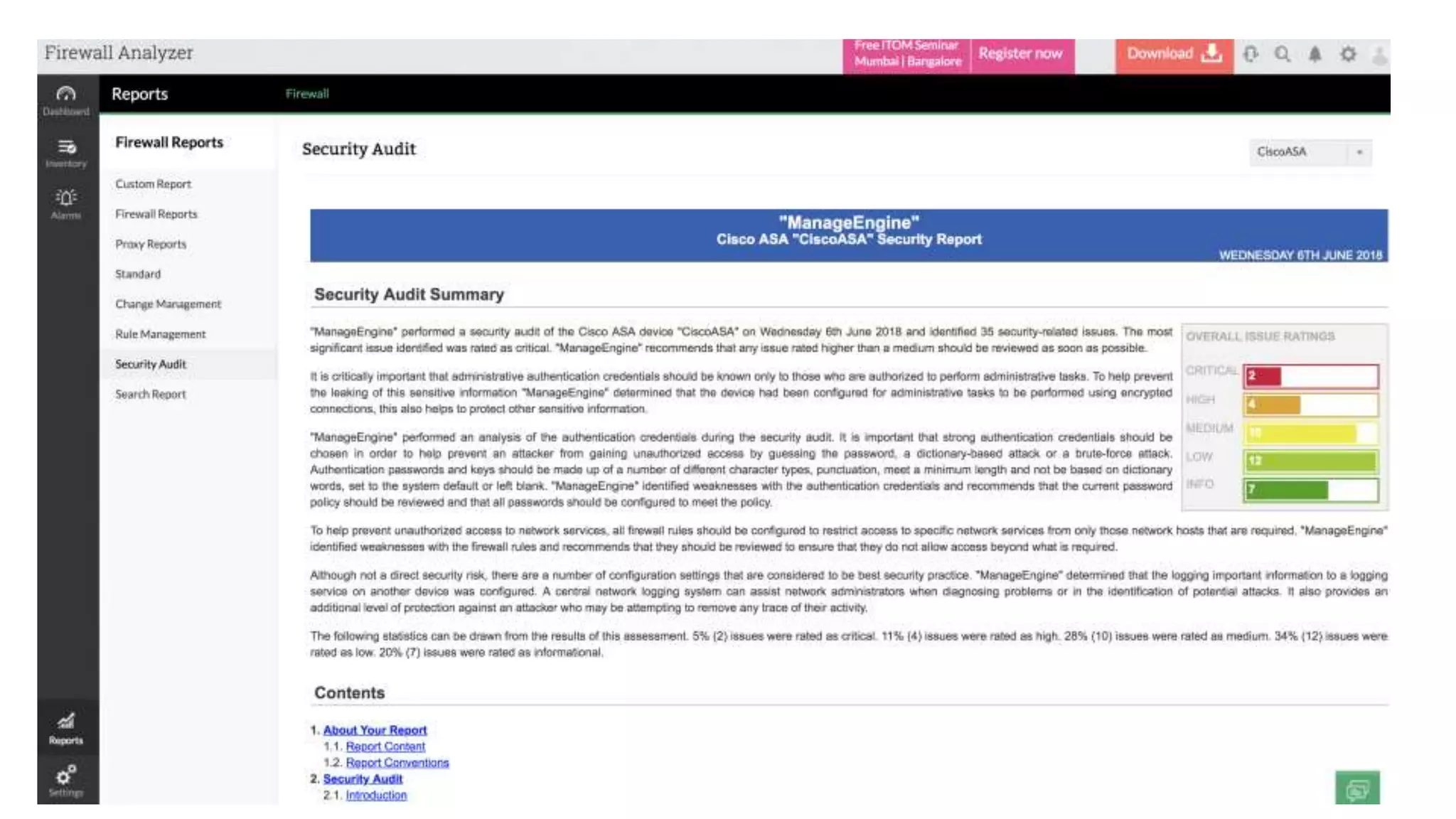
> SECURITY AUDIT
> ADMIN REPORTS
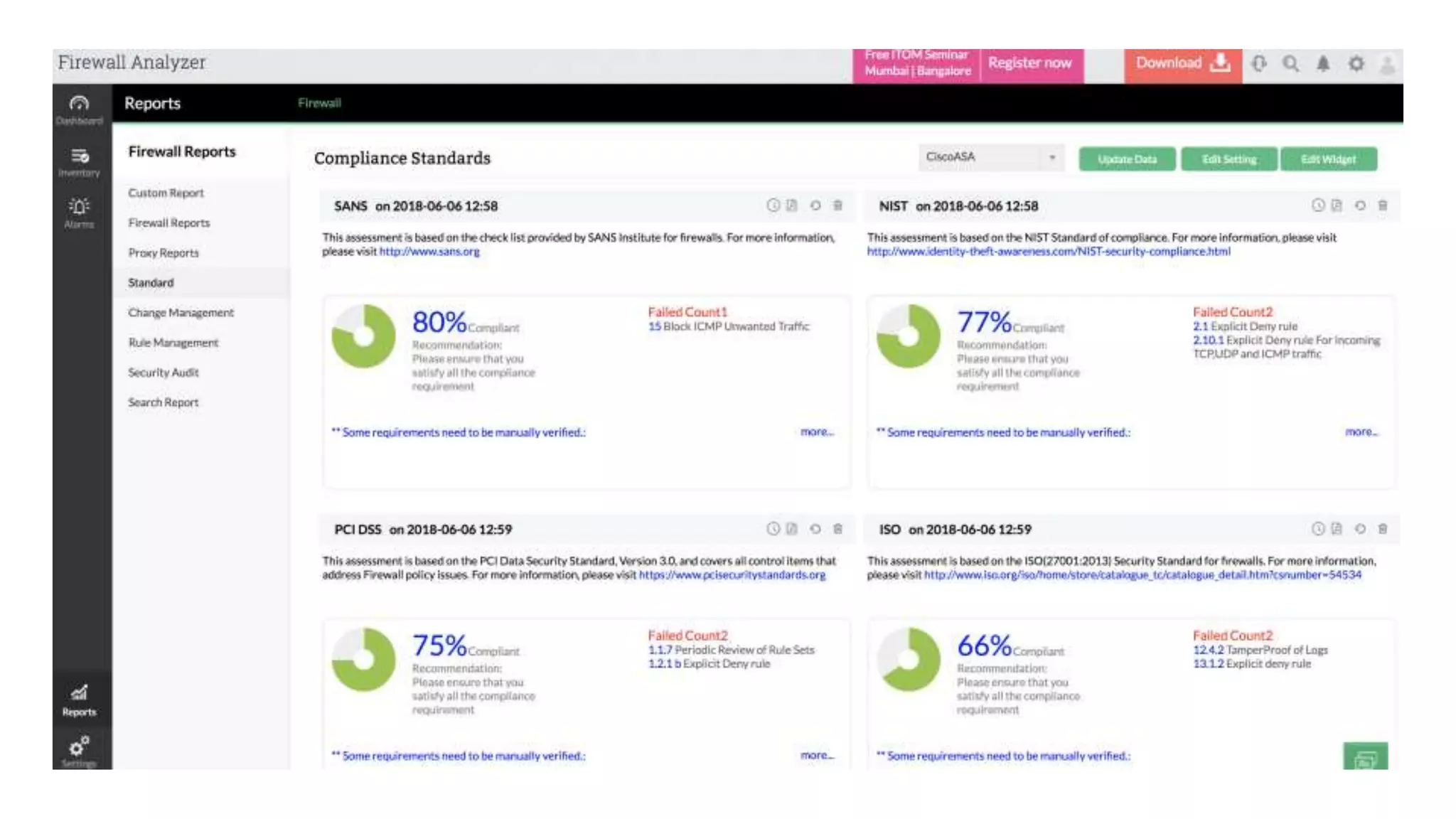
> COMPLIANCE STANDARDS
DEVICE MANAGEMENT
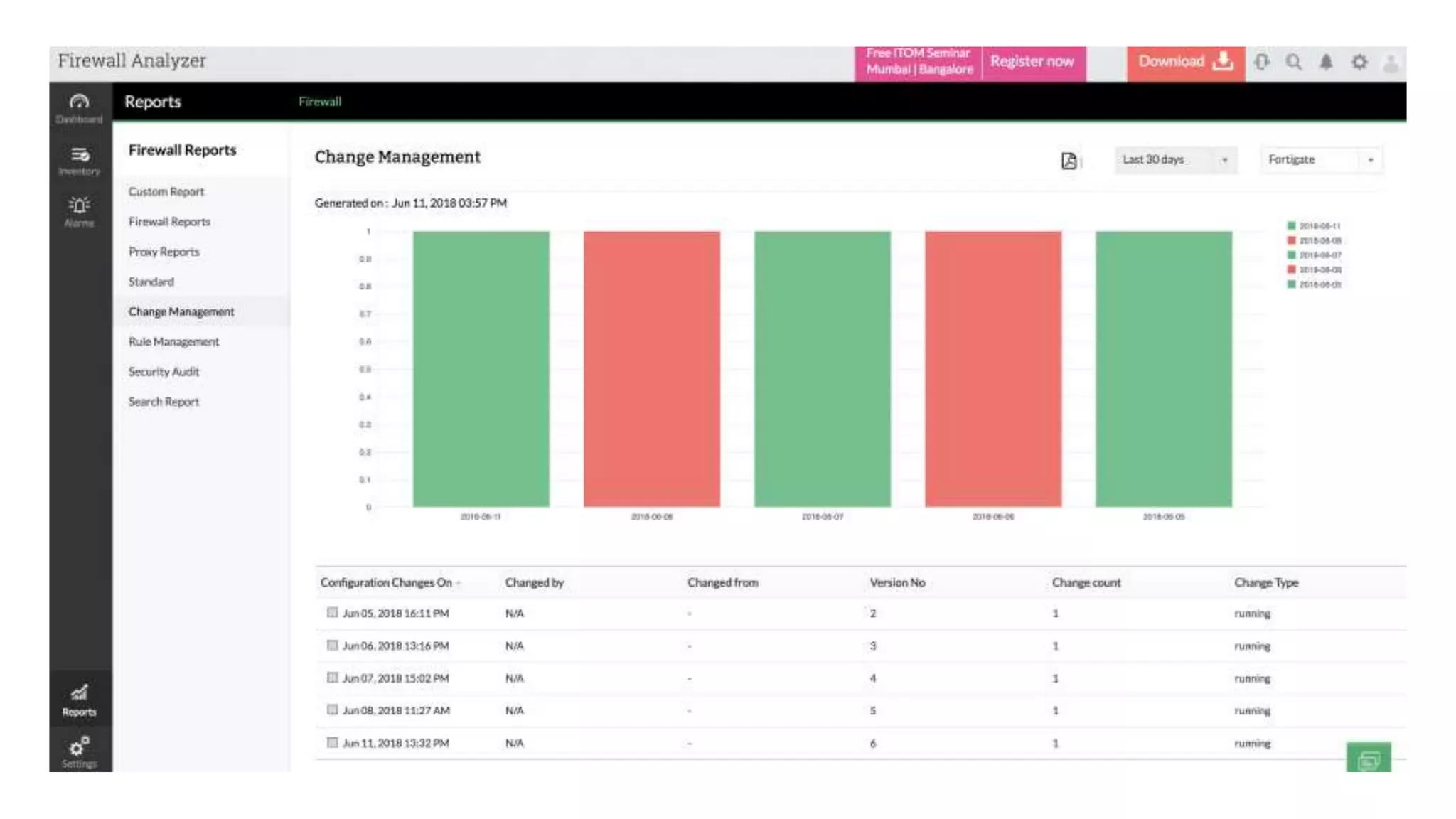
> Date wise number of changes are displayed in Bar chart graph
> User who changed
> Total number of changes
> Type of change details are listed
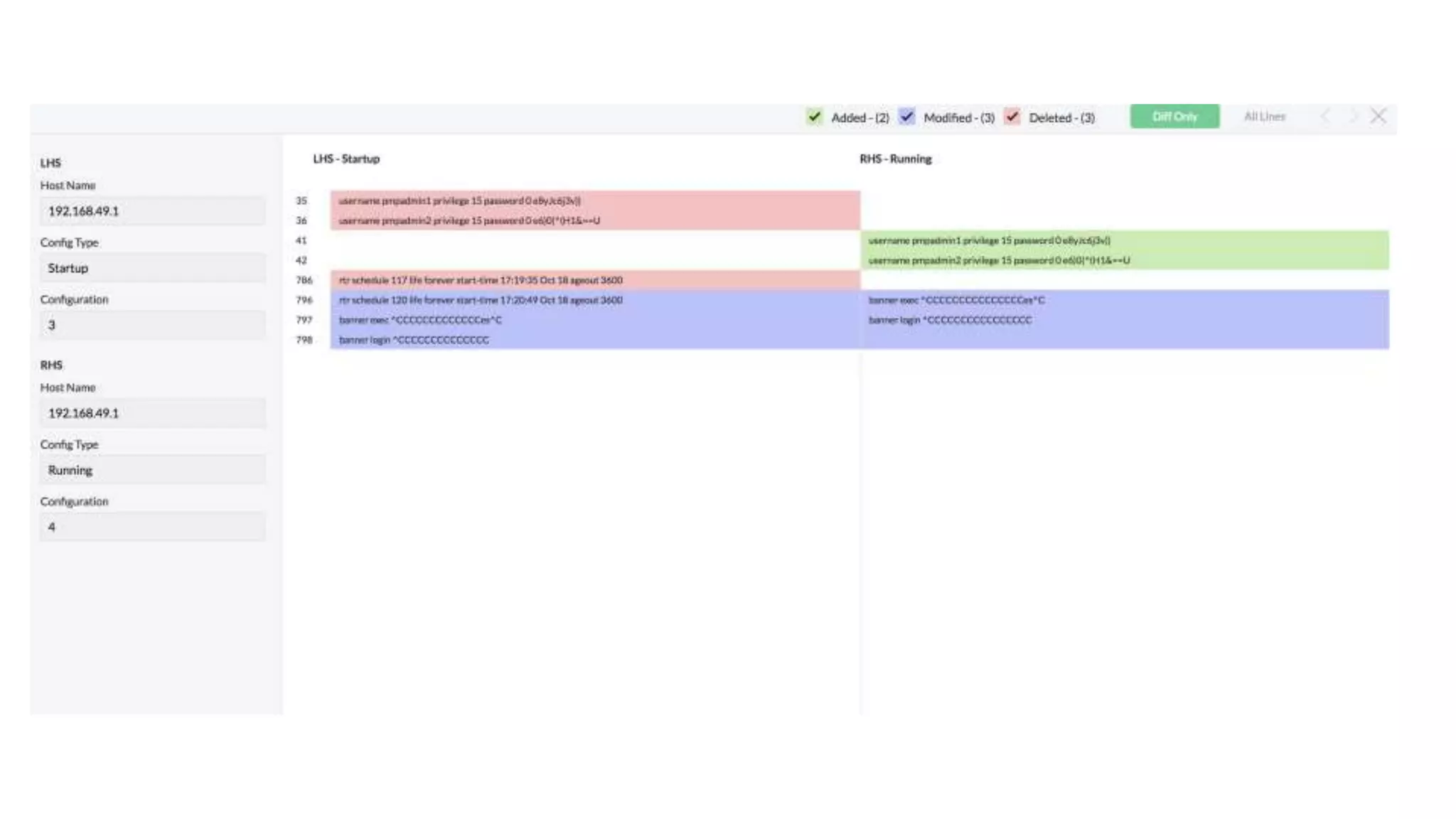
> The changes in configurations like Modified, Added and Deleted are
highlighted
CHANGE MANAGEMENT
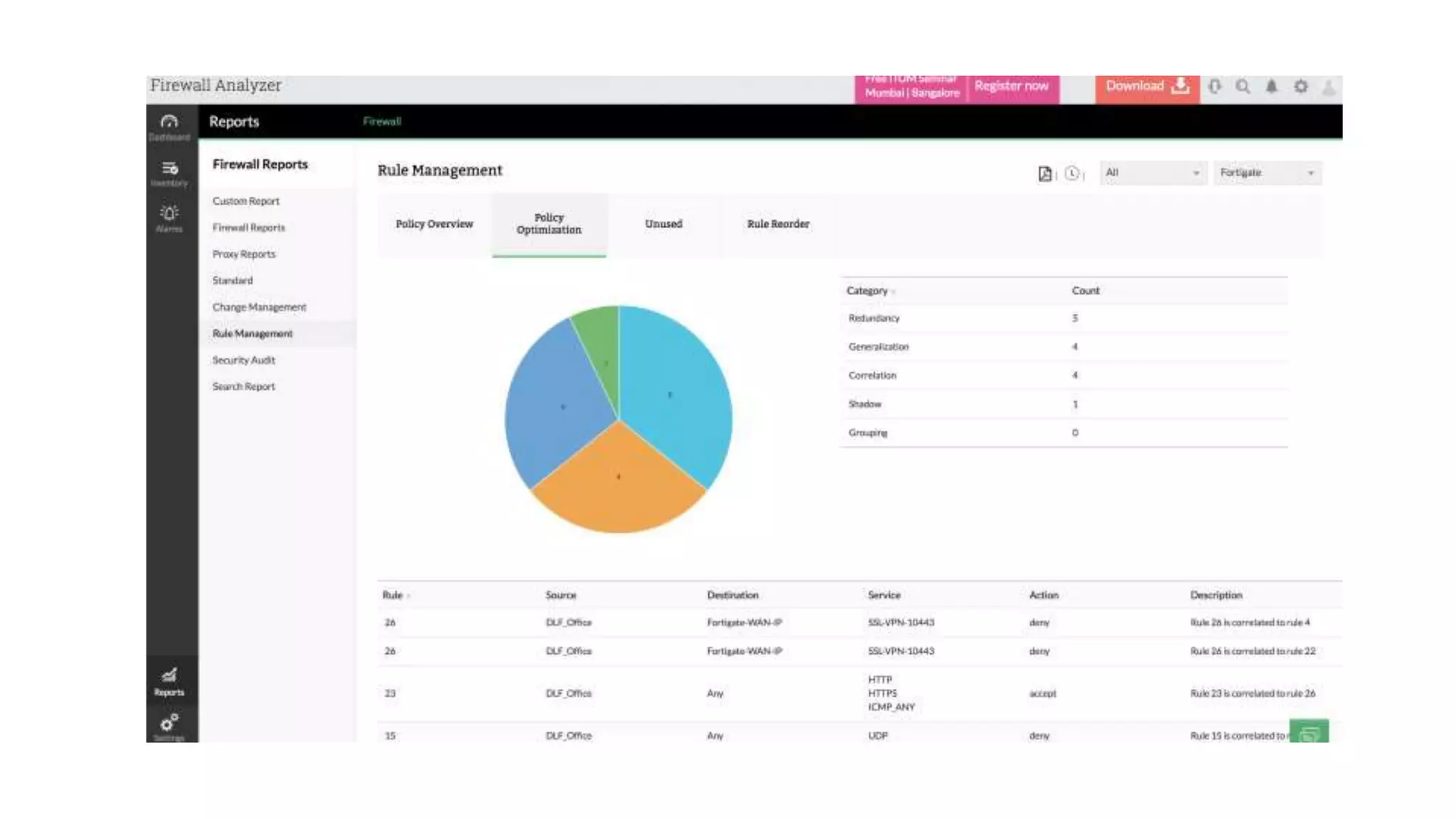
> Policy Overview Reports
> Policy Optimization
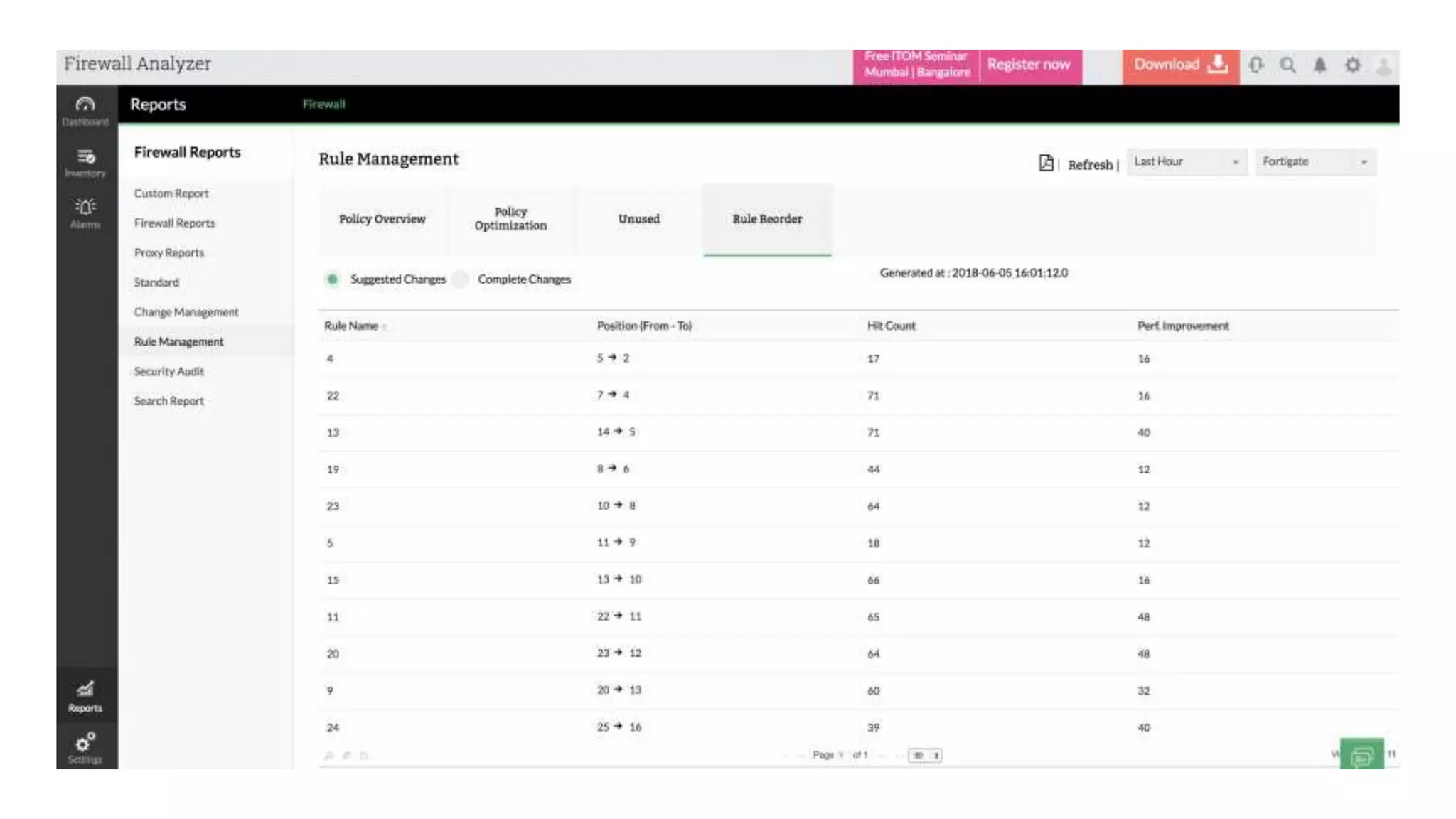
> Rule Reorder
RULE MANAGEMENT
> Issue Finding
> Issue Impact
> Issue Ease
> Issue Recommendation
> Issue Overall Rating
SECURITY AUDIT
> Successful User Logon
> Successful User Logoff
> Denied User Logons
> Commands Executed
ADMIN REPORT
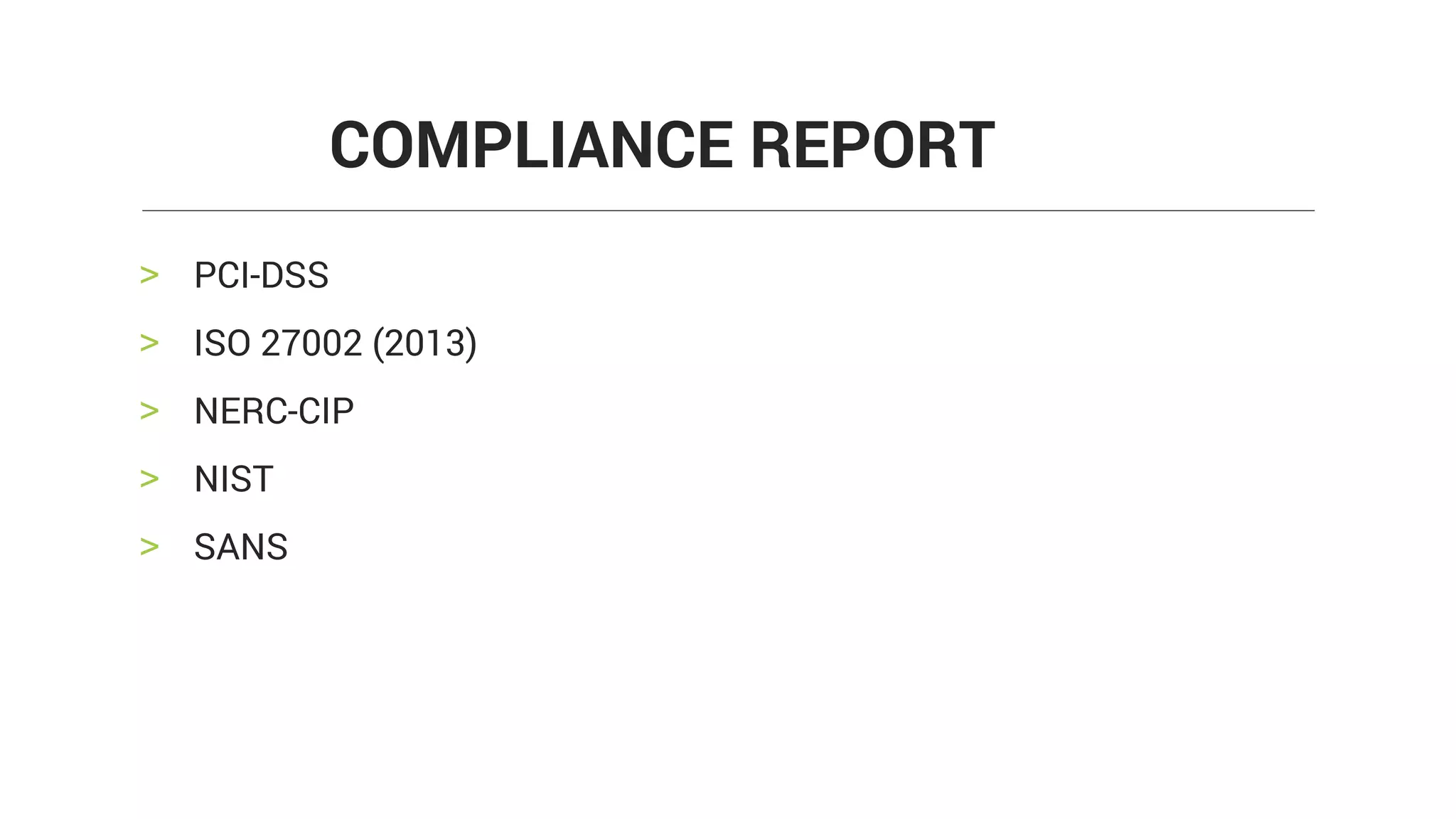
> PCI-DSS
> ISO 27002 (2013)
> NERC-CIP
> NIST
> SANS
COMPLIANCE REPORT
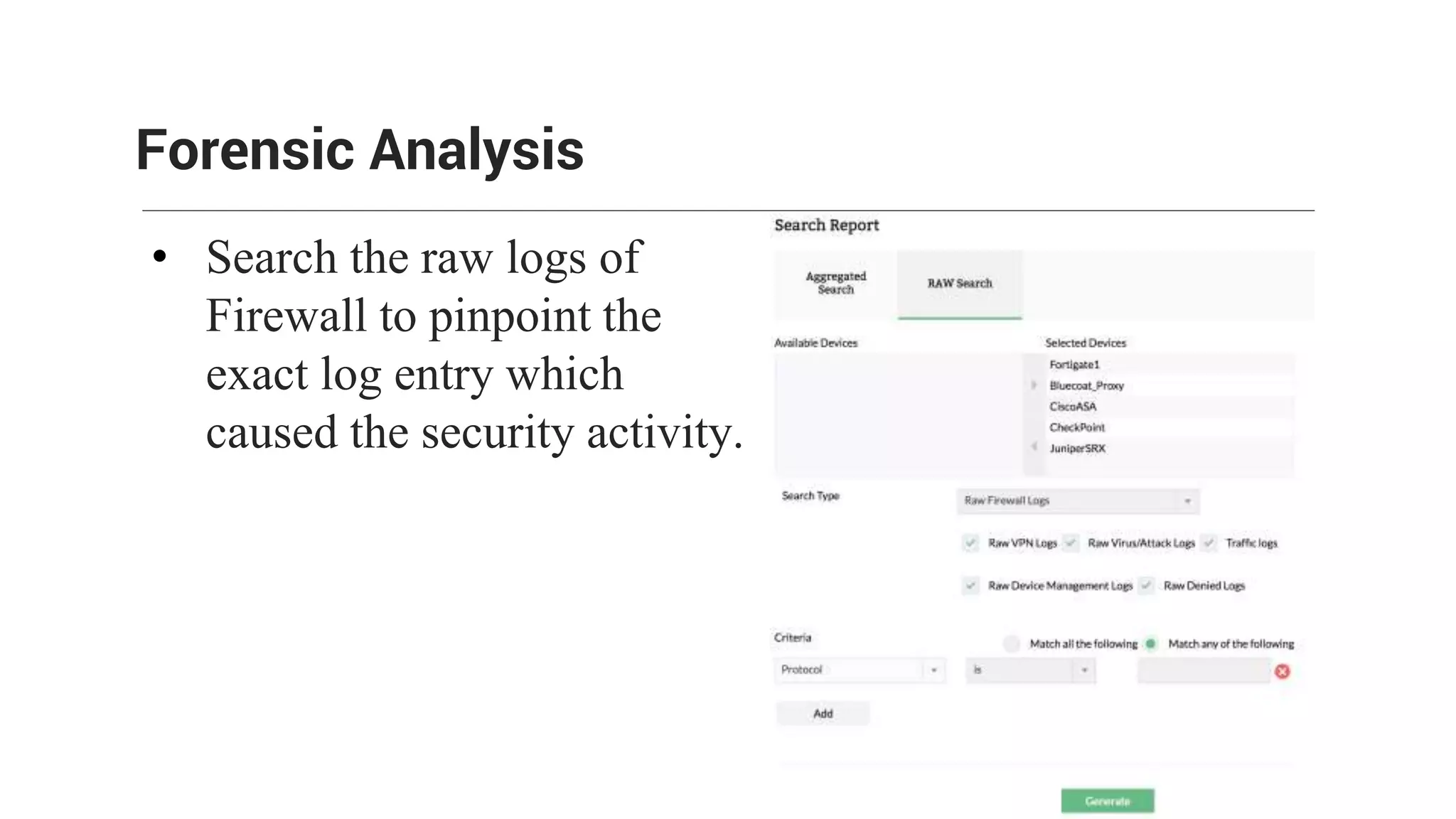
• Search the raw logs of
Firewall to pinpoint the
exact log entry which
caused the security activity.
Forensic Analysis
There are three types of alert profiles:
• Normal alert
• Anomaly alert
• Bandwidth alert
Alert Profiles
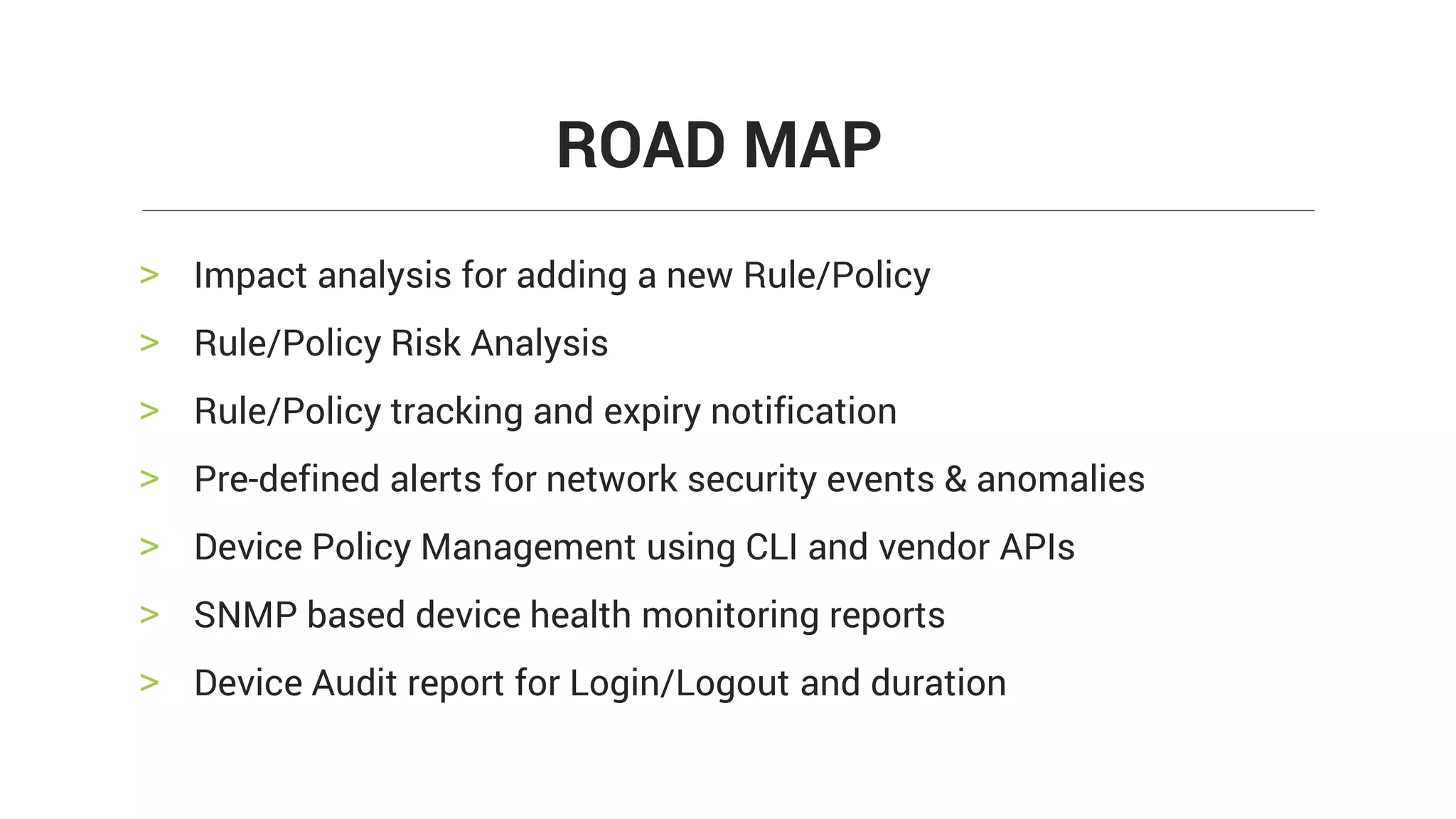
> Impact analysis for adding a new Rule/Policy
> Rule/Policy Risk Analysis
> Rule/Policy tracking and expiry notification
> Pre-defined alerts for network security events & anomalies
> Device Policy Management using CLI and vendor APIs
> SNMP based device health monitoring reports
> Device Audit report for Login/Logout and duration
ROAD MAP
Support for more than 50 vendors
Firewall Analyzer is a technology partner with :
Technology partnerships
What our partner has to say about us:
"This integration offers administrators an incredible amount of visibility into firewall systems. Application control
goes deeper with detailed usage reports, while change management, security reporting, event trends, and a detailed
compliance report for firewall configuration creates an immediate ROI for customers to present back to their
stakeholders." — Ben Oster, WatchGuard
Questions?

Firewall log and network security management - Mumbai Seminar

  • 1.
  • 2.
    • Firewall logcontains vital information that reveals powerful insights into the security issues. • Without a log analysis it is difficult to monitor traffic flow, security and device configuration. • Eventually resulting in security loopholes. Firewall Analyzer
  • 3.
    FIREWALL ANALYZER ISAVAILABLE IN TWO EDITIONS > PREMIUM EDITION > DISTRIBUTED EDITION EDITIONS
  • 4.
    PREMIUM DISTRIBUTED > SUPPORTSUPTO 60 DEVICES > FOR SMALL OR MEDIUM SCALE NETWORK EDITIONS > FOR LARGE SCALE NETWORK > DISTRIBUTED CENTRAL (ADMIN) COLLECTOR ARCHITECTURE
  • 5.
    > Managed SecurityService Provider can manage multiple customer- site firewalls from a single, centralized Firewall Analyzer installation > Administrator can define the scope of other users > It helps you to collect, analyze, archive, and generate report for your customer firewalls DISTRIBUTED EDITION FOR MSSP
  • 6.
  • 7.
    > BANDWIDTH ANDTRAFFIC > SECURITY > DEVICE MANAGEMENT FIREWALL ANALYZER
  • 8.
  • 9.
    > Which useris using the bandwidth? > Which host consumes the bandwidth? > What is the bandwidth share of various protocols? > When the bandwidth is bursting at the seams? Network Bandwidth reports answers to a lot of bandwidth related questions.
  • 10.
    > TRAFFIC REPORT >PROTOCOL USAGE REPORT > WEB USAGE REPORT > MAIL USAGE REPORT > VPN REPORT > URL REPORT FIREWALL REPORTS
  • 11.
  • 12.
  • 13.
    > TOP ATTACKERS >TOP TARGETS > TOP PROTOCOLS USED BY ATTACKERS > TOP ATTACKS WITH PRIORITY > TOP ATTACKERS BY UNIQUE TARGET ATTACK REPORT
  • 15.
    > TOP VIRUSSENDING HOSTS > TOP VIRUS AFFECTED HOSTS > TOP PROTOCOLS USED BY VIRUSES > TOP VIRUSES BY PRIORITY > TOP VIRUS STATUS VIRUS REPORTS
  • 17.
    > TOP DENIEDHOSTS > TOP DENIED DESTINATIONS > TOP DENIED PROTOCOLS > TOP SECURITY EVENTS > TOP BLOCKED URL'S DENIED EVENTS
  • 19.
  • 20.
    > CHANGE MANAGEMENT >RULE MANAGEMENT > SECURITY AUDIT > ADMIN REPORTS > COMPLIANCE STANDARDS DEVICE MANAGEMENT
  • 21.
    > Date wisenumber of changes are displayed in Bar chart graph > User who changed > Total number of changes > Type of change details are listed > The changes in configurations like Modified, Added and Deleted are highlighted CHANGE MANAGEMENT
  • 24.
    > Policy OverviewReports > Policy Optimization > Rule Reorder RULE MANAGEMENT
  • 27.
    > Issue Finding >Issue Impact > Issue Ease > Issue Recommendation > Issue Overall Rating SECURITY AUDIT
  • 29.
    > Successful UserLogon > Successful User Logoff > Denied User Logons > Commands Executed ADMIN REPORT
  • 30.
    > PCI-DSS > ISO27002 (2013) > NERC-CIP > NIST > SANS COMPLIANCE REPORT
  • 32.
    • Search theraw logs of Firewall to pinpoint the exact log entry which caused the security activity. Forensic Analysis
  • 33.
    There are threetypes of alert profiles: • Normal alert • Anomaly alert • Bandwidth alert Alert Profiles
  • 34.
    > Impact analysisfor adding a new Rule/Policy > Rule/Policy Risk Analysis > Rule/Policy tracking and expiry notification > Pre-defined alerts for network security events & anomalies > Device Policy Management using CLI and vendor APIs > SNMP based device health monitoring reports > Device Audit report for Login/Logout and duration ROAD MAP
  • 35.
    Support for morethan 50 vendors
  • 36.
    Firewall Analyzer isa technology partner with : Technology partnerships What our partner has to say about us: "This integration offers administrators an incredible amount of visibility into firewall systems. Application control goes deeper with detailed usage reports, while change management, security reporting, event trends, and a detailed compliance report for firewall configuration creates an immediate ROI for customers to present back to their stakeholders." — Ben Oster, WatchGuard
  • 38.