
““Firewall”Firewall”
OutlineOutline
 1. Introduction to Firewall1. Introduction to Firewall
 2.why firewalls are needed ?2.why firewalls are needed ?
 3. Types of Firewall3. Types of Firewall
 4. Hardware vs. Software firewalls4. Hardware vs. Software firewalls
 5. what it protects you from ?5. what it protects you from ?
 6. Making Firewall Fit6. Making Firewall Fit
 5. Appropriate Use Of Firewall5. Appropriate Use Of Firewall
 6. Personal Firewall6. Personal Firewall
 7.Firewall Security Policy7.Firewall Security Policy
characteristicscharacteristics
 8. Issues and problems with firewalls8. Issues and problems with firewalls
 9. Conclusion9. Conclusion
IntroductionIntroduction
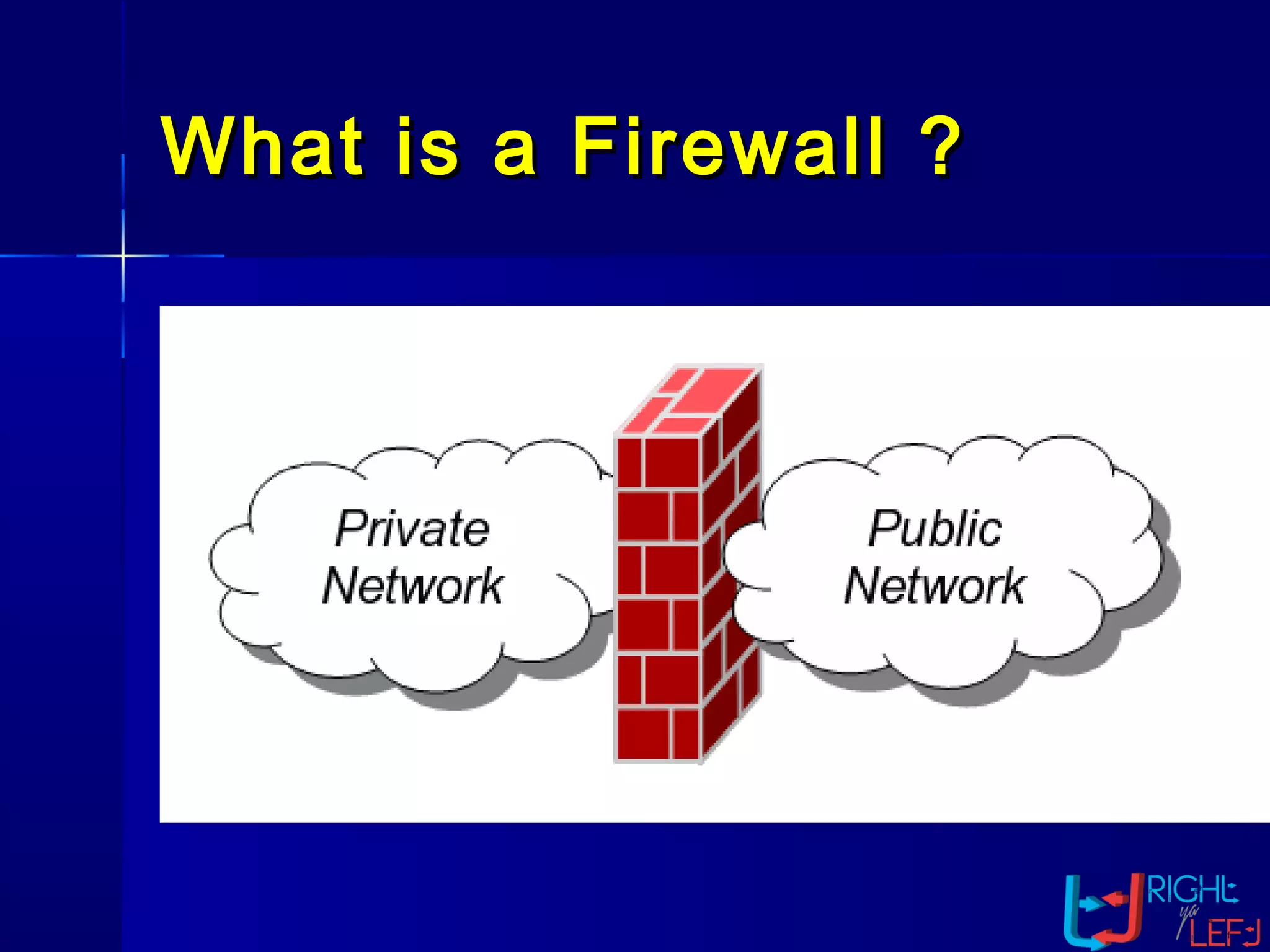
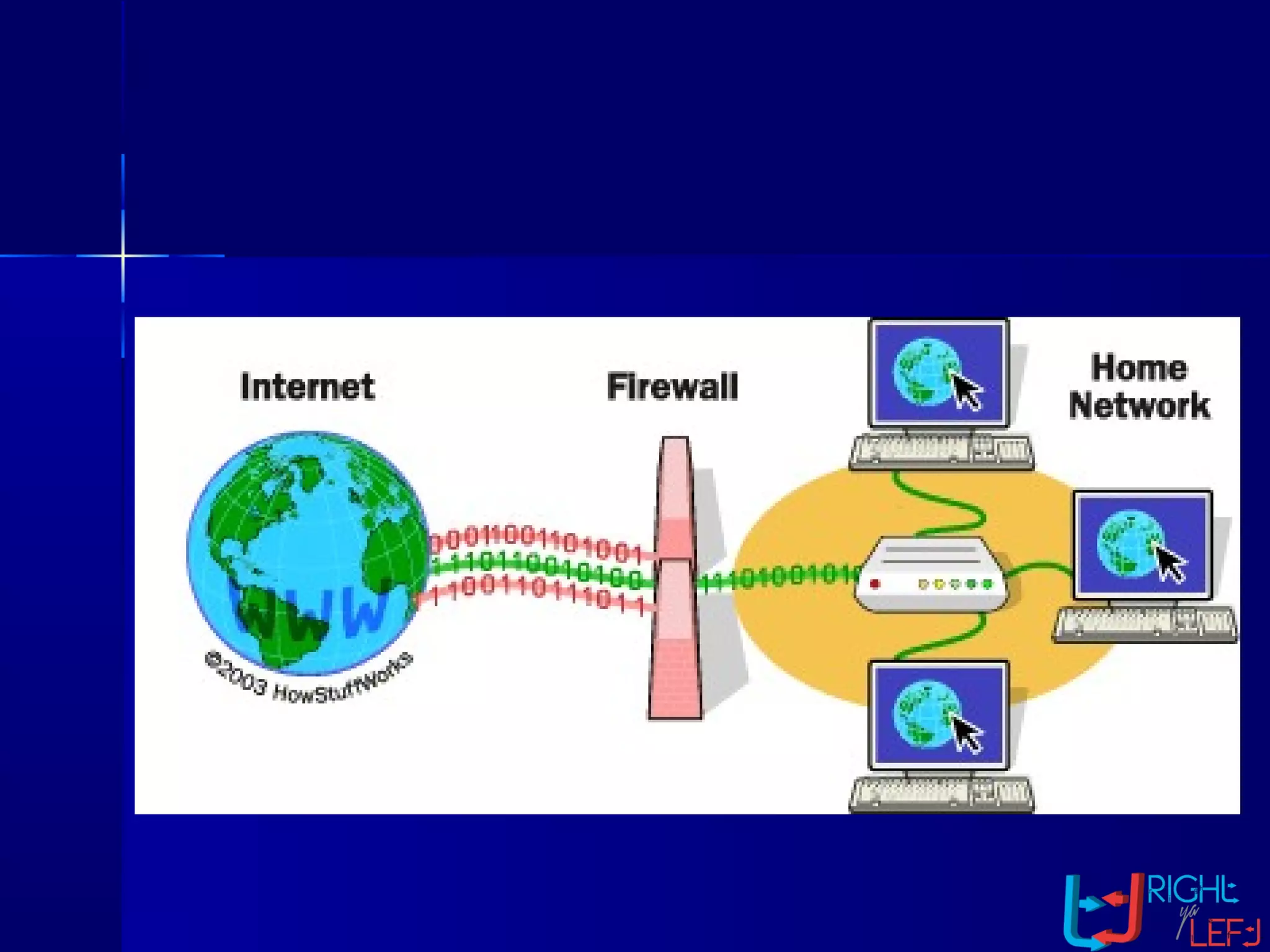
 A firewall is simply a program orA firewall is simply a program or
hardware device that filters thehardware device that filters the
information coming through theinformation coming through the
Internet connection into your privateInternet connection into your private
network or computer system. If annetwork or computer system. If an
incoming packet of information isincoming packet of information is
flagged by the filters, it is not allowedflagged by the filters, it is not allowed
through.through.
What is a Firewall ?What is a Firewall ?
Why Firewalls are
Needed
 Prevent attacks from untrustedPrevent attacks from untrusted
networksnetworks
 Protect data integrity of criticalProtect data integrity of critical
informationinformation
 Preserve customer and partnerPreserve customer and partner
confidenceconfidence
There are threeThere are three
common types ofcommon types of
firewallsfirewalls
 Packet-Filtering RouterPacket-Filtering Router
 Application Level GatewayApplication Level Gateway
 Circuit Level GatewayCircuit Level Gateway
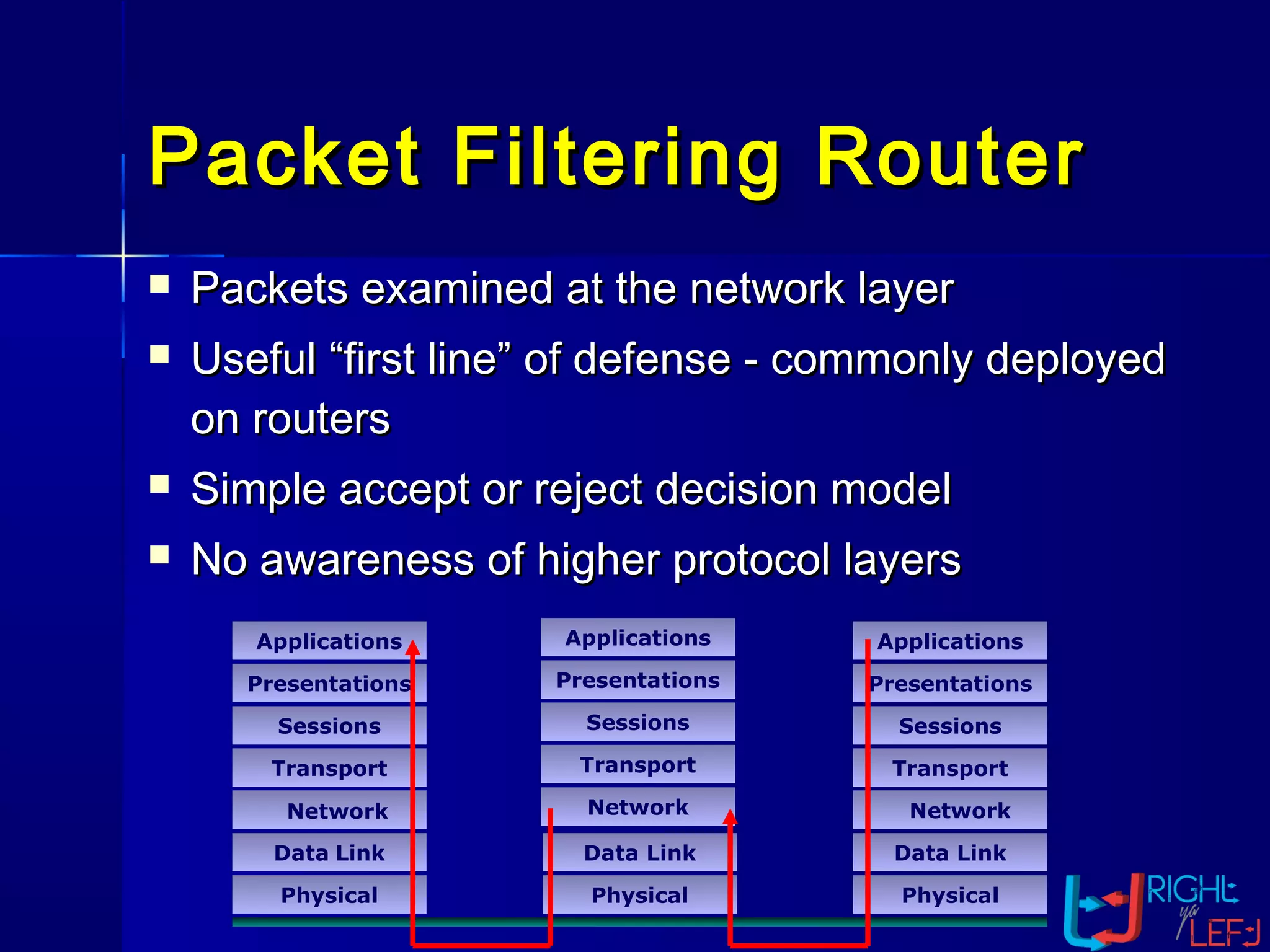
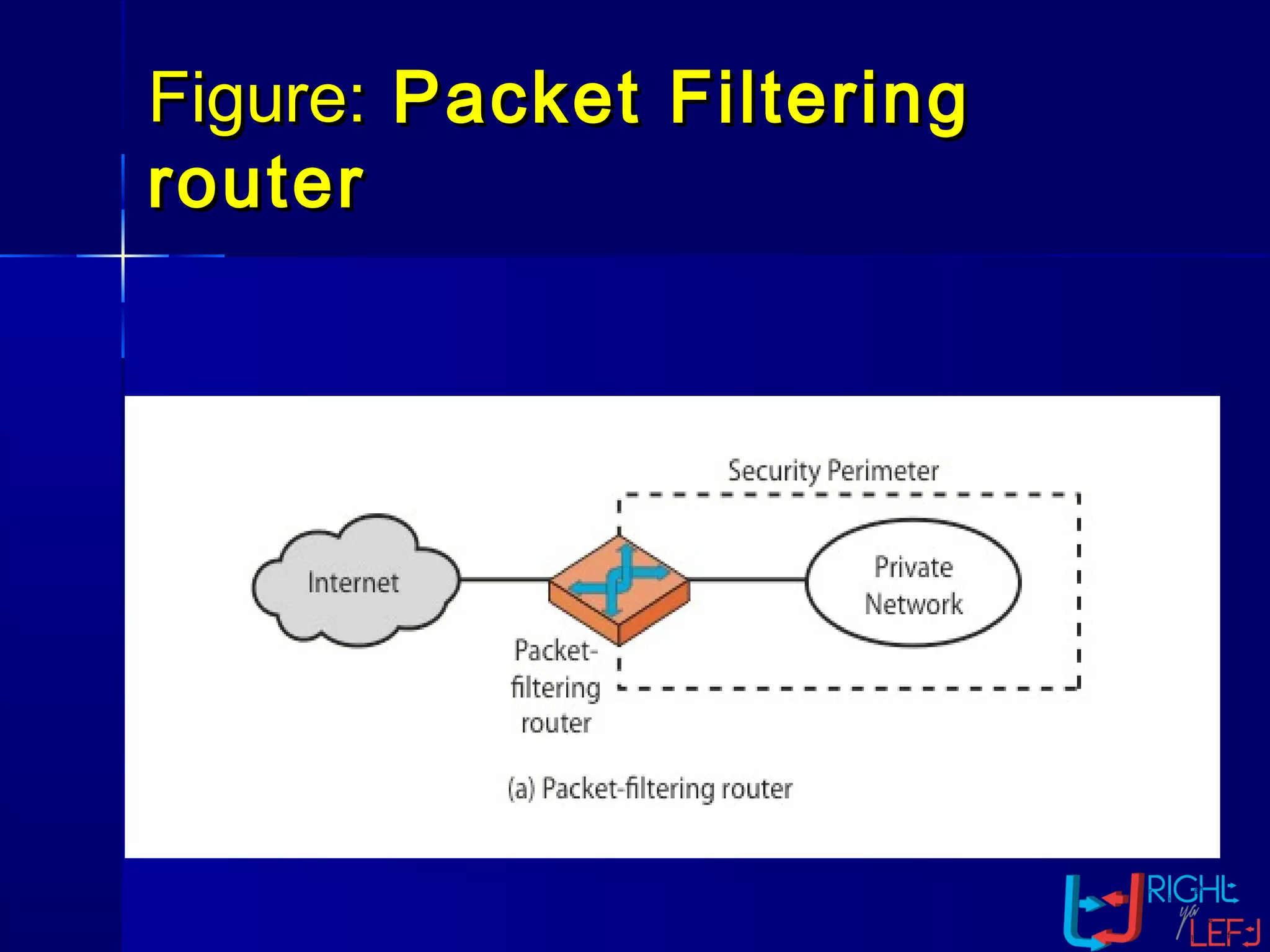
 Packets examined at the network layerPackets examined at the network layer
 Useful “first line” of defense - commonly deployedUseful “first line” of defense - commonly deployed
on routerson routers
 Simple accept or reject decision modelSimple accept or reject decision model
 No awareness of higher protocol layersNo awareness of higher protocol layers
Packet Filtering RouterPacket Filtering Router
Applications
Presentations
Sessions
Transport
Data Link
Physical
Data Link
Physical
Applications
Presentations
Sessions
Transport
Data Link
Physical
Network
Presentations
Sessions
Transport
Applications
Network Network
Firewall – PacketFirewall – Packet
FilteringFiltering
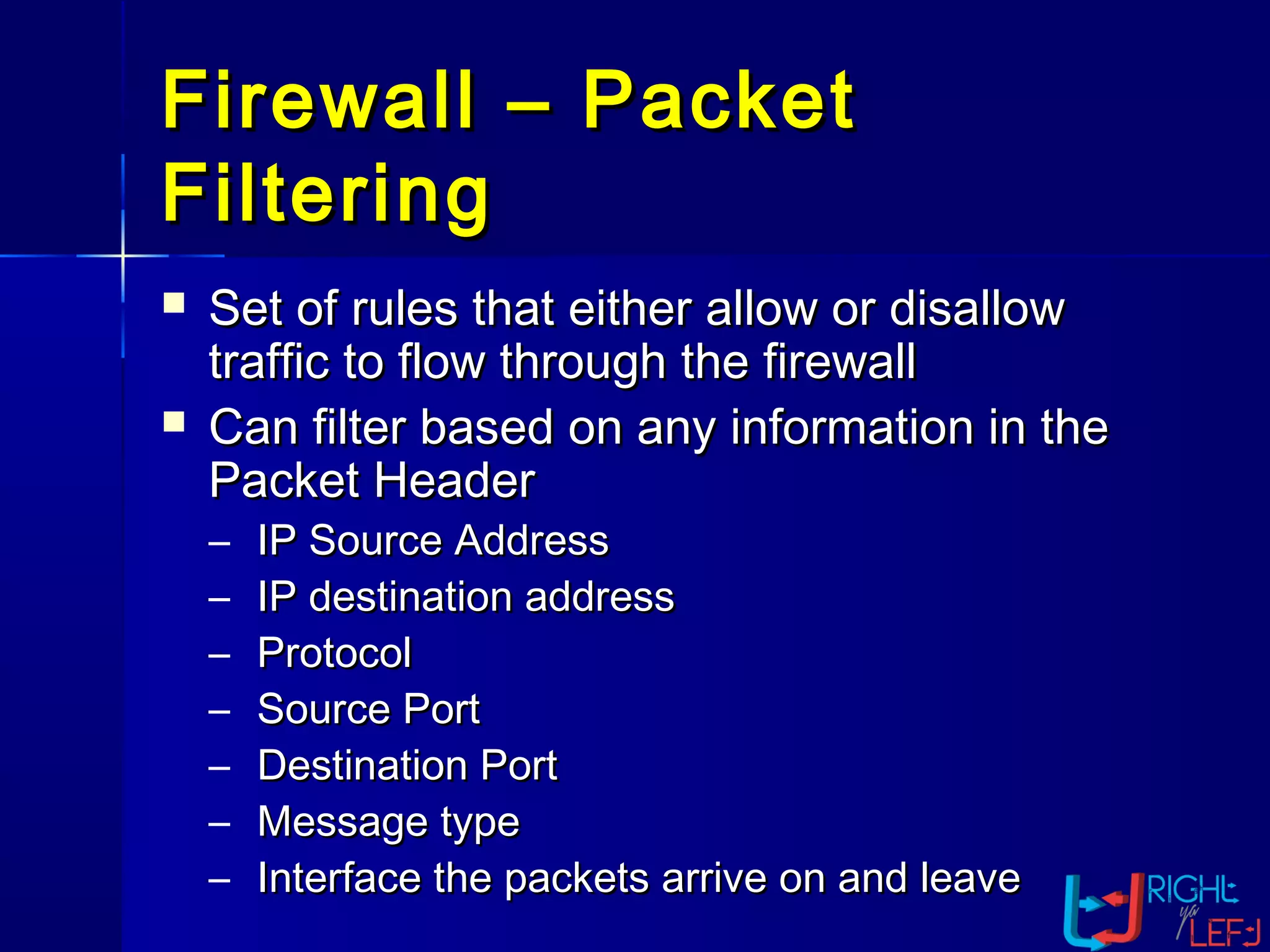
 Set of rules that either allow or disallowSet of rules that either allow or disallow
traffic to flow through the firewalltraffic to flow through the firewall
 Can filter based on any information in theCan filter based on any information in the
Packet HeaderPacket Header
– IP Source AddressIP Source Address
– IP destination addressIP destination address
– ProtocolProtocol
– Source PortSource Port
– Destination PortDestination Port
– Message typeMessage type
– Interface the packets arrive on and leaveInterface the packets arrive on and leave
Figure:Figure: Packet FilteringPacket Filtering
routerrouter
AdvantagesAdvantages
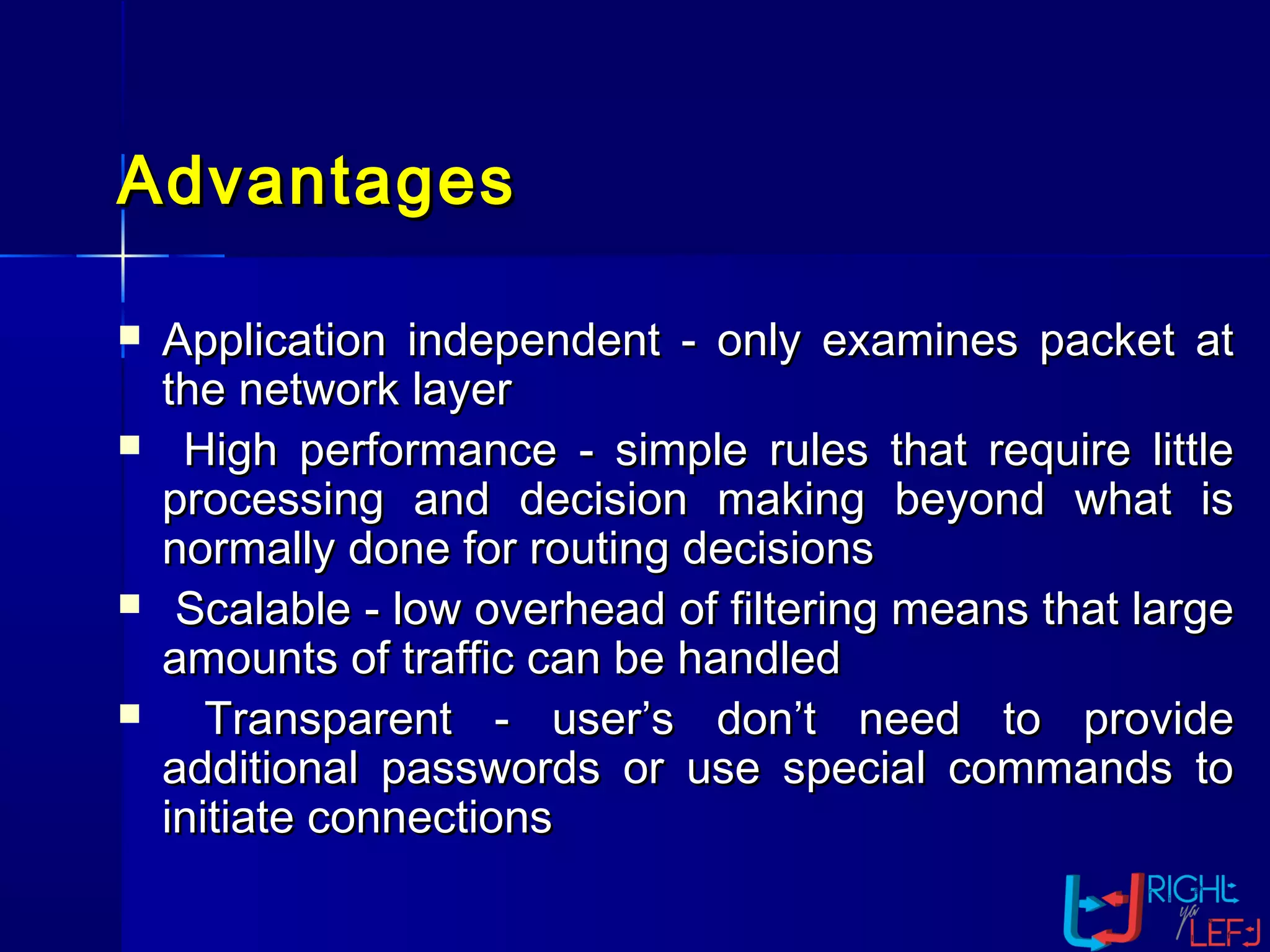
 Application independent - only examines packet atApplication independent - only examines packet at
the network layerthe network layer
 High performance - simple rules that require littleHigh performance - simple rules that require little
processing and decision making beyond what isprocessing and decision making beyond what is
normally done for routing decisionsnormally done for routing decisions
 Scalable - low overhead of filtering means that largeScalable - low overhead of filtering means that large
amounts of traffic can be handledamounts of traffic can be handled
 Transparent - user’s don’t need to provideTransparent - user’s don’t need to provide
additional passwords or use special commands toadditional passwords or use special commands to
initiate connectionsinitiate connections
DisadvantagesDisadvantages
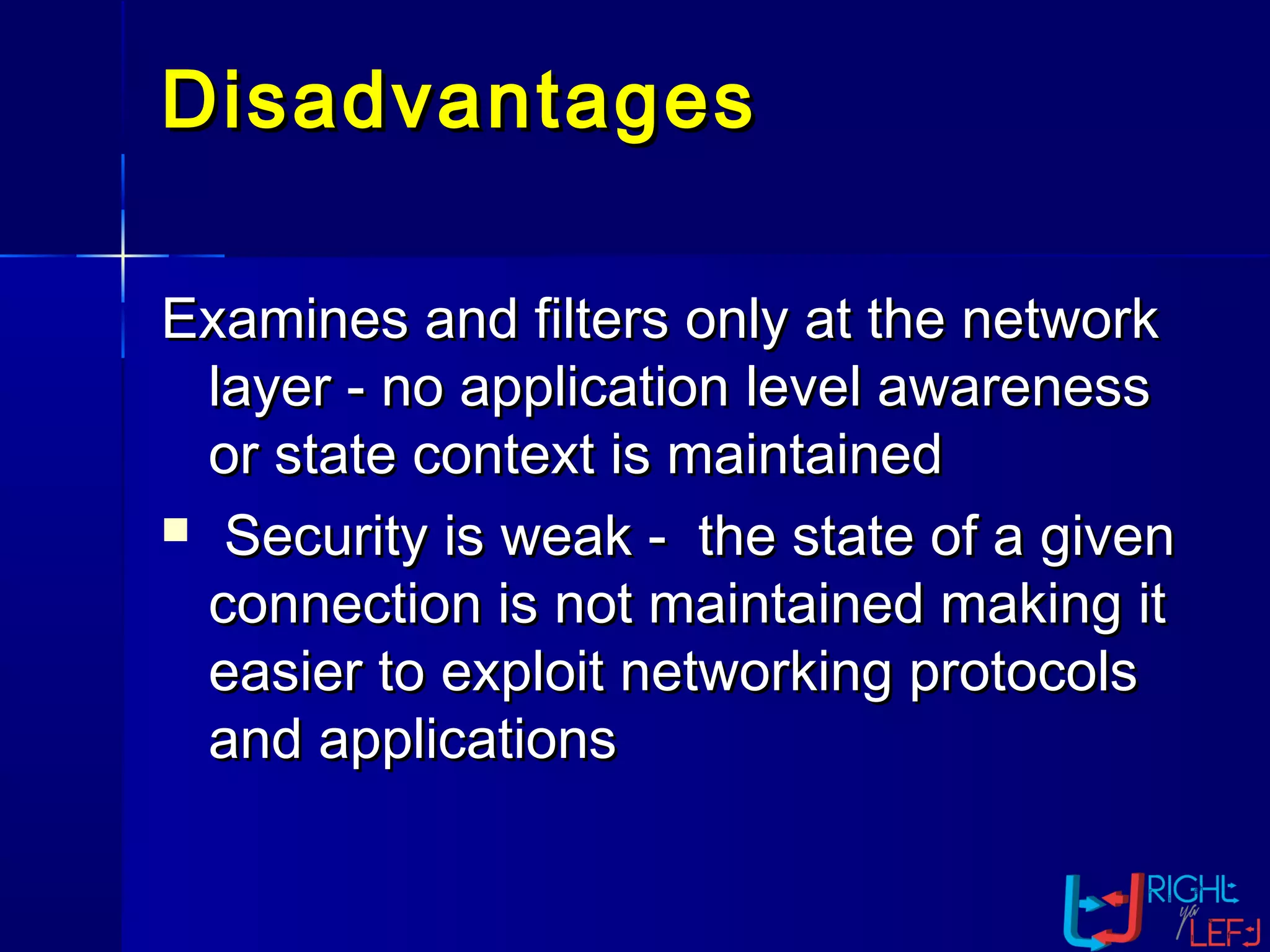
Examines and filters only at the networkExamines and filters only at the network
layer - no application level awarenesslayer - no application level awareness
or state context is maintainedor state context is maintained
 Security is weak - the state of a givenSecurity is weak - the state of a given
connection is not maintained making itconnection is not maintained making it
easier to exploit networking protocolseasier to exploit networking protocols
and applicationsand applications
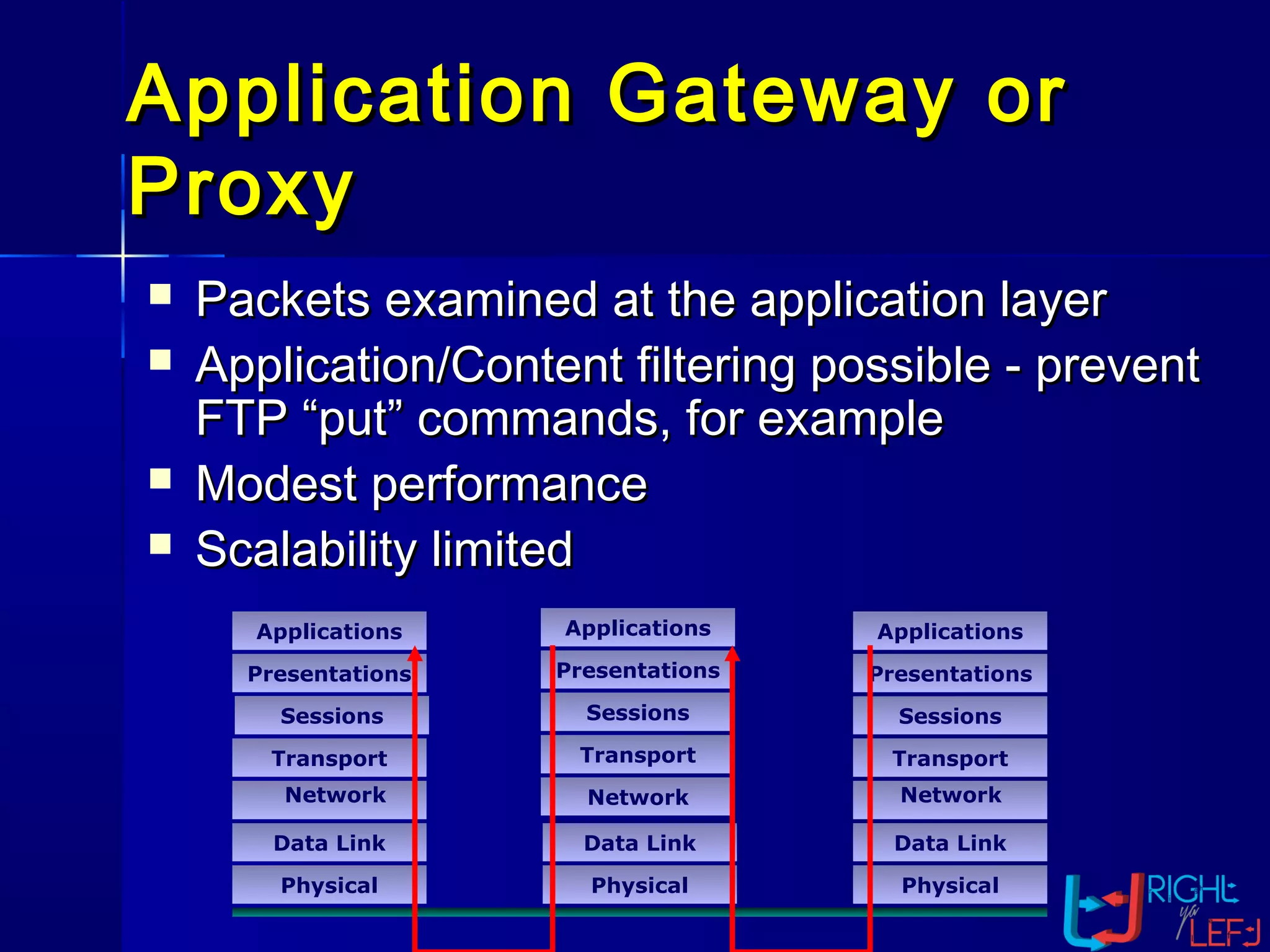
Application Gateway orApplication Gateway or
ProxyProxy
Applications
Presentations
Sessions
Transport
Data Link
Physical
Data Link
Physical
Applications
Presentations
Sessions
Transport
Data Link
Physical
Network NetworkNetwork
Presentations
Sessions
Transport
Applications
 Packets examined at the application layerPackets examined at the application layer
 Application/Content filtering possible - preventApplication/Content filtering possible - prevent
FTP “put” commands, for exampleFTP “put” commands, for example
 Modest performanceModest performance
 Scalability limitedScalability limited
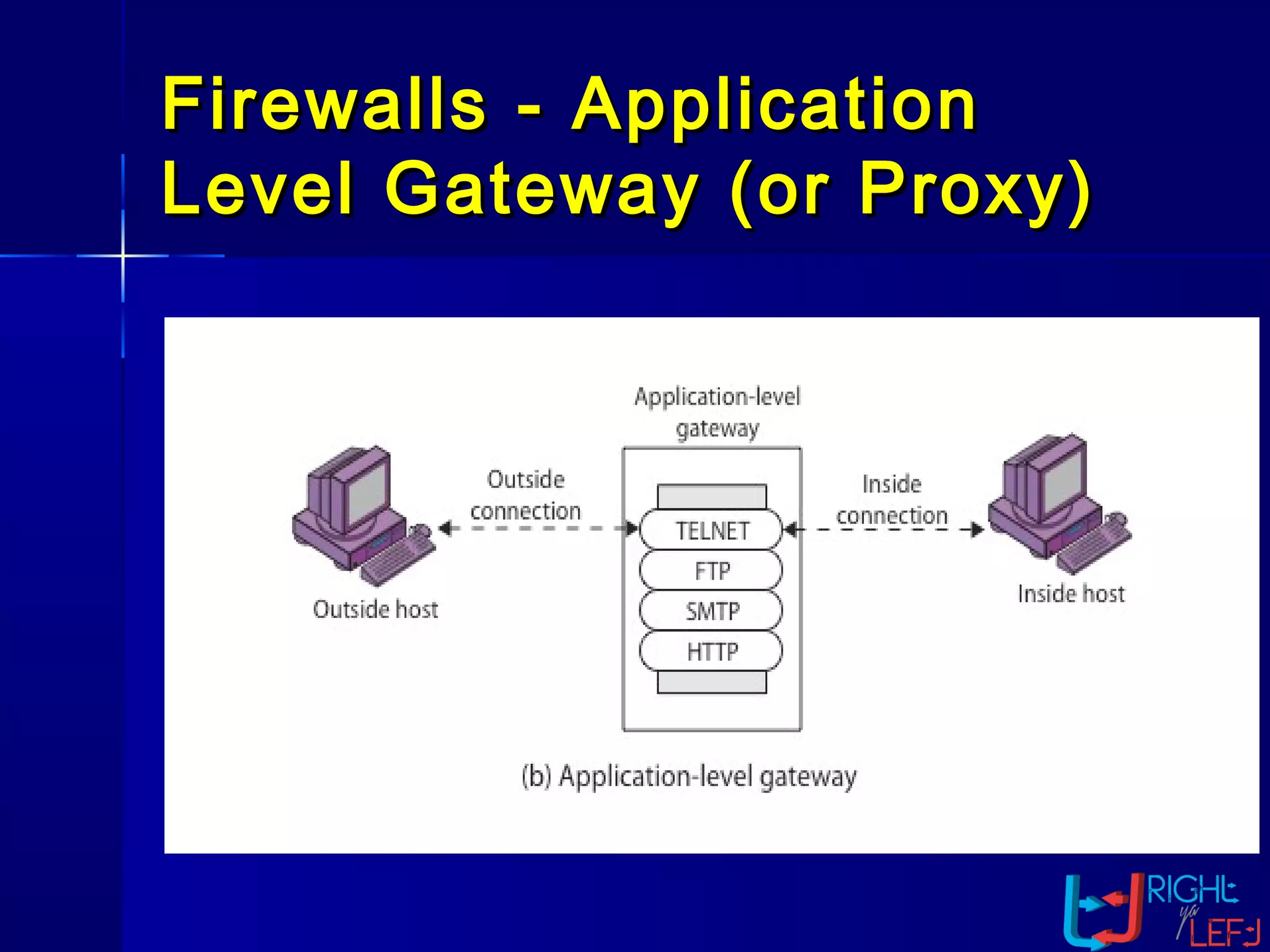
Firewalls -Firewalls - ApplicationApplication
Level Gateway (or Proxy)Level Gateway (or Proxy)
Application LevelApplication Level
GatewayGateway
AdvantagesAdvantages
 Provide good security -Provide good security -
connections are terminated and re-connections are terminated and re-
initiated, ensuring that all datainitiated, ensuring that all data
payloads are inspected at thepayloads are inspected at the
application layerapplication layer
 Full application layer awareness -Full application layer awareness -
inspecting the data payload at theinspecting the data payload at the
application layer provides for thoroughapplication layer provides for thorough
translation of the contents of thetranslation of the contents of the
DisadvantagesDisadvantages
 Screens limited number of applications -Screens limited number of applications -
requires separate proxy for each newrequires separate proxy for each new
serviceservice (slow to respond to new(slow to respond to new
and emerging protocols) -and emerging protocols) - proxyproxy
mustmust be compiled for each platformbe compiled for each platform
supportedsupported
 Connectivity and transparency areConnectivity and transparency are
brokenbroken
 Poor performance - many data copies &Poor performance - many data copies &
context switches must occur for the packetcontext switches must occur for the packet
Circuit Level GatewayCircuit Level Gateway
Applications
Presentations
Sessions
Transport
Data Link
Physical
Data Link
Physical
Applications
Presentations
Sessions
Transport
Data Link
Physical
Network Network
Network
Presentations
Sessions
Transport
INSPECT Engine
Applications
Dynamic StateDynamic State
TablesTablesDynamic StateDynamic State
TablesTablesDynamic State
Tables
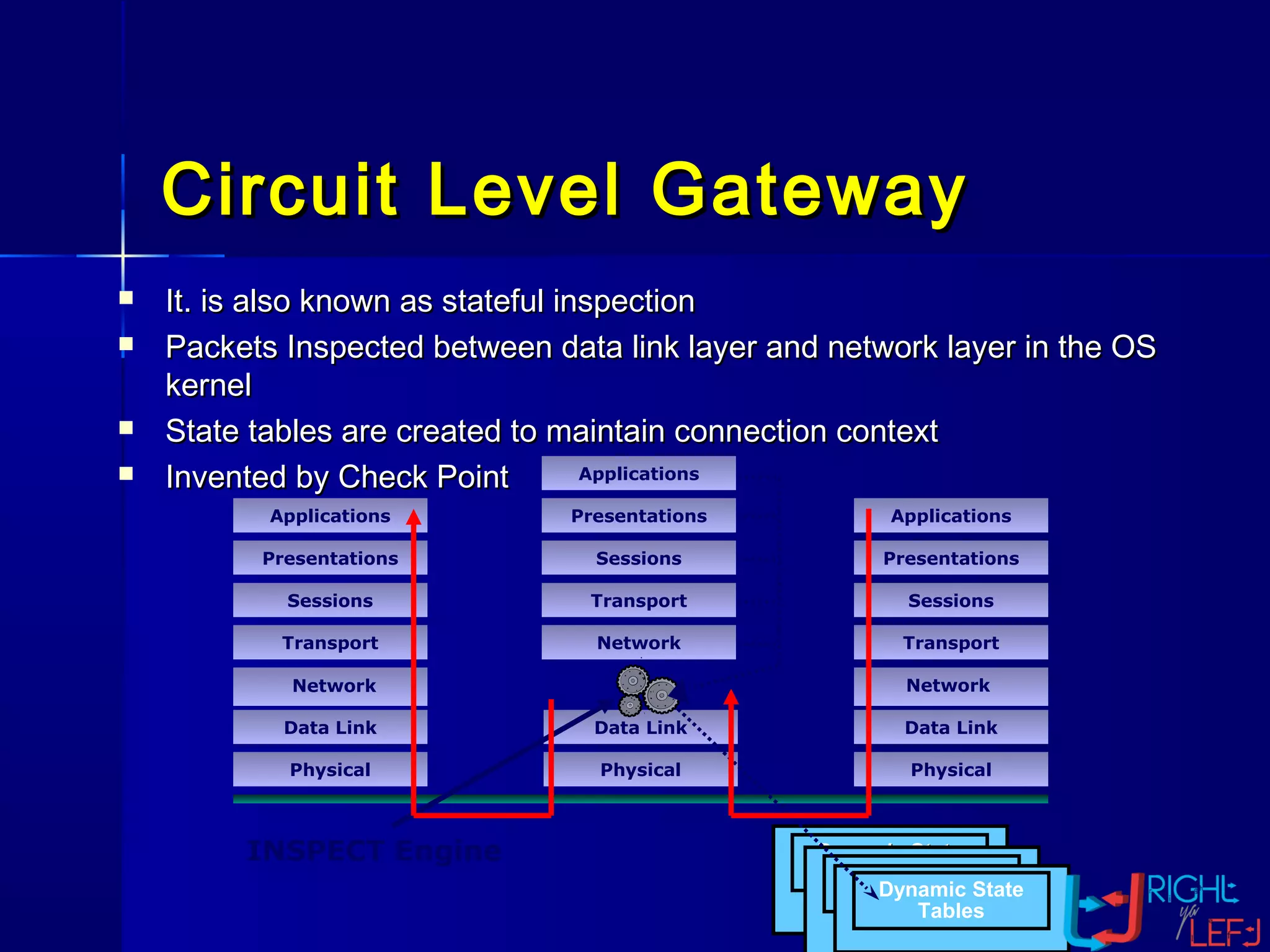
 It. is also known as stateful inspectionIt. is also known as stateful inspection
 Packets Inspected between data link layer and network layer in the OSPackets Inspected between data link layer and network layer in the OS
kernelkernel
 State tables are created to maintain connection contextState tables are created to maintain connection context
 Invented by Check PointInvented by Check Point
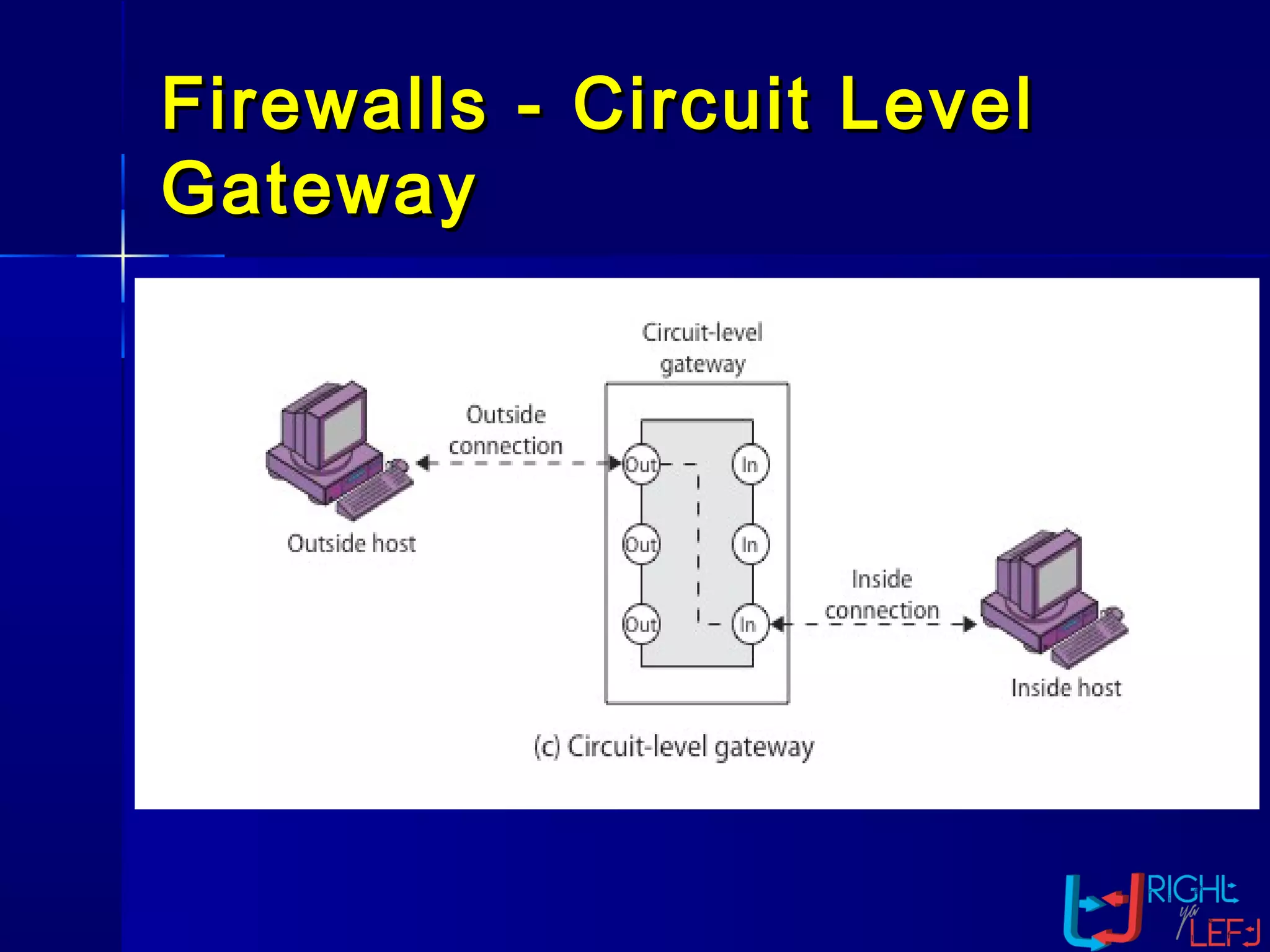
Firewalls -Firewalls - Circuit LevelCircuit Level
GatewayGateway
Hardware vs. SoftwareHardware vs. Software
FirewallsFirewalls
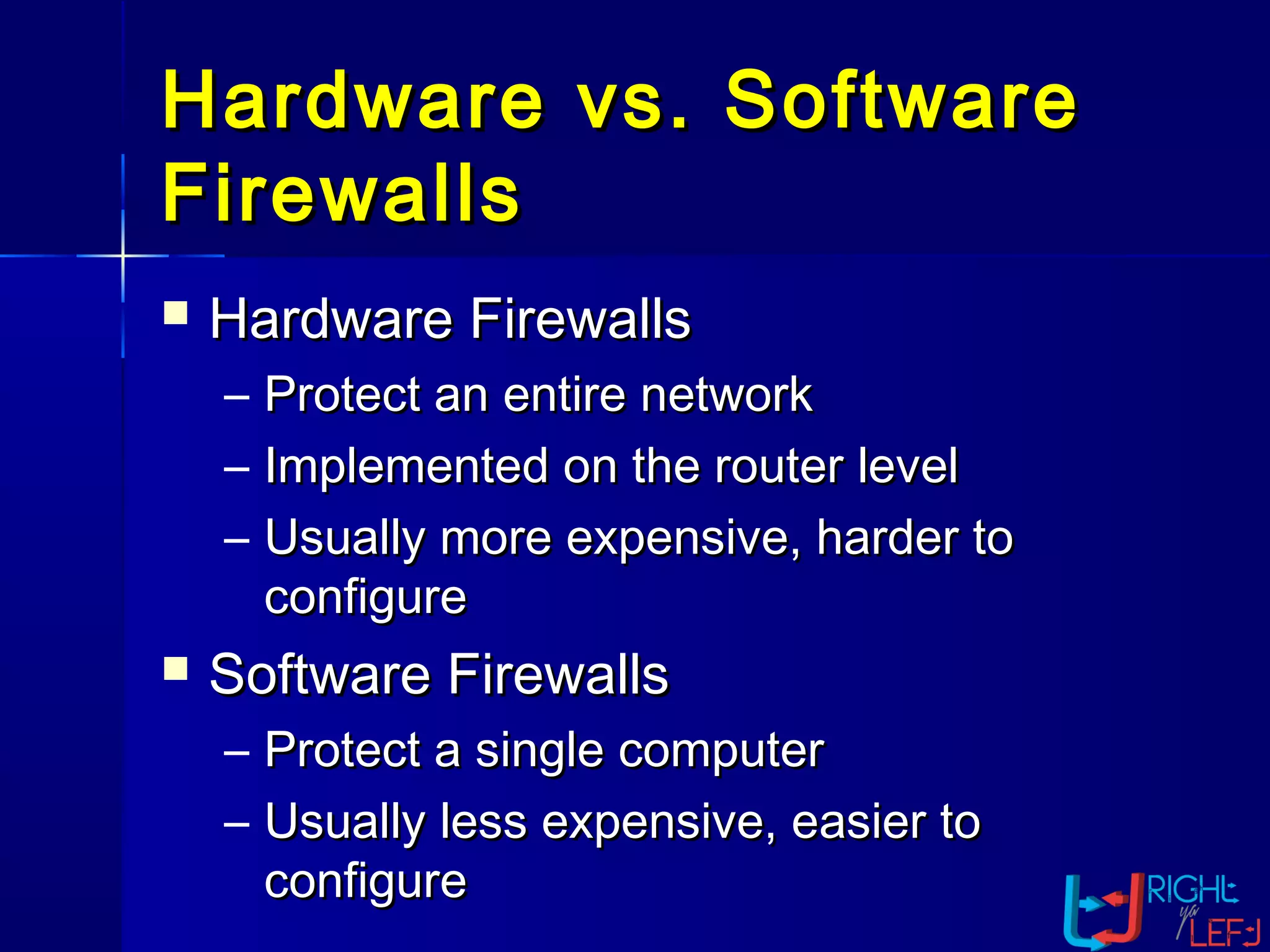
 Hardware FirewallsHardware Firewalls
– Protect an entire networkProtect an entire network
– Implemented on the router levelImplemented on the router level
– Usually more expensive, harder toUsually more expensive, harder to
configureconfigure
 Software FirewallsSoftware Firewalls
– Protect a single computerProtect a single computer
– Usually less expensive, easier toUsually less expensive, easier to
configureconfigure
What it Protects youWhat it Protects you
fromfrom
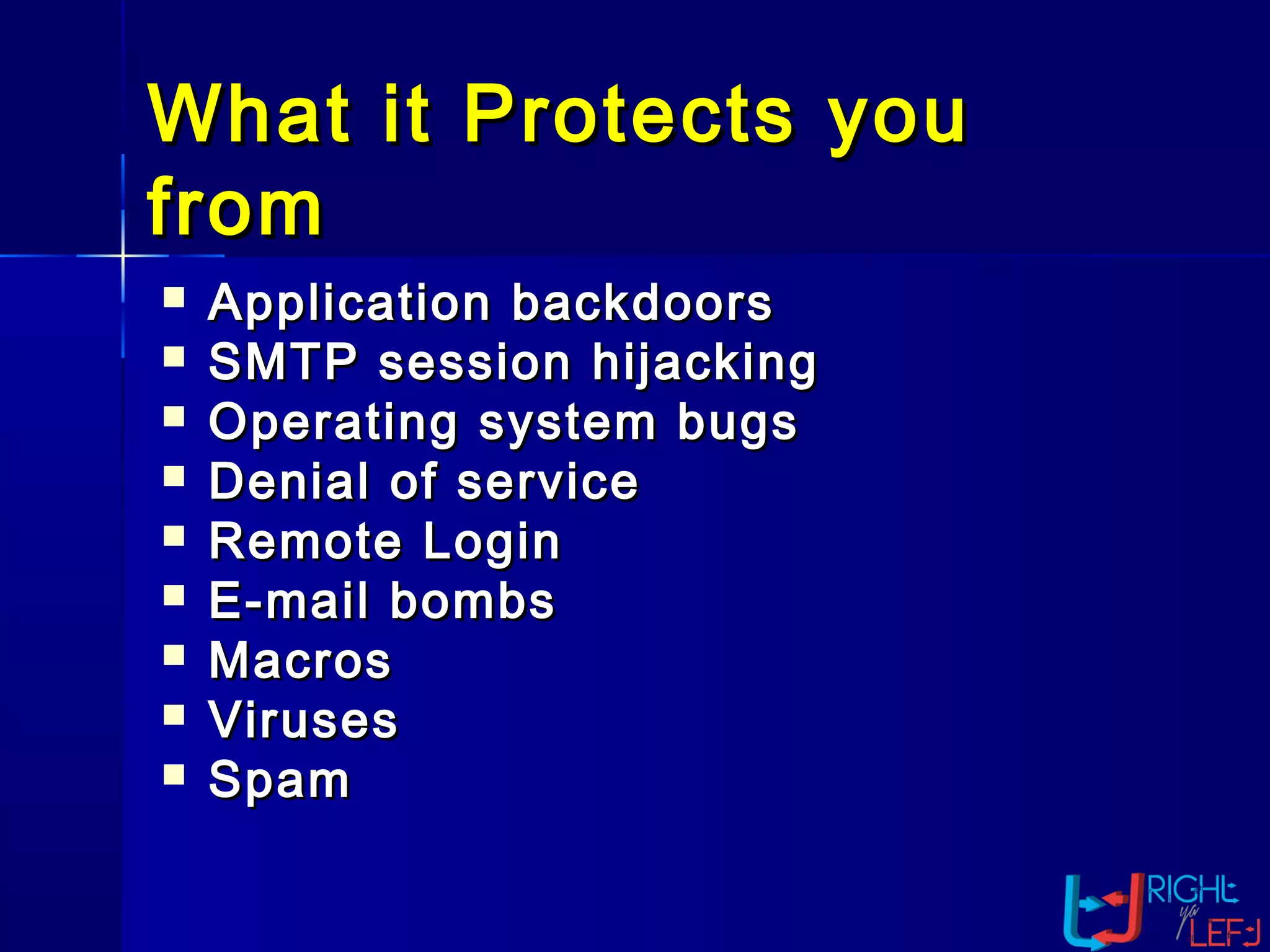
 Application backdoorsApplication backdoors
 SMTP session hijackingSMTP session hijacking
 Operating system bugsOperating system bugs
 Denial of serviceDenial of service
 Remote LoginRemote Login
 E-mail bombsE-mail bombs
 MacrosMacros
 VirusesViruses
 SpamSpam
Making Firewall FitMaking Firewall Fit
 Firewalls are customizable. ThisFirewalls are customizable. This
means that you can add or removemeans that you can add or remove
filters based on several conditions.filters based on several conditions.
Some of these are:Some of these are:
 IP addressesIP addresses
 Domain namesDomain names
 ProtocolsProtocols
 PortsPorts
Appropriate use ofAppropriate use of
firewallfirewall
 Firewalls are applicable when –
– When there is two networks that have a distinct
trust factor (friend/foe).
– When network topology is designed to flow all
traffic thru a single interface which connects to
the firewall (i.e. protected networks connection
must terminate behind firewall).
– When there is need for extra layer of protection
for certain applications.
WhatWhat a personal firewall can do ?a personal firewall can do ?
 Stop hackers from accessing yourStop hackers from accessing your
computercomputer
 Protects your personal informationProtects your personal information
 Blocks “pop up” ads and certainBlocks “pop up” ads and certain
cookiescookies
 Determines which programs canDetermines which programs can
access the Internetaccess the Internet
What a personal firewallWhat a personal firewall
cannot do ?cannot do ?
 Cannot prevent e-mail virusesCannot prevent e-mail viruses
– Only an antivirus product with updatedOnly an antivirus product with updated
definitions can prevent e-mail virusesdefinitions can prevent e-mail viruses
 After setting it initially, you can forgetAfter setting it initially, you can forget
about itabout it
– The firewall will require periodic updatesThe firewall will require periodic updates
to the rulesets and the software itselfto the rulesets and the software itself
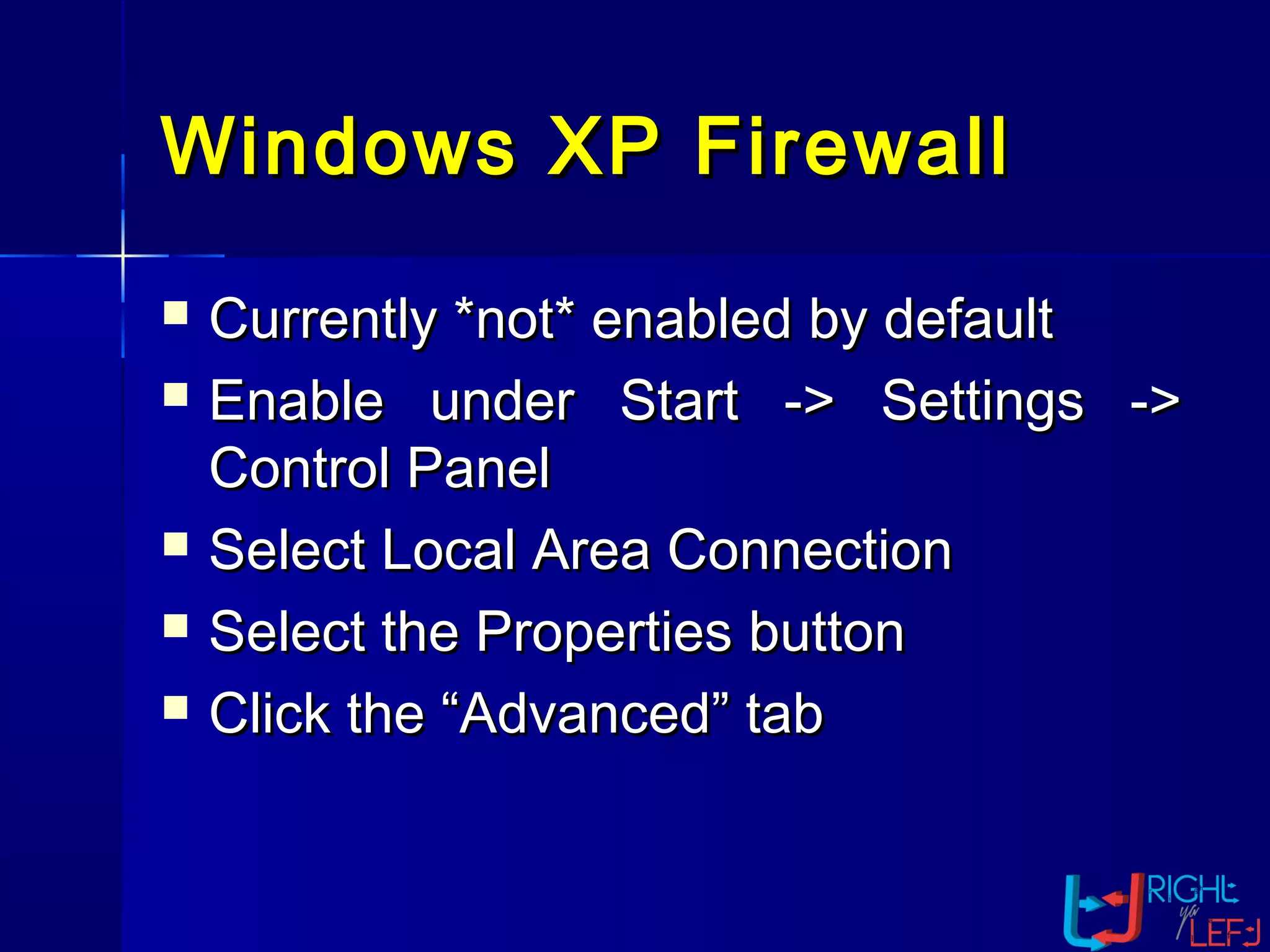
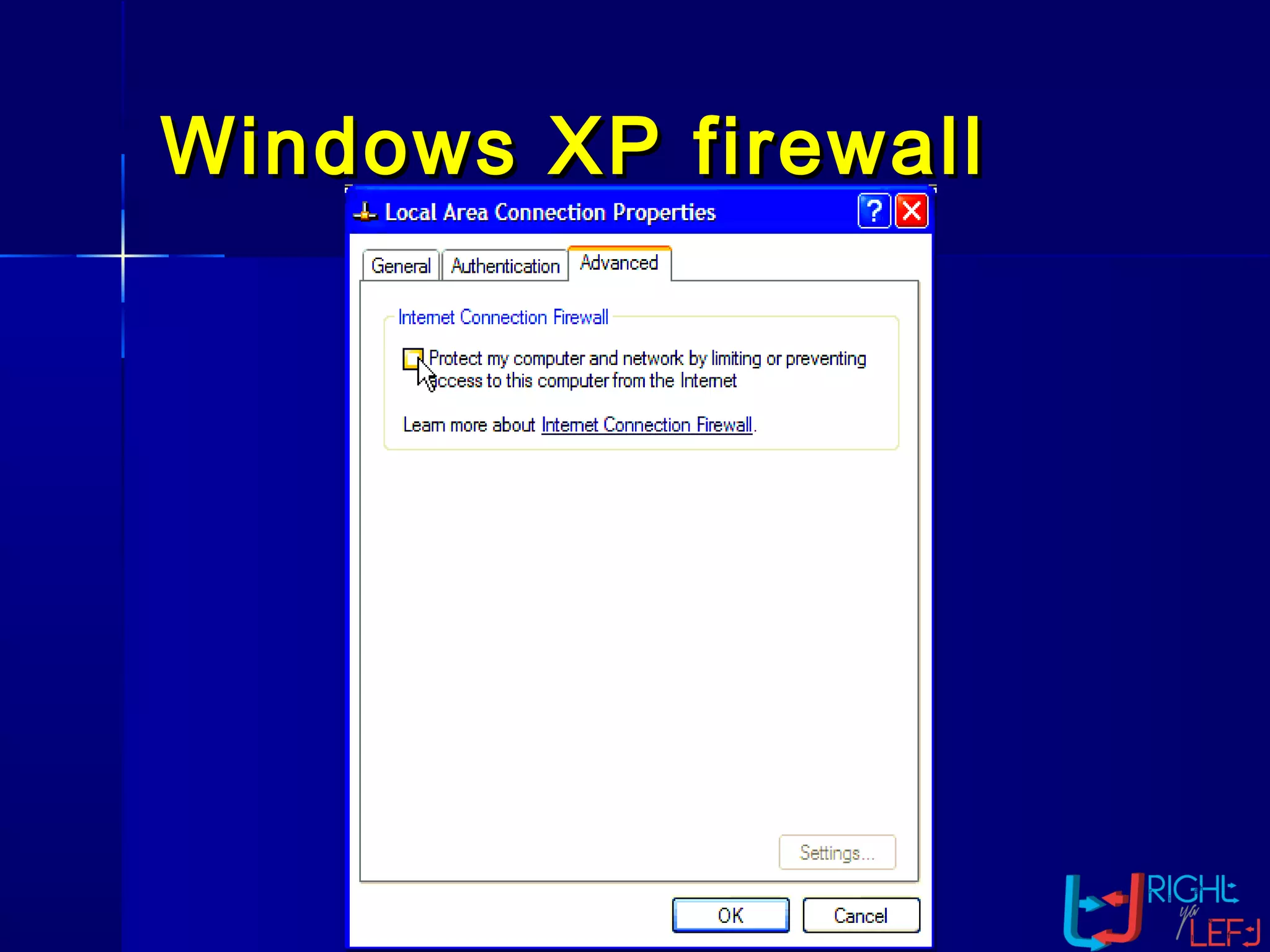
Windows XP FirewallWindows XP Firewall
 Currently *not* enabled by defaultCurrently *not* enabled by default
 Enable under Start -> Settings ->Enable under Start -> Settings ->
Control PanelControl Panel
 Select Local Area ConnectionSelect Local Area Connection
 Select the Properties buttonSelect the Properties button
 Click the “Advanced” tabClick the “Advanced” tab
Windows XP firewallWindows XP firewall
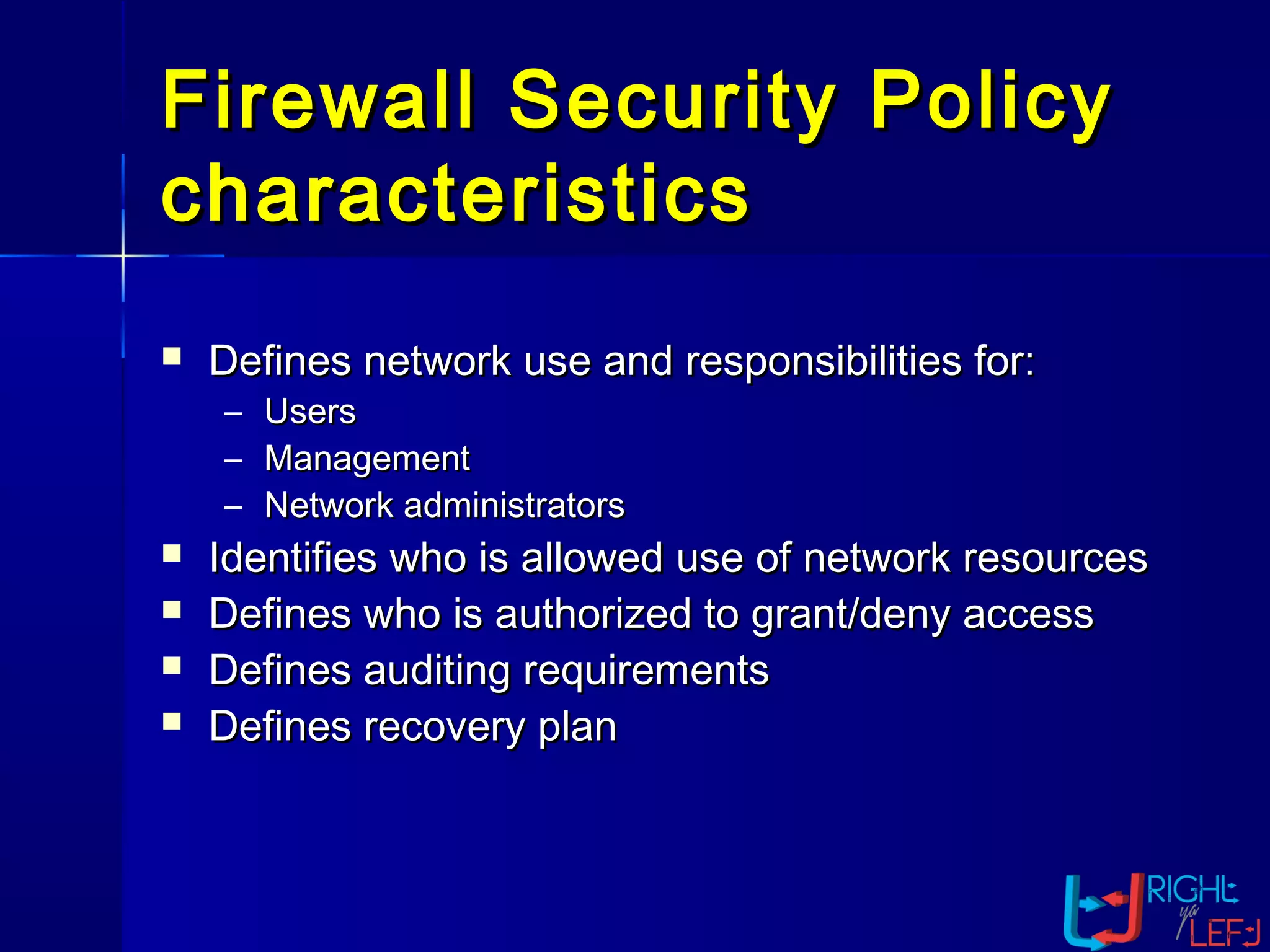
Firewall Security PolicyFirewall Security Policy
characteristicscharacteristics
 Defines network use and responsibilities for:Defines network use and responsibilities for:
– UsersUsers
– ManagementManagement
– Network administratorsNetwork administrators
 Identifies who is allowed use of network resourcesIdentifies who is allowed use of network resources
 Defines who is authorized to grant/deny accessDefines who is authorized to grant/deny access
 Defines auditing requirementsDefines auditing requirements
 Defines recovery planDefines recovery plan
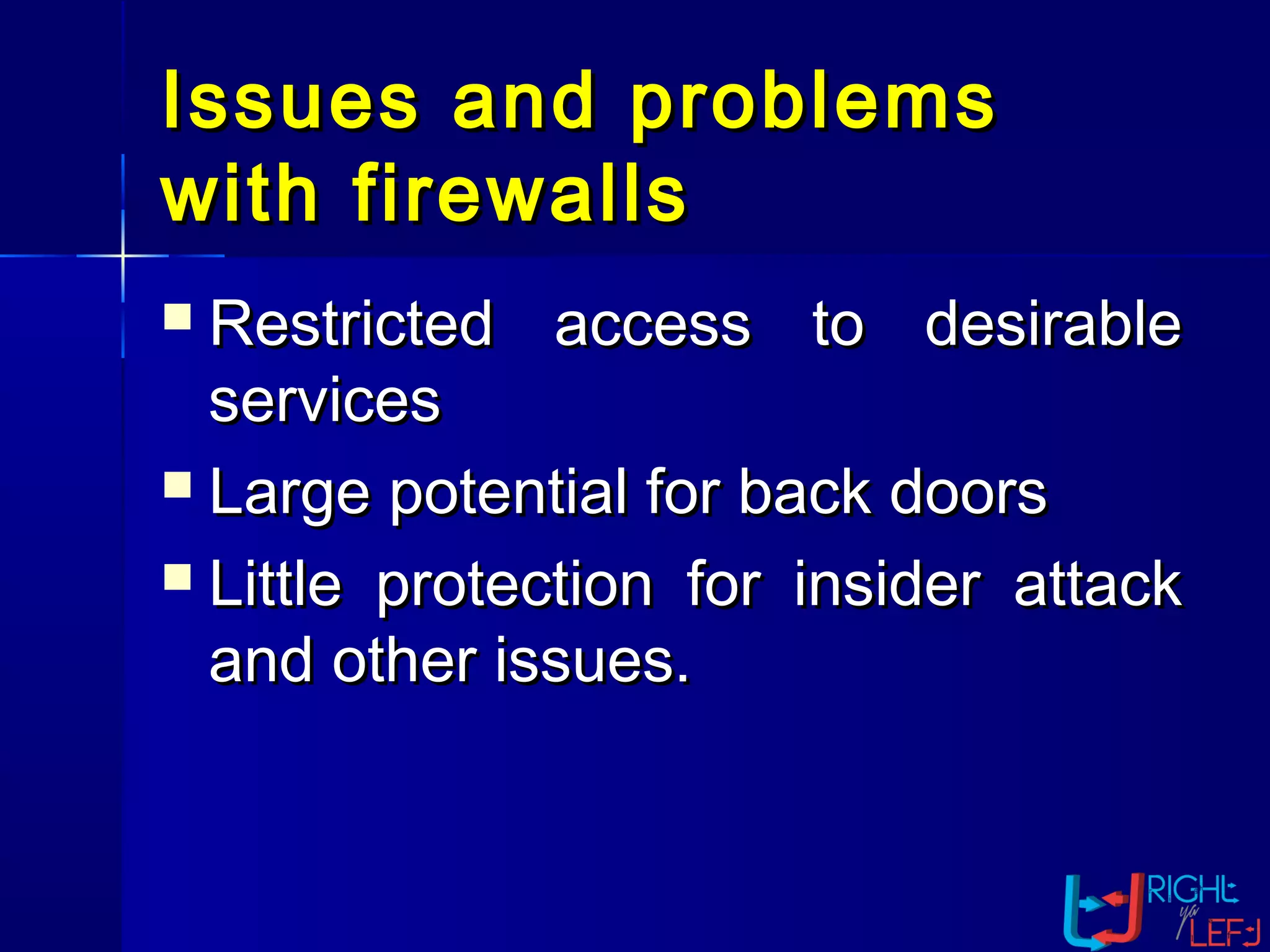
Issues and problemsIssues and problems
with firewallswith firewalls
 Restricted access to desirableRestricted access to desirable
servicesservices
 Large potential for back doorsLarge potential for back doors
 Little protection for insider attackLittle protection for insider attack
and other issues.and other issues.
ConclusionsConclusions
 Now a days firewalls comes withNow a days firewalls comes with
built in virus scanning facilities, thebuilt in virus scanning facilities, the
disadvantage is they can not scandisadvantage is they can not scan
attach application or files so still theattach application or files so still the
computer systems are vulnerable tocomputer systems are vulnerable to
virus those comes with them. The newvirus those comes with them. The new
invention need to over come thisinvention need to over come this
problem.problem.
Thank You!Thank You!

Tech 101: Understanding Firewalls

  • 1.
  • 2.
    OutlineOutline  1. Introductionto Firewall1. Introduction to Firewall  2.why firewalls are needed ?2.why firewalls are needed ?  3. Types of Firewall3. Types of Firewall  4. Hardware vs. Software firewalls4. Hardware vs. Software firewalls  5. what it protects you from ?5. what it protects you from ?  6. Making Firewall Fit6. Making Firewall Fit  5. Appropriate Use Of Firewall5. Appropriate Use Of Firewall  6. Personal Firewall6. Personal Firewall  7.Firewall Security Policy7.Firewall Security Policy characteristicscharacteristics  8. Issues and problems with firewalls8. Issues and problems with firewalls  9. Conclusion9. Conclusion
  • 3.
    IntroductionIntroduction  A firewallis simply a program orA firewall is simply a program or hardware device that filters thehardware device that filters the information coming through theinformation coming through the Internet connection into your privateInternet connection into your private network or computer system. If annetwork or computer system. If an incoming packet of information isincoming packet of information is flagged by the filters, it is not allowedflagged by the filters, it is not allowed through.through.
  • 4.
    What is aFirewall ?What is a Firewall ?
  • 6.
    Why Firewalls are Needed Prevent attacks from untrustedPrevent attacks from untrusted networksnetworks  Protect data integrity of criticalProtect data integrity of critical informationinformation  Preserve customer and partnerPreserve customer and partner confidenceconfidence
  • 7.
    There are threeThereare three common types ofcommon types of firewallsfirewalls  Packet-Filtering RouterPacket-Filtering Router  Application Level GatewayApplication Level Gateway  Circuit Level GatewayCircuit Level Gateway
  • 8.
     Packets examinedat the network layerPackets examined at the network layer  Useful “first line” of defense - commonly deployedUseful “first line” of defense - commonly deployed on routerson routers  Simple accept or reject decision modelSimple accept or reject decision model  No awareness of higher protocol layersNo awareness of higher protocol layers Packet Filtering RouterPacket Filtering Router Applications Presentations Sessions Transport Data Link Physical Data Link Physical Applications Presentations Sessions Transport Data Link Physical Network Presentations Sessions Transport Applications Network Network
  • 9.
    Firewall – PacketFirewall– Packet FilteringFiltering  Set of rules that either allow or disallowSet of rules that either allow or disallow traffic to flow through the firewalltraffic to flow through the firewall  Can filter based on any information in theCan filter based on any information in the Packet HeaderPacket Header – IP Source AddressIP Source Address – IP destination addressIP destination address – ProtocolProtocol – Source PortSource Port – Destination PortDestination Port – Message typeMessage type – Interface the packets arrive on and leaveInterface the packets arrive on and leave
  • 10.
  • 11.
    AdvantagesAdvantages  Application independent- only examines packet atApplication independent - only examines packet at the network layerthe network layer  High performance - simple rules that require littleHigh performance - simple rules that require little processing and decision making beyond what isprocessing and decision making beyond what is normally done for routing decisionsnormally done for routing decisions  Scalable - low overhead of filtering means that largeScalable - low overhead of filtering means that large amounts of traffic can be handledamounts of traffic can be handled  Transparent - user’s don’t need to provideTransparent - user’s don’t need to provide additional passwords or use special commands toadditional passwords or use special commands to initiate connectionsinitiate connections
  • 12.
    DisadvantagesDisadvantages Examines and filtersonly at the networkExamines and filters only at the network layer - no application level awarenesslayer - no application level awareness or state context is maintainedor state context is maintained  Security is weak - the state of a givenSecurity is weak - the state of a given connection is not maintained making itconnection is not maintained making it easier to exploit networking protocolseasier to exploit networking protocols and applicationsand applications
  • 13.
    Application Gateway orApplicationGateway or ProxyProxy Applications Presentations Sessions Transport Data Link Physical Data Link Physical Applications Presentations Sessions Transport Data Link Physical Network NetworkNetwork Presentations Sessions Transport Applications  Packets examined at the application layerPackets examined at the application layer  Application/Content filtering possible - preventApplication/Content filtering possible - prevent FTP “put” commands, for exampleFTP “put” commands, for example  Modest performanceModest performance  Scalability limitedScalability limited
  • 14.
    Firewalls -Firewalls -ApplicationApplication Level Gateway (or Proxy)Level Gateway (or Proxy)
  • 15.
    Application LevelApplication Level GatewayGateway AdvantagesAdvantages Provide good security -Provide good security - connections are terminated and re-connections are terminated and re- initiated, ensuring that all datainitiated, ensuring that all data payloads are inspected at thepayloads are inspected at the application layerapplication layer  Full application layer awareness -Full application layer awareness - inspecting the data payload at theinspecting the data payload at the application layer provides for thoroughapplication layer provides for thorough translation of the contents of thetranslation of the contents of the
  • 16.
    DisadvantagesDisadvantages  Screens limitednumber of applications -Screens limited number of applications - requires separate proxy for each newrequires separate proxy for each new serviceservice (slow to respond to new(slow to respond to new and emerging protocols) -and emerging protocols) - proxyproxy mustmust be compiled for each platformbe compiled for each platform supportedsupported  Connectivity and transparency areConnectivity and transparency are brokenbroken  Poor performance - many data copies &Poor performance - many data copies & context switches must occur for the packetcontext switches must occur for the packet
  • 17.
    Circuit Level GatewayCircuitLevel Gateway Applications Presentations Sessions Transport Data Link Physical Data Link Physical Applications Presentations Sessions Transport Data Link Physical Network Network Network Presentations Sessions Transport INSPECT Engine Applications Dynamic StateDynamic State TablesTablesDynamic StateDynamic State TablesTablesDynamic State Tables  It. is also known as stateful inspectionIt. is also known as stateful inspection  Packets Inspected between data link layer and network layer in the OSPackets Inspected between data link layer and network layer in the OS kernelkernel  State tables are created to maintain connection contextState tables are created to maintain connection context  Invented by Check PointInvented by Check Point
  • 18.
    Firewalls -Firewalls -Circuit LevelCircuit Level GatewayGateway
  • 19.
    Hardware vs. SoftwareHardwarevs. Software FirewallsFirewalls  Hardware FirewallsHardware Firewalls – Protect an entire networkProtect an entire network – Implemented on the router levelImplemented on the router level – Usually more expensive, harder toUsually more expensive, harder to configureconfigure  Software FirewallsSoftware Firewalls – Protect a single computerProtect a single computer – Usually less expensive, easier toUsually less expensive, easier to configureconfigure
  • 20.
    What it ProtectsyouWhat it Protects you fromfrom  Application backdoorsApplication backdoors  SMTP session hijackingSMTP session hijacking  Operating system bugsOperating system bugs  Denial of serviceDenial of service  Remote LoginRemote Login  E-mail bombsE-mail bombs  MacrosMacros  VirusesViruses  SpamSpam
  • 21.
    Making Firewall FitMakingFirewall Fit  Firewalls are customizable. ThisFirewalls are customizable. This means that you can add or removemeans that you can add or remove filters based on several conditions.filters based on several conditions. Some of these are:Some of these are:  IP addressesIP addresses  Domain namesDomain names  ProtocolsProtocols  PortsPorts
  • 22.
    Appropriate use ofAppropriateuse of firewallfirewall  Firewalls are applicable when – – When there is two networks that have a distinct trust factor (friend/foe). – When network topology is designed to flow all traffic thru a single interface which connects to the firewall (i.e. protected networks connection must terminate behind firewall). – When there is need for extra layer of protection for certain applications.
  • 23.
    WhatWhat a personalfirewall can do ?a personal firewall can do ?  Stop hackers from accessing yourStop hackers from accessing your computercomputer  Protects your personal informationProtects your personal information  Blocks “pop up” ads and certainBlocks “pop up” ads and certain cookiescookies  Determines which programs canDetermines which programs can access the Internetaccess the Internet
  • 24.
    What a personalfirewallWhat a personal firewall cannot do ?cannot do ?  Cannot prevent e-mail virusesCannot prevent e-mail viruses – Only an antivirus product with updatedOnly an antivirus product with updated definitions can prevent e-mail virusesdefinitions can prevent e-mail viruses  After setting it initially, you can forgetAfter setting it initially, you can forget about itabout it – The firewall will require periodic updatesThe firewall will require periodic updates to the rulesets and the software itselfto the rulesets and the software itself
  • 25.
    Windows XP FirewallWindowsXP Firewall  Currently *not* enabled by defaultCurrently *not* enabled by default  Enable under Start -> Settings ->Enable under Start -> Settings -> Control PanelControl Panel  Select Local Area ConnectionSelect Local Area Connection  Select the Properties buttonSelect the Properties button  Click the “Advanced” tabClick the “Advanced” tab
  • 26.
  • 27.
    Firewall Security PolicyFirewallSecurity Policy characteristicscharacteristics  Defines network use and responsibilities for:Defines network use and responsibilities for: – UsersUsers – ManagementManagement – Network administratorsNetwork administrators  Identifies who is allowed use of network resourcesIdentifies who is allowed use of network resources  Defines who is authorized to grant/deny accessDefines who is authorized to grant/deny access  Defines auditing requirementsDefines auditing requirements  Defines recovery planDefines recovery plan
  • 28.
    Issues and problemsIssuesand problems with firewallswith firewalls  Restricted access to desirableRestricted access to desirable servicesservices  Large potential for back doorsLarge potential for back doors  Little protection for insider attackLittle protection for insider attack and other issues.and other issues.
  • 29.
    ConclusionsConclusions  Now adays firewalls comes withNow a days firewalls comes with built in virus scanning facilities, thebuilt in virus scanning facilities, the disadvantage is they can not scandisadvantage is they can not scan attach application or files so still theattach application or files so still the computer systems are vulnerable tocomputer systems are vulnerable to virus those comes with them. The newvirus those comes with them. The new invention need to over come thisinvention need to over come this problem.problem.
  • 30.