A Potpourri of Tested “Innovations” —
Enriching Classroom Communities
• Drs. Jelia Domingo & Eileen O’Connor
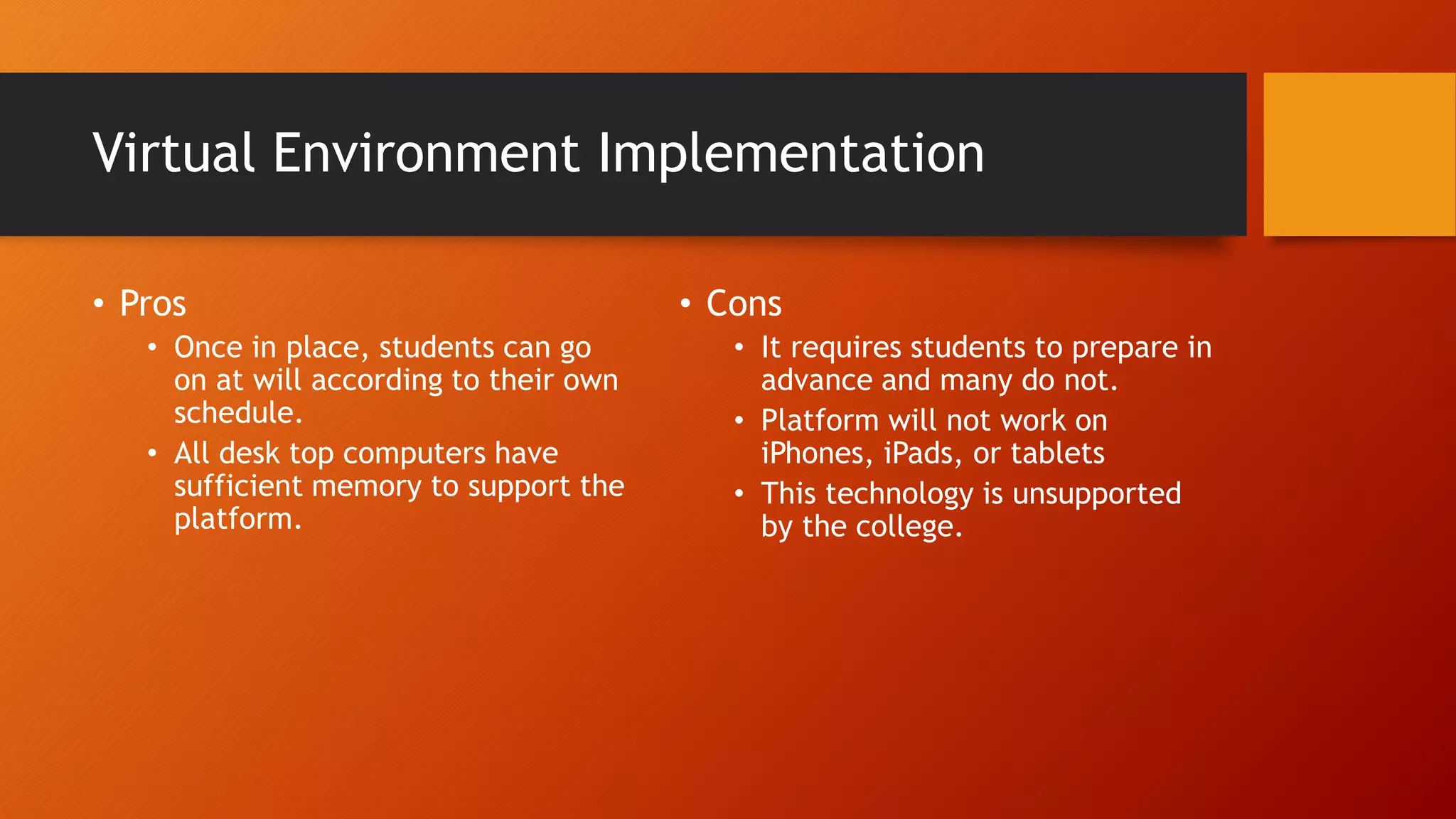
Virtual Environment Implementation
• Pros
• Once in place, students can go
on at will according to their own
schedule.
• All desk top computers have
sufficient memory to support the
platform.
• Cons
• It requires students to prepare in
advance and many do not.
• Platform will not work on
iPhones, iPads, or tablets
• This technology is unsupported
by the college.
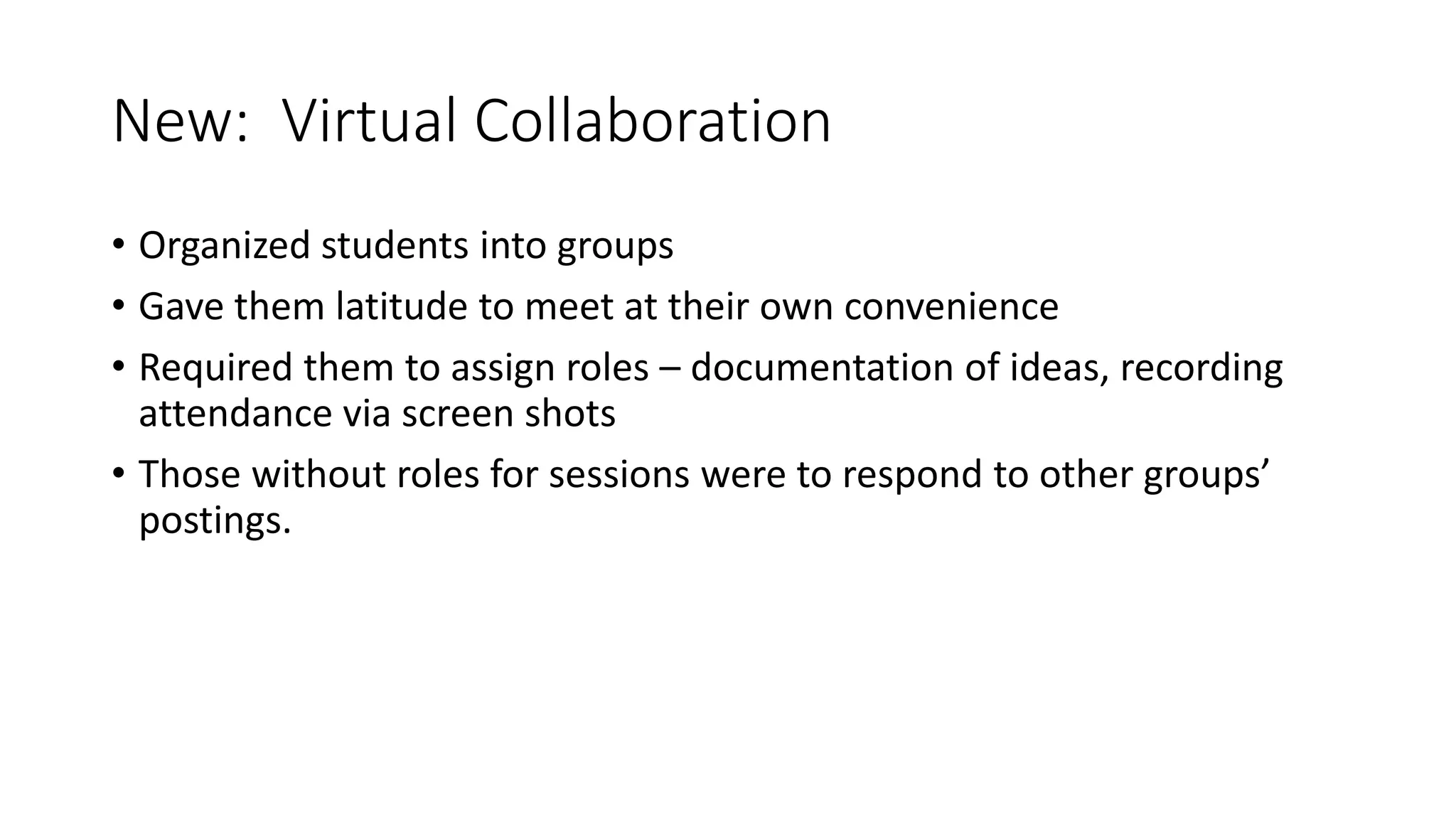
New: Virtual Collaboration
• Organized students into groups
• Gave them latitude to meet at their own convenience
• Required them to assign roles – documentation of ideas, recording
attendance via screen shots
• Those without roles for sessions were to respond to other groups’
postings.
Benefits of Virtual Collaboration
• Students process information
more differently than in the
exclusive asynchronous
environment. (Social learning
theory in action.)
• Encourages accountability
between students instead of just
to instructor
• Higher level of engagement
• Development of stronger
interpersonal relationships.
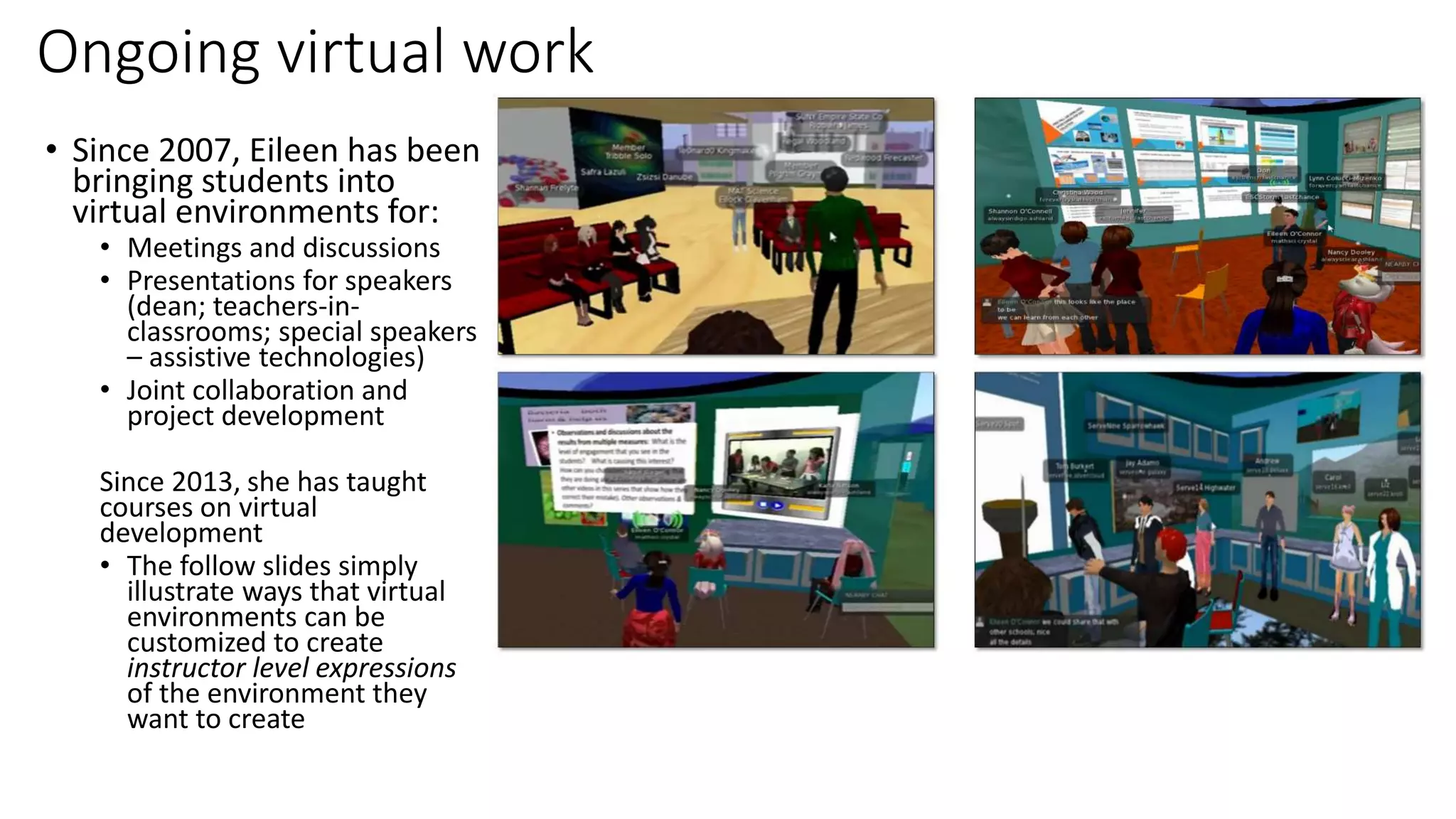
Ongoing virtual work
• Since 2007, Eileen has been
bringing students into
virtual environments for:
• Meetings and discussions
• Presentations for speakers
(dean; teachers-in-
classrooms; special speakers
– assistive technologies)
• Joint collaboration and
project development
Since 2013, she has taught
courses on virtual
development
• The follow slides simply
illustrate ways that virtual
environments can be
customized to create
instructor level expressions
of the environment they
want to create
Selected publications on virtual environments
• O’Connor, E. A. & Domingo, J. A Practical Guide, with Theoretical Underpinnings, for Creating Effective Virtual Reality Learning
Environments. in print by the Journal of Educational Technology Systems.
• O’Connor, E.A. (2015-2016). Open Source Meets Virtual Reality – An Instructor’s Journey Unearths New Opportunities for Learning,
Community and Academia. Journal of Educational Technology Systems. 44(2), 153-170. (link thru ESC library databases)
• O’Connor, E. A. (2012). Developing effective online collaborative science projects by using course scaffolding, a virtual world, and web
2.0 technologies. In Proceeding of Society for Information Technology & Teacher Education International Conference 2012 (pp. 728-735).
Chesapeake, VA: AACE. (link thru ESC library databases)
• O’Connor, E. (2011). Practical considerations when using virtual spaces for learning and collaboration, with minimal setup and support. In
H. H. Yang, & S. C. Yuen (Eds.), Handbook of Research on Practices and Outcomes in Virtual Worlds and Environment. Hershey PA: IGI
Global.
• O'Connor, E. (2011). Migrating Towards K12 in Virtual Spaces: Second Life Lessons Learned as Higher Education Meets Middle School
Students. In Proceedings of Society for Information Technology & Teacher Education International Conference 2011 (pp. 2192-2198).
Chesapeake, VA: AACE.
• O’Connor, E.A. (June 2010) Using Second Life (a virtual reality) in Language Instruction: Practical Advice on Getting Started; published
with the proceedings of the 4th International Scientific and Methodological Conference on "Information and Communication
Technologies in Foreign Language Teaching”
• O'Connor, E. A. (2009). Instructional and Design Elements that Support Effective Use of Virtual Worlds: What Graduate Student Work
Reveals about Second Life. Journal of Educational Technology Systems, 38(2), 213-234.
• O’Connor, E. A. and Sakshaug, L. (2009) Preparing for Second Life: Two Teacher Educators Reflect on Their Initial Foray into Virtual
Teaching and Learning, Journal of Educational Technology Systems, 37(3), pp. 259-272.
• O'Connor, E. (2008). Becoming a Virtual Instructor: How Can Higher Education Faculty Prepare for Second Life?. In G. Richards (Ed.),
Proceedings of World Conference on E-Learning in Corporate, Government, Healthcare, and Higher Education 2008 (pp. 1144-1149).
Chesapeake, VA: AACE.
Informative &
comfortable
startup areas –
easy to navigate
Developed by a
“science
person” so
aesthetics
sometimes
suffers
Posters of student work abound
A building
dedicated to
science
teaching
- w/ informal
side area (for
those less adept
at navigating
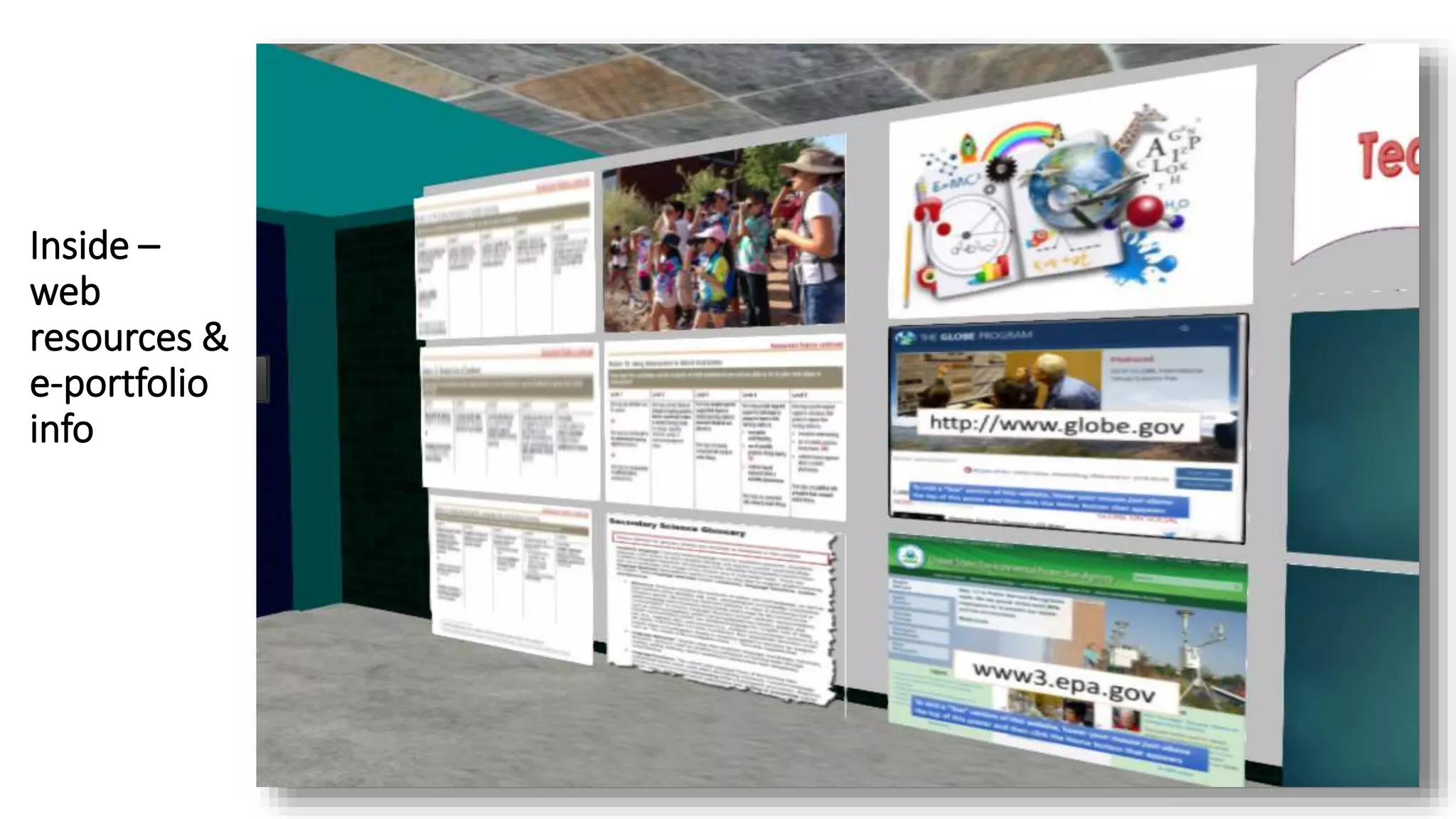
Inside –
web
resources &
e-portfolio
info
Other
informal
seating
areas
-- and
materials
for the
developer
courses
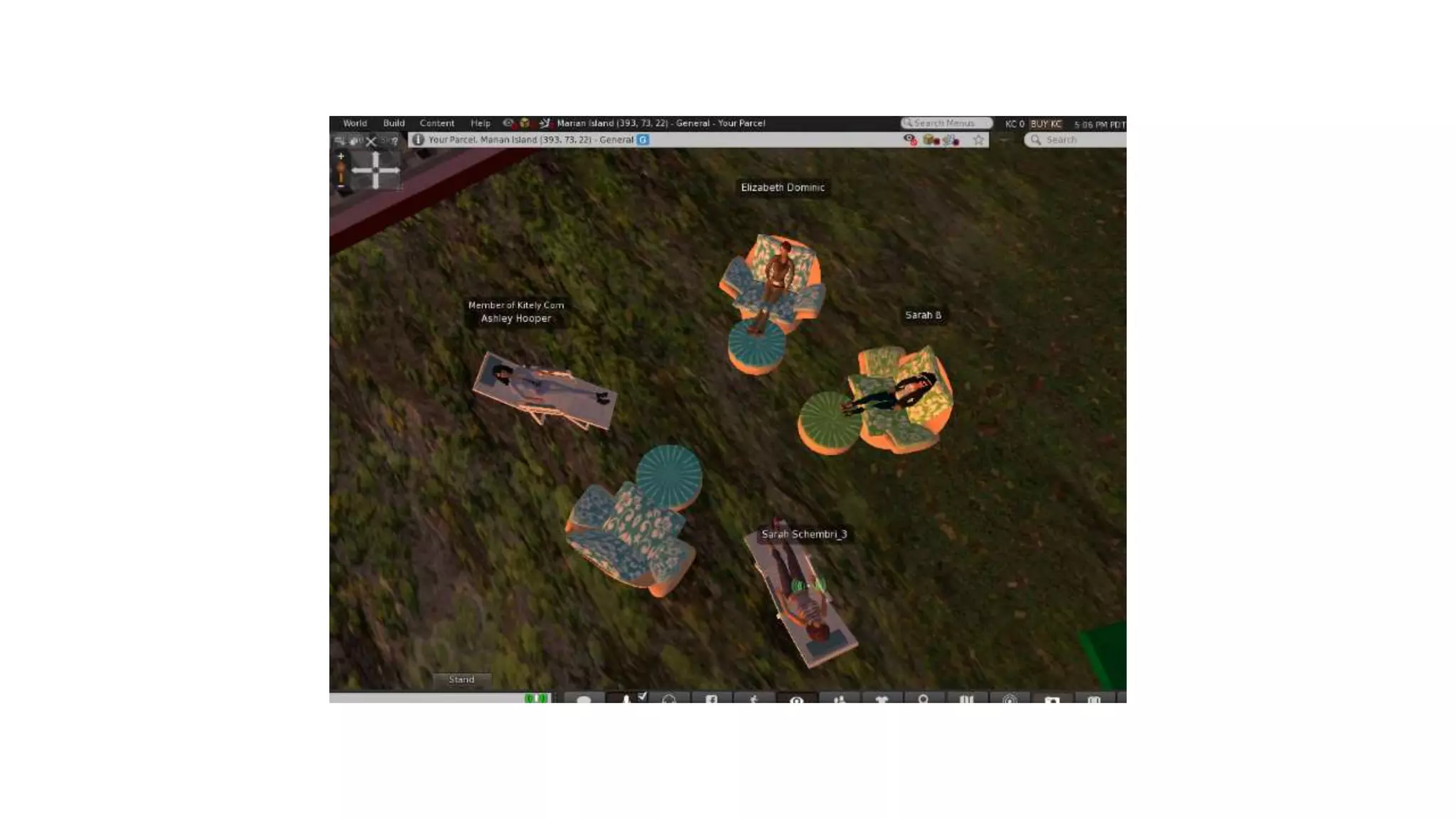
Students do
like to meet
here too
(photo
submitted by
student)
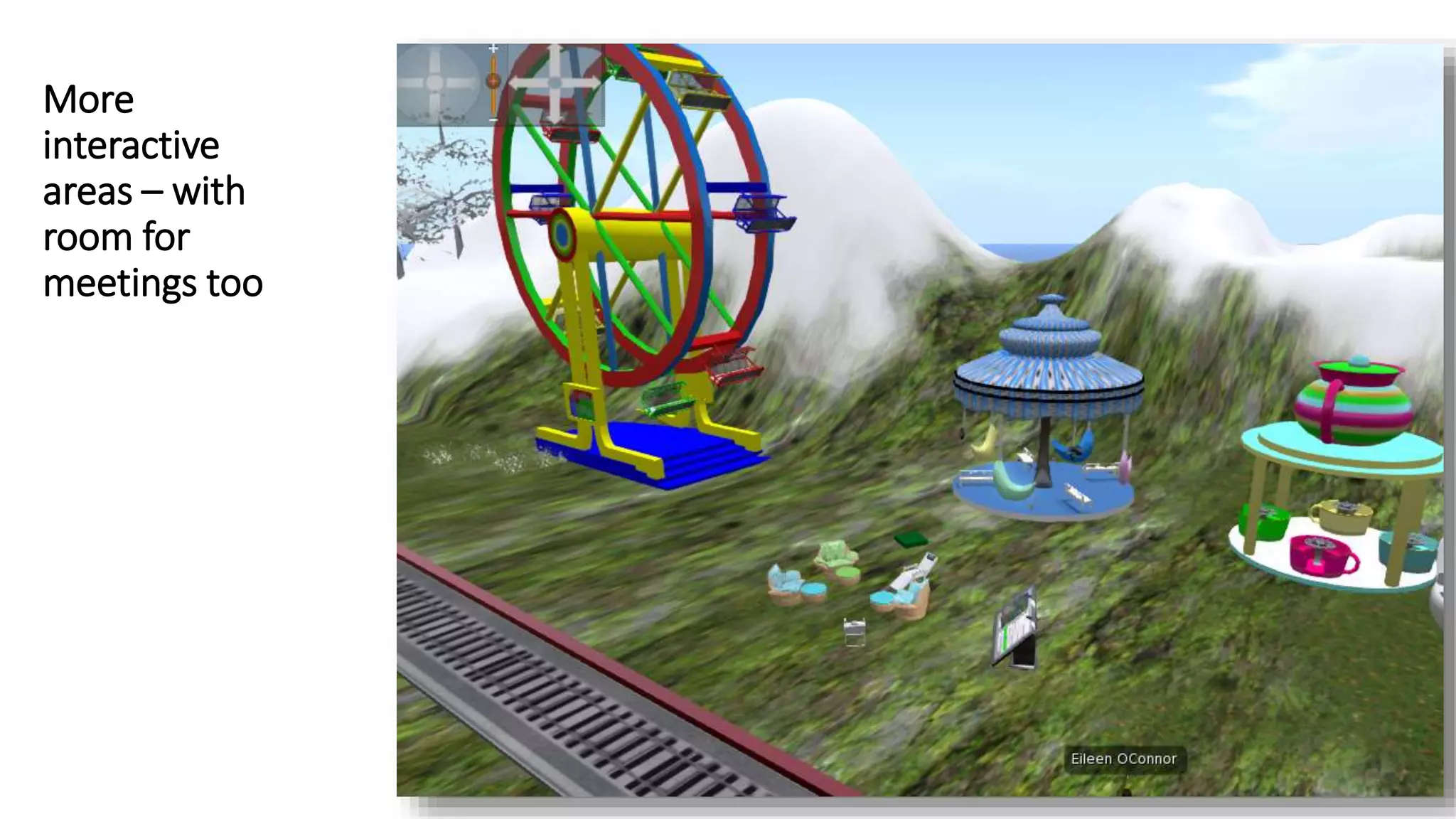
More
interactive
areas – with
room for
meetings too
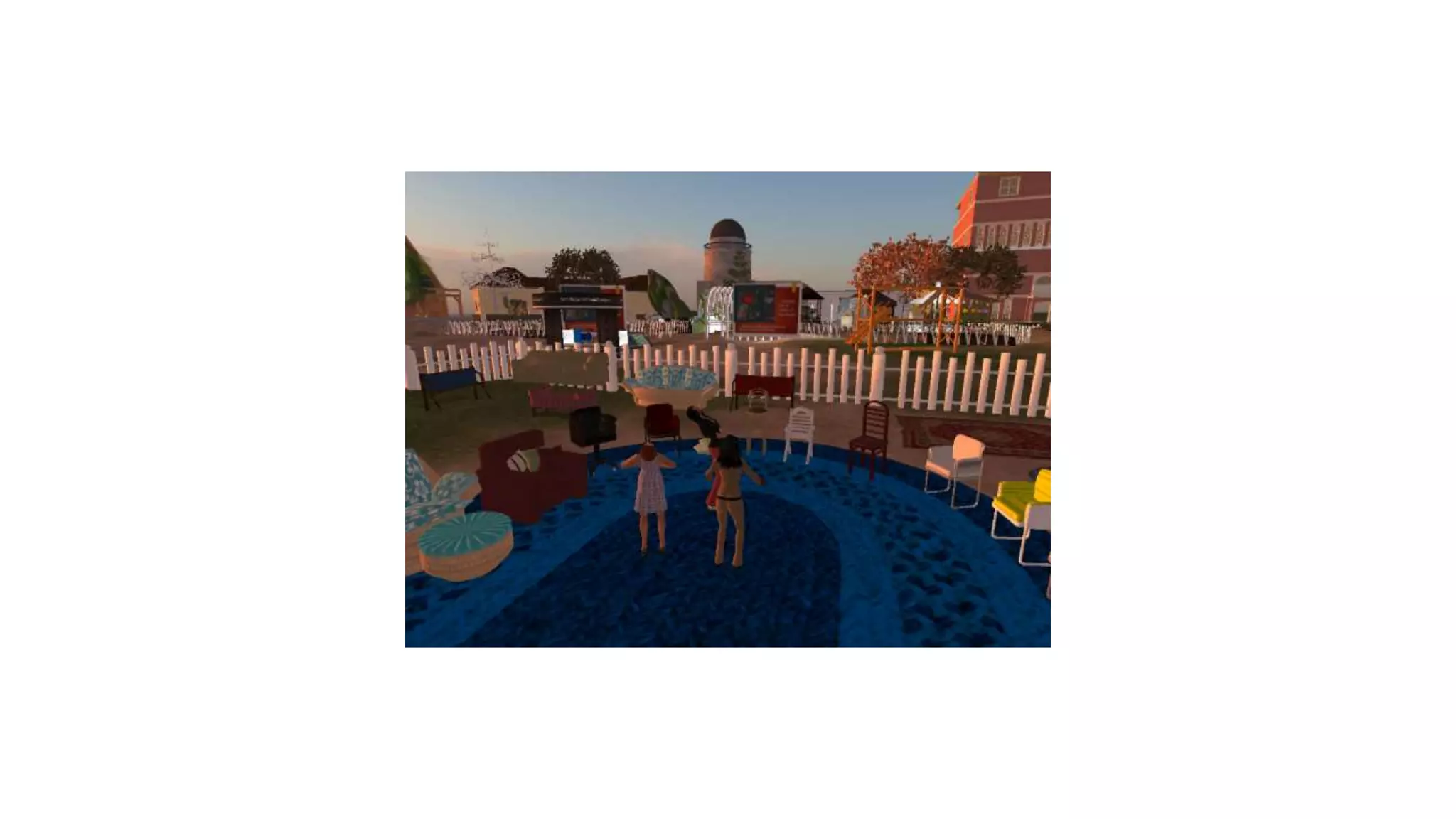
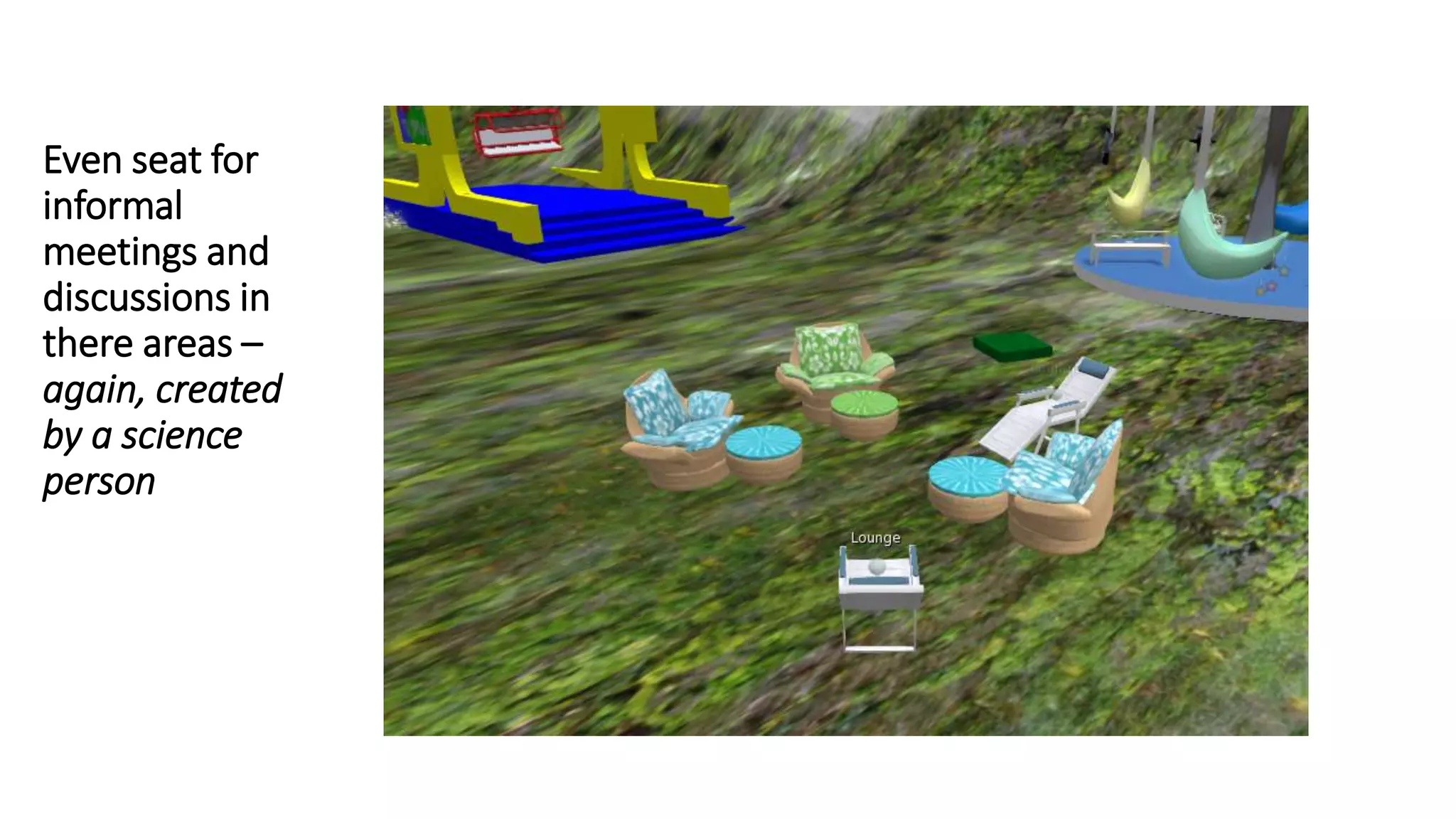
Even seat for
informal
meetings and
discussions in
there areas –
again, created
by a science
person
But some
buildings are
elegant –
created by a 13
year old nephew
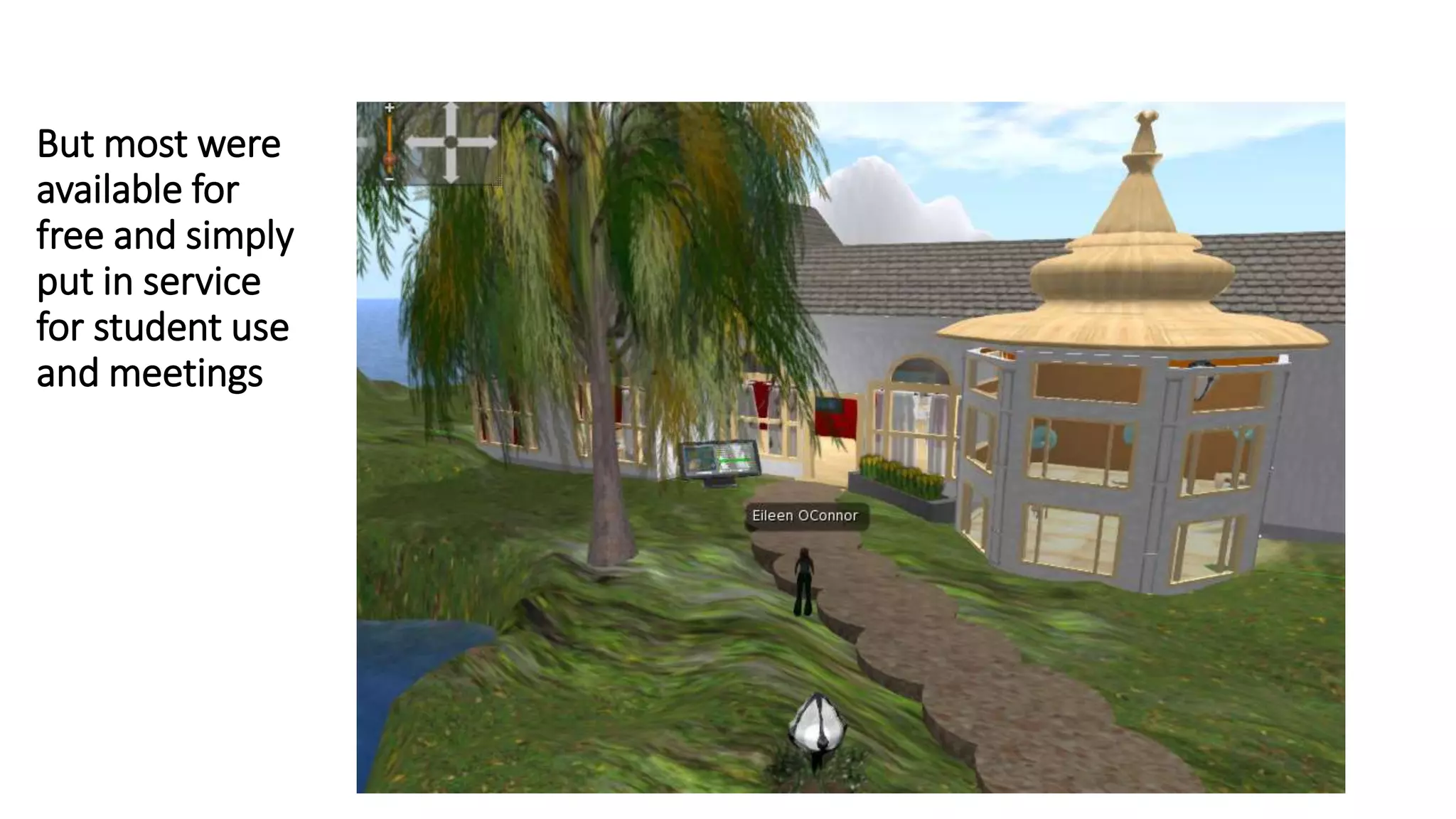
But most were
available for
free and simply
put in service
for student use
and meetings
But students do
often like to go
on their own
adventures
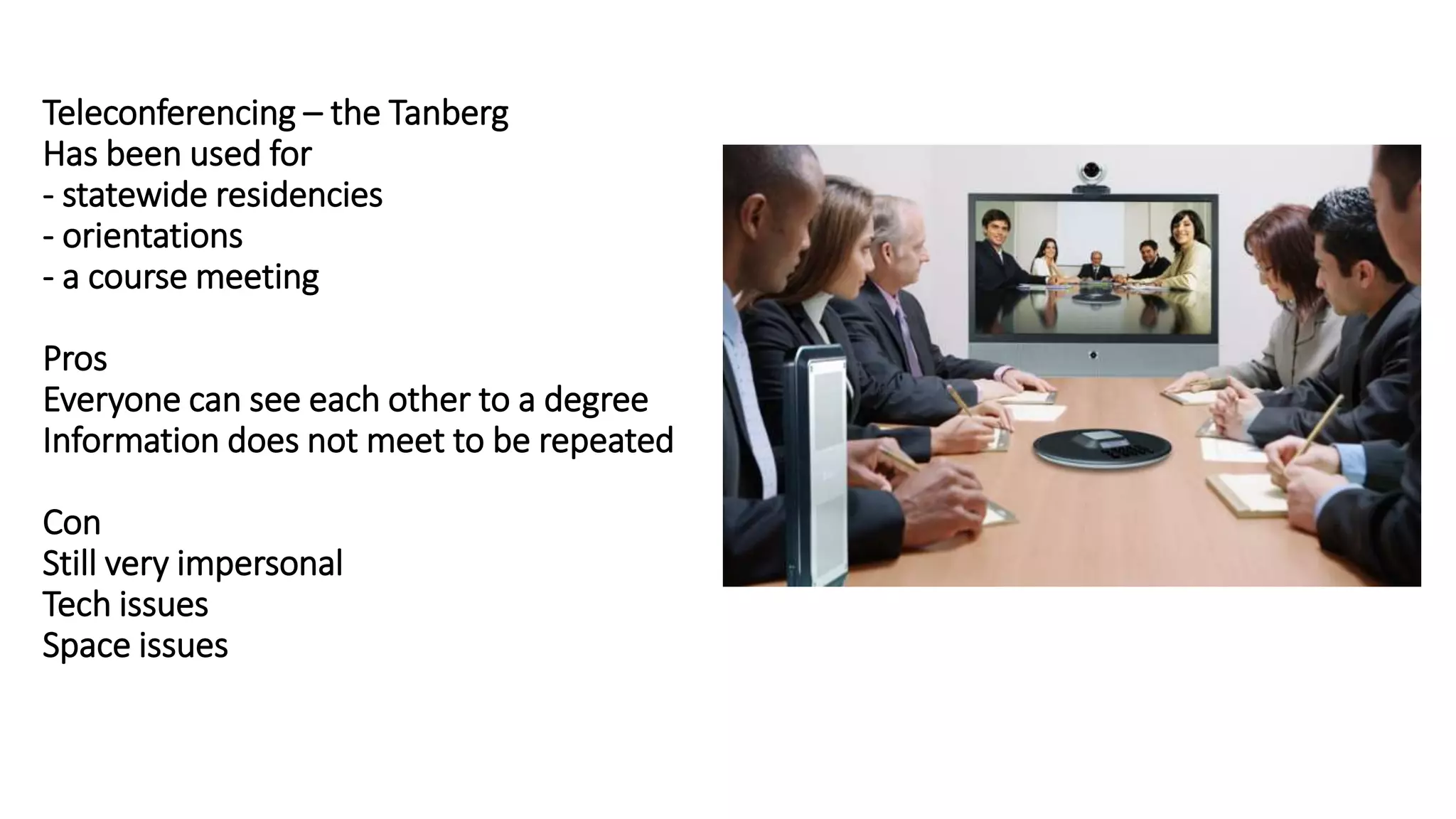
Teleconferencing – the Tanberg
Has been used for
- statewide residencies
- orientations
- a course meeting
Pros
Everyone can see each other to a degree
Information does not meet to be repeated
Con
Still very impersonal
Tech issues
Space issues
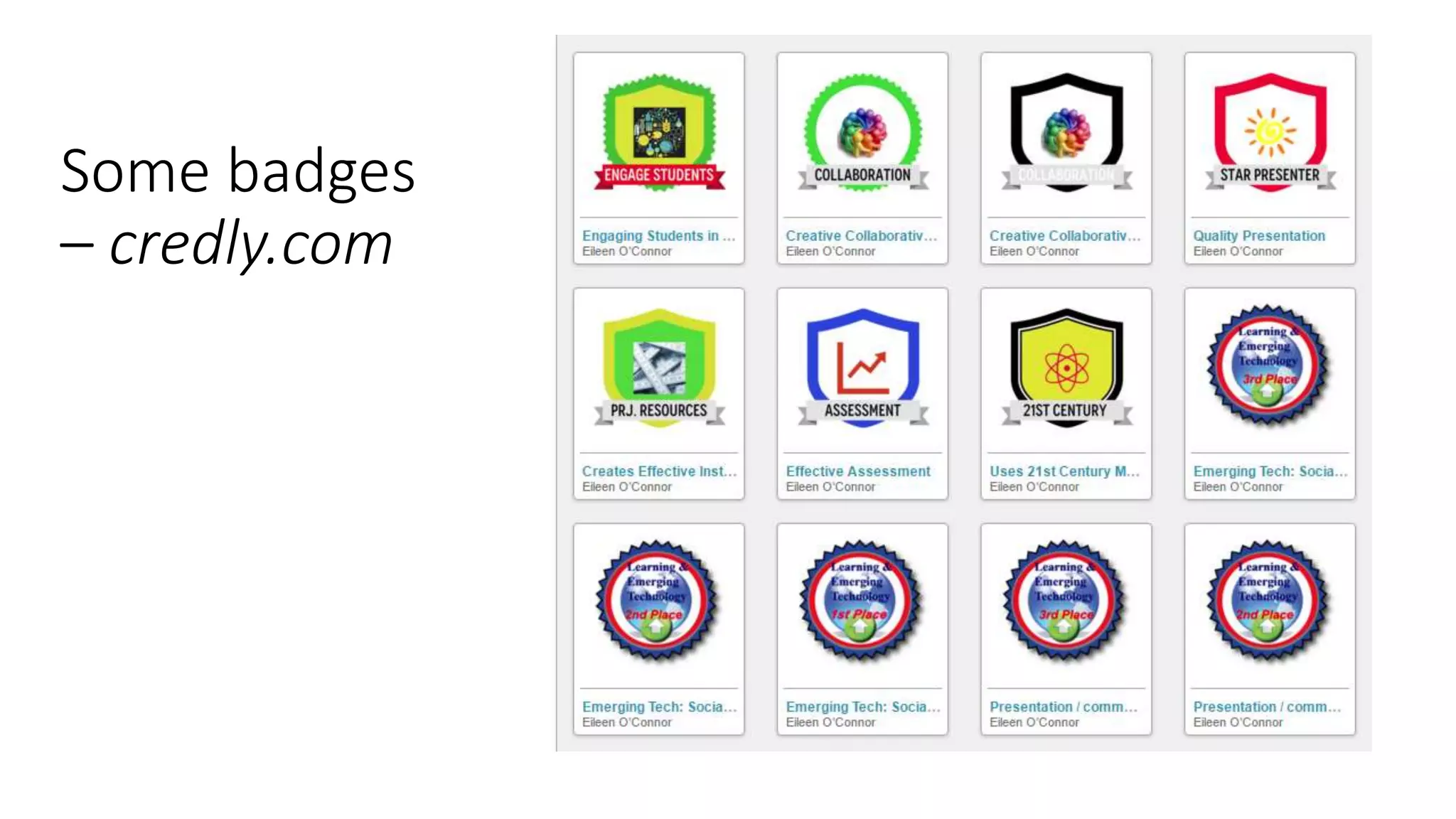
Integrate peer reviews – have students issue
badges
• Peer Reviews — postings for
the entire class (private
review)
• Students vote for informal
badges
• Results (published) found the
effectiveness of the
interaction and the “caring”
the came out of it
• O’Connor, E.A. & McQuigge, A. (2013-2014). Exploring badging for
peer review, extended learning and evaluation, and reflective/critical
feedback within an online graduate course. Journal of Educational
Technology Systems, 42(2), 87-105. (link thru ESC library databases)
Some badges
– credly.com
Sharing lessons and discussion perspectives
via video
• Video Challenges — student sharing YouTube’s
• Increases familiarity and knowledge of others;
• Demonstration of lesson done by students
• Useful in almost any type of interaction or discussion
• Easily done – and for free – with Screencast-o-matic
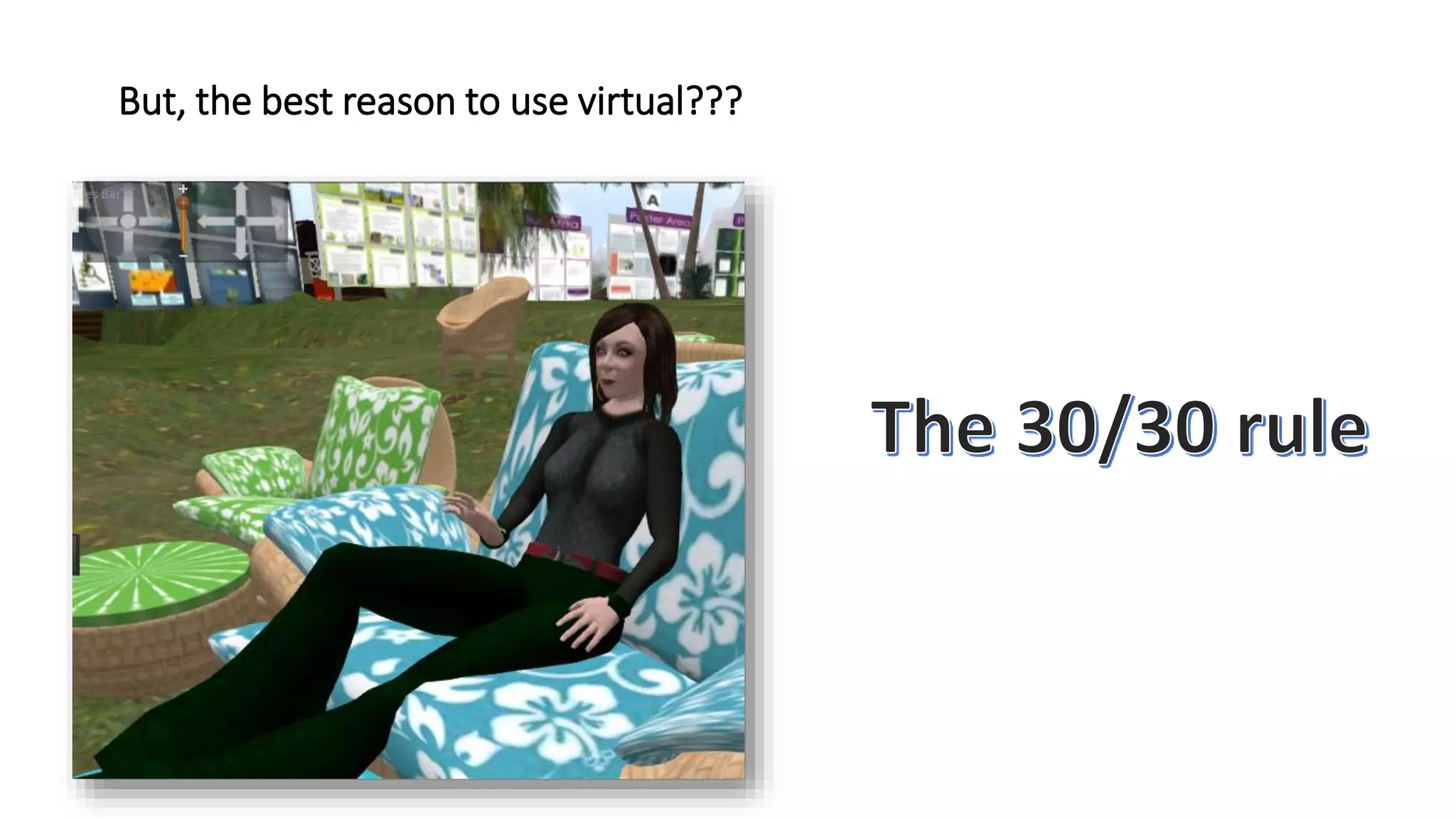
But, the best reason to use virtual???

Fac2016 oconnor

  • 1.
    A Potpourri ofTested “Innovations” — Enriching Classroom Communities • Drs. Jelia Domingo & Eileen O’Connor
  • 2.
    Virtual Environment Implementation •Pros • Once in place, students can go on at will according to their own schedule. • All desk top computers have sufficient memory to support the platform. • Cons • It requires students to prepare in advance and many do not. • Platform will not work on iPhones, iPads, or tablets • This technology is unsupported by the college.
  • 3.
    New: Virtual Collaboration •Organized students into groups • Gave them latitude to meet at their own convenience • Required them to assign roles – documentation of ideas, recording attendance via screen shots • Those without roles for sessions were to respond to other groups’ postings.
  • 9.
    Benefits of VirtualCollaboration • Students process information more differently than in the exclusive asynchronous environment. (Social learning theory in action.) • Encourages accountability between students instead of just to instructor • Higher level of engagement • Development of stronger interpersonal relationships.
  • 10.
    Ongoing virtual work •Since 2007, Eileen has been bringing students into virtual environments for: • Meetings and discussions • Presentations for speakers (dean; teachers-in- classrooms; special speakers – assistive technologies) • Joint collaboration and project development Since 2013, she has taught courses on virtual development • The follow slides simply illustrate ways that virtual environments can be customized to create instructor level expressions of the environment they want to create
  • 11.
    Selected publications onvirtual environments • O’Connor, E. A. & Domingo, J. A Practical Guide, with Theoretical Underpinnings, for Creating Effective Virtual Reality Learning Environments. in print by the Journal of Educational Technology Systems. • O’Connor, E.A. (2015-2016). Open Source Meets Virtual Reality – An Instructor’s Journey Unearths New Opportunities for Learning, Community and Academia. Journal of Educational Technology Systems. 44(2), 153-170. (link thru ESC library databases) • O’Connor, E. A. (2012). Developing effective online collaborative science projects by using course scaffolding, a virtual world, and web 2.0 technologies. In Proceeding of Society for Information Technology & Teacher Education International Conference 2012 (pp. 728-735). Chesapeake, VA: AACE. (link thru ESC library databases) • O’Connor, E. (2011). Practical considerations when using virtual spaces for learning and collaboration, with minimal setup and support. In H. H. Yang, & S. C. Yuen (Eds.), Handbook of Research on Practices and Outcomes in Virtual Worlds and Environment. Hershey PA: IGI Global. • O'Connor, E. (2011). Migrating Towards K12 in Virtual Spaces: Second Life Lessons Learned as Higher Education Meets Middle School Students. In Proceedings of Society for Information Technology & Teacher Education International Conference 2011 (pp. 2192-2198). Chesapeake, VA: AACE. • O’Connor, E.A. (June 2010) Using Second Life (a virtual reality) in Language Instruction: Practical Advice on Getting Started; published with the proceedings of the 4th International Scientific and Methodological Conference on "Information and Communication Technologies in Foreign Language Teaching” • O'Connor, E. A. (2009). Instructional and Design Elements that Support Effective Use of Virtual Worlds: What Graduate Student Work Reveals about Second Life. Journal of Educational Technology Systems, 38(2), 213-234. • O’Connor, E. A. and Sakshaug, L. (2009) Preparing for Second Life: Two Teacher Educators Reflect on Their Initial Foray into Virtual Teaching and Learning, Journal of Educational Technology Systems, 37(3), pp. 259-272. • O'Connor, E. (2008). Becoming a Virtual Instructor: How Can Higher Education Faculty Prepare for Second Life?. In G. Richards (Ed.), Proceedings of World Conference on E-Learning in Corporate, Government, Healthcare, and Higher Education 2008 (pp. 1144-1149). Chesapeake, VA: AACE.
  • 12.
    Informative & comfortable startup areas– easy to navigate Developed by a “science person” so aesthetics sometimes suffers
  • 13.
    Posters of studentwork abound
  • 14.
    A building dedicated to science teaching -w/ informal side area (for those less adept at navigating
  • 15.
  • 16.
  • 17.
    Students do like tomeet here too (photo submitted by student)
  • 18.
  • 19.
    Even seat for informal meetingsand discussions in there areas – again, created by a science person
  • 20.
    But some buildings are elegant– created by a 13 year old nephew
  • 21.
    But most were availablefor free and simply put in service for student use and meetings
  • 24.
    But students do oftenlike to go on their own adventures
  • 25.
    Teleconferencing – theTanberg Has been used for - statewide residencies - orientations - a course meeting Pros Everyone can see each other to a degree Information does not meet to be repeated Con Still very impersonal Tech issues Space issues
  • 26.
    Integrate peer reviews– have students issue badges • Peer Reviews — postings for the entire class (private review) • Students vote for informal badges • Results (published) found the effectiveness of the interaction and the “caring” the came out of it • O’Connor, E.A. & McQuigge, A. (2013-2014). Exploring badging for peer review, extended learning and evaluation, and reflective/critical feedback within an online graduate course. Journal of Educational Technology Systems, 42(2), 87-105. (link thru ESC library databases)
  • 27.
  • 28.
    Sharing lessons anddiscussion perspectives via video • Video Challenges — student sharing YouTube’s • Increases familiarity and knowledge of others; • Demonstration of lesson done by students • Useful in almost any type of interaction or discussion • Easily done – and for free – with Screencast-o-matic
  • 29.
    But, the bestreason to use virtual???

Editor's Notes

  • #27 To make more integrated -
  • #29 To make more integrated -