Presented  by  Lisa Luciano Dynamic Media & Digital Storytelling ******************** Engaging 21 st  Century Learners
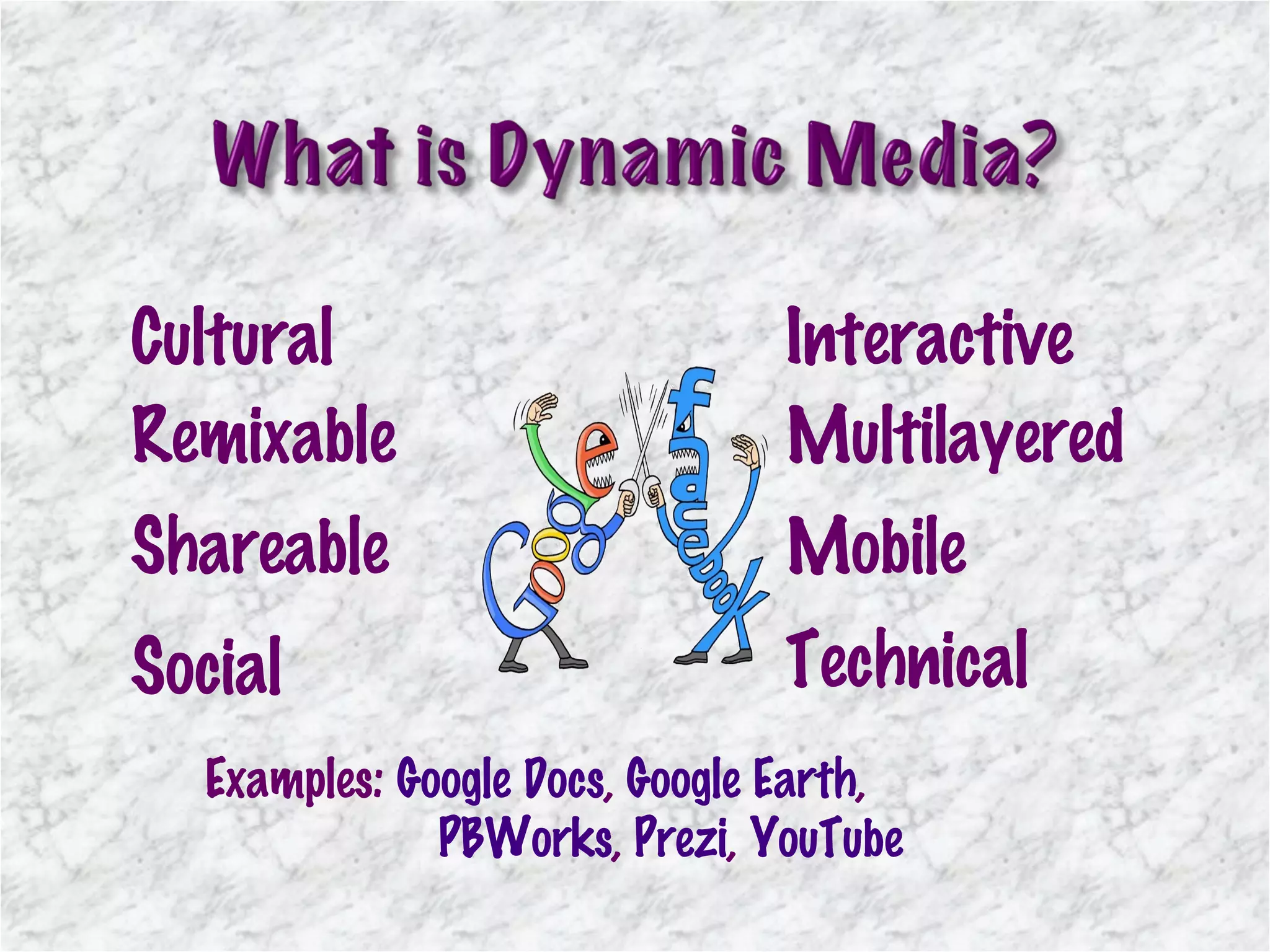
Cultural Remixable Shareable Social Technical Interactive Multilayered Mobile Examples:  Google Docs ,  Google Earth ,    PBWorks ,  Prezi ,  YouTube
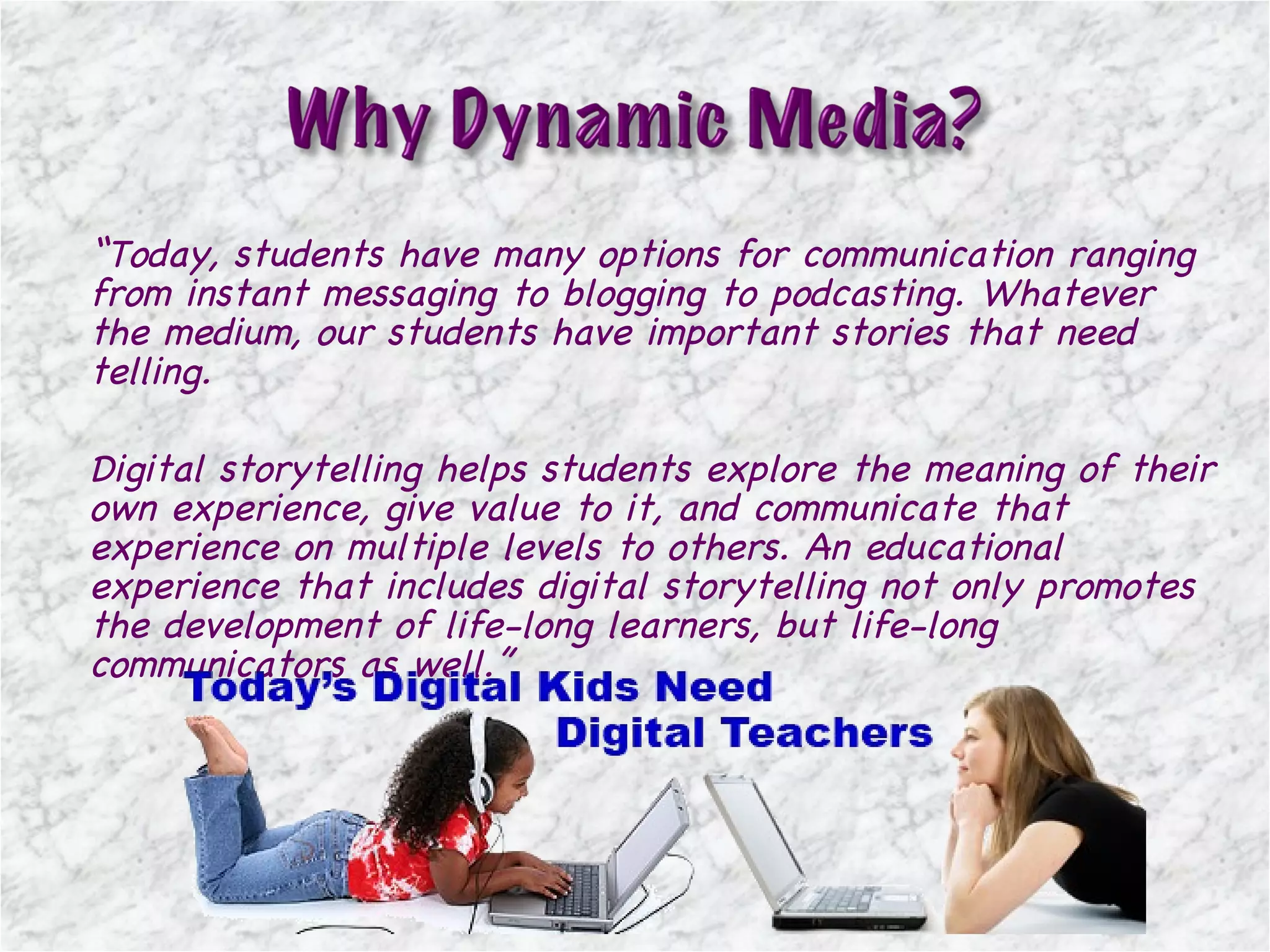
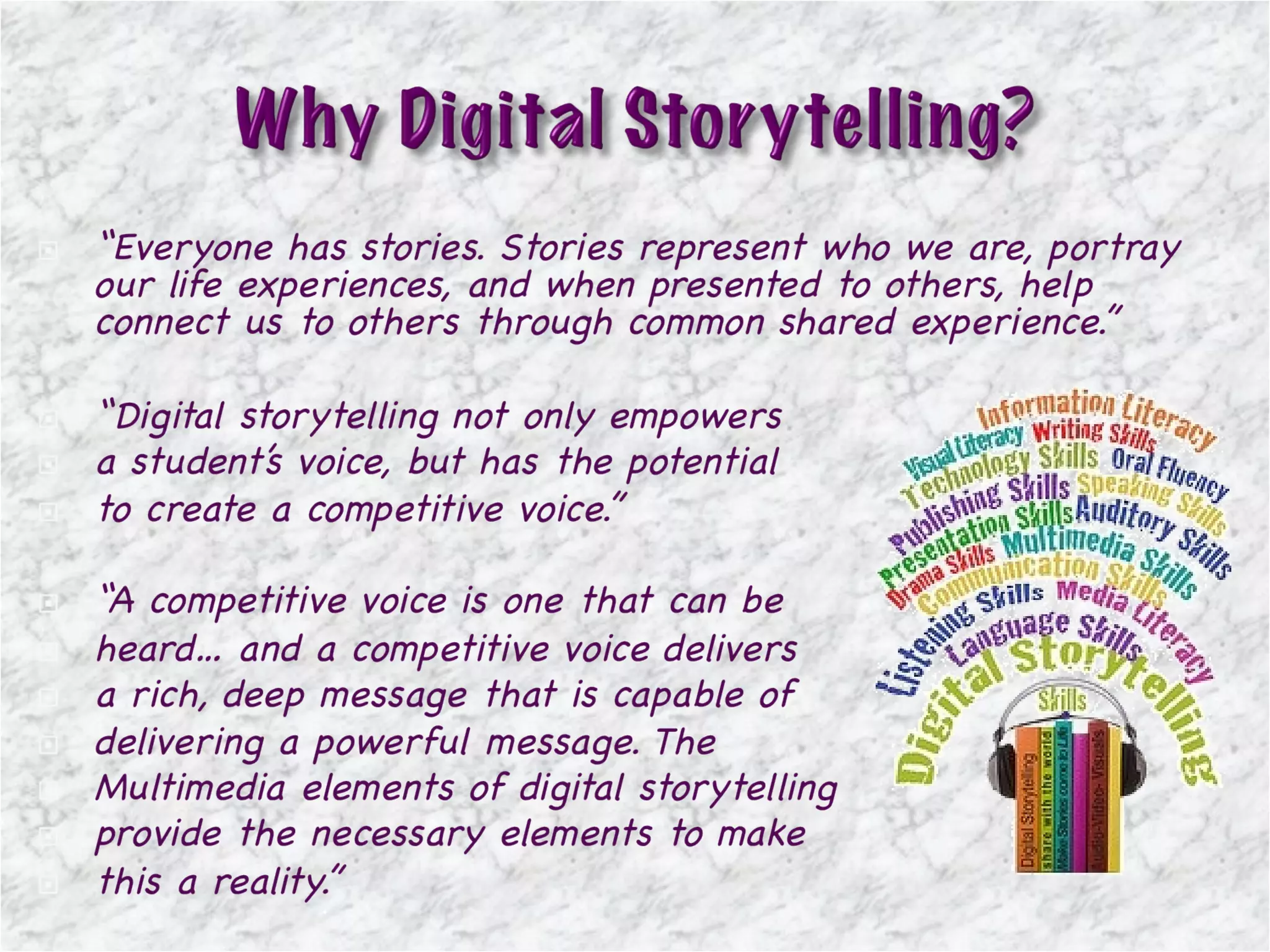
“ Today, students have many options for communication ranging from instant messaging to blogging to podcasting. Whatever the medium, our students have important stories that need telling.  Digital storytelling helps students explore the meaning of their own experience, give value to it, and communicate that experience on multiple levels to others. An educational experience that includes digital storytelling not only promotes the development of life-long learners, but life-long communicators as well. ”
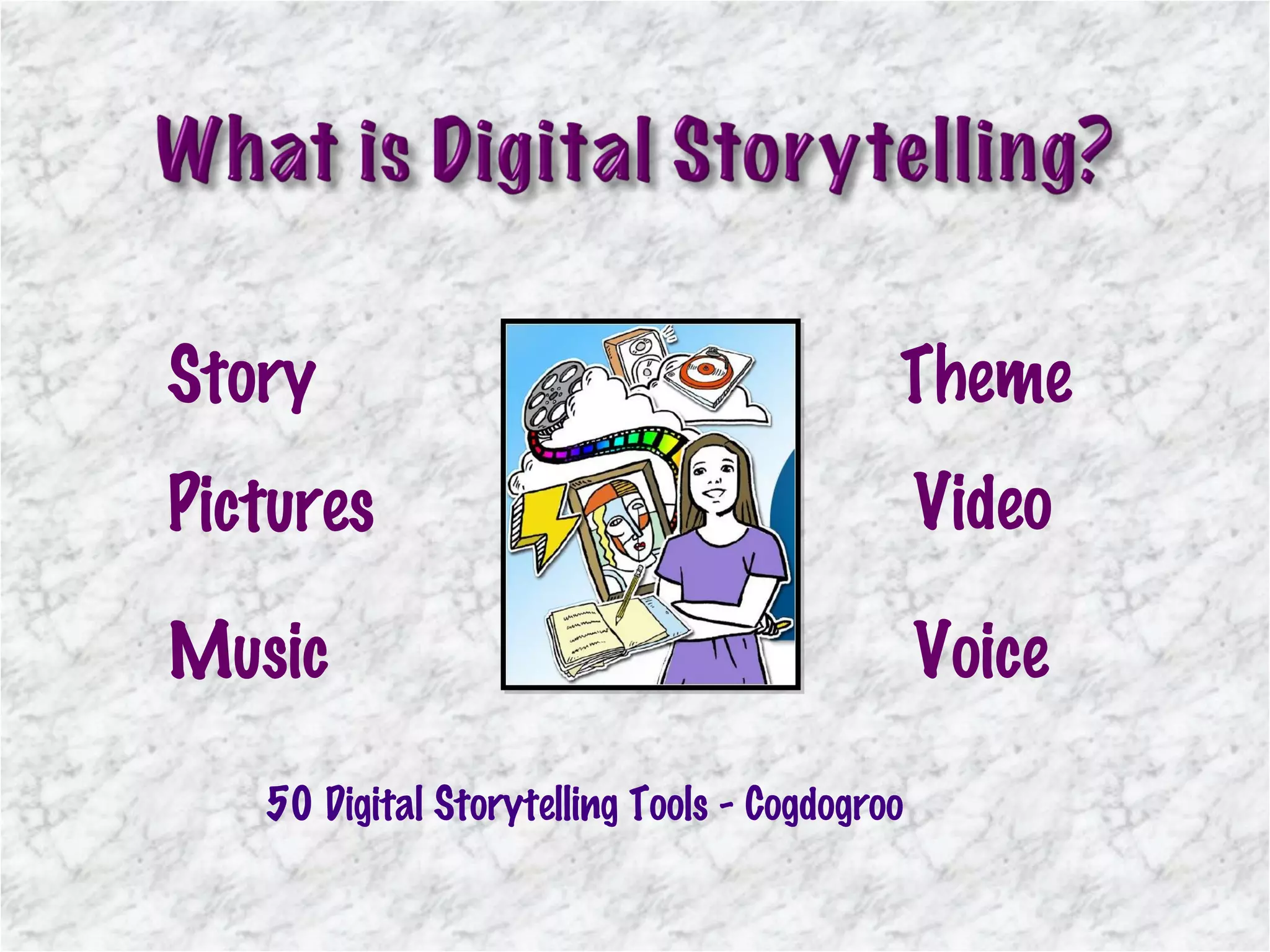
Pictures Video Music Voice Story Theme 50 Digital Storytelling Tools - Cogdogroo
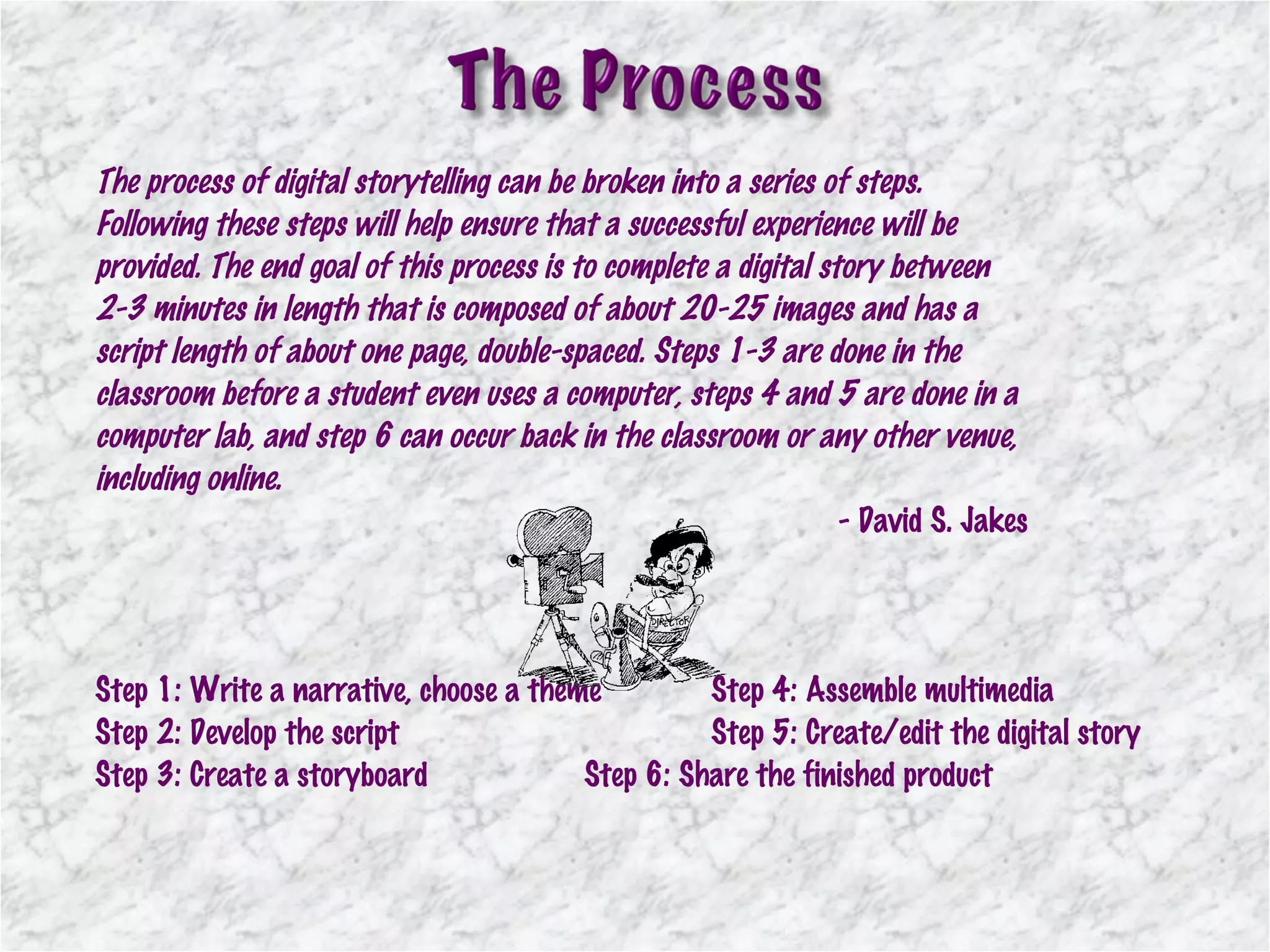
The process of digital storytelling can be broken into a series of steps. Following these steps will help ensure that a successful experience will be provided. The end goal of this process is to complete a digital story between 2-3 minutes in length that is composed of about 20-25 images and has a script length of about one page, double-spaced. Steps 1-3 are done in the classroom before a student even uses a computer, steps 4 and 5 are done in a computer lab, and step 6 can occur back in the classroom or any other venue, including online. - David S. Jakes Step 1: Write a narrative, choose a theme Step 4: Assemble multimedia Step 2: Develop the script Step 5: Create/edit the digital story Step 3: Create a storyboard Step 6: Share the finished product
 
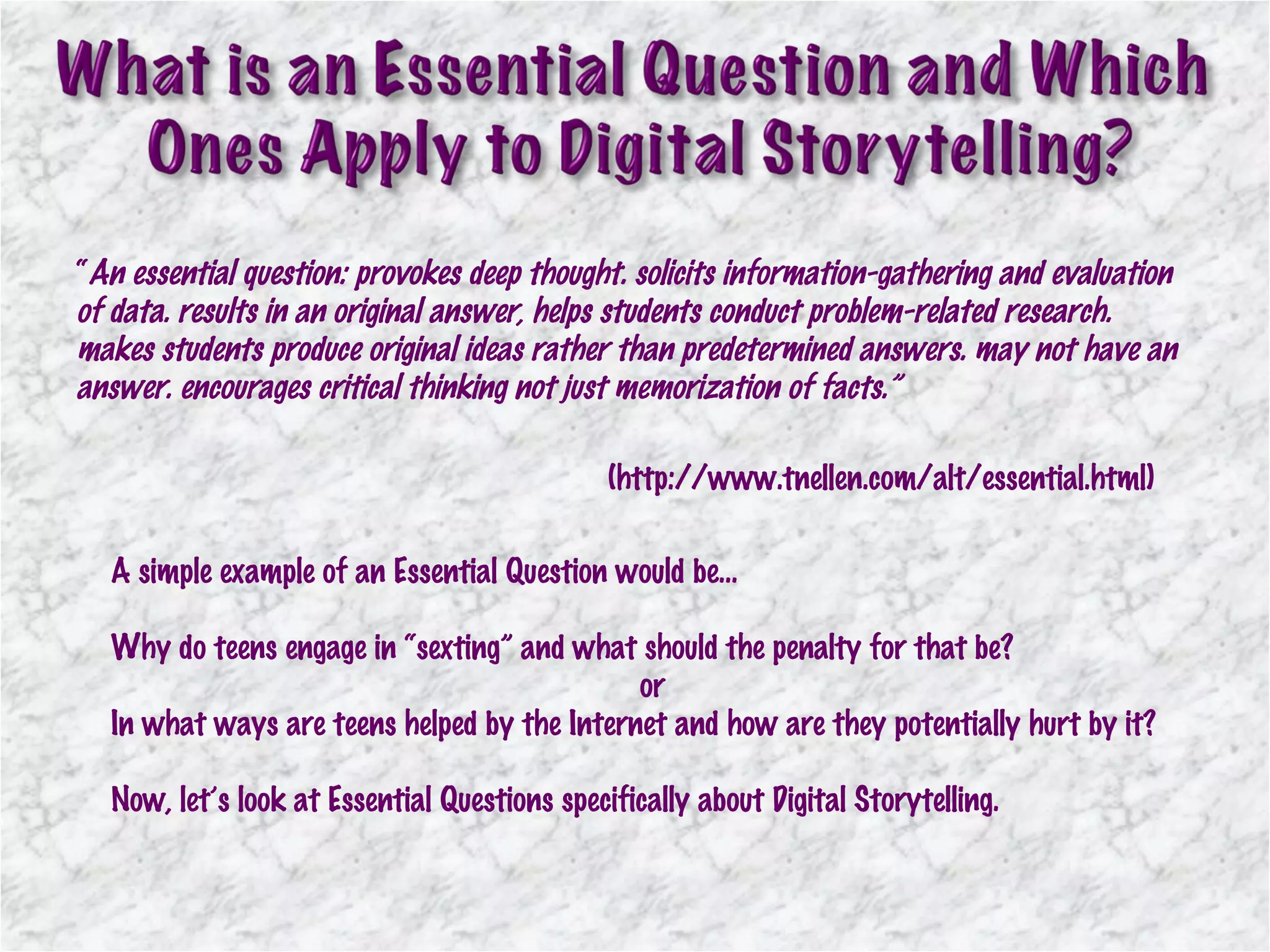
“ An essential question: provokes deep thought. solicits information-gathering and evaluation of data. results in an original answer, helps students conduct problem-related research. makes students produce original ideas rather than predetermined answers. may not have an answer. encourages critical thinking not just memorization of facts.” (http://www.tnellen.com/alt/essential.html) A simple example of an Essential Question would be… Why do teens engage in “sexting” and what should the penalty for that be? or In what ways are teens helped by the Internet and how are they potentially hurt by it? Now, let’s look at Essential Questions specifically about Digital Storytelling.
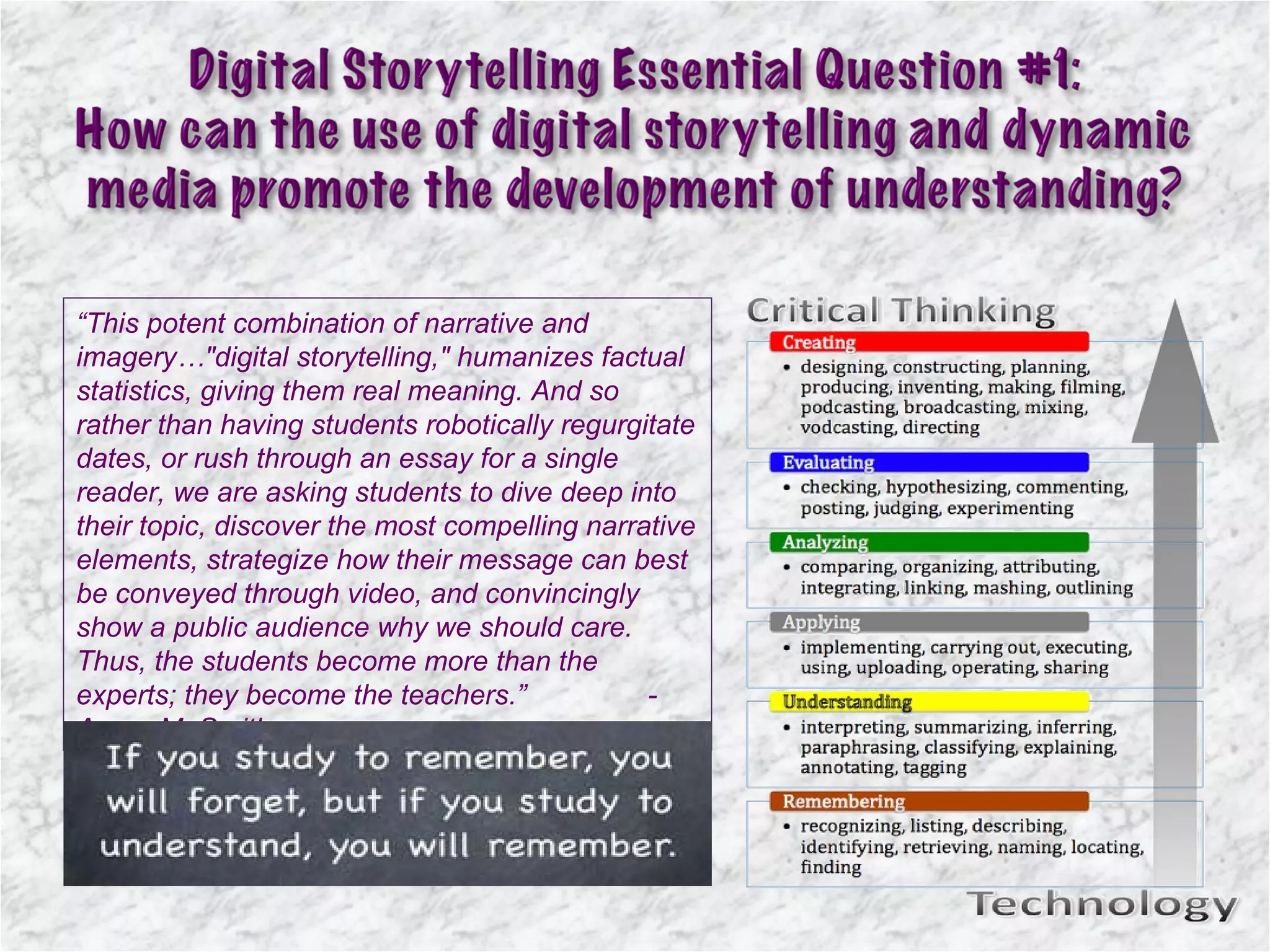
“ This potent combination of narrative and imagery…"digital storytelling," humanizes factual statistics, giving them real meaning. And so rather than having students robotically regurgitate dates, or rush through an essay for a single reader, we are asking students to dive deep into their topic, discover the most compelling narrative elements, strategize how their message can best be conveyed through video, and convincingly show a public audience why we should care. Thus, the students become more than the experts; they become the teachers.” - Aaron M. Smith
This may see like an intimidating task, but the learning process involved is multi-layered, collaborative, and often times, enjoyable.  Indeed, with user-friendly equipment (flip cams, iMovie,  etc.)  students quickly learn how to shoot and edit moving images.  The real problem occurs on a more abstract level - how to  conceptually develop an engaging video narrative. This issue  deserves significant attention.  Just as students need to be able to string together sentences in a coherent fashion, they need to be able to organize multimedia content meaningfully, especially now.
The seven elements of digital storytelling Point of view:  Outlines the point of the story and the perspective from which the story is told. A dramatic question:  Sets the tension of the story by identifying issues to be resolved. Emotional content:  Engages the audience through common emotions and themes (love, pain, humor). The gift of your voice:  Helps the audience make meaning of images. The power of the soundtrack:  Sets the mood of the story. Economy:  Balances the auditory and visual tracks of meaning. Pacing:  Sustains the attention of the audience by establishing and modifying the rhythm of the story. Adapted from Lambert (2006) “ The medium of digital storytelling offers tremendous opportunities for teachers to engage and assess students. By integrating visual images with written text, digital stories can be used to enhance and accelerate student comprehension (Burmark, 2004; Robin, 2008). “ “ When creating their own digital stories, students encounter an integrated instructional activity that requires them to leverage a host of cognitive, interpersonal, organizational and technical skills (National Middle School Association [NMSA], 2010; Robin, 2008).”
ISTE NETS STANDARDS Demonstrate creativity and innovation Communicate and collaborate Conduct research and use information Think critically, solve problems, and make decisions Use technology effectively and productively ISTE NETS*T Sample Rubrics - Assessment of Technology  Integration in a Lesson  NEW YORK STATE TECHNOLOGY STANDARDS Analysis, Inquiry, and Design Information Systems Technology Interconnectedness – Common Themes Interdisciplinary Problem Solving
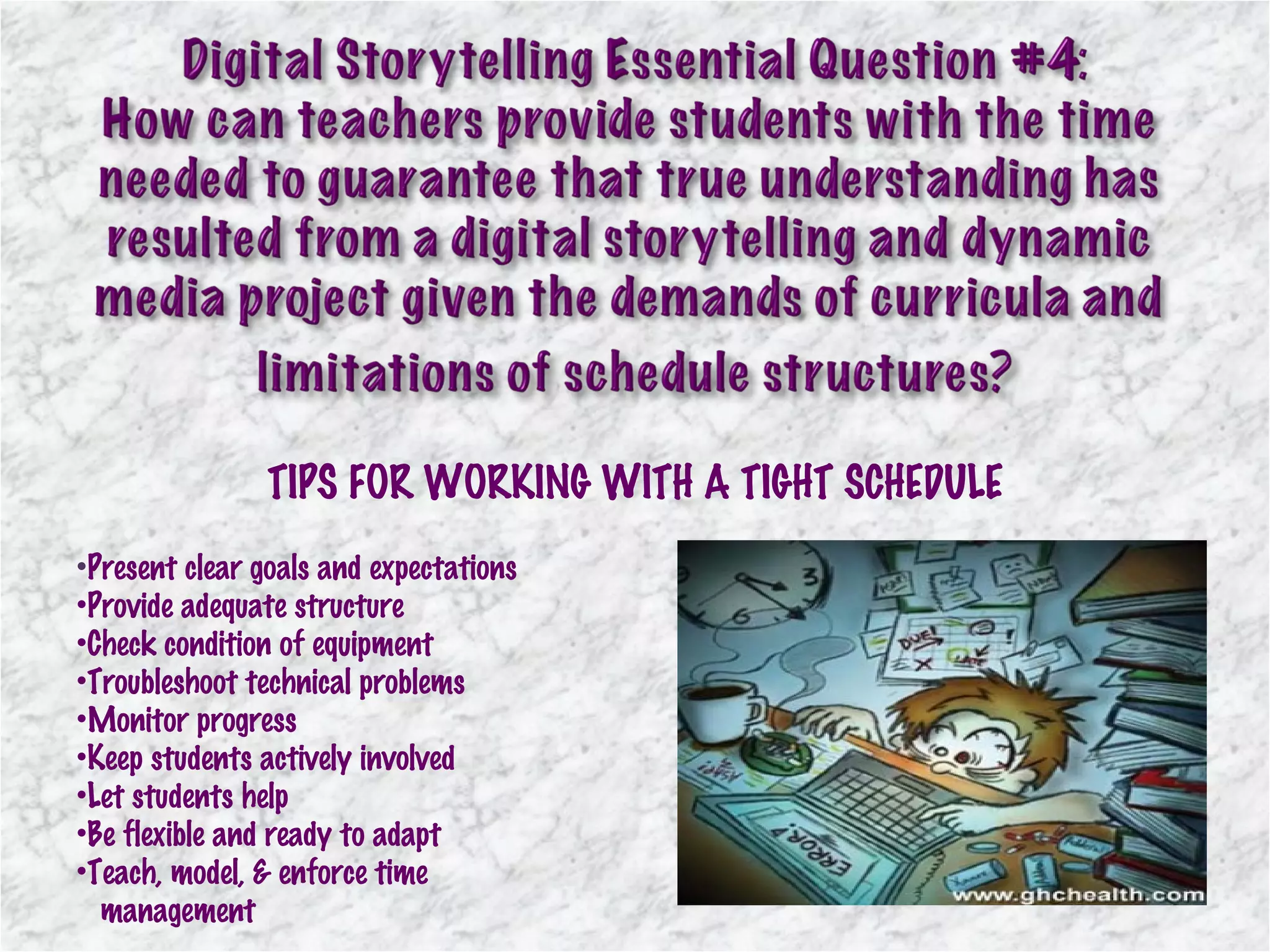
TIPS FOR WORKING WITH A TIGHT SCHEDULE Present clear goals and expectations Provide adequate structure Check condition of equipment Troubleshoot technical problems Monitor progress Keep students actively involved Let students help Be flexible and ready to adapt Teach, model, & enforce time    management
- All students have access to Mac laptops - All but the students whose schedules do not permit,    take the course for 10 weeks each of the three years. - All students have access to digital storytelling software    such as iMovie and iPhoto. - All students have access to Internet-based digital    storytelling applications. - All students have access to    network folders as well as    online file storage . 21 st  Century Digital Literacy courses – grades 6-8
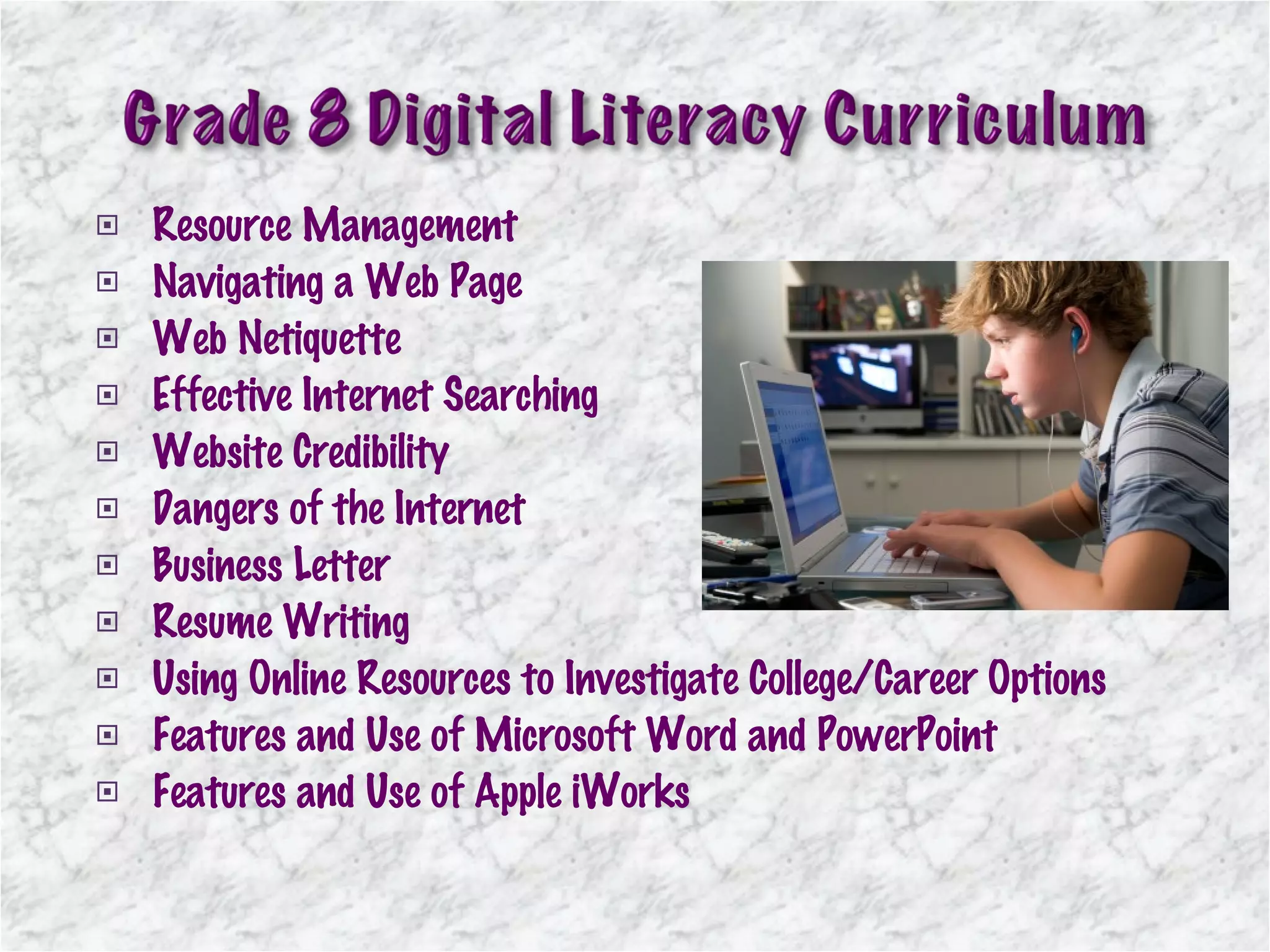
Resource Management Navigating a Web Page  Web Netiquette Effective Internet Searching Website Credibility Dangers of the Internet Business Letter  Resume Writing Using Online Resources to Investigate College/Career Options  Features and Use of Microsoft Word and PowerPoint Features and Use of Apple iWorks
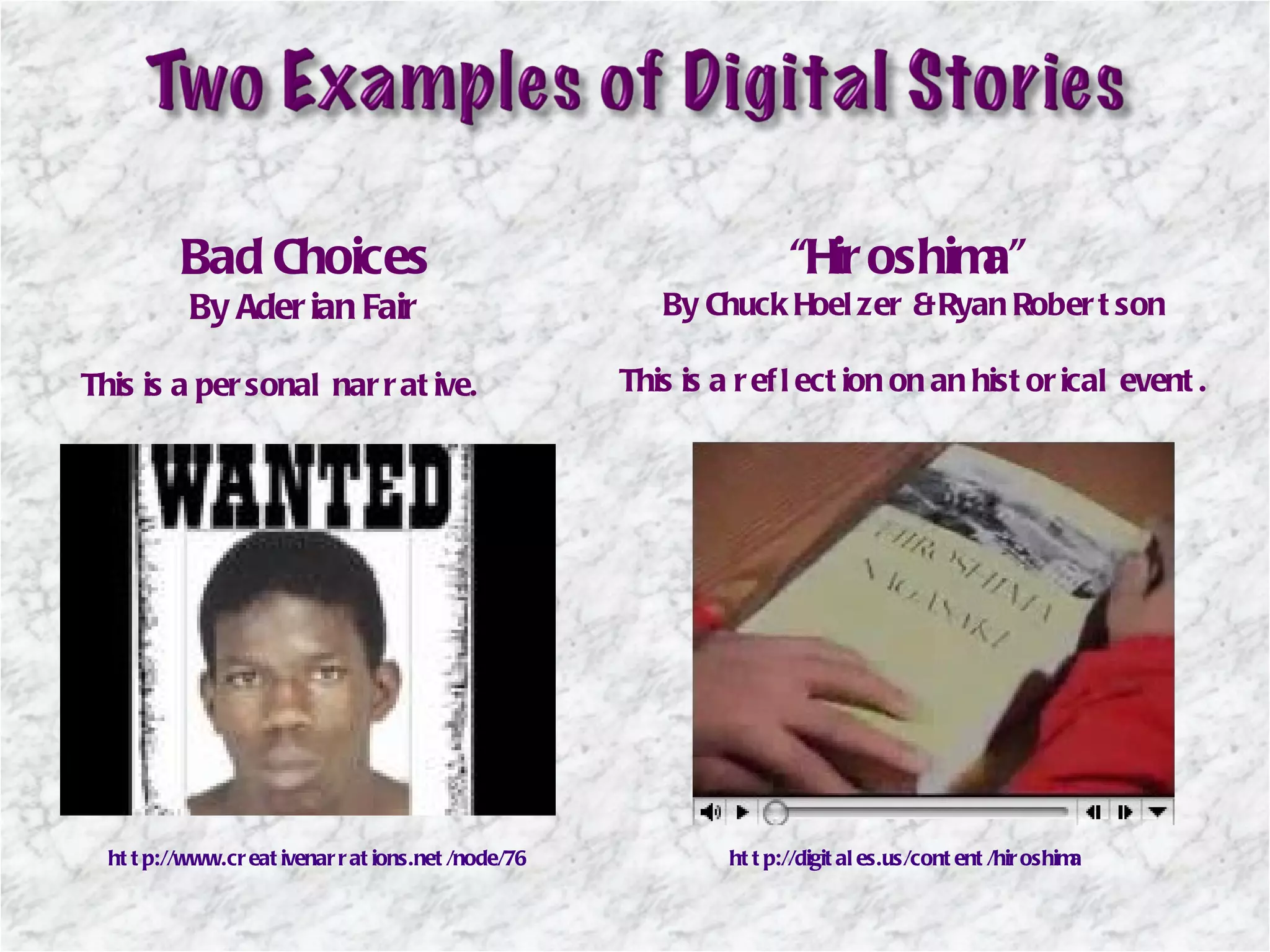
Bad Choices By Aderian Fair This is a personal narrative. “ Hiroshima”  By Chuck Hoelzer & Ryan Robertson This is a reflection on an historical event. http://www.creativenarrations.net/node/76 http://digitales.us/content/hiroshima
http:// www.youtube.com/watch?v =BU1SkaTsv78
 
Virginia Commonwealth University. (2011, August 9-11).  The CTE Digital Storytelling Program (DST) . Retrieved July 20, 2011, from VCU Center for Teaching Excellence:  http://www.vcu.edu/cte/programs/instructional_technology/DigitalStorytelling/DigitalStorytellingIcon.png (n.d.). Retrieved from http://prezi.com/qomns4oonpsx/the-dynamic-trio-essential-questions-dynamic-media-and-digital-storytelling/Jakes, D. (2005, December 1).  Making a Case for Digital Storytelling . Retrieved July 20, 2011, from Tech & Learning:  http://www.techlearning.com/article/4958 (n.d.). Retrieved from http://prezi.com/qomns4oonpsx/the-dynamic-trio-essential-questions-dynamic-media-and-digital-storytelling/21st Century Learning Solutions. (2008).  Today's Digital Kids Need Digital Teachers . Retrieved July 20, 2011, from 21st Century Learning Solutions:  http://www.21cls.com/tdc_demo/images/digital_kids_teachers.jpg (n.d.). Retrieved from http://prezi.com/qomns4oonpsx/the-dynamic-trio-essential-questions-dynamic-media-and-digital-storytelling/Roth, E. (2010, July 18).  Prezi . Retrieved July 20, 2011, from The Dynamic Trio: Essential Questions, Dynamic Media, and Digital Storytelling:  http://prezi.com/qomns4oonpsx/the-dynamic-trio-essential-questions-dynamic-media-and-digital-storytelling/ Winston-Salem/Forsyth County Schools. (2010, April 30).  The Learning Power of Digital Storytelling . Retrieved July 24, 2011, from In Touch:  http://wsfcsintouch.blogspot.com/2010/04/learning-power-of-digital-storytelling.html   Digital Storytelling - Student's Perspective  ( http://www.youtube.com/watch?v=BU1SkaTsv78 ) David S. Jakes. (n.d.).  Capturing Stories, Capturing Lives: An Introduction to Digital Storytelling . Retrieved July 25, 2011, from  http://www.jakesonline.org/dstory_ice.pdf   Rezac, D. (2010).  drezac.com - The Home of Daniel Rezac . Retrieved July 25, 2011, from Bloom's Digital Poster for the Classroom:  http://www.drezac.com/2009/12/blooms-digital-poster-for-classroom.html
http://yourkidsed.com.au/info/files/shared/iStock_000007986254XSmall_teen_laptop.jpg   sweeneybis. (n.d.).  Time on My Hands 7th blog . Retrieved July 24, 2011, from Time On My Hands 7th:  http://173.166.67.199/groups/timeonmyhands7th/search/?q=sweeneybis&fields=lastModifiedAuthor   Crystal, E. (2011).  Quotes 10 . Retrieved July 25, 2011, from Crystalinks:  http://www.crystalinks.com/quotes10.html   Smith, A. M. (2010, March 10).  Asmedia at Penn State . Retrieved July 25, 2011, from Integrating Digital Storytelling into the Classroom:  http://www.personal.psu.edu/ams60/blogs/asmedia/2010/03/integrating-digital-storytelling.html   Faculty of Education, University of British Columbia. (2006).  Teacher Education Students Sow Seeds of Possibility: Teaching and Learning with Information and Communication Technologies . Retrieved July 25, 2011, from Educational Insights: http://ccfi.educ.ubc.ca/publication/insights/v10n02/html/krugetal/krugetal.html  Meisel, K. (2010).  Creative Curriculum6117 . Retrieved July 25, 2011, from PB Works:  http://creativecurriculum6117.pbworks.com/w/page/23073835/katherine-meisel   Oliver Dreon, R. M. (2011, May).  Middle School Journal . Retrieved July 25, 2011, from National Middle School Association:  http://www.nmsa.org/Publications/MiddleSchoolJournal/Articles/May2011/Article3/tabid/2409/Default.aspx   Pinellas School District and florida Center for Instructional Technology. (n.d.). Retrieved July 25, 2011, from Multimedia in the Classroom: http://fcit.usf.edu/multimedia/deliver/deliverc.html  Bailey, A. (2009).  ComLuv Christmas Roundup . Retrieved July 25, 2011, from ComLuv Network:  http://comluv.com/comluv-christmas-roundup/   Digital Storytelling - Student Perspective . (2009, June 11). Retrieved July 25, 2011, from YouTube.com:  http://www.youtube.com/watch?v=BU1SkaTsv78   pinoytutorial. (2011). Retrieved July 26, 2011, from Pinoytutorial Techntorial:  http://pinoytutorial.com/techtorial/facebook-cheat-stories-against-google-everything-you-need-to-know/
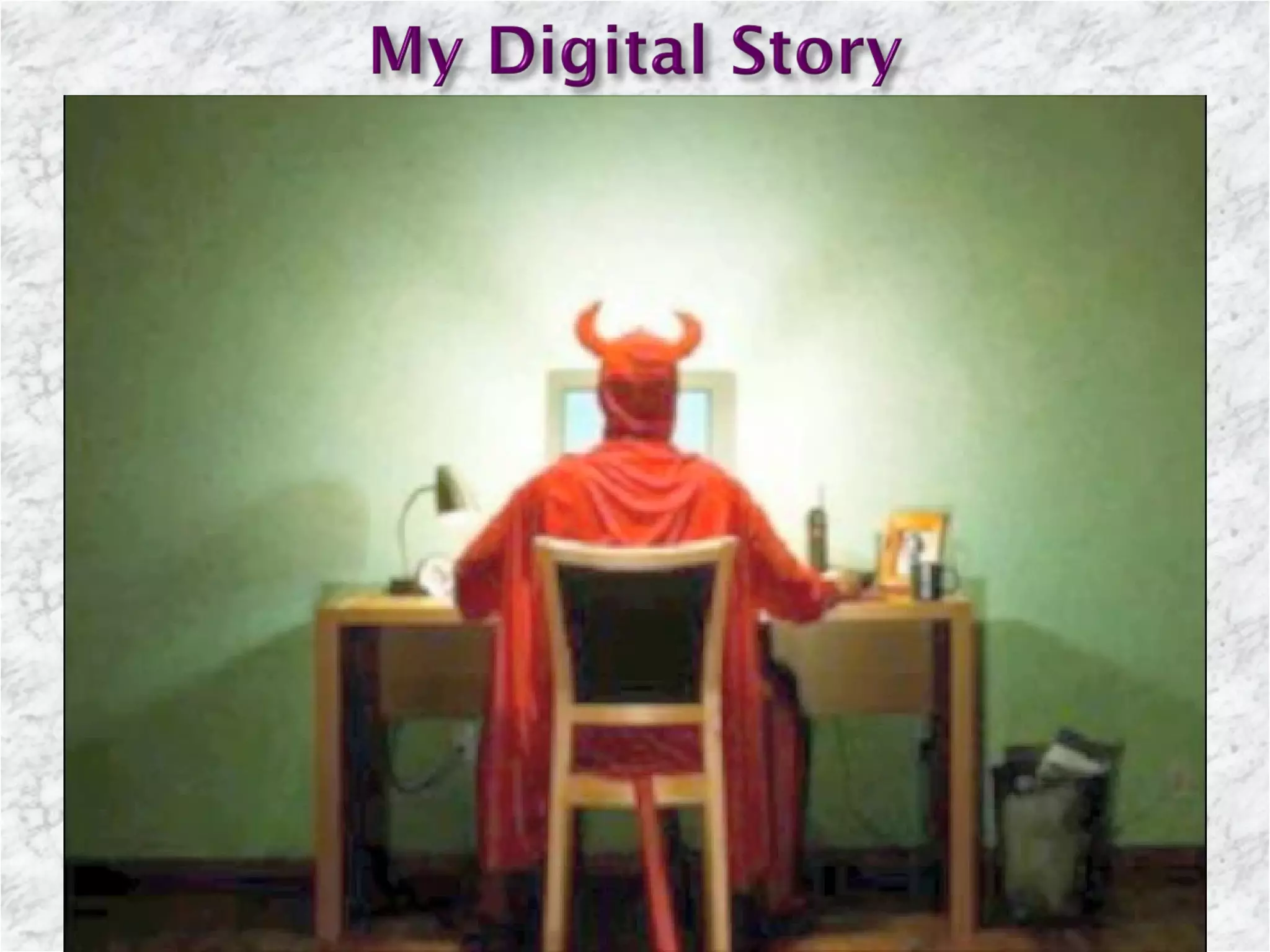
If there is a problem playing the video clips on slides 15 & 16, the links provided can be pasted into a browser or please do the following: To play the digital stories on slide 15, click on the links in the “normal” work view. To play the video on slide 16, click on the video in the “normal” work view. The digital story created for this presentation on slide 17 should begin playing on its own.

Dynamic media & digitial storytelling presentation

  • 1.
    Presented by Lisa Luciano Dynamic Media & Digital Storytelling ******************** Engaging 21 st Century Learners
  • 2.
    Cultural Remixable ShareableSocial Technical Interactive Multilayered Mobile Examples: Google Docs , Google Earth , PBWorks , Prezi , YouTube
  • 3.
    “ Today, studentshave many options for communication ranging from instant messaging to blogging to podcasting. Whatever the medium, our students have important stories that need telling. Digital storytelling helps students explore the meaning of their own experience, give value to it, and communicate that experience on multiple levels to others. An educational experience that includes digital storytelling not only promotes the development of life-long learners, but life-long communicators as well. ”
  • 4.
    Pictures Video MusicVoice Story Theme 50 Digital Storytelling Tools - Cogdogroo
  • 5.
    The process ofdigital storytelling can be broken into a series of steps. Following these steps will help ensure that a successful experience will be provided. The end goal of this process is to complete a digital story between 2-3 minutes in length that is composed of about 20-25 images and has a script length of about one page, double-spaced. Steps 1-3 are done in the classroom before a student even uses a computer, steps 4 and 5 are done in a computer lab, and step 6 can occur back in the classroom or any other venue, including online. - David S. Jakes Step 1: Write a narrative, choose a theme Step 4: Assemble multimedia Step 2: Develop the script Step 5: Create/edit the digital story Step 3: Create a storyboard Step 6: Share the finished product
  • 6.
  • 7.
    “ An essentialquestion: provokes deep thought. solicits information-gathering and evaluation of data. results in an original answer, helps students conduct problem-related research. makes students produce original ideas rather than predetermined answers. may not have an answer. encourages critical thinking not just memorization of facts.” (http://www.tnellen.com/alt/essential.html) A simple example of an Essential Question would be… Why do teens engage in “sexting” and what should the penalty for that be? or In what ways are teens helped by the Internet and how are they potentially hurt by it? Now, let’s look at Essential Questions specifically about Digital Storytelling.
  • 8.
    “ This potentcombination of narrative and imagery…"digital storytelling," humanizes factual statistics, giving them real meaning. And so rather than having students robotically regurgitate dates, or rush through an essay for a single reader, we are asking students to dive deep into their topic, discover the most compelling narrative elements, strategize how their message can best be conveyed through video, and convincingly show a public audience why we should care. Thus, the students become more than the experts; they become the teachers.” - Aaron M. Smith
  • 9.
    This may seelike an intimidating task, but the learning process involved is multi-layered, collaborative, and often times, enjoyable. Indeed, with user-friendly equipment (flip cams, iMovie, etc.) students quickly learn how to shoot and edit moving images. The real problem occurs on a more abstract level - how to conceptually develop an engaging video narrative. This issue deserves significant attention. Just as students need to be able to string together sentences in a coherent fashion, they need to be able to organize multimedia content meaningfully, especially now.
  • 10.
    The seven elementsof digital storytelling Point of view: Outlines the point of the story and the perspective from which the story is told. A dramatic question: Sets the tension of the story by identifying issues to be resolved. Emotional content: Engages the audience through common emotions and themes (love, pain, humor). The gift of your voice: Helps the audience make meaning of images. The power of the soundtrack: Sets the mood of the story. Economy: Balances the auditory and visual tracks of meaning. Pacing: Sustains the attention of the audience by establishing and modifying the rhythm of the story. Adapted from Lambert (2006) “ The medium of digital storytelling offers tremendous opportunities for teachers to engage and assess students. By integrating visual images with written text, digital stories can be used to enhance and accelerate student comprehension (Burmark, 2004; Robin, 2008). “ “ When creating their own digital stories, students encounter an integrated instructional activity that requires them to leverage a host of cognitive, interpersonal, organizational and technical skills (National Middle School Association [NMSA], 2010; Robin, 2008).”
  • 11.
    ISTE NETS STANDARDSDemonstrate creativity and innovation Communicate and collaborate Conduct research and use information Think critically, solve problems, and make decisions Use technology effectively and productively ISTE NETS*T Sample Rubrics - Assessment of Technology Integration in a Lesson NEW YORK STATE TECHNOLOGY STANDARDS Analysis, Inquiry, and Design Information Systems Technology Interconnectedness – Common Themes Interdisciplinary Problem Solving
  • 12.
    TIPS FOR WORKINGWITH A TIGHT SCHEDULE Present clear goals and expectations Provide adequate structure Check condition of equipment Troubleshoot technical problems Monitor progress Keep students actively involved Let students help Be flexible and ready to adapt Teach, model, & enforce time management
  • 13.
    - All studentshave access to Mac laptops - All but the students whose schedules do not permit, take the course for 10 weeks each of the three years. - All students have access to digital storytelling software such as iMovie and iPhoto. - All students have access to Internet-based digital storytelling applications. - All students have access to network folders as well as online file storage . 21 st Century Digital Literacy courses – grades 6-8
  • 14.
    Resource Management Navigatinga Web Page Web Netiquette Effective Internet Searching Website Credibility Dangers of the Internet Business Letter Resume Writing Using Online Resources to Investigate College/Career Options Features and Use of Microsoft Word and PowerPoint Features and Use of Apple iWorks
  • 15.
    Bad Choices ByAderian Fair This is a personal narrative. “ Hiroshima” By Chuck Hoelzer & Ryan Robertson This is a reflection on an historical event. http://www.creativenarrations.net/node/76 http://digitales.us/content/hiroshima
  • 16.
  • 17.
  • 18.
    Virginia Commonwealth University.(2011, August 9-11). The CTE Digital Storytelling Program (DST) . Retrieved July 20, 2011, from VCU Center for Teaching Excellence: http://www.vcu.edu/cte/programs/instructional_technology/DigitalStorytelling/DigitalStorytellingIcon.png (n.d.). Retrieved from http://prezi.com/qomns4oonpsx/the-dynamic-trio-essential-questions-dynamic-media-and-digital-storytelling/Jakes, D. (2005, December 1). Making a Case for Digital Storytelling . Retrieved July 20, 2011, from Tech & Learning: http://www.techlearning.com/article/4958 (n.d.). Retrieved from http://prezi.com/qomns4oonpsx/the-dynamic-trio-essential-questions-dynamic-media-and-digital-storytelling/21st Century Learning Solutions. (2008). Today's Digital Kids Need Digital Teachers . Retrieved July 20, 2011, from 21st Century Learning Solutions: http://www.21cls.com/tdc_demo/images/digital_kids_teachers.jpg (n.d.). Retrieved from http://prezi.com/qomns4oonpsx/the-dynamic-trio-essential-questions-dynamic-media-and-digital-storytelling/Roth, E. (2010, July 18). Prezi . Retrieved July 20, 2011, from The Dynamic Trio: Essential Questions, Dynamic Media, and Digital Storytelling: http://prezi.com/qomns4oonpsx/the-dynamic-trio-essential-questions-dynamic-media-and-digital-storytelling/ Winston-Salem/Forsyth County Schools. (2010, April 30). The Learning Power of Digital Storytelling . Retrieved July 24, 2011, from In Touch: http://wsfcsintouch.blogspot.com/2010/04/learning-power-of-digital-storytelling.html Digital Storytelling - Student's Perspective ( http://www.youtube.com/watch?v=BU1SkaTsv78 ) David S. Jakes. (n.d.). Capturing Stories, Capturing Lives: An Introduction to Digital Storytelling . Retrieved July 25, 2011, from http://www.jakesonline.org/dstory_ice.pdf Rezac, D. (2010). drezac.com - The Home of Daniel Rezac . Retrieved July 25, 2011, from Bloom's Digital Poster for the Classroom: http://www.drezac.com/2009/12/blooms-digital-poster-for-classroom.html
  • 19.
    http://yourkidsed.com.au/info/files/shared/iStock_000007986254XSmall_teen_laptop.jpg sweeneybis. (n.d.). Time on My Hands 7th blog . Retrieved July 24, 2011, from Time On My Hands 7th: http://173.166.67.199/groups/timeonmyhands7th/search/?q=sweeneybis&fields=lastModifiedAuthor Crystal, E. (2011). Quotes 10 . Retrieved July 25, 2011, from Crystalinks: http://www.crystalinks.com/quotes10.html Smith, A. M. (2010, March 10). Asmedia at Penn State . Retrieved July 25, 2011, from Integrating Digital Storytelling into the Classroom: http://www.personal.psu.edu/ams60/blogs/asmedia/2010/03/integrating-digital-storytelling.html Faculty of Education, University of British Columbia. (2006). Teacher Education Students Sow Seeds of Possibility: Teaching and Learning with Information and Communication Technologies . Retrieved July 25, 2011, from Educational Insights: http://ccfi.educ.ubc.ca/publication/insights/v10n02/html/krugetal/krugetal.html Meisel, K. (2010). Creative Curriculum6117 . Retrieved July 25, 2011, from PB Works: http://creativecurriculum6117.pbworks.com/w/page/23073835/katherine-meisel Oliver Dreon, R. M. (2011, May). Middle School Journal . Retrieved July 25, 2011, from National Middle School Association: http://www.nmsa.org/Publications/MiddleSchoolJournal/Articles/May2011/Article3/tabid/2409/Default.aspx Pinellas School District and florida Center for Instructional Technology. (n.d.). Retrieved July 25, 2011, from Multimedia in the Classroom: http://fcit.usf.edu/multimedia/deliver/deliverc.html Bailey, A. (2009). ComLuv Christmas Roundup . Retrieved July 25, 2011, from ComLuv Network: http://comluv.com/comluv-christmas-roundup/ Digital Storytelling - Student Perspective . (2009, June 11). Retrieved July 25, 2011, from YouTube.com: http://www.youtube.com/watch?v=BU1SkaTsv78 pinoytutorial. (2011). Retrieved July 26, 2011, from Pinoytutorial Techntorial: http://pinoytutorial.com/techtorial/facebook-cheat-stories-against-google-everything-you-need-to-know/
  • 20.
    If there isa problem playing the video clips on slides 15 & 16, the links provided can be pasted into a browser or please do the following: To play the digital stories on slide 15, click on the links in the “normal” work view. To play the video on slide 16, click on the video in the “normal” work view. The digital story created for this presentation on slide 17 should begin playing on its own.