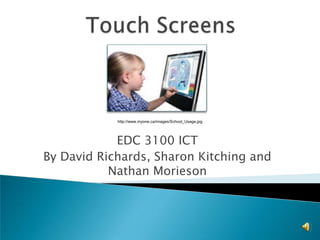
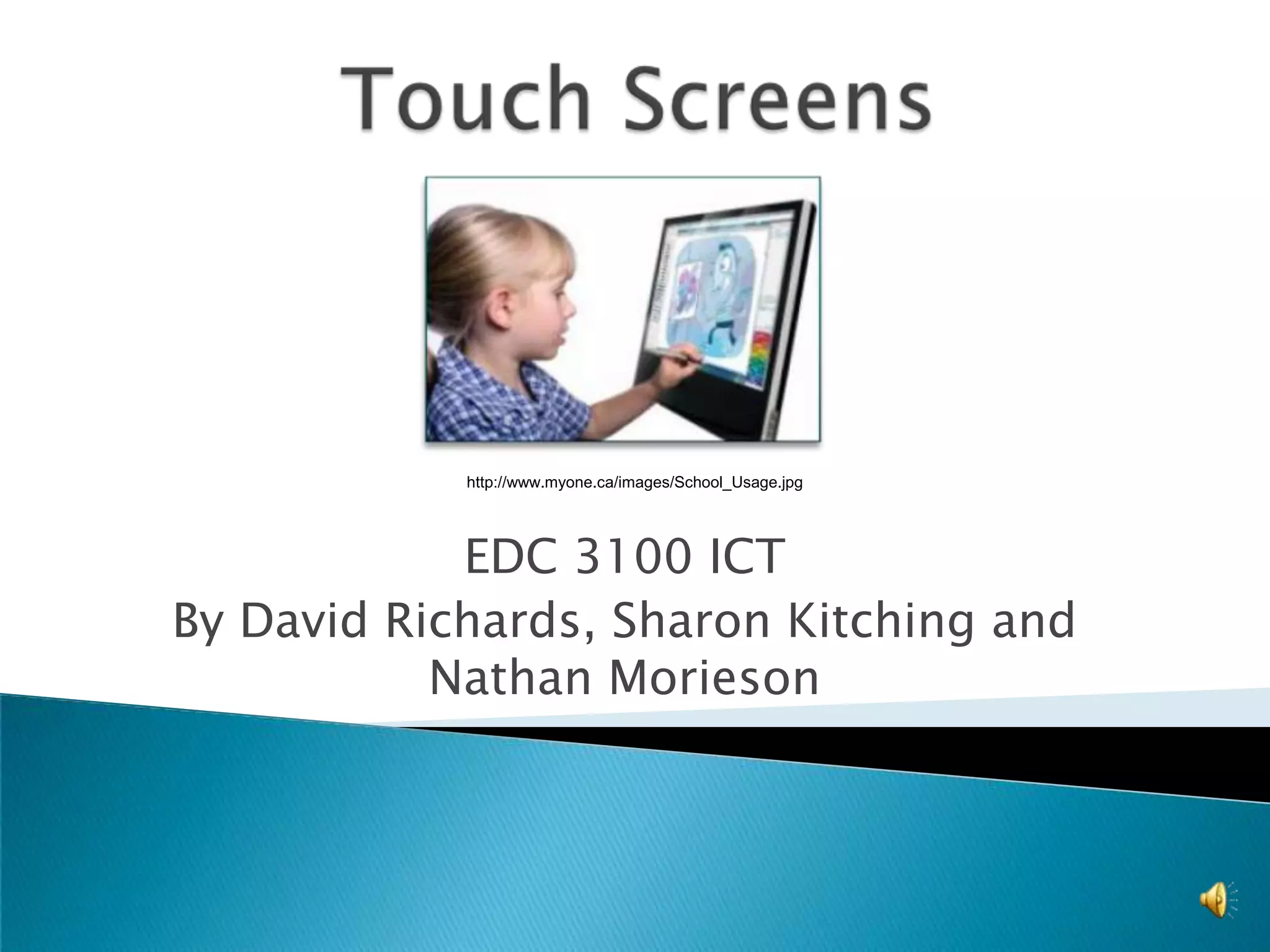
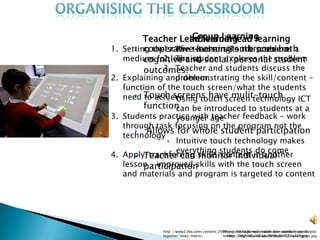
Touch Screenshttp://www.myone.ca/images/School_Usage.jpgEDC 3100 ICTBy David Richards, Sharon Kitching and Nathan Morieson
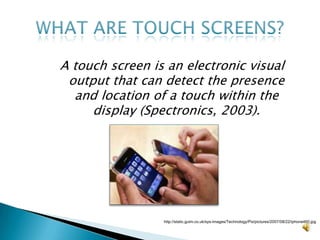
A touch screen is an electronic visual output that can detect the presence and location of a touch within the display (Spectronics, 2003).What are touch screens?http://static.guim.co.uk/sys-images/Technology/Pix/pictures/2007/08/22/iphone460.jpg
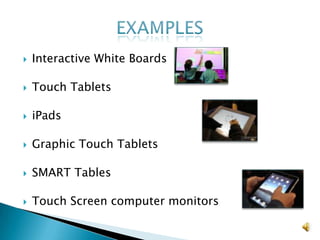
Interactive White BoardsTouch TabletsiPadsGraphic Touch TabletsSMART TablesTouch Screen computer monitorsExamples
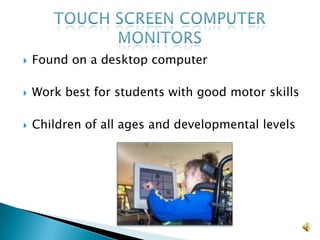
Found on a desktop computerWork best for students with good motor skillsChildren of all ages and developmental levelsTouch screen computer monitors
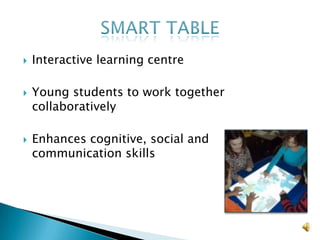
Interactive learning centreYoung students to work together collaborativelyEnhances cognitive, social and communication skillsSmart table
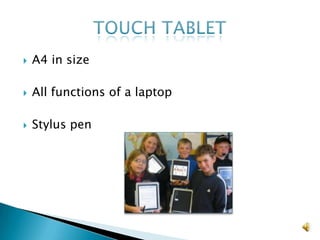
A4 in sizeAll functions of a laptopStylus penTouch tablet
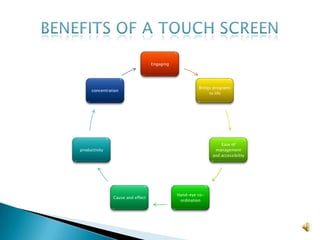
Benefits of a touch screen
Innovation working alongside ICT curriculumContribute sustainable and meaningful changeEnable students to prepare for further education and training Living and working in a digital world
The Queensland Essential learning's for ICTA better understanding of ICT than ever before Use computers to write documents, emails and create presentationsUnderstand spelling and grammar checks Allow effective peer to peer collaboration
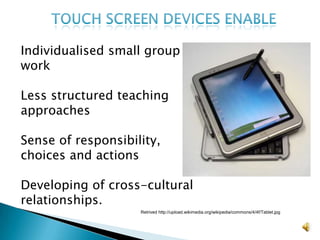
 Touch screen devices enableIndividualised small group work Less structured teaching approachesSense of responsibility, choices and actions Developing of cross-cultural relationships.Retrived http://upload.wikimedia.org/wikipedia/commons/4/4f/Tablet.jpg
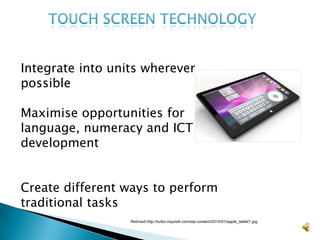
Touch screen technologyIntegrate into units wherever possible Maximise opportunities for language, numeracy and ICT developmentCreate different ways to perform traditional tasksRetrived http://turbo.inquisitr.com/wp-content/2010/01/apple_tablet1.jpg
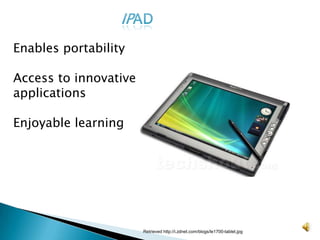
IPADEnables portabilityAccess to innovative applications Enjoyable learningRetrieved http://i.zdnet.com/blogs/le1700-tablet.jpg
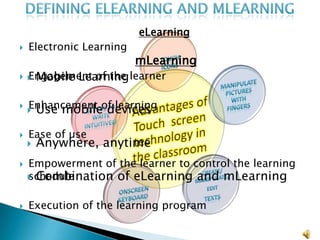
Defining elearning and mlearningeLearningElectronic Learning
Engagement of the learner
Enhancement of learning
Ease of use
Empowerment of the learner to control the learning schedule
Execution of the learning program (mLearningMobile Learning
Use mobile devices
Anywhere, anytime
Combination of eLearning and mLearningIdentification of reasoning:Internet and intranetConnectionStand alone – not connected
Network – Internet/IntranetGlobal NetworkInternet - whole network of networks
World Wide Web - information repositoryLocal NetworkLocal Network (LAN) such as a computer room
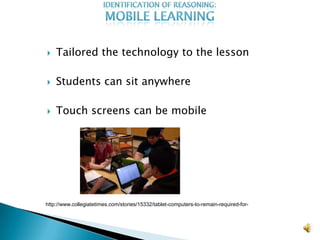
Wider Area Network (WAN) which would cover a whole site and even further afield.  Identification of reasoning:Mobile learningTailored the technology to the lesson
Students can sit anywhere
Touch screens can be mobilehttp://www.collegiatetimes.com/stories/15332/tablet-computers-to-remain-required-for-
Advantageous of Network with touch screensIdentification of reasoning:Monitoring capacityCommon access to information
Faster teacher feed back using ICT
Wireless connection
Information is transferableIdentification of reasoning:Appeal to studentsSharing information
Access to a wider range of resources
Central location for files/informationIdentification of reasoningThe internet and intranet as an eLearning toolImpact on mLearningTeachers can monitor work in progress Appeal to students
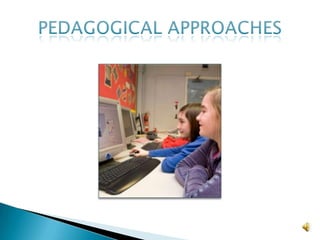
Pedagogical Approaches
Promote active learningEngage in meaningful activitiesHERE IS GOING TO BE A VIDEOClicker 5

Nathans Presentation Final

Editor's Notes

  • #29  Touch screen devices have many features which can be used to enhance mathematics. Touch screen devices can be used to store, organise and present information. Touch screen devices, such as the ipad, allows students to access Apple's application store. These applications allow students to access mathematical formulas as well as conversion tables. Math Ref allows students to simply be directed to access to over 350 formulas, figures, tips, and examples of math equations and concepts. This free application includes access to the majority of the major formulas and functions that students will need, such as those for area, perimeter, algebra, geometry, trigonometry, series & sequences, derivatives, integration, prime numbers, and even the greek alphabet. Touch screen devices allow clear illustrations to be provided to make mathematical concepts easier to understand. If a student or teacher needs to share a concept or idea from Math Ref Free with someone else, all they need to do is take a screenshot and send it off in an email. Touch screen devices can allow students to complete mathematical equations by simply touching and dragging the corressponding answer to the question. This allows students with poor fine motor skills to complete mathematical activities with ease. Touch screen devices can also be used to access websites such as Mathletics, Rainforest Maths and 4-11 Numeracy. These web sites allow teachers to manually set mathematical activities for students to complete. Students thoroughly enjoy using these websites as they are required to use their hands to manipulate questions and complete tasks. Mathletics allows students to compete in Maths tasks against students all across the world.  Touch screen devices such as the tablet, are extremely valuable with lower students. Students are able to use their hands to form groups, count markers and match colours and shapes. Students are able to hear and visualise the numbers in there different forms. This allows students to progress much faster whilst enjoying themselves.  Touch screen devices can be used to access and complete the NAPLAN online website. Students are able to practice previous years' tests. The website can help teachers identify which components of numeracy the students are struggling with. The teacher can then make sure that component is recovered.
  • #32 Apple Store (2010) Ipad Applications. Retrieved April 12, 2010, from http://www.apple.com/ipad/apps-for-ipad/  Australian Council of Deans of Education (2001) New Learning. A Charter for Education in Australia. Canberra: ACDE.  Diem, R. (2000) Can it make a difference? Technology and the Social Studies. Theory and Research in Social Education, 28 (4), 85-106.   Duke (2000) Exploring student skill learning: A Case for investigating subjective experience, Quest, 49 (2), 142-160.  Merryfield P. (2000) Creating learning communities. South Melbourne: Addison Wesley Longman.    Queensland Studies Authority (2007). Health & Physical Education(HPE), Essential Learnings for Grade 7. Retrieved April 12, 2010, from http://www.qsa.qld.edu.au/downloads/learning/qcar_el_hpe_yr7.pdfQueensland Studies Authority (2007). Studies of Society and Environment(SOSE), Essential Learnings for Grade 7. Retrieved April 12, 2010, from http://www.qsa.qld.edu.au/downloads/learning/qcar_el_sose_yr7.pdf  Queensland Studies Authority (2007). English, Essential Learnings for Grade 7. Retrieved April 12, 2010, from http://www.qsa.qld.edu.au/downloads/learning/qcar_el_english_yr7.pdf Queensland Studies Authority (2007). Science, Essential Learnings for Grade 7. Retrieved April 12, 2010, from http://www.qsa.qld.edu.au/downloads/learning/qcar_el_science_yr7.pdf Queensland Studies Authority (2007). The Arts, Essential Learnings for Grade 7. Retrieved April 12, 2010, from http://www.qsa.qld.edu.au/downloads/learning/qcar_el_thearts_yr7.pdf  Queensland Studies Authority (2007) Technology, Essential Learnings for Grade 7. Retrieved April 12, 2010, from hhtp://www.qsa.qld.edu.au/downloads/learning/gcar_el_technology_yr7.pdf    Williams, J (2005) Student engagement with social issues in a multimedia supported learning environment. Theory and Research in Social Education. 27 (4), 85-87.