

Pitney Bowes Software
Natural Resources Solutions
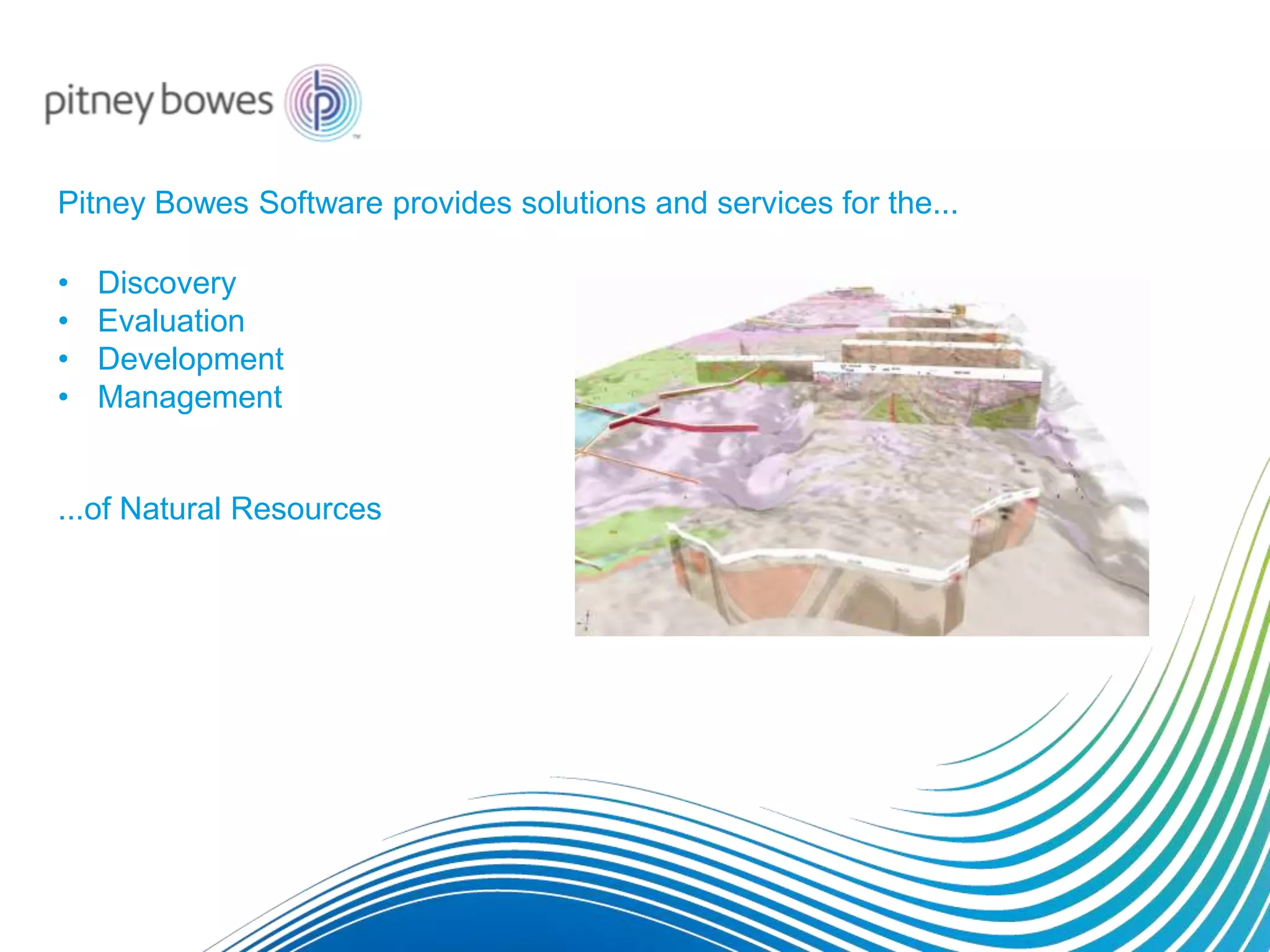
Pitney Bowes Software provides solutions and services for the...
• Discovery
• Evaluation
• Development
• Management
...of Natural Resources
Pitney Bowes Software ensures your organization
can secure investment for growth.
Our solutions help investors better understand and
appreciate your assets.
Industries who use our software
• Mineral exploration
• Mining
• Oil & Gas
• Coal
• Industrial minerals
• Environmental management
• Water management
• Asset management
• Hazard assessment
• Forestry
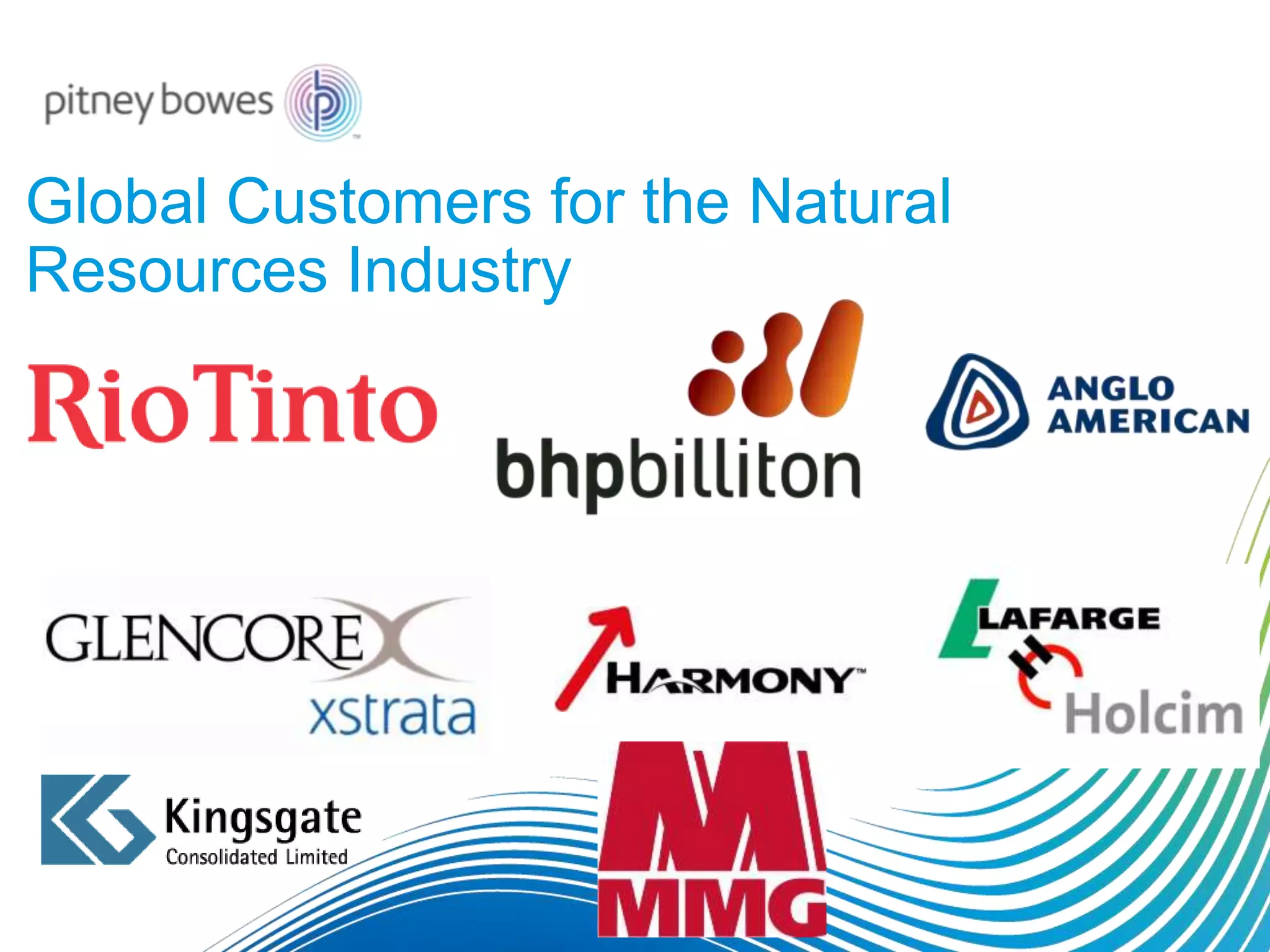
Global Customers for the Natural
Resources Industry
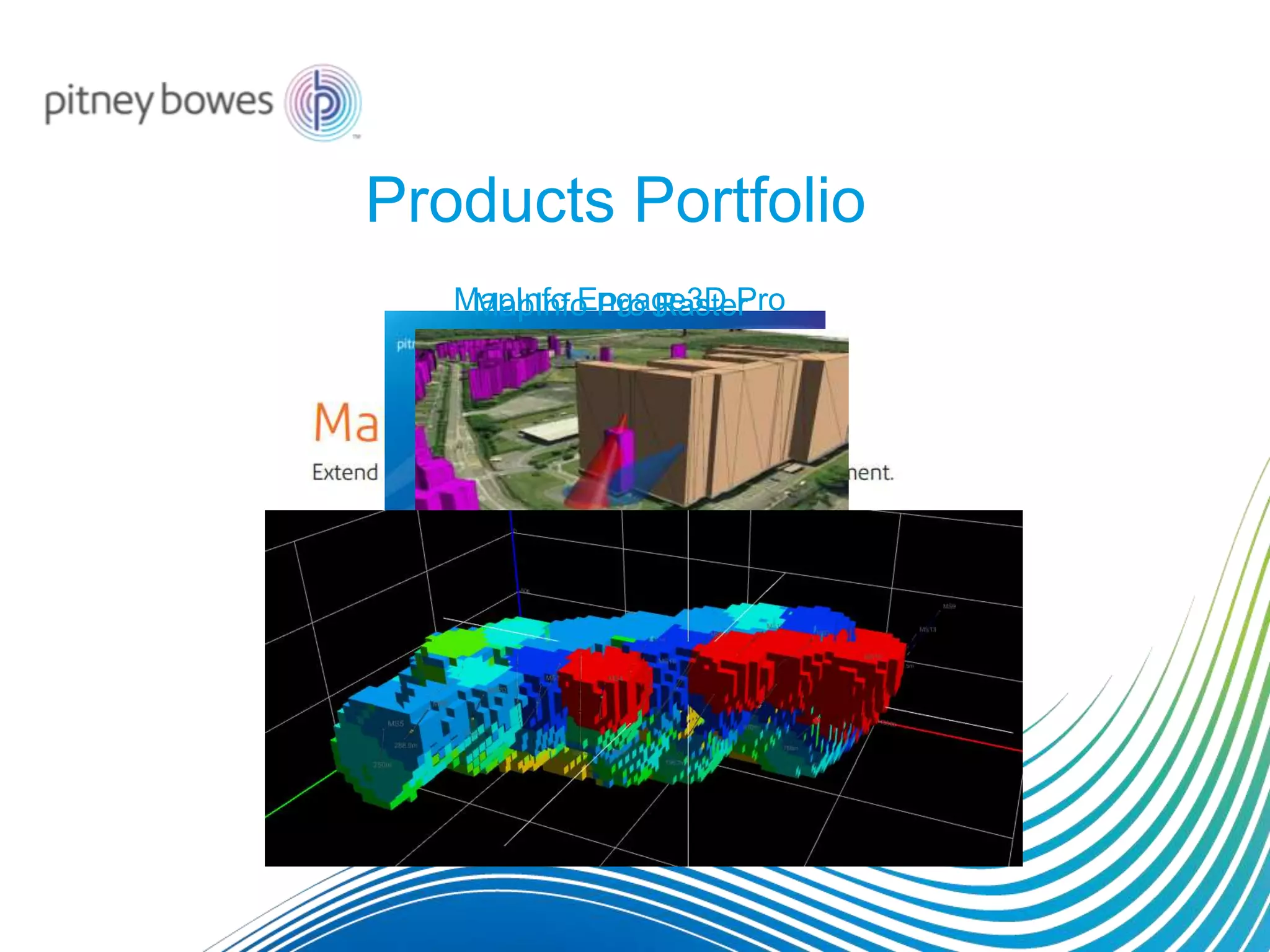
Products Portfolio
MapInfo Pro RasterMapInfo Engage3D Pro
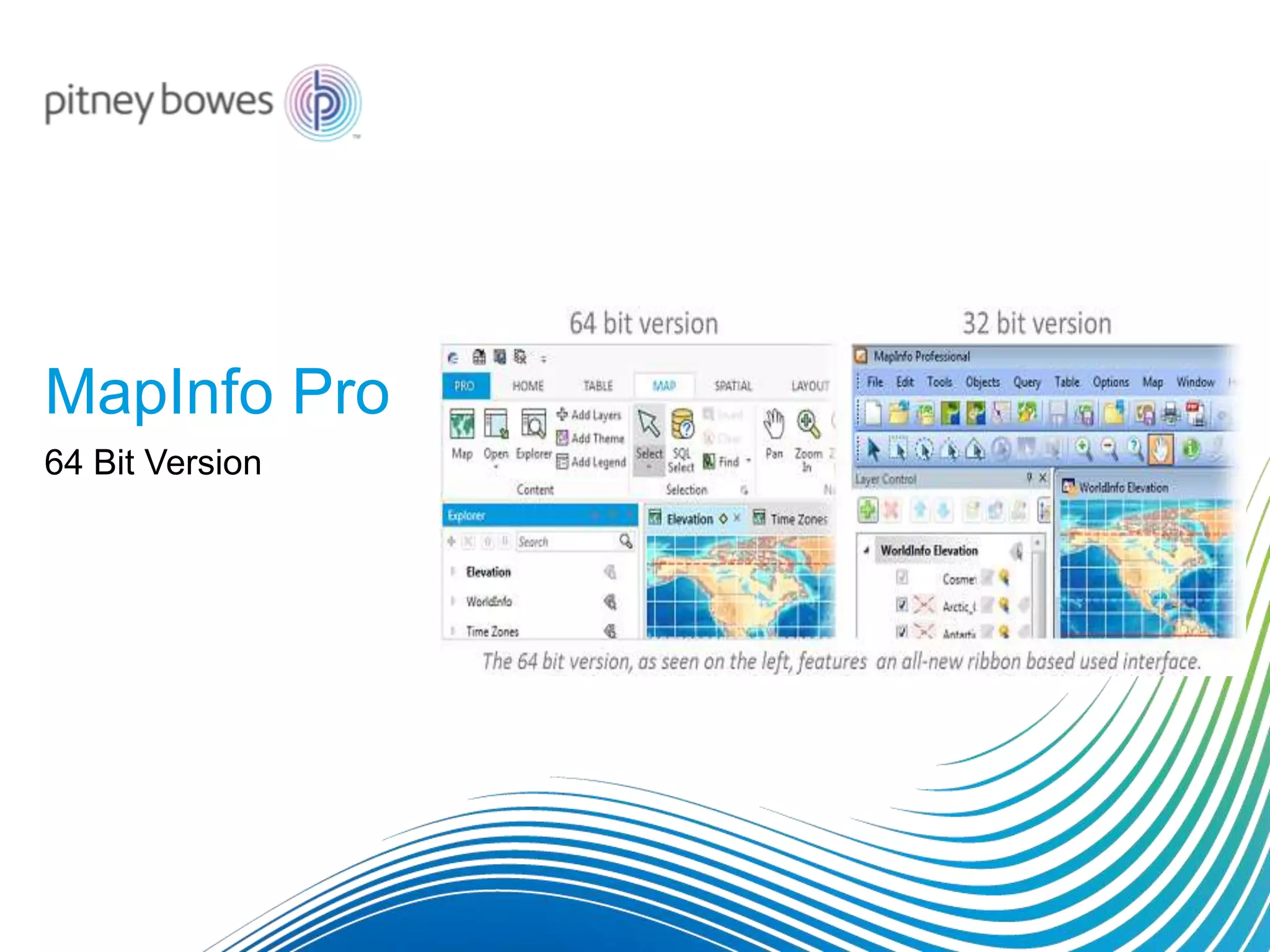
MapInfo Pro
64 Bit Version
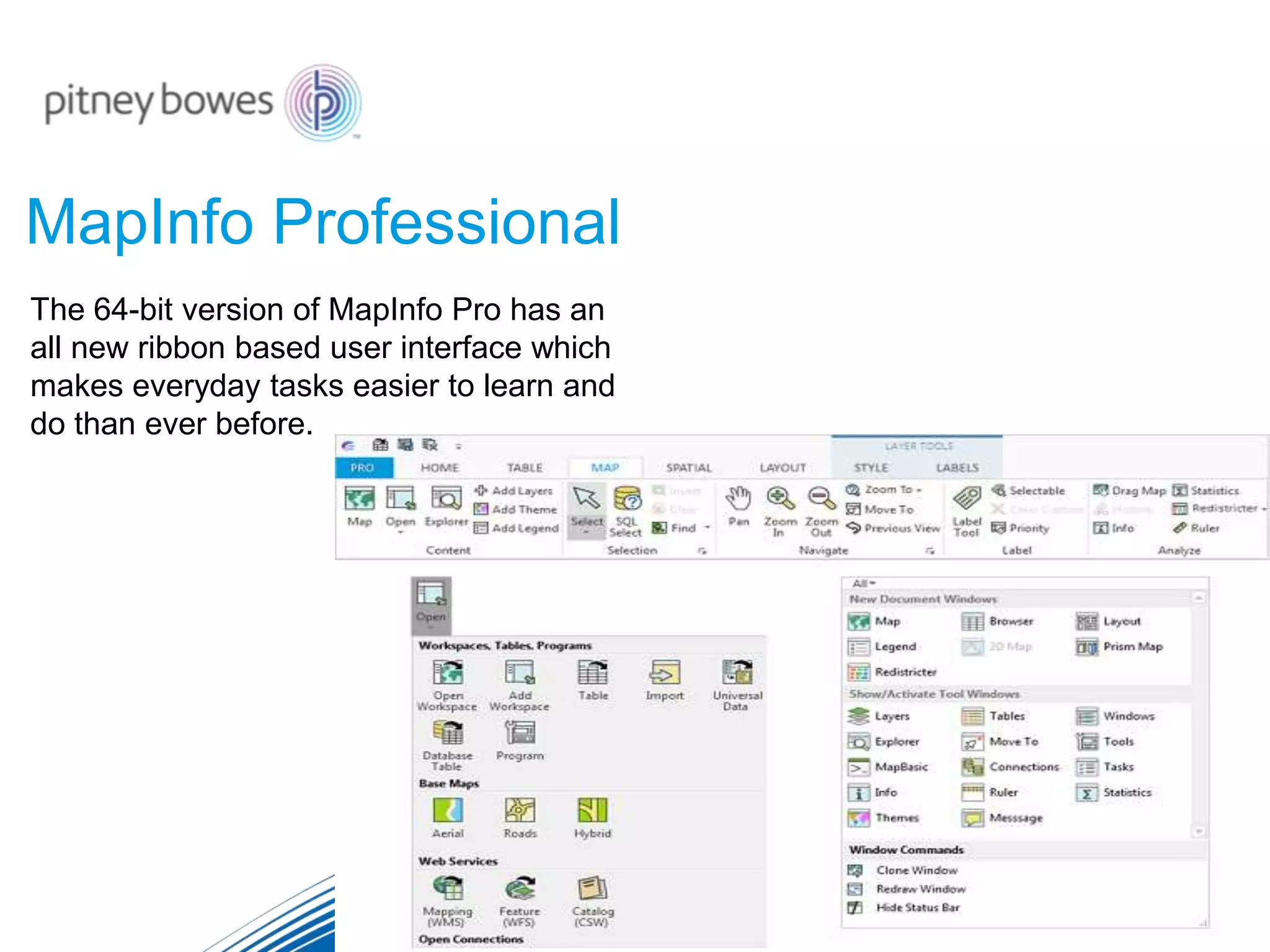
MapInfo Professional
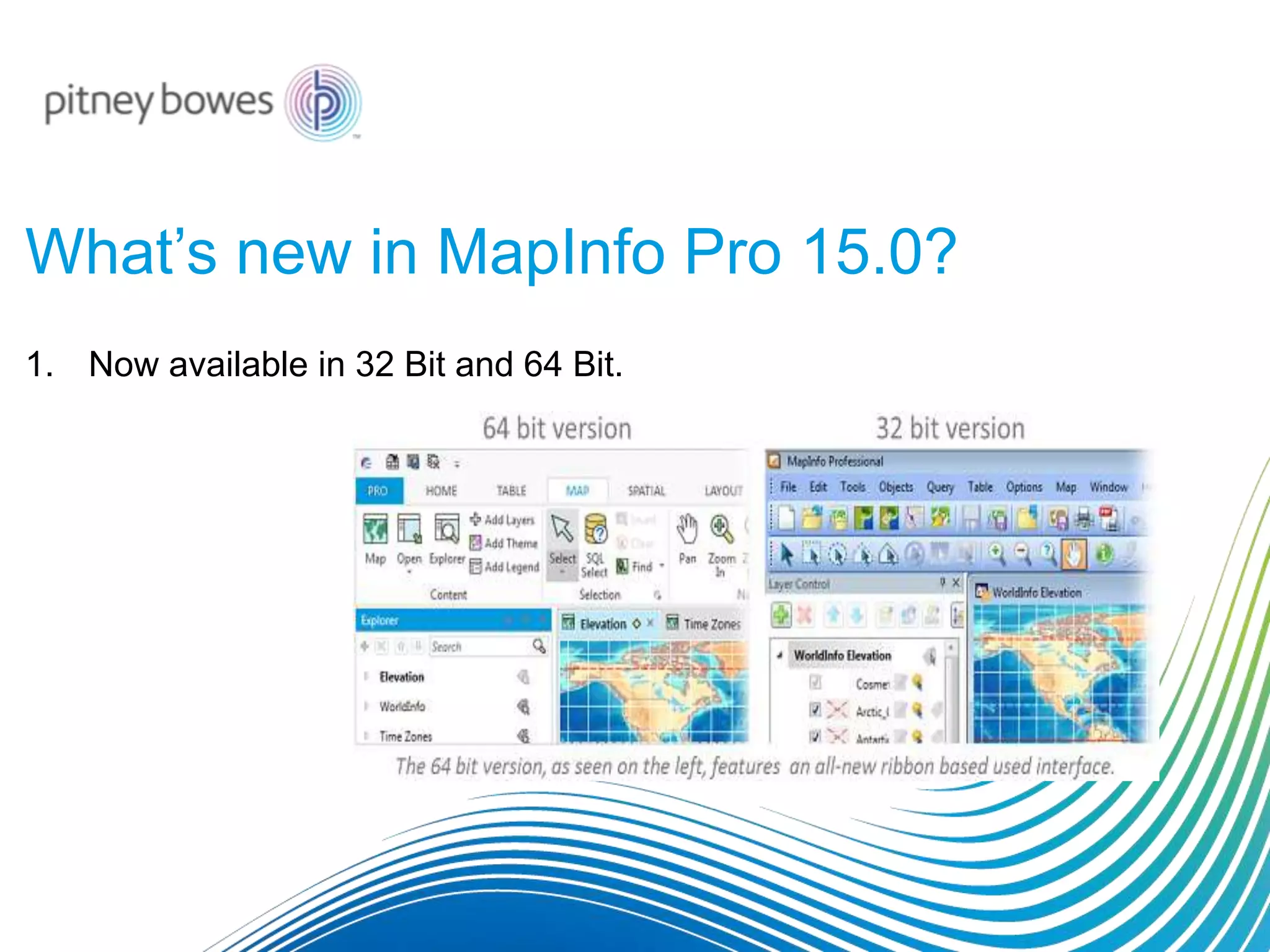
The 64-bit version of MapInfo Pro has an
all new ribbon based user interface which
makes everyday tasks easier to learn and
do than ever before.
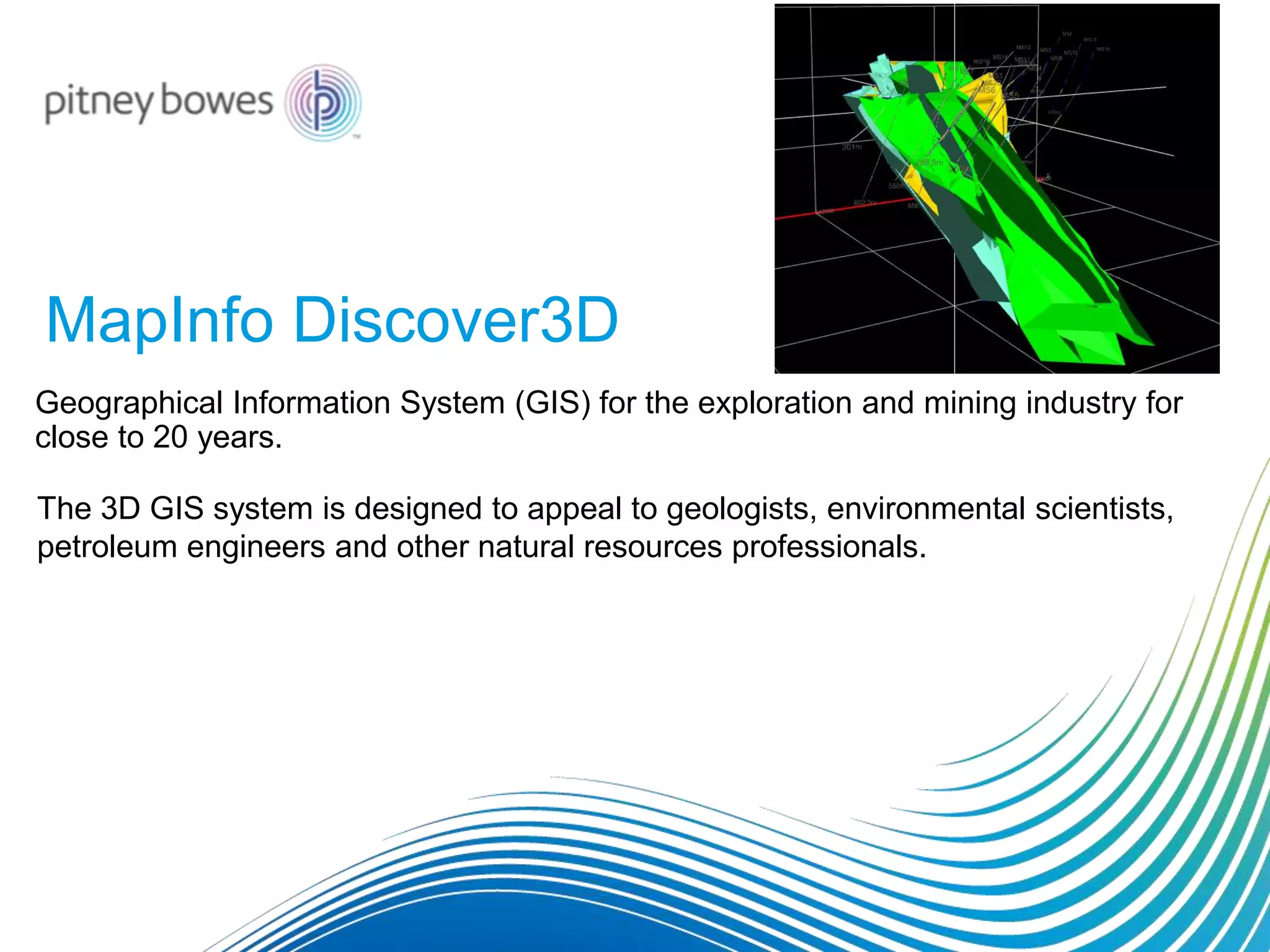
MapInfo Discover3D
Geographical Information System (GIS) for the exploration and mining industry for
close to 20 years.
The 3D GIS system is designed to appeal to geologists, environmental scientists,
petroleum engineers and other natural resources professionals.
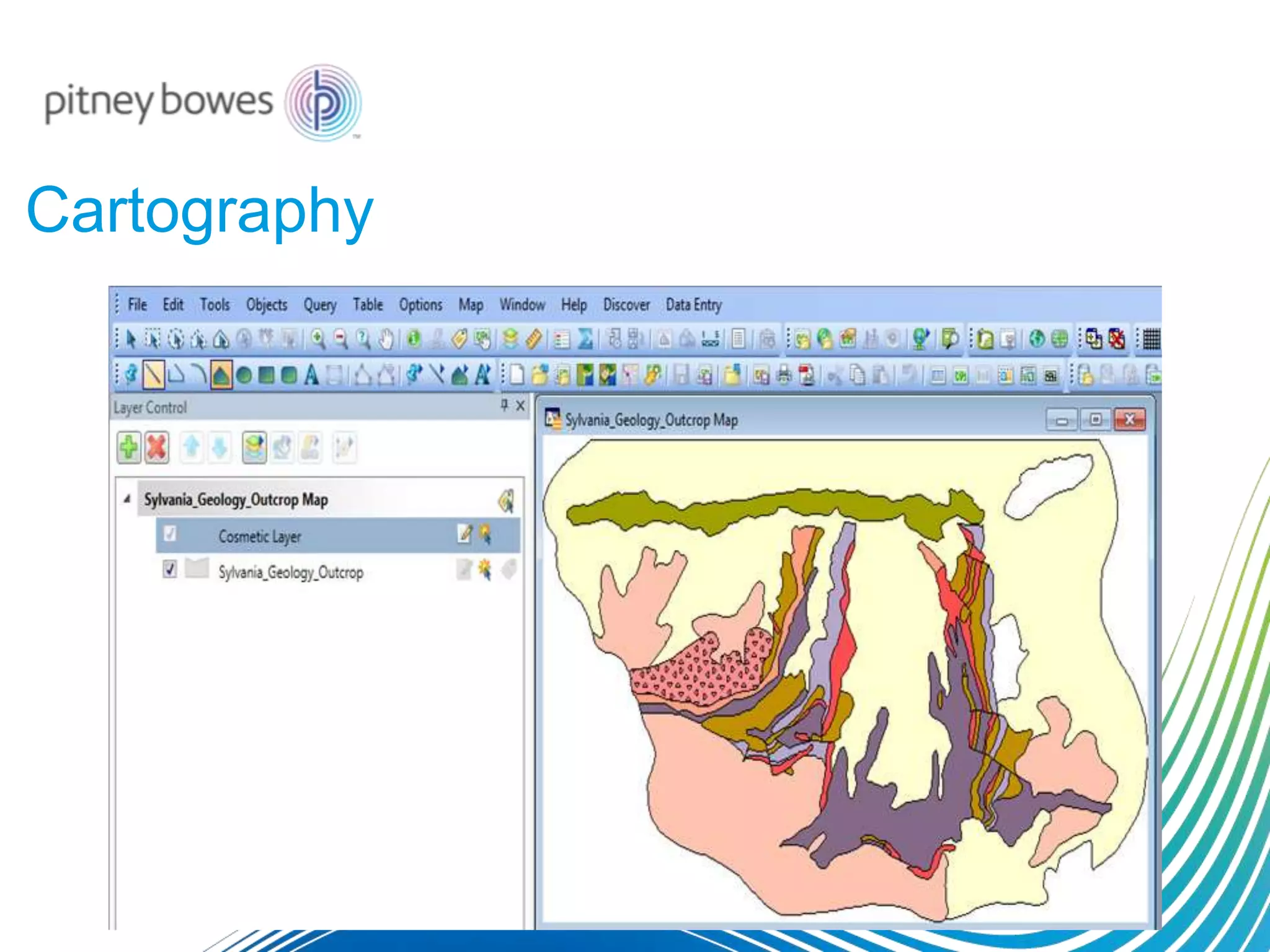
Cartography
Cartography
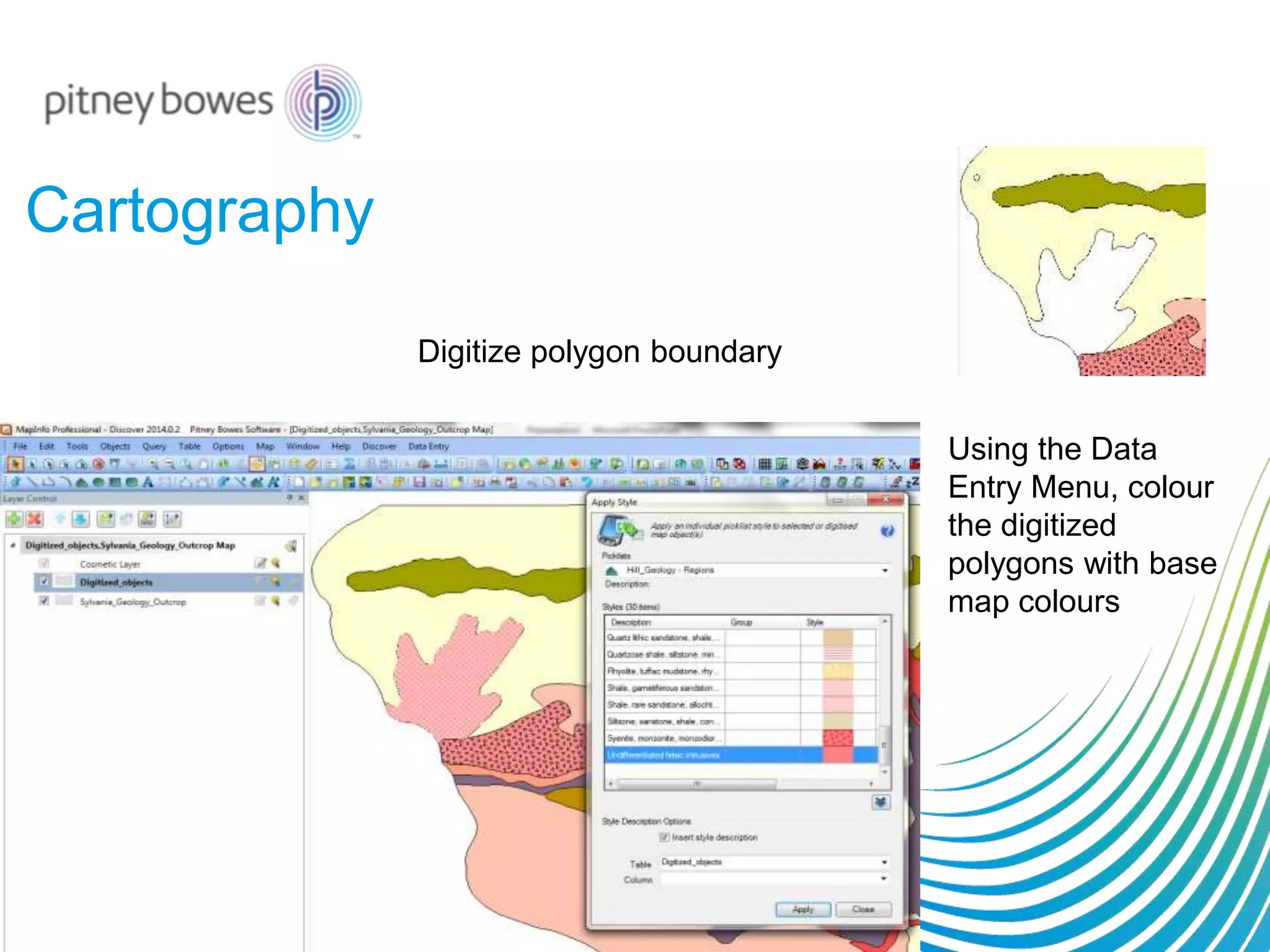
Digitize polygon boundary
Using the Data
Entry Menu, colour
the digitized
polygons with base
map colours
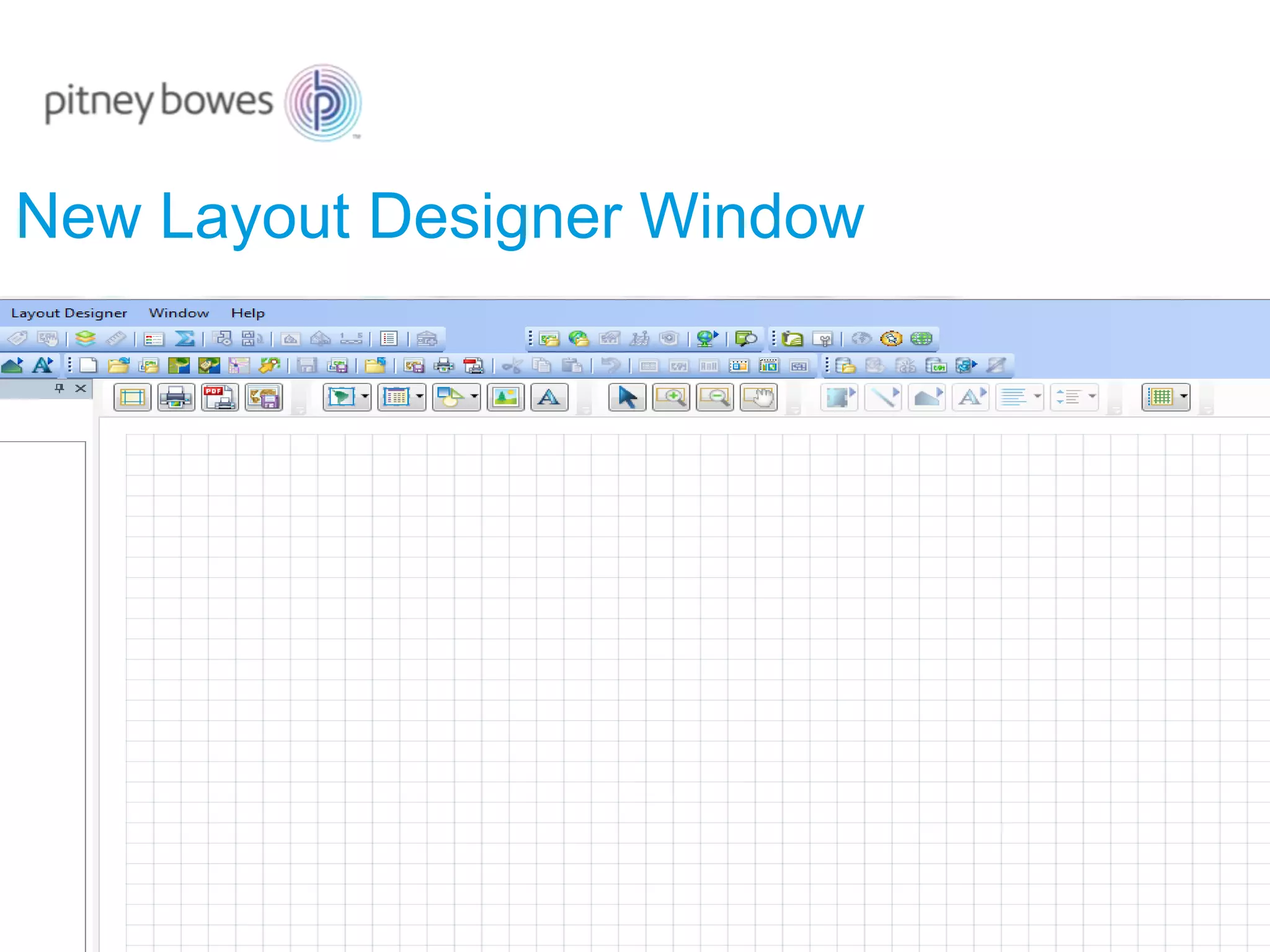
New Layout Designer Window
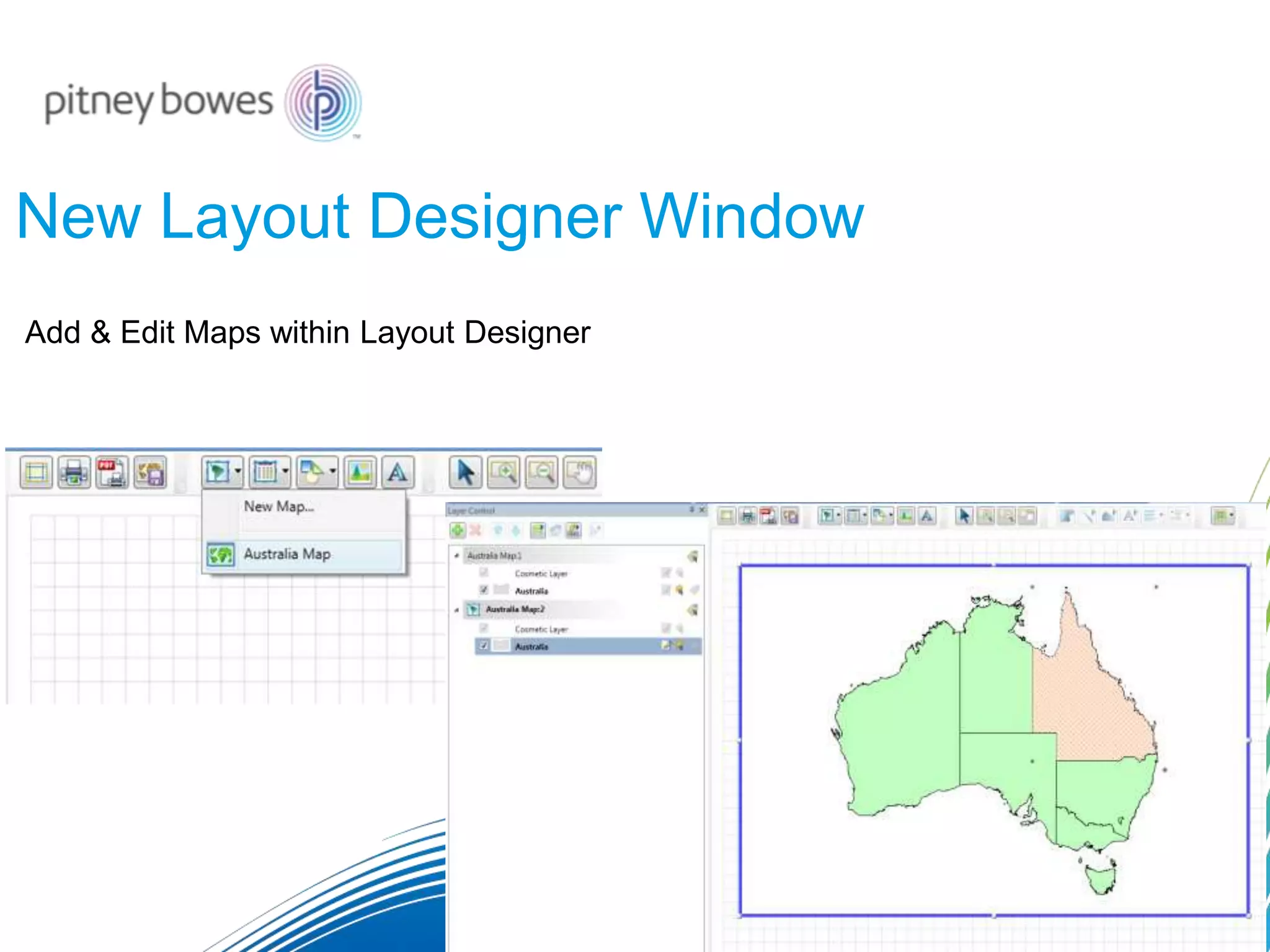
Add & Edit Maps within Layout Designer
New Layout Designer Window
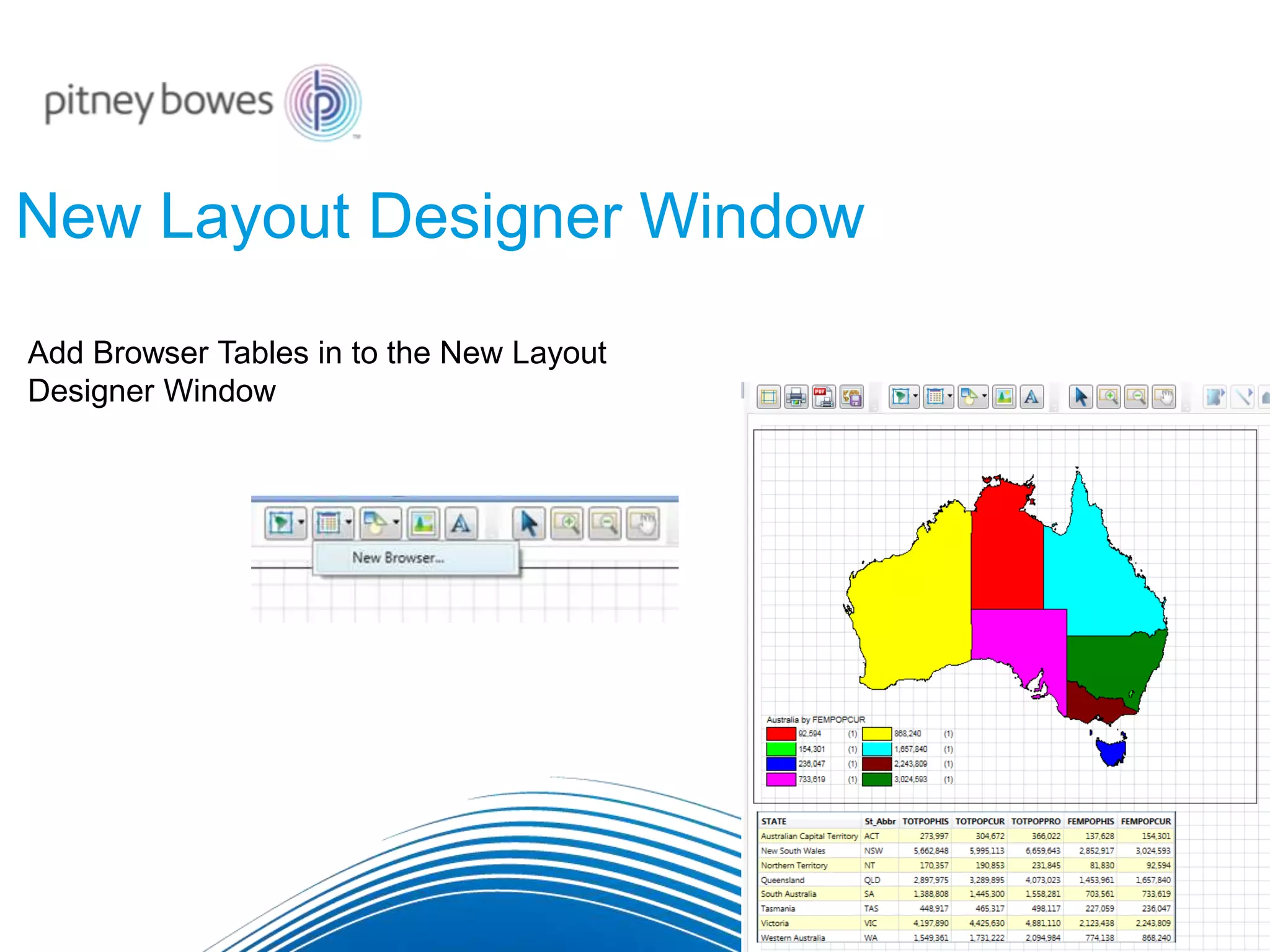
Add Browser Tables in to the New Layout
Designer Window
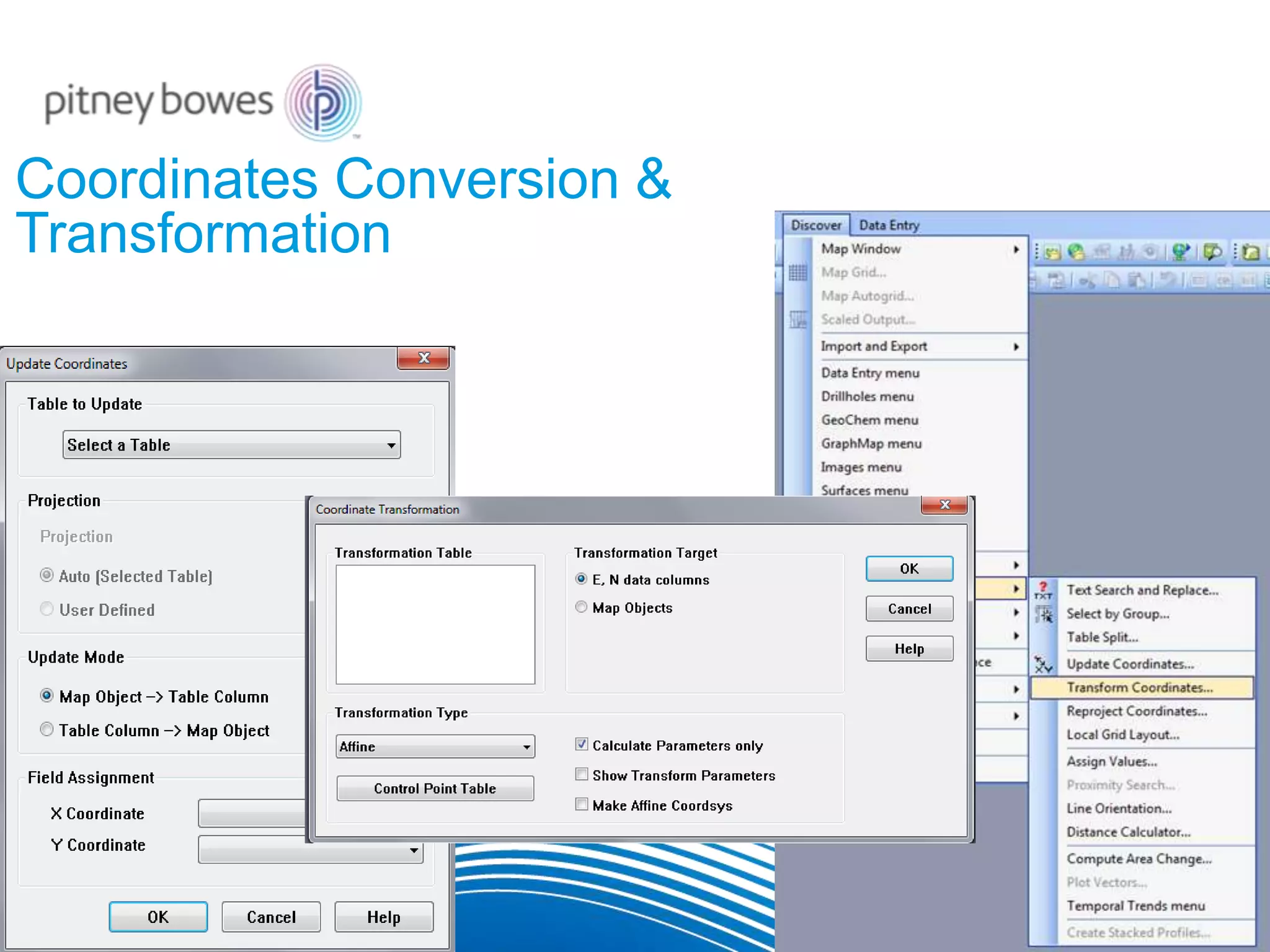
Coordinates Conversion &
Transformation
Spatial Analysis (2D and 3D)
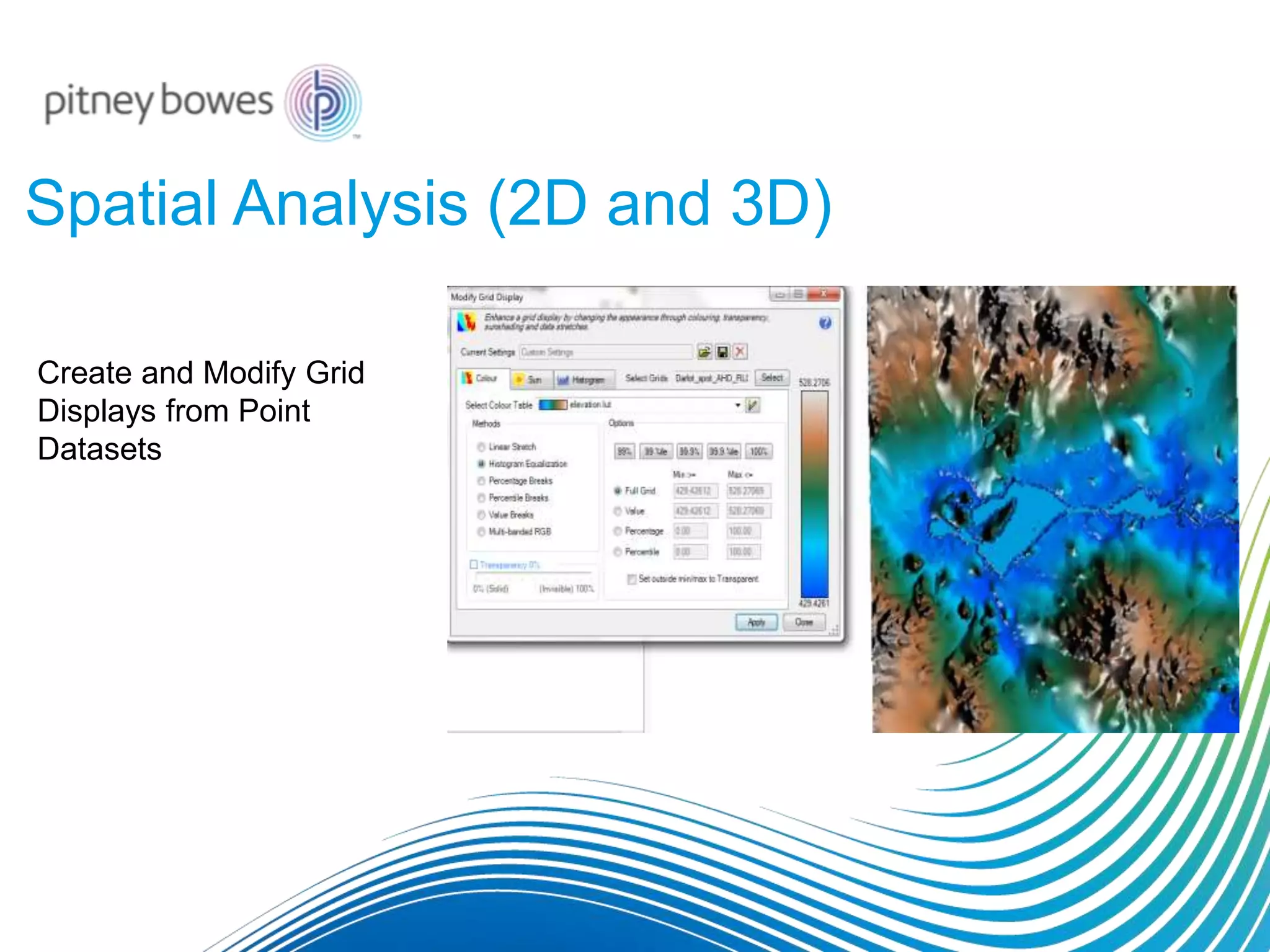
Create and Modify Grid
Displays from Point
Datasets
Spatial Analysis (2D and 3D)
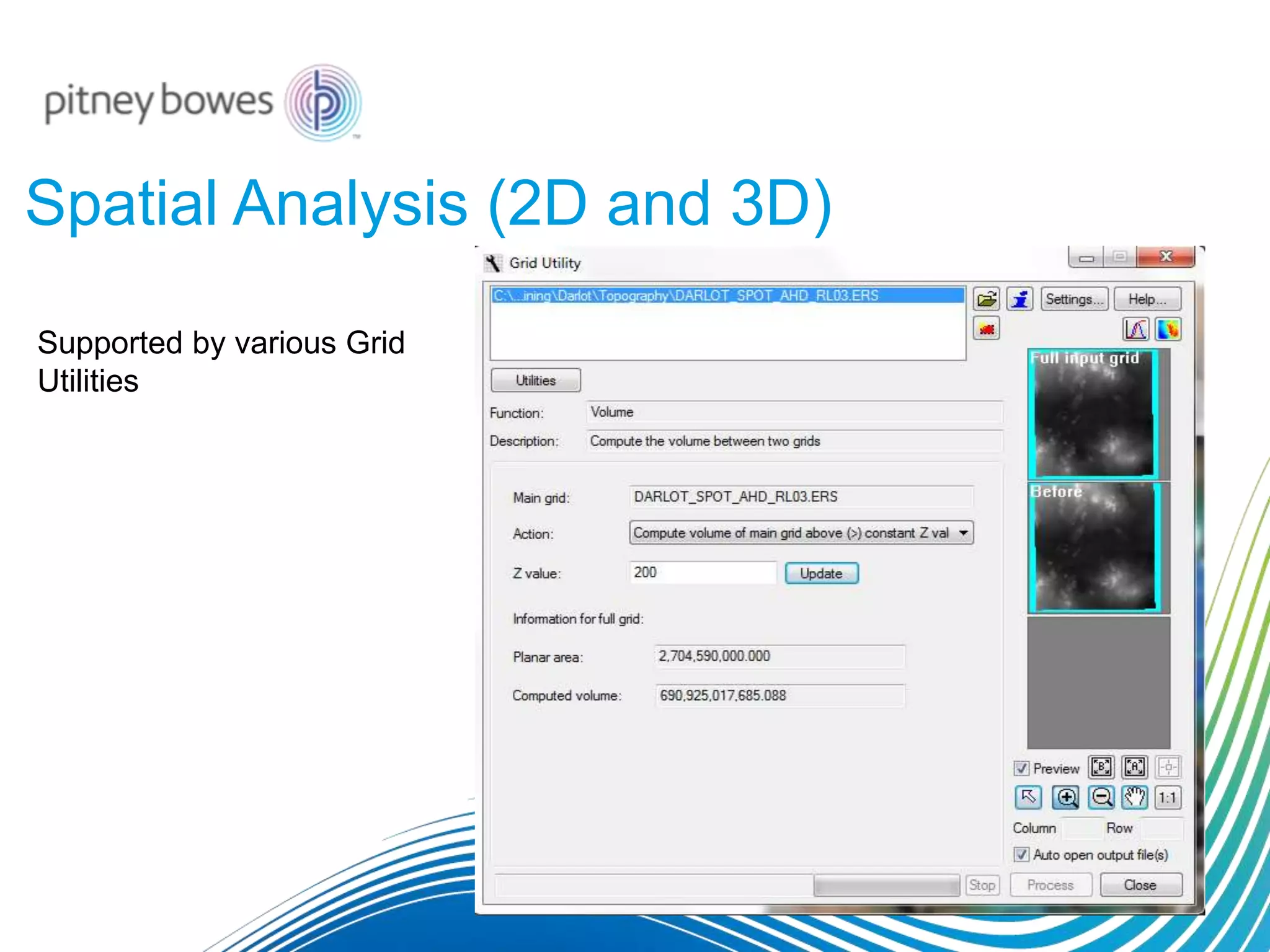
Supported by various Grid
Utilities
Spatial Analysis (2D and 3D)
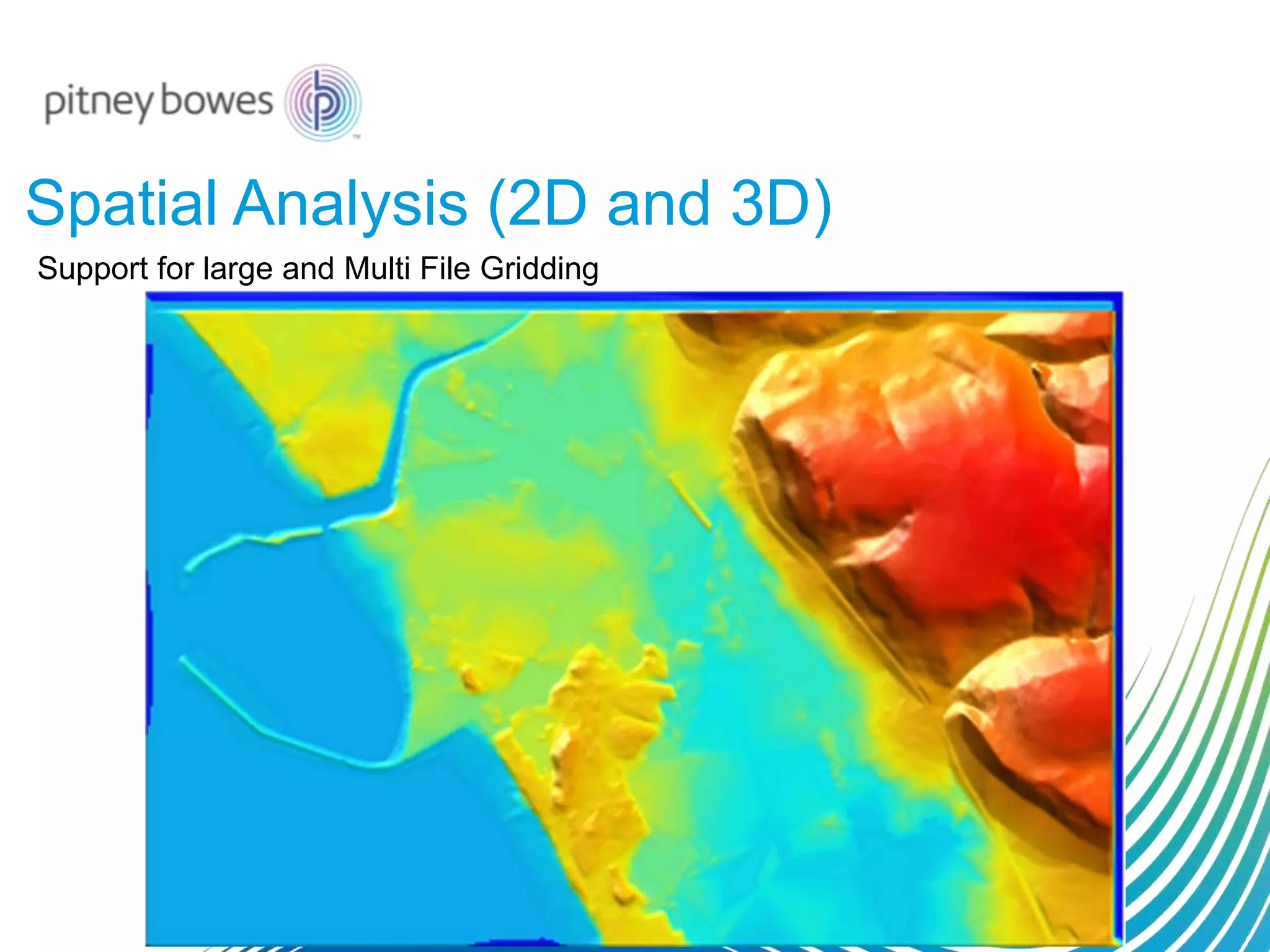
Support for large and Multi File Gridding
Spatial Analysis (2D and 3D)
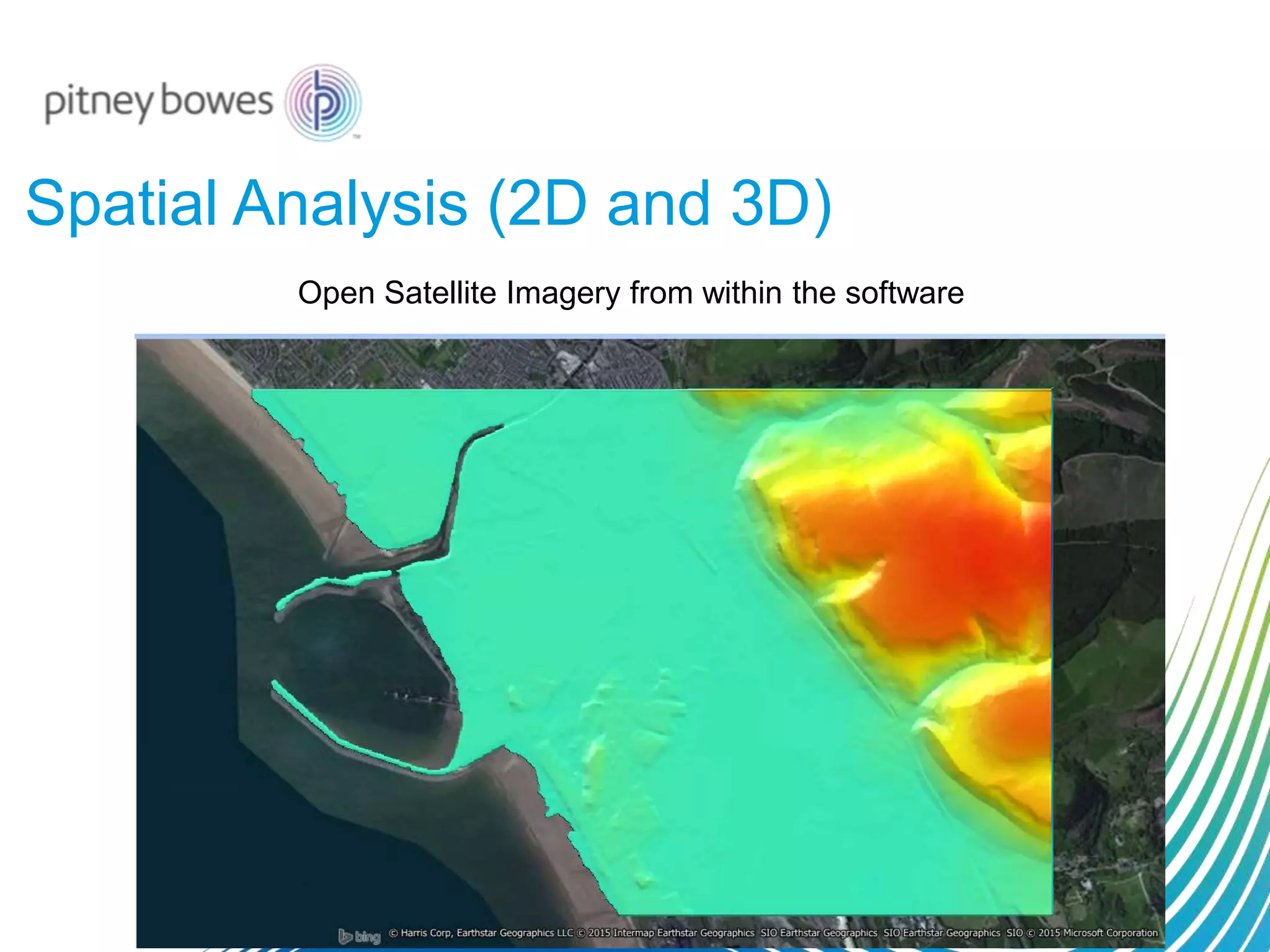
Open Satellite Imagery from within the software
Spatial Analysis (2D and 3D)
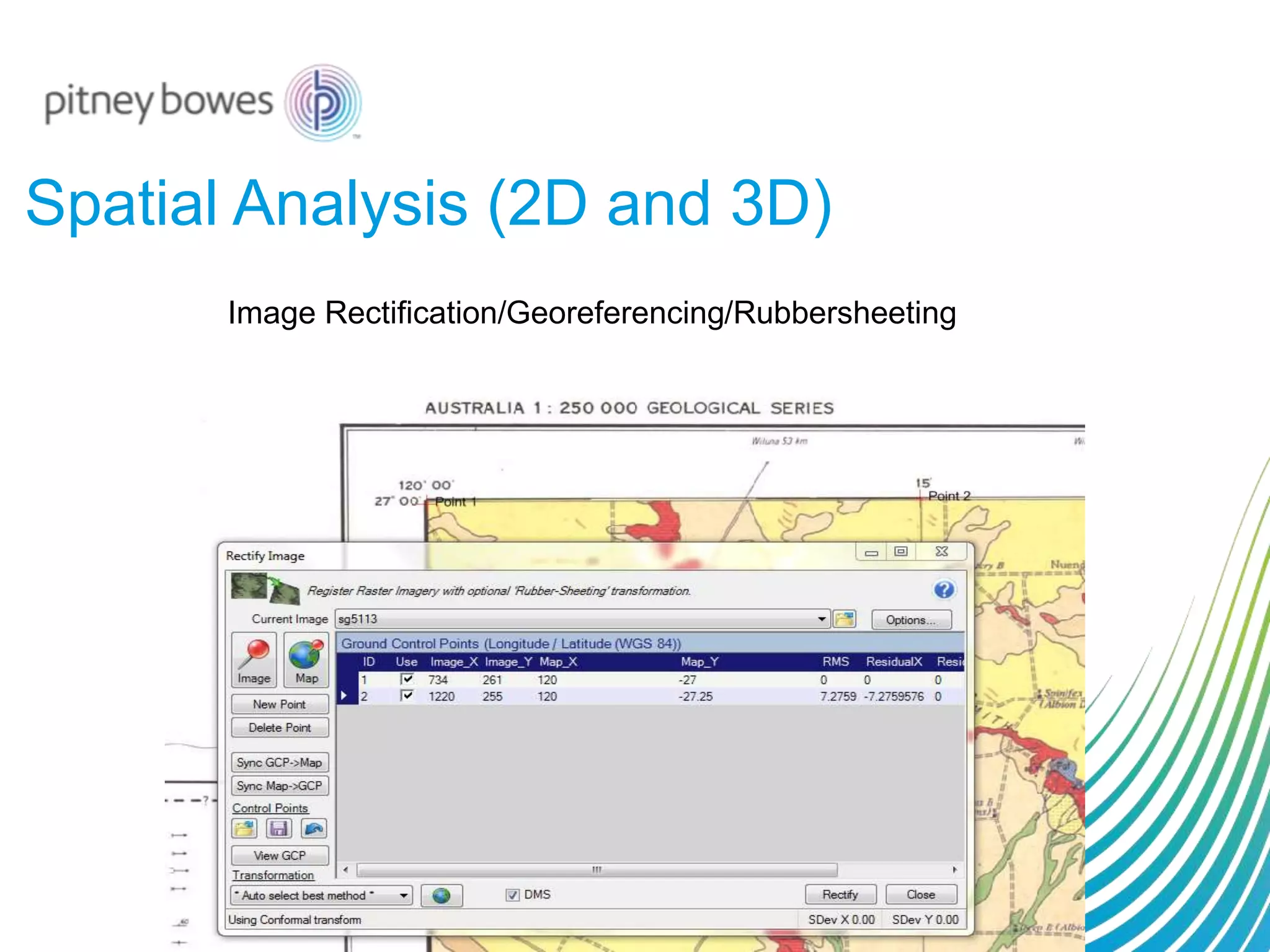
Image Rectification/Georeferencing/Rubbersheeting
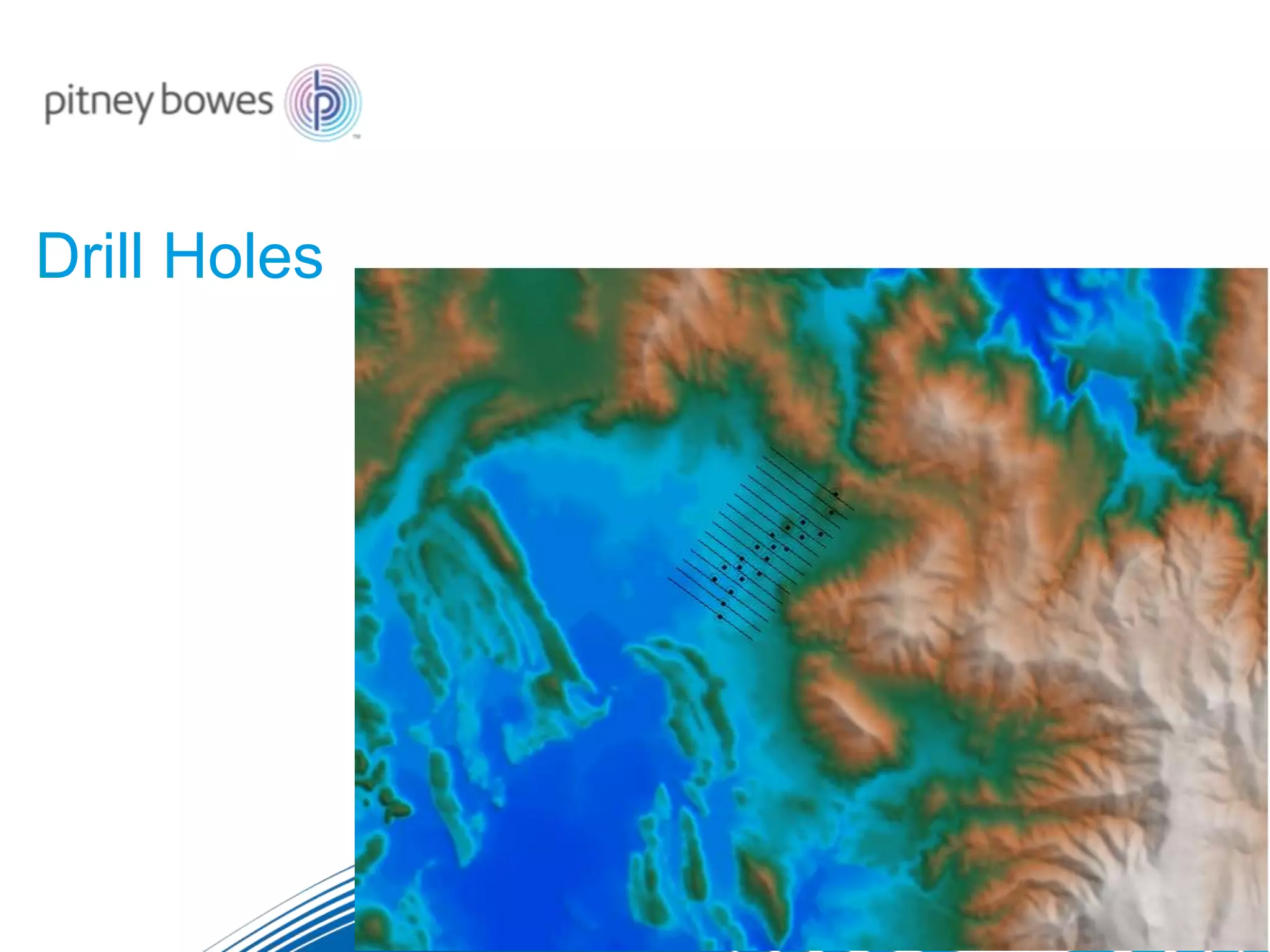
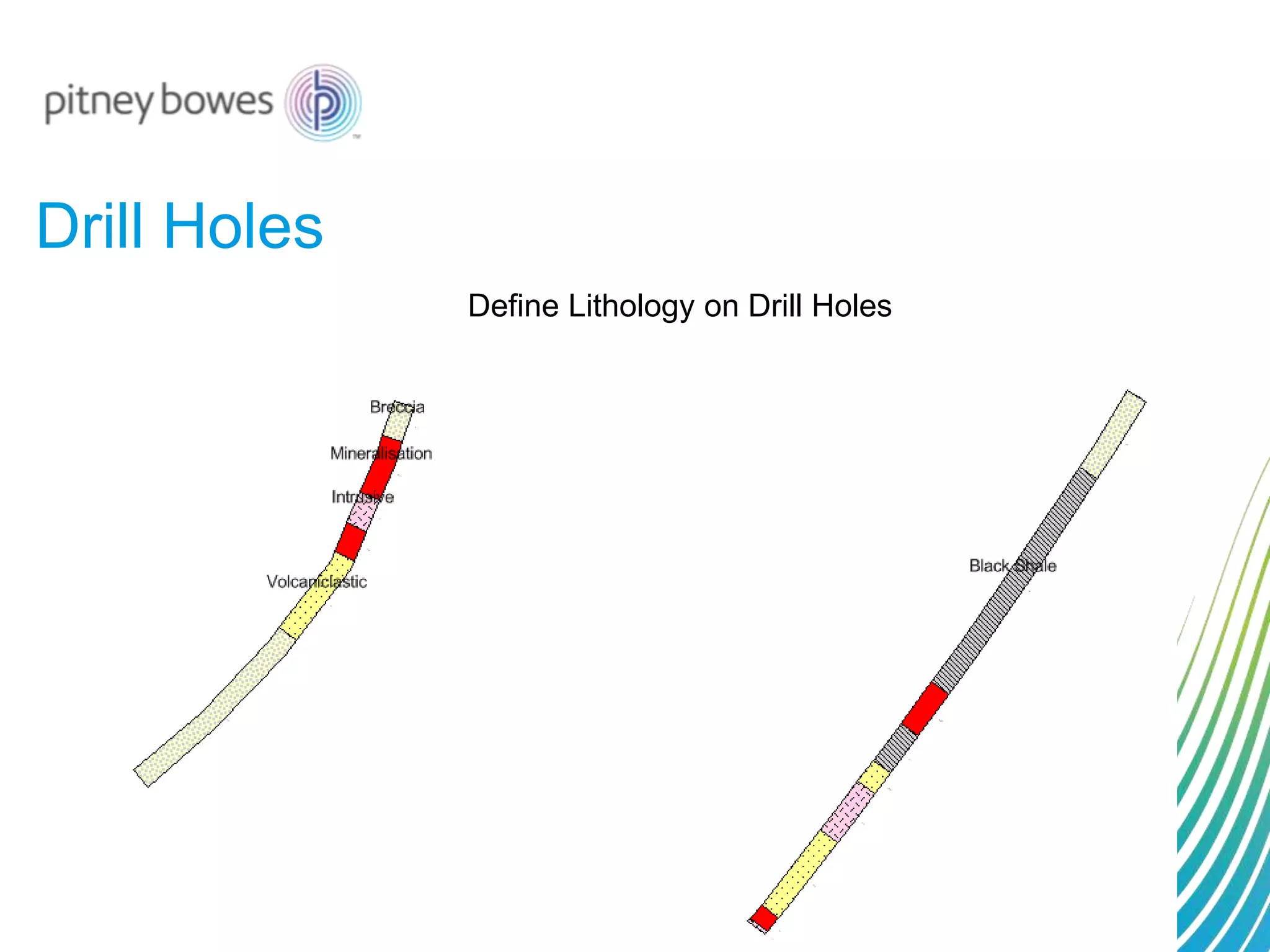
Drill Holes
Drill Holes
Define Lithology on Drill Holes
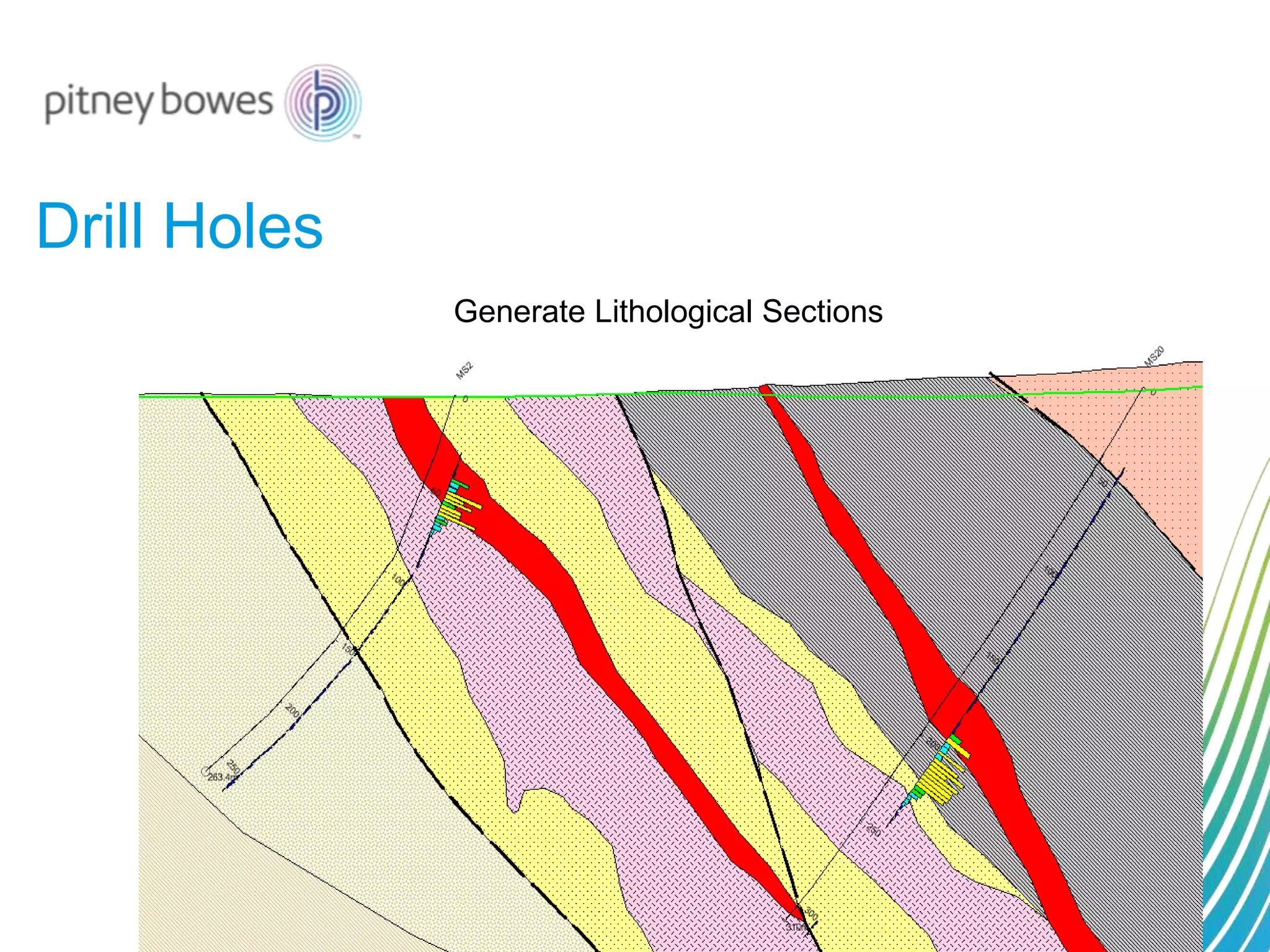
Drill Holes
Generate Lithological Sections
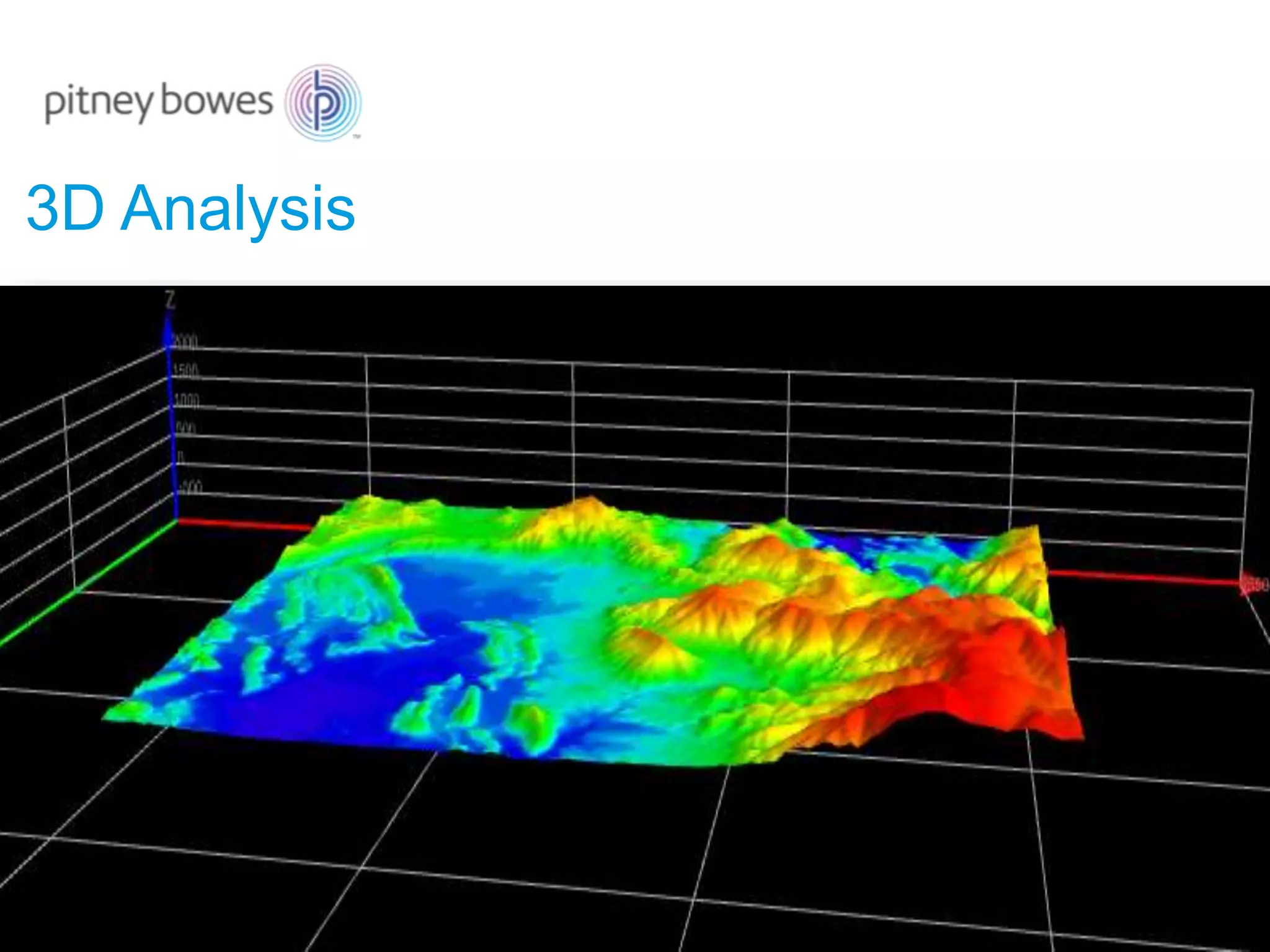
3D Analysis
3D Analysis
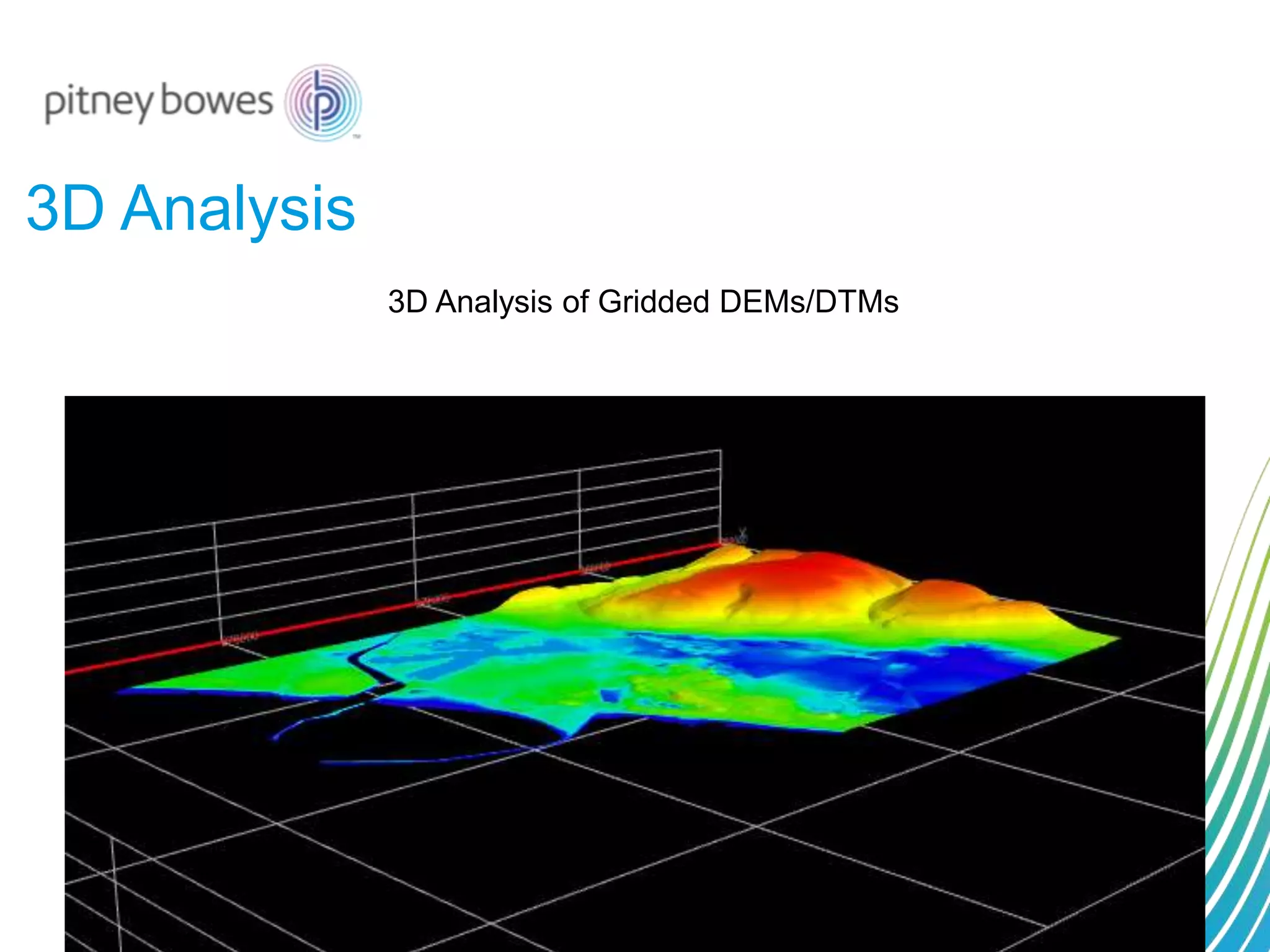
3D Analysis of Gridded DEMs/DTMs
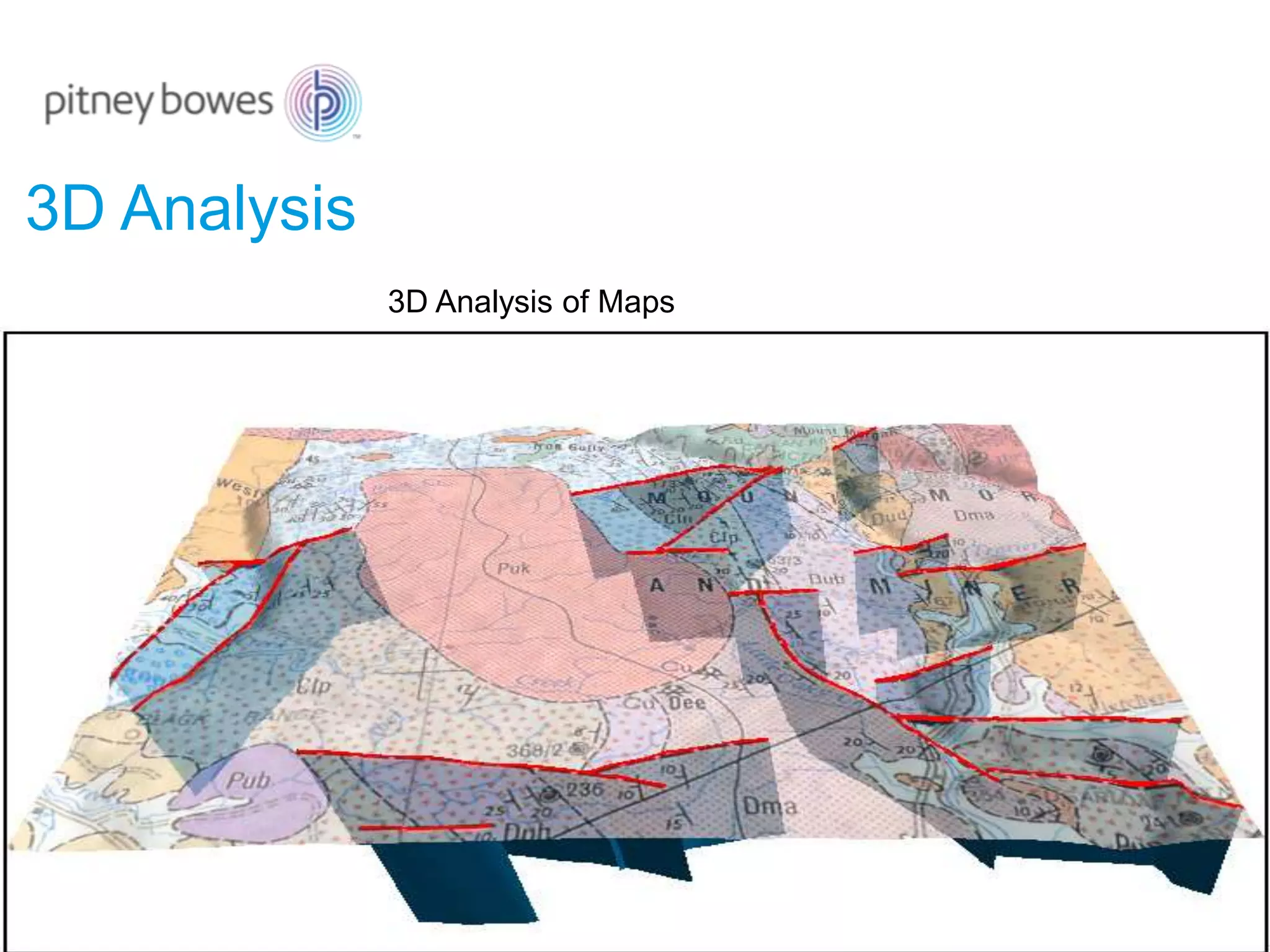
3D Analysis
3D Analysis of Maps
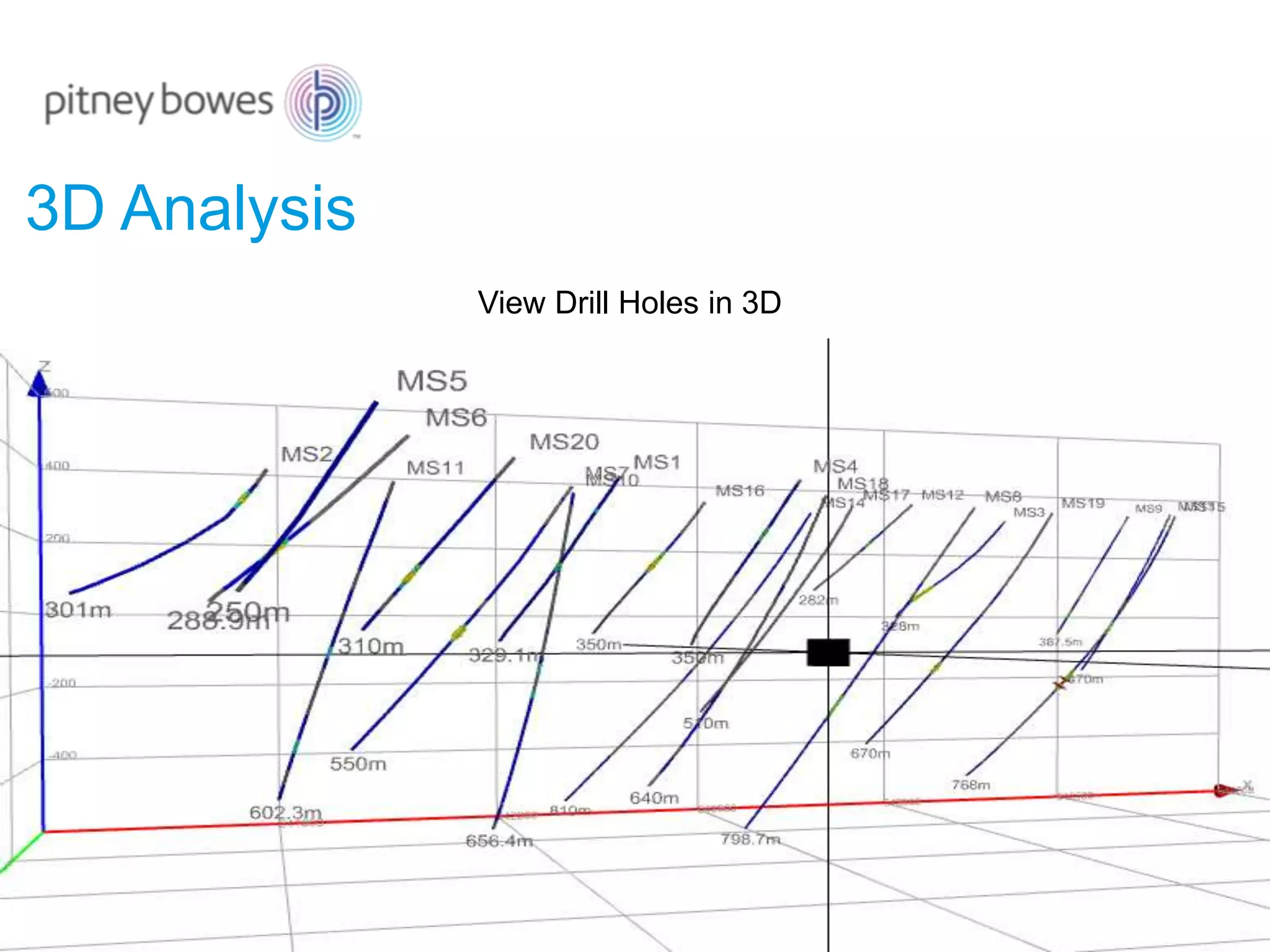
3D Analysis
View Drill Holes in 3D
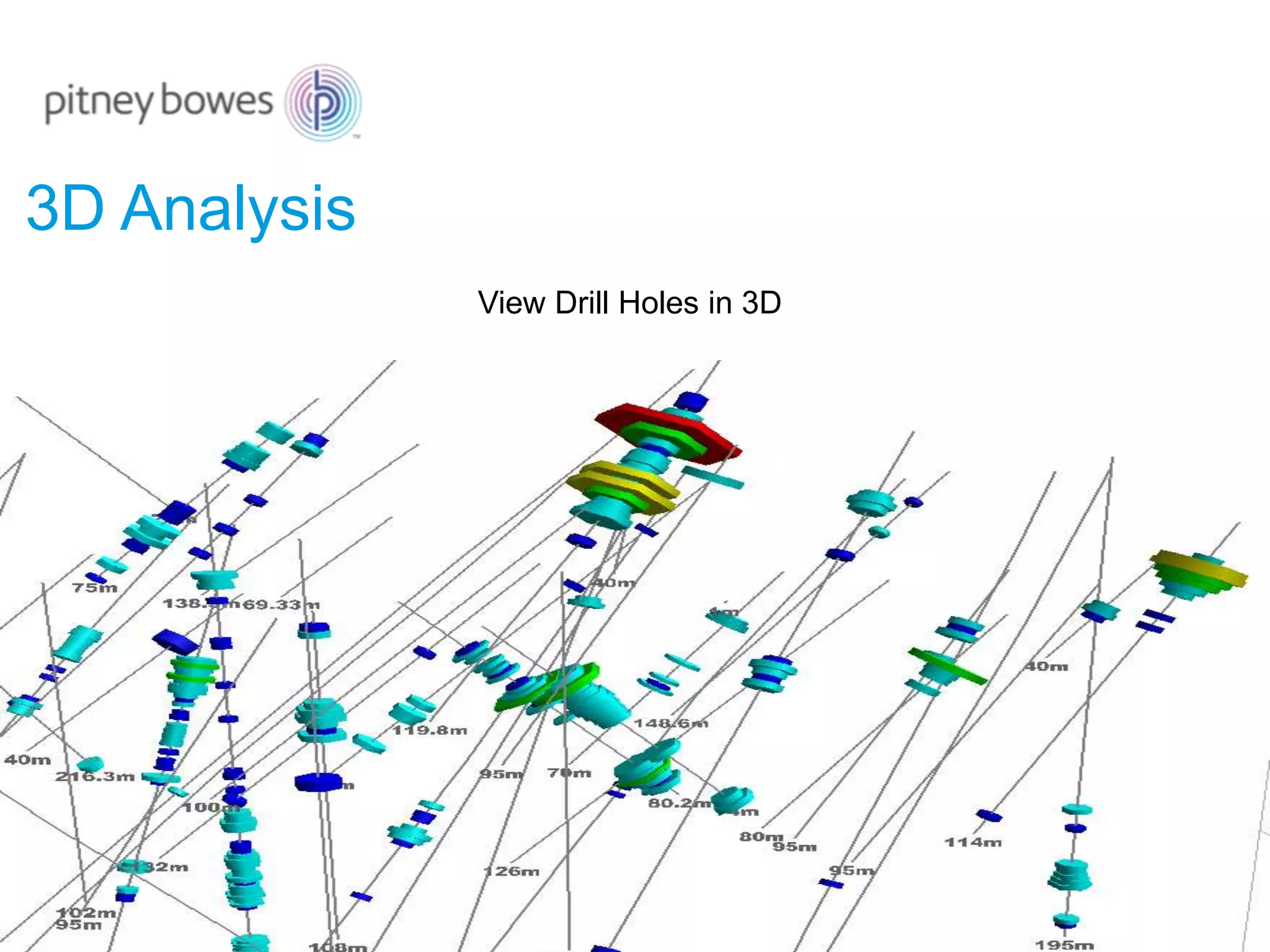
3D Analysis
View Drill Holes in 3D
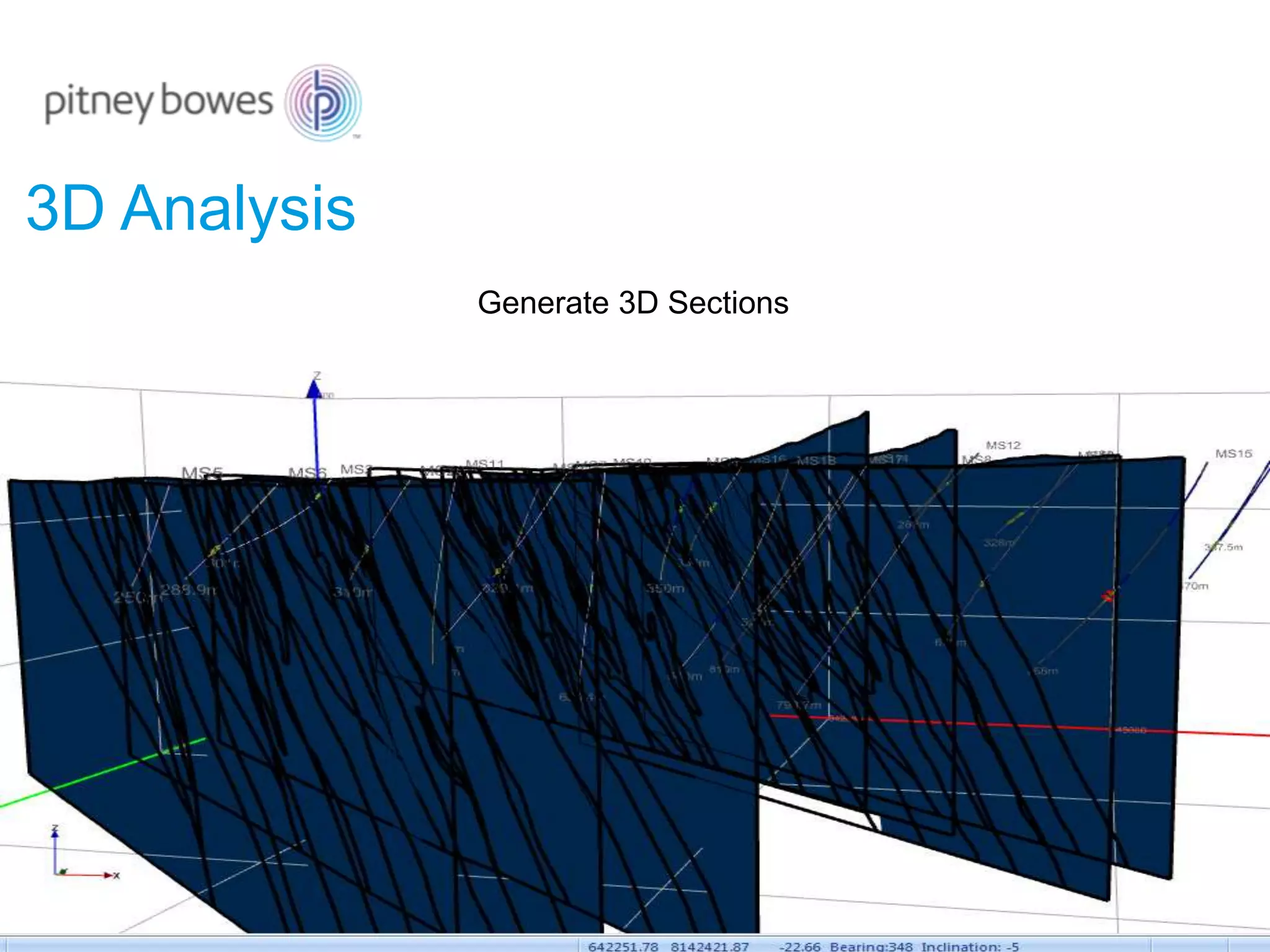
3D Analysis
Generate 3D Sections
3D Analysis
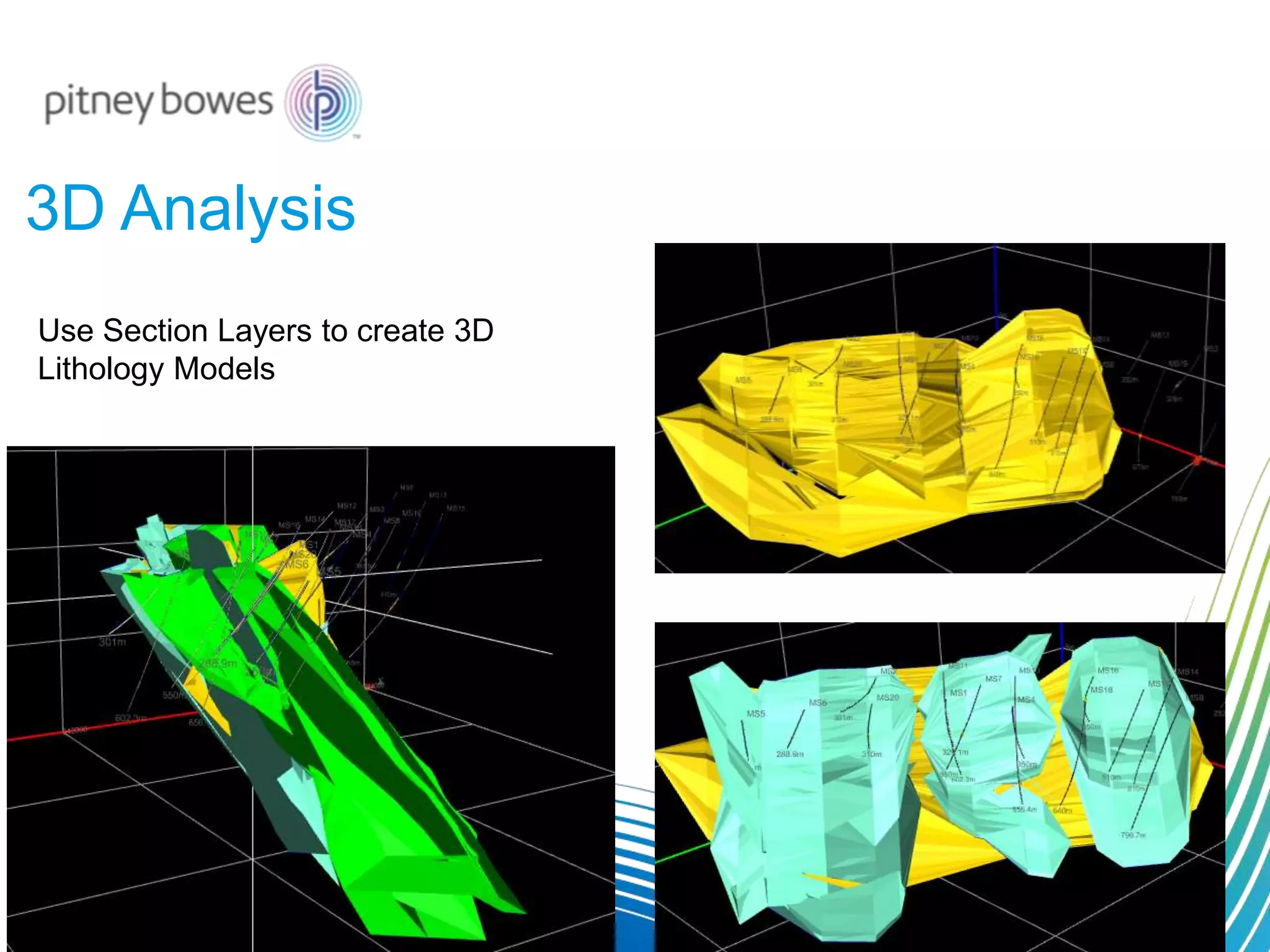
Use Section Layers to create 3D
Lithology Models
3D Analysis
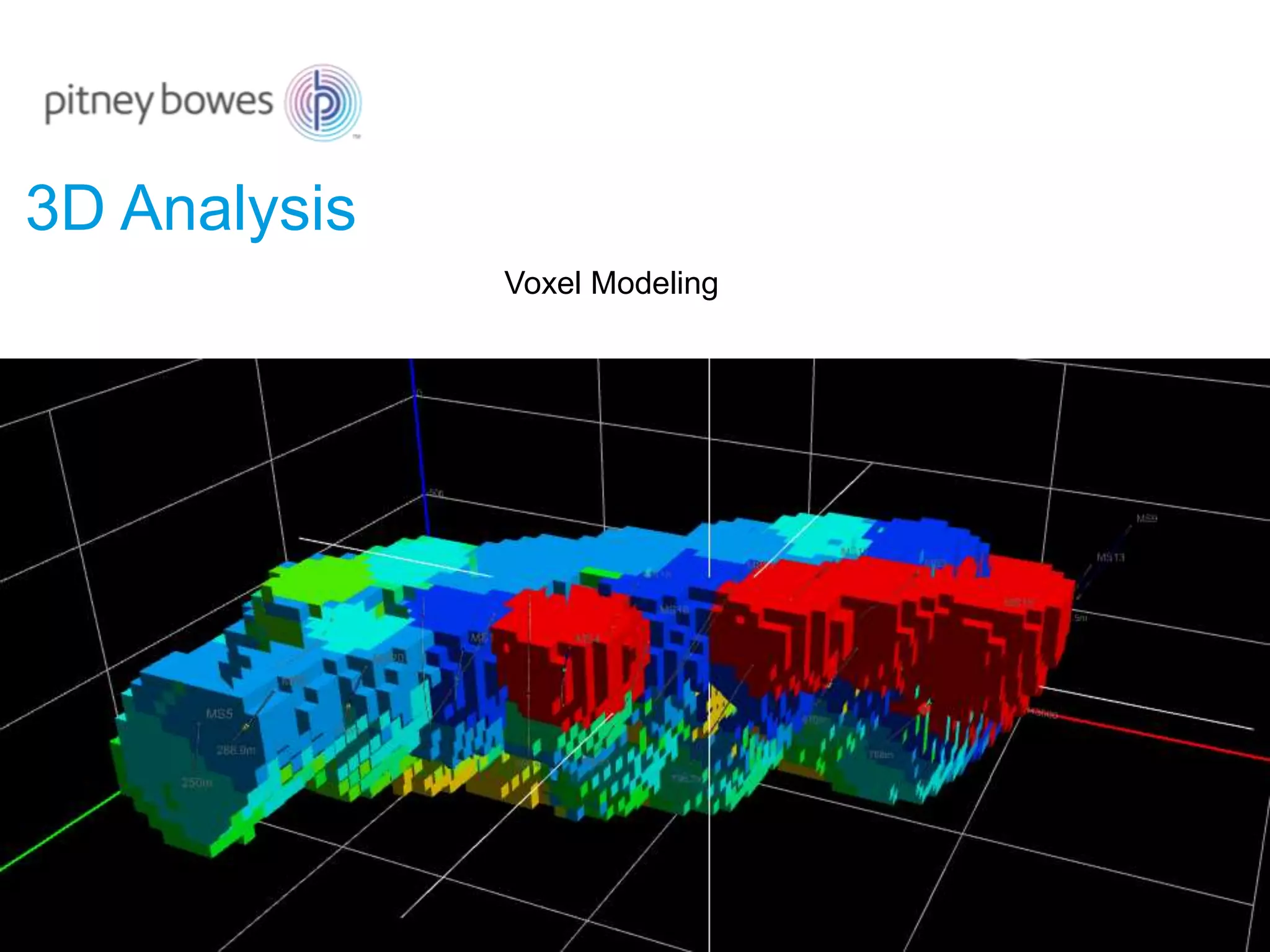
Voxel Modeling
3D Analysis
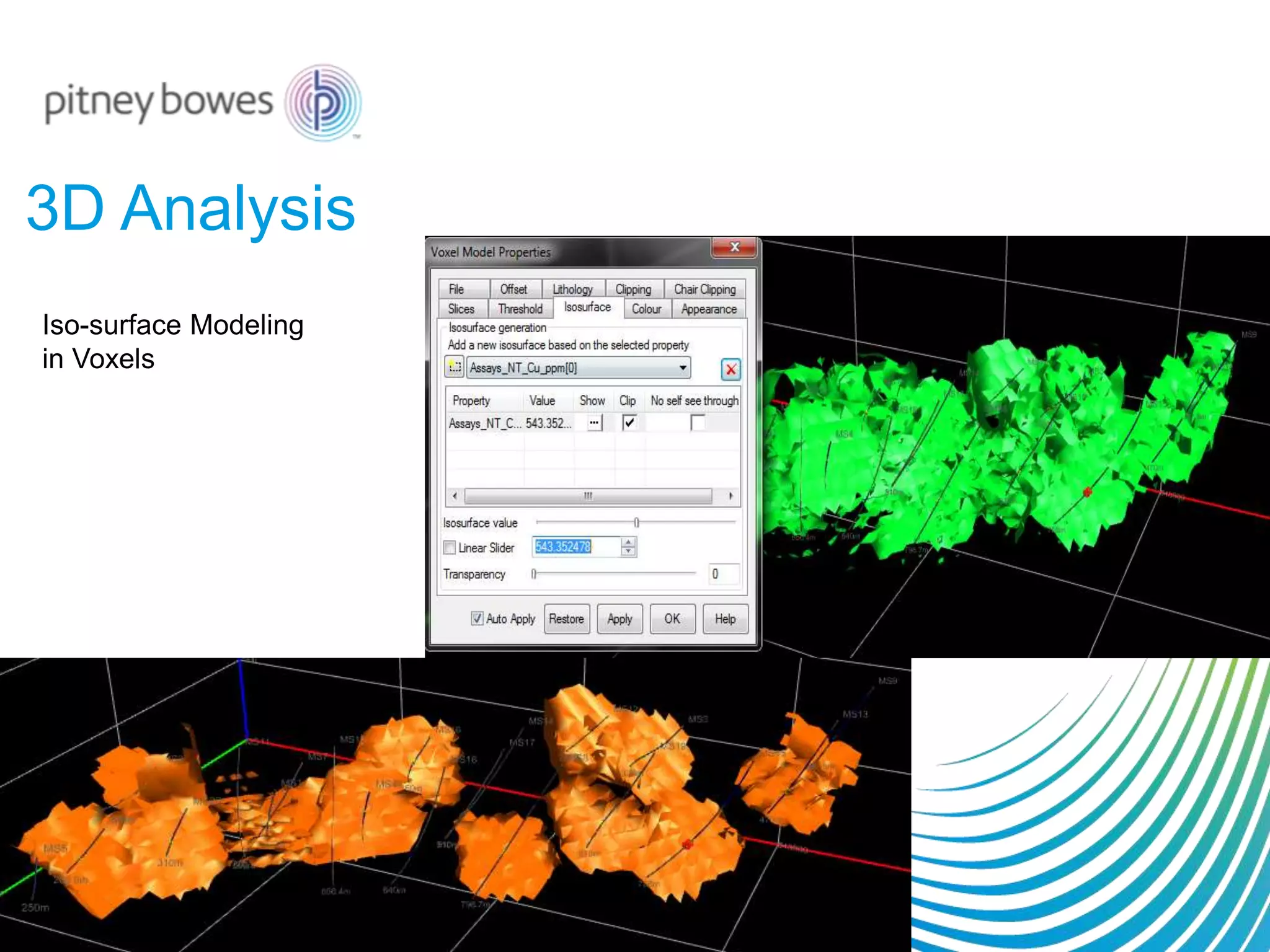
Iso-surface Modeling
in Voxels
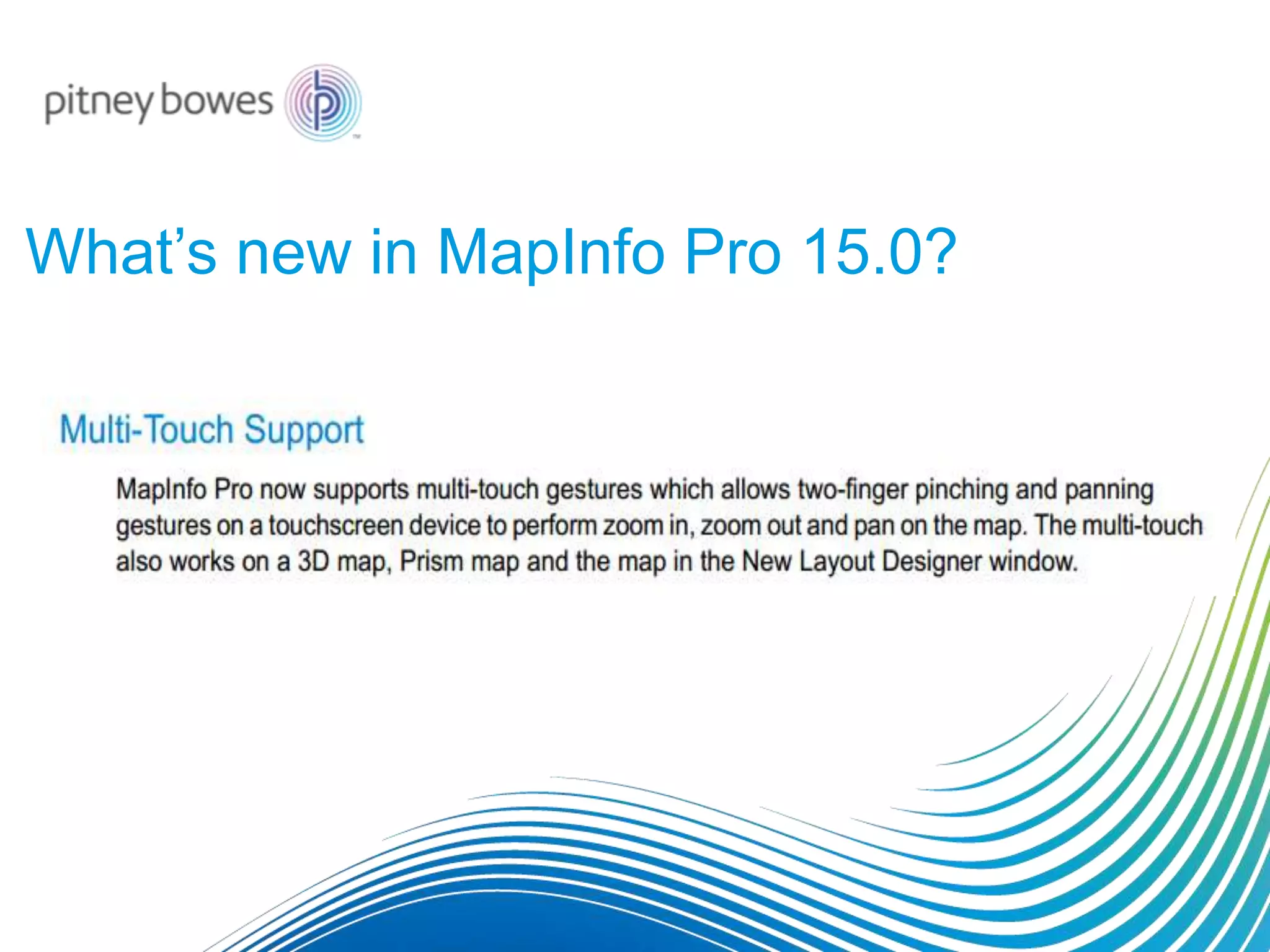
What’s new in MapInfo Pro 15.0?
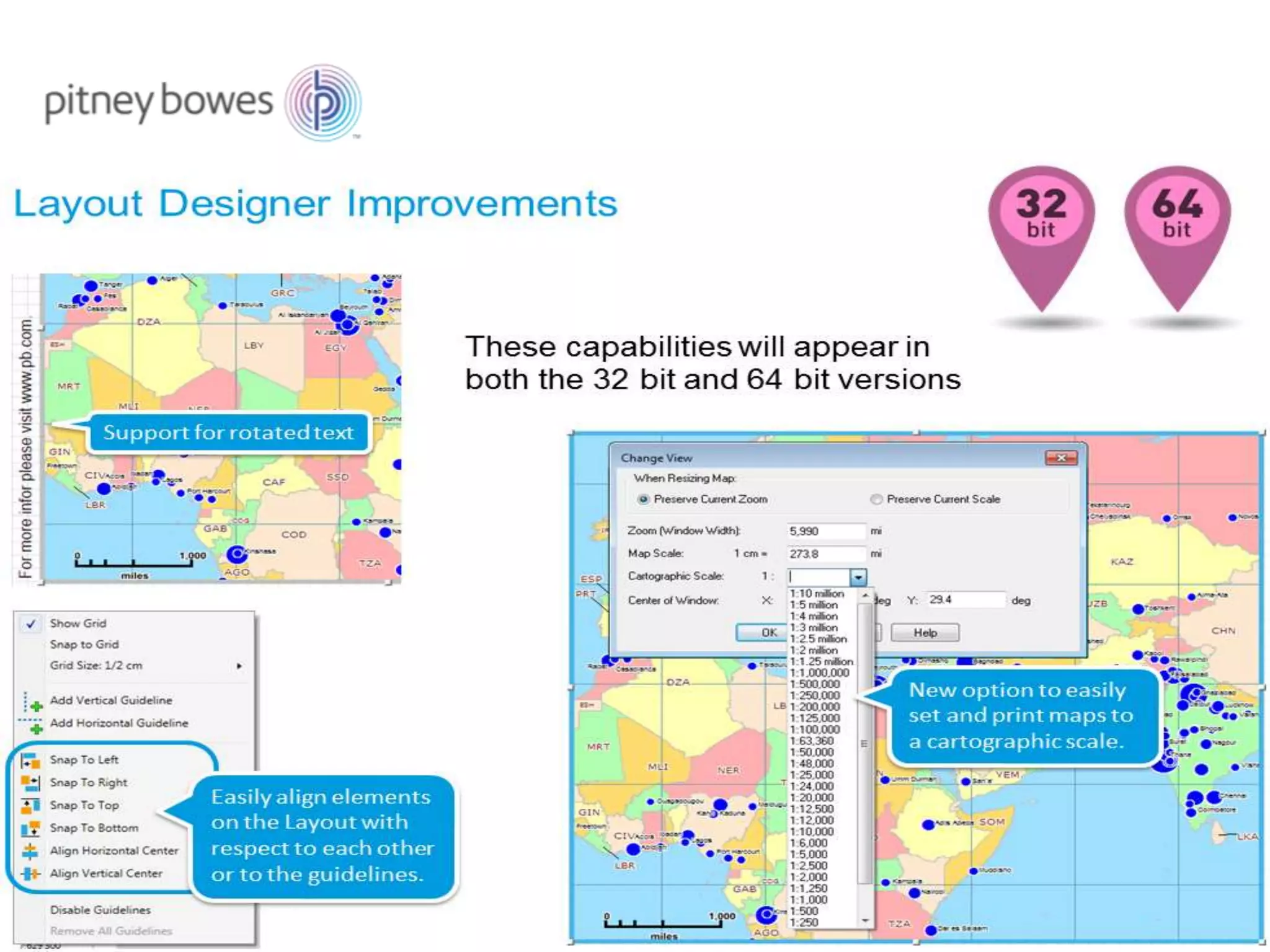
1. Now available in 32 Bit and 64 Bit.
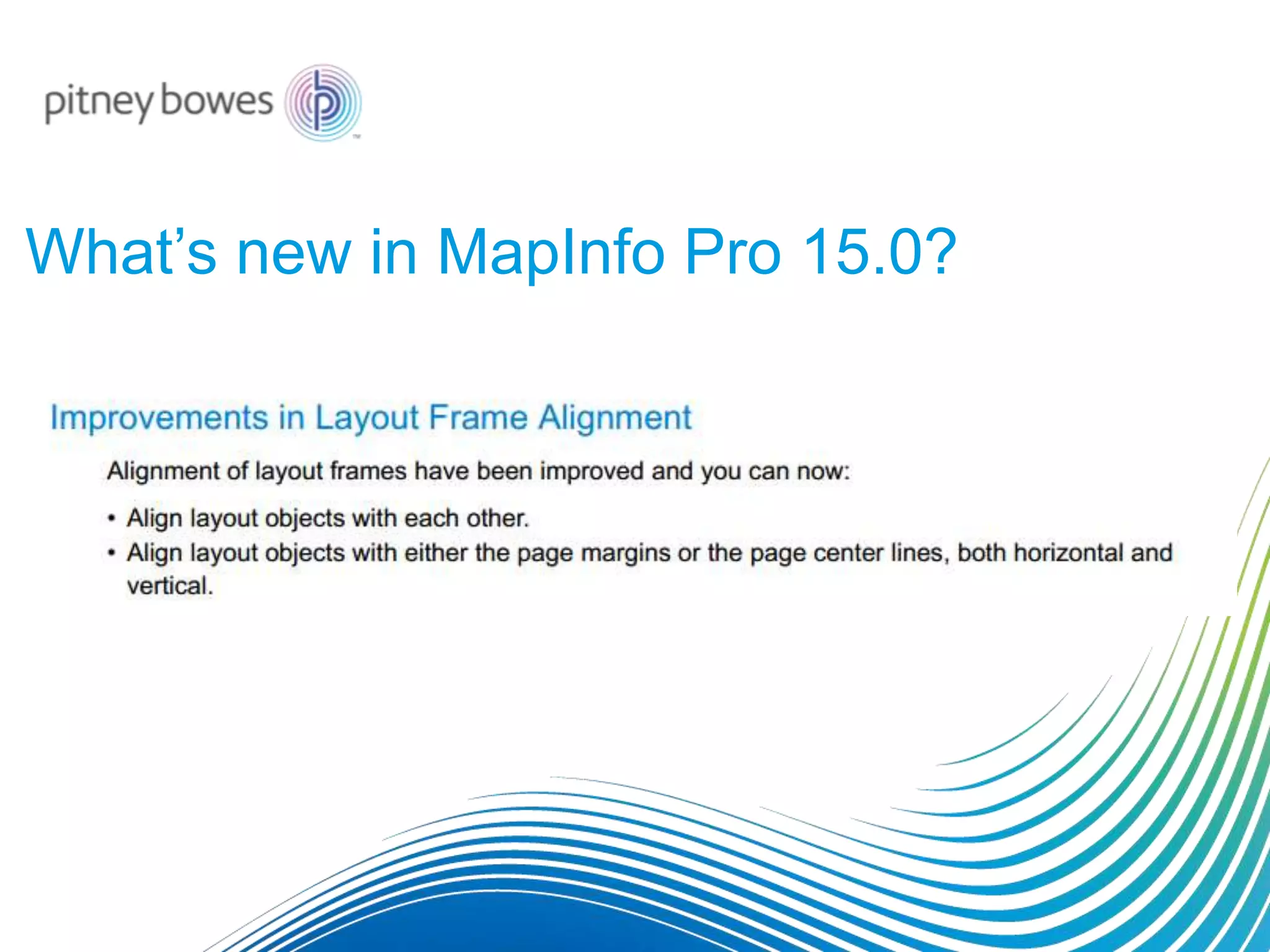
What’s new in MapInfo Pro 15.0?
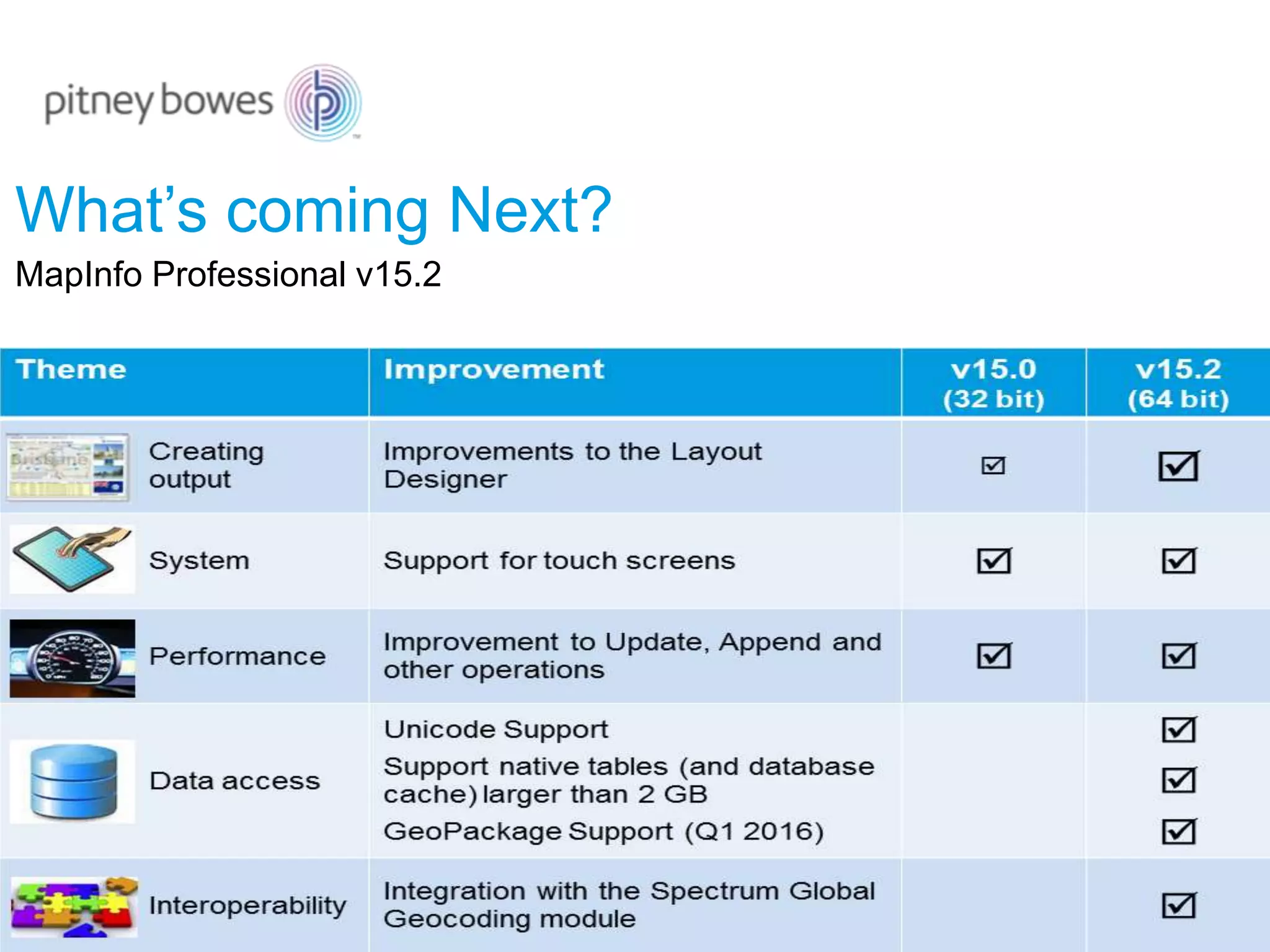
What’s coming Next?
MapInfo Professional v15.2
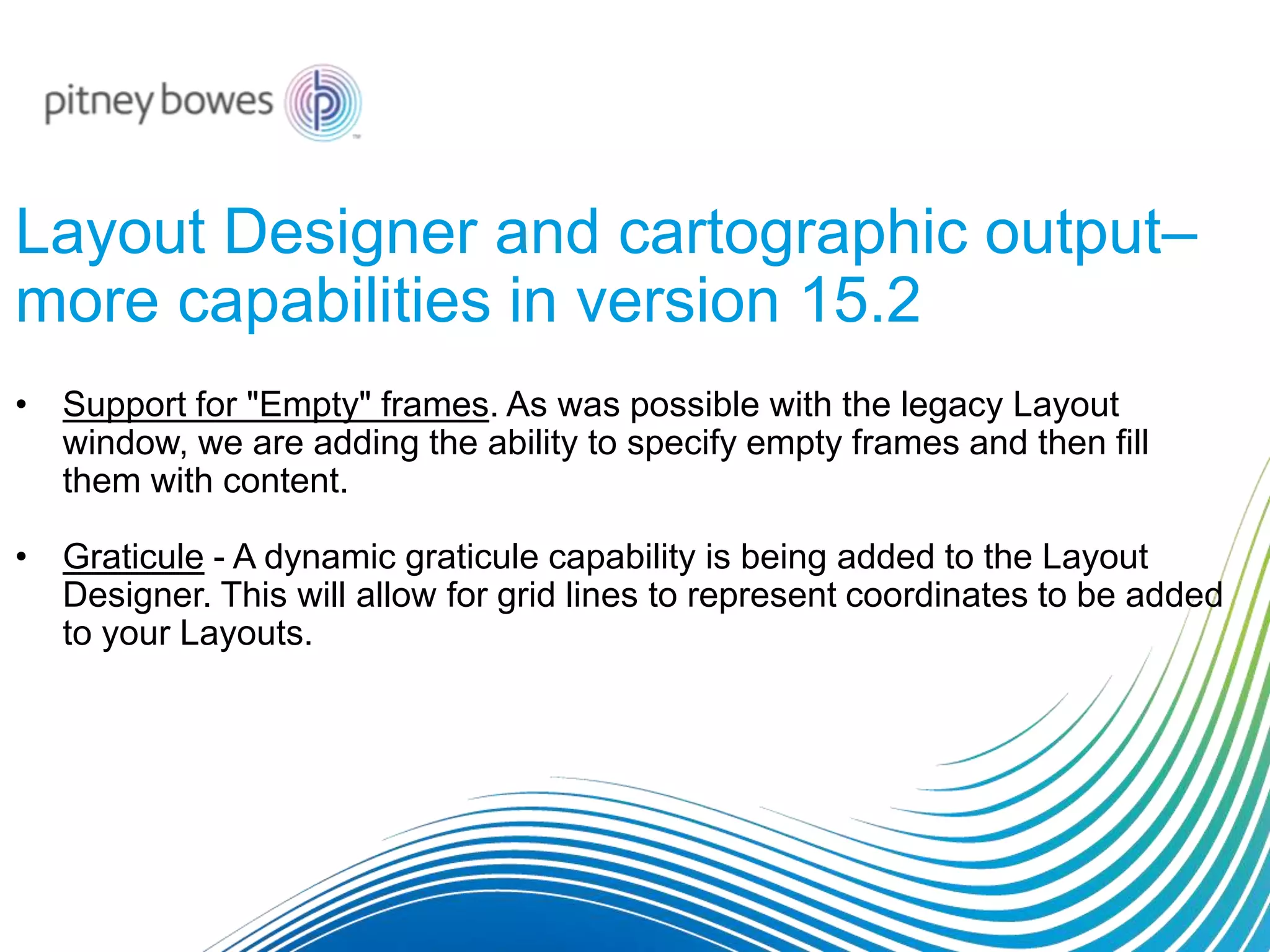
Layout Designer and cartographic output–
more capabilities in version 15.2
• Support for "Empty" frames. As was possible with the legacy Layout
window, we are adding the ability to specify empty frames and then fill
them with content.
• Graticule - A dynamic graticule capability is being added to the Layout
Designer. This will allow for grid lines to represent coordinates to be added
to your Layouts.
And finally… COMING IN VERSION 15.2
Once again, version 15.2 is scheduled to be available in October. This is our
next 64 bit release.
These include:
• A new extended TAB file format. This new format will eliminate the 2 GB file
size limit.
• Support for the GeoPackage data format. GeoPackage is an open standard
for sharing one or more sets of data in a single file.
• Additional performance enhancements.
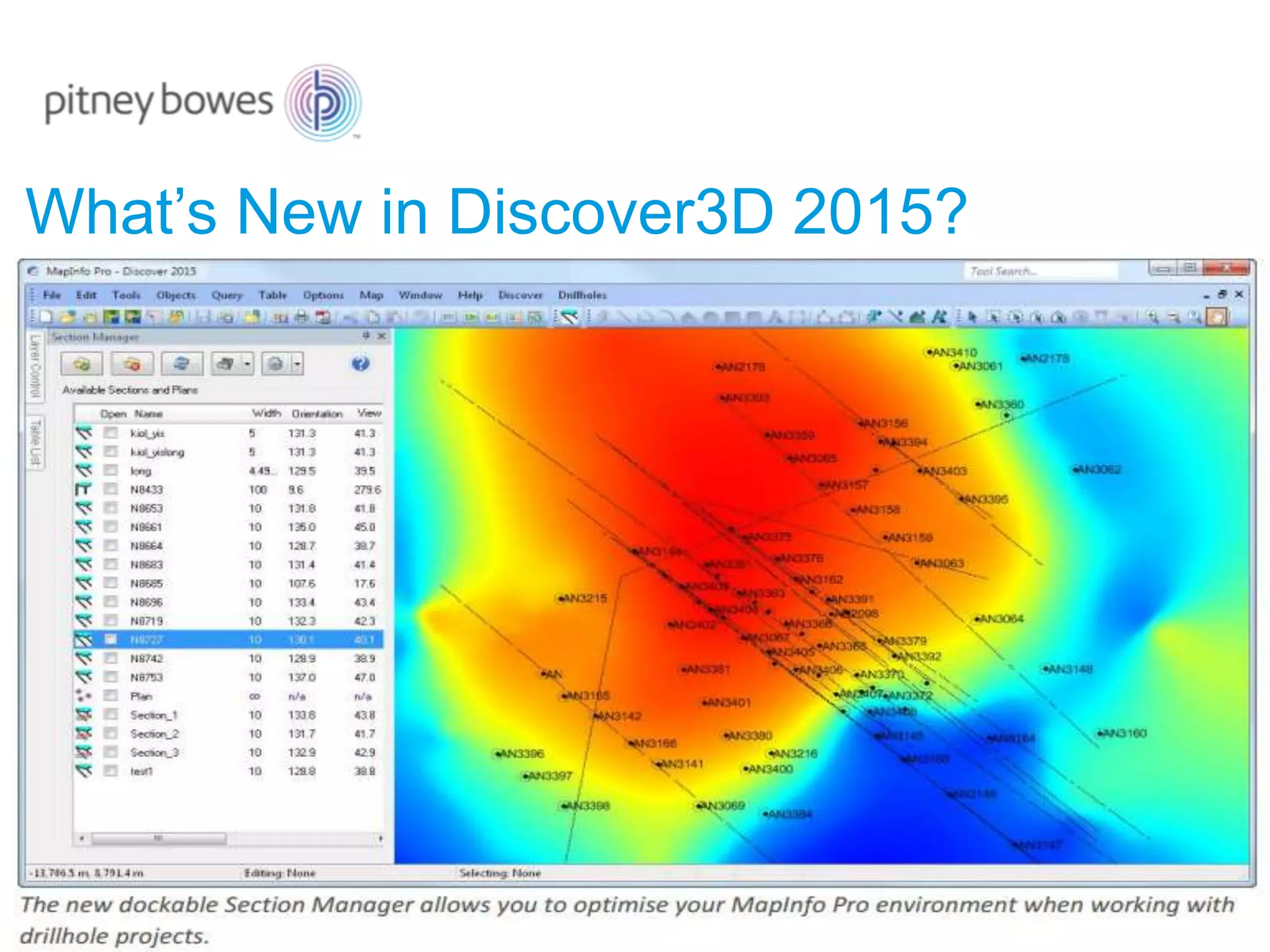
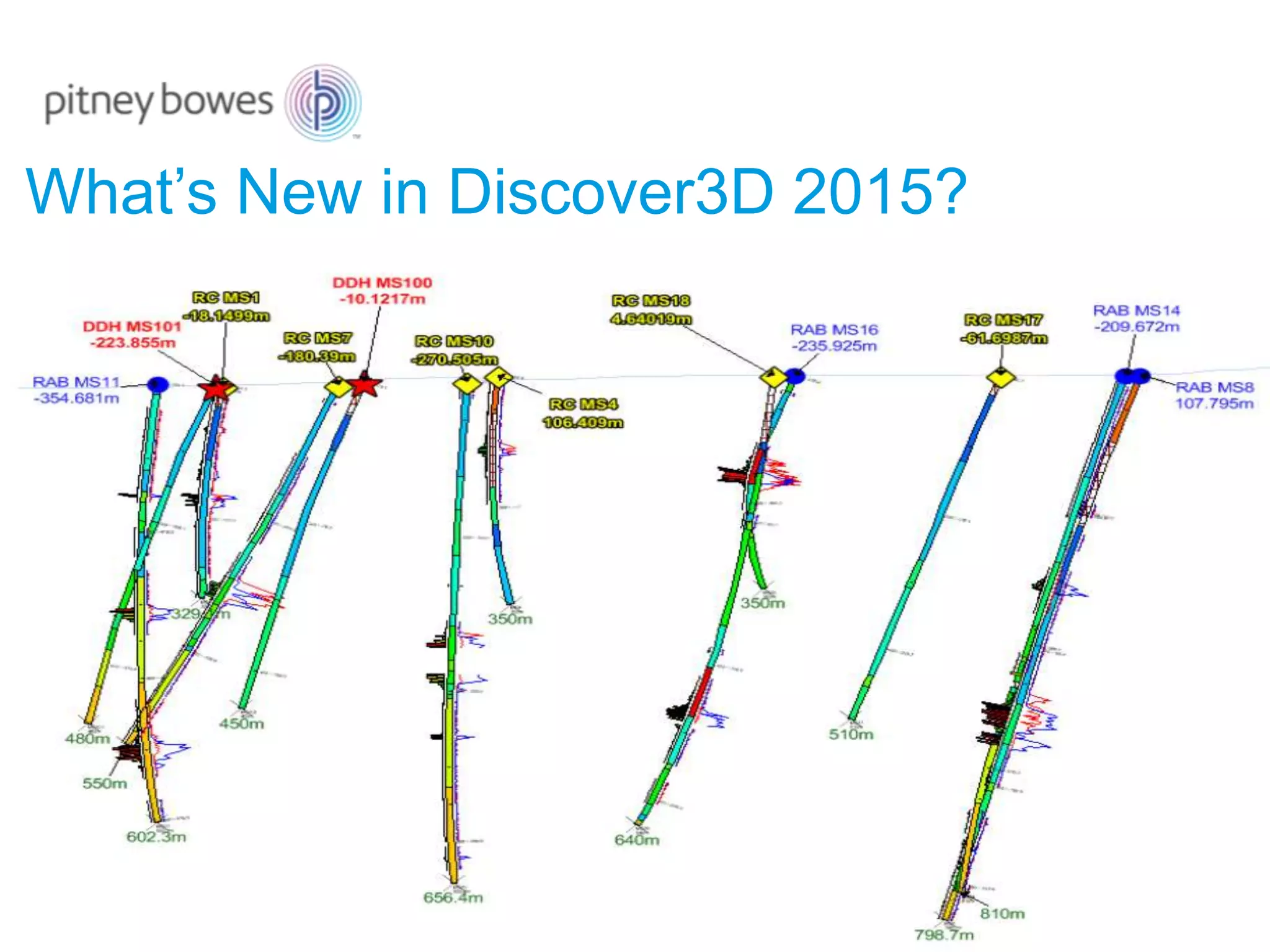
What’s New in Discover3D 2015?
General improvements:
• Now clip rotated voxel (block) models with vector volumes.
• Now includes the ability to show a topology report for selected solid feature
objects.
This assists with the identification of holes in solids, allowing the user to
resolve any such issues with the various advanced feature editing tools, prior
to export.
• AcQuire Database support has been updated to version 4.5.0.1.
What’s New in Discover3D 2015?
Discover Web3D
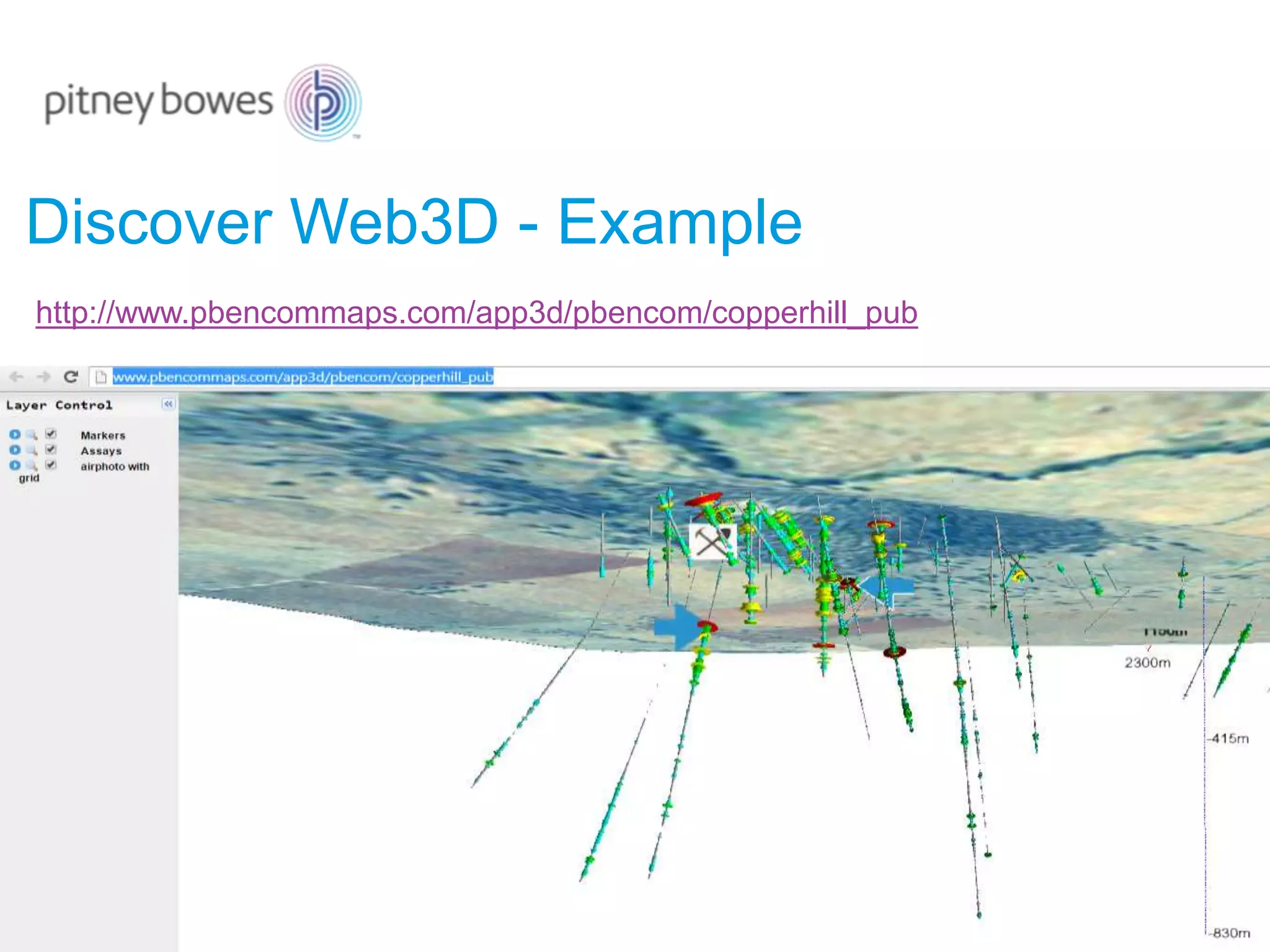
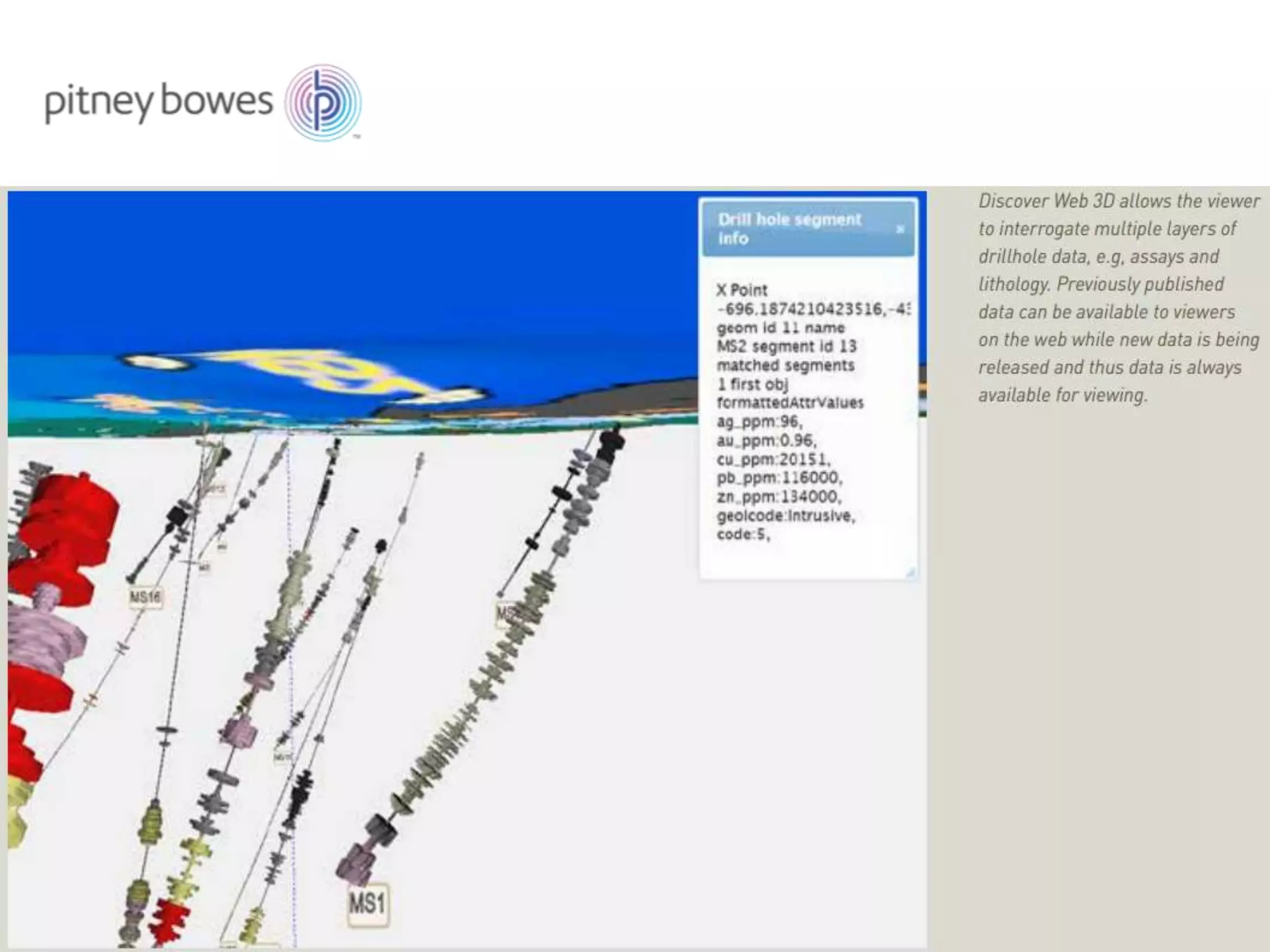
Discover Web 3D (DW3D) provides a powerful way to view MapInfo
Professional Discover drillhole projects using any modern browser that
supports HTML5 and WebGL.
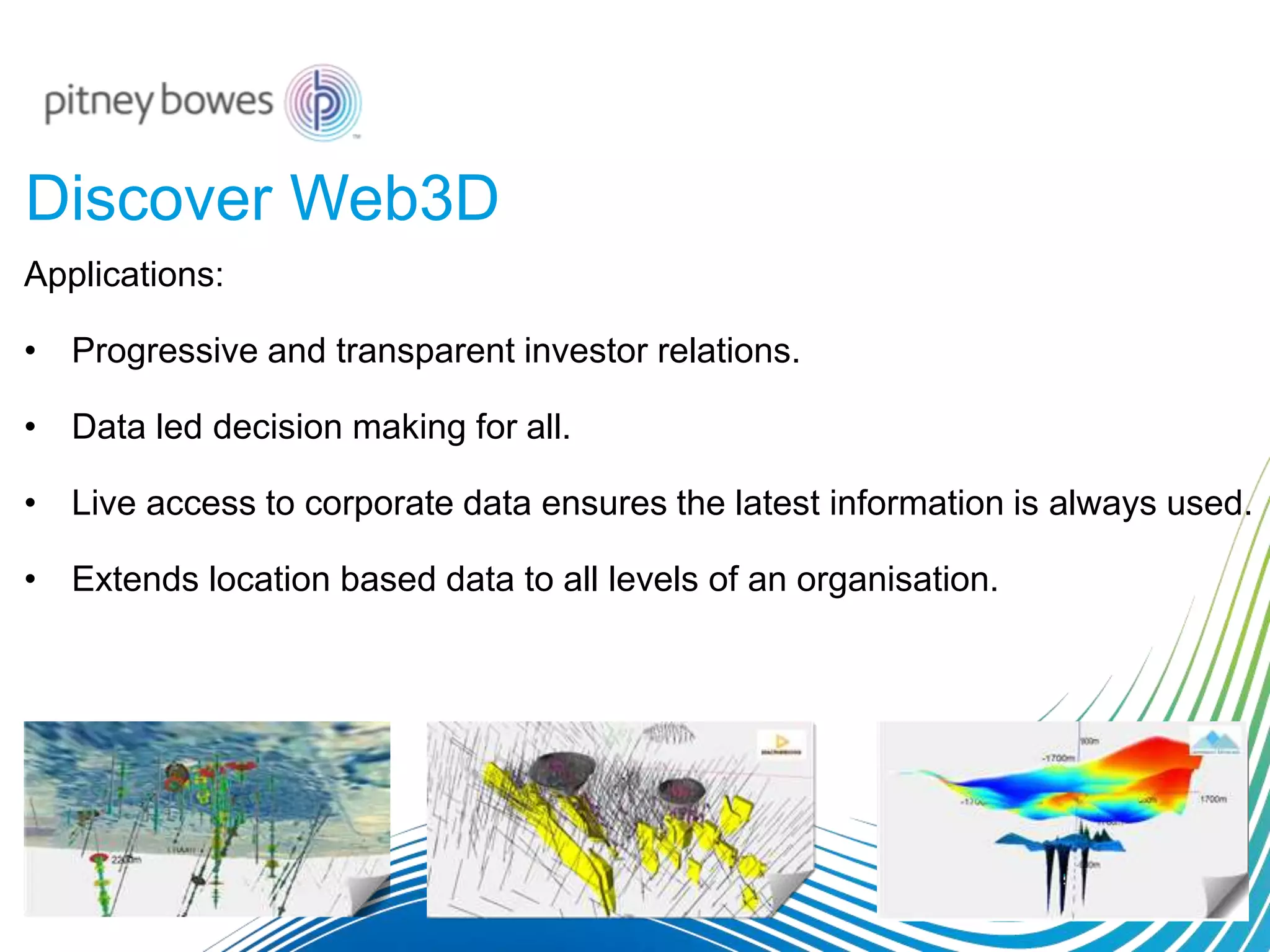
Discover Web3D
Applications:
• Progressive and transparent investor relations.
• Data led decision making for all.
• Live access to corporate data ensures the latest information is always used.
• Extends location based data to all levels of an organisation.
Discover Web3D - Example
http://www.pbencommaps.com/app3d/pbencom/copperhill_pub
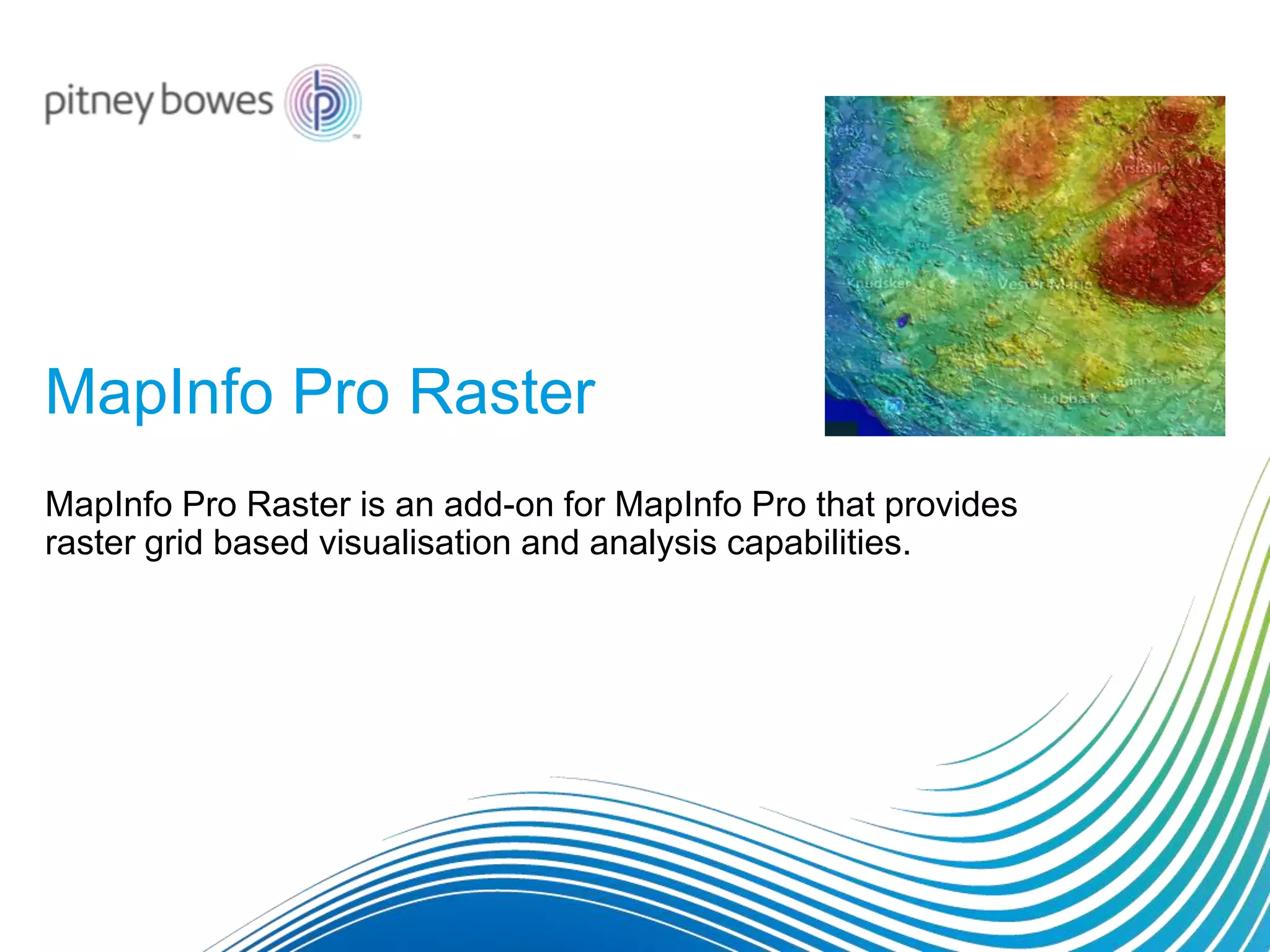
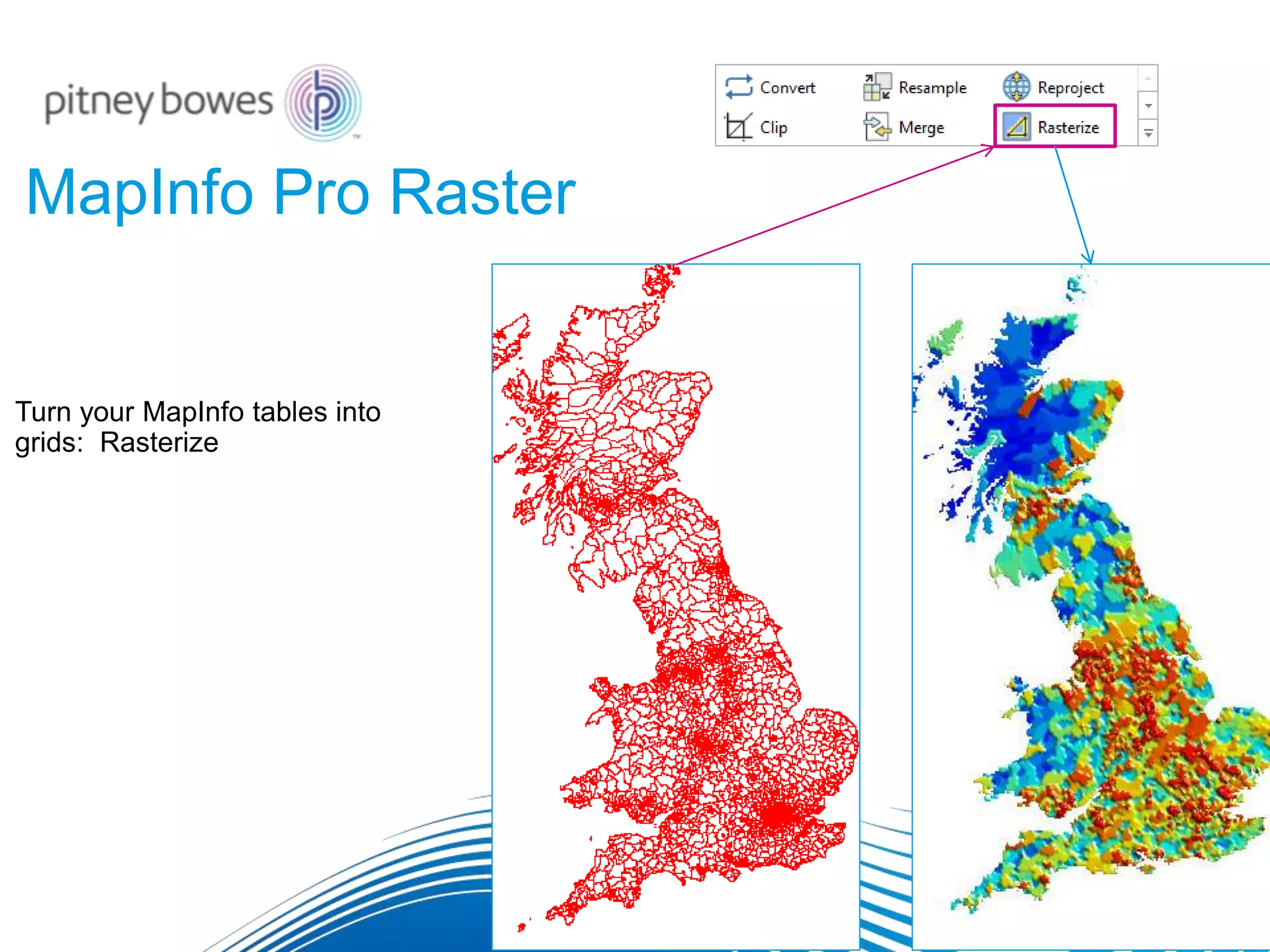
MapInfo Pro Raster
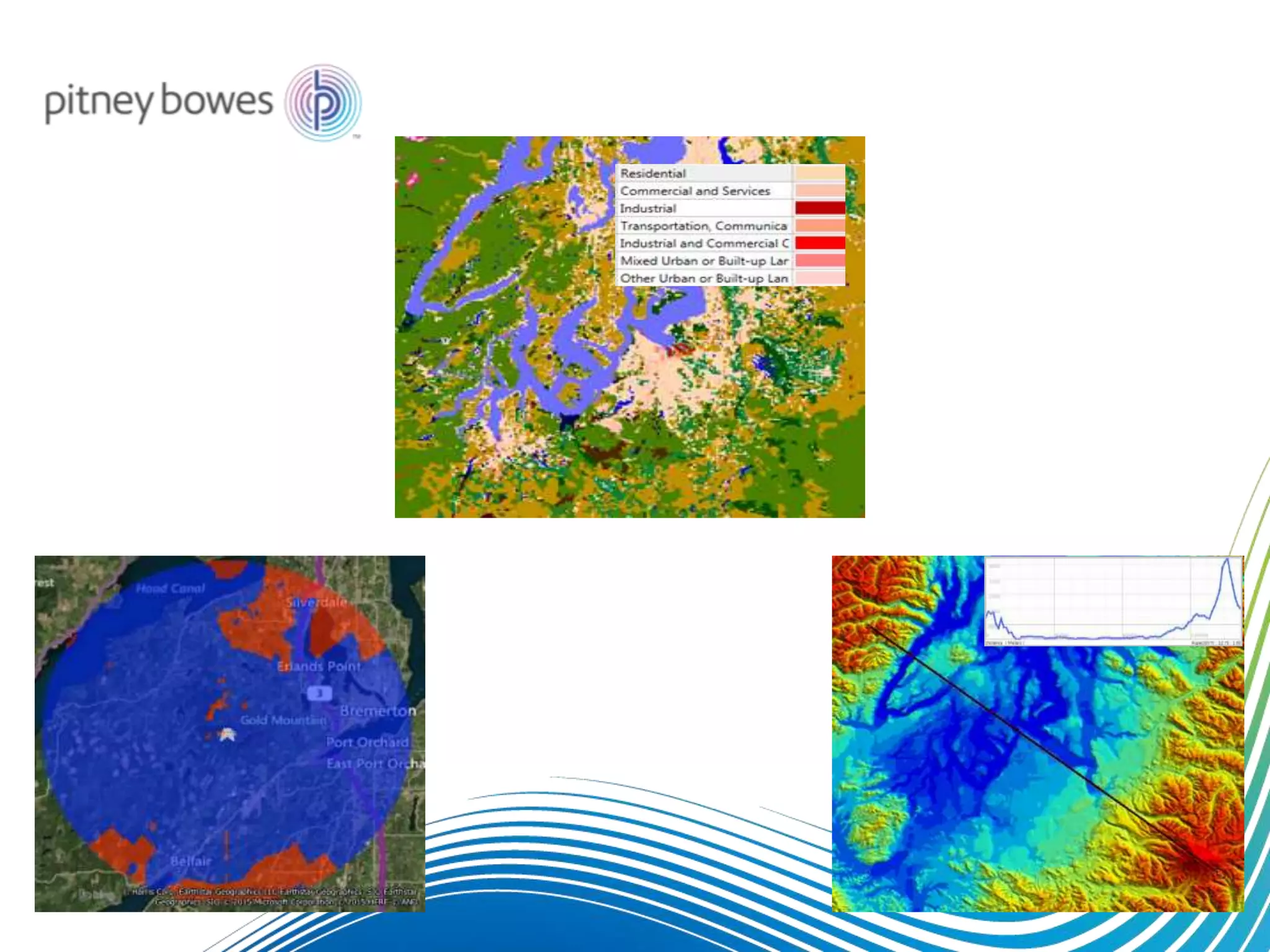
MapInfo Pro Raster is an add-on for MapInfo Pro that provides
raster grid based visualisation and analysis capabilities.
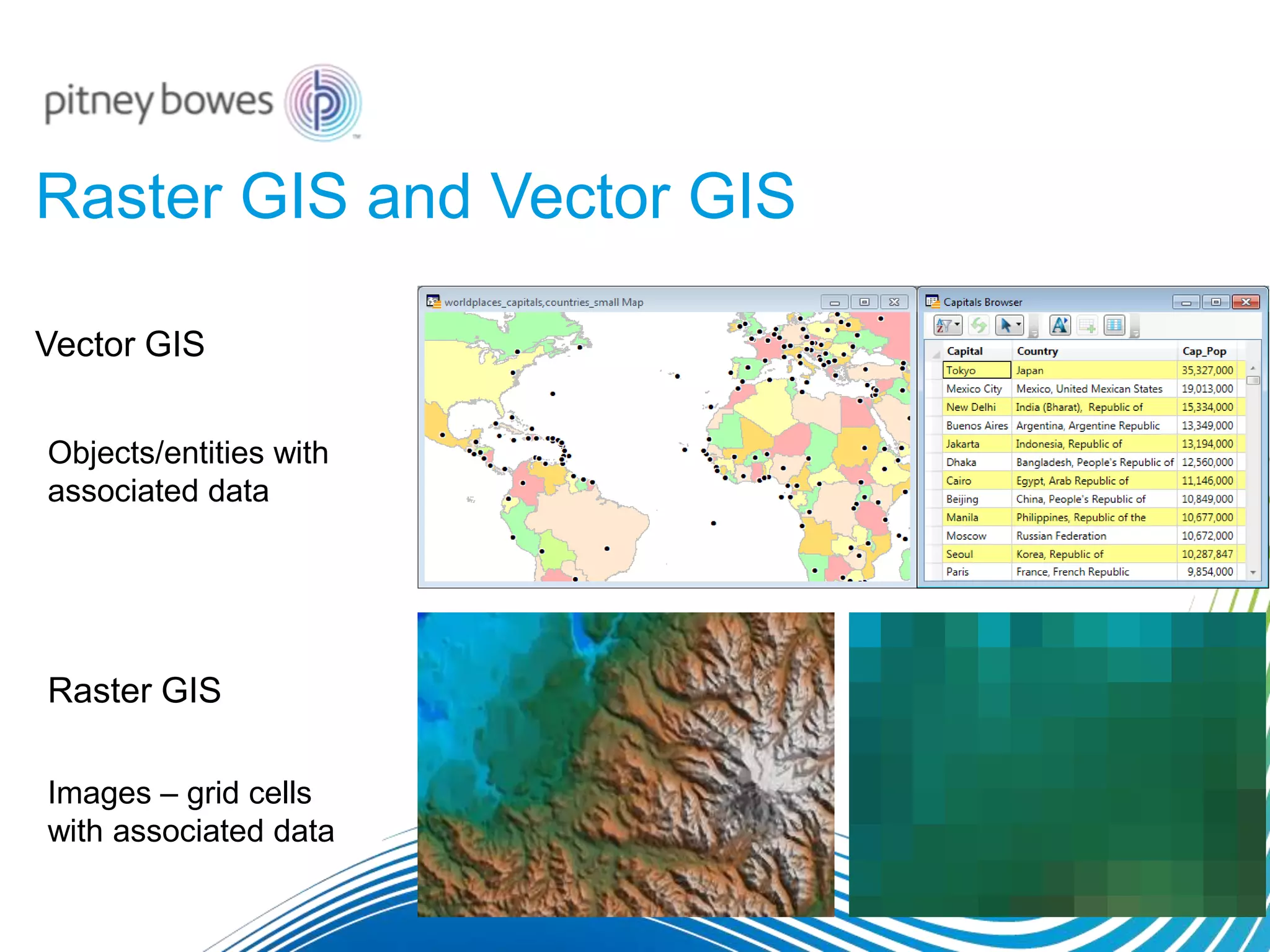
Raster GIS and Vector GIS
Raster GIS
Vector GIS
Objects/entities with
associated data
Images – grid cells
with associated data
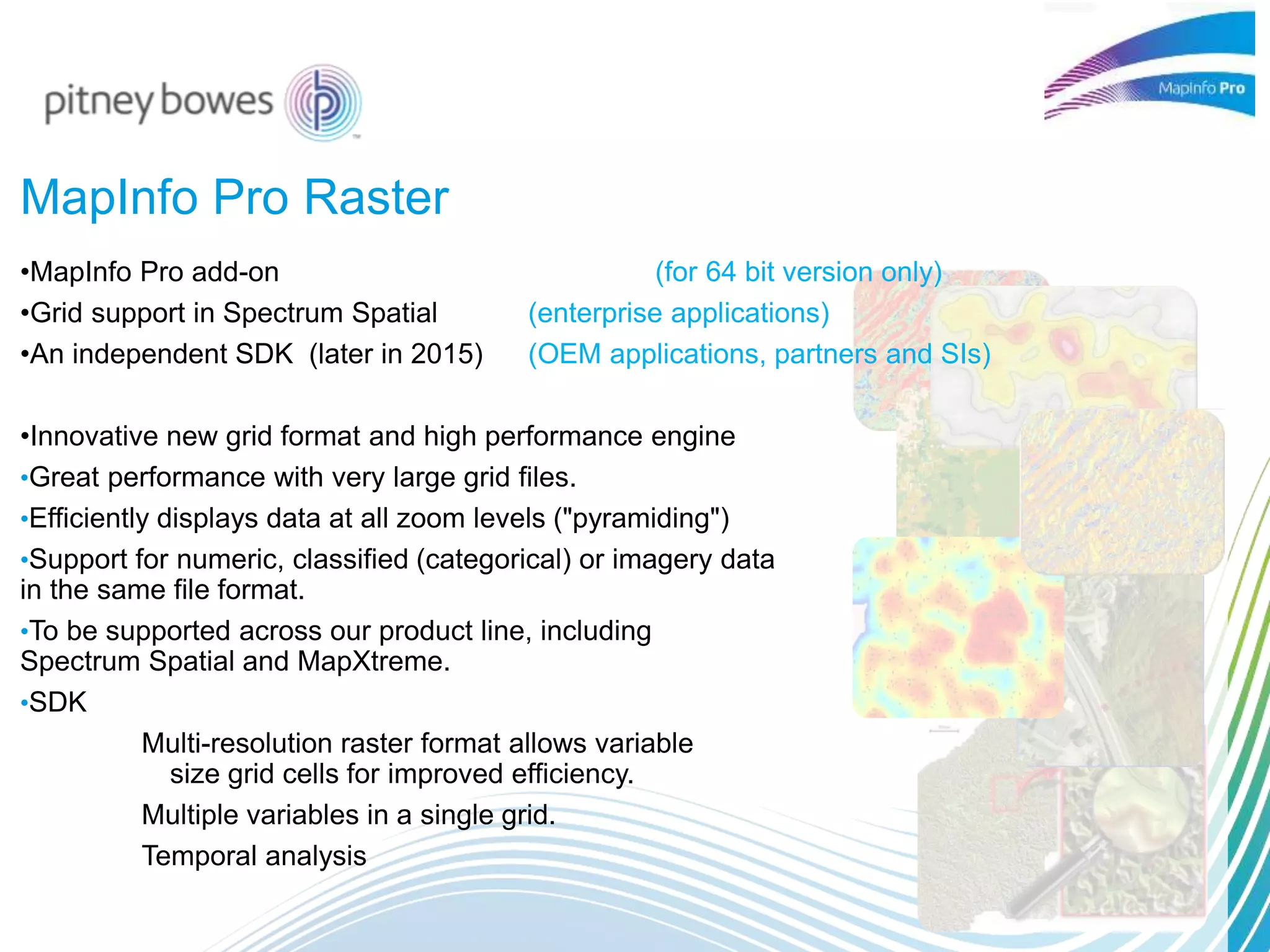
MapInfo Pro Raster
•MapInfo Pro add-on (for 64 bit version only)
•Grid support in Spectrum Spatial (enterprise applications)
•An independent SDK (later in 2015) (OEM applications, partners and SIs)
•Innovative new grid format and high performance engine
•Great performance with very large grid files.
•Efficiently displays data at all zoom levels ("pyramiding")
•Support for numeric, classified (categorical) or imagery data
in the same file format.
•To be supported across our product line, including
Spectrum Spatial and MapXtreme.
•SDK
Multi-resolution raster format allows variable
size grid cells for improved efficiency.
Multiple variables in a single grid.
Temporal analysis
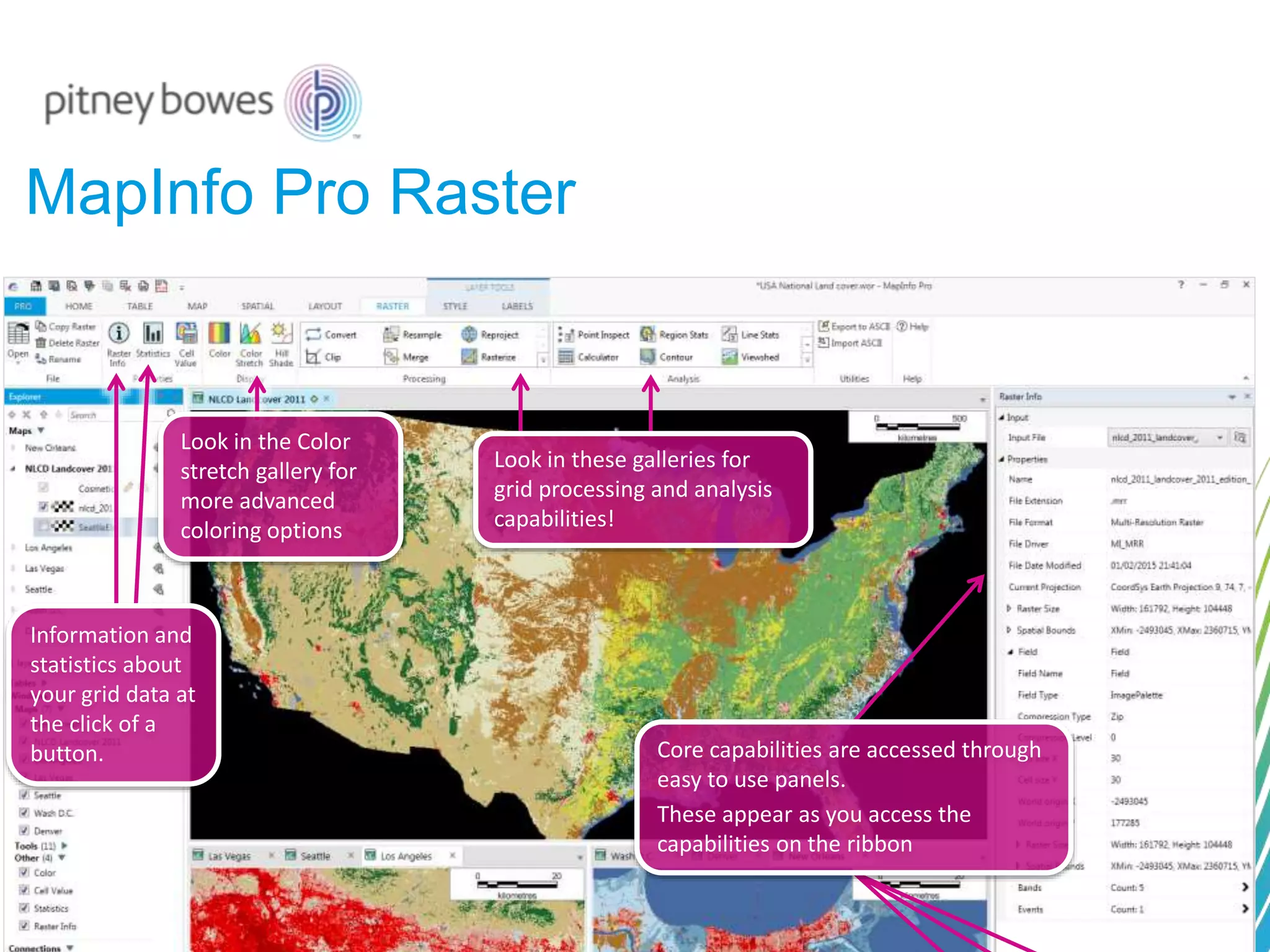
MapInfo Pro Raster
Core capabilities are accessed through
easy to use panels.
These appear as you access the
capabilities on the ribbon
Look in the Color
stretch gallery for
more advanced
coloring options
Look in these galleries for
grid processing and analysis
capabilities!
Information and
statistics about
your grid data at
the click of a
button.
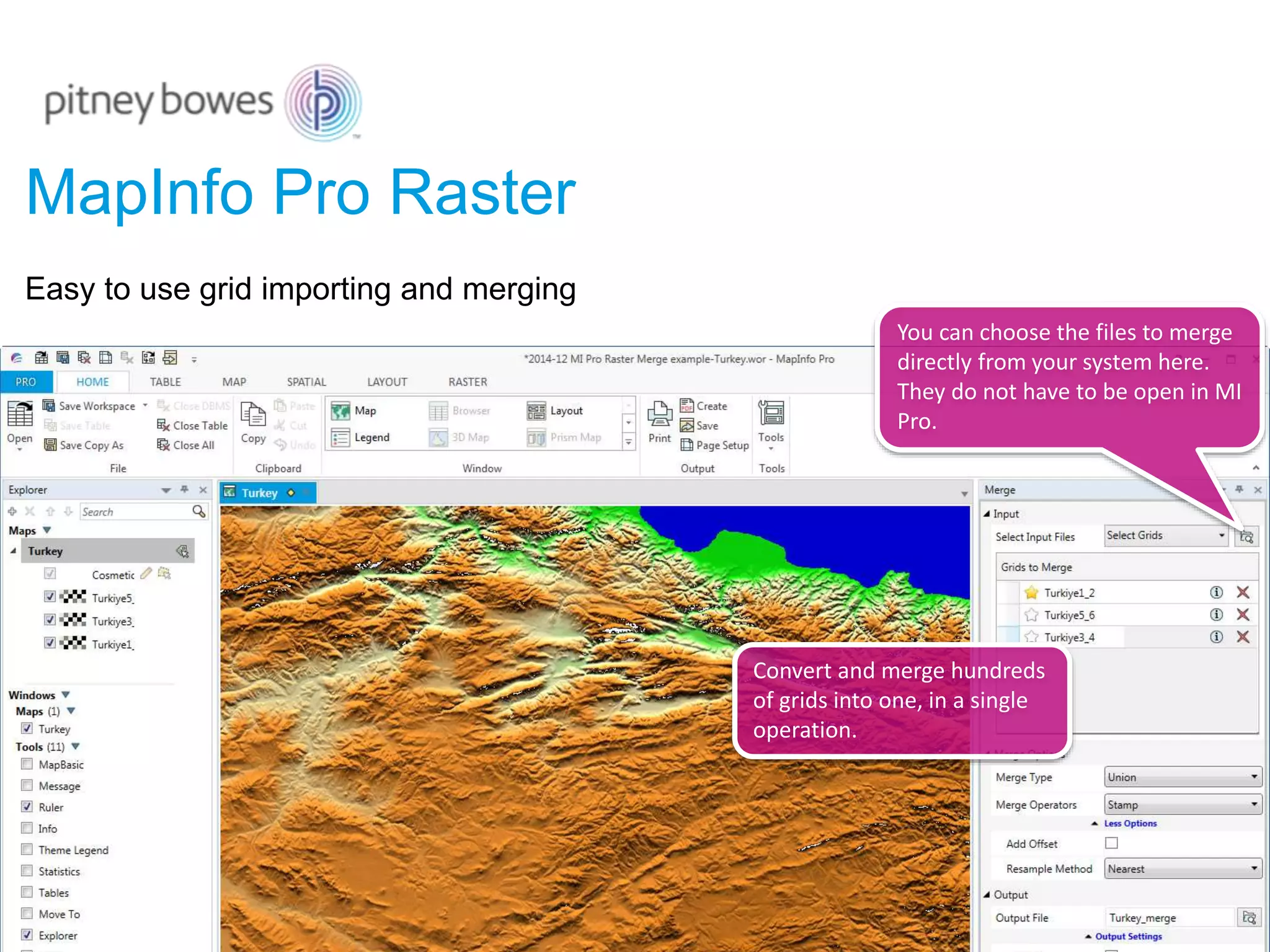
Convert and merge hundreds
of grids into one, in a single
operation.
Easy to use grid importing and merging
You can choose the files to merge
directly from your system here.
They do not have to be open in MI
Pro.
MapInfo Pro Raster
MapInfo Pro Raster
Turn your MapInfo tables into
grids: Rasterize
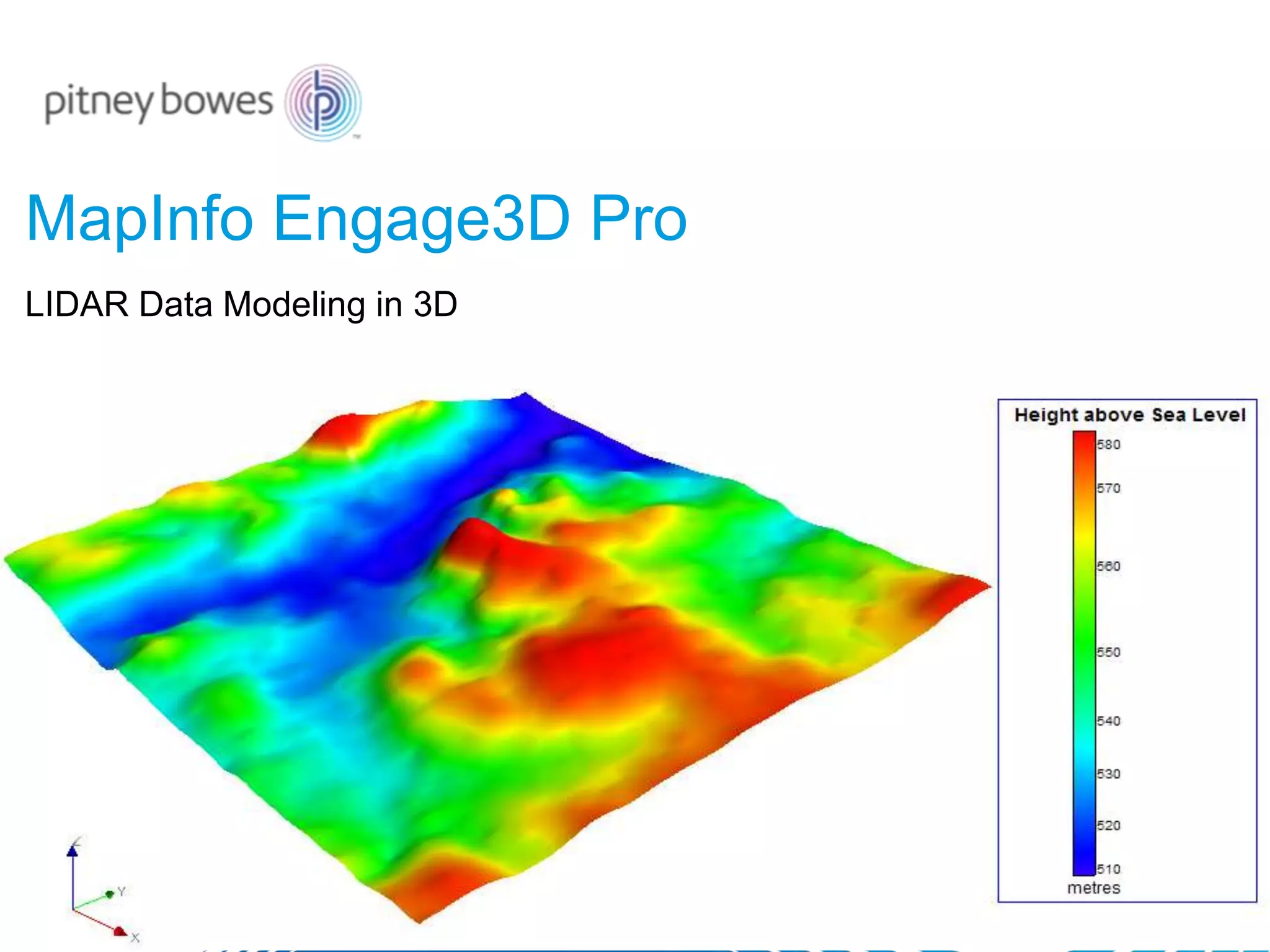
MapInfo Engage3D Pro
Derivative of Encom Discover ( Geosciences software for Exploration &
Natural Resources Industry)
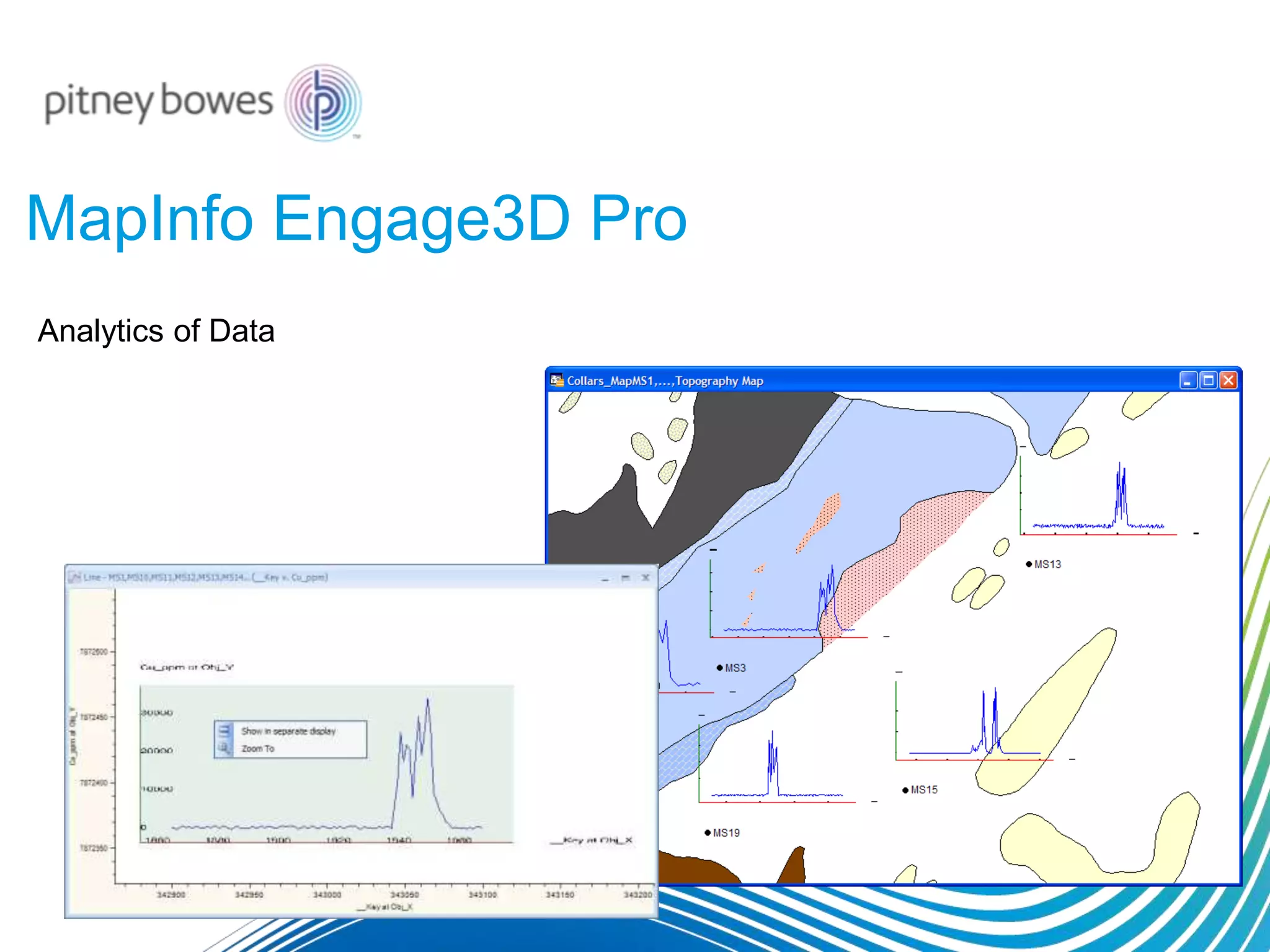
MapInfo Engage3D Pro
Analytics of Data
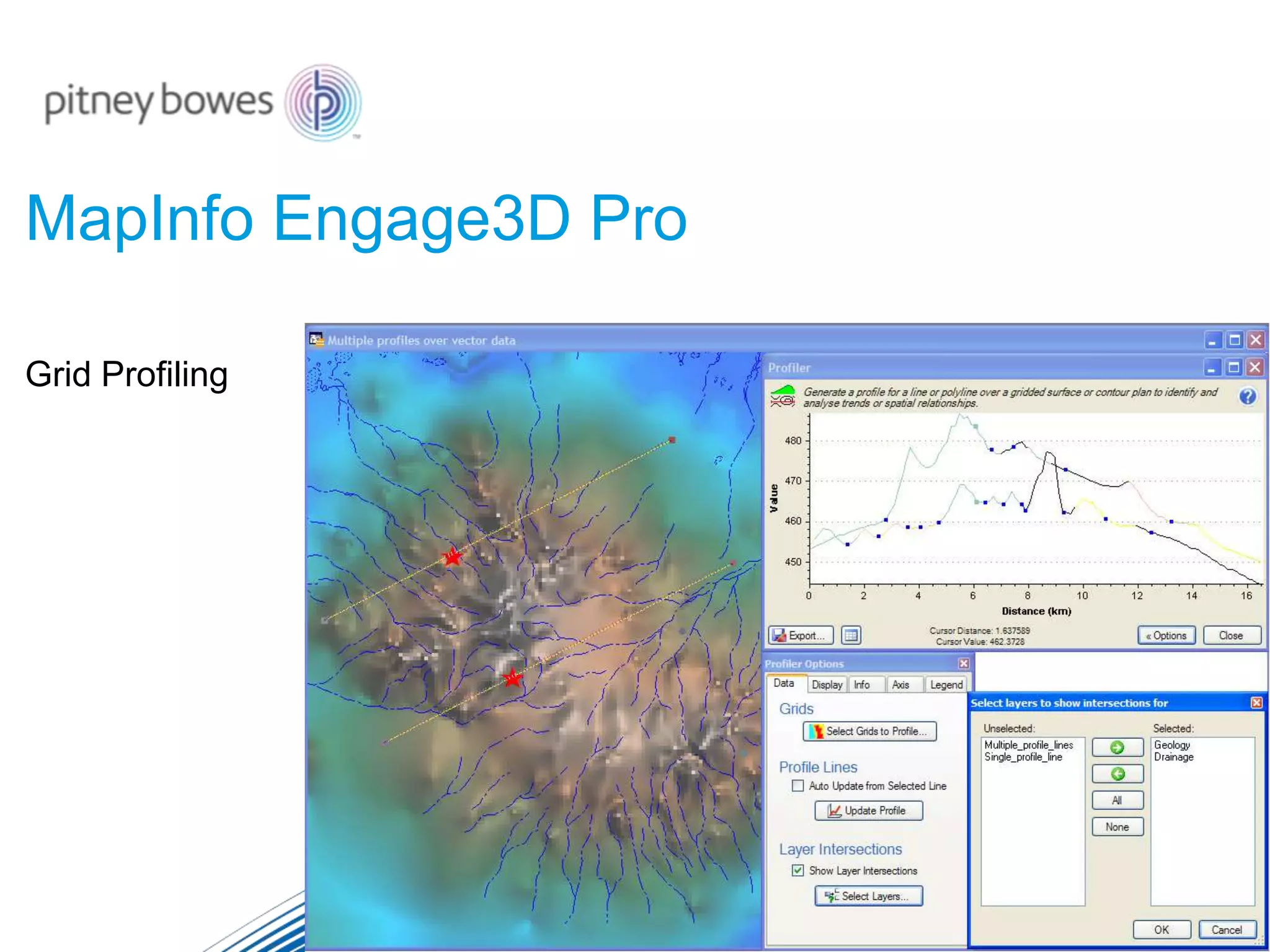
Grid Profiling
MapInfo Engage3D Pro
LIDAR Data Modeling in 3D
MapInfo Engage3D Pro
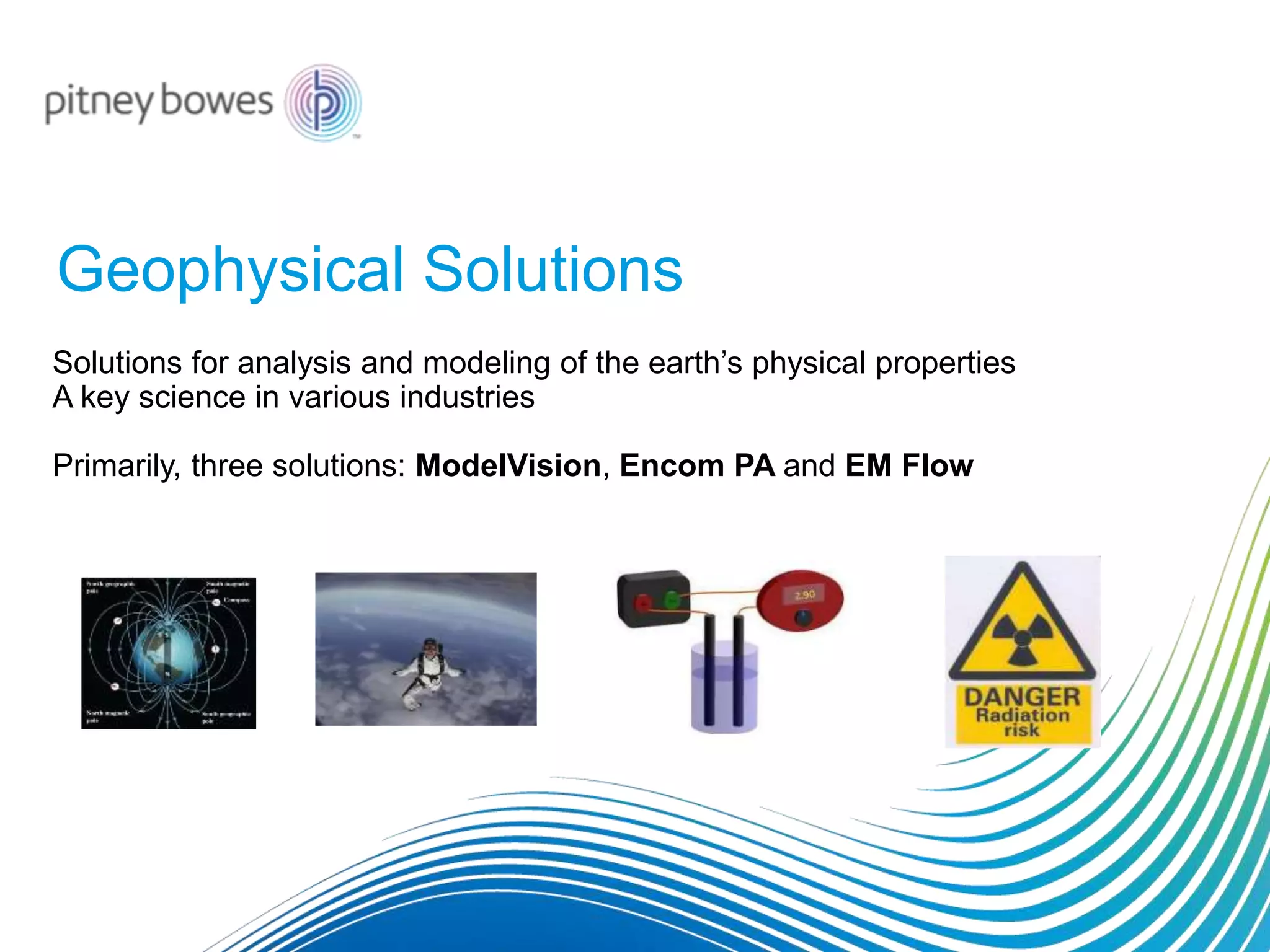
Solutions for analysis and modeling of the earth’s physical properties
A key science in various industries
Primarily, three solutions: ModelVision, Encom PA and EM Flow
Geophysical Solutions
Pitney Bowes Geophysical Solutions
Used Across Industries
Mineral Exploration
Petroleum
Coal mining
Groundwater
Agriculture
Civil engineering
Hazard Detection - unexploded ordinance (UXO)
Industrial site investigation/rehabilitation
Archaeology / Forensics
Geophysical Solutions
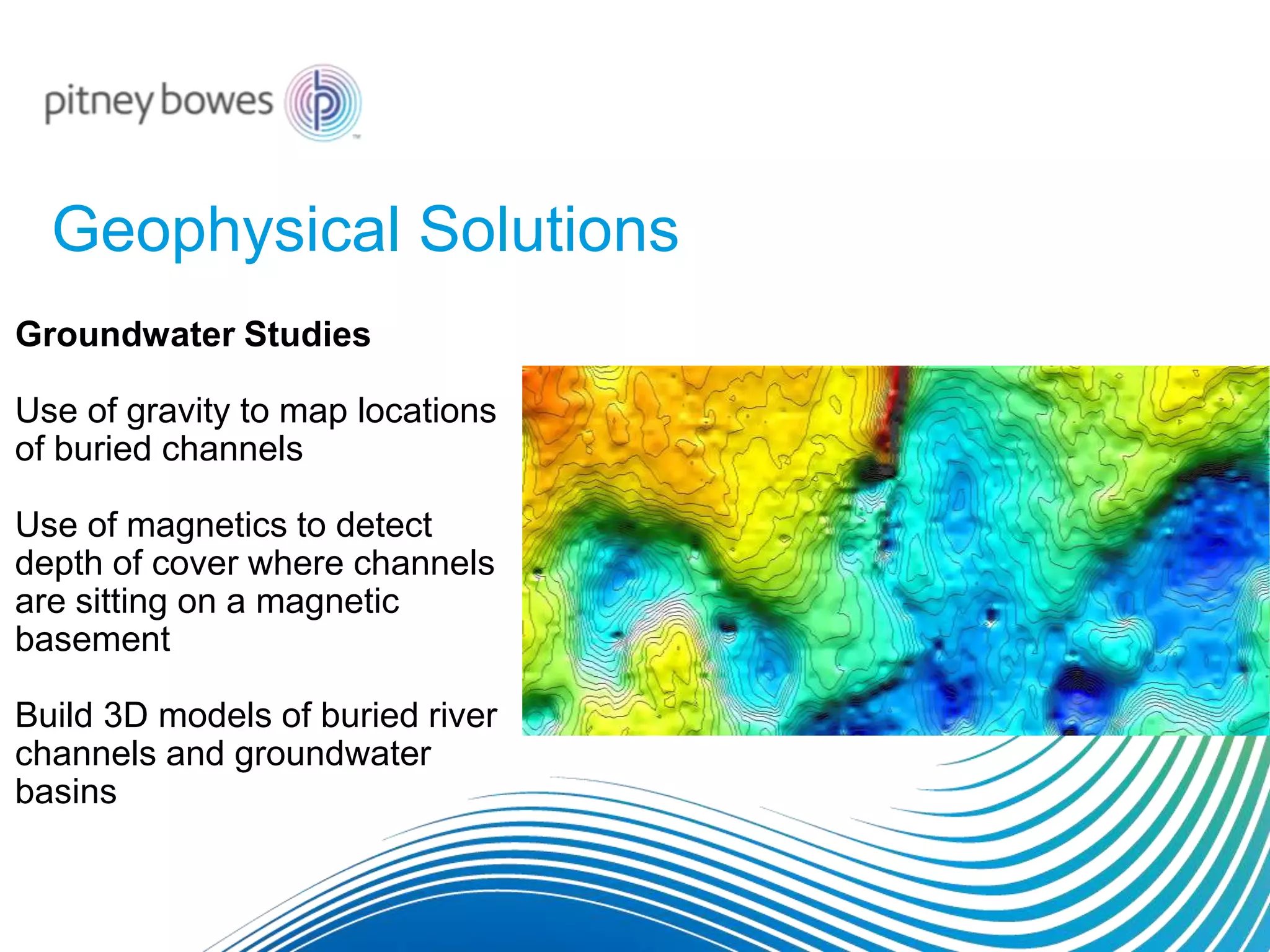
Groundwater Studies
Use of gravity to map locations
of buried channels
Use of magnetics to detect
depth of cover where channels
are sitting on a magnetic
basement
Build 3D models of buried river
channels and groundwater
basins
A Brief Introduction for New Users of
MapInfo Pro 64-bit

Exploration and 3D GIS Software - MapInfo Professional Discover3D 2015

  • 1.
    Pitney Bowes Software NaturalResources Solutions
  • 2.
    Pitney Bowes Softwareprovides solutions and services for the... • Discovery • Evaluation • Development • Management ...of Natural Resources
  • 3.
    Pitney Bowes Softwareensures your organization can secure investment for growth. Our solutions help investors better understand and appreciate your assets.
  • 4.
    Industries who useour software • Mineral exploration • Mining • Oil & Gas • Coal • Industrial minerals • Environmental management • Water management • Asset management • Hazard assessment • Forestry
  • 5.
    Global Customers forthe Natural Resources Industry
  • 6.
    Products Portfolio MapInfo ProRasterMapInfo Engage3D Pro
  • 7.
  • 8.
    MapInfo Professional The 64-bitversion of MapInfo Pro has an all new ribbon based user interface which makes everyday tasks easier to learn and do than ever before.
  • 9.
    MapInfo Discover3D Geographical InformationSystem (GIS) for the exploration and mining industry for close to 20 years. The 3D GIS system is designed to appeal to geologists, environmental scientists, petroleum engineers and other natural resources professionals.
  • 10.
  • 11.
    Cartography Digitize polygon boundary Usingthe Data Entry Menu, colour the digitized polygons with base map colours
  • 12.
  • 13.
    New Layout DesignerWindow Add & Edit Maps within Layout Designer
  • 14.
    New Layout DesignerWindow Add Browser Tables in to the New Layout Designer Window
  • 15.
  • 16.
    Spatial Analysis (2Dand 3D) Create and Modify Grid Displays from Point Datasets
  • 17.
    Spatial Analysis (2Dand 3D) Supported by various Grid Utilities
  • 18.
    Spatial Analysis (2Dand 3D) Support for large and Multi File Gridding
  • 19.
    Spatial Analysis (2Dand 3D) Open Satellite Imagery from within the software
  • 20.
    Spatial Analysis (2Dand 3D) Image Rectification/Georeferencing/Rubbersheeting
  • 21.
  • 22.
  • 23.
  • 24.
  • 25.
    3D Analysis 3D Analysisof Gridded DEMs/DTMs
  • 26.
  • 27.
  • 28.
  • 29.
  • 30.
    3D Analysis Use SectionLayers to create 3D Lithology Models
  • 31.
  • 32.
  • 33.
    What’s new inMapInfo Pro 15.0? 1. Now available in 32 Bit and 64 Bit.
  • 34.
    What’s new inMapInfo Pro 15.0?
  • 35.
    What’s new inMapInfo Pro 15.0?
  • 36.
  • 39.
    Layout Designer andcartographic output– more capabilities in version 15.2 • Support for "Empty" frames. As was possible with the legacy Layout window, we are adding the ability to specify empty frames and then fill them with content. • Graticule - A dynamic graticule capability is being added to the Layout Designer. This will allow for grid lines to represent coordinates to be added to your Layouts.
  • 40.
    And finally… COMINGIN VERSION 15.2 Once again, version 15.2 is scheduled to be available in October. This is our next 64 bit release. These include: • A new extended TAB file format. This new format will eliminate the 2 GB file size limit. • Support for the GeoPackage data format. GeoPackage is an open standard for sharing one or more sets of data in a single file. • Additional performance enhancements.
  • 41.
    What’s New inDiscover3D 2015? General improvements: • Now clip rotated voxel (block) models with vector volumes. • Now includes the ability to show a topology report for selected solid feature objects. This assists with the identification of holes in solids, allowing the user to resolve any such issues with the various advanced feature editing tools, prior to export. • AcQuire Database support has been updated to version 4.5.0.1.
  • 42.
    What’s New inDiscover3D 2015?
  • 43.
    What’s New inDiscover3D 2015?
  • 44.
    Discover Web3D Discover Web3D (DW3D) provides a powerful way to view MapInfo Professional Discover drillhole projects using any modern browser that supports HTML5 and WebGL.
  • 45.
    Discover Web3D Applications: • Progressiveand transparent investor relations. • Data led decision making for all. • Live access to corporate data ensures the latest information is always used. • Extends location based data to all levels of an organisation.
  • 46.
    Discover Web3D -Example http://www.pbencommaps.com/app3d/pbencom/copperhill_pub
  • 48.
    MapInfo Pro Raster MapInfoPro Raster is an add-on for MapInfo Pro that provides raster grid based visualisation and analysis capabilities.
  • 50.
    Raster GIS andVector GIS Raster GIS Vector GIS Objects/entities with associated data Images – grid cells with associated data
  • 51.
    MapInfo Pro Raster •MapInfoPro add-on (for 64 bit version only) •Grid support in Spectrum Spatial (enterprise applications) •An independent SDK (later in 2015) (OEM applications, partners and SIs) •Innovative new grid format and high performance engine •Great performance with very large grid files. •Efficiently displays data at all zoom levels ("pyramiding") •Support for numeric, classified (categorical) or imagery data in the same file format. •To be supported across our product line, including Spectrum Spatial and MapXtreme. •SDK Multi-resolution raster format allows variable size grid cells for improved efficiency. Multiple variables in a single grid. Temporal analysis
  • 52.
    MapInfo Pro Raster Corecapabilities are accessed through easy to use panels. These appear as you access the capabilities on the ribbon Look in the Color stretch gallery for more advanced coloring options Look in these galleries for grid processing and analysis capabilities! Information and statistics about your grid data at the click of a button.
  • 53.
    Convert and mergehundreds of grids into one, in a single operation. Easy to use grid importing and merging You can choose the files to merge directly from your system here. They do not have to be open in MI Pro. MapInfo Pro Raster
  • 54.
    MapInfo Pro Raster Turnyour MapInfo tables into grids: Rasterize
  • 55.
    MapInfo Engage3D Pro Derivativeof Encom Discover ( Geosciences software for Exploration & Natural Resources Industry)
  • 56.
  • 57.
  • 58.
    LIDAR Data Modelingin 3D MapInfo Engage3D Pro
  • 59.
    Solutions for analysisand modeling of the earth’s physical properties A key science in various industries Primarily, three solutions: ModelVision, Encom PA and EM Flow Geophysical Solutions
  • 60.
    Pitney Bowes GeophysicalSolutions Used Across Industries Mineral Exploration Petroleum Coal mining Groundwater Agriculture Civil engineering Hazard Detection - unexploded ordinance (UXO) Industrial site investigation/rehabilitation Archaeology / Forensics
  • 61.
    Geophysical Solutions Groundwater Studies Useof gravity to map locations of buried channels Use of magnetics to detect depth of cover where channels are sitting on a magnetic basement Build 3D models of buried river channels and groundwater basins
  • 63.
    A Brief Introductionfor New Users of MapInfo Pro 64-bit