Microsoft Word 2010 is a
word processing program
designed to help you create
professional quality
documents.
 With the finest document
formatting tools, word helps
us to create our documents
more efficiently,.
 It includes powerful
editing and revising tools.
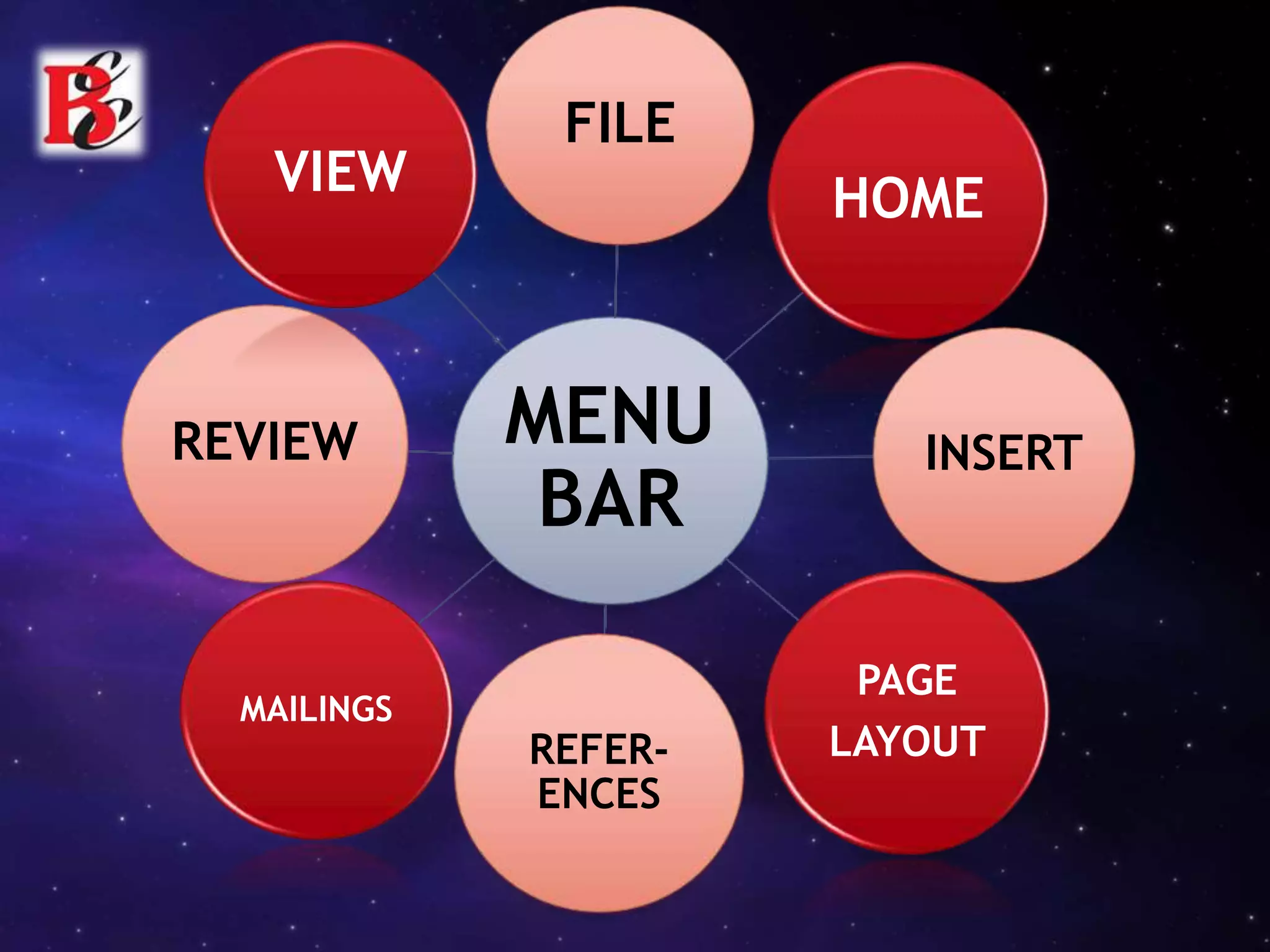
MENU
BAR
FILE
HOME
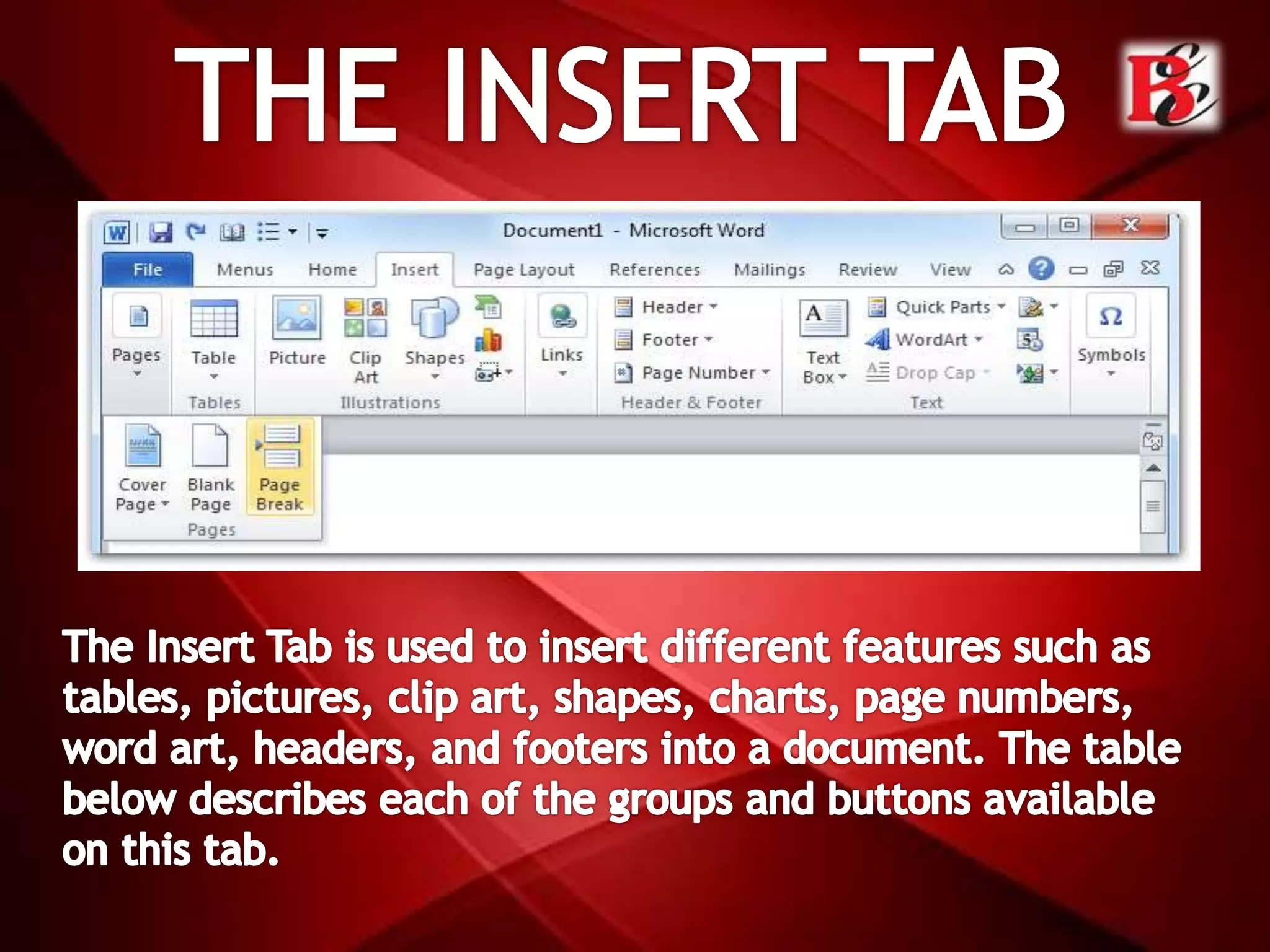
INSERT
PAGE
LAYOUTREFER-
ENCES
MAILINGS
REVIEW
VIEW
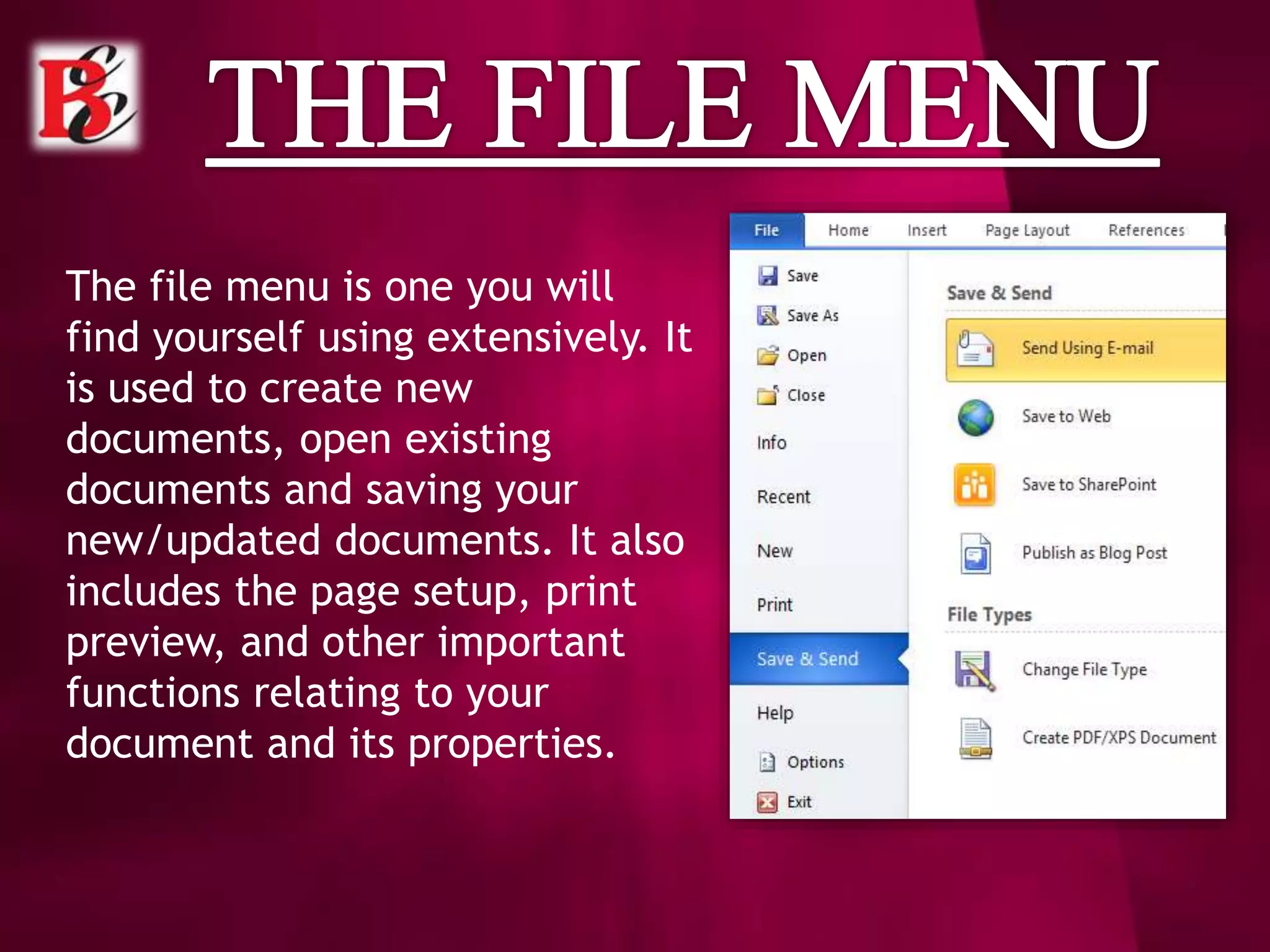
The file menu is one you will
find yourself using extensively. It
is used to create new
documents, open existing
documents and saving your
new/updated documents. It also
includes the page setup, print
preview, and other important
functions relating to your
document and its properties.
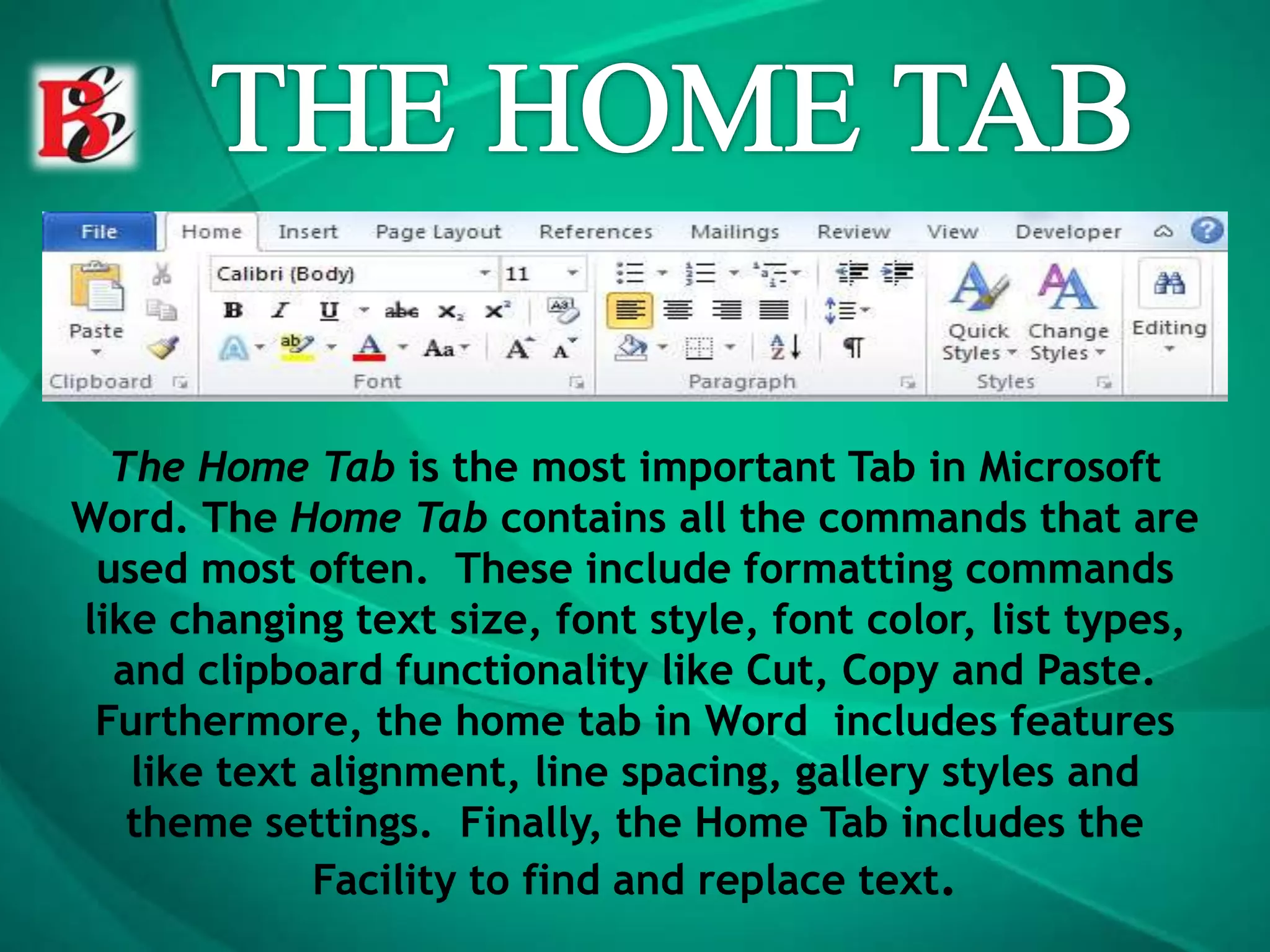
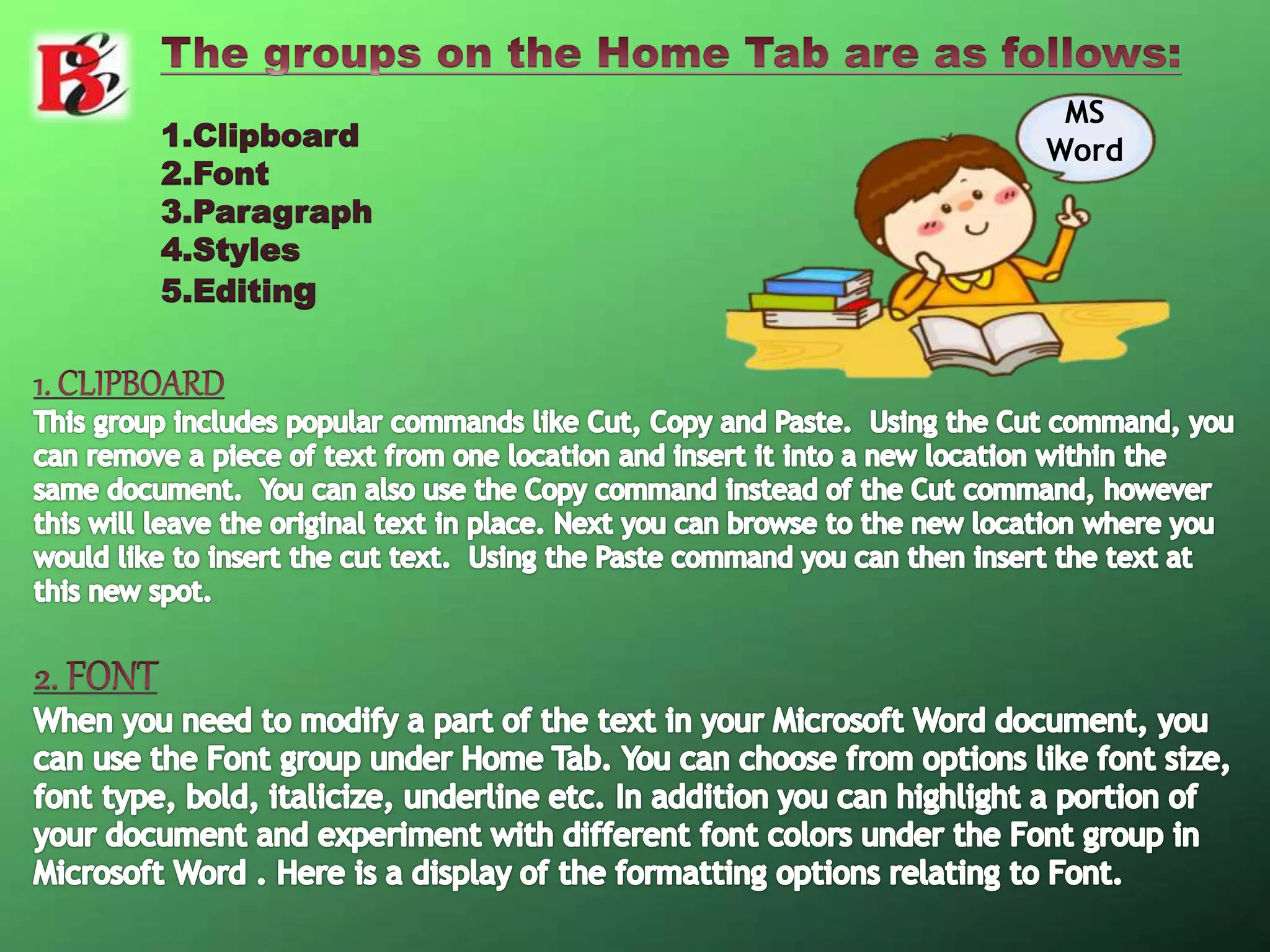
The Home Tab is the most important Tab in Microsoft
Word. The Home Tab contains all the commands that are
used most often. These include formatting commands
like changing text size, font style, font color, list types,
and clipboard functionality like Cut, Copy and Paste.
Furthermore, the home tab in Word includes features
like text alignment, line spacing, gallery styles and
theme settings. Finally, the Home Tab includes the
Facility to find and replace text.
1.Clipboard
2.Font
3.Paragraph
4.Styles
5.Editing
MS
Word
.
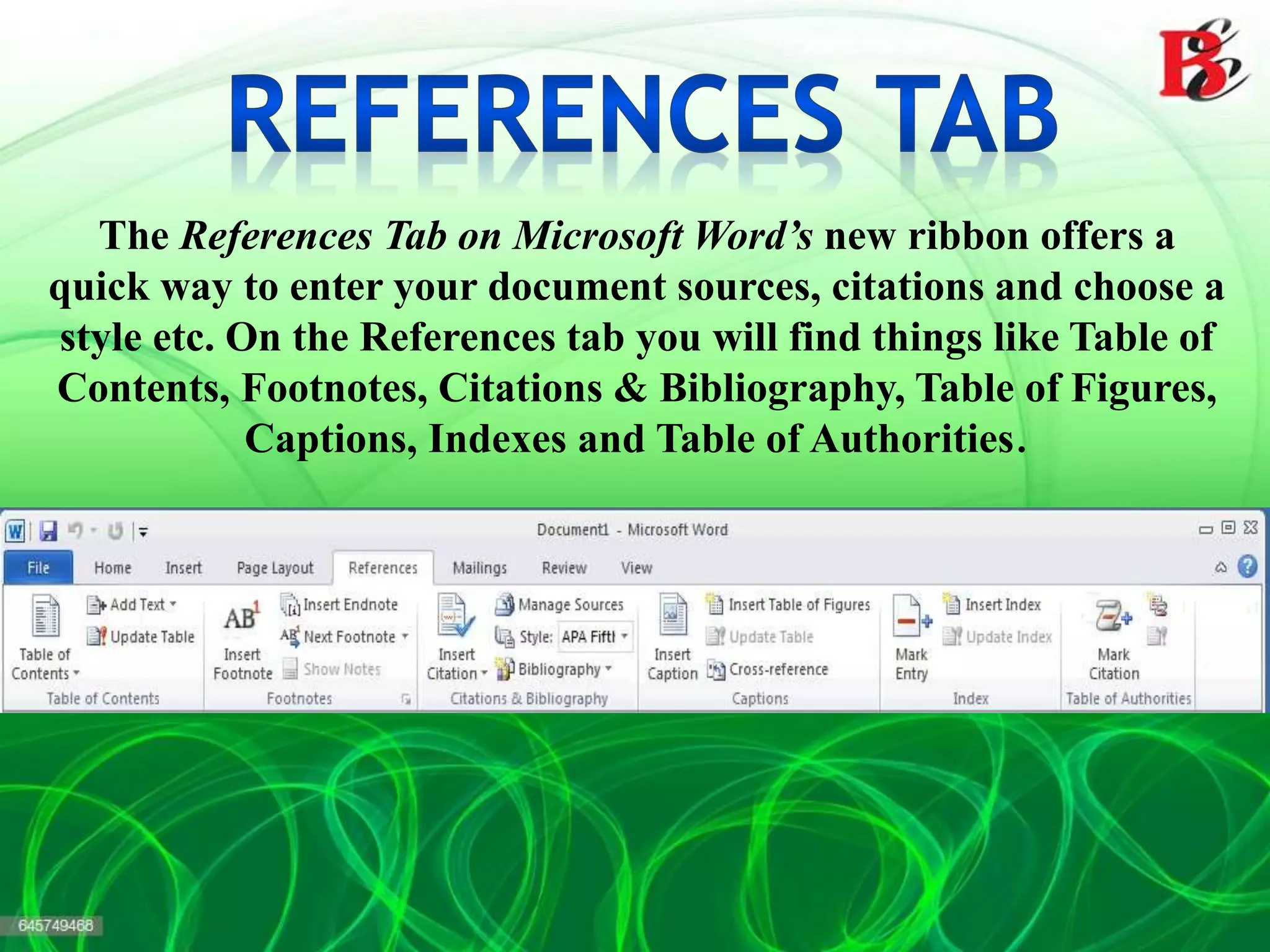
The References Tab on Microsoft Word’s new ribbon offers a
quick way to enter your document sources, citations and choose a
style etc. On the References tab you will find things like Table of
Contents, Footnotes, Citations & Bibliography, Table of Figures,
Captions, Indexes and Table of Authorities.
Mail Merge is most often used to print or email form
letters to multiple recipients. Using Mail Merge, you can
easily customize form letters for individual recipients.
Mail merge is also used to create envelopes or labels in
bulk.
CONTACT US -
BATRA COMPUTER CENTRE
SCO 15, Dayal Bagh, Ambala Cantt.
Near Panchmukhi Hanuman Mandir
Ph.: 4000670, 9729666670
E-mail: info.jatinbatra@gmail.com
www.batracomputercentre.com
SOCIAL LINKS -
Explanation About MS Word And its Various Tabs And Toolbars

Explanation About MS Word And its Various Tabs And Toolbars

  • 2.
    Microsoft Word 2010is a word processing program designed to help you create professional quality documents.  With the finest document formatting tools, word helps us to create our documents more efficiently,.  It includes powerful editing and revising tools.
  • 3.
  • 4.
    The file menuis one you will find yourself using extensively. It is used to create new documents, open existing documents and saving your new/updated documents. It also includes the page setup, print preview, and other important functions relating to your document and its properties.
  • 7.
    The Home Tabis the most important Tab in Microsoft Word. The Home Tab contains all the commands that are used most often. These include formatting commands like changing text size, font style, font color, list types, and clipboard functionality like Cut, Copy and Paste. Furthermore, the home tab in Word includes features like text alignment, line spacing, gallery styles and theme settings. Finally, the Home Tab includes the Facility to find and replace text.
  • 8.
  • 16.
  • 17.
    The References Tabon Microsoft Word’s new ribbon offers a quick way to enter your document sources, citations and choose a style etc. On the References tab you will find things like Table of Contents, Footnotes, Citations & Bibliography, Table of Figures, Captions, Indexes and Table of Authorities.
  • 18.
    Mail Merge ismost often used to print or email form letters to multiple recipients. Using Mail Merge, you can easily customize form letters for individual recipients. Mail merge is also used to create envelopes or labels in bulk.
  • 34.
    CONTACT US - BATRACOMPUTER CENTRE SCO 15, Dayal Bagh, Ambala Cantt. Near Panchmukhi Hanuman Mandir Ph.: 4000670, 9729666670 E-mail: info.jatinbatra@gmail.com www.batracomputercentre.com
  • 35.