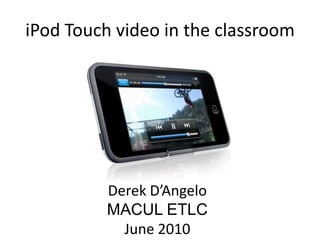
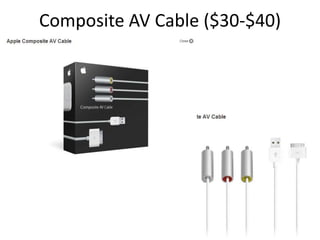
This document provides instructions for using an iPod Touch to play classroom videos from sites like YouTube. It outlines three steps:
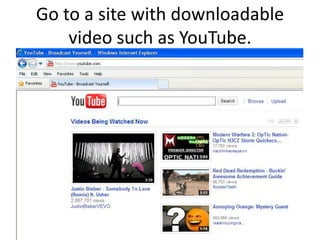
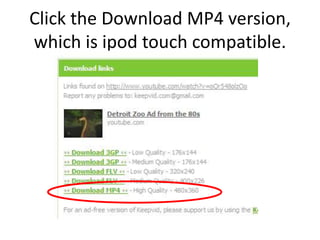
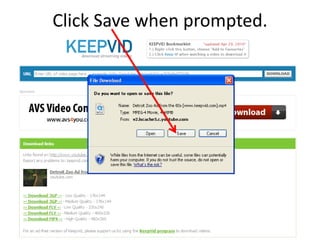
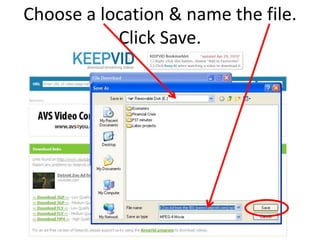
1. Search for and download videos from sites like YouTube or keepvid.com in a format compatible with the iPod Touch.
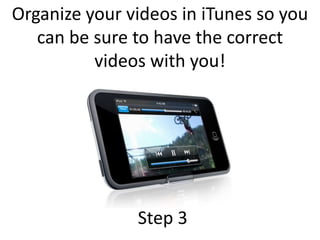
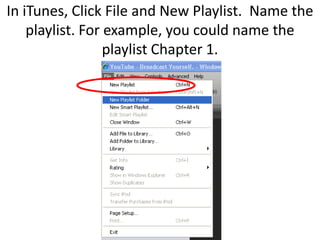
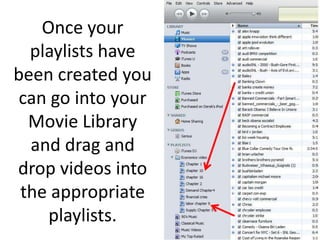
2. Create playlists in iTunes to organize videos by subject and chapter. Drag downloaded videos into the appropriate playlists.
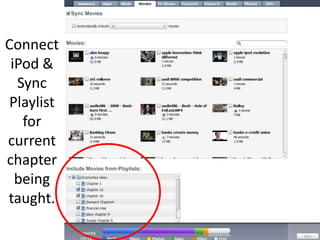
3. Connect the iPod Touch and sync the playlist for the chapter being taught so the videos are loaded onto the device.