Enterprise
Process Automation
© HelpSystems LLC
All trademarks and registered trademarks contained herein are the property of their respective owners.
Presented with
© HelpSystems LLC2/17/2015 2
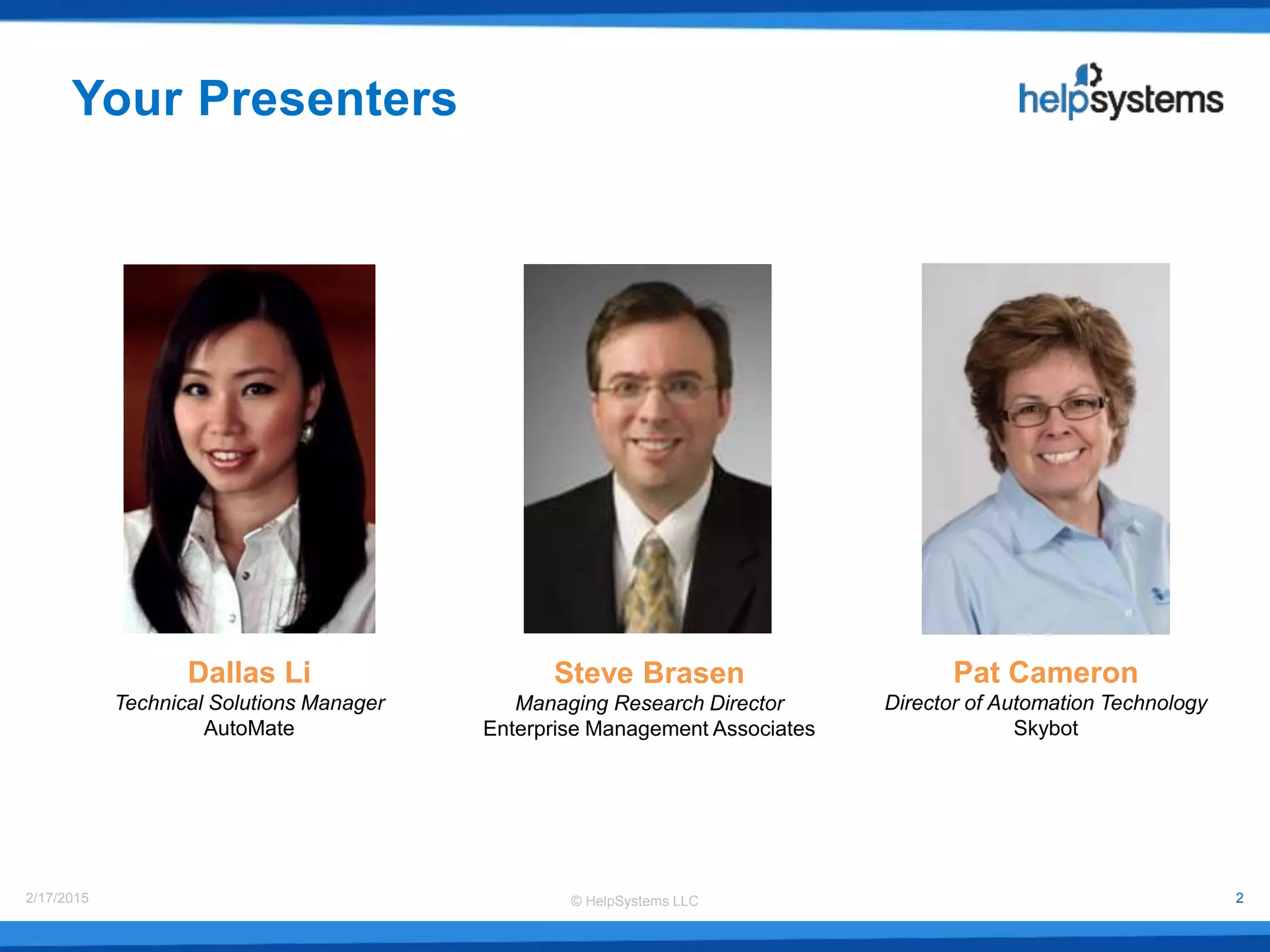
Dallas Li
Technical Solutions Manager
AutoMate
Pat Cameron
Director of Automation Technology
Skybot
Your Presenters
Steve Brasen
Managing Research Director
Enterprise Management Associates
© HelpSystems LLC2/17/2015 3
• Automating the Enterprise
• Introduction to Enterprise
Process Automation Suite
• What is Skybot Scheduler?
• What is AutoMate?
• Use cases
• Solutions
Agenda
• The Value of Enabling
Business Agility
• Dealing with Complex
Business Processes
• The Value of Process
Automation
• Ensuring Process Reliability
with Job Scheduling
• Optimizing Business
Performance with a Unified
Business Process Approach
• Conclusions
Automating the Enterprise
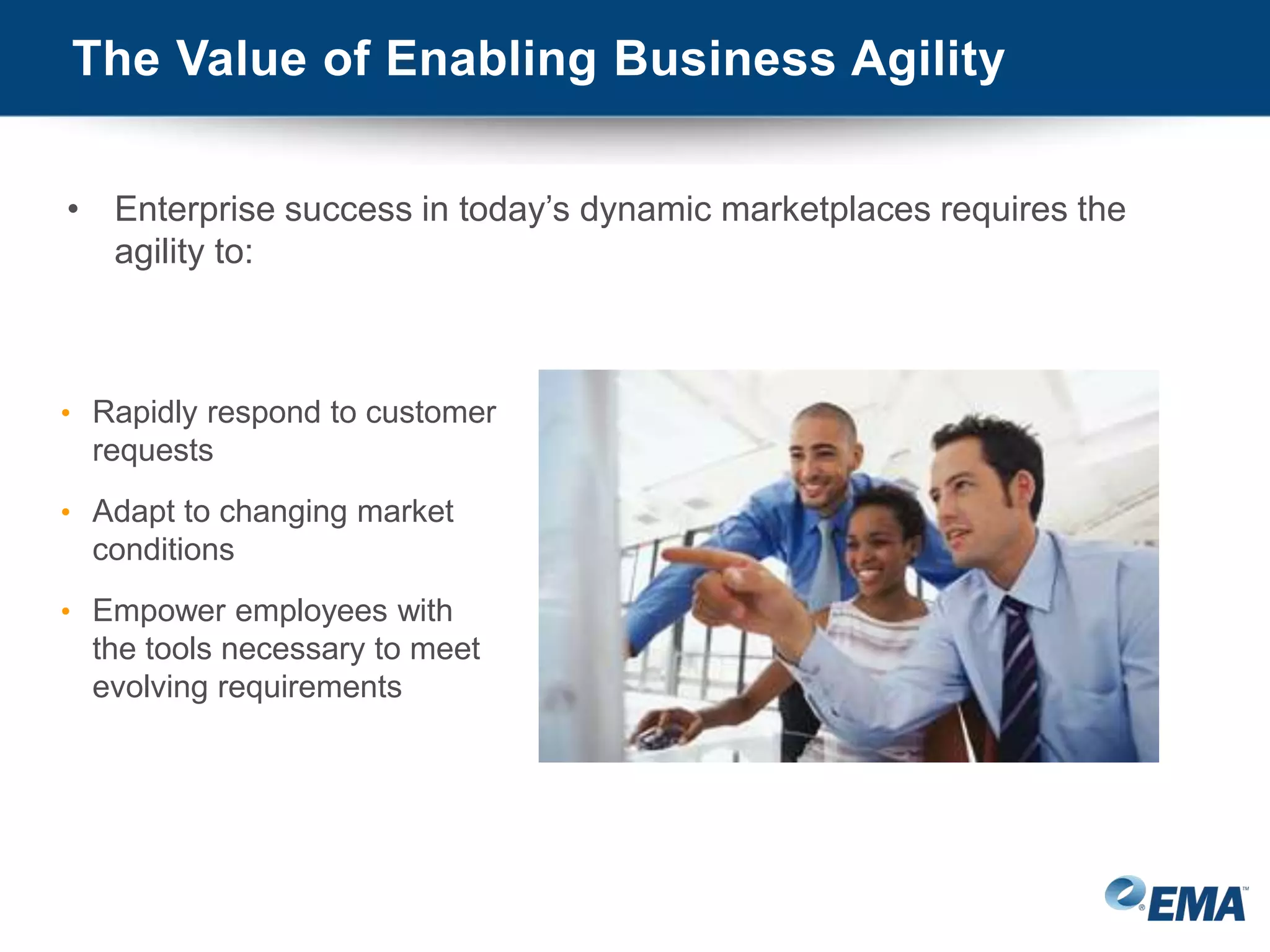
• Enterprise success in today’s dynamic marketplaces requires the
agility to:
• Rapidly respond to customer
requests
• Adapt to changing market
conditions
• Empower employees with
the tools necessary to meet
evolving requirements
The Value of Enabling Business Agility
• Enterprise agility is dependent on the performance
of business-focused IT processes
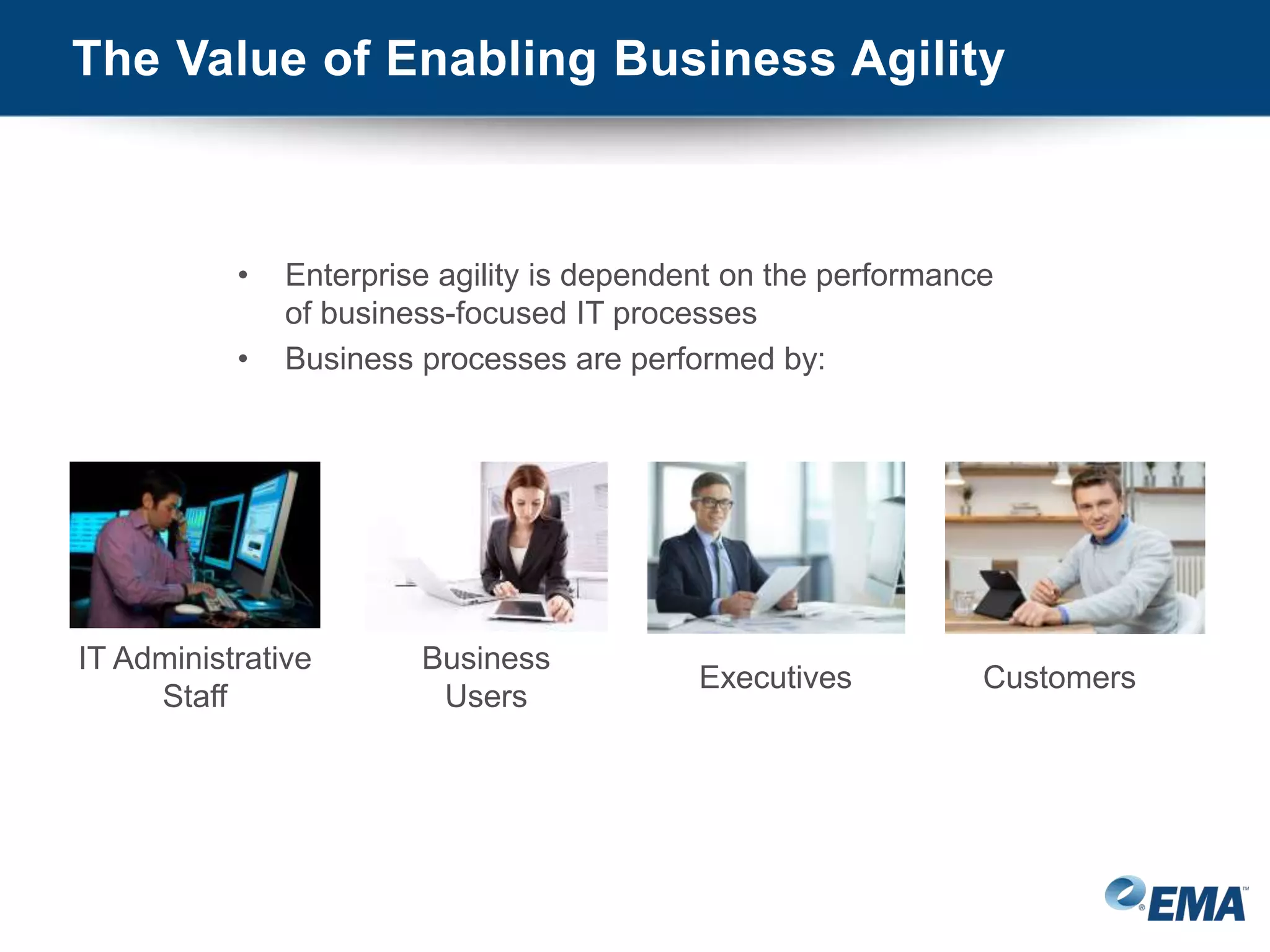
• Business processes are performed by:
IT Administrative
Staff
Business
Users
Executives Customers
The Value of Enabling Business Agility
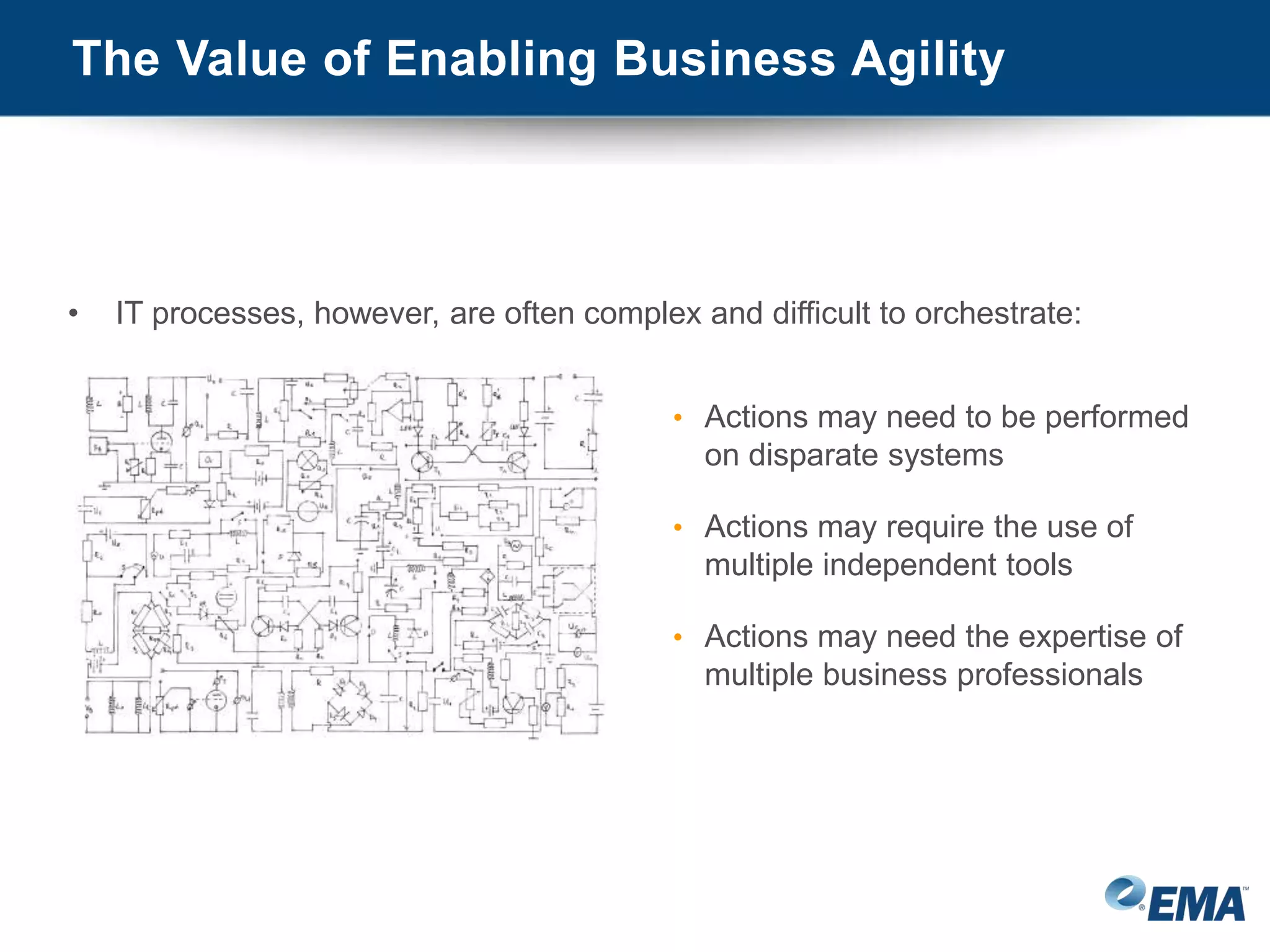
• IT processes, however, are often complex and difficult to orchestrate:
• Actions may need to be performed
on disparate systems
• Actions may require the use of
multiple independent tools
• Actions may need the expertise of
multiple business professionals
Dealing with Complex Business Processes
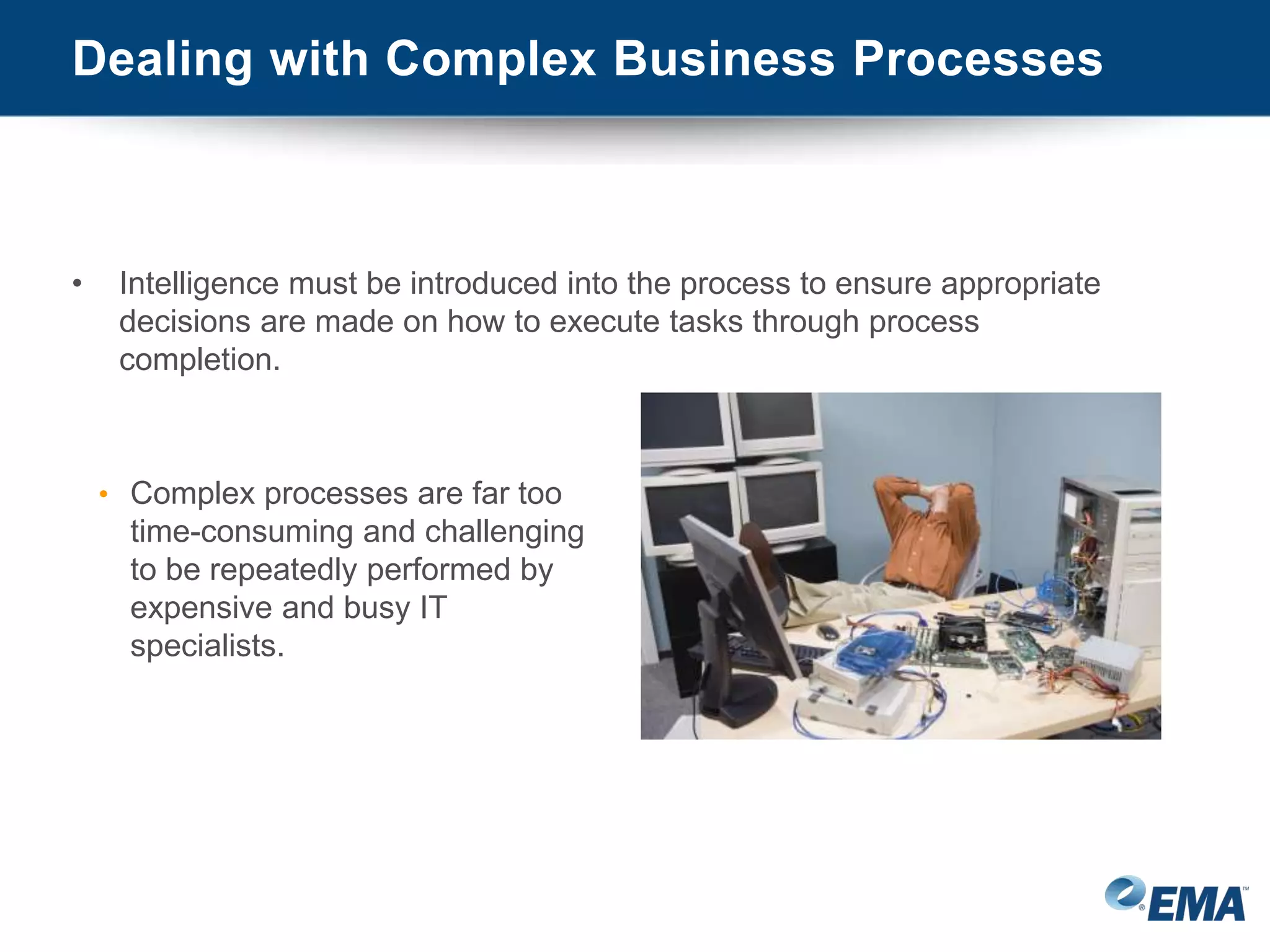
• Intelligence must be introduced into the process to ensure appropriate
decisions are made on how to execute tasks through process
completion.
• Complex processes are far too
time-consuming and challenging
to be repeatedly performed by
expensive and busy IT
specialists.
Dealing with Complex Business Processes
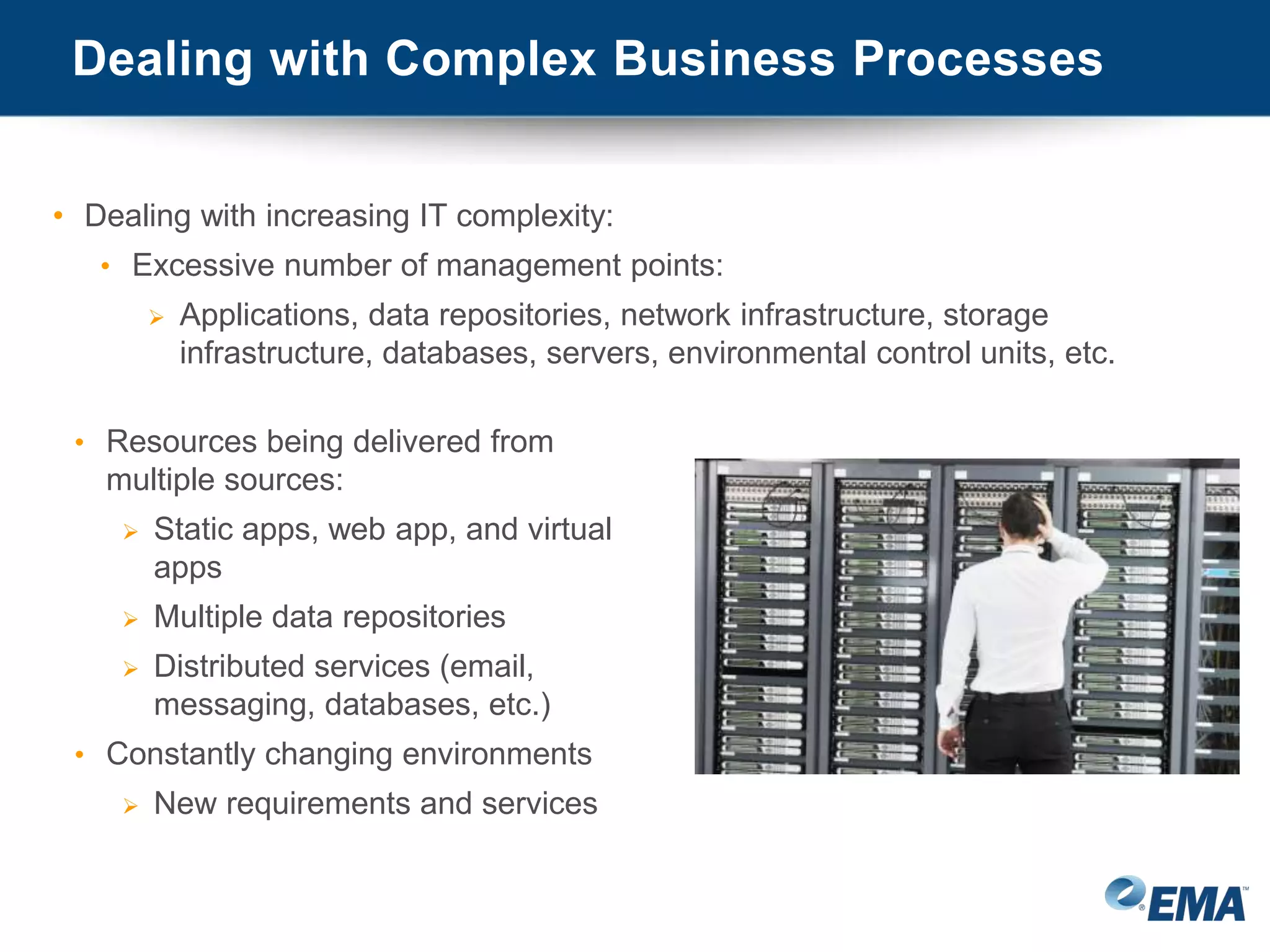
• Dealing with increasing IT complexity:
• Excessive number of management points:
 Applications, data repositories, network infrastructure, storage
infrastructure, databases, servers, environmental control units, etc.
• Resources being delivered from
multiple sources:
 Static apps, web app, and virtual
apps
 Multiple data repositories
 Distributed services (email,
messaging, databases, etc.)
• Constantly changing environments
 New requirements and services
Dealing with Complex Business Processes
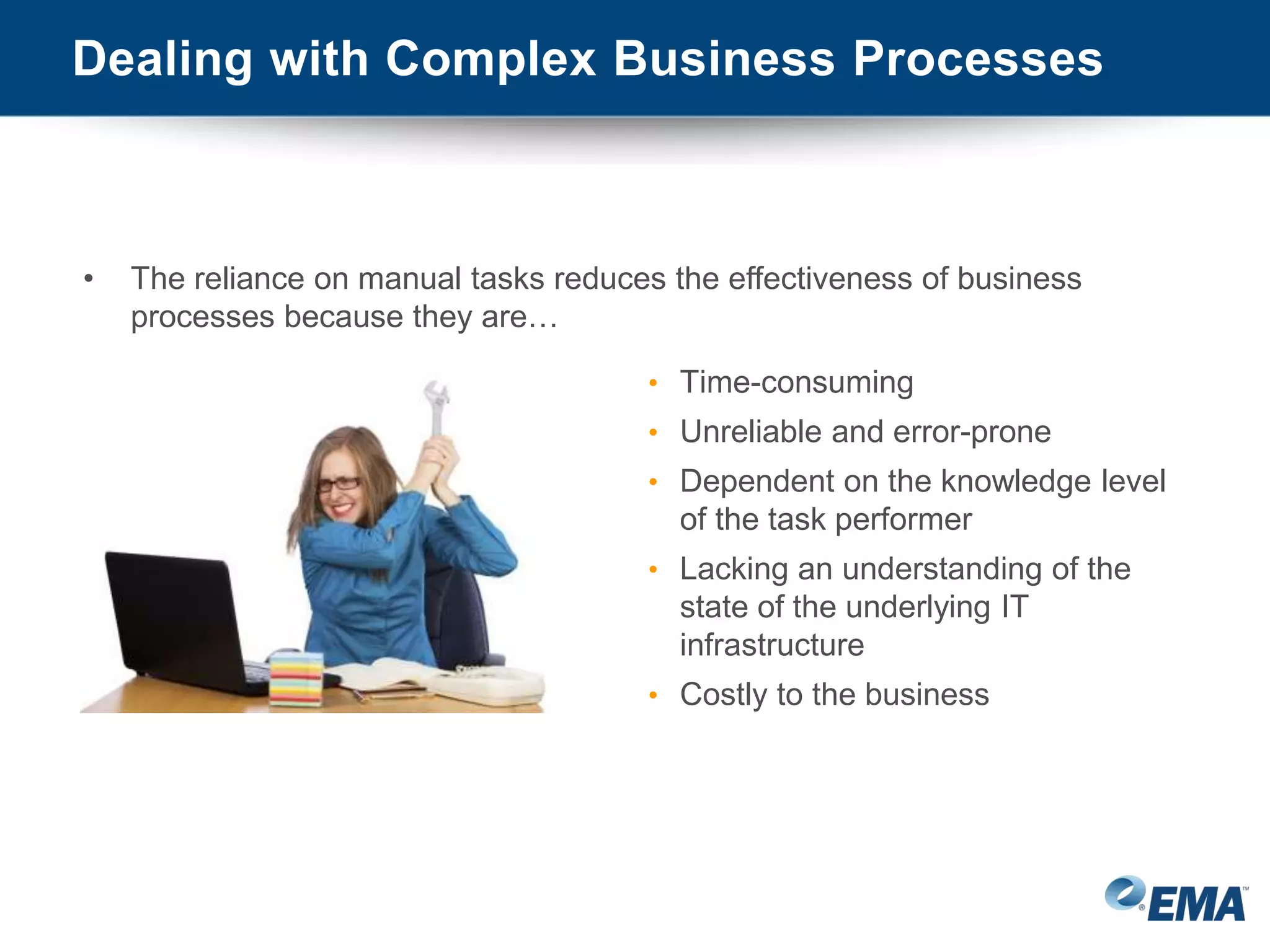
• The reliance on manual tasks reduces the effectiveness of business
processes because they are…
• Time-consuming
• Unreliable and error-prone
• Dependent on the knowledge level
of the task performer
• Lacking an understanding of the
state of the underlying IT
infrastructure
• Costly to the business
The Value of Process Automation
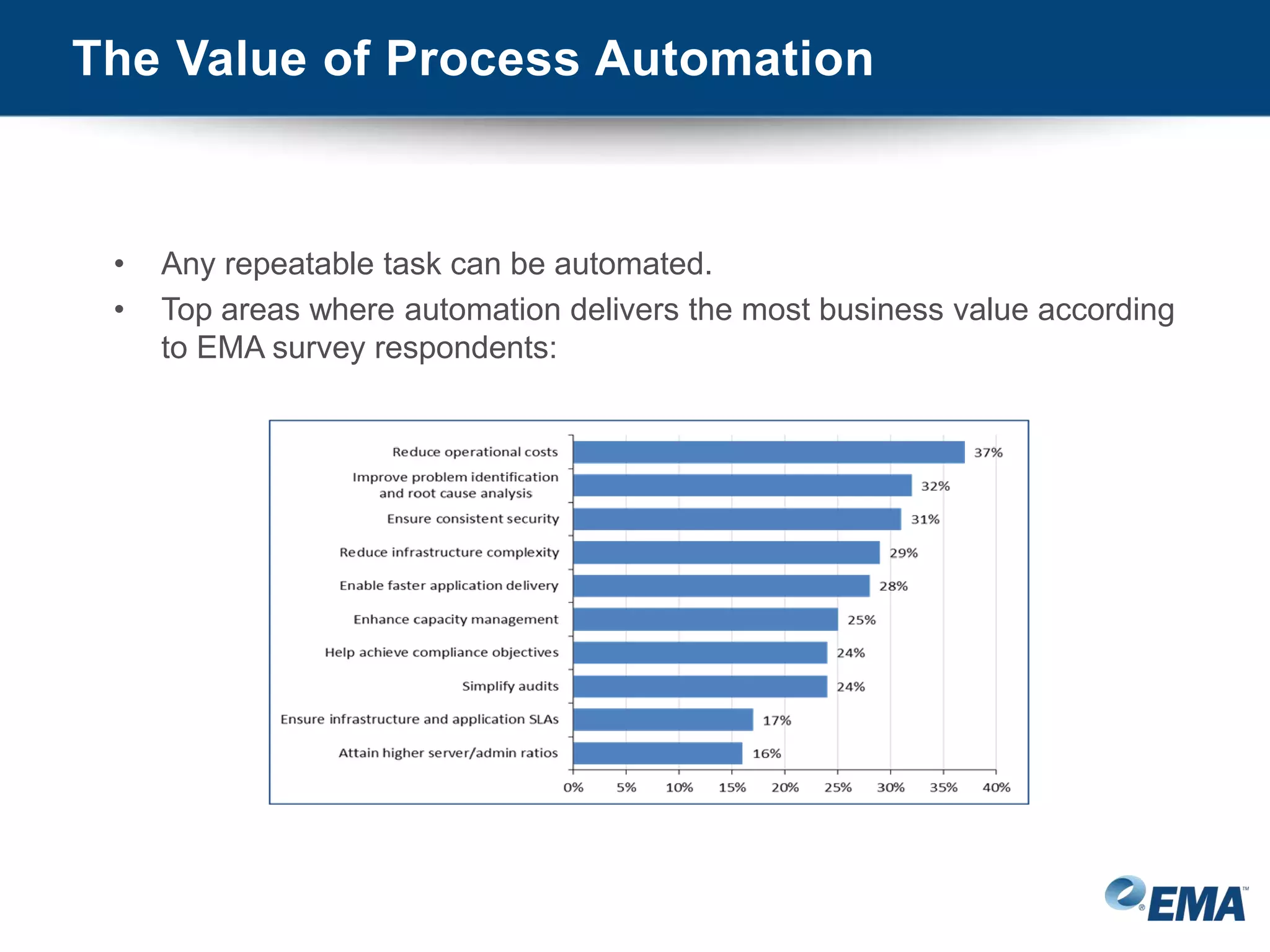
• Any repeatable task can be automated.
• Top areas where automation delivers the most business value according
to EMA survey respondents:
The Value of Process Automation
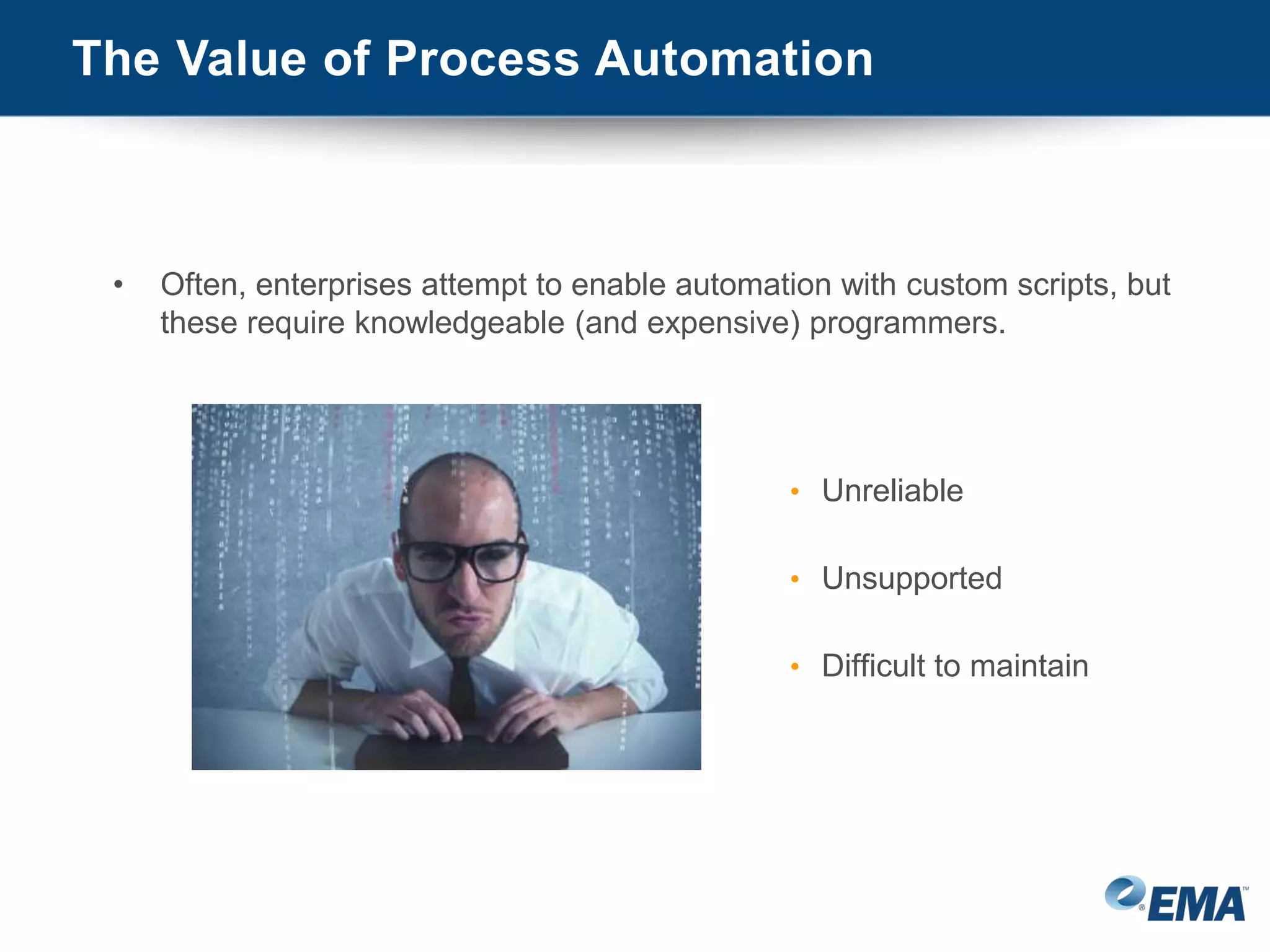
• Often, enterprises attempt to enable automation with custom scripts, but
these require knowledgeable (and expensive) programmers.
• Unreliable
• Unsupported
• Difficult to maintain
The Value of Process Automation
• Process Automation – Automates a series of tasks in a business
process:
• Provides a simple method for
automating tasks without the need to
create custom scripts
• Allows multiple automated tasks to be
linked to reliably perform complex
processes
• Empowers non-IT users to rapidly
perform business tasks
Ensuring Process Reliability with Job Scheduling
• Job Scheduling – Coordinates the execution of multiple tasks to reliably
implement complex business processes:
• Ensures tasks are executed on
exactly the right resources at exactly
the right time
• Simplifies the execution of intricate
workflows across multiple enterprise
systems and applications
• A single schedule can incorporate
multiple workflows, allowing simple
management and execution of even
the most complicated task set
Optimizing Business Performance
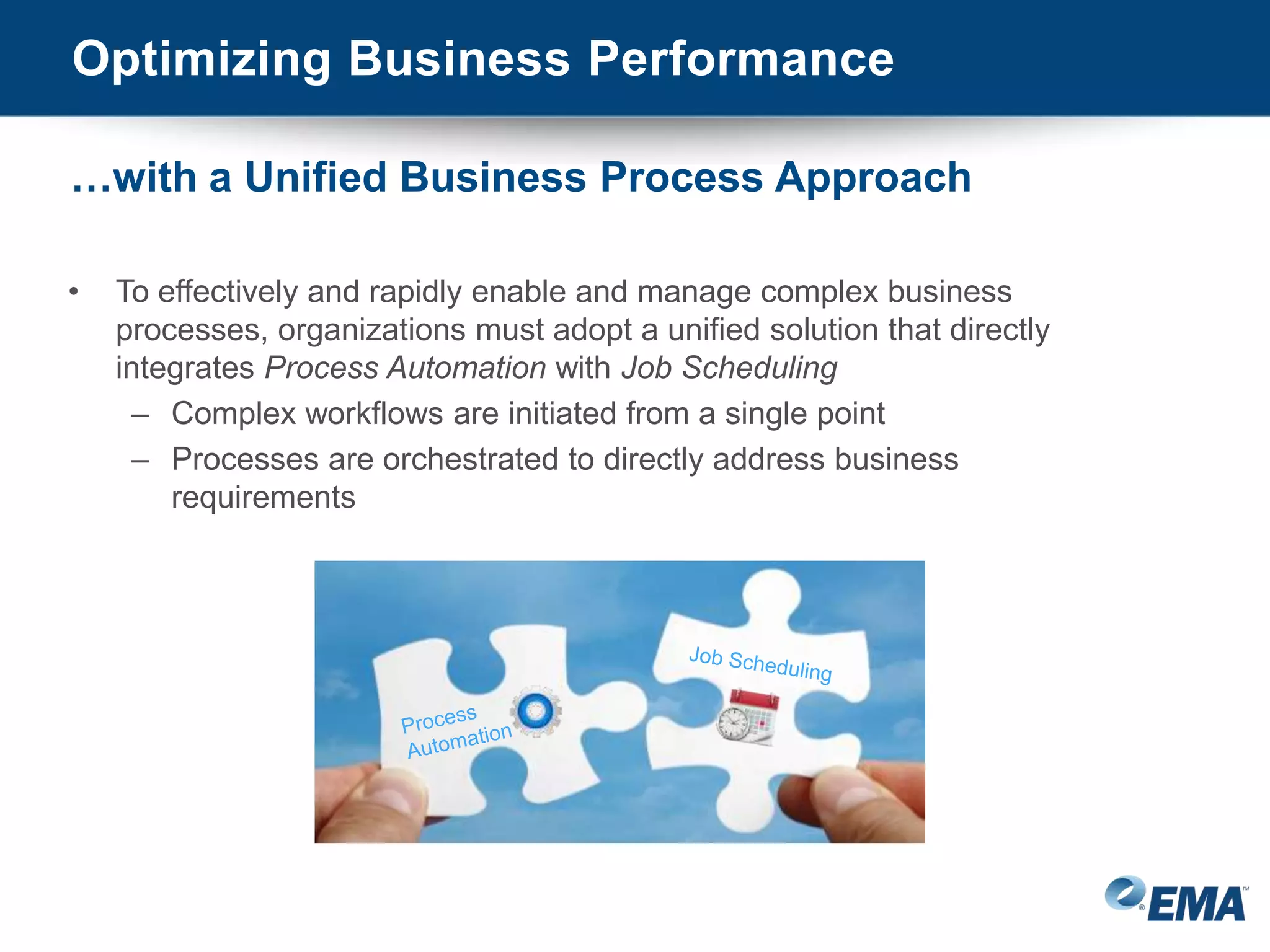
• To effectively and rapidly enable and manage complex business
processes, organizations must adopt a unified solution that directly
integrates Process Automation with Job Scheduling
– Complex workflows are initiated from a single point
– Processes are orchestrated to directly address business
requirements
…with a Unified Business Process Approach
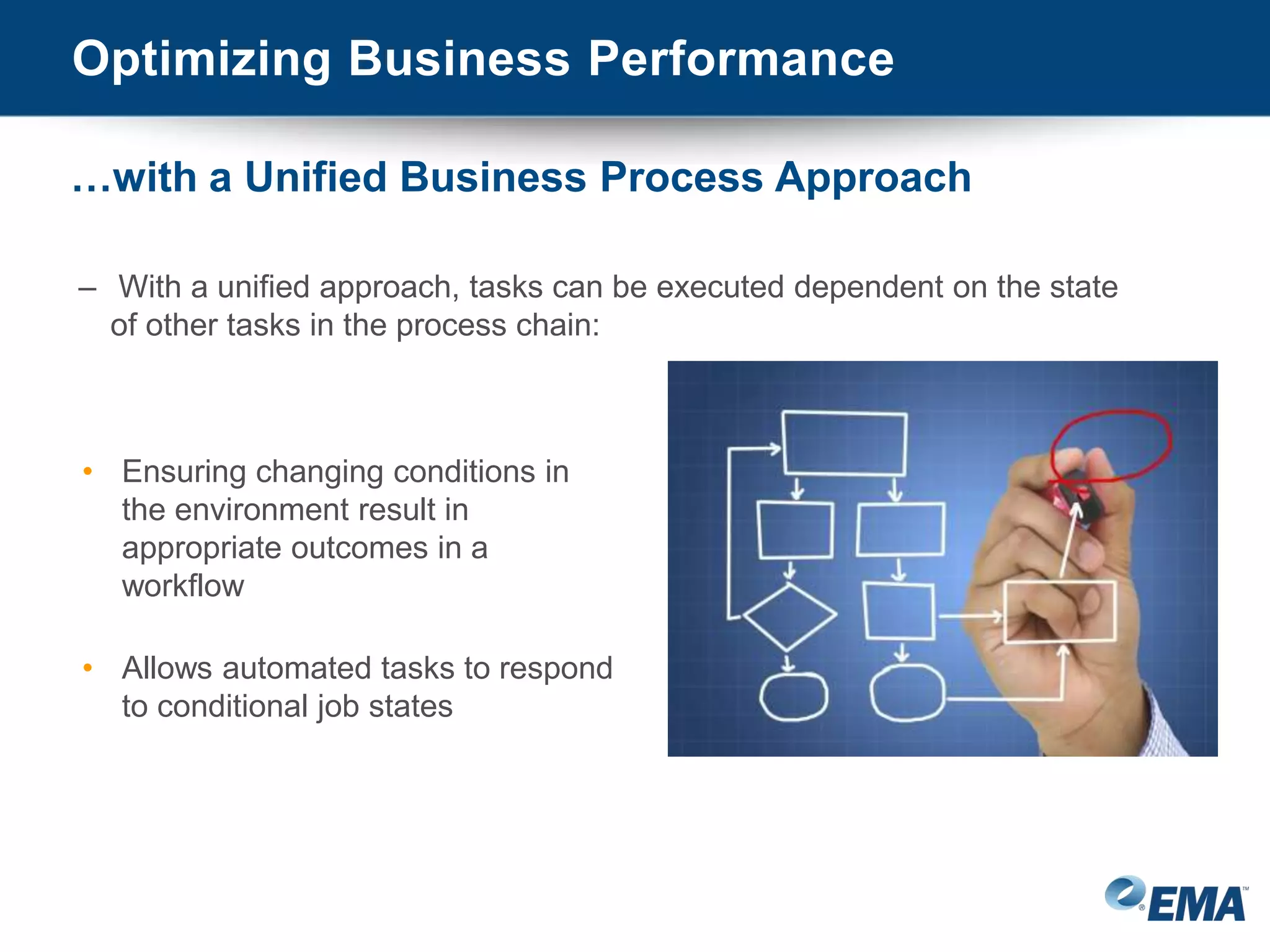
– With a unified approach, tasks can be executed dependent on the state
of other tasks in the process chain:
• Ensuring changing conditions in
the environment result in
appropriate outcomes in a
workflow
• Allows automated tasks to respond
to conditional job states
Optimizing Business Performance
…with a Unified Business Process Approach
• Auditing processes necessary for business and
regulatory compliance achievement are also
improved when the reporting tasks are fully
automated and injected into a process workflow:
– Simplified
– More accurate
– More timely
Optimizing Business Performance
…with a Unified Business Process Approach
• Improved business productivity with
unified business processes:
– End users are empowered with self-
service that delivers the resources
they require to meet business goals
• Ensures they are not developing
processes independent of IT
operations
– Fewer staff members are able to
perform more tasks in a shorter
period of time
• Minimizing costs
Optimizing Business Performance
…with a Unified Business Process Approach
Conclusion
• Manual processes for orchestrating complex
business processes are inherently inefficient,
and custom scripting provides little relief.
• Process Automation provides the reliable tools
for automating complex tasks across a
workflow
• Job Scheduling enhances the value of
automation by ensuring tasks are executed at
exactly the right time, the right place, and in
the right way
• A unified approach to business process
management is essential to enabling reliable
process workflows that predictably achieve
enterprise requirements
The Solution
The HelpSystems Enterprise Process
Automation Suite
© HelpSystems LLC2/17/2015 21
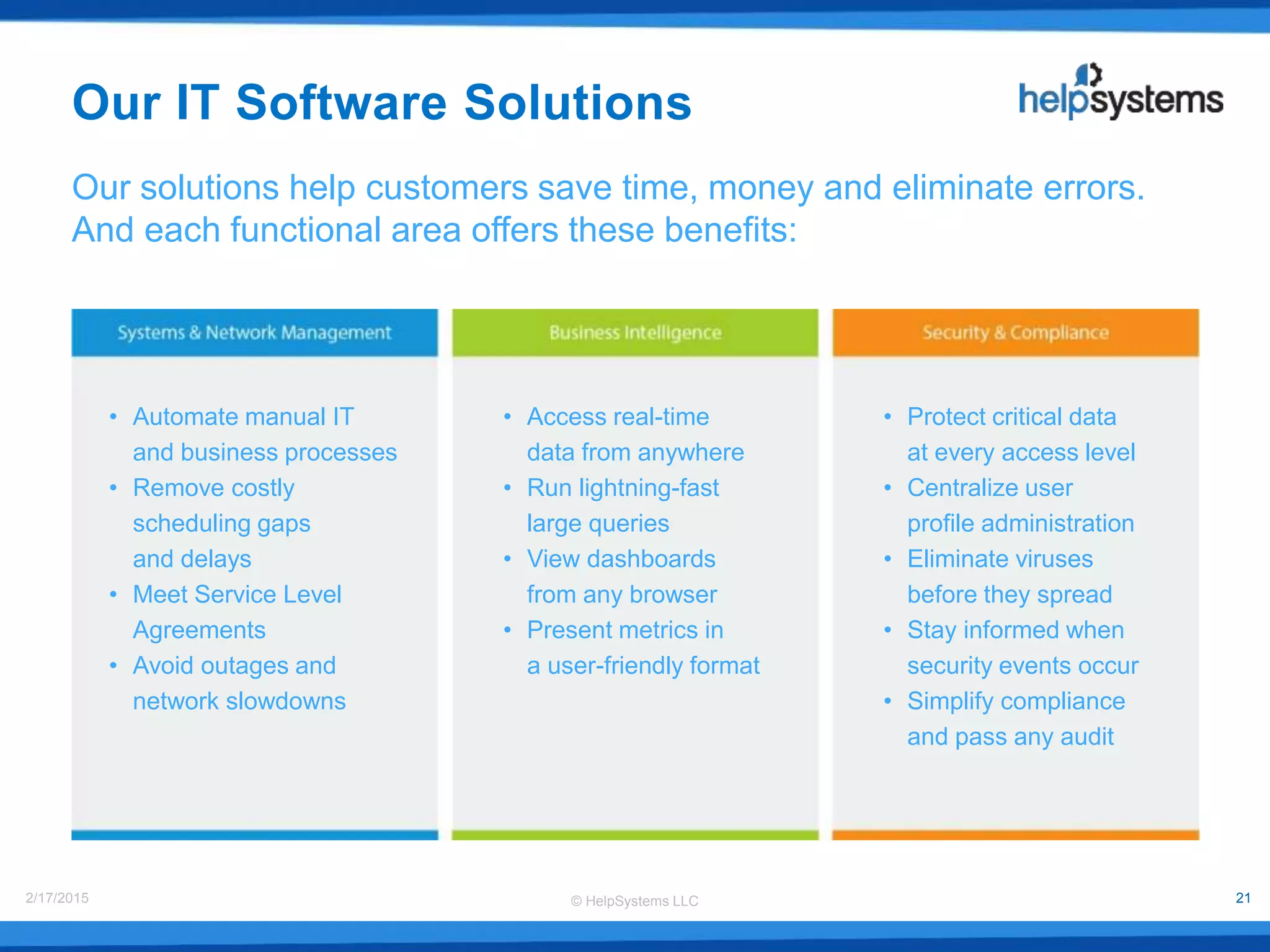
• Automate manual IT
and business processes
• Remove costly
scheduling gaps
and delays
• Meet Service Level
Agreements
• Avoid outages and
network slowdowns
• Access real-time
data from anywhere
• Run lightning-fast
large queries
• View dashboards
from any browser
• Present metrics in
a user-friendly format
• Protect critical data
at every access level
• Centralize user
profile administration
• Eliminate viruses
before they spread
• Stay informed when
security events occur
• Simplify compliance
and pass any audit
Our solutions help customers save time, money and eliminate errors.
And each functional area offers these benefits:
Our IT Software Solutions
© HelpSystems LLC2/17/2015 22
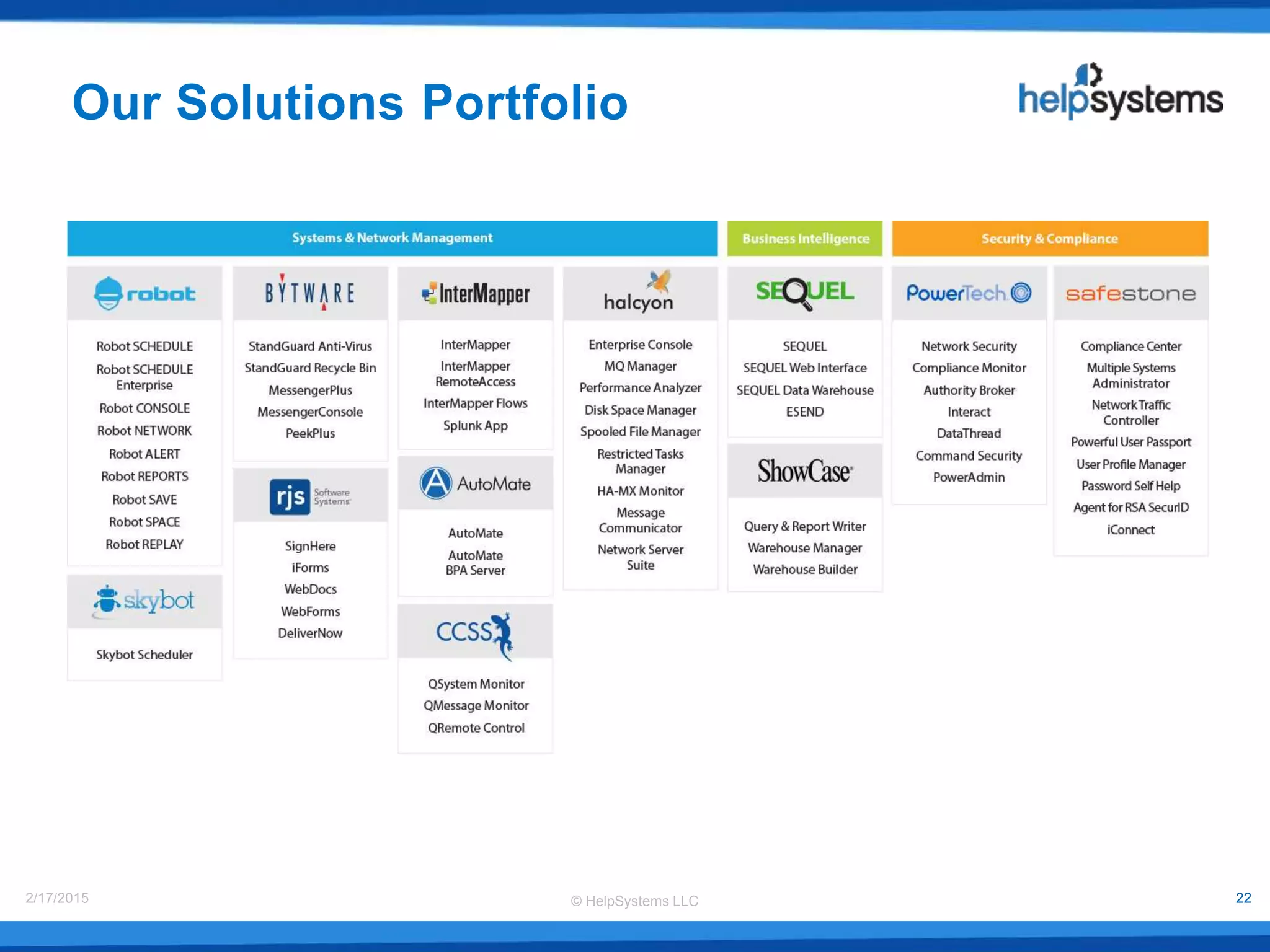
Our Solutions Portfolio
© HelpSystems LLC2/17/2015 23
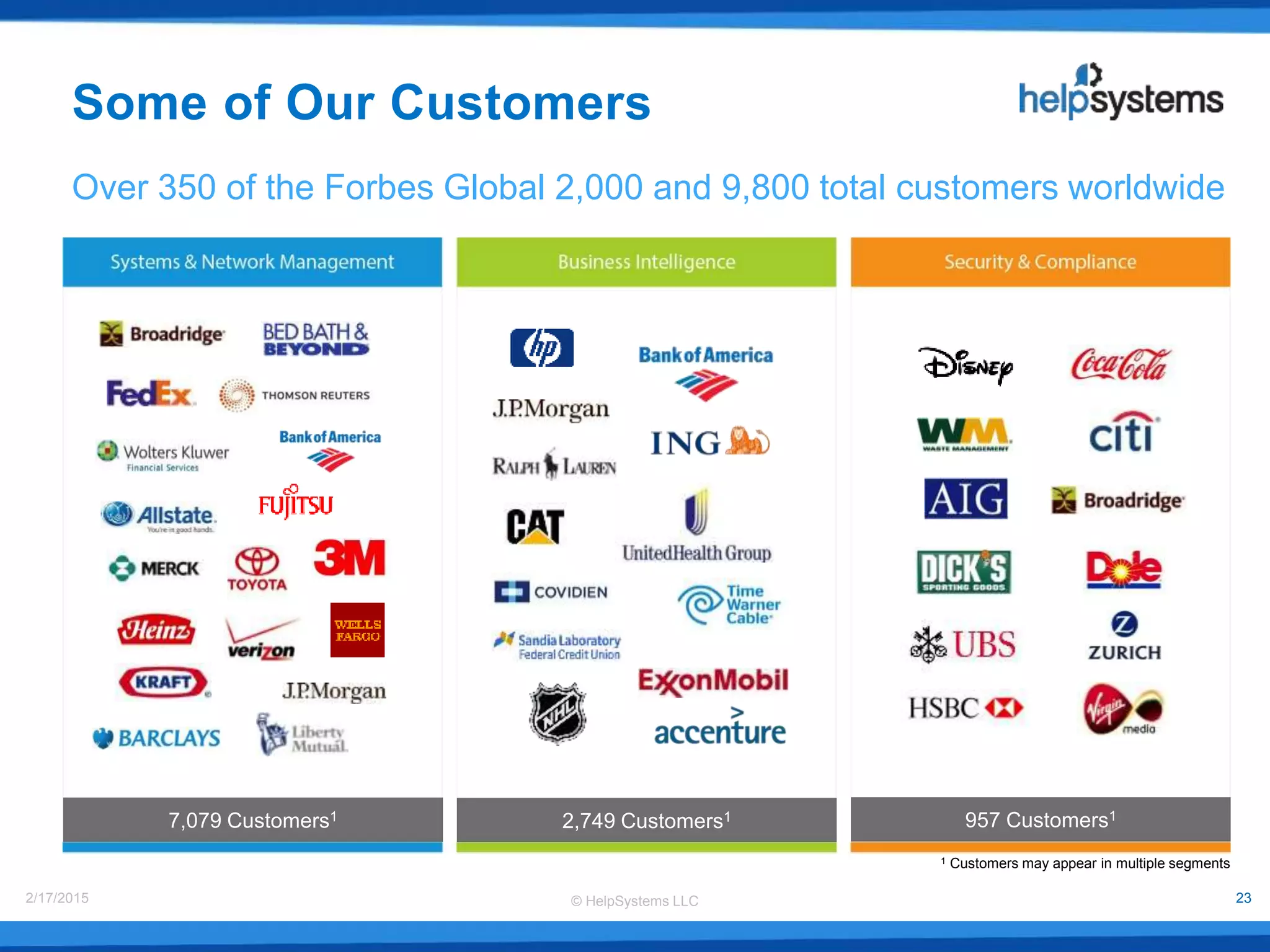
1 Customers may appear in multiple segments
Some of Our Customers
Over 350 of the Forbes Global 2,000 and 9,800 total customers worldwide
7,079 Customers1 2,749 Customers1 957 Customers1
© HelpSystems LLC2/17/2015 24
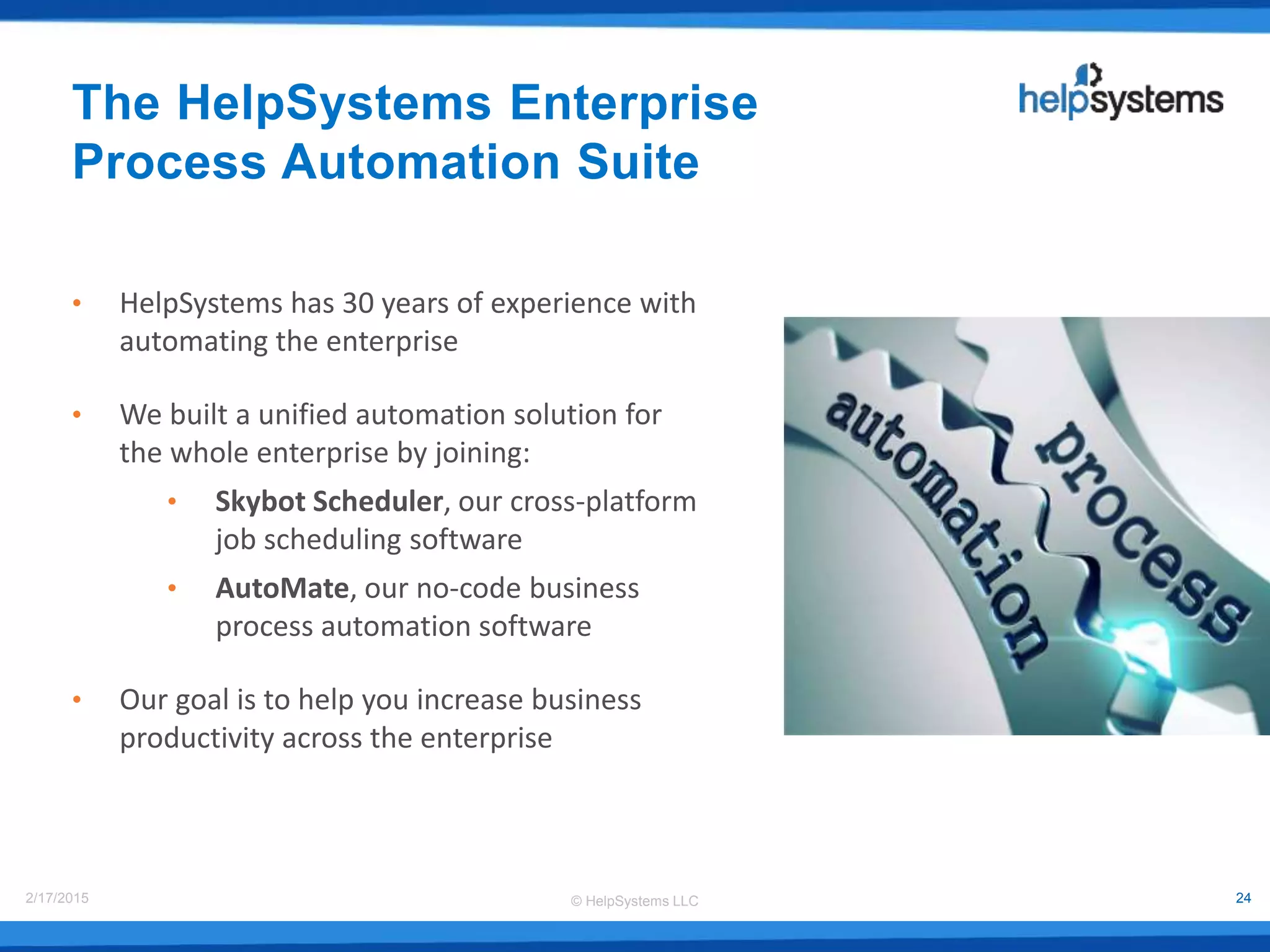
The HelpSystems Enterprise
Process Automation Suite
• HelpSystems has 30 years of experience with
automating the enterprise
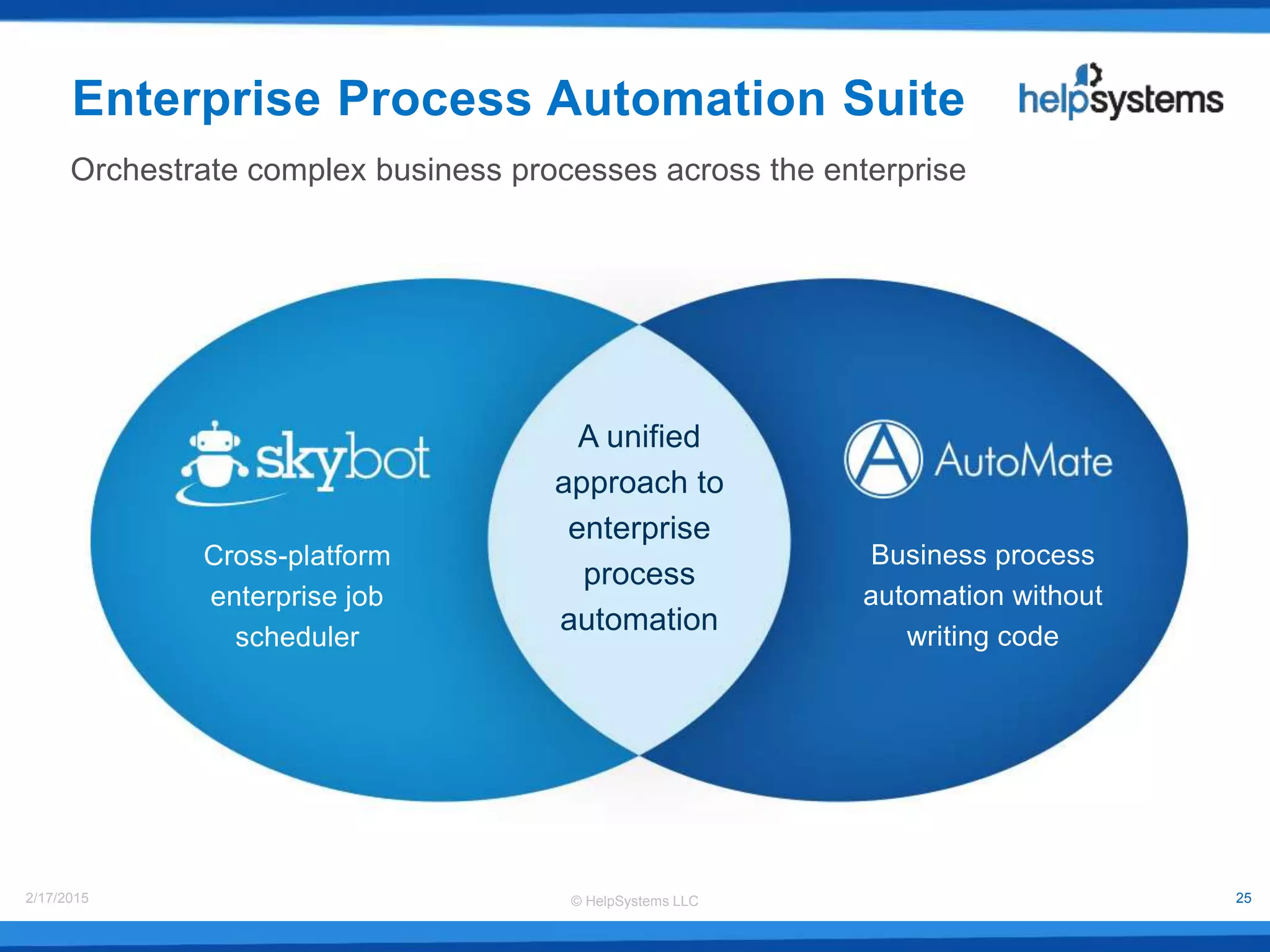
• We built a unified automation solution for
the whole enterprise by joining:
• Skybot Scheduler, our cross-platform
job scheduling software
• AutoMate, our no-code business
process automation software
• Our goal is to help you increase business
productivity across the enterprise
© HelpSystems LLC2/17/2015 25
Enterprise Process Automation Suite
Orchestrate complex business processes across the enterprise
Business process
automation without
writing code
Cross-platform
enterprise job
scheduler
A unified
approach to
enterprise
process
automation
© HelpSystems LLC2/17/2015 26
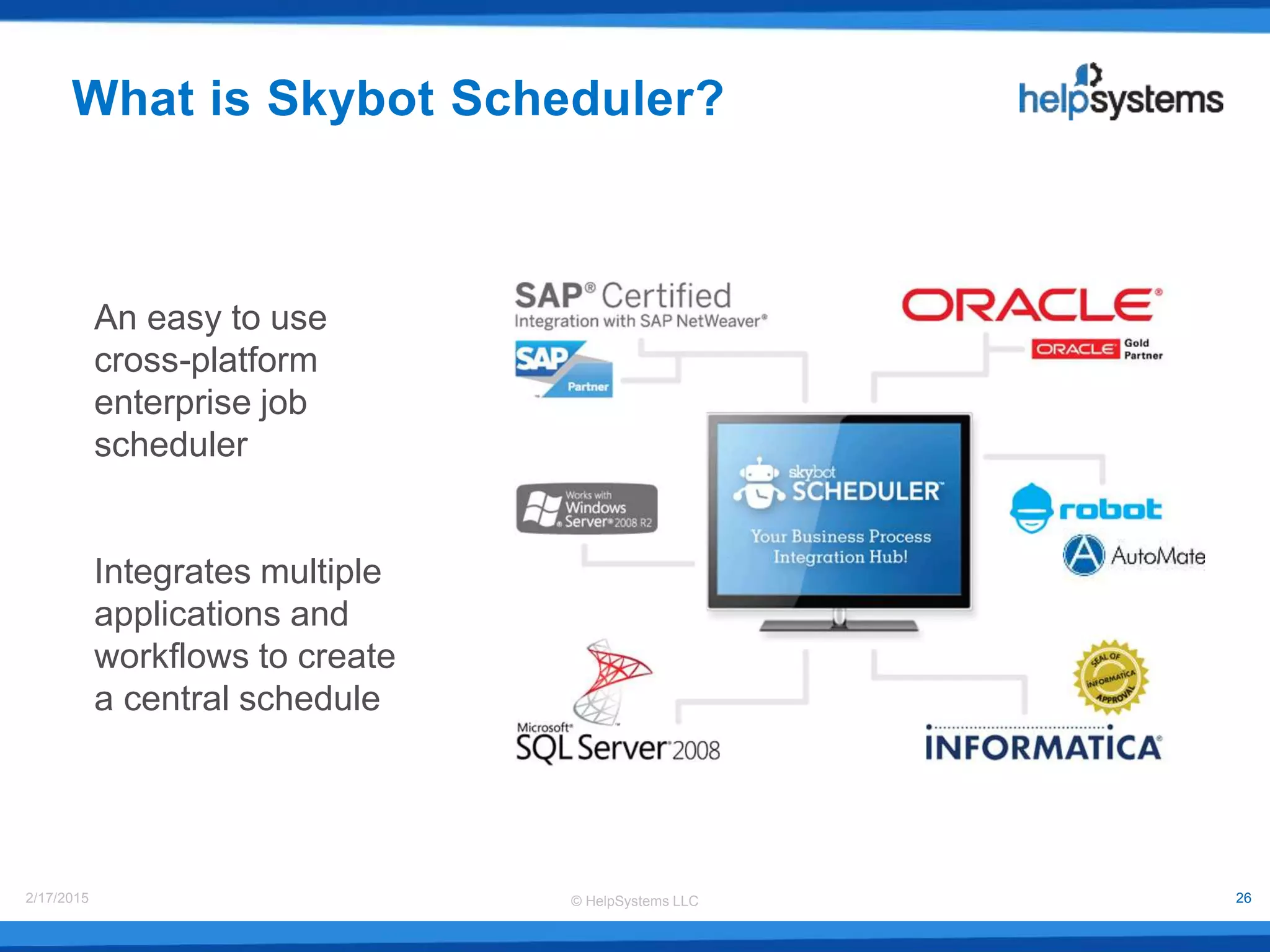
What is Skybot Scheduler?
An easy to use
cross-platform
enterprise job
scheduler
Integrates multiple
applications and
workflows to create
a central schedule
© HelpSystems LLC2/17/2015 27
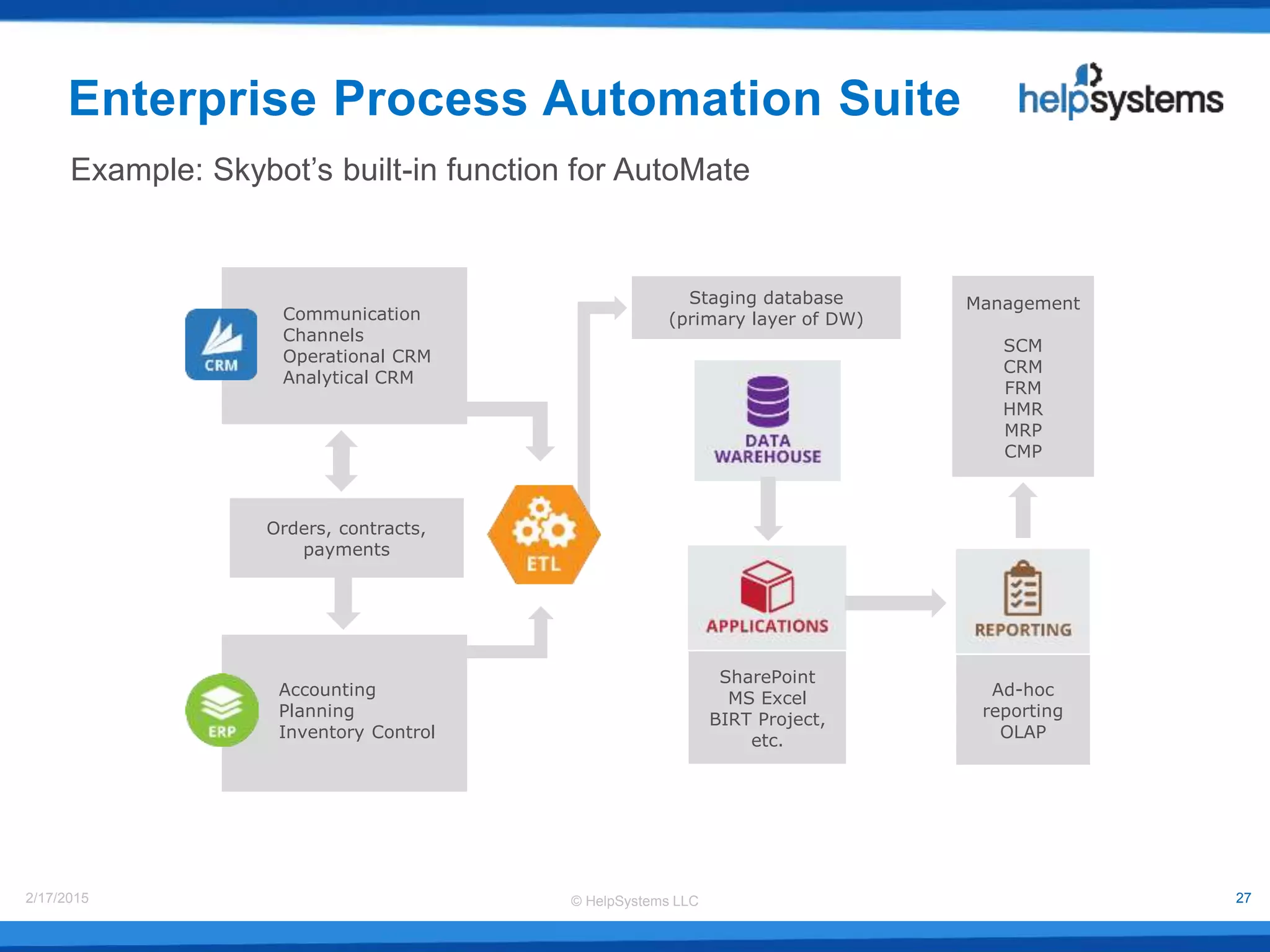
Communication
Channels
Operational CRM
Analytical CRM
Accounting
Planning
Inventory Control
Ad-hoc
reporting
OLAP
SharePoint
MS Excel
BIRT Project,
etc.
Orders, contracts,
payments
Staging database
(primary layer of DW)
Management
SCM
CRM
FRM
HMR
MRP
CMP
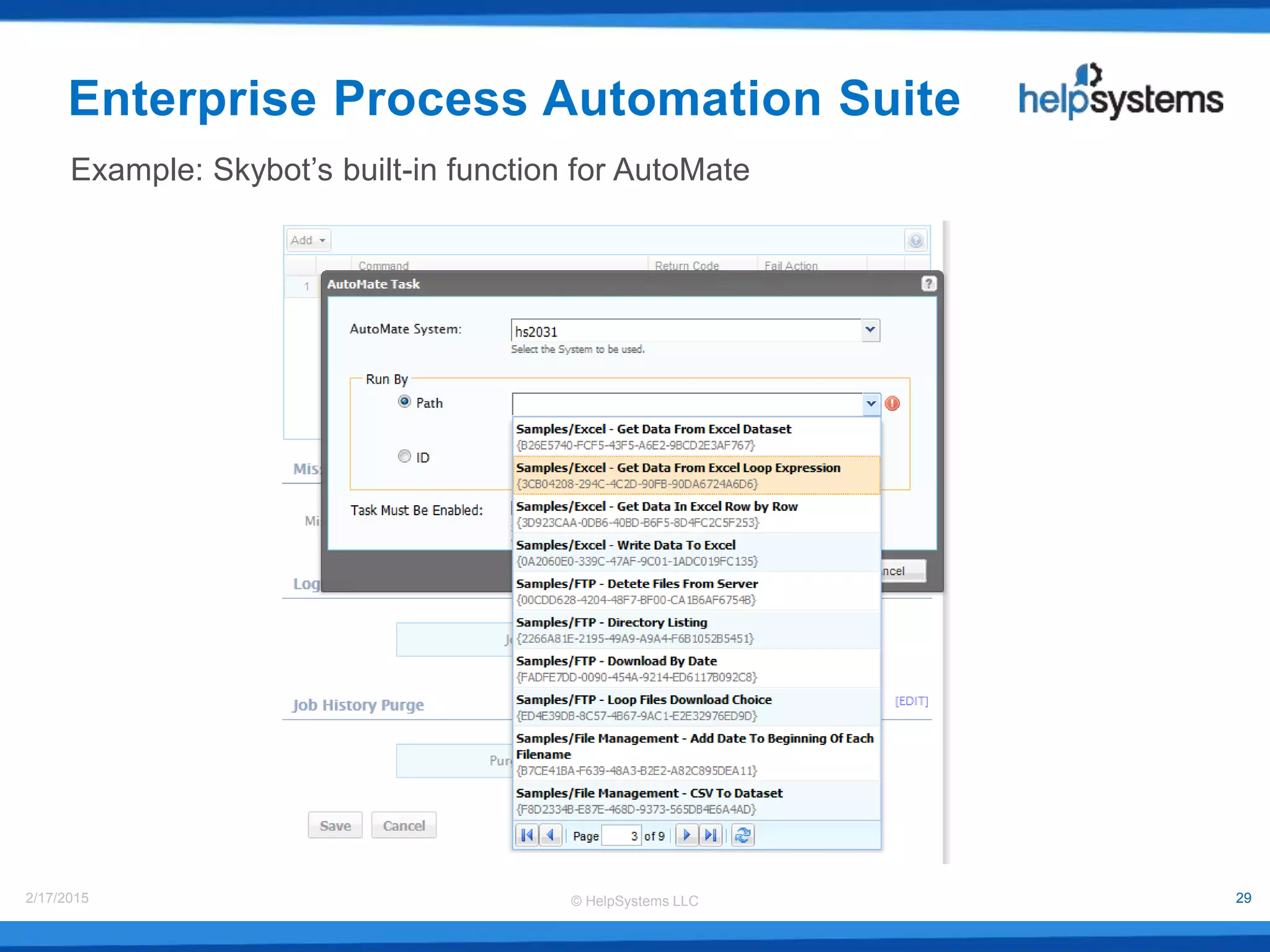
Example: Skybot’s built-in function for AutoMate
Enterprise Process Automation Suite
© HelpSystems LLC2/17/2015 28
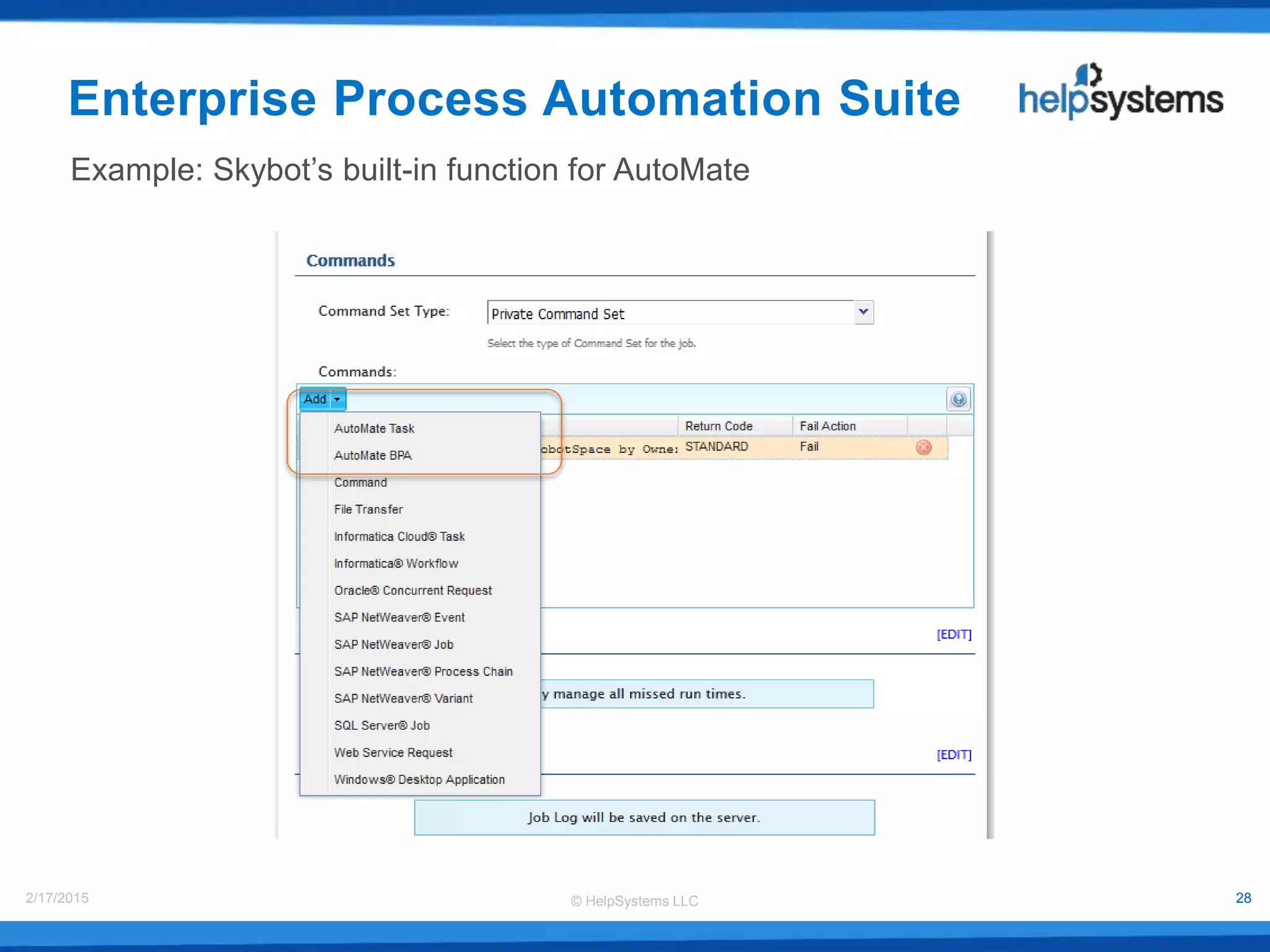
Enterprise Process Automation Suite
Example: Skybot’s built-in function for AutoMate
© HelpSystems LLC2/17/2015 29
Example: Skybot’s built-in function for AutoMate
Enterprise Process Automation Suite
© HelpSystems LLC2/17/2015 30
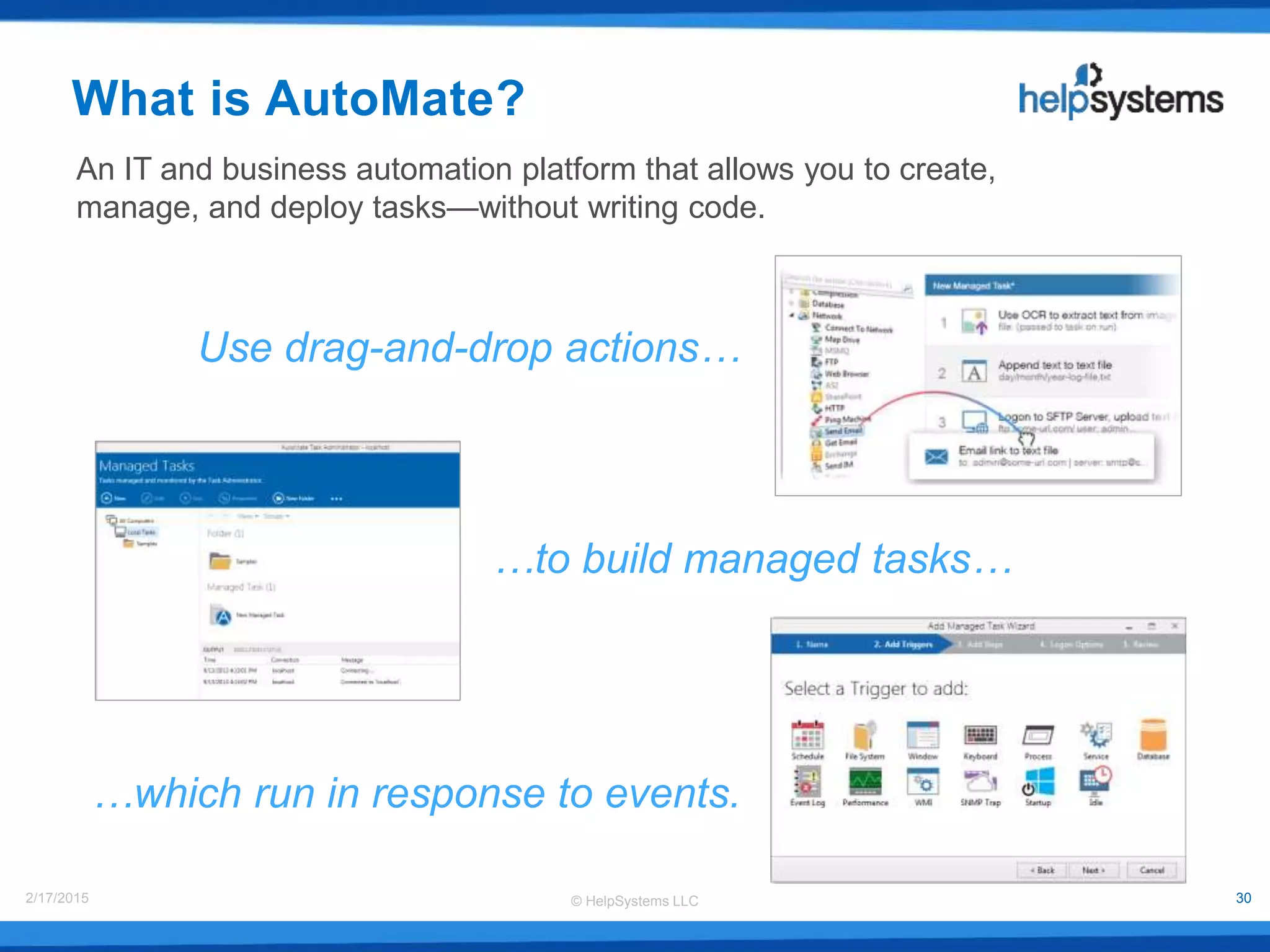
An IT and business automation platform that allows you to create,
manage, and deploy tasks—without writing code.
Use drag-and-drop actions…
…to build managed tasks…
…which run in response to events.
What is AutoMate?
© HelpSystems LLC2/17/2015 31
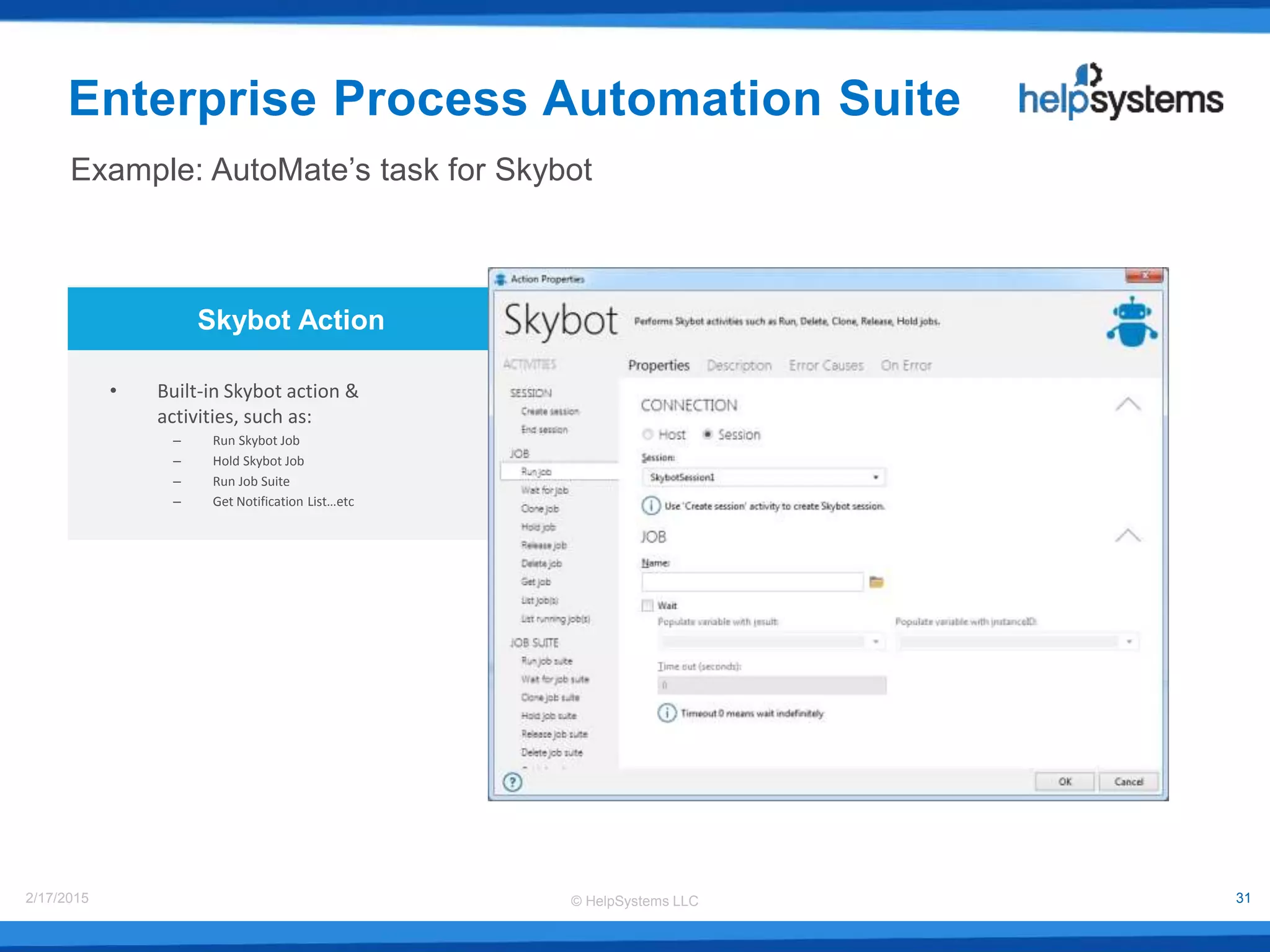
Skybot Action
• Built-in Skybot action &
activities, such as:
– Run Skybot Job
– Hold Skybot Job
– Run Job Suite
– Get Notification List…etc
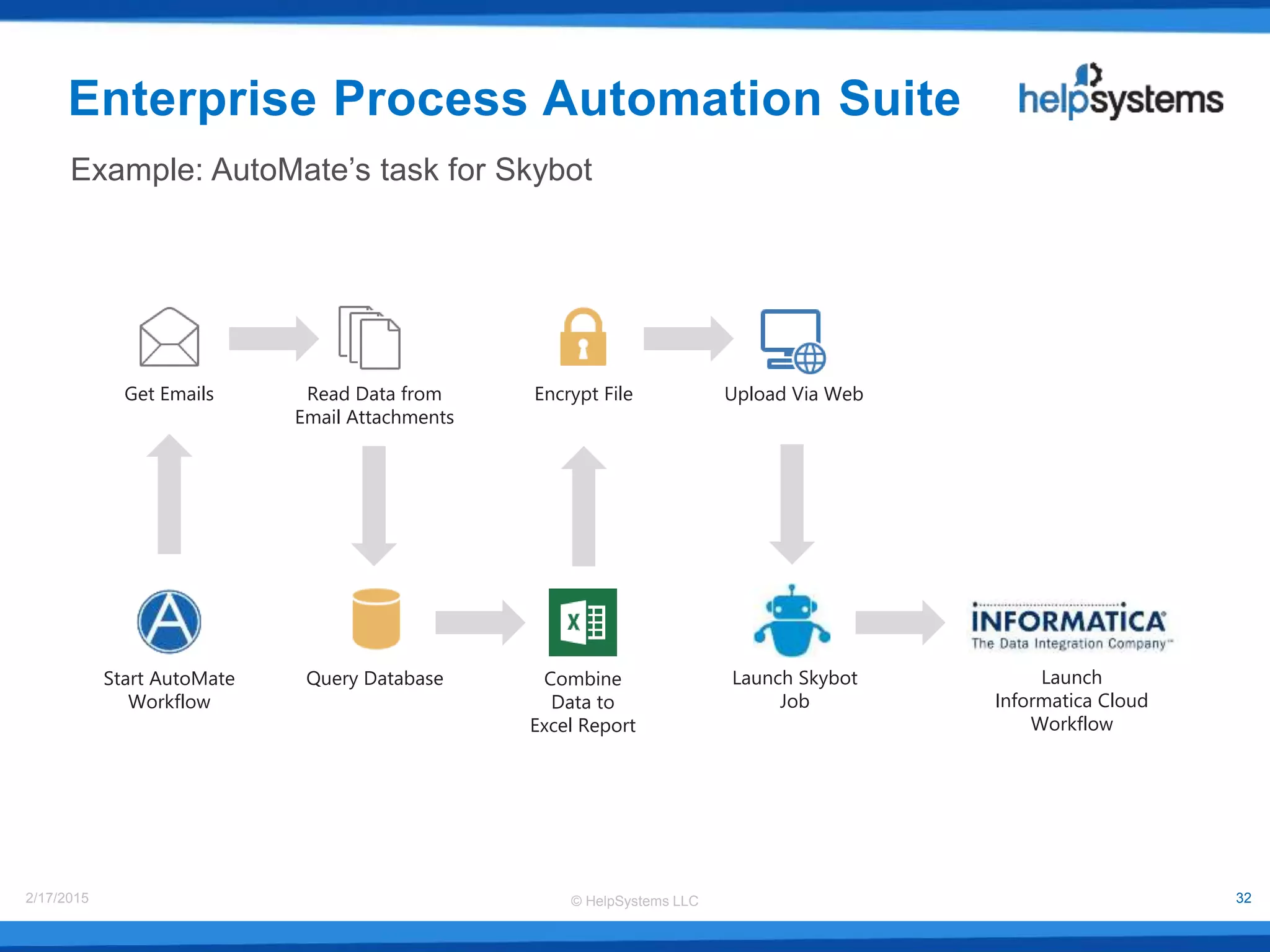
Example: AutoMate’s task for Skybot
Enterprise Process Automation Suite
© HelpSystems LLC2/17/2015 32
Get Emails
Combine
Data to
Excel Report
Query Database
Read Data from
Email Attachments
Encrypt File Upload Via Web
Launch Skybot
Job
Example: AutoMate’s task for Skybot
Enterprise Process Automation Suite
Launch
Informatica Cloud
Workflow
Start AutoMate
Workflow
© HelpSystems LLC2/17/2015 33
Product Demo
© HelpSystems LLC2/17/2015 34
Questions & Answers
© HelpSystems LLC2/17/2015 35
Thank you for joining us
Contact Information:
Web: www.helpsystems.com
Email: info@helpsystems.com
Phone U.S. 800-328-1000
Outside U.S. +44 (0) 870 120 3148

Enterprise Process Automation Suite

  • 1.
    Enterprise Process Automation © HelpSystemsLLC All trademarks and registered trademarks contained herein are the property of their respective owners. Presented with
  • 2.
    © HelpSystems LLC2/17/20152 Dallas Li Technical Solutions Manager AutoMate Pat Cameron Director of Automation Technology Skybot Your Presenters Steve Brasen Managing Research Director Enterprise Management Associates
  • 3.
    © HelpSystems LLC2/17/20153 • Automating the Enterprise • Introduction to Enterprise Process Automation Suite • What is Skybot Scheduler? • What is AutoMate? • Use cases • Solutions Agenda
  • 4.
    • The Valueof Enabling Business Agility • Dealing with Complex Business Processes • The Value of Process Automation • Ensuring Process Reliability with Job Scheduling • Optimizing Business Performance with a Unified Business Process Approach • Conclusions Automating the Enterprise
  • 5.
    • Enterprise successin today’s dynamic marketplaces requires the agility to: • Rapidly respond to customer requests • Adapt to changing market conditions • Empower employees with the tools necessary to meet evolving requirements The Value of Enabling Business Agility
  • 6.
    The Value ofEnabling Business Agility • Enterprise agility is dependent on the performance of business-focused IT processes • Business processes are performed by: IT Administrative Staff Business Users Executives Customers
  • 7.
    The Value ofEnabling Business Agility • IT processes, however, are often complex and difficult to orchestrate: • Actions may need to be performed on disparate systems • Actions may require the use of multiple independent tools • Actions may need the expertise of multiple business professionals
  • 8.
    Dealing with ComplexBusiness Processes • Intelligence must be introduced into the process to ensure appropriate decisions are made on how to execute tasks through process completion. • Complex processes are far too time-consuming and challenging to be repeatedly performed by expensive and busy IT specialists.
  • 9.
    Dealing with ComplexBusiness Processes • Dealing with increasing IT complexity: • Excessive number of management points:  Applications, data repositories, network infrastructure, storage infrastructure, databases, servers, environmental control units, etc. • Resources being delivered from multiple sources:  Static apps, web app, and virtual apps  Multiple data repositories  Distributed services (email, messaging, databases, etc.) • Constantly changing environments  New requirements and services
  • 10.
    Dealing with ComplexBusiness Processes • The reliance on manual tasks reduces the effectiveness of business processes because they are… • Time-consuming • Unreliable and error-prone • Dependent on the knowledge level of the task performer • Lacking an understanding of the state of the underlying IT infrastructure • Costly to the business
  • 11.
    The Value ofProcess Automation • Any repeatable task can be automated. • Top areas where automation delivers the most business value according to EMA survey respondents:
  • 12.
    The Value ofProcess Automation • Often, enterprises attempt to enable automation with custom scripts, but these require knowledgeable (and expensive) programmers. • Unreliable • Unsupported • Difficult to maintain
  • 13.
    The Value ofProcess Automation • Process Automation – Automates a series of tasks in a business process: • Provides a simple method for automating tasks without the need to create custom scripts • Allows multiple automated tasks to be linked to reliably perform complex processes • Empowers non-IT users to rapidly perform business tasks
  • 14.
    Ensuring Process Reliabilitywith Job Scheduling • Job Scheduling – Coordinates the execution of multiple tasks to reliably implement complex business processes: • Ensures tasks are executed on exactly the right resources at exactly the right time • Simplifies the execution of intricate workflows across multiple enterprise systems and applications • A single schedule can incorporate multiple workflows, allowing simple management and execution of even the most complicated task set
  • 15.
    Optimizing Business Performance •To effectively and rapidly enable and manage complex business processes, organizations must adopt a unified solution that directly integrates Process Automation with Job Scheduling – Complex workflows are initiated from a single point – Processes are orchestrated to directly address business requirements …with a Unified Business Process Approach
  • 16.
    – With aunified approach, tasks can be executed dependent on the state of other tasks in the process chain: • Ensuring changing conditions in the environment result in appropriate outcomes in a workflow • Allows automated tasks to respond to conditional job states Optimizing Business Performance …with a Unified Business Process Approach
  • 17.
    • Auditing processesnecessary for business and regulatory compliance achievement are also improved when the reporting tasks are fully automated and injected into a process workflow: – Simplified – More accurate – More timely Optimizing Business Performance …with a Unified Business Process Approach
  • 18.
    • Improved businessproductivity with unified business processes: – End users are empowered with self- service that delivers the resources they require to meet business goals • Ensures they are not developing processes independent of IT operations – Fewer staff members are able to perform more tasks in a shorter period of time • Minimizing costs Optimizing Business Performance …with a Unified Business Process Approach
  • 19.
    Conclusion • Manual processesfor orchestrating complex business processes are inherently inefficient, and custom scripting provides little relief. • Process Automation provides the reliable tools for automating complex tasks across a workflow • Job Scheduling enhances the value of automation by ensuring tasks are executed at exactly the right time, the right place, and in the right way • A unified approach to business process management is essential to enabling reliable process workflows that predictably achieve enterprise requirements
  • 20.
    The Solution The HelpSystemsEnterprise Process Automation Suite
  • 21.
    © HelpSystems LLC2/17/201521 • Automate manual IT and business processes • Remove costly scheduling gaps and delays • Meet Service Level Agreements • Avoid outages and network slowdowns • Access real-time data from anywhere • Run lightning-fast large queries • View dashboards from any browser • Present metrics in a user-friendly format • Protect critical data at every access level • Centralize user profile administration • Eliminate viruses before they spread • Stay informed when security events occur • Simplify compliance and pass any audit Our solutions help customers save time, money and eliminate errors. And each functional area offers these benefits: Our IT Software Solutions
  • 22.
    © HelpSystems LLC2/17/201522 Our Solutions Portfolio
  • 23.
    © HelpSystems LLC2/17/201523 1 Customers may appear in multiple segments Some of Our Customers Over 350 of the Forbes Global 2,000 and 9,800 total customers worldwide 7,079 Customers1 2,749 Customers1 957 Customers1
  • 24.
    © HelpSystems LLC2/17/201524 The HelpSystems Enterprise Process Automation Suite • HelpSystems has 30 years of experience with automating the enterprise • We built a unified automation solution for the whole enterprise by joining: • Skybot Scheduler, our cross-platform job scheduling software • AutoMate, our no-code business process automation software • Our goal is to help you increase business productivity across the enterprise
  • 25.
    © HelpSystems LLC2/17/201525 Enterprise Process Automation Suite Orchestrate complex business processes across the enterprise Business process automation without writing code Cross-platform enterprise job scheduler A unified approach to enterprise process automation
  • 26.
    © HelpSystems LLC2/17/201526 What is Skybot Scheduler? An easy to use cross-platform enterprise job scheduler Integrates multiple applications and workflows to create a central schedule
  • 27.
    © HelpSystems LLC2/17/201527 Communication Channels Operational CRM Analytical CRM Accounting Planning Inventory Control Ad-hoc reporting OLAP SharePoint MS Excel BIRT Project, etc. Orders, contracts, payments Staging database (primary layer of DW) Management SCM CRM FRM HMR MRP CMP Example: Skybot’s built-in function for AutoMate Enterprise Process Automation Suite
  • 28.
    © HelpSystems LLC2/17/201528 Enterprise Process Automation Suite Example: Skybot’s built-in function for AutoMate
  • 29.
    © HelpSystems LLC2/17/201529 Example: Skybot’s built-in function for AutoMate Enterprise Process Automation Suite
  • 30.
    © HelpSystems LLC2/17/201530 An IT and business automation platform that allows you to create, manage, and deploy tasks—without writing code. Use drag-and-drop actions… …to build managed tasks… …which run in response to events. What is AutoMate?
  • 31.
    © HelpSystems LLC2/17/201531 Skybot Action • Built-in Skybot action & activities, such as: – Run Skybot Job – Hold Skybot Job – Run Job Suite – Get Notification List…etc Example: AutoMate’s task for Skybot Enterprise Process Automation Suite
  • 32.
    © HelpSystems LLC2/17/201532 Get Emails Combine Data to Excel Report Query Database Read Data from Email Attachments Encrypt File Upload Via Web Launch Skybot Job Example: AutoMate’s task for Skybot Enterprise Process Automation Suite Launch Informatica Cloud Workflow Start AutoMate Workflow
  • 33.
  • 34.
    © HelpSystems LLC2/17/201534 Questions & Answers
  • 35.
    © HelpSystems LLC2/17/201535 Thank you for joining us Contact Information: Web: www.helpsystems.com Email: info@helpsystems.com Phone U.S. 800-328-1000 Outside U.S. +44 (0) 870 120 3148