

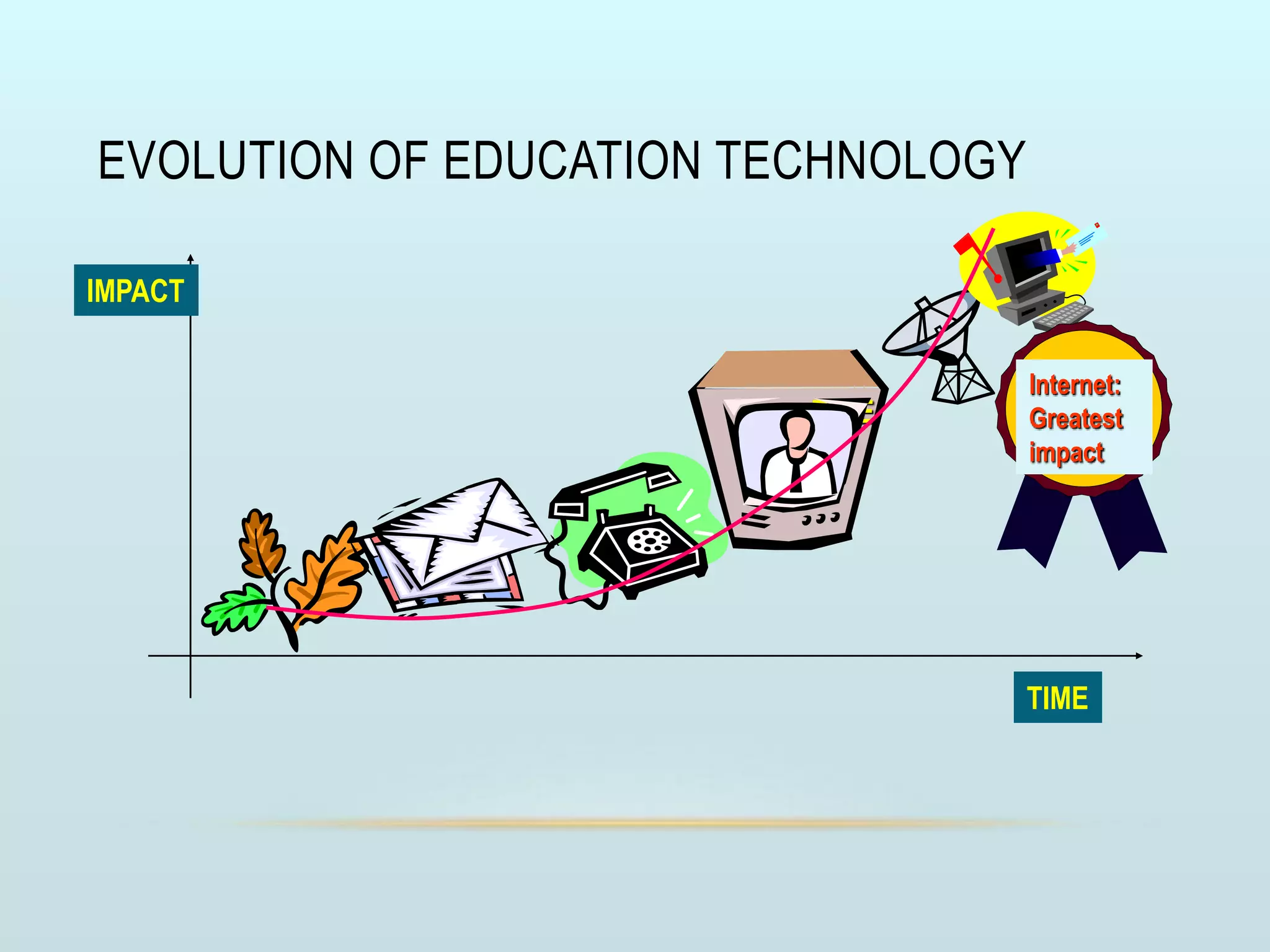















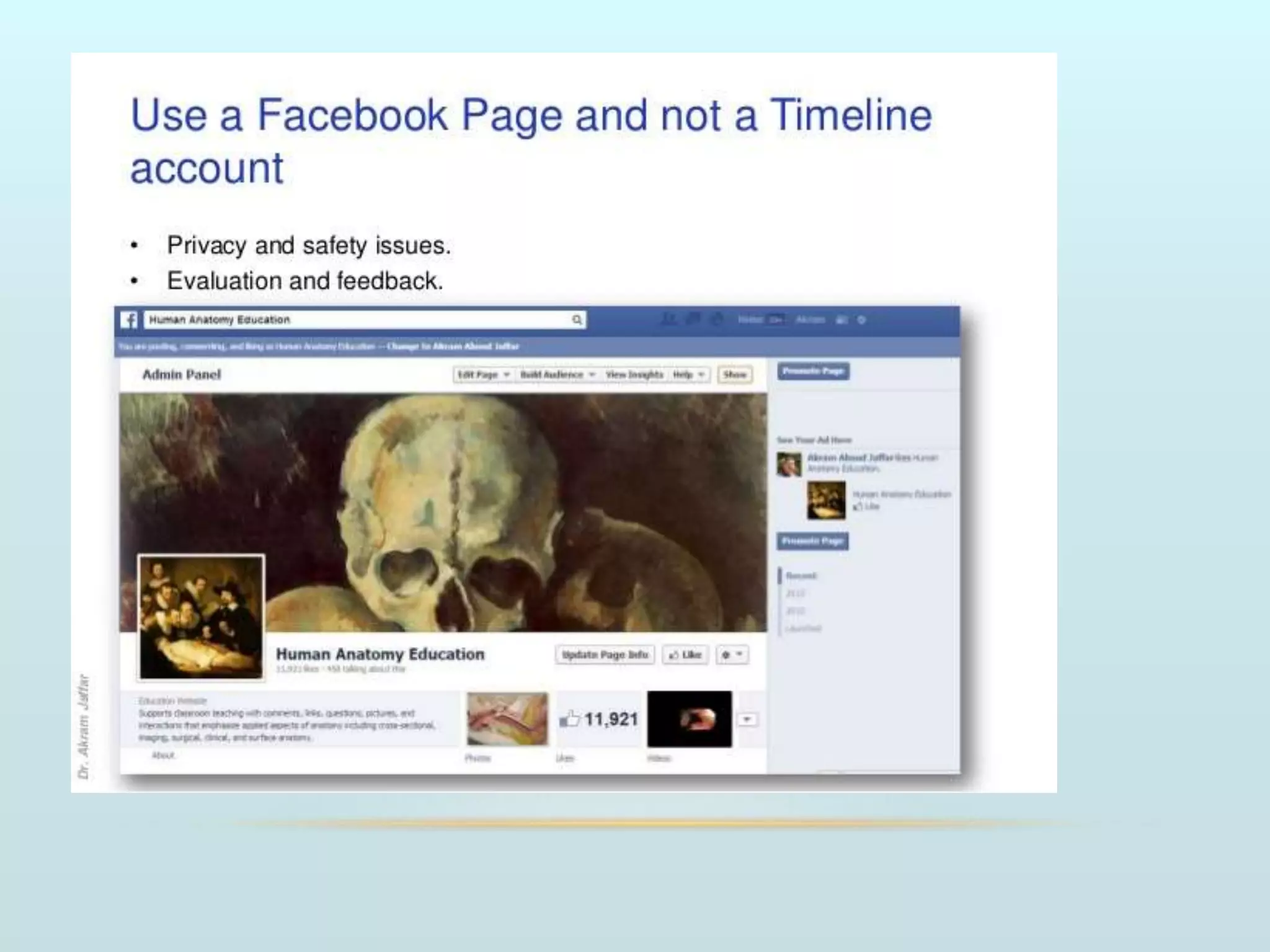
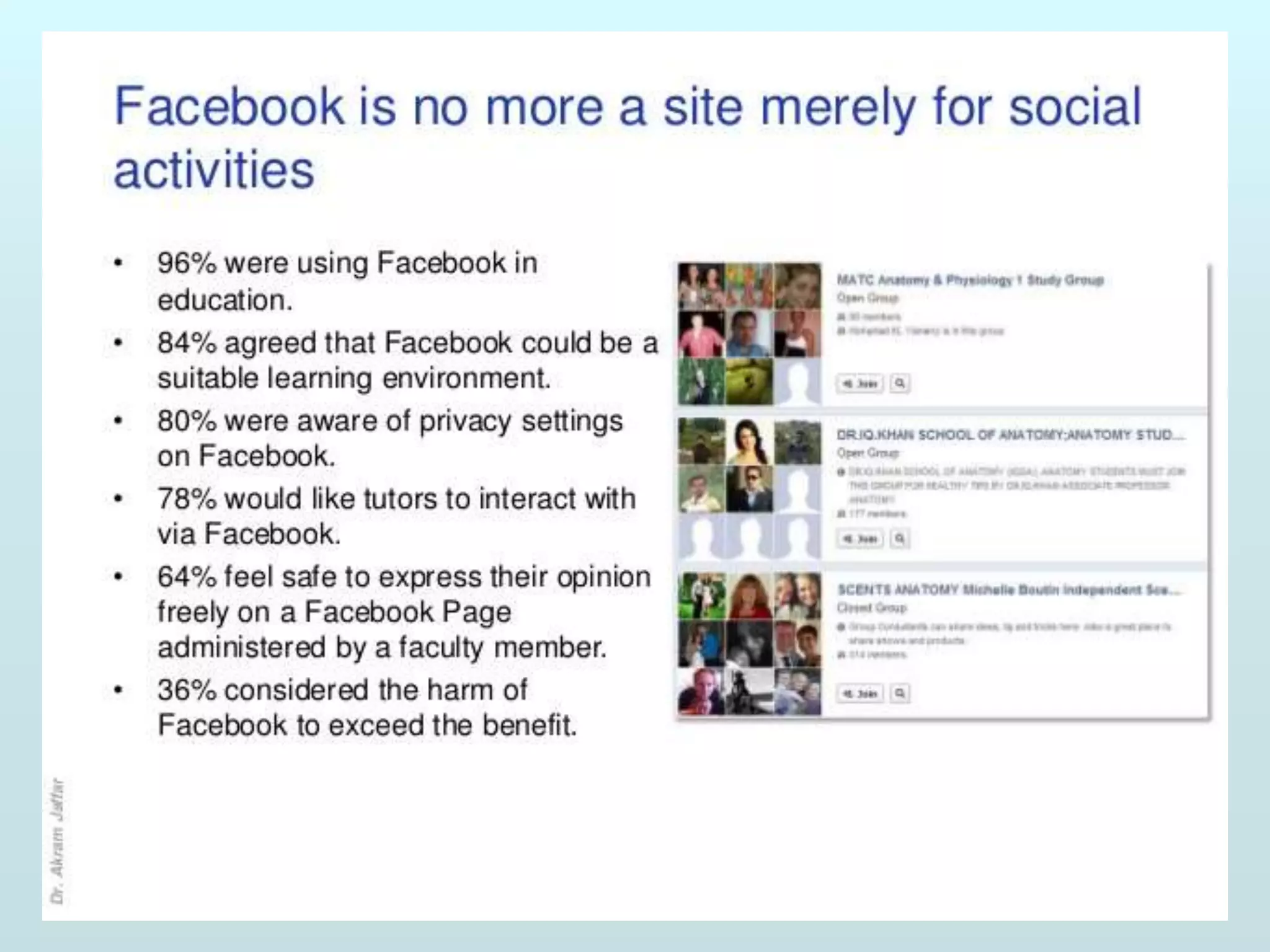


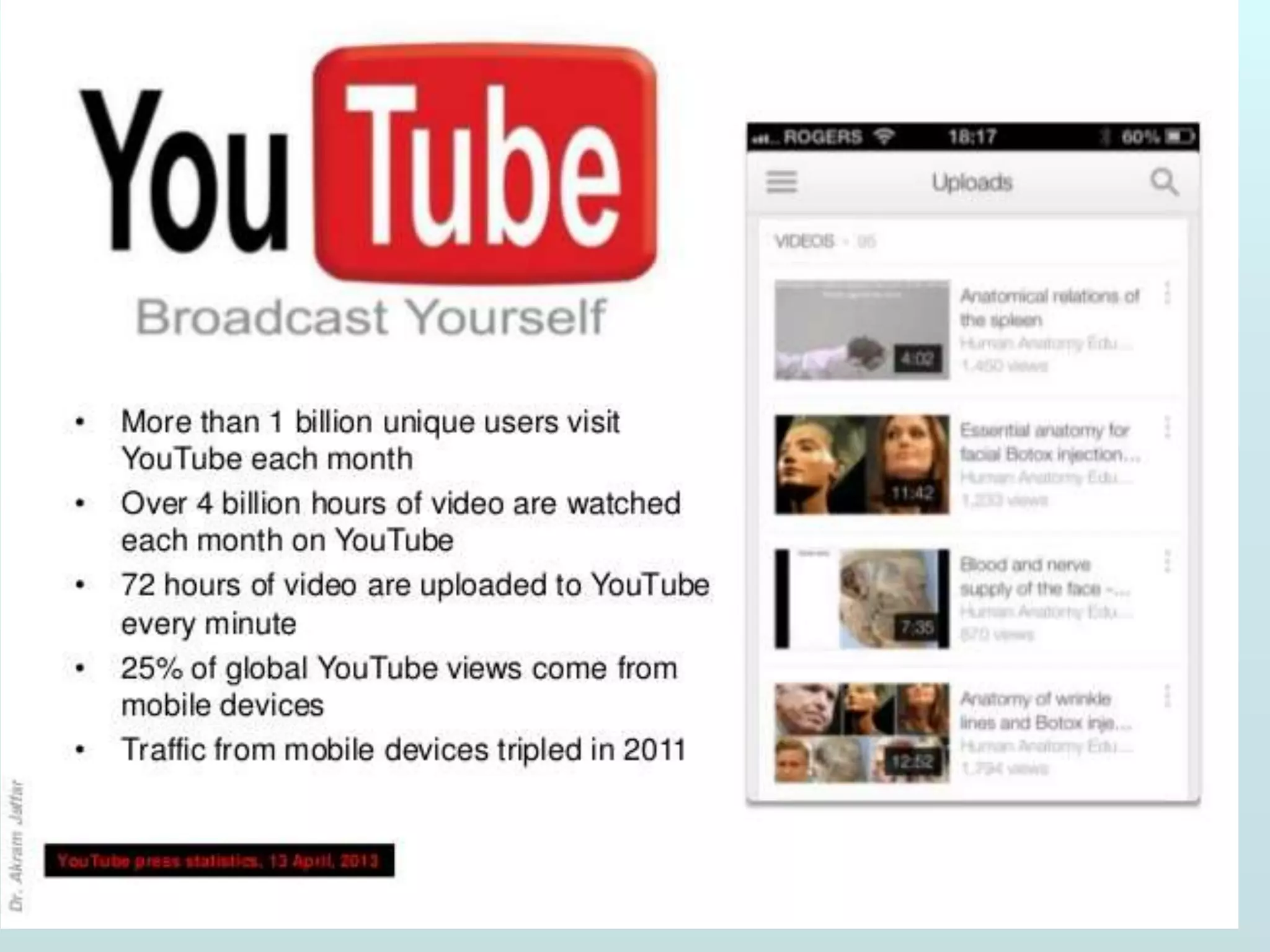
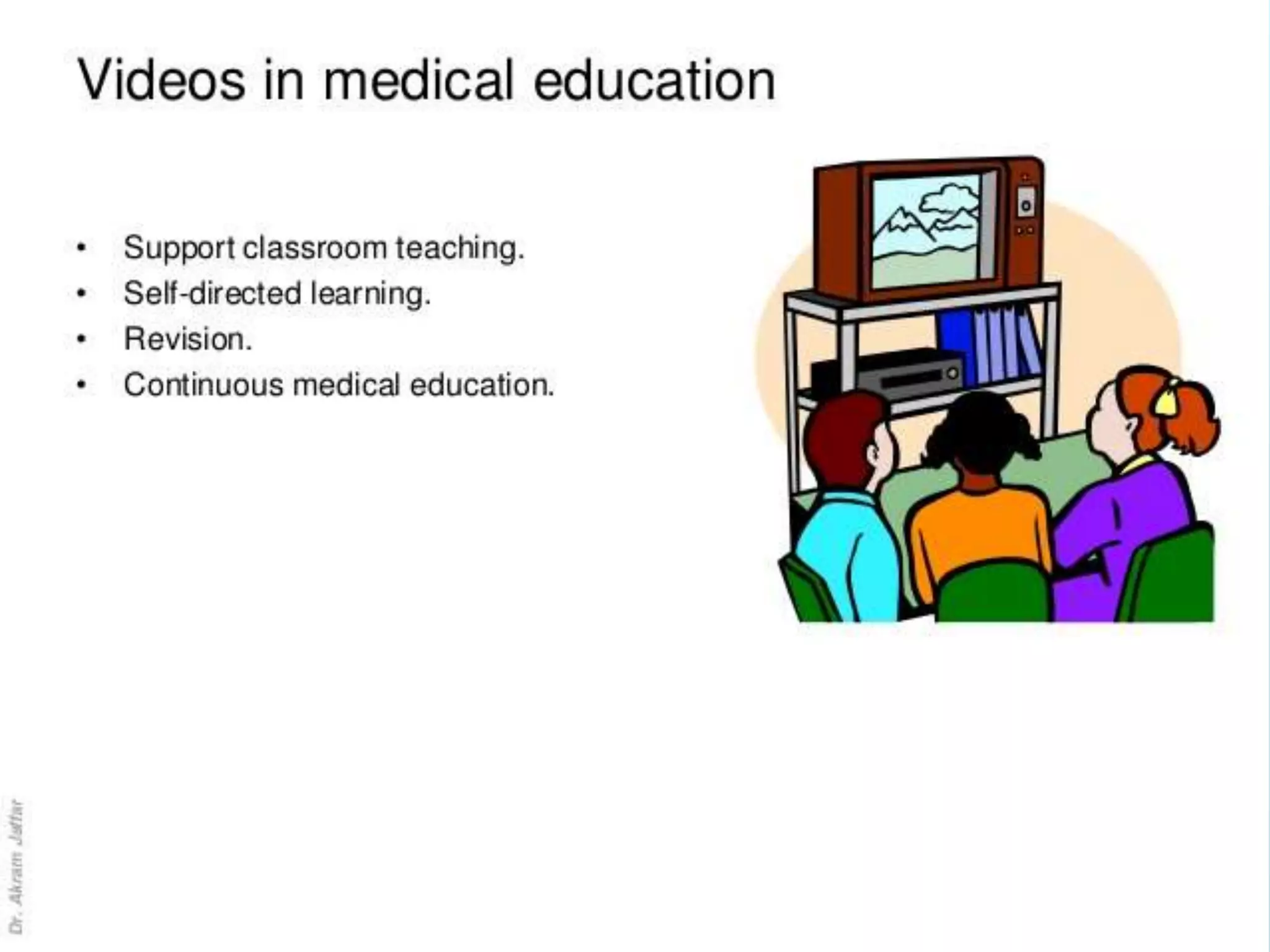







EVOLUTION OF EDUCATION TECHNOLOGY
TIME
TIME
IMPACT
Internet:
Greatest
impact
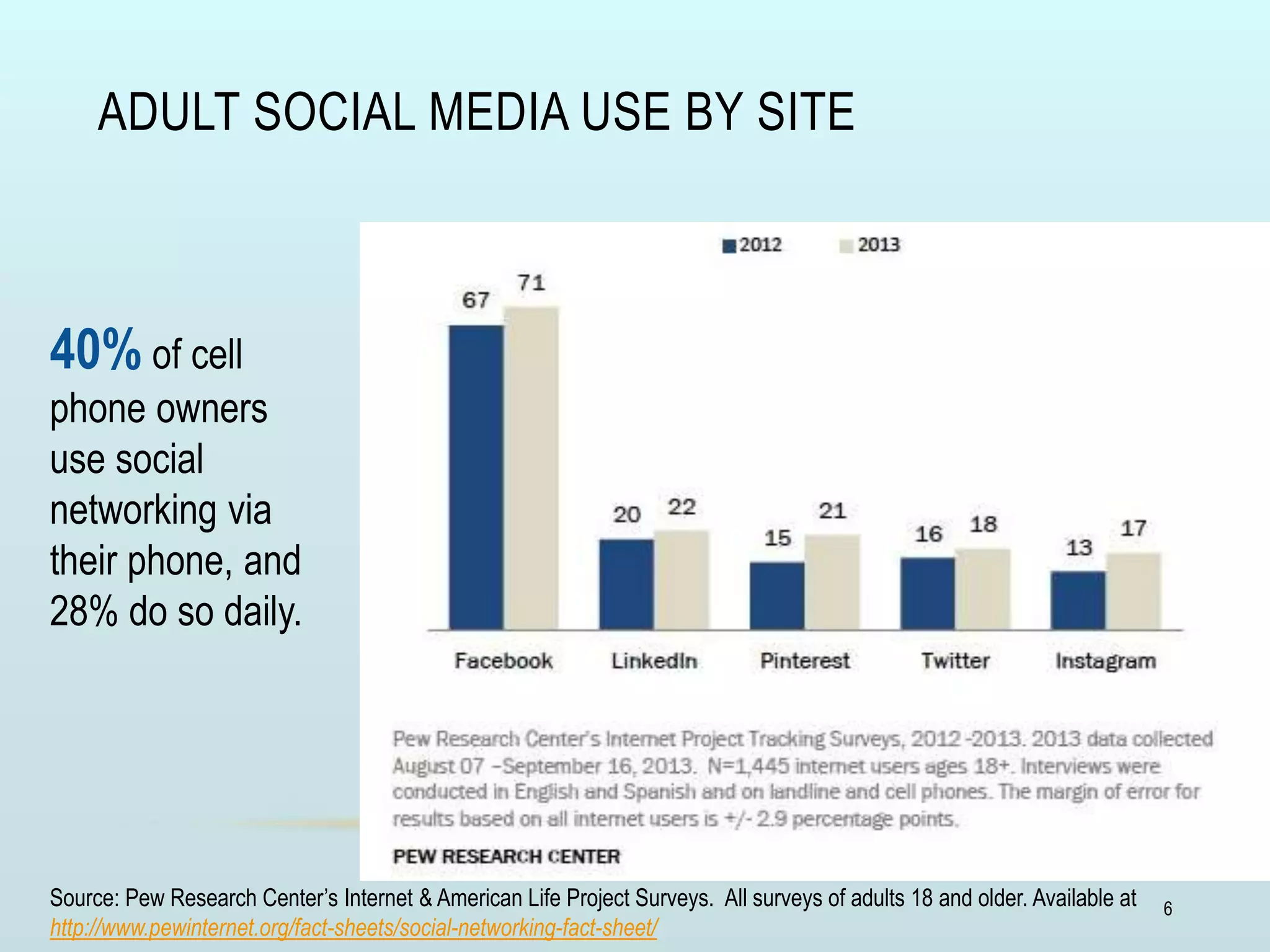
ADULT SOCIAL MEDIA USE BY SITE
6
40% of cell
phone owners
use social
networking via
their phone, and
28% do so daily.
Source: Pew Research Center’s Internet & American Life Project Surveys. All surveys of adults 18 and older. Available at
http://www.pewinternet.org/fact-sheets/social-networking-fact-sheet/
Prof. Dr. V. Sathyanarayanan MBBS, MD, ( FIME )
SRM MCH & RC,
Kattankulathur,
India
EDUCATIONAL NETWORKING
FOR GROWTH
OVERVIEW
• Definition of educational networking
• Categories of social networking
• Social media – Definition, types, why,
• Avenues for growth in medical education
• How to use networking for growth
• 12 tips for using social media as a medical educator
• Conclusion
• Final thoughts
LEARNING OBJECTIVES
• AT THE END OF THIS SESSION, PARTICIPANTS BE ABLE TO
1. Define educational networking
2. Name different Social networking media
3. Explain How to use networking for growth
4. Choose appropriate social media for networking
5. Express enthusiasm to apply the principles of
networking in everyday practice
WHAT IS EDUCATIONAL NETWORKING ?
WHAT IS EDUCATIONAL NETWORKING?
• "Educational Networking" is the use
of social networking technologies for
educational purposes
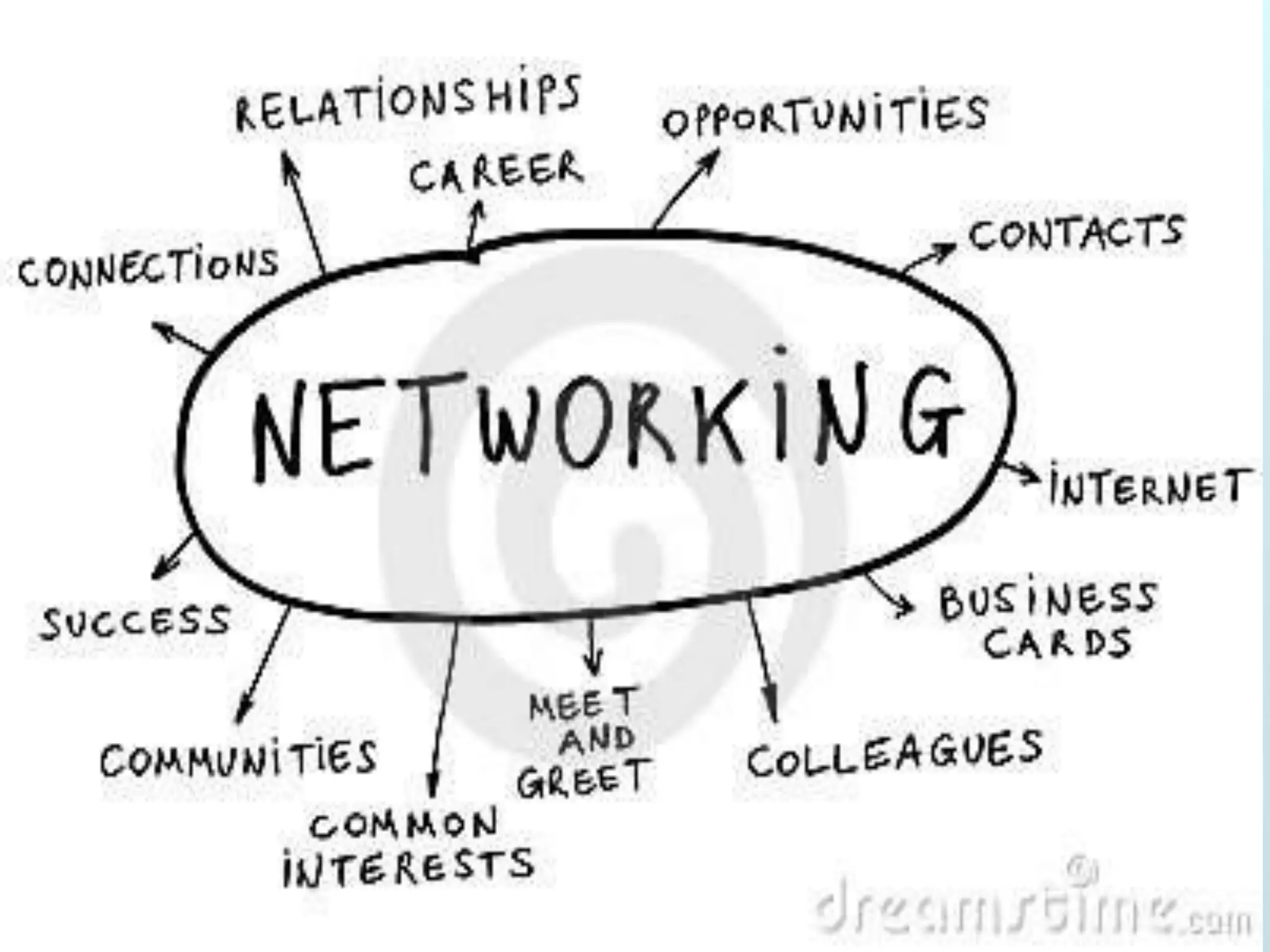
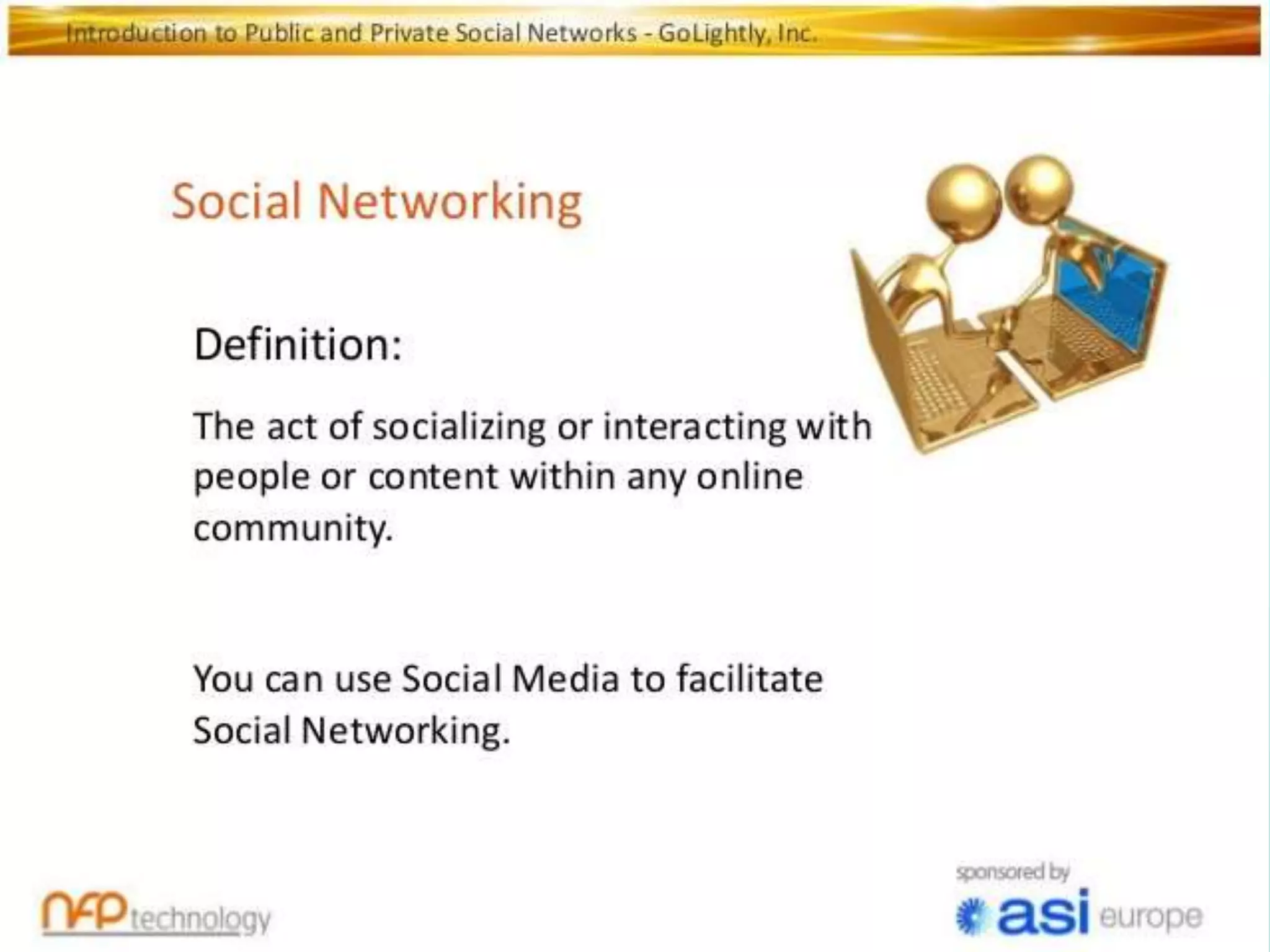
• social networking = online communities of people
with shared interest
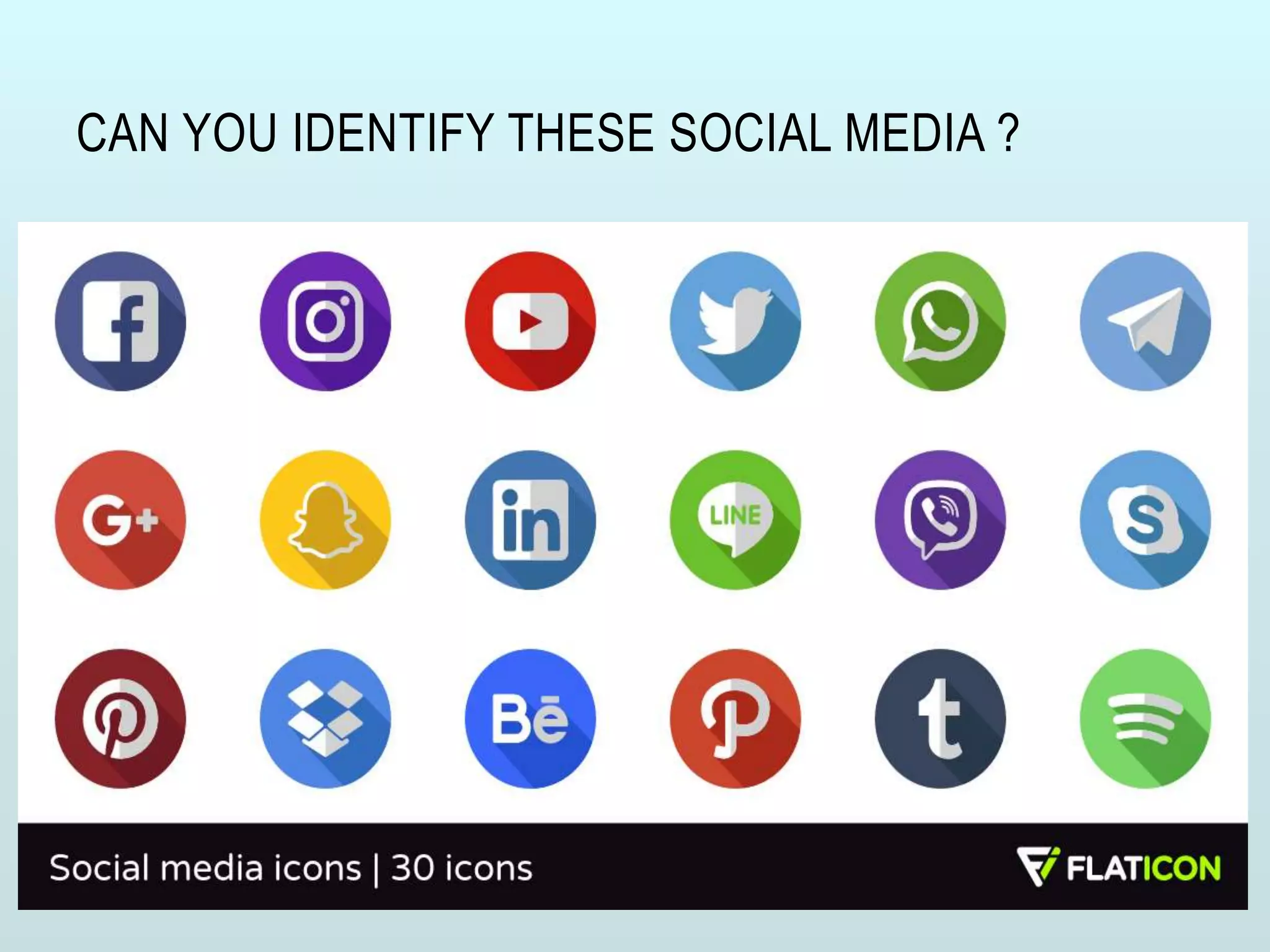
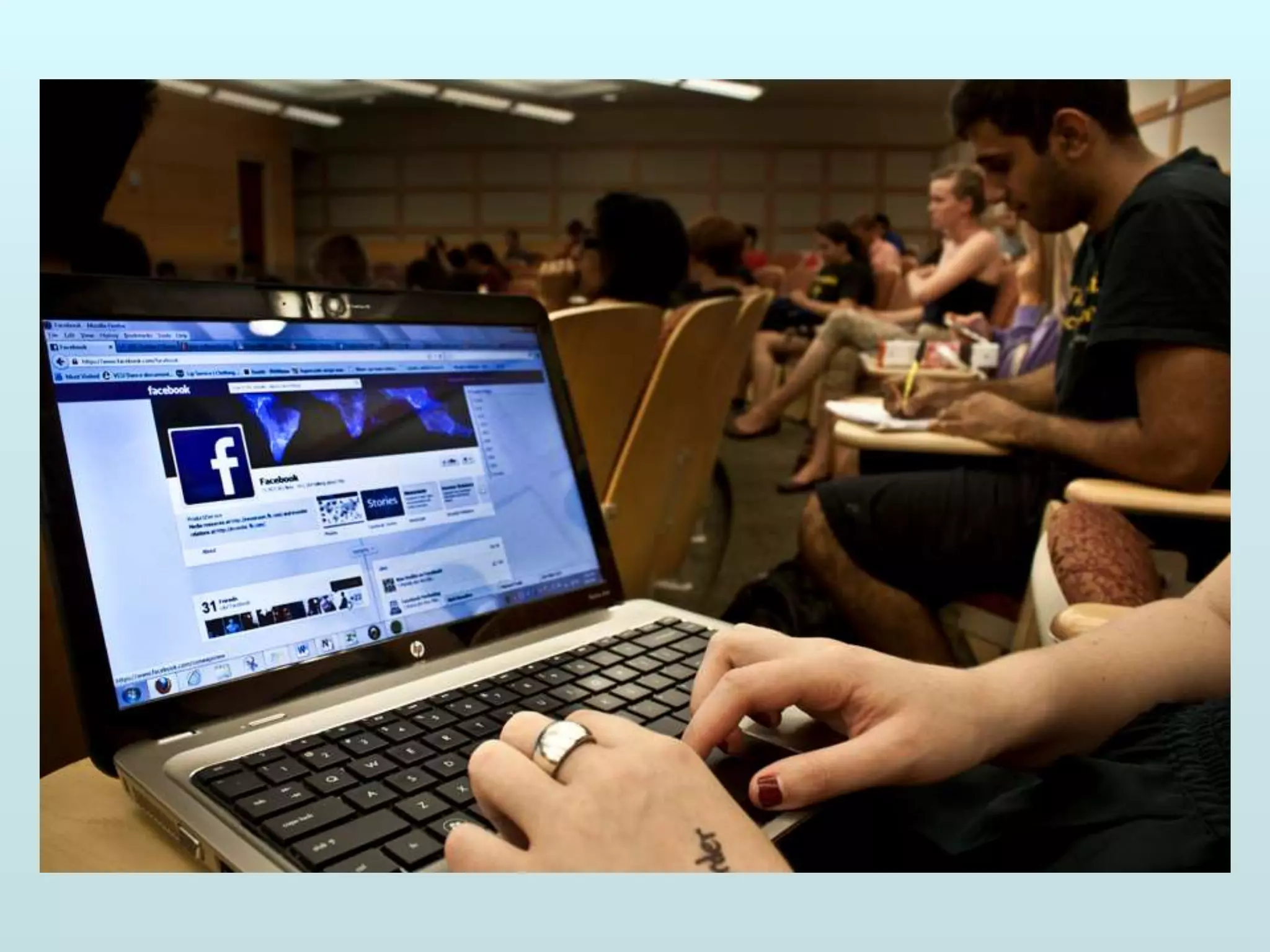
CAN YOU IDENTIFY THESE SOCIAL MEDIA ?
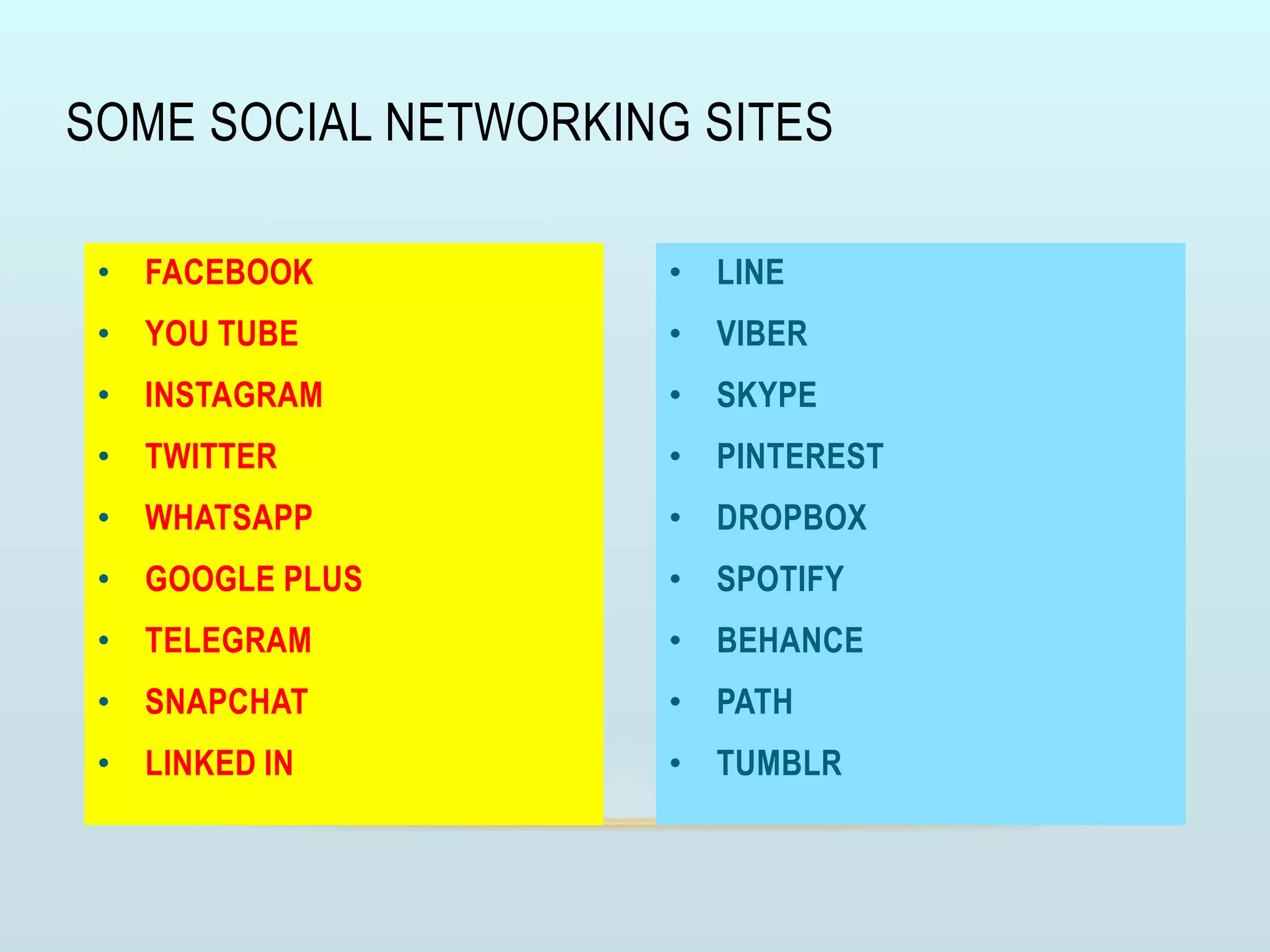
• LINE
• VIBER
• SKYPE
• PINTEREST
• DROPBOX
• SPOTIFY
• BEHANCE
• PATH
• TUMBLR
• FACEBOOK
• YOU TUBE
• INSTAGRAM
• TWITTER
• WHATSAPP
• GOOGLE PLUS
• TELEGRAM
• SNAPCHAT
• LINKED IN
SOME SOCIAL NETWORKING SITES
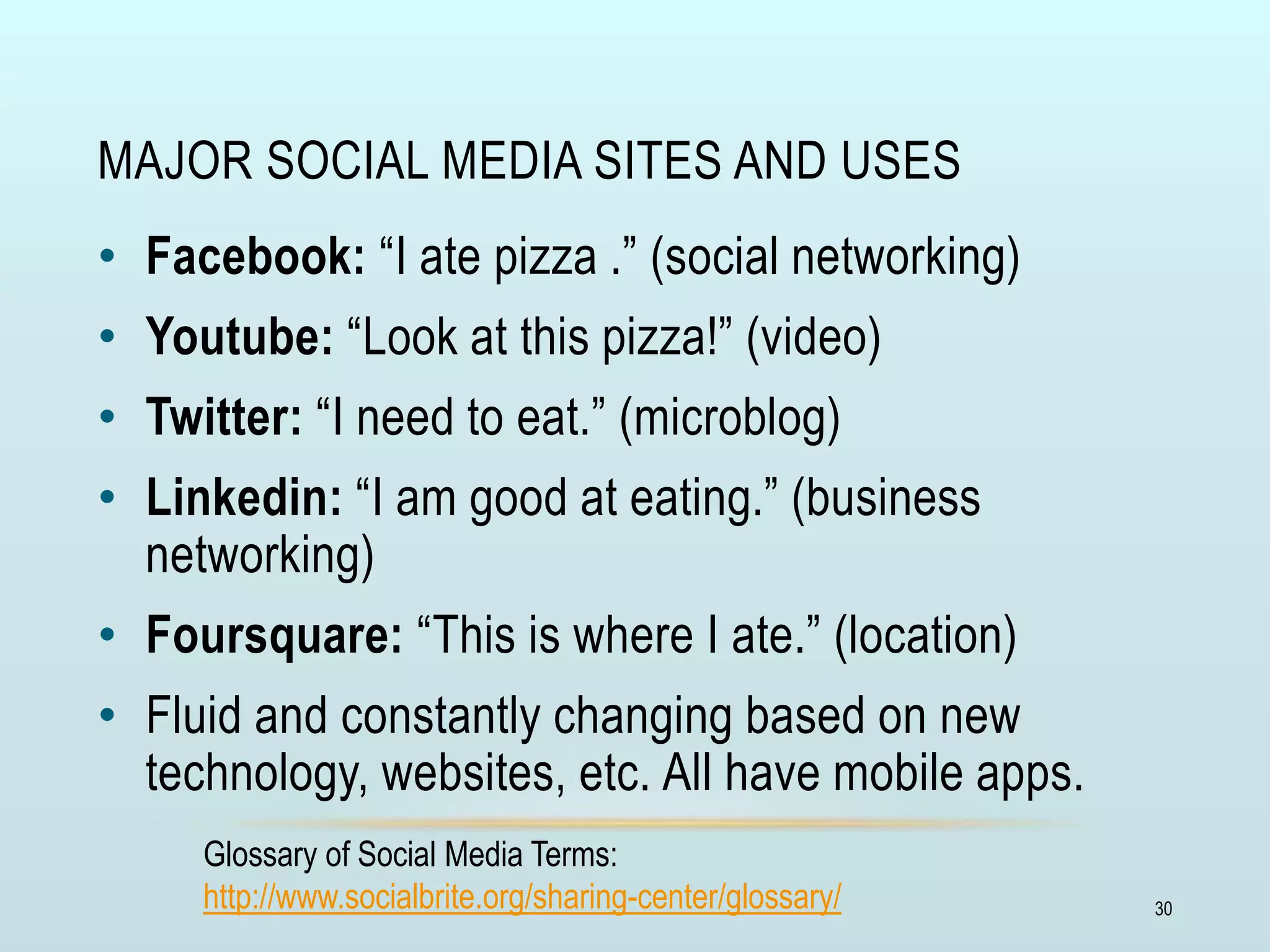
MAJOR SOCIAL MEDIA SITES AND USES
• Facebook: “I ate pizza .” (social networking)
• Youtube: “Look at this pizza!” (video)
• Twitter: “I need to eat.” (microblog)
• Linkedin: “I am good at eating.” (business
networking)
• Foursquare: “This is where I ate.” (location)
• Fluid and constantly changing based on new
technology, websites, etc. All have mobile apps.
Glossary of Social Media Terms:
http://www.socialbrite.org/sharing-center/glossary/ 30
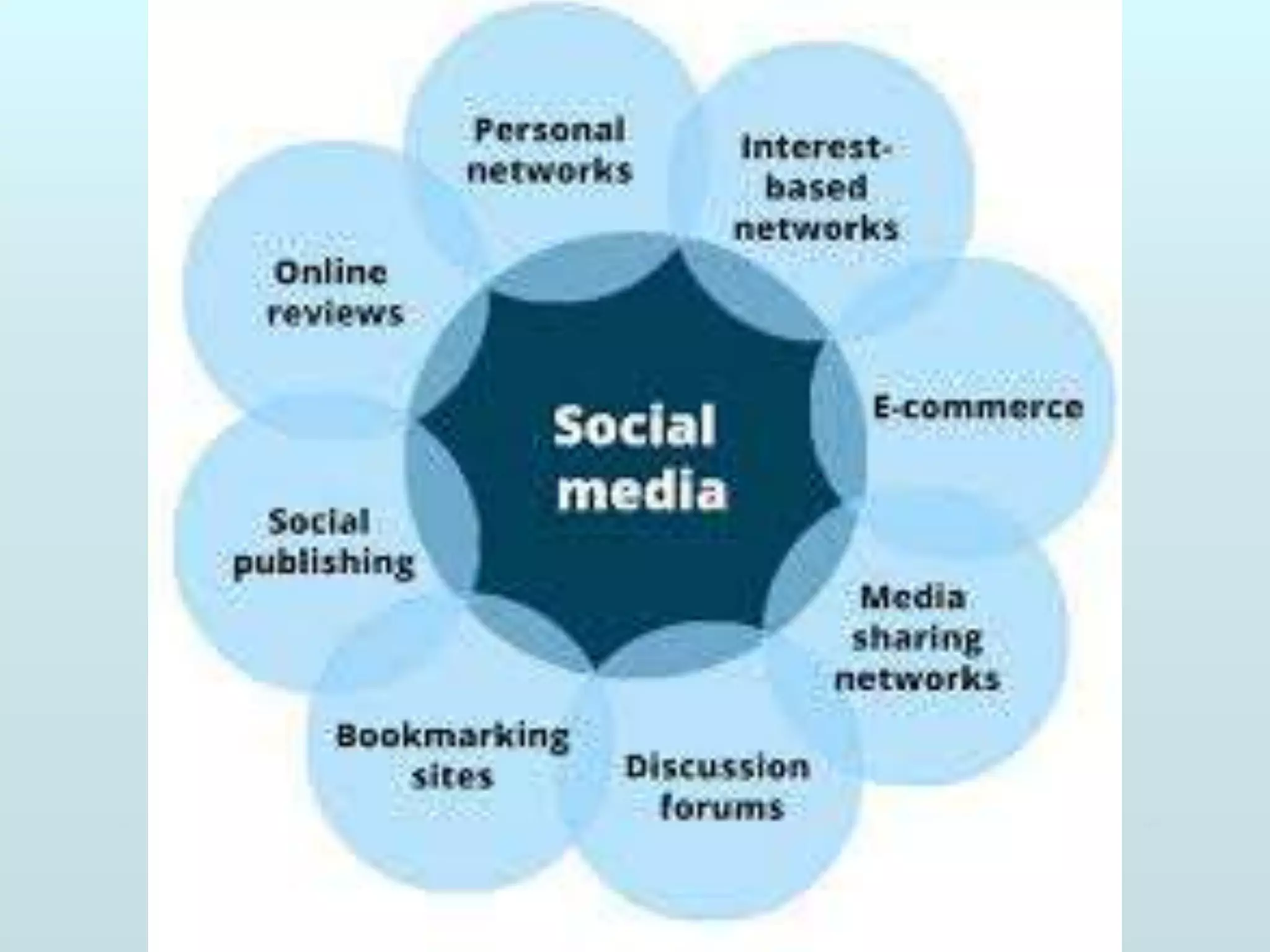
USES OF SOCIAL MEDIA
• Extension of every day interaction
• Conversations & exchange
• Communities of shared interest
• Tools for innovation
• Integrates technology
WHY SHOULD MEDICAL EDUCATORS CARE
ABOUT SOCIAL MEDIA?
WHY SHOULD MEDICAL EDUCATORS CARE
ABOUT SOCIAL MEDIA?
• Our students/learners are already there
• Whether or not you like it
• We need to educate about it
• Our patients/the public
DOES SOCIAL MEDIA
FIT IN MEDICAL EDUCATION?
DOES SOCIAL MEDIA
FIT IN MEDICAL EDUCATION?
• Yes. Social media may have a place
in medical education. And biomedical
research. And clinical systems and
patient care.
• ‘Social’ = people. Our med
students are people. Our lab techs are
people. Our patients are people. Our
campus community is made up of
people. Our off-campus community is
made up of people.
• ‘Media’ = information. We
create and use media. Photos, video,
audio, documents, websites. Tutorials,
maps, reviews. Web links, news feeds,
activity calendars.
WHY CONSIDER USING SOCIAL MEDIA ?
• To stay informed
• As a learning tool in medical education
• Communicate (engage) with peers and patients
• Disseminate information
• Advocate for/against something
• To help get a job
• To deliver clinical care
• Because if you decide not to use social media, your decision should
be based on sound knowledge about what you are choosing not to
use
AVENUES FOR GROWTH IN MEDICAL EDUCATION
GROWTH AVENUES IN MEDICAL EDUCATION
• Selection of Students
• Innovations in curriculum
• Teaching learning Materials & Methods
• Teaching learning environments
• Assessment methods & Question Paper setting
• Continuing medical education
• Inter-professionalism in medical education
• Community oriented medical education
• Student support services
GROWTH AVENUES IN MEDICAL EDUCATION
• Quality assurance in medical education
• •Faculty development and capacity building
• •Collaboration among medical schools
• •Application of Information and Communication
Technologies in medical education
• •Educational administration & leadership
• •Accreditation
HOW TO USE NETWORKING FOR GROWTH ?
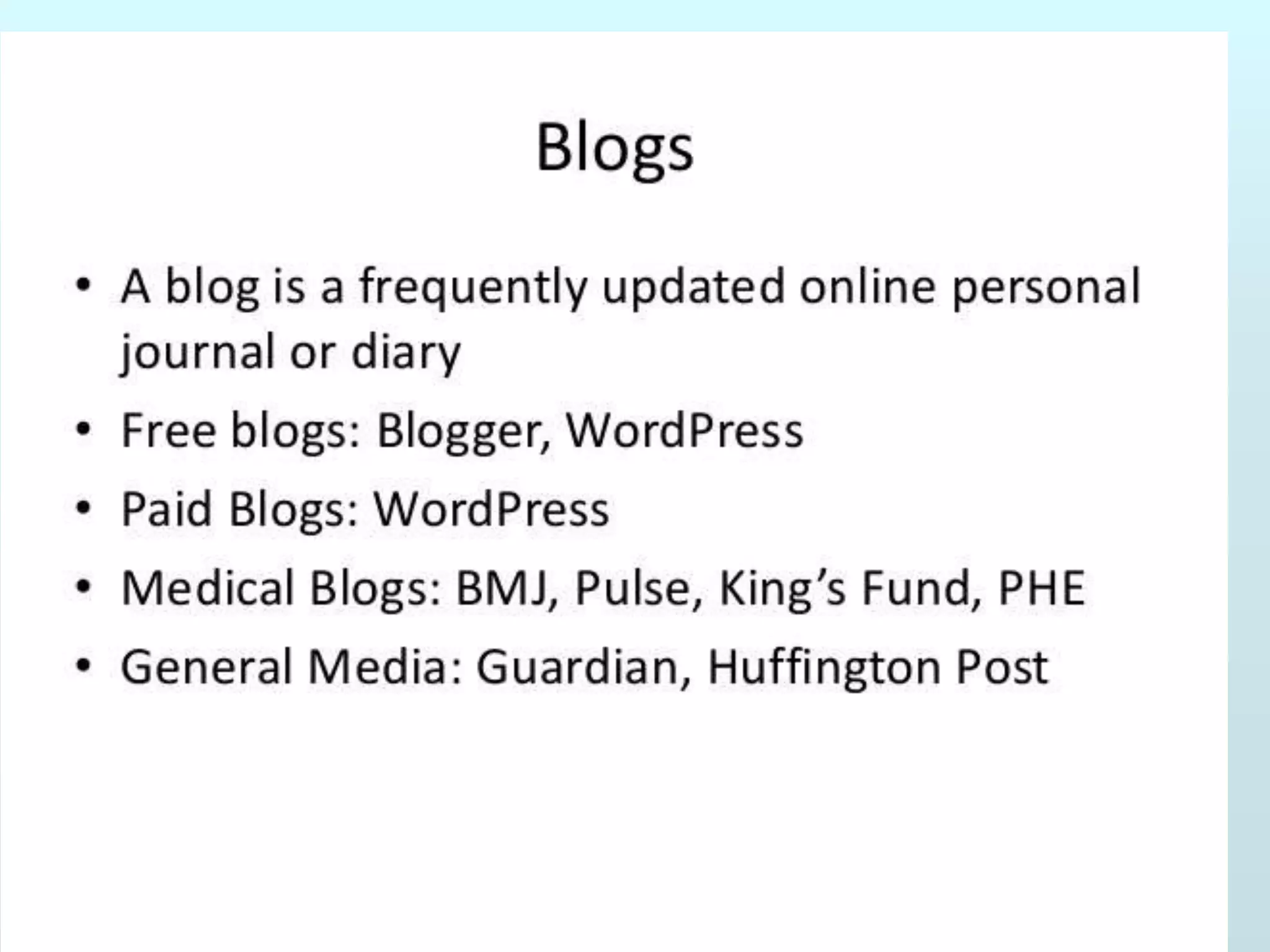
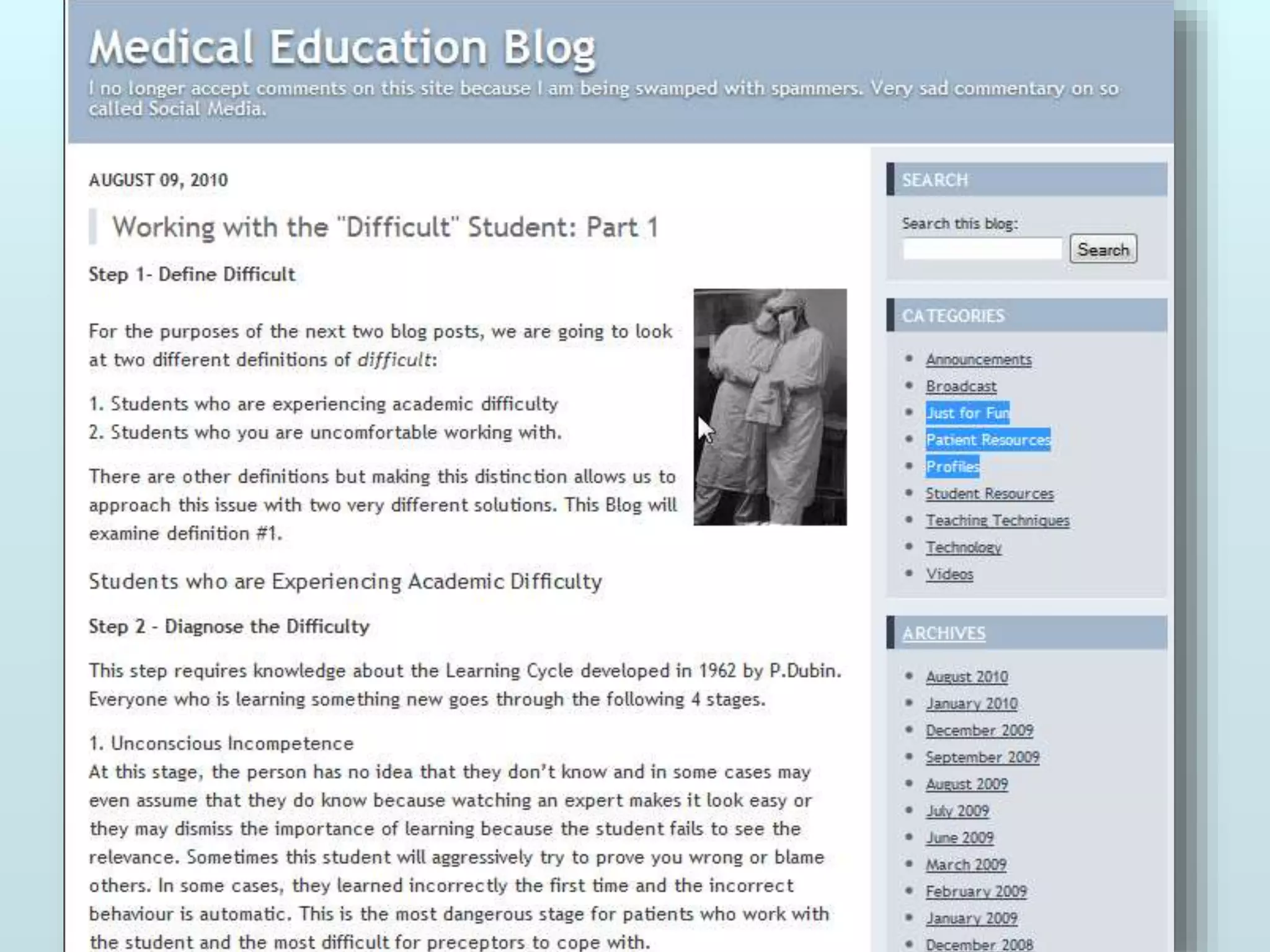
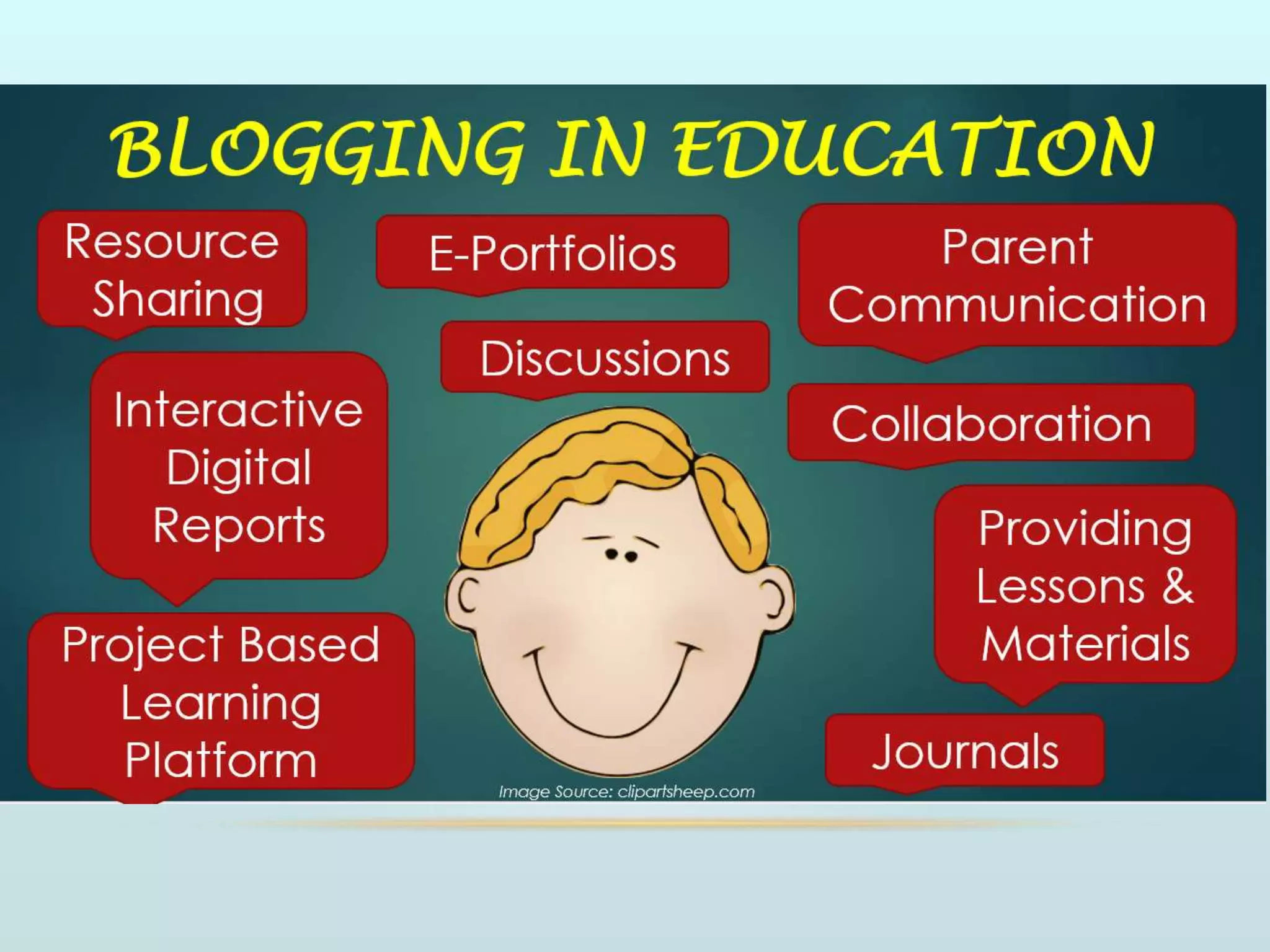
BLOGS
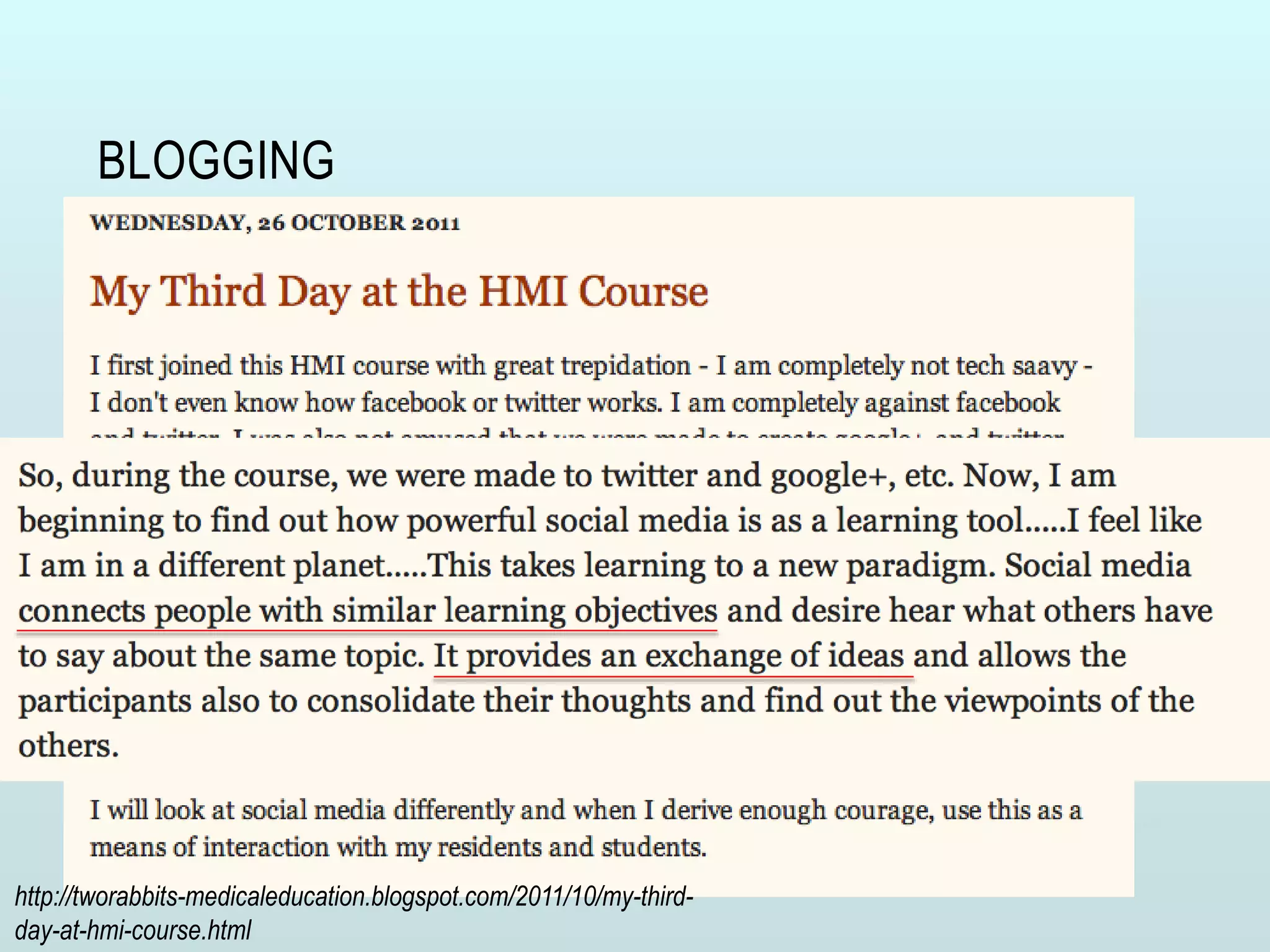
BLOGGING
http://tworabbits-medicaleducation.blogspot.com/2011/10/my-third-
day-at-hmi-course.html
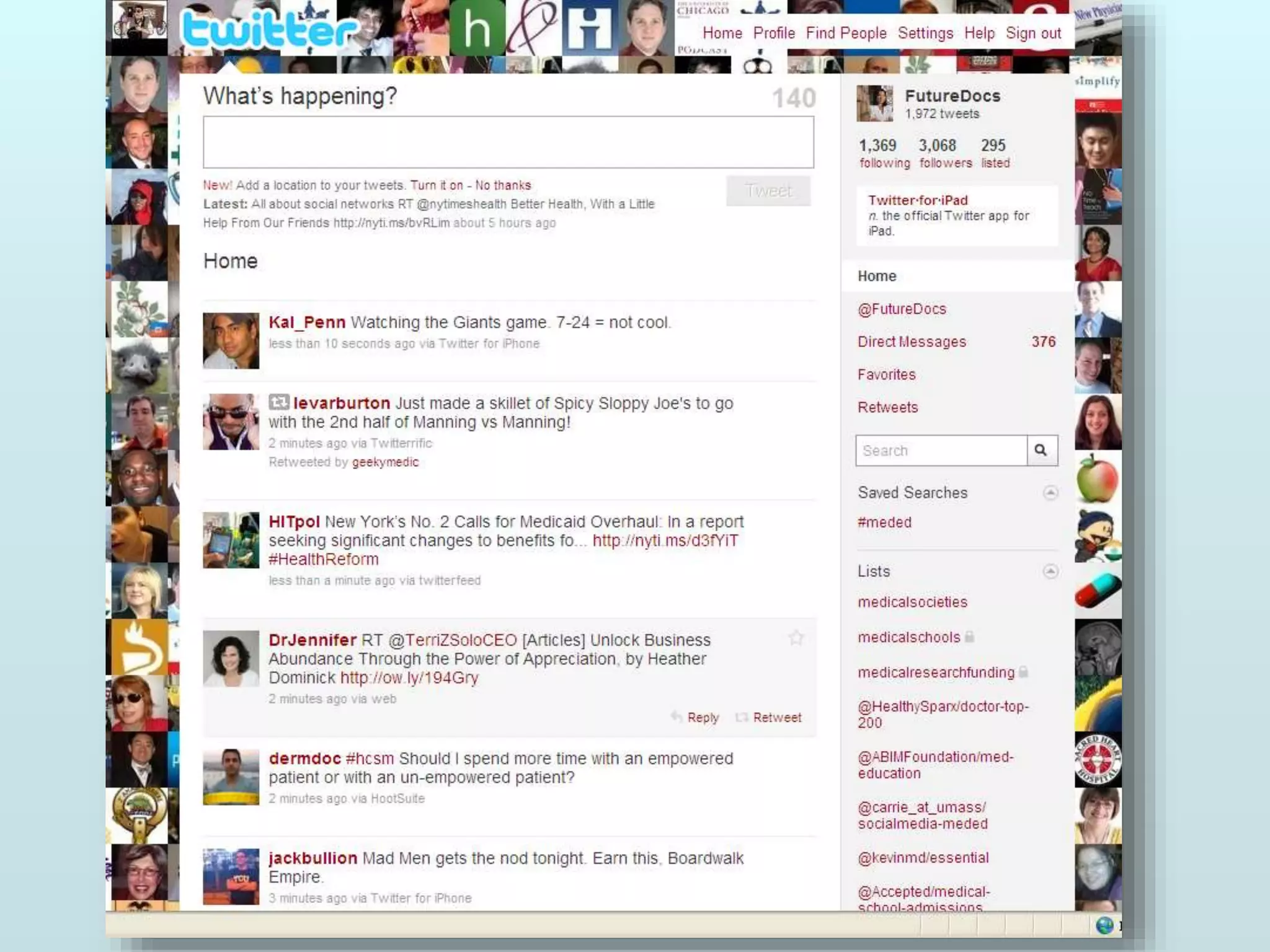
TWITTER
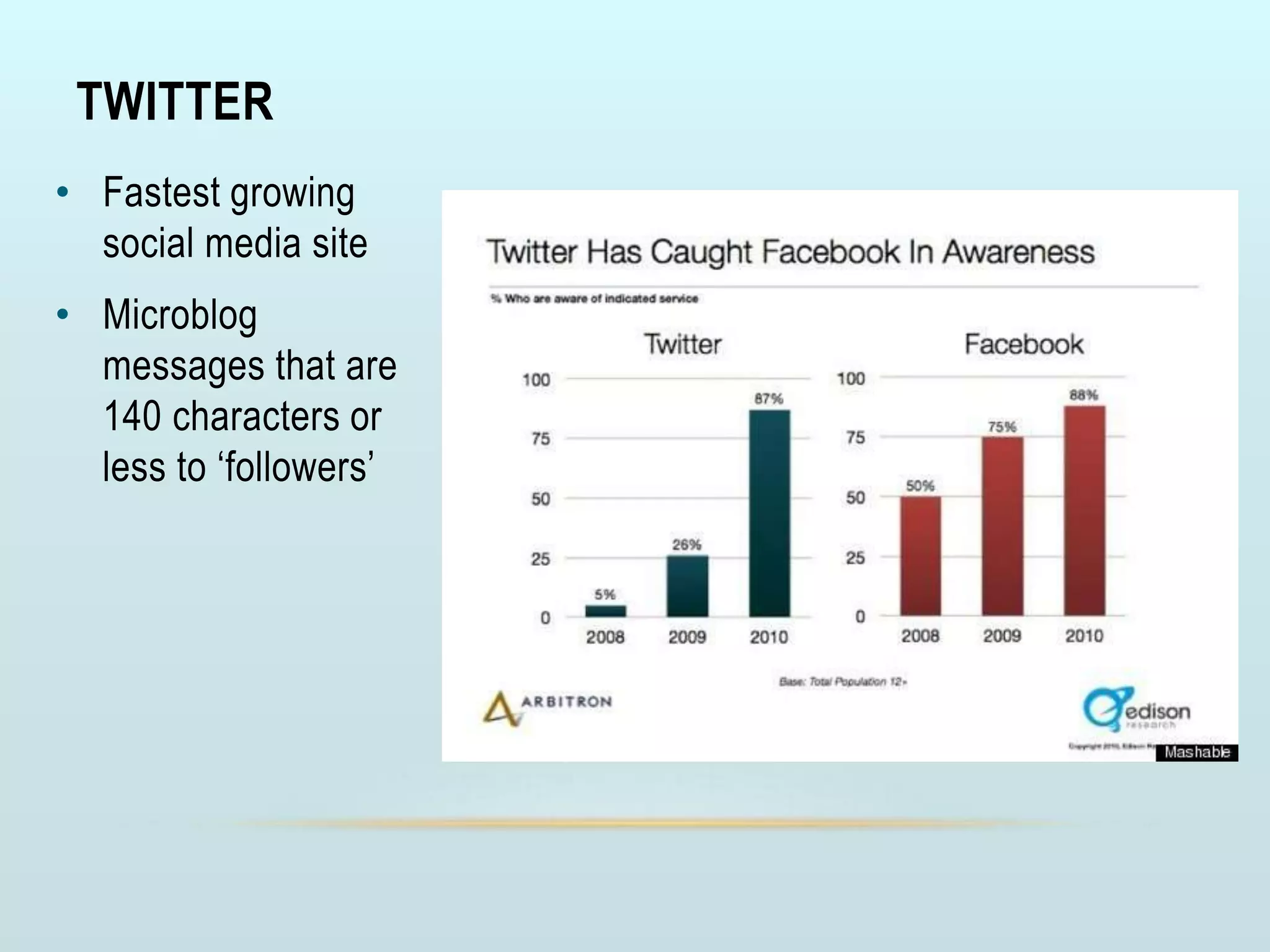
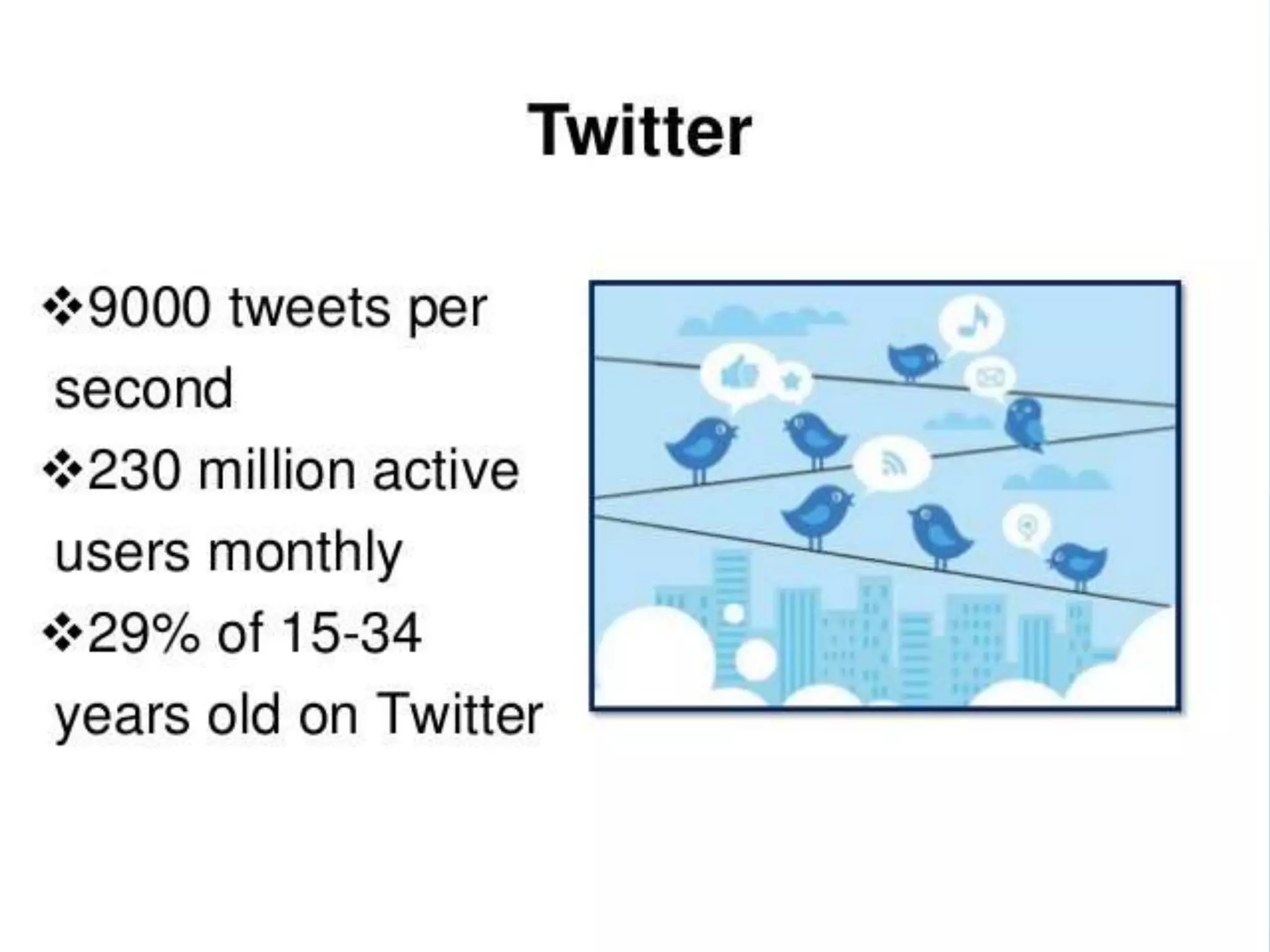
• Fastest growing
social media site
• Microblog
messages that are
140 characters or
less to ‘followers’
BREAKING THROUGH THE BABBLE
• Select followers carefully
• Create or follow Twitter list
• Save a hashtag search “#meded”
• Use Twitter program to aggregate tweets
WIKIS
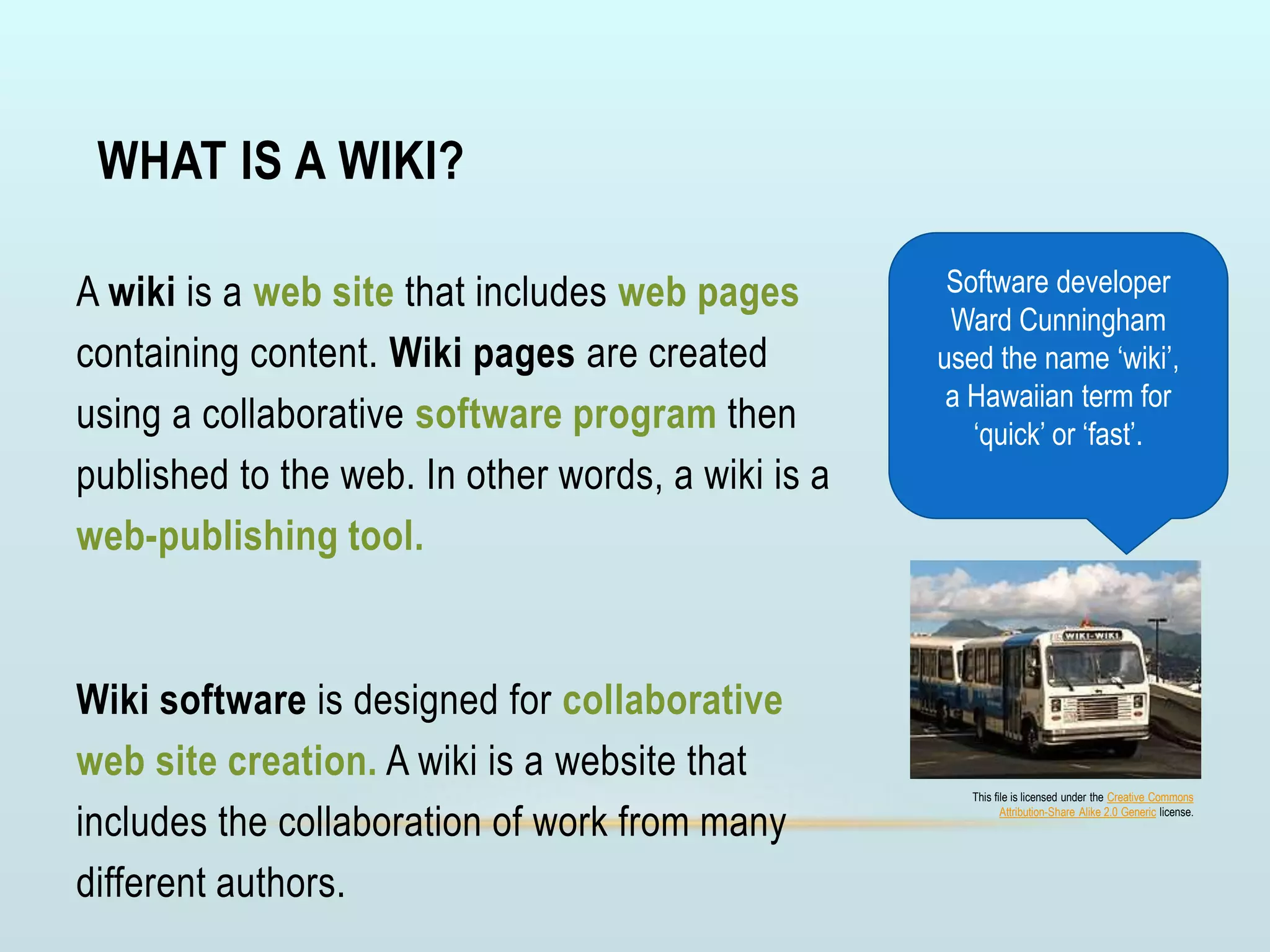
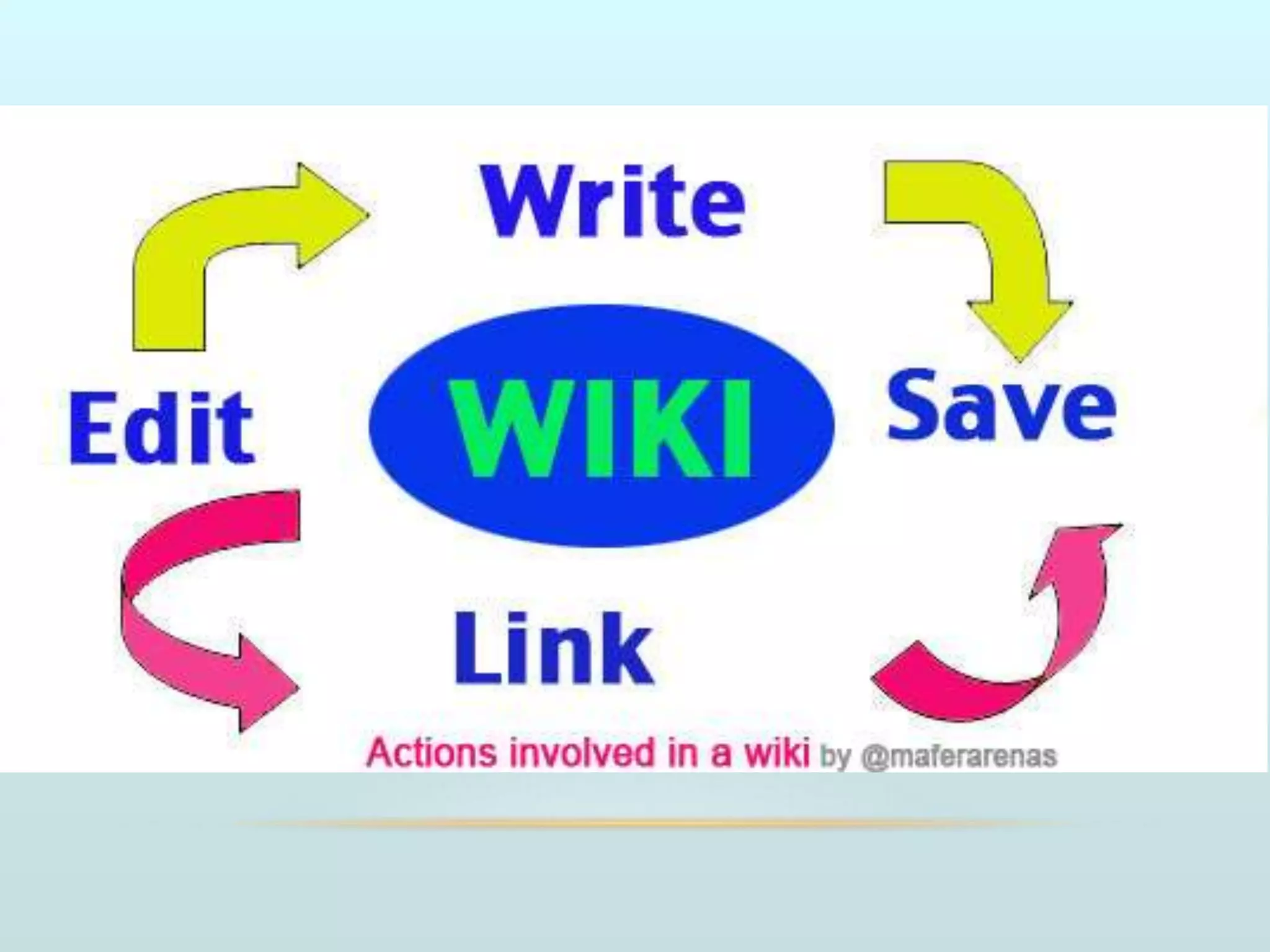
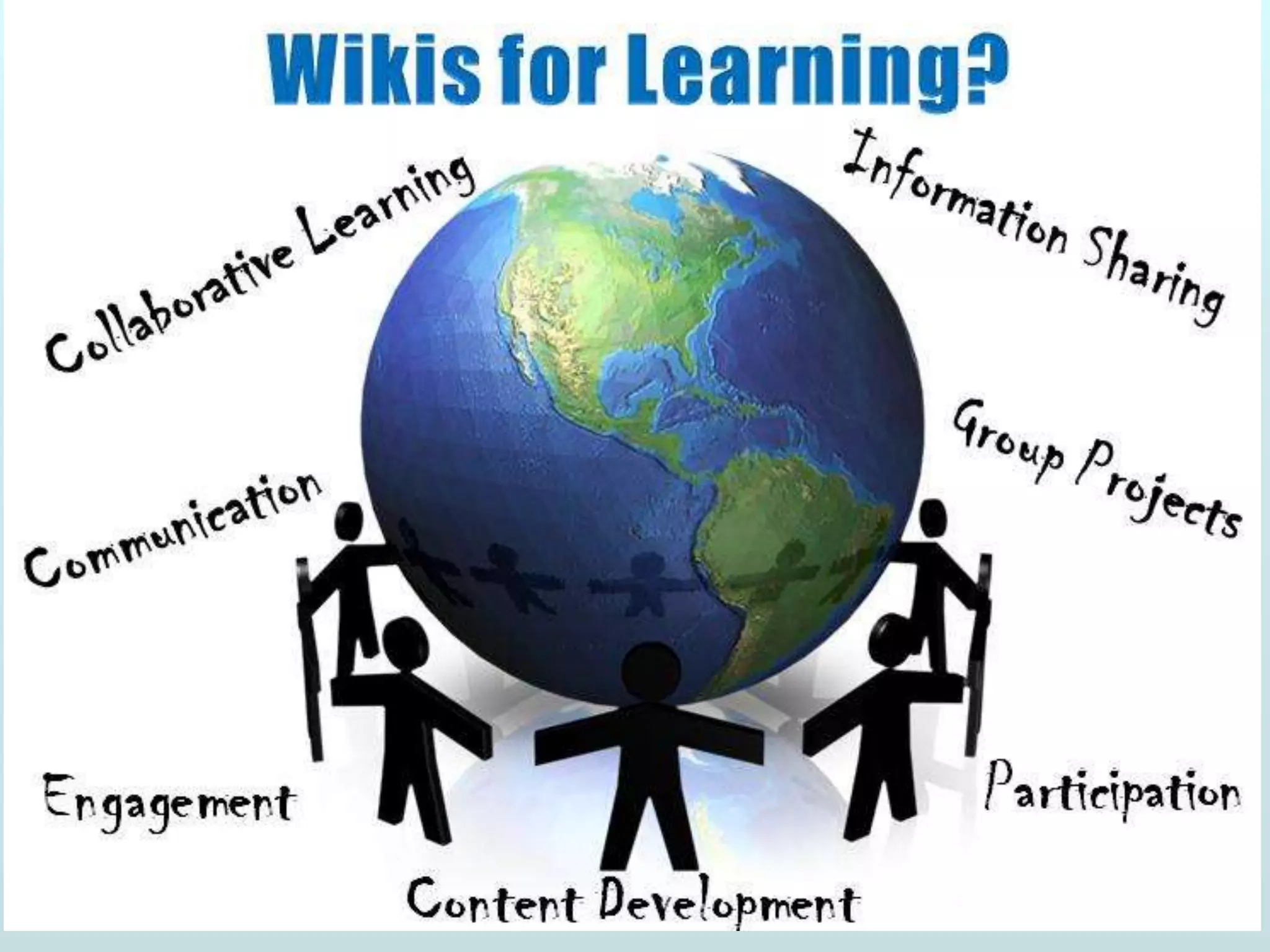
WHAT IS A WIKI?
A wiki is a web site that includes web pages
containing content. Wiki pages are created
using a collaborative software program then
published to the web. In other words, a wiki is a
web-publishing tool.
Wiki software is designed for collaborative
web site creation. A wiki is a website that
includes the collaboration of work from many
different authors.
Software developer
Ward Cunningham
used the name ‘wiki’,
a Hawaiian term for
‘quick’ or ‘fast’.
This file is licensed under the Creative Commons
Attribution-Share Alike 2.0 Generic license.
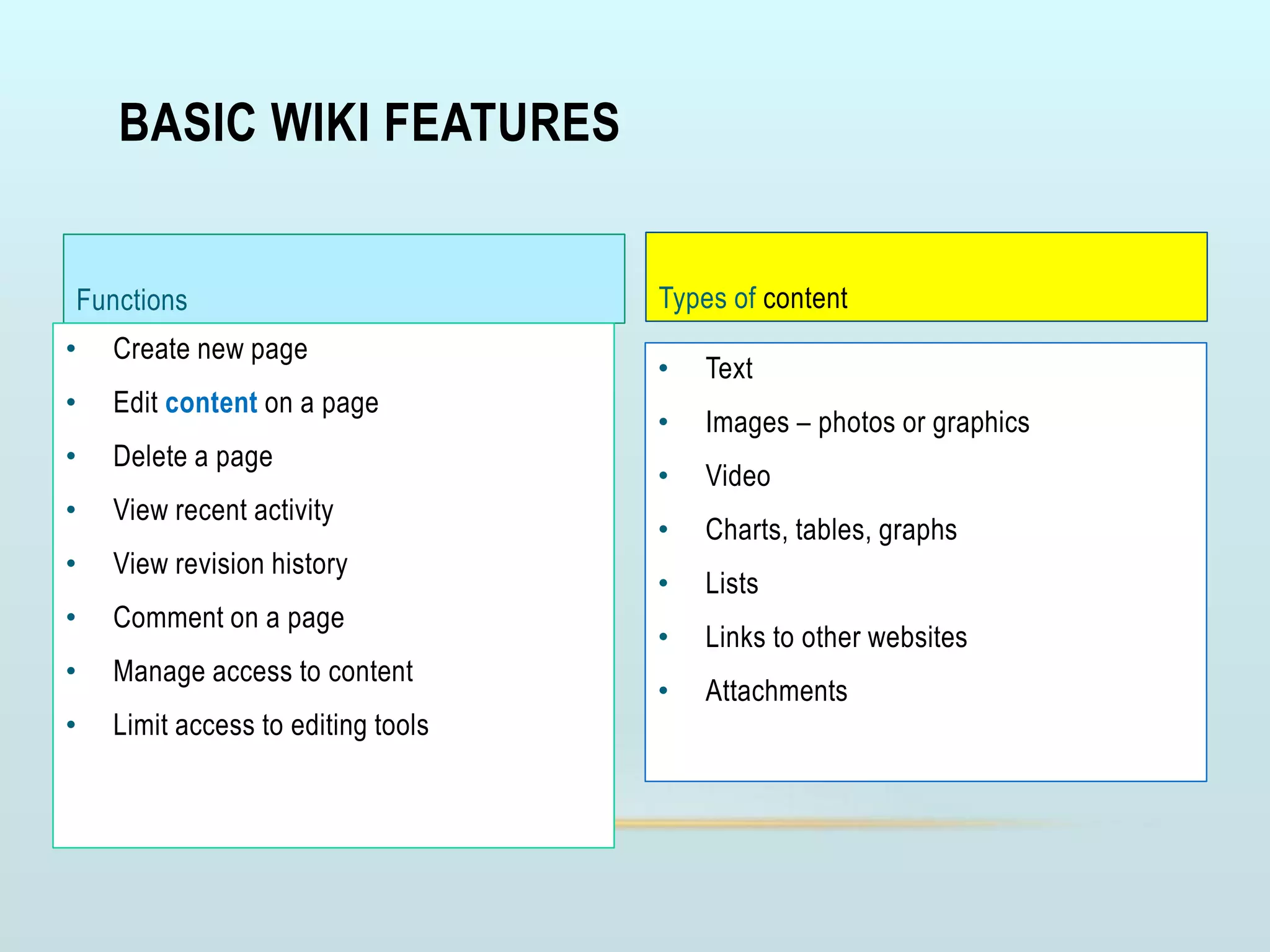
BASIC WIKI FEATURES
Functions
• Create new page
• Edit content on a page
• Delete a page
• View recent activity
• View revision history
• Comment on a page
• Manage access to content
• Limit access to editing tools
Types of content
• Text
• Images – photos or graphics
• Video
• Charts, tables, graphs
• Lists
• Links to other websites
• Attachments
WIKI TOOLS?
• Recommended Wiki Tools to use:
•
Google Sites
• Google Drive (Docs)
• Wikispaces
• Wetpaint
• pbwiki
EXAMPLES
• Anatomy Wiki
• Greetings from the World
• Classroom
• MedTutor
• More examples
PODCASTING
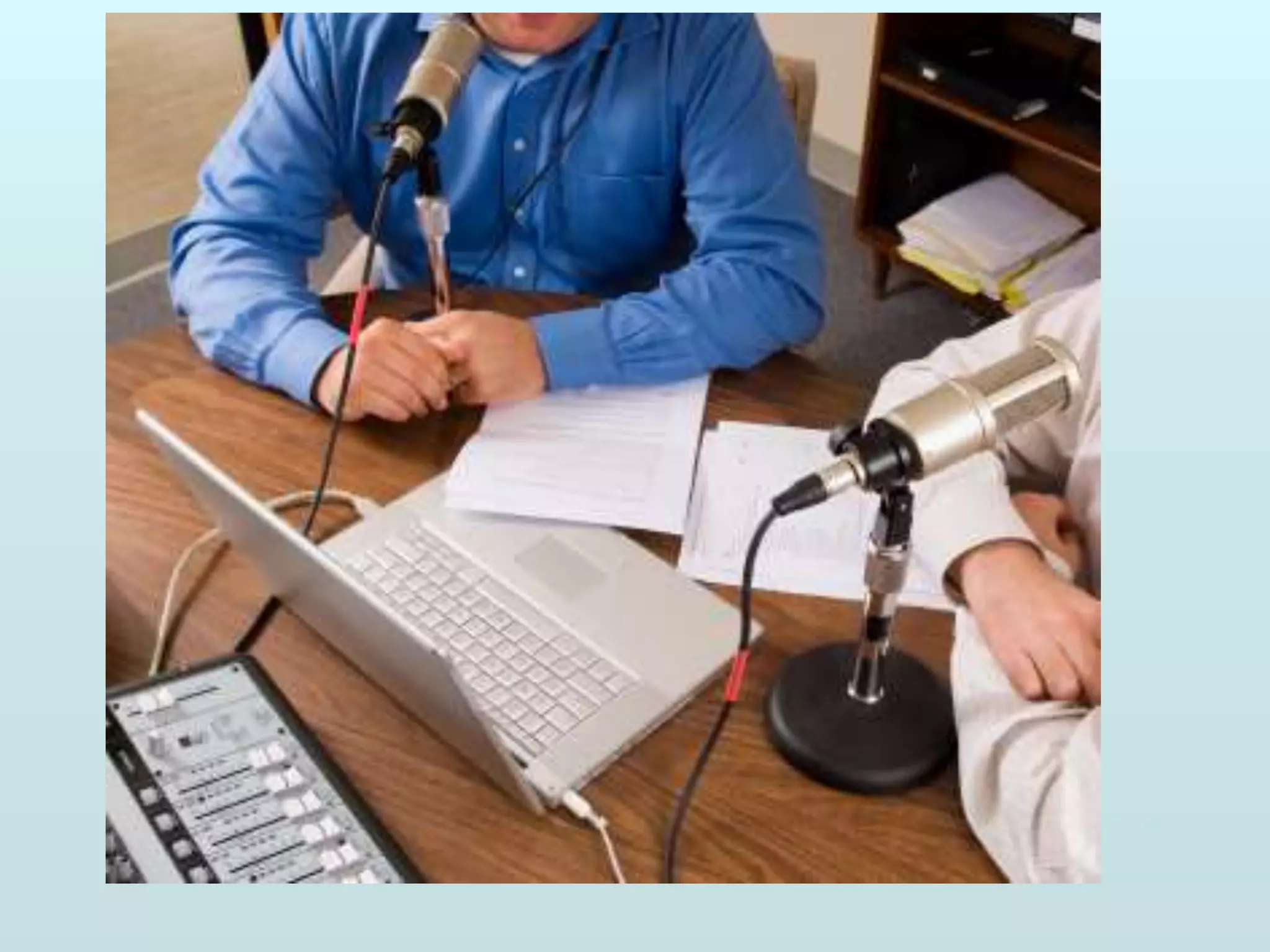
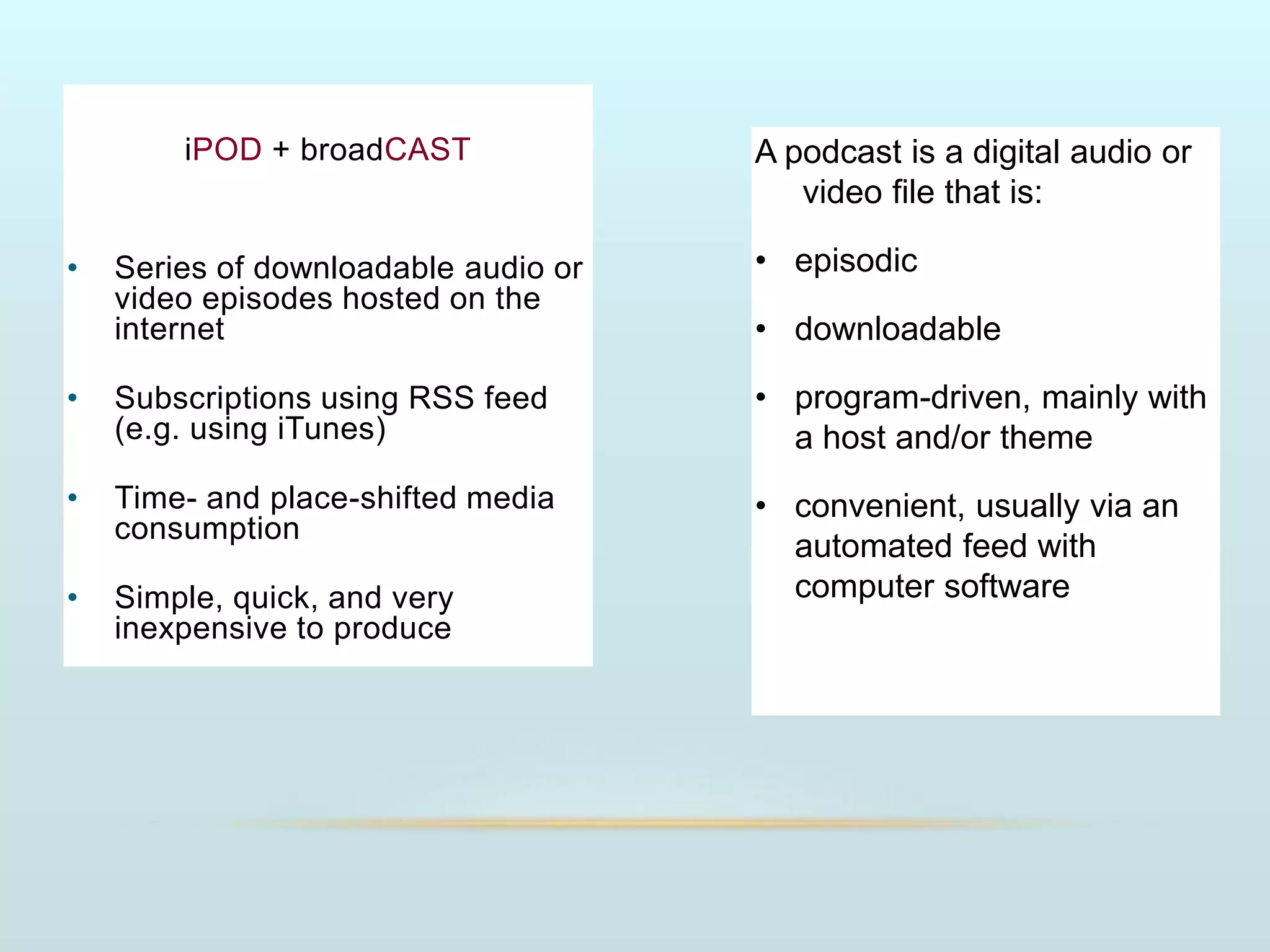
iPOD + broadCAST
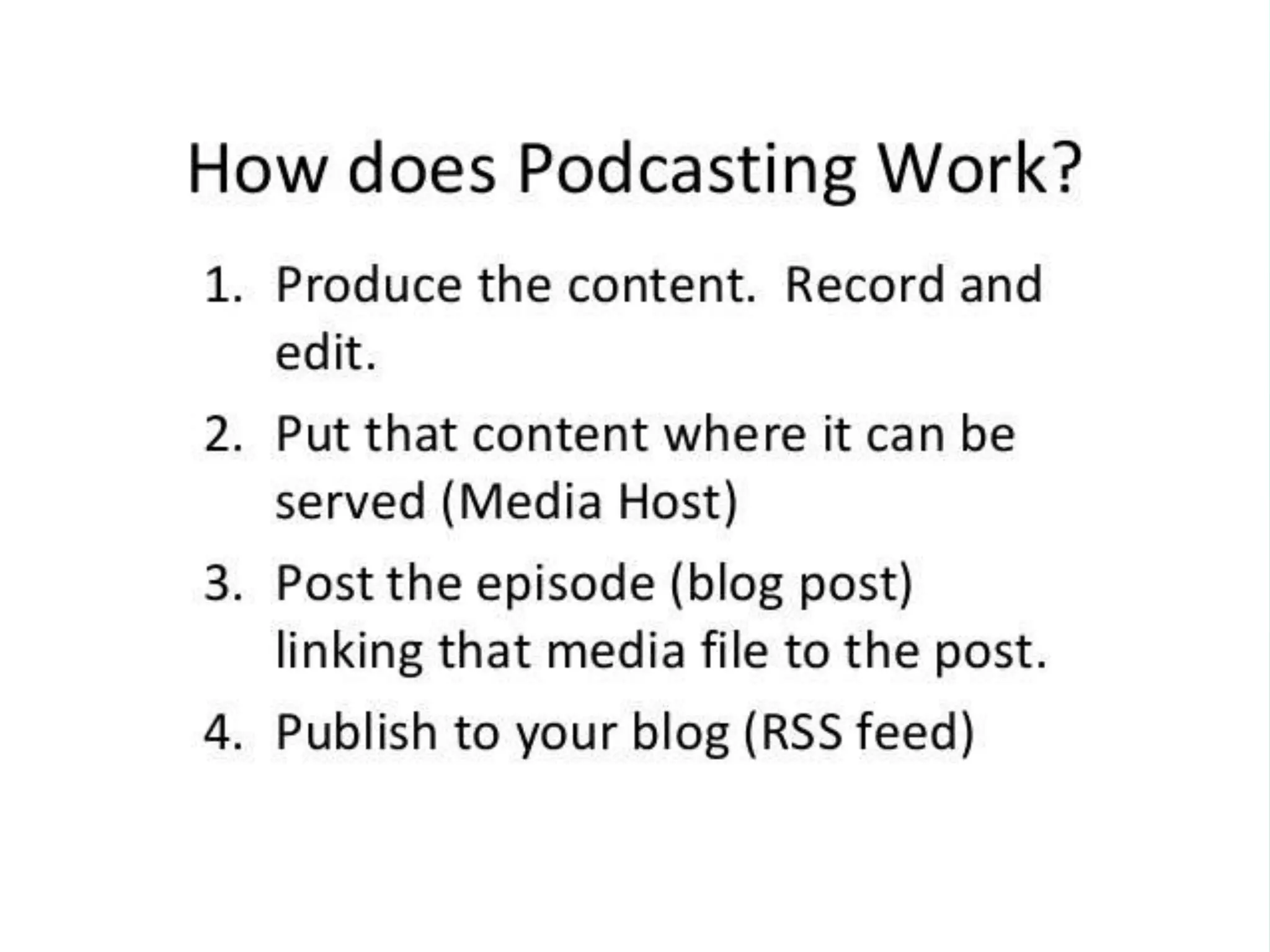
• Series of downloadable audio or
video episodes hosted on the
internet
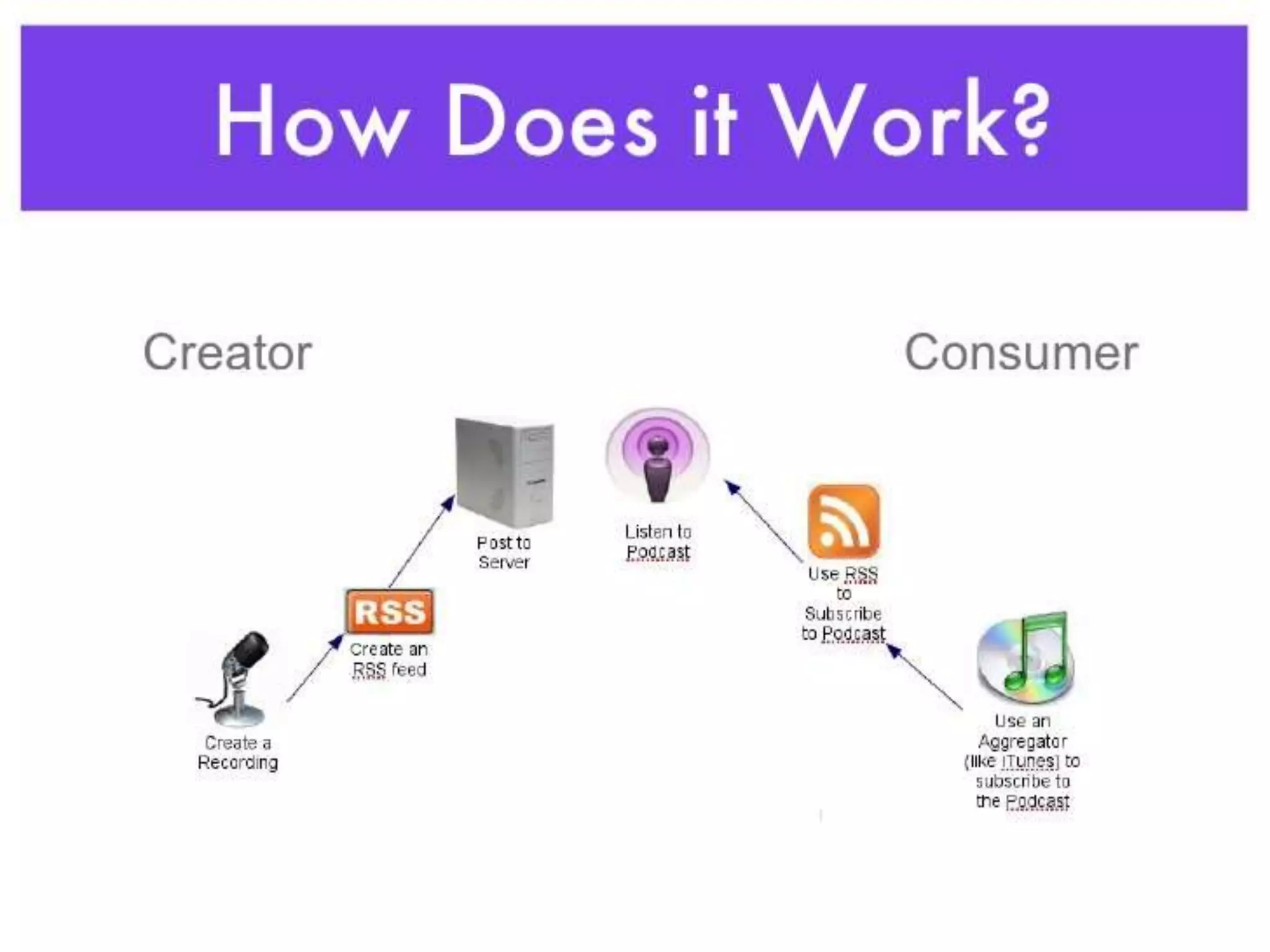
• Subscriptions using RSS feed
(e.g. using iTunes)
• Time- and place-shifted media
consumption
• Simple, quick, and very
inexpensive to produce
A podcast is a digital audio or
video file that is:
• episodic
• downloadable
• program-driven, mainly with
a host and/or theme
• convenient, usually via an
automated feed with
computer software
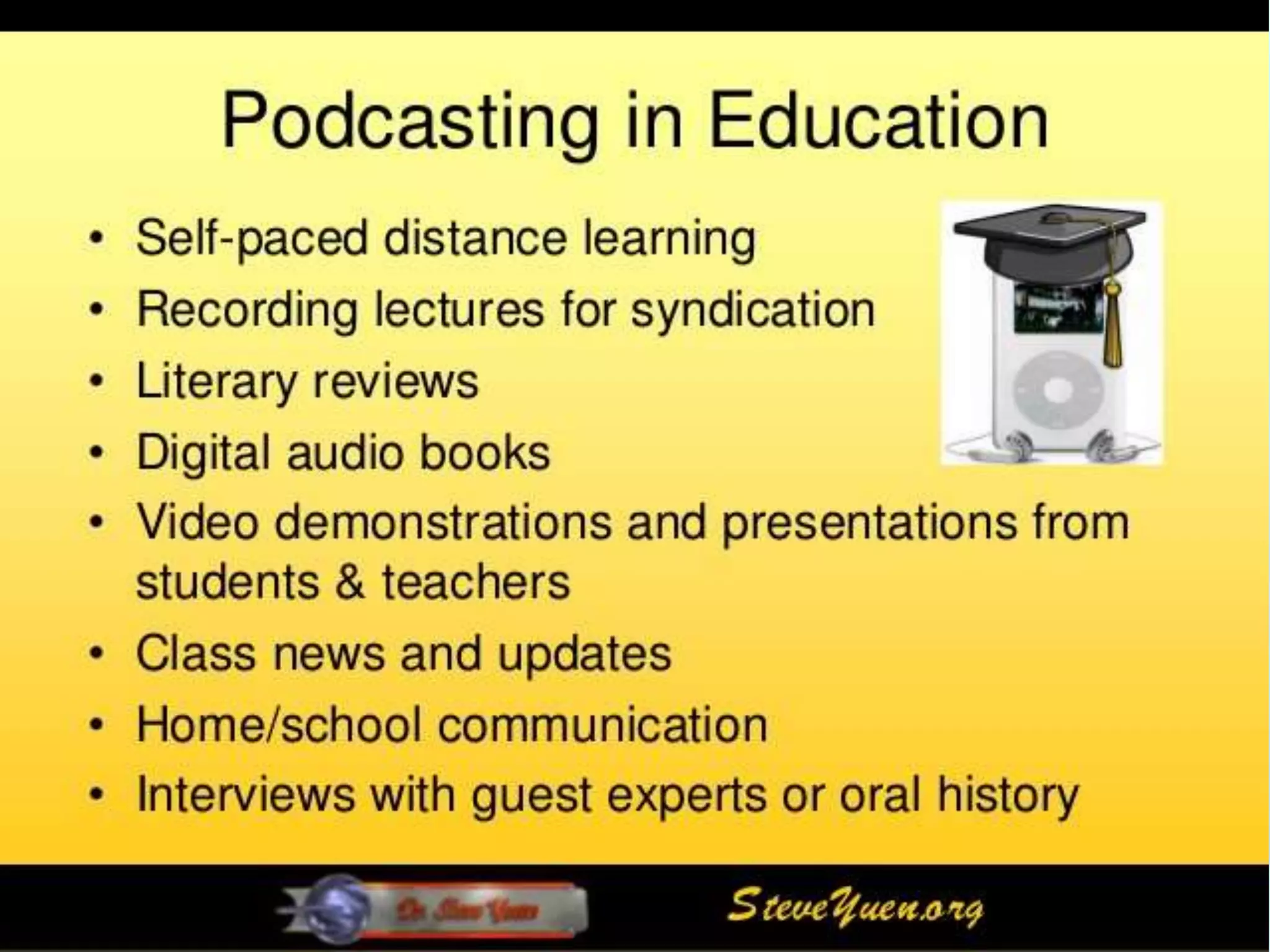
EXAMPLES OF PODCASTING IN MEDICINE AND
SCIENCE
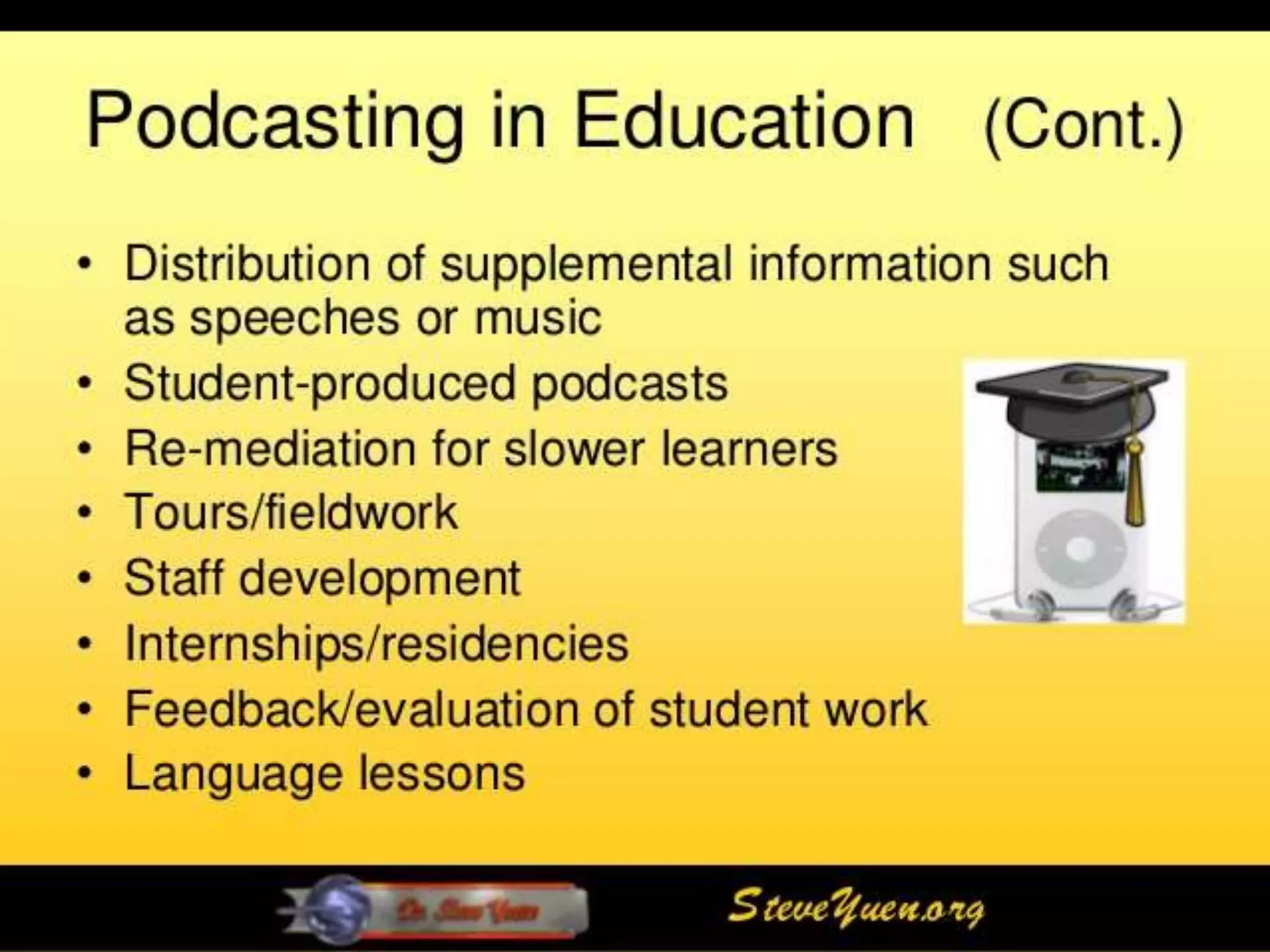
EXAMPLES OF PODCASTING IN MEDICINE AND
SCIENCE
EXAMPLES OF PODCASTING IN MEDICINE
AND SCIENCE
1.YouTube (1)
2.Google Docs/Drive (5)
3.PowerPoint (4)
4.Google Search (2)
5.Twitter (3)
6.Dropbox (10)
7.Prezi (14)
8.Kahoot (15)
9.Powtoon (22)
10.Word (16)
11.Moodle (27)
12.Screencast-O-Matic (31)
13.WordPress (9)
14.Google Chrome (33)
15.Facebook (6)
16.Google Forms (34)
17.Skype (7)
18.Padlet 35
19.Google Apps for Education (GAFE) (40)
20.Camtasia (24)
21.Slideshare 18
22.OneNote (19)
23.Pinterest 29
24.Gmail (32)
25.TED Talks/Ed (21)
TOP 100 TOOLS FOR
EDUCATION
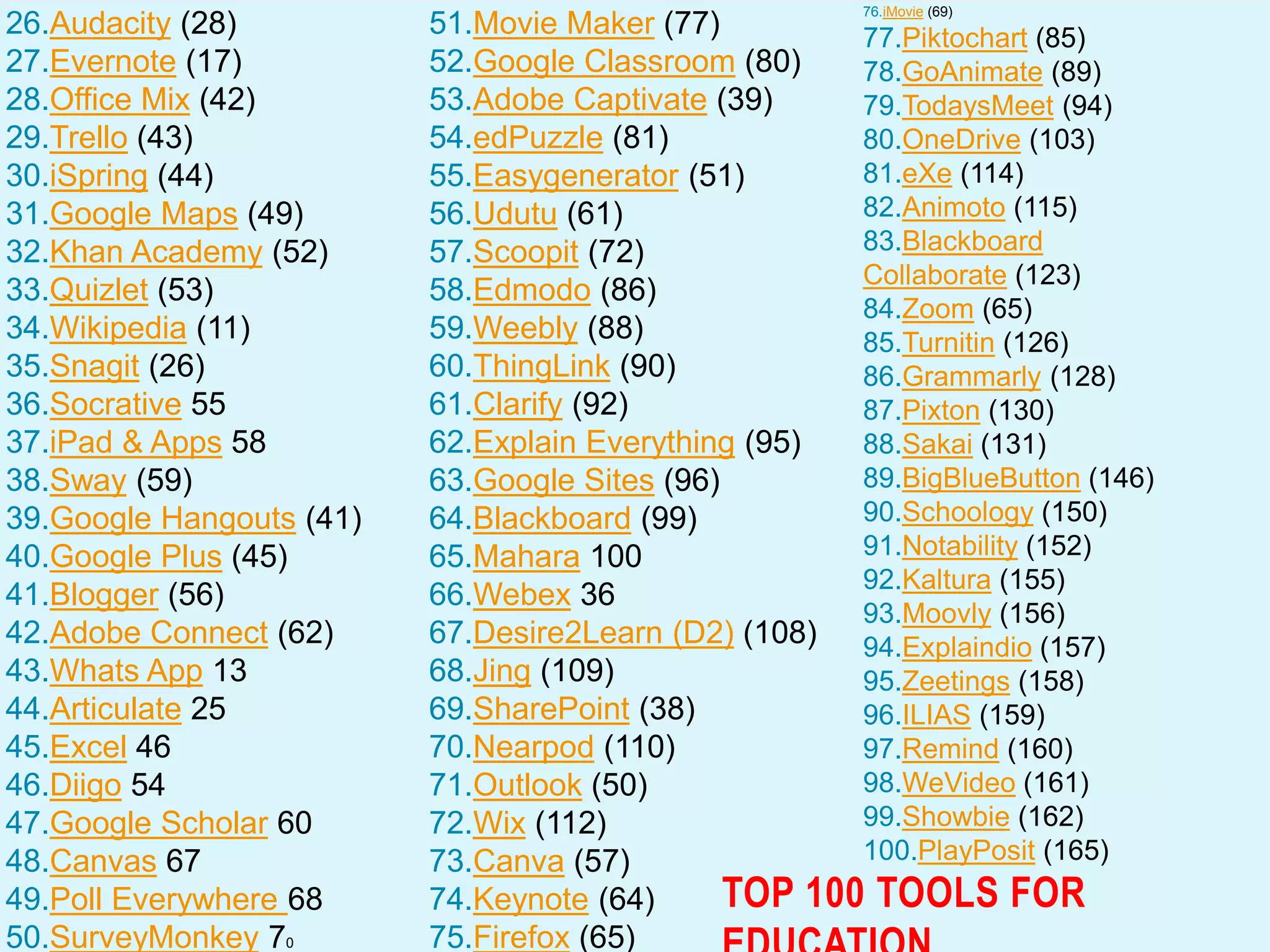
26.Audacity (28)
27.Evernote (17)
28.Office Mix (42)
29.Trello (43)
30.iSpring (44)
31.Google Maps (49)
32.Khan Academy (52)
33.Quizlet (53)
34.Wikipedia (11)
35.Snagit (26)
36.Socrative 55
37.iPad & Apps 58
38.Sway (59)
39.Google Hangouts (41)
40.Google Plus (45)
41.Blogger (56)
42.Adobe Connect (62)
43.Whats App 13
44.Articulate 25
45.Excel 46
46.Diigo 54
47.Google Scholar 60
48.Canvas 67
49.Poll Everywhere 68
50.SurveyMonkey 70
51.Movie Maker (77)
52.Google Classroom (80)
53.Adobe Captivate (39)
54.edPuzzle (81)
55.Easygenerator (51)
56.Udutu (61)
57.Scoopit (72)
58.Edmodo (86)
59.Weebly (88)
60.ThingLink (90)
61.Clarify (92)
62.Explain Everything (95)
63.Google Sites (96)
64.Blackboard (99)
65.Mahara 100
66.Webex 36
67.Desire2Learn (D2) (108)
68.Jing (109)
69.SharePoint (38)
70.Nearpod (110)
71.Outlook (50)
72.Wix (112)
73.Canva (57)
74.Keynote (64)
75.Firefox (65)
76.iMovie (69)
77.Piktochart (85)
78.GoAnimate (89)
79.TodaysMeet (94)
80.OneDrive (103)
81.eXe (114)
82.Animoto (115)
83.Blackboard
Collaborate (123)
84.Zoom (65)
85.Turnitin (126)
86.Grammarly (128)
87.Pixton (130)
88.Sakai (131)
89.BigBlueButton (146)
90.Schoology (150)
91.Notability (152)
92.Kaltura (155)
93.Moovly (156)
94.Explaindio (157)
95.Zeetings (158)
96.ILIAS (159)
97.Remind (160)
98.WeVideo (161)
99.Showbie (162)
100.PlayPosit (165)
TOP 100 TOOLS FOR
Slide courtesy of Dr. Ves Dimov: AllergyCases.org/@DrVes
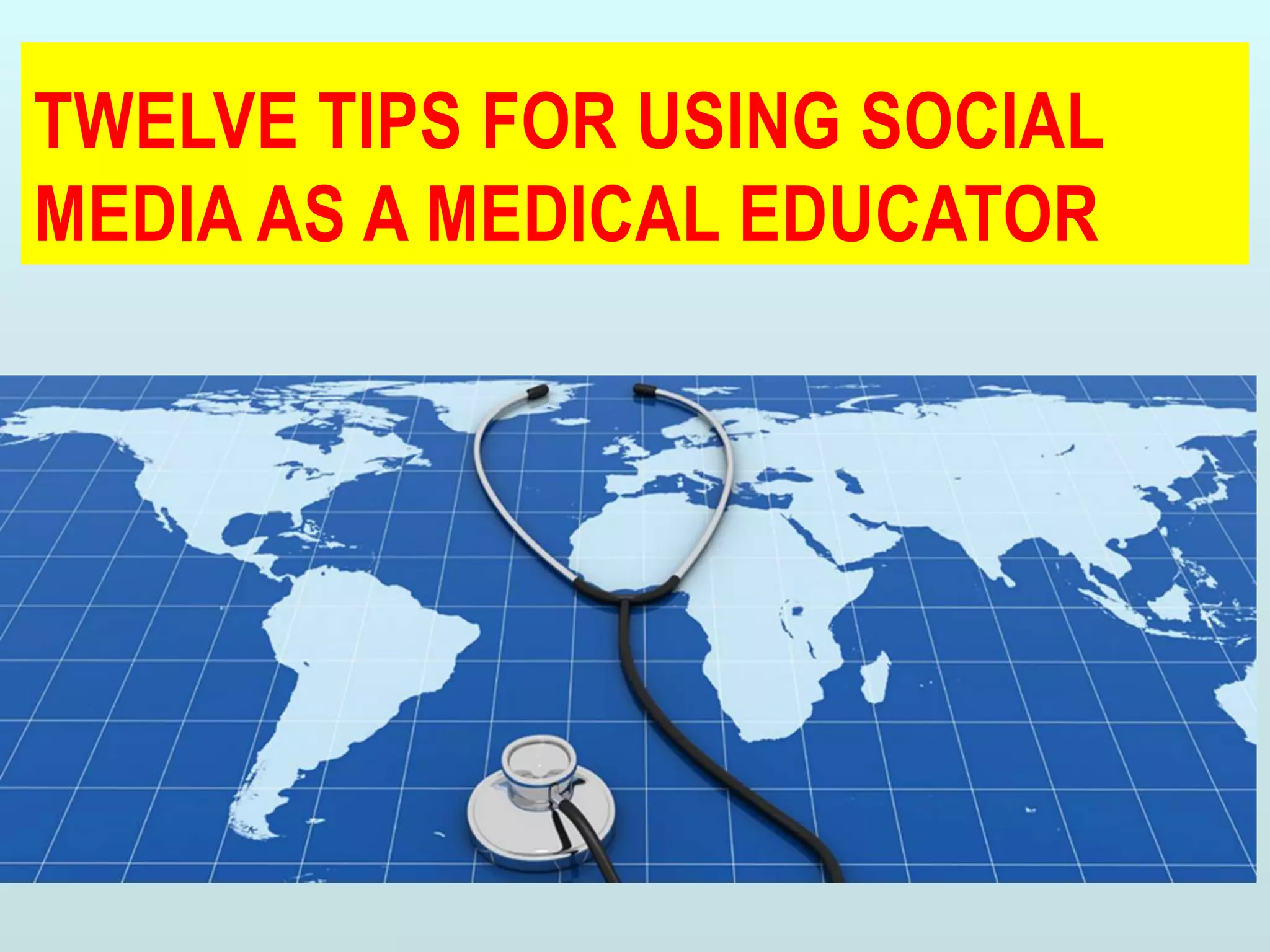
TWELVE TIPS FOR USING SOCIAL
MEDIA AS A MEDICAL EDUCATOR
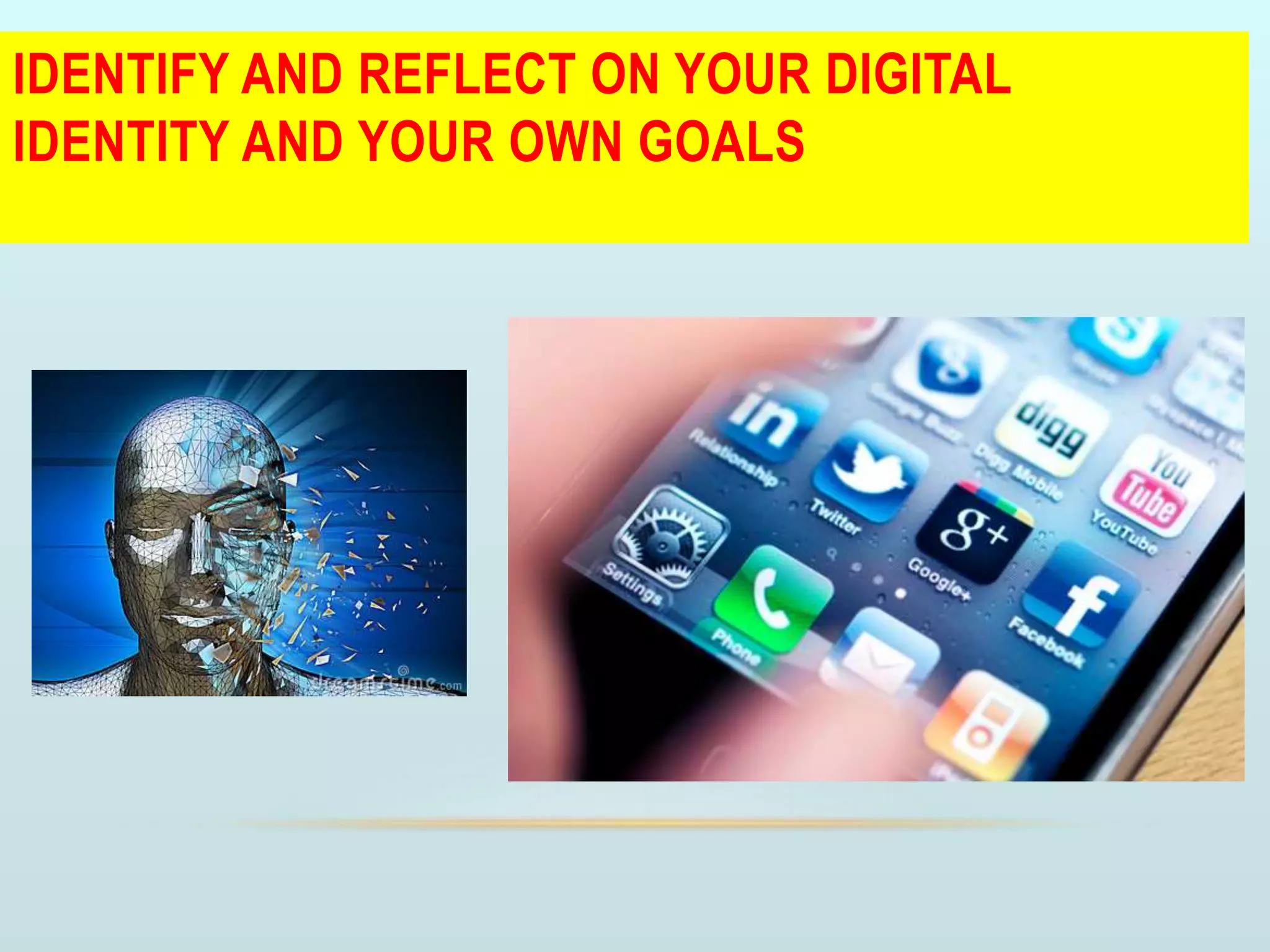
IDENTIFY AND REFLECT ON YOUR DIGITAL
IDENTITY AND YOUR OWN GOALS
SELECT A TOOL BASED UPON GOALS AND THE
STRENGTH OF PLATFORMS AVAILABLE TO
SUPPORT EDUCATIONAL ACTIVITIES
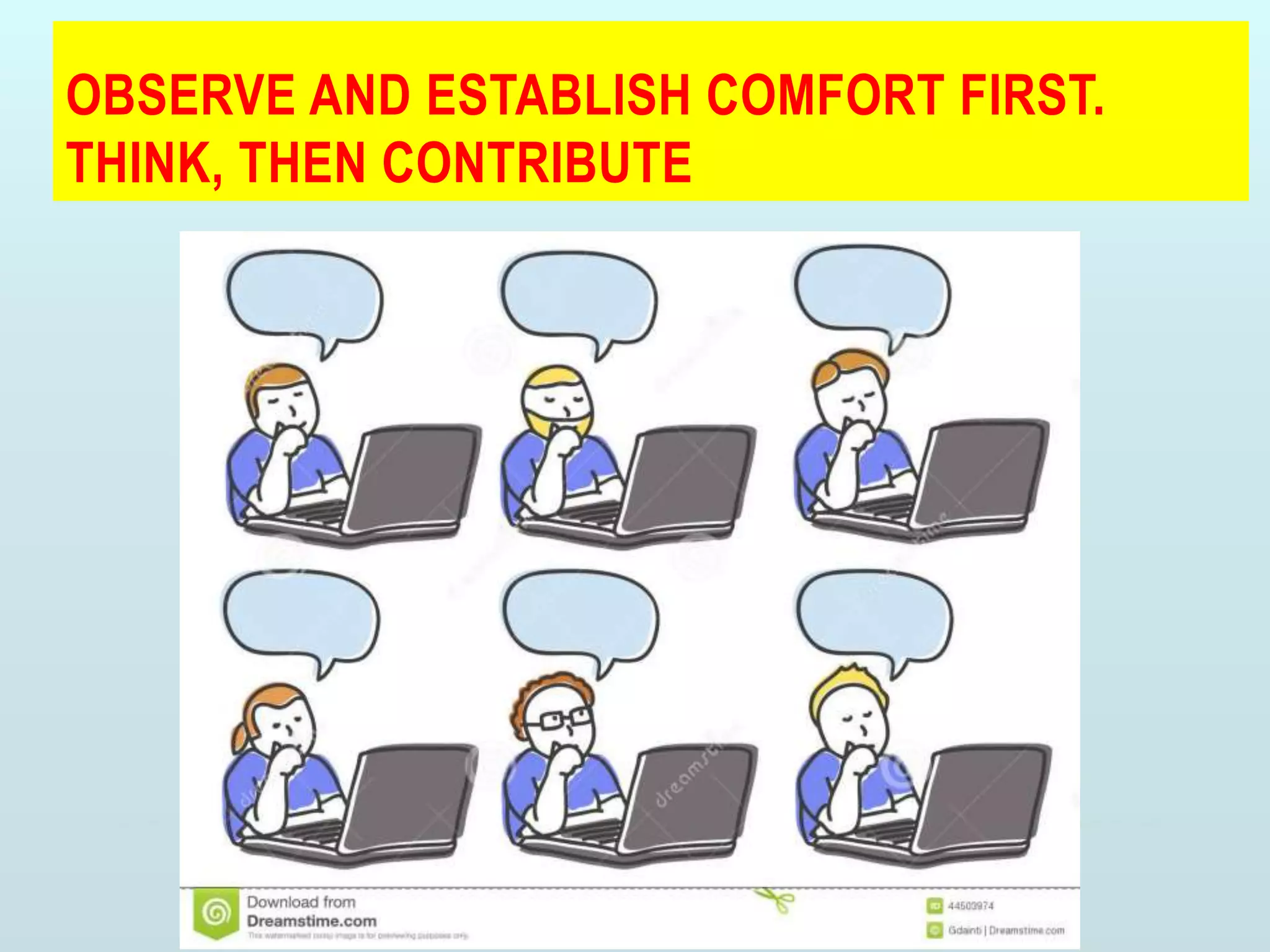
OBSERVE AND ESTABLISH COMFORT FIRST.
THINK, THEN CONTRIBUTE
MAKE SOME INITIAL CONNECTIONS AND TAP INTO
THE POWER OF A COMMUNITY
KNOW AND APPLY EXISTING SOCIAL MEDIA
GUIDELINES FOR THE RESPONSIBLE USE OF
SOCIAL MEDIA
DEVELOP INDIVIDUAL GUIDING PRINCIPLES WITH
WHICH YOU ARE COMFORTABLE
KEEP ALL PATIENT INFORMATION PRIVATE
HANDLING ‘‘FRIEND’’ REQUESTS FROM
TRAINEES: KNOW YOUR OPTIONS AND THEIR
CONSEQUENCES
SHARE CREDIBLE INFORMATION: DISSEMINATE
EVIDENCE BASED HEALTH INFORMATION,
ENHANCING PUBLIC HEALTH
ENGAGE, LEARN, REFLECT, AND TEACH
RESEARCH: ADVANCE YOUR ACADEMIC
PRODUCTIVITY BY EXPANDING YOUR PROFESSIONAL
NETWORK
MENTOR AND BE MENTORED: DEMONSTRATE
RESPONSIBLE SOCIAL MEDIA USE
CONCLUSION
• There are risks as well as productive uses of social media
networking
• Networking can enhance education, professionalism, and
public health.
• It helps in disseminating accurate information, countering
inaccuracies,
• It can guide modelling professionalism
• it can engage learners and the public outside of traditional
classrooms/ offices.
CONCLUSION
• It helps to contribute, connect, and share in ways that foster your
teaching, learning, and professional growth.
• The choice of media you make should be guided by
your goals,
the strengths and weaknesses of the platforms,
and the expected educational benefit to your learners
RESOURCES
WORKSHOP WIKI HTTPS://SITES.GOOGLE.COM/SITE/SOCIALMEDIAINMEDED/
Twitter & Blogs
• Twitter http://twitter.com
• Top Twitter Myths http://futuredocsblog.com/top-
Twitter-myths-tips/
• Tweetdeck – a mega-Twitter program
Twitterberry – Twitter for blackberry
Twitterific – especially helpful on iPhone
• Blogger http://blogger.com
• WordPress http://wordpress.com
• Typepad http://www.typepad.com/
• Kathy’s Blog http://www.mothersinmedicine.com/
• Vinny’s Blog http://futuredocsblog.com/
Podcasts & Wikis
• Apple Garage Band –audio recording software for Mac
users http://www.apple.com/ilife/garageband/
• Audacity - audio recording software (free!) for PC and
Mac users http://audacity.sourceforge.net/
• iTunes – Apple podcast store – buy or find free
podcasts to download and listen to
http://www.apple.com/itunes/
• Ben’s Pritzker Podcast http://pritzkerpodcast.com/
• Google Sites http://sites.google.com
• PBWorks http://pbworks.com
• Workshop wiki:
https://sites.google.com/site/socialmediainmeded/
Useful Links
The PSG-FAIMER Regional Institute is pleased to
provide these links as a resource for those interested in
health professions education and global health..
•Academic Centers for Teaching and Learning
•FAIMER Toolkit for Academic Leaders (click here)
•Global Health
•Health Workforce and Migration
•Journals
•Meetings
•Networking Tools for Researchers
•Research Tools for Health Professions Educators
•Teaching/Learning Tools for Health Professions
Educators
•Miscellaneous
Networking Tools for Researchers
•Community of Science (COS)
•A resource that allows researchers to showcase their
work, conduct research, and identify potential
collaborators among scholars from universities,
corporations, and nonprofits in more than 170 countries.
•Mendeley
•A platform where scientists can interact and grow their
professional networks within a large cross-disciplinary
scientific and academic community. Mendeley also has a
suite of free, cloud-based tools that helps users manage
their papers and citations, and lets them access their
work across all devices.
•ResearchGate Scientific Network
•A professional network for scientists to connect with
colleagues, build their own scientific network, and
discover new methods, papers, and job opportunities.
QUESTIONS
FINAL THOUGHTS…
With Social Media, medical educators have
OPPORTUNITIES and RESPONSIBILITIES
• For ourselves
• For our patients
• For our learners
• And for the public
THANK YOU…

Educational networking for growth in medical education satya

  • 3.
    EVOLUTION OF EDUCATIONTECHNOLOGY TIME TIME IMPACT Internet: Greatest impact
  • 6.
    ADULT SOCIAL MEDIAUSE BY SITE 6 40% of cell phone owners use social networking via their phone, and 28% do so daily. Source: Pew Research Center’s Internet & American Life Project Surveys. All surveys of adults 18 and older. Available at http://www.pewinternet.org/fact-sheets/social-networking-fact-sheet/
  • 12.
    Prof. Dr. V.Sathyanarayanan MBBS, MD, ( FIME ) SRM MCH & RC, Kattankulathur, India EDUCATIONAL NETWORKING FOR GROWTH
  • 17.
    OVERVIEW • Definition ofeducational networking • Categories of social networking • Social media – Definition, types, why, • Avenues for growth in medical education • How to use networking for growth • 12 tips for using social media as a medical educator • Conclusion • Final thoughts
  • 18.
    LEARNING OBJECTIVES • ATTHE END OF THIS SESSION, PARTICIPANTS BE ABLE TO 1. Define educational networking 2. Name different Social networking media 3. Explain How to use networking for growth 4. Choose appropriate social media for networking 5. Express enthusiasm to apply the principles of networking in everyday practice
  • 20.
    WHAT IS EDUCATIONALNETWORKING ?
  • 21.
    WHAT IS EDUCATIONALNETWORKING? • "Educational Networking" is the use of social networking technologies for educational purposes • social networking = online communities of people with shared interest
  • 26.
    CAN YOU IDENTIFYTHESE SOCIAL MEDIA ?
  • 27.
    • LINE • VIBER •SKYPE • PINTEREST • DROPBOX • SPOTIFY • BEHANCE • PATH • TUMBLR • FACEBOOK • YOU TUBE • INSTAGRAM • TWITTER • WHATSAPP • GOOGLE PLUS • TELEGRAM • SNAPCHAT • LINKED IN SOME SOCIAL NETWORKING SITES
  • 30.
    MAJOR SOCIAL MEDIASITES AND USES • Facebook: “I ate pizza .” (social networking) • Youtube: “Look at this pizza!” (video) • Twitter: “I need to eat.” (microblog) • Linkedin: “I am good at eating.” (business networking) • Foursquare: “This is where I ate.” (location) • Fluid and constantly changing based on new technology, websites, etc. All have mobile apps. Glossary of Social Media Terms: http://www.socialbrite.org/sharing-center/glossary/ 30
  • 33.
    USES OF SOCIALMEDIA • Extension of every day interaction • Conversations & exchange • Communities of shared interest • Tools for innovation • Integrates technology
  • 40.
    WHY SHOULD MEDICALEDUCATORS CARE ABOUT SOCIAL MEDIA?
  • 41.
    WHY SHOULD MEDICALEDUCATORS CARE ABOUT SOCIAL MEDIA? • Our students/learners are already there • Whether or not you like it • We need to educate about it • Our patients/the public
  • 42.
    DOES SOCIAL MEDIA FITIN MEDICAL EDUCATION?
  • 43.
    DOES SOCIAL MEDIA FITIN MEDICAL EDUCATION? • Yes. Social media may have a place in medical education. And biomedical research. And clinical systems and patient care. • ‘Social’ = people. Our med students are people. Our lab techs are people. Our patients are people. Our campus community is made up of people. Our off-campus community is made up of people. • ‘Media’ = information. We create and use media. Photos, video, audio, documents, websites. Tutorials, maps, reviews. Web links, news feeds, activity calendars.
  • 44.
    WHY CONSIDER USINGSOCIAL MEDIA ? • To stay informed • As a learning tool in medical education • Communicate (engage) with peers and patients • Disseminate information • Advocate for/against something • To help get a job • To deliver clinical care • Because if you decide not to use social media, your decision should be based on sound knowledge about what you are choosing not to use
  • 46.
    AVENUES FOR GROWTHIN MEDICAL EDUCATION
  • 47.
    GROWTH AVENUES INMEDICAL EDUCATION • Selection of Students • Innovations in curriculum • Teaching learning Materials & Methods • Teaching learning environments • Assessment methods & Question Paper setting • Continuing medical education • Inter-professionalism in medical education • Community oriented medical education • Student support services
  • 48.
    GROWTH AVENUES INMEDICAL EDUCATION • Quality assurance in medical education • •Faculty development and capacity building • •Collaboration among medical schools • •Application of Information and Communication Technologies in medical education • •Educational administration & leadership • •Accreditation
  • 50.
    HOW TO USENETWORKING FOR GROWTH ?
  • 51.
  • 56.
  • 61.
    TWITTER • Fastest growing socialmedia site • Microblog messages that are 140 characters or less to ‘followers’
  • 65.
    BREAKING THROUGH THEBABBLE • Select followers carefully • Create or follow Twitter list • Save a hashtag search “#meded” • Use Twitter program to aggregate tweets
  • 67.
  • 69.
    WHAT IS AWIKI? A wiki is a web site that includes web pages containing content. Wiki pages are created using a collaborative software program then published to the web. In other words, a wiki is a web-publishing tool. Wiki software is designed for collaborative web site creation. A wiki is a website that includes the collaboration of work from many different authors. Software developer Ward Cunningham used the name ‘wiki’, a Hawaiian term for ‘quick’ or ‘fast’. This file is licensed under the Creative Commons Attribution-Share Alike 2.0 Generic license.
  • 70.
    BASIC WIKI FEATURES Functions •Create new page • Edit content on a page • Delete a page • View recent activity • View revision history • Comment on a page • Manage access to content • Limit access to editing tools Types of content • Text • Images – photos or graphics • Video • Charts, tables, graphs • Lists • Links to other websites • Attachments
  • 74.
    WIKI TOOLS? • RecommendedWiki Tools to use: • Google Sites • Google Drive (Docs) • Wikispaces • Wetpaint • pbwiki
  • 75.
    EXAMPLES • Anatomy Wiki •Greetings from the World • Classroom • MedTutor • More examples
  • 77.
  • 83.
    iPOD + broadCAST •Series of downloadable audio or video episodes hosted on the internet • Subscriptions using RSS feed (e.g. using iTunes) • Time- and place-shifted media consumption • Simple, quick, and very inexpensive to produce A podcast is a digital audio or video file that is: • episodic • downloadable • program-driven, mainly with a host and/or theme • convenient, usually via an automated feed with computer software
  • 87.
    EXAMPLES OF PODCASTINGIN MEDICINE AND SCIENCE
  • 88.
    EXAMPLES OF PODCASTINGIN MEDICINE AND SCIENCE
  • 89.
    EXAMPLES OF PODCASTINGIN MEDICINE AND SCIENCE
  • 107.
    1.YouTube (1) 2.Google Docs/Drive(5) 3.PowerPoint (4) 4.Google Search (2) 5.Twitter (3) 6.Dropbox (10) 7.Prezi (14) 8.Kahoot (15) 9.Powtoon (22) 10.Word (16) 11.Moodle (27) 12.Screencast-O-Matic (31) 13.WordPress (9) 14.Google Chrome (33) 15.Facebook (6) 16.Google Forms (34) 17.Skype (7) 18.Padlet 35 19.Google Apps for Education (GAFE) (40) 20.Camtasia (24) 21.Slideshare 18 22.OneNote (19) 23.Pinterest 29 24.Gmail (32) 25.TED Talks/Ed (21) TOP 100 TOOLS FOR EDUCATION
  • 108.
    26.Audacity (28) 27.Evernote (17) 28.OfficeMix (42) 29.Trello (43) 30.iSpring (44) 31.Google Maps (49) 32.Khan Academy (52) 33.Quizlet (53) 34.Wikipedia (11) 35.Snagit (26) 36.Socrative 55 37.iPad & Apps 58 38.Sway (59) 39.Google Hangouts (41) 40.Google Plus (45) 41.Blogger (56) 42.Adobe Connect (62) 43.Whats App 13 44.Articulate 25 45.Excel 46 46.Diigo 54 47.Google Scholar 60 48.Canvas 67 49.Poll Everywhere 68 50.SurveyMonkey 70 51.Movie Maker (77) 52.Google Classroom (80) 53.Adobe Captivate (39) 54.edPuzzle (81) 55.Easygenerator (51) 56.Udutu (61) 57.Scoopit (72) 58.Edmodo (86) 59.Weebly (88) 60.ThingLink (90) 61.Clarify (92) 62.Explain Everything (95) 63.Google Sites (96) 64.Blackboard (99) 65.Mahara 100 66.Webex 36 67.Desire2Learn (D2) (108) 68.Jing (109) 69.SharePoint (38) 70.Nearpod (110) 71.Outlook (50) 72.Wix (112) 73.Canva (57) 74.Keynote (64) 75.Firefox (65) 76.iMovie (69) 77.Piktochart (85) 78.GoAnimate (89) 79.TodaysMeet (94) 80.OneDrive (103) 81.eXe (114) 82.Animoto (115) 83.Blackboard Collaborate (123) 84.Zoom (65) 85.Turnitin (126) 86.Grammarly (128) 87.Pixton (130) 88.Sakai (131) 89.BigBlueButton (146) 90.Schoology (150) 91.Notability (152) 92.Kaltura (155) 93.Moovly (156) 94.Explaindio (157) 95.Zeetings (158) 96.ILIAS (159) 97.Remind (160) 98.WeVideo (161) 99.Showbie (162) 100.PlayPosit (165) TOP 100 TOOLS FOR
  • 110.
    Slide courtesy ofDr. Ves Dimov: AllergyCases.org/@DrVes
  • 112.
    TWELVE TIPS FORUSING SOCIAL MEDIA AS A MEDICAL EDUCATOR
  • 113.
    IDENTIFY AND REFLECTON YOUR DIGITAL IDENTITY AND YOUR OWN GOALS
  • 114.
    SELECT A TOOLBASED UPON GOALS AND THE STRENGTH OF PLATFORMS AVAILABLE TO SUPPORT EDUCATIONAL ACTIVITIES
  • 115.
    OBSERVE AND ESTABLISHCOMFORT FIRST. THINK, THEN CONTRIBUTE
  • 116.
    MAKE SOME INITIALCONNECTIONS AND TAP INTO THE POWER OF A COMMUNITY
  • 117.
    KNOW AND APPLYEXISTING SOCIAL MEDIA GUIDELINES FOR THE RESPONSIBLE USE OF SOCIAL MEDIA
  • 118.
    DEVELOP INDIVIDUAL GUIDINGPRINCIPLES WITH WHICH YOU ARE COMFORTABLE
  • 119.
    KEEP ALL PATIENTINFORMATION PRIVATE
  • 120.
    HANDLING ‘‘FRIEND’’ REQUESTSFROM TRAINEES: KNOW YOUR OPTIONS AND THEIR CONSEQUENCES
  • 121.
    SHARE CREDIBLE INFORMATION:DISSEMINATE EVIDENCE BASED HEALTH INFORMATION, ENHANCING PUBLIC HEALTH
  • 122.
  • 123.
    RESEARCH: ADVANCE YOURACADEMIC PRODUCTIVITY BY EXPANDING YOUR PROFESSIONAL NETWORK
  • 124.
    MENTOR AND BEMENTORED: DEMONSTRATE RESPONSIBLE SOCIAL MEDIA USE
  • 126.
    CONCLUSION • There arerisks as well as productive uses of social media networking • Networking can enhance education, professionalism, and public health. • It helps in disseminating accurate information, countering inaccuracies, • It can guide modelling professionalism • it can engage learners and the public outside of traditional classrooms/ offices.
  • 127.
    CONCLUSION • It helpsto contribute, connect, and share in ways that foster your teaching, learning, and professional growth. • The choice of media you make should be guided by your goals, the strengths and weaknesses of the platforms, and the expected educational benefit to your learners
  • 129.
    RESOURCES WORKSHOP WIKI HTTPS://SITES.GOOGLE.COM/SITE/SOCIALMEDIAINMEDED/ Twitter& Blogs • Twitter http://twitter.com • Top Twitter Myths http://futuredocsblog.com/top- Twitter-myths-tips/ • Tweetdeck – a mega-Twitter program Twitterberry – Twitter for blackberry Twitterific – especially helpful on iPhone • Blogger http://blogger.com • WordPress http://wordpress.com • Typepad http://www.typepad.com/ • Kathy’s Blog http://www.mothersinmedicine.com/ • Vinny’s Blog http://futuredocsblog.com/ Podcasts & Wikis • Apple Garage Band –audio recording software for Mac users http://www.apple.com/ilife/garageband/ • Audacity - audio recording software (free!) for PC and Mac users http://audacity.sourceforge.net/ • iTunes – Apple podcast store – buy or find free podcasts to download and listen to http://www.apple.com/itunes/ • Ben’s Pritzker Podcast http://pritzkerpodcast.com/ • Google Sites http://sites.google.com • PBWorks http://pbworks.com • Workshop wiki: https://sites.google.com/site/socialmediainmeded/
  • 130.
    Useful Links The PSG-FAIMERRegional Institute is pleased to provide these links as a resource for those interested in health professions education and global health.. •Academic Centers for Teaching and Learning •FAIMER Toolkit for Academic Leaders (click here) •Global Health •Health Workforce and Migration •Journals •Meetings •Networking Tools for Researchers •Research Tools for Health Professions Educators •Teaching/Learning Tools for Health Professions Educators •Miscellaneous
  • 131.
    Networking Tools forResearchers •Community of Science (COS) •A resource that allows researchers to showcase their work, conduct research, and identify potential collaborators among scholars from universities, corporations, and nonprofits in more than 170 countries. •Mendeley •A platform where scientists can interact and grow their professional networks within a large cross-disciplinary scientific and academic community. Mendeley also has a suite of free, cloud-based tools that helps users manage their papers and citations, and lets them access their work across all devices. •ResearchGate Scientific Network •A professional network for scientists to connect with colleagues, build their own scientific network, and discover new methods, papers, and job opportunities.
  • 137.
  • 138.
    FINAL THOUGHTS… With SocialMedia, medical educators have OPPORTUNITIES and RESPONSIBILITIES • For ourselves • For our patients • For our learners • And for the public
  • 140.