
Information architecture: A “how-to” Donna Maurer – Maadmob Interaction Design
About me Freelance information architect/interaction designer  I design structures & interfaces for complex informational & interactive systems  6+ years pro experience, as an innie, outie & freelancer Designed business applications, websites, intranets  Practice, teach and write about IA and IxD  Chair for next year's IA Summit Board member for the Information Architecture Institute Writing a book about card sorting - due Jan 2007
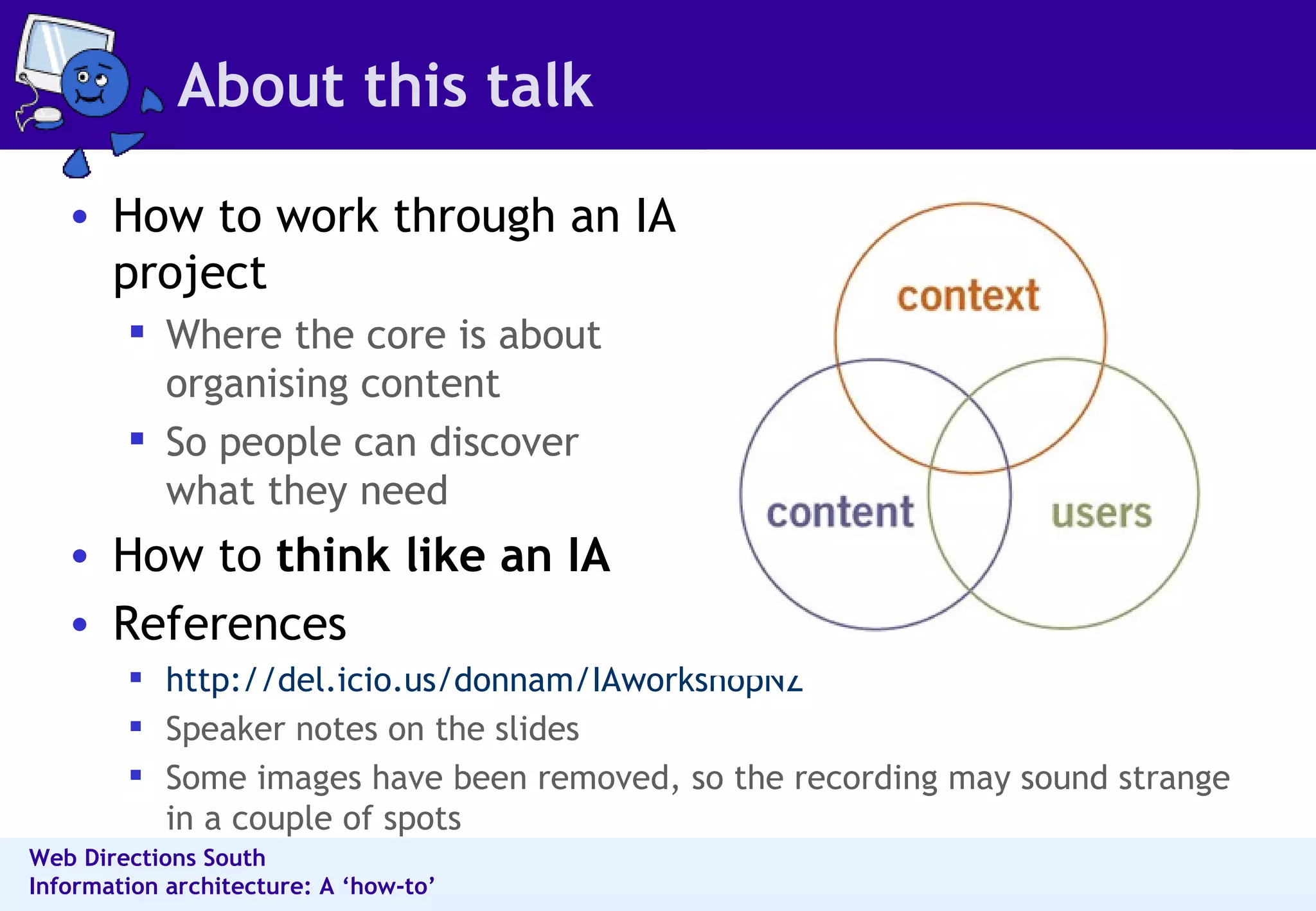
About this talk How to work through an IA project Where the core is about organising content So people can discover what they need How to  think like an IA References http://del.icio.us/donnam/IAworkshopNZ Speaker notes on the slides Some images have been removed, so the recording may sound strange in a couple of spots
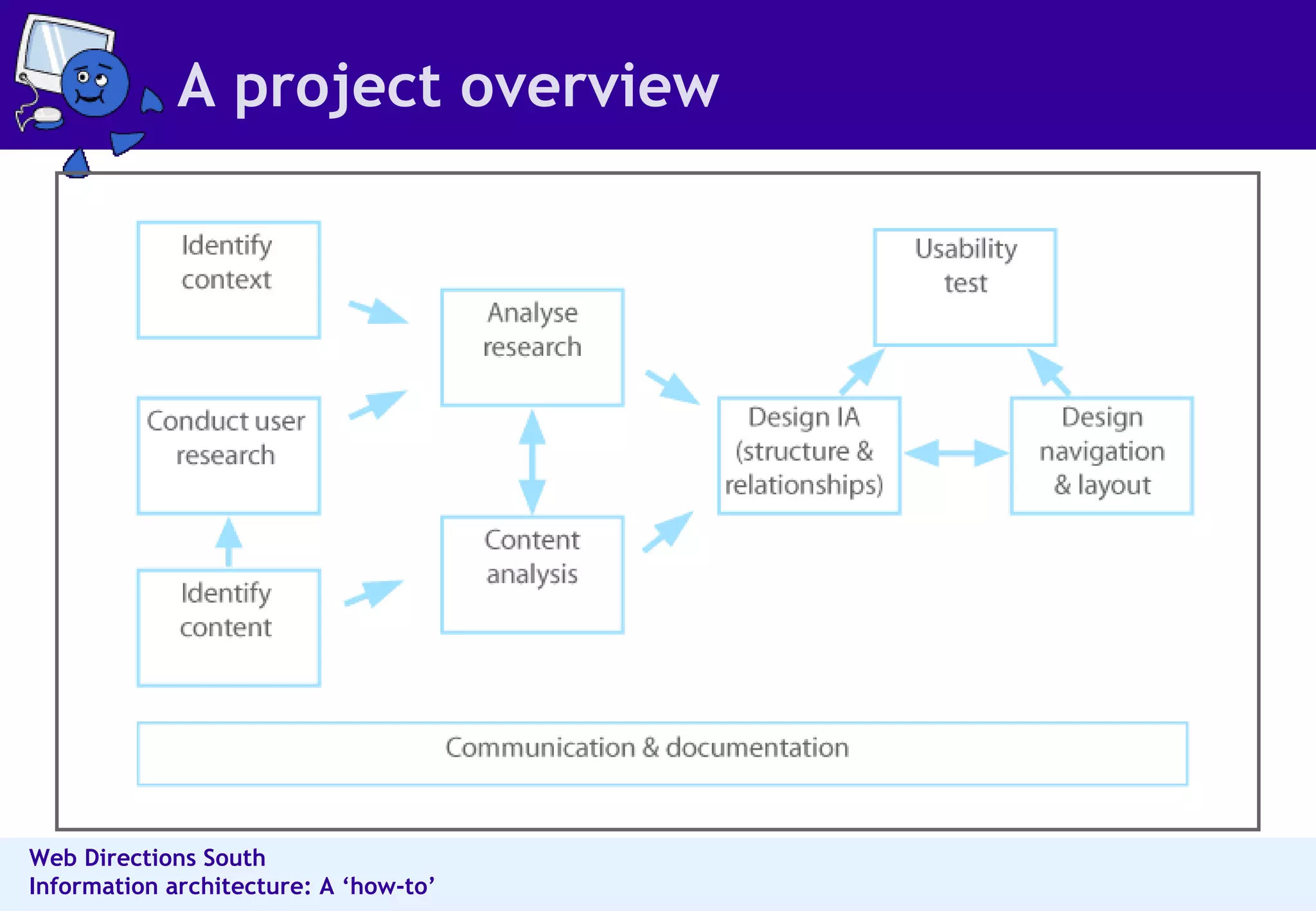
A project overview
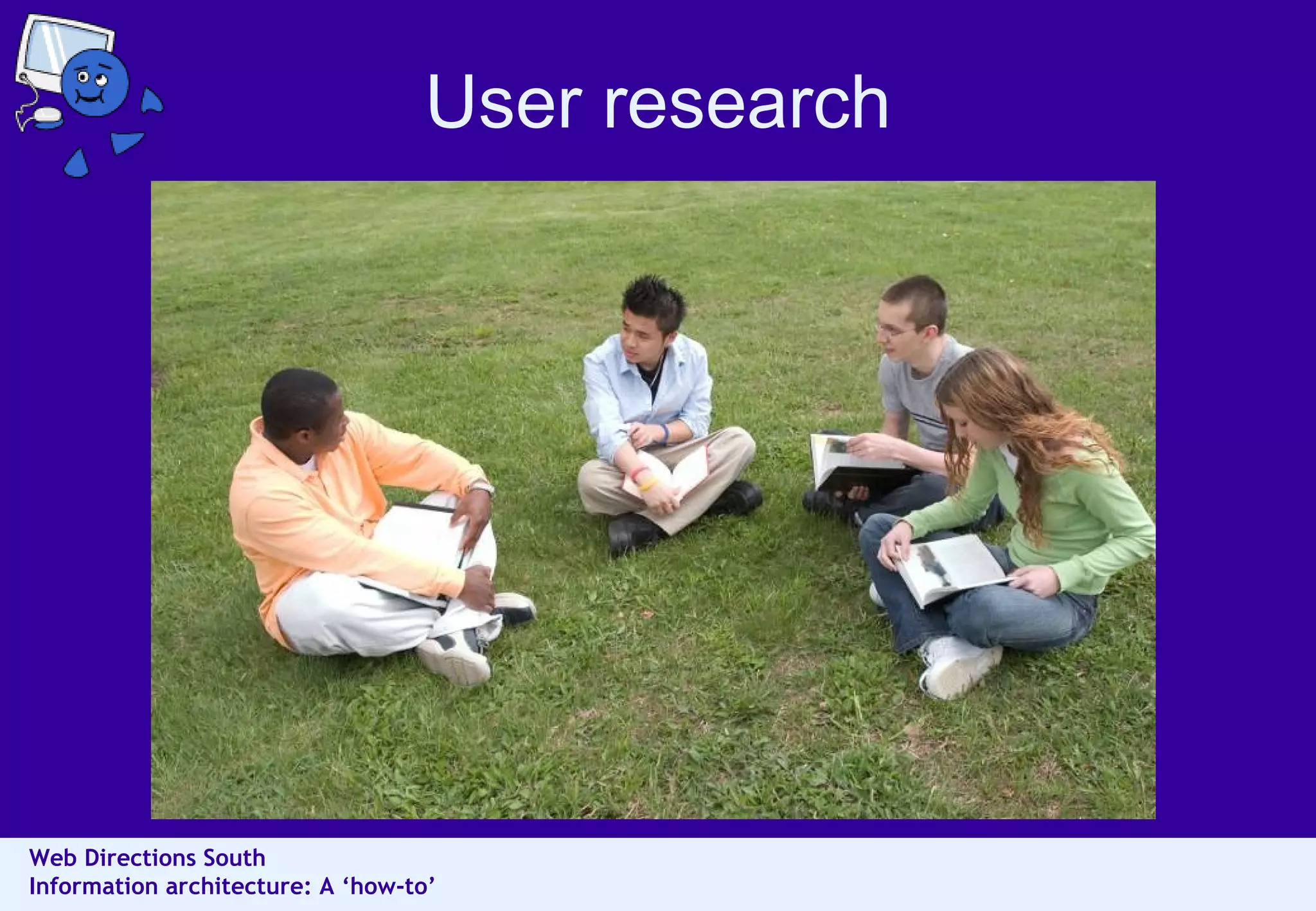
User research
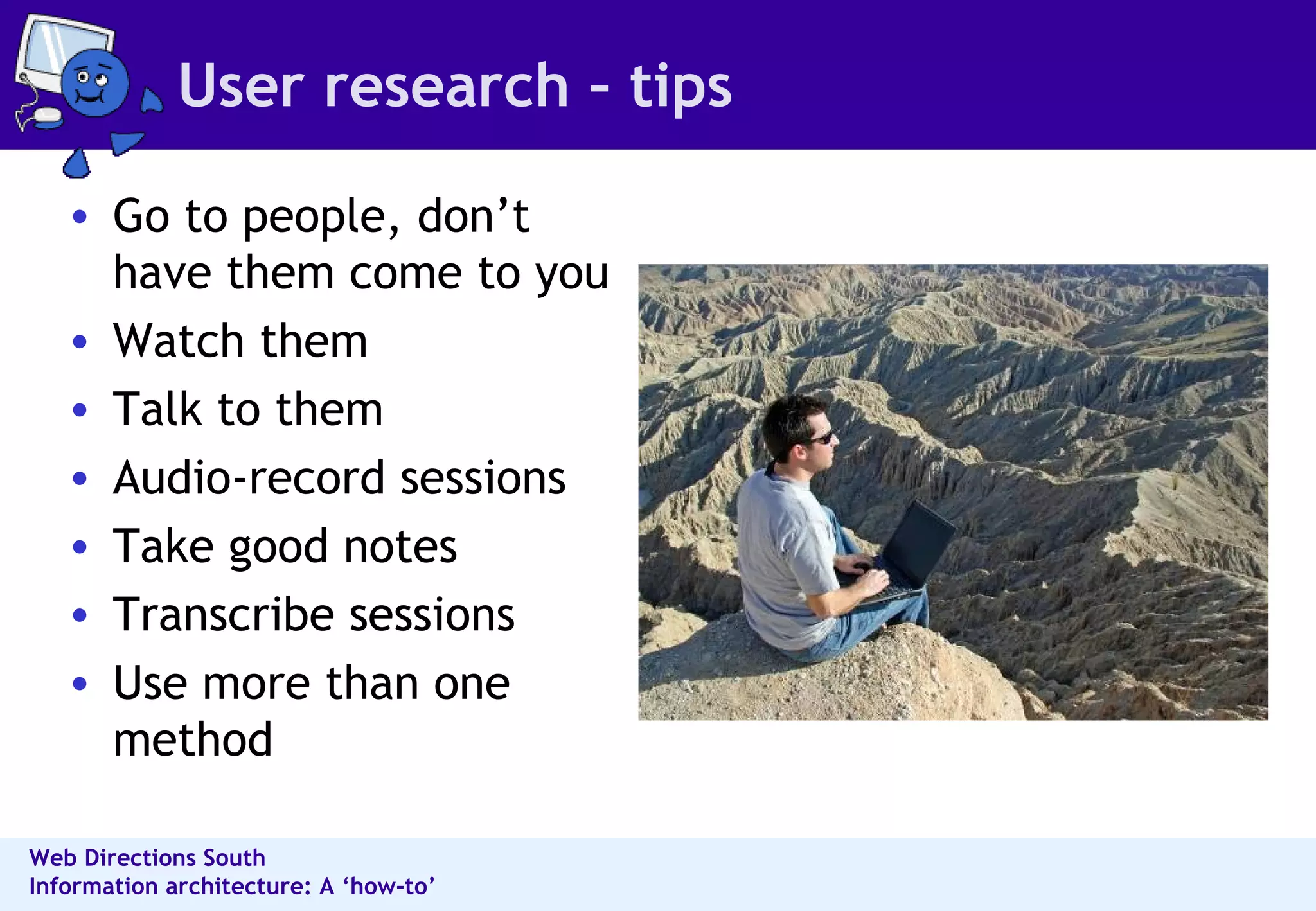
User research – tips Go to people, don’t have them come to you Watch them Talk to them Audio-record sessions Take good notes Transcribe sessions Use more than one method
User research methods Methods for collecting rich information  Interviews Card sorting Contextual enquiry, observation, shadowing  Task analysis  Probes  Methods for collecting a lot of information  Surveys  Diary studies  ...and then there’s focus groups
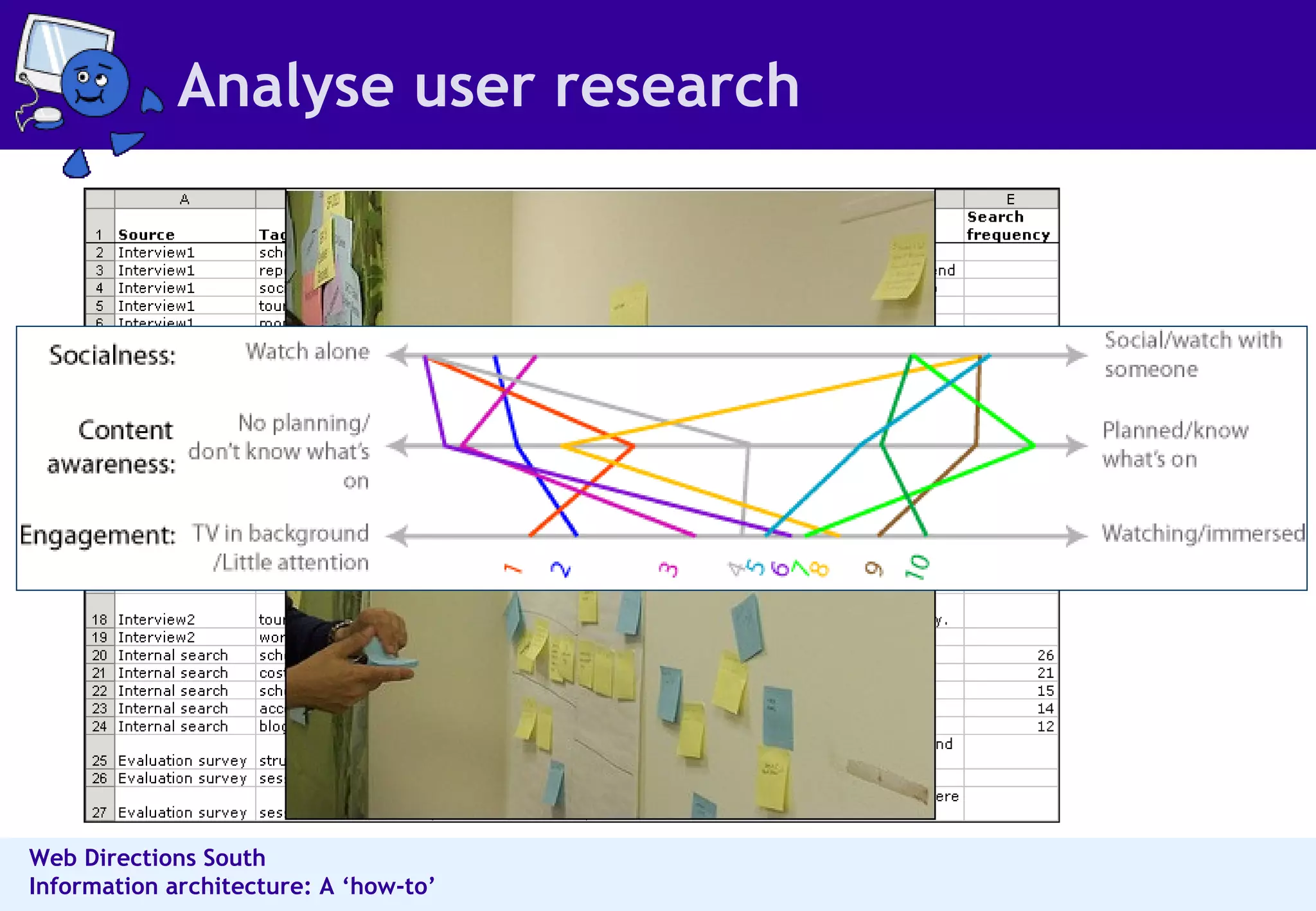
Analyse user research
Think about information behaviours Information modes Known-item Exploratory Don’t know what you need to know Refinding Information behaviours Reviewing summaries of items  Examining details  Comparing multiples  Understanding contexts and situations  Learning about people in the environment  Perceiving trends  Predicting implications  Monitoring status or activity  Identifying by criteria  Establishing similarity
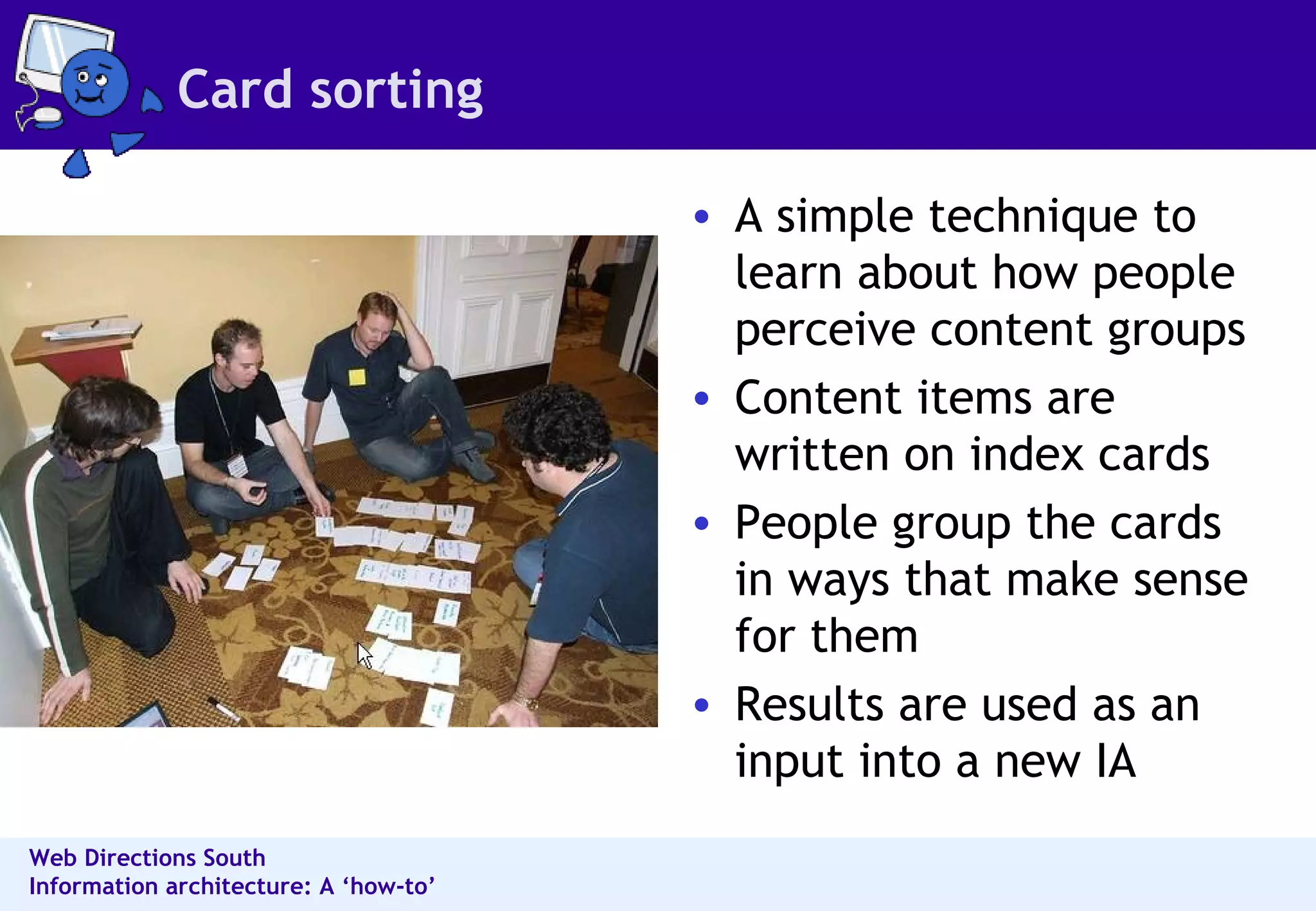
Card sorting A simple technique to learn about how people perceive content groups  Content items are written on index cards  People group the cards in ways that make sense for them  Results are used as an input into a new IA
Card sorting - planning Planning Participants - end users, in small groups or individually  Method - manual or tool-based  Place - for groups, room with a large table  Content - select items for the cards  Cards - create cards, assemble post-its and pens  Content selection (the important but tricky part) Too granular and you may end up with too many cards  Too broad and you may lead the exercise too much  You do not have to do the whole site at once
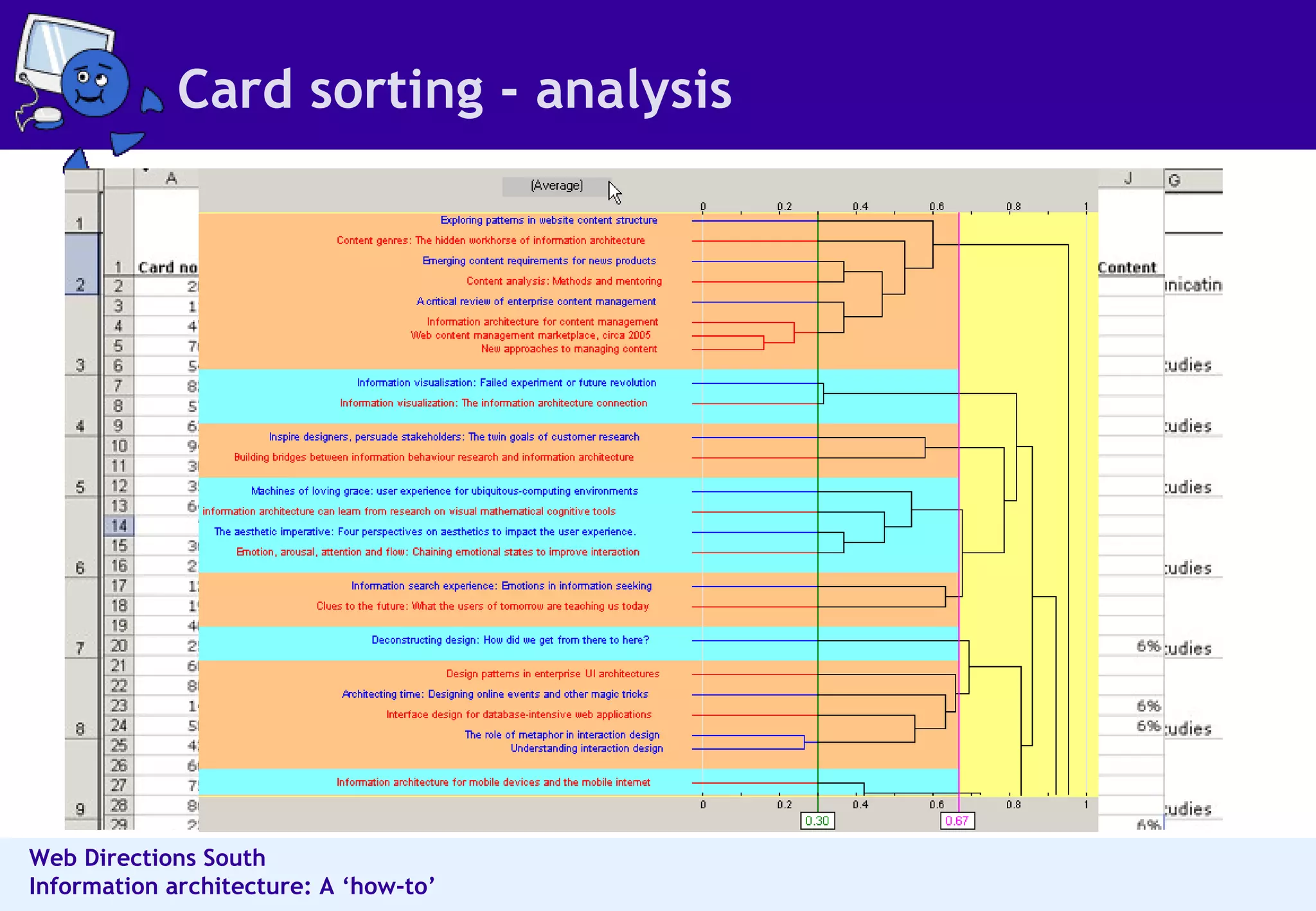
Card sorting - analysis
Content analysis
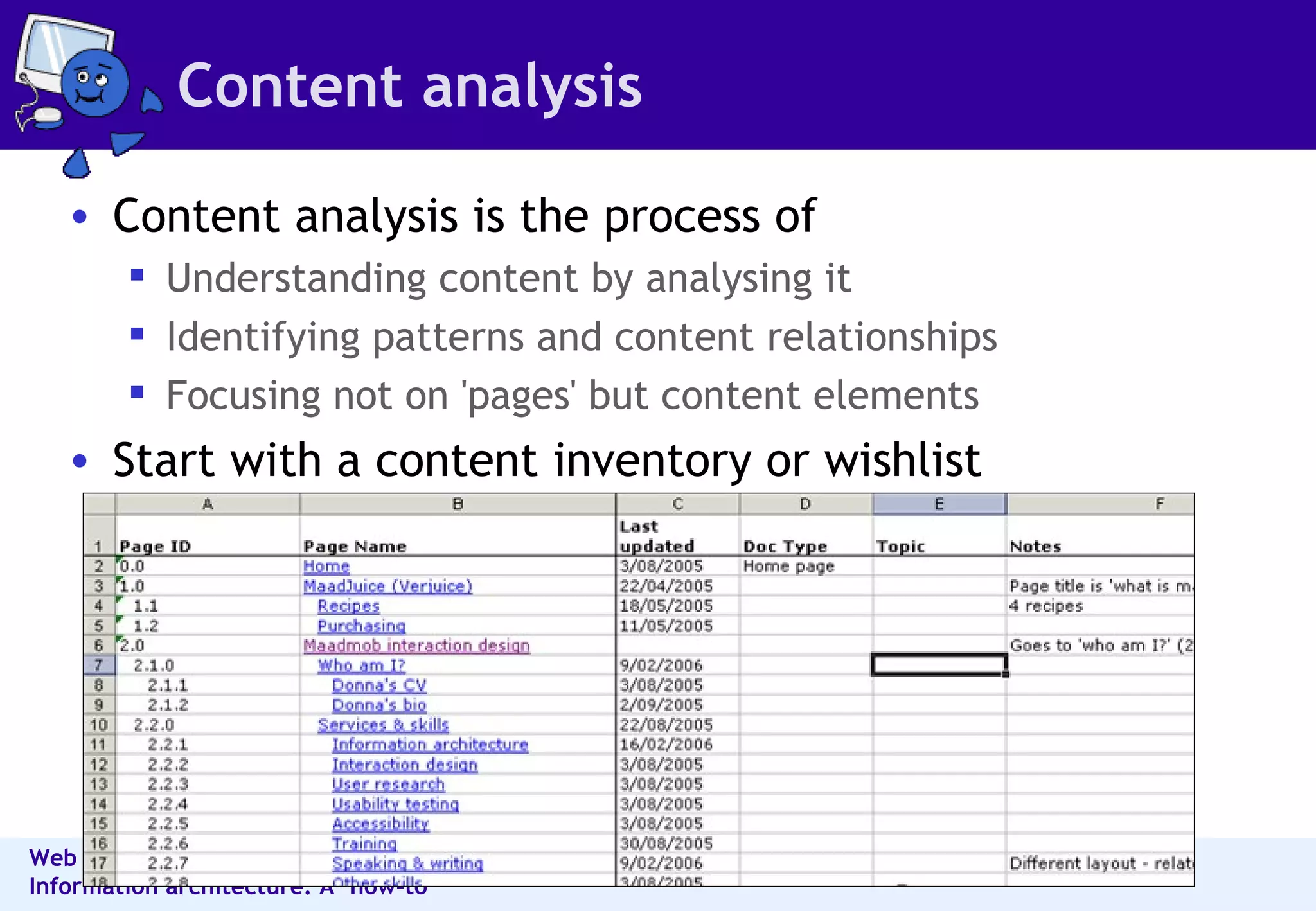
Content analysis Content analysis is the process of Understanding content by analysing it Identifying patterns and content relationships  Focusing not on 'pages' but content elements  Start with a content inventory or wishlist
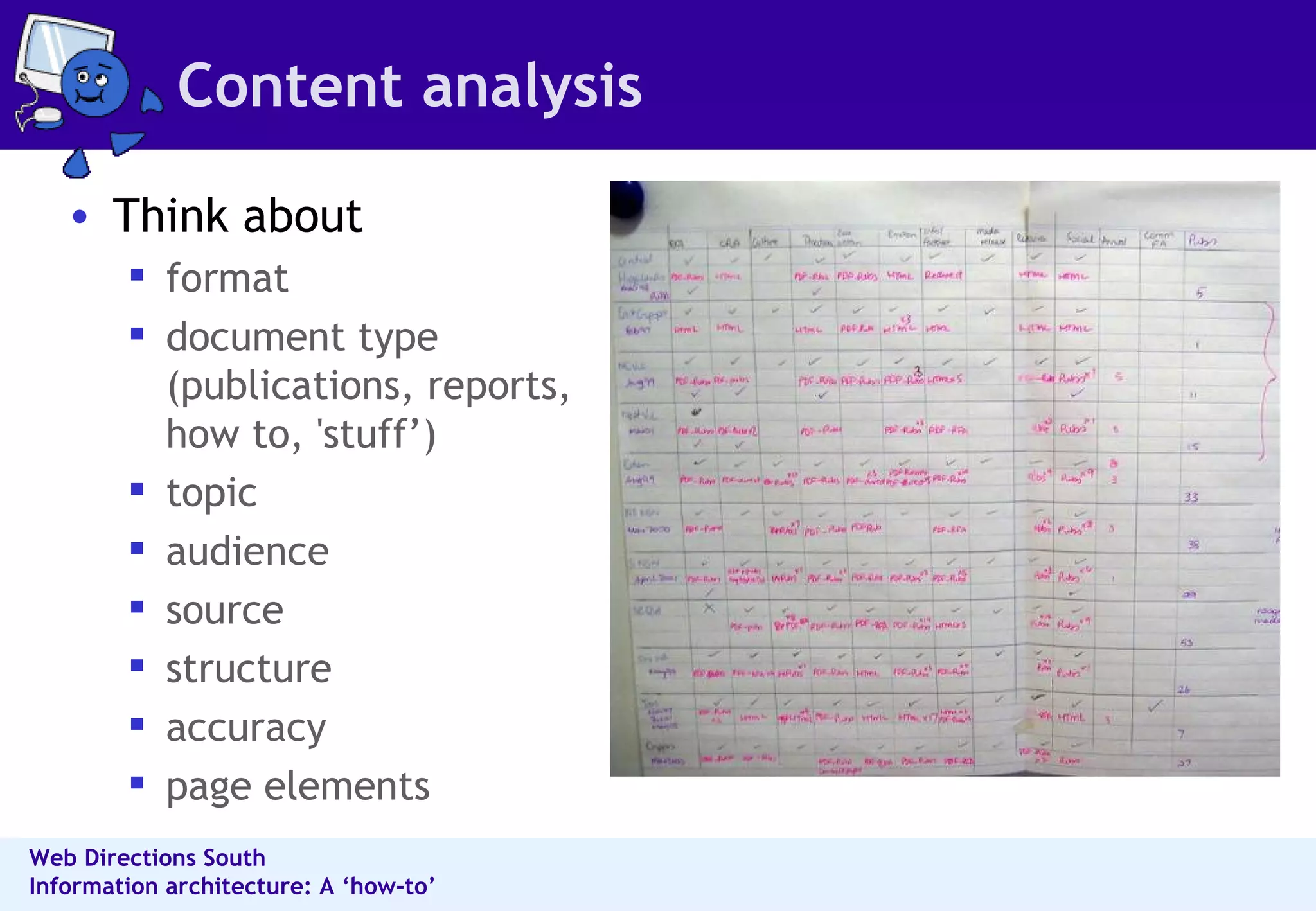
Content analysis Think about format document type (publications, reports, how to, 'stuff’)  topic  audience  source  structure  accuracy page elements
Designing information structure
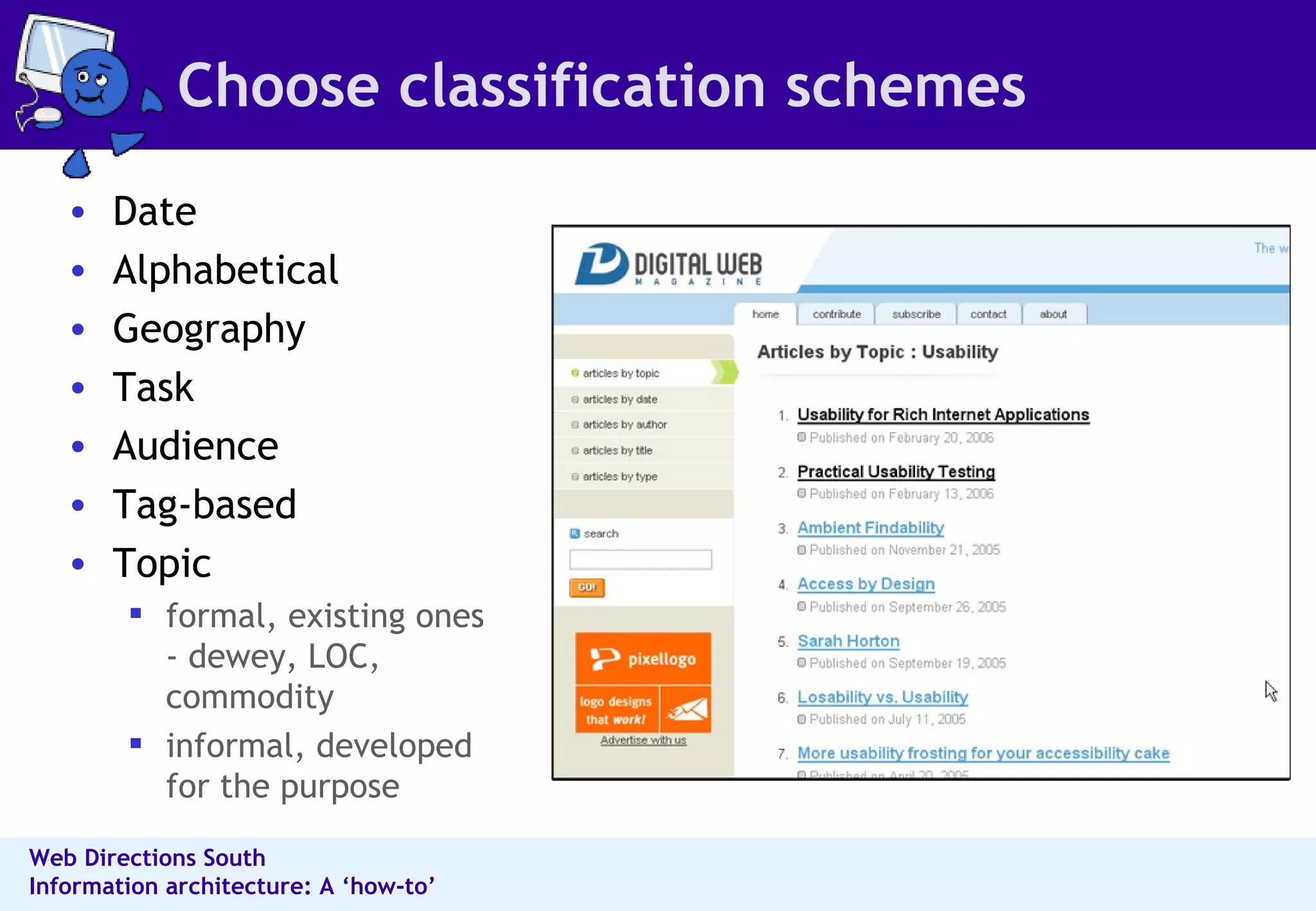
Choose classification schemes Date  Alphabetical  Geography  Task  Audience Tag-based Topic  formal, existing ones - dewey, LOC, commodity informal, developed for the purpose
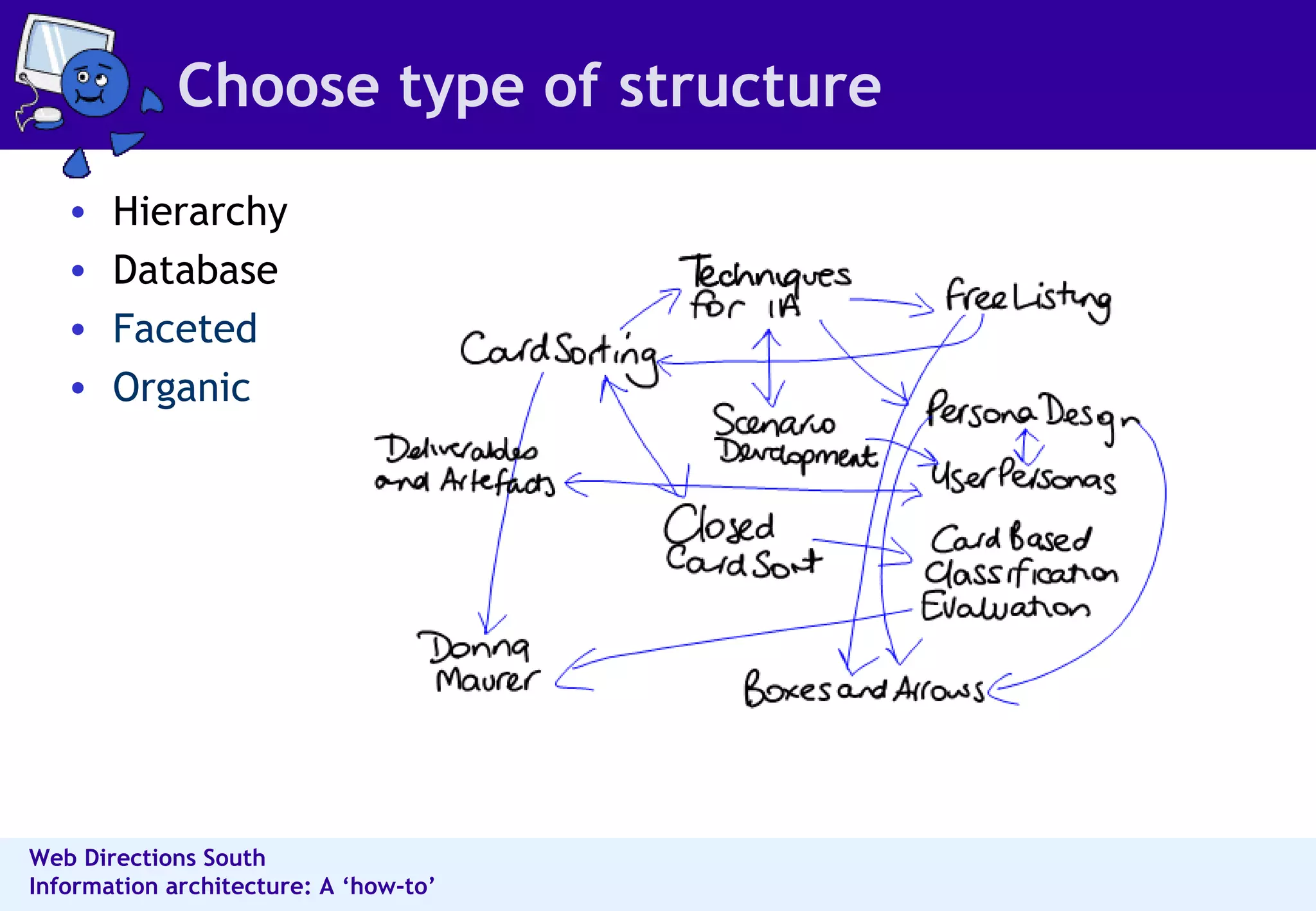
Choose type of structure Hierarchy Database Faceted Organic
 
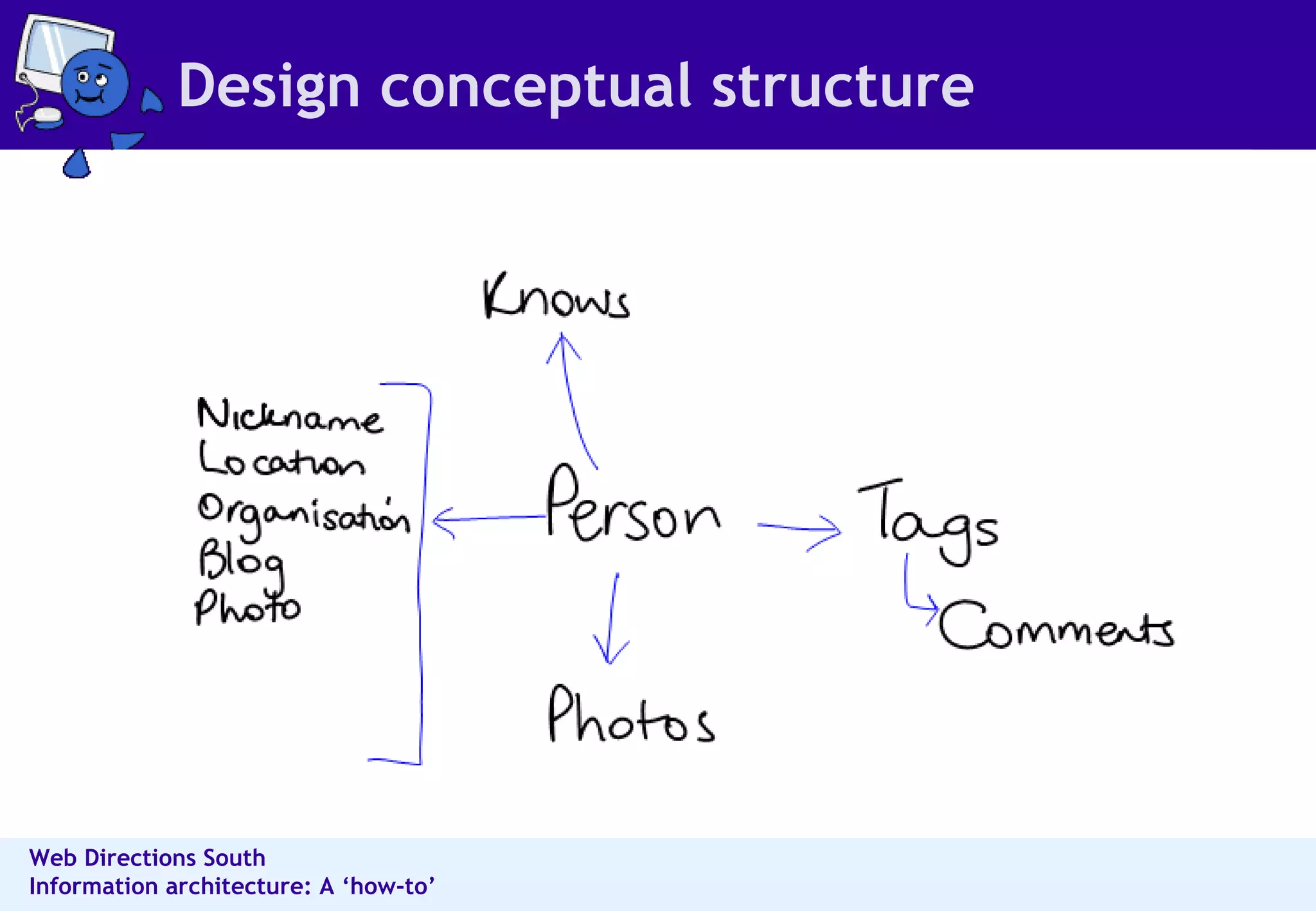
Design conceptual structure
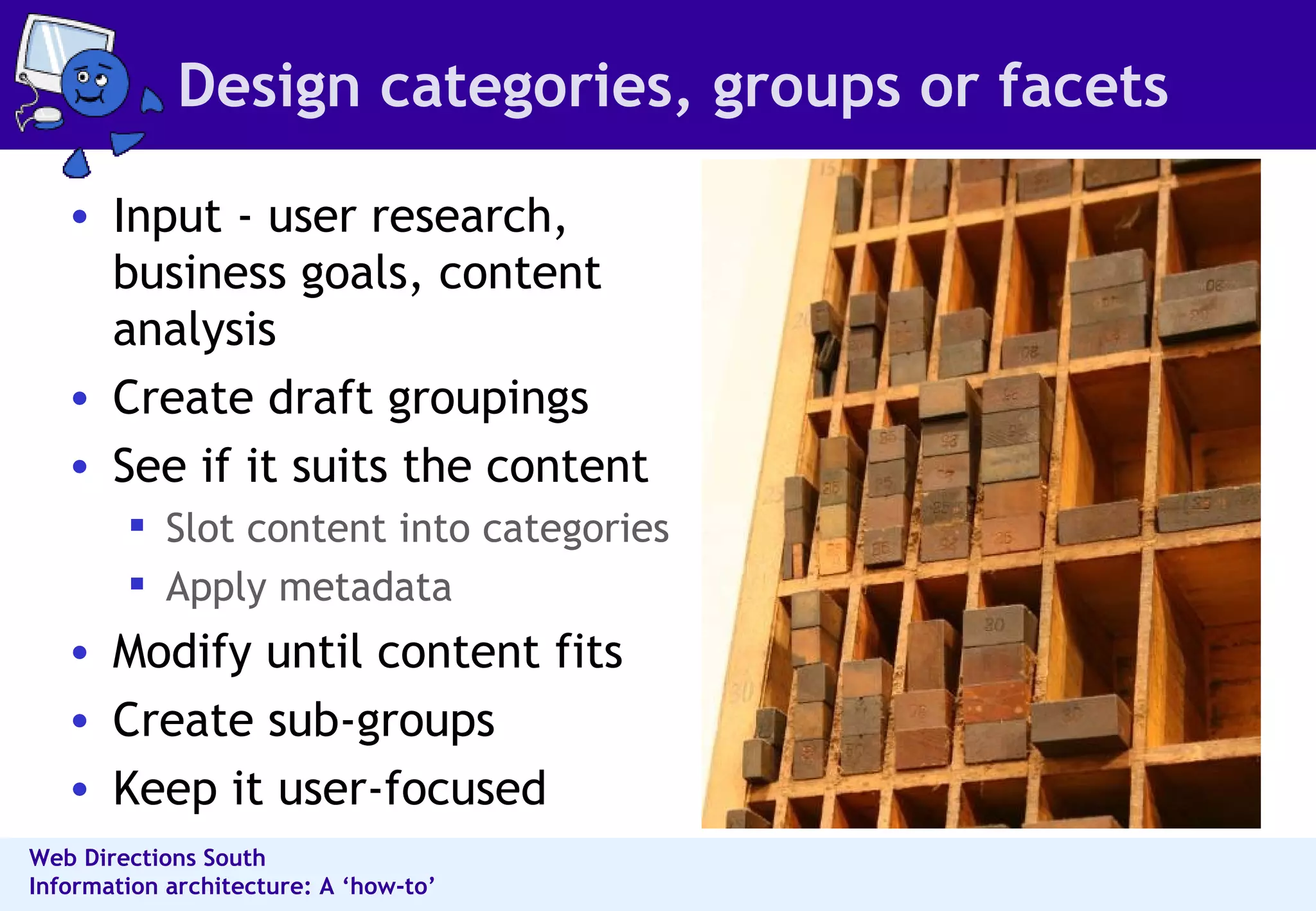
Design categories, groups or facets Input - user research, business goals, content analysis Create draft groupings See if it suits the content Slot content into categories Apply metadata Modify until content fits Create sub-groups  Keep it user-focused
Design labels Labeling ideas:  User research Card sorting Search terms  Referrer terms  Tags Good labels  Match concepts & word usage of readers  Are used consistently  Accurately describe the destination or content Link labels can be long - better trigger words
Characteristics of a good IA Balances business & user goals Balances breadth & depth Allows people to easily find what they need Provides more than one way to content Represents the content Has a coherent underlying concept Exposes information as needed
Design browsing structures & page layouts
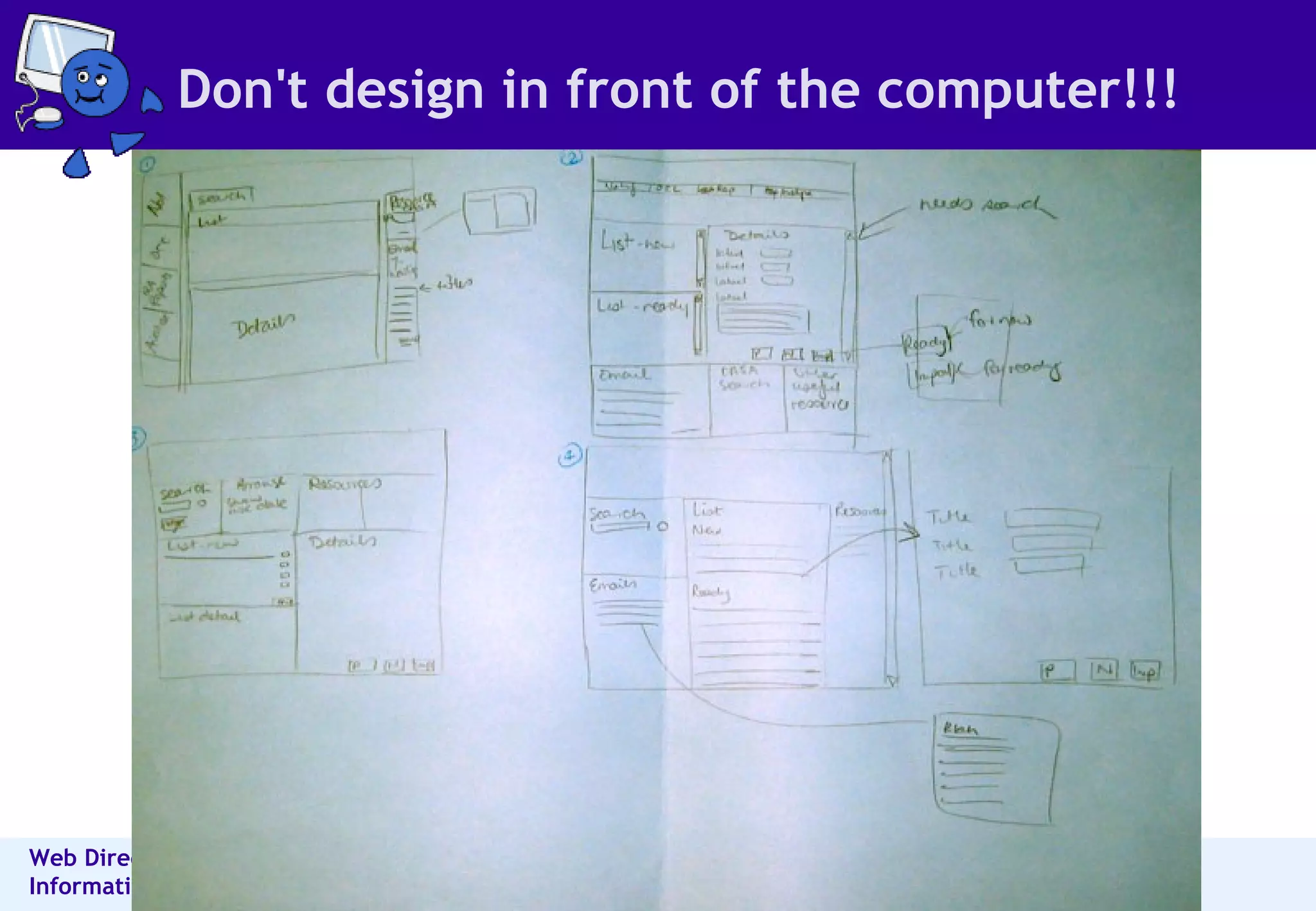
Don't design in front of the computer!!!
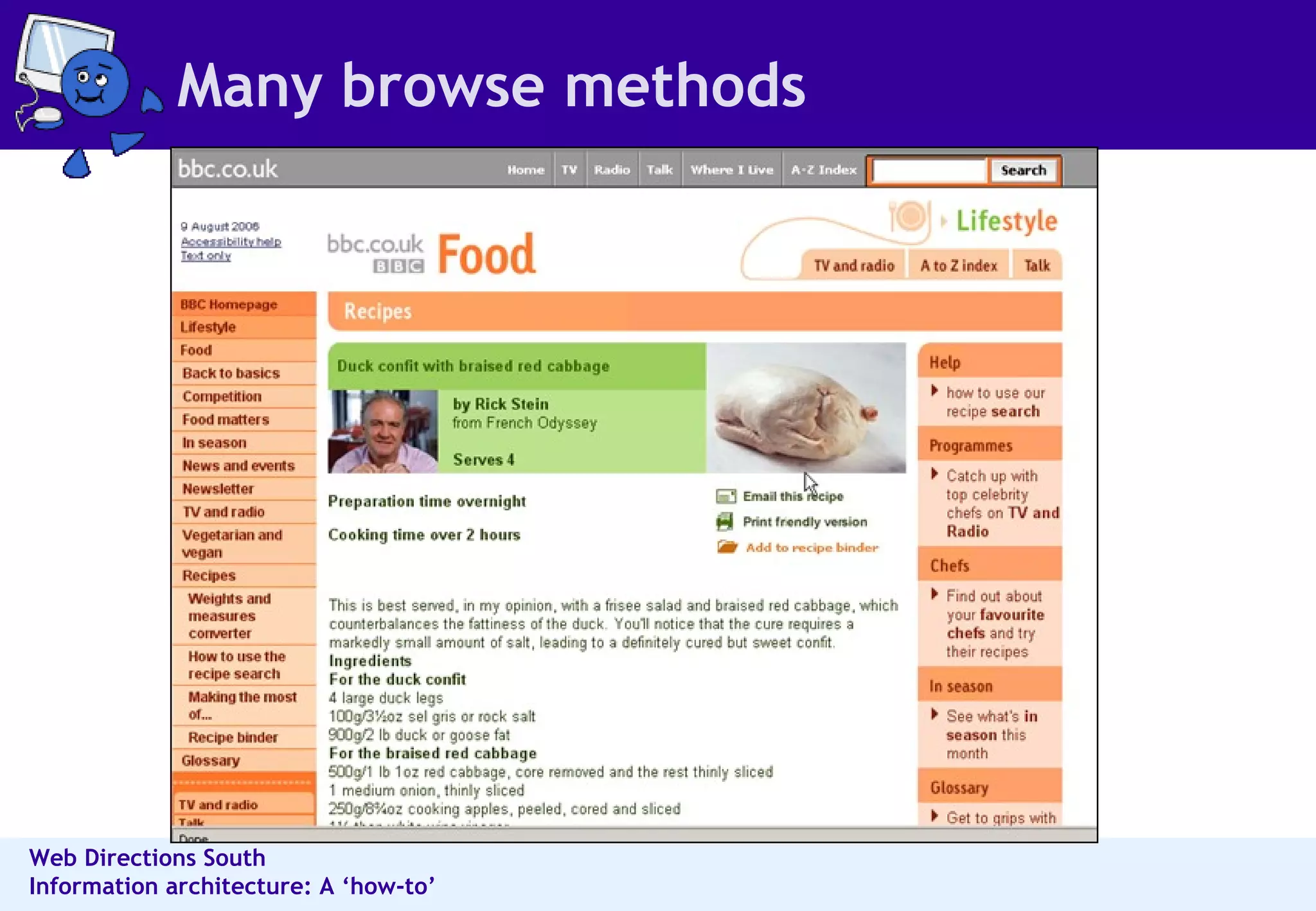
Many browse methods
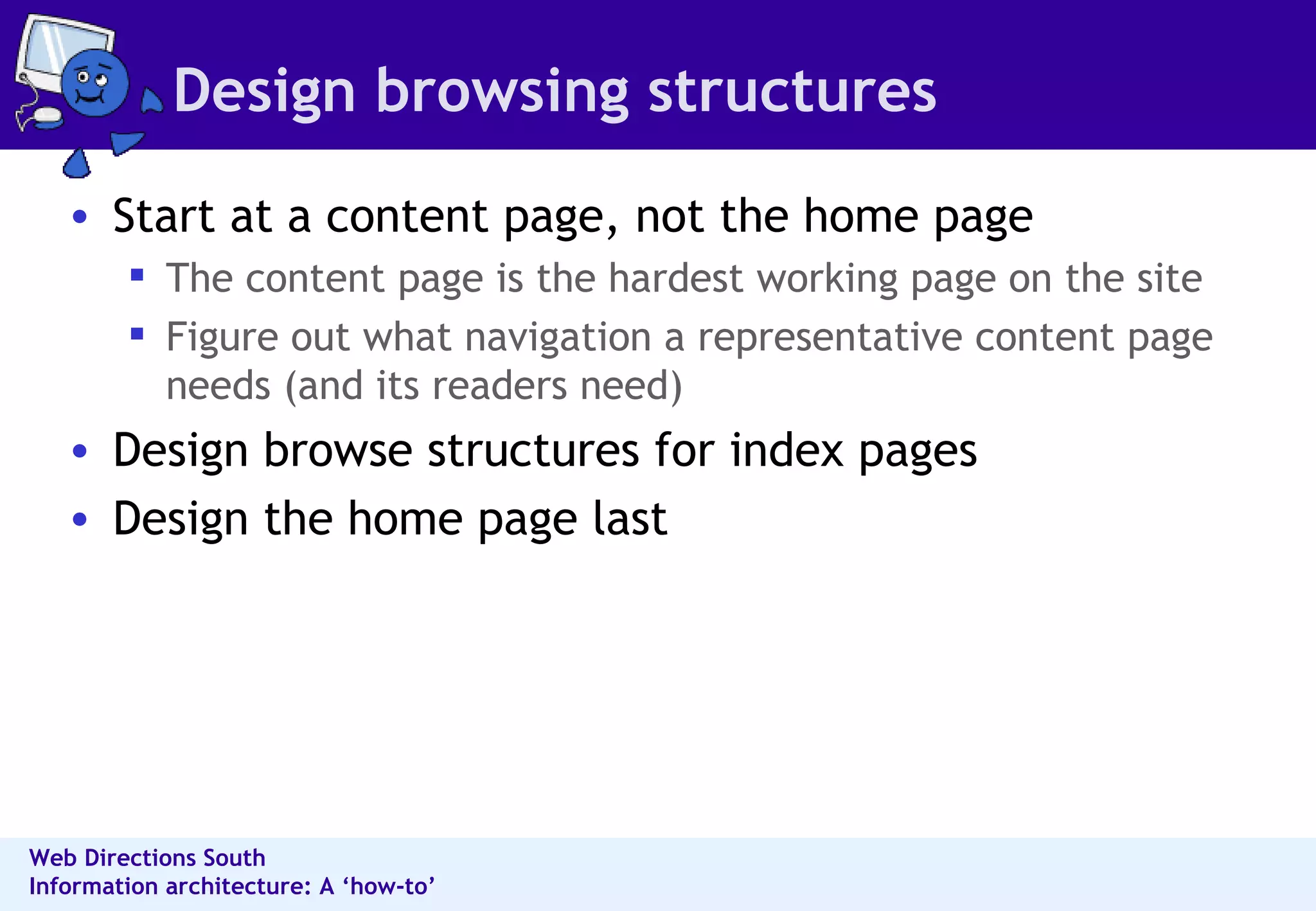
Design browsing structures Start at a content page, not the home page  The content page is the hardest working page on the site  Figure out what navigation a representative content page needs (and its readers need) Design browse structures for index pages  Design the home page last
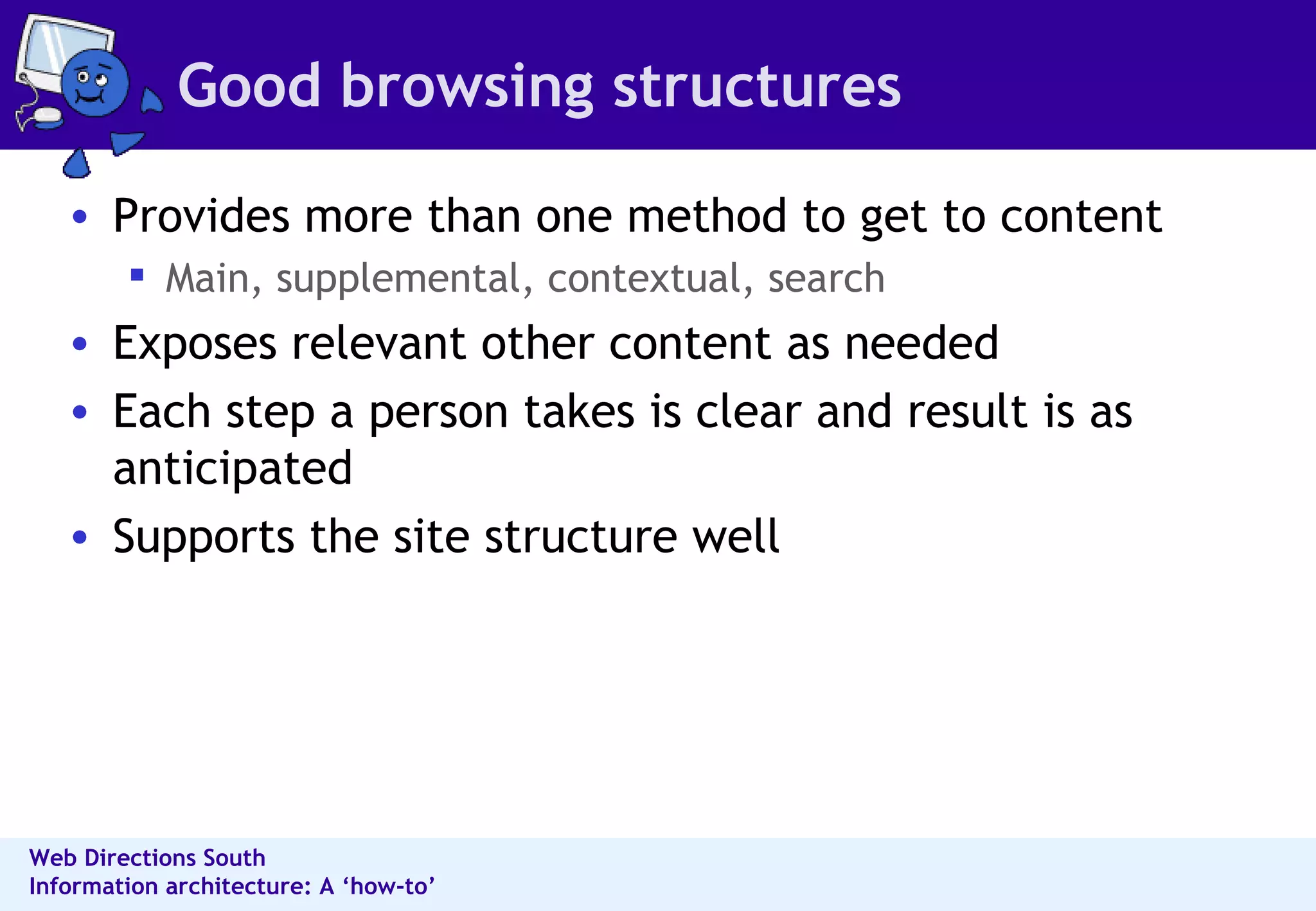
Good browsing structures Provides more than one method to get to content Main, supplemental, contextual, search Exposes relevant other content as needed Each step a person takes is clear and result is as anticipated Supports the site structure well
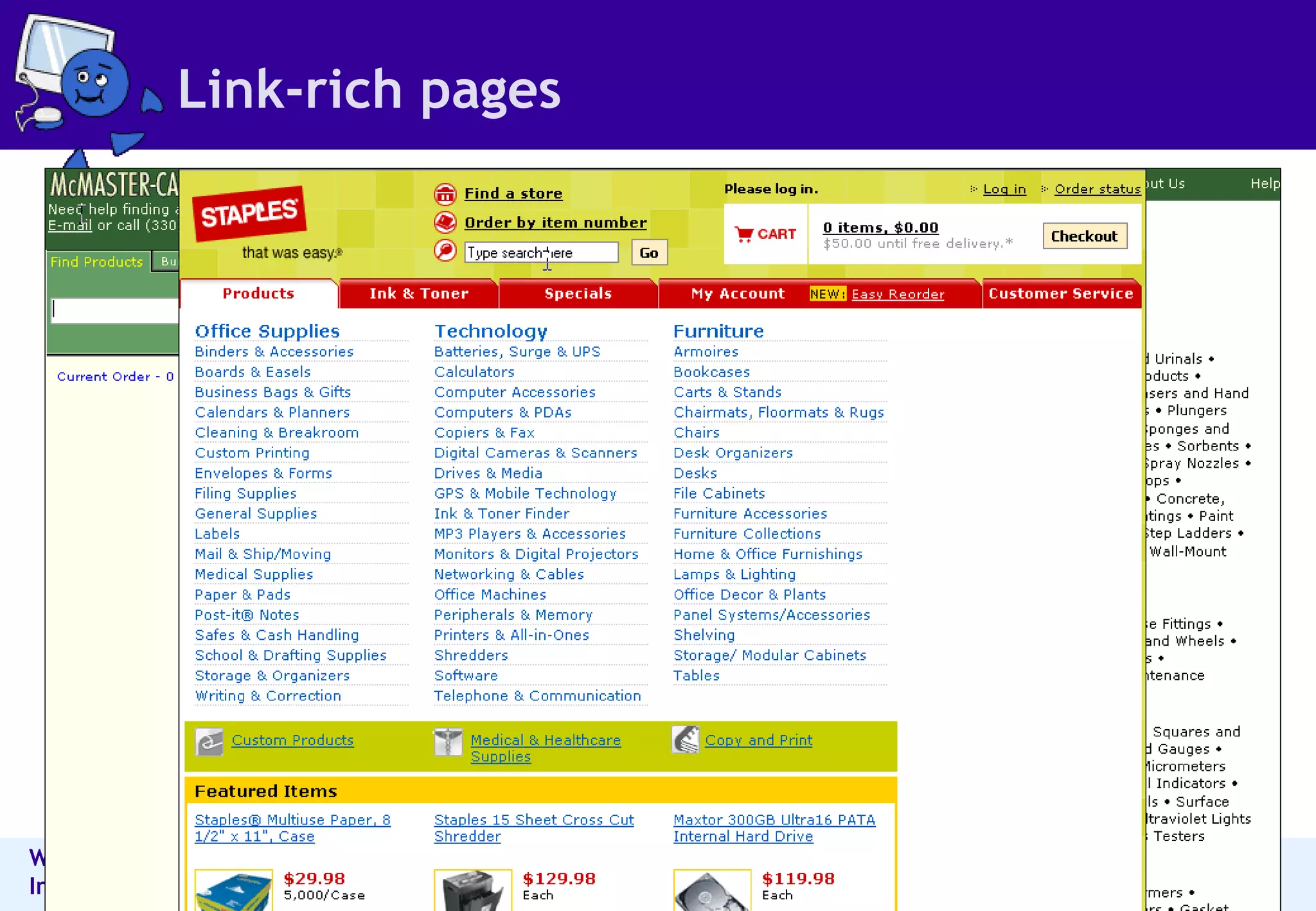
Link-rich pages
Document it
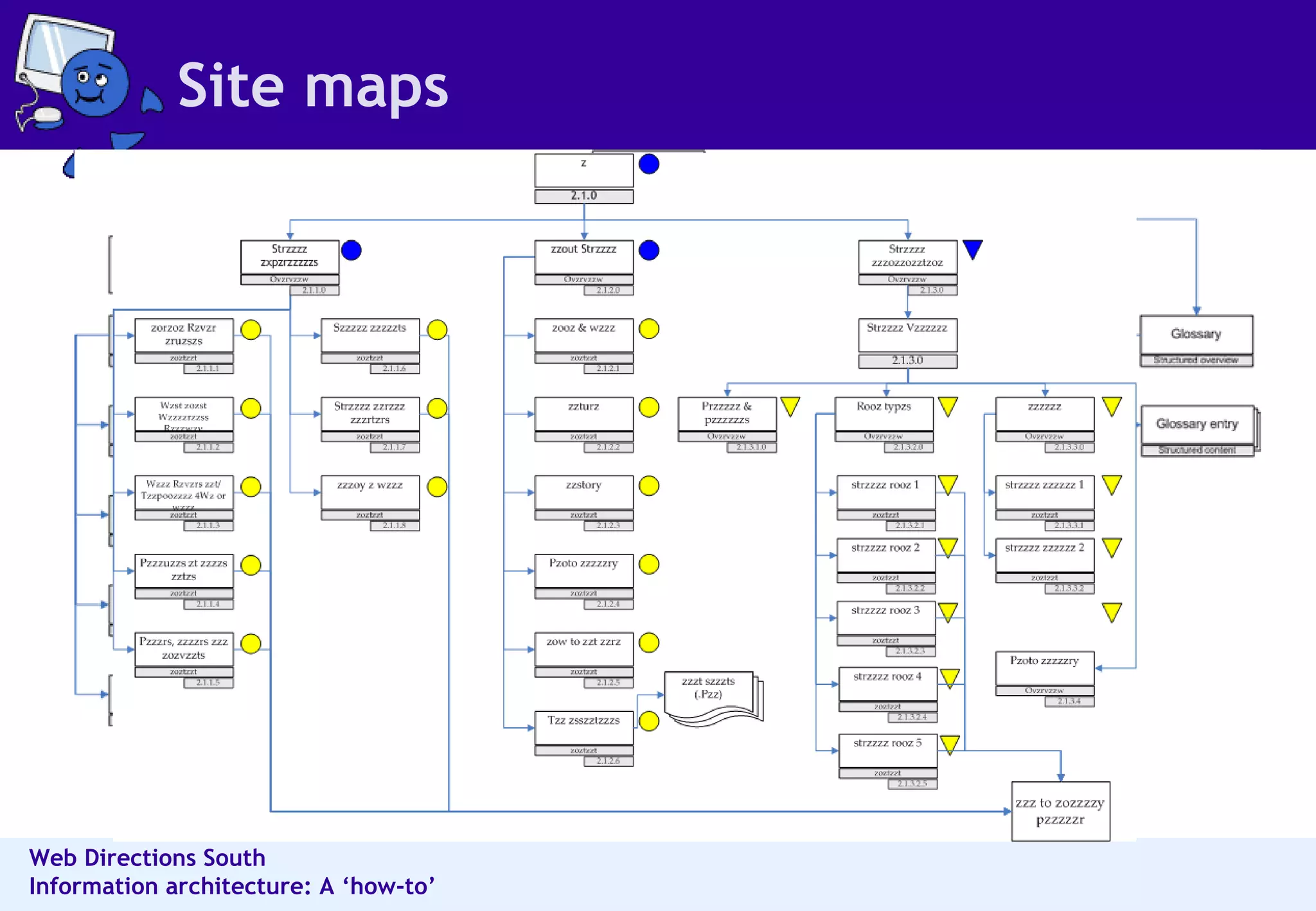
Site maps
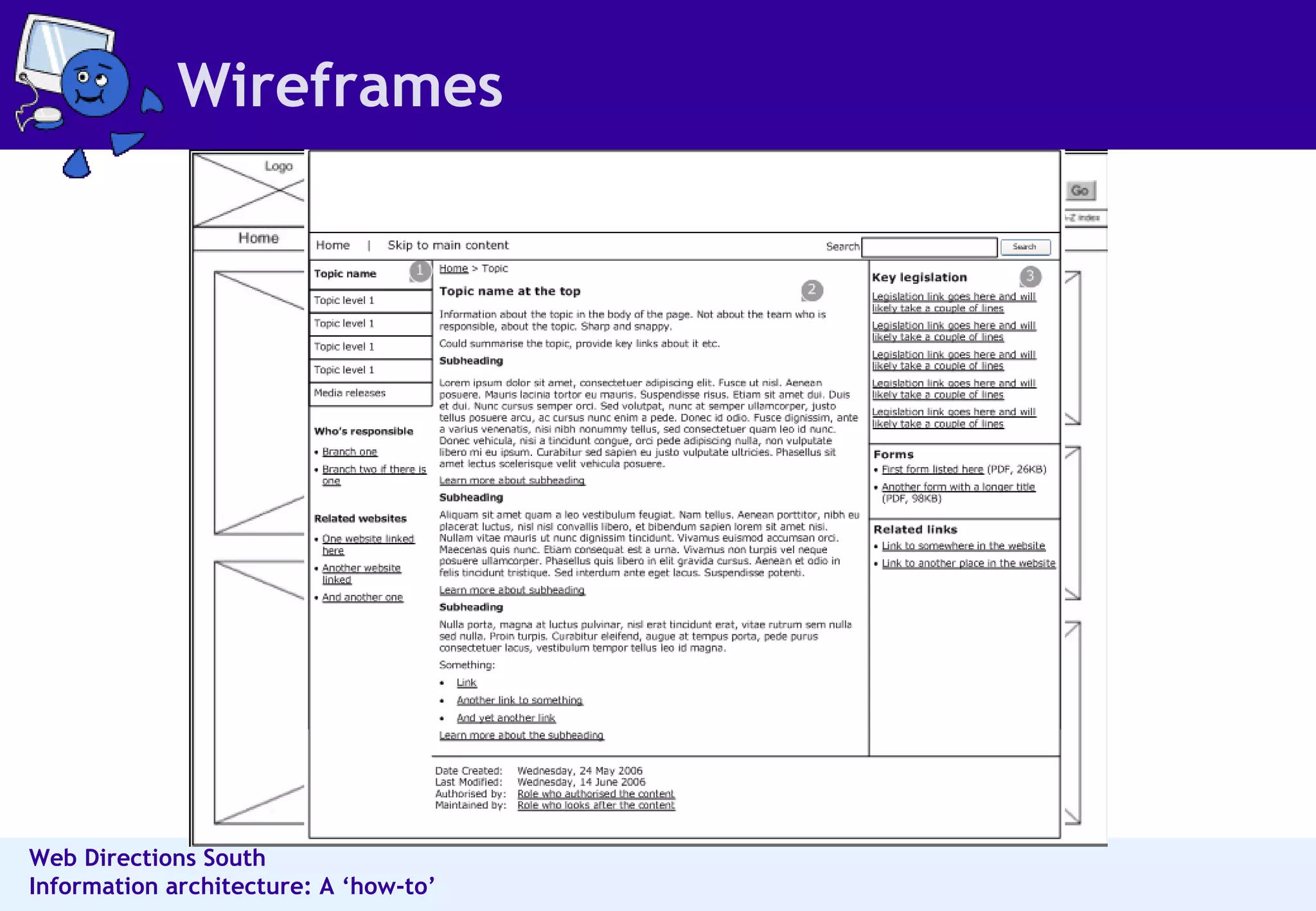
Wireframes
Questions & thanks http://maadmob.net/ 0409-778-693 [email_address]

Donna Maurer - Information architecture: a "how to"

  • 1.
    Information architecture: A“how-to” Donna Maurer – Maadmob Interaction Design
  • 2.
    About me Freelanceinformation architect/interaction designer I design structures & interfaces for complex informational & interactive systems 6+ years pro experience, as an innie, outie & freelancer Designed business applications, websites, intranets Practice, teach and write about IA and IxD Chair for next year's IA Summit Board member for the Information Architecture Institute Writing a book about card sorting - due Jan 2007
  • 3.
    About this talkHow to work through an IA project Where the core is about organising content So people can discover what they need How to think like an IA References http://del.icio.us/donnam/IAworkshopNZ Speaker notes on the slides Some images have been removed, so the recording may sound strange in a couple of spots
  • 4.
  • 5.
  • 6.
    User research –tips Go to people, don’t have them come to you Watch them Talk to them Audio-record sessions Take good notes Transcribe sessions Use more than one method
  • 7.
    User research methodsMethods for collecting rich information Interviews Card sorting Contextual enquiry, observation, shadowing Task analysis Probes Methods for collecting a lot of information Surveys Diary studies ...and then there’s focus groups
  • 8.
  • 9.
    Think about informationbehaviours Information modes Known-item Exploratory Don’t know what you need to know Refinding Information behaviours Reviewing summaries of items Examining details Comparing multiples Understanding contexts and situations Learning about people in the environment Perceiving trends Predicting implications Monitoring status or activity Identifying by criteria Establishing similarity
  • 10.
    Card sorting Asimple technique to learn about how people perceive content groups Content items are written on index cards People group the cards in ways that make sense for them Results are used as an input into a new IA
  • 11.
    Card sorting -planning Planning Participants - end users, in small groups or individually Method - manual or tool-based Place - for groups, room with a large table Content - select items for the cards Cards - create cards, assemble post-its and pens Content selection (the important but tricky part) Too granular and you may end up with too many cards Too broad and you may lead the exercise too much You do not have to do the whole site at once
  • 12.
  • 13.
  • 14.
    Content analysis Contentanalysis is the process of Understanding content by analysing it Identifying patterns and content relationships Focusing not on 'pages' but content elements Start with a content inventory or wishlist
  • 15.
    Content analysis Thinkabout format document type (publications, reports, how to, 'stuff’) topic audience source structure accuracy page elements
  • 16.
  • 17.
    Choose classification schemesDate Alphabetical Geography Task Audience Tag-based Topic formal, existing ones - dewey, LOC, commodity informal, developed for the purpose
  • 18.
    Choose type ofstructure Hierarchy Database Faceted Organic
  • 19.
  • 20.
  • 21.
    Design categories, groupsor facets Input - user research, business goals, content analysis Create draft groupings See if it suits the content Slot content into categories Apply metadata Modify until content fits Create sub-groups Keep it user-focused
  • 22.
    Design labels Labelingideas: User research Card sorting Search terms Referrer terms Tags Good labels Match concepts & word usage of readers Are used consistently Accurately describe the destination or content Link labels can be long - better trigger words
  • 23.
    Characteristics of agood IA Balances business & user goals Balances breadth & depth Allows people to easily find what they need Provides more than one way to content Represents the content Has a coherent underlying concept Exposes information as needed
  • 24.
  • 25.
    Don't design infront of the computer!!!
  • 26.
  • 27.
    Design browsing structuresStart at a content page, not the home page The content page is the hardest working page on the site Figure out what navigation a representative content page needs (and its readers need) Design browse structures for index pages Design the home page last
  • 28.
    Good browsing structuresProvides more than one method to get to content Main, supplemental, contextual, search Exposes relevant other content as needed Each step a person takes is clear and result is as anticipated Supports the site structure well
  • 29.
  • 30.
  • 31.
  • 32.
  • 33.
    Questions & thankshttp://maadmob.net/ 0409-778-693 [email_address]

Editor's Notes

  • #2 Proposal: There are 2 aspects to making IA work in a project - an understanding of the key principles of information architecture and a knowledge of activities to put them into practice. This presentation will examine the "how to’s" of information architecture. We’ll look at how to take a content inventory, analyse content, conduct card sorting, analyse user research, choose the right structure, create an information architecture and test it. These activities drive an informed design process so you can be confident in your decisions and communicate them to other people.