Enterprise Search Best Practices
Introductions: Jason and Chris
Chris Risner – Chief Strategy Officer
Jason Lichon – Chief Solutions Officer
Agenda
The importance of search
How to know when to invest
Best Practices with examples
How to initiate a search project
Project Definition Process
DescriptionThe Importance of Site Search
The Importance of Site Search
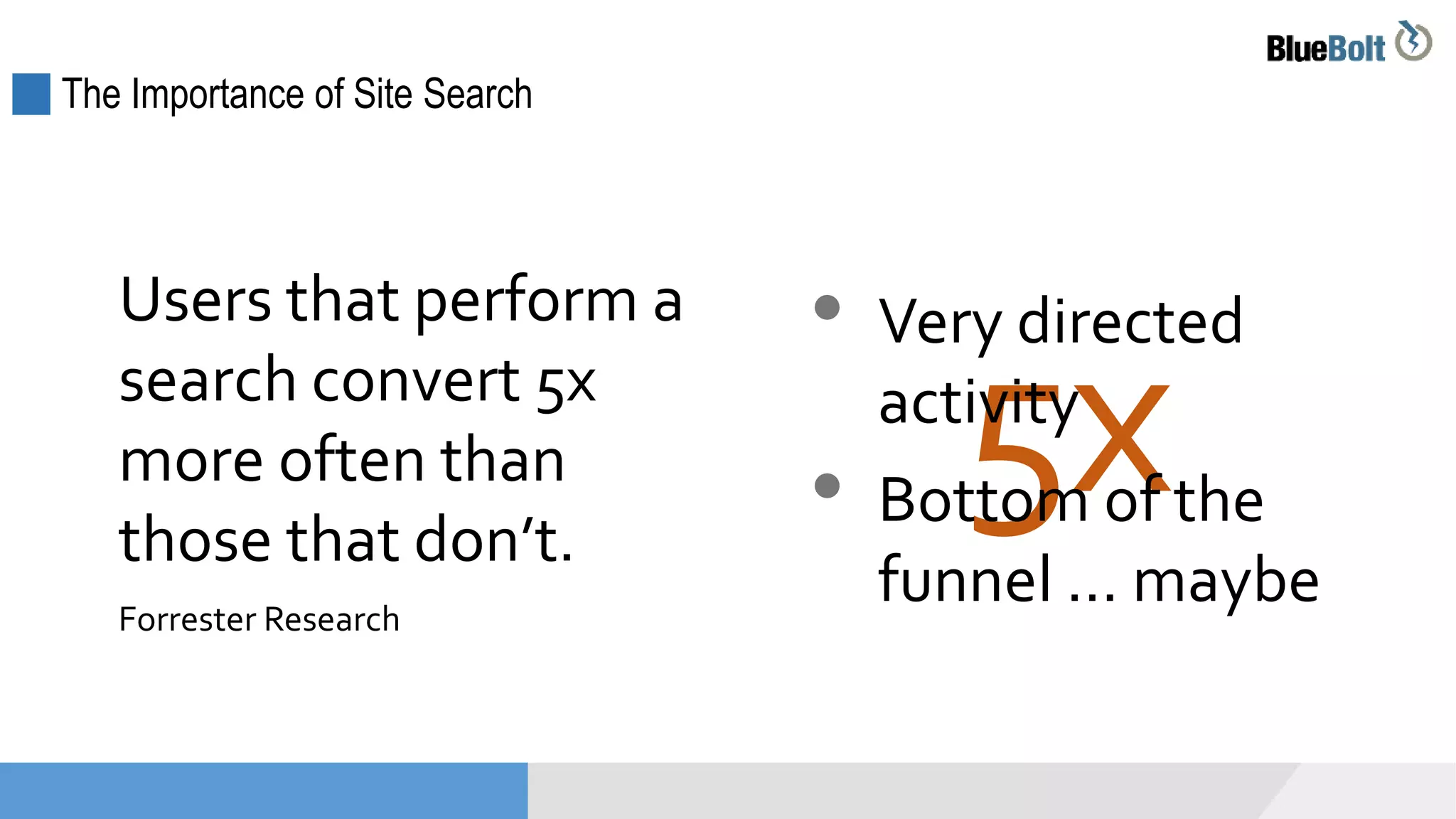
Users that perform a
search convert 5x
more often than
those that don’t.
Forrester Research
5x
• Very directed
activity
• Bottom of the
funnel … maybe
The Importance of Site Search
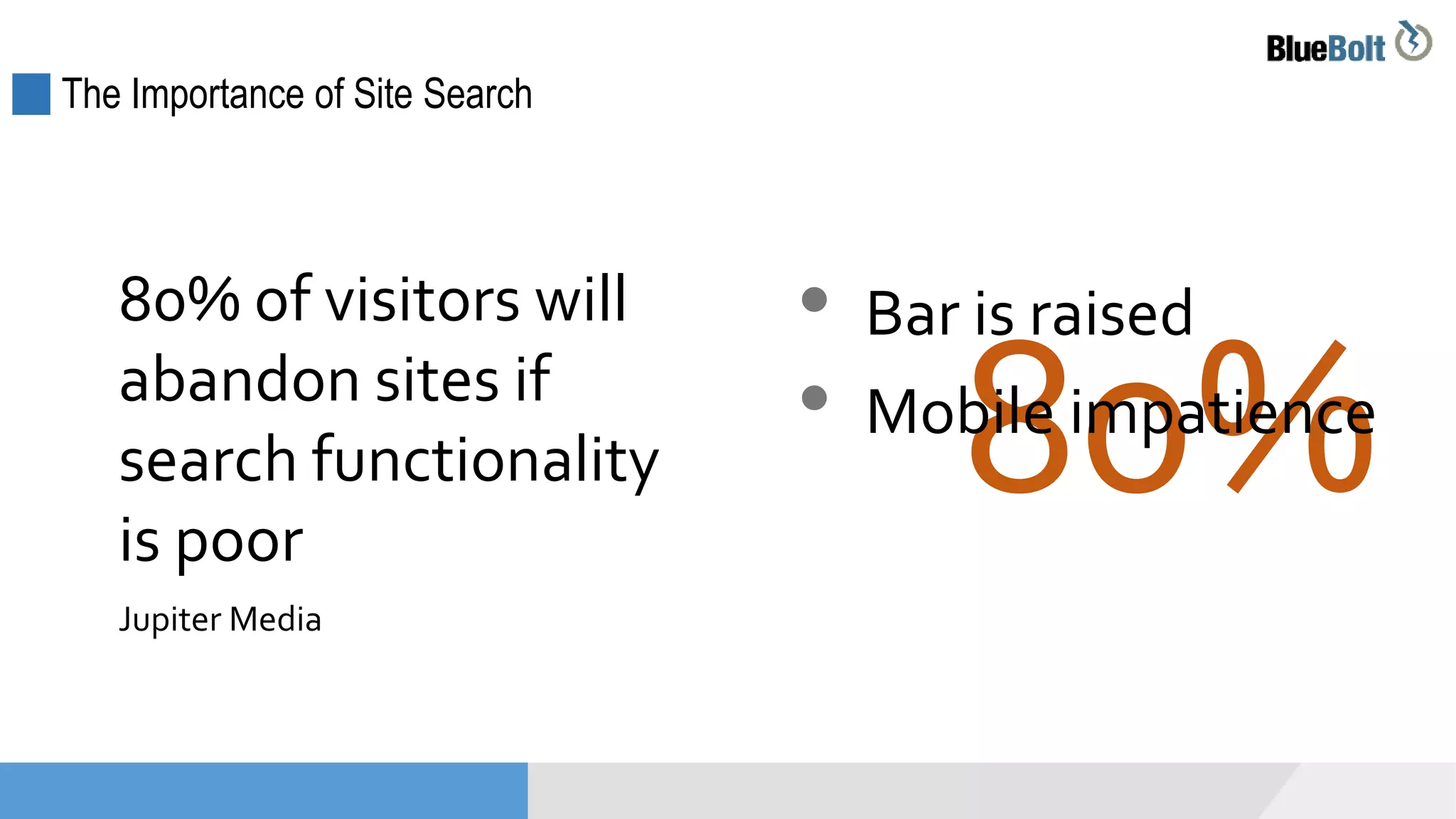
80% of visitors will
abandon sites if
search functionality
is poor
Jupiter Media
80%
• Bar is raised
• Mobile impatience
The Importance of Site Search
Content and Keyword Strategy Tool
Keyword search analytics can be one of
best ways to formulate content strategy.
Project Definition Process
DescriptionHow to Know When to Invest
How to Know When to Invest: You Have No Search
You have no search function …
… and you have a lot of content
How to Know When to Invest in Search: Poor Analytics
 Lots of “no results” > content issue or search issue?
 Search yields poor conversions
 Search has high abandonment (“search exits”)
 Users have to paginate or re-search to get results
 Search is the initial content finding mechanism
*Analytics can take some effort to set up
Indications from analytics
How to Know When to Invest: Mobile Impacts
Your mobile usage is growing …
 And mobile bounce rate is high
 And mobile pages views per visit are low
 And mobile conversion is low
How to Know When to Invest: Out of the Box Engine
You’re still using a standard platform search
 Via your CMS or e-com platform
 Limited customization options
 Platform vendor is focused on other features
 Search was never tuned, just “turned on”
How to Know When to Invest: Competitive Positioning
Your competitors have a better site
search
Project Definition Process
DescriptionBest Practices in Site Search
Best Practices
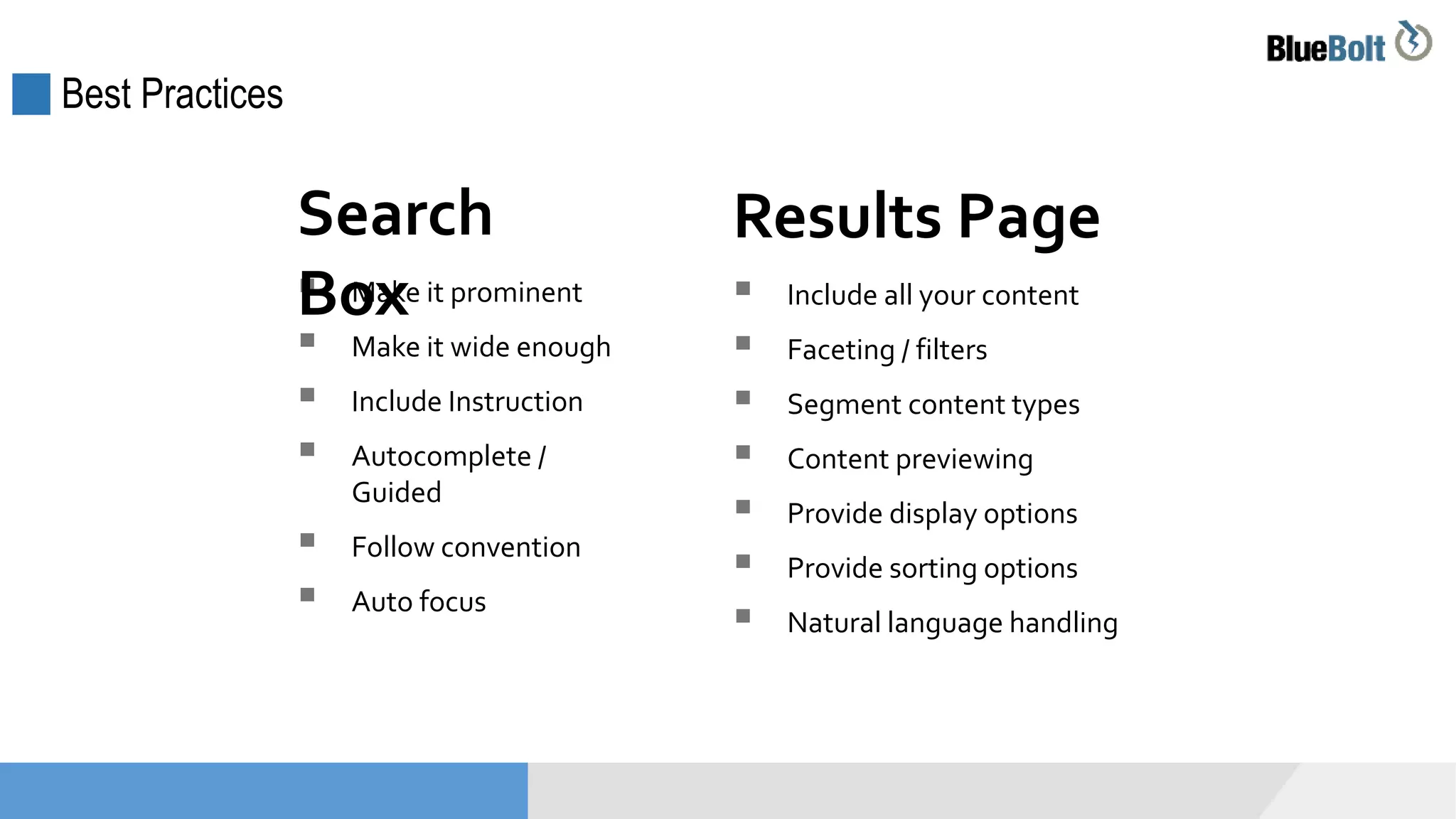
 Make it prominent
 Make it wide enough
 Include Instruction
 Autocomplete /
Guided
 Follow convention
 Auto focus
Search
Box  Include all your content
 Faceting / filters
 Segment content types
 Content previewing
 Provide display options
 Provide sorting options
 Natural language handling
Results Page
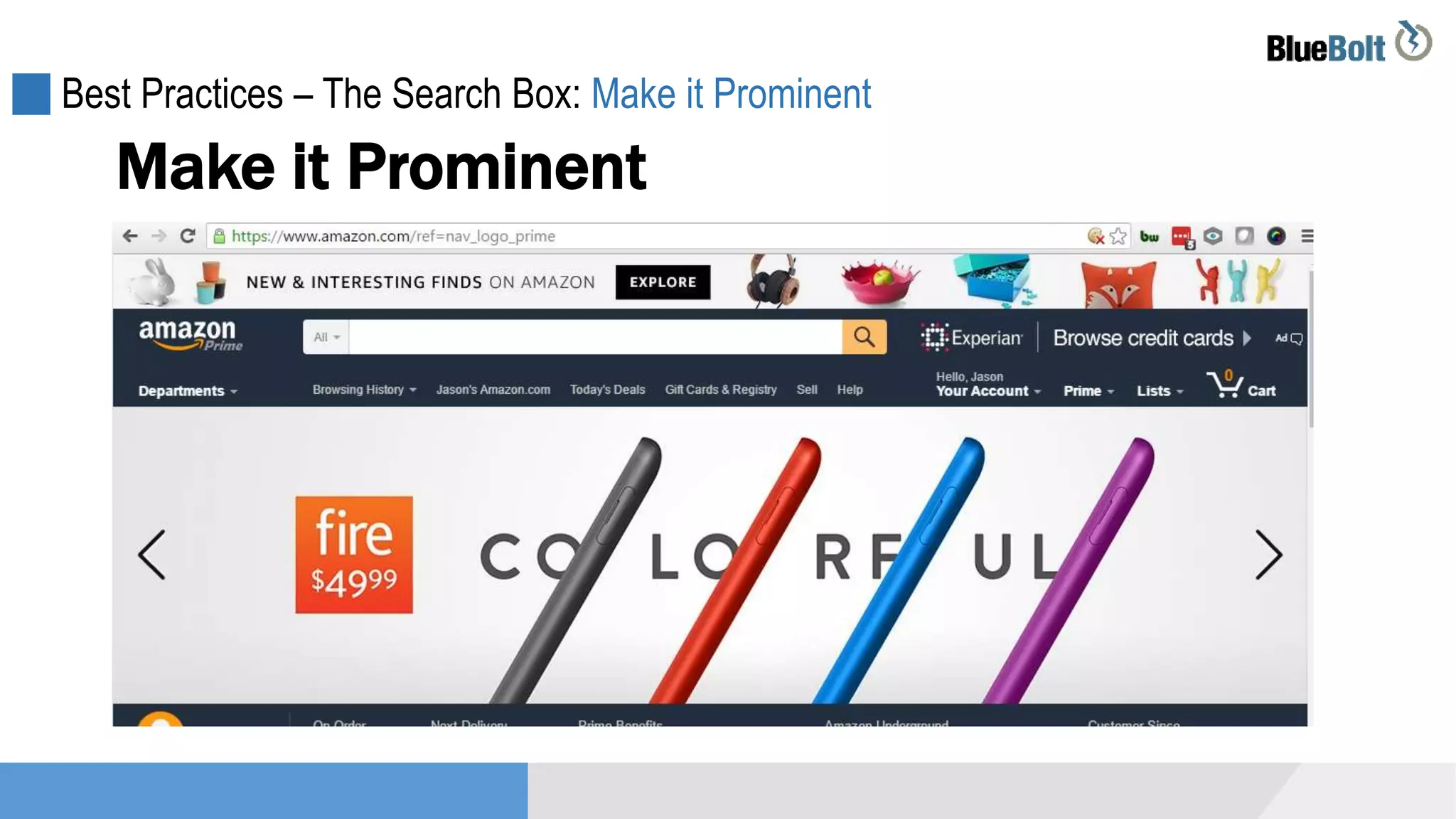
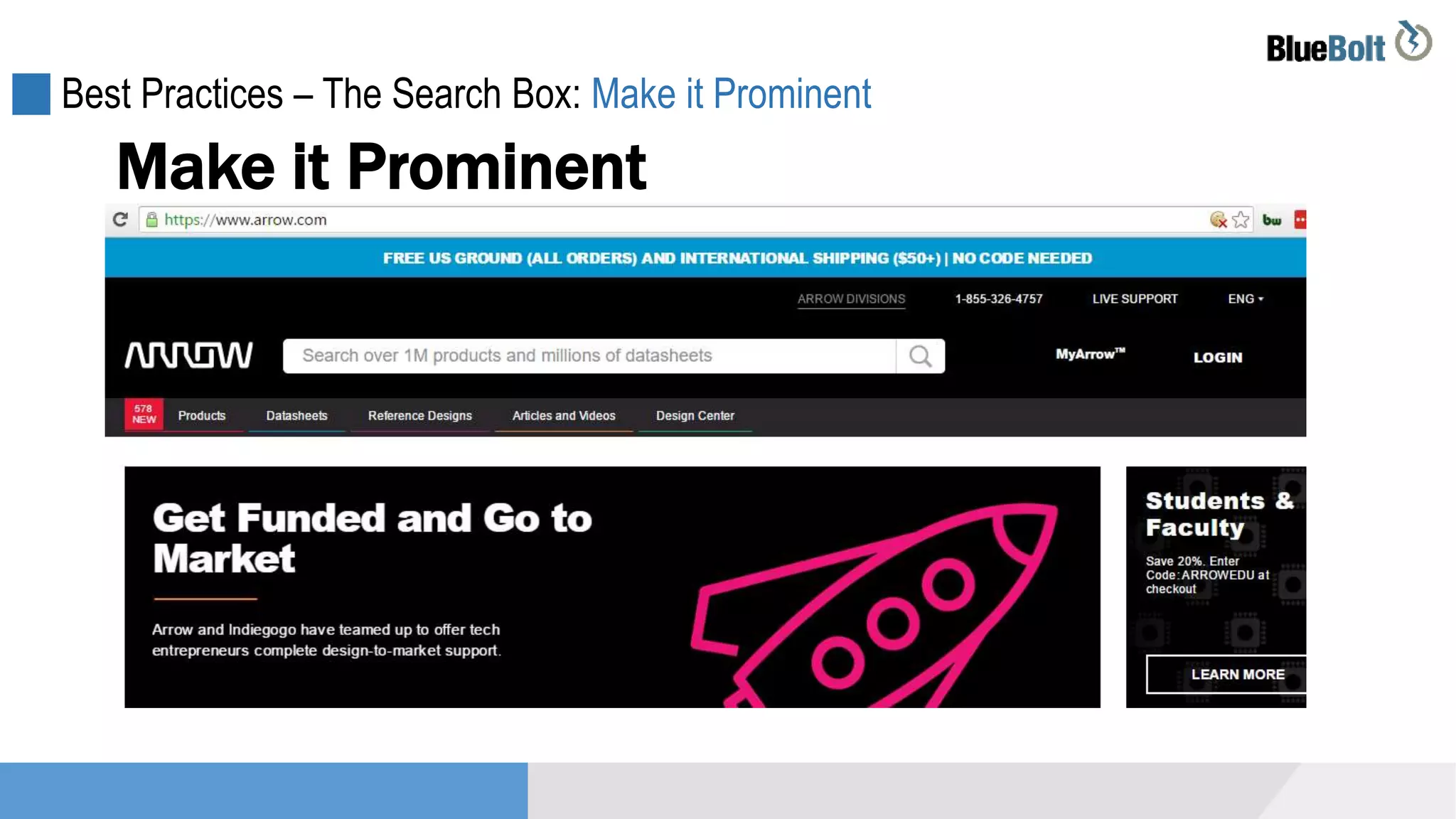
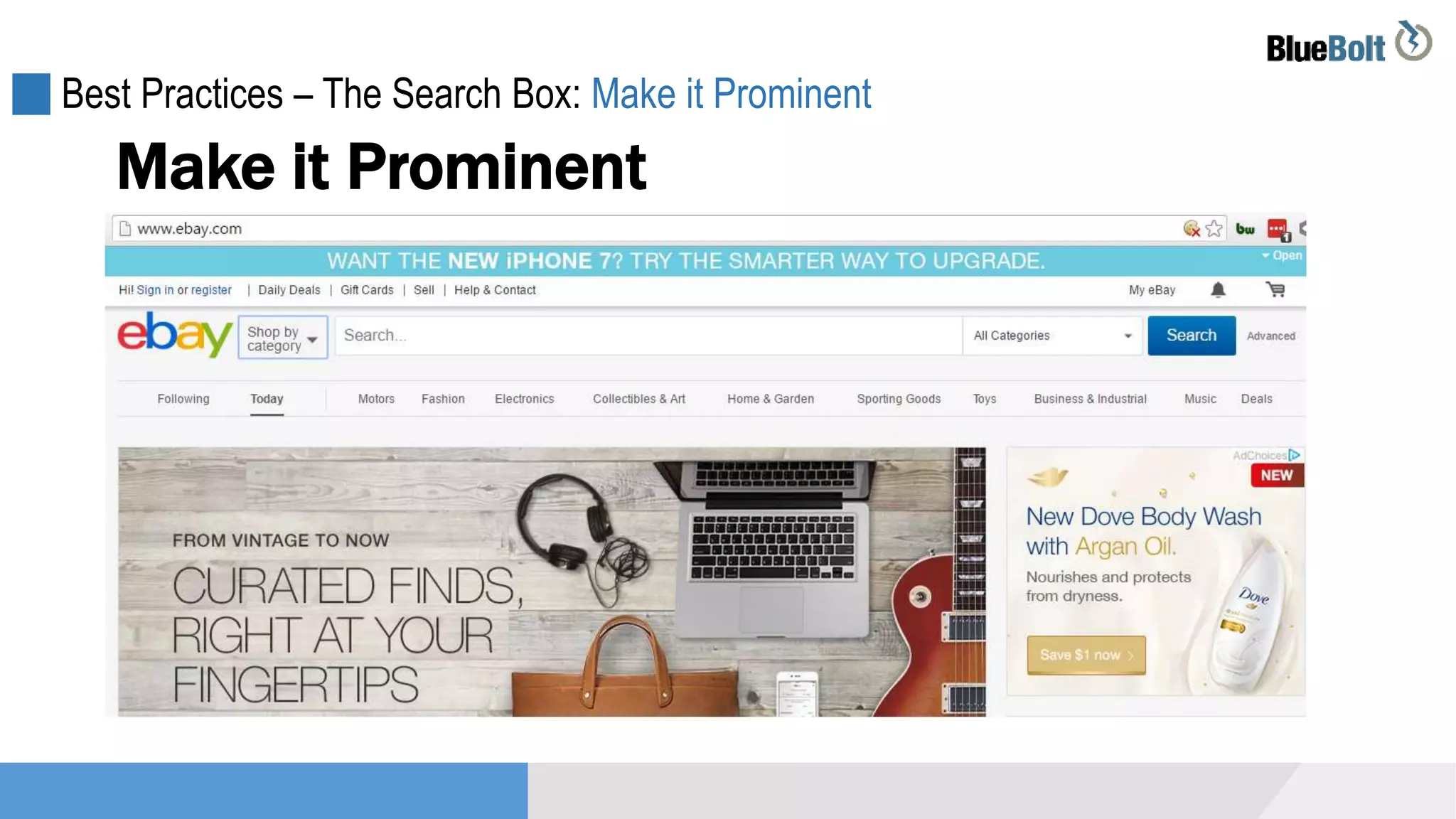
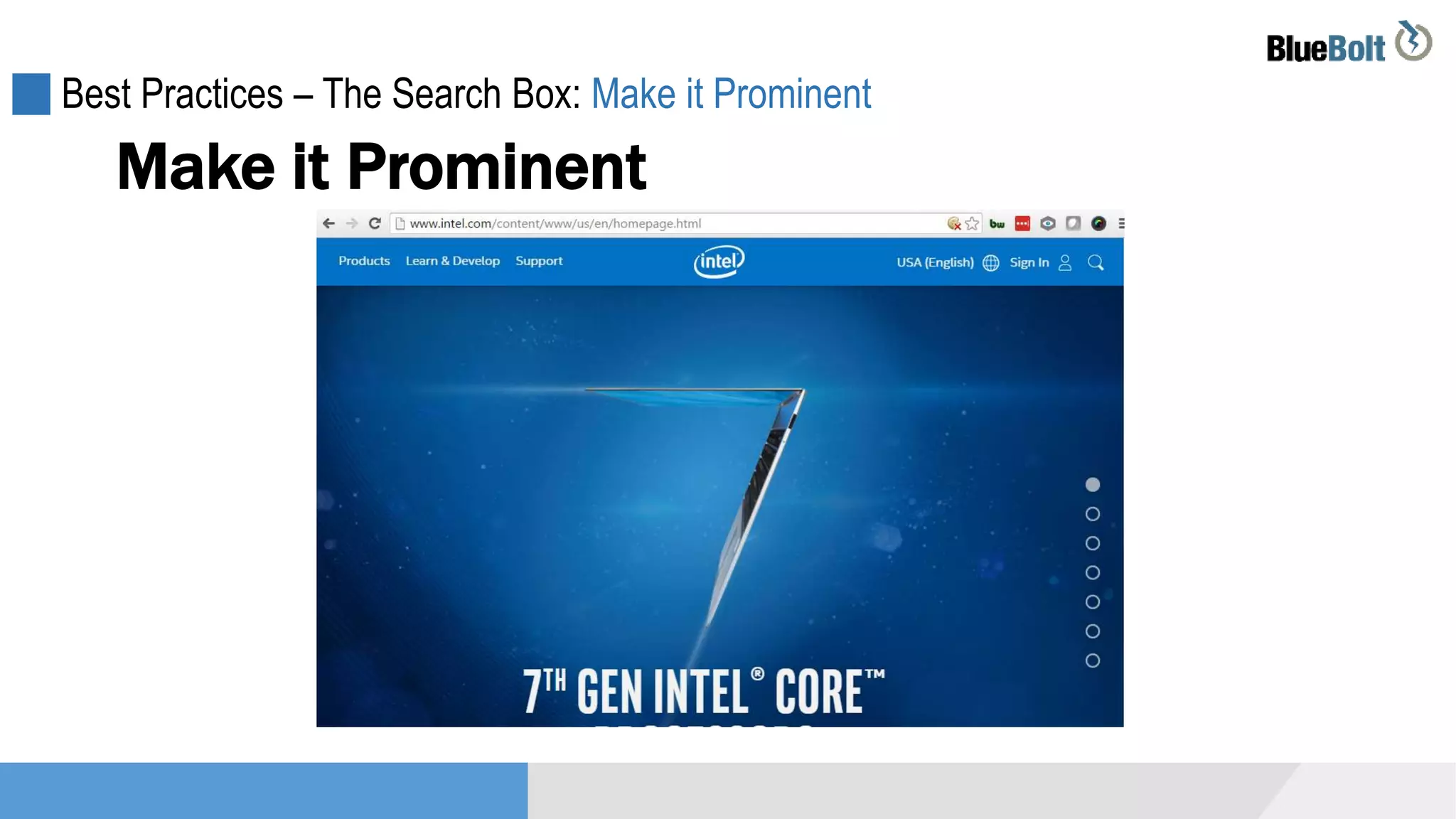
Best Practices – The Search Box: Make it Prominent
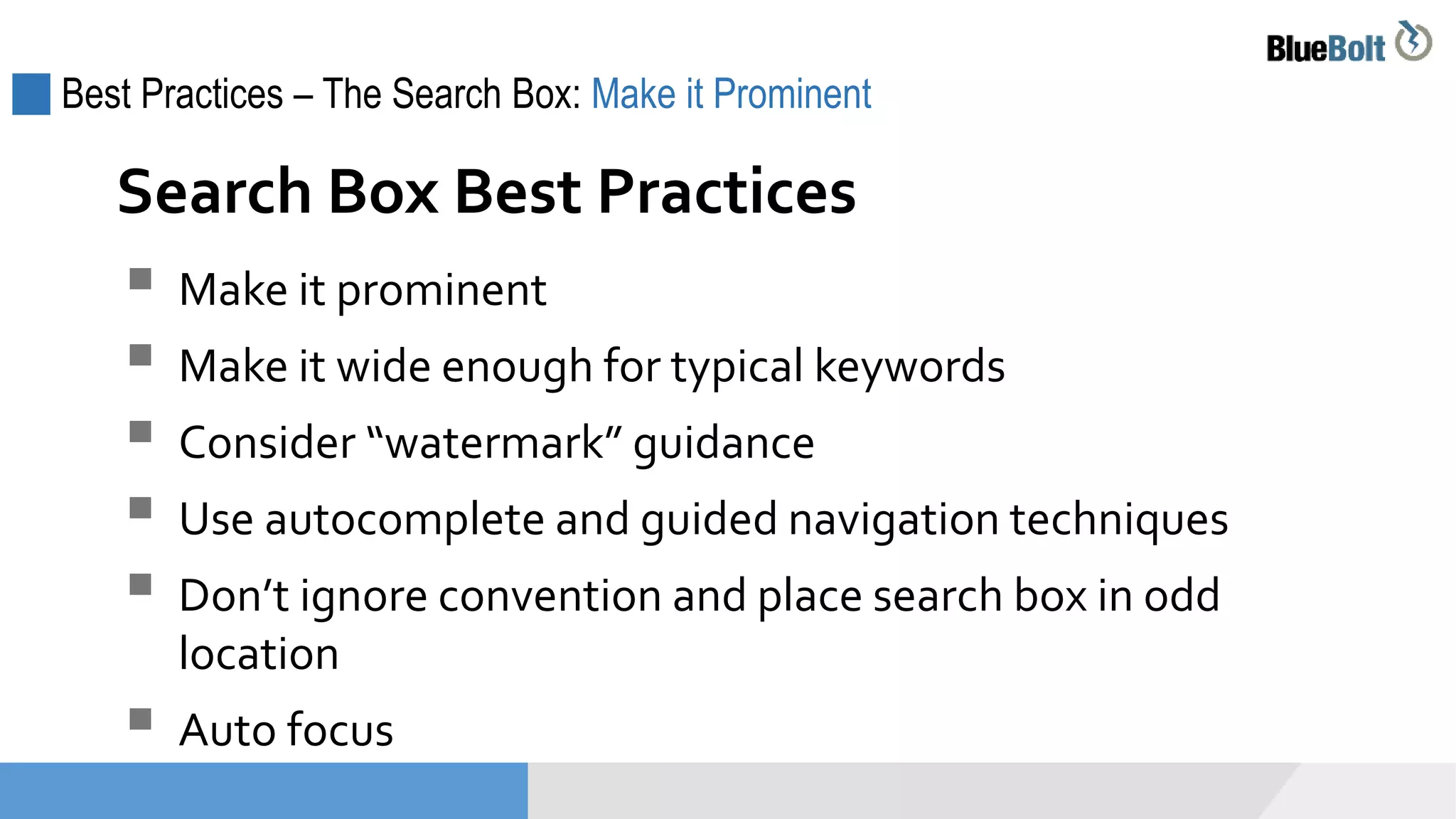
 Make it prominent
 Make it wide enough for typical keywords
 Consider “watermark” guidance
 Use autocomplete and guided navigation techniques
 Don’t ignore convention and place search box in odd
location
 Auto focus
Search Box Best Practices
Best Practices – The Search Box: Make it Prominent
Make it Prominent
Best Practices – The Search Box: Make it Prominent
Make it Prominent
Best Practices – The Search Box: Make it Prominent
Make it Prominent
Best Practices – The Search Box: Make it Prominent
Make it Prominent
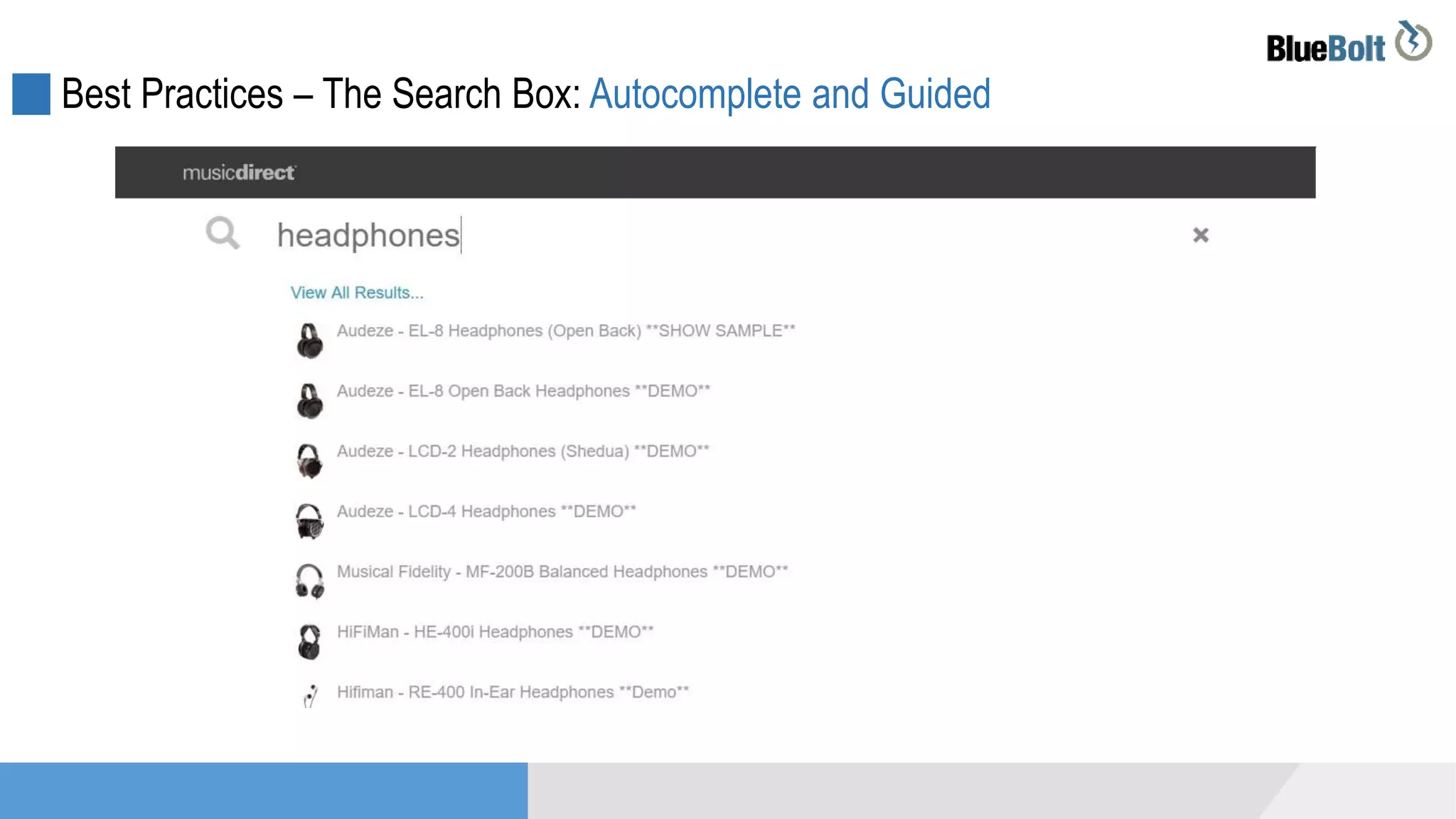
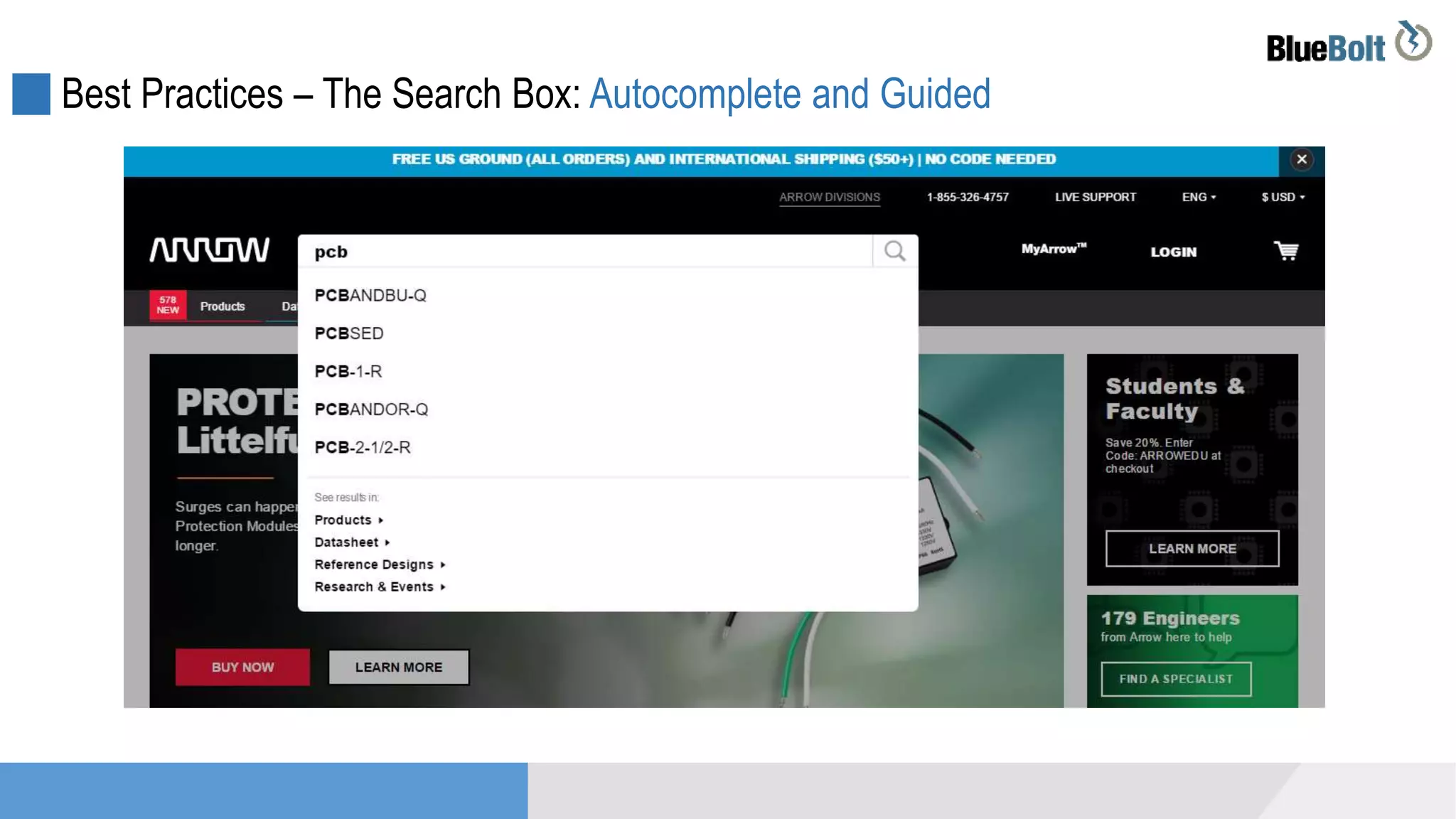
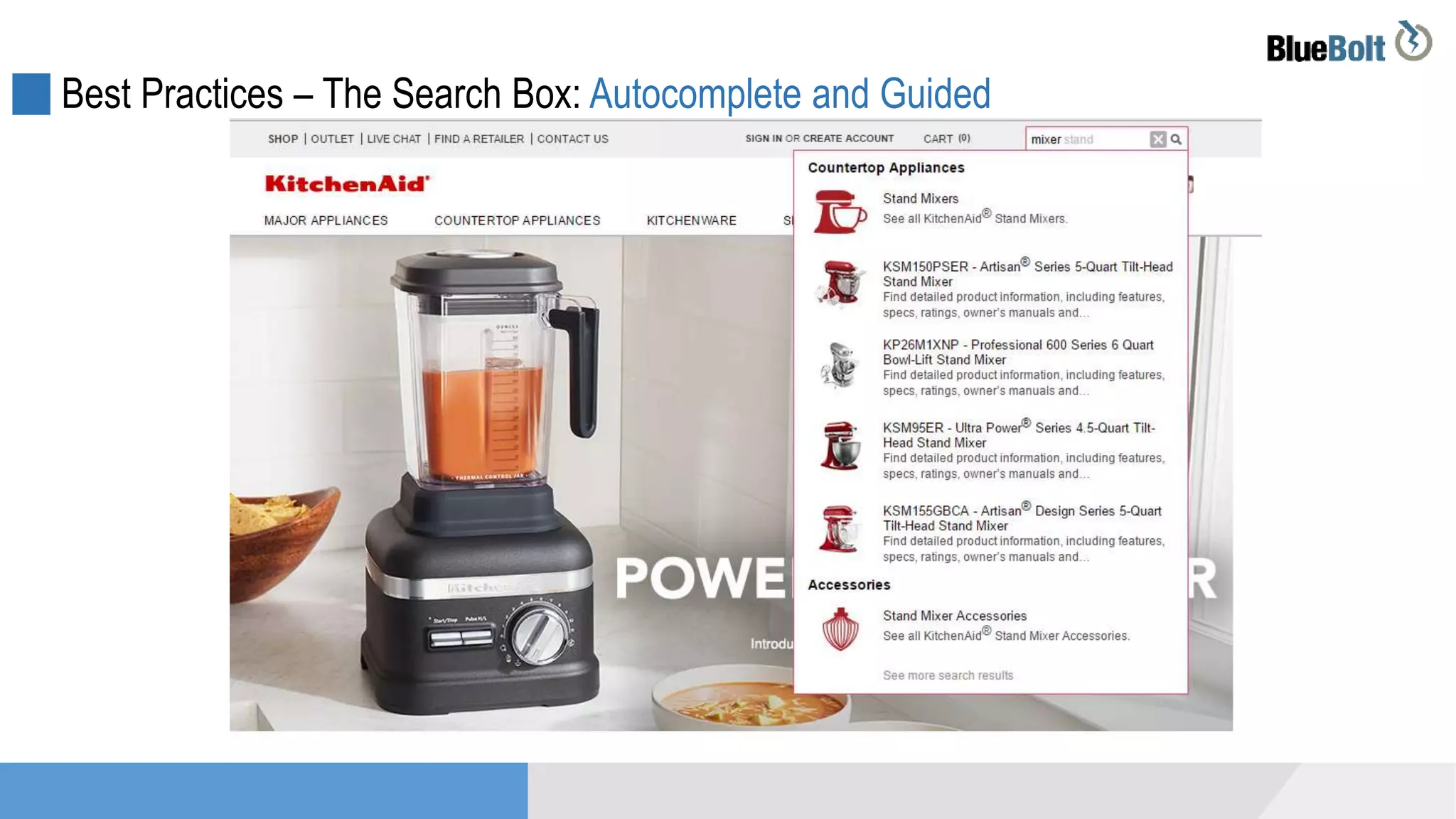
Best Practices – The Search Box: Autocomplete and Guiding
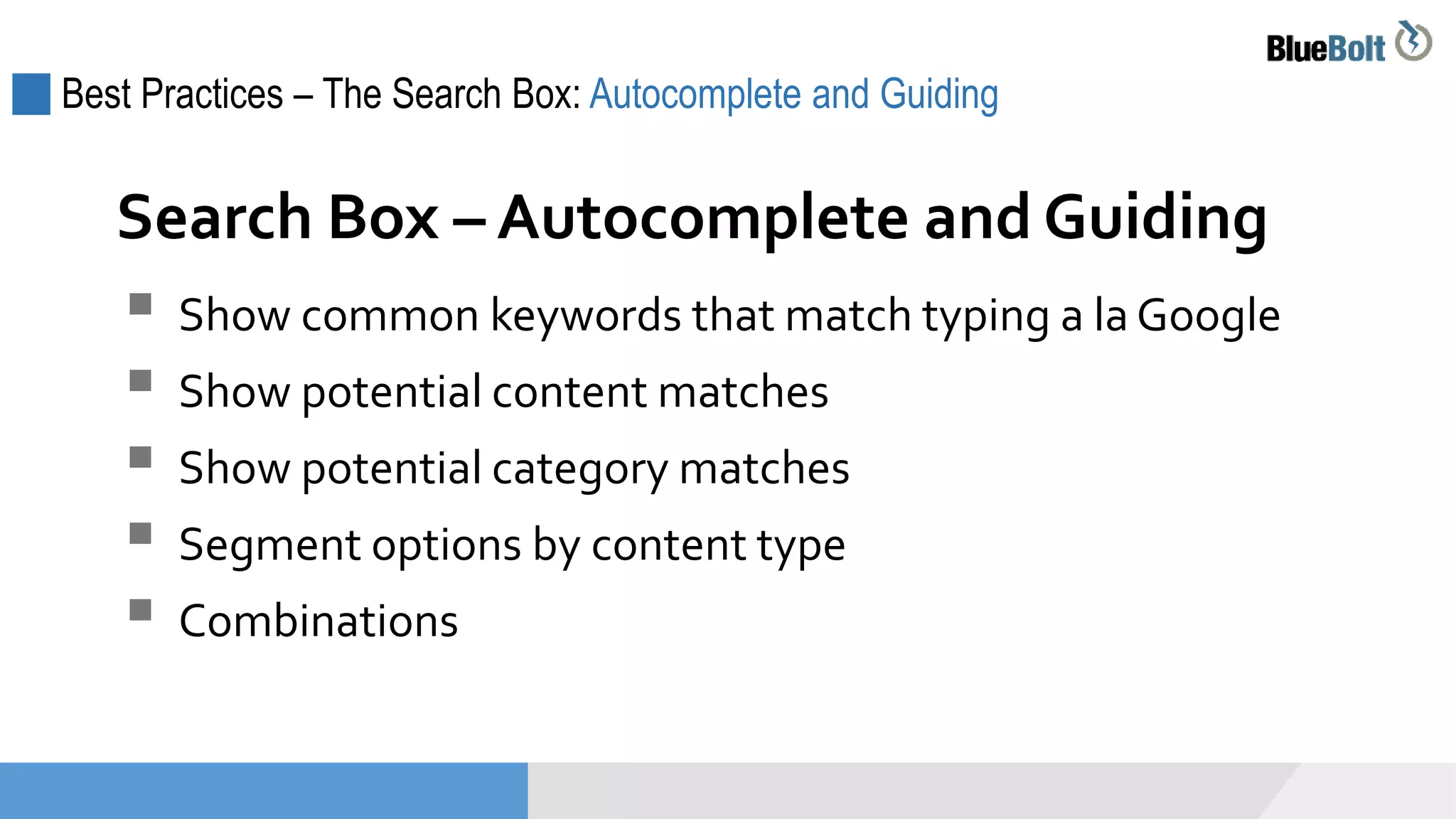
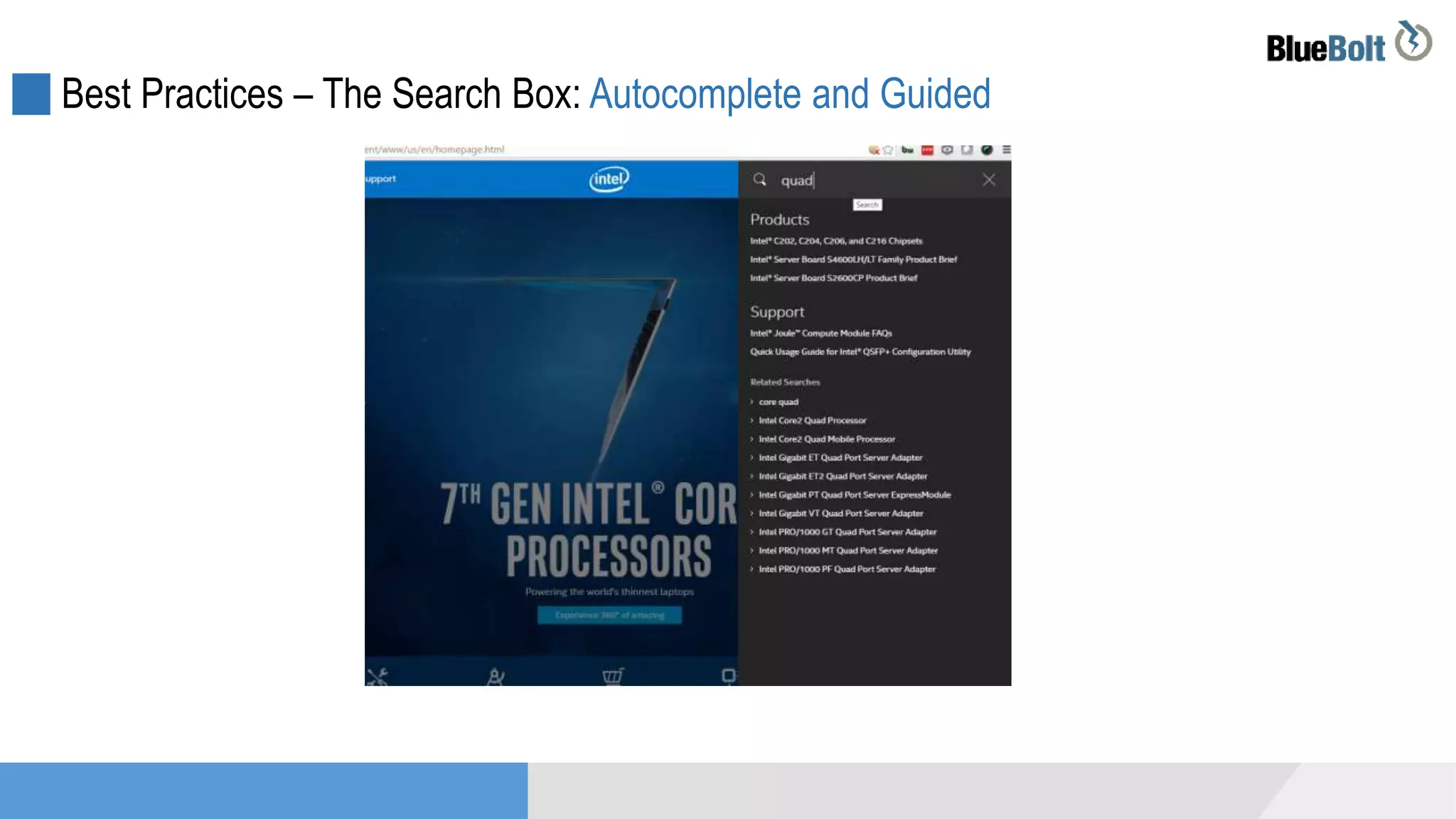
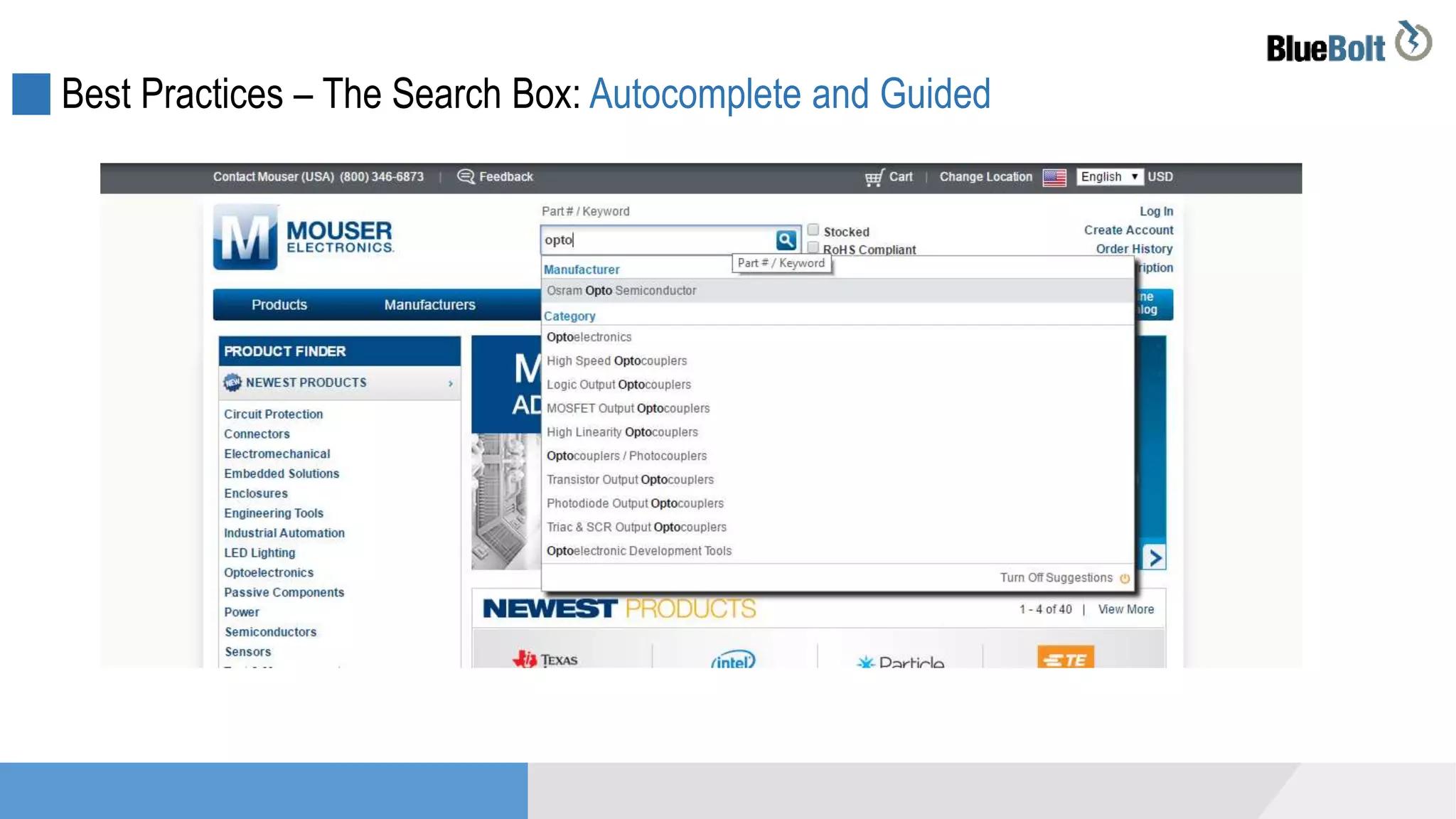
 Show common keywords that match typing a la Google
 Show potential content matches
 Show potential category matches
 Segment options by content type
 Combinations
Search Box – Autocomplete and Guiding
Best Practices – The Search Box: Autocomplete and Guided
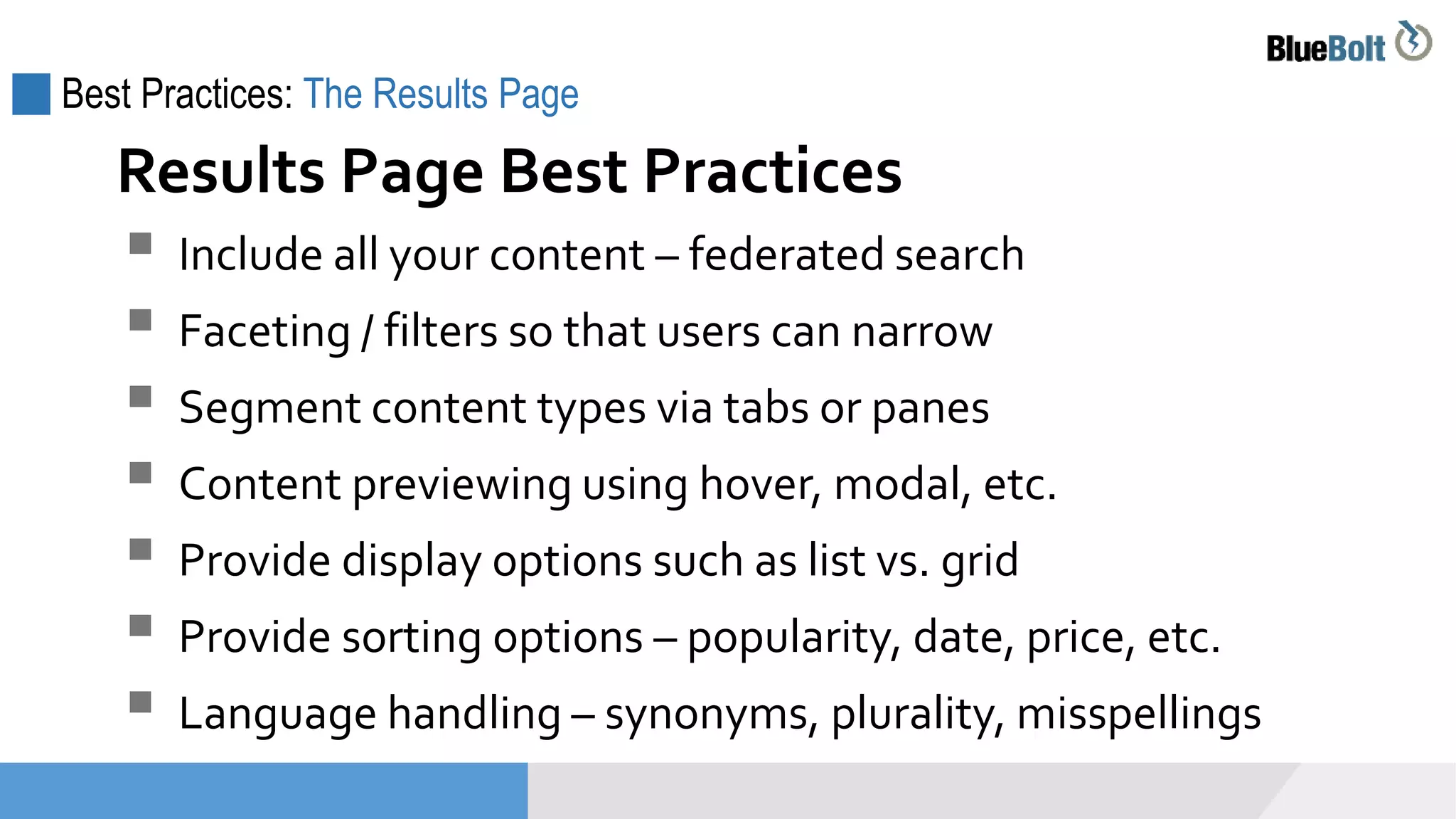
Best Practices: The Results Page
 Include all your content – federated search
 Faceting / filters so that users can narrow
 Segment content types via tabs or panes
 Content previewing using hover, modal, etc.
 Provide display options such as list vs. grid
 Provide sorting options – popularity, date, price, etc.
 Language handling – synonyms, plurality, misspellings
Results Page Best Practices
Best Practices: The Results Page
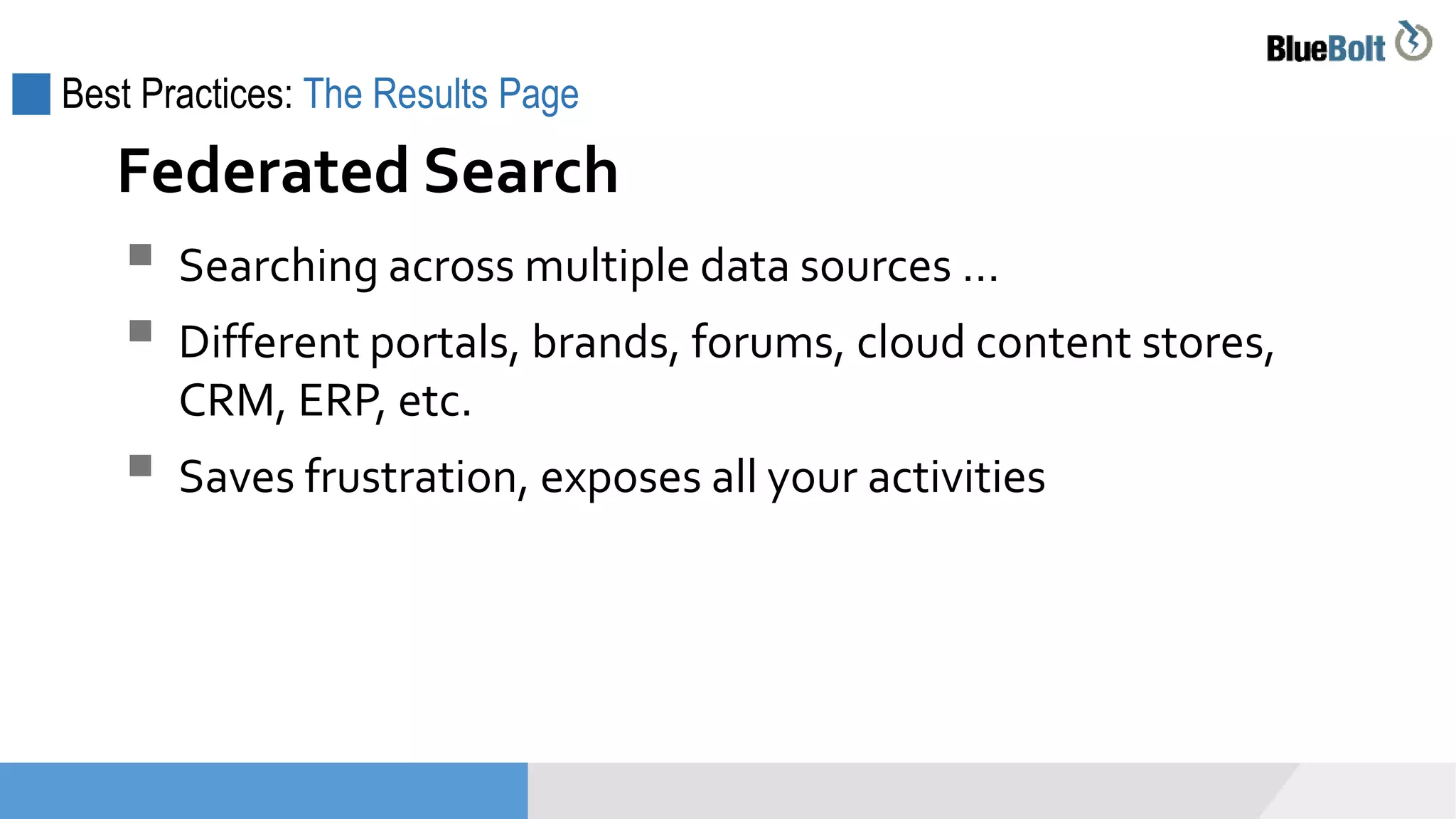
 Searching across multiple data sources …
 Different portals, brands, forums, cloud content stores,
CRM, ERP, etc.
 Saves frustration, exposes all your activities
Federated Search
Best Practices: The Results Page
Federated Search
Best Practices: The Results Page
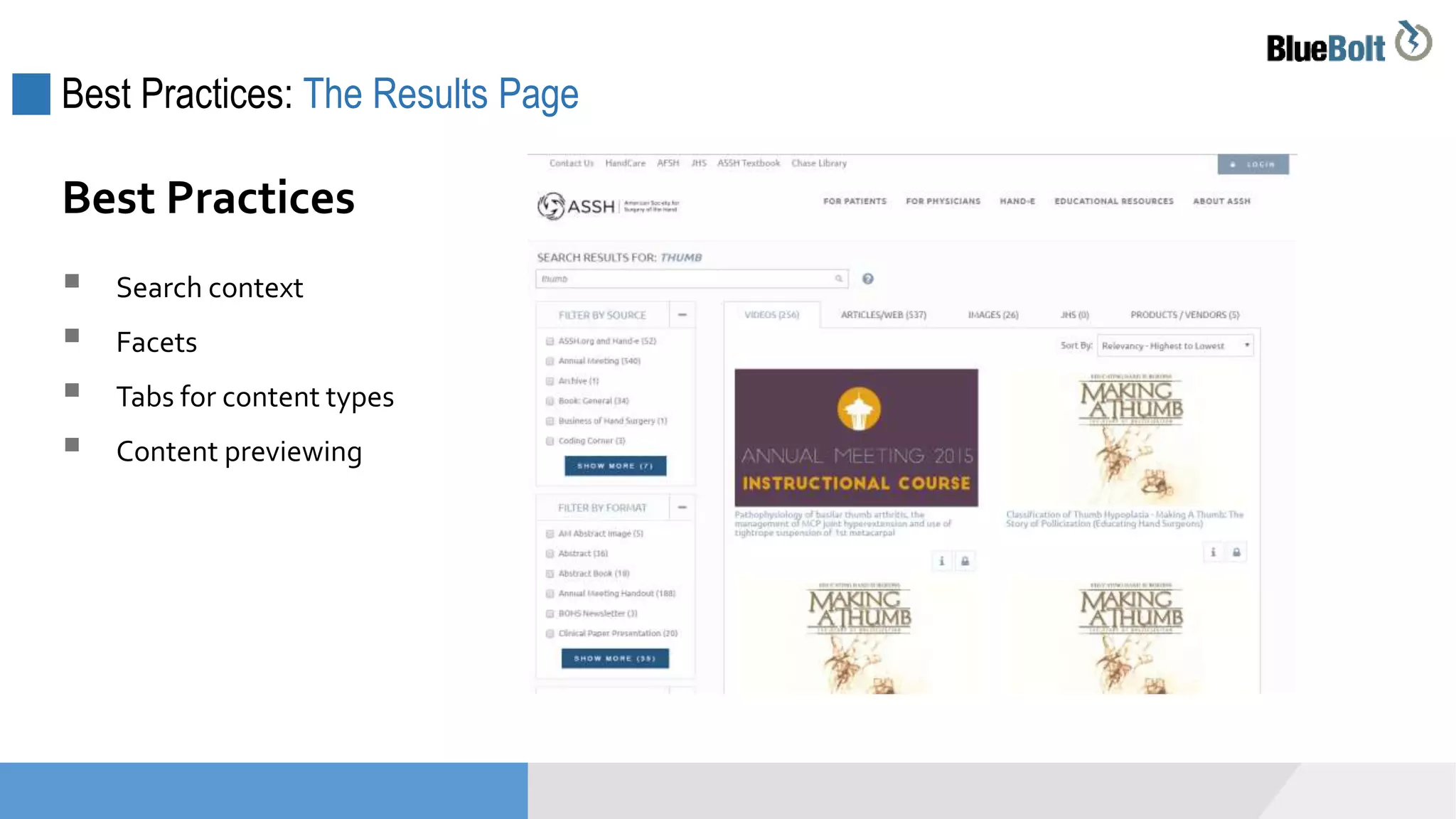
 Search context
 Facets
 Tabs for content types
 Content previewing
Best Practices
Best Practices: The Results Page
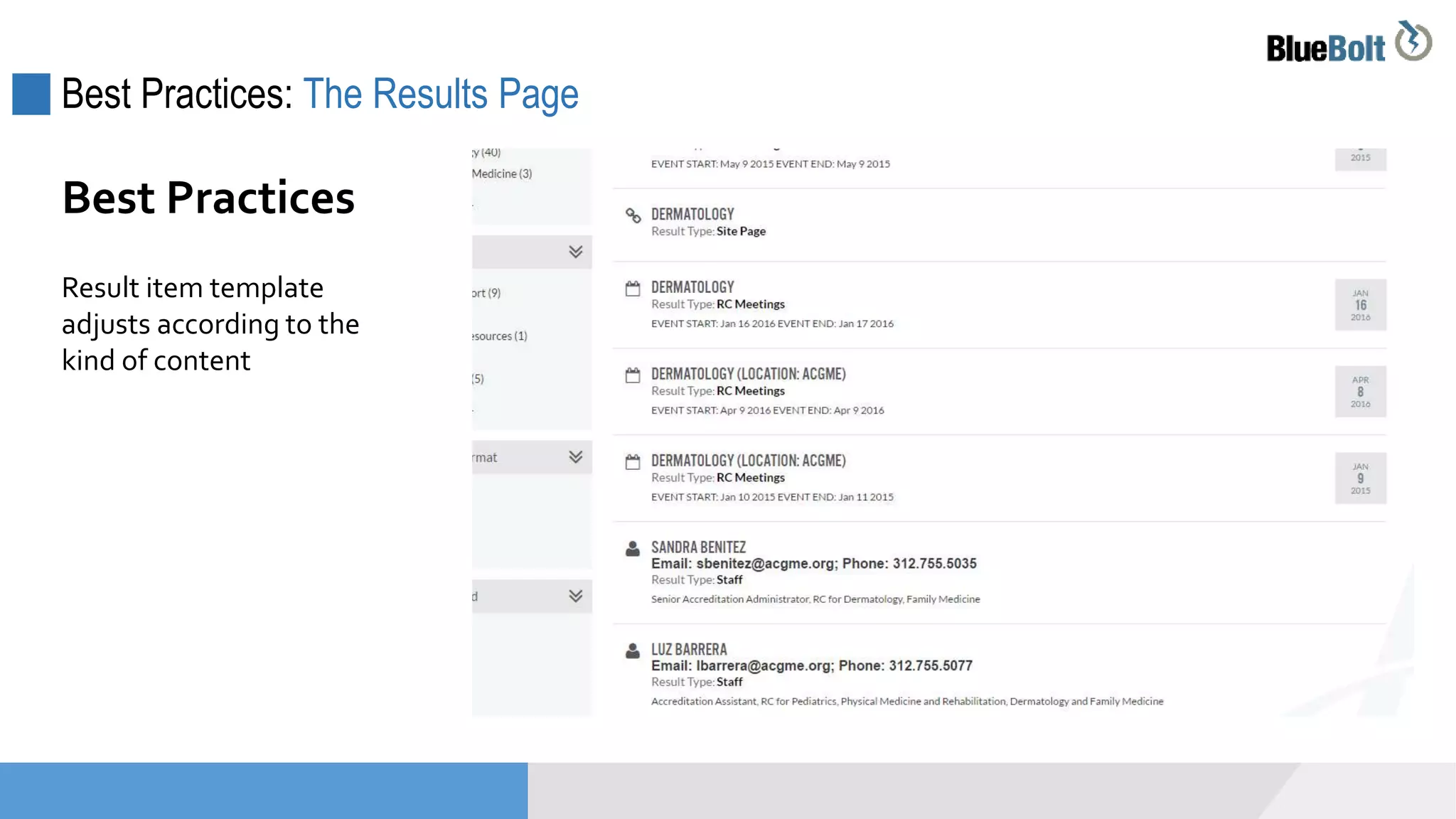
Result item template
adjusts according to the
kind of content
Best Practices
Best Practices: The Results Page
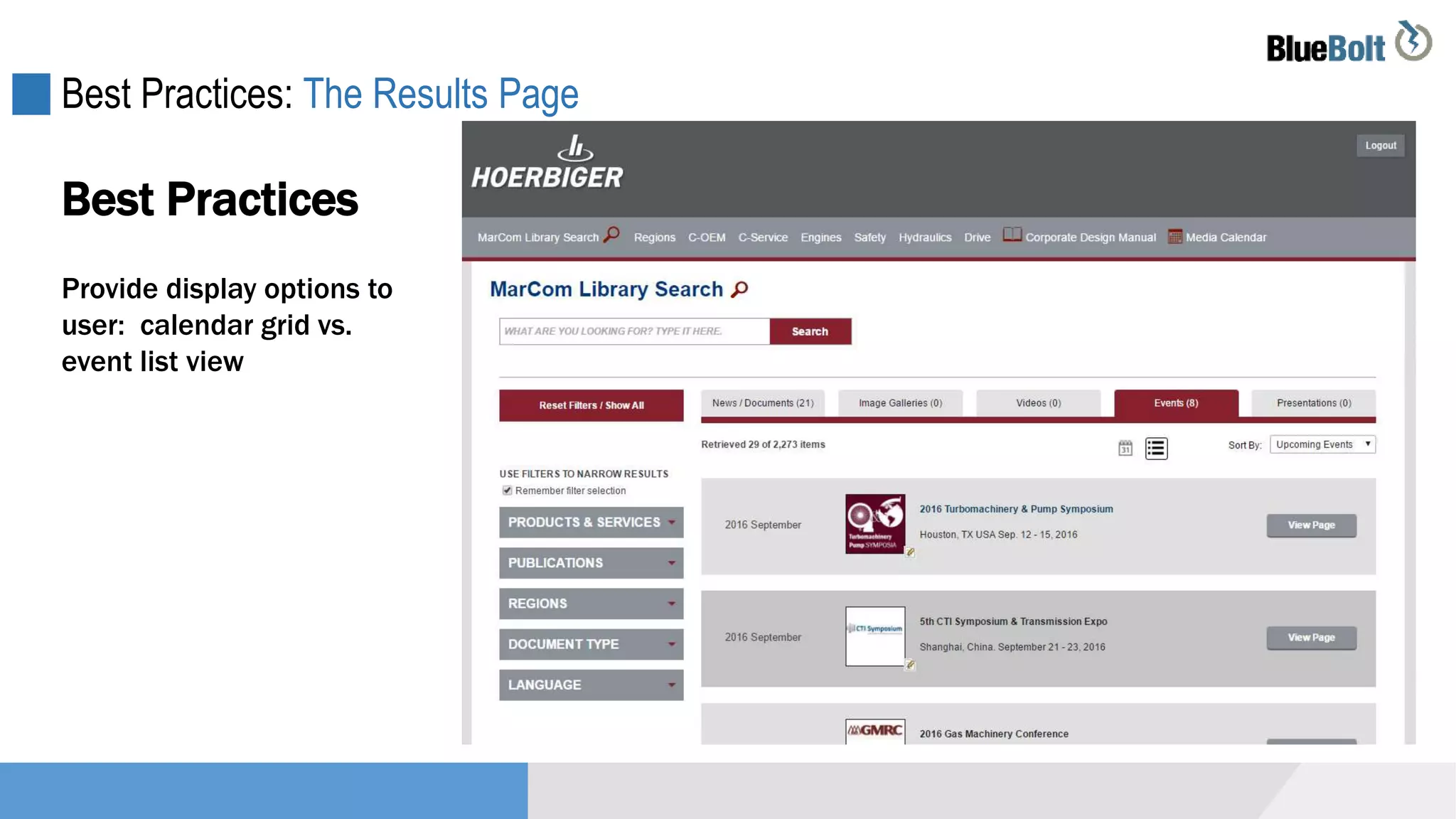
Provide display options to
user: calendar grid vs.
event list view
Best Practices
Best Practices: The Results Page
Best Practices
Provide display options to
user: calendar grid vs.
event list view
Best Practices: The Results Page
Best Practices
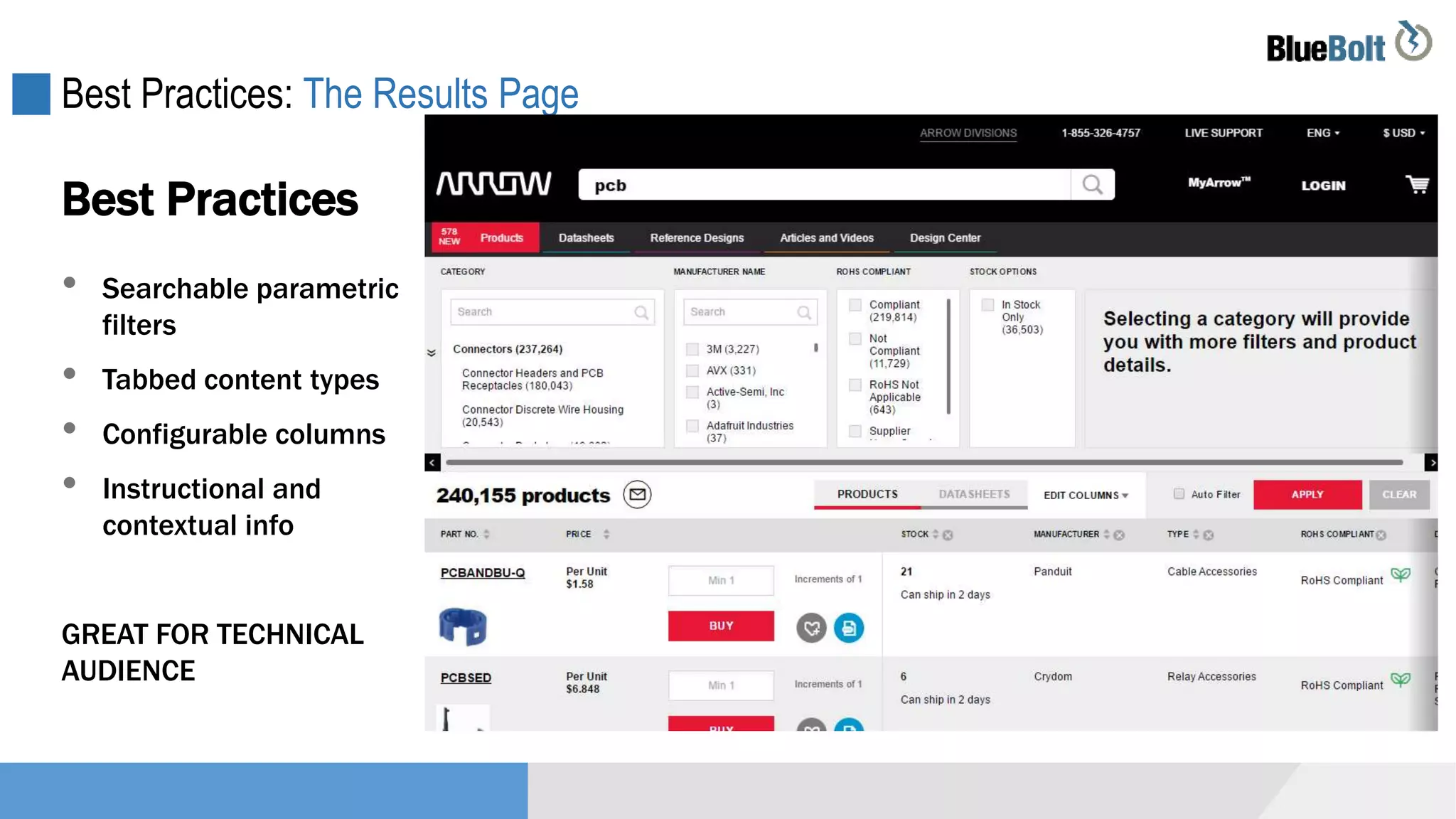
• Searchable parametric
filters
• Tabbed content types
• Configurable columns
• Instructional and
contextual info
GREAT FOR TECHNICAL
AUDIENCE
Best Practices: The Results Page
Best Practices
• Content types are
segmented
• Refinement via tags
• Extended filter options
hidden upon initial
load
SIMPLE, EASY UI FOR
CONSUMERS
Project Definition Process
DescriptionHow To Initiate a Search Project
Getting a Better Search: Initiating a Project
 Gather analytics data
 Attempt to quantify the cost of poor search – should help
establish a budget
 Attempt to quantify benefits of improved search
 Identify pain points – missing content, poor language
handling, poor relevancy, slow speed
 Determine if current engine can be improved

Assessment of Current Search
Getting a Better Search: Initiating a Project
 Identify comparable sites and their approach / engine
 Determine if there are solutions for your particular
platform
 Establish requirements that address your pain points
 Look for service providers that can help you identify a
solution (search engine + implementation)
 Explore on premise vs. cloud hosted options
Identify Options for Improvement
Project Definition Process
DescriptionOur Solution
+
Services Platform
Todays Topic: BravoSquared Enterprise Search
www.bravosquared.com
Enterprise Level Search Solution
Can be plugged into any existing website
Dramatically improves site search

Best Practices for Enterprise Search

  • 1.
  • 2.
    Introductions: Jason andChris Chris Risner – Chief Strategy Officer Jason Lichon – Chief Solutions Officer
  • 3.
    Agenda The importance ofsearch How to know when to invest Best Practices with examples How to initiate a search project
  • 4.
  • 5.
    The Importance ofSite Search Users that perform a search convert 5x more often than those that don’t. Forrester Research 5x • Very directed activity • Bottom of the funnel … maybe
  • 6.
    The Importance ofSite Search 80% of visitors will abandon sites if search functionality is poor Jupiter Media 80% • Bar is raised • Mobile impatience
  • 7.
    The Importance ofSite Search Content and Keyword Strategy Tool Keyword search analytics can be one of best ways to formulate content strategy.
  • 8.
  • 9.
    How to KnowWhen to Invest: You Have No Search You have no search function … … and you have a lot of content
  • 10.
    How to KnowWhen to Invest in Search: Poor Analytics  Lots of “no results” > content issue or search issue?  Search yields poor conversions  Search has high abandonment (“search exits”)  Users have to paginate or re-search to get results  Search is the initial content finding mechanism *Analytics can take some effort to set up Indications from analytics
  • 11.
    How to KnowWhen to Invest: Mobile Impacts Your mobile usage is growing …  And mobile bounce rate is high  And mobile pages views per visit are low  And mobile conversion is low
  • 12.
    How to KnowWhen to Invest: Out of the Box Engine You’re still using a standard platform search  Via your CMS or e-com platform  Limited customization options  Platform vendor is focused on other features  Search was never tuned, just “turned on”
  • 13.
    How to KnowWhen to Invest: Competitive Positioning Your competitors have a better site search
  • 14.
  • 15.
    Best Practices  Makeit prominent  Make it wide enough  Include Instruction  Autocomplete / Guided  Follow convention  Auto focus Search Box  Include all your content  Faceting / filters  Segment content types  Content previewing  Provide display options  Provide sorting options  Natural language handling Results Page
  • 16.
    Best Practices –The Search Box: Make it Prominent  Make it prominent  Make it wide enough for typical keywords  Consider “watermark” guidance  Use autocomplete and guided navigation techniques  Don’t ignore convention and place search box in odd location  Auto focus Search Box Best Practices
  • 17.
    Best Practices –The Search Box: Make it Prominent Make it Prominent
  • 18.
    Best Practices –The Search Box: Make it Prominent Make it Prominent
  • 19.
    Best Practices –The Search Box: Make it Prominent Make it Prominent
  • 20.
    Best Practices –The Search Box: Make it Prominent Make it Prominent
  • 21.
    Best Practices –The Search Box: Autocomplete and Guiding  Show common keywords that match typing a la Google  Show potential content matches  Show potential category matches  Segment options by content type  Combinations Search Box – Autocomplete and Guiding
  • 22.
    Best Practices –The Search Box: Autocomplete and Guided
  • 23.
    Best Practices –The Search Box: Autocomplete and Guided
  • 24.
    Best Practices –The Search Box: Autocomplete and Guided
  • 25.
    Best Practices –The Search Box: Autocomplete and Guided
  • 26.
    Best Practices –The Search Box: Autocomplete and Guided
  • 27.
    Best Practices –The Search Box: Autocomplete and Guided
  • 28.
    Best Practices –The Search Box: Autocomplete and Guided
  • 29.
    Best Practices: TheResults Page  Include all your content – federated search  Faceting / filters so that users can narrow  Segment content types via tabs or panes  Content previewing using hover, modal, etc.  Provide display options such as list vs. grid  Provide sorting options – popularity, date, price, etc.  Language handling – synonyms, plurality, misspellings Results Page Best Practices
  • 30.
    Best Practices: TheResults Page  Searching across multiple data sources …  Different portals, brands, forums, cloud content stores, CRM, ERP, etc.  Saves frustration, exposes all your activities Federated Search
  • 31.
    Best Practices: TheResults Page Federated Search
  • 32.
    Best Practices: TheResults Page  Search context  Facets  Tabs for content types  Content previewing Best Practices
  • 33.
    Best Practices: TheResults Page Result item template adjusts according to the kind of content Best Practices
  • 34.
    Best Practices: TheResults Page Provide display options to user: calendar grid vs. event list view Best Practices
  • 35.
    Best Practices: TheResults Page Best Practices Provide display options to user: calendar grid vs. event list view
  • 36.
    Best Practices: TheResults Page Best Practices • Searchable parametric filters • Tabbed content types • Configurable columns • Instructional and contextual info GREAT FOR TECHNICAL AUDIENCE
  • 37.
    Best Practices: TheResults Page Best Practices • Content types are segmented • Refinement via tags • Extended filter options hidden upon initial load SIMPLE, EASY UI FOR CONSUMERS
  • 38.
    Project Definition Process DescriptionHowTo Initiate a Search Project
  • 39.
    Getting a BetterSearch: Initiating a Project  Gather analytics data  Attempt to quantify the cost of poor search – should help establish a budget  Attempt to quantify benefits of improved search  Identify pain points – missing content, poor language handling, poor relevancy, slow speed  Determine if current engine can be improved Assessment of Current Search
  • 40.
    Getting a BetterSearch: Initiating a Project  Identify comparable sites and their approach / engine  Determine if there are solutions for your particular platform  Establish requirements that address your pain points  Look for service providers that can help you identify a solution (search engine + implementation)  Explore on premise vs. cloud hosted options Identify Options for Improvement
  • 41.
    Project Definition Process DescriptionOurSolution + Services Platform
  • 42.
    Todays Topic: BravoSquaredEnterprise Search www.bravosquared.com
  • 43.
    Enterprise Level SearchSolution Can be plugged into any existing website Dramatically improves site search