Fantastic Tools for Schools
 50+ ways to rock!


      Vicki Davis, Teacher
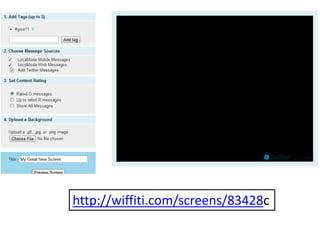
www.wiffiti.com
• http://wiffiti.com/screens/83428


        http://wiffiti.com/screens/83428c
https://chrome.google.com/webstore/detail/noocneohefmdhonidldnlhaainpiomkp
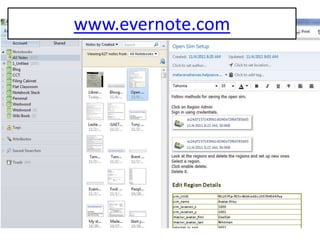
www.evernote.com
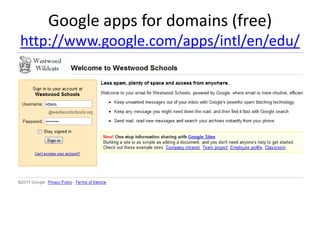
Google apps for domains (free)
http://www.google.com/apps/intl/en/edu/
Cell phone friendly email (gmail)
                  • Groups with
                    distribution lists of
                    parents. (i.e. I send
                    to Computer
                    Fundamentals and
                    it sends to all the
                    parents)
                  • Automatic
                    distribution lists
                     – Classes
                     – teachers
Google Docs


       • Shared folders
       • Color codes
Collaborative editing in Docs
• How we edit Kindle Kids corner
http://kids.kindlenationdaily.com/
http://gadd.lib.overdrive.com/171866E5-F8A1-41B0-
   B638-2CC566B998B3/10/512/en/Libraries.htm


                                     Check out ebooks
                                     Kindle
                                     Audiobooks
                                     With your library card
                                     Online!
Class rules http://docs.google.com
Google Forms – A school survey
Goes into Spreadsheet
Cool Trick Copy out of spreadsheet
            into Wordle!


                 Step 1: Convert Everything to lowercase by
                 pasting into MS Word.
www.wordle.net
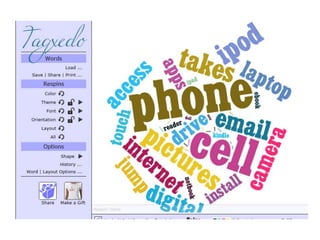
What Westwood Students own
Wikisource: Copy Text from Famous
 Speech http://en.wikisource.org
http://www.tagxedo.com/
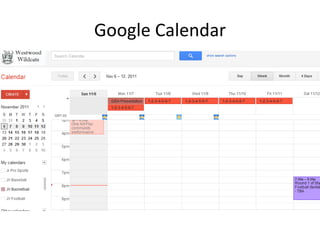
Google Calendar
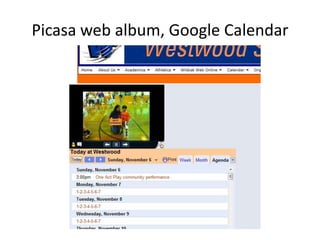
Picasa web album, Google Calendar
Wikis!
http://westwood.wikispaces.com
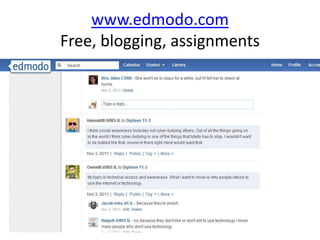
www.edmodo.com
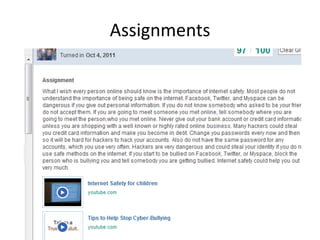
Free, blogging, assignments
Give assignments and receive
          responses
Assignments
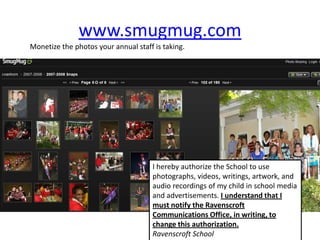
www.smugmug.com
Monetize the photos your annual staff is taking.


                                      I hereby authorize the School to use
                                      photographs, videos, writings, artwork, and
                                      audio recordings of my child in school media
                                      and advertisements. I understand that I
                                      must notify the Ravenscroft
                                      Communications Office, in writing, to
                                      change this authorization.
                                      Ravenscroft School
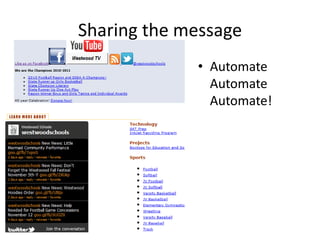
Sharing the message
             • Automate
               Automate
               Automate!
Setting up to have an easy social
          media distribution plan
Create a blog on blogger.com


   Use feedburner to create a feed

       Feedburner email (lets people sign up
       with a form)

           Take the feed into Twitterfeed


               Twitterfeed posts to Twitter
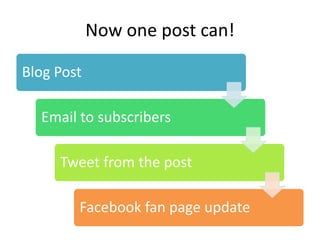
Now one post can!

Blog Post

  Email to subscribers

     Tweet from the post

        Facebook fan page update
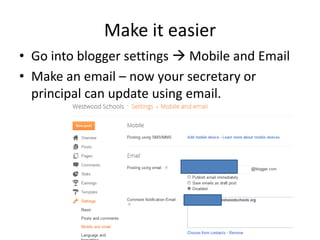
Make it easier
• Go into blogger settings  Mobile and Email
• Make an email – now your secretary or
  principal can update using email.
www.hootsuite.com
Schedule updates like lunch menus.
http://rubistar.4teachers.org
www.classtools.net
http://www.classtools.net/fb/home/p
                age
Diigo www.diigo.com
Bookmarking groups; Auto blog posts
www.igoogle.com
Building your PLN and tracking projects
Netvibes.com or Pageflakes.com
For building Classroom Monitoring
           Portals (CMP)
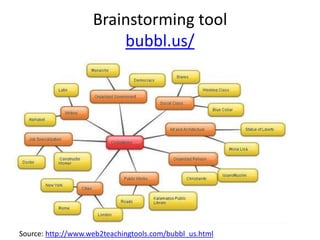
Brainstorming tool
                        bubbl.us/


Source: http://www.web2teachingtools.com/bubbl_us.html
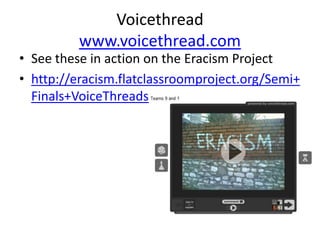
Voicethread
          www.voicethread.com
• See these in action on the Eracism Project
• http://eracism.flatclassroomproject.org/Semi+
  Finals+VoiceThreads
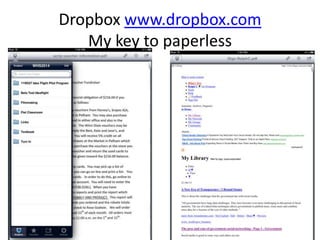
Dropbox www.dropbox.com
   My key to paperless
www.droptito.me
http://www.dipity.com/
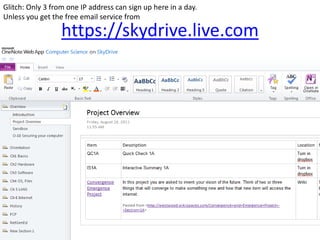
Glitch: Only 3 from one IP address can sign up here in a day.
Unless you get the free email service from

                  https://skydrive.live.com
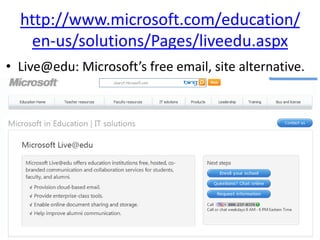
http://www.microsoft.com/education/
   en-us/solutions/Pages/liveedu.aspx
• Live@edu: Microsoft’s free email, site alternative.
Stellarium
http://www.stellarium.org
Microsoft Worldwide Telescope
http://www.worldwidetelescope.org
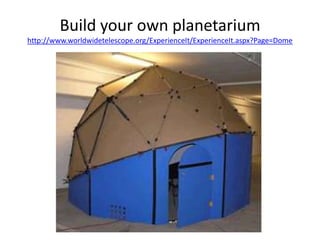
Build your own planetarium
http://www.worldwidetelescope.org/ExperienceIt/ExperienceIt.aspx?Page=Dome
Free interactive whiteboard resources
       http://www.iboard.co.uk
Free painting software
http://www.getpaint.net/
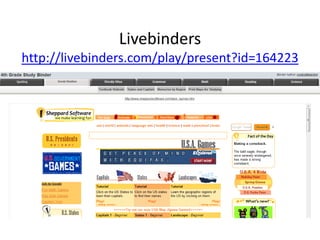
Livebinders
http://livebinders.com/play/present?id=164223
Spelling City
www.spellingcity.com
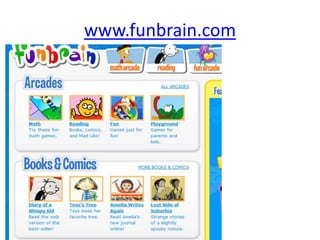
www.funbrain.com
Google nGram Viewer
http://ngrams.googlelabs.com/
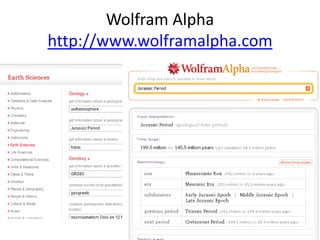
Wolfram Alpha
http://www.wolframalpha.com
Audacity
http://audacity.sourceforge.net
www.iear.org
http://www.epals.com/
www.iearn.org
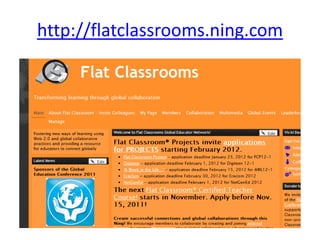
http://flatclassrooms.ning.com
Skype
www.skype.com
Diigo
              www.diigo.com
• http://www.diigo.com/list/coolcatteacher/fan
  tastic-classroom-tools

• QR Code Generator
• http://qrcode.kaywa.com/
Vicki Davis
@coolcatteacher
 http://tinyurl.com/cct-differentiate
     www.flatclassroombook.com
The power of Three!
 Pick three

Fantastic Tools for Schools

Editor's Notes

  • #66 So, when I came back to Camilla, I started using wikis with my students immediately and sat down in my classroom to begin blogging. I turned to a student and said, “I have to create a blog and I have to name the thing – what should I name it?” The students sitting there said, “Well, Mrs. Vicki, you’re cool and we’re the wildcats, so, why don’t you call it the cool Cat teacher blog
  • #67 And that is what I suggest for you to do today. Your assignment for this webinar today is to come up with your “Big Three” at the end of the webinar. Pick three things – start there!