XXVII VenTESOL ANNUAL CONVENTION:  “BUILDING BRIDGES IN ELT”  May 29-30, 2009 Digital Literacy: What a 21st Century EFL Teacher Should Know   Evelyn Izquierdo Escuela de Educación Universidad Central de Venezuela [email_address]
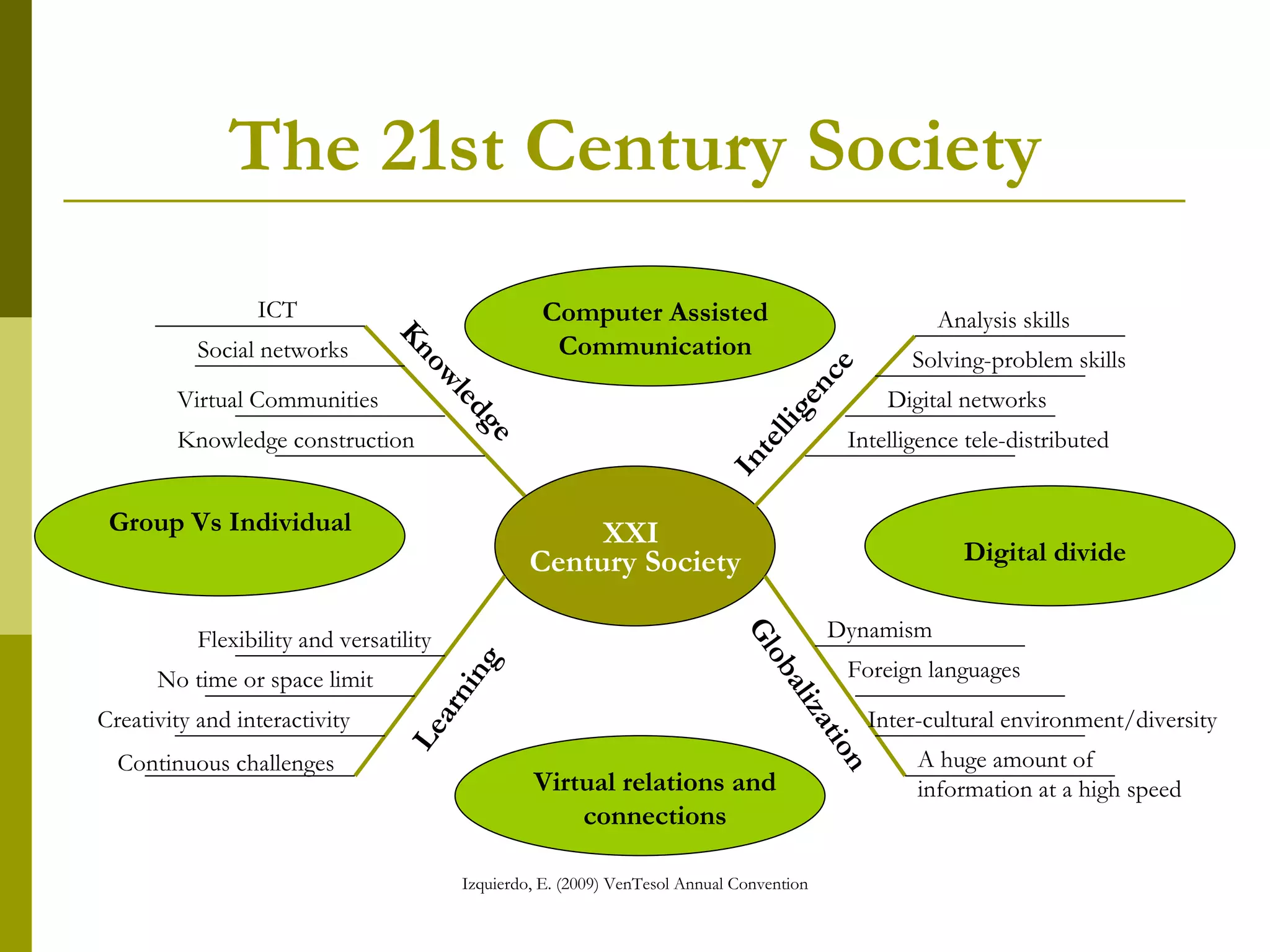
The 21st Century Society Knowledge Learning ICT Digital networks Virtual Communities Knowledge construction Flexibility and versatility Continuous challenges   XXI  Century Society Globalization Intelligence Creativity and interactivity Foreign languages No time or space limit Dynamism Inter-cultural environment/diversity Intelligence tele-distributed Solving-problem skills Social networks Analysis skills Conexiones y relaciones virtuales Brecha digital Virtual relations and connections Group Vs Individual Digital divide A huge amount of information at a high speed Computer Assisted Communication
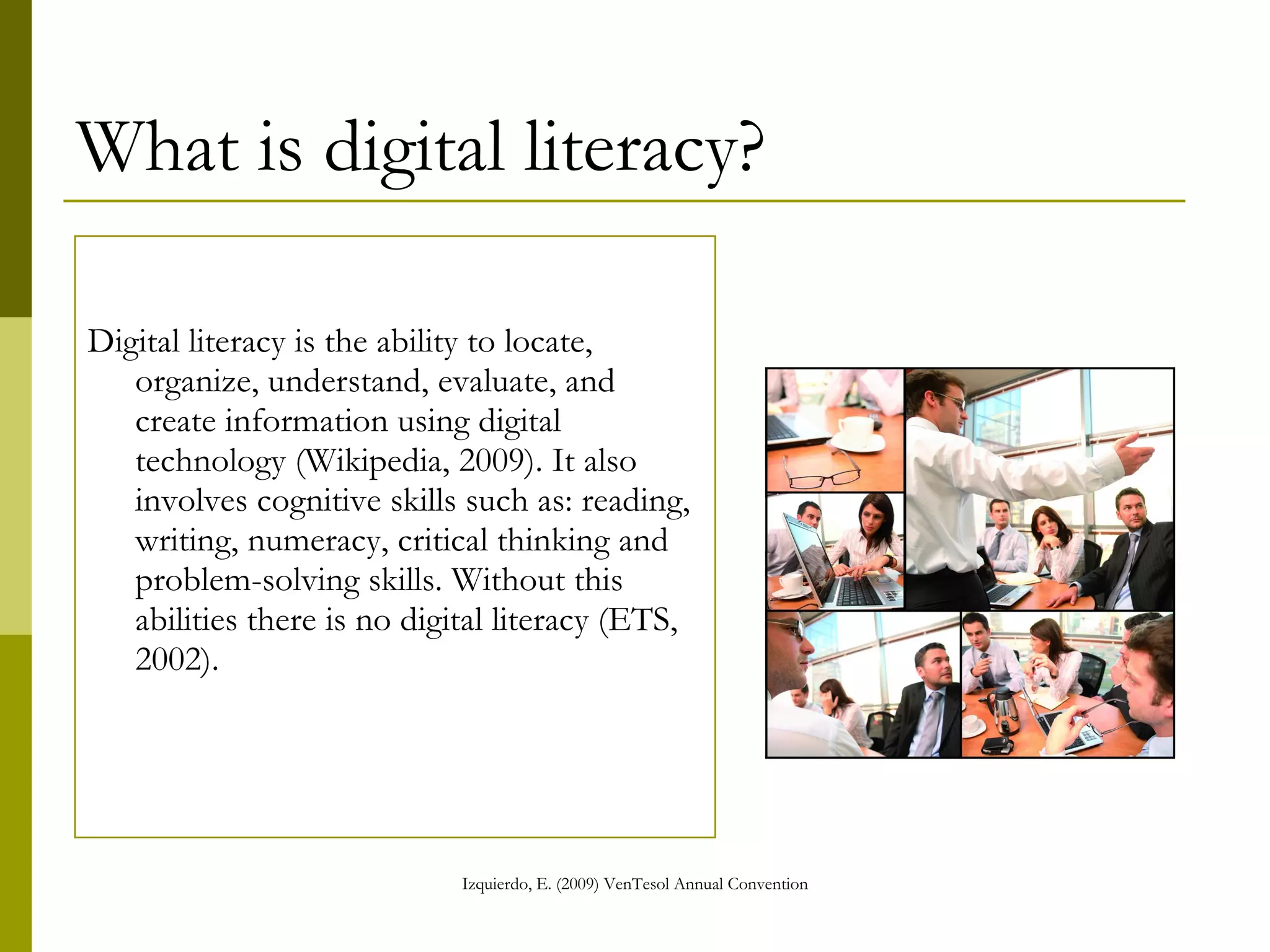
What is digital literacy? Digital literacy is the ability to locate, organize, understand, evaluate, and create information using digital technology (Wikipedia, 2009). It also involves cognitive skills such as: reading, writing, numeracy, critical thinking and problem-solving skills. Without this abilities there is no digital literacy (ETS, 2002).
Digital Literacy: Competences According to  UNESCO’s ICT Competency Standards for Teachers  (2008) to live, learn, and work successfully in an increasingly complex, information-rich and knowledge-based society, students and teachers must utilize technology effectively. Within a sound educational setting, technology can enable students to become: •  Capable information technology users •  Information seekers, analyzers, and evaluators •  Problem solvers and decision makers •  Creative and effective users of productivity tools •  Communicators, collaborators, publishers, and producers •  Informed, responsible, and contributing citizens
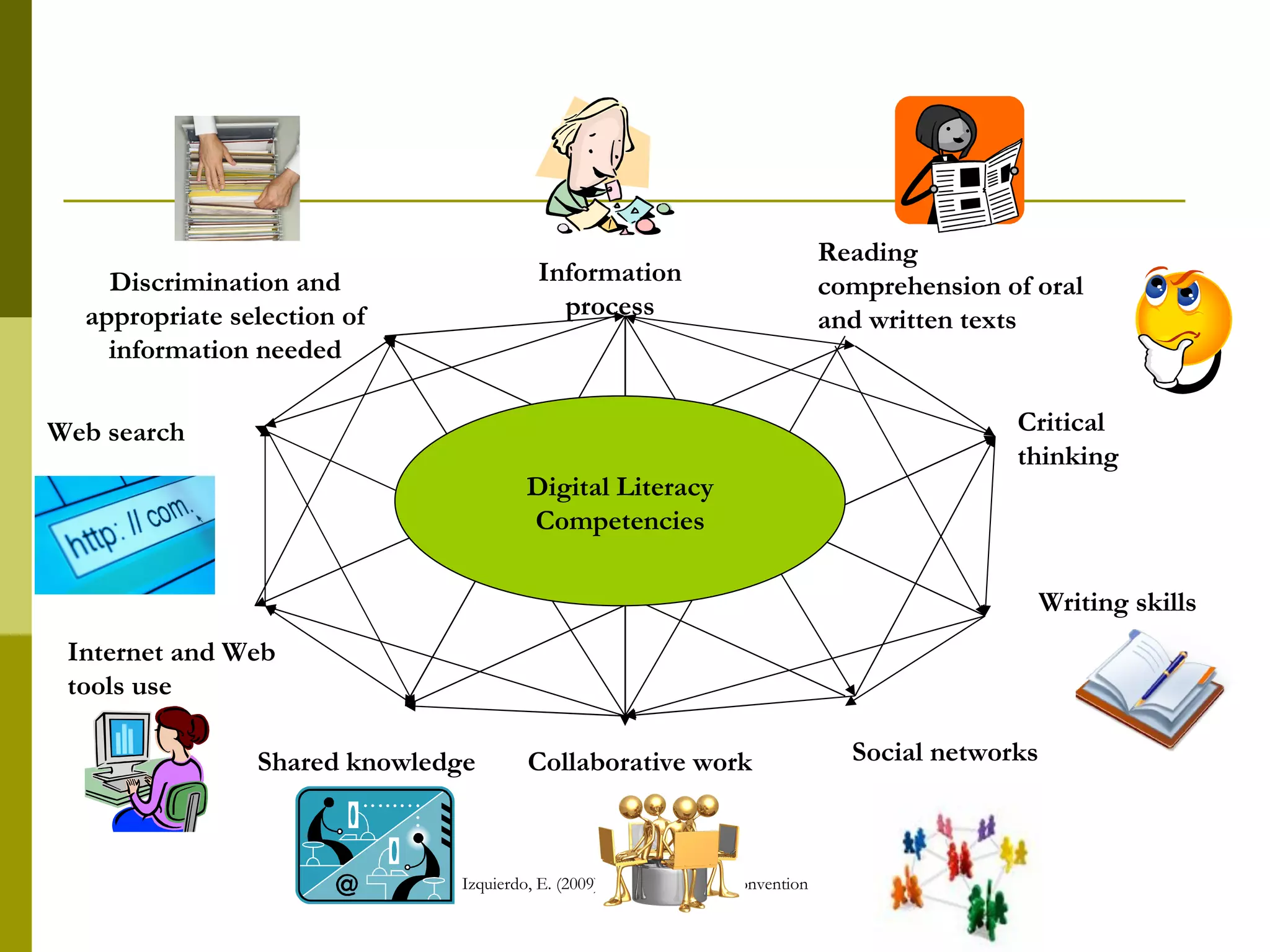
Information process Writing skills Collaborative work Reading comprehension of oral and written texts Shared knowledge Social networks Web search Discrimination and appropriate selection of information needed Critical thinking Internet and Web tools use Digital Literacy Competencies
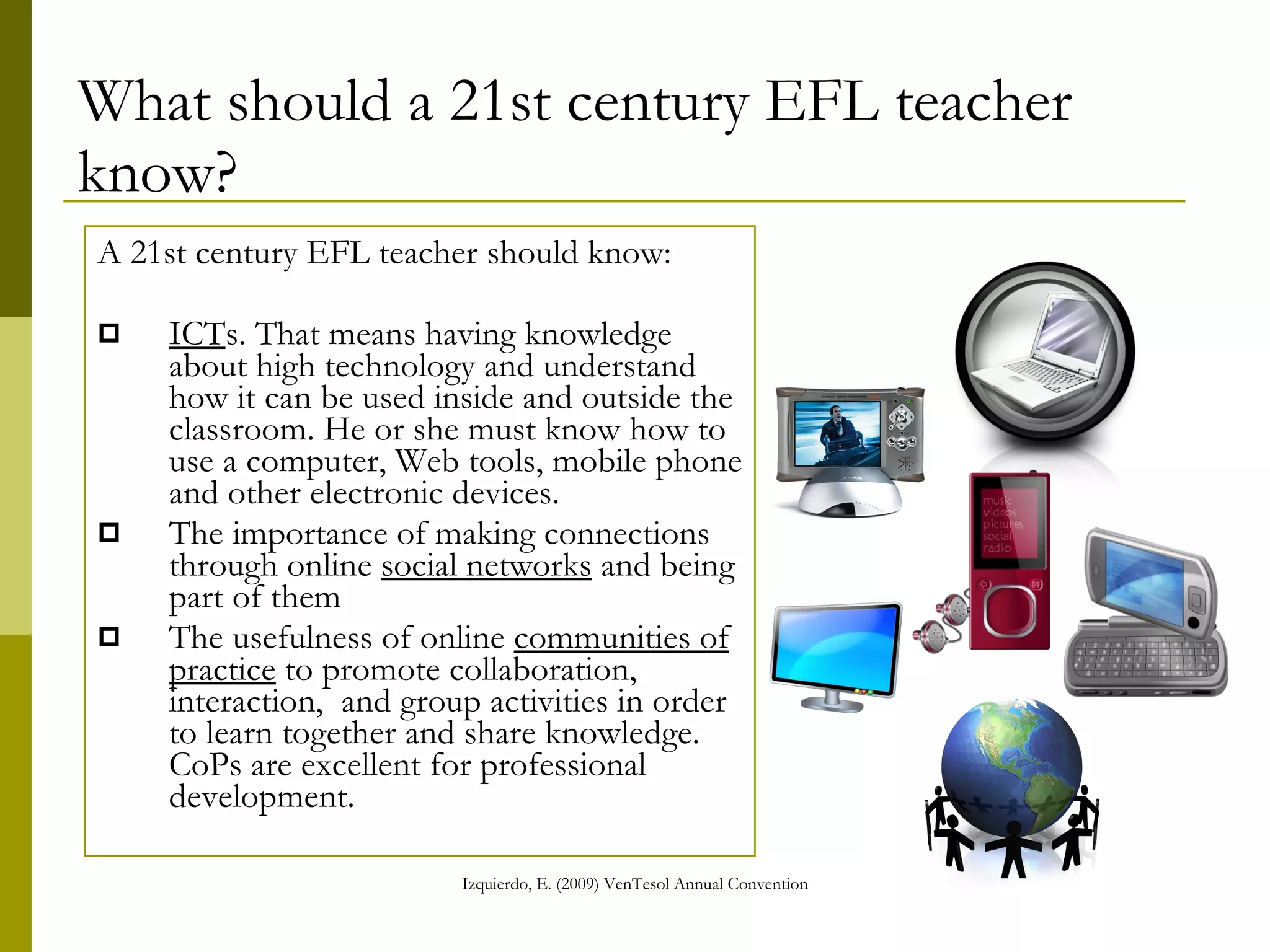
What should a 21st century EFL teacher know? A 21st century EFL teacher should know: ICT s. That means having knowledge about high technology and understand how it can be used inside and outside the classroom. He or she must know how to use a computer, Web tools, mobile phone and other electronic devices. The importance of making connections through online  social networks  and being part of them The usefulness of online  communities of practice  to promote collaboration, interaction,  and group activities in order to learn together and share knowledge. CoPs are excellent for professional development.
Web tools What do you know about them?
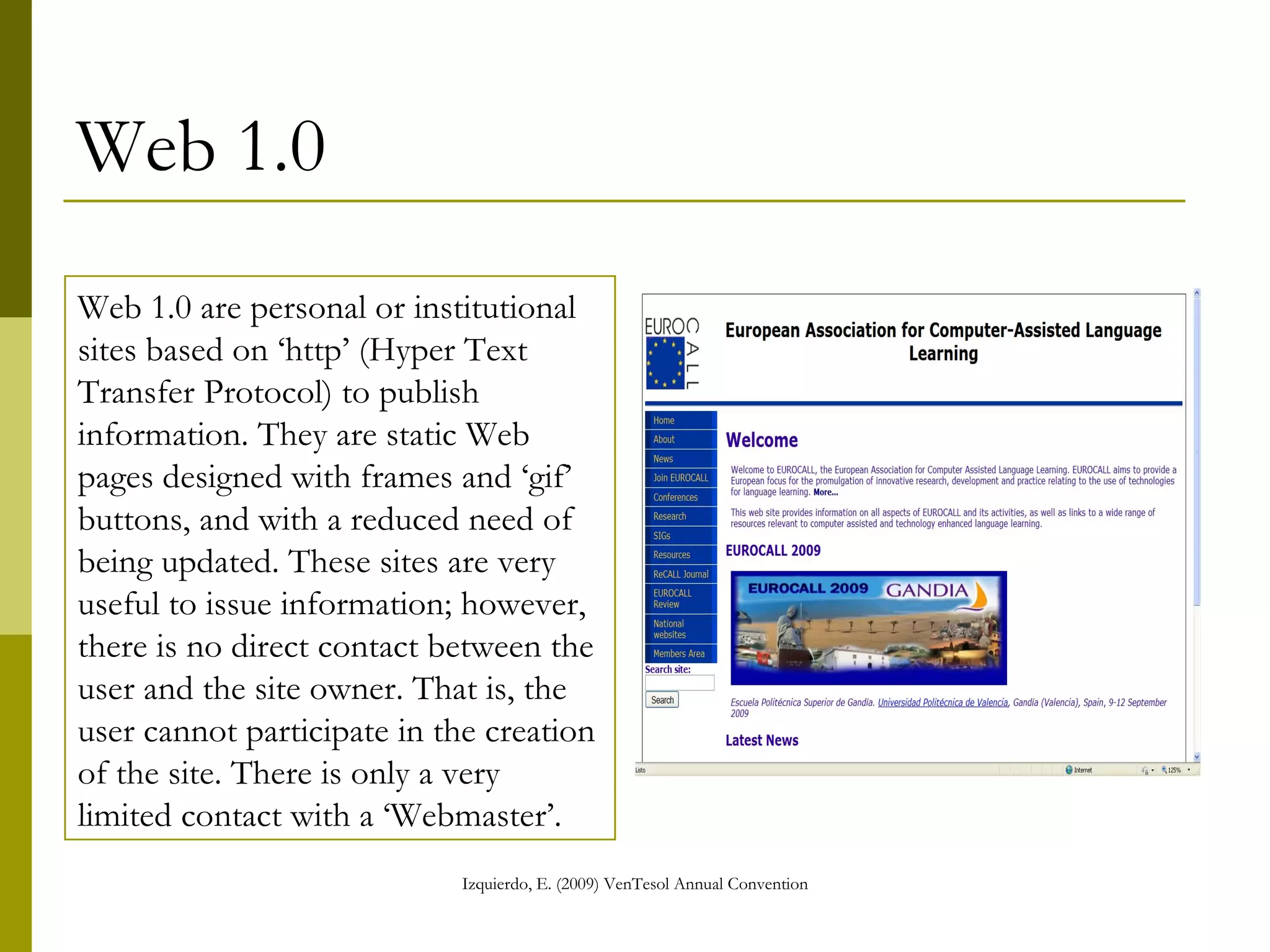
Web 1.0 Web 1.0 are personal or institutional sites based on ‘http’ (Hyper Text Transfer Protocol) to publish information. They are static Web pages designed with frames and ‘gif’ buttons, and with a reduced need of being updated. These sites are useful to issue information; however, there is no direct contact between the user and the site owner. That is, the user cannot participate in the creation of the site. There is only a very limited contact with a ‘Webmaster’.
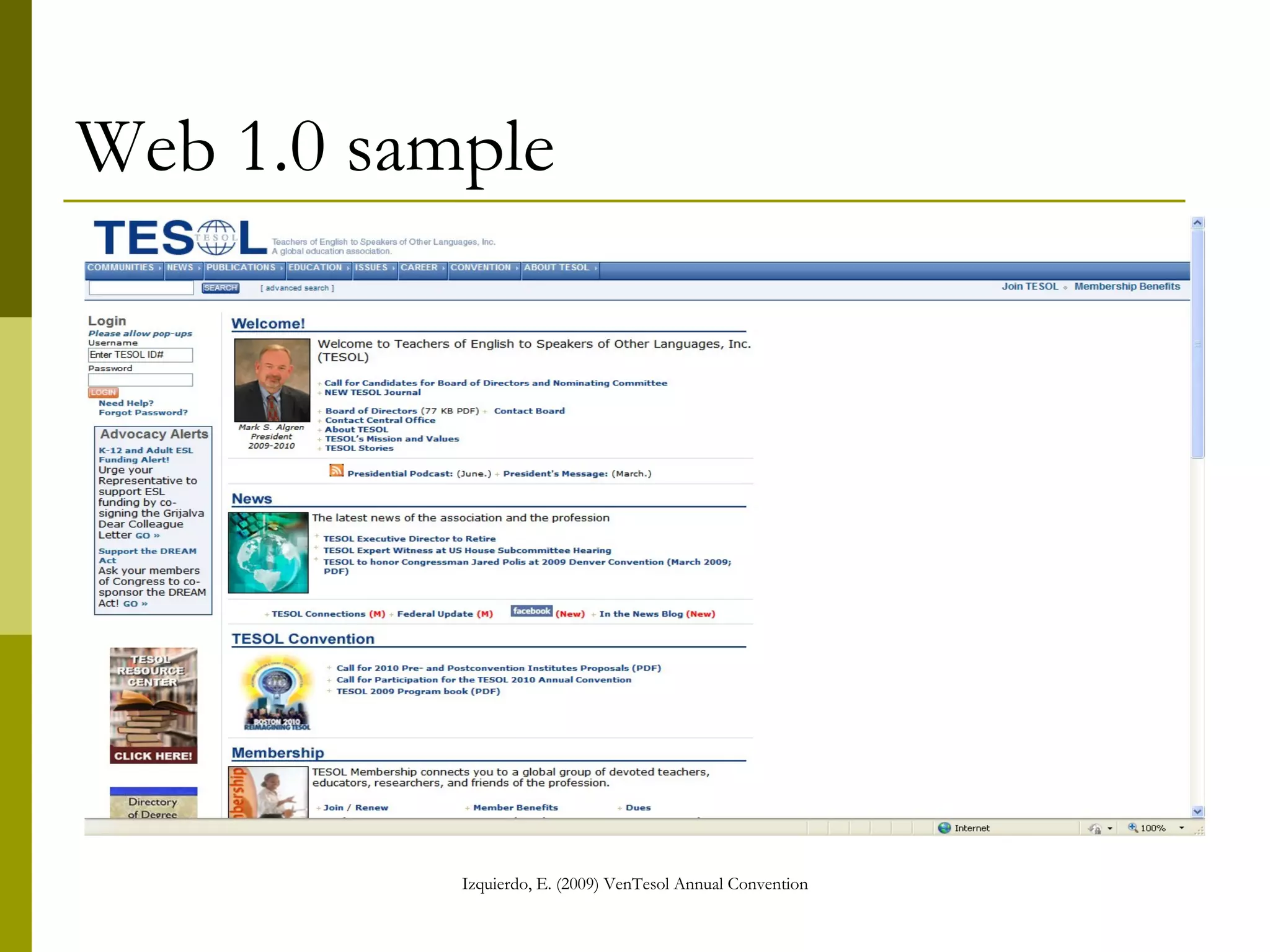
Web 1.0 sample
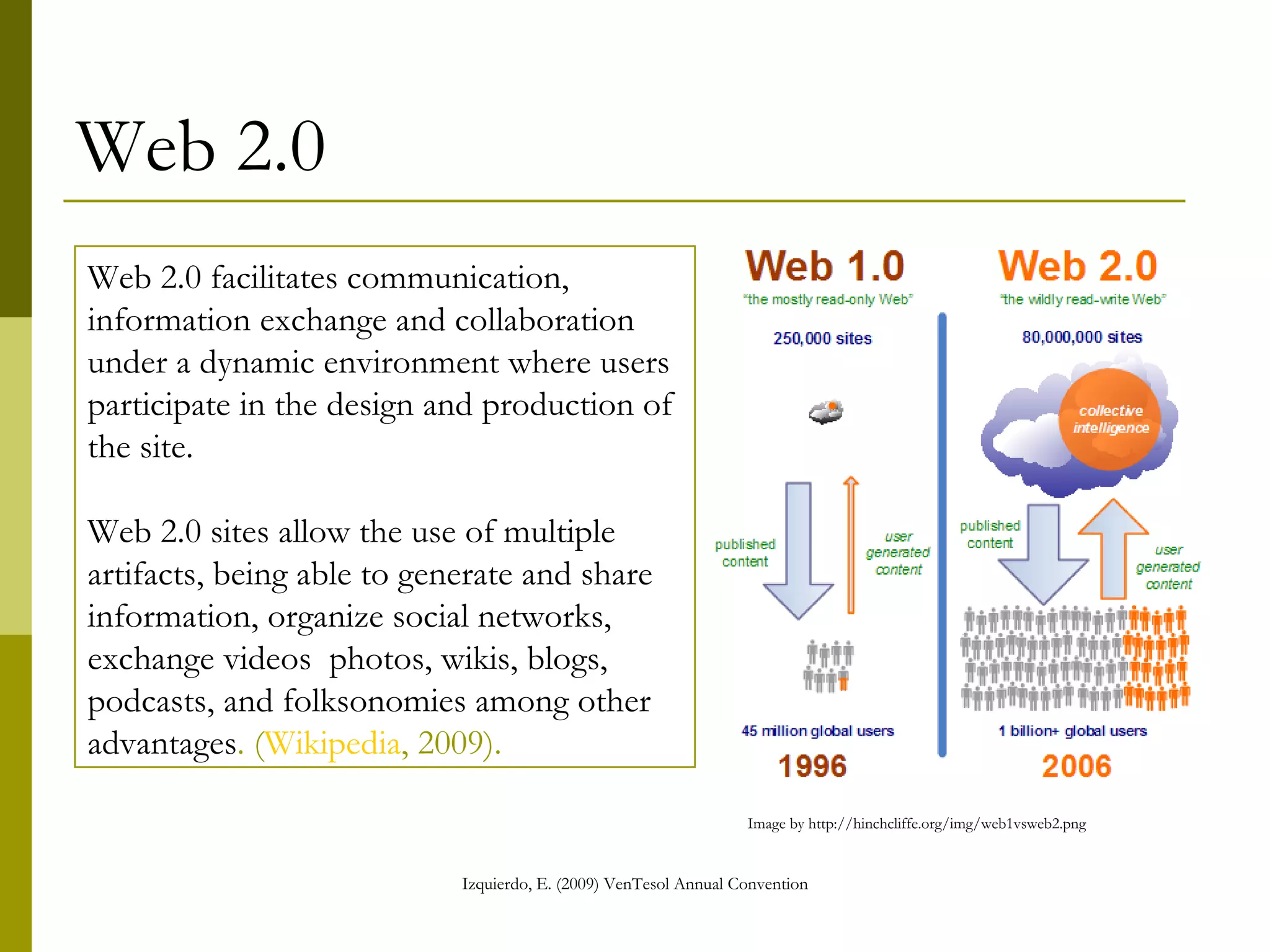
Web 2.0 Web 2.0 facilitates communication, information exchange and collaboration under a dynamic environment where users participate in the design and production of the site. Web 2.0 sites allow the use of multiple artifacts, being able to generate and share information, organize social networks, exchange videos  photos, wikis, blogs, podcasts, and folksonomies among other advantages . ( Wikipedia , 2009 ).
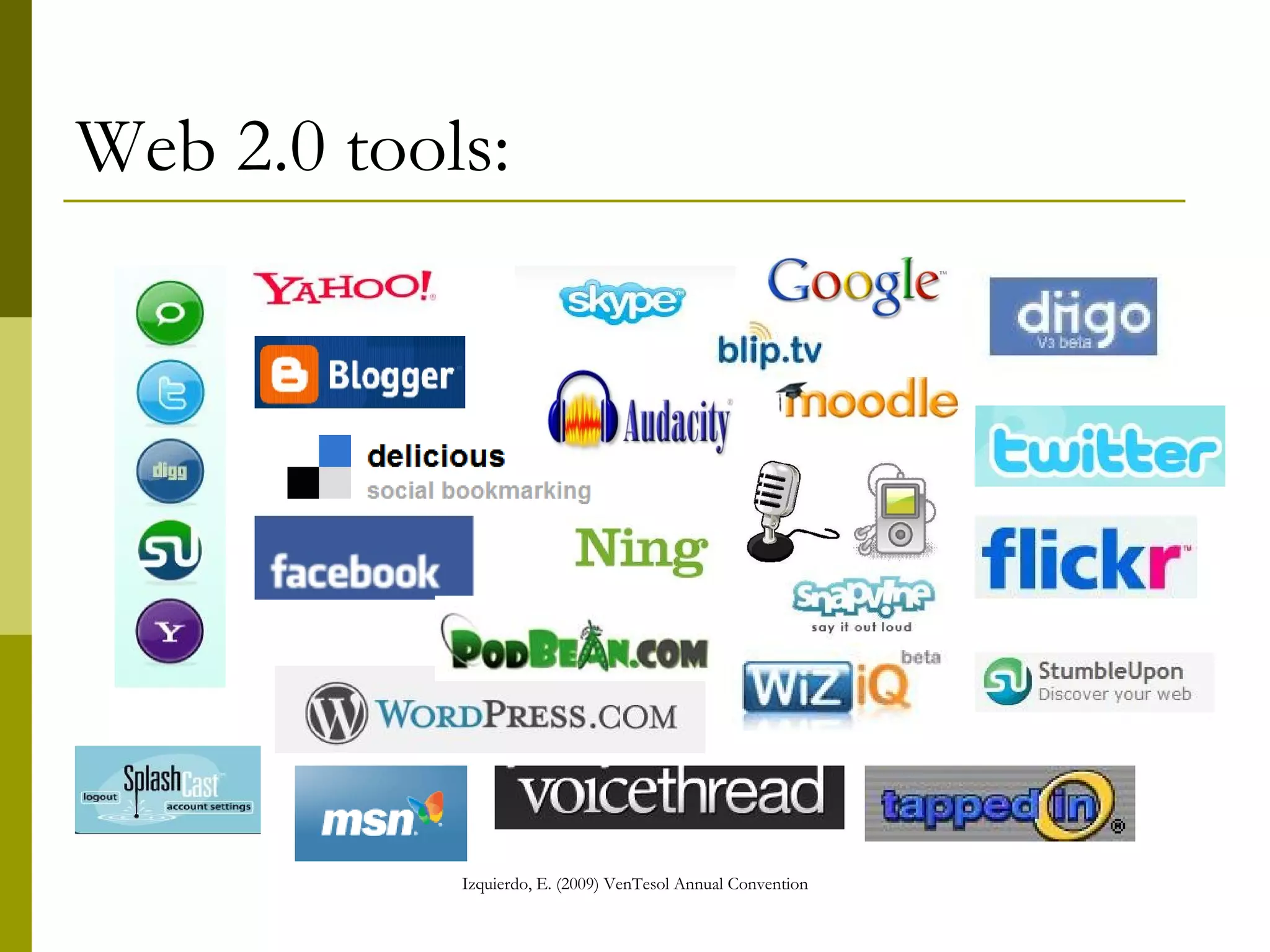
Web 2.0 tools:
Web 2.0: Blogs A blog is defined as a dynamic Web 2.0 site with dated entries, usually by a single author, often accompanied by links to other blogs that the site’s editor visits on a regular basis. Think of a blog as one person’s public diary or suggestion list.  (http://www.learningcircuits.org/2002/apr2002/cross.html)
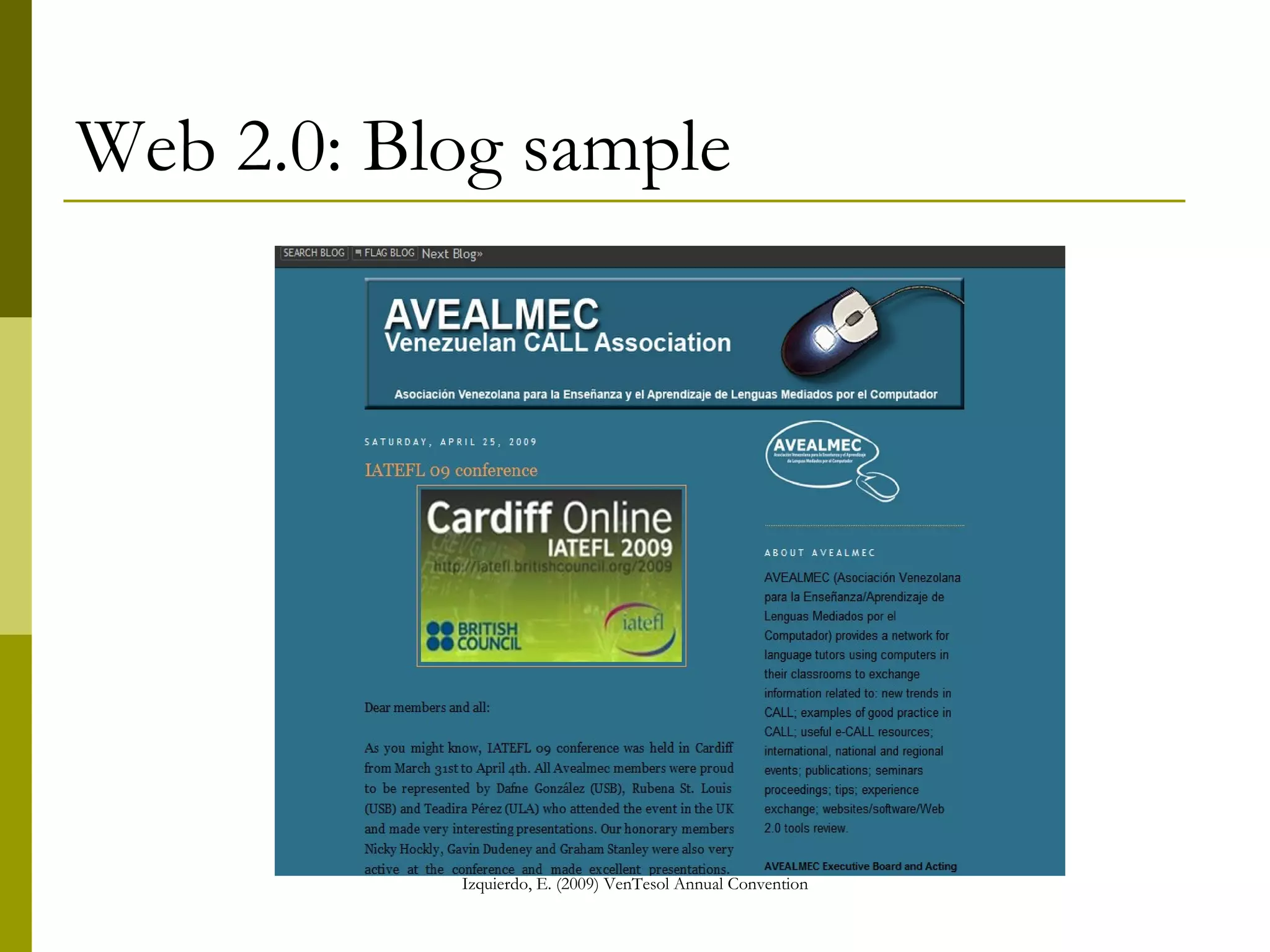
Web 2.0: Blog sample
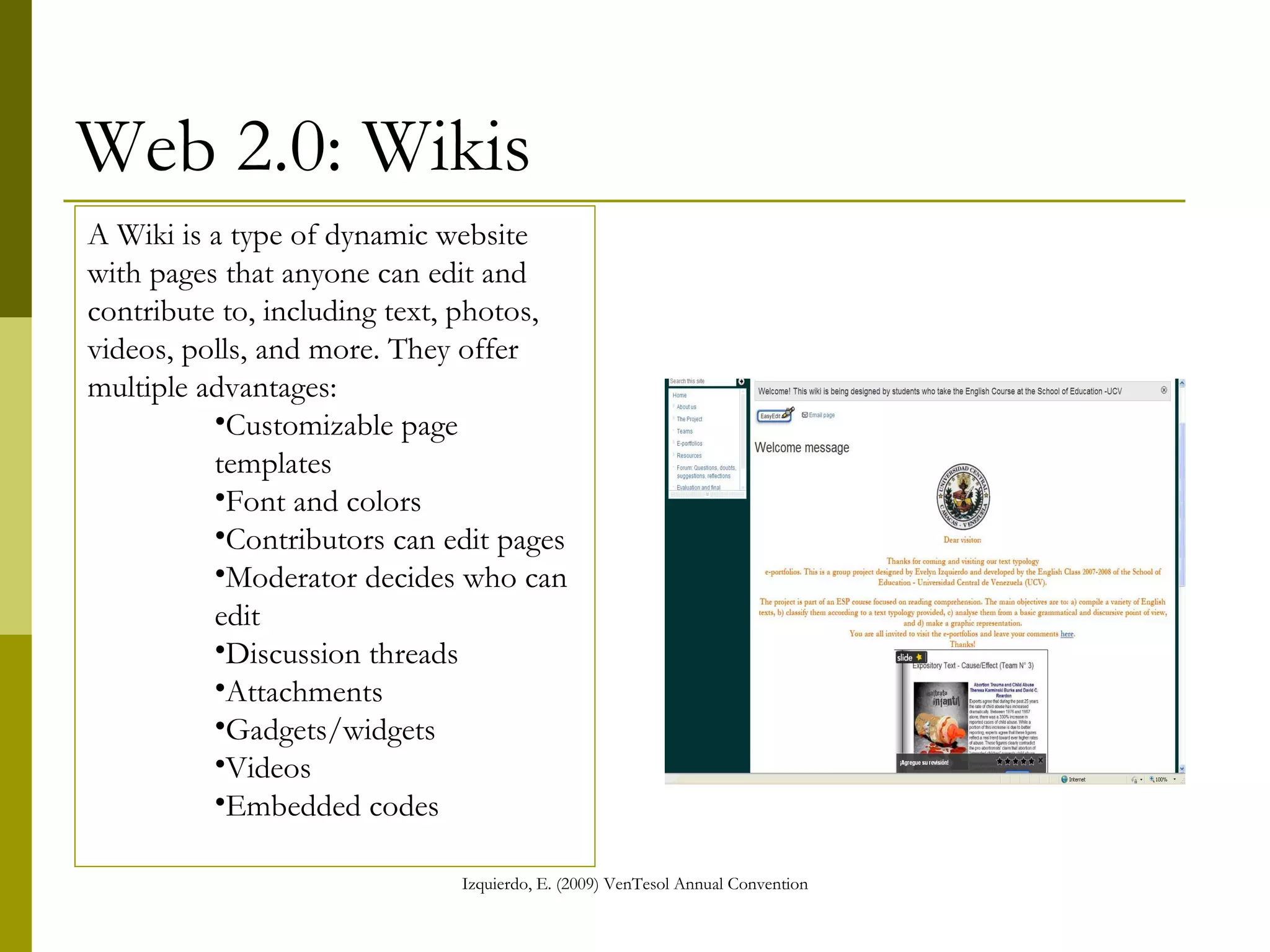
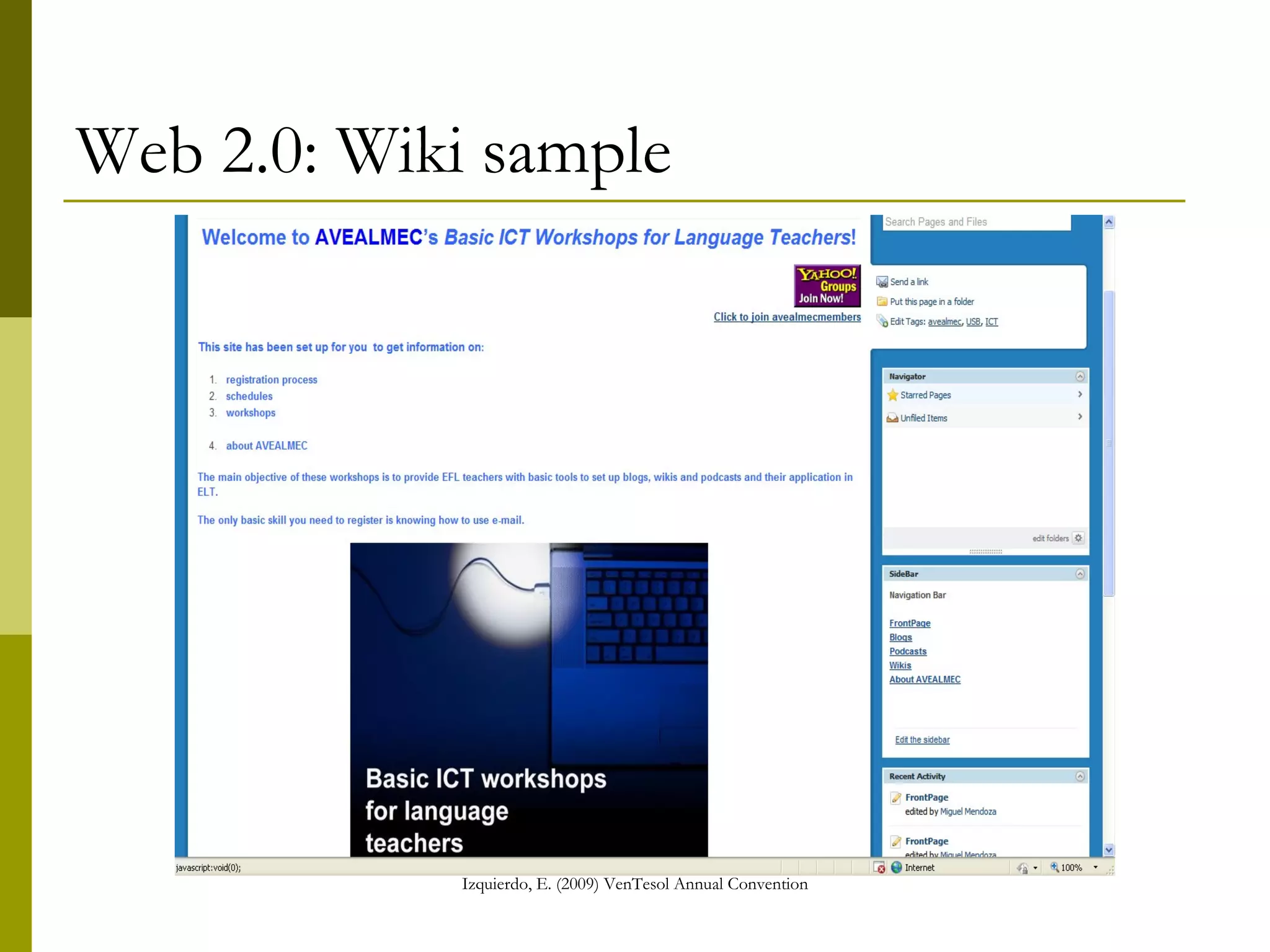
Web 2.0: Wikis A Wiki is a type of dynamic website with pages that anyone can edit and contribute to, including text, photos, videos, polls, and more. They offer multiple advantages: Customizable page templates Font and colors Contributors can edit pages Moderator decides who can edit Discussion threads Attachments Gadgets/widgets Videos Embedded codes
Web 2.0: Wiki sample
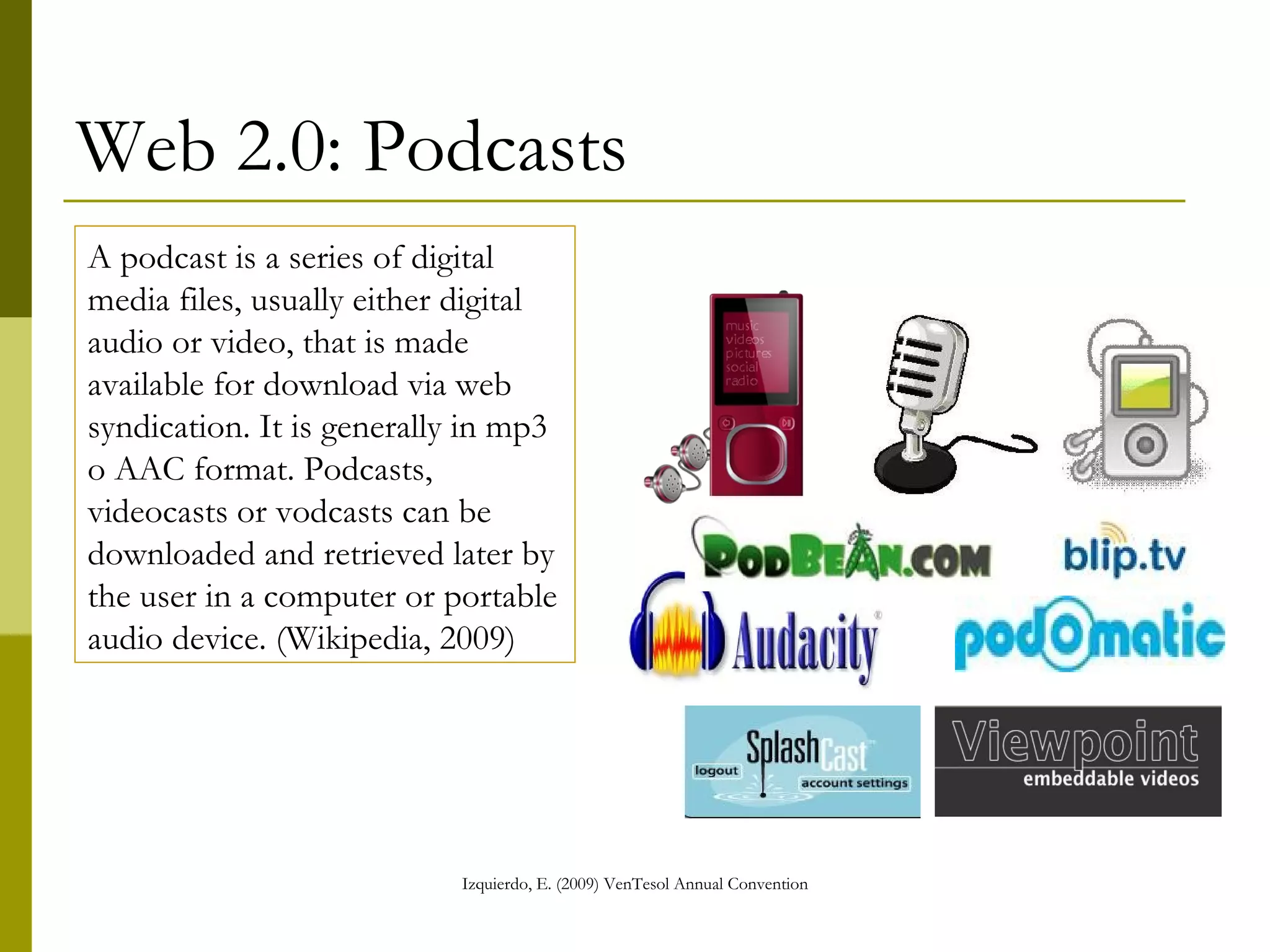
Web 2.0: Podcasts A podcast is a series of digital media files, usually either digital audio or video, that is made available for download via web syndication. It is generally in mp3 o AAC format. Podcasts, videocasts or vodcasts can be downloaded and retrieved later by the user in a computer or portable audio device. (Wikipedia, 2009)
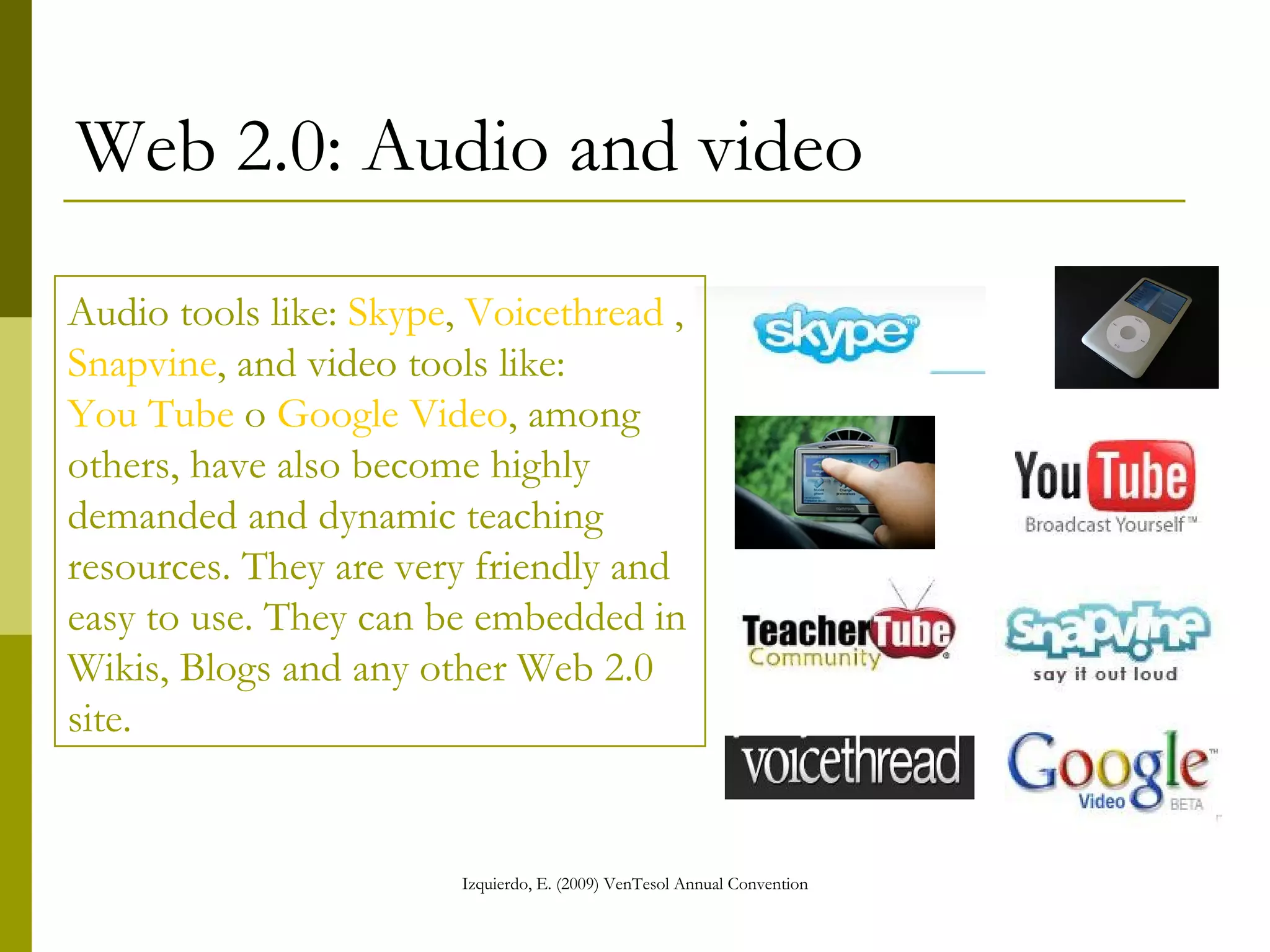
Web 2.0: Audio and video Audio tools like:  Skype ,  Voicethread  ,  Snapvine , and video tools like:  You Tube  o  Google Video , among others, have also become highly demanded and dynamic teaching resources. They are very friendly and easy to use. They can be embedded in Wikis, Blogs and any other Web 2.0 site.
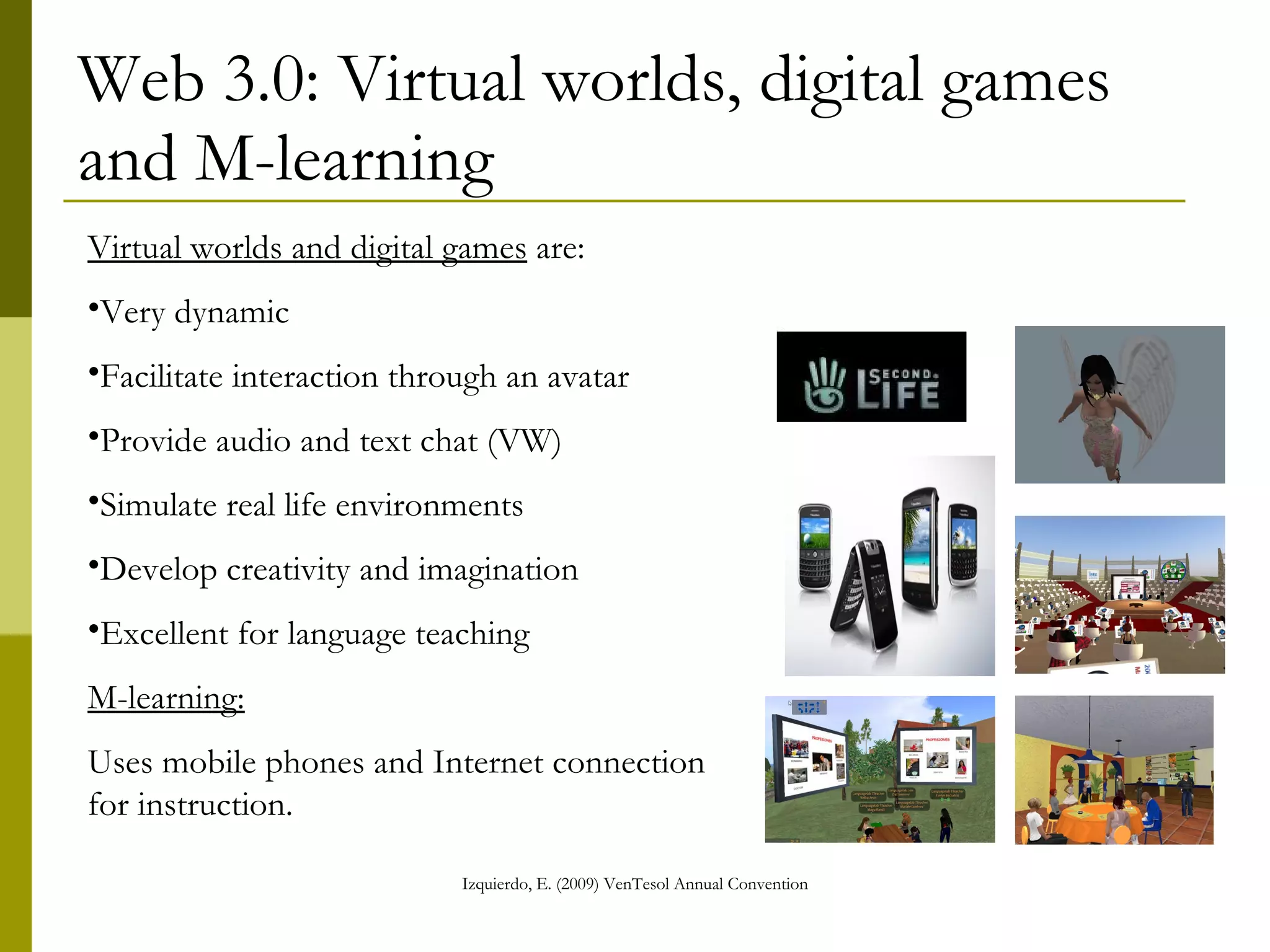
Web 3.0: Virtual worlds, digital games and M-learning Virtual worlds and digital games  are: Very dynamic Facilitate interaction through an avatar Provide audio and text chat (VW) Simulate real life environments Develop creativity and imagination Excellent for language teaching  M-learning: Uses mobile phones and Internet connection for instruction.
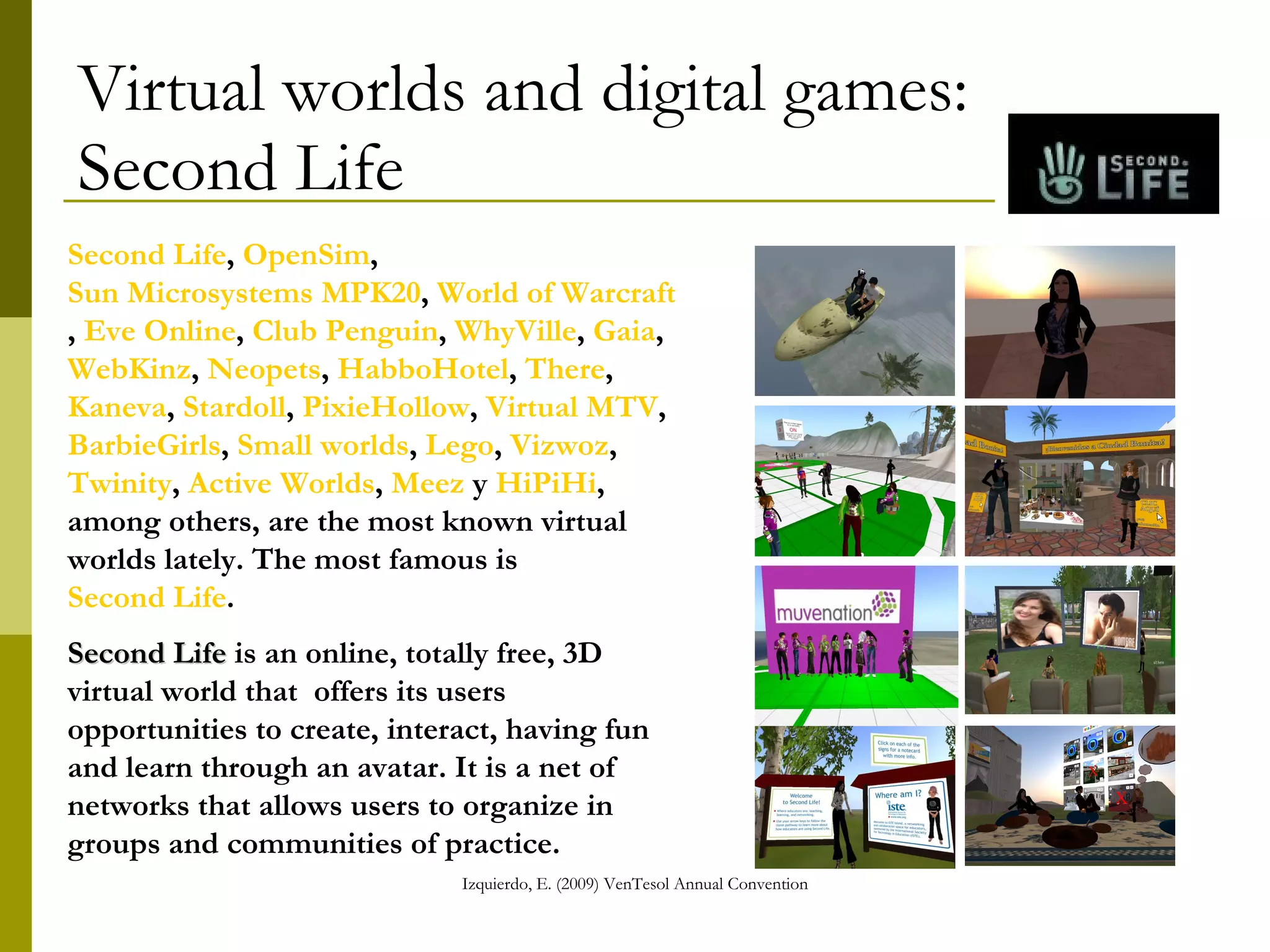
Virtual worlds and digital games:  Second Life Second Life ,  OpenSim ,  Sun Microsystems MPK20 ,  World of Warcraft ,  Eve Online ,  Club Penguin ,  WhyVille ,  Gaia ,  WebKinz ,  Neopets ,  HabboHotel ,  There ,  Kaneva ,  Stardoll ,  PixieHollow ,  Virtual MTV ,  BarbieGirls ,  Small worlds ,  Lego ,  Vizwoz ,  Twinity ,  Active Worlds ,  Meez  y  HiPiHi , among others, are the most known virtual worlds lately. The most famous is  Second Life .  Second Life  is an online, totally free, 3D virtual world that  offers its users opportunities to create, interact, having fun and learn through an avatar. It is a net of networks that allows users to organize in groups and communities of practice.
Web 2.0: VLE A Virtual learning environment  (VLE) is a software system designed to facilitate teachers and students a virtual environment to develop online courses. Both teachers and students can administrate and control the system giving them the opportunity to create, modify, delete, upload, download, chat, store, etc. To run the software an Internet server is needed.  Some VLE providers like  Elluminate  and  WiZiQ  offer synchronous videoconference tools, and others like  Moodle  offers both ,  synchronous and asynchronous tools.
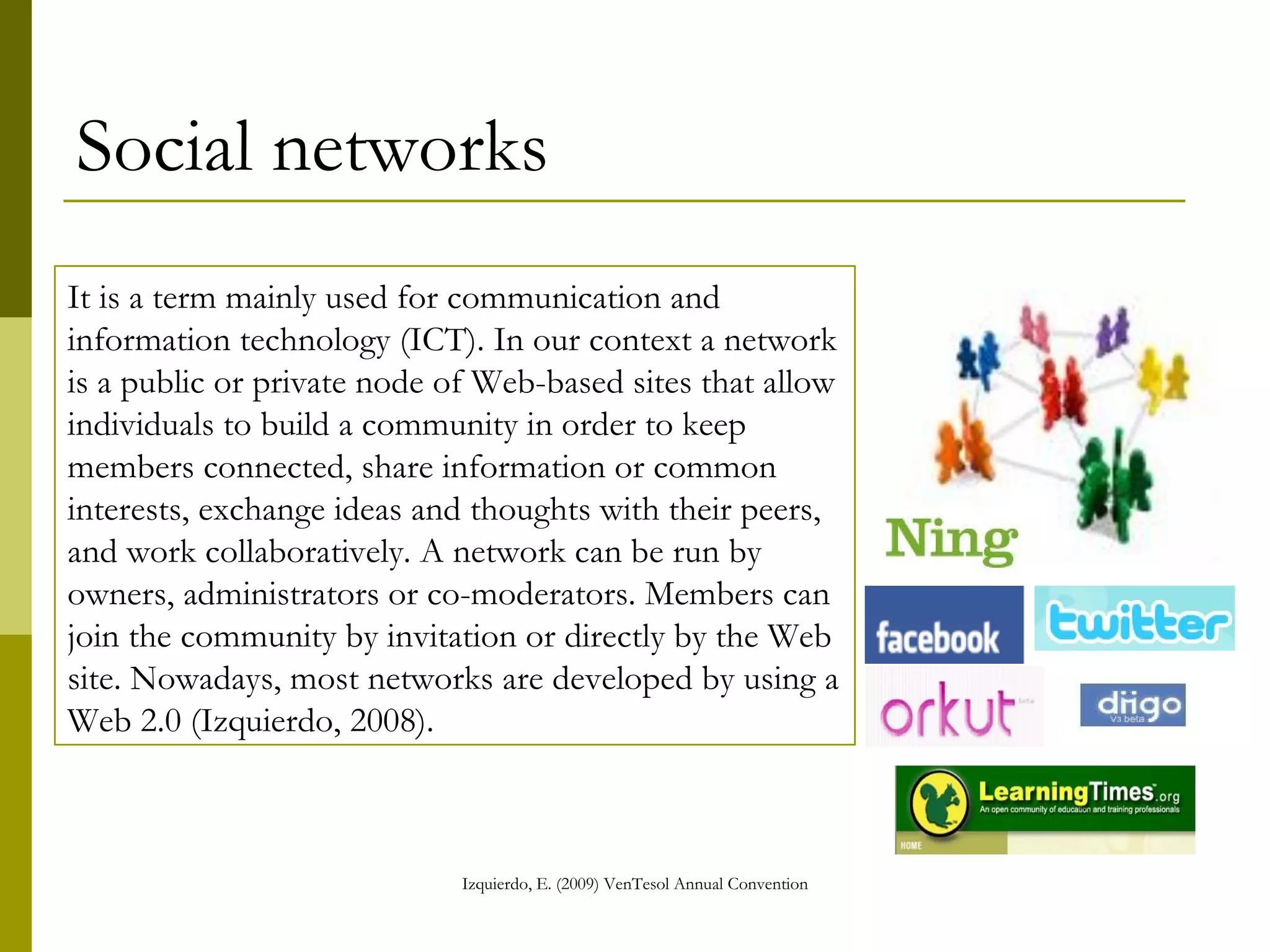
Social networks It is a term mainly used for communication and information technology (ICT). In our context a network is a public or private node of Web-based sites that allow individuals to build a community in order to keep members connected, share information or common interests, exchange ideas and thoughts with their peers, and work collaboratively. A network can be run by owners, administrators or co-moderators. Members can join the community by invitation or directly by the Web site. Nowadays, most networks are developed by using a Web 2.0 (Izquierdo, 2008).
Some popular social networks are… Web providers:  Yahoo ,  Google  y  MSN .  They offer a wide variety of options within their platforms to create networks and connections with other providers. Social networks to reach a high amount of contacts:   Facebook ,  MySpace ,  Sonico ,  Hi5 ,  Tagged ,  Orkut ,  Bebo ,  Ning   Sites to storage and share audio, create podcasts, leave audio messages or make phone calls:   Snapvine ,  Podbeam ,  Skype , etc. Photos:   Flickr ,  Bubbleshare ,  Picassa ,  Photobucket  etc. Videos :  You Tube ,  TeacherTube ,  Bliptv ,  Metacafe , etc. Blogs (blogs):   Blogger ,  Wordpress , etc. Microblogging:   Twitter ,  Crowdstatus , etc. Wikis:  Wikipedia ,  Wikieducator ,   Wetpaint ,  Wikispaces ,  PBwiki Social bookmarking:   Del.icio.us ,  Diigo   Doc and PPT storage sites:   Thinkfree ,  Box.net ,  Google docs ,  Slideshare   Learning environments, platforms or virtual rooms:   Learning Times ,  Tapped in ,   Elluminate ,  WiZiQ ,  Moodle   Virtual worlds:   Second Life   and others already mentioned
Communities of Practice (CoPs) A CoP is a group of individuals participating in communal activity, and experiencing/continuously creating their shared identity through engaging in and contributing to the practices of their communities.  Online Cops usually use Web 2.0 tools and social networks to keep connected.
Benefits of joining a CoP Among others, CoPs are excellent for: Developing thinking skills  Improving writing and reading skills Keeping the listening and speaking skills alive  Increasing vocabulary Discussing relevant topics related to the ELT field Learning about new trends in the field Keeping updated Making new contacts Strengthening peer interaction Promoting cooperative learning Promoting collaborative projects Doing research
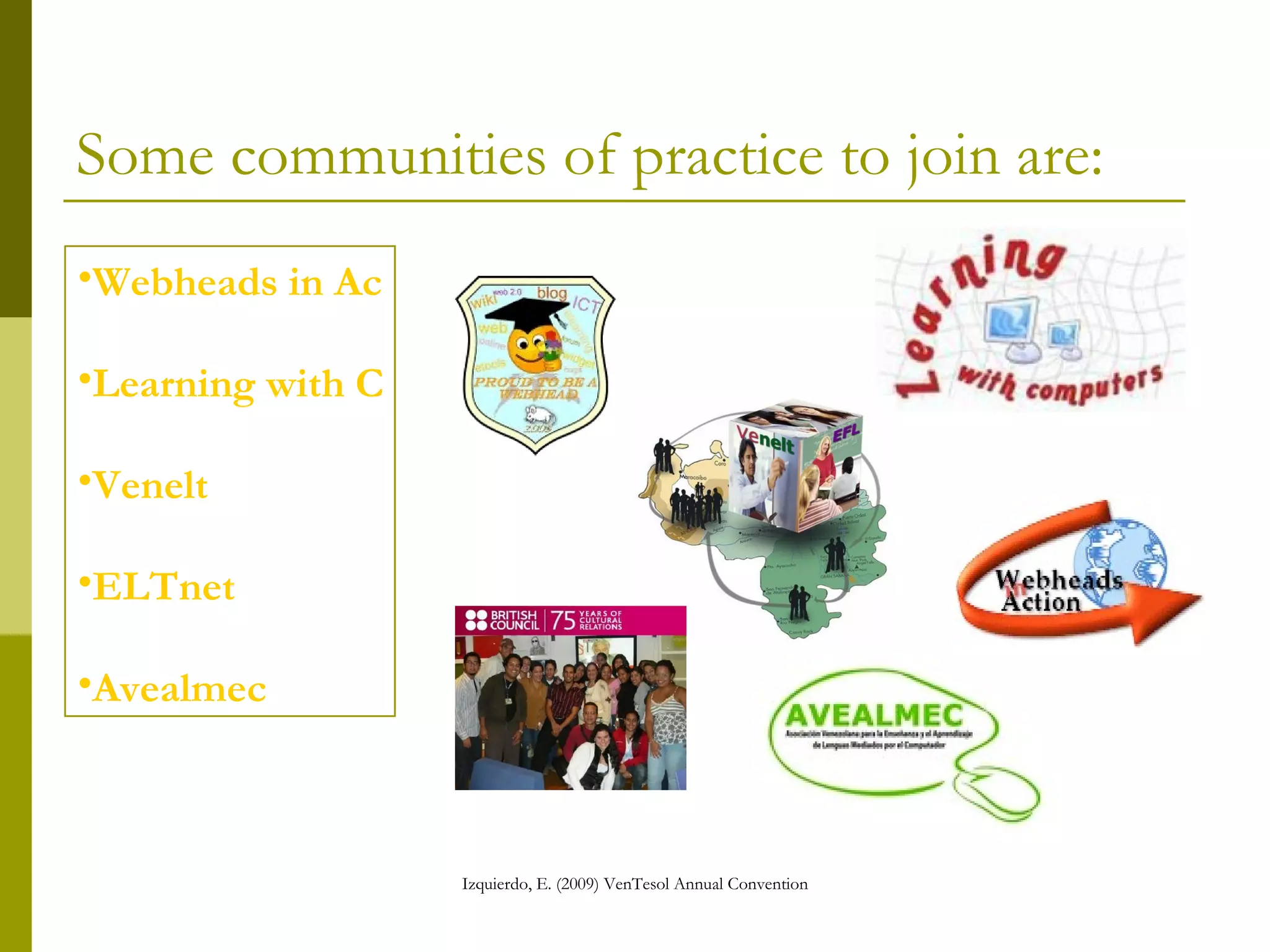
Some communities of practice to join are: Webheads in  Action Learning  with   Computers Venelt Avealmec ELTnet
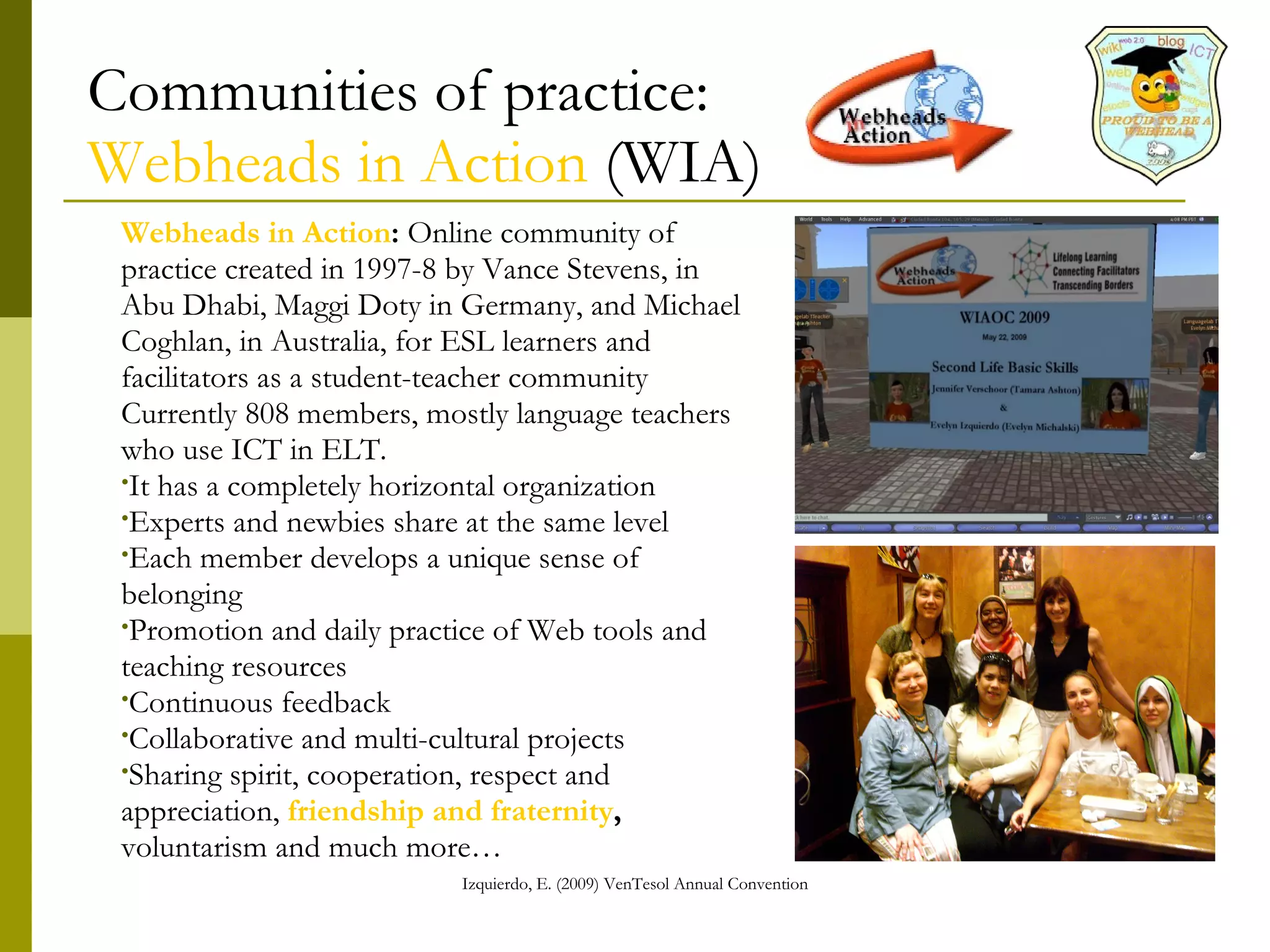
Communities of practice: Webheads in Action  (WIA) Webheads in Action :  Online community of practice created in 1997-8 by Vance Stevens, in Abu Dhabi, Maggi Doty in Germany, and Michael Coghlan, in Australia, for ESL learners and facilitators as a student-teacher community Currently 808 members, mostly language teachers who use ICT in ELT.  It has a completely horizontal organization  Experts and newbies share at the same level Each member develops a unique sense of belonging Promotion and daily practice of Web tools and teaching resources Continuous feedback  Collaborative and multi-cultural projects Sharing spirit, cooperation, respect and appreciation,  friendship and fraternity , voluntarism…
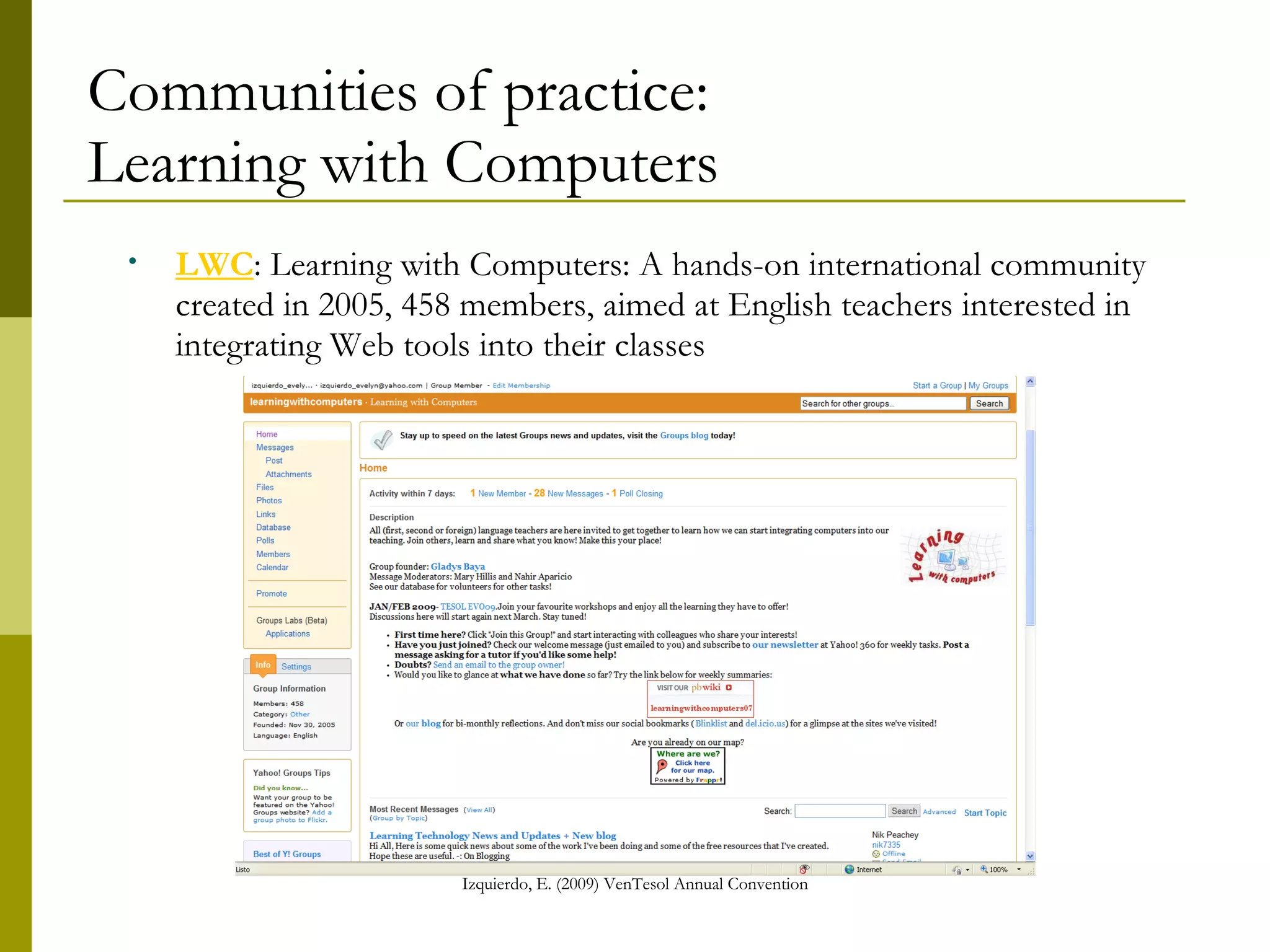
Communities of practice: Learning with Computers LWC : Learning with Computers: A hands-on international community created in 2005, 458 members, aimed at English teachers interested in integrating Web tools into their classes
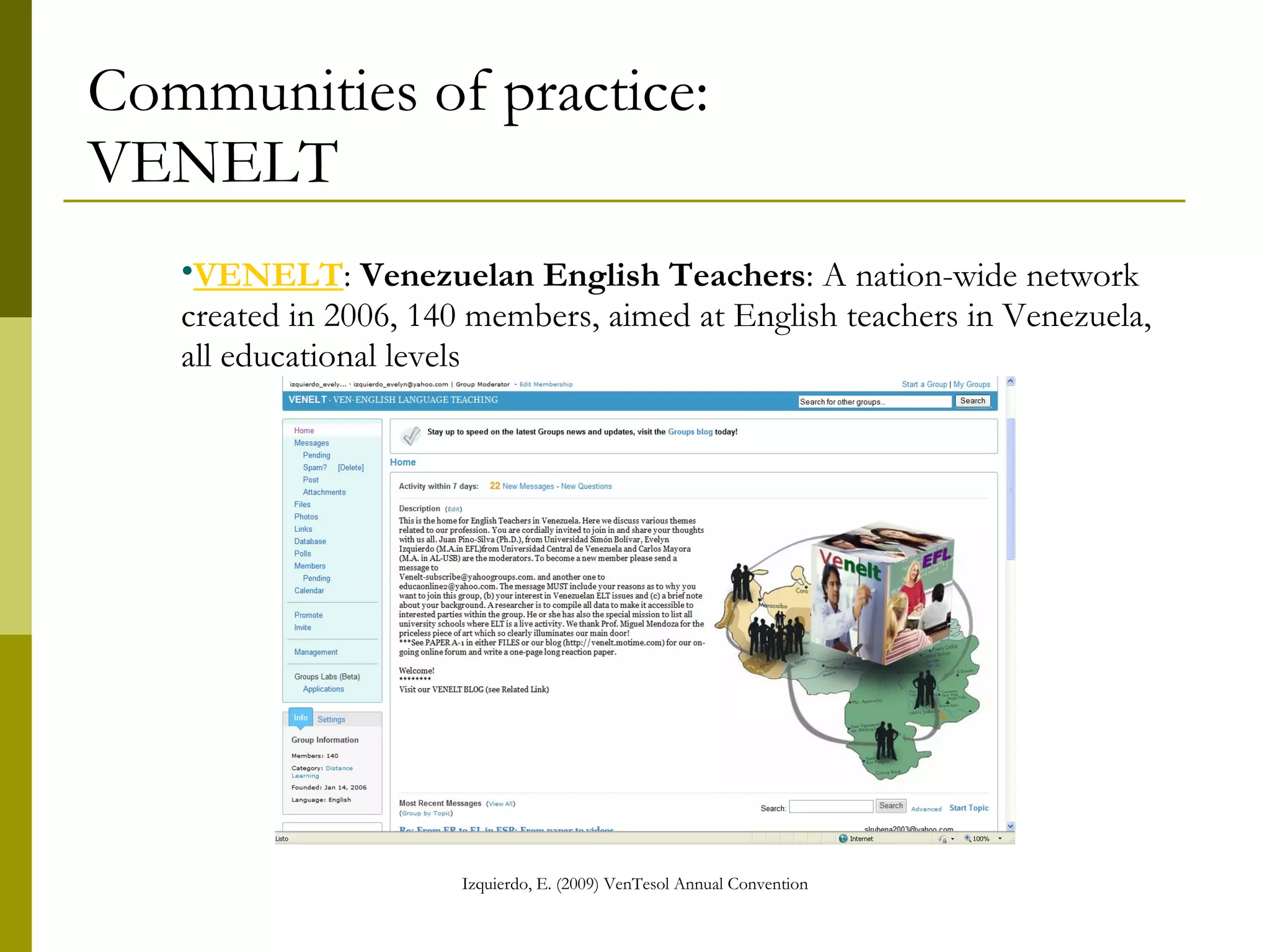
Communities of practice: VENELT VENELT :  Venezuelan English Teachers : A nation-wide network created in 2006, 140 members, aimed at English teachers in Venezuela, all educational levels
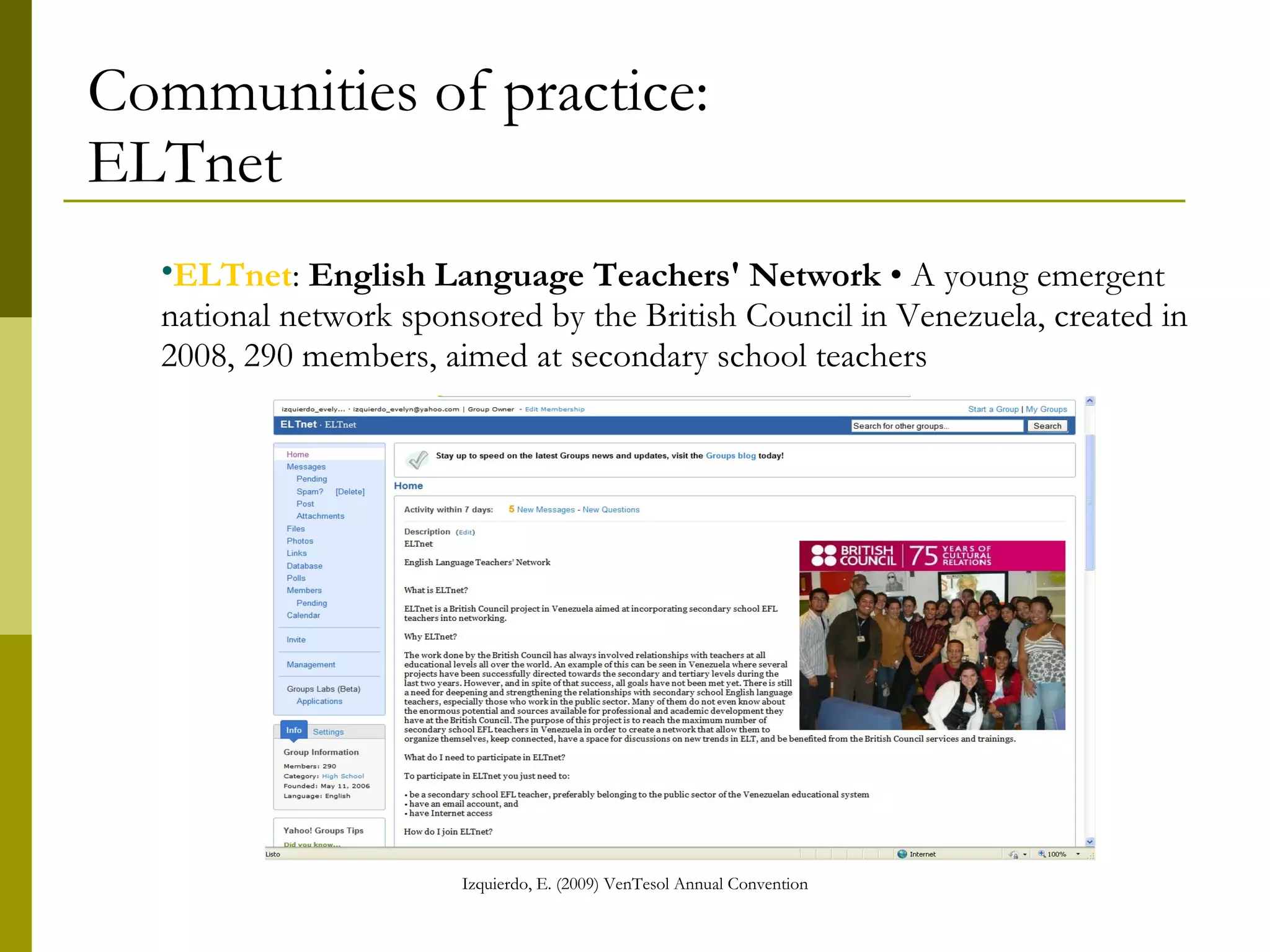
Communities of practice: ELTnet ELTnet :  English Language Teachers' Network  • A national network created in 2008, 290 members, a young emergent network sponsored by the British Council in Venezuela, aimed at secondary school teachers
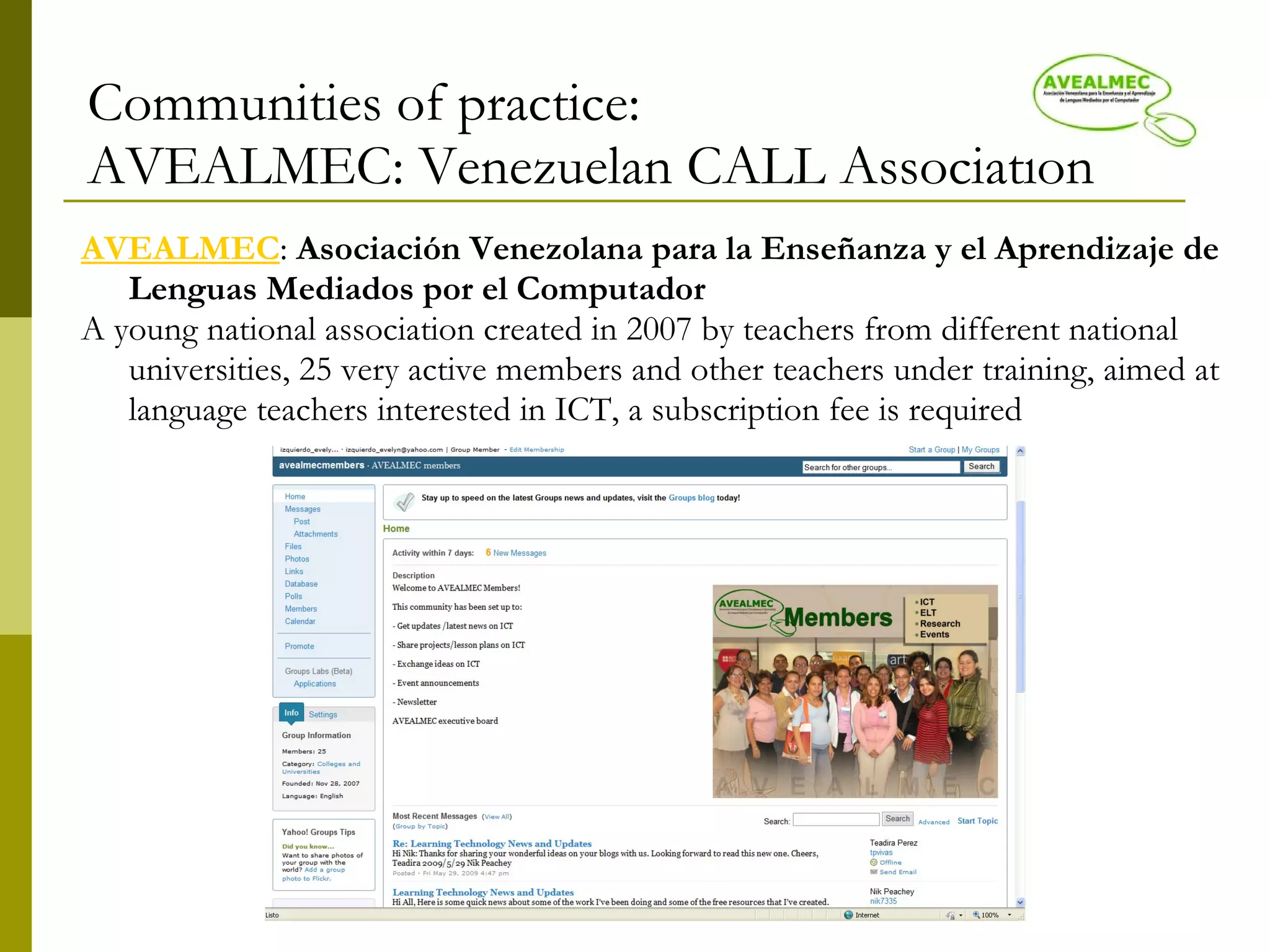
Communities of practice: AVEALMEC: Venezuelan CALL Association AVEALMEC :  Asociación Venezolana para la Enseñanza y el Aprendizaje de Lenguas Mediados por el Computador   A young national association created in 2007 by teachers from different national universities, 25 very active members and other teachers under training, aimed at language teachers interested in ICT
Conclusions: Teachers should use different digital resources to ease a productive teaching and learning process. Teachers are responsible for the education of a new society, so we cannot be behind the ICT development. We are supposed to teach the current and future net generation, and not the other way around. We have to reinforce the cognitive and social skills in our students, successful keys in the 21st century society. It is not the common literacy anymore. It has to do with a new society based on group work more than individuals.
Conclusions: Students should: a)  be aware of their environment, b) be willing to learn with different formats, c) be flexible enough to face new challenges, d) understand diversity, and e) be open to a continuous learning.  Educators should cooperate in order to guarantee new spaces for technology access to more and more people in the world and under the same conditions.  Technology  provides us with new resources and opportunities to teach in a different way, but it is not a  panacea  per se. Teachers must use ICTs appropriately to make them productive, effective and encouraging.
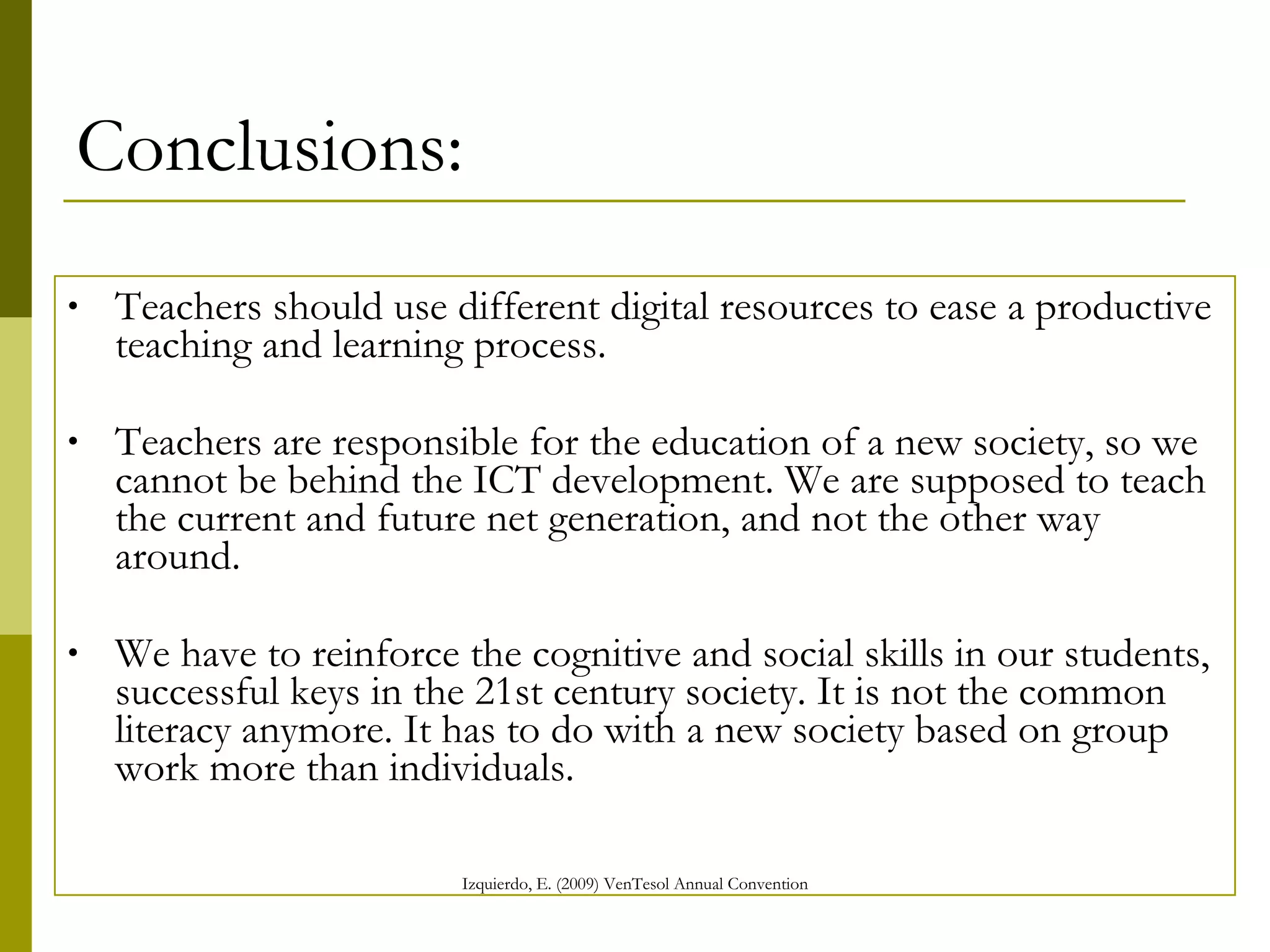
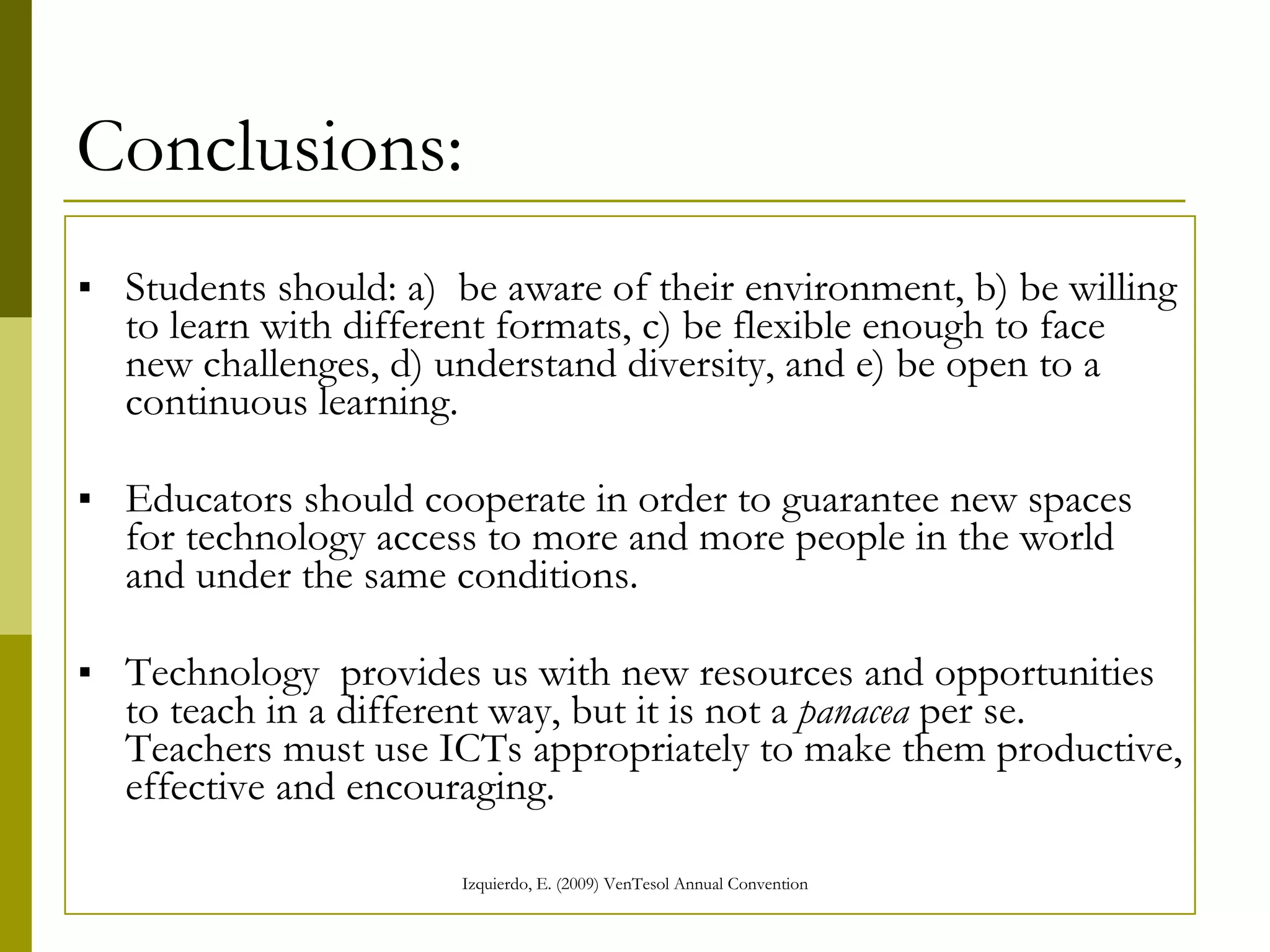
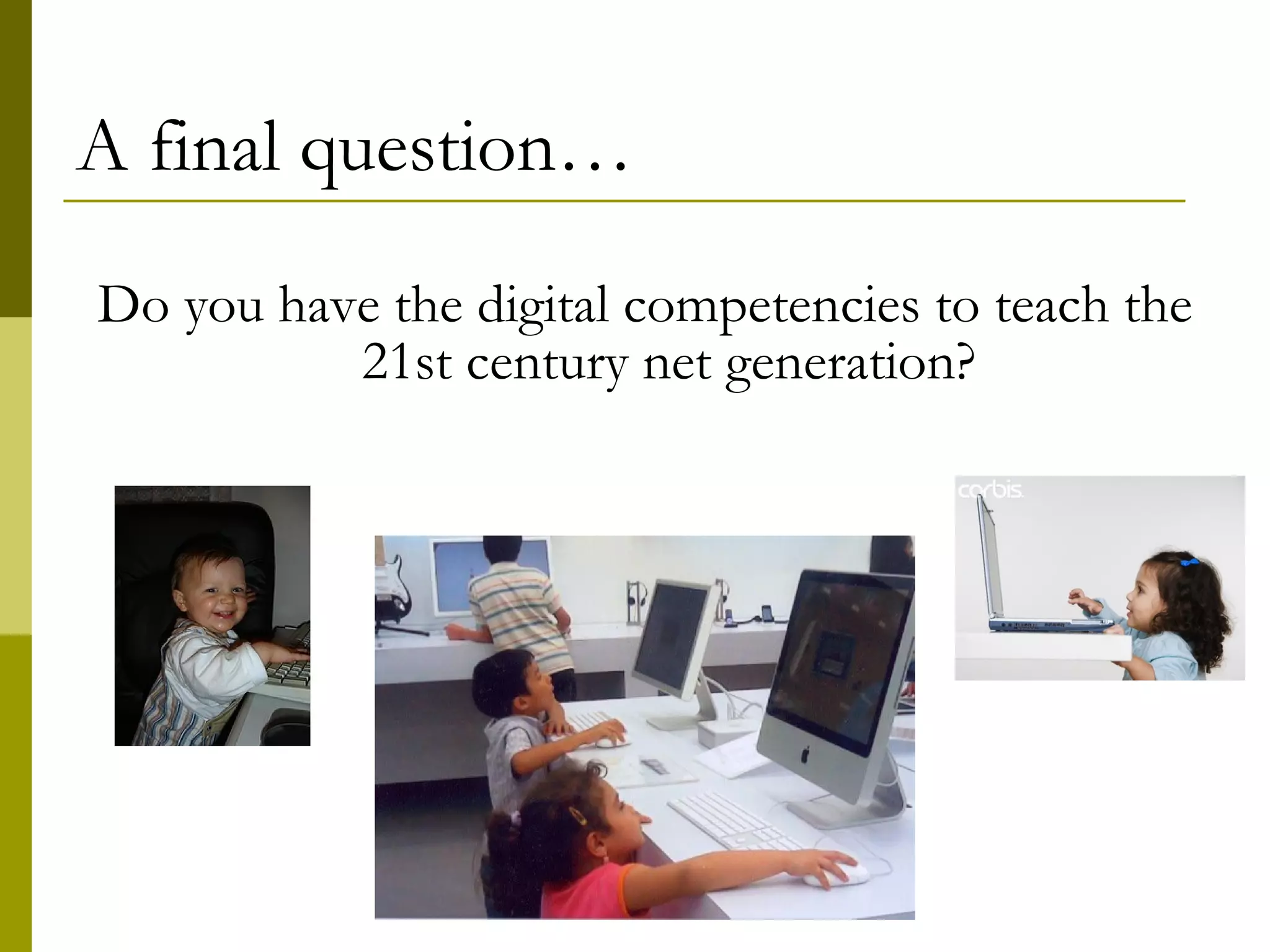
A final question… Do you have the digital competences to teach the 21st century net generation?
References American Association for Higher Education (October, 1999) and the Council of Independent Colleges (February, 2004).  Information Literacy Competency Standards of Higher Education.   [Online] Available at:  http:// www.ala.org /ala/ mgrps / divs / acrl / standards / standards.pdf  Retrieved April 15, 2009.  Downes, S. (2007)  What connectivism is . [En línea] Blog: Half an hour. [Online] Available at :  http:// halfanhour.blogspot.com /2007/02/ what - connectivism - is.html  Retrieved November 23,  2008 Educational Testing Service, International ICT Literacy Panel (2002).  Digital transformation: A framework for ICT literacy (A report of the International  ICT Literacy Panel).  Princeton, NJ: Educational Testing Service. [Online] Disponible en:  http:// www.ets.org /Media/ Research / pdf / ictreport.pdf  Retrieved March 18, 2009  Izquierdo, E. (2008).  Networking - Redes de apoyo para profesores de inglés.  Presentation at   Lenguas y Contemporaneidad. Universidad Metropolitana, Caracas, May 30-31, 2008. [Online] Available at:  http://docs.google.com/Presentation?id=dgbxs8sn_200gg24mdc4 Izquierdo, E. y Verschoor, J. (2009).  Social Bookmarks . Integrating Technology for Instruction and Learning. [Online] Available at:  http:// www.slideshare.net / EvelynIzquierdo /social-bookmarking-1293488  Retrieved April 3, 2009 Jones, C. (2003).  What is a Community of Practice?  [Online] http://groups.yahoo.com/ group /evonline2002_webheads/files/2003/ colloquium / CoP.ppt  Retrieved August 14,  2005.
References Marquès, P. (2000, ). Nueva cultura, nuevas competencias para los ciudadanos . [Online] Updated in 2007 and 2009. Available at:  http:// dewey.uab.es/PMARQUES/competen.htm   Retrieved November 22, 2004 Rheingold, H. (1993).  “ The Virtual Community ”,. Reading, MA, Addison-Wesley. Siemmens, G. (2004). Connectivism: A learning theory for the digital age. [Online] Available at  http:// www.elearnspace.org/Articles/connectivism.htm   Retrieved March 12, 2009 UNESCO (2008, en Eduteka).  ICT Competency Standards for Teachers[Online, Eduteka Website] Available at  http:// www.eduteka.org/EstandaresDocentesUnesco.php   Retrieved January 18, 2009 Webopedia (2009).  History of Blogging . [Online] Available at:  http:// www.webopedia.com/quick_ref/history_of_blogging.asp   Retrieved July 29, 2008 Wikipedia (2009). Virtual online environments. [Online encyclopedia]. Available at  http:// es.wikipedia.org/wiki/Ambiente_Educativo_Virtual   Retrieved April 16,  2009. Wikipedia (2009).  Podcast.  [Online encyclopedia]. Available at  http:// es.wikipedia.org/wiki/Podcasting  Retrieved April 18, 2009. Wikipedia (2009).  Tim Berners-Lee.  [Online encyclopedia]. Available at  http:// en.wikipedia.org/wiki/Tim_berners -lee  Retrieved April 16, 2009. Wikipedia (2009).  Web 2.0 . [Online encyclopedia]. Available at  http://en.wikipedia.org/wiki/Web_2.0 . Retrieved April 14, 2009
Thank you very much for your attention! Evelyn Izquierdo Escuela de Educación Universidad Central de Venezuela [email_address]

Digital Literacy

  • 1.
    XXVII VenTESOL ANNUALCONVENTION: “BUILDING BRIDGES IN ELT” May 29-30, 2009 Digital Literacy: What a 21st Century EFL Teacher Should Know   Evelyn Izquierdo Escuela de Educación Universidad Central de Venezuela [email_address]
  • 2.
    The 21st CenturySociety Knowledge Learning ICT Digital networks Virtual Communities Knowledge construction Flexibility and versatility Continuous challenges XXI Century Society Globalization Intelligence Creativity and interactivity Foreign languages No time or space limit Dynamism Inter-cultural environment/diversity Intelligence tele-distributed Solving-problem skills Social networks Analysis skills Conexiones y relaciones virtuales Brecha digital Virtual relations and connections Group Vs Individual Digital divide A huge amount of information at a high speed Computer Assisted Communication
  • 3.
    What is digitalliteracy? Digital literacy is the ability to locate, organize, understand, evaluate, and create information using digital technology (Wikipedia, 2009). It also involves cognitive skills such as: reading, writing, numeracy, critical thinking and problem-solving skills. Without this abilities there is no digital literacy (ETS, 2002).
  • 4.
    Digital Literacy: CompetencesAccording to UNESCO’s ICT Competency Standards for Teachers (2008) to live, learn, and work successfully in an increasingly complex, information-rich and knowledge-based society, students and teachers must utilize technology effectively. Within a sound educational setting, technology can enable students to become: • Capable information technology users • Information seekers, analyzers, and evaluators • Problem solvers and decision makers • Creative and effective users of productivity tools • Communicators, collaborators, publishers, and producers • Informed, responsible, and contributing citizens
  • 5.
    Information process Writingskills Collaborative work Reading comprehension of oral and written texts Shared knowledge Social networks Web search Discrimination and appropriate selection of information needed Critical thinking Internet and Web tools use Digital Literacy Competencies
  • 6.
    What should a21st century EFL teacher know? A 21st century EFL teacher should know: ICT s. That means having knowledge about high technology and understand how it can be used inside and outside the classroom. He or she must know how to use a computer, Web tools, mobile phone and other electronic devices. The importance of making connections through online social networks and being part of them The usefulness of online communities of practice to promote collaboration, interaction, and group activities in order to learn together and share knowledge. CoPs are excellent for professional development.
  • 7.
    Web tools Whatdo you know about them?
  • 8.
    Web 1.0 Web1.0 are personal or institutional sites based on ‘http’ (Hyper Text Transfer Protocol) to publish information. They are static Web pages designed with frames and ‘gif’ buttons, and with a reduced need of being updated. These sites are useful to issue information; however, there is no direct contact between the user and the site owner. That is, the user cannot participate in the creation of the site. There is only a very limited contact with a ‘Webmaster’.
  • 9.
  • 10.
    Web 2.0 Web2.0 facilitates communication, information exchange and collaboration under a dynamic environment where users participate in the design and production of the site. Web 2.0 sites allow the use of multiple artifacts, being able to generate and share information, organize social networks, exchange videos photos, wikis, blogs, podcasts, and folksonomies among other advantages . ( Wikipedia , 2009 ).
  • 11.
  • 12.
    Web 2.0: BlogsA blog is defined as a dynamic Web 2.0 site with dated entries, usually by a single author, often accompanied by links to other blogs that the site’s editor visits on a regular basis. Think of a blog as one person’s public diary or suggestion list. (http://www.learningcircuits.org/2002/apr2002/cross.html)
  • 13.
  • 14.
    Web 2.0: WikisA Wiki is a type of dynamic website with pages that anyone can edit and contribute to, including text, photos, videos, polls, and more. They offer multiple advantages: Customizable page templates Font and colors Contributors can edit pages Moderator decides who can edit Discussion threads Attachments Gadgets/widgets Videos Embedded codes
  • 15.
  • 16.
    Web 2.0: PodcastsA podcast is a series of digital media files, usually either digital audio or video, that is made available for download via web syndication. It is generally in mp3 o AAC format. Podcasts, videocasts or vodcasts can be downloaded and retrieved later by the user in a computer or portable audio device. (Wikipedia, 2009)
  • 17.
    Web 2.0: Audioand video Audio tools like: Skype , Voicethread , Snapvine , and video tools like: You Tube o Google Video , among others, have also become highly demanded and dynamic teaching resources. They are very friendly and easy to use. They can be embedded in Wikis, Blogs and any other Web 2.0 site.
  • 18.
    Web 3.0: Virtualworlds, digital games and M-learning Virtual worlds and digital games are: Very dynamic Facilitate interaction through an avatar Provide audio and text chat (VW) Simulate real life environments Develop creativity and imagination Excellent for language teaching M-learning: Uses mobile phones and Internet connection for instruction.
  • 19.
    Virtual worlds anddigital games: Second Life Second Life , OpenSim , Sun Microsystems MPK20 , World of Warcraft , Eve Online , Club Penguin , WhyVille , Gaia , WebKinz , Neopets , HabboHotel , There , Kaneva , Stardoll , PixieHollow , Virtual MTV , BarbieGirls , Small worlds , Lego , Vizwoz , Twinity , Active Worlds , Meez y HiPiHi , among others, are the most known virtual worlds lately. The most famous is Second Life . Second Life is an online, totally free, 3D virtual world that offers its users opportunities to create, interact, having fun and learn through an avatar. It is a net of networks that allows users to organize in groups and communities of practice.
  • 20.
    Web 2.0: VLEA Virtual learning environment (VLE) is a software system designed to facilitate teachers and students a virtual environment to develop online courses. Both teachers and students can administrate and control the system giving them the opportunity to create, modify, delete, upload, download, chat, store, etc. To run the software an Internet server is needed. Some VLE providers like Elluminate and WiZiQ offer synchronous videoconference tools, and others like Moodle offers both , synchronous and asynchronous tools.
  • 21.
    Social networks Itis a term mainly used for communication and information technology (ICT). In our context a network is a public or private node of Web-based sites that allow individuals to build a community in order to keep members connected, share information or common interests, exchange ideas and thoughts with their peers, and work collaboratively. A network can be run by owners, administrators or co-moderators. Members can join the community by invitation or directly by the Web site. Nowadays, most networks are developed by using a Web 2.0 (Izquierdo, 2008).
  • 22.
    Some popular socialnetworks are… Web providers: Yahoo , Google y MSN . They offer a wide variety of options within their platforms to create networks and connections with other providers. Social networks to reach a high amount of contacts: Facebook , MySpace , Sonico , Hi5 , Tagged , Orkut , Bebo , Ning Sites to storage and share audio, create podcasts, leave audio messages or make phone calls: Snapvine , Podbeam , Skype , etc. Photos: Flickr , Bubbleshare , Picassa , Photobucket etc. Videos : You Tube , TeacherTube , Bliptv , Metacafe , etc. Blogs (blogs): Blogger , Wordpress , etc. Microblogging: Twitter , Crowdstatus , etc. Wikis: Wikipedia , Wikieducator , Wetpaint , Wikispaces , PBwiki Social bookmarking: Del.icio.us , Diigo Doc and PPT storage sites: Thinkfree , Box.net , Google docs , Slideshare Learning environments, platforms or virtual rooms: Learning Times , Tapped in , Elluminate , WiZiQ , Moodle Virtual worlds: Second Life and others already mentioned
  • 23.
    Communities of Practice(CoPs) A CoP is a group of individuals participating in communal activity, and experiencing/continuously creating their shared identity through engaging in and contributing to the practices of their communities. Online Cops usually use Web 2.0 tools and social networks to keep connected.
  • 24.
    Benefits of joininga CoP Among others, CoPs are excellent for: Developing thinking skills Improving writing and reading skills Keeping the listening and speaking skills alive Increasing vocabulary Discussing relevant topics related to the ELT field Learning about new trends in the field Keeping updated Making new contacts Strengthening peer interaction Promoting cooperative learning Promoting collaborative projects Doing research
  • 25.
    Some communities ofpractice to join are: Webheads in Action Learning with Computers Venelt Avealmec ELTnet
  • 26.
    Communities of practice:Webheads in Action (WIA) Webheads in Action : Online community of practice created in 1997-8 by Vance Stevens, in Abu Dhabi, Maggi Doty in Germany, and Michael Coghlan, in Australia, for ESL learners and facilitators as a student-teacher community Currently 808 members, mostly language teachers who use ICT in ELT. It has a completely horizontal organization Experts and newbies share at the same level Each member develops a unique sense of belonging Promotion and daily practice of Web tools and teaching resources Continuous feedback Collaborative and multi-cultural projects Sharing spirit, cooperation, respect and appreciation, friendship and fraternity , voluntarism…
  • 27.
    Communities of practice:Learning with Computers LWC : Learning with Computers: A hands-on international community created in 2005, 458 members, aimed at English teachers interested in integrating Web tools into their classes
  • 28.
    Communities of practice:VENELT VENELT : Venezuelan English Teachers : A nation-wide network created in 2006, 140 members, aimed at English teachers in Venezuela, all educational levels
  • 29.
    Communities of practice:ELTnet ELTnet : English Language Teachers' Network • A national network created in 2008, 290 members, a young emergent network sponsored by the British Council in Venezuela, aimed at secondary school teachers
  • 30.
    Communities of practice:AVEALMEC: Venezuelan CALL Association AVEALMEC : Asociación Venezolana para la Enseñanza y el Aprendizaje de Lenguas Mediados por el Computador A young national association created in 2007 by teachers from different national universities, 25 very active members and other teachers under training, aimed at language teachers interested in ICT
  • 31.
    Conclusions: Teachers shoulduse different digital resources to ease a productive teaching and learning process. Teachers are responsible for the education of a new society, so we cannot be behind the ICT development. We are supposed to teach the current and future net generation, and not the other way around. We have to reinforce the cognitive and social skills in our students, successful keys in the 21st century society. It is not the common literacy anymore. It has to do with a new society based on group work more than individuals.
  • 32.
    Conclusions: Students should:a) be aware of their environment, b) be willing to learn with different formats, c) be flexible enough to face new challenges, d) understand diversity, and e) be open to a continuous learning. Educators should cooperate in order to guarantee new spaces for technology access to more and more people in the world and under the same conditions. Technology provides us with new resources and opportunities to teach in a different way, but it is not a panacea per se. Teachers must use ICTs appropriately to make them productive, effective and encouraging.
  • 33.
    A final question…Do you have the digital competences to teach the 21st century net generation?
  • 34.
    References American Associationfor Higher Education (October, 1999) and the Council of Independent Colleges (February, 2004). Information Literacy Competency Standards of Higher Education. [Online] Available at: http:// www.ala.org /ala/ mgrps / divs / acrl / standards / standards.pdf Retrieved April 15, 2009. Downes, S. (2007) What connectivism is . [En línea] Blog: Half an hour. [Online] Available at : http:// halfanhour.blogspot.com /2007/02/ what - connectivism - is.html Retrieved November 23, 2008 Educational Testing Service, International ICT Literacy Panel (2002). Digital transformation: A framework for ICT literacy (A report of the International ICT Literacy Panel). Princeton, NJ: Educational Testing Service. [Online] Disponible en: http:// www.ets.org /Media/ Research / pdf / ictreport.pdf Retrieved March 18, 2009 Izquierdo, E. (2008). Networking - Redes de apoyo para profesores de inglés. Presentation at Lenguas y Contemporaneidad. Universidad Metropolitana, Caracas, May 30-31, 2008. [Online] Available at: http://docs.google.com/Presentation?id=dgbxs8sn_200gg24mdc4 Izquierdo, E. y Verschoor, J. (2009). Social Bookmarks . Integrating Technology for Instruction and Learning. [Online] Available at: http:// www.slideshare.net / EvelynIzquierdo /social-bookmarking-1293488 Retrieved April 3, 2009 Jones, C. (2003). What is a Community of Practice? [Online] http://groups.yahoo.com/ group /evonline2002_webheads/files/2003/ colloquium / CoP.ppt Retrieved August 14, 2005.
  • 35.
    References Marquès, P.(2000, ). Nueva cultura, nuevas competencias para los ciudadanos . [Online] Updated in 2007 and 2009. Available at: http:// dewey.uab.es/PMARQUES/competen.htm Retrieved November 22, 2004 Rheingold, H. (1993). “ The Virtual Community ”,. Reading, MA, Addison-Wesley. Siemmens, G. (2004). Connectivism: A learning theory for the digital age. [Online] Available at http:// www.elearnspace.org/Articles/connectivism.htm Retrieved March 12, 2009 UNESCO (2008, en Eduteka). ICT Competency Standards for Teachers[Online, Eduteka Website] Available at http:// www.eduteka.org/EstandaresDocentesUnesco.php Retrieved January 18, 2009 Webopedia (2009). History of Blogging . [Online] Available at: http:// www.webopedia.com/quick_ref/history_of_blogging.asp Retrieved July 29, 2008 Wikipedia (2009). Virtual online environments. [Online encyclopedia]. Available at http:// es.wikipedia.org/wiki/Ambiente_Educativo_Virtual Retrieved April 16, 2009. Wikipedia (2009). Podcast. [Online encyclopedia]. Available at http:// es.wikipedia.org/wiki/Podcasting Retrieved April 18, 2009. Wikipedia (2009). Tim Berners-Lee. [Online encyclopedia]. Available at http:// en.wikipedia.org/wiki/Tim_berners -lee Retrieved April 16, 2009. Wikipedia (2009). Web 2.0 . [Online encyclopedia]. Available at http://en.wikipedia.org/wiki/Web_2.0 . Retrieved April 14, 2009
  • 36.
    Thank you verymuch for your attention! Evelyn Izquierdo Escuela de Educación Universidad Central de Venezuela [email_address]