Downloaded 35 times









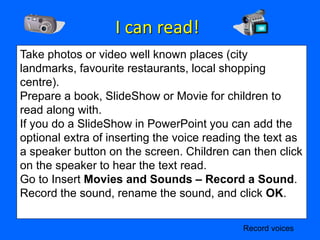




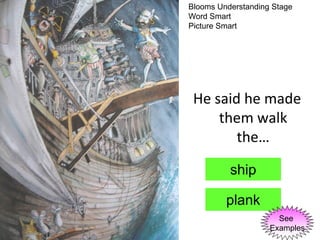
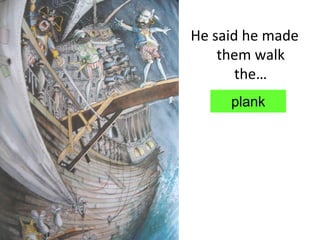
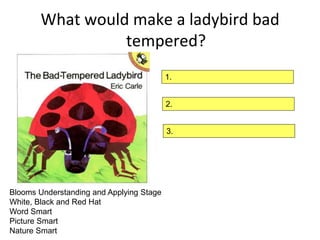
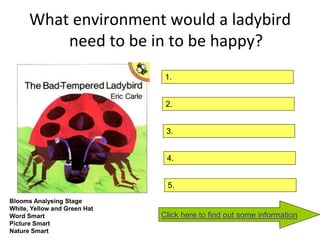
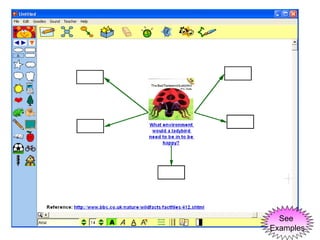
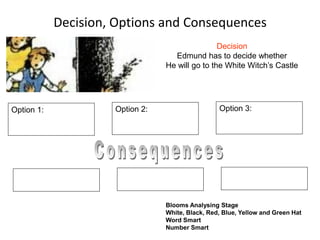

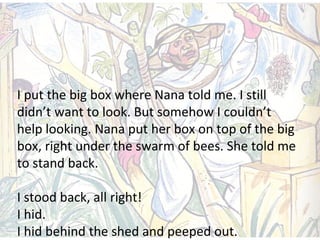


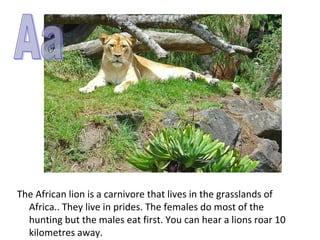

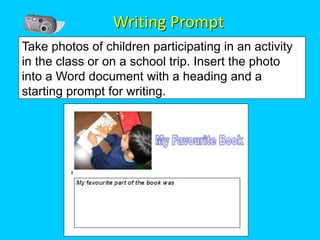
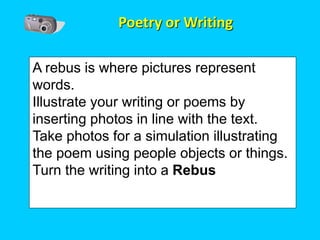
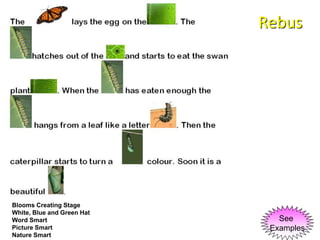

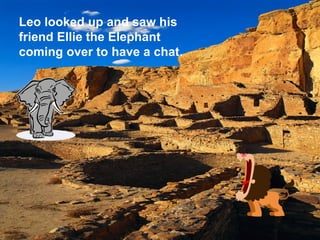
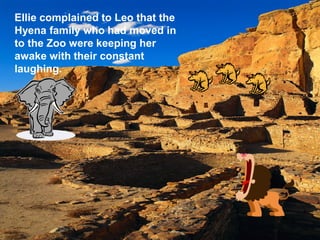


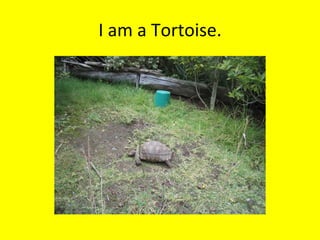



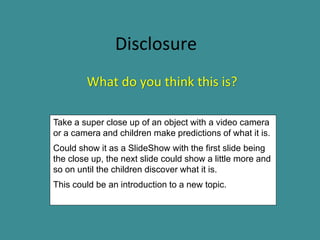







Here are the steps to create a "Who am I?" guessing game in PowerPoint: 1. Create slides with clues or descriptions about different characters, people, animals, objects, etc. For example, "I am furry, have four legs and a tail." 2. On each clue slide, add a text box for the user to type their guess. 3. Add a button labeled "Check" or "Reveal Answer" that links to the next slide with the answer revealed. 4. On the answer slides, include the character/thing name revealed in big text. 5. Optionally add an image of the character/thing on the answer slide. 6. Repeat steps


![CloudQueue [BeeSoftware]](https://cdn.slidesharecdn.com/ss_thumbnails/kit2012beesoftware-121107063427-phpapp01-thumbnail.jpg?width=640&height=640&fit=bounds)
![Координация работы на предприятии [Arta Synergy]](https://cdn.slidesharecdn.com/ss_thumbnails/kit2012arta-121107063334-phpapp01-thumbnail.jpg?width=640&height=640&fit=bounds)


