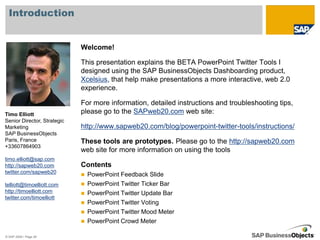
This document provides instructions for using various Twitter tools within PowerPoint presentations, including:
1) A PowerPoint Feedback Slide that allows audience members to provide live feedback via Twitter.
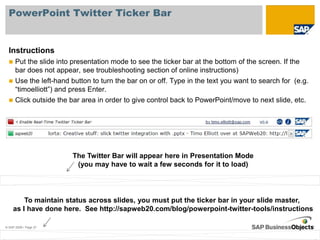
2) A PowerPoint Twitter Ticker Bar that displays recent tweets including a search term in a bar at the bottom of presentation slides.
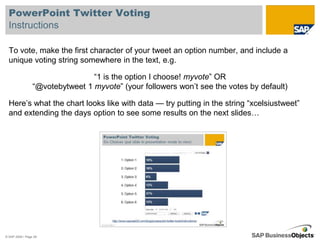
3) Additional Twitter tools like a Twitter Voting tool to poll audiences, a Twitter Mood Meter, and a Crowd Meter to gauge audience engagement.
The tools are designed to be interactive and help make presentations a more engaging "web 2.0 experience." Instructions for setting up and using each tool are provided.