Digital Access
at WVSS:
Our New
Initiative/Our
New Normal
- Impacting learning
and instruction -
Presentation Outline
1. Our story
2. Our plan
3. The elementary experience – Cari Wilson
4. On-line safety and citizenship
5. The Google environment – Gary Kern
6. What device?
7. Parental support
8. Questions
What we hear from students
“Learning becomes
more interesting when
you have more learning
options”
Our Readiness
 5 year conversation
 Many individual and group efforts
 Motivated staff
 Lots of staff-led ProD
 Library support
 We have never said no to an
idea
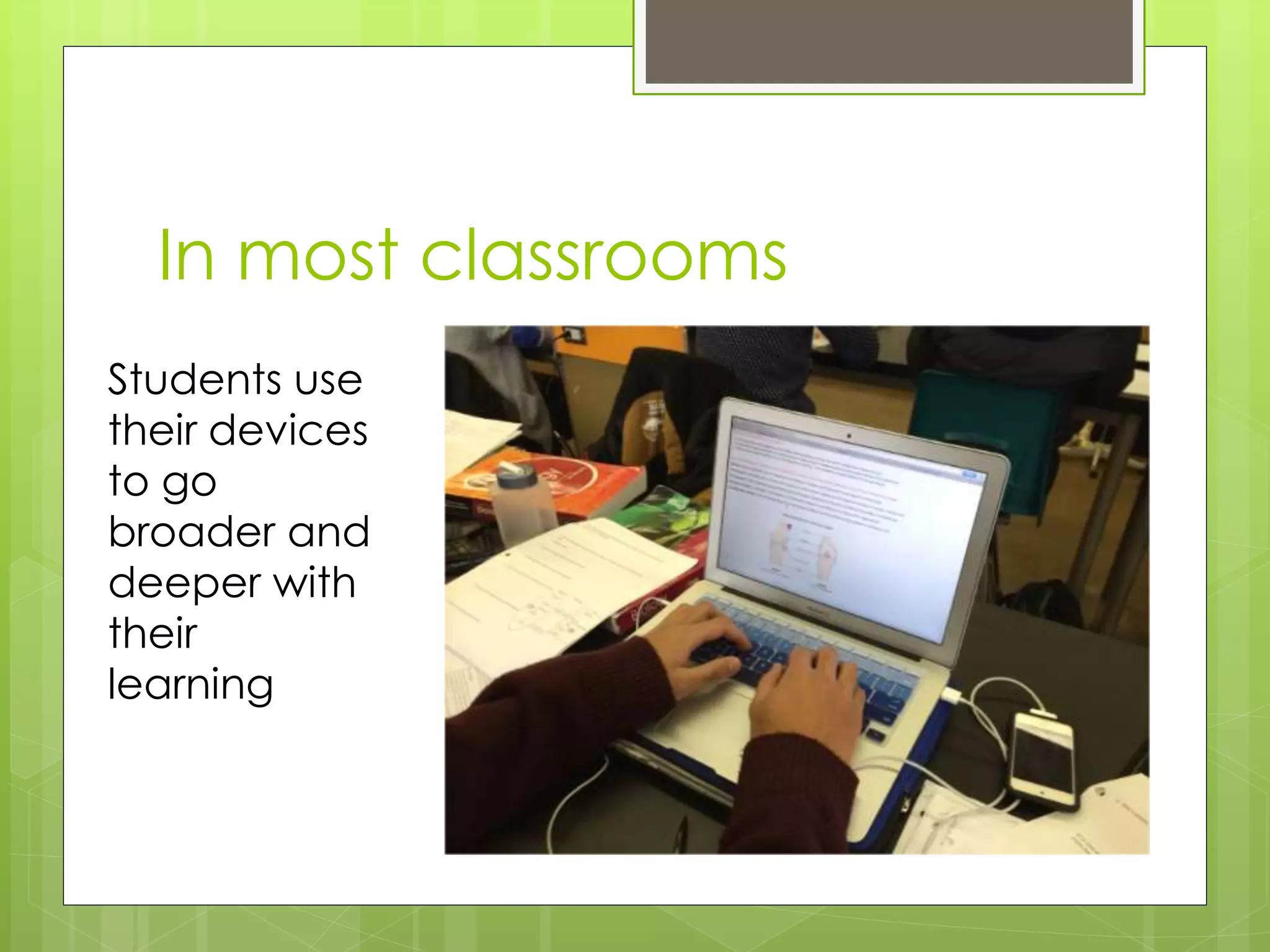
In most classrooms
Students use
their devices
to go
broader and
deeper with
their
learning
What we hear from LSP
 Digital access will level the
learning playing field for our
students
 Will support many IEP
accommodations
 Our students are more engaged
in a digital environment where
they are typically more successful
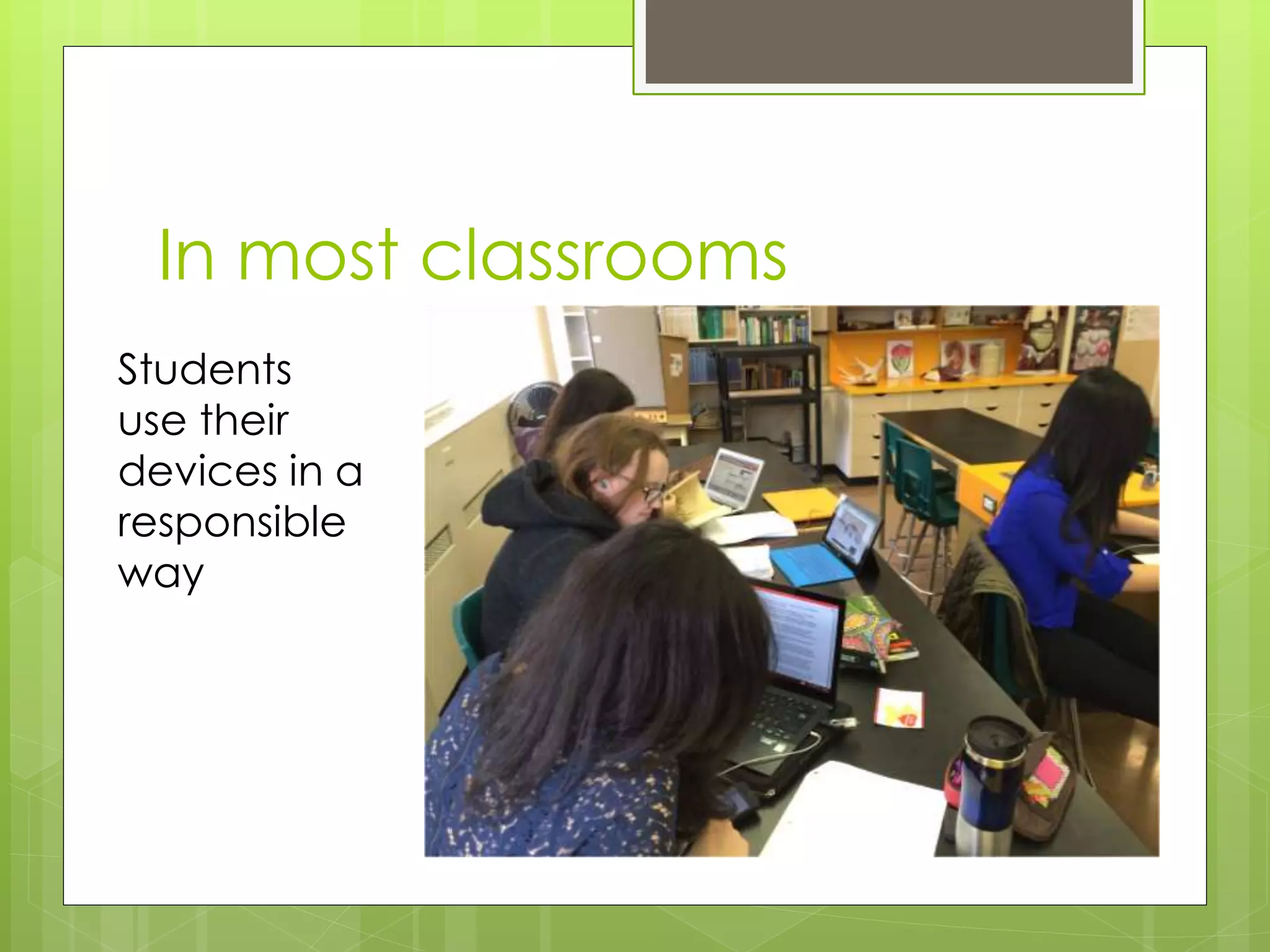
In most classrooms
Students
use their
devices in a
responsible
way
What we see in classrooms
 Robust interactive teacher web presence
 Increased communication with students
and parents
 Podcasts
 Flipped Classroom
 Edmodo
 Google Docs / Apps for Education
 Noodle Tools
 ELMO projectors
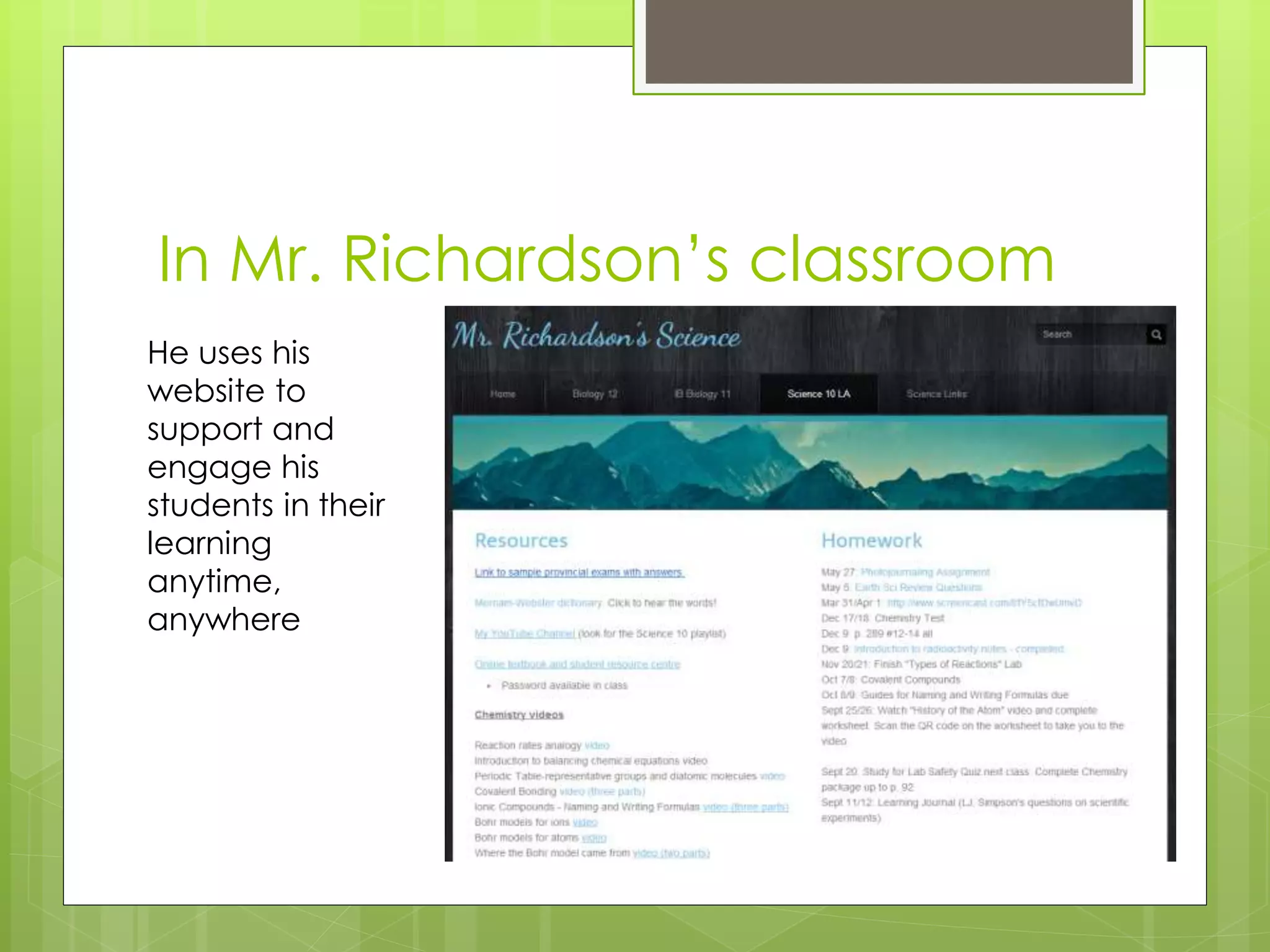
In Mr. Richardson’s classroom
He uses his
website to
support and
engage his
students in their
learning
anytime,
anywhere
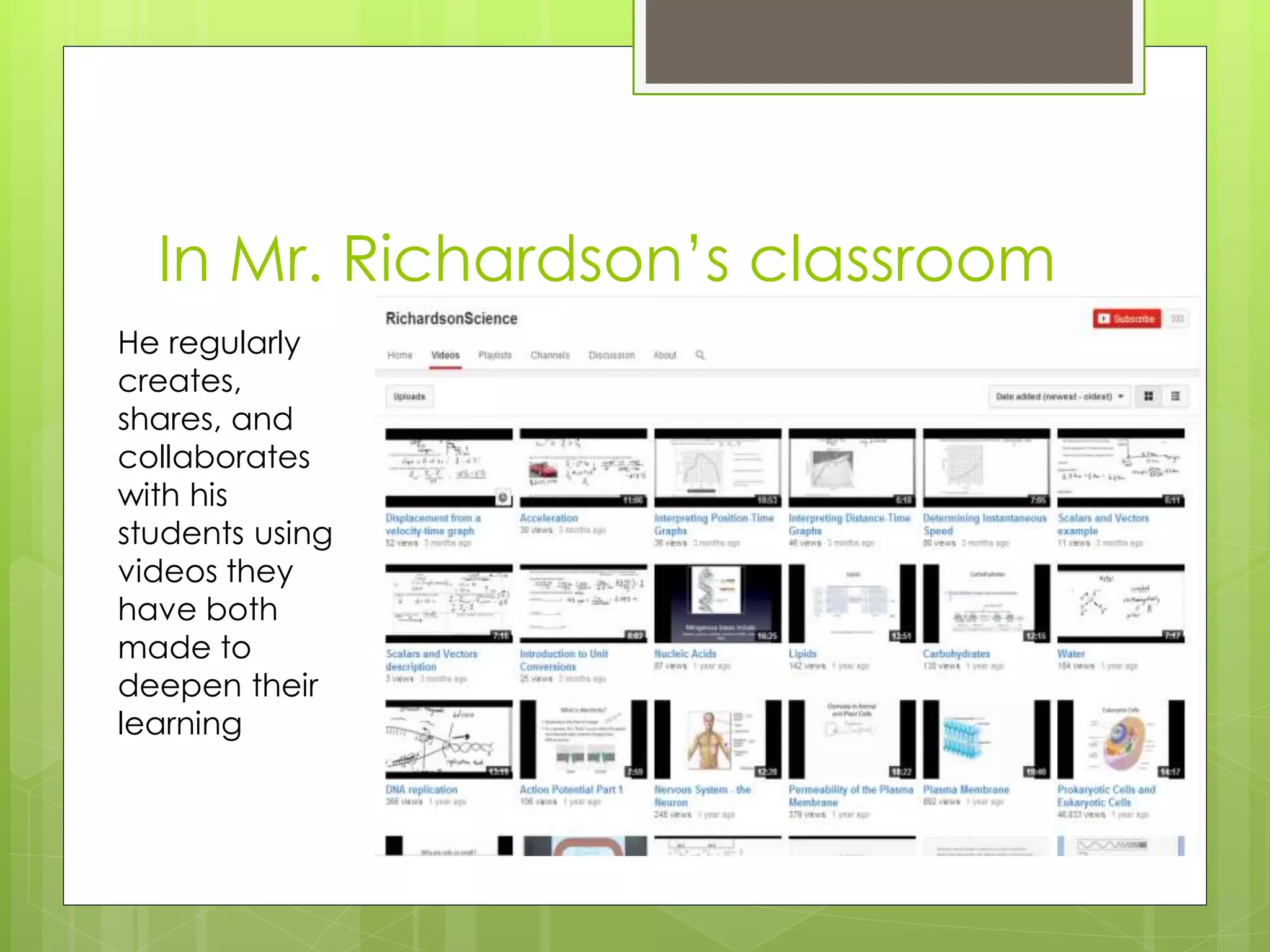
In Mr. Richardson’s classroom
He regularly
creates,
shares, and
collaborates
with his
students using
videos they
have both
made to
deepen their
learning
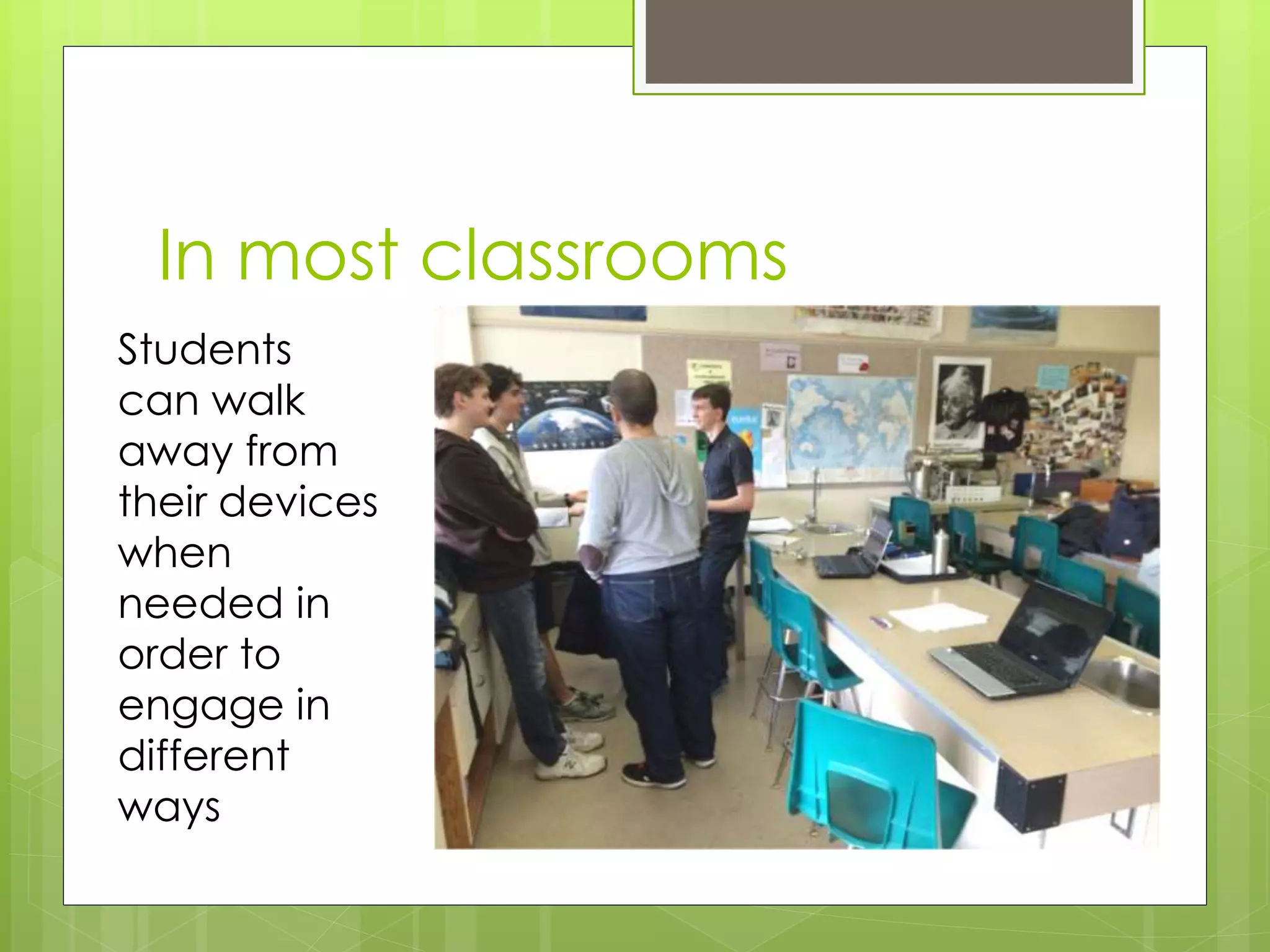
In most classrooms
Students
can walk
away from
their devices
when
needed in
order to
engage in
different
ways
What we hear from students
“broadens the bank of knowledge”
“gives teachers more options”
“Google Translate in French class is
helpful”
“currently varies from classroom to
classroom”
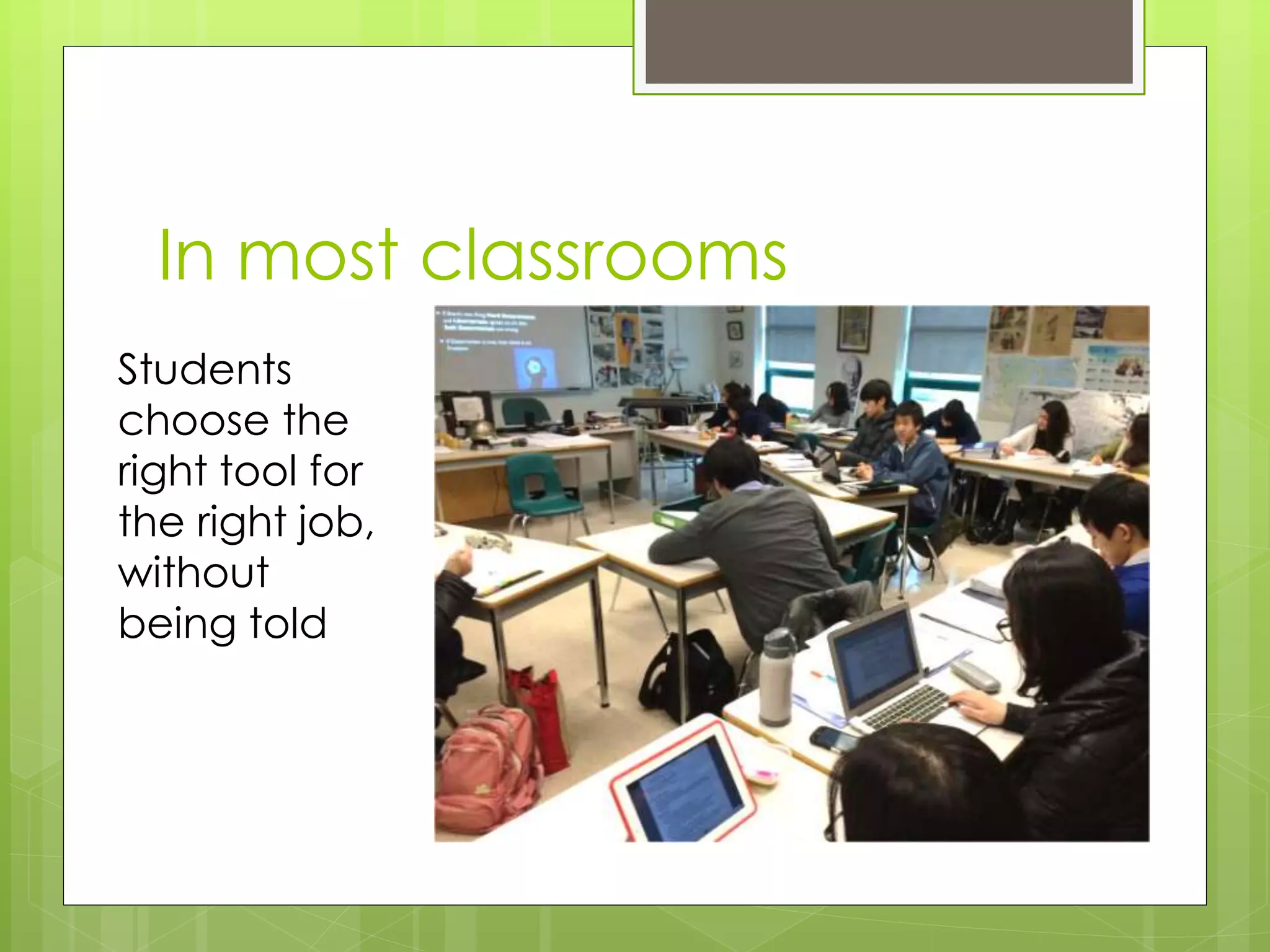
In most classrooms
Students
choose the
right tool for
the right job,
without
being told
What we hear from ELL
 Formative Assessment advantages
of using audio feedback
 Advantages of providing new
instructional opportunities
 Language instruction has a visual
component that technology can
increase engagement
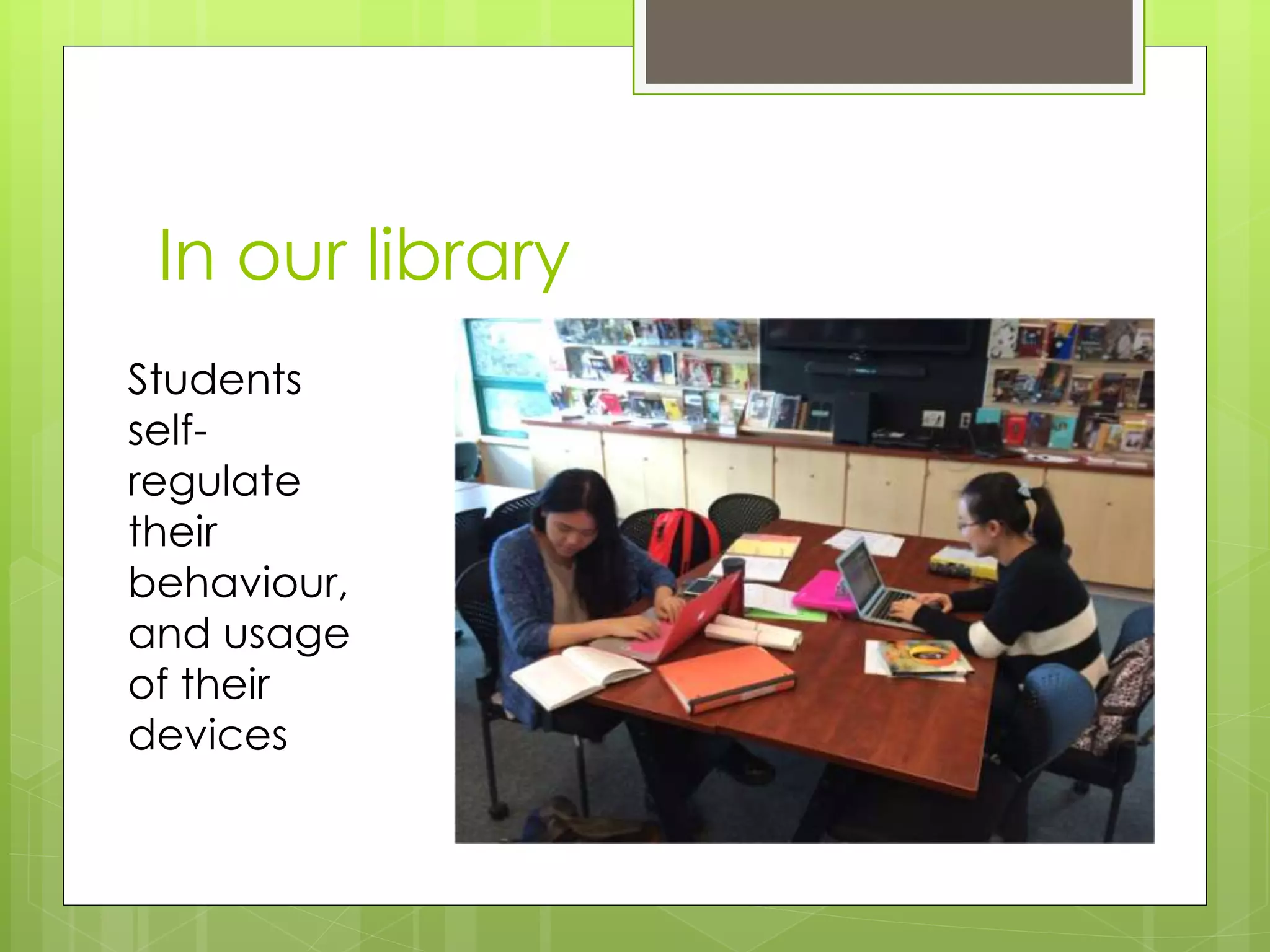
In our library
Students
self-
regulate
their
behaviour,
and usage
of their
devices
Teachers’ biggest concern?
 Q: What does appropriate use look
like and how will we support and
address it?
 A: We have developed common
language that is aligned with our
feeder schools and good practice
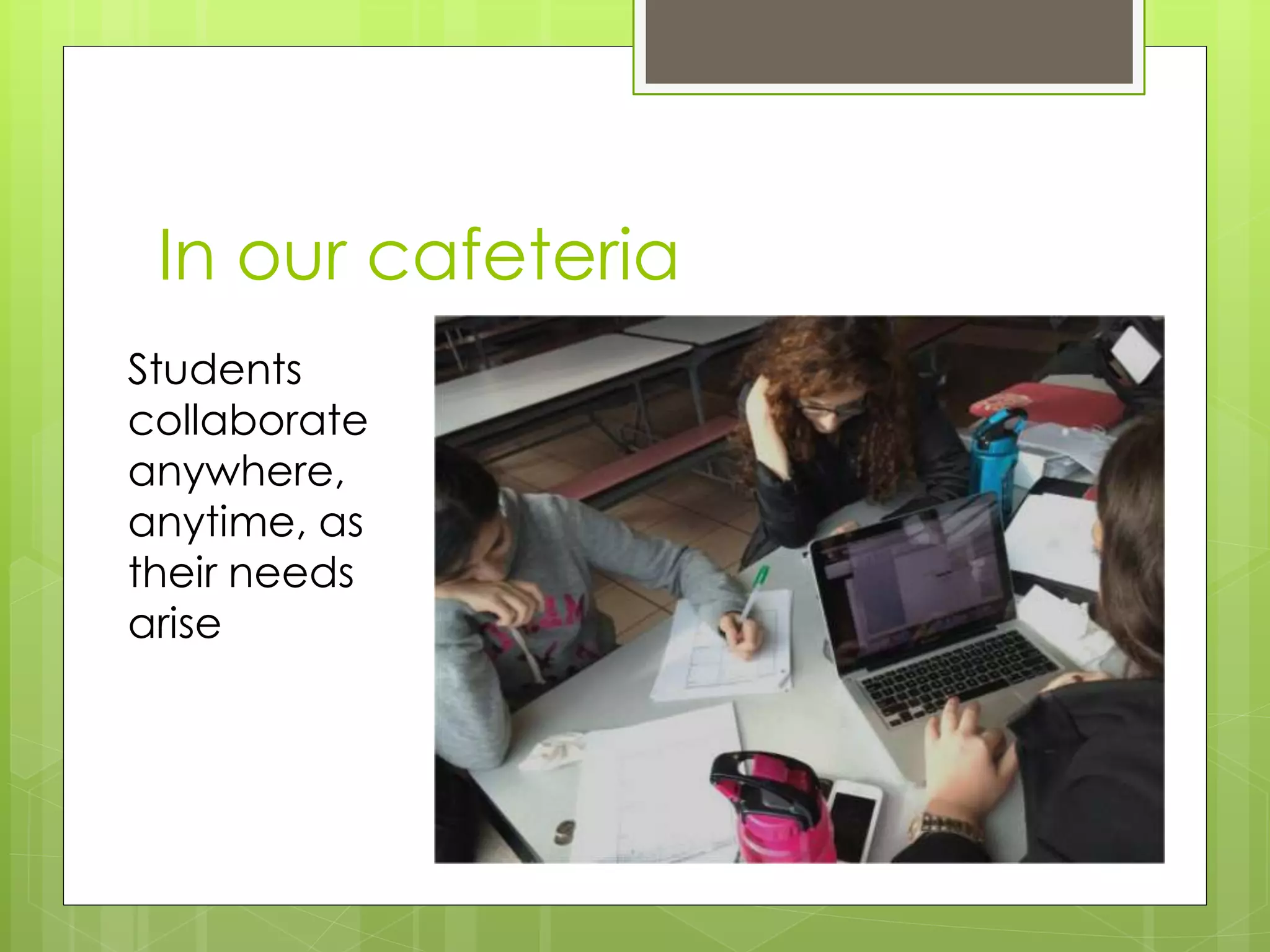
In our cafeteria
Students
collaborate
anywhere,
anytime, as
their needs
arise
Shifting our thinking
 From “controlling” student use to
“managing” or “facilitating” it
 From “device” to “digital access”
 A device is no different from a
pencil; if we want our students to
focus elsewhere we ask them to
put their “pencils” down . . .
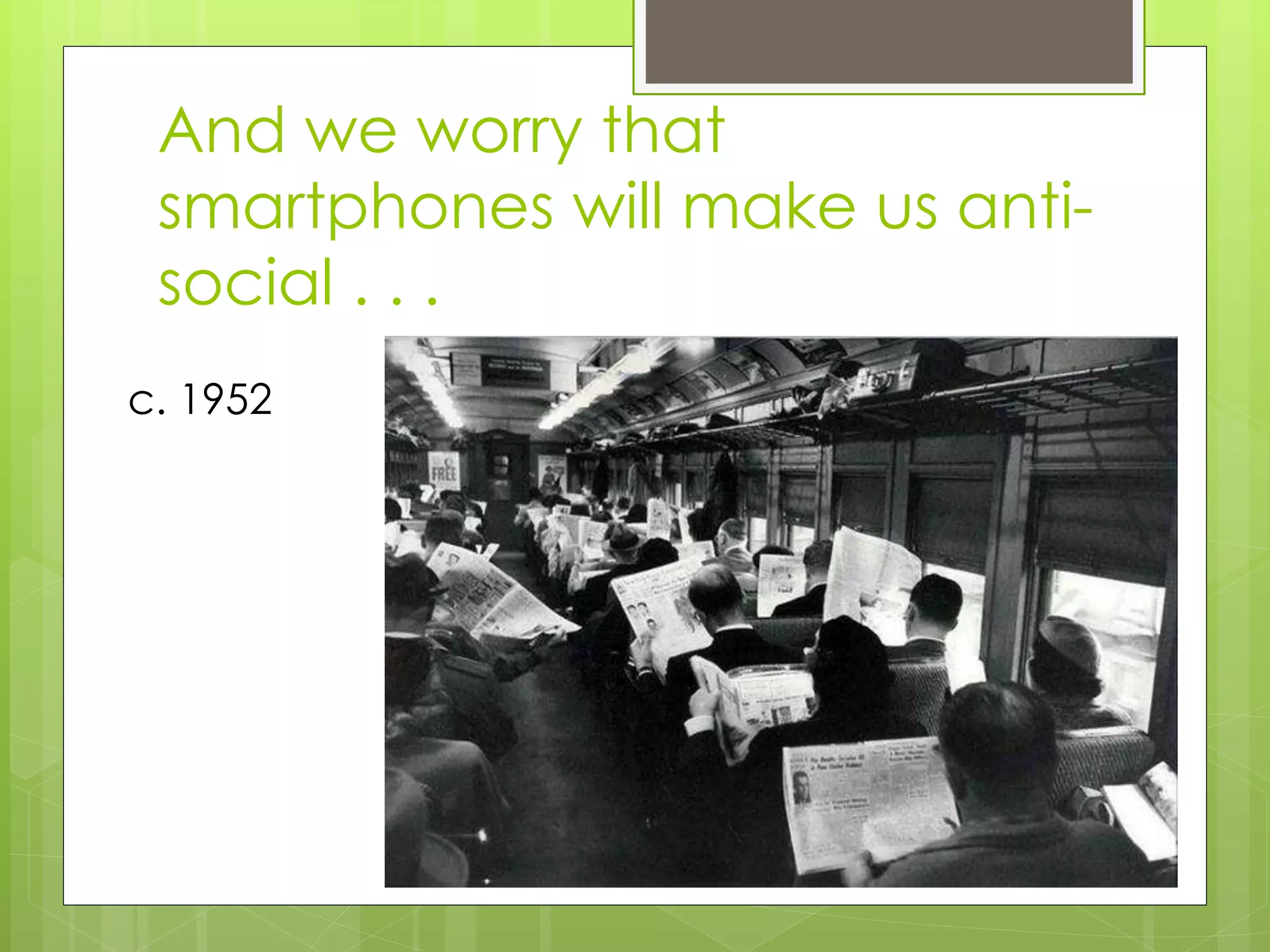
And we worry that
smartphones will make us anti-
social . . .
c. 1952
The Plan
Effective September 2014:
- Students entering grades 8 and 9 are
requested to bring a device to school
daily
- Students entering grades 10 through 12
are encouraged to bring a device to
school daily
The Plan
Facilitating digital access for students in a
1:1 environment makes a significant
difference to learning and instruction
Our students will be better prepared to
make informed and intelligent decisions in a
digital environment as they transition
through school, post-secondary, and life
Why Digital Access?
It is highly likely that our children will have to
utilize technology in their work and private lives
both now and in their future
Employers are expecting a level of competency
with technology in the workplace
We want to leverage digital access to continue
to provide optimal learning opportunities for our
students
The elementary experience
 K-3 iPads, 4-7 laptops
 BYOD spreading rapidly in intermediate
grades
 Digital environment -> supports inquiry,
personalized learning, world-at-fingertips
 Teachers able to teach digital citizenship
at optimum ages and in safe environment
 “you would be blown away!”
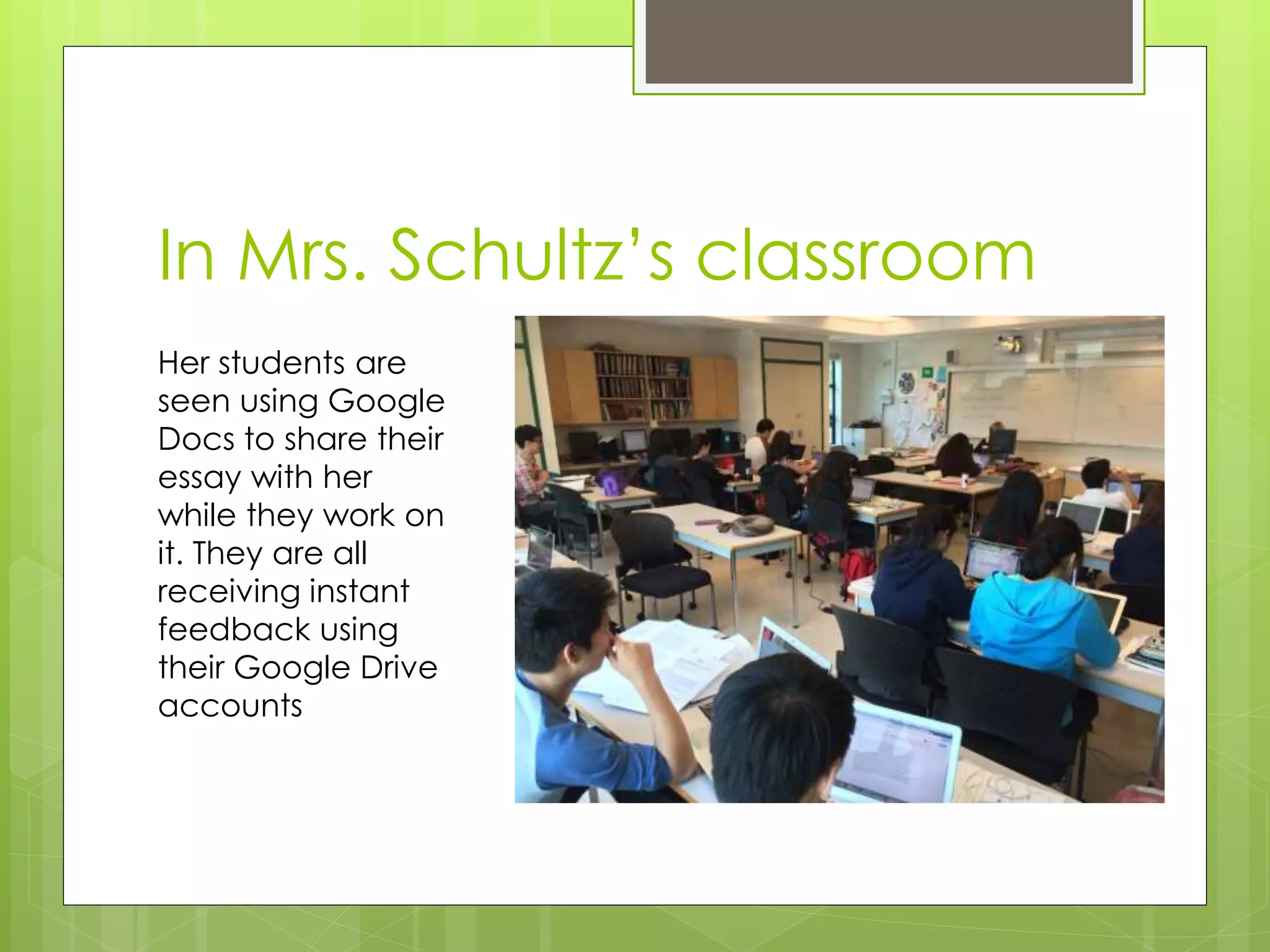
In Mrs. Schultz’s classroom
Her students are
seen using Google
Docs to share their
essay with her
while they work on
it. They are all
receiving instant
feedback using
their Google Drive
accounts
What will be different?
Students will use their devices in a wide
range of ways; some common, some
unique – personalized learning
Students will be continually guided to
engage in ways that are safe, responsible,
and appropriate
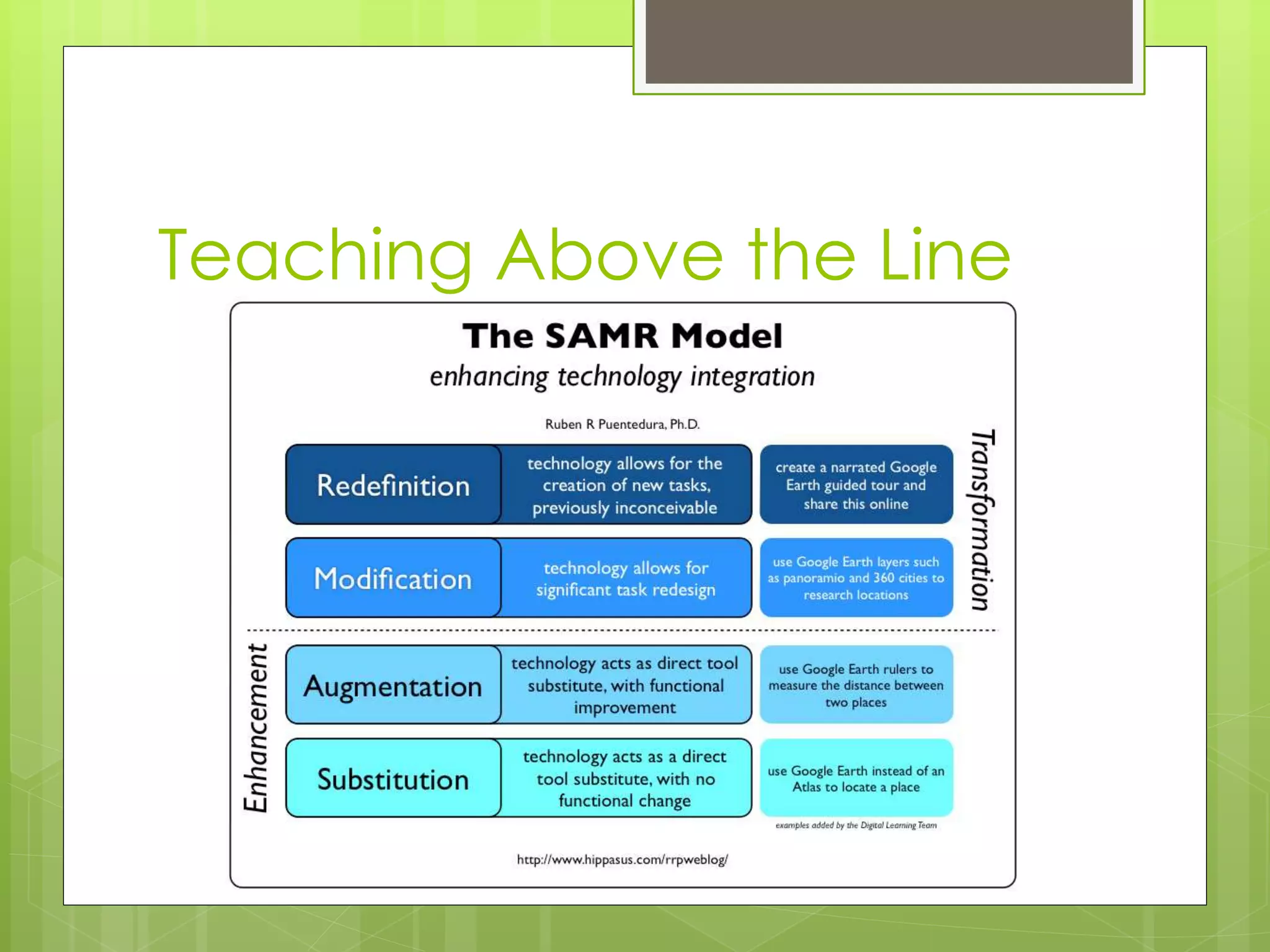
Teaching Above the Line
On-line safety and citizenship
 Create a positive digital footprint (tattoo)
 Build positive relationships
 Pause before posting and recording
 Protect your privacy
 Create, share, and publish
 Report inappropriate use
 Cite your sources
 Stay organized
The Google environment
 Google offers a suite of web based tools
(Google Apps for Education or GAFE)
accessible on any device using any browser
 Google Drive is the document library for
students and you can create documents,
presentations, spreadsheets or forms from the
library
 Google allows us to configure the deployment
to match our educational needs and
philosophy.
 Using Google opens up the possibility of
ChromeBooks
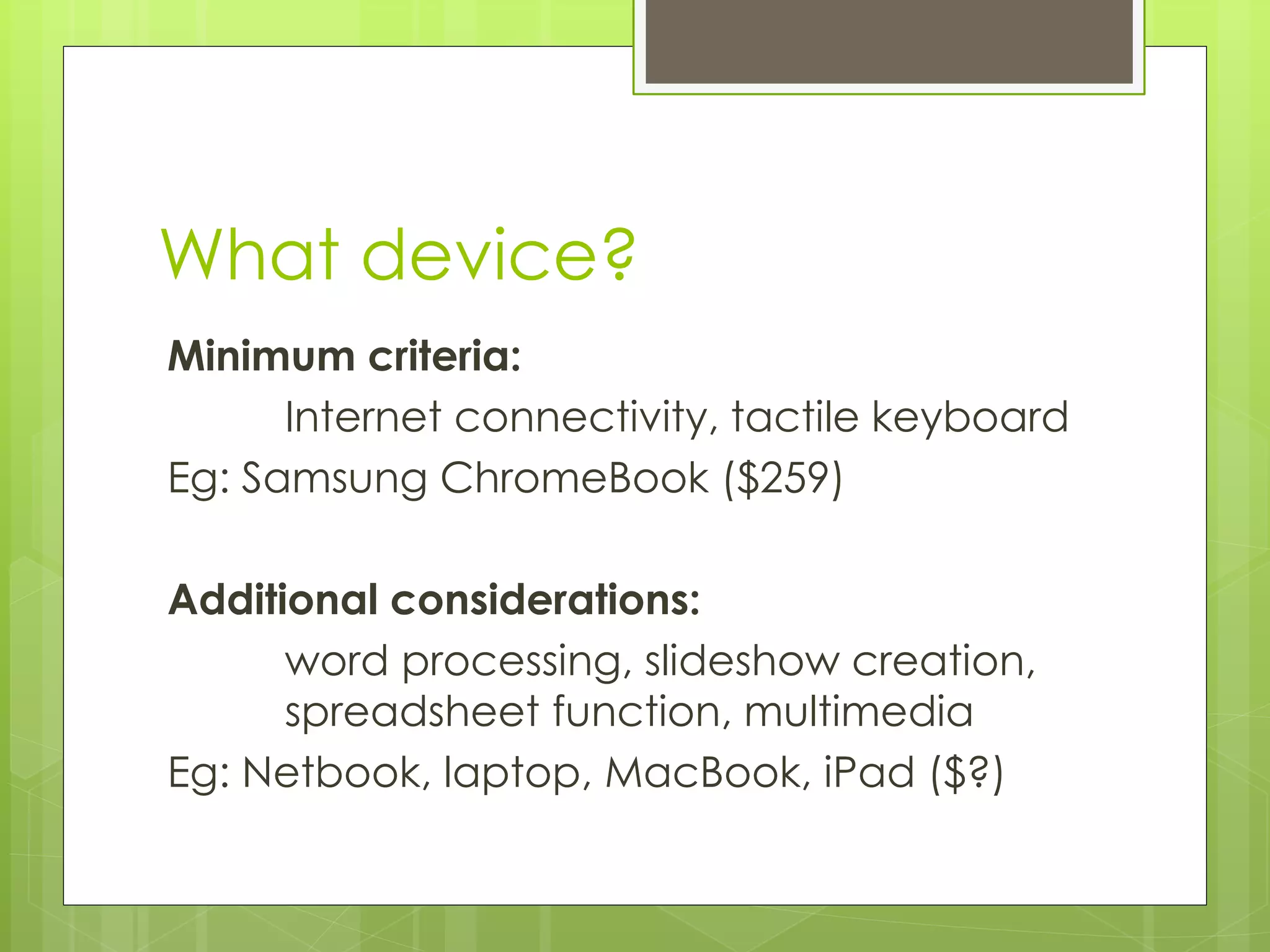
What device?
Minimum criteria:
Internet connectivity, tactile keyboard
Eg: Samsung ChromeBook ($259)
Additional considerations:
word processing, slideshow creation,
spreadsheet function, multimedia
Eg: Netbook, laptop, MacBook, iPad ($?)
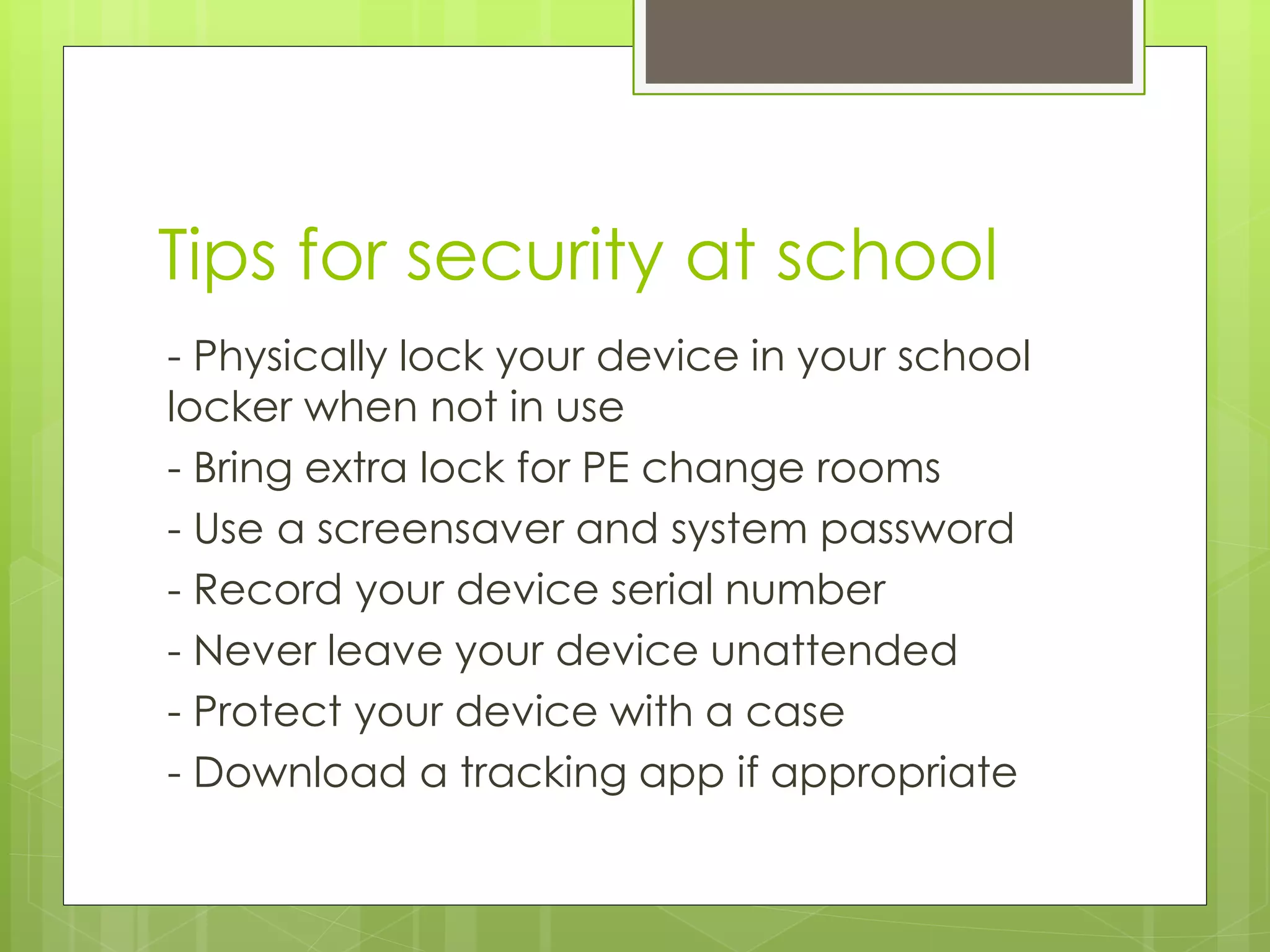
Tips for security at school
- Physically lock your device in your school
locker when not in use
- Bring extra lock for PE change rooms
- Use a screensaver and system password
- Record your device serial number
- Never leave your device unattended
- Protect your device with a case
- Download a tracking app if appropriate
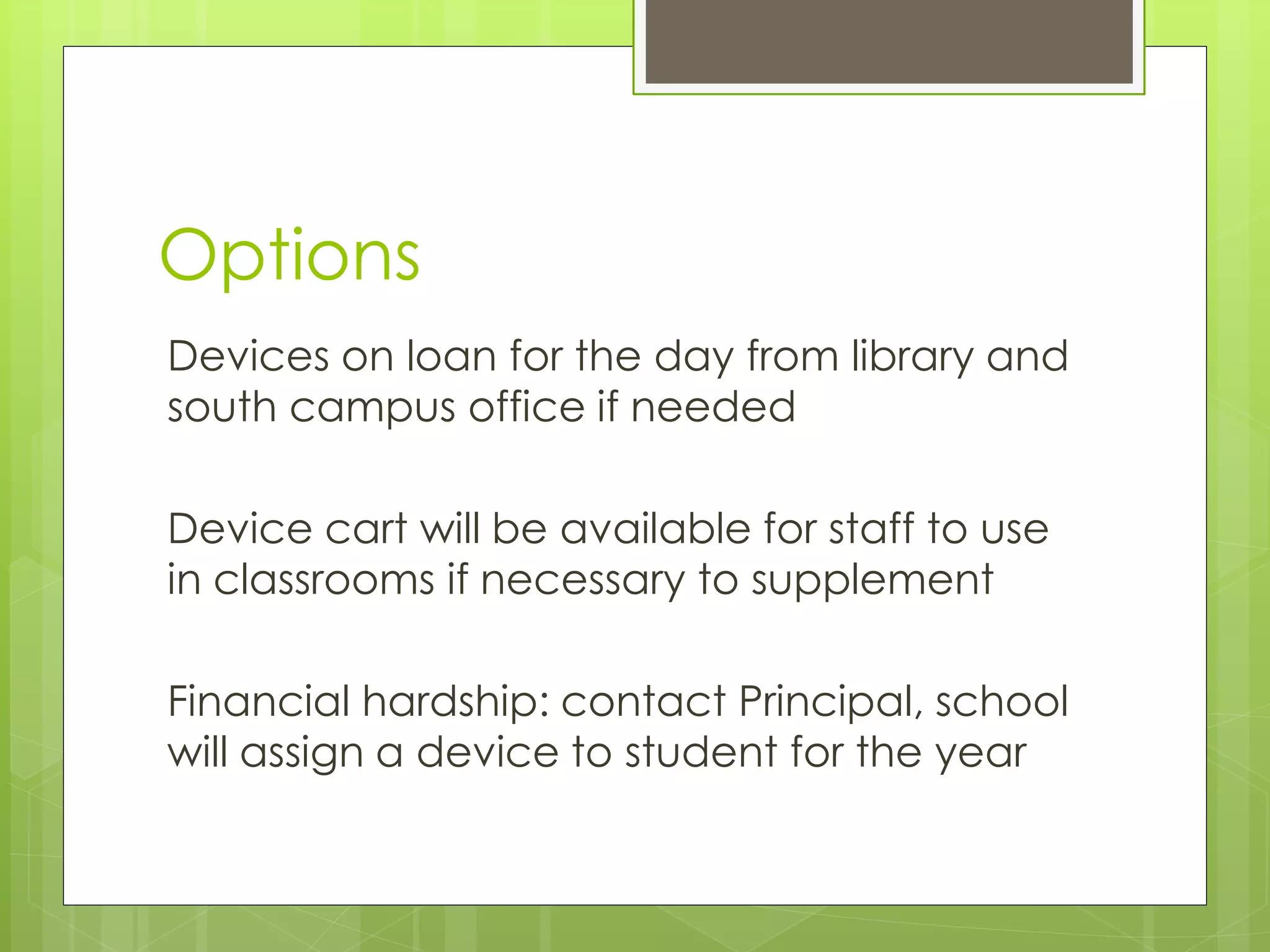
Options
Devices on loan for the day from library and
south campus office if needed
Device cart will be available for staff to use
in classrooms if necessary to supplement
Financial hardship: contact Principal, school
will assign a device to student for the year
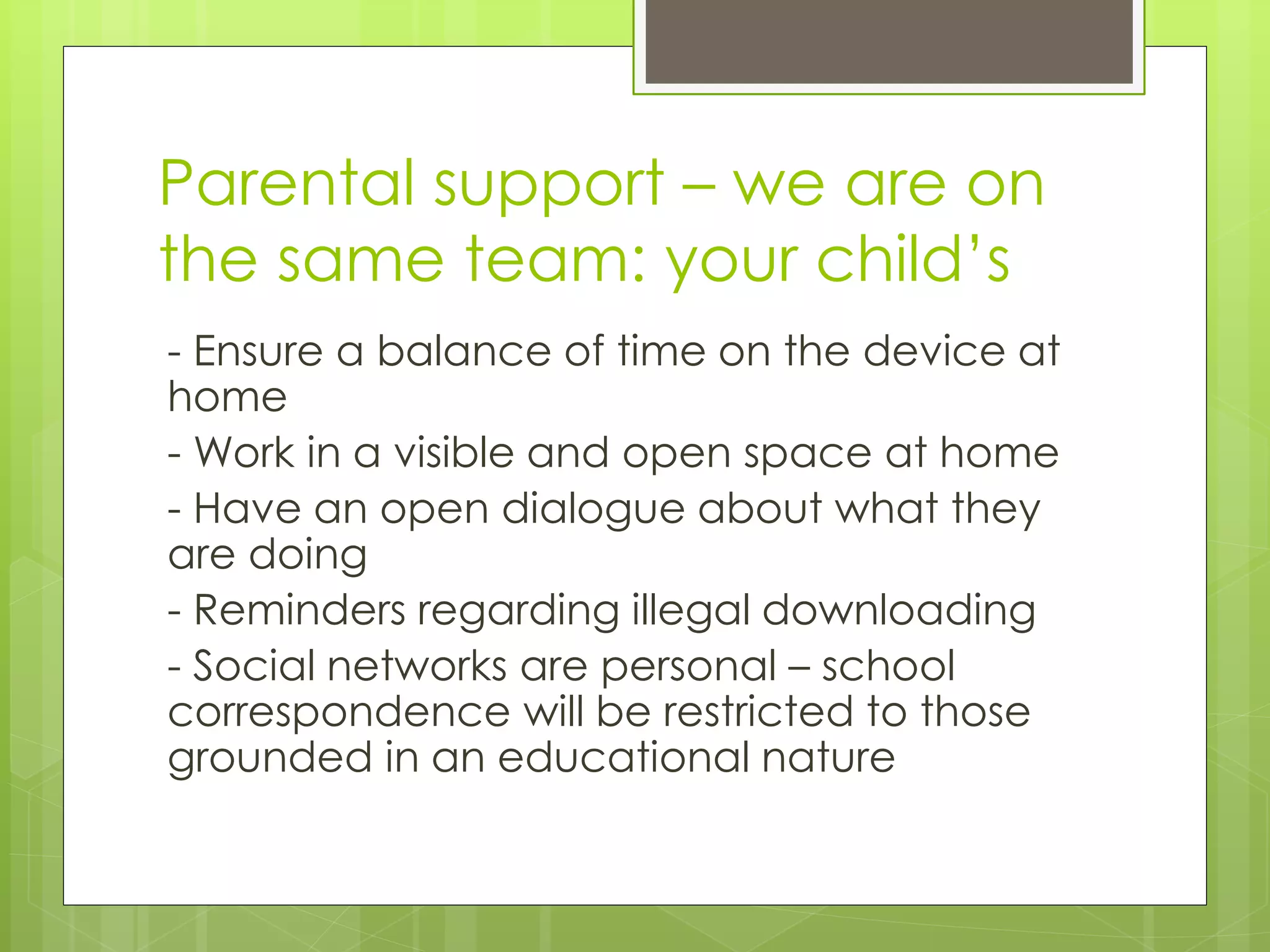
Parental support – we are on
the same team: your child’s
- Ensure a balance of time on the device at
home
- Work in a visible and open space at home
- Have an open dialogue about what they
are doing
- Reminders regarding illegal downloading
- Social networks are personal – school
correspondence will be restricted to those
grounded in an educational nature
We share the same values and
goals as your family
Develop healthy digital citizens in a 1:1
digital access learning environment to
prepare students for the 21st century
Develop a caring and compassionate
community that focuses on balance, social
and emotional learning, and a positive
school experience
Thank you!
Questions:
Steve Rauh – Principal WVSS
Gary Kern – Director of Instruction IT SD45
Cari Wilson – District Digital Support SD45
Garth Thomson – Grade 8/9 Vice Principal WVSS

Digital access at wvss – parent information evening

  • 1.
    Digital Access at WVSS: OurNew Initiative/Our New Normal - Impacting learning and instruction -
  • 2.
    Presentation Outline 1. Ourstory 2. Our plan 3. The elementary experience – Cari Wilson 4. On-line safety and citizenship 5. The Google environment – Gary Kern 6. What device? 7. Parental support 8. Questions
  • 3.
    What we hearfrom students “Learning becomes more interesting when you have more learning options”
  • 4.
    Our Readiness  5year conversation  Many individual and group efforts  Motivated staff  Lots of staff-led ProD  Library support  We have never said no to an idea
  • 5.
    In most classrooms Studentsuse their devices to go broader and deeper with their learning
  • 6.
    What we hearfrom LSP  Digital access will level the learning playing field for our students  Will support many IEP accommodations  Our students are more engaged in a digital environment where they are typically more successful
  • 7.
    In most classrooms Students usetheir devices in a responsible way
  • 8.
    What we seein classrooms  Robust interactive teacher web presence  Increased communication with students and parents  Podcasts  Flipped Classroom  Edmodo  Google Docs / Apps for Education  Noodle Tools  ELMO projectors
  • 9.
    In Mr. Richardson’sclassroom He uses his website to support and engage his students in their learning anytime, anywhere
  • 10.
    In Mr. Richardson’sclassroom He regularly creates, shares, and collaborates with his students using videos they have both made to deepen their learning
  • 11.
    In most classrooms Students canwalk away from their devices when needed in order to engage in different ways
  • 12.
    What we hearfrom students “broadens the bank of knowledge” “gives teachers more options” “Google Translate in French class is helpful” “currently varies from classroom to classroom”
  • 13.
    In most classrooms Students choosethe right tool for the right job, without being told
  • 14.
    What we hearfrom ELL  Formative Assessment advantages of using audio feedback  Advantages of providing new instructional opportunities  Language instruction has a visual component that technology can increase engagement
  • 15.
  • 16.
    Teachers’ biggest concern? Q: What does appropriate use look like and how will we support and address it?  A: We have developed common language that is aligned with our feeder schools and good practice
  • 17.
  • 18.
    Shifting our thinking From “controlling” student use to “managing” or “facilitating” it  From “device” to “digital access”  A device is no different from a pencil; if we want our students to focus elsewhere we ask them to put their “pencils” down . . .
  • 19.
    And we worrythat smartphones will make us anti- social . . . c. 1952
  • 20.
    The Plan Effective September2014: - Students entering grades 8 and 9 are requested to bring a device to school daily - Students entering grades 10 through 12 are encouraged to bring a device to school daily
  • 21.
    The Plan Facilitating digitalaccess for students in a 1:1 environment makes a significant difference to learning and instruction Our students will be better prepared to make informed and intelligent decisions in a digital environment as they transition through school, post-secondary, and life
  • 22.
    Why Digital Access? Itis highly likely that our children will have to utilize technology in their work and private lives both now and in their future Employers are expecting a level of competency with technology in the workplace We want to leverage digital access to continue to provide optimal learning opportunities for our students
  • 23.
    The elementary experience K-3 iPads, 4-7 laptops  BYOD spreading rapidly in intermediate grades  Digital environment -> supports inquiry, personalized learning, world-at-fingertips  Teachers able to teach digital citizenship at optimum ages and in safe environment  “you would be blown away!”
  • 24.
    In Mrs. Schultz’sclassroom Her students are seen using Google Docs to share their essay with her while they work on it. They are all receiving instant feedback using their Google Drive accounts
  • 25.
    What will bedifferent? Students will use their devices in a wide range of ways; some common, some unique – personalized learning Students will be continually guided to engage in ways that are safe, responsible, and appropriate
  • 26.
  • 27.
    On-line safety andcitizenship  Create a positive digital footprint (tattoo)  Build positive relationships  Pause before posting and recording  Protect your privacy  Create, share, and publish  Report inappropriate use  Cite your sources  Stay organized
  • 28.
    The Google environment Google offers a suite of web based tools (Google Apps for Education or GAFE) accessible on any device using any browser  Google Drive is the document library for students and you can create documents, presentations, spreadsheets or forms from the library  Google allows us to configure the deployment to match our educational needs and philosophy.  Using Google opens up the possibility of ChromeBooks
  • 29.
    What device? Minimum criteria: Internetconnectivity, tactile keyboard Eg: Samsung ChromeBook ($259) Additional considerations: word processing, slideshow creation, spreadsheet function, multimedia Eg: Netbook, laptop, MacBook, iPad ($?)
  • 30.
    Tips for securityat school - Physically lock your device in your school locker when not in use - Bring extra lock for PE change rooms - Use a screensaver and system password - Record your device serial number - Never leave your device unattended - Protect your device with a case - Download a tracking app if appropriate
  • 31.
    Options Devices on loanfor the day from library and south campus office if needed Device cart will be available for staff to use in classrooms if necessary to supplement Financial hardship: contact Principal, school will assign a device to student for the year
  • 32.
    Parental support –we are on the same team: your child’s - Ensure a balance of time on the device at home - Work in a visible and open space at home - Have an open dialogue about what they are doing - Reminders regarding illegal downloading - Social networks are personal – school correspondence will be restricted to those grounded in an educational nature
  • 33.
    We share thesame values and goals as your family Develop healthy digital citizens in a 1:1 digital access learning environment to prepare students for the 21st century Develop a caring and compassionate community that focuses on balance, social and emotional learning, and a positive school experience
  • 34.
    Thank you! Questions: Steve Rauh– Principal WVSS Gary Kern – Director of Instruction IT SD45 Cari Wilson – District Digital Support SD45 Garth Thomson – Grade 8/9 Vice Principal WVSS