Anton Kopytov, Partner Invention at Mindshare RussiaEffective PowerPoint presentation1How to develop and deliver presentation
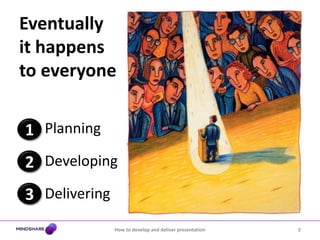
Eventually it happens to everyonePlanningDevelopingDelivering1232How to develop and deliver presentation
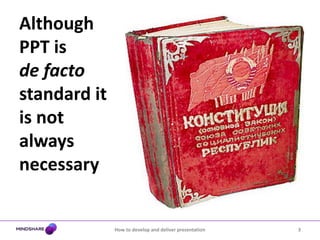
Although PPT is de facto standard it is not always necessary3How to develop and deliver presentation
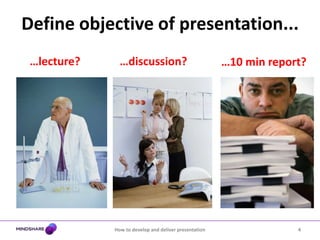
Define objective of presentation...…lecture?…discussion?…10 min report?4How to develop and deliver presentation
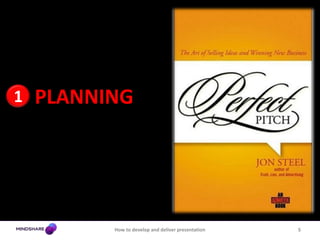
PLANNING15How to develop and deliver presentation
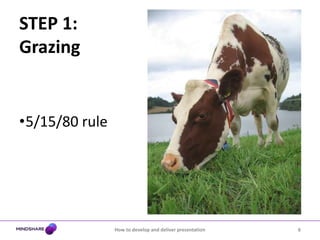
STEP 1:Grazing5/15/80 rule6How to develop and deliver presentation
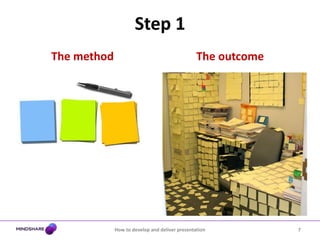
Step 1The methodThe outcome7How to develop and deliver presentation
STEP 2: Looking for Meaning8How to develop and deliver presentation
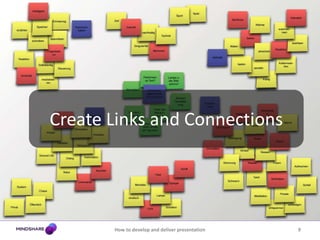
Create Links and Connections9How to develop and deliver presentation
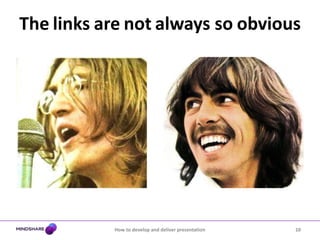
Thelinksarenotalways soobvious10How to develop and deliver presentation
STEP 3:Drop itPut it as far from your mind as possible
Take a break
Get away from it11How to develop and deliver presentation
STEP 4: Distil and AdoptHow to develop and deliver presentation12
STEP 5: Writing the Presentation13How to develop and deliver presentation
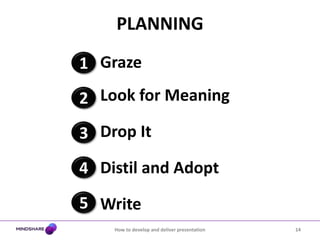
PLANNINGGrazeLook for MeaningDrop ItDistil and AdoptWrite1234514How to develop and deliver presentation
DEVELOPING215How to develop and deliver presentation
WHY do we make presentations?16How to develop and deliver presentation
... to win17How to develop and deliver presentation
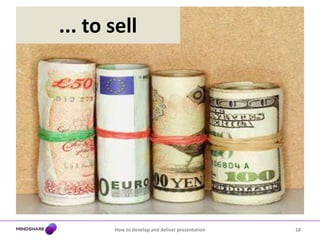
... to sell18How to develop and deliver presentation
... to be favoured19How to develop and deliver presentation
Our routineBreathing and living mediaCreate presentations to communicate our ideas, strategies, results...20How to develop and deliver presentation
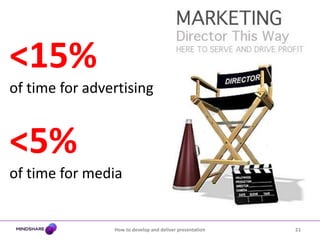
21How to develop and deliver presentation<15% of time for advertising<5%of time for media
Winning and preferred team is not only......cleverest...best buying...nicest 22How to develop and deliver presentation
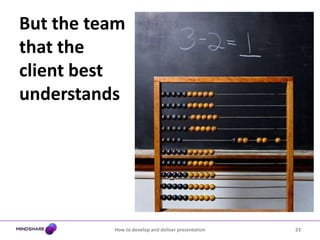
But the team that the client best understands23How to develop and deliver presentation
Tips for effective PowerPoint24How to develop and deliver presentationTell emotional story
Simple and short
A visual medium
Keep it visible
Make it impactfulPresentation is a Story25How to develop and deliver presentation
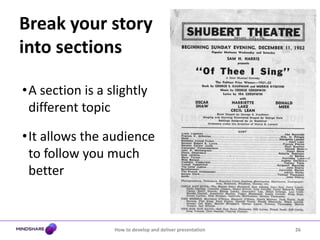
Break your story into sections26How to develop and deliver presentationA section is a slightly different topic
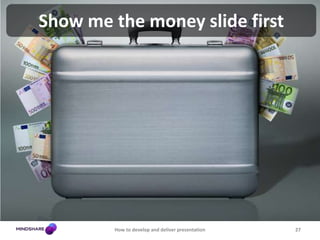
It allows the audience to follow you much betterShow me the money slide first27How to develop and deliver presentation
If you put your conclusions first, people are more likely to stay with you until the end28How to develop and deliver presentation
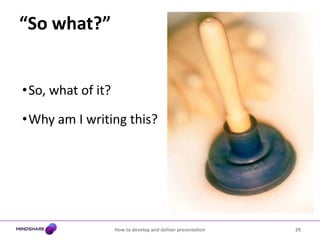
“So what?”29How to develop and deliver presentationSo, what of it?
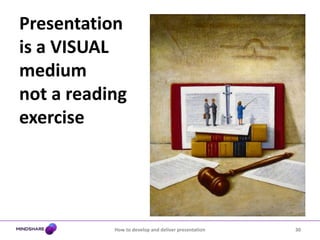
Why am I writing this?Presentation is a VISUAL mediumnot a reading exercise30How to develop and deliver presentation
Make each page worth looking at31How to develop and deliver presentation
Stick to the rule of THREECatchy title for a slide with one ideaTop 3 things to explain the detailsWhat you talk during the slide can be much more than your top three bulletsHow to develop and deliver presentation32
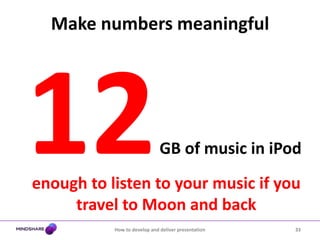
Make numbers meaningfulHow to develop and deliver presentation3312 GB of music in iPodenough to listen to your music if you travel to Moon and back
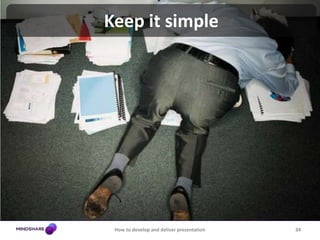
Keep it simple34How to develop and deliver presentation
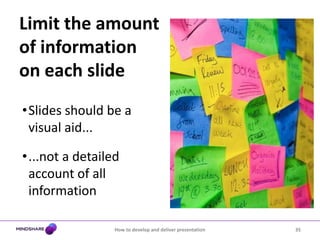
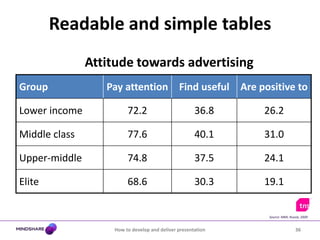
Limit the amount of information on each slide35How to develop and deliver presentationSlides should be a visual aid...
...not a detailed account of all informationReadable and simple tablesHow to develop and deliver presentation36Attitude towards advertisingSource: MMI, Russia, 2009
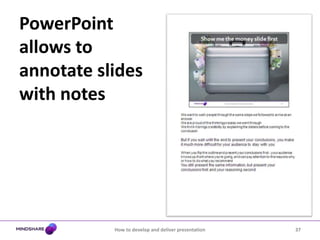
PowerPoint allows to annotate slides with notes37How to develop and deliver presentation
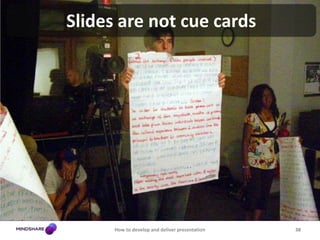
Slides are not cue cards38How to develop and deliver presentation
How to develop and deliver presentation39Keep it short
Keep it visible and impactful40How to develop and deliver presentation
How to develop and deliver presentation41Do not go into small fonts
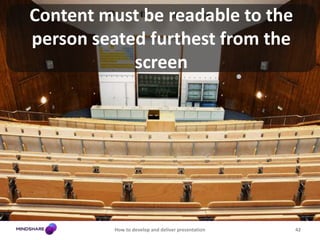
Content must be readable to the person seated furthest from the screen42How to develop and deliver presentation
UseformattedtransitionswithcareHow to develop and deliver presentation43Whizzing swirlings are great if done appropriately……and really annoying if they are not
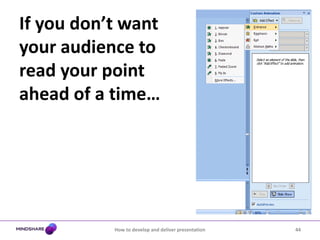
If you don’t want your audience to read your point ahead of a time…44How to develop and deliver presentation
Avoid using images supplied with PowerPointHow to develop and deliver presentation45Most people in your audience have seen them already
Use http://www.corbis.com, http://flickr.com, …Rehearse, Rehearse, Rehearse… 46How to develop and deliver presentation
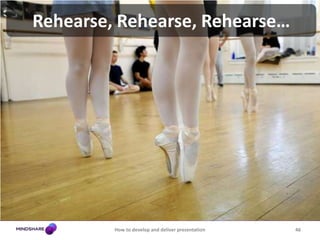
Rehearse, Rehearse, Rehearse…The previous Friday: first walk-throughMonday morning: walk-through w. full scriptsTuesday afternoon: dress rehearsalWednesday morning: final dress rehearsalHow to develop and deliver presentation47
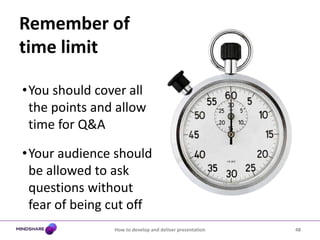
Remember of time limit48How to develop and deliver presentationYou should cover all the points and allow time for Q&A
Your audience should be allowed to ask questions without fear of being cut off DELIVERING349How to develop and deliver presentation
Ignite Your Enthusiasm50How to develop and deliver presentationEngage your listeners’ passionby tapping into your own
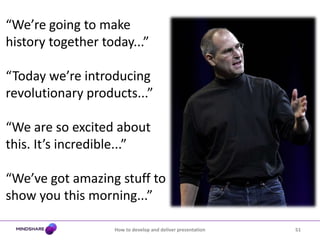
51How to develop and deliver presentation“We’re going to make history together today...”“Today we’re introducing revolutionary products...”“We are so excited about this. It’s incredible...”“We’ve got amazing stuff to show you this morning...”
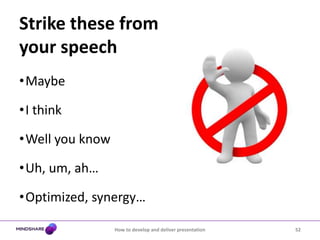
Strike these from your speech52How to develop and deliver presentationMaybe
I think
Well you know
Uh, um, ah…
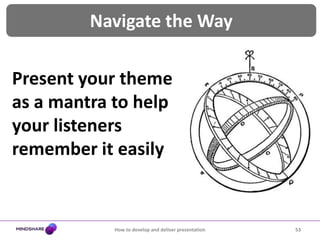
Optimized, synergy…Navigate the Way53How to develop and deliver presentationPresent your theme as a mantra to help your listeners remember it easily
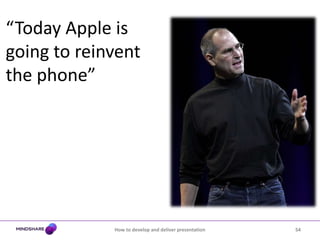
54How to develop and deliver presentation“Today Apple is going to reinvent the phone”
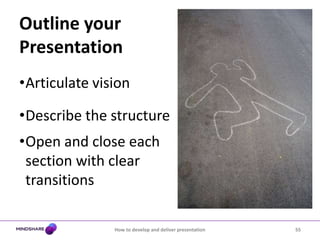
Outline your Presentation55How to develop and deliver presentationArticulate vision
Describe the structure
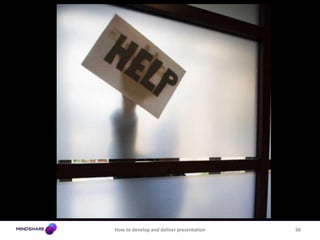
Open and close each section with clear transitionsHow to develop and deliver presentation56
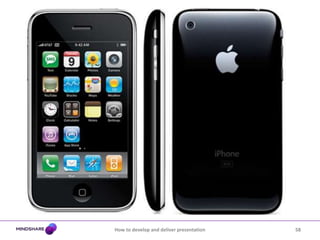
Sell the Benefit57How to develop and deliver presentationExplain the real-world problem, then offer your solution
How to develop and deliver presentation58
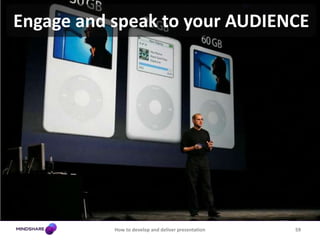
Engage and speak to your AUDIENCE59How to develop and deliver presentation
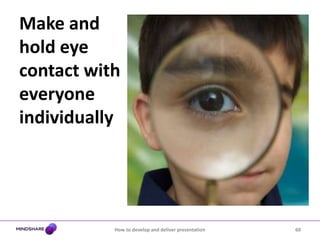
Make and hold eye contact with everyone individually60How to develop and deliver presentation
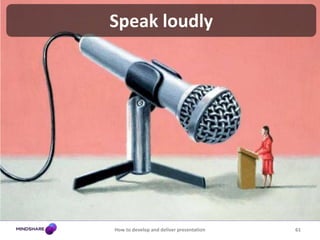
Speak loudly61How to develop and deliver presentation
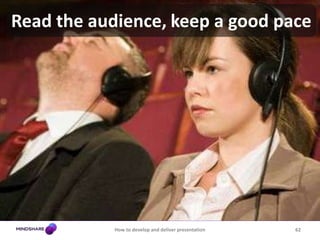
Read the audience,keep a good pace62How to develop and deliver presentation
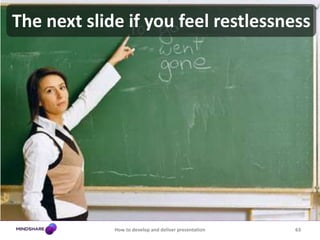
The next slide if you feel restlessness63How to develop and deliver presentation
Be an actor - learn how to excite64How to develop and deliver presentation
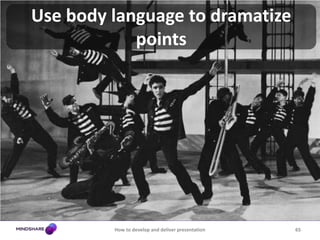
Use body language to dramatize points65How to develop and deliver presentation
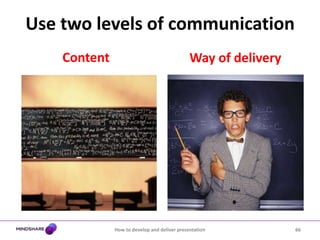
Use two levels of communicationHow to develop and deliver presentation66ContentWay of delivery
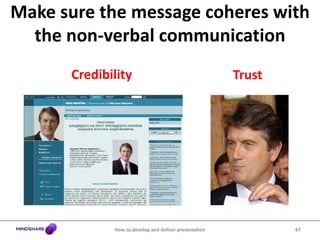
Make sure the message coheres with the non-verbal communication How to develop and deliver presentation67CredibilityTrust
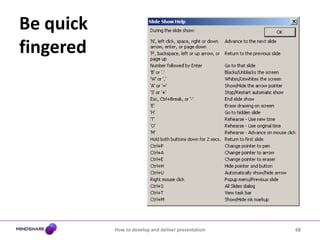
Be quick fingered68How to develop and deliver presentation

How To Develop And Give Presentation

Editor's Notes

  • #5 Each purpose requires its own formatAnd PowerPoint not always taps into each requirement
  • #11 George: Something in the way she moves Reminds me of… 5 syllablesJohn: …of a cauliflowerGeorge: -&gt; no other lower
  • #13 Keep working on your idea until it is right
  • #28 We want to walk people through the same steps we followed to arrive at an answerWe are proud of the thinking process we went throughWe think it brings credibility by explaining the details before coming to the conclusionBut if you wait until the end to present your conclusions, you make it much more difficult for your audience to stay with youWhen you flip the outline and present your conclusions first - your audience knows up-front where you&apos;re going, and can pay attention to the reasons why or how to do what you recommendYou still present the same information, but present your conclusions first and your reasoning second
  • #38 Remember that PowerPoint allows you to annotate your slidesWhen printed, those notes appear bellow your slide on the printed pageWrite any topics that you want to cover or avoid on these notesYour notes are not a script: your audience will become detached if you stare at a paper the entire time
  • #39 Remember that the audience should listen to you not read the screenIf you find yourself writing entire sentences as BULLET POINTS, stopResist the temptation to write excessively long pointsWrite just enough to remind yourself on what you should say
  • #44 If the audience has never seen a PowerPoint presentation before they will ooh and aahIf the audience have seen one before, they will groan at your attempt to look cool
  • #45 Use ‘Appear’ buttonThis allows each point to appear after a certain amount of time, or when you click the mouseThis is the only animation that should ever be used with text Be careful of using such animation too often, especially if you will not necessarily be standing by the computer the entire timeThe audience will grow tired of your constant clicking and you run the risk of talking ahead of your points
  • #47 Rehearse your presentation at least twiceIf possible, rehearse on the same projector that you will use for the actual presentationIf text is too hard to read, tweak the fonts and color schemesPractice your timings: if you feel like you are spending too much time on a slide, consider breaking it up into different slides
  • #52 If you honestly believe that something is “amazing,” go ahead and say it.As listeners, we are giving you permission to be excited and passionate and to have fun! After all, if you’re not passionate about the topic, how is your audience going to be?
  • #55 To reinvent the phone. This mantra is simple, bold, and reflects a concise core purpose that is easy for listeners to remember and to rally around. Note that it is also under ten words.
  • #57 Emphasize what you want them to remember
  • #59 Once Jobs reveals his one-liner — his core vision — he immediately launches into a discussion of why the world needs a new phone. A solution is inspiring only when it cures a real-world pain. Jobs sells the benefit of the phone by first describing the current state of the industry. The problem, he says, “is [smartphones] are not that smart, and they are not that easy to use.We want to make a leapfrog product that is way smarter than any mobile device has ever been and super easy to use. That is what iPhone is.”Jobs continues to describe the problem on most smartphones: keyboards, which take up more than one-third of the phone whether the person is using them or not. The Apple solution is to create a “revolutionary interface” that will get rid of the buttons and create one giant screen. This brings up the problem — how do you get around the screen with no scroll wheel or stylus?Again, Jobs sets up a problem and offers a solution: “We’re going to use the best pointing device in the world,” he says. “A device we’re all born with. Our fingers.” Jobs then describes Apple’s new “multi-touch” technology that accurately responds to the touch of a finger to bring up applications on the phone.
  • #61 It makes each person feel important and works wonderfully in keeping their attention
  • #64 Don’t labour a point if you see they have already understood it
  • #66 Do not shift feet, move about… in a distracting wayWhatever space you have use it to the maximumWalk through the roomDon’t sit downControl the space between you and the audience
  • #69 PowerPoint provides a wide array of navigation shortcuts for use during presentationsTo see them, right-click in Slide Show view and click &quot;Help“Memorize the most useful ones, or write them down on an index card for quick reference.
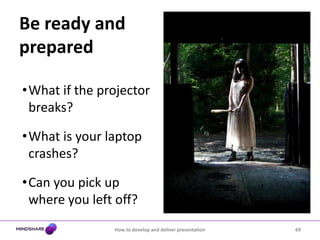
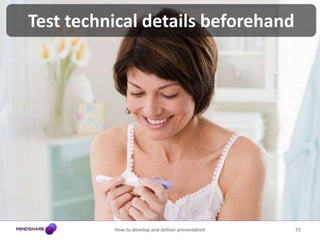
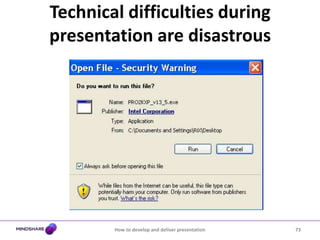
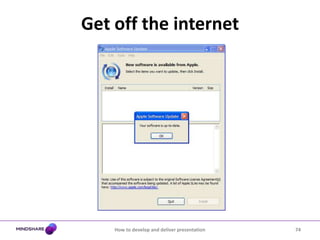
  • #74 Test any video, etc. prior to presentation to make sure everything will run smoothly:Do not include external mediaEven if you&apos;re making the presentation from your own laptop, expect something to go wrongFirst of all, PowerPoint displays a warning message when it is about to launch an external application (this is to prevent presentations from launching trojan horses)Once you click OK to approve the application being launched, there will be a five to ten second delayIf you can talk through this, fine. Extra dialogs will often launchWinamp will remind you to download the latest version unless explicitly told not toQuickTime Player ever since version 4 displays a registration nag screen most of the time