




Privacy
Phil Bradley
Internet Librarian International
2013
But I’m doing nothing wrong!
• Does that mean you let people peer in at your
windows?
• Does it mean that you want to be bombarded
with adverts?
• Does it mean that you’re happy constantly
being monitored?
• Does it mean that you’re happy with other
people making money out of you?
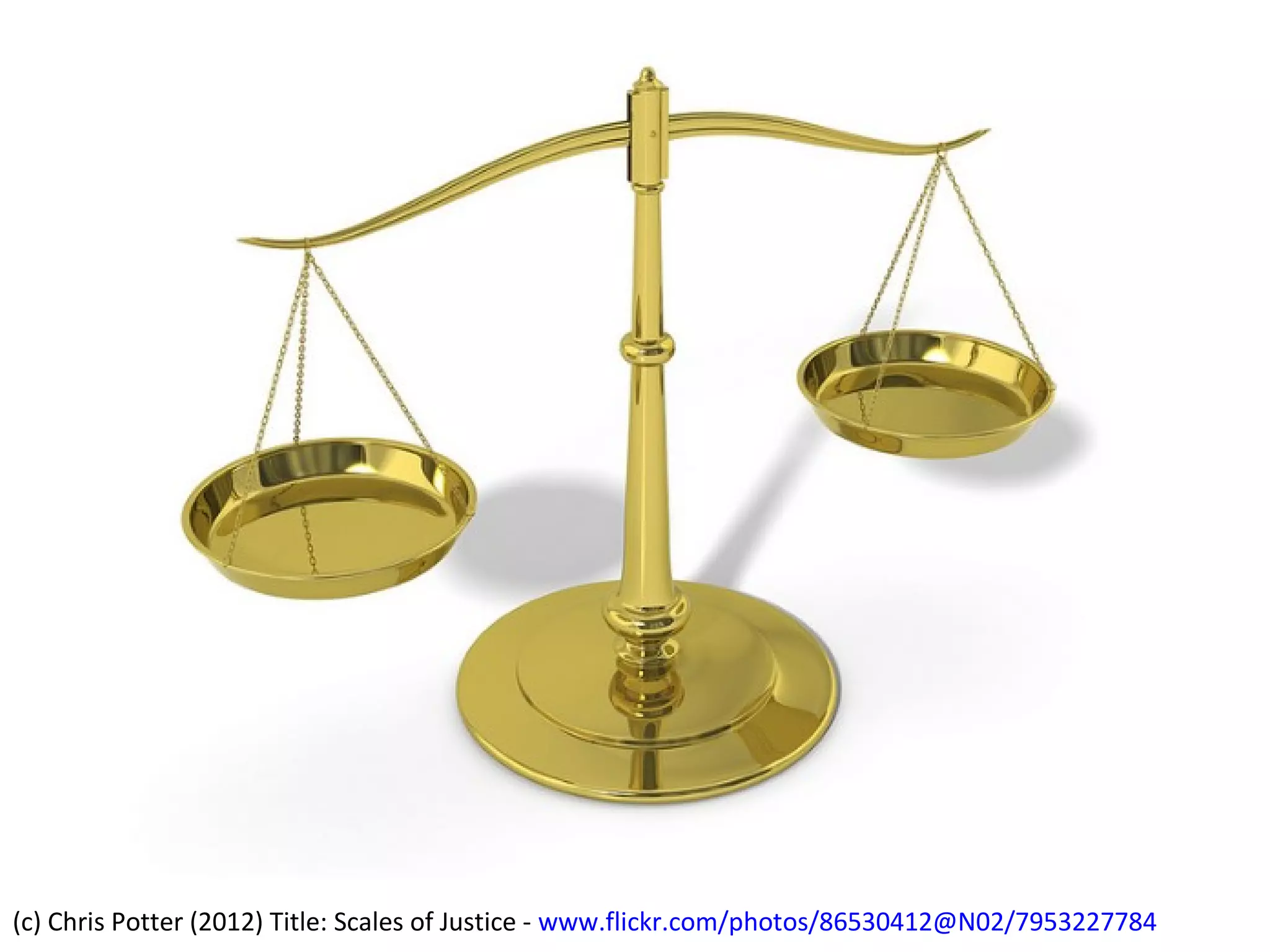
(c) Chris Potter (2012) Title: Scales of Justice - www.flickr.com/photos/86530412@N02/7953227784
Which is more important to you?
•
•
•
•
•
•
•
•

Ease of access to data
Convenience
Speed
Tailored content
Special offers
Advanced notice
Keeping up with friends
Reduced hassle

Privacy
A few facts
• 21% of internet users have had an email or
social networking account compromised
• 12% have been stalked/harassed online
• 11% have had important data stolen
• 6% have had their reputation damaged
• 4% have been led into physical danger
because of something that happened online
– http://pewinternet.org/Reports/2013/Anonymityonline.aspx
Headline bad news
• The US Postal Service is involved with the Mail
Isolation Control and Tracking program
– 160 billion pieces of mail are photographed annually

• GCHQ handled 600m ‘telephone events’ each day
in 2012, had tapped more than 200 fibre optic
cables and could process data from 46 at a time
• The National Security Agency can reach 75% of all
US Internet traffic
Continued
• Commercial software exists which can spy on
mobile phones (Flexispy)
• Mobile phone pictures can be used to track
locations
• The microphone and webcam on your
computer can be remote activated
• “America has no functioning democracy”
Jimmy Carter, July 2013
And more...
• Gmail users have no "reasonable expectation"
that their communications are confidential
– http://www.theguardian.com/technology/2013/aug/14/google-gmail-users-privacy-email-lawsuit

• Microsoft has admitted that anything stored
in its cloud services, eg Outlook or Office 365
can be accessed by the US Govt under the
Patriot Act of 2001 or the Foreign Intelligence
Surveillance Act of 1978
And a little more
• The UK’s National Physical Laboratory has
developed a walking gait recognition system
that can be used to help track a person
through a CCTV-monitored area by analysing
the way that they walk.
– http://www.theengineer.co.uk/news/npl-takesstep-forward-with-gait-recognitionsystem/1013972.article
And a tiny bit more
• 145 of the top 10,000 websites track users
without their knowledge or consent
– ‘Digital fingerprinting’ circumvents legal
restrictions imposed on cookies
– Flash based fingerprinting can uniquely identify
specific machines based on computer properties
such as screen size, fonts, plugins and installed
software
» Katholieke Universiteit Leuven Newsroom
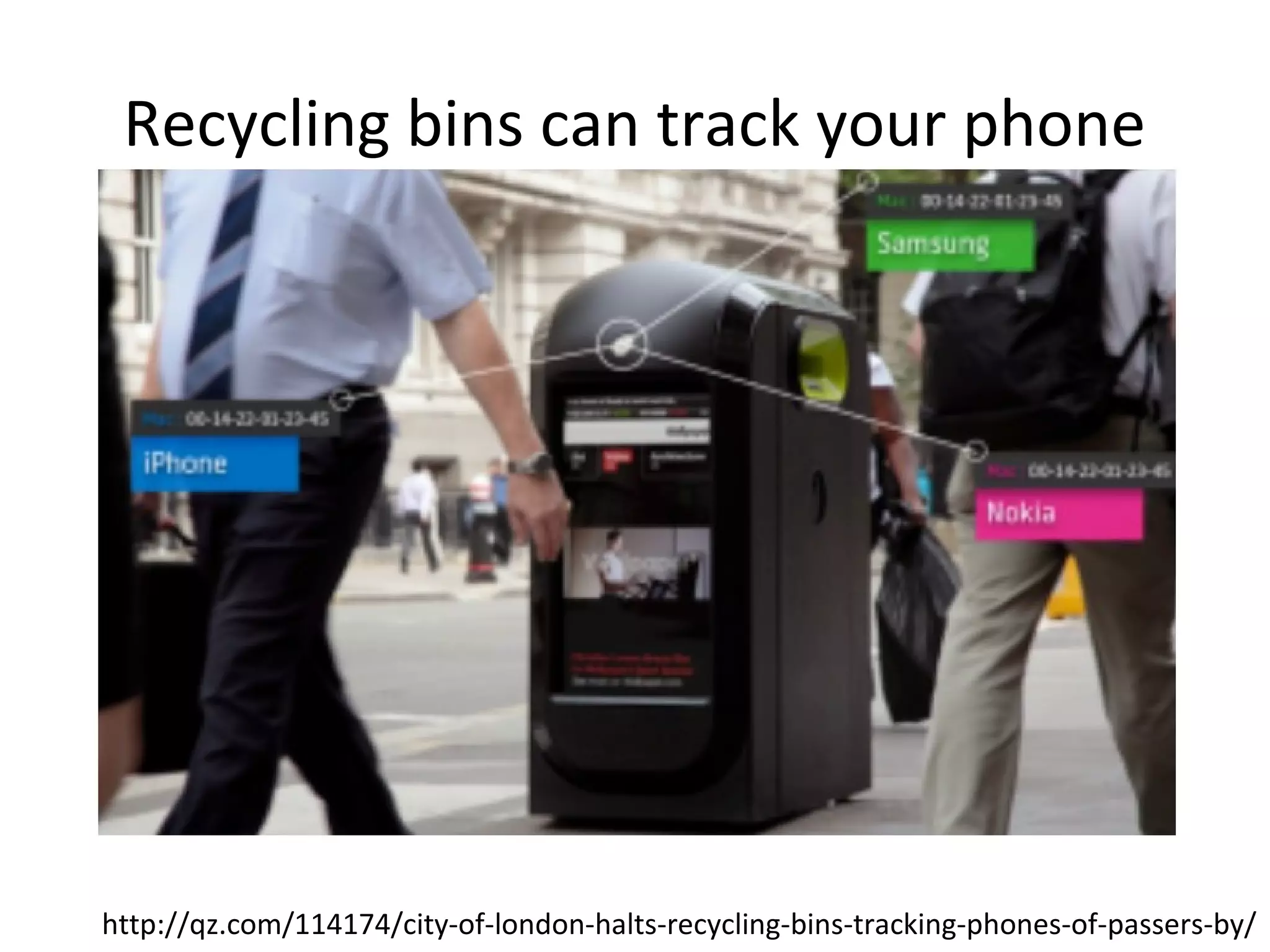
Recycling bins can track your phone

http://qz.com/114174/city-of-london-halts-recycling-bins-tracking-phones-of-passers-by/
Who you are
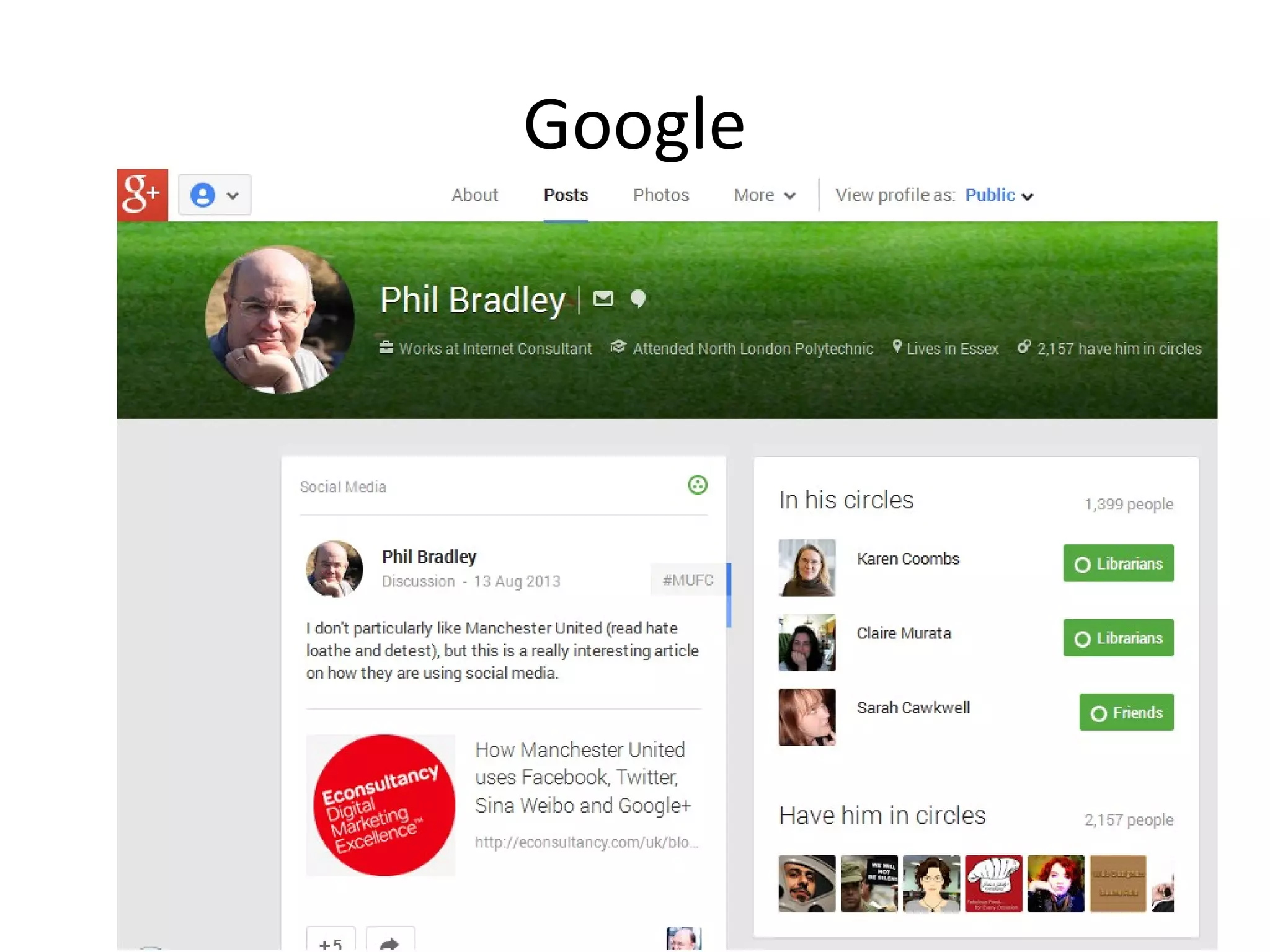
Google
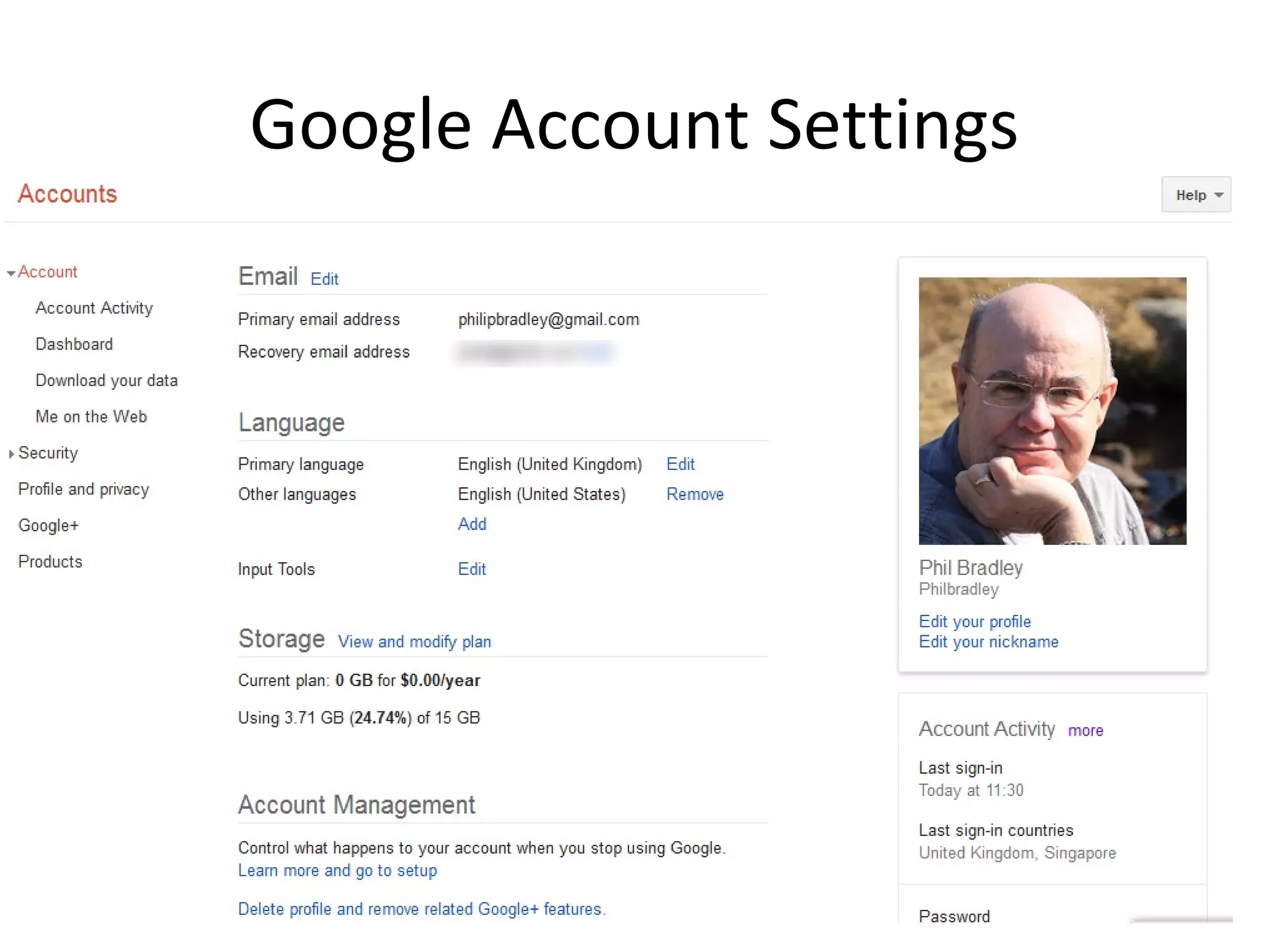
Google Account Settings
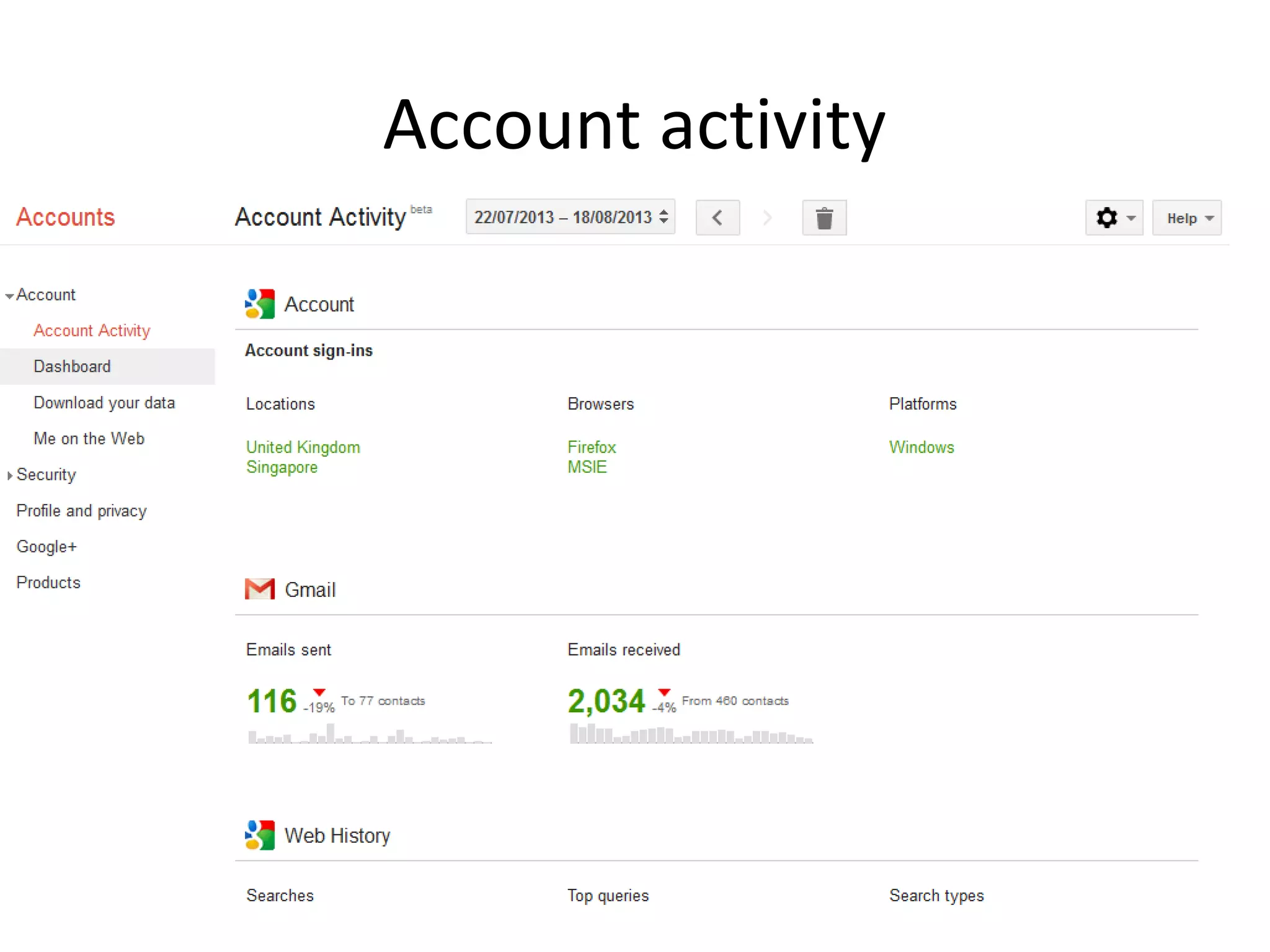
Account activity
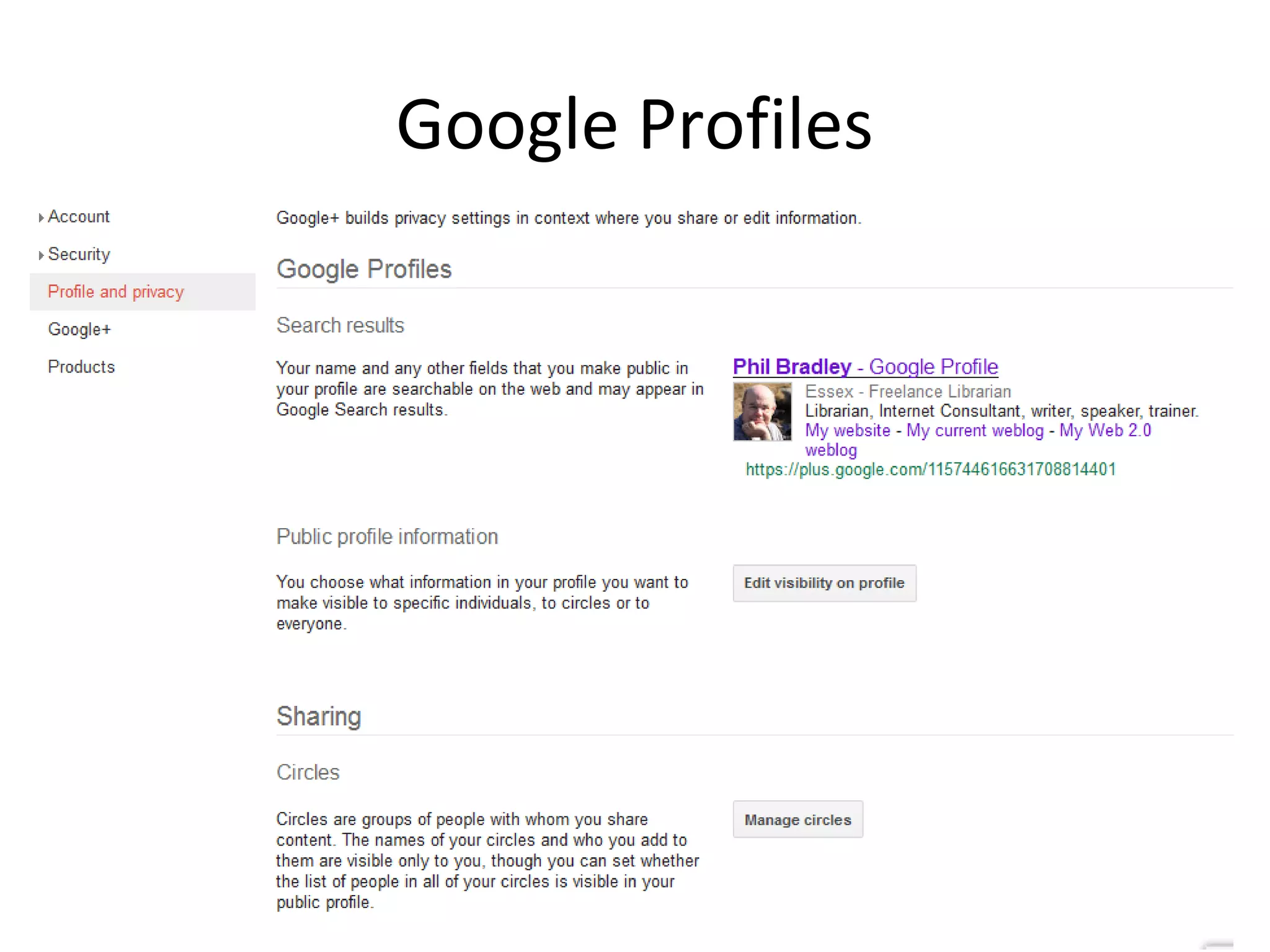
Google Profiles
Facebook
• Always sign out of Facebook
– Closing the tab doesn’t sign you out

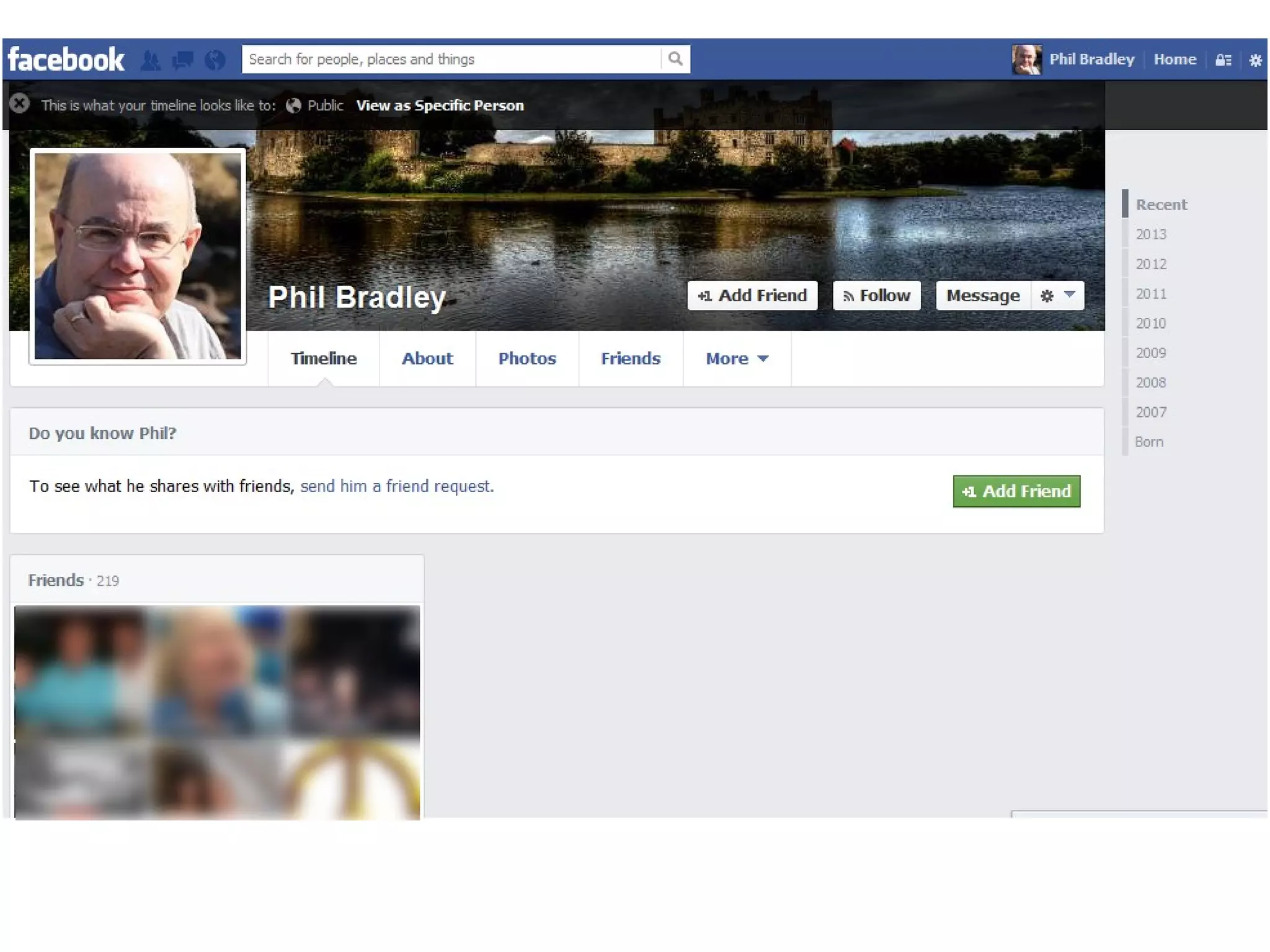
• View your timeline as it appears to ‘nonfriends’
– Click the cog wheel
– Timeline and tagging settings
– Who can see things on my timeline?
– View as
Check your privacy settings
• Who can see my stuff?

– Future posts
– Review all your posts
– Limit the audience for posts you’ve shared

• Who can contact me?

– Who can send you friend requests?
– Whose messages do I want filtered?

• Who can look me up?

– Using the email address or phone number
– Do you want other search engines to link to your
Timeline?
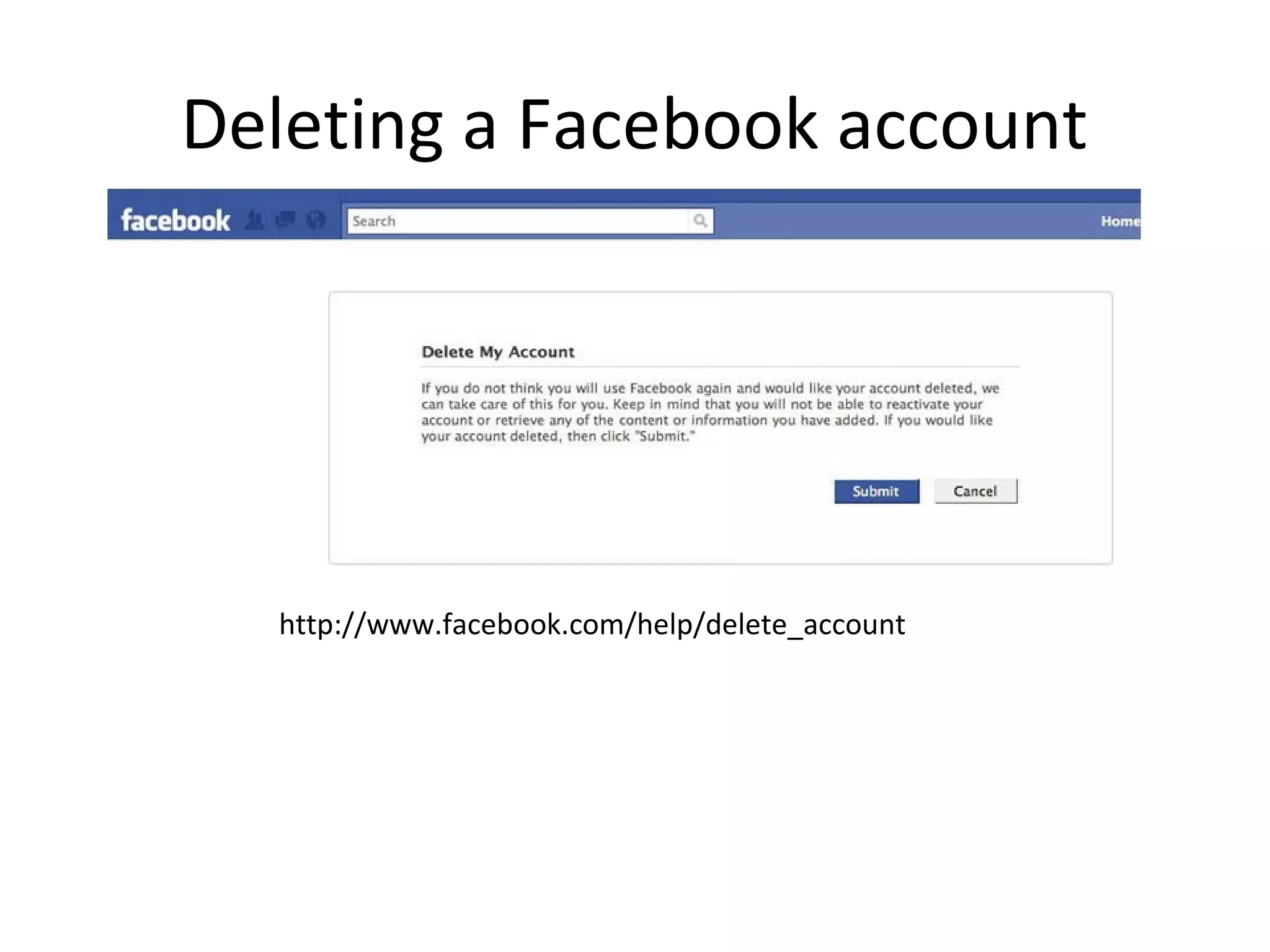
Deleting a Facebook account

http://www.facebook.com/help/delete_account
Deleting an account
• This can take up to one month
• Some data may be retained for 3 months
• Some content will always remain
• Download a copy of your Facebook
information first!
Facebook shadow profiles
• A friend looks for you, or installs an app on
their phone
– Facebook now has your phone number and email
address

• Seen the ‘people you might know?’ A 3rd party
uses the ‘Find friends’ option, has your details
(new or old) and can link old addresses
together
Can you stop this?
• Not really
• Theoretically illegal in Europe
• Tell all your friends never to refer to you on
Facebook, don’t install Facebook apps, don’t
put your details into their smartphone....
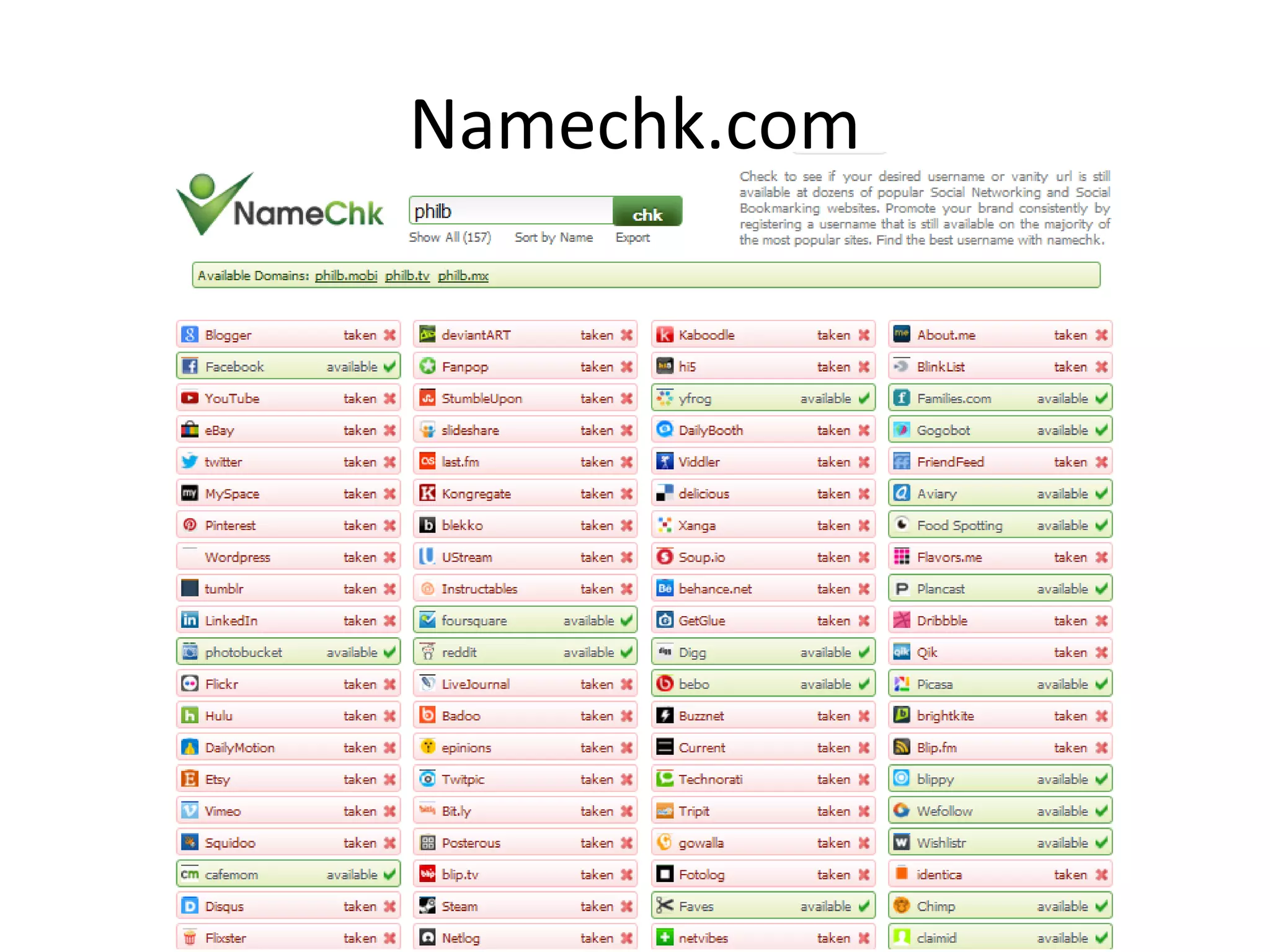
Namechk.com
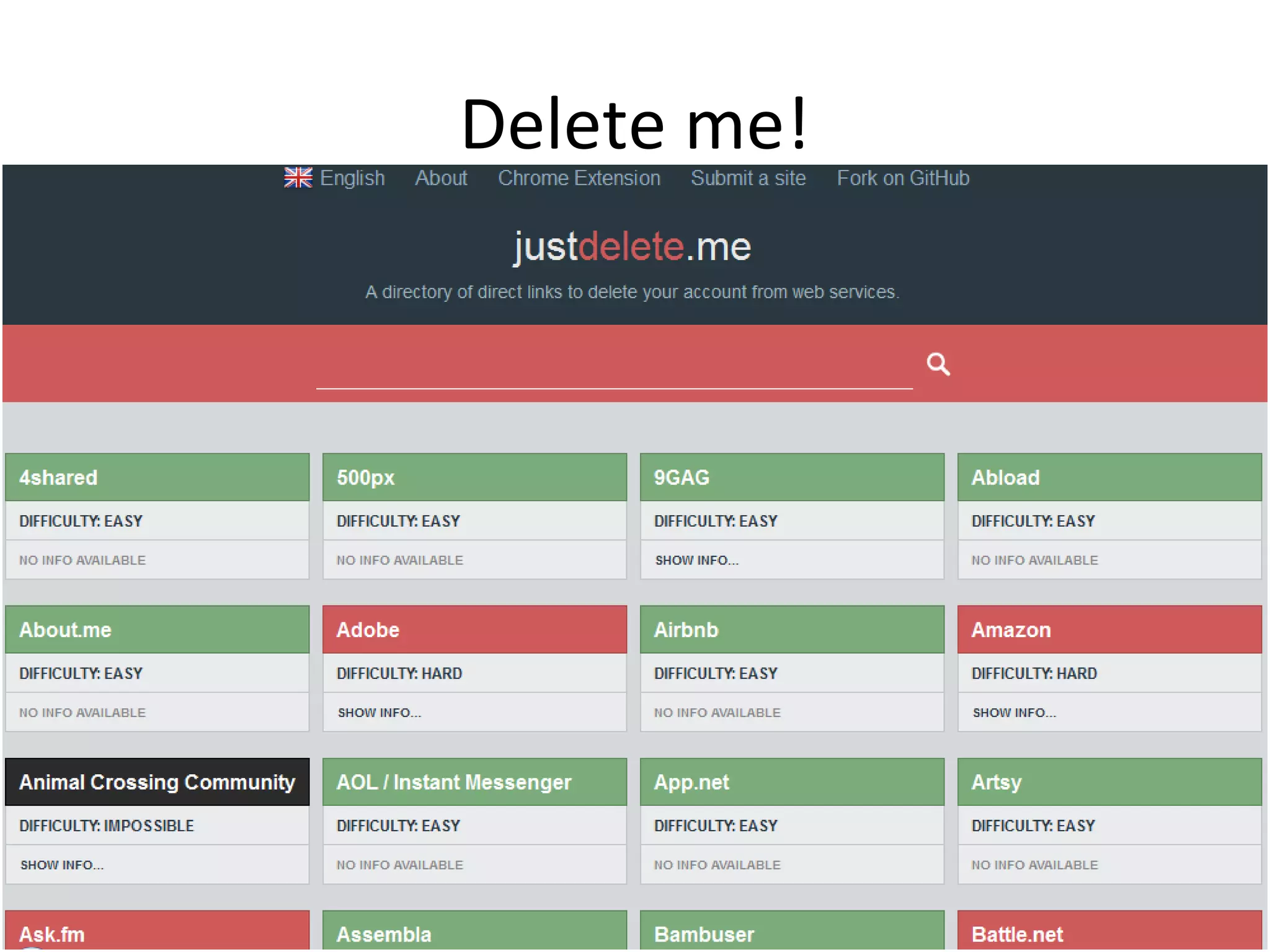
Delete me!
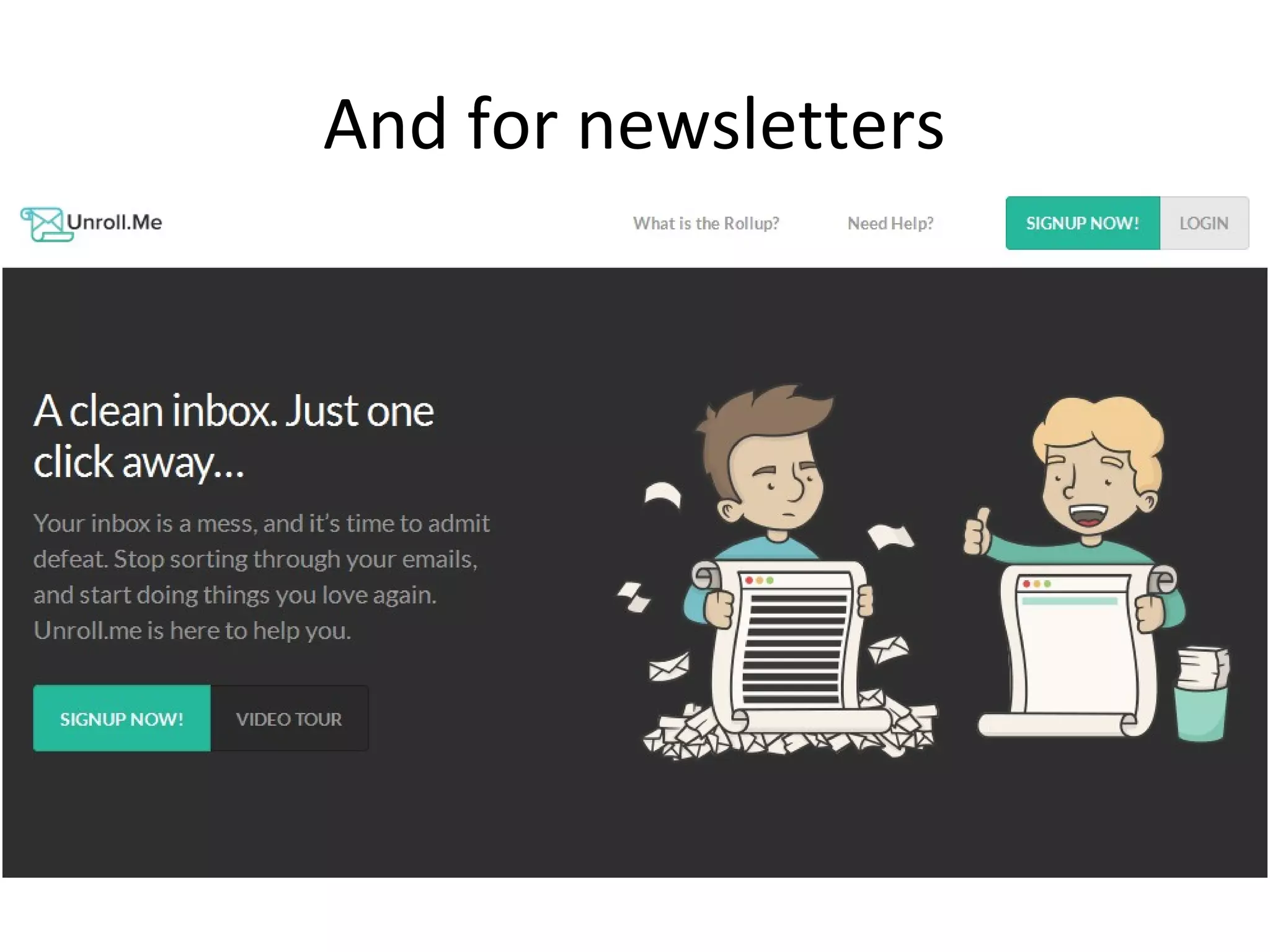
And for newsletters
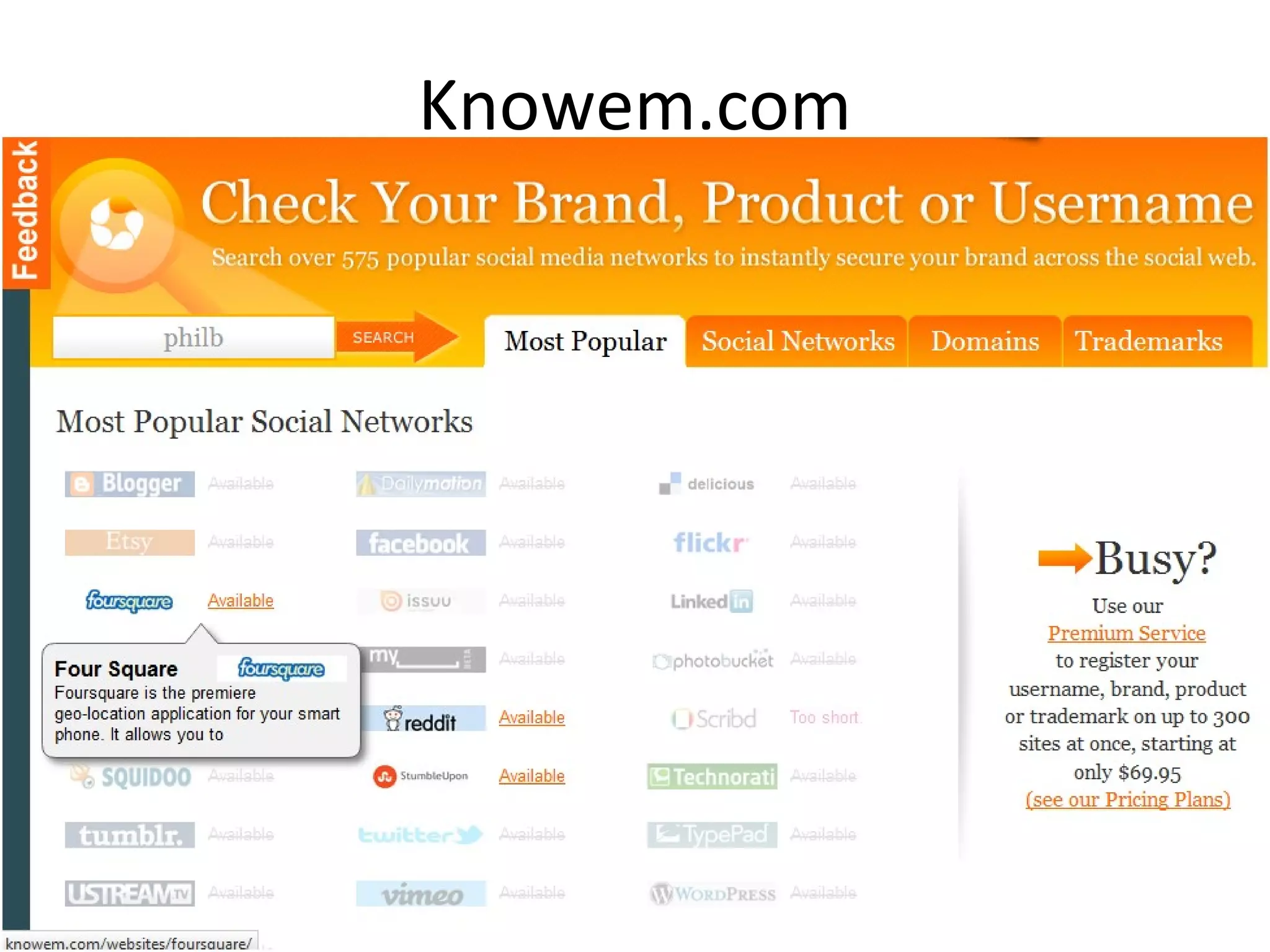
Knowem.com
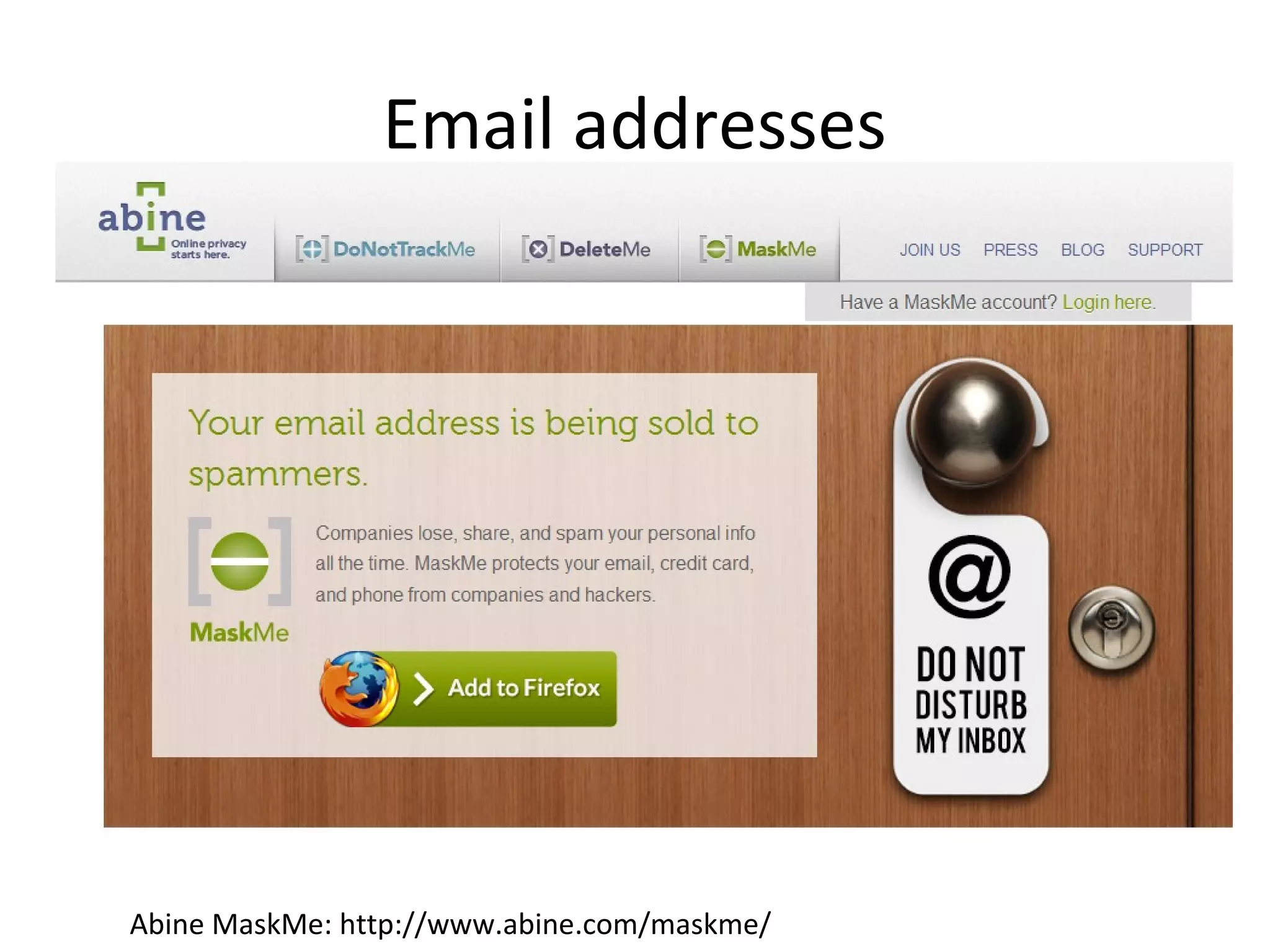
Email addresses

Abine MaskMe: http://www.abine.com/maskme/
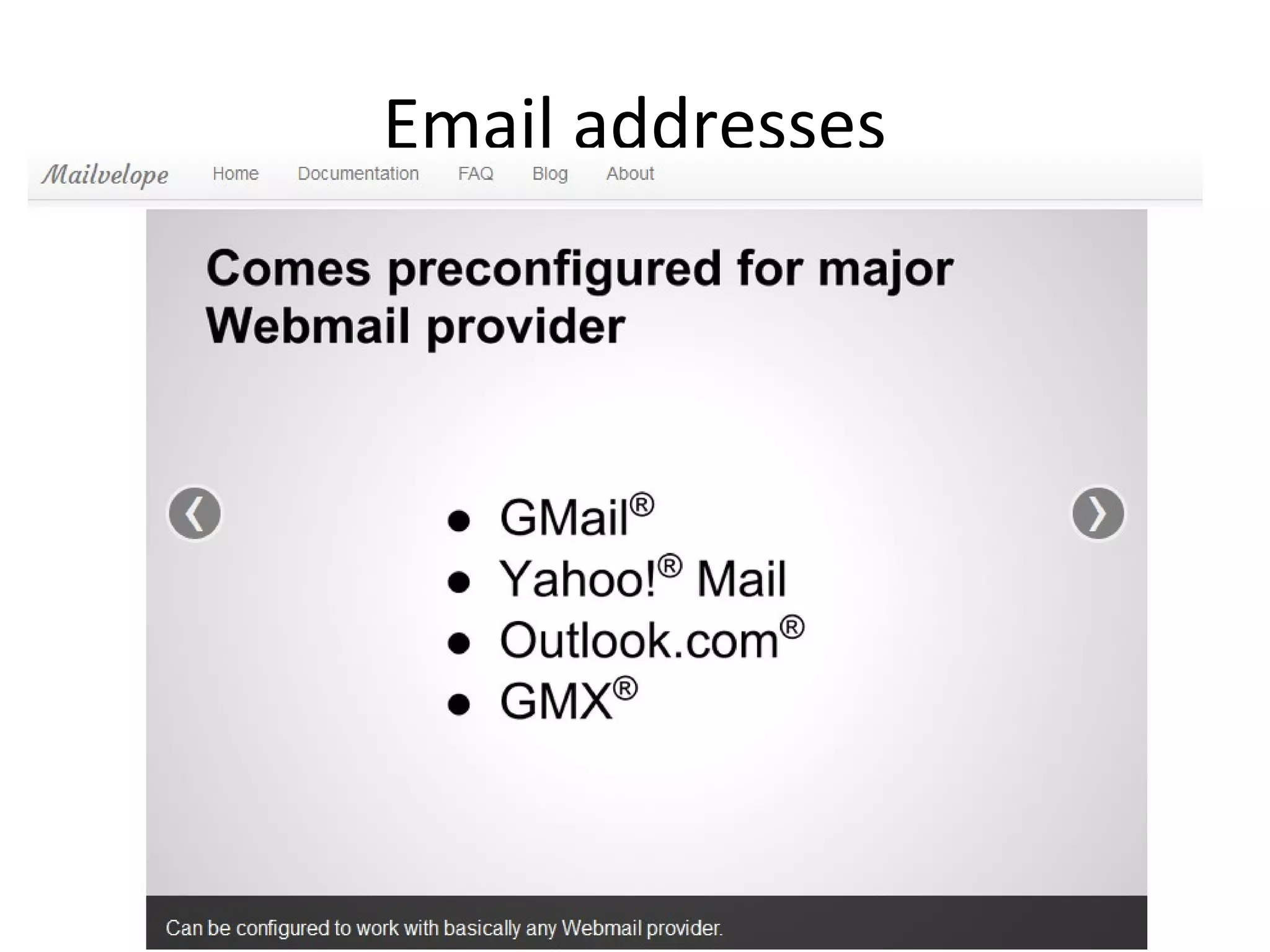
Email addresses
Where you are
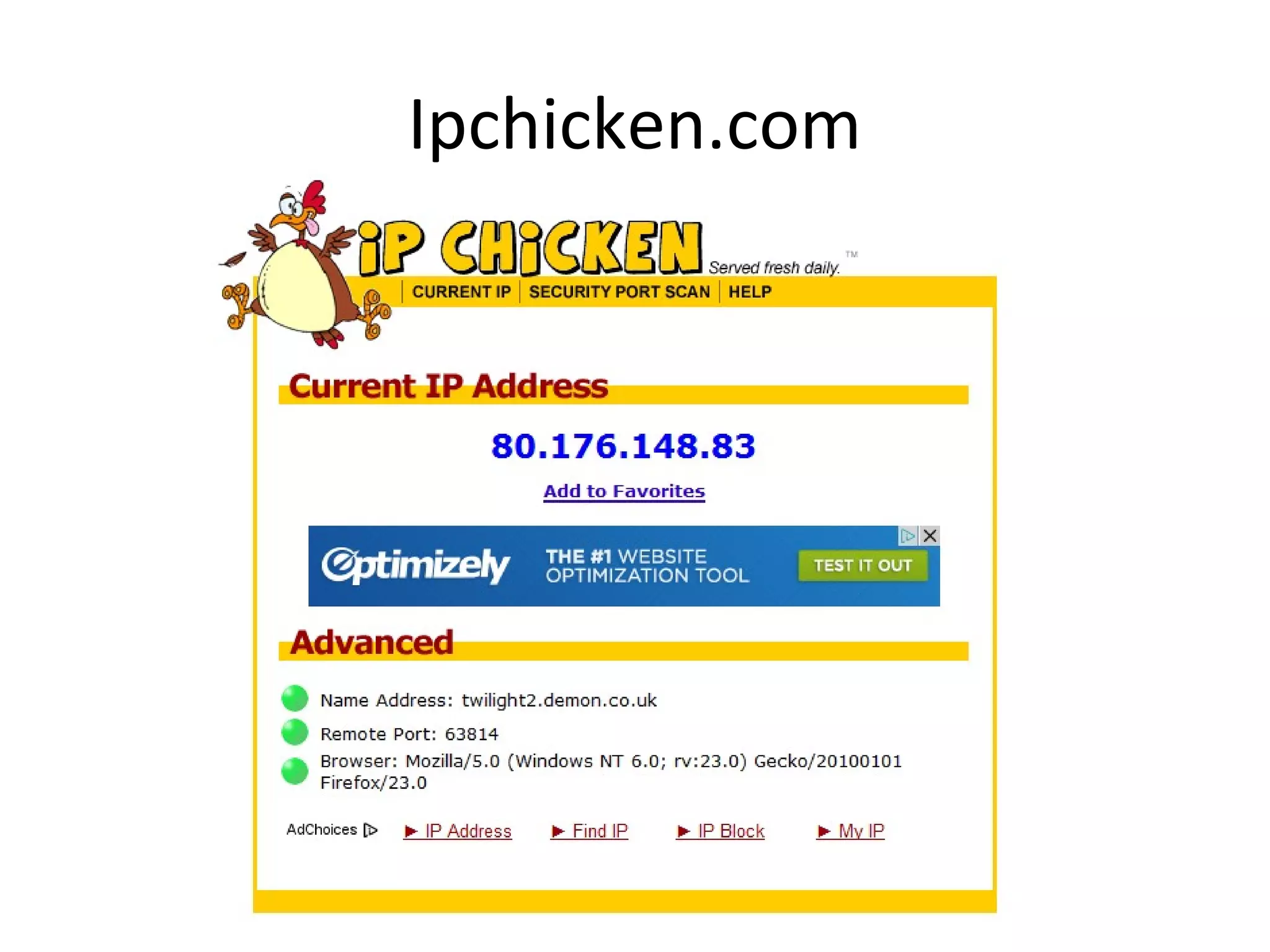
Ipchicken.com
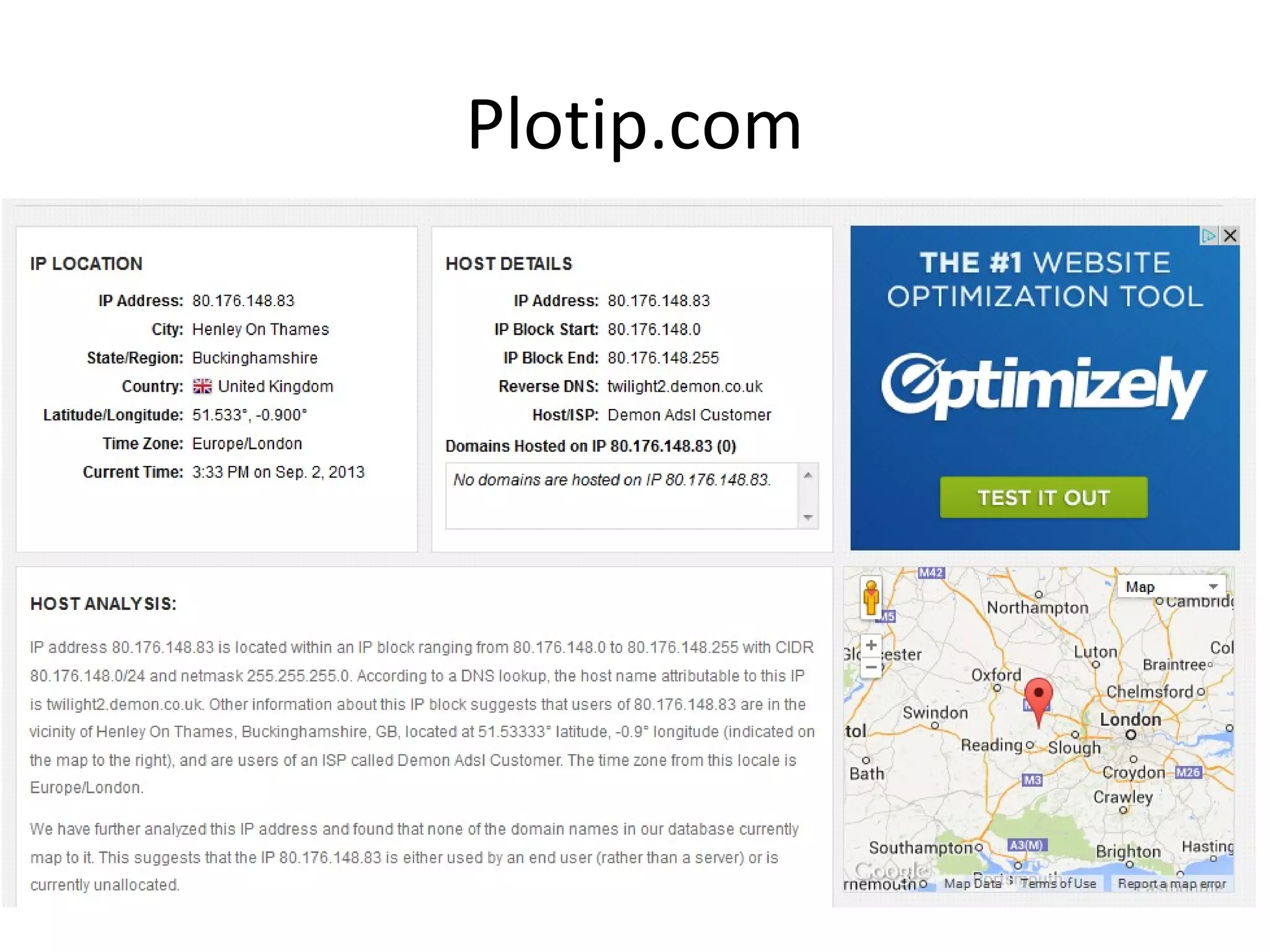
Plotip.com
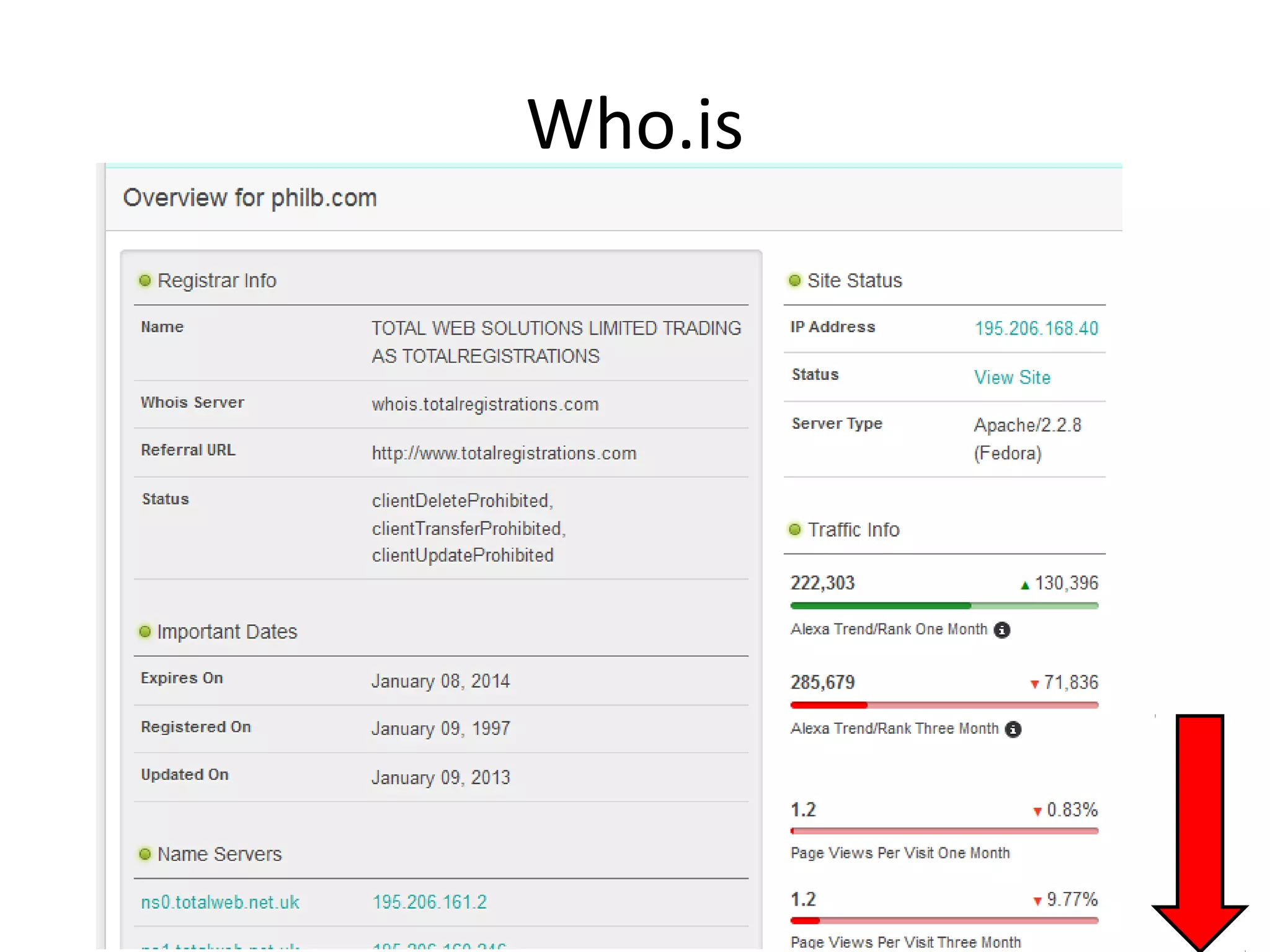
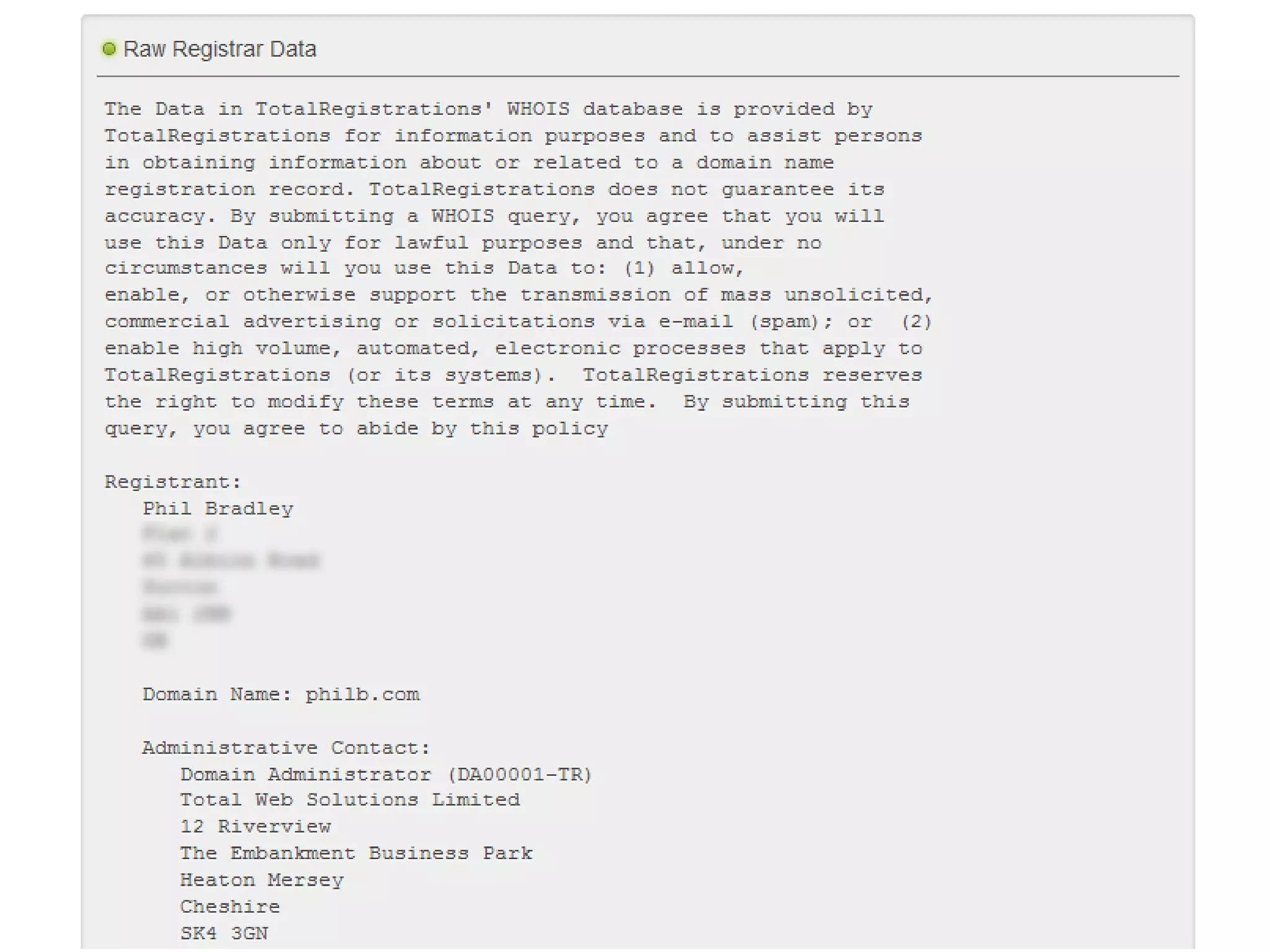
Who.is
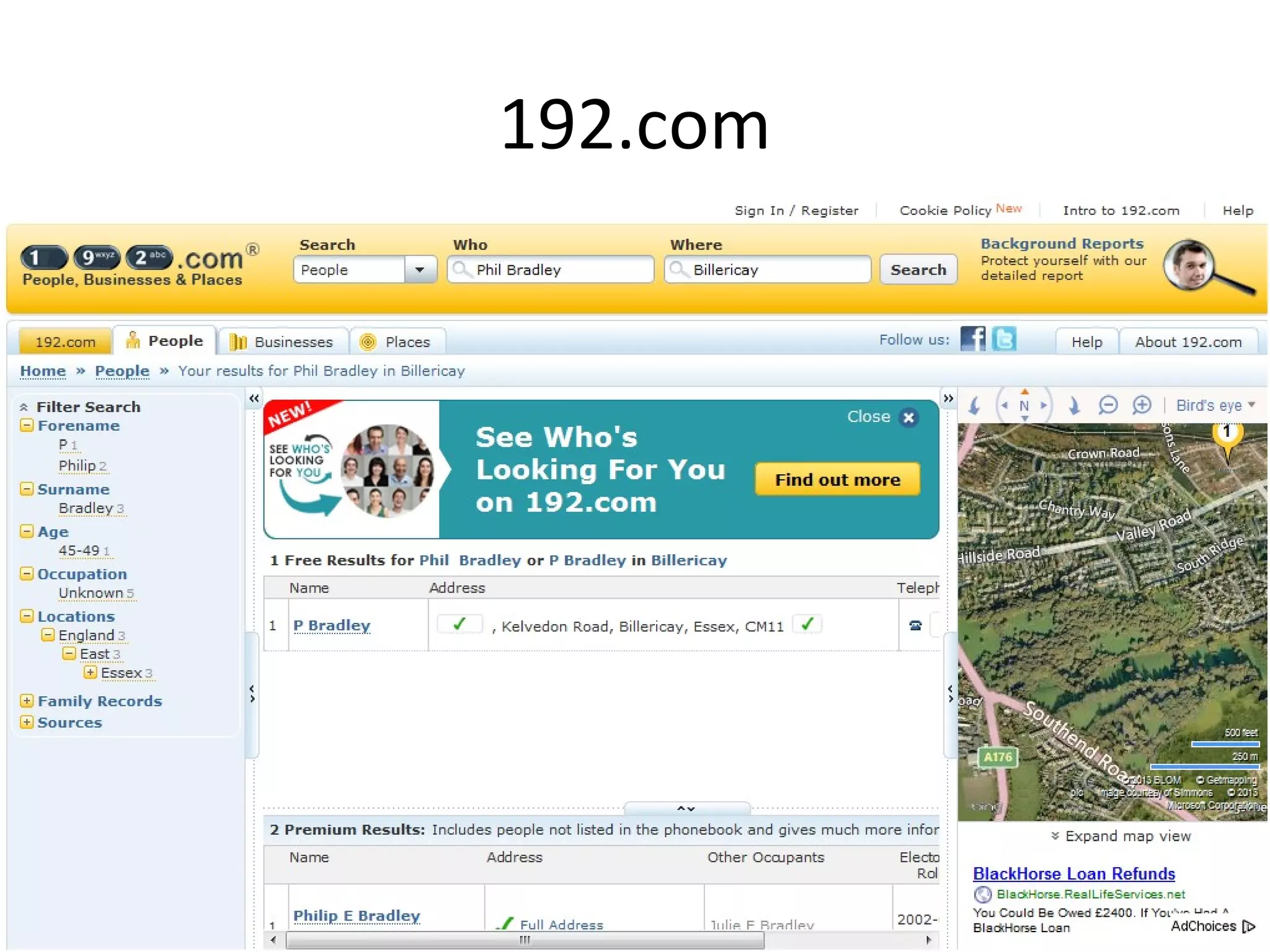
192.com
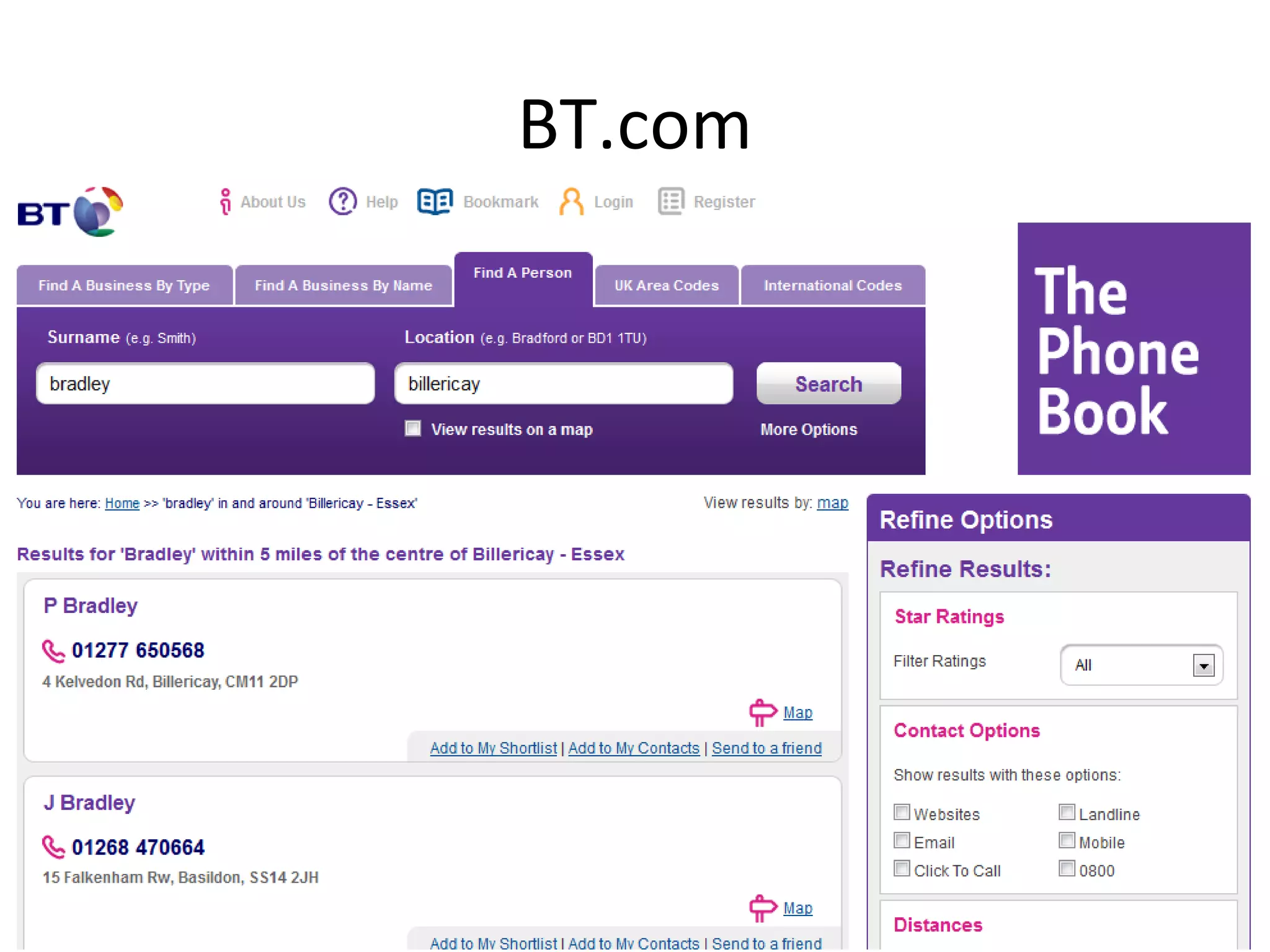
BT.com
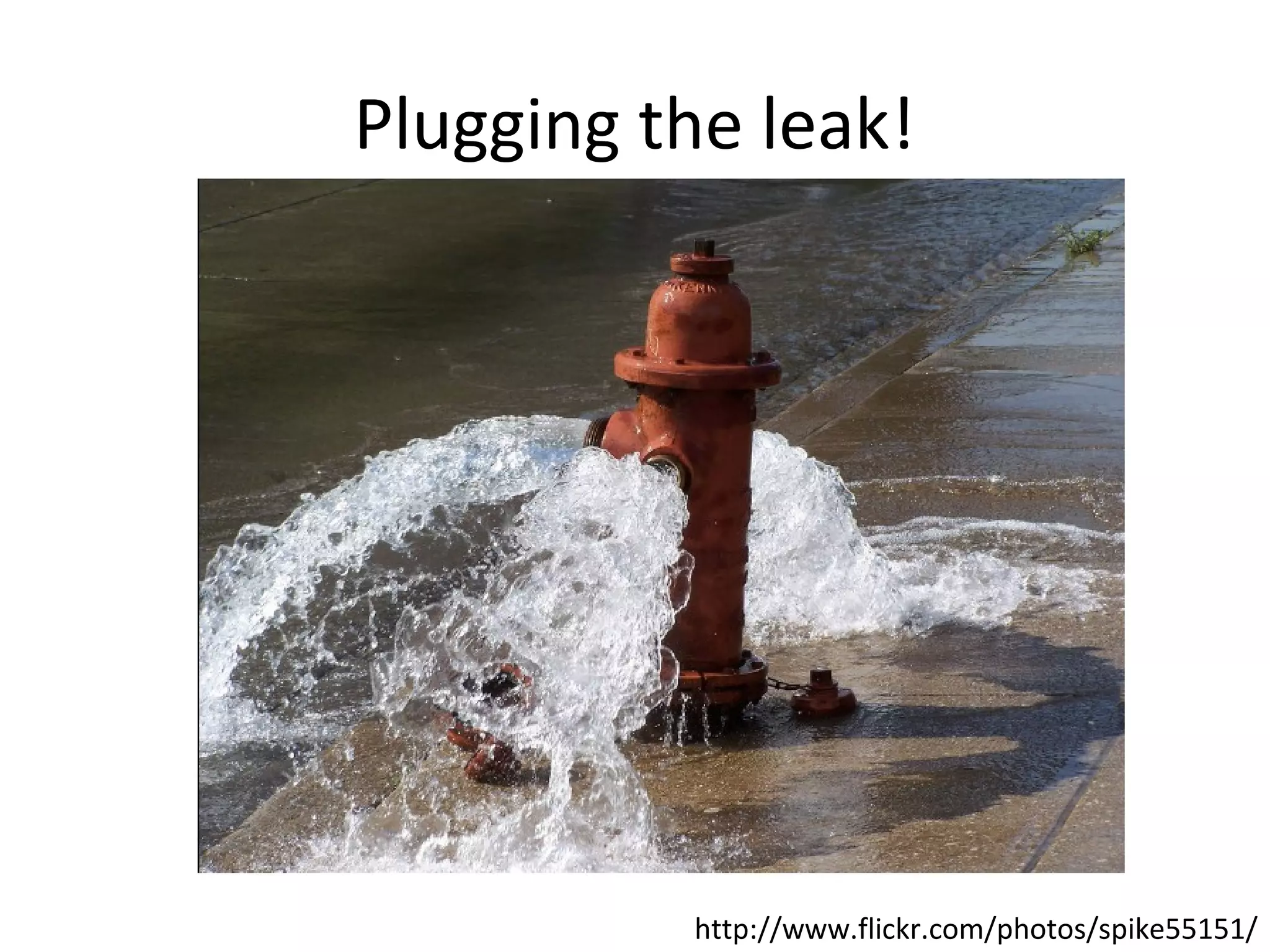
Plugging the leak!

http://www.flickr.com/photos/spike55151/
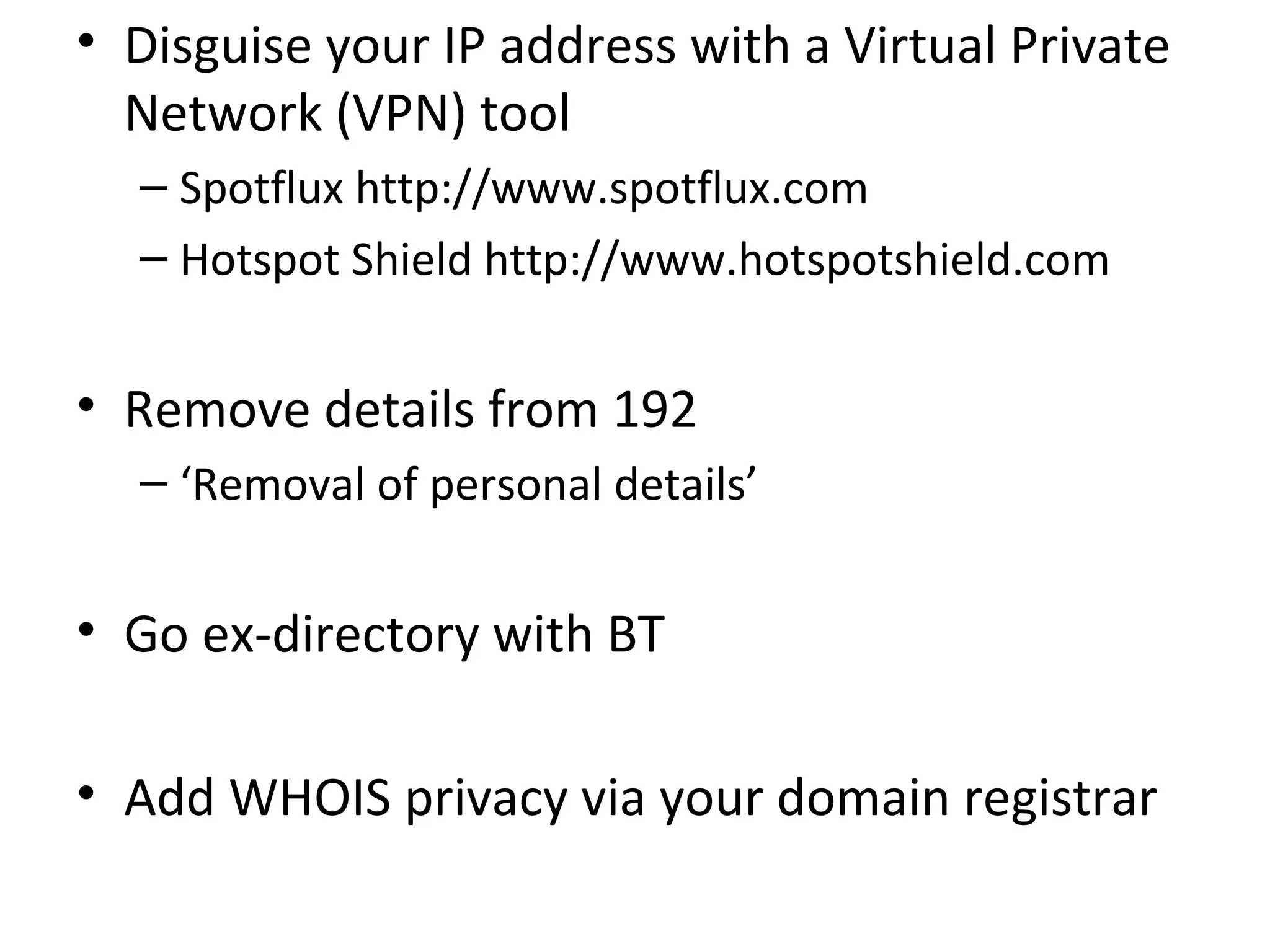
• Disguise your IP address with a Virtual Private
Network (VPN) tool
– Spotflux http://www.spotflux.com
– Hotspot Shield http://www.hotspotshield.com

• Remove details from 192
– ‘Removal of personal details’

• Go ex-directory with BT
• Add WHOIS privacy via your domain registrar
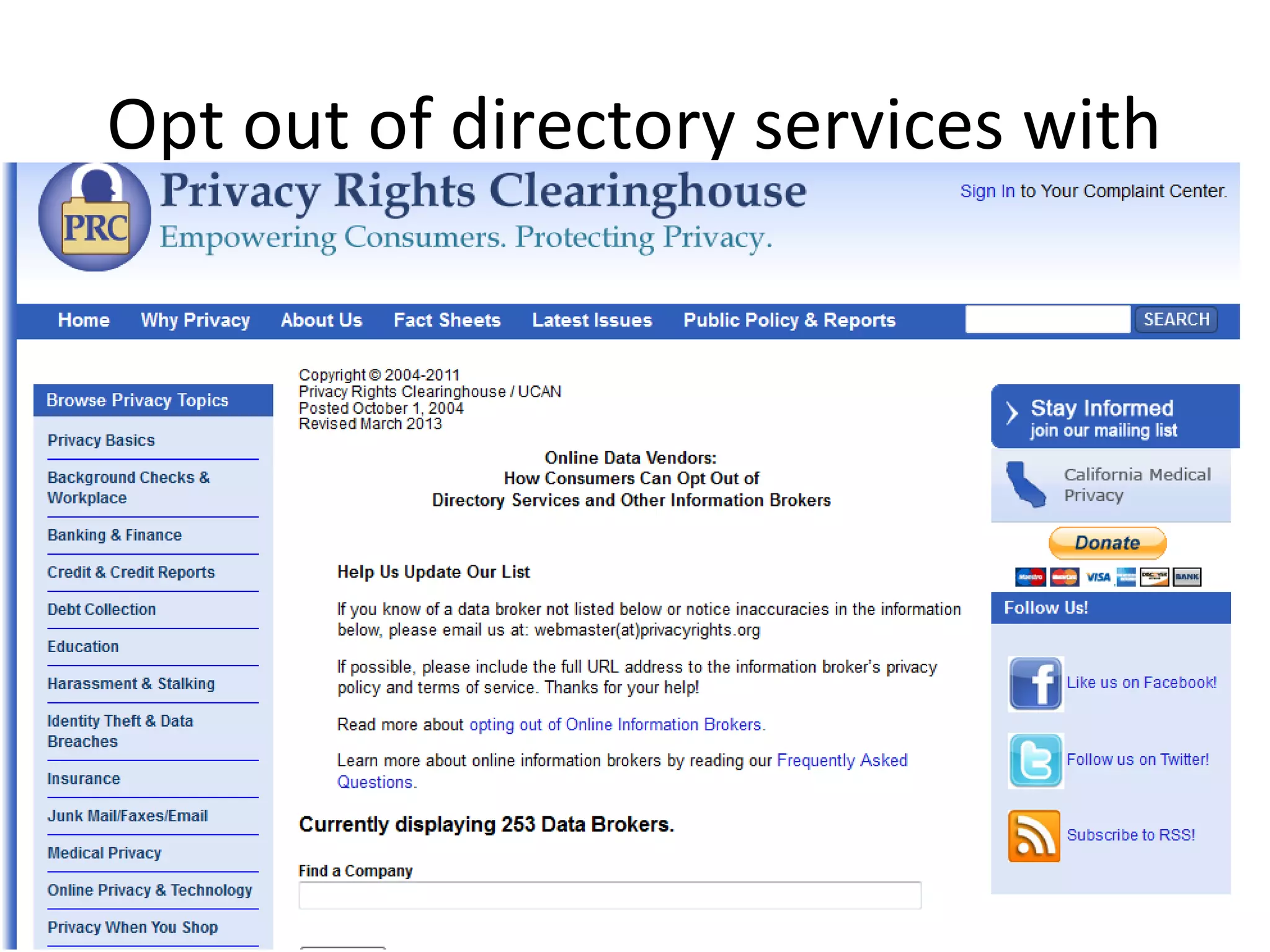
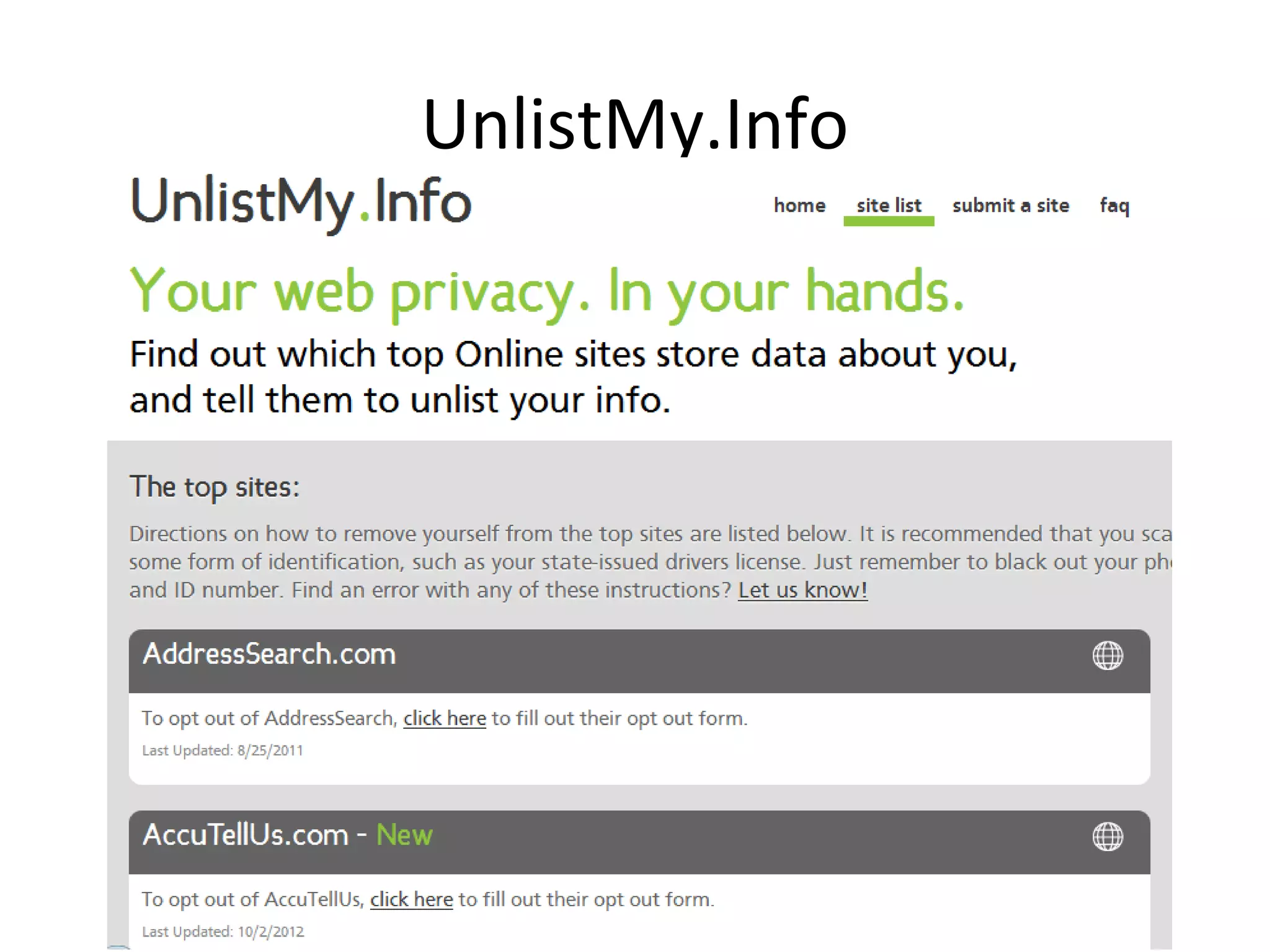
Opt out of directory services with
UnlistMy.Info
What is your browser saying?
•
•
•
•
•
•

IP Address
JavaScript
Java Applet
Content filters
Flash Player
Geolocation
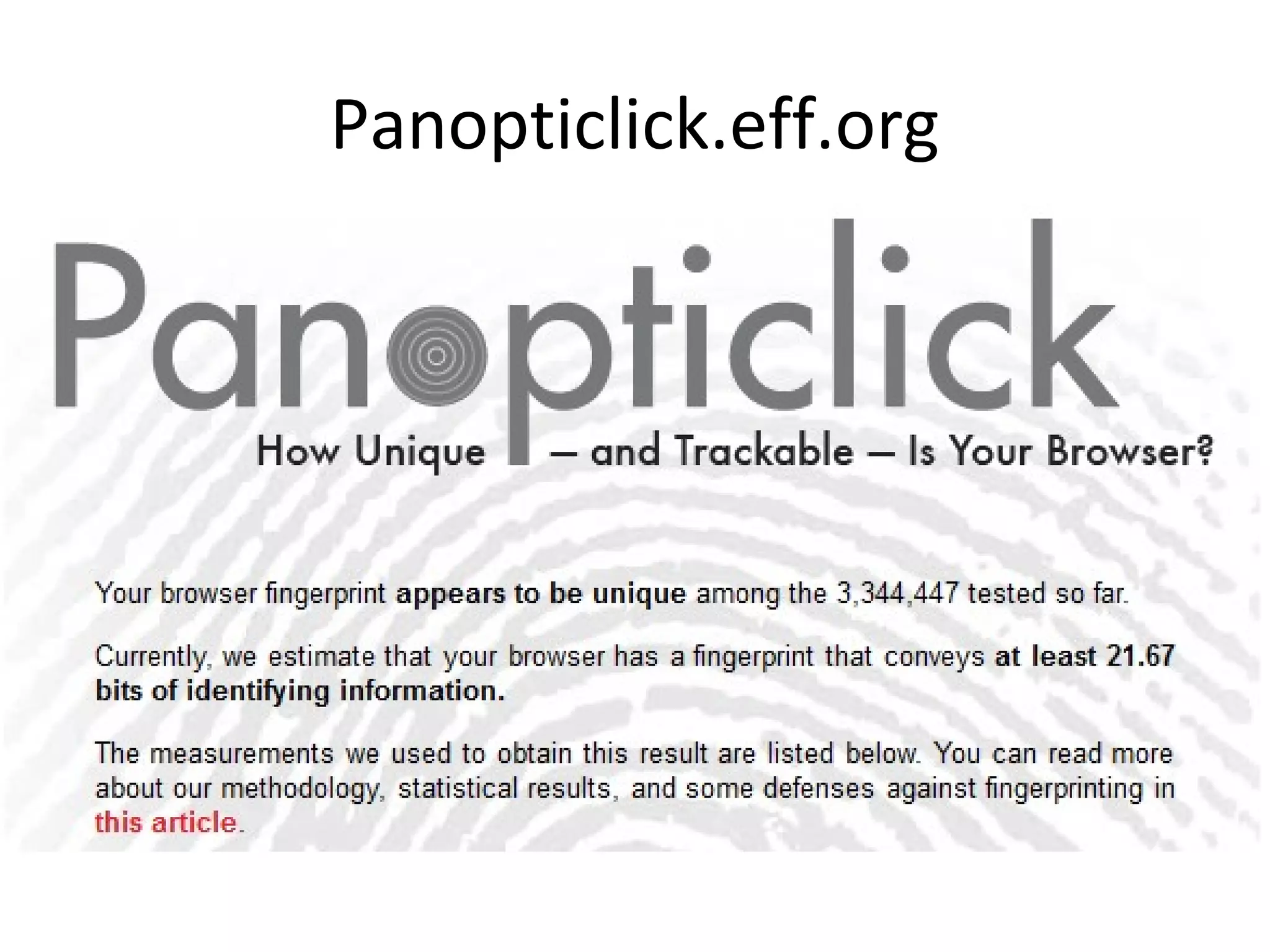
Panopticlick.eff.org
Plugging the leak!

http://www.flickr.com/photos/spike55151/
You should:
• Disable Javascript and Java
• Use a VPN tool (previously mentioned)
• Stop using Chrome, Internet Explorer or Safari
• Use Tor as a private browser, or Firefox,
Opera
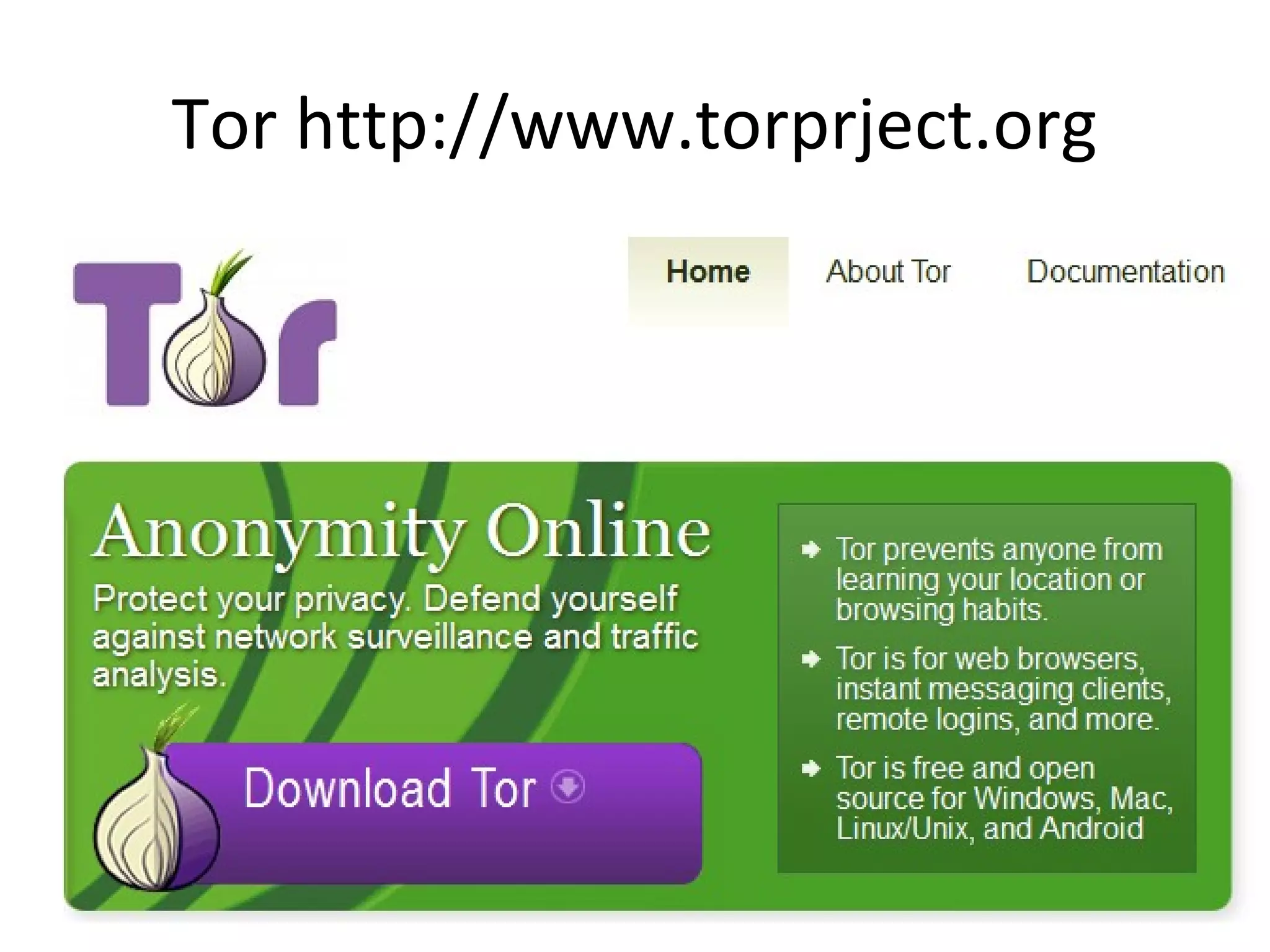
Tor http://www.torprject.org
‘The Onion Router’
• Software you can install to hide your identity
while you browse
• Originally developed for the US Navy
• Your communications take a random pathway
through several relays to cover your tracks,
and these are encrypted
Who uses it?
• Family and friends
– To protect themselves, children and dignity

• Businesses
– To research competition, keep business strategies
confidential

• Activists
– To report abuses or corruption

• Media
– To protect their research and sources
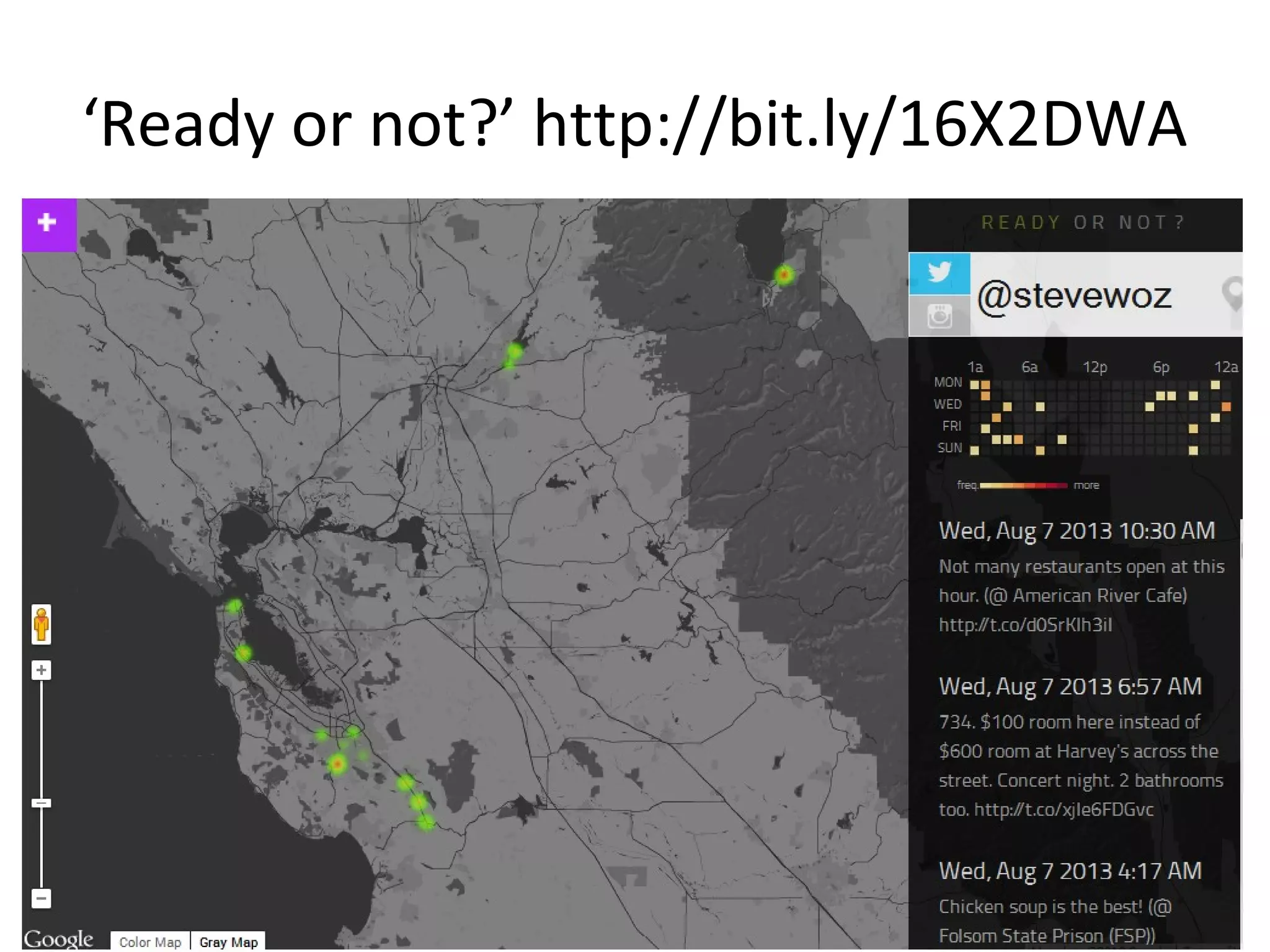
Where you go
• You can be tracked by cookies, the ‘Like’
button and Google +1
– Regardless of whether you click on the buttons or
not

• Your browser also tracks you
• Location services in Facebook and Twitter can
track you
‘Ready or not?’ http://bit.ly/16X2DWA
Plugging the leak!

http://www.flickr.com/photos/spike55151/
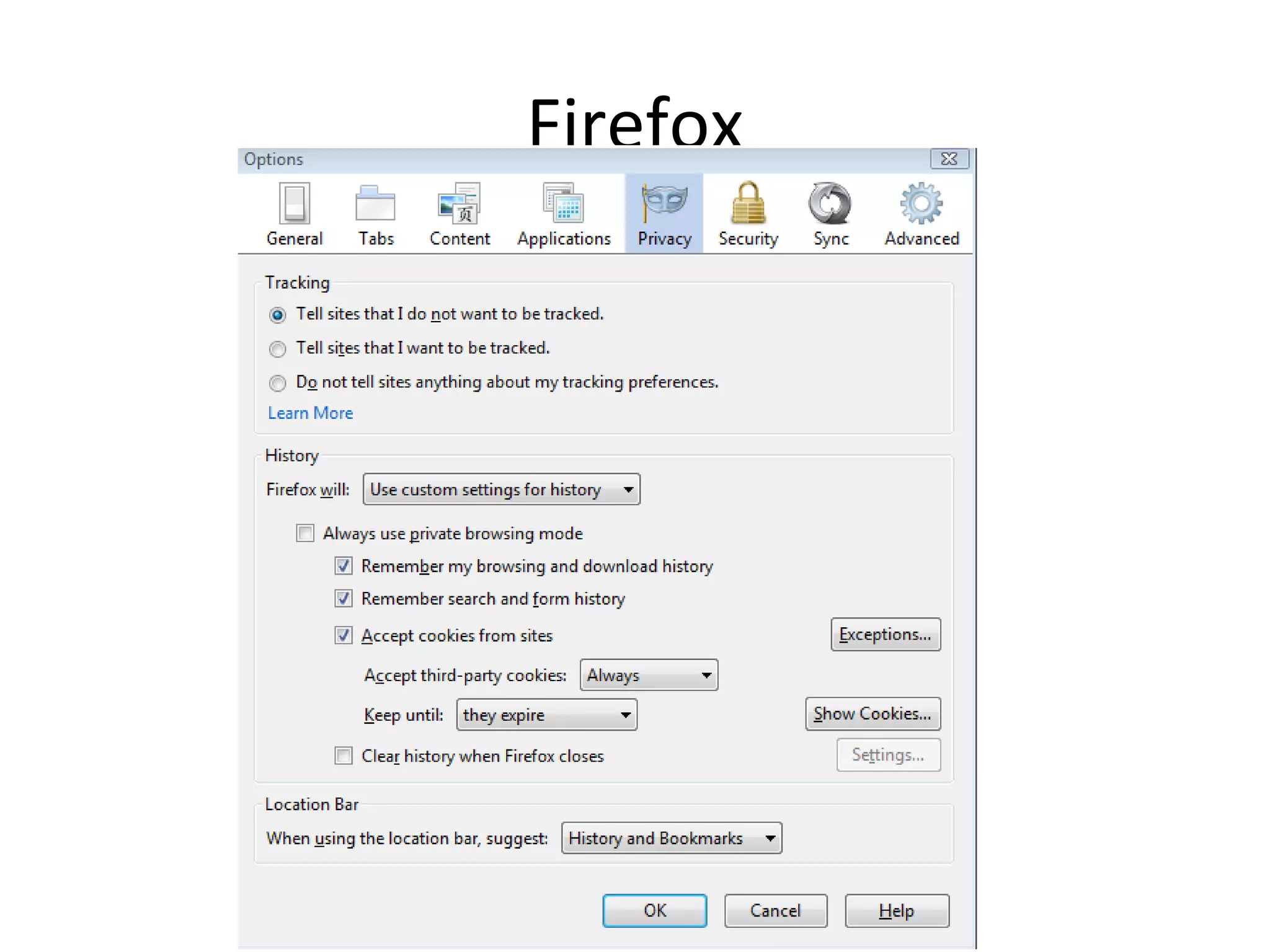
‘Do not track’
• Browser option ‘Do not track’
– Not entirely effective

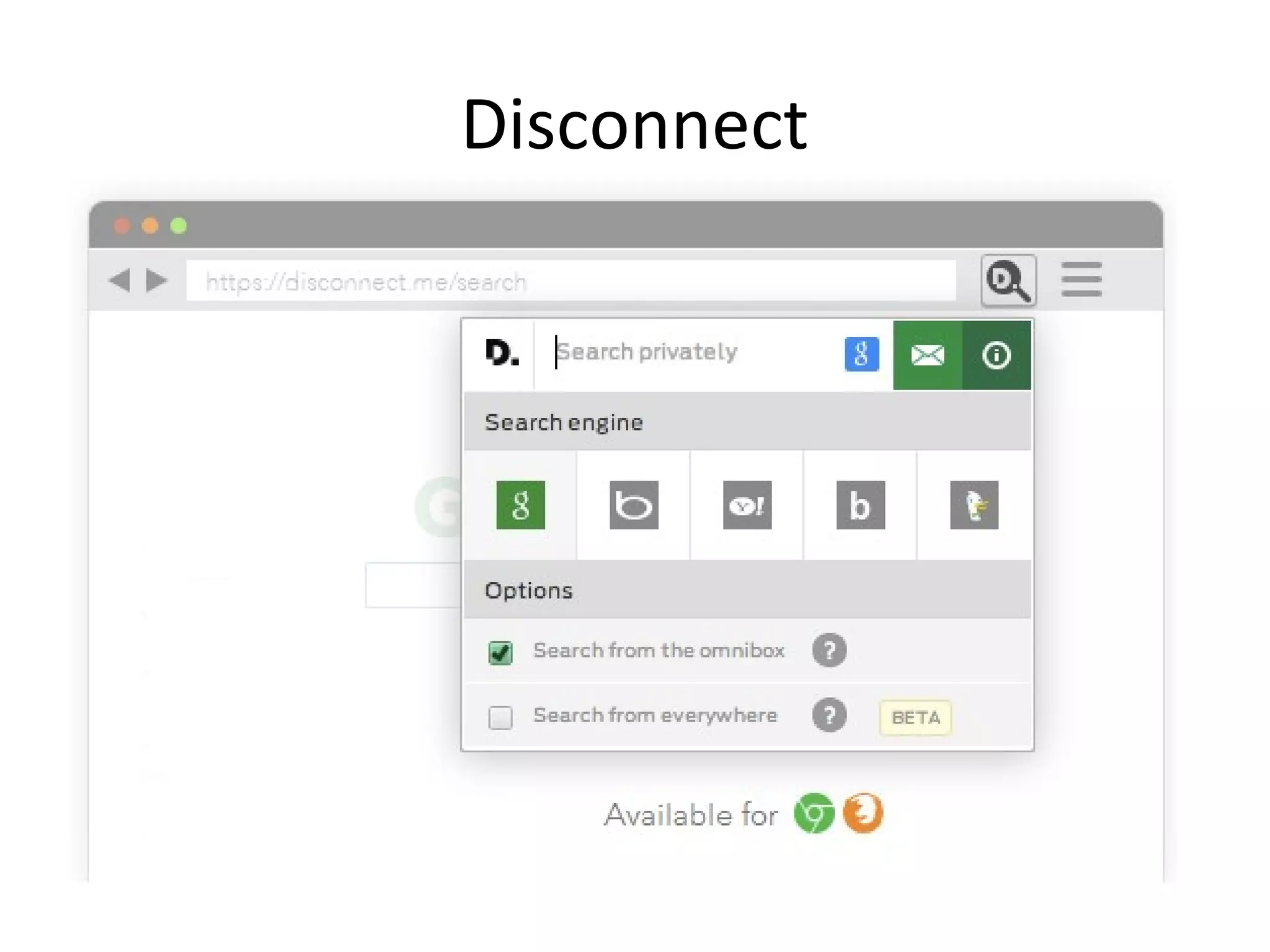
• Disconnect http://www.disconnect.me
– Prevents sites inc. Facebook, Google, Twitter and
Yahoo from tracking your activities
Disconnect
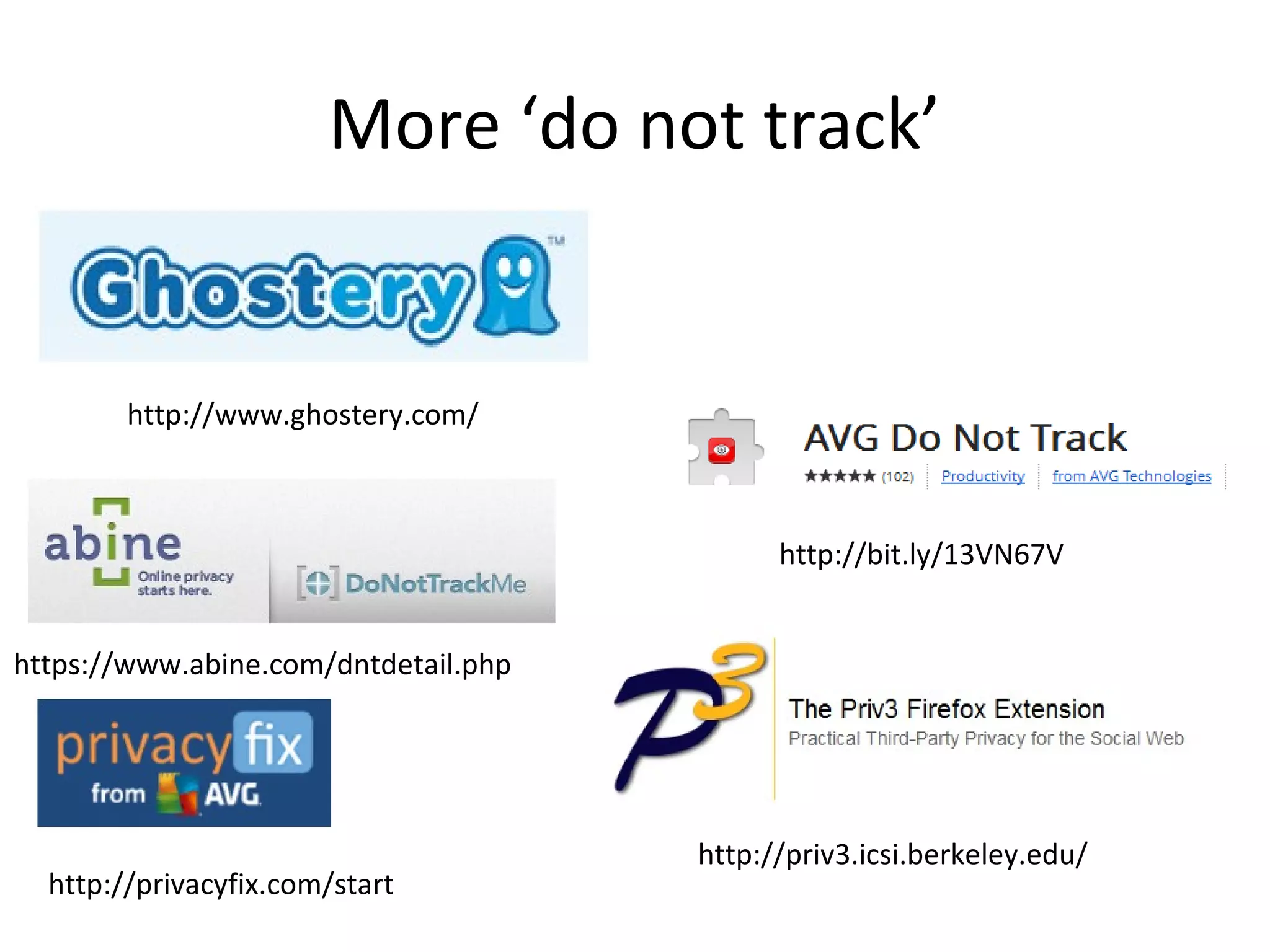
More ‘do not track’

http://www.ghostery.com/

http://bit.ly/13VN67V
https://www.abine.com/dntdetail.php

http://privacyfix.com/start

http://priv3.icsi.berkeley.edu/
Browse websites secretly
Firefox
Searching
• When you search and click on a link your
search term is usually sent to that site, along
with browser and computer information.
• Those sites may have third party adverts
which build profiles about you, and those
adverts can then follow you around.
• Your profile can then be sold on.
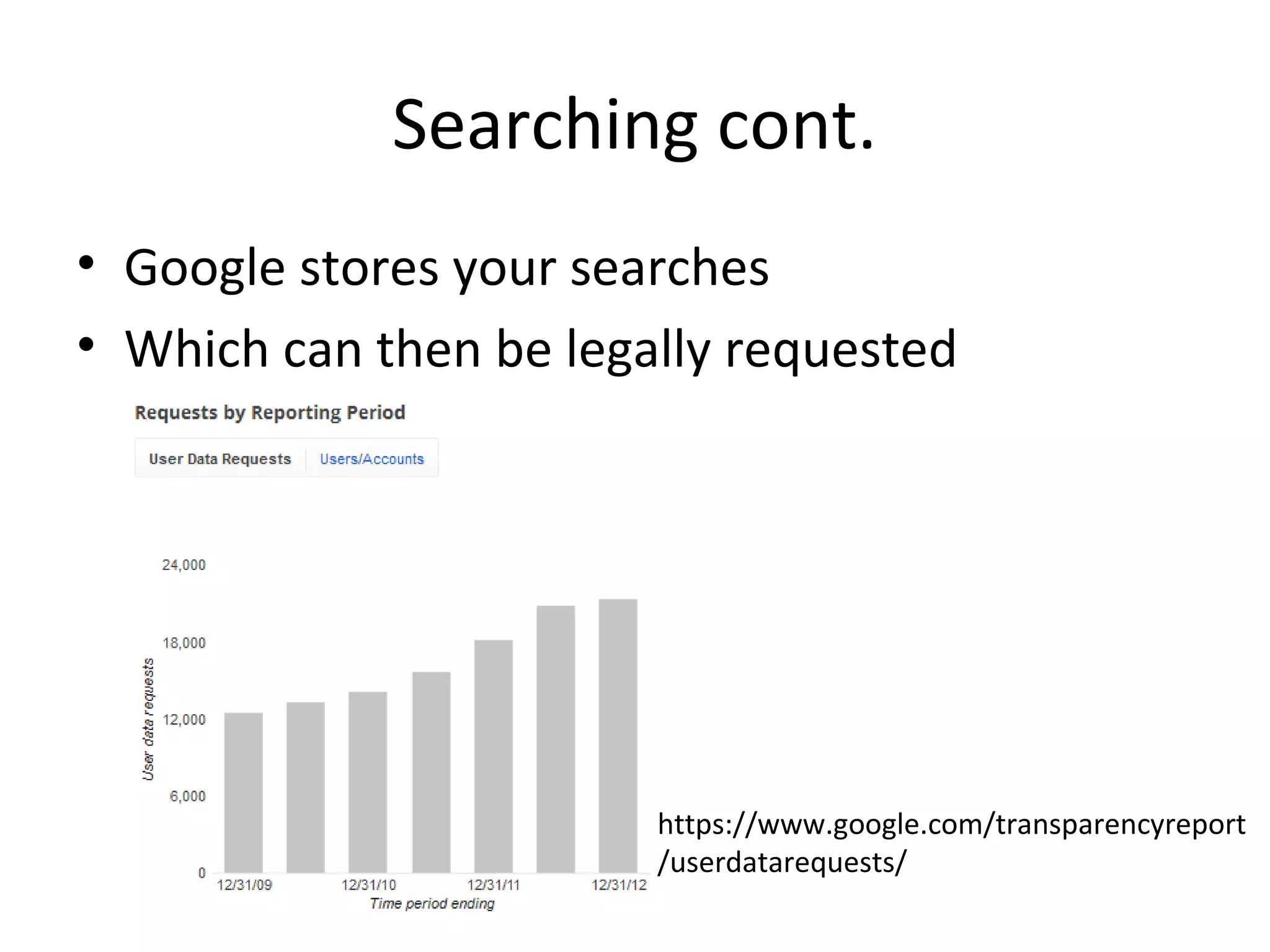
Searching cont.
• Google stores your searches
• Which can then be legally requested

https://www.google.com/transparencyreport
/userdatarequests/
Plugging the leak!

http://www.flickr.com/photos/spike55151/
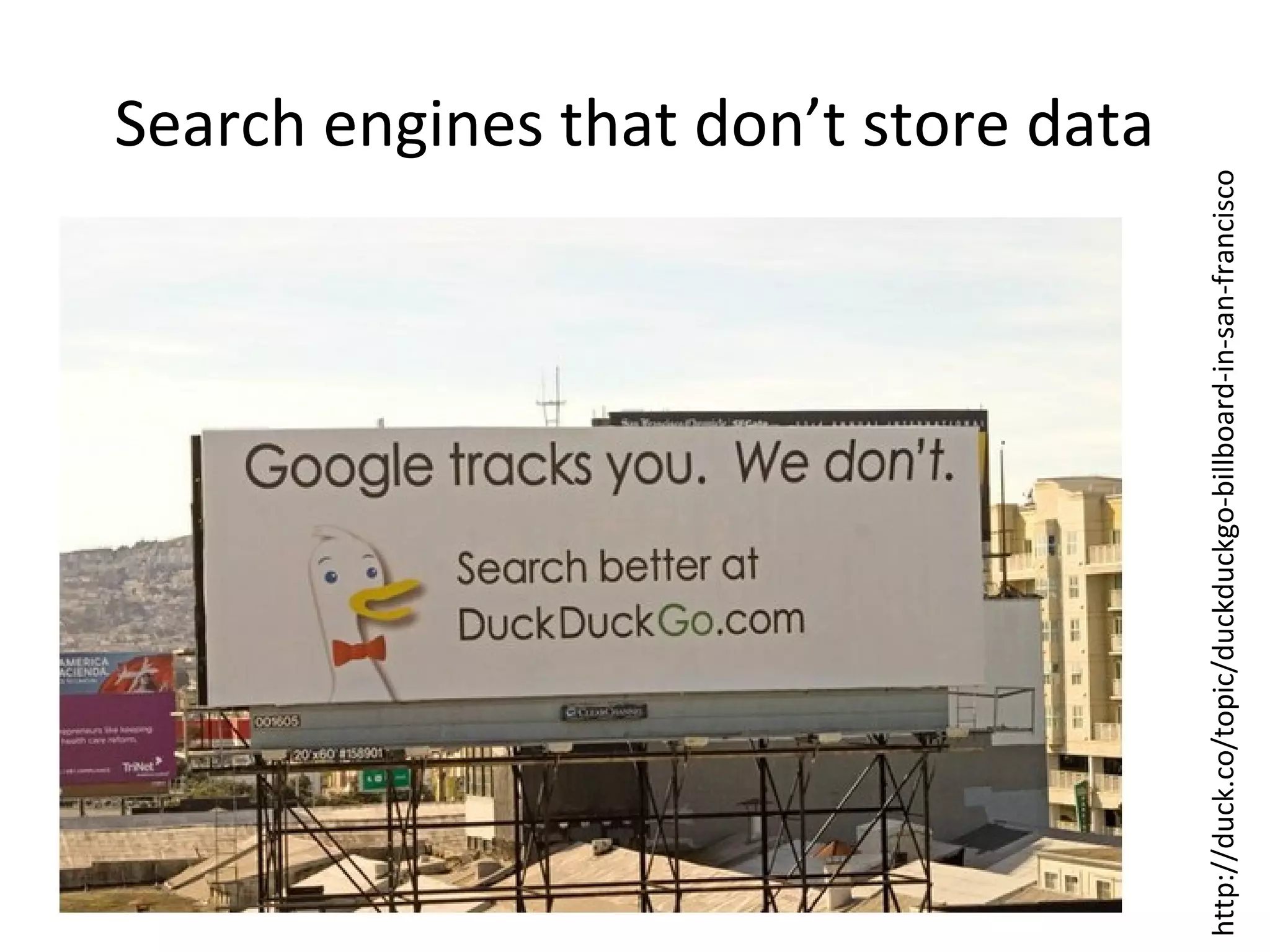
http://duck.co/topic/duckduckgo-billboard-in-san-francisco

Search engines that don’t store data
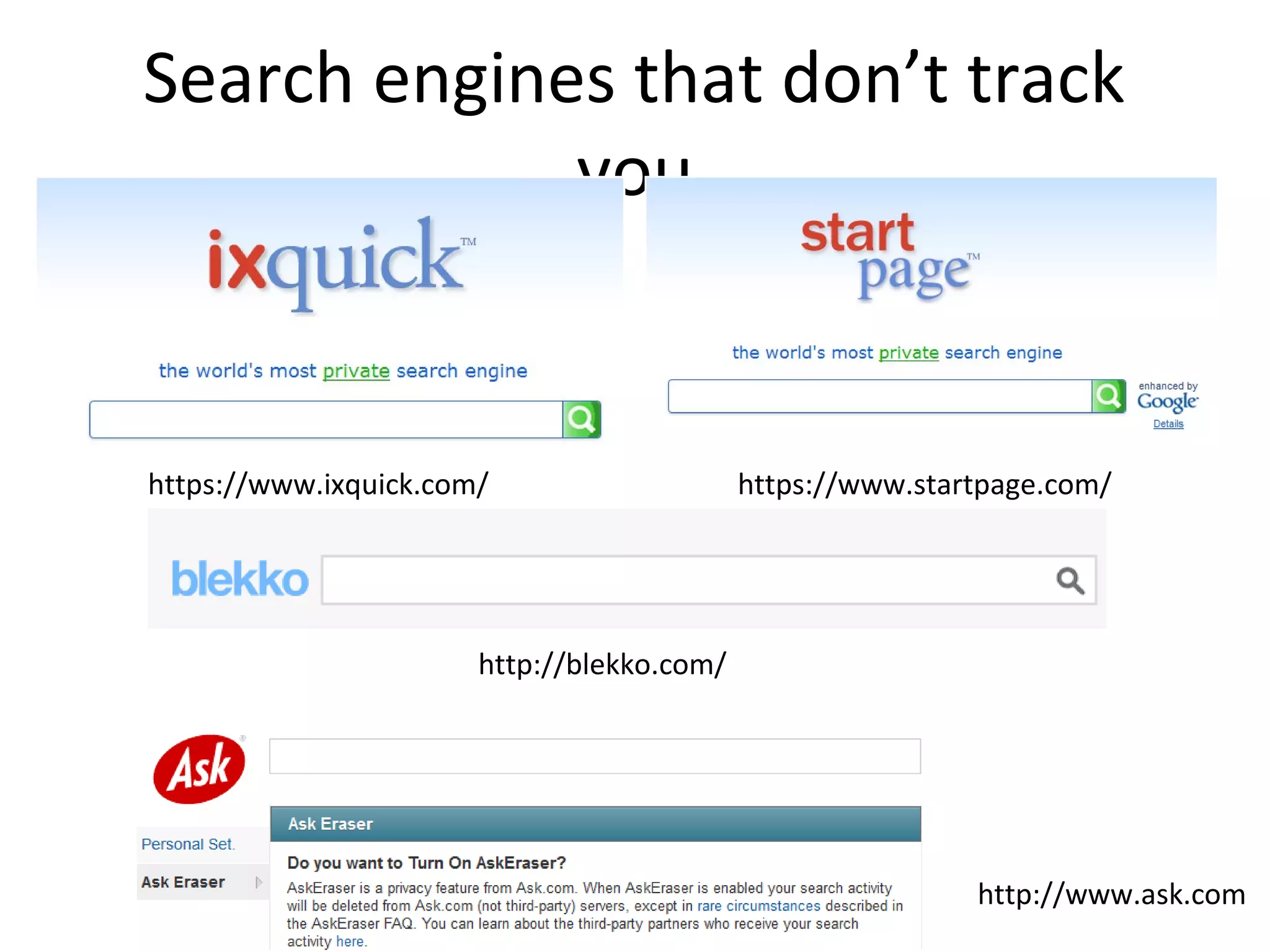
Search engines that don’t track
you

https://www.ixquick.com/

https://www.startpage.com/

http://blekko.com/

http://www.ask.com
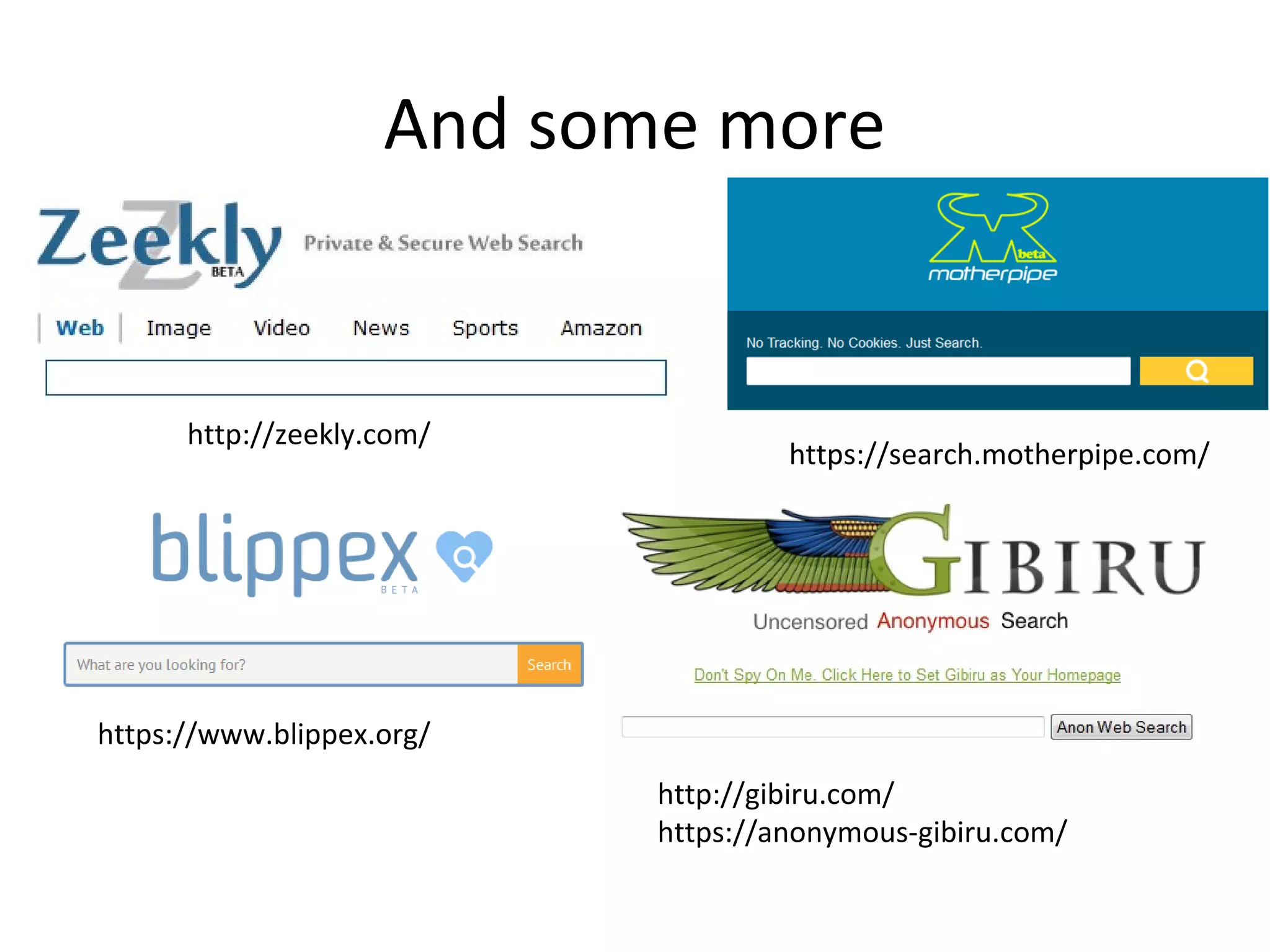
And some more

http://zeekly.com/

https://search.motherpipe.com/

https://www.blippex.org/
http://gibiru.com/
https://anonymous-gibiru.com/
Oh, and a couple more

https://qrobe.it/

https://gigablast.com/
http V https
• Without ‘https’ your traffic is unencrypted

• This leaves you open to government
monitoring and persistent 3rd party cookies
Hints and tips
• Do not accept search engine cookies
• Do not use email options with a search engine
• Use a variety of different search engines
• Avoid using terms with your name attached
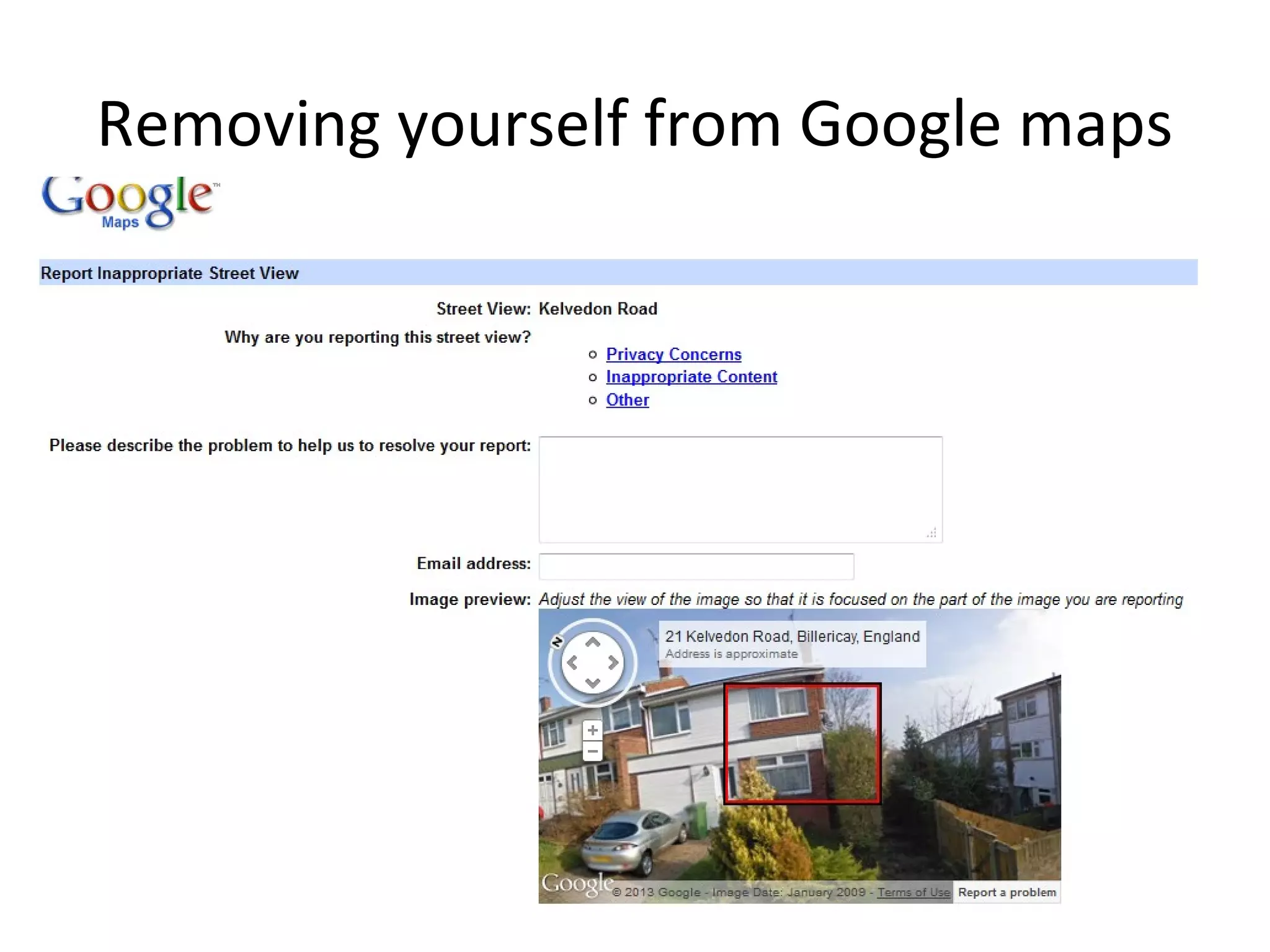
Removing yourself from results
• Ask the webpage owner/author
• Ask Google to remove the cached version
– http://bit.ly/1854209

• Ask Google to remove content on Blogger, G+
– http://bit.ly/1767B3W

• Bury bad content with BrandYourself
– https://brandyourself.com
Removing yourself from Google maps
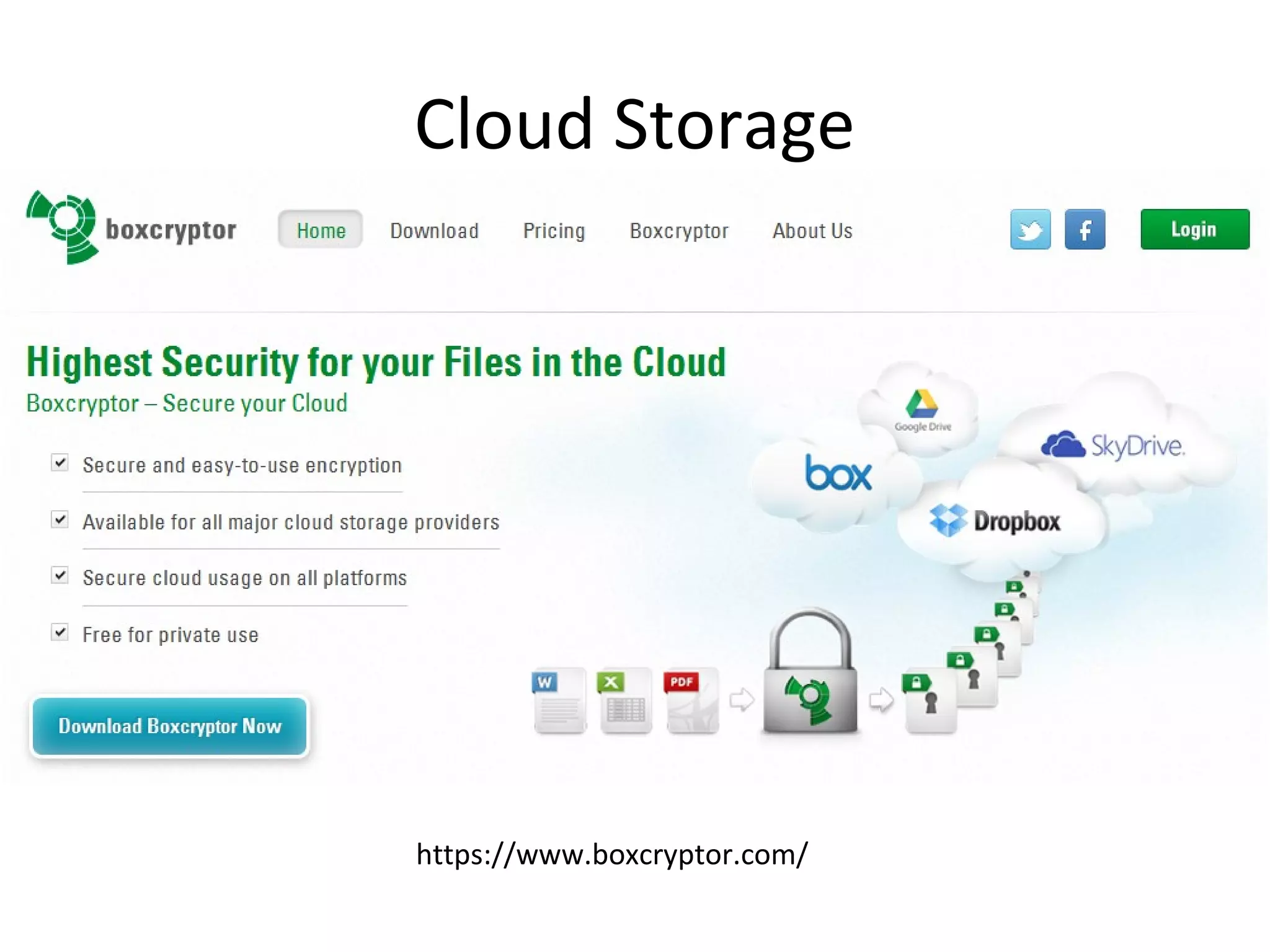
Cloud Storage

https://www.boxcryptor.com/
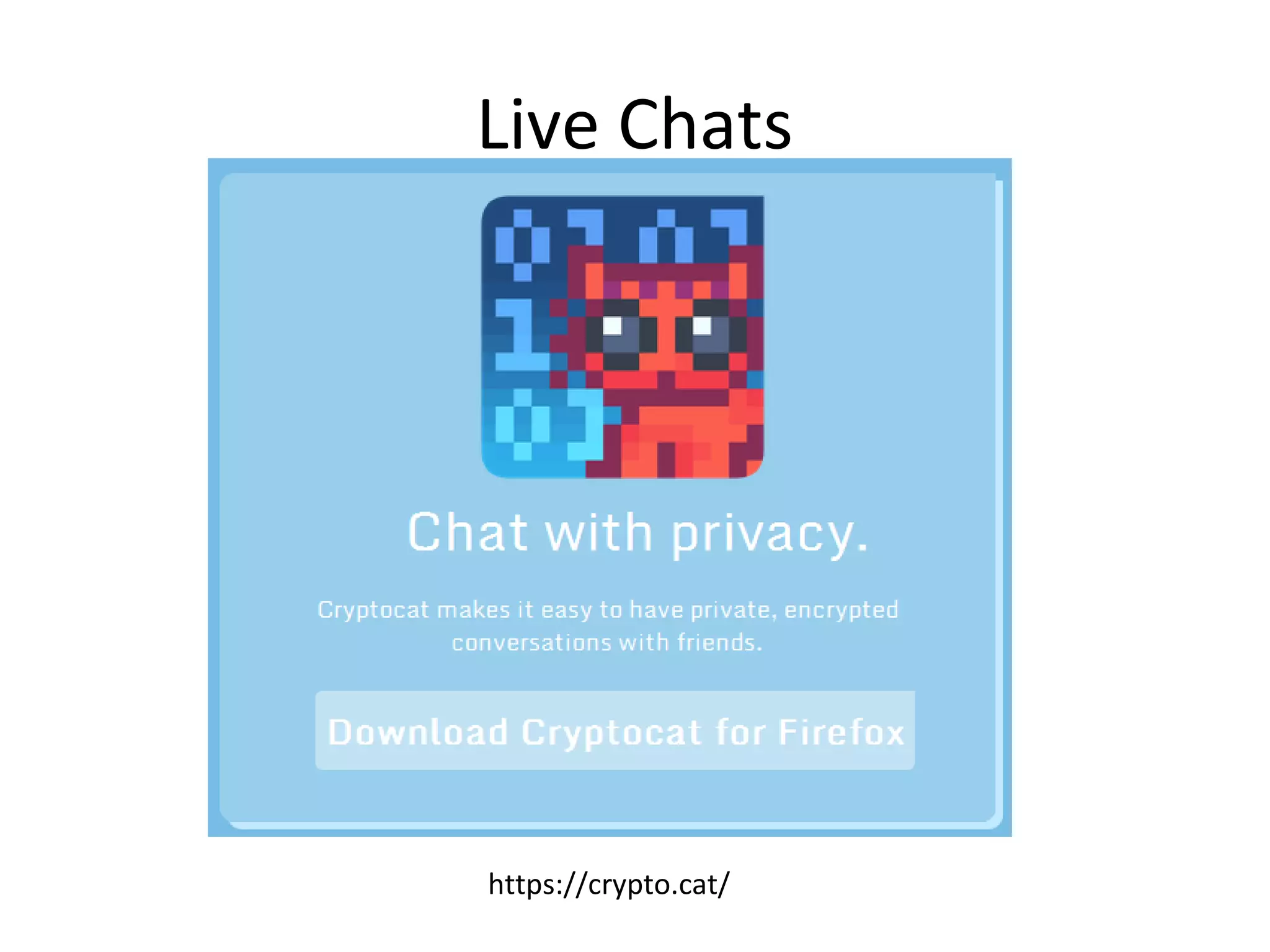
Live Chats

https://crypto.cat/
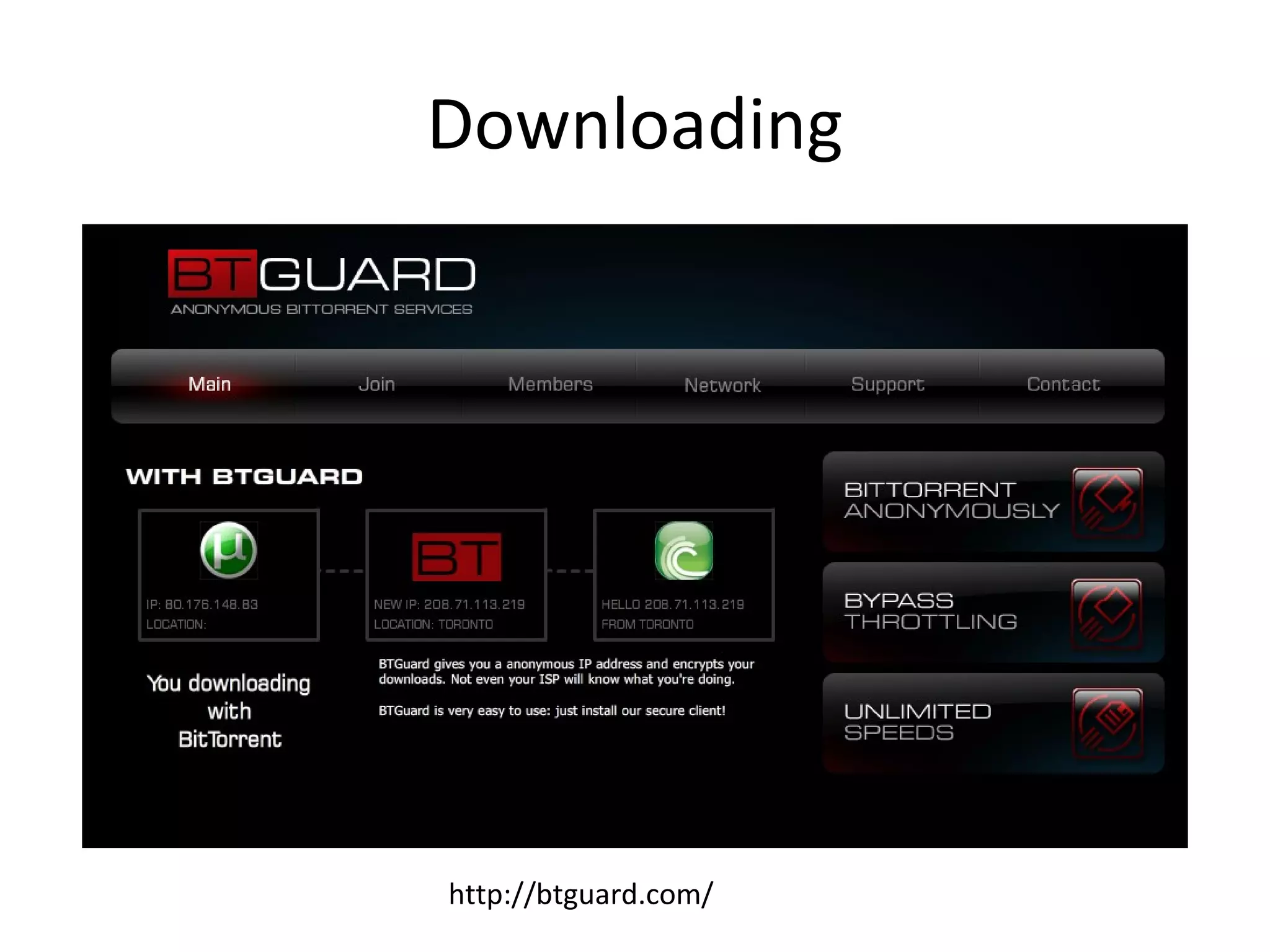
Downloading

http://btguard.com/
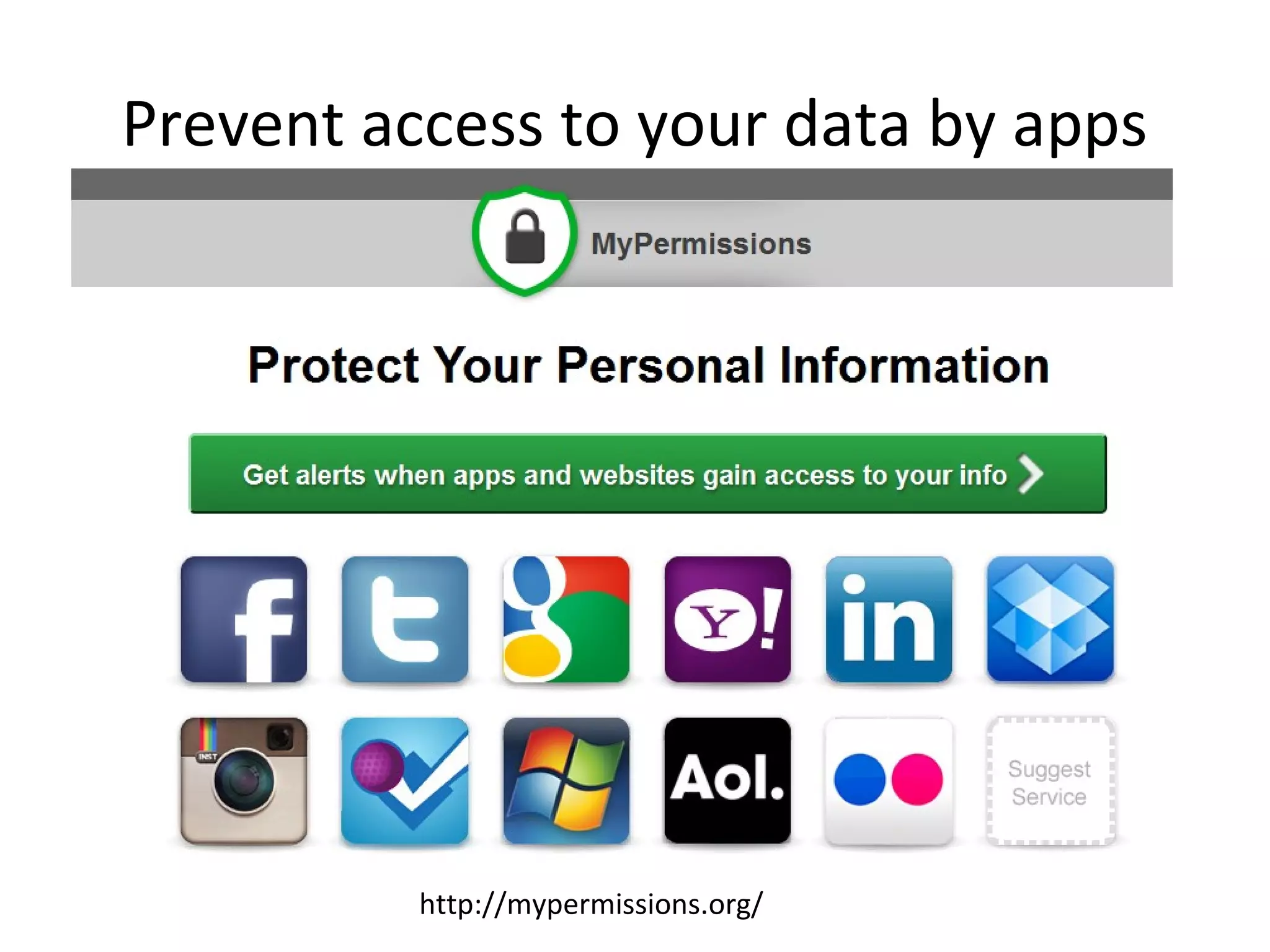
Prevent access to your data by apps

http://mypermissions.org/
Remove data & activities

http://www.hotcleaner.com/
Video chat
• Stop using Google hangouts or Skype
Video viewing
• Stop watching YouTube
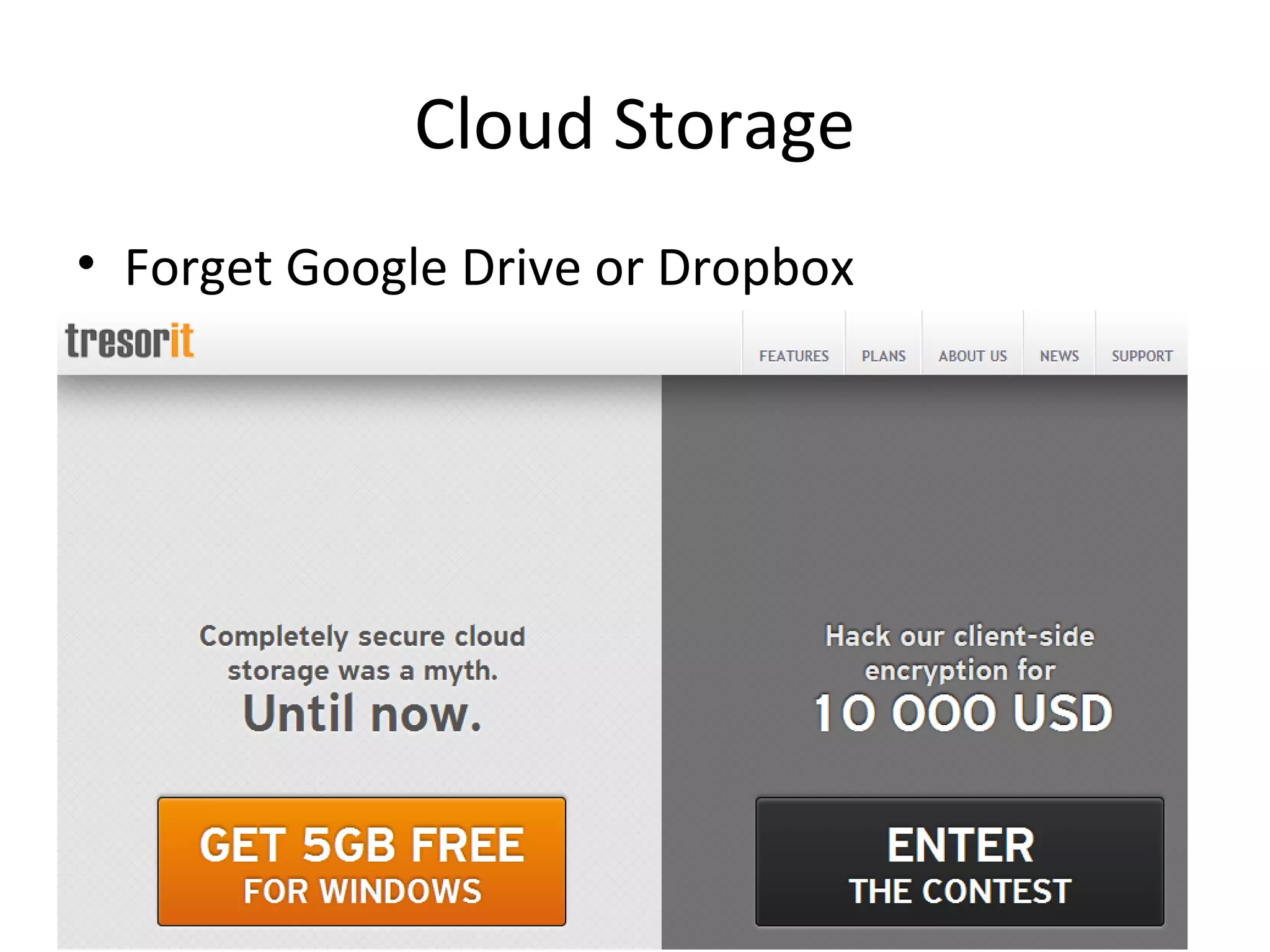
Cloud Storage
• Forget Google Drive or Dropbox
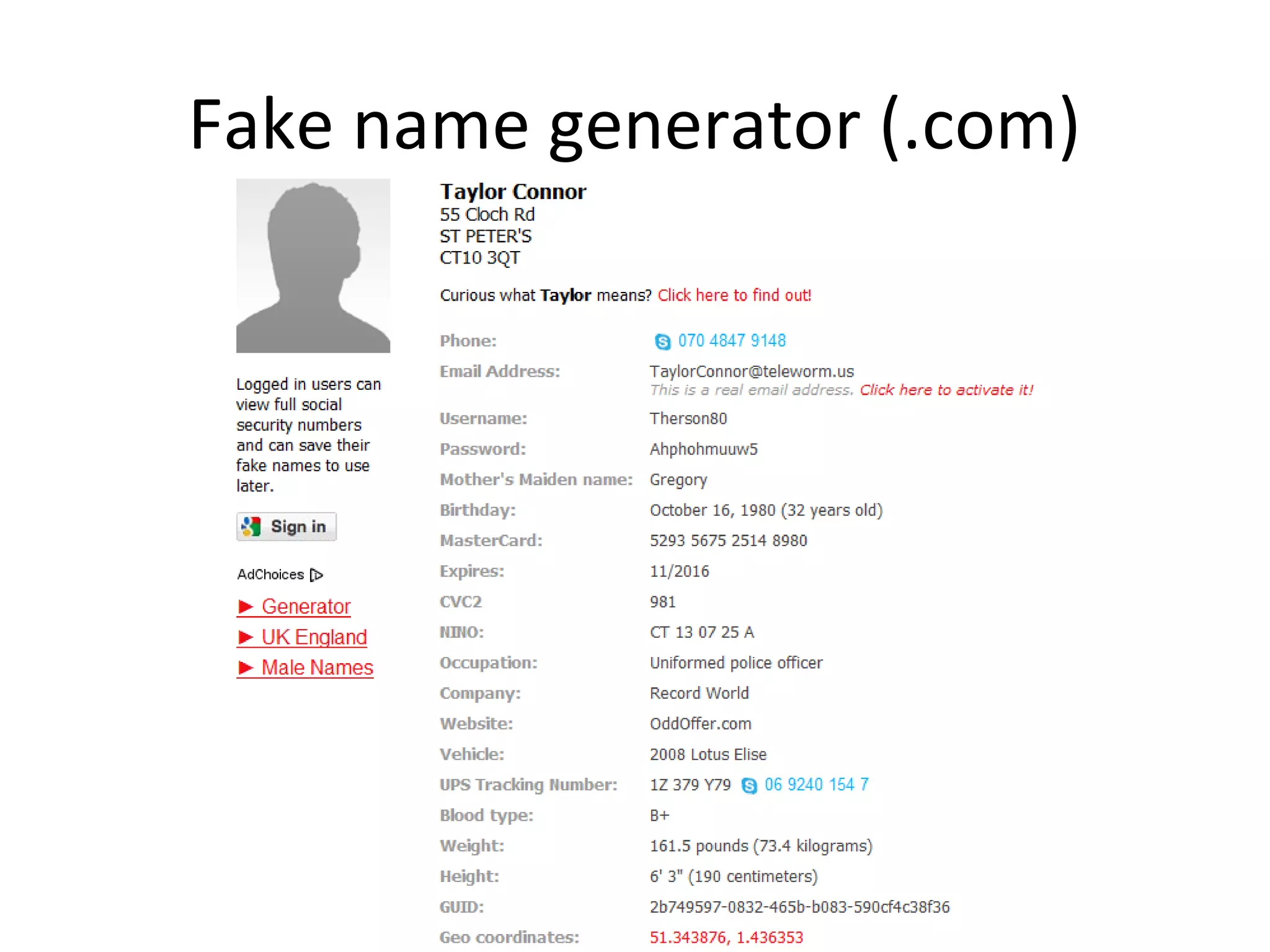
Fake name generator (.com)
Useful organisations
• Open Rights Group
– https://wiki.openrightsgroup.org

• Big Brother Watch
– http://www.bigbrotherwatch.org.uk/

• Electronic Frontier Foundation
– https://www.eff.org/
Questions? Concerns?
• Email me at
• philipbradley@gmail.com
Or
• philb@philb.com

Privacy on the Internet

  • 1.
  • 2.
    But I’m doingnothing wrong! • Does that mean you let people peer in at your windows? • Does it mean that you want to be bombarded with adverts? • Does it mean that you’re happy constantly being monitored? • Does it mean that you’re happy with other people making money out of you?
  • 3.
    (c) Chris Potter(2012) Title: Scales of Justice - www.flickr.com/photos/86530412@N02/7953227784
  • 4.
    Which is moreimportant to you? • • • • • • • • Ease of access to data Convenience Speed Tailored content Special offers Advanced notice Keeping up with friends Reduced hassle Privacy
  • 5.
    A few facts •21% of internet users have had an email or social networking account compromised • 12% have been stalked/harassed online • 11% have had important data stolen • 6% have had their reputation damaged • 4% have been led into physical danger because of something that happened online – http://pewinternet.org/Reports/2013/Anonymityonline.aspx
  • 6.
    Headline bad news •The US Postal Service is involved with the Mail Isolation Control and Tracking program – 160 billion pieces of mail are photographed annually • GCHQ handled 600m ‘telephone events’ each day in 2012, had tapped more than 200 fibre optic cables and could process data from 46 at a time • The National Security Agency can reach 75% of all US Internet traffic
  • 7.
    Continued • Commercial softwareexists which can spy on mobile phones (Flexispy) • Mobile phone pictures can be used to track locations • The microphone and webcam on your computer can be remote activated • “America has no functioning democracy” Jimmy Carter, July 2013
  • 8.
    And more... • Gmailusers have no "reasonable expectation" that their communications are confidential – http://www.theguardian.com/technology/2013/aug/14/google-gmail-users-privacy-email-lawsuit • Microsoft has admitted that anything stored in its cloud services, eg Outlook or Office 365 can be accessed by the US Govt under the Patriot Act of 2001 or the Foreign Intelligence Surveillance Act of 1978
  • 9.
    And a littlemore • The UK’s National Physical Laboratory has developed a walking gait recognition system that can be used to help track a person through a CCTV-monitored area by analysing the way that they walk. – http://www.theengineer.co.uk/news/npl-takesstep-forward-with-gait-recognitionsystem/1013972.article
  • 10.
    And a tinybit more • 145 of the top 10,000 websites track users without their knowledge or consent – ‘Digital fingerprinting’ circumvents legal restrictions imposed on cookies – Flash based fingerprinting can uniquely identify specific machines based on computer properties such as screen size, fonts, plugins and installed software » Katholieke Universiteit Leuven Newsroom
  • 11.
    Recycling bins cantrack your phone http://qz.com/114174/city-of-london-halts-recycling-bins-tracking-phones-of-passers-by/
  • 13.
  • 14.
  • 15.
  • 16.
  • 17.
  • 18.
    Facebook • Always signout of Facebook – Closing the tab doesn’t sign you out • View your timeline as it appears to ‘nonfriends’ – Click the cog wheel – Timeline and tagging settings – Who can see things on my timeline? – View as
  • 20.
    Check your privacysettings • Who can see my stuff? – Future posts – Review all your posts – Limit the audience for posts you’ve shared • Who can contact me? – Who can send you friend requests? – Whose messages do I want filtered? • Who can look me up? – Using the email address or phone number – Do you want other search engines to link to your Timeline?
  • 21.
    Deleting a Facebookaccount http://www.facebook.com/help/delete_account
  • 22.
    Deleting an account •This can take up to one month • Some data may be retained for 3 months • Some content will always remain • Download a copy of your Facebook information first!
  • 23.
    Facebook shadow profiles •A friend looks for you, or installs an app on their phone – Facebook now has your phone number and email address • Seen the ‘people you might know?’ A 3rd party uses the ‘Find friends’ option, has your details (new or old) and can link old addresses together
  • 24.
    Can you stopthis? • Not really • Theoretically illegal in Europe • Tell all your friends never to refer to you on Facebook, don’t install Facebook apps, don’t put your details into their smartphone....
  • 25.
  • 26.
  • 27.
  • 28.
  • 29.
    Email addresses Abine MaskMe:http://www.abine.com/maskme/
  • 30.
  • 31.
  • 32.
  • 33.
  • 34.
  • 36.
  • 37.
  • 38.
  • 39.
    • Disguise yourIP address with a Virtual Private Network (VPN) tool – Spotflux http://www.spotflux.com – Hotspot Shield http://www.hotspotshield.com • Remove details from 192 – ‘Removal of personal details’ • Go ex-directory with BT • Add WHOIS privacy via your domain registrar
  • 40.
    Opt out ofdirectory services with
  • 41.
  • 42.
    What is yourbrowser saying? • • • • • • IP Address JavaScript Java Applet Content filters Flash Player Geolocation
  • 43.
  • 44.
  • 45.
    You should: • DisableJavascript and Java • Use a VPN tool (previously mentioned) • Stop using Chrome, Internet Explorer or Safari • Use Tor as a private browser, or Firefox, Opera
  • 46.
  • 47.
    ‘The Onion Router’ •Software you can install to hide your identity while you browse • Originally developed for the US Navy • Your communications take a random pathway through several relays to cover your tracks, and these are encrypted
  • 48.
    Who uses it? •Family and friends – To protect themselves, children and dignity • Businesses – To research competition, keep business strategies confidential • Activists – To report abuses or corruption • Media – To protect their research and sources
  • 49.
    Where you go •You can be tracked by cookies, the ‘Like’ button and Google +1 – Regardless of whether you click on the buttons or not • Your browser also tracks you • Location services in Facebook and Twitter can track you
  • 50.
    ‘Ready or not?’http://bit.ly/16X2DWA
  • 51.
  • 52.
    ‘Do not track’ •Browser option ‘Do not track’ – Not entirely effective • Disconnect http://www.disconnect.me – Prevents sites inc. Facebook, Google, Twitter and Yahoo from tracking your activities
  • 53.
  • 54.
    More ‘do nottrack’ http://www.ghostery.com/ http://bit.ly/13VN67V https://www.abine.com/dntdetail.php http://privacyfix.com/start http://priv3.icsi.berkeley.edu/
  • 55.
  • 56.
  • 57.
    Searching • When yousearch and click on a link your search term is usually sent to that site, along with browser and computer information. • Those sites may have third party adverts which build profiles about you, and those adverts can then follow you around. • Your profile can then be sold on.
  • 58.
    Searching cont. • Googlestores your searches • Which can then be legally requested https://www.google.com/transparencyreport /userdatarequests/
  • 59.
  • 60.
  • 61.
    Search engines thatdon’t track you https://www.ixquick.com/ https://www.startpage.com/ http://blekko.com/ http://www.ask.com
  • 62.
  • 63.
    Oh, and acouple more https://qrobe.it/ https://gigablast.com/
  • 64.
    http V https •Without ‘https’ your traffic is unencrypted • This leaves you open to government monitoring and persistent 3rd party cookies
  • 65.
    Hints and tips •Do not accept search engine cookies • Do not use email options with a search engine • Use a variety of different search engines • Avoid using terms with your name attached
  • 66.
    Removing yourself fromresults • Ask the webpage owner/author • Ask Google to remove the cached version – http://bit.ly/1854209 • Ask Google to remove content on Blogger, G+ – http://bit.ly/1767B3W • Bury bad content with BrandYourself – https://brandyourself.com
  • 67.
  • 68.
  • 69.
  • 70.
  • 71.
    Prevent access toyour data by apps http://mypermissions.org/
  • 72.
    Remove data &activities http://www.hotcleaner.com/
  • 73.
    Video chat • Stopusing Google hangouts or Skype
  • 74.
    Video viewing • Stopwatching YouTube
  • 75.
    Cloud Storage • ForgetGoogle Drive or Dropbox
  • 76.
  • 77.
    Useful organisations • OpenRights Group – https://wiki.openrightsgroup.org • Big Brother Watch – http://www.bigbrotherwatch.org.uk/ • Electronic Frontier Foundation – https://www.eff.org/
  • 78.
    Questions? Concerns? • Emailme at • philipbradley@gmail.com Or • philb@philb.com