Download as PDF, PPTX



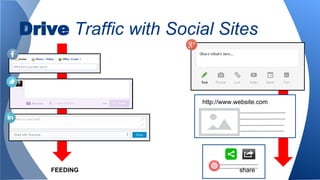


The document outlines different methods for creating posts on social media, including manual posts and share posts, highlighting the scheduling capabilities and privacy limitations of each. It emphasizes building post components like links and tags while noting the importance of driving traffic for SEO through meaningful content. The document also suggests using social sites to enhance outreach and offers a website link for further assistance.


