Agenda Who are bloggers Types Understanding the blogging mentality
What is a blog?
Perceptions of Bloggers? Blogging?
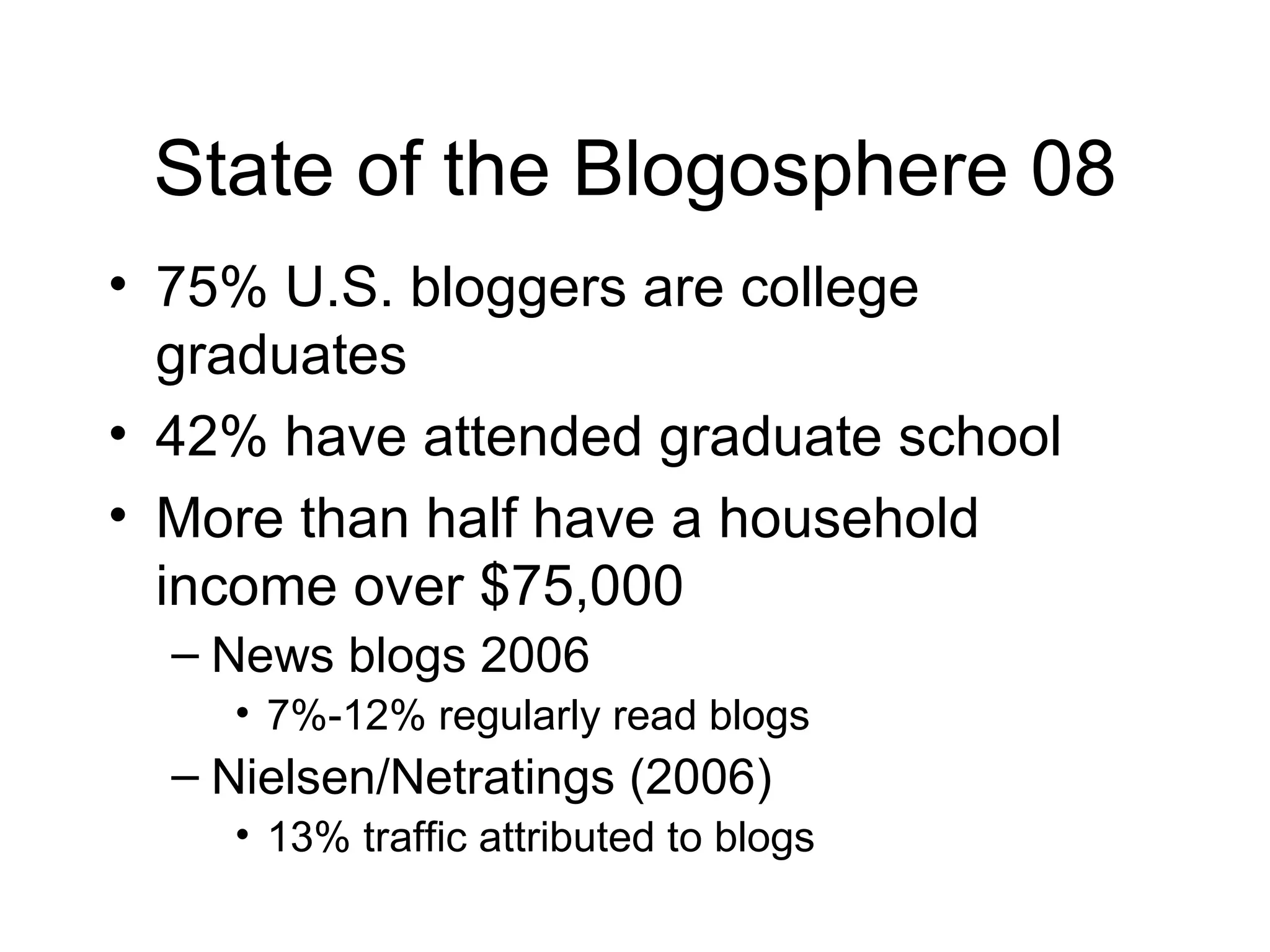
State of the Blogosphere 08 75% U.S. bloggers are college graduates 42% have attended graduate school More than half have a household income over $75,000 News blogs 2006 7%-12% regularly read blogs Nielsen/Netratings (2006) 13% traffic attributed to blogs
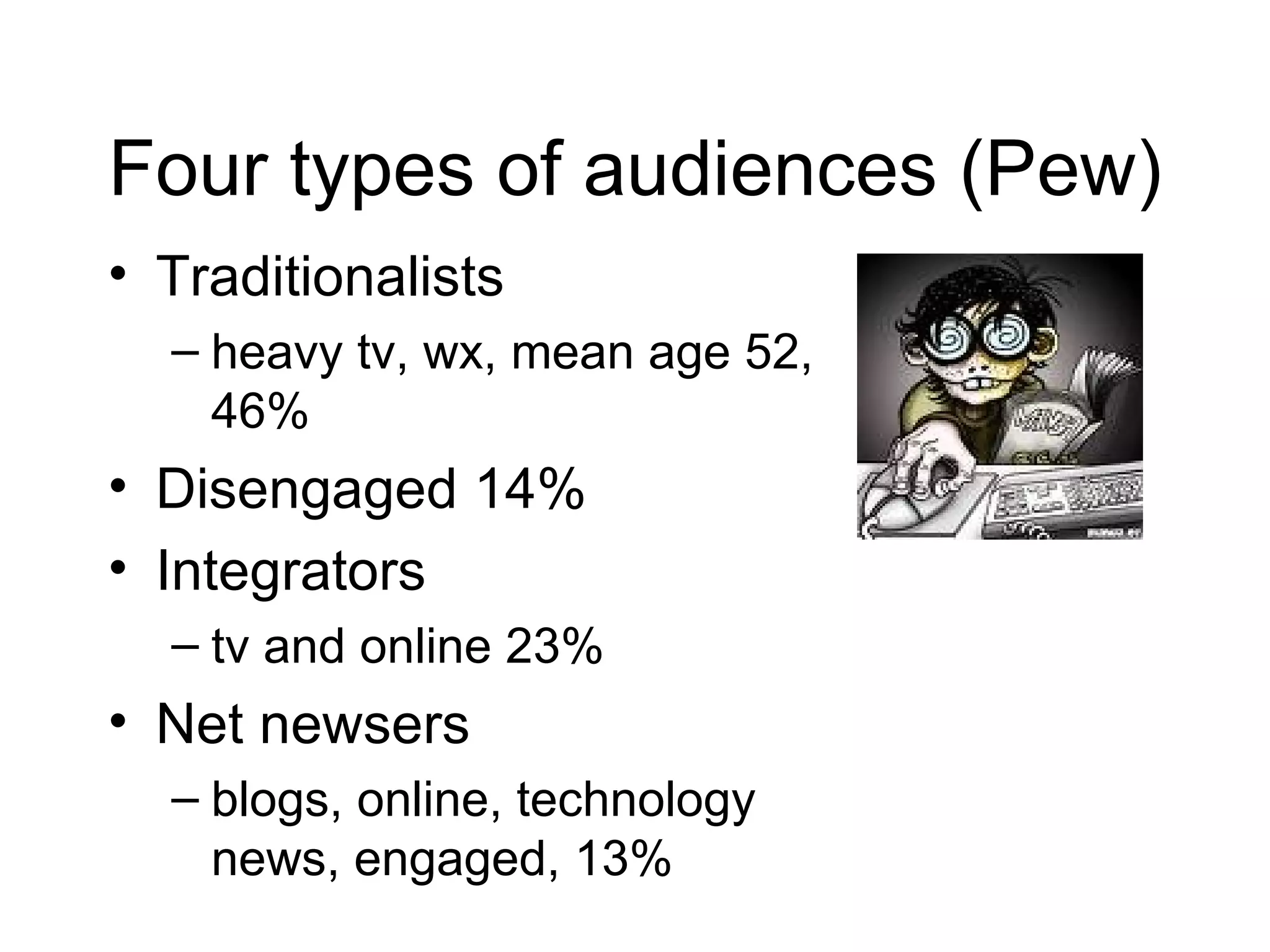
Four types of audiences (Pew) Traditionalists  heavy tv, wx, mean age 52, 46% Disengaged 14% Integrators  tv and online 23% Net newsers  blogs, online, technology news, engaged, 13%
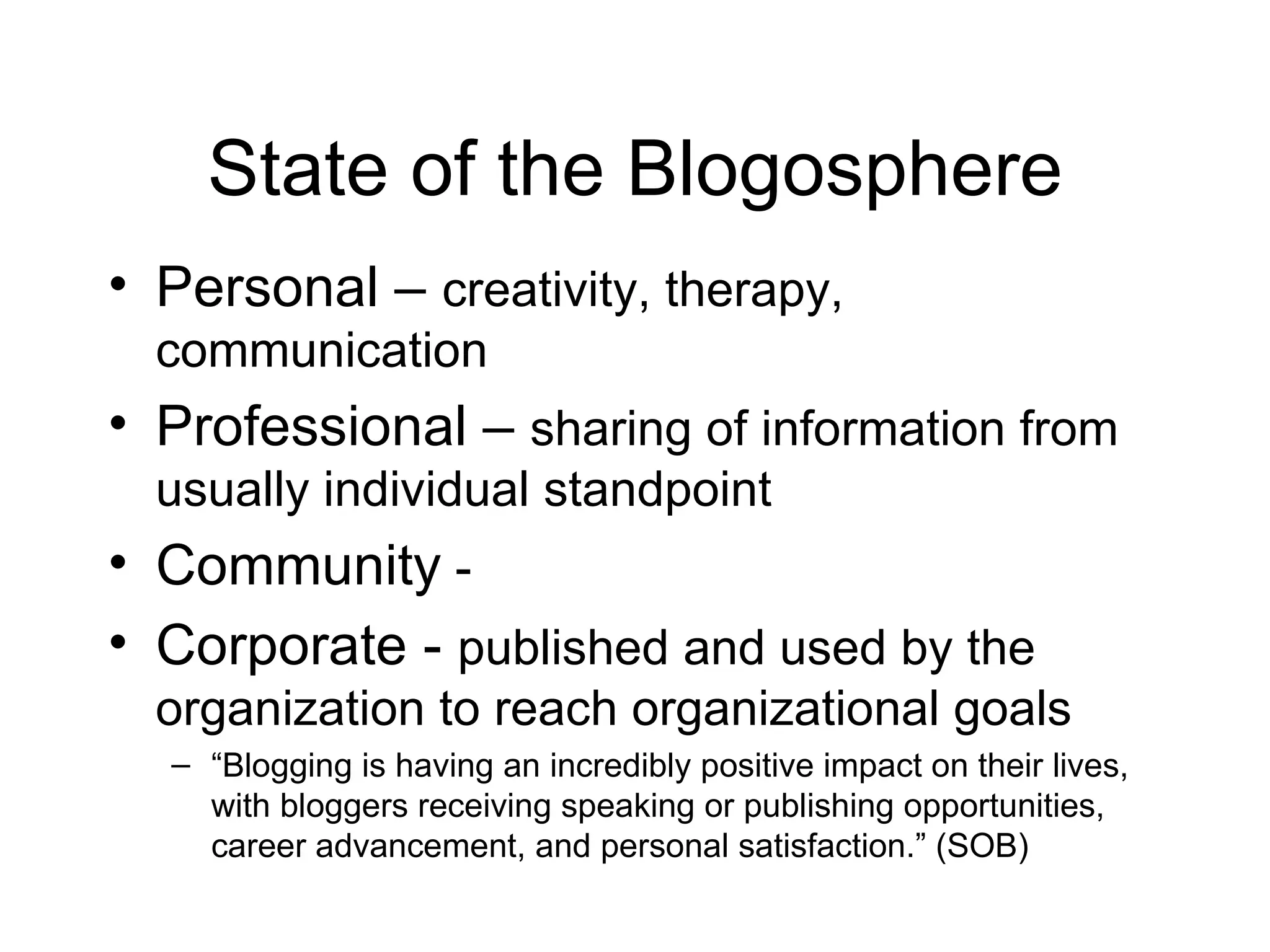
State of the Blogosphere Personal –  creativity, therapy, communication  Professional –  sharing of information from usually individual standpoint Community  -  Corporate -  published and used by the organization to reach organizational goals “ Blogging is having an incredibly positive impact on their lives, with bloggers receiving speaking or publishing opportunities, career advancement, and personal satisfaction.” (SOB)
Blogs http://www.dailypuppy.com/ http://bits.blogs.nytimes.com/ http://www.kweaver.org/blog/ http://checkoutblog.com/ http://veggietalk.wordpress.com/ http://yogaforlife.wordpress.com/
Live Blogging http://www.coveritlive.com/ Commentary streams live to your web page or blog Readers viewing the commentary can ask questions and participate in polls Post pictures and respond to comments http://www.rjicollaboratory.org/
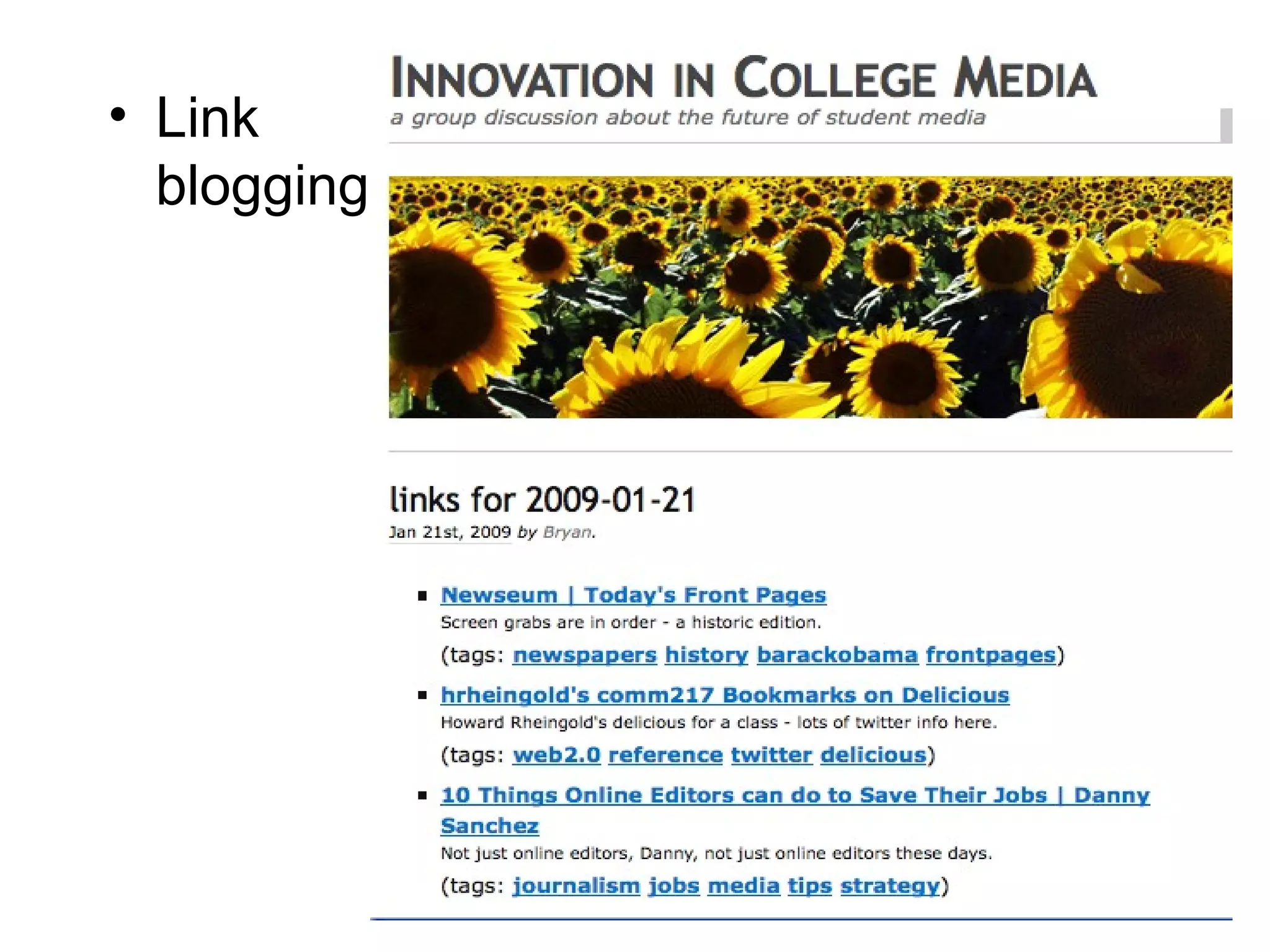
Link blogging
Splog Paparazzi of the sports world Dallas Mavericks owner Mark Cuban banned bloggers from locker room in March of 2008 because it had begun to take a toll on his players  Or a blog that disseminates spam  http://www.fatcyclist.com/
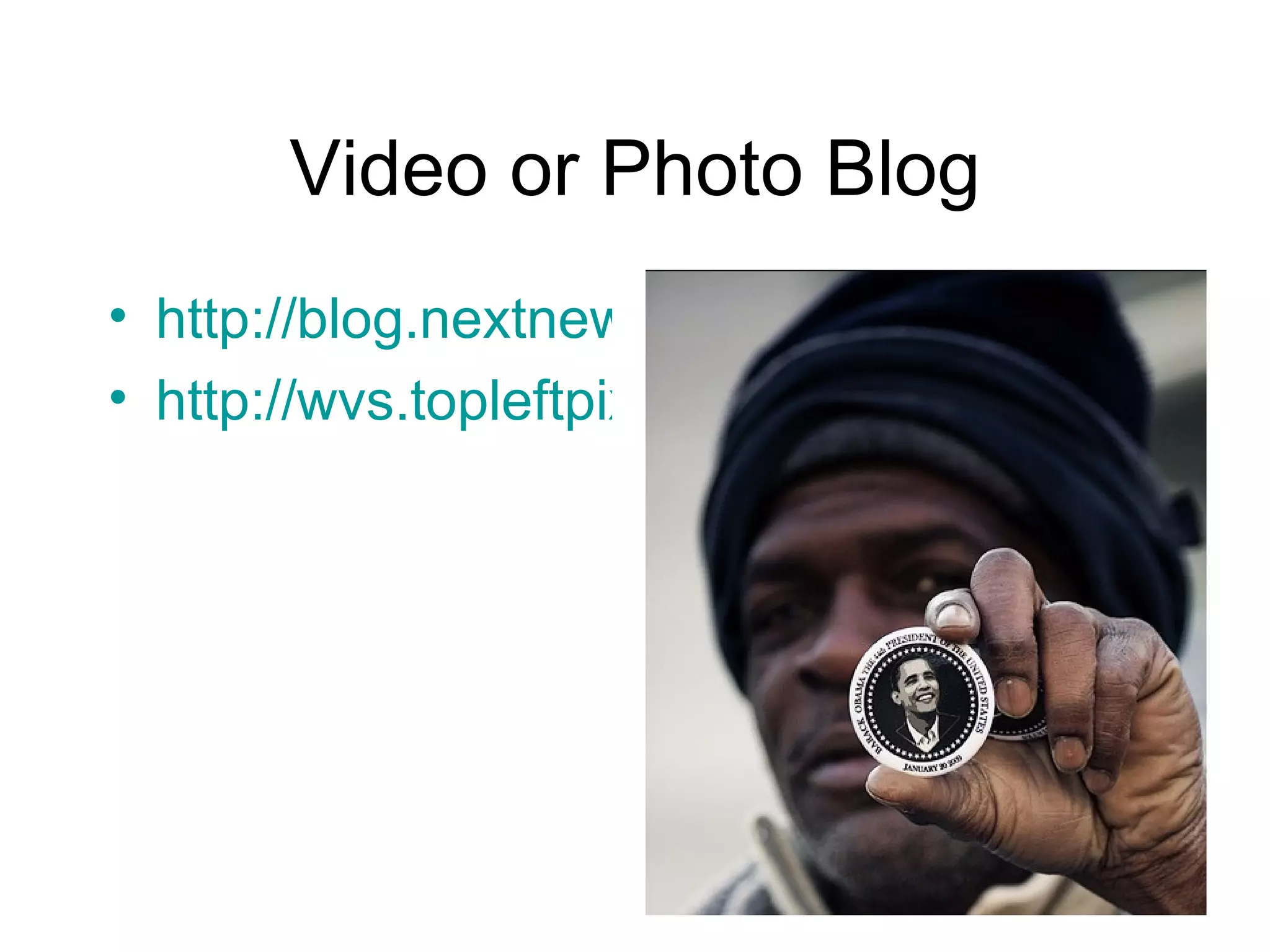
Video or Photo Blog http://blog.nextnewnetworks.com/ http://wvs.topleftpixel.com/
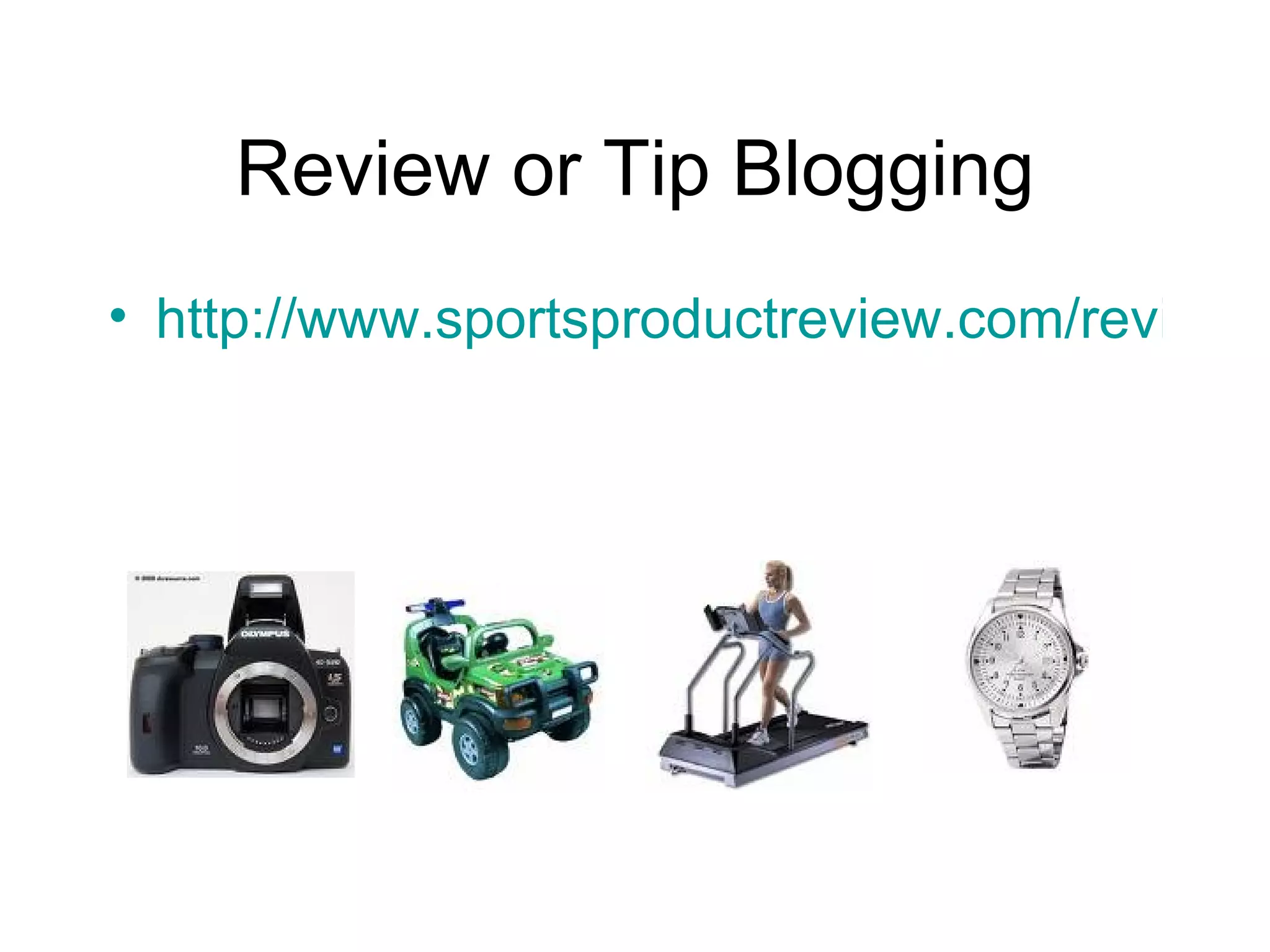
Review or Tip Blogging http://www.sportsproductreview.com/review
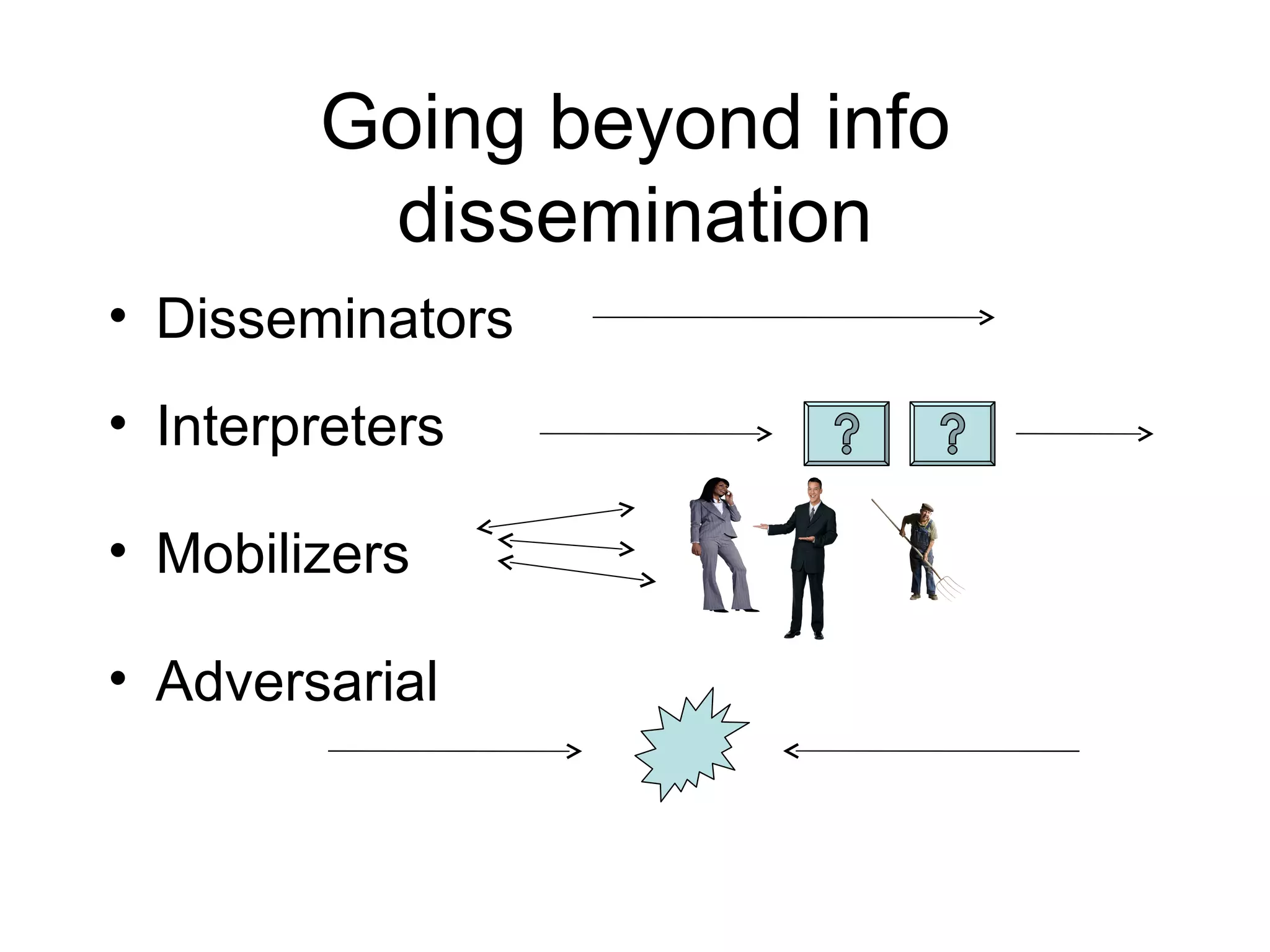
Going beyond info dissemination Disseminators Interpreters Mobilizers Adversarial
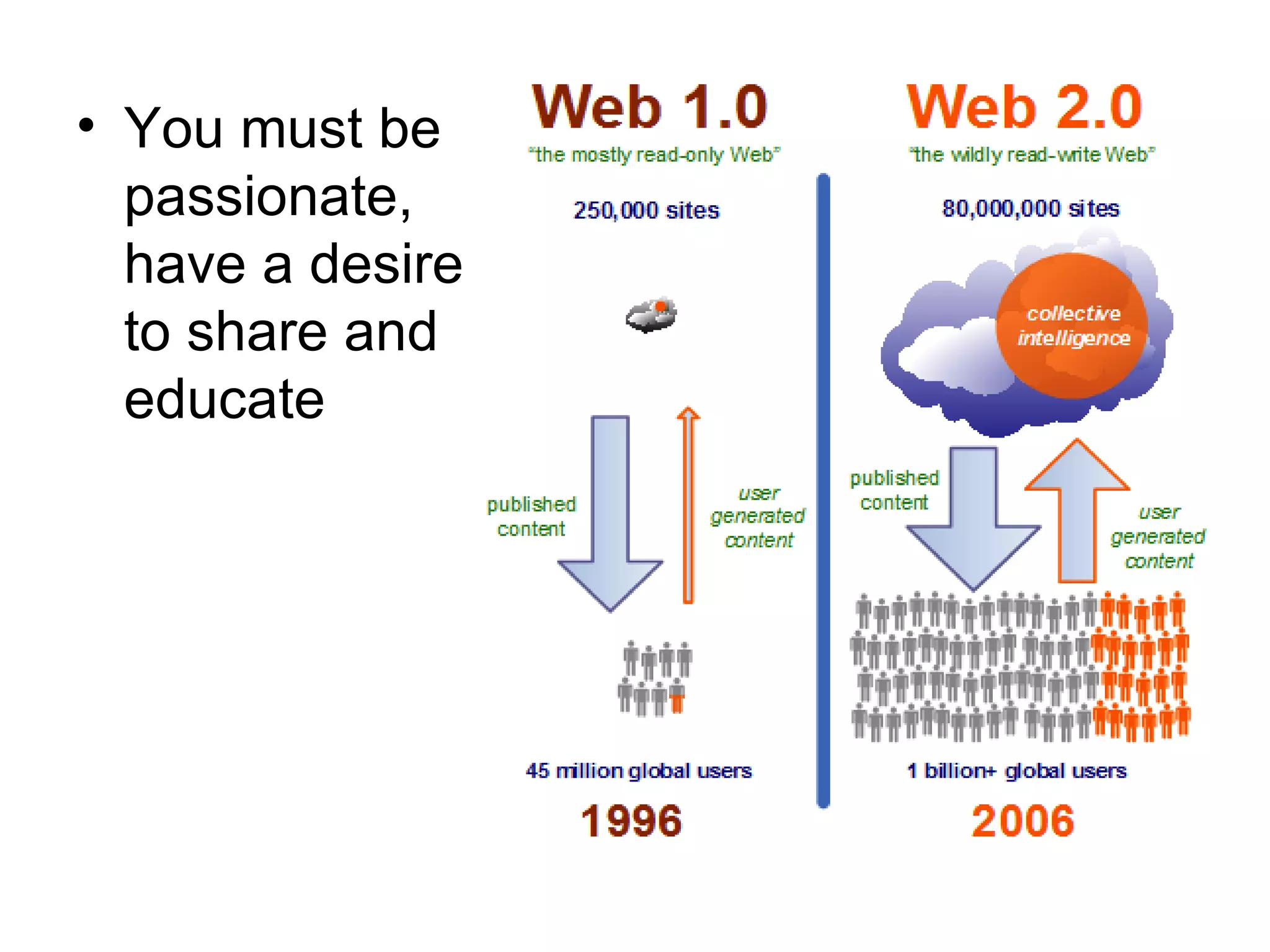
You must be passionate, have a desire to share and educate
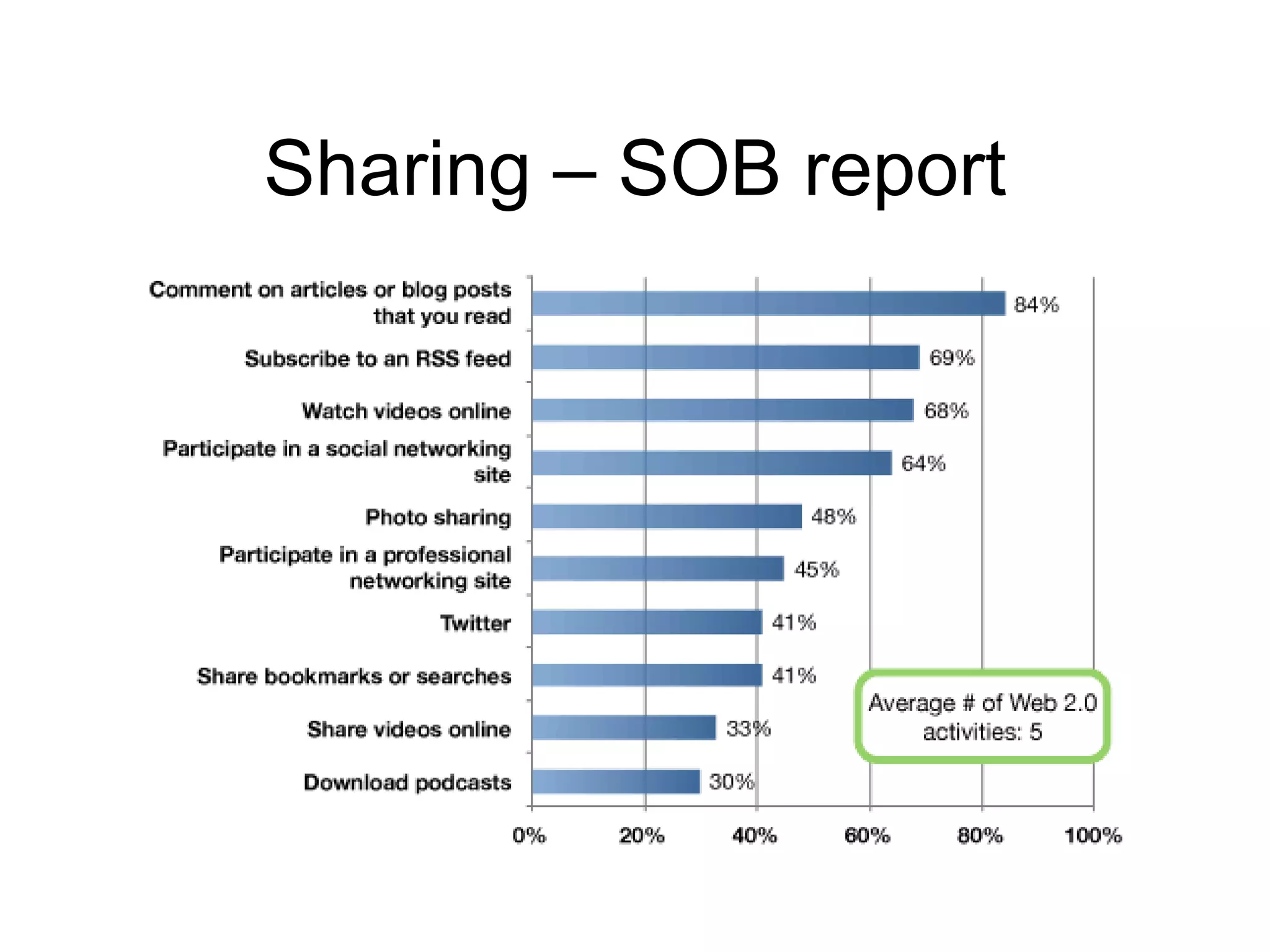
Sharing – SOB report
Why? Niche Enhance authority and promote oneself Build community Help others to learn
How journalists blog Journalists feel that info found in blogs is not credible, but perceive they will impact the news industry Competition Stereotypes…  Rarely link to outside content Mimic news content Blog corral
Blogging Policies Don’t edit – libel Encourages conformity (McAdams) No opinion
Cutting out the Middle People Editors  Comments or email Sources Officials, pr spokespeople
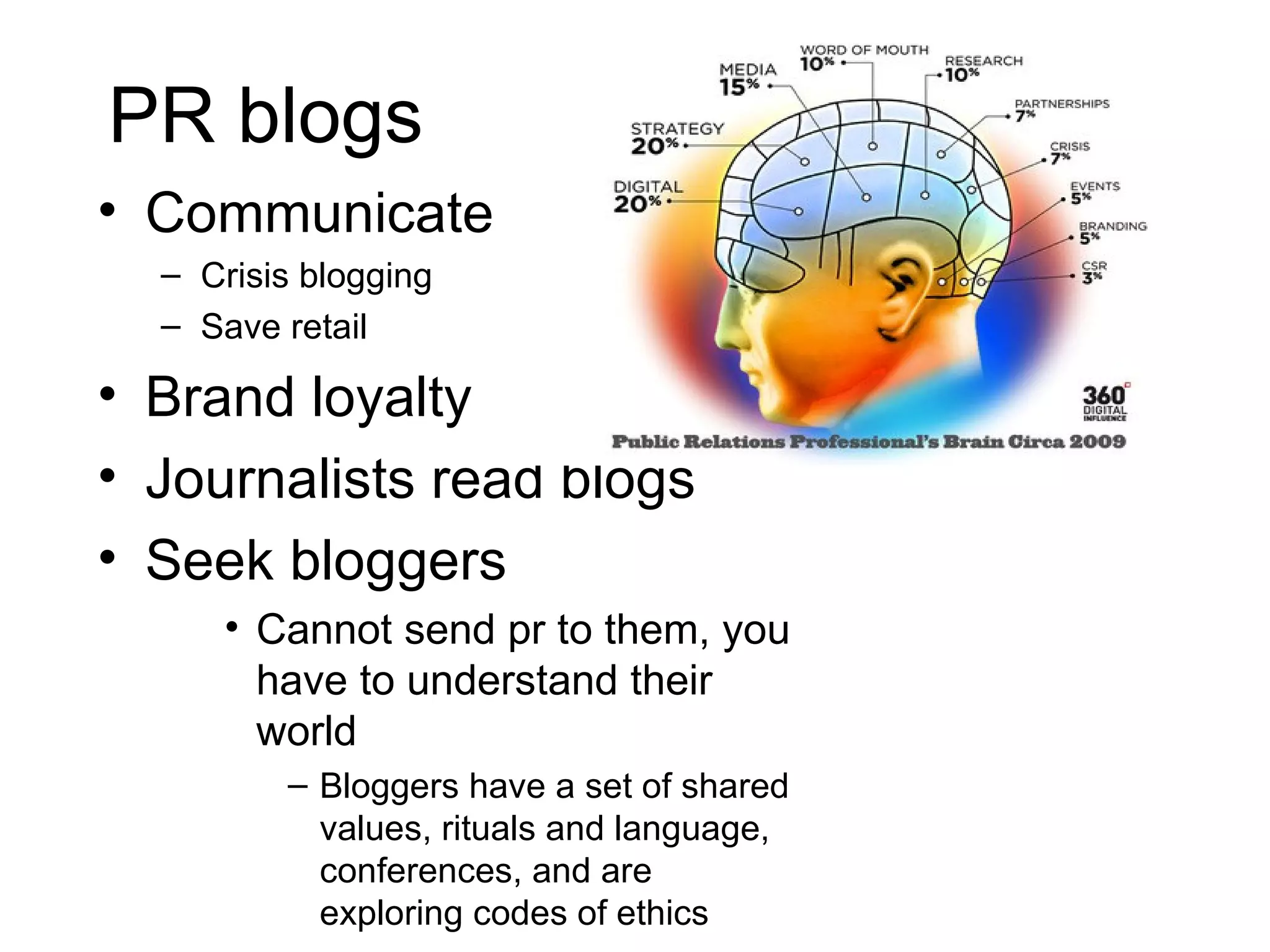
PR blogs Communicate Crisis blogging Save retail Brand loyalty Journalists read blogs Seek bloggers Cannot send pr to them, you have to understand their world Bloggers have a set of shared values, rituals and language, conferences, and are exploring codes of ethics
What is the Blogosphere?
Blogosphere Social network or public sphere representing a community that exists in space Links = Quality Blog Attribution Link to one another to build social capital Outbound vs. within links Increase traffic Increase transparency Increase diversity of viewpoints on topics
What is a Blogroll?
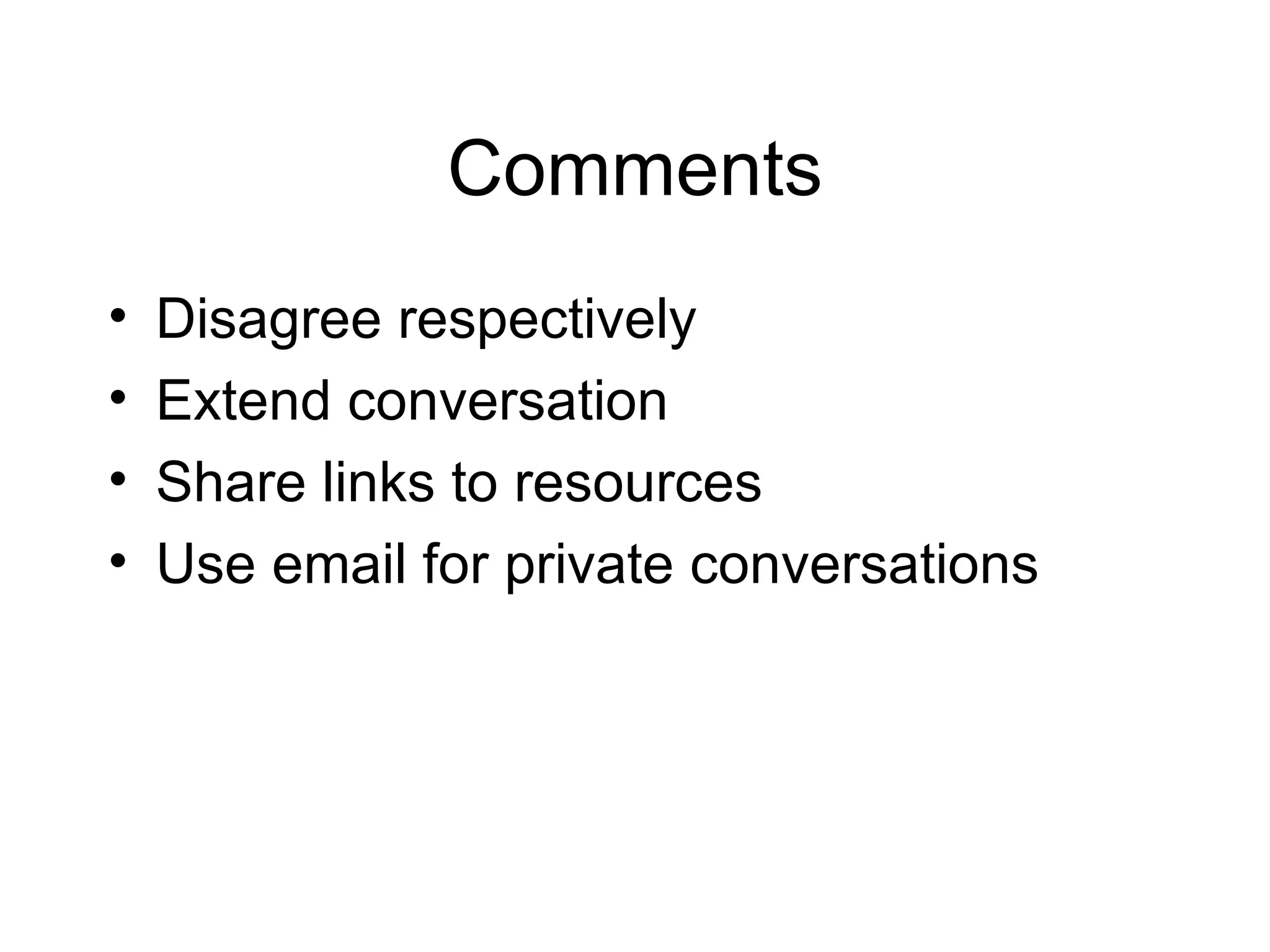
Comments Disagree respectively Extend conversation Share links to resources Use email for private conversations
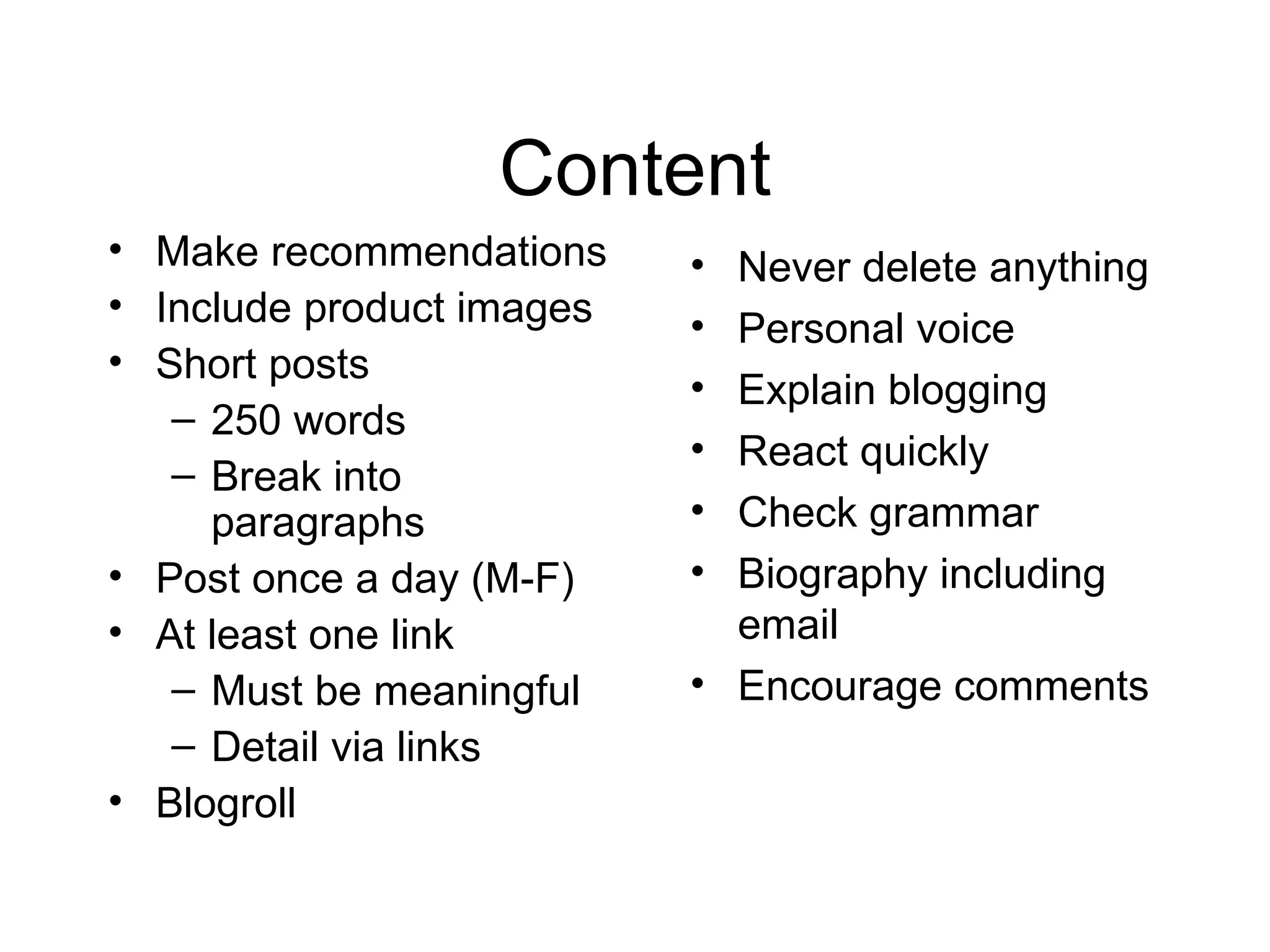
Content Make recommendations Include product images Short posts 250 words Break into paragraphs Post once a day (M-F) At least one link Must be meaningful Detail via links Blogroll Never delete anything Personal voice Explain blogging React quickly Check grammar Biography including email Encourage comments
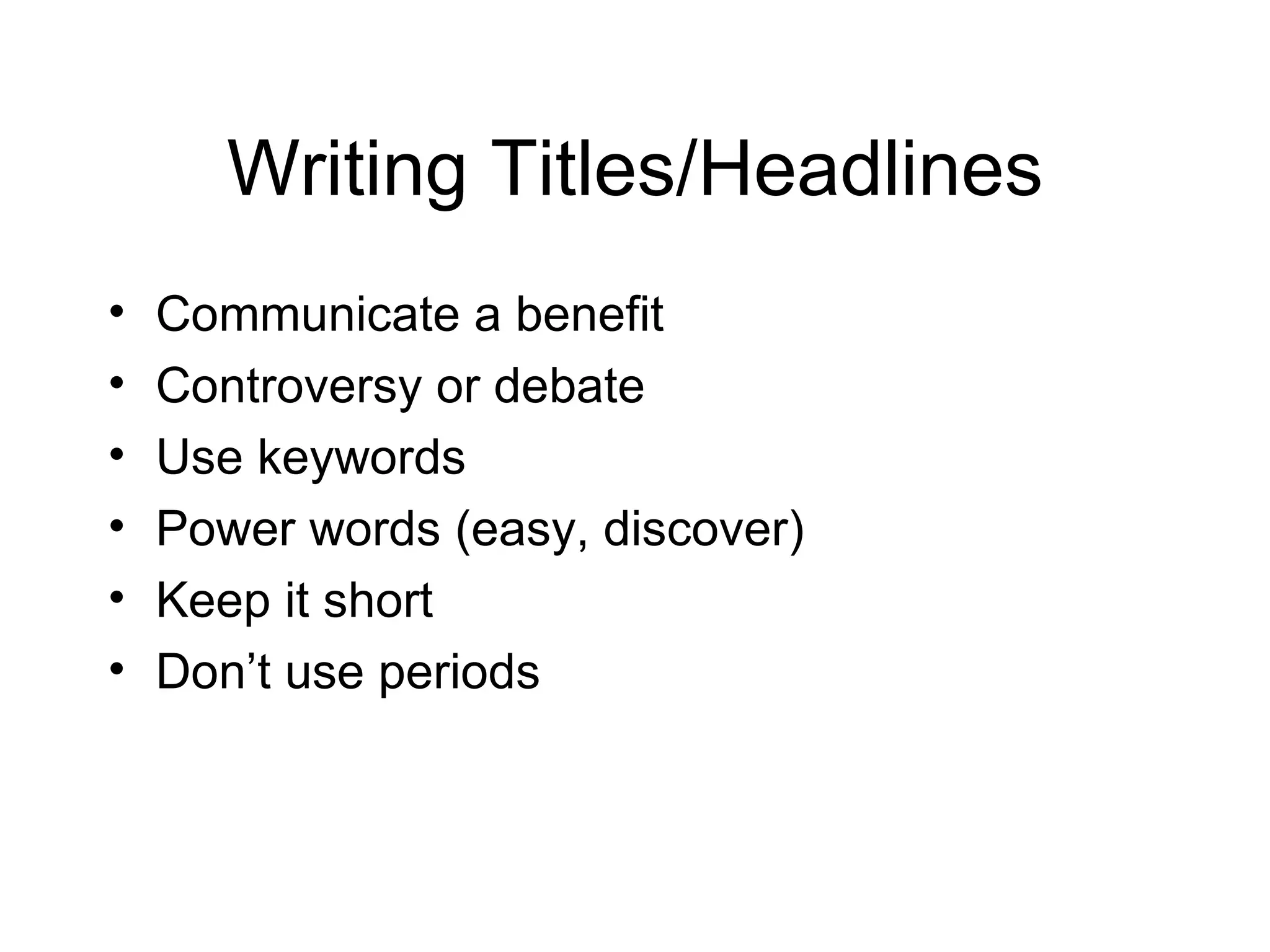
Writing Titles/Headlines Communicate a benefit Controversy or debate Use keywords Power words (easy, discover) Keep it short Don’t use periods
Elements of a Blog Post Video, picture, url Blogroll Collection of links  Comments (allow) Categories (Labels) vs. Tags Archives
Copyright Embed videos from news orgs. and YouTube Link to content, not take content from other sites
Blogs Content Management System (CMS) Blogger - owned by Google Easy to use and get started Easy to embed multimedia Blogger mobile (send photos and text to your blog) WordPress Robust  Resembles a Web site with pages Good comments spam filter Customize CSS themes only if you pay Both free
Blogs with Social Networks http://buddypress.org/ Install on WordPress to create a social network to friend other bloggers http://open.salon.com/cover.php http://open.salon.com/content.php?cid=21011
What is RSS?
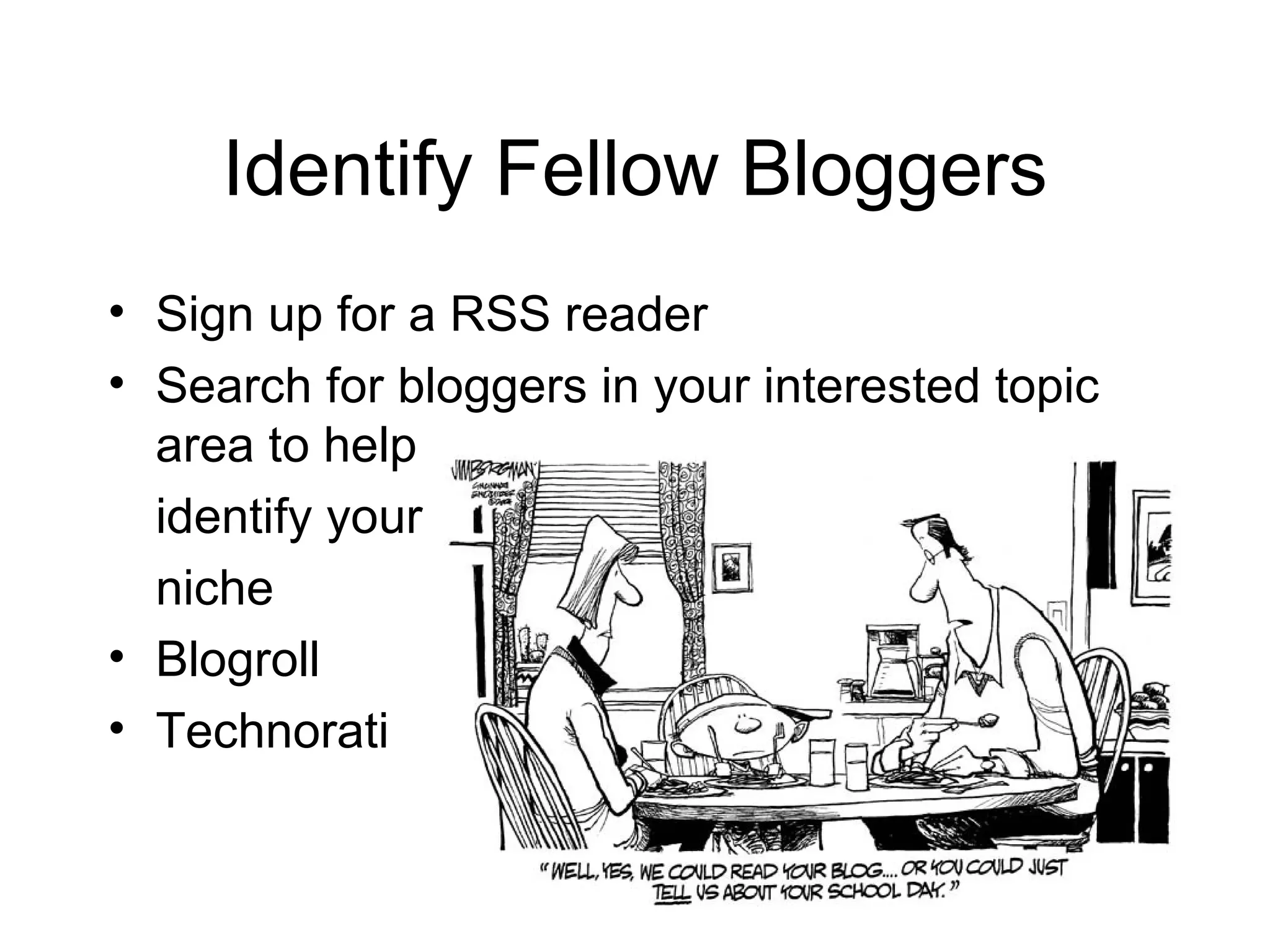
Identify Fellow Bloggers Sign up for a RSS reader Search for bloggers in your interested topic area to help identify your niche Blogroll Technorati
Next Class Four blog posts Four comments on different blogs Learn how to set up a blog using WordPress Name, URL, Title Blogs for blogroll
Sign up for WordPress blog 1. Go to http://wordpress.com/. 2. Click the big blue button (sign up and create a new blog). 3. Choose your URL carefully because you cannot change it. Keep it lowercased. 4. Choose your banner title (e.g., Online Journalism, Happy Chickens). It should be something you can promote.  5. Go to your email to activate blog
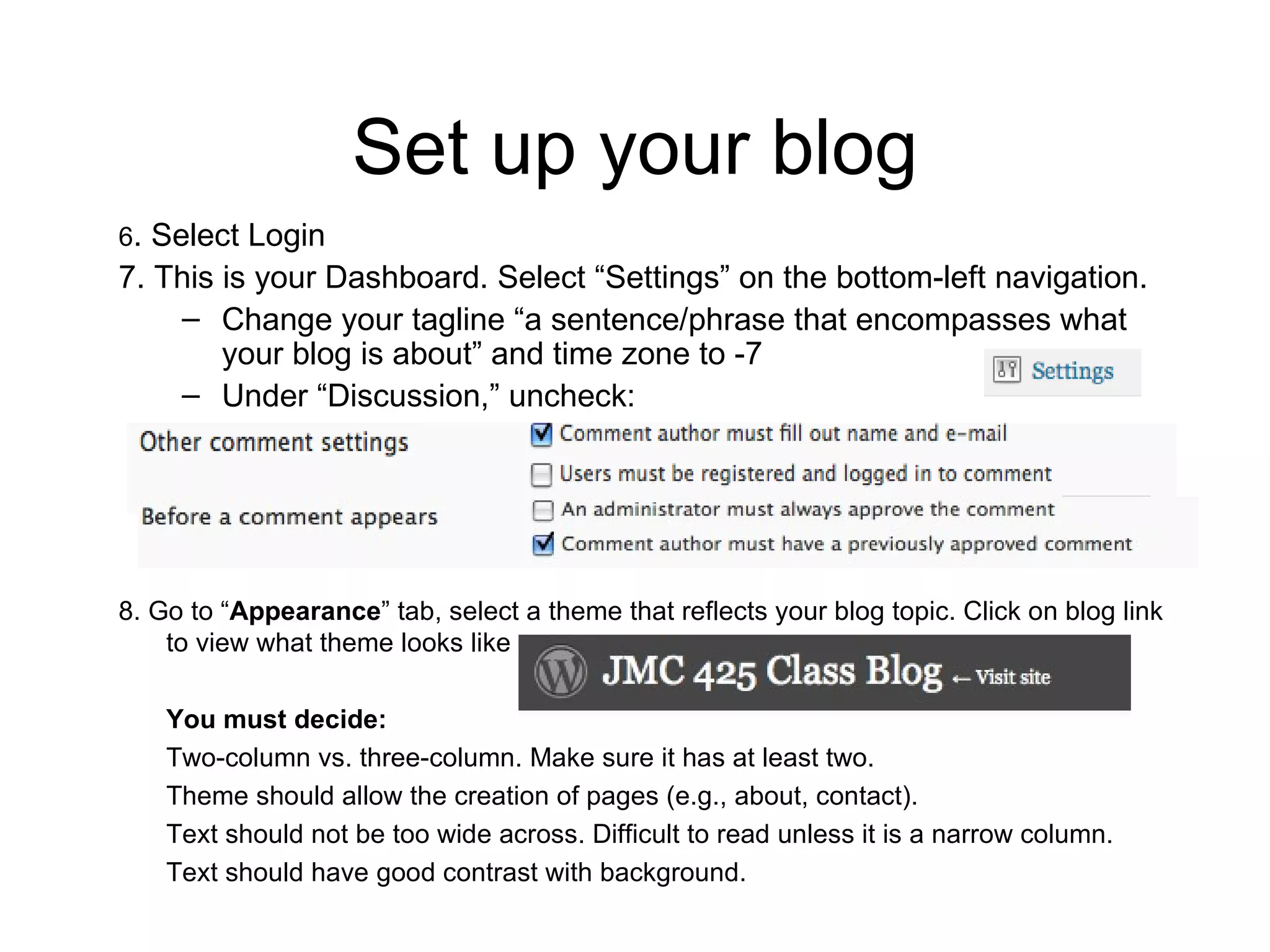
Set up your blog 6 . Select Login 7. This is your Dashboard. Select “Settings” on the bottom-left navigation. Change your tagline “a sentence/phrase that encompasses what your blog is about” and time zone to -7 Under “Discussion,” uncheck:  8. Go to “ Appearance ” tab, select a theme that reflects your blog topic. Click on blog link to view what theme looks like You must decide: Two-column vs. three-column. Make sure it has at least two. Theme should allow the creation of pages (e.g., about, contact).  Text should not be too wide across. Difficult to read unless it is a narrow column. Text should have good contrast with background.
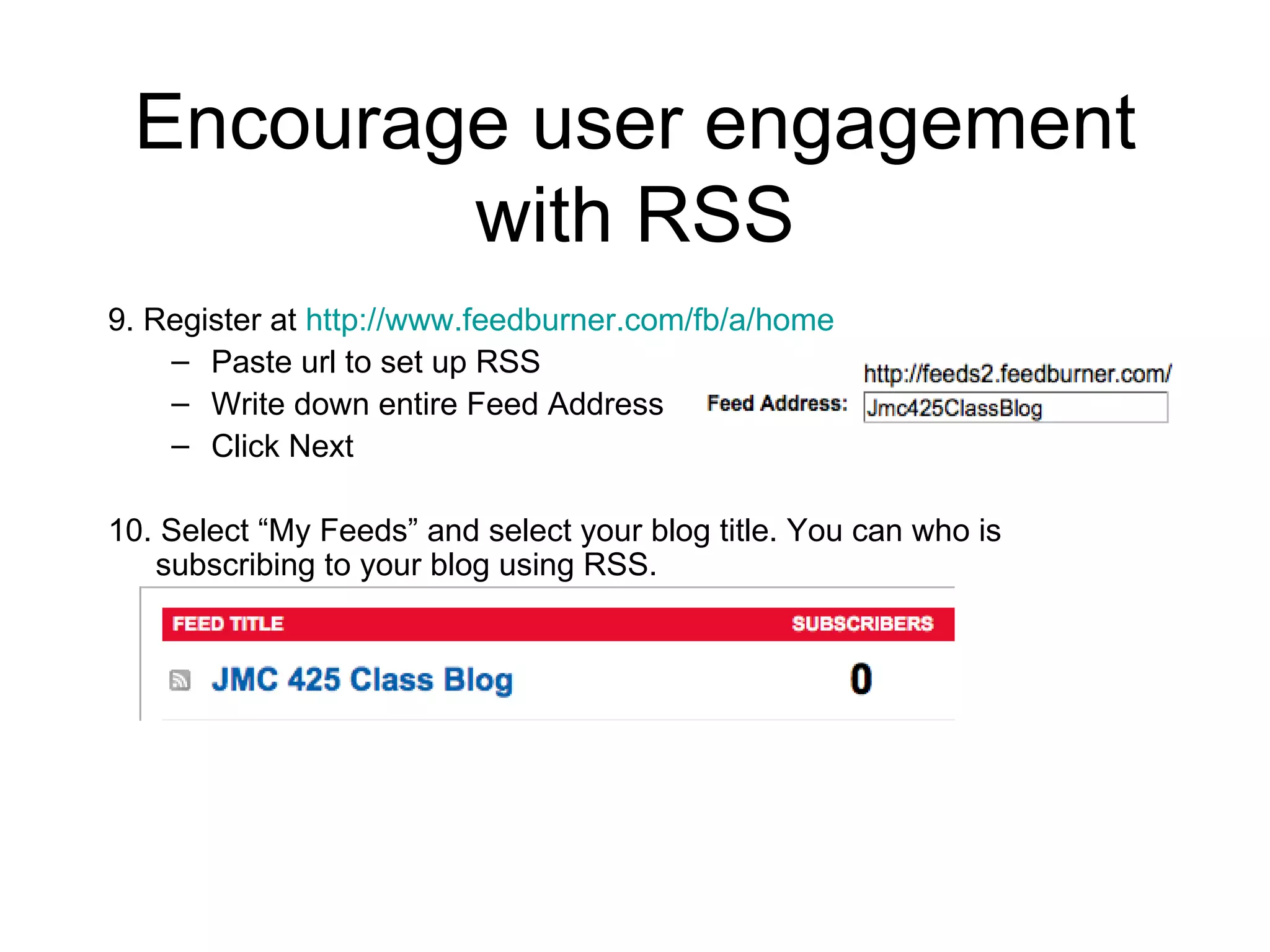
Encourage user engagement with RSS 9. Register at  http://www.feedburner.com/fb/a/home Paste url to set up RSS Write down entire Feed Address  Click Next 10. Select “My Feeds” and select your blog title. You can who is subscribing to your blog using RSS.
Set up your widgets 11. Go to  Widgets  (sidebar accessories that help connect you to others) under  Appearance .  If you have two sidebars, you will select which sidebar 12. Add  Search ,  RSS ,  Pages ,  Links ,  Categories ,  Text ,  Askimet at minimum. Select Save and Edit Widgets. Pages – Title it “Contact” Text – Type 1-2 short sentences about who you are and the purpose of the blog RSS – just display item content and copy URL from Feedburner to your RSS widget
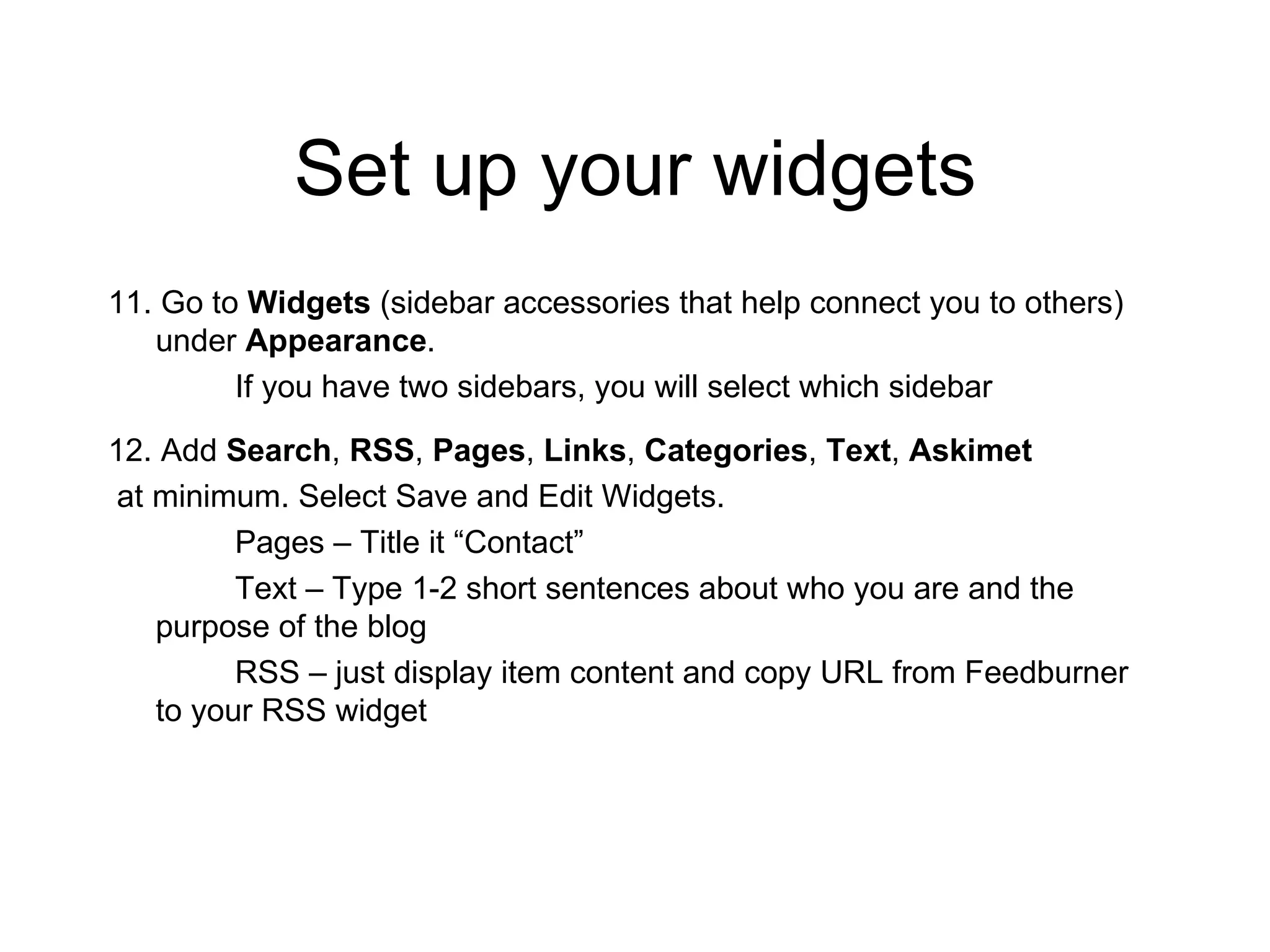
Set up Blogroll 13. Go to Links tab to set up blogroll 14. Delete wordpress.com and wordpress.org blogs 15. Go to Link Categories if you want both a “ blogroll ” and an “ useful sites ” link category 16. Go to “Edit” to add blogs and sites  > Add new > Add name of blog/site, URL, and select link category
Begin writing a post 17. Select Posts tab, delete “Hello World” post 18. Select “Add New” 19. Add title or headline for your individual post 20. Begin typing post. It acts as Word Processor.  Use Upload/Insert to add video, photos. Edit HTML to add video embeds.  21. Highlight a word, create a link using the link chain icon 22. Add tags and categories. Check mark categories if needed.  23. Save draft or publish.
Create a page 24. Select Pages tab 25. Edit page content 26. Turn off “allow comments and pings” 27. Hit update page
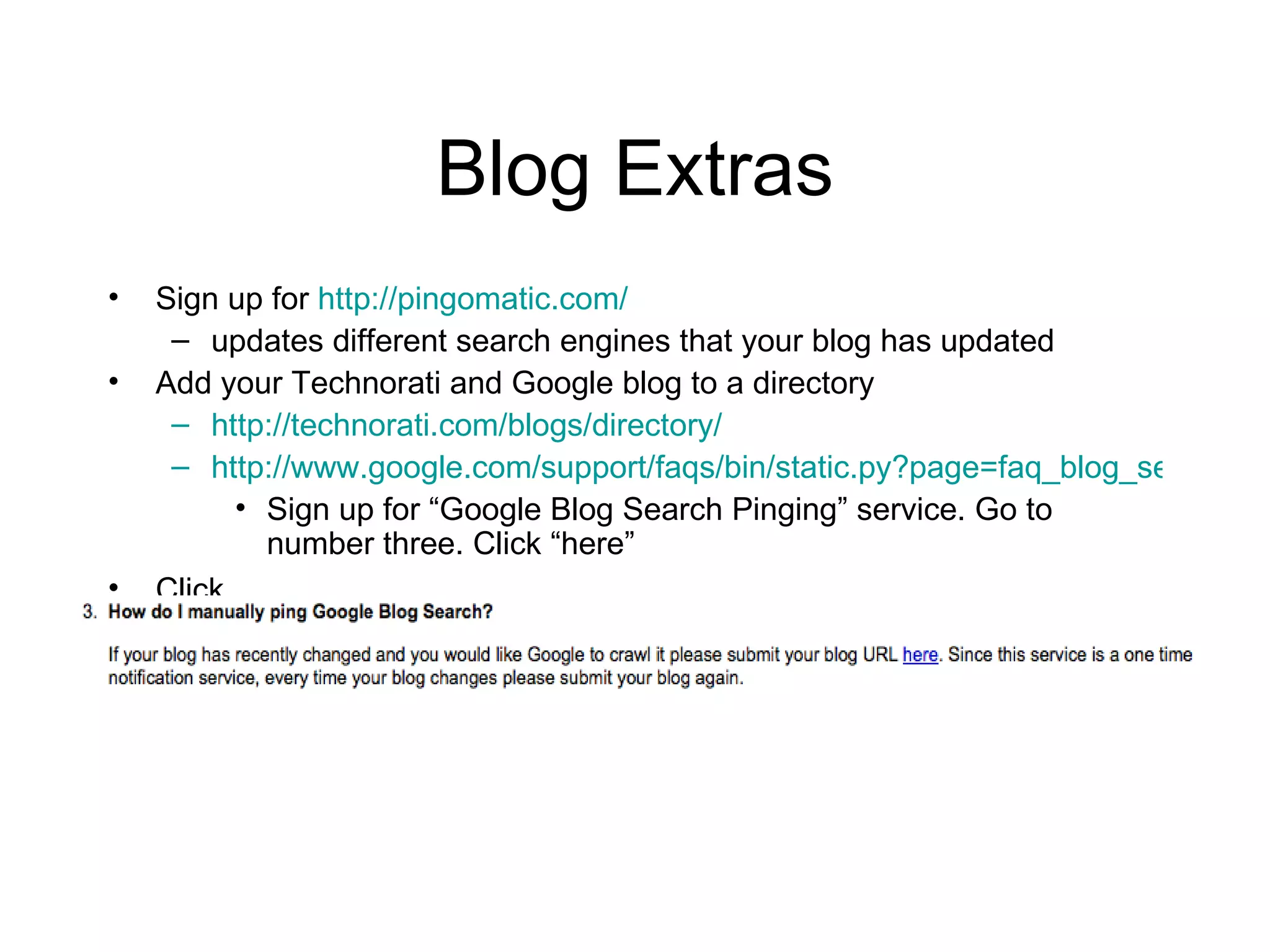
Blog Extras Sign up for  http://pingomatic.com/ updates different search engines that your blog has updated Add your Technorati and Google blog to a directory http://technorati.com/blogs/directory/ http://www.google.com/support/faqs/bin/static.py?page=faq_blog_search_pinging.html Sign up for “Google Blog Search Pinging” service. Go to number three. Click “here”  Click
Next Class Online Jobs Meet your groups for final project First blog post, comment, blogroll due

Blog (PR and Journalism)

  • 1.
    Agenda Who arebloggers Types Understanding the blogging mentality
  • 2.
    What is ablog?
  • 3.
  • 4.
    State of theBlogosphere 08 75% U.S. bloggers are college graduates 42% have attended graduate school More than half have a household income over $75,000 News blogs 2006 7%-12% regularly read blogs Nielsen/Netratings (2006) 13% traffic attributed to blogs
  • 5.
    Four types ofaudiences (Pew) Traditionalists heavy tv, wx, mean age 52, 46% Disengaged 14% Integrators tv and online 23% Net newsers blogs, online, technology news, engaged, 13%
  • 6.
    State of theBlogosphere Personal – creativity, therapy, communication Professional – sharing of information from usually individual standpoint Community - Corporate - published and used by the organization to reach organizational goals “ Blogging is having an incredibly positive impact on their lives, with bloggers receiving speaking or publishing opportunities, career advancement, and personal satisfaction.” (SOB)
  • 7.
    Blogs http://www.dailypuppy.com/ http://bits.blogs.nytimes.com/http://www.kweaver.org/blog/ http://checkoutblog.com/ http://veggietalk.wordpress.com/ http://yogaforlife.wordpress.com/
  • 8.
    Live Blogging http://www.coveritlive.com/Commentary streams live to your web page or blog Readers viewing the commentary can ask questions and participate in polls Post pictures and respond to comments http://www.rjicollaboratory.org/
  • 9.
  • 10.
    Splog Paparazzi ofthe sports world Dallas Mavericks owner Mark Cuban banned bloggers from locker room in March of 2008 because it had begun to take a toll on his players Or a blog that disseminates spam http://www.fatcyclist.com/
  • 11.
    Video or PhotoBlog http://blog.nextnewnetworks.com/ http://wvs.topleftpixel.com/
  • 12.
    Review or TipBlogging http://www.sportsproductreview.com/review
  • 13.
    Going beyond infodissemination Disseminators Interpreters Mobilizers Adversarial
  • 14.
    You must bepassionate, have a desire to share and educate
  • 15.
  • 16.
    Why? Niche Enhanceauthority and promote oneself Build community Help others to learn
  • 17.
    How journalists blogJournalists feel that info found in blogs is not credible, but perceive they will impact the news industry Competition Stereotypes… Rarely link to outside content Mimic news content Blog corral
  • 18.
    Blogging Policies Don’tedit – libel Encourages conformity (McAdams) No opinion
  • 19.
    Cutting out theMiddle People Editors Comments or email Sources Officials, pr spokespeople
  • 20.
    PR blogs CommunicateCrisis blogging Save retail Brand loyalty Journalists read blogs Seek bloggers Cannot send pr to them, you have to understand their world Bloggers have a set of shared values, rituals and language, conferences, and are exploring codes of ethics
  • 21.
    What is theBlogosphere?
  • 22.
    Blogosphere Social networkor public sphere representing a community that exists in space Links = Quality Blog Attribution Link to one another to build social capital Outbound vs. within links Increase traffic Increase transparency Increase diversity of viewpoints on topics
  • 23.
    What is aBlogroll?
  • 24.
    Comments Disagree respectivelyExtend conversation Share links to resources Use email for private conversations
  • 25.
    Content Make recommendationsInclude product images Short posts 250 words Break into paragraphs Post once a day (M-F) At least one link Must be meaningful Detail via links Blogroll Never delete anything Personal voice Explain blogging React quickly Check grammar Biography including email Encourage comments
  • 26.
    Writing Titles/Headlines Communicatea benefit Controversy or debate Use keywords Power words (easy, discover) Keep it short Don’t use periods
  • 27.
    Elements of aBlog Post Video, picture, url Blogroll Collection of links Comments (allow) Categories (Labels) vs. Tags Archives
  • 28.
    Copyright Embed videosfrom news orgs. and YouTube Link to content, not take content from other sites
  • 29.
    Blogs Content ManagementSystem (CMS) Blogger - owned by Google Easy to use and get started Easy to embed multimedia Blogger mobile (send photos and text to your blog) WordPress Robust Resembles a Web site with pages Good comments spam filter Customize CSS themes only if you pay Both free
  • 30.
    Blogs with SocialNetworks http://buddypress.org/ Install on WordPress to create a social network to friend other bloggers http://open.salon.com/cover.php http://open.salon.com/content.php?cid=21011
  • 31.
  • 32.
    Identify Fellow BloggersSign up for a RSS reader Search for bloggers in your interested topic area to help identify your niche Blogroll Technorati
  • 33.
    Next Class Fourblog posts Four comments on different blogs Learn how to set up a blog using WordPress Name, URL, Title Blogs for blogroll
  • 34.
    Sign up forWordPress blog 1. Go to http://wordpress.com/. 2. Click the big blue button (sign up and create a new blog). 3. Choose your URL carefully because you cannot change it. Keep it lowercased. 4. Choose your banner title (e.g., Online Journalism, Happy Chickens). It should be something you can promote. 5. Go to your email to activate blog
  • 35.
    Set up yourblog 6 . Select Login 7. This is your Dashboard. Select “Settings” on the bottom-left navigation. Change your tagline “a sentence/phrase that encompasses what your blog is about” and time zone to -7 Under “Discussion,” uncheck: 8. Go to “ Appearance ” tab, select a theme that reflects your blog topic. Click on blog link to view what theme looks like You must decide: Two-column vs. three-column. Make sure it has at least two. Theme should allow the creation of pages (e.g., about, contact). Text should not be too wide across. Difficult to read unless it is a narrow column. Text should have good contrast with background.
  • 36.
    Encourage user engagementwith RSS 9. Register at http://www.feedburner.com/fb/a/home Paste url to set up RSS Write down entire Feed Address Click Next 10. Select “My Feeds” and select your blog title. You can who is subscribing to your blog using RSS.
  • 37.
    Set up yourwidgets 11. Go to Widgets (sidebar accessories that help connect you to others) under Appearance . If you have two sidebars, you will select which sidebar 12. Add Search , RSS , Pages , Links , Categories , Text , Askimet at minimum. Select Save and Edit Widgets. Pages – Title it “Contact” Text – Type 1-2 short sentences about who you are and the purpose of the blog RSS – just display item content and copy URL from Feedburner to your RSS widget
  • 38.
    Set up Blogroll13. Go to Links tab to set up blogroll 14. Delete wordpress.com and wordpress.org blogs 15. Go to Link Categories if you want both a “ blogroll ” and an “ useful sites ” link category 16. Go to “Edit” to add blogs and sites > Add new > Add name of blog/site, URL, and select link category
  • 39.
    Begin writing apost 17. Select Posts tab, delete “Hello World” post 18. Select “Add New” 19. Add title or headline for your individual post 20. Begin typing post. It acts as Word Processor. Use Upload/Insert to add video, photos. Edit HTML to add video embeds. 21. Highlight a word, create a link using the link chain icon 22. Add tags and categories. Check mark categories if needed. 23. Save draft or publish.
  • 40.
    Create a page24. Select Pages tab 25. Edit page content 26. Turn off “allow comments and pings” 27. Hit update page
  • 41.
    Blog Extras Signup for http://pingomatic.com/ updates different search engines that your blog has updated Add your Technorati and Google blog to a directory http://technorati.com/blogs/directory/ http://www.google.com/support/faqs/bin/static.py?page=faq_blog_search_pinging.html Sign up for “Google Blog Search Pinging” service. Go to number three. Click “here” Click
  • 42.
    Next Class OnlineJobs Meet your groups for final project First blog post, comment, blogroll due