This document provides instructions for creating a custom application in JDeveloper, adding required libraries, creating a RESTful web service, running the integrated WebLogic server, and testing the REST web service. The key steps are:
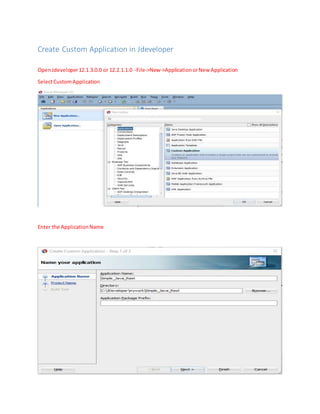
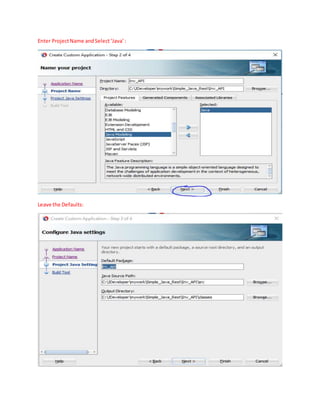
1. Create a custom application and Java class project in JDeveloper.
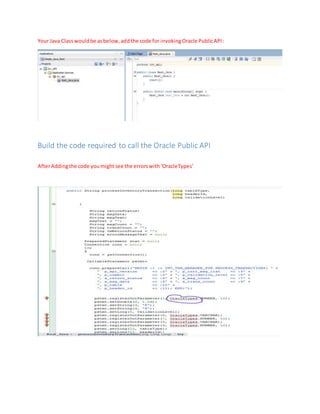
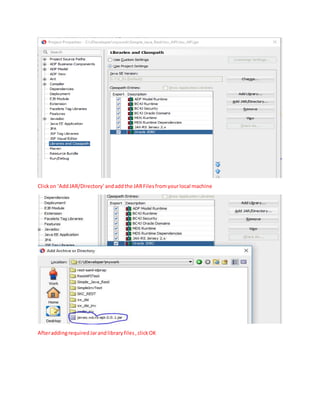
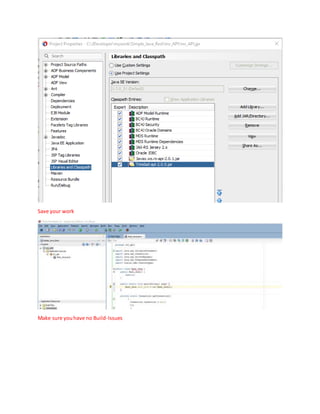
2. Add required Oracle API JAR files to resolve errors.
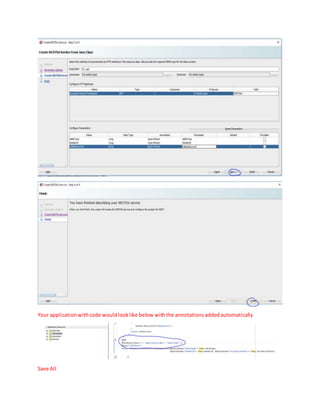
3. Right click the Java file and select "Create RESTful Service" to add annotations.
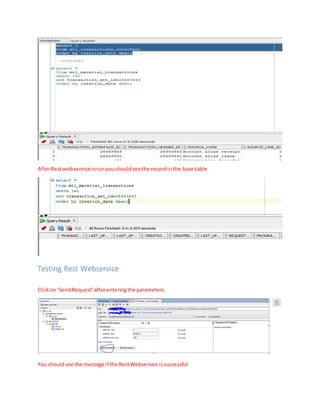
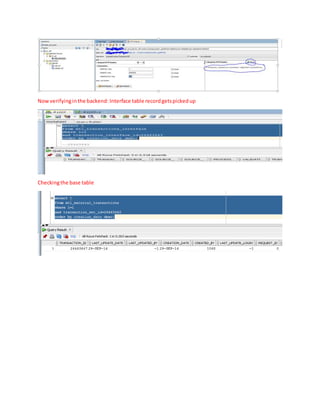
4. Run the service on the integrated WebLogic server and test it by sending requests and verifying records in backend tables.