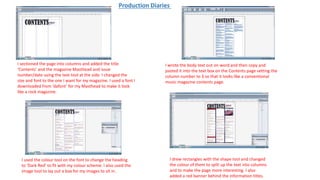
The document summarizes the steps taken to design the contents page of a magazine in Adobe InDesign. Key points include:
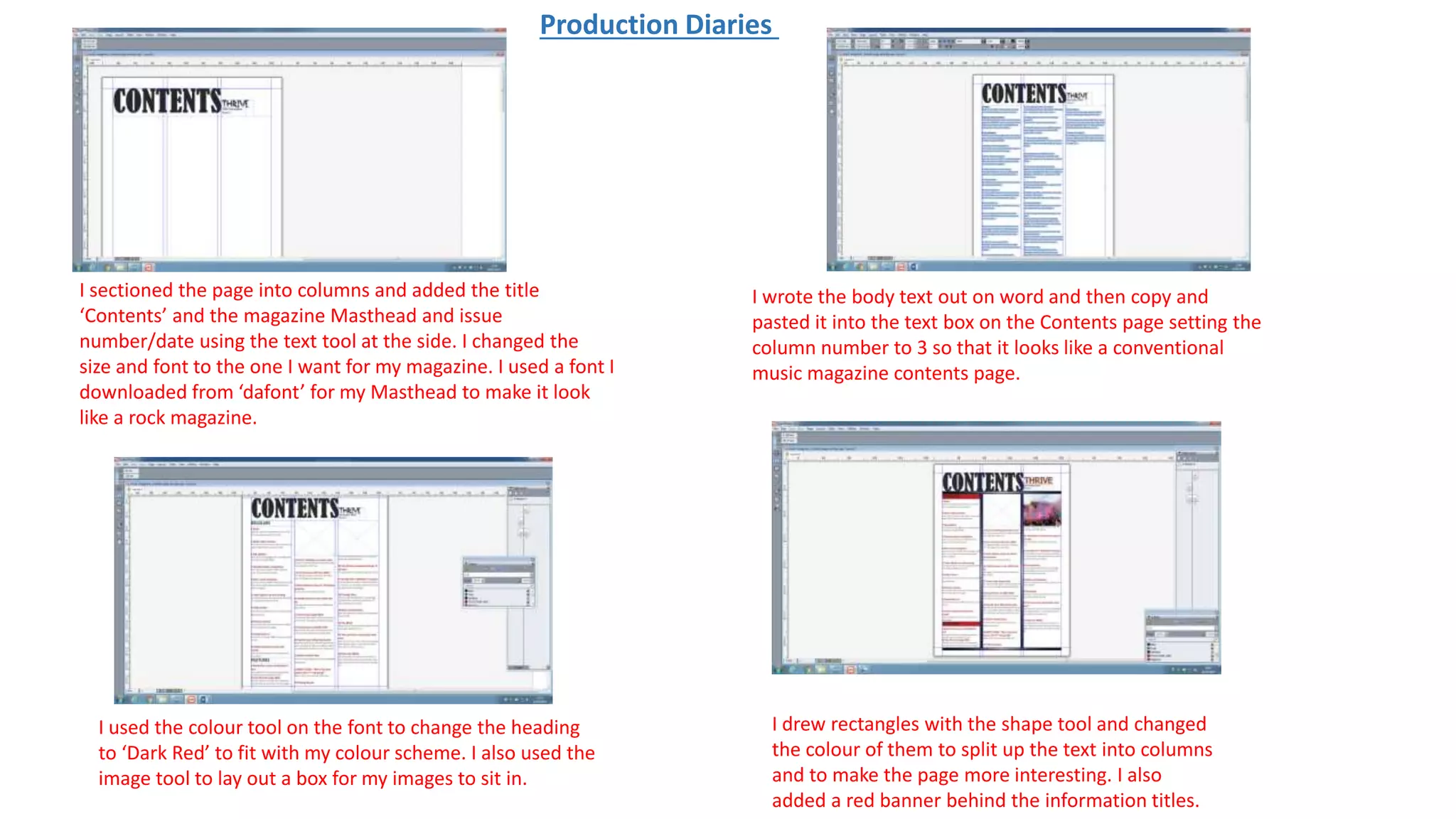
1) The author sectioned the page into columns and added a title, masthead, and date using text tools. Fonts and colors were customized.
2) Body text from Word was copied and pasted into text boxes in 3 columns. Shapes and banners were used to split up text and add visual interest.
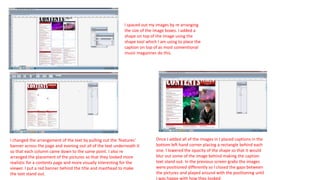
3) Images were arranged, sized, and had captions added over semi-transparent shapes. Positioning of text and images was adjusted to look realistic and visually interesting.