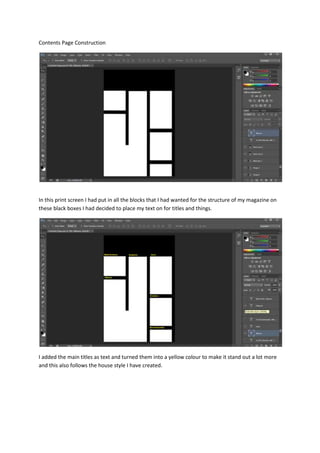
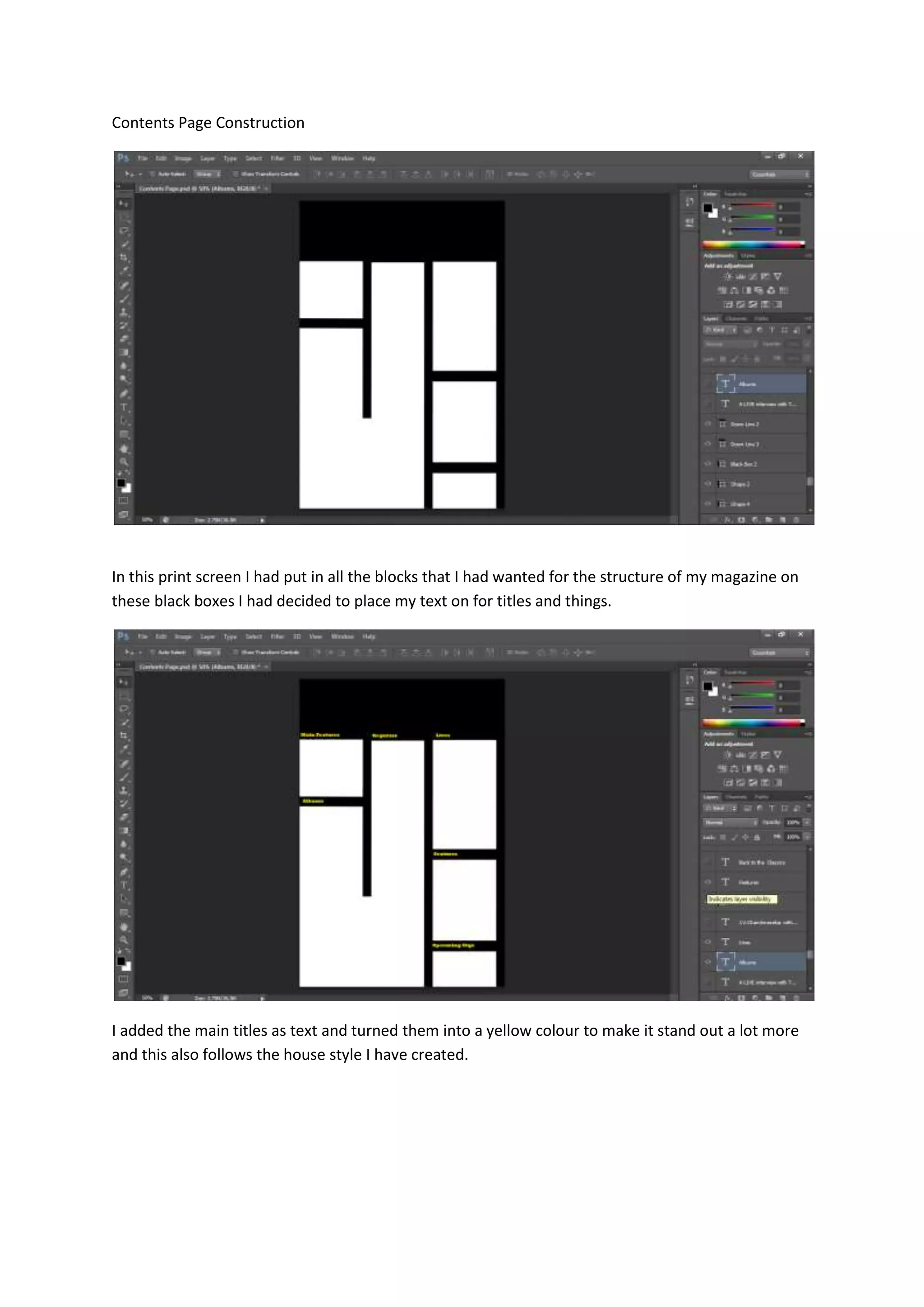
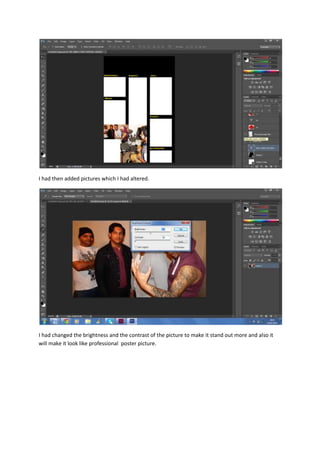
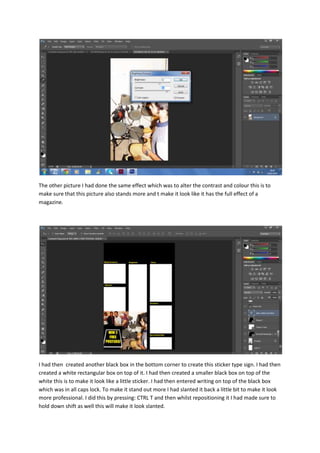
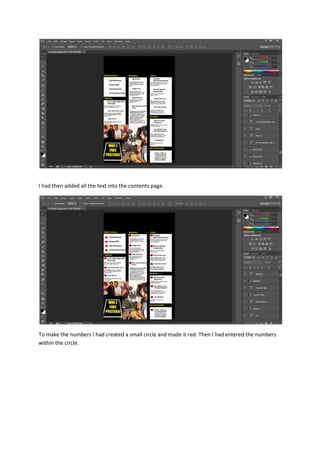
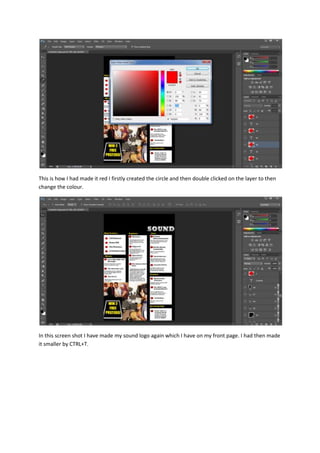
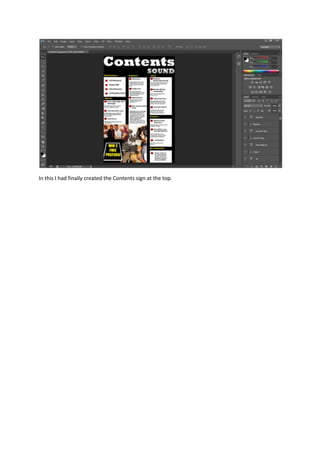
The document describes the steps taken to construct a contents page for a magazine mock-up. Key elements include adding titles in yellow text within black boxes to make them stand out, altering photos to improve brightness/contrast, creating a "sticker" with slanted text in the bottom corner, adding numbered text in red circles, and including a resized sound logo. The contents page brings together these designed elements on mock magazine pages.