PRESENTATION 
ON 
COMPUTER 
VIRUS & ITS CURE 
 Presented by: 
 Md. Tamim Ahmed 
ID:LL.B-052 08731 
 Md. Wahidur Rahman 
ID:LL.B- 052 08790
Content Details 
 What is a virus? 
 Who creates/writes viruses ? 
 Type of viruses 
 Major Types of Viruses 
 Boot Sector Virus 
 Program/File Infector 
 Worms 
 Macro Virus 
 Trojan Horses 
 Removal of Some Common Viruses 
 Prevention & cure of computer viruses 
 Some anti-viruses software 
 Conclusion
What is computer virus? 
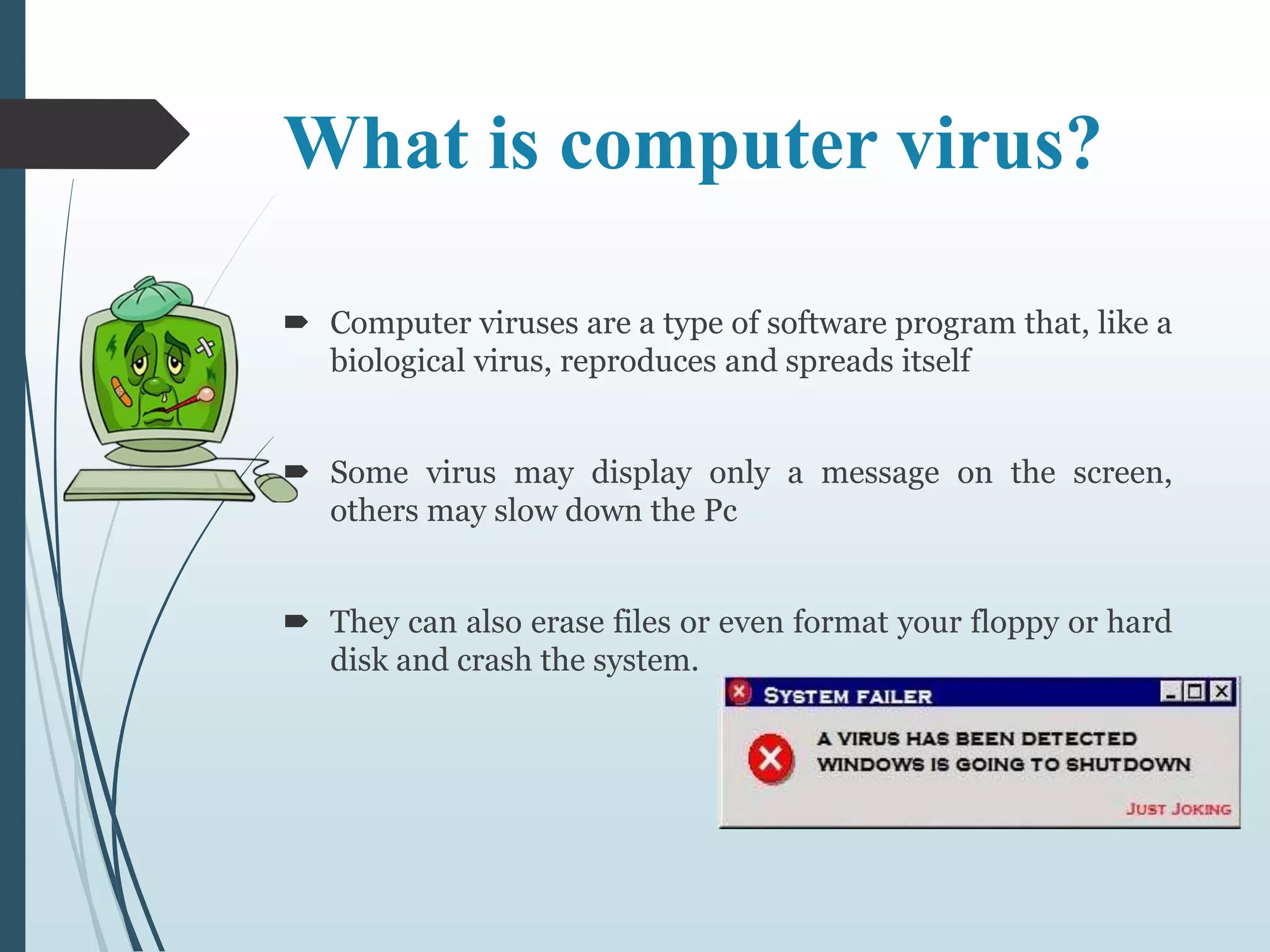
 Computer viruses are a type of software program that, like a 
biological virus, reproduces and spreads itself 
 Some virus may display only a message on the screen, 
others may slow down the Pc 
 They can also erase files or even format your floppy or hard 
disk and crash the system.
Who creates/writes viruses ? 
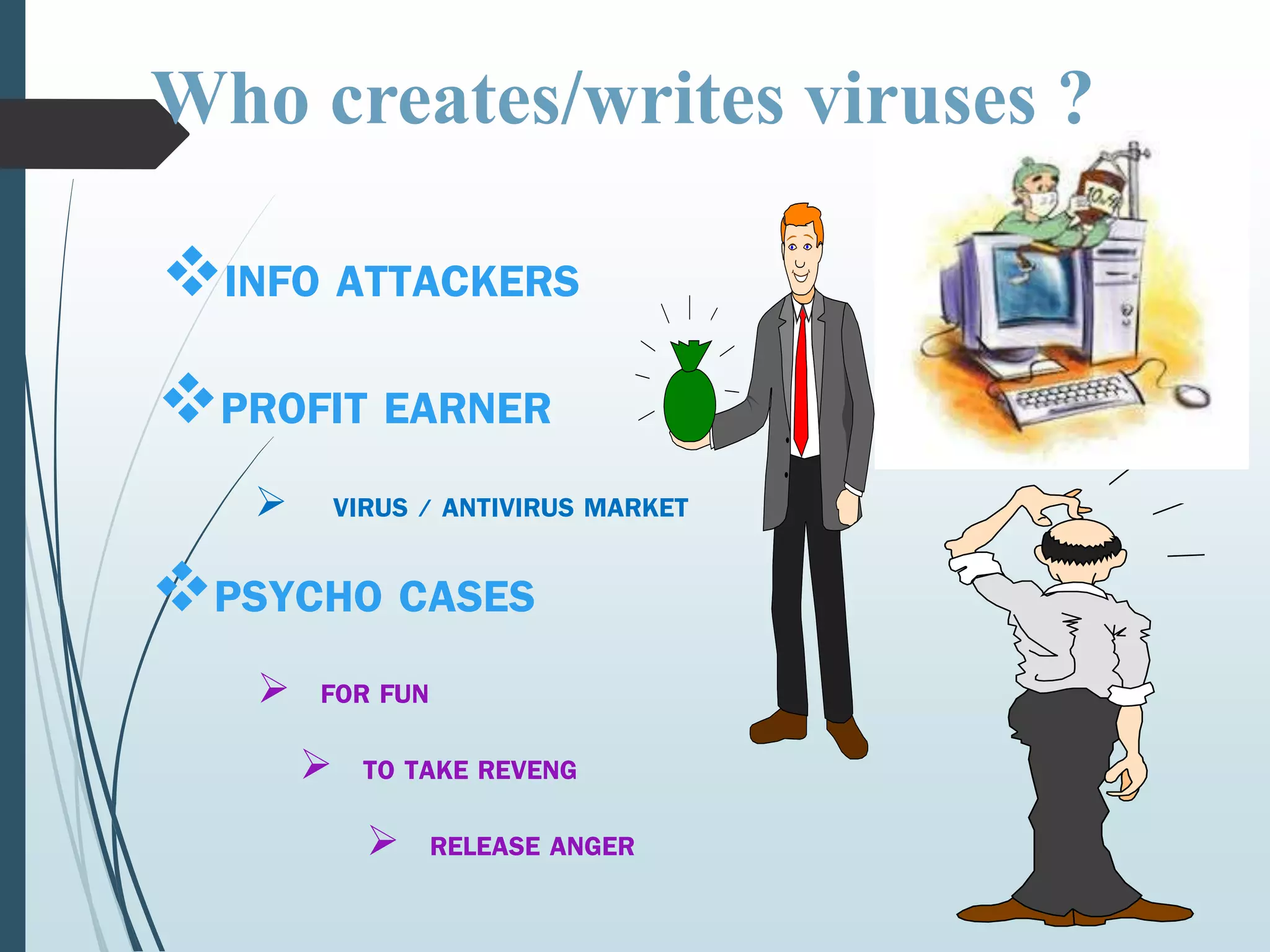
INFO ATTACKERS 
PROFIT EARNER 
 VIRUS / ANTIVIRUS MARKET 
PSYCHO CASES 
 FOR FUN 
 TO TAKE REVENG 
 RELEASE ANGER
Type of viruses 
 There are about millions of viruses present & daily 6 to 7 
new viruses are found 
 The following are the types of viruses: 
 Boot sector Virus, Program/ File Infector, Trojan Horses, 
Worms, Macro Virus, Polymorphic Virus,, Companion 
Virus, FAT Virus, Logic Bombs, Spyware, Adware, 
Multipartite virus, Stealth virus etc.
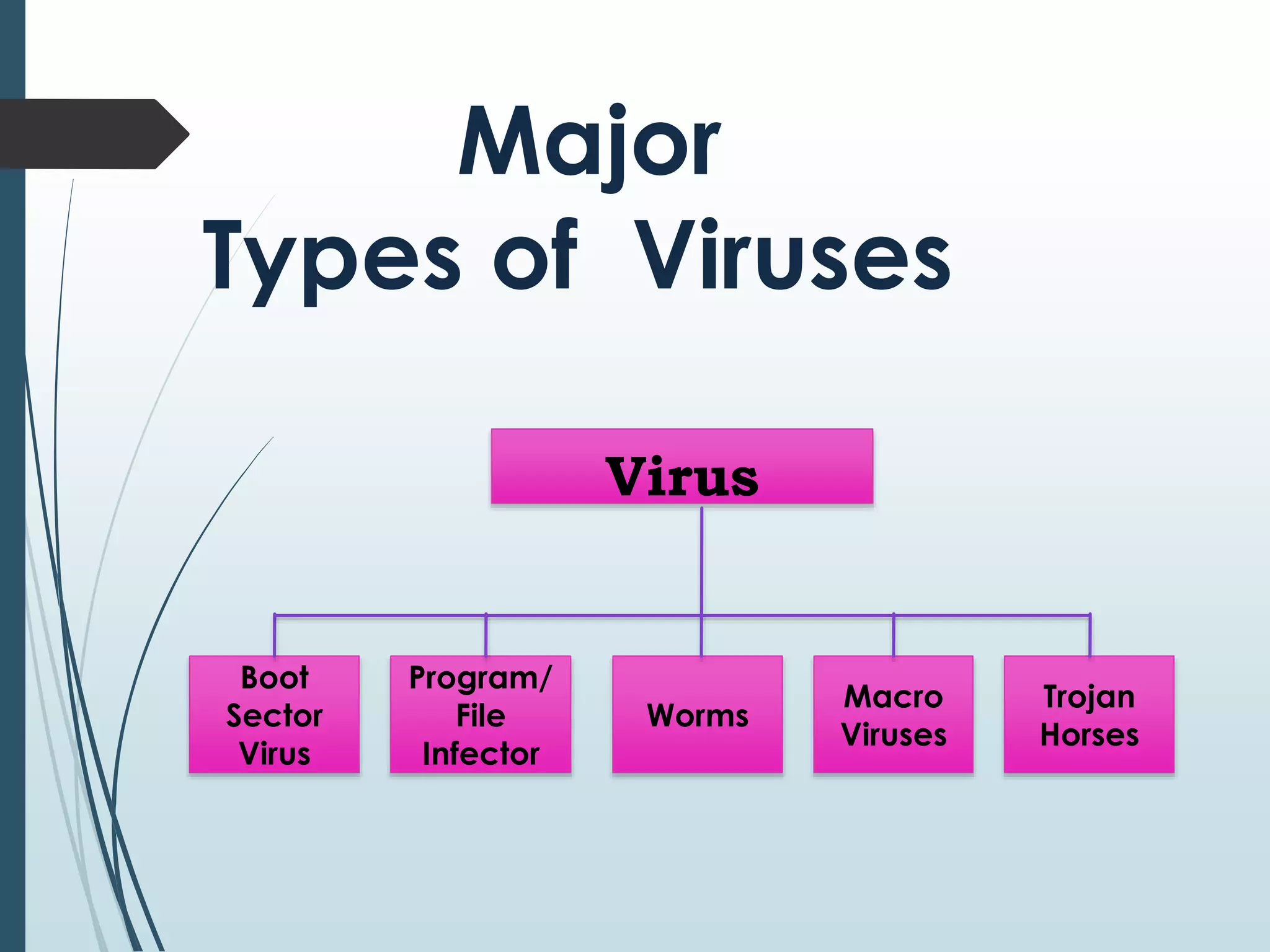
Major 
Types of Viruses 
Virus 
Boot 
Sector 
Virus 
Program/ 
File 
Infector 
Worms 
Macro 
Viruses 
Trojan 
Horses
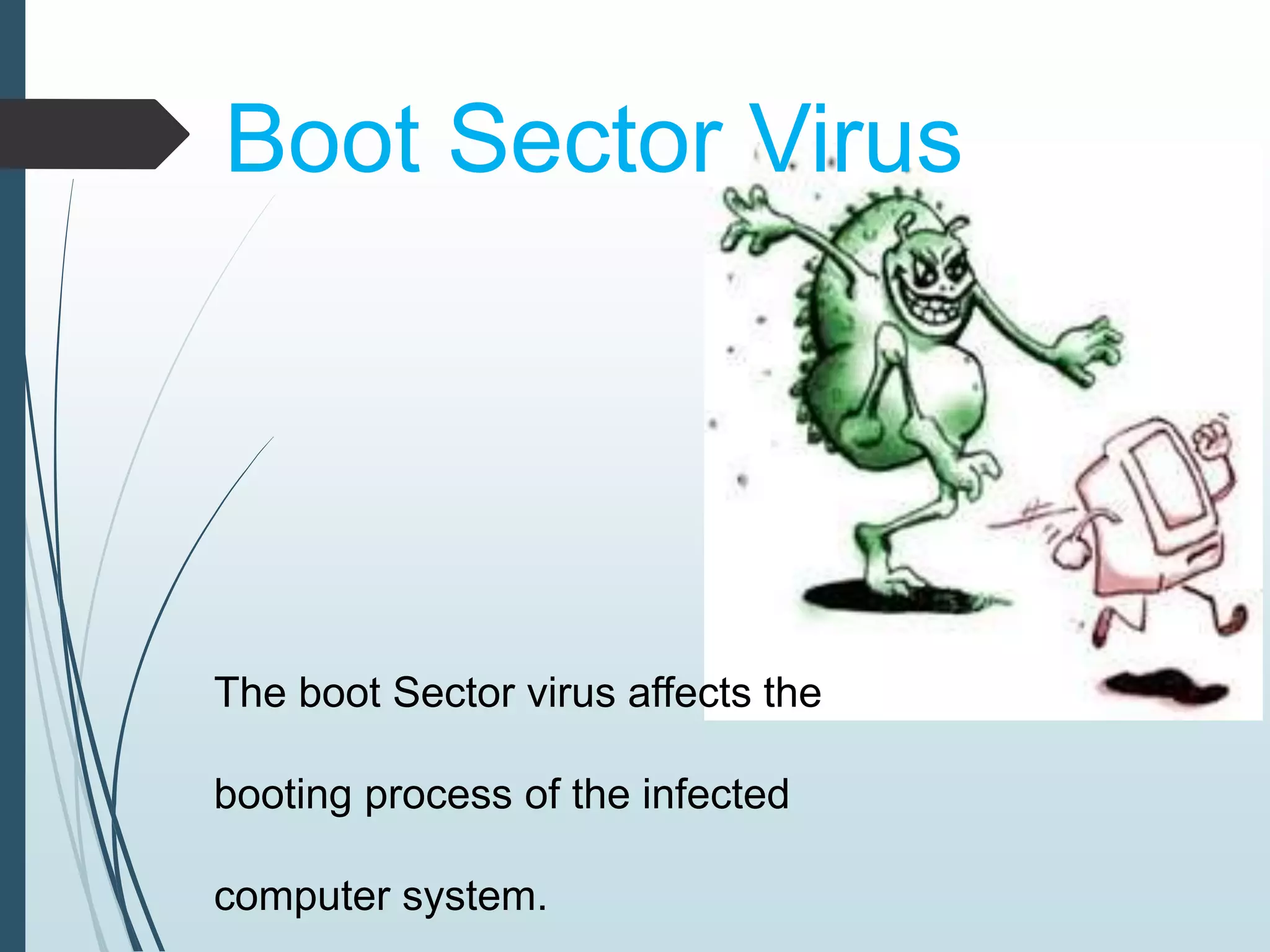
Boot Sector Virus 
The boot Sector virus affects the 
booting process of the infected 
computer system.
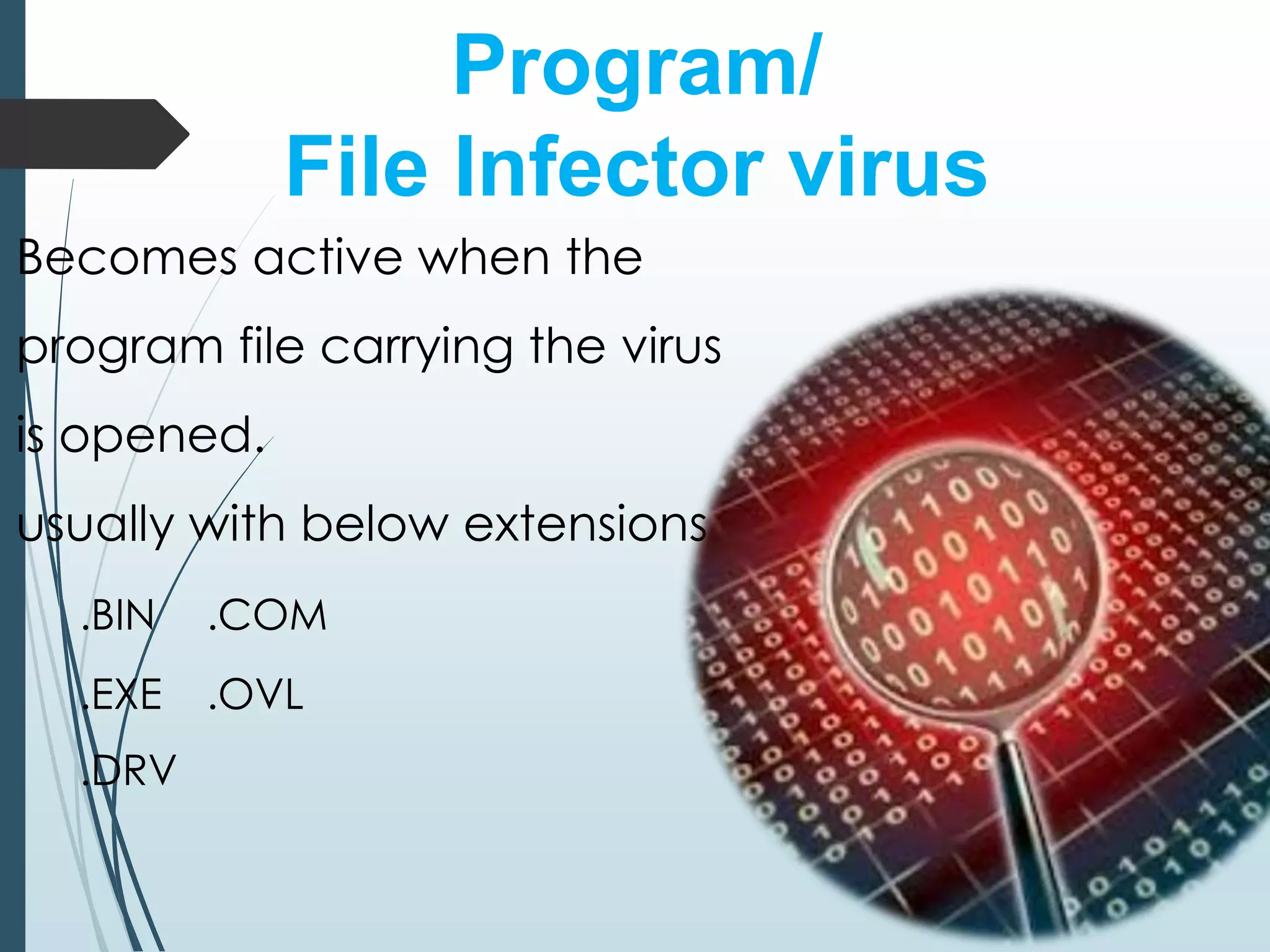
Program/ 
File Infector virus 
Becomes active when the 
program file carrying the virus 
is opened. 
usually with below extensions 
.BIN .COM 
.EXE .OVL 
.DRV
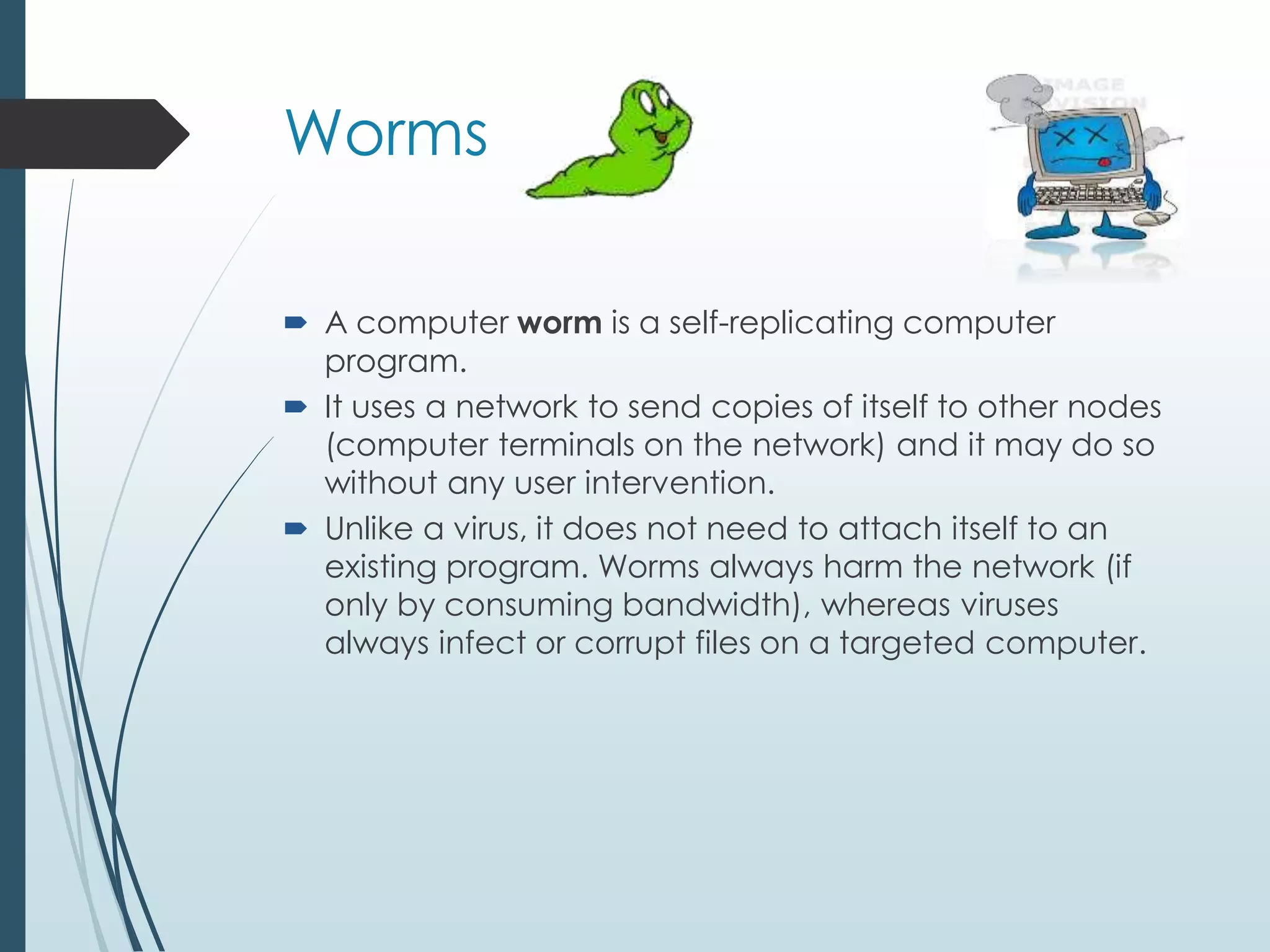
Worms 
 A computer worm is a self-replicating computer 
program. 
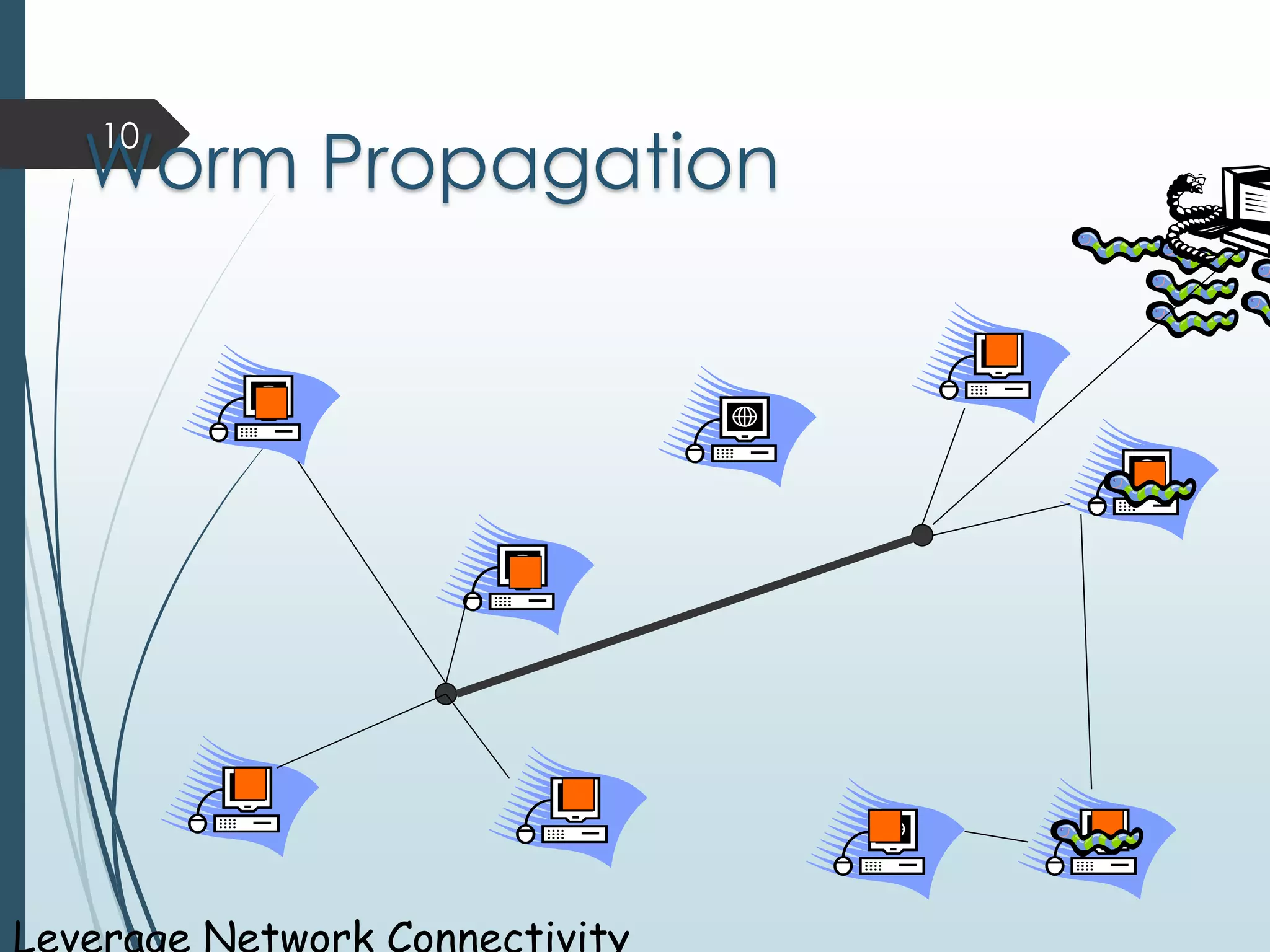
 It uses a network to send copies of itself to other nodes 
(computer terminals on the network) and it may do so 
without any user intervention. 
 Unlike a virus, it does not need to attach itself to an 
existing program. Worms always harm the network (if 
only by consuming bandwidth), whereas viruses 
always infect or corrupt files on a targeted computer.
10 
Worm Propagation 
Leverage Network Connectivity
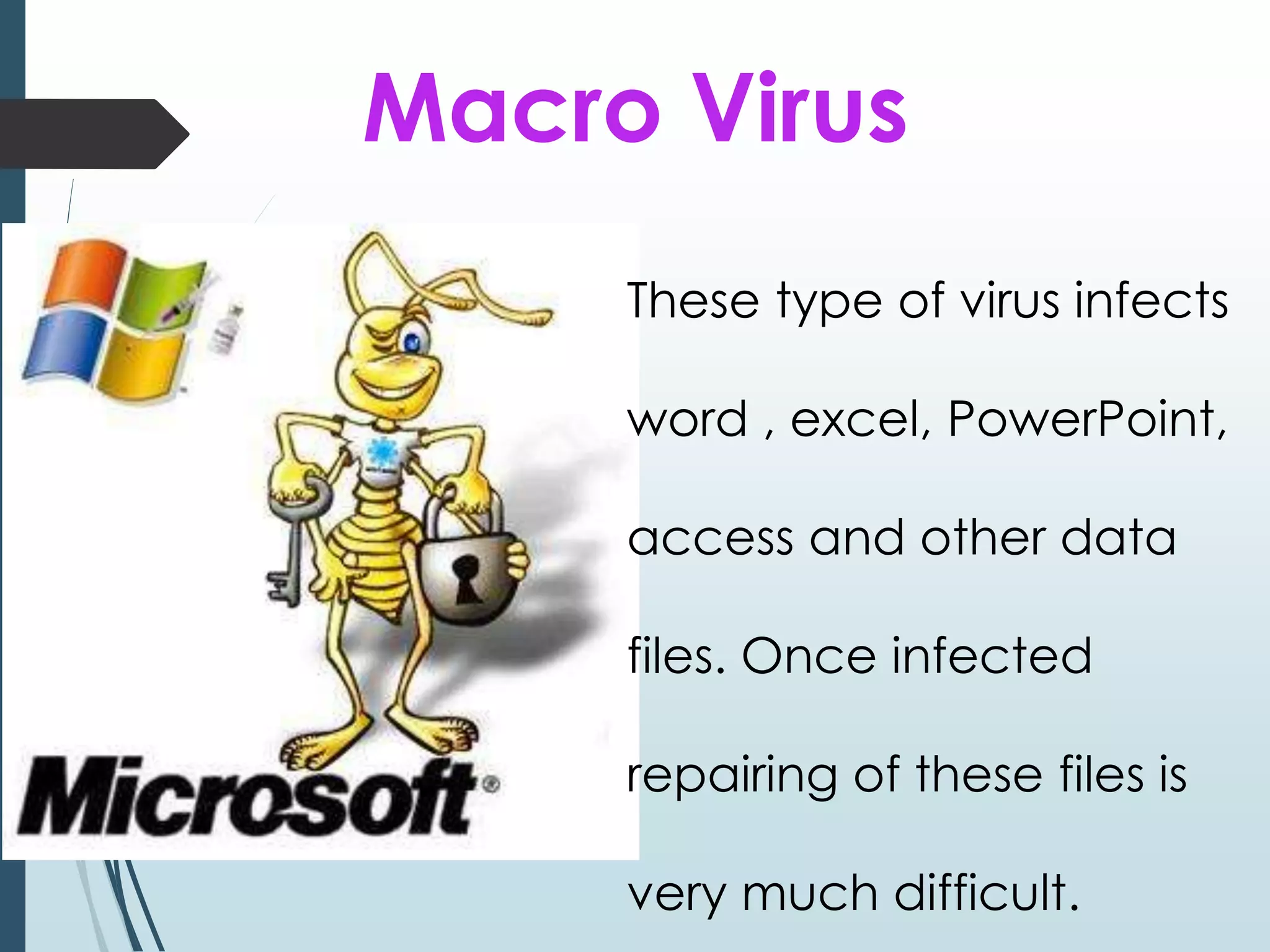
Macro Virus 
These type of virus infects 
word , excel, PowerPoint, 
access and other data 
files. Once infected 
repairing of these files is 
very much difficult.
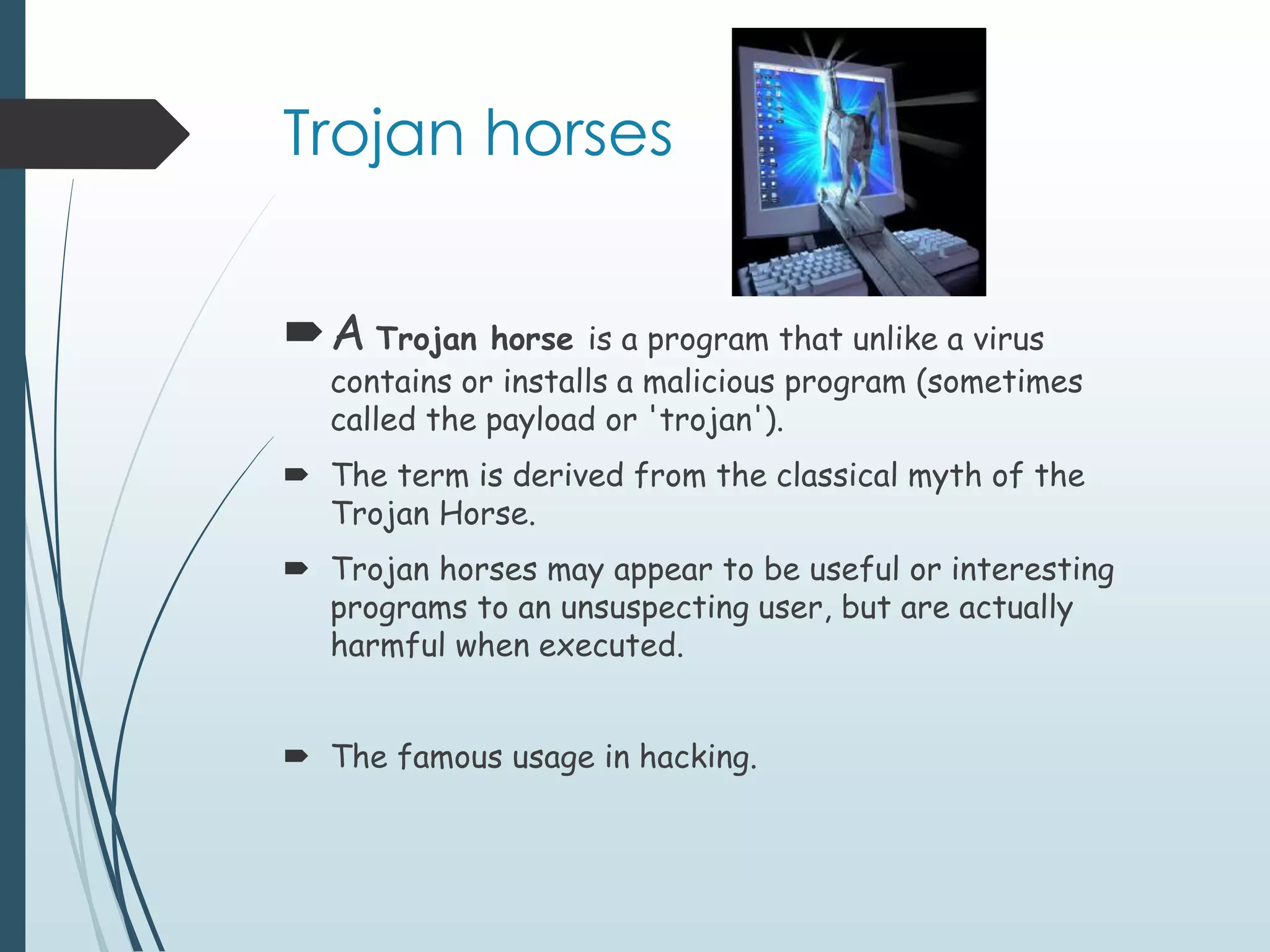
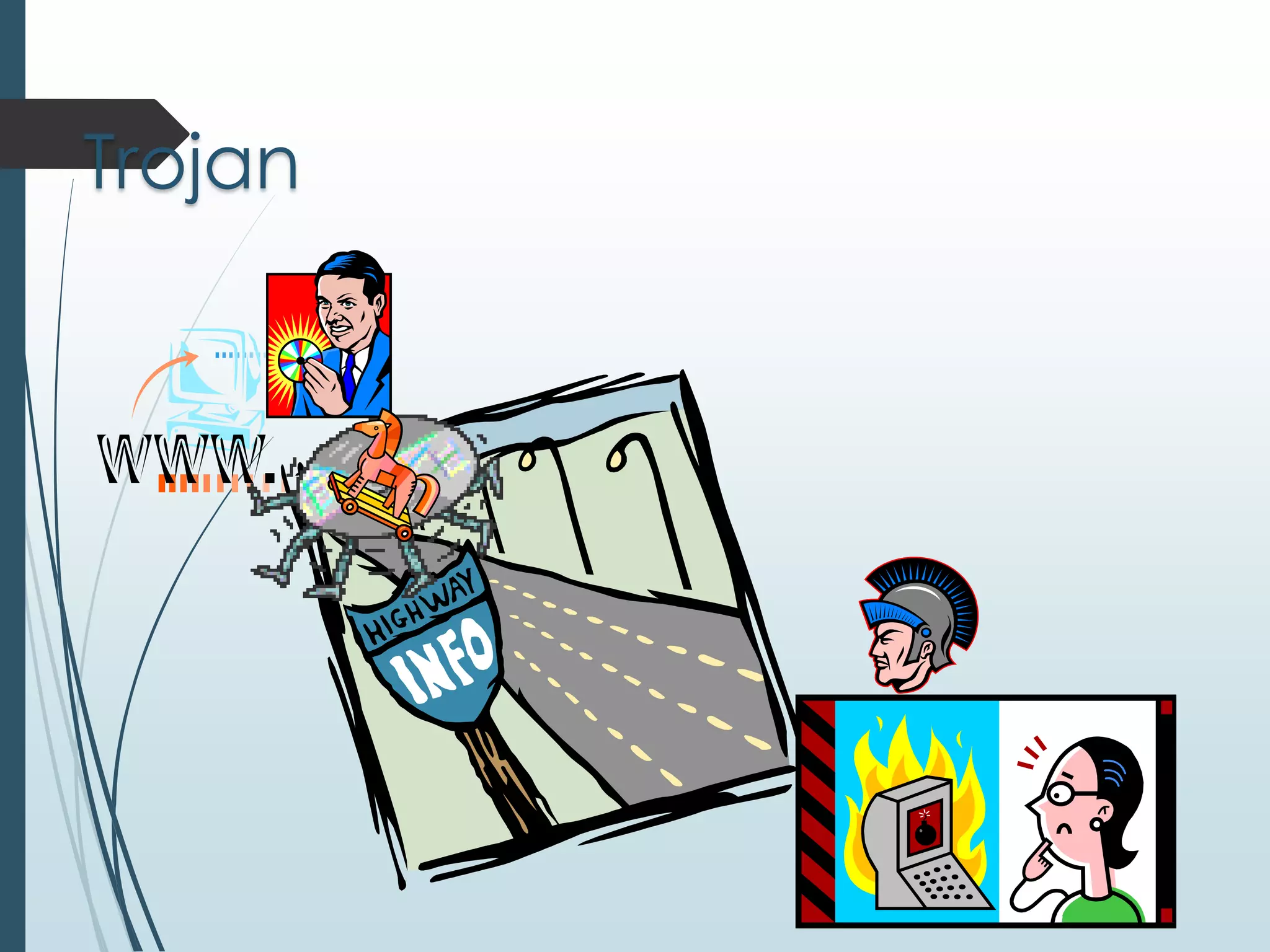
Trojan horses 
A Trojan horse is a program that unlike a virus 
contains or installs a malicious program (sometimes 
called the payload or 'trojan'). 
 The term is derived from the classical myth of the 
Trojan Horse. 
 Trojan horses may appear to be useful or interesting 
programs to an unsuspecting user, but are actually 
harmful when executed. 
 The famous usage in hacking.
Trojan
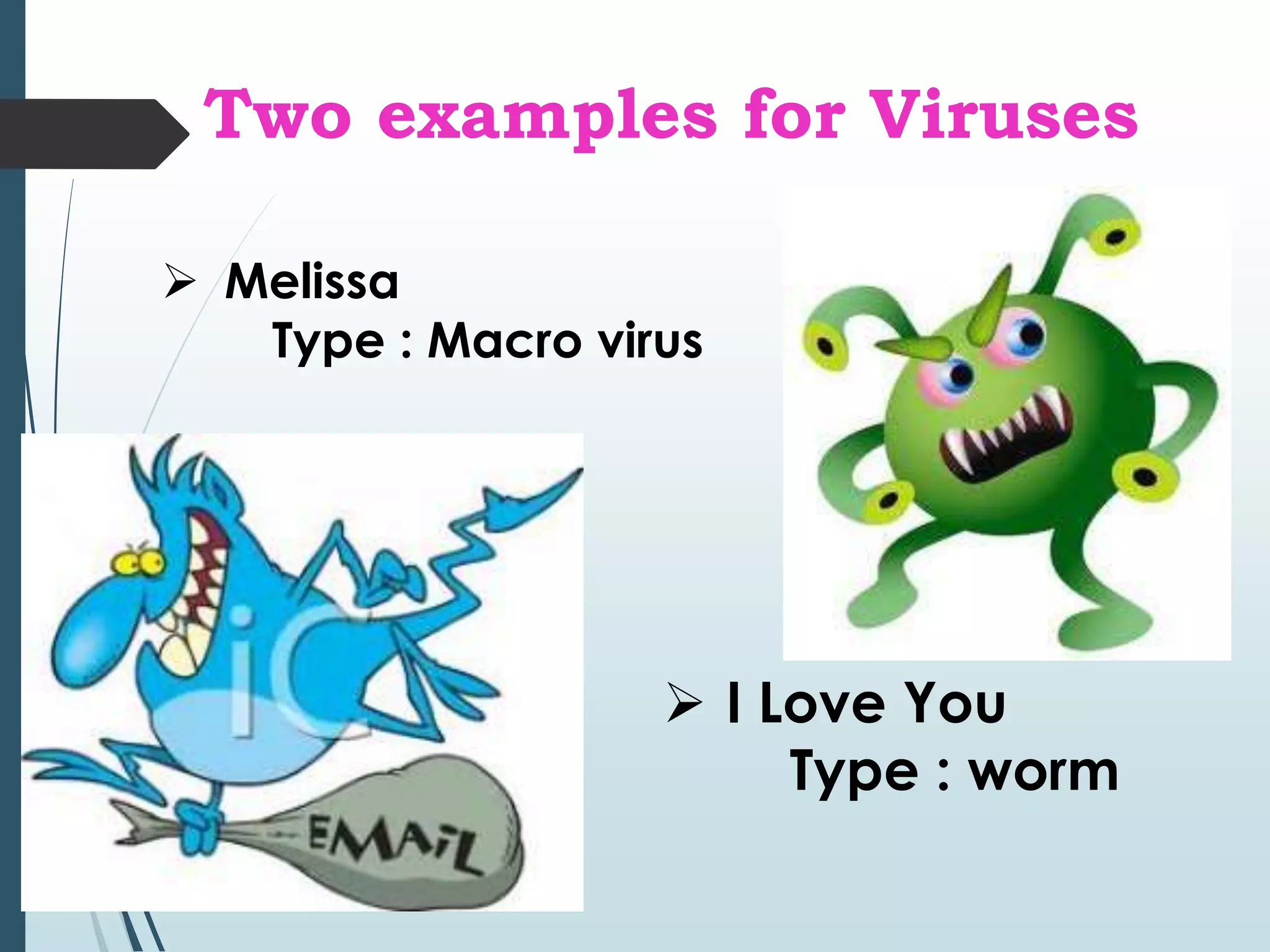
Two examples for Viruses 
 Melissa 
Type : Macro virus 
 I Love You 
Type : worm
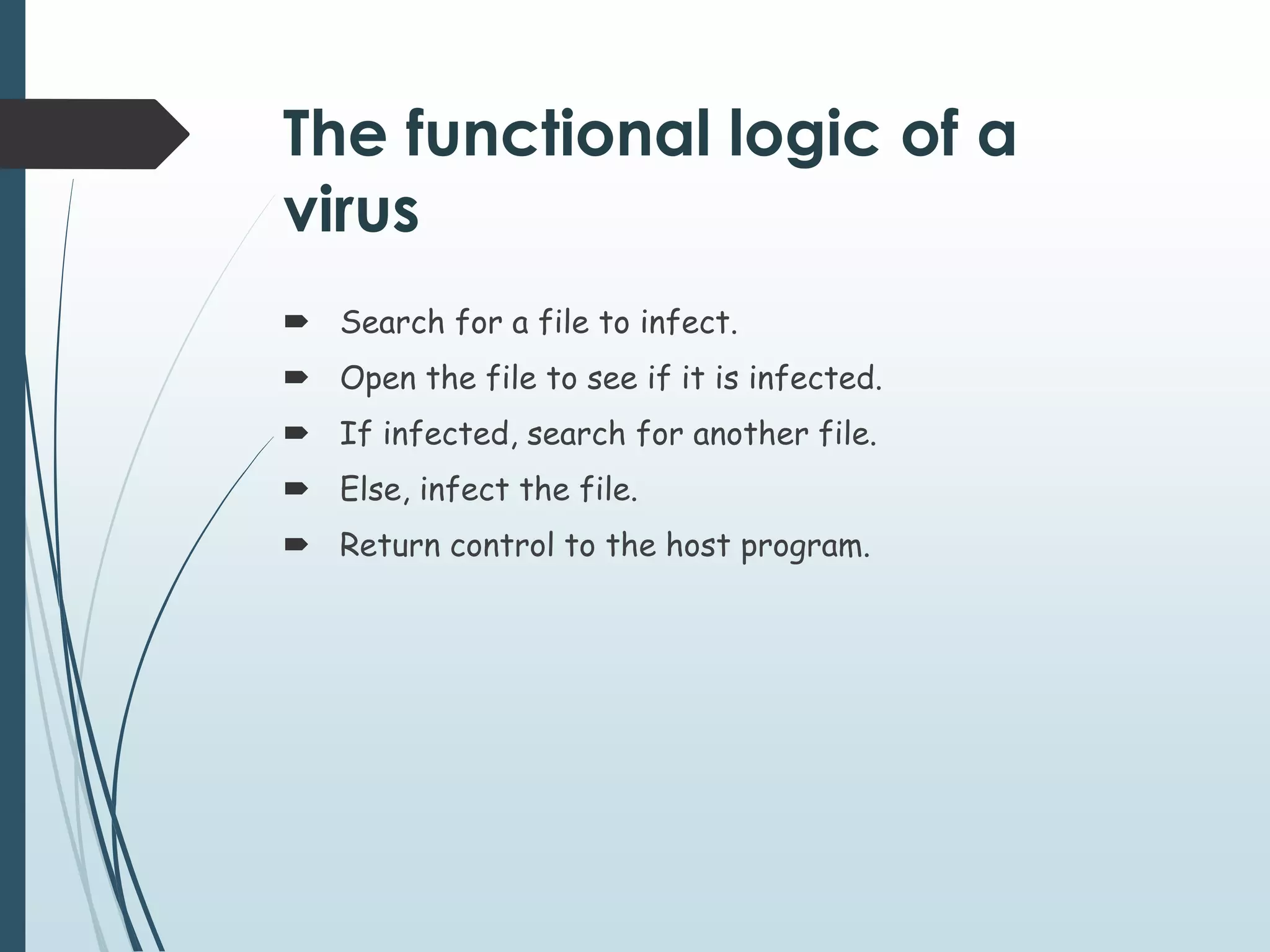
The functional logic of a 
virus 
 Search for a file to infect. 
 Open the file to see if it is infected. 
 If infected, search for another file. 
 Else, infect the file. 
 Return control to the host program.
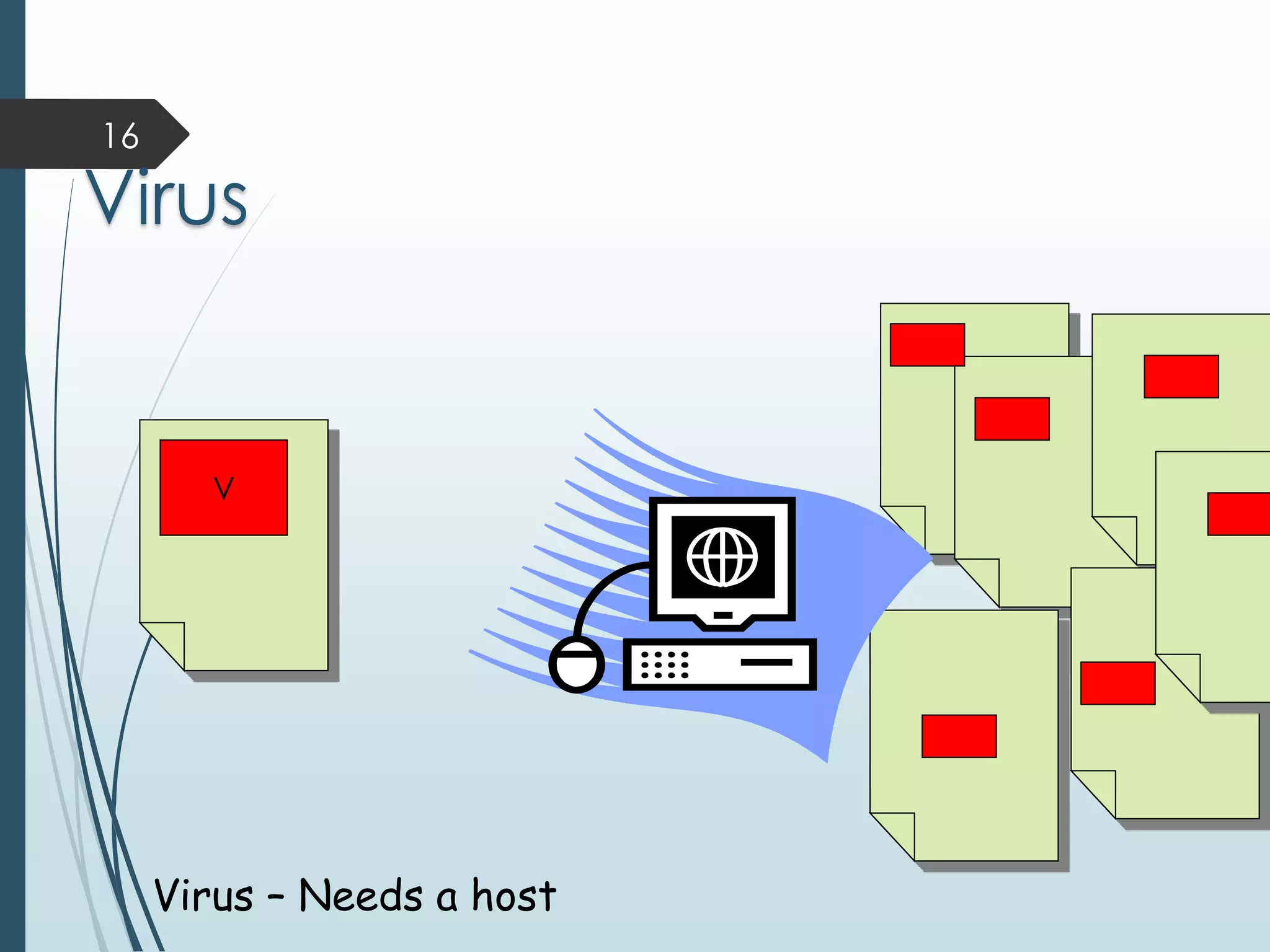
16 
Virus 
V 
Virus – Needs a host
17 
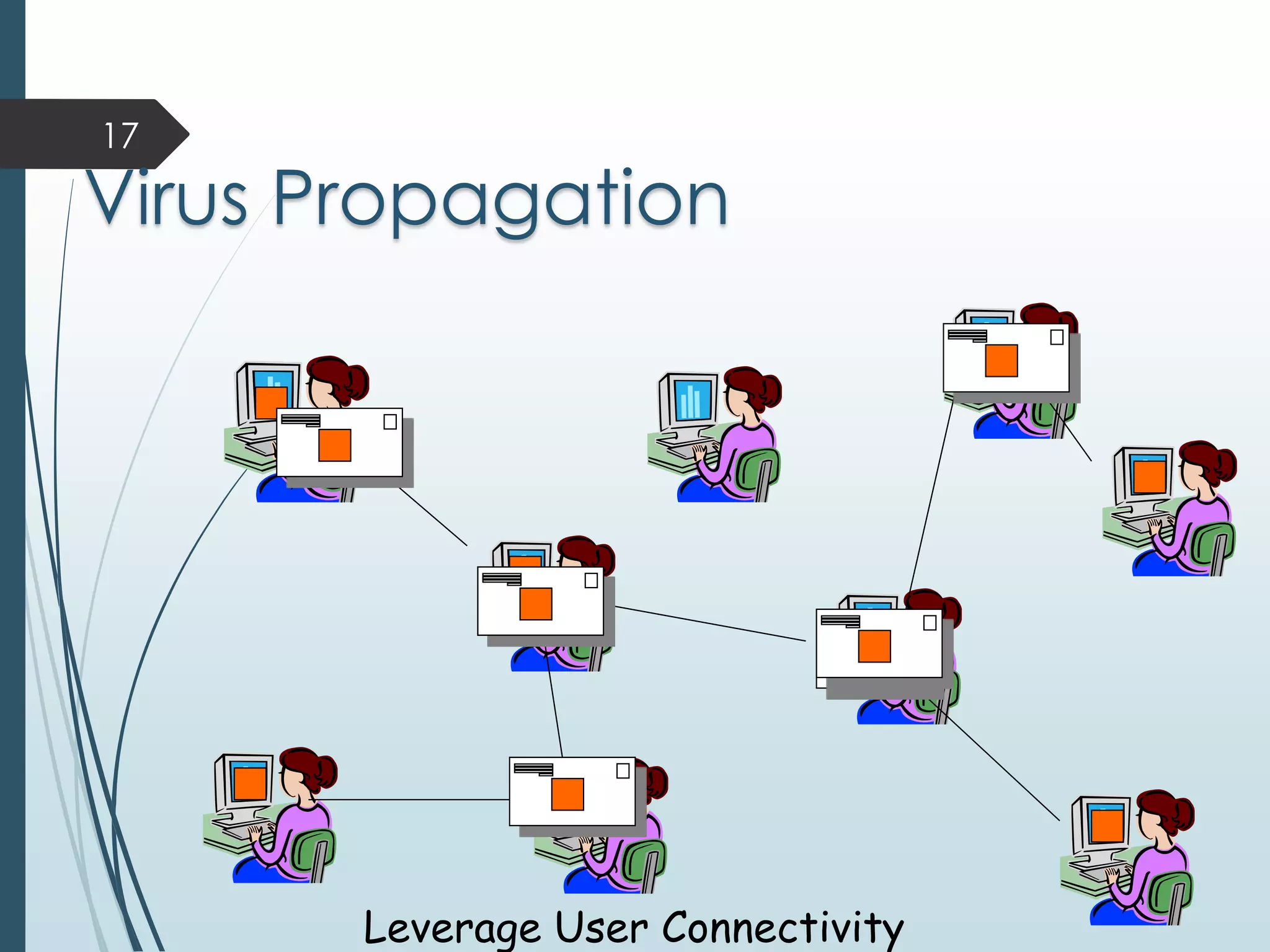
Virus Propagation 
Leverage User Connectivity
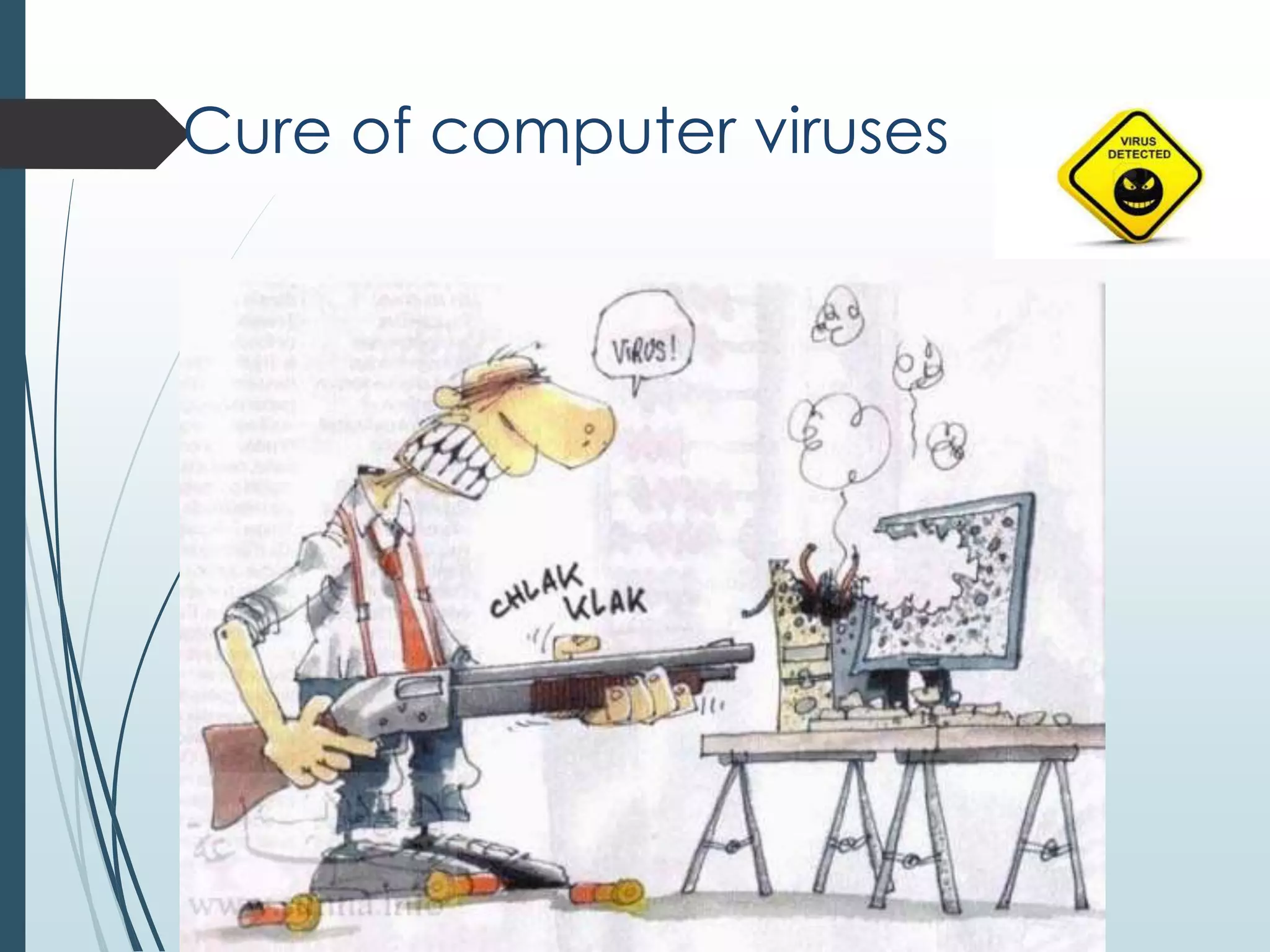
Cure of computer viruses
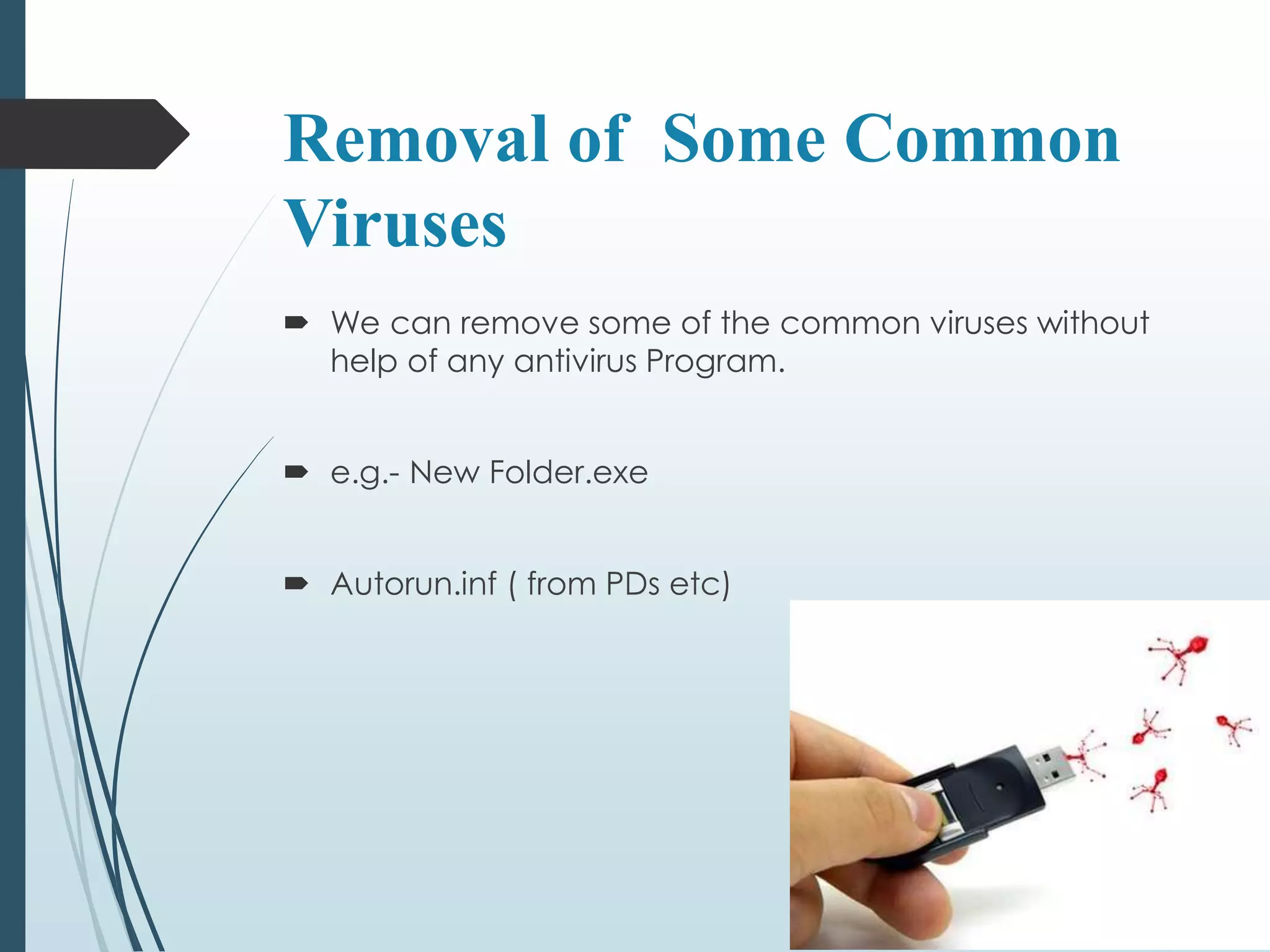
Removal of Some Common 
Viruses 
 We can remove some of the common viruses without 
help of any antivirus Program. 
 e.g.- New Folder.exe 
 Autorun.inf ( from PDs etc)
New Folder.exe 
 It looks just like an folder 
but actually it is a .exe 
file. 
 Try to deleting the file. 
 It will delete if you 
haven’t executed it, if 
you’re unable to delete 
it. 
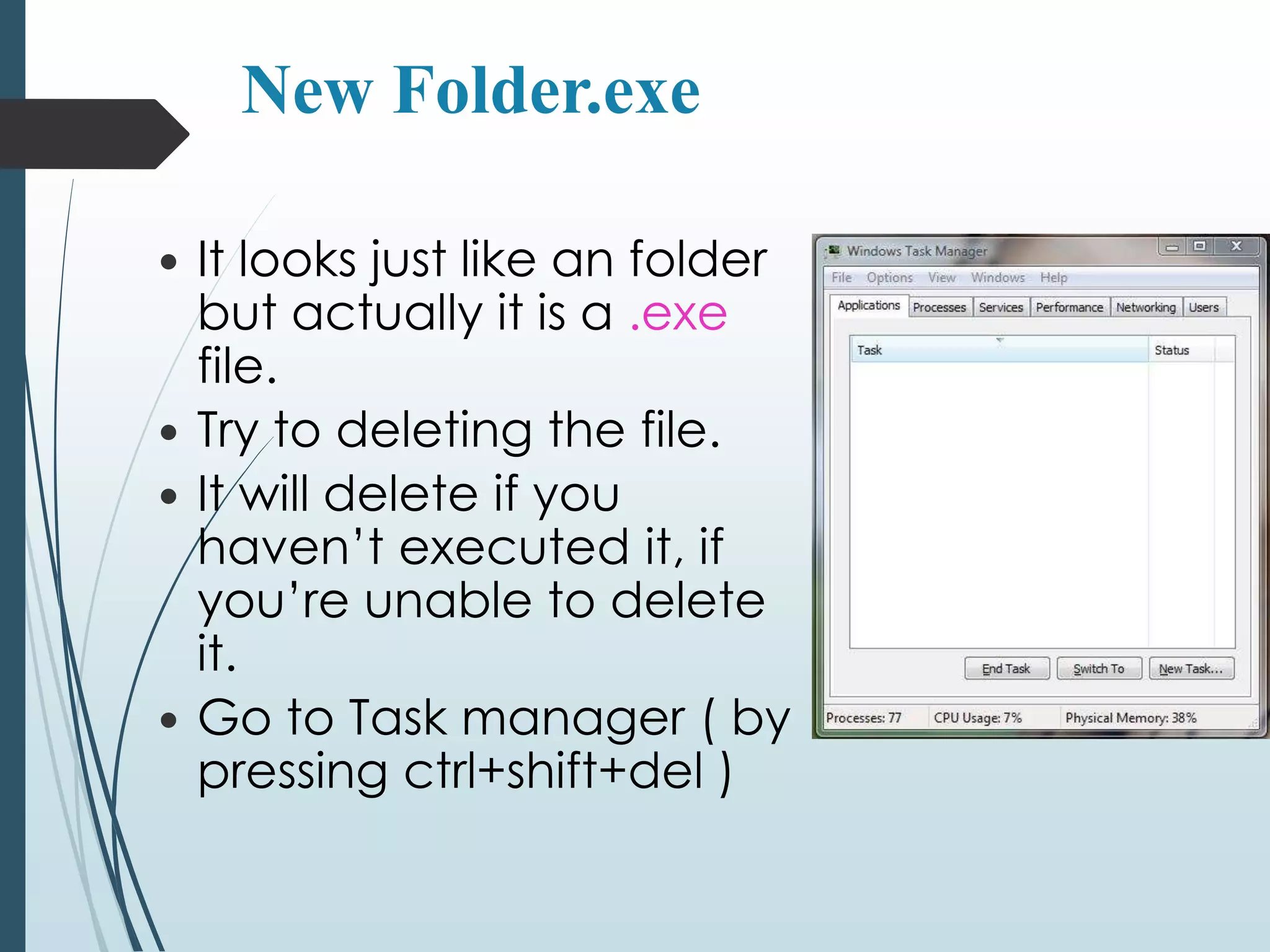
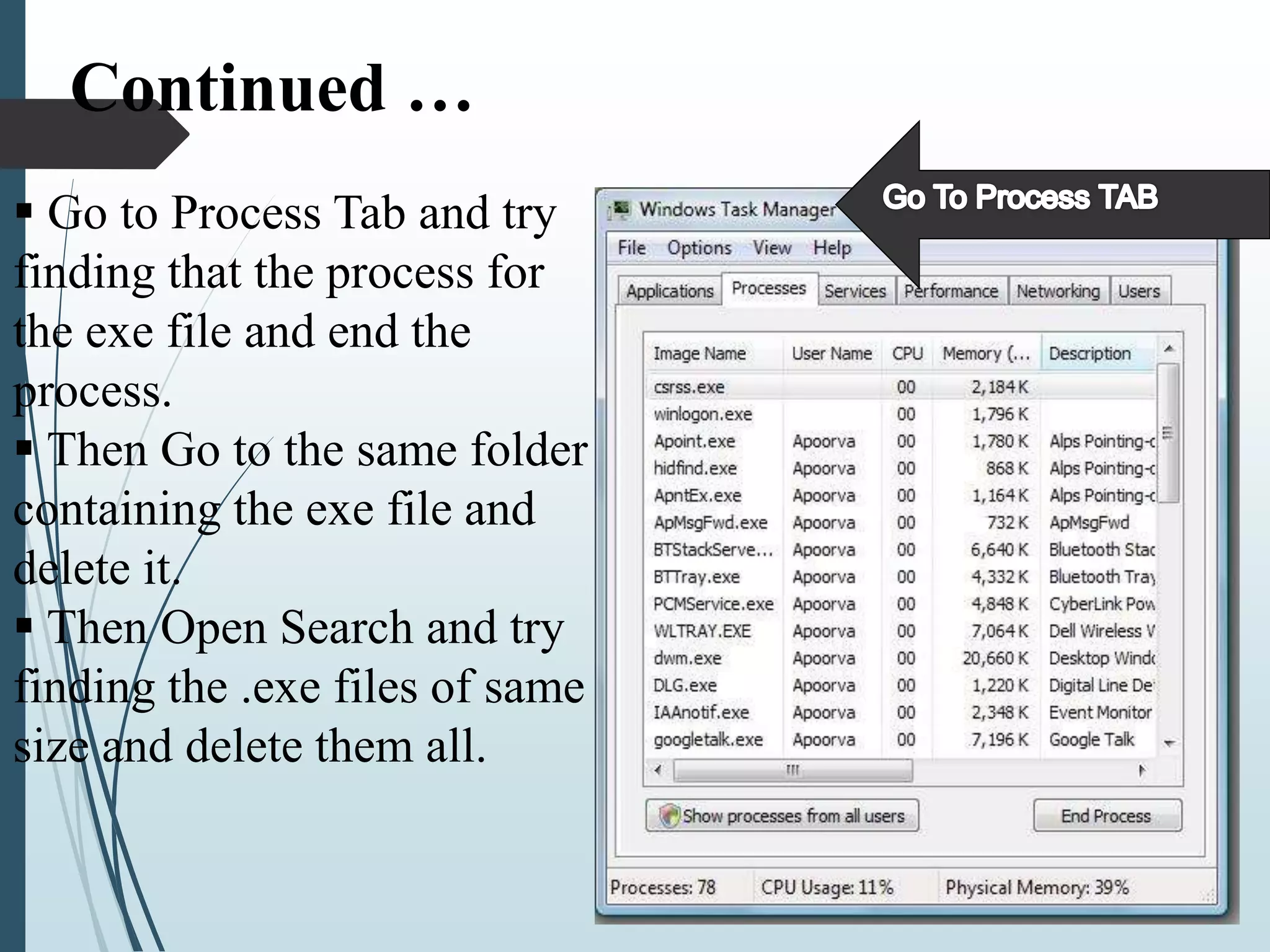
 Go to Task manager ( by 
pressing ctrl+shift+del )
Continued … 
 Go to Process Tab and try 
finding that the process for 
the exe file and end the 
process. 
 Then Go to the same folder 
containing the exe file and 
delete it. 
 Then Open Search and try 
finding the .exe files of same 
size and delete them all.
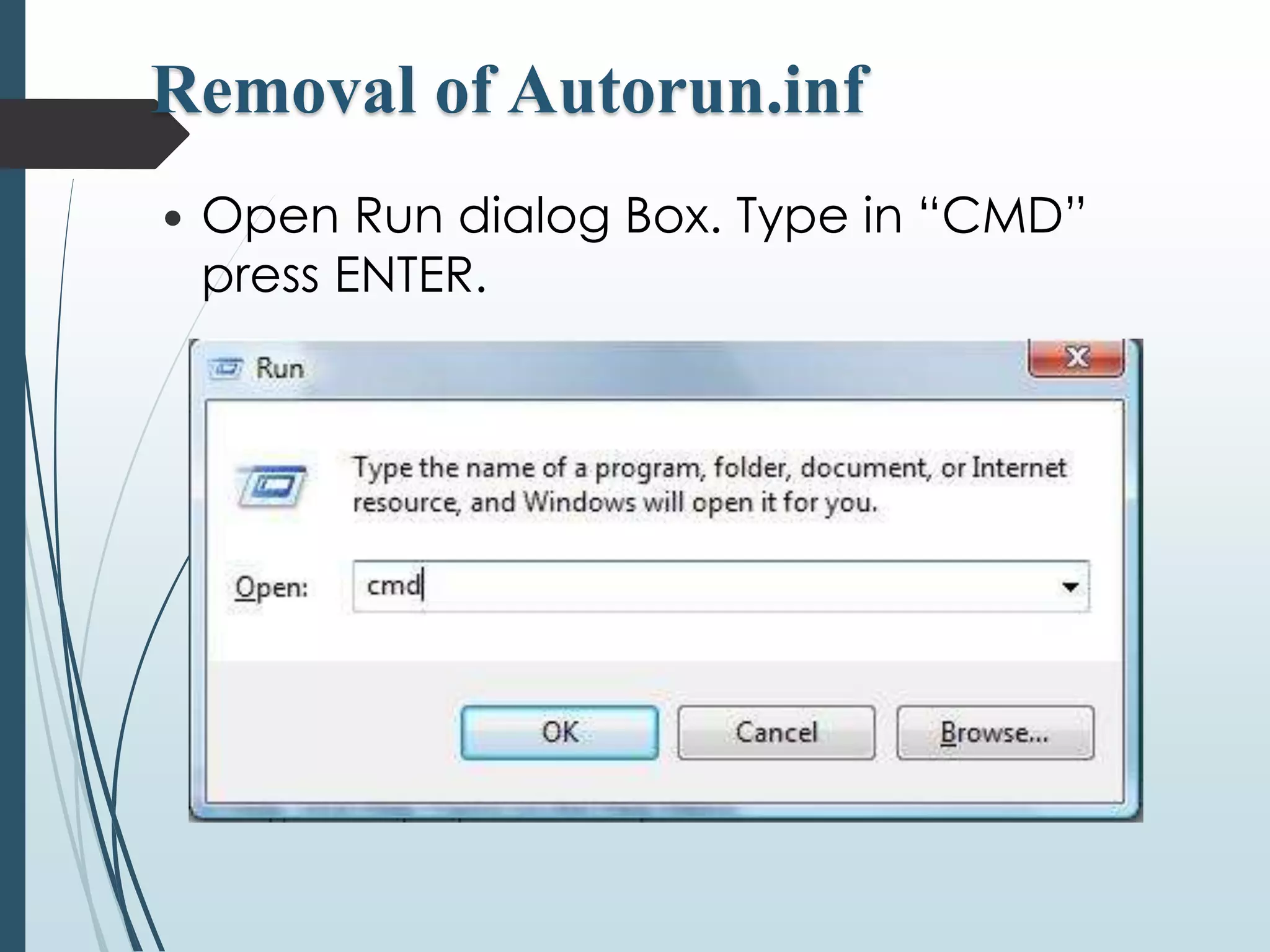
Removal of Autorun.inf 
 Open Run dialog Box. Type in “CMD” 
press ENTER.
Continued … 
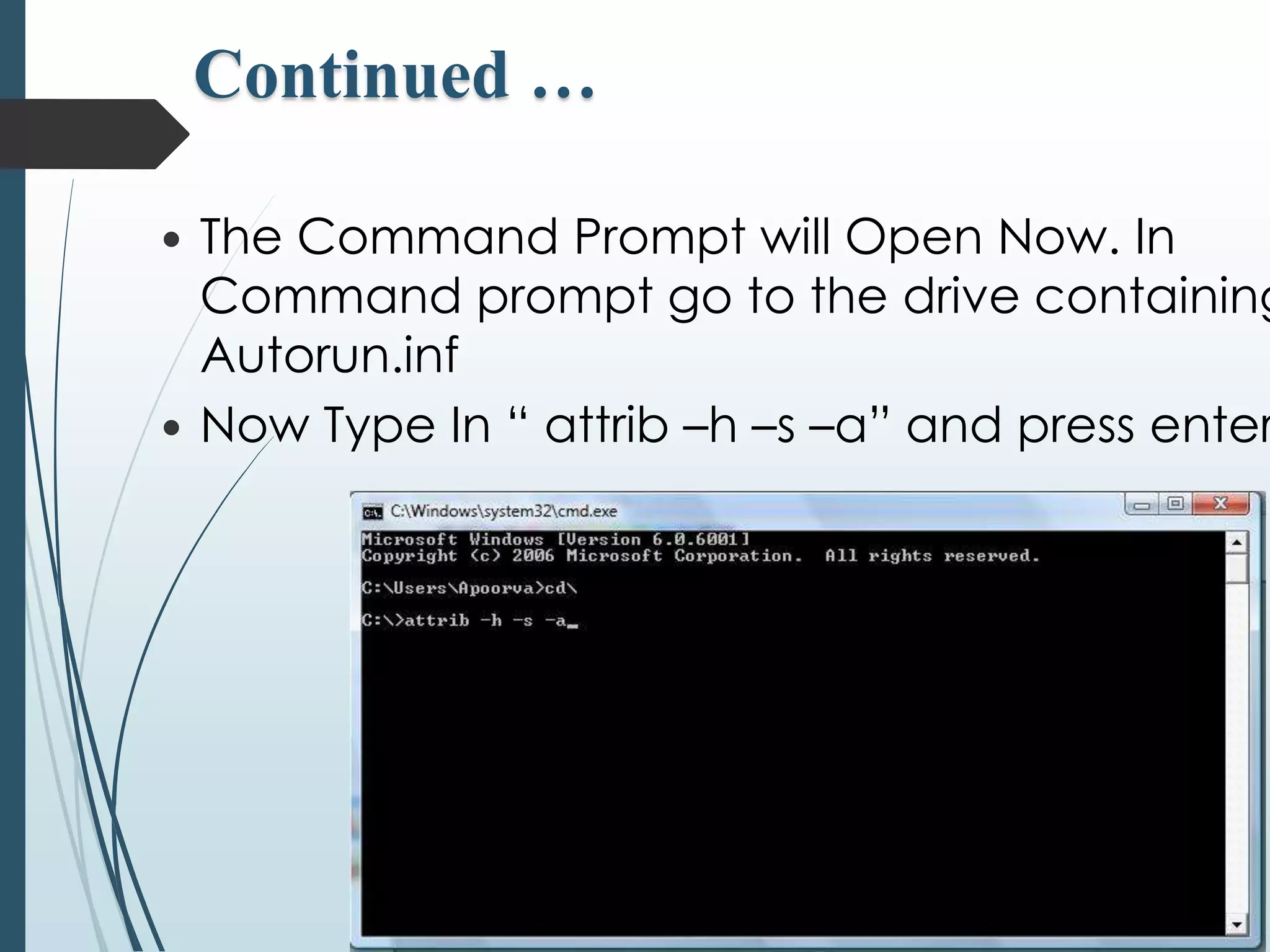
 The Command Prompt will Open Now. In 
Command prompt go to the drive containing 
Autorun.inf 
 Now Type In “ attrib –h –s –a” and press enter.
Continued … 
 This will remove drives attributes for all 
Hidden, System files. 
 Now Type “ Del autorun.inf” and press 
ENTER. 
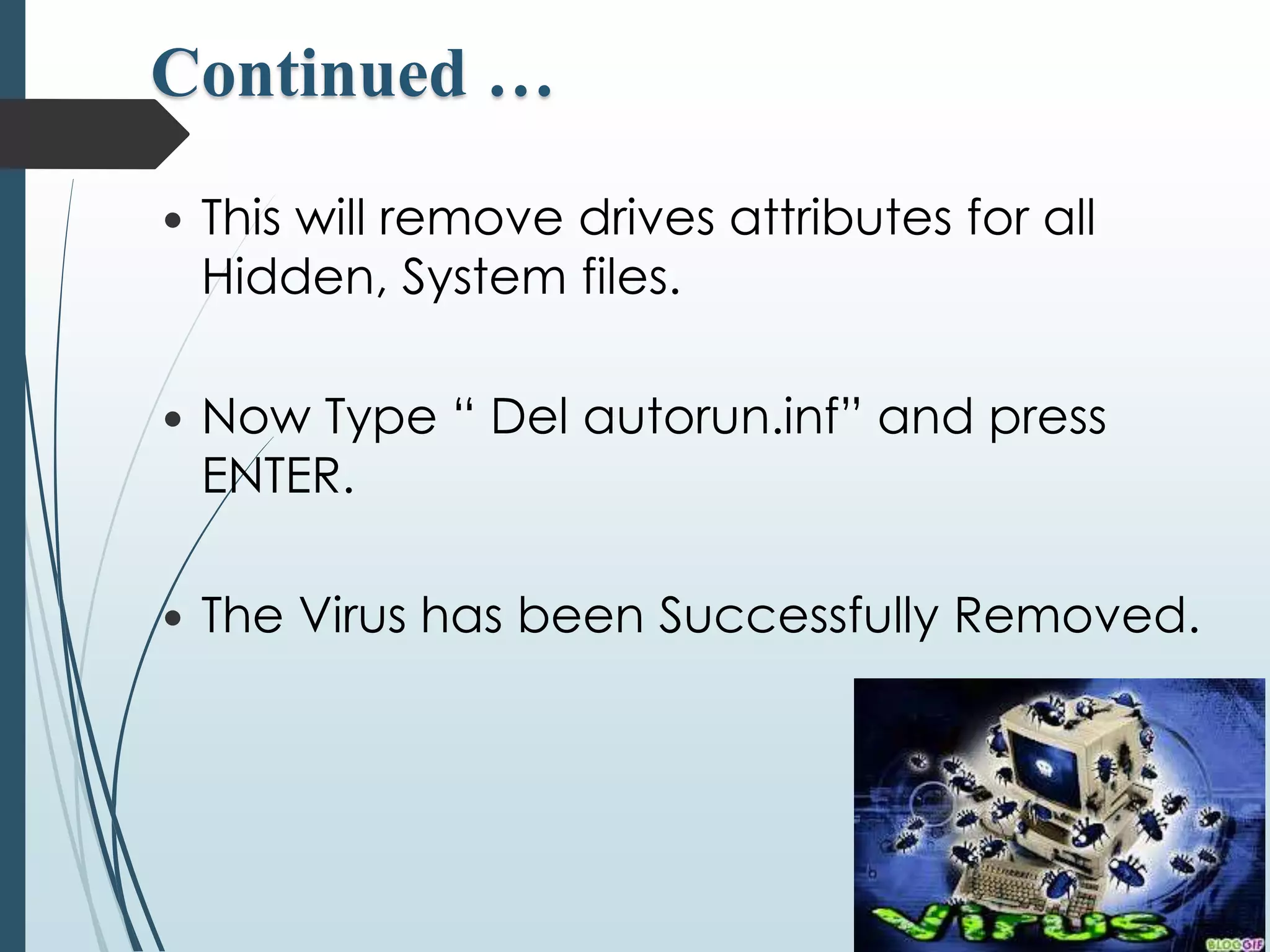
 The Virus has been Successfully Removed.
Anti-Virus
Prevention & cure of 
computer viruses 
 Since virus can cause extensive effect to your 
important files,possible steps must be take to 
prevent attack on your pc 
 If you use floppy disk to boot your pc then write 
protect it 
 Make backups of your impotent files in floppy or 
cd and keep it in a safe place you will need it later
Prevention & cure of 
computer viruses 
 Install an Antivirus software 
 Regularly update the program 
 Open email attachment files only if you are 
expecting the attached files, or the sender is known 
and has confirmed sending the file 
 Try to avoid downloading and installing software 
from the Internet 
 Install only registered copies of software on the 
system
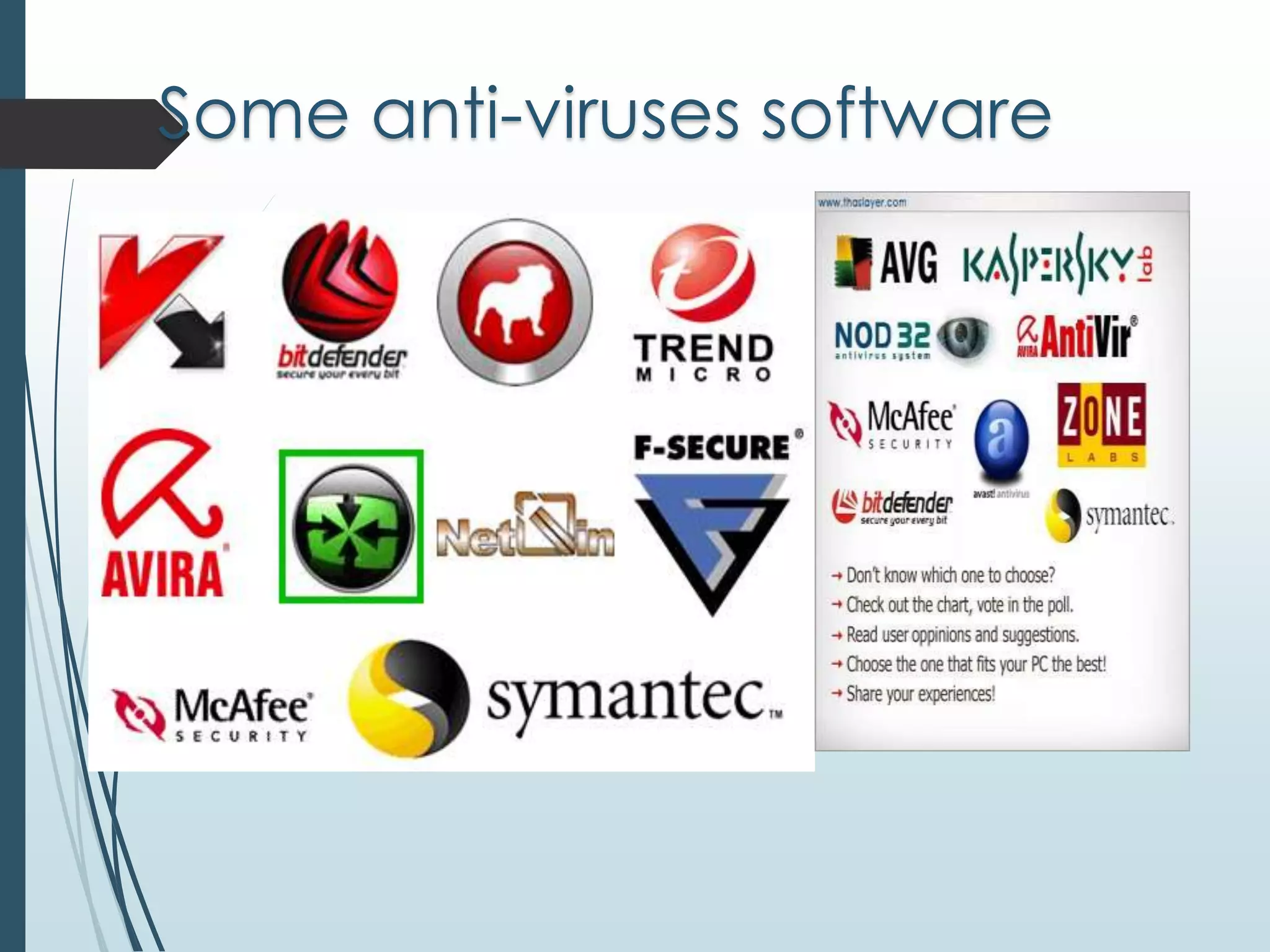
Some anti-viruses software
Conclusion 
 I think we should not use the pc without any antivirus 
security as it may cause damage to our important 
data 
 Do not copy or transfer any data or file without 
scanning the disk.
Thank You !! 
Any Question ??

Computer virus & its cure

  • 1.
    PRESENTATION ON COMPUTER VIRUS & ITS CURE  Presented by:  Md. Tamim Ahmed ID:LL.B-052 08731  Md. Wahidur Rahman ID:LL.B- 052 08790
  • 2.
    Content Details What is a virus?  Who creates/writes viruses ?  Type of viruses  Major Types of Viruses  Boot Sector Virus  Program/File Infector  Worms  Macro Virus  Trojan Horses  Removal of Some Common Viruses  Prevention & cure of computer viruses  Some anti-viruses software  Conclusion
  • 3.
    What is computervirus?  Computer viruses are a type of software program that, like a biological virus, reproduces and spreads itself  Some virus may display only a message on the screen, others may slow down the Pc  They can also erase files or even format your floppy or hard disk and crash the system.
  • 4.
    Who creates/writes viruses? INFO ATTACKERS PROFIT EARNER  VIRUS / ANTIVIRUS MARKET PSYCHO CASES  FOR FUN  TO TAKE REVENG  RELEASE ANGER
  • 5.
    Type of viruses  There are about millions of viruses present & daily 6 to 7 new viruses are found  The following are the types of viruses:  Boot sector Virus, Program/ File Infector, Trojan Horses, Worms, Macro Virus, Polymorphic Virus,, Companion Virus, FAT Virus, Logic Bombs, Spyware, Adware, Multipartite virus, Stealth virus etc.
  • 6.
    Major Types ofViruses Virus Boot Sector Virus Program/ File Infector Worms Macro Viruses Trojan Horses
  • 7.
    Boot Sector Virus The boot Sector virus affects the booting process of the infected computer system.
  • 8.
    Program/ File Infectorvirus Becomes active when the program file carrying the virus is opened. usually with below extensions .BIN .COM .EXE .OVL .DRV
  • 9.
    Worms  Acomputer worm is a self-replicating computer program.  It uses a network to send copies of itself to other nodes (computer terminals on the network) and it may do so without any user intervention.  Unlike a virus, it does not need to attach itself to an existing program. Worms always harm the network (if only by consuming bandwidth), whereas viruses always infect or corrupt files on a targeted computer.
  • 10.
    10 Worm Propagation Leverage Network Connectivity
  • 11.
    Macro Virus Thesetype of virus infects word , excel, PowerPoint, access and other data files. Once infected repairing of these files is very much difficult.
  • 12.
    Trojan horses ATrojan horse is a program that unlike a virus contains or installs a malicious program (sometimes called the payload or 'trojan').  The term is derived from the classical myth of the Trojan Horse.  Trojan horses may appear to be useful or interesting programs to an unsuspecting user, but are actually harmful when executed.  The famous usage in hacking.
  • 13.
  • 14.
    Two examples forViruses  Melissa Type : Macro virus  I Love You Type : worm
  • 15.
    The functional logicof a virus  Search for a file to infect.  Open the file to see if it is infected.  If infected, search for another file.  Else, infect the file.  Return control to the host program.
  • 16.
    16 Virus V Virus – Needs a host
  • 17.
    17 Virus Propagation Leverage User Connectivity
  • 18.
  • 19.
    Removal of SomeCommon Viruses  We can remove some of the common viruses without help of any antivirus Program.  e.g.- New Folder.exe  Autorun.inf ( from PDs etc)
  • 20.
    New Folder.exe It looks just like an folder but actually it is a .exe file.  Try to deleting the file.  It will delete if you haven’t executed it, if you’re unable to delete it.  Go to Task manager ( by pressing ctrl+shift+del )
  • 21.
    Continued … Go to Process Tab and try finding that the process for the exe file and end the process.  Then Go to the same folder containing the exe file and delete it.  Then Open Search and try finding the .exe files of same size and delete them all.
  • 22.
    Removal of Autorun.inf  Open Run dialog Box. Type in “CMD” press ENTER.
  • 23.
    Continued … The Command Prompt will Open Now. In Command prompt go to the drive containing Autorun.inf  Now Type In “ attrib –h –s –a” and press enter.
  • 24.
    Continued … This will remove drives attributes for all Hidden, System files.  Now Type “ Del autorun.inf” and press ENTER.  The Virus has been Successfully Removed.
  • 25.
  • 26.
    Prevention & cureof computer viruses  Since virus can cause extensive effect to your important files,possible steps must be take to prevent attack on your pc  If you use floppy disk to boot your pc then write protect it  Make backups of your impotent files in floppy or cd and keep it in a safe place you will need it later
  • 27.
    Prevention & cureof computer viruses  Install an Antivirus software  Regularly update the program  Open email attachment files only if you are expecting the attached files, or the sender is known and has confirmed sending the file  Try to avoid downloading and installing software from the Internet  Install only registered copies of software on the system
  • 28.
  • 29.
    Conclusion  Ithink we should not use the pc without any antivirus security as it may cause damage to our important data  Do not copy or transfer any data or file without scanning the disk.
  • 30.
    Thank You !! Any Question ??