



TECHNOLOGY AND
LIVELIHOOD EDUCATION 8
GUESS THE PICTURE BEING FLASHED IN
THE PROJECTOR
PROPER TOOL
SELECTION
Computer System Servicing
OBJECTIVES
▪ Identify and select appropriate hand tools
according to task requirements.
▪ Demonstrate an understanding on the tools and
equipment for computer system servicing.
▪ Classify the different tools
▪ Appreciate the importance of tools.
BASIC COMPUTER TERMINOLOGIES
HandTools
These are tools held in a hand and operated without electrical
power.
Equipment
It refers to the parts of a computer and its accessories.These are
the monitor, mouse, keyboard and system unit.
Computer
Technician
A person who has the skills to identify, troubleshoot, and repair
computer problems.
PPE (Personal
Protective
Equipment)
A piece of equipment used to protect a person to prevent
exposure to hazards that cause serious injuries and illnesses in the
workplace.
Group the following pictures into
HANDTOOLS, ELECTRO-STATIC
DISCHARGETOOLS, CLEANING
TOOLS & DIAGNOSTICSTOOLS
Activity 1
VIDEO CLIP VIEWING
▪ What is the video clip all about?
▪ Did you learn anything from this video clip? If you
did, what was it?
▪ Would you recommend this video clip to a friend?
Explain your reasons?
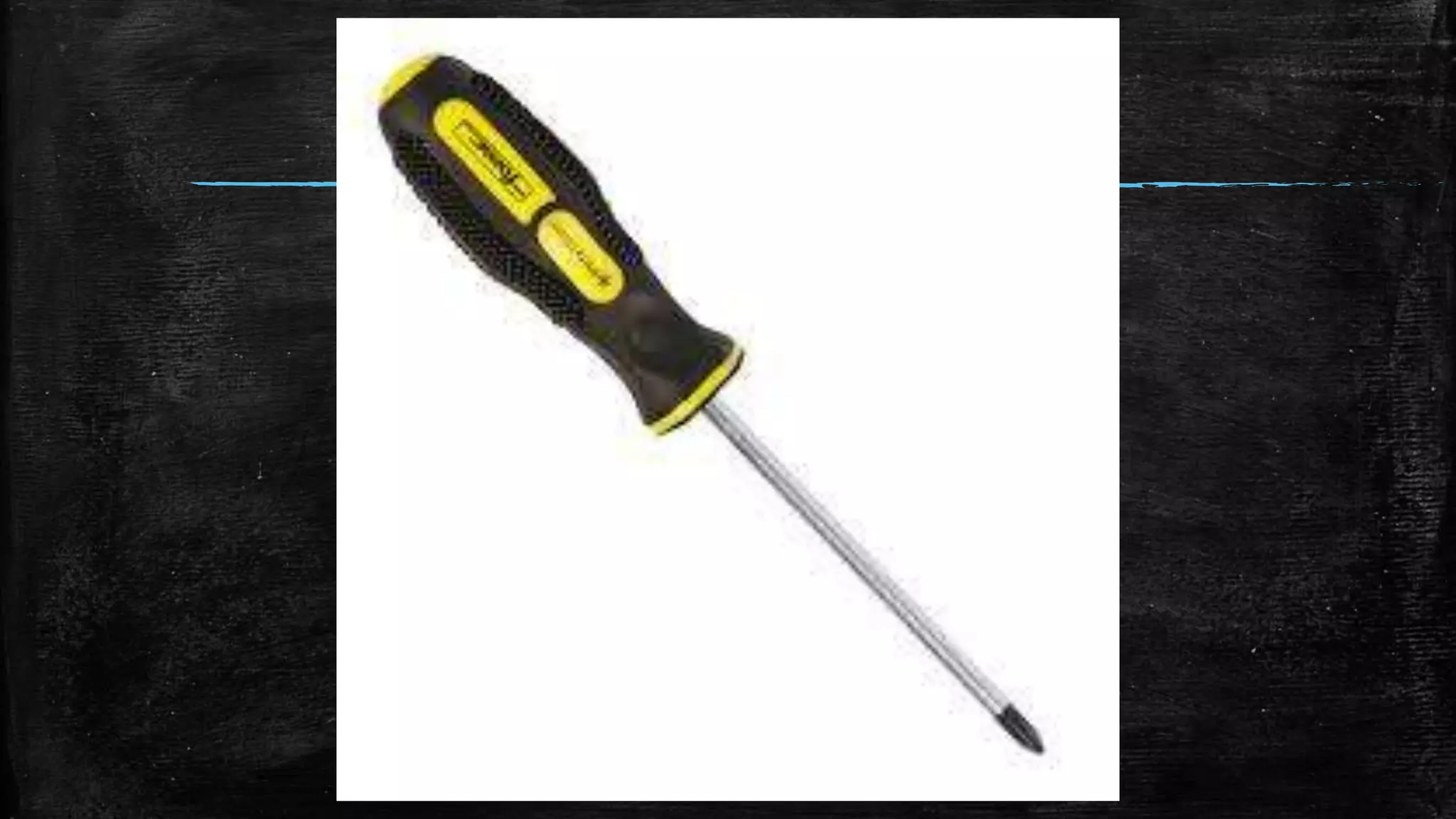
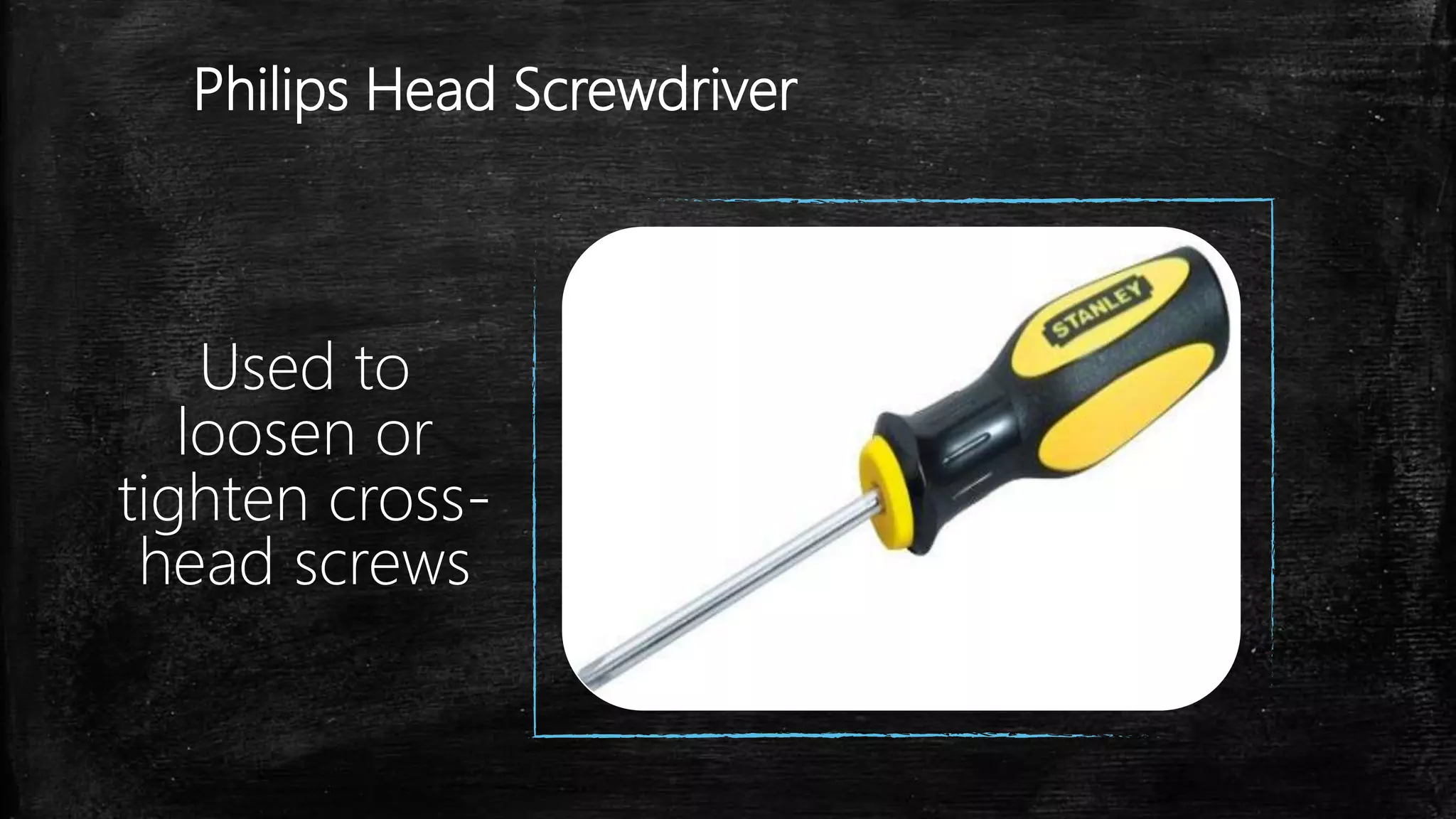
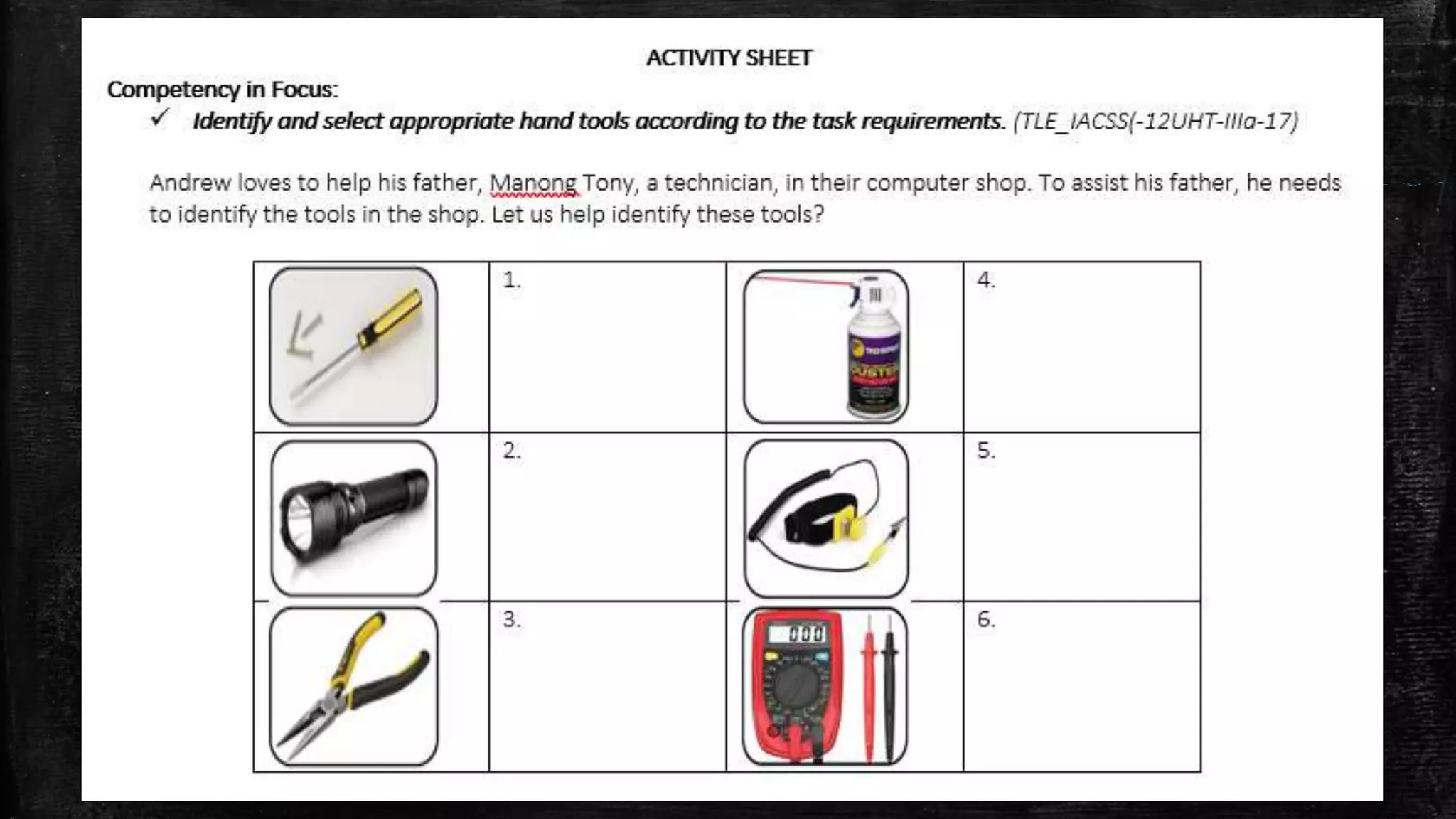
Philips Head Screwdriver
Used to
loosen or
tighten cross-
head screws
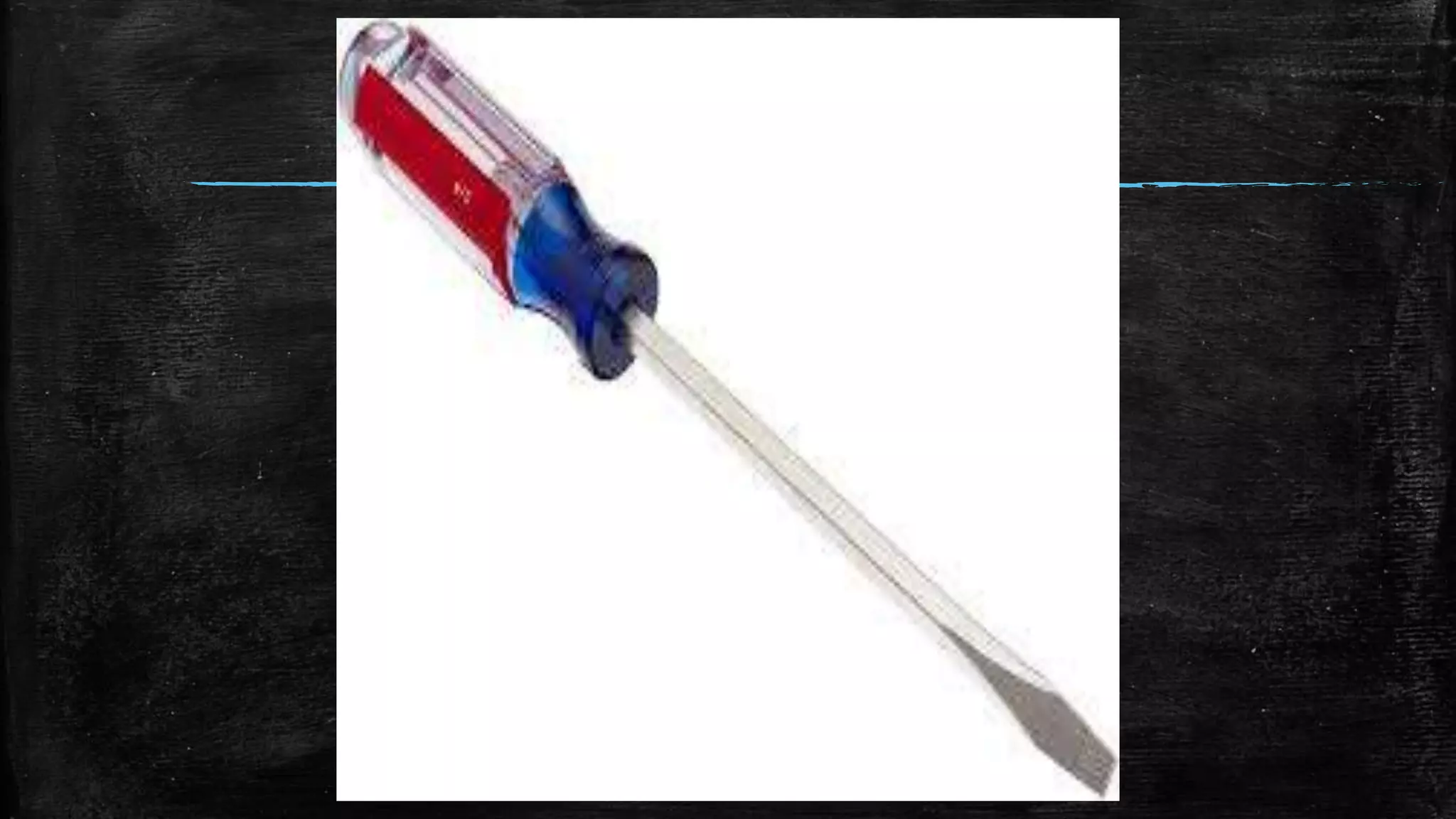
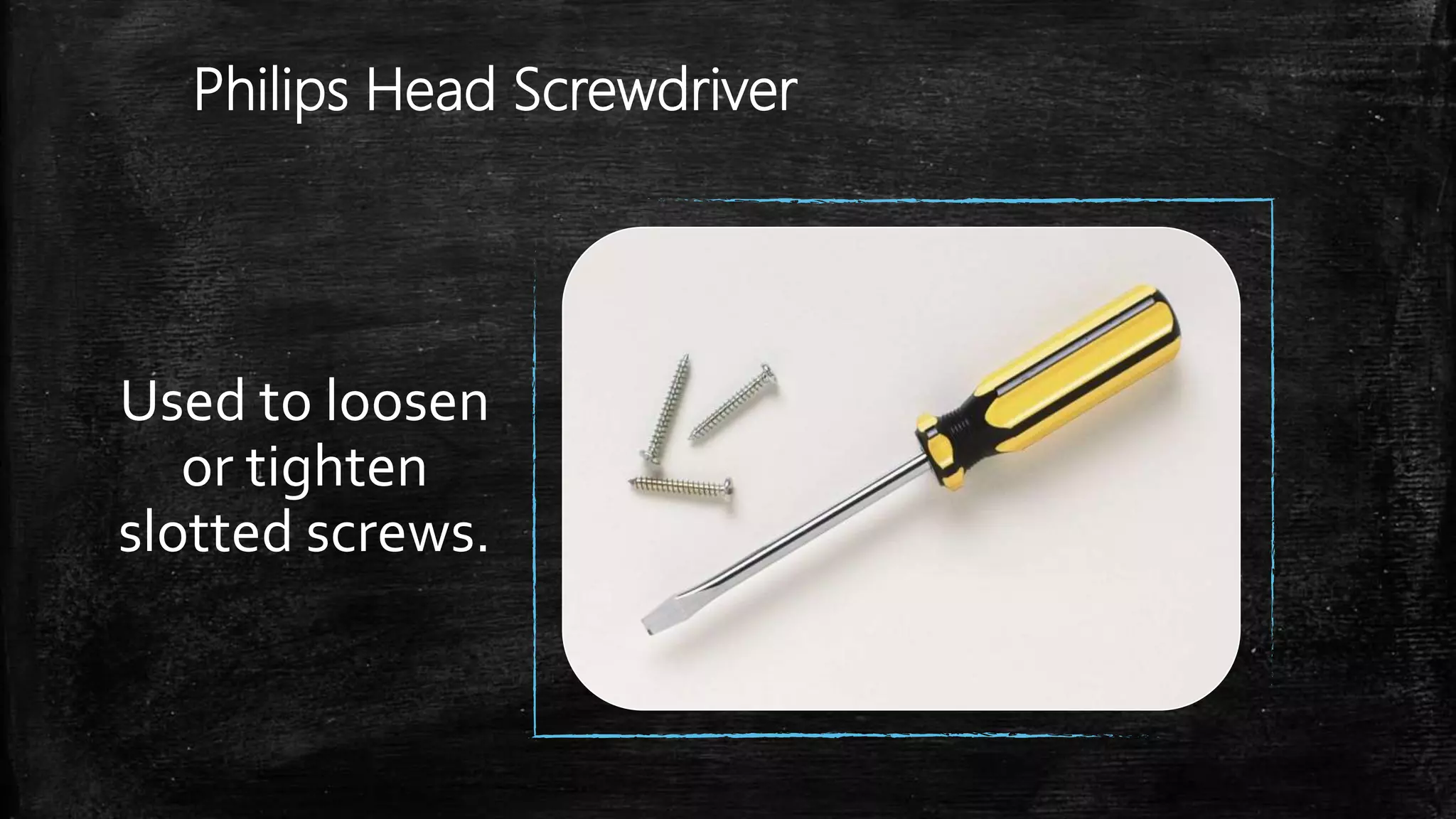
Philips Head Screwdriver
Used to loosen
or tighten
slotted screws.
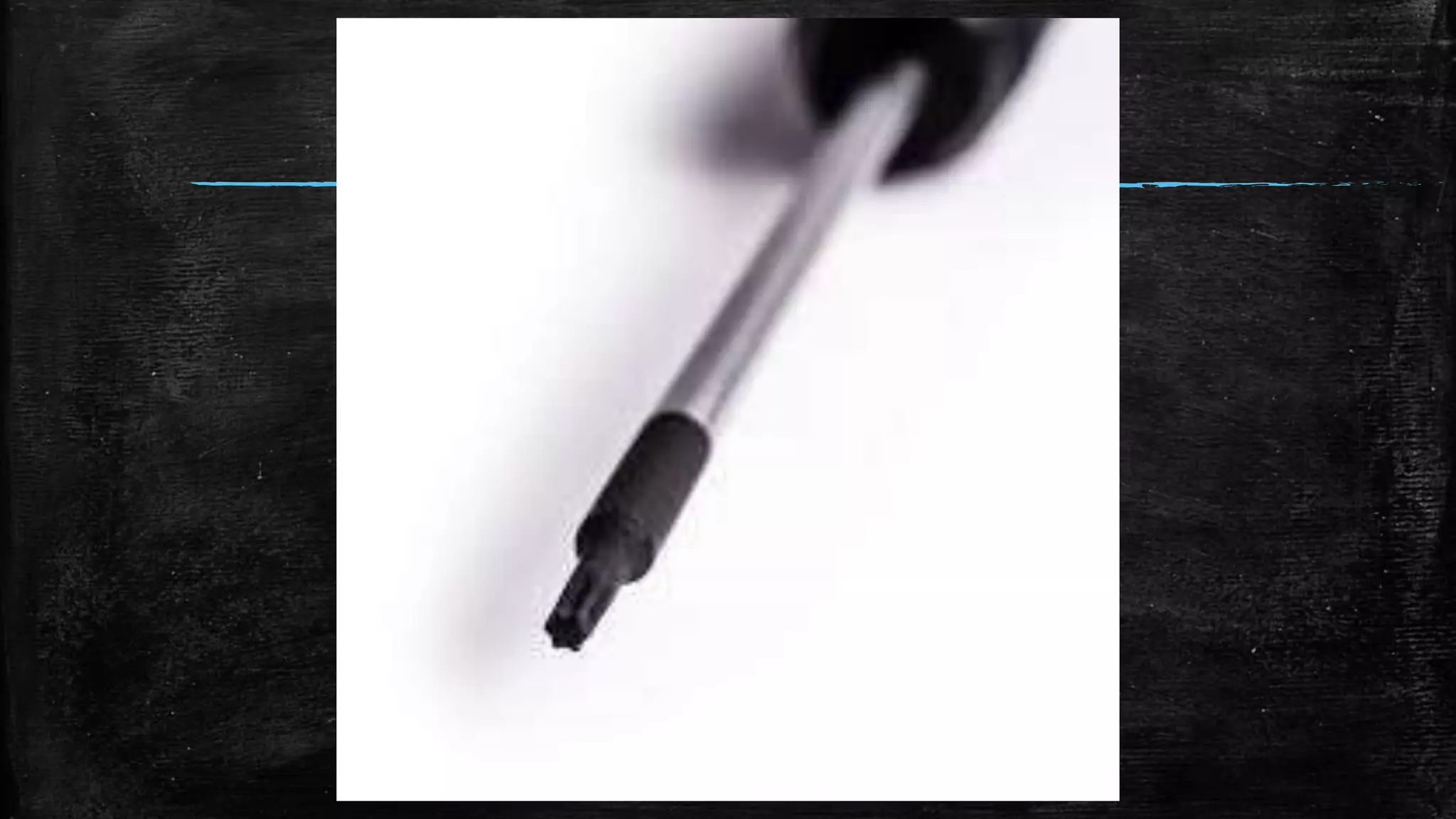
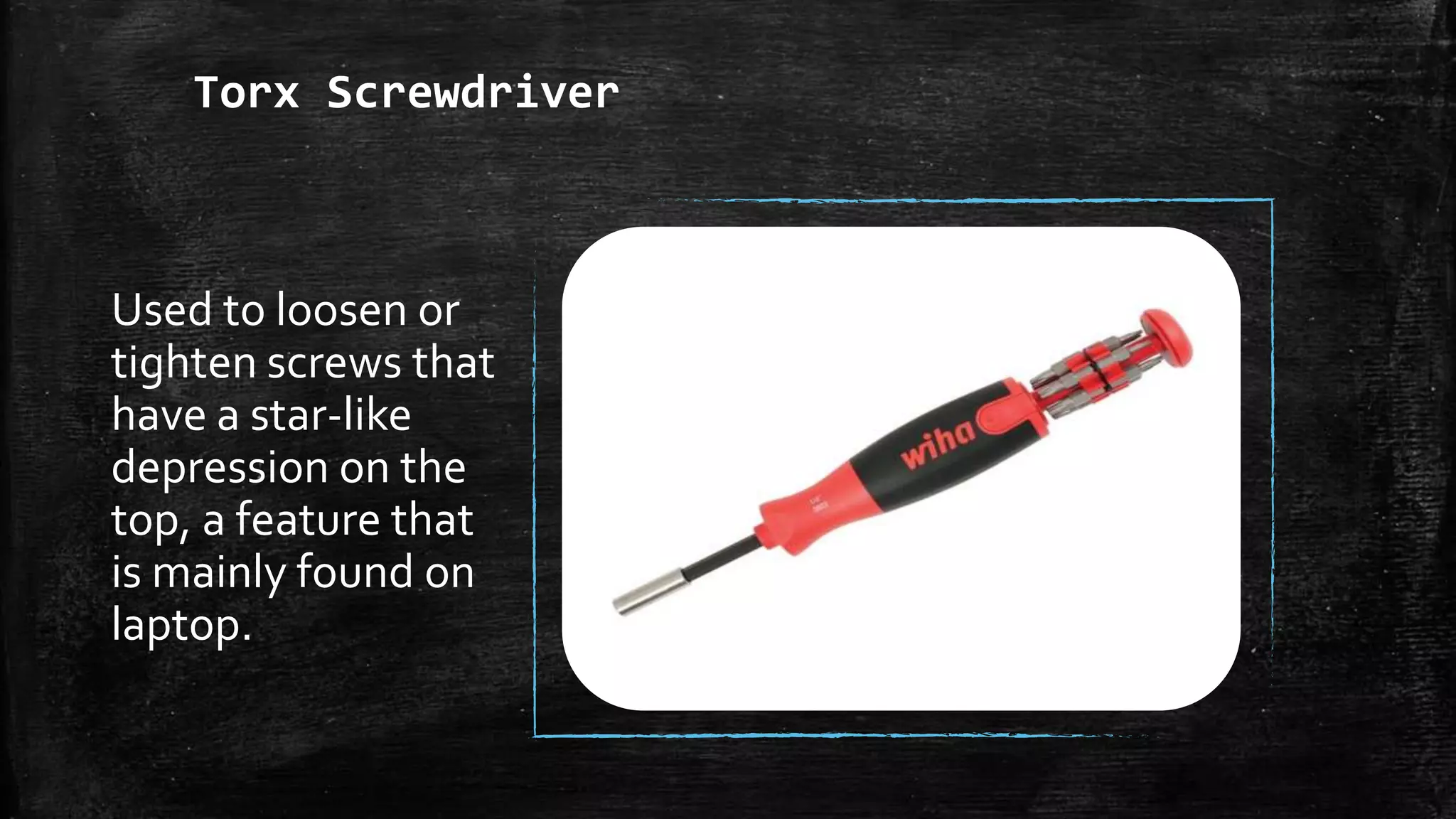
Torx Screwdriver
Used to loosen or
tighten screws that
have a star-like
depression on the
top, a feature that
is mainly found on
laptop.
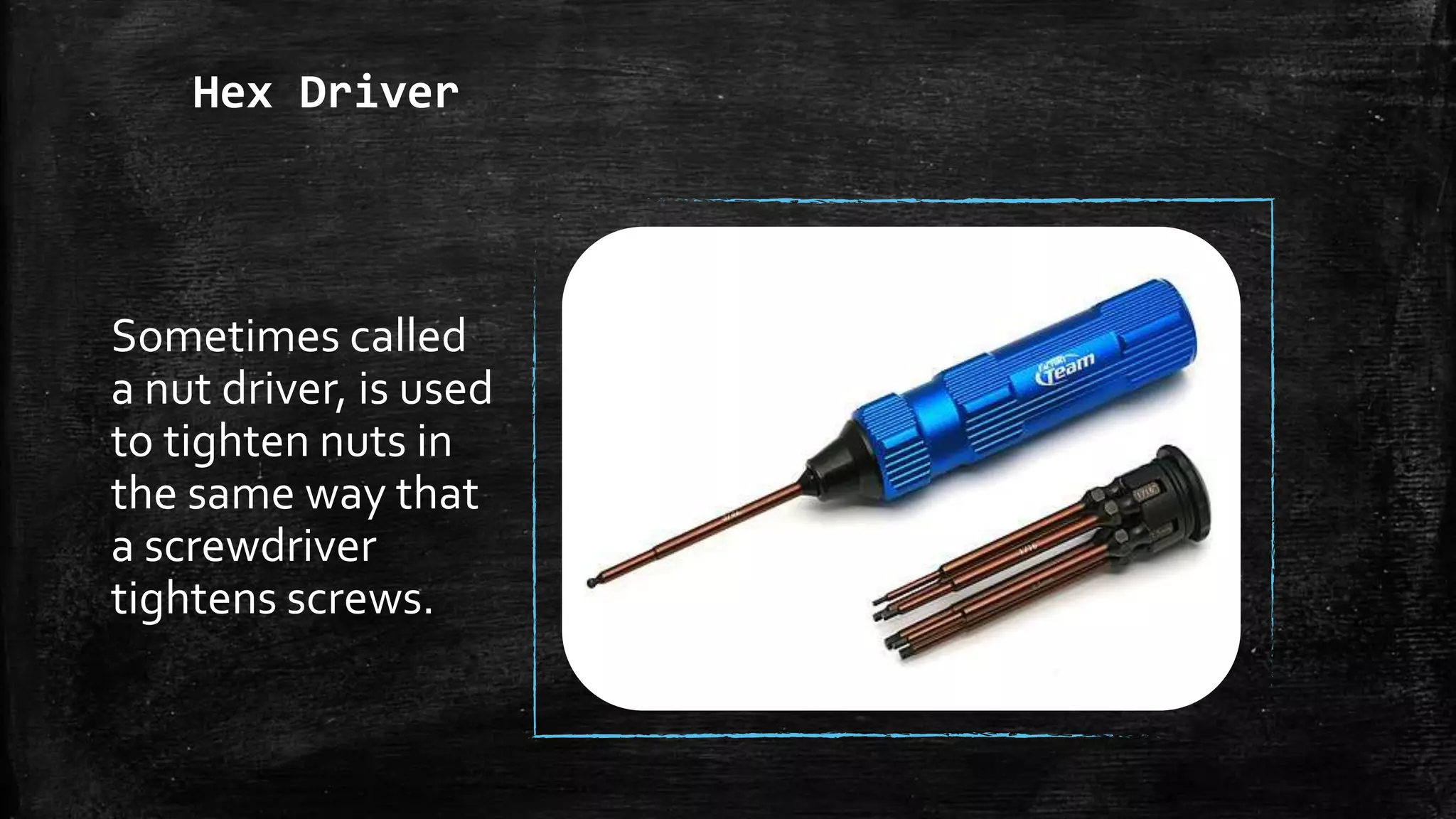
Hex Driver
Sometimes called
a nut driver, is used
to tighten nuts in
the same way that
a screwdriver
tightens screws.
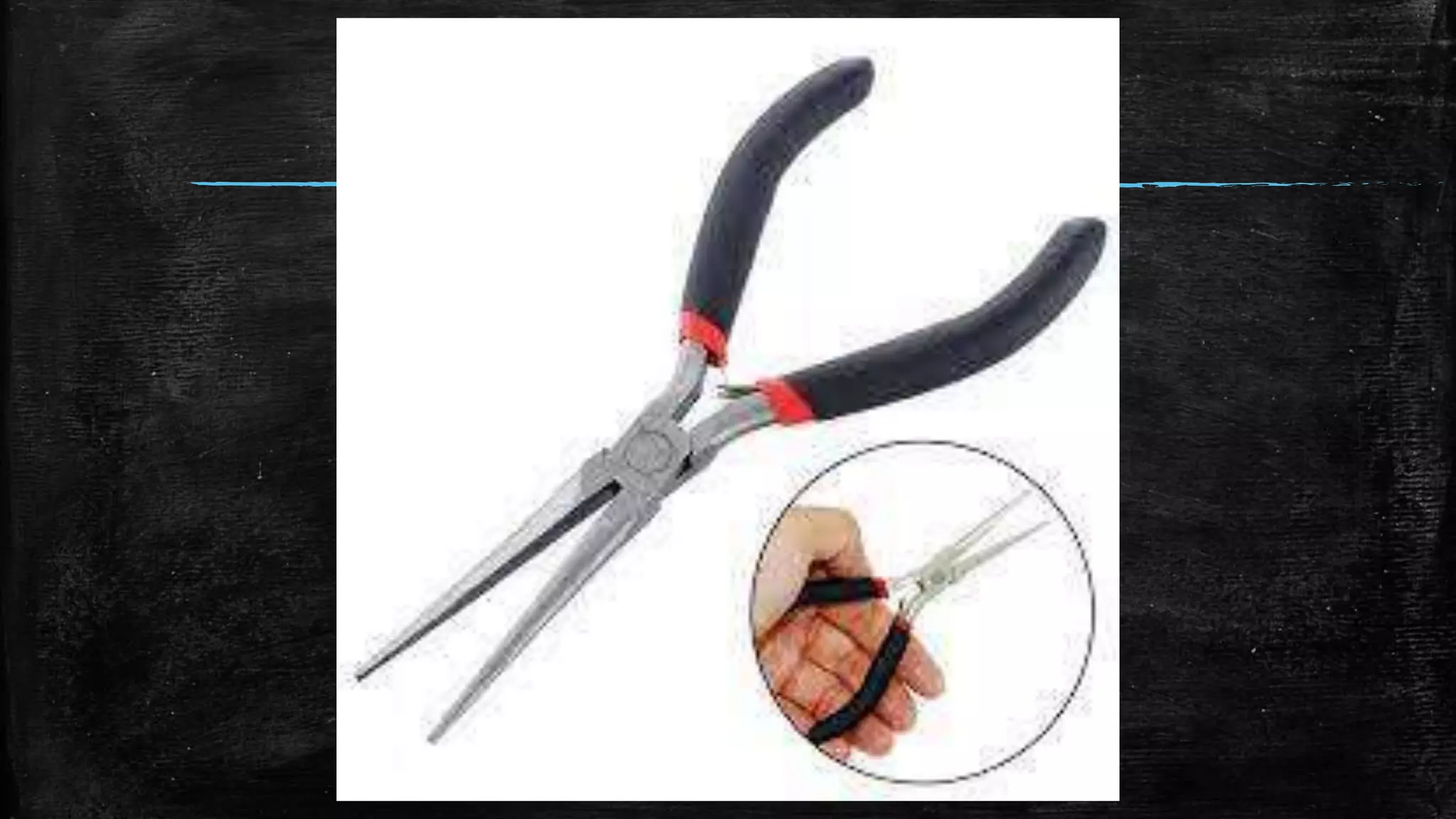
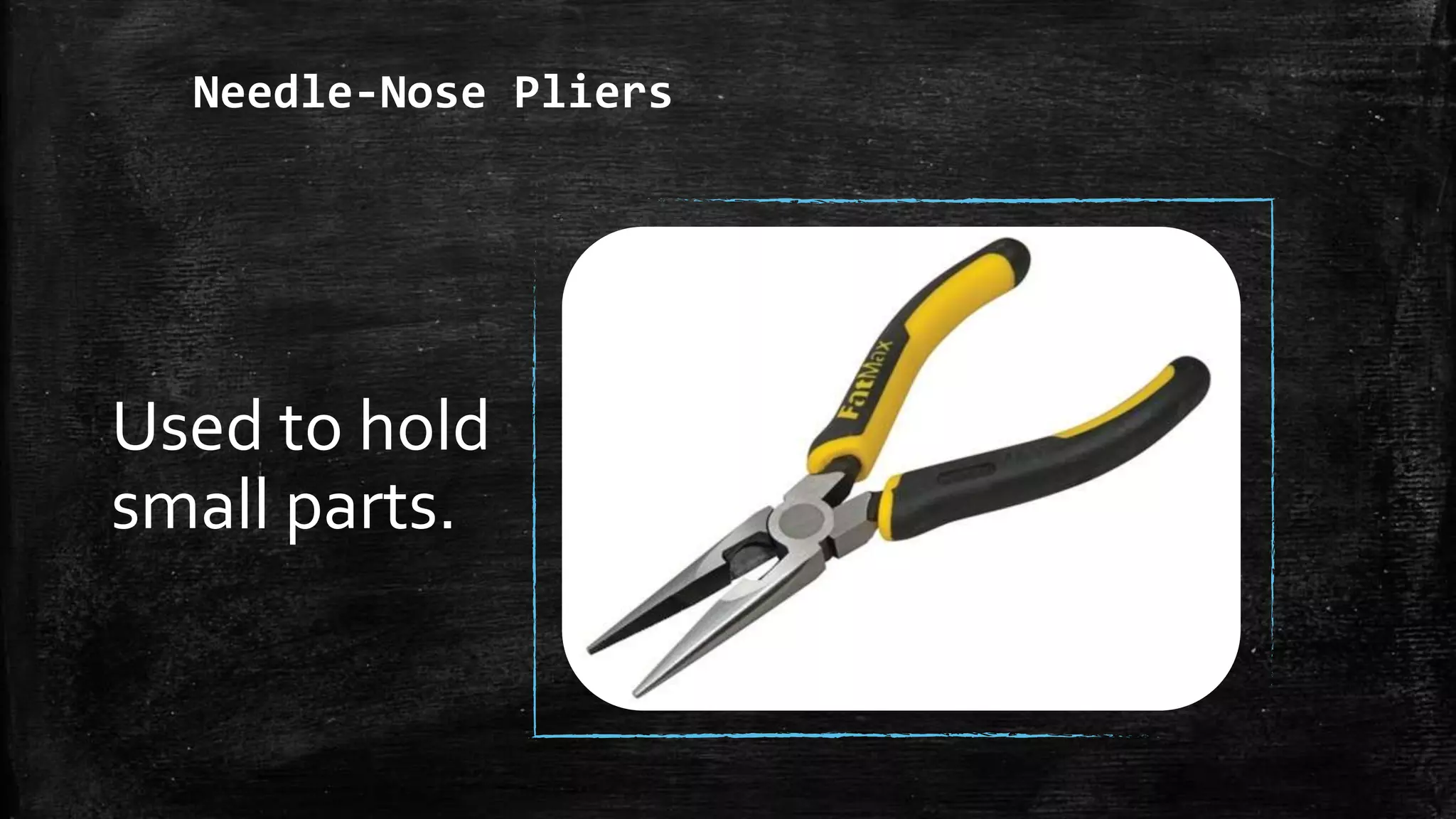
Needle-Nose Pliers
Used to hold
small parts.
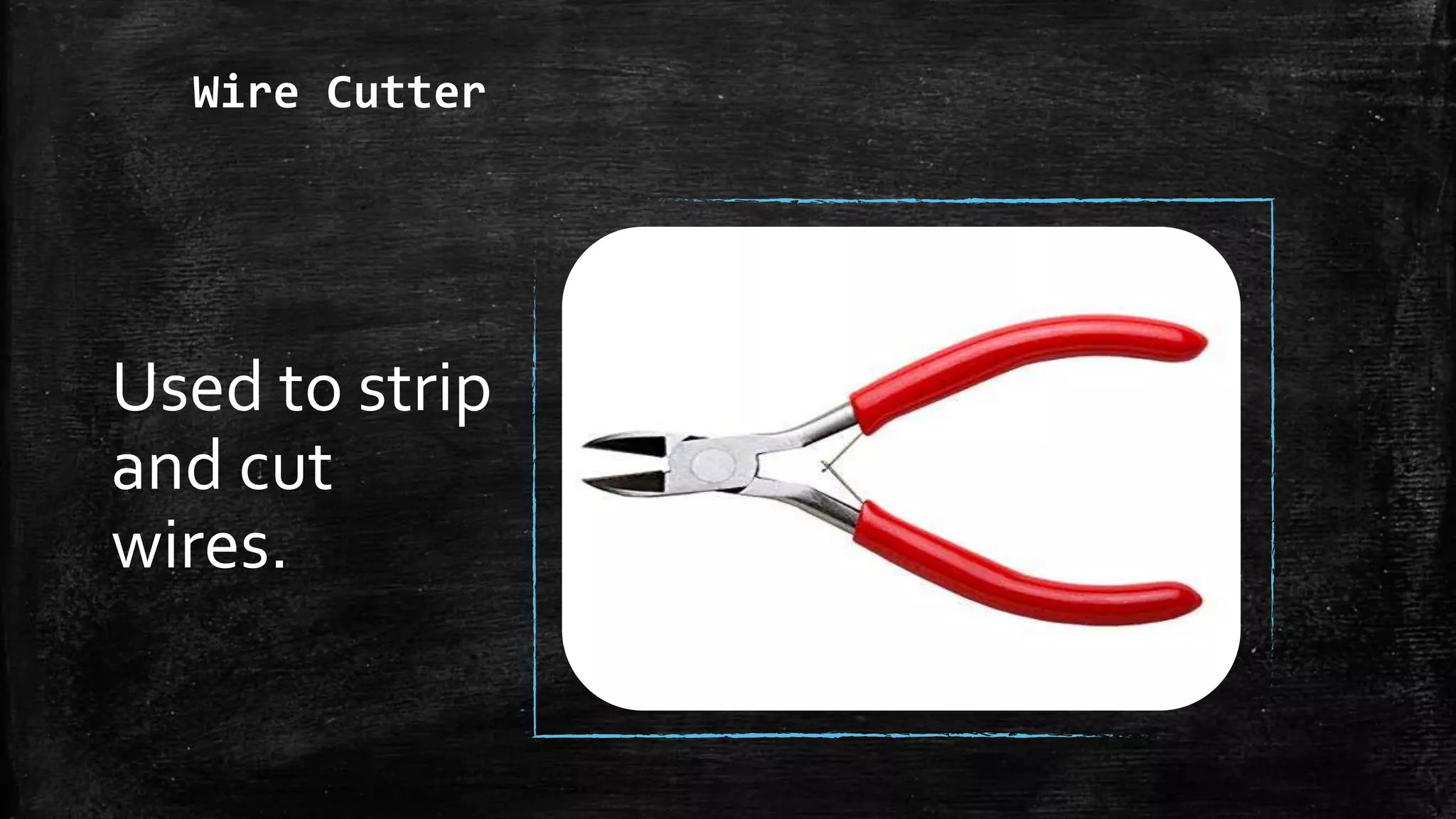
Wire Cutter
Used to strip
and cut
wires.
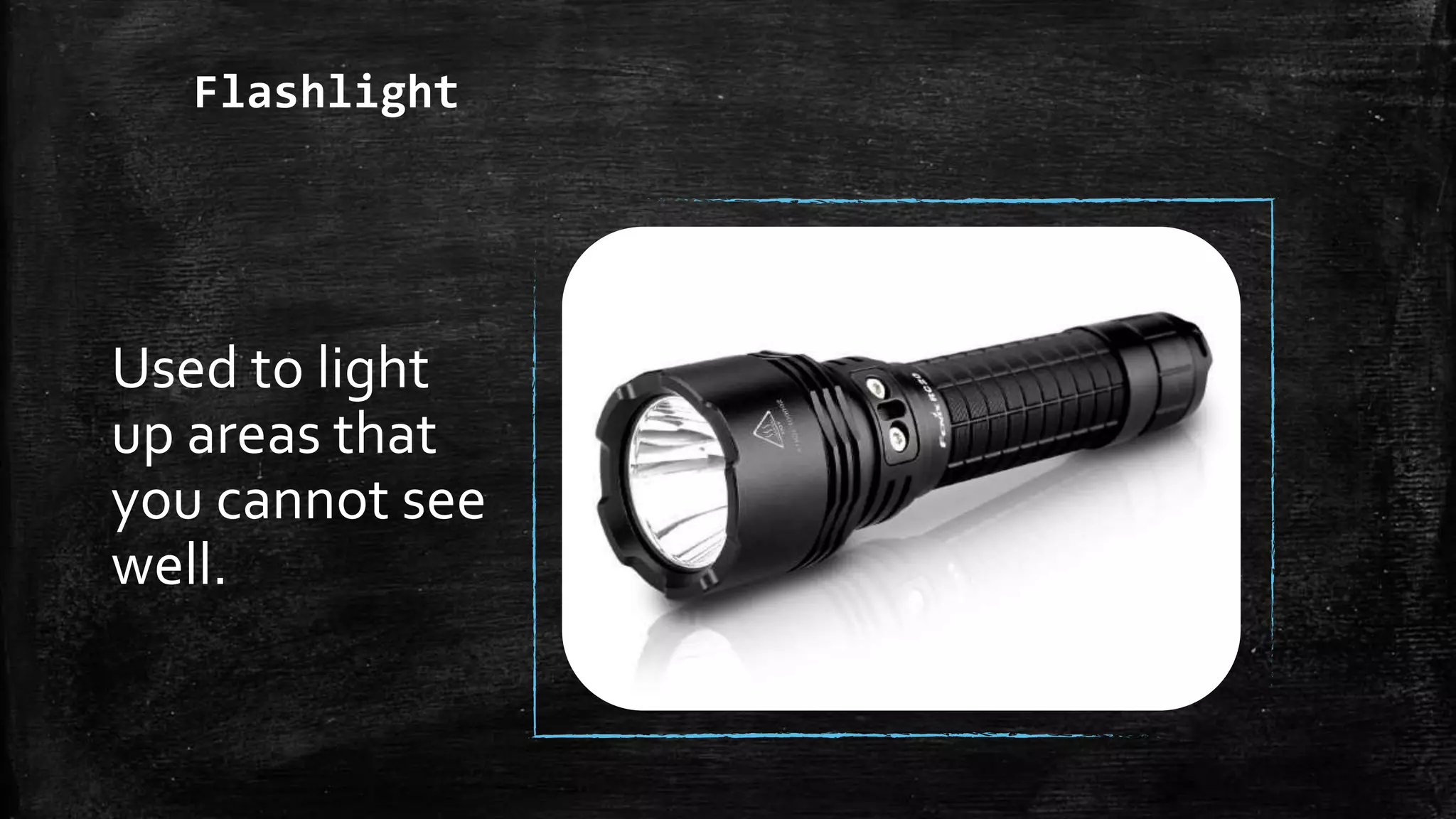
Flashlight
Used to light
up areas that
you cannot see
well.
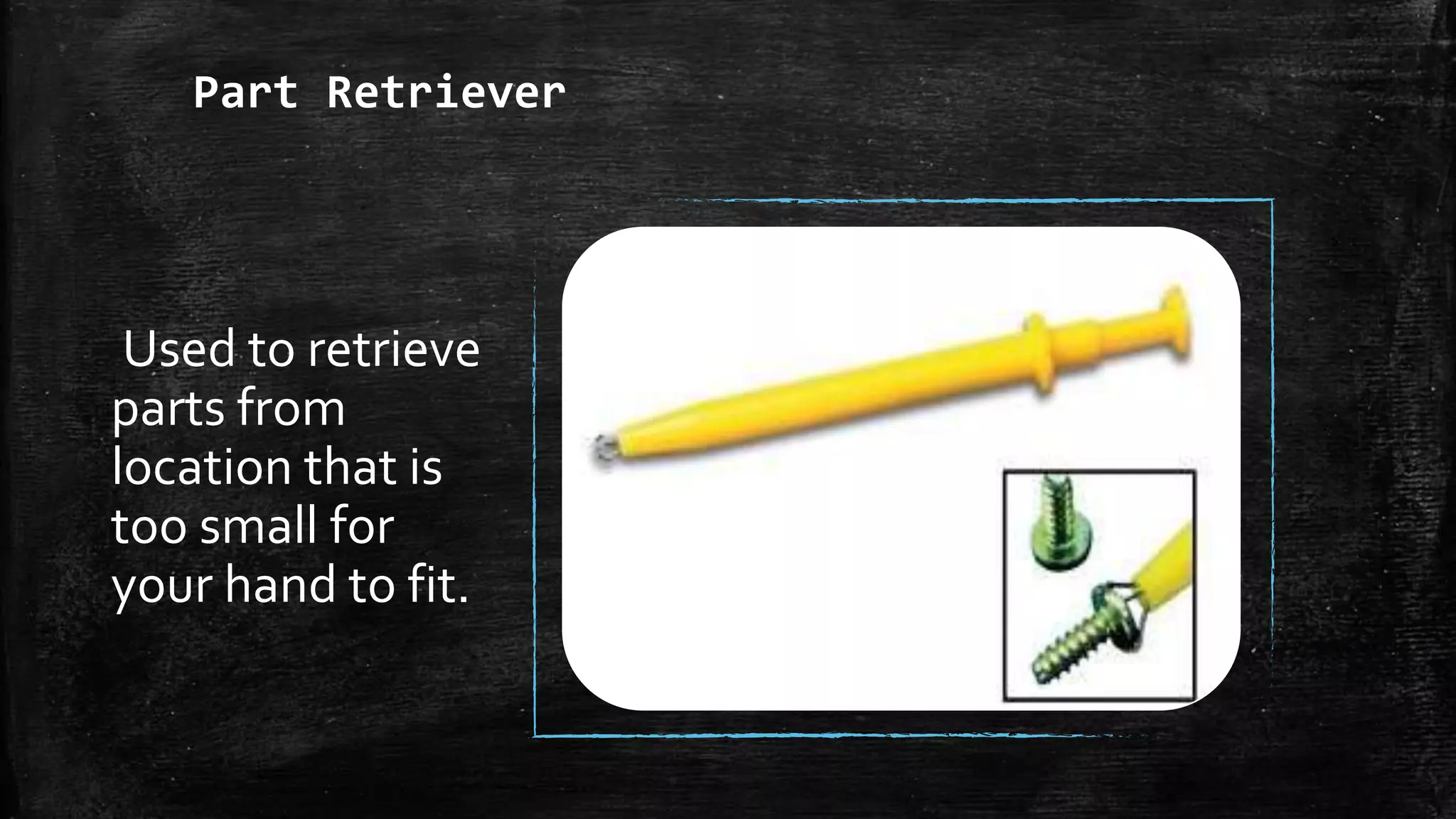
Part Retriever
Used to retrieve
parts from
location that is
too small for
your hand to fit.
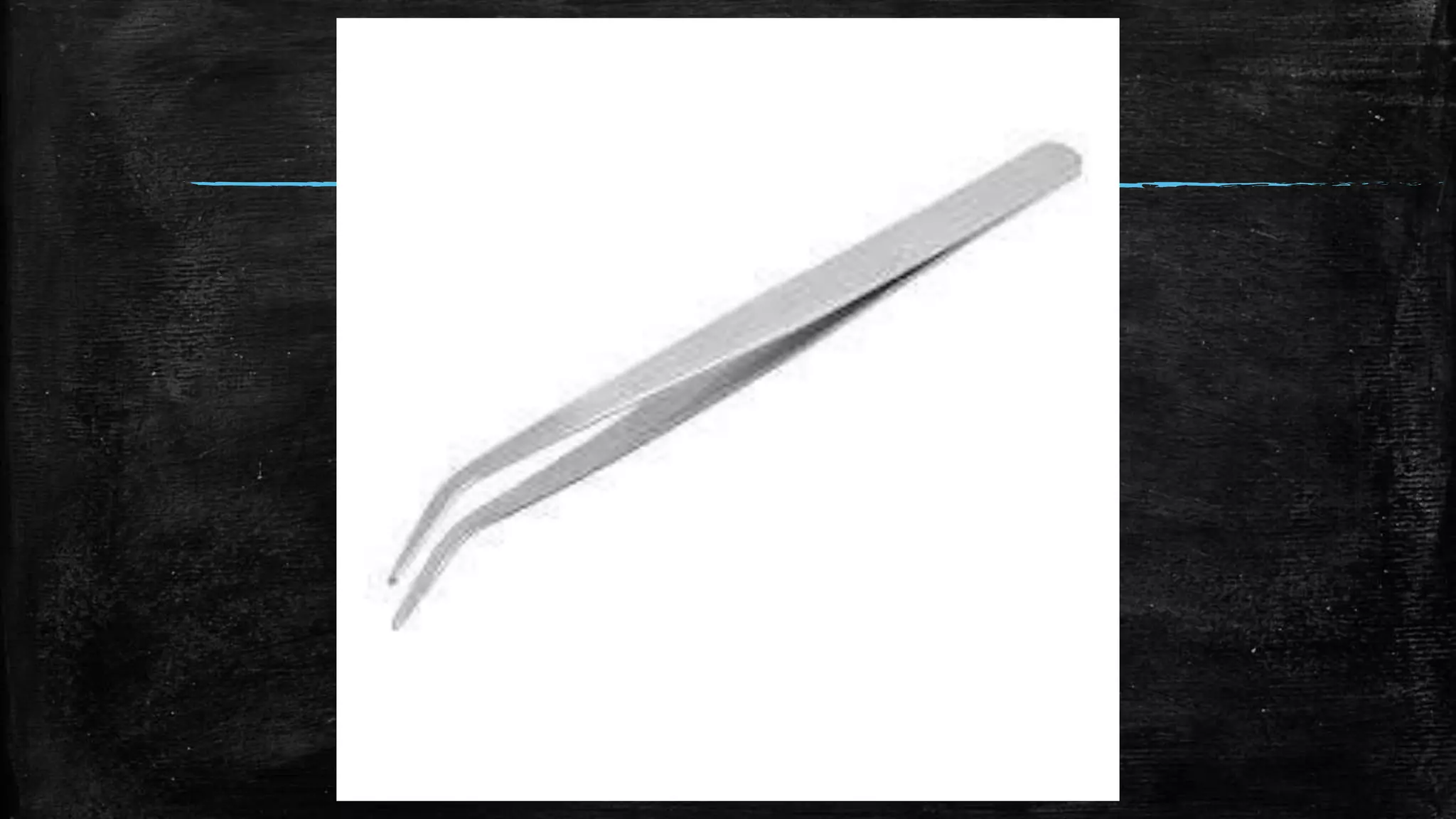
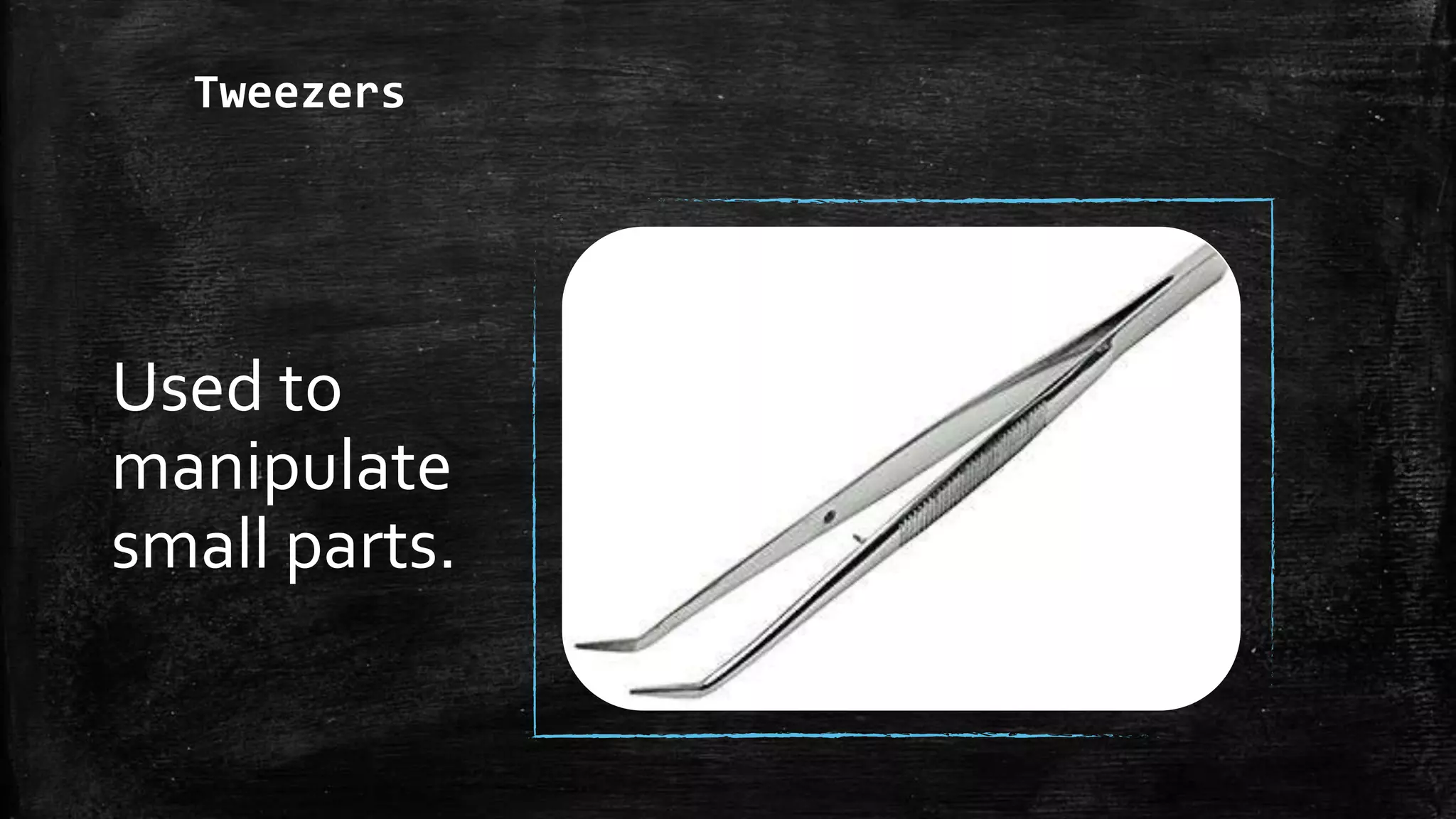
Tweezers
Used to
manipulate
small parts.
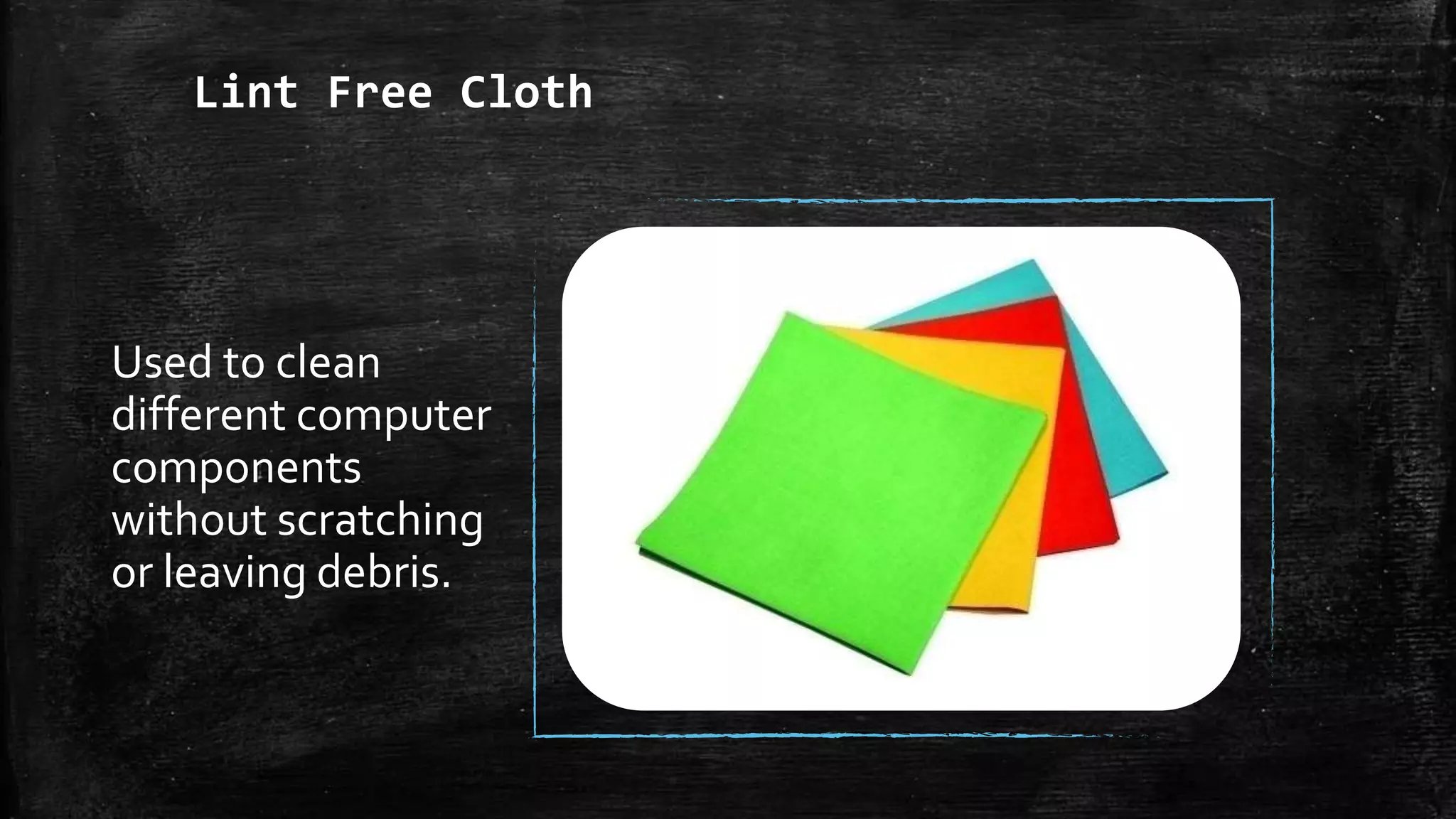
Lint Free Cloth
Used to clean
different computer
components
without scratching
or leaving debris.
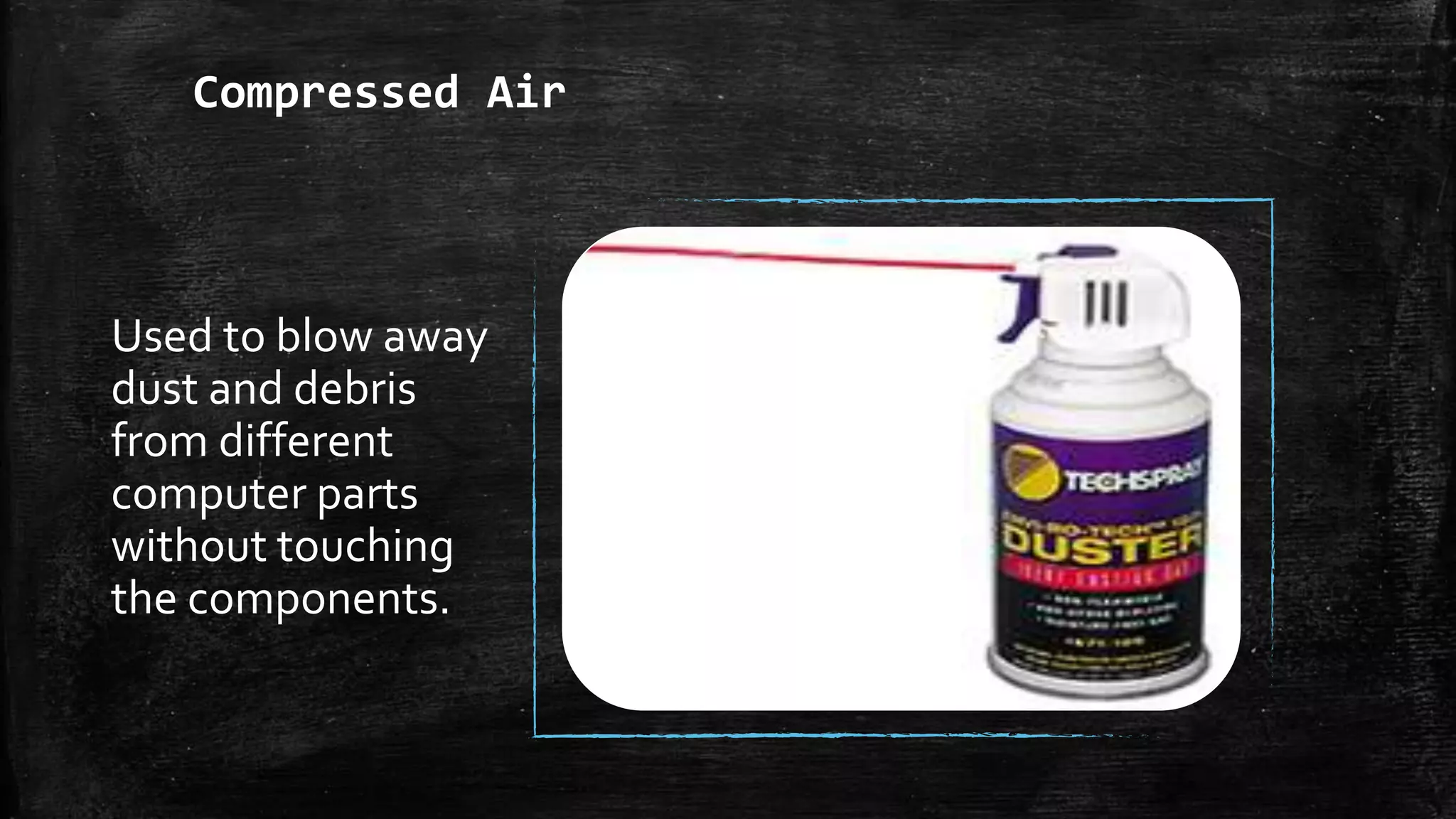
Compressed Air
Used to blow away
dust and debris
from different
computer parts
without touching
the components.
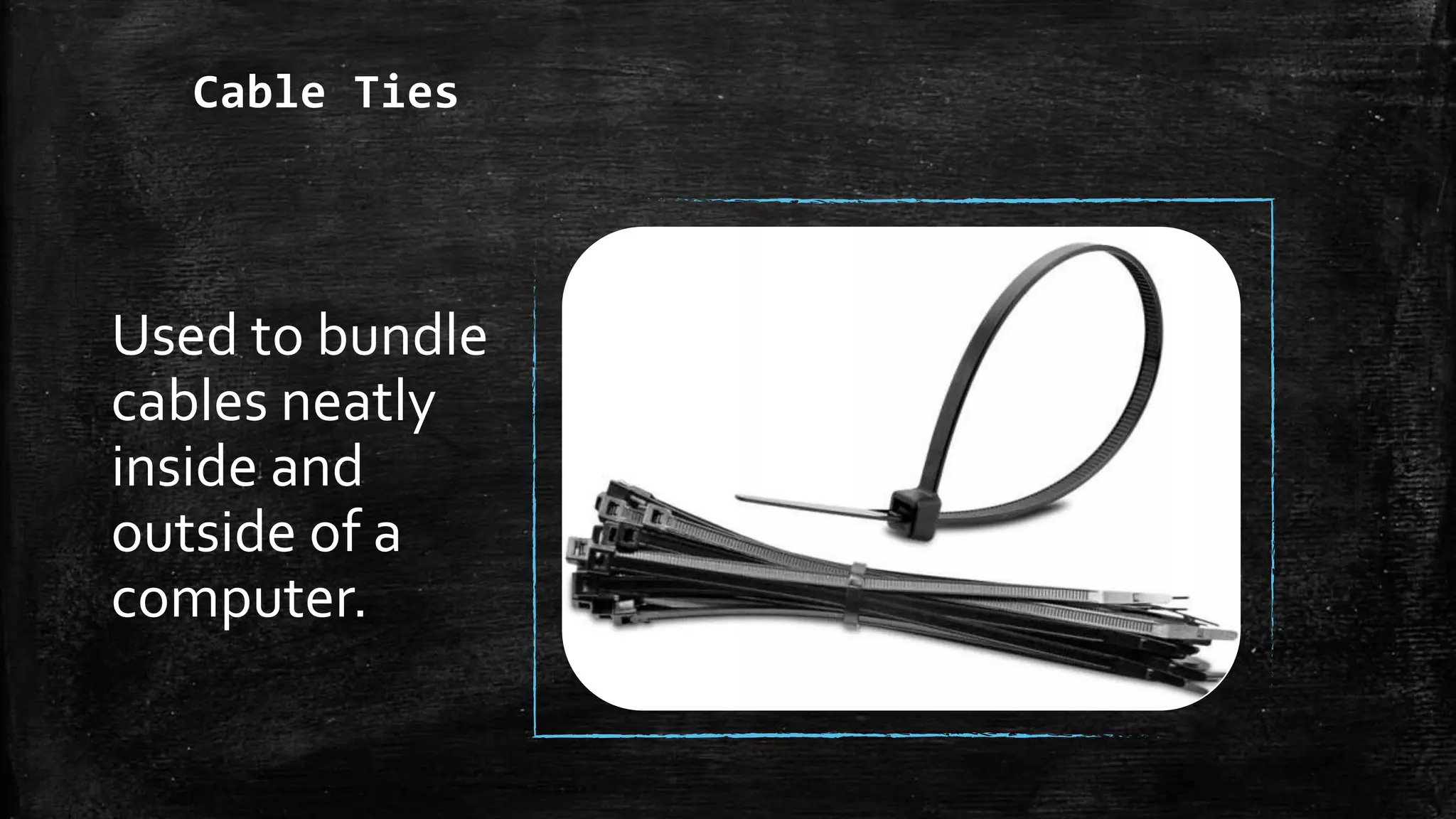
Cable Ties
Used to bundle
cables neatly
inside and
outside of a
computer.
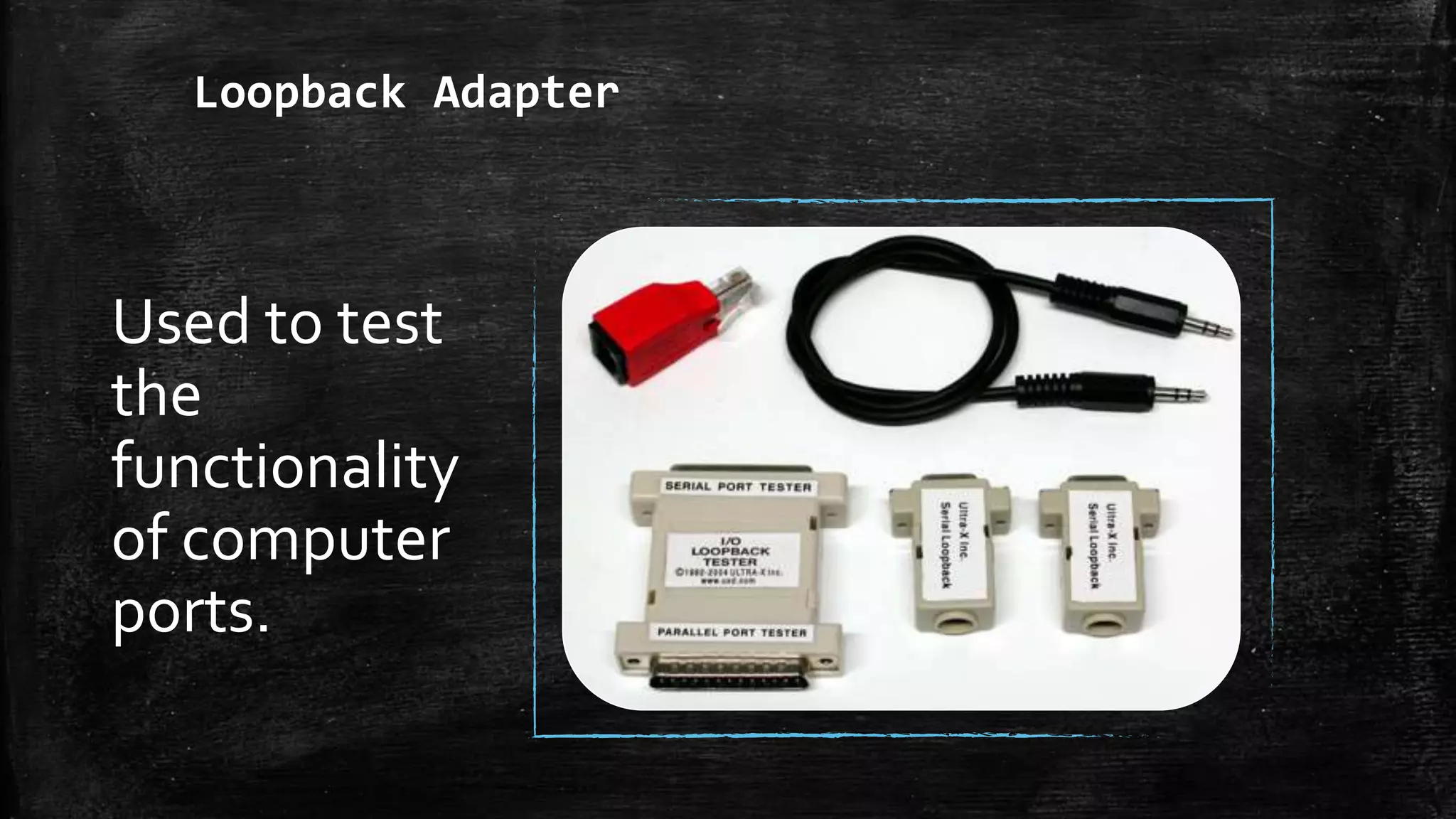
Loopback Adapter
Used to test
the
functionality
of computer
ports.
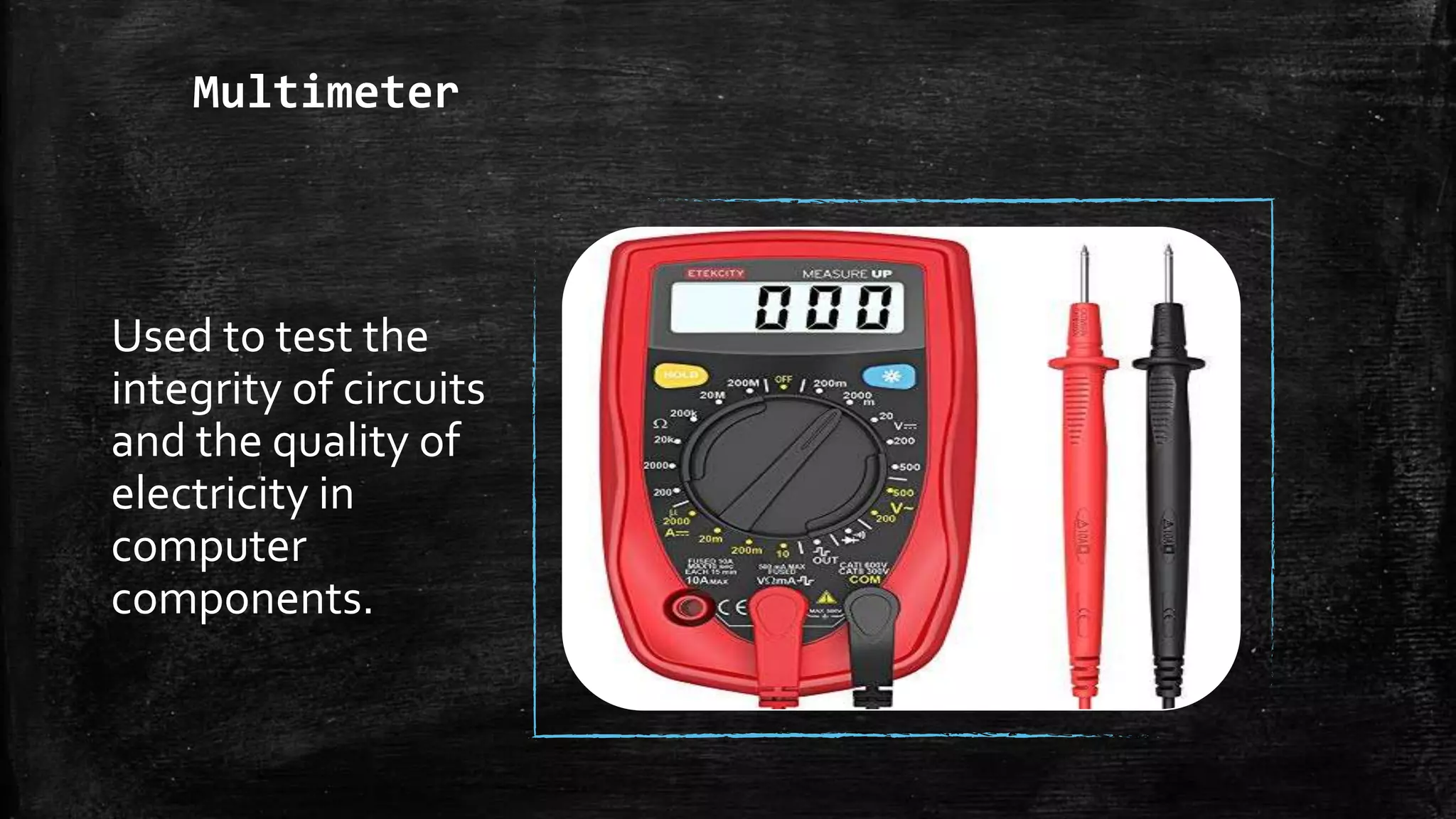
Multimeter
Used to test the
integrity of circuits
and the quality of
electricity in
computer
components.
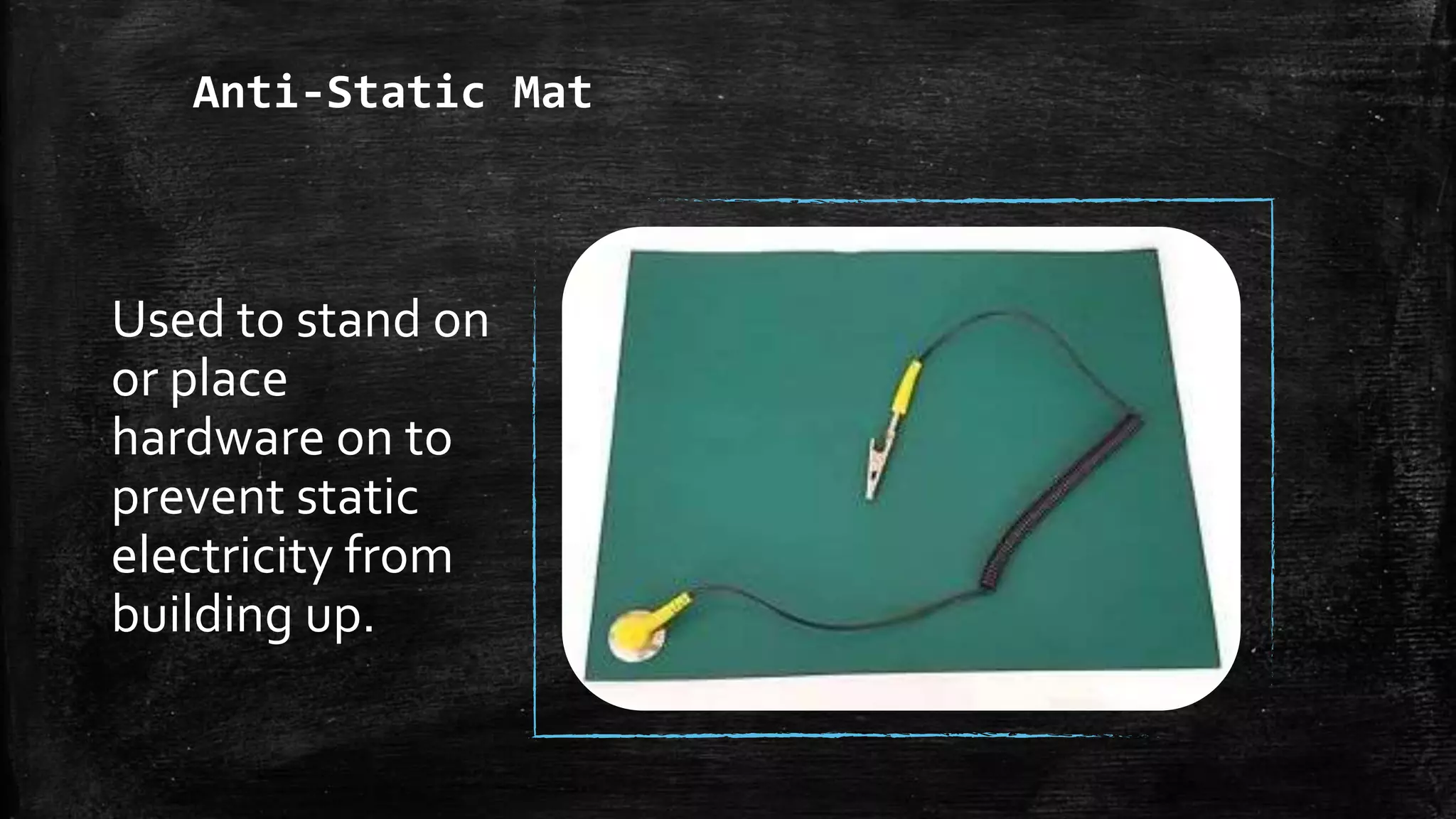
Anti-Static Mat
Used to stand on
or place
hardware on to
prevent static
electricity from
building up.
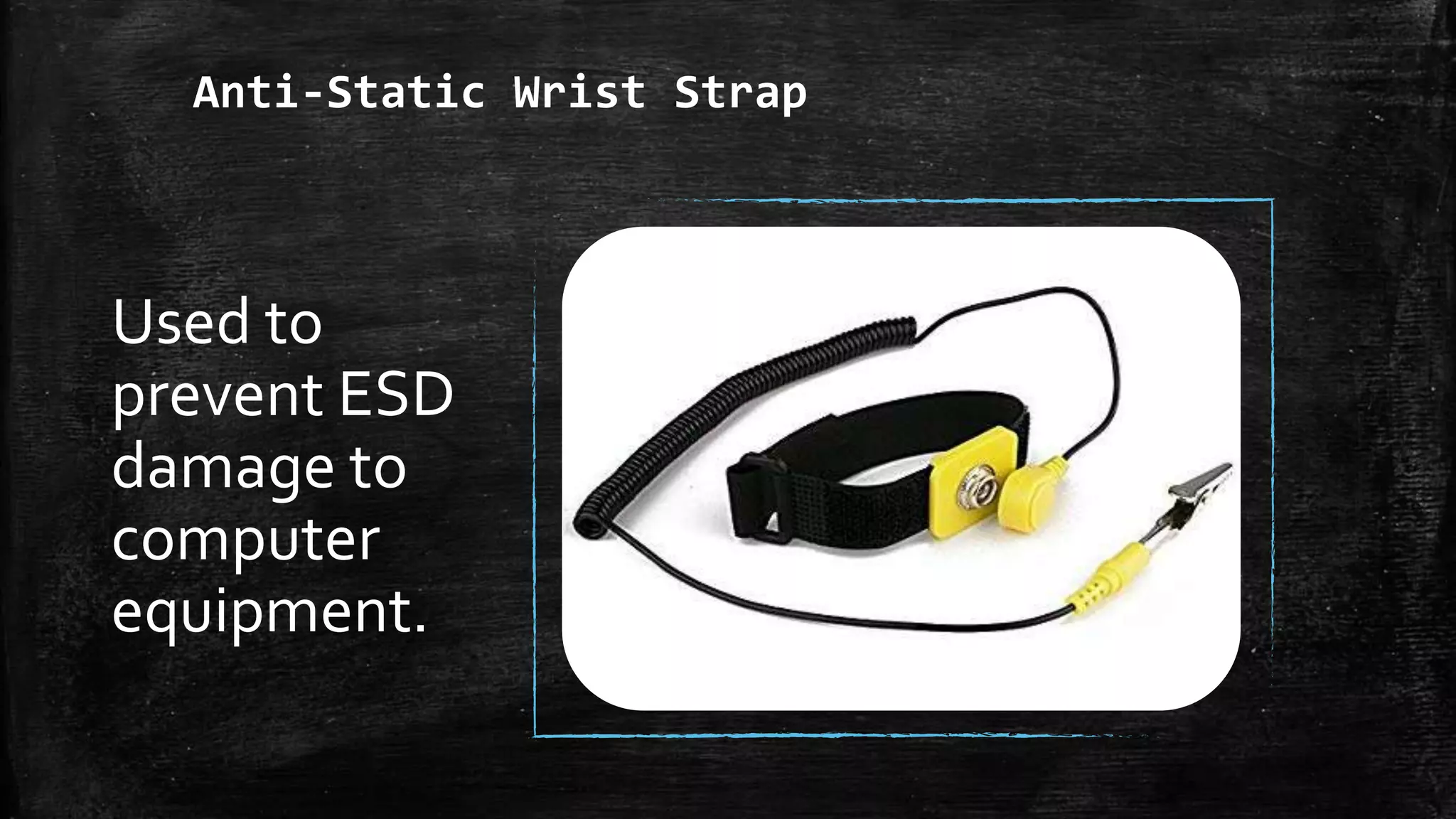
Anti-Static Wrist Strap
Used to
prevent ESD
damage to
computer
equipment.
Scenario/Task
▪ Opening the system unit or the tower case.
▪ Checking the voltage produce by the power supply
unit.
▪ The heat sink is full of dust.
▪ Computer Monitor is dusty.
▪ Mounting the motherboard to tower case.
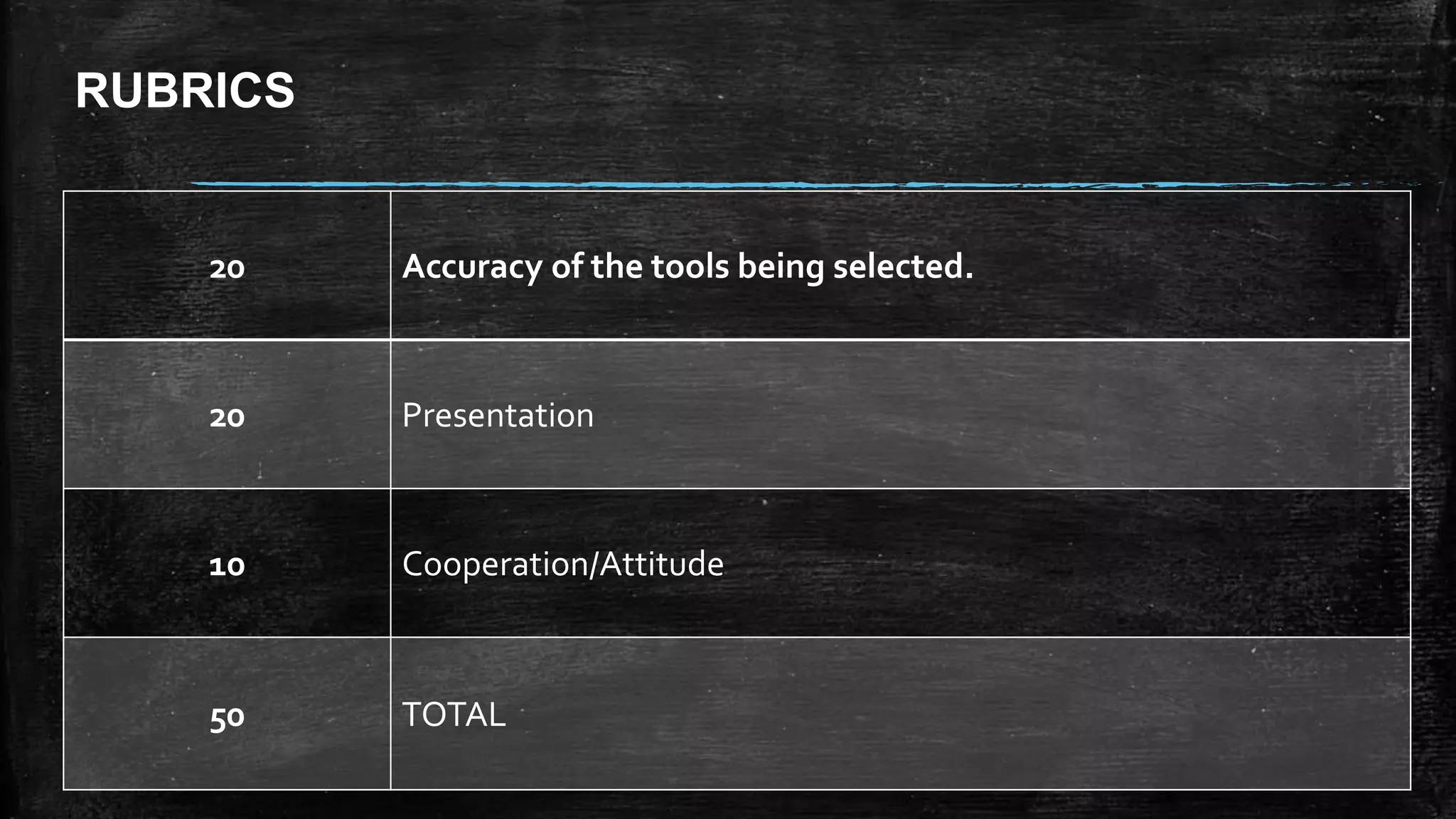
RUBRICS
20 Accuracy of the tools being selected.
20 Presentation
10 Cooperation/Attitude
50 TOTAL
Add a Slide Title - 3
ASSIGNMENT
Research on different ways of cleaning a
personal computer.

Computer Hand Tools_Presentation

Editor's Notes

  • #4 PHILIPS HEAD SCREWDRIVER
  • #5 TORX SREWDRIVER
  • #6 NEEDLE-NOSE PLIER
  • #7 FLAT HEAD SCREW DRIVER
  • #8 TWEEZER