HARDWARE TOOLS
COMPUTER HARDWARE SERVICING NC-II
JONALD L. PALMA
• BS INFORMATION TECHNOLOGY
o UNIVERSITY OF THE IMMACULATE CONCEPTION –
DAVAO CITY
• TEACHER CERTIFICATION PROGRAM
o DAVAO DEL SUR STATE COLLEGE
• LICENSED PROFESSIONAL TEACHER
o COMPUTER SYSTEM SERVICING
o EMPOWERMENT TECHNOLOGIES / ICT
o COMPUTER / IT TECHNICIAN
o COMPUTER LABORATORY IN-CHARGE
Objectives
• To determine different Hand Tools to be used in Computer peripherals
• To know what are hand tools to be prepared in handling different
computer parts
• To familiarized different hand tools
Definition of Terms
• Bin - a container or enclosed space for storage.
• Computer chassis - the enclosure that contains most of the
components of a computer.
• Diagnostic tools - used to test the integrity of circuits and the quality of
electricity in computer components and to test the functionality of
computer ports.
• Hazards - risks; dangers.
• Insulation - - - - - - a material that reduces or prevents the transmission
of heat or sound or electricity.
• Nozzle - - - - - - - - -a projecting part with an opening, as at the end of a
hose, for regulating and directing a flow of fluid.
• Preventive - intended or used to prevent or hinder.
• Static electricity - an accumulation of electric charge on an insulated
body.
• Tool - - - - - - - - - a handheld device that aids in accomplishing a task.
• Toolkit - - - - - - - a set of tools designed to be used together or for a
particular purpose.
HARDWARE TOOLS
Hardware tools are grouped into these four categories:
• Electro-Static Discharge (ESD) tools
• Hand tools
• Cleaning tools
• Diagnostic tools
Electro-Static Discharge (ESD)
Tools
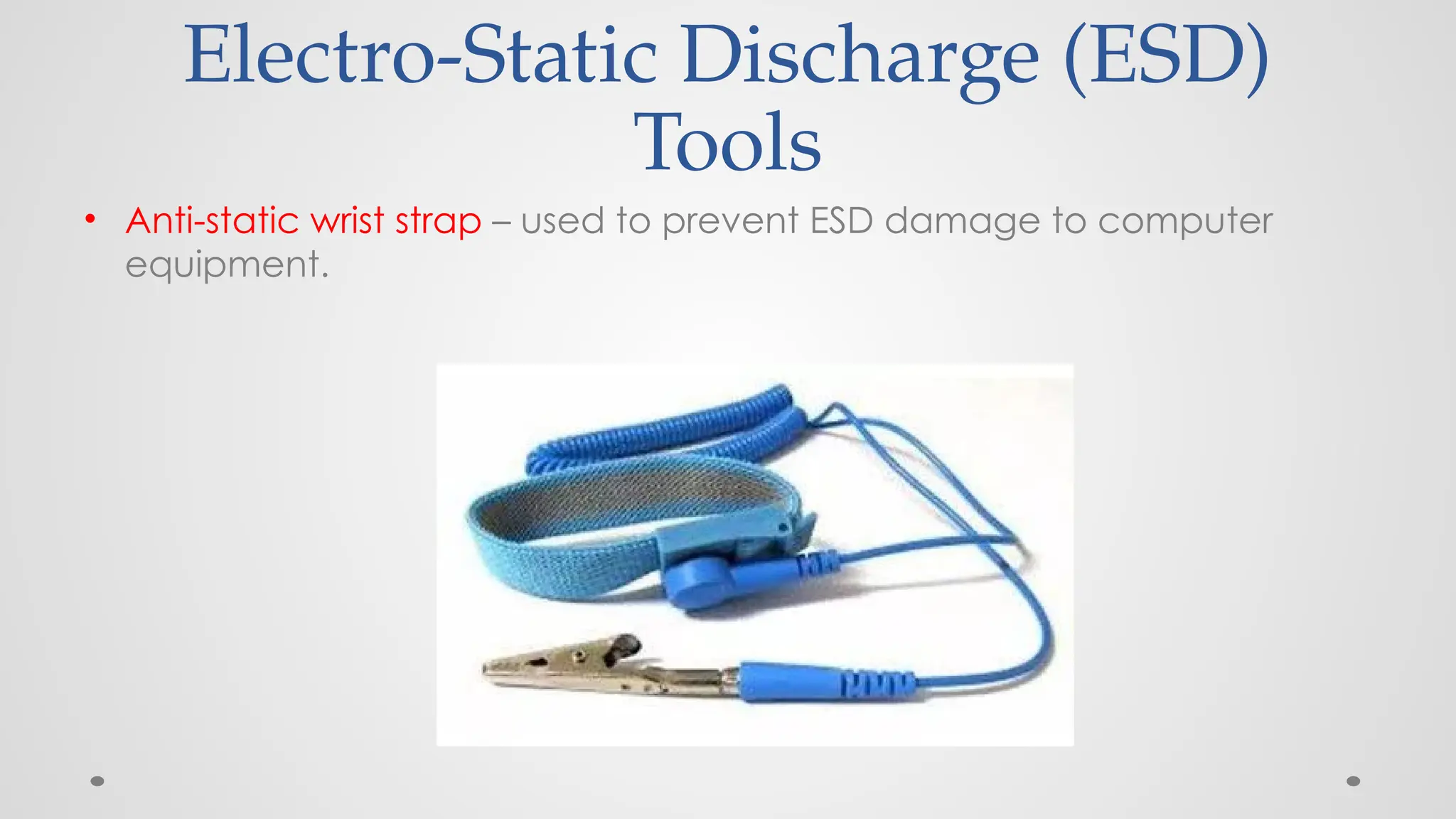
• Anti-static wrist strap – used to prevent ESD damage to computer
equipment.
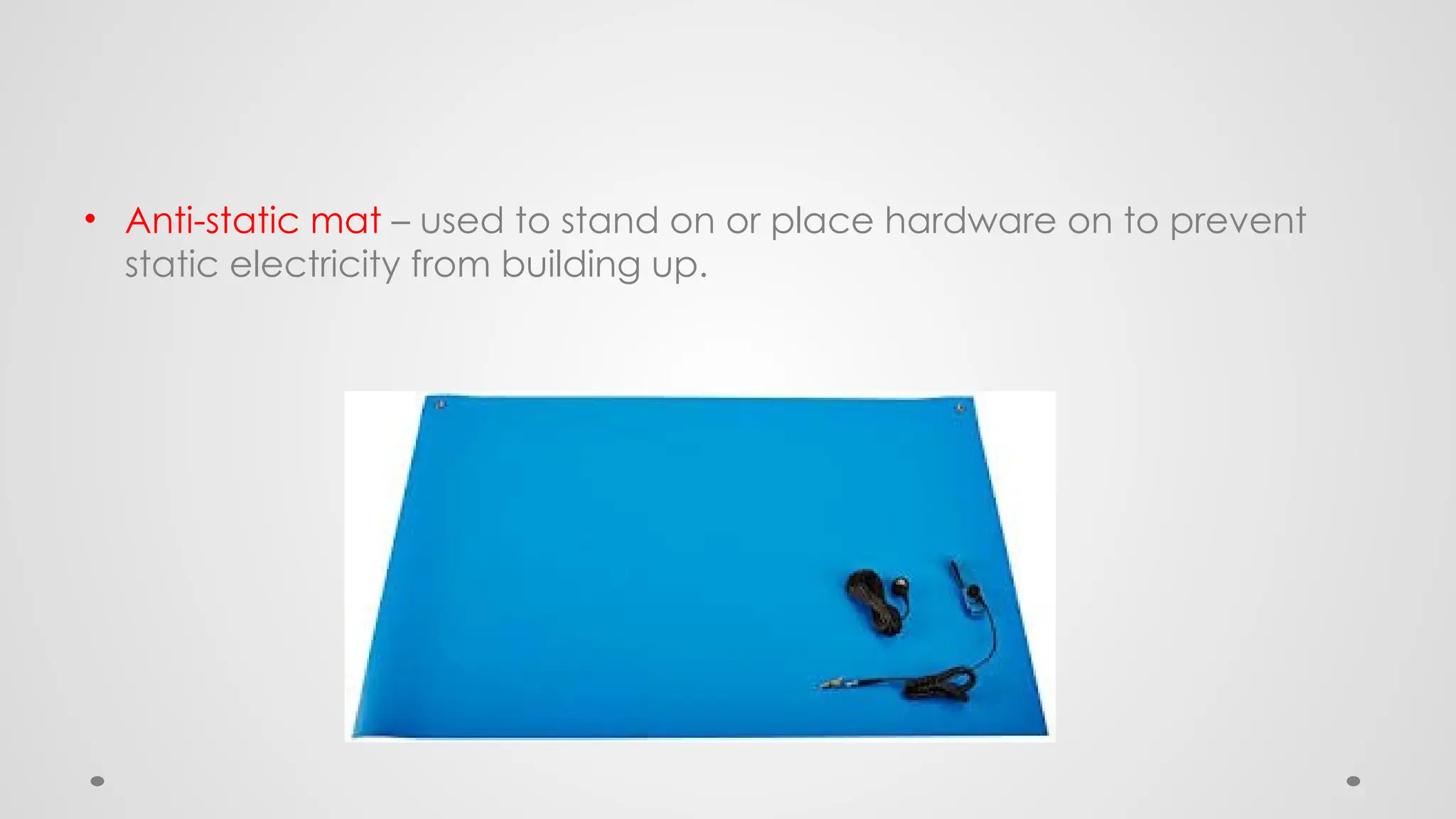
• Anti-static mat – used to stand on or place hardware on to prevent
static electricity from building up.
Hand Tools
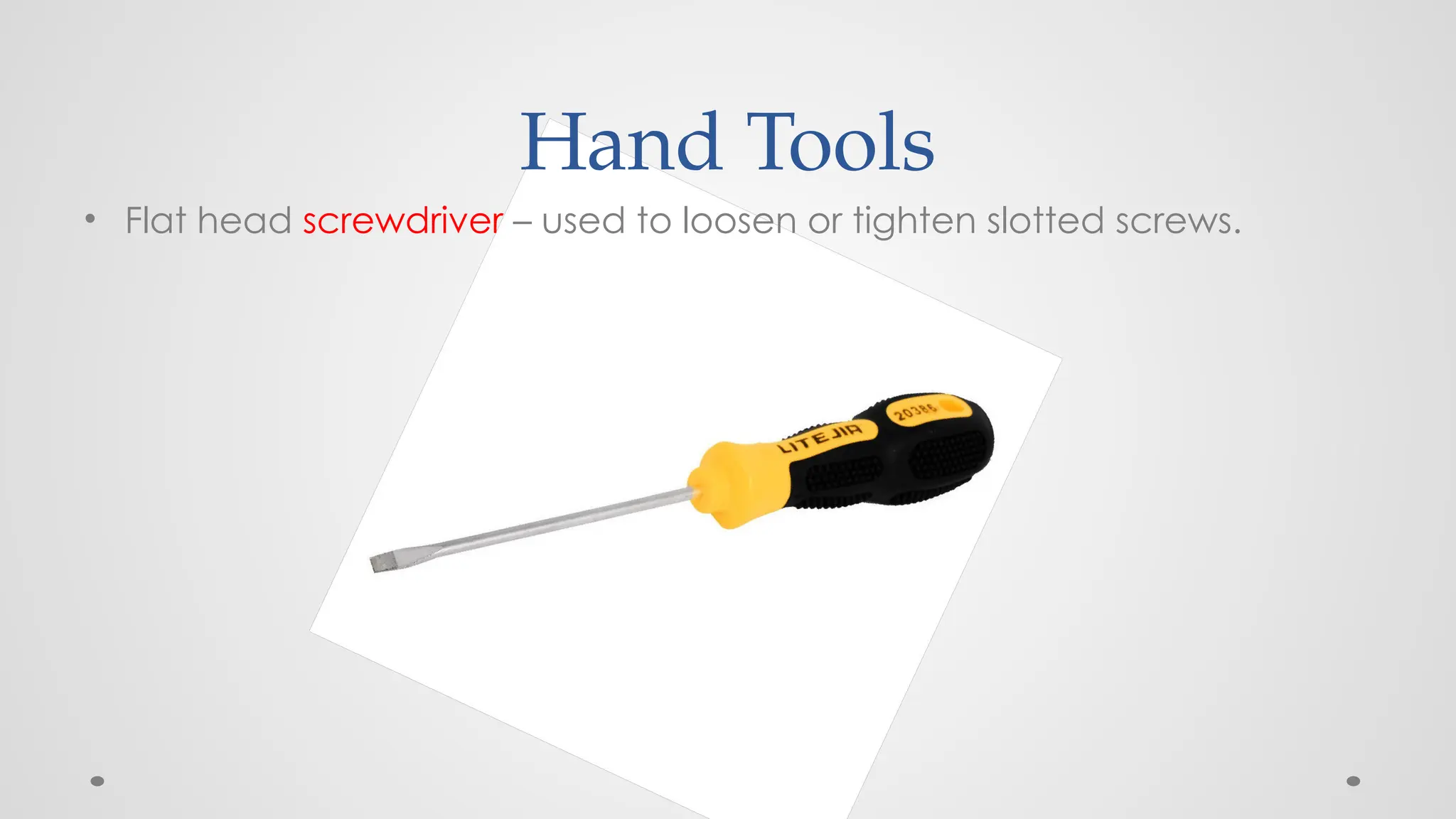
• Flat head screwdriver – used to loosen or tighten slotted screws.
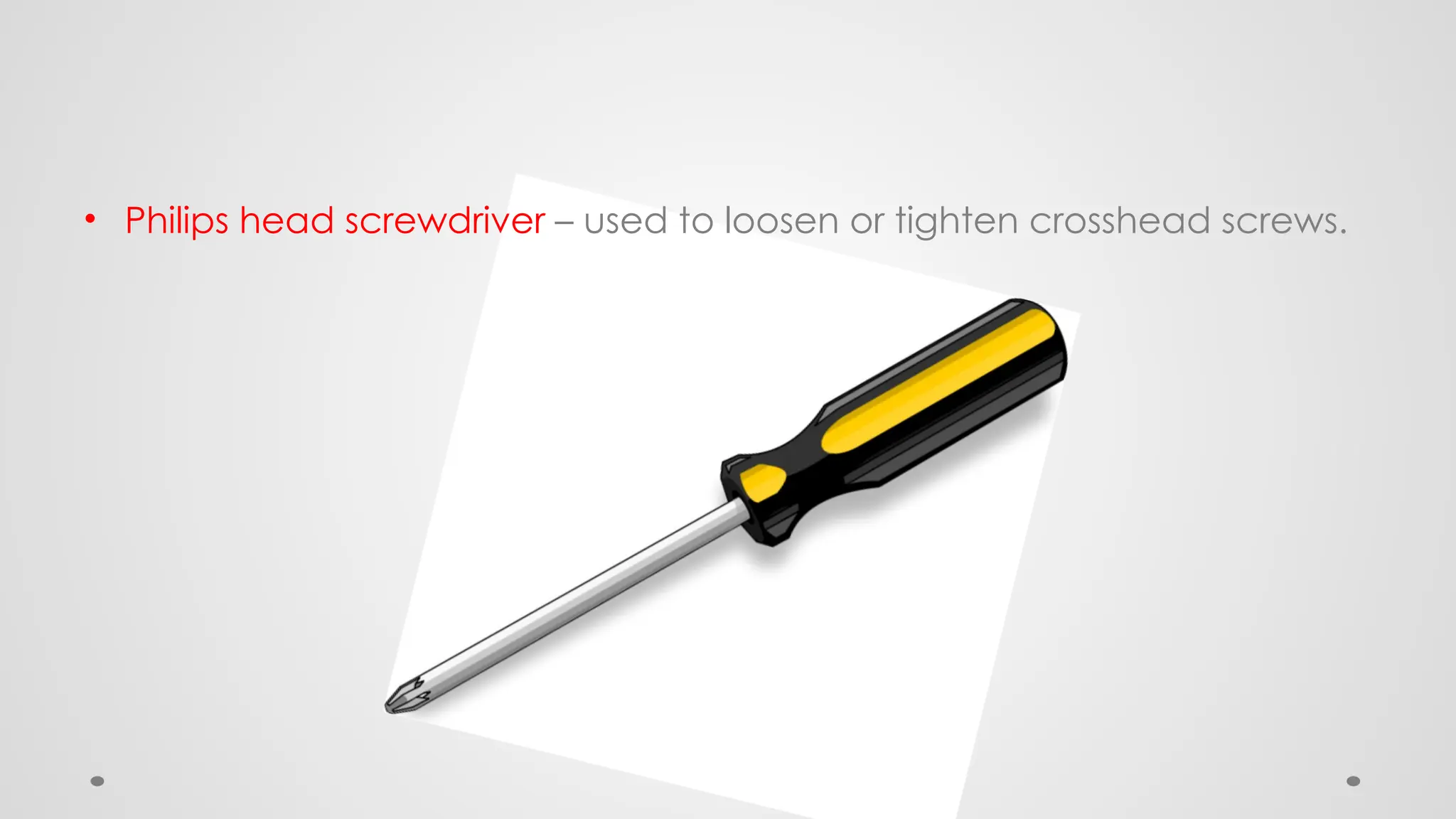
• Philips head screwdriver – used to loosen or tighten crosshead screws.
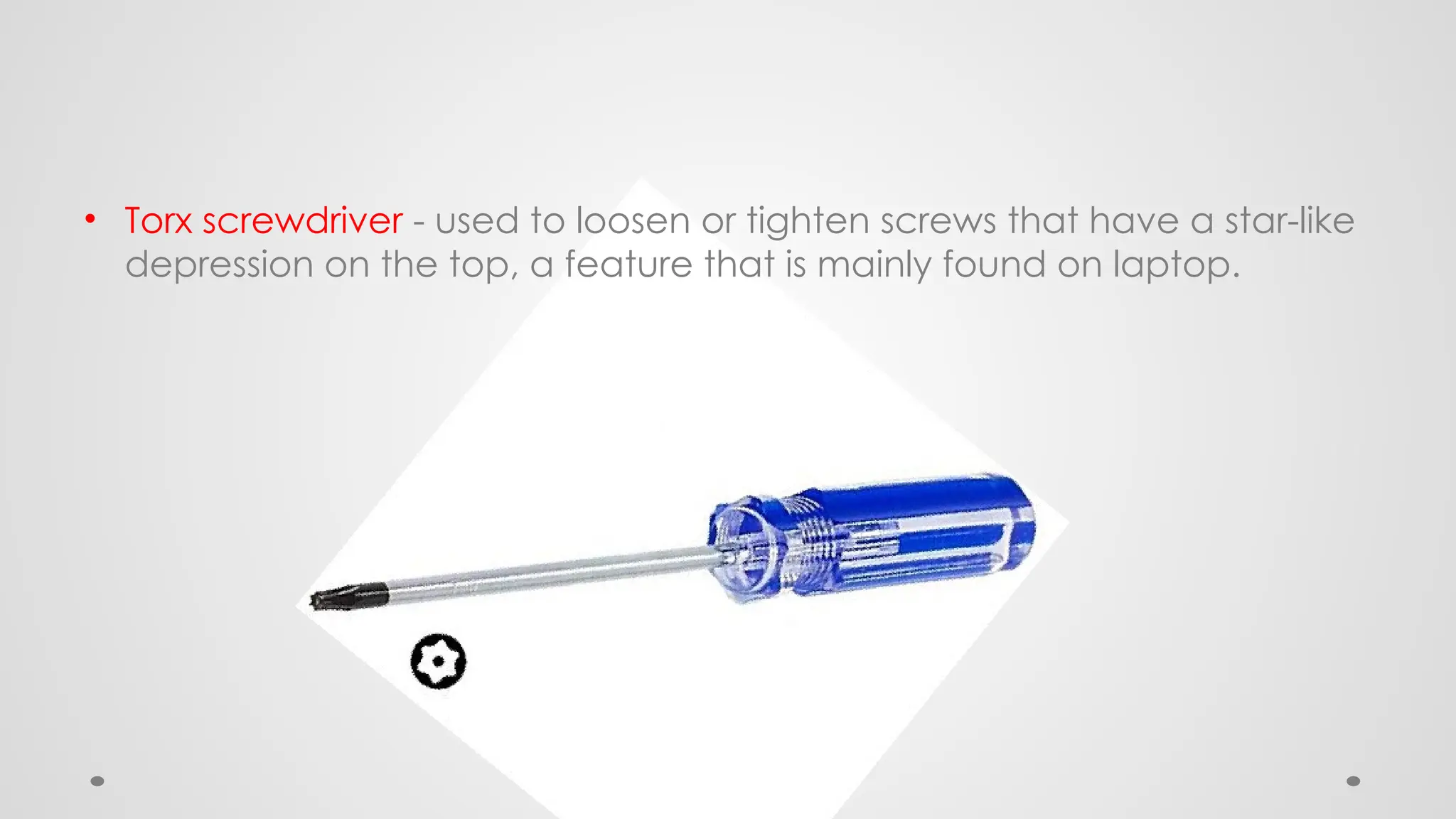
• Torx screwdriver - used to loosen or tighten screws that have a star-like
depression on the top, a feature that is mainly found on laptop.
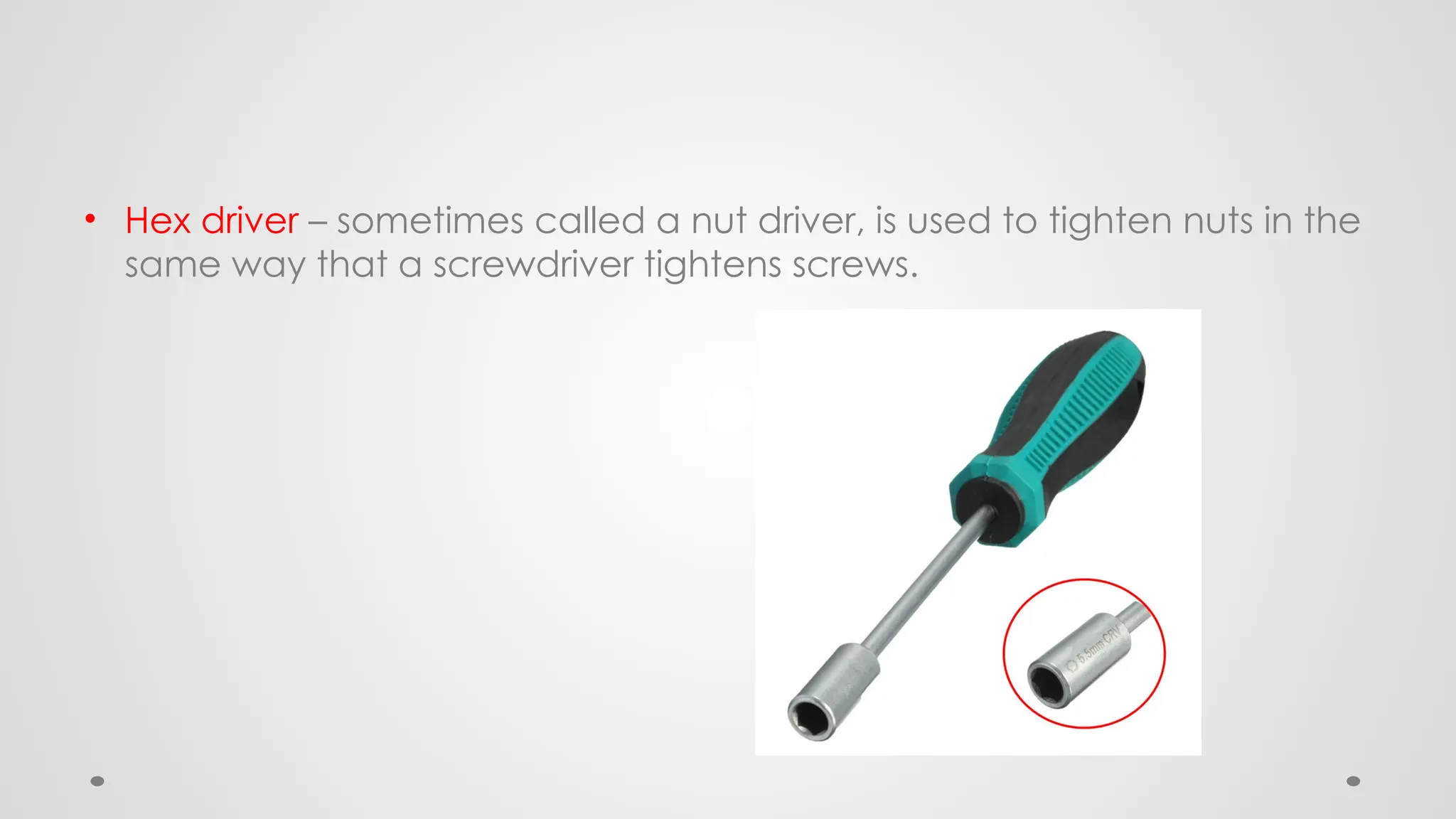
• Hex driver – sometimes called a nut driver, is used to tighten nuts in the
same way that a screwdriver tightens screws.
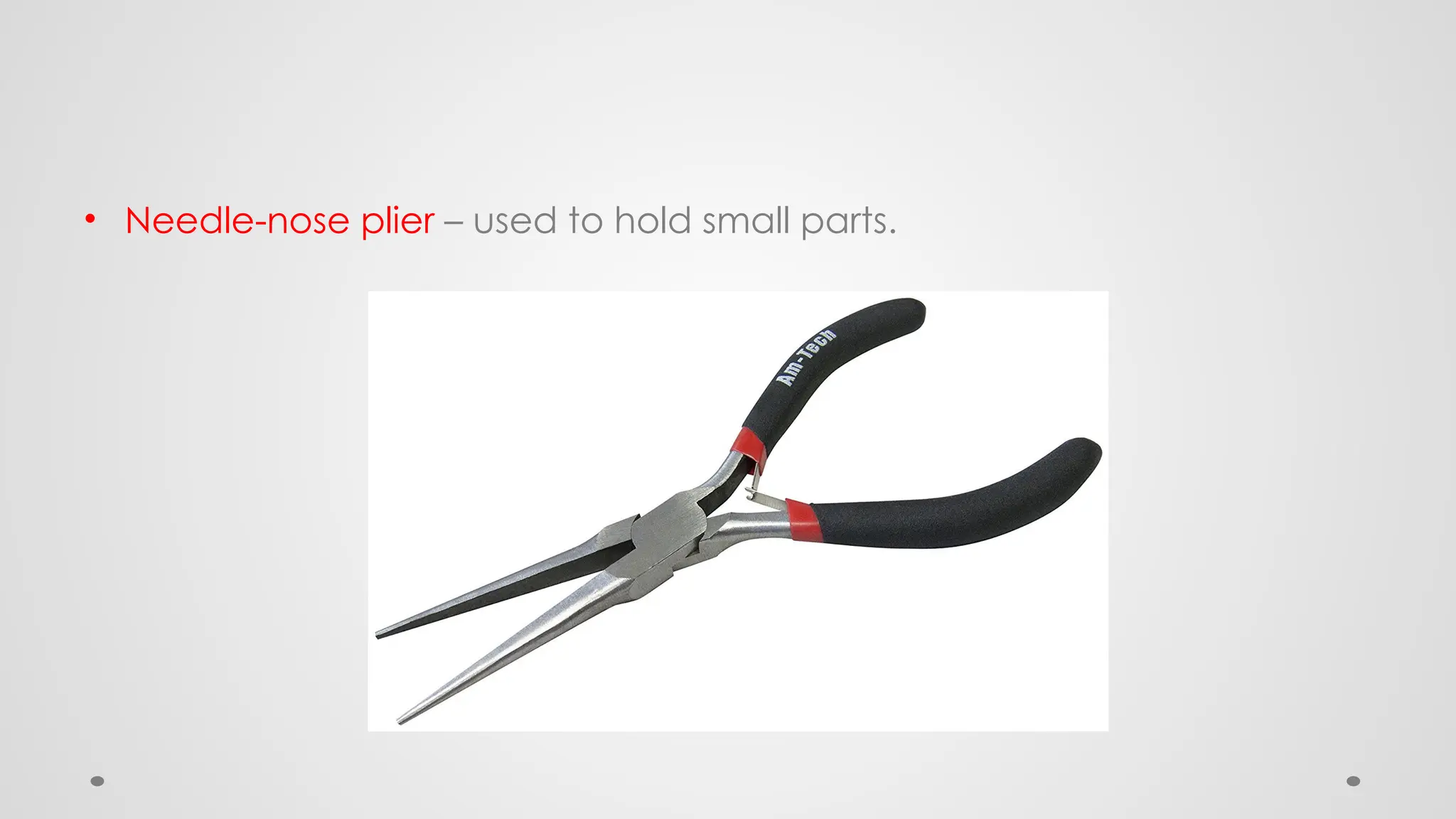
• Needle-nose plier – used to hold small parts.
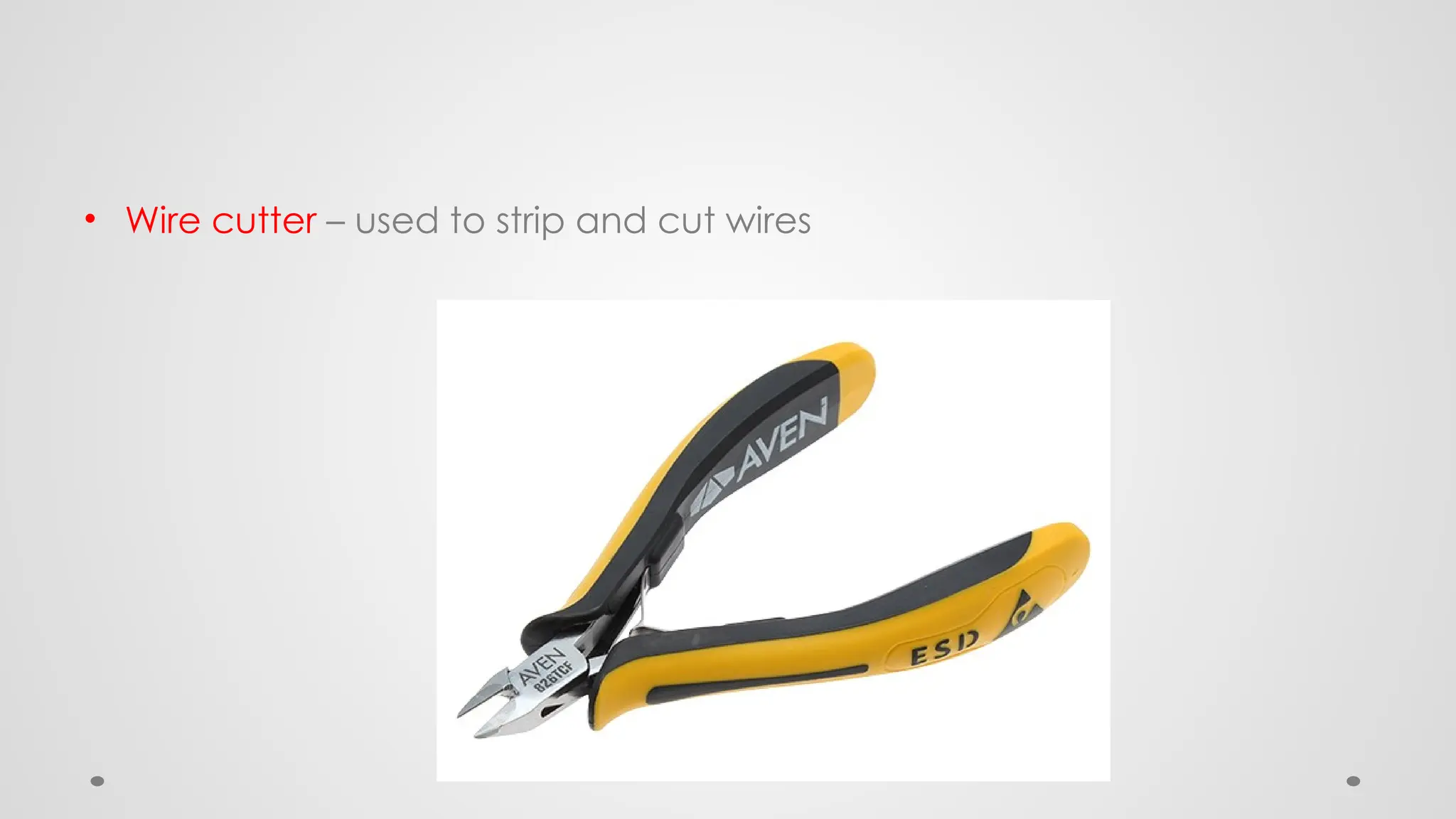
• Wire cutter – used to strip and cut wires
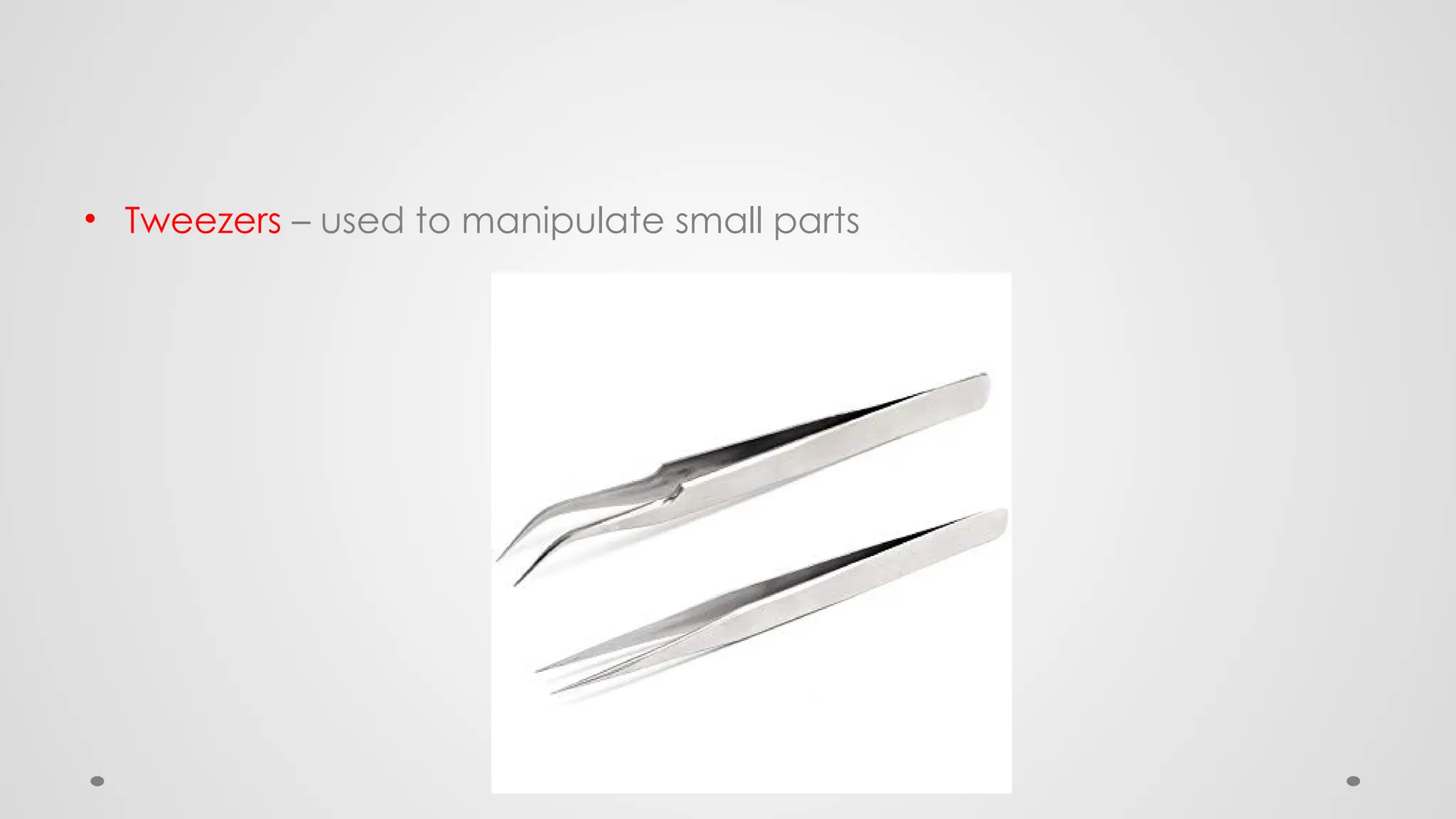
• Tweezers – used to manipulate small parts
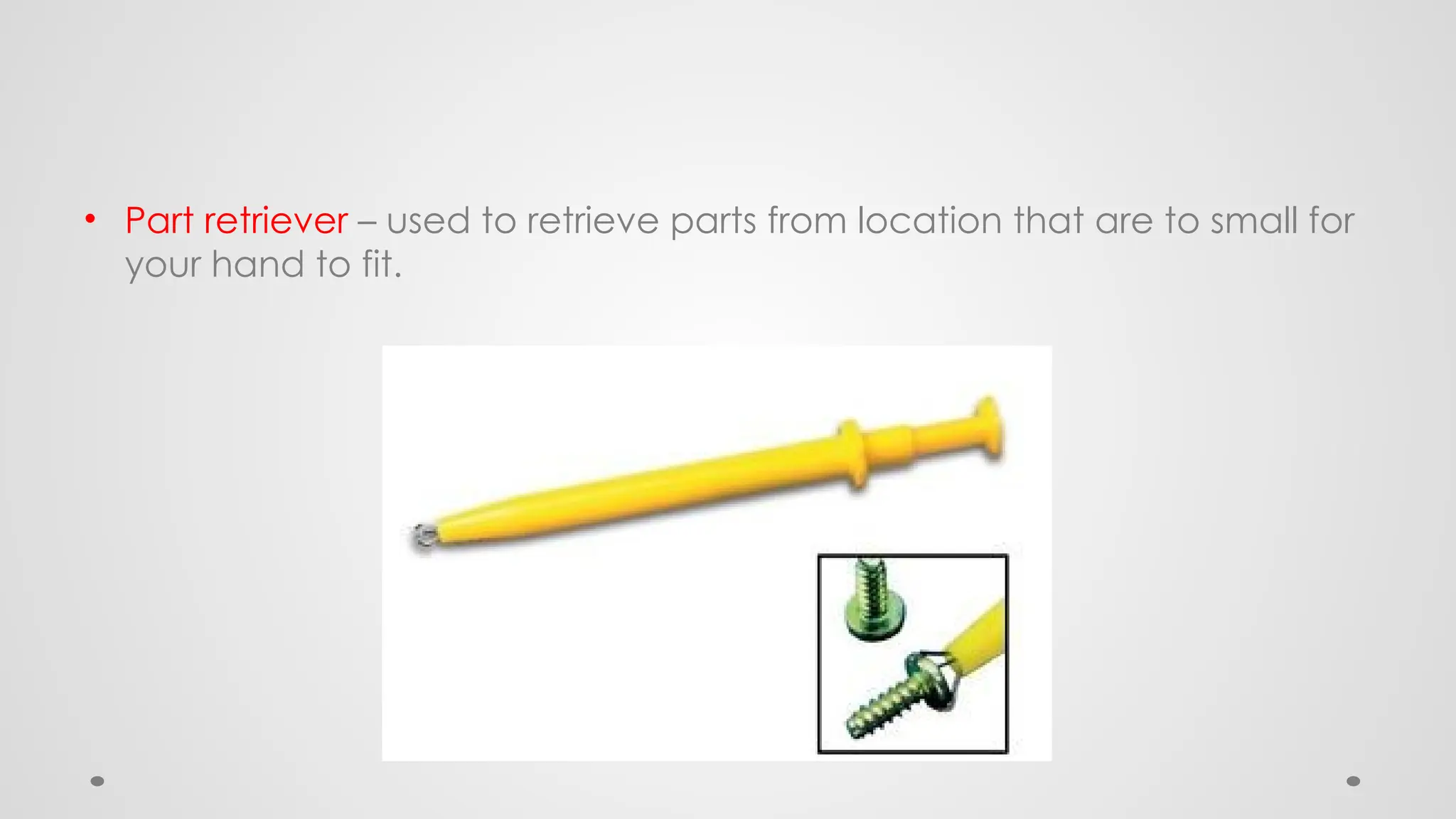
• Part retriever – used to retrieve parts from location that are to small for
your hand to fit.
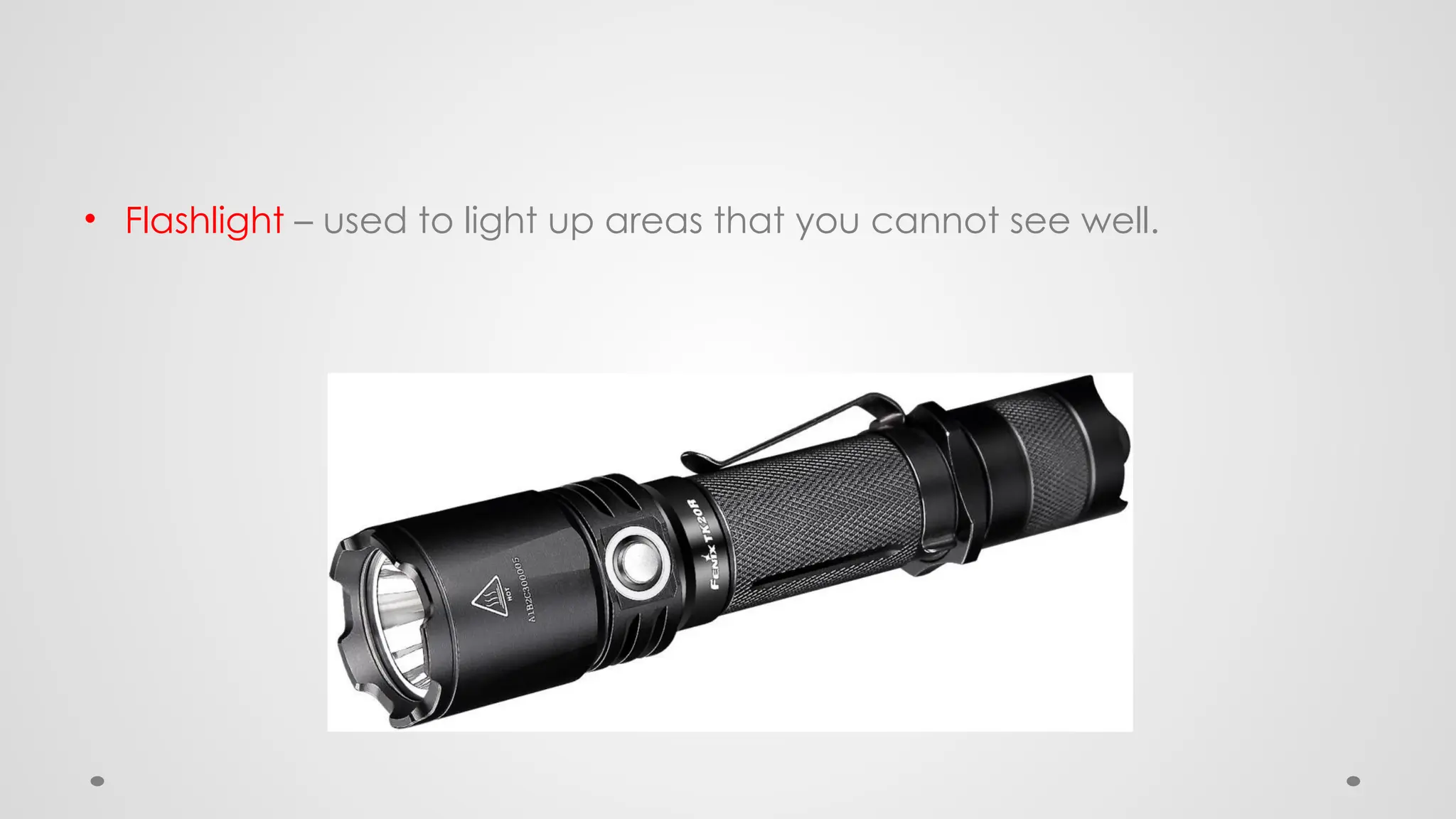
• Flashlight – used to light up areas that you cannot see well.
Cleaning Tools
• Having the appropriate cleaning tools is essential
when maintaining or repairing computers. Using
these tools ensures that computer components are
not damaged during cleaning.
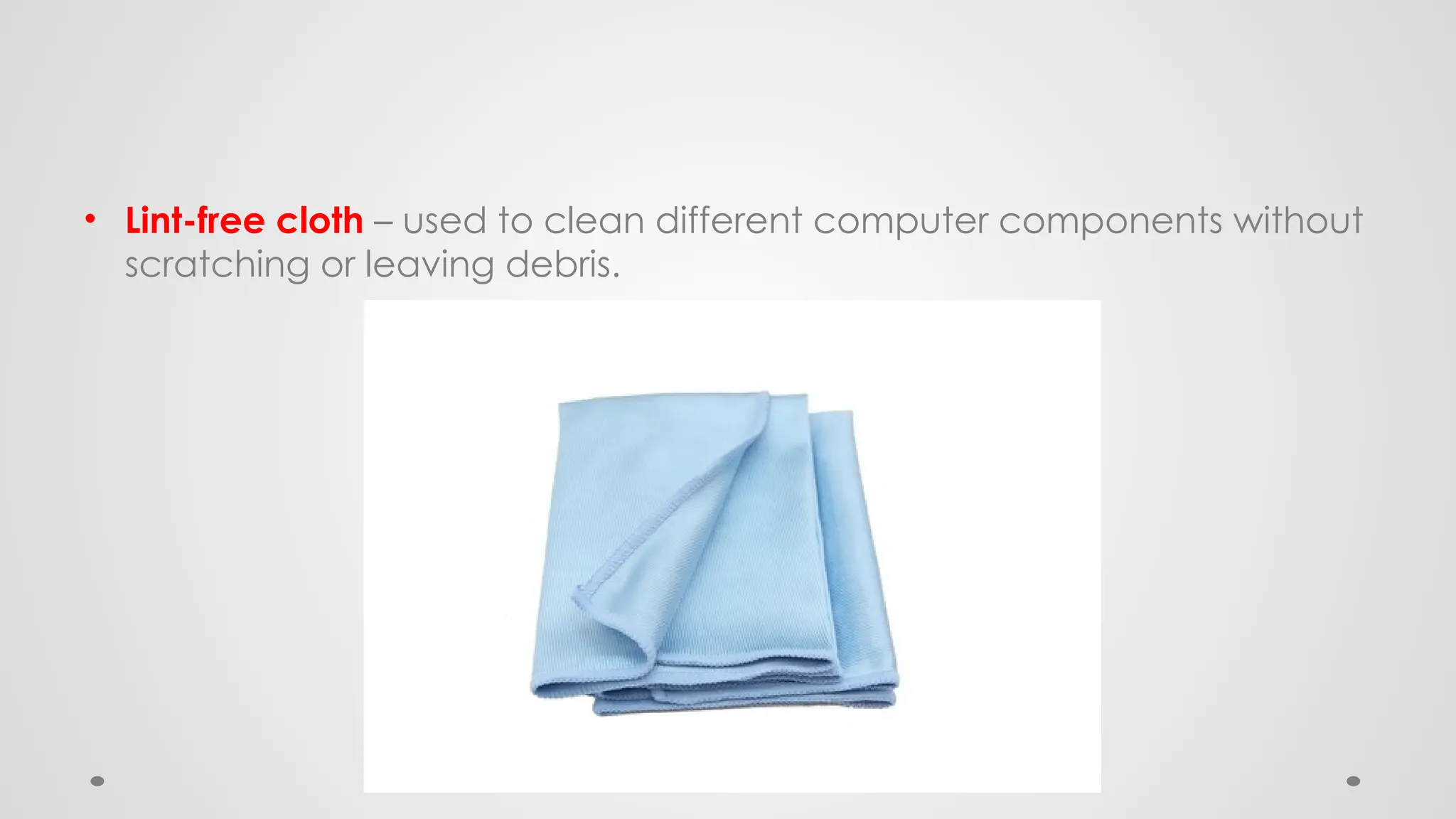
• Lint-free cloth – used to clean different computer components without
scratching or leaving debris.
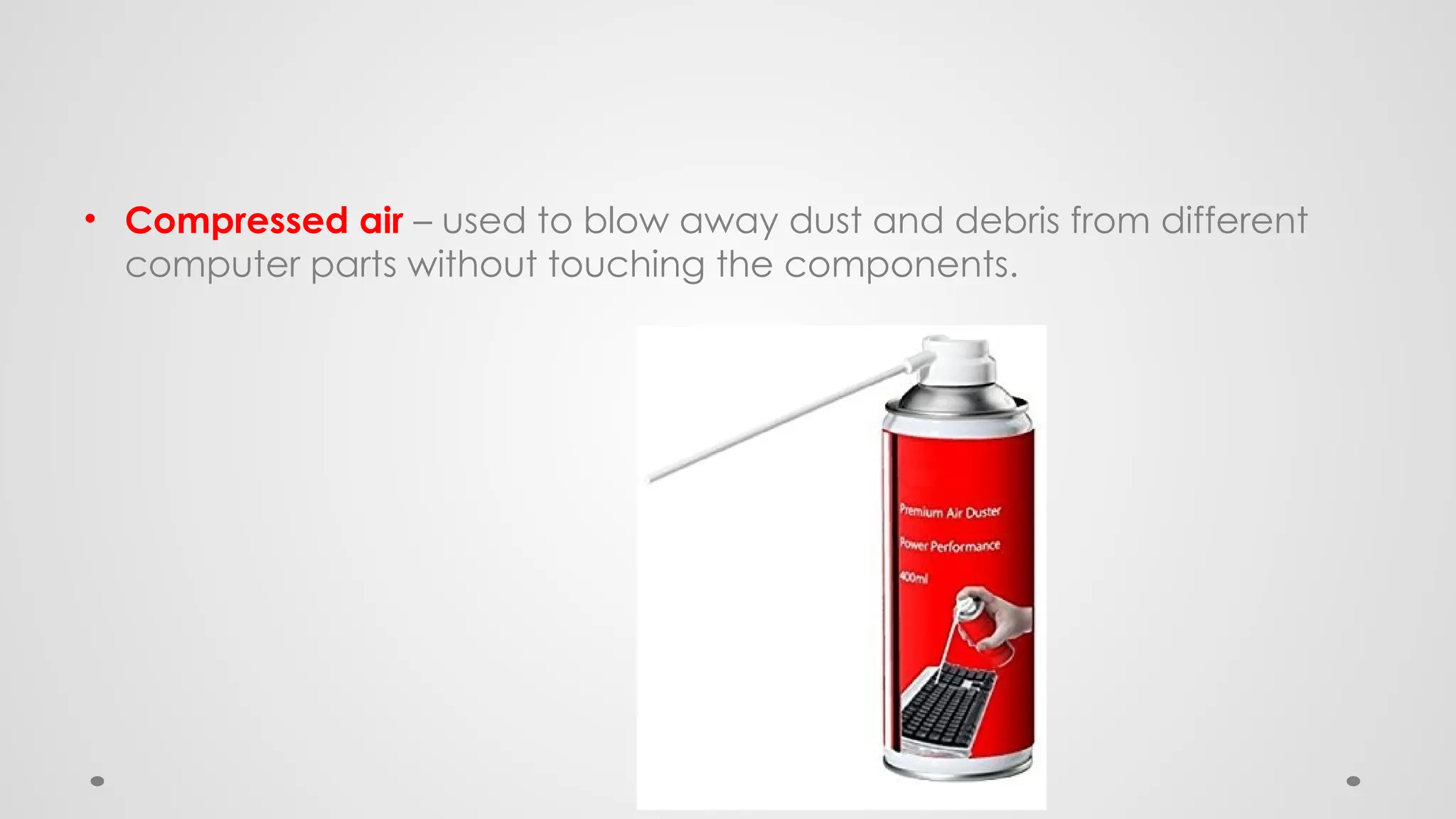
• Compressed air – used to blow away dust and debris from different
computer parts without touching the components.
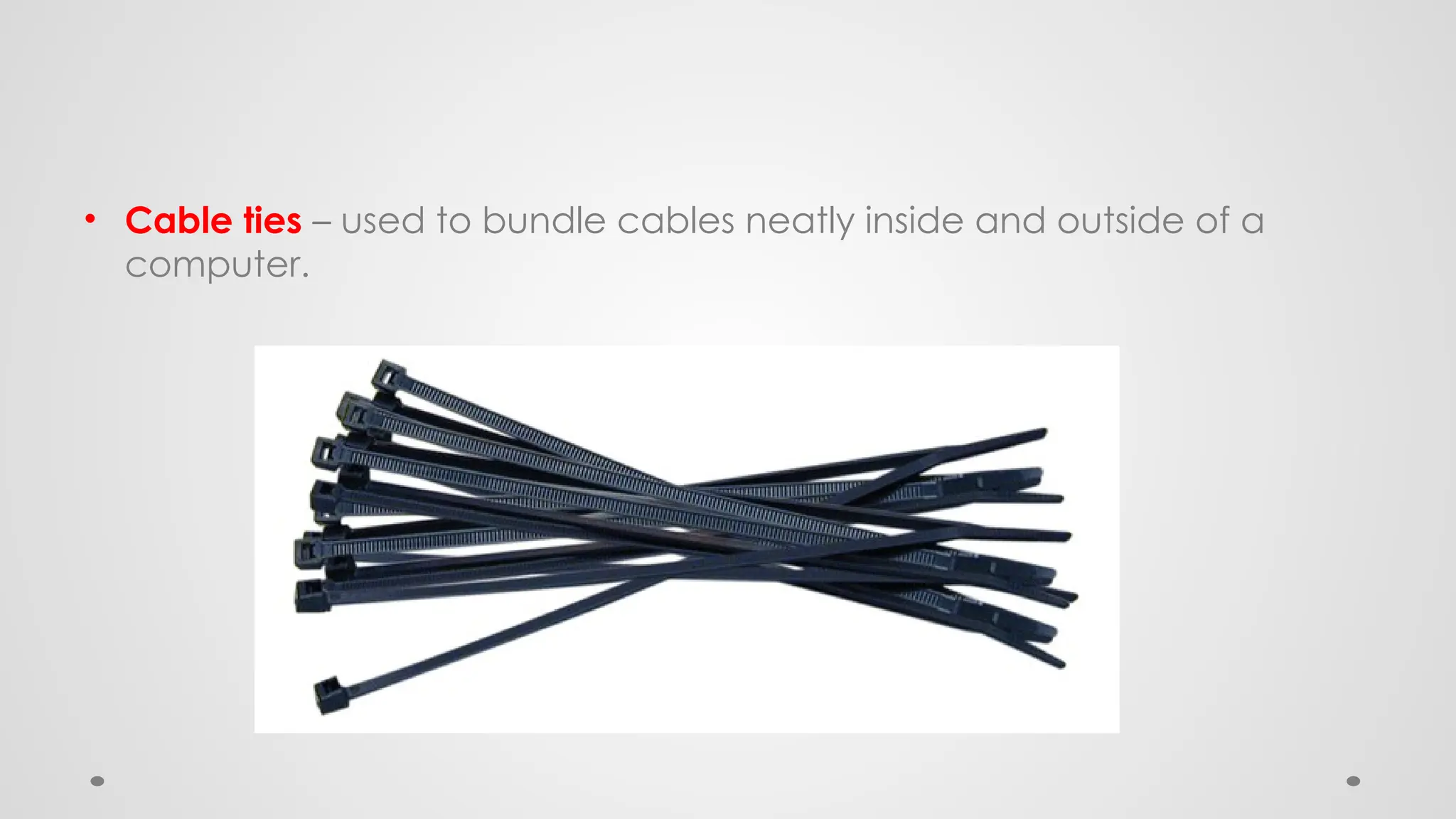
• Cable ties – used to bundle cables neatly inside and outside of a
computer.
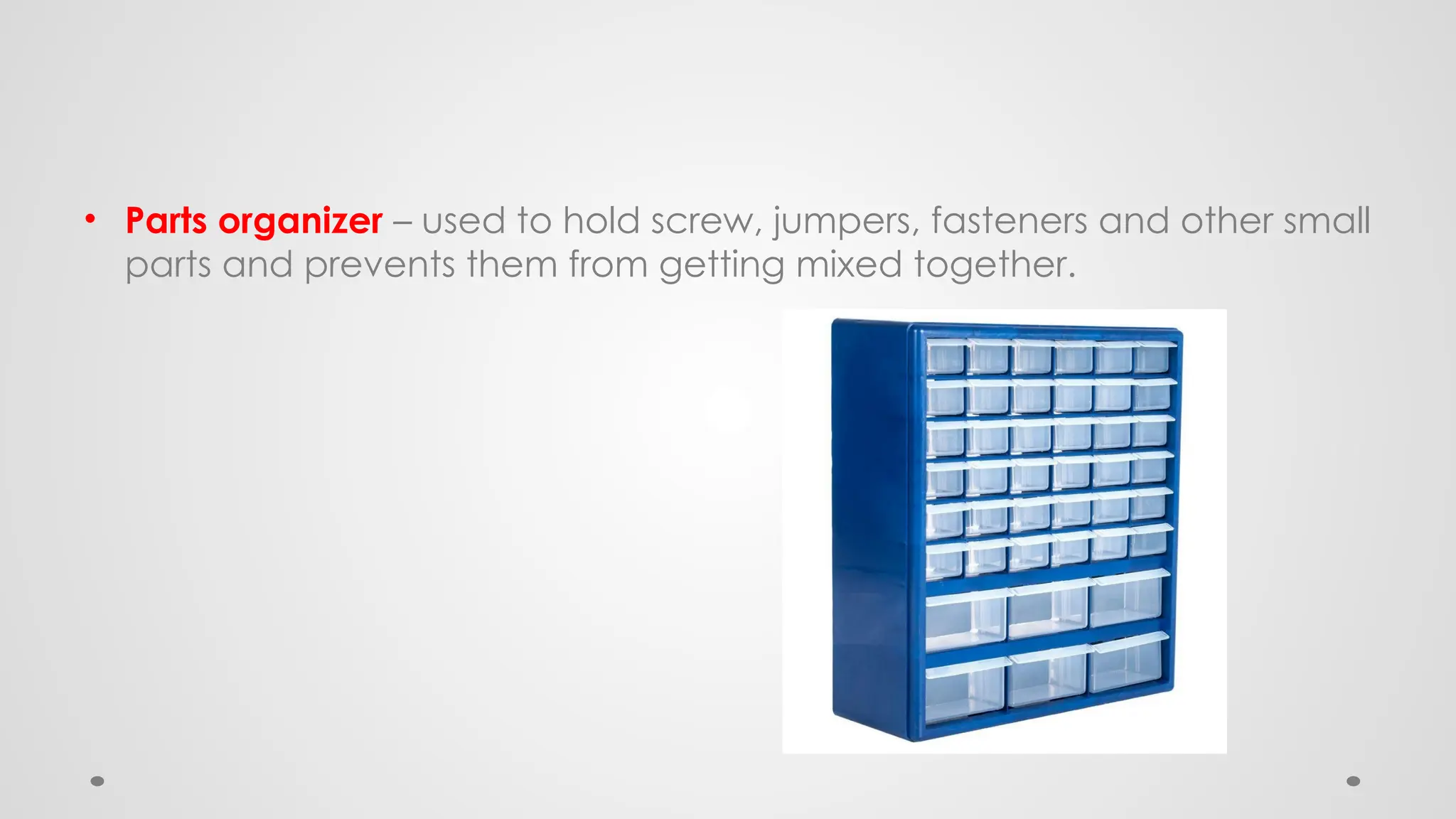
• Parts organizer – used to hold screw, jumpers, fasteners and other small
parts and prevents them from getting mixed together.
Diagnostic Tools
• Computers are easier to use and more dependable with each new
generation of hardware and operating system update, but that
doesn't mean they're problem-free. Here's the most popular tools for
diagnosing your computer problems:
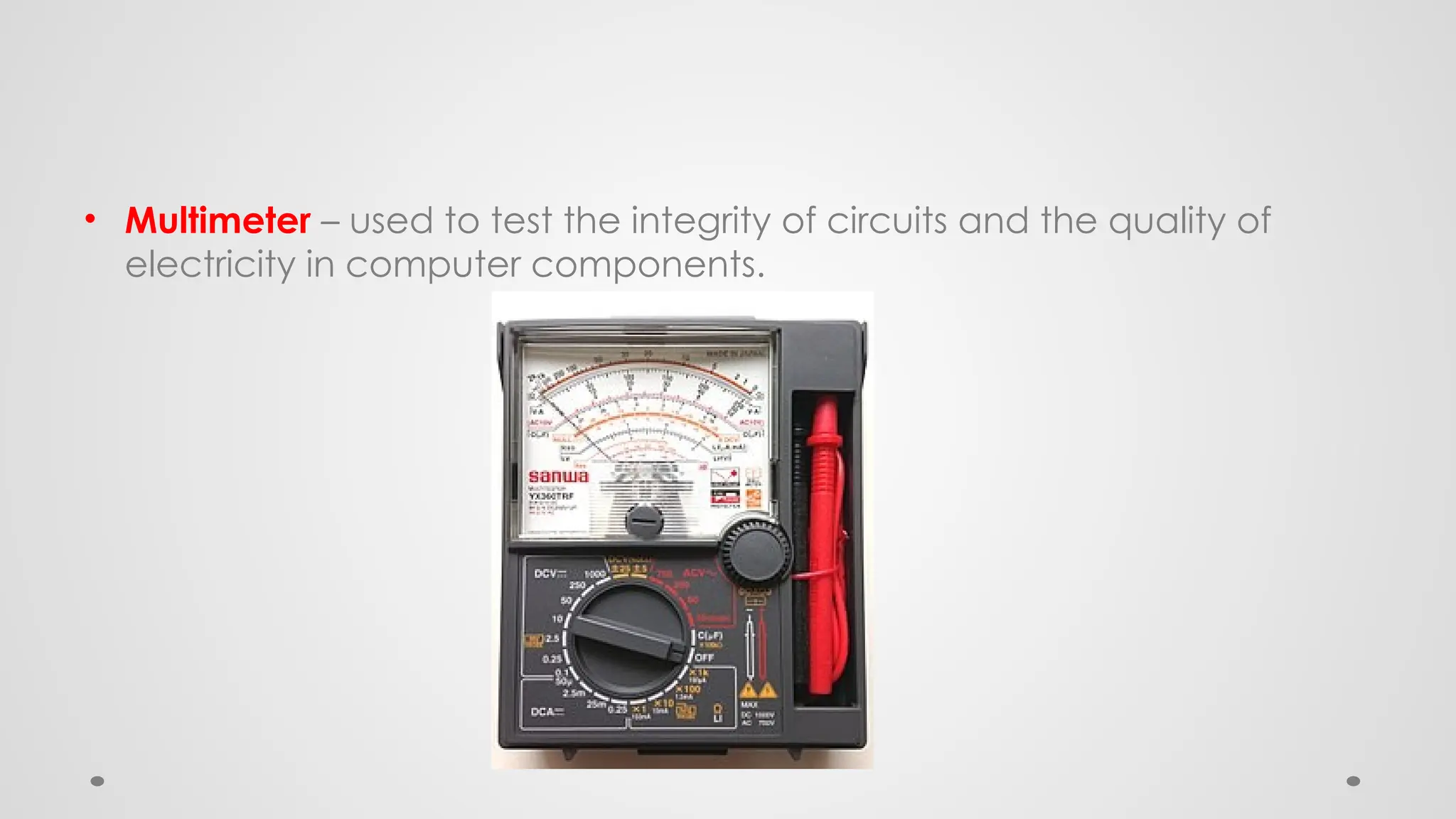
• Multimeter – used to test the integrity of circuits and the quality of
electricity in computer components.
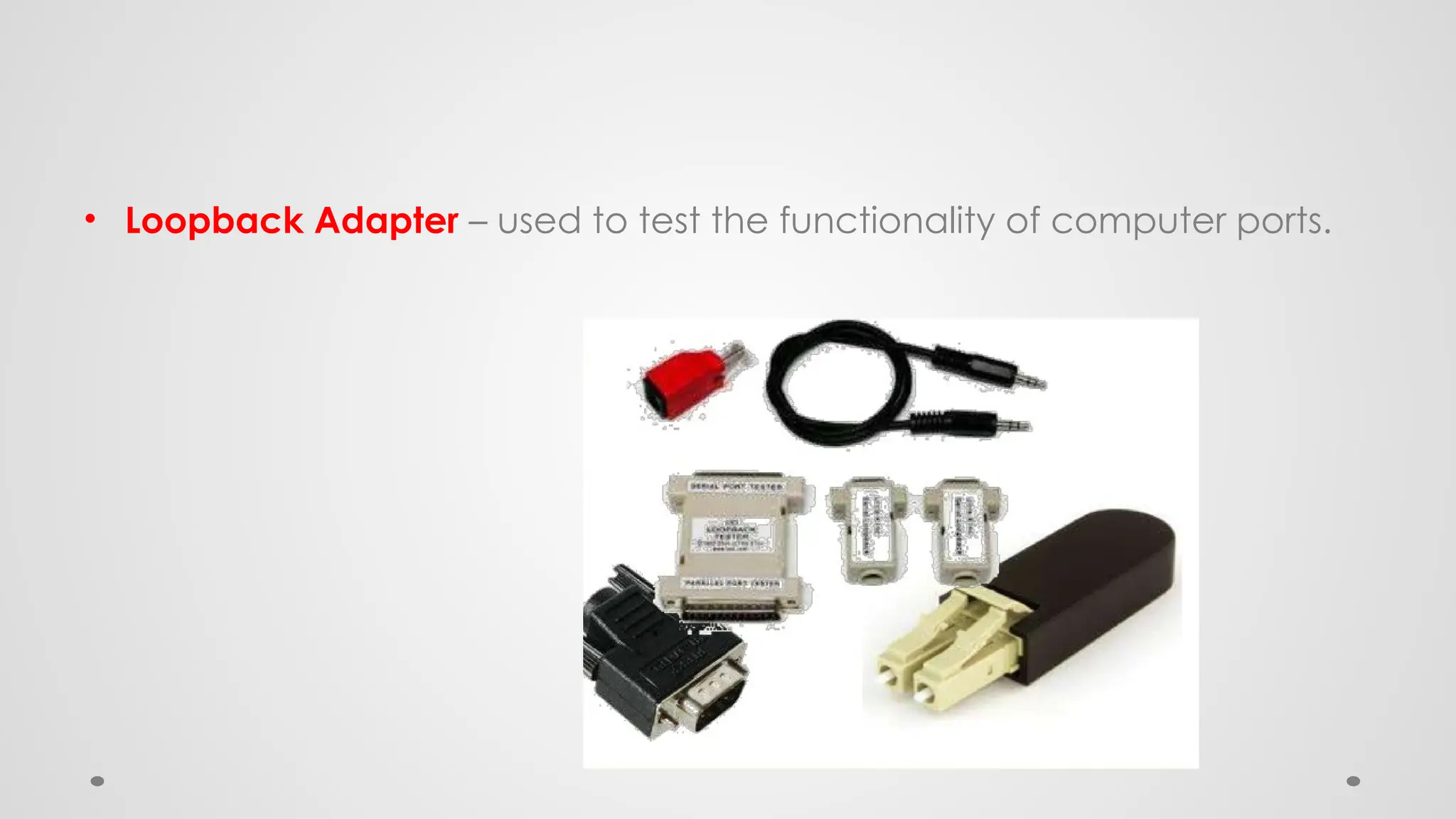
• Loopback Adapter – used to test the functionality of computer ports.
Quiz # 1
• 20 items quiz
• Prepare ¼ sheet of paper Or cut form your notebook ( ¼ size)
• Quiz in 10 minutes
• Open notes

COMPUTER SYSTEMS SERVICING -COMPUTER HARDWARE TOOLS.pptx

  • 1.
  • 2.
    JONALD L. PALMA •BS INFORMATION TECHNOLOGY o UNIVERSITY OF THE IMMACULATE CONCEPTION – DAVAO CITY • TEACHER CERTIFICATION PROGRAM o DAVAO DEL SUR STATE COLLEGE • LICENSED PROFESSIONAL TEACHER o COMPUTER SYSTEM SERVICING o EMPOWERMENT TECHNOLOGIES / ICT o COMPUTER / IT TECHNICIAN o COMPUTER LABORATORY IN-CHARGE
  • 4.
    Objectives • To determinedifferent Hand Tools to be used in Computer peripherals • To know what are hand tools to be prepared in handling different computer parts • To familiarized different hand tools
  • 5.
    Definition of Terms •Bin - a container or enclosed space for storage. • Computer chassis - the enclosure that contains most of the components of a computer. • Diagnostic tools - used to test the integrity of circuits and the quality of electricity in computer components and to test the functionality of computer ports. • Hazards - risks; dangers.
  • 6.
    • Insulation -- - - - - a material that reduces or prevents the transmission of heat or sound or electricity. • Nozzle - - - - - - - - -a projecting part with an opening, as at the end of a hose, for regulating and directing a flow of fluid. • Preventive - intended or used to prevent or hinder. • Static electricity - an accumulation of electric charge on an insulated body. • Tool - - - - - - - - - a handheld device that aids in accomplishing a task. • Toolkit - - - - - - - a set of tools designed to be used together or for a particular purpose.
  • 7.
    HARDWARE TOOLS Hardware toolsare grouped into these four categories: • Electro-Static Discharge (ESD) tools • Hand tools • Cleaning tools • Diagnostic tools
  • 8.
    Electro-Static Discharge (ESD) Tools •Anti-static wrist strap – used to prevent ESD damage to computer equipment.
  • 9.
    • Anti-static mat– used to stand on or place hardware on to prevent static electricity from building up.
  • 10.
    Hand Tools • Flathead screwdriver – used to loosen or tighten slotted screws.
  • 11.
    • Philips headscrewdriver – used to loosen or tighten crosshead screws.
  • 12.
    • Torx screwdriver- used to loosen or tighten screws that have a star-like depression on the top, a feature that is mainly found on laptop.
  • 13.
    • Hex driver– sometimes called a nut driver, is used to tighten nuts in the same way that a screwdriver tightens screws.
  • 14.
    • Needle-nose plier– used to hold small parts.
  • 15.
    • Wire cutter– used to strip and cut wires
  • 16.
    • Tweezers –used to manipulate small parts
  • 17.
    • Part retriever– used to retrieve parts from location that are to small for your hand to fit.
  • 18.
    • Flashlight –used to light up areas that you cannot see well.
  • 19.
    Cleaning Tools • Havingthe appropriate cleaning tools is essential when maintaining or repairing computers. Using these tools ensures that computer components are not damaged during cleaning.
  • 20.
    • Lint-free cloth– used to clean different computer components without scratching or leaving debris.
  • 21.
    • Compressed air– used to blow away dust and debris from different computer parts without touching the components.
  • 22.
    • Cable ties– used to bundle cables neatly inside and outside of a computer.
  • 23.
    • Parts organizer– used to hold screw, jumpers, fasteners and other small parts and prevents them from getting mixed together.
  • 24.
    Diagnostic Tools • Computersare easier to use and more dependable with each new generation of hardware and operating system update, but that doesn't mean they're problem-free. Here's the most popular tools for diagnosing your computer problems:
  • 25.
    • Multimeter –used to test the integrity of circuits and the quality of electricity in computer components.
  • 26.
    • Loopback Adapter– used to test the functionality of computer ports.
  • 27.
    Quiz # 1 •20 items quiz • Prepare ¼ sheet of paper Or cut form your notebook ( ¼ size) • Quiz in 10 minutes • Open notes