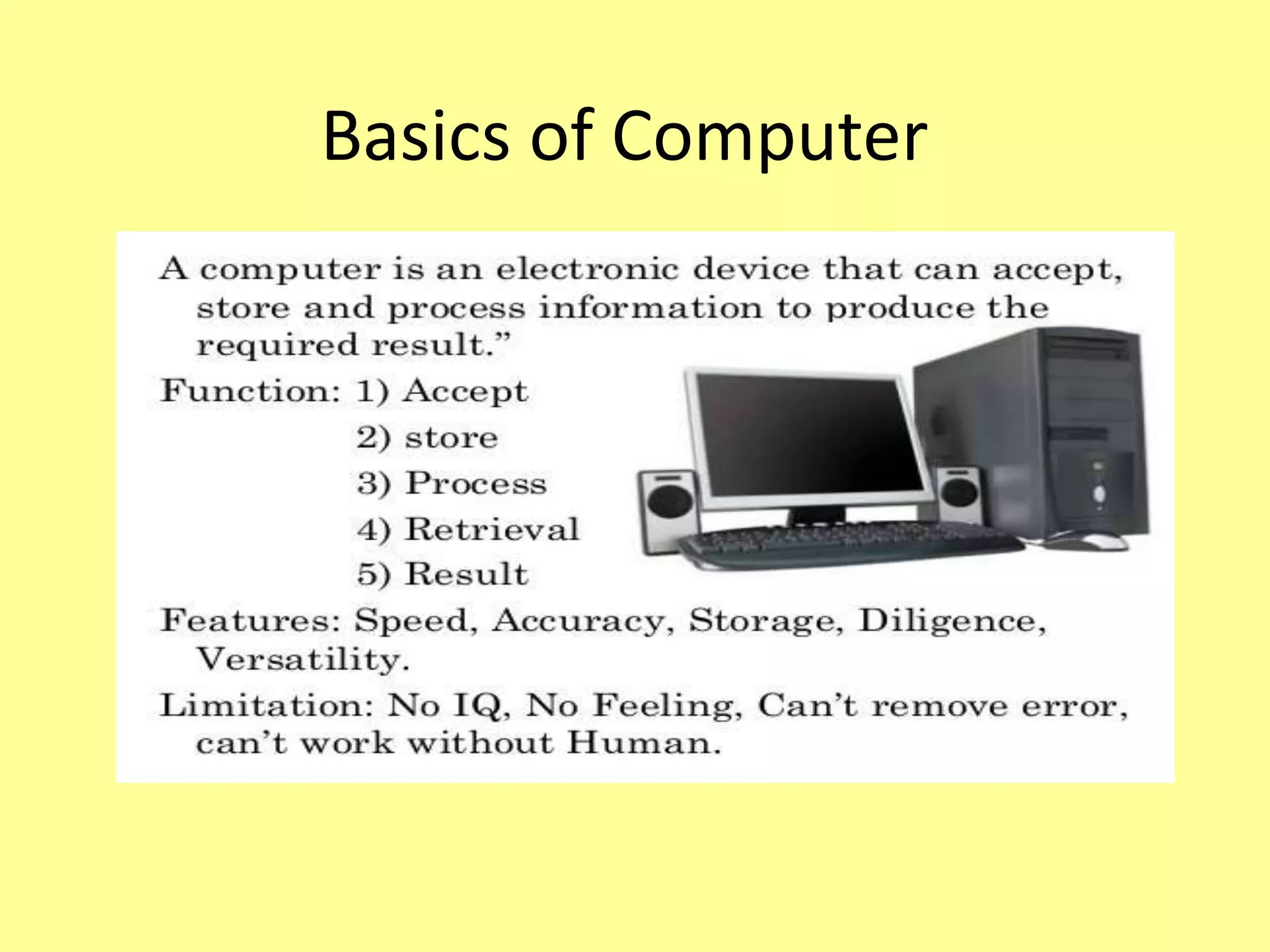
Basics of Computer
Input Devices
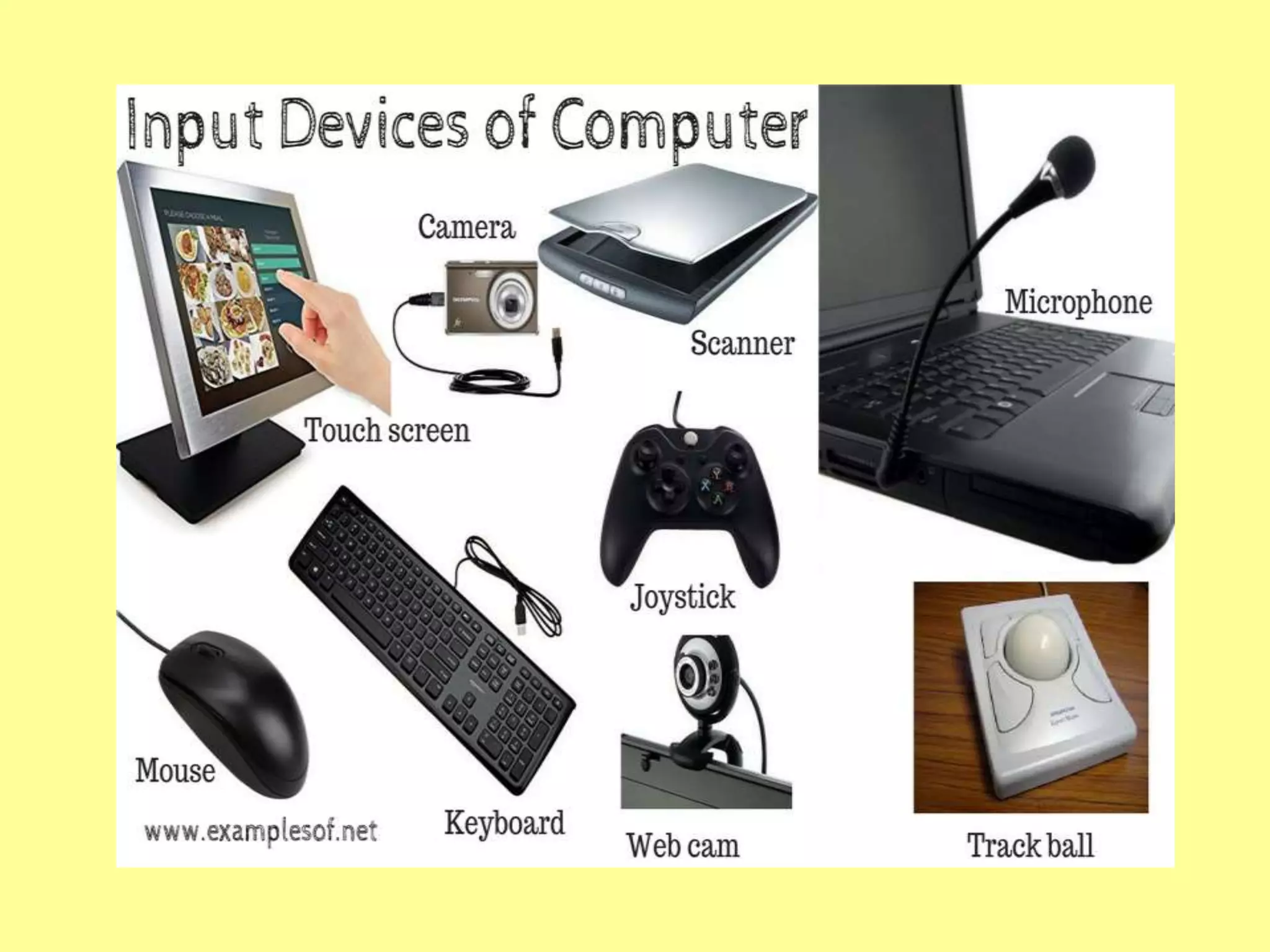
• Purpose: send the data and instructions to the
computer.
• Types:
1.Keyboard – Functional keys for various operations.
2. Mouse – using click, double clicked or right
clicked to perform task.
3. Trackball- similar to mouse, it has ball on the top
rolled with finger.
4.Joystick – used to move objects (playing Games)
5. Light pen – for drawing objects directly on the
screen. (pointing device)
• Scanner – to scan or transfer photos.
• Web Camera - camera attached with the
system for video chatting and video
conferencing.
• Digital Camera - takes still photograph in
digital form.
• Microphone – input and record voice, sound
and music.
Output Devices
• used to display results on the output devices.
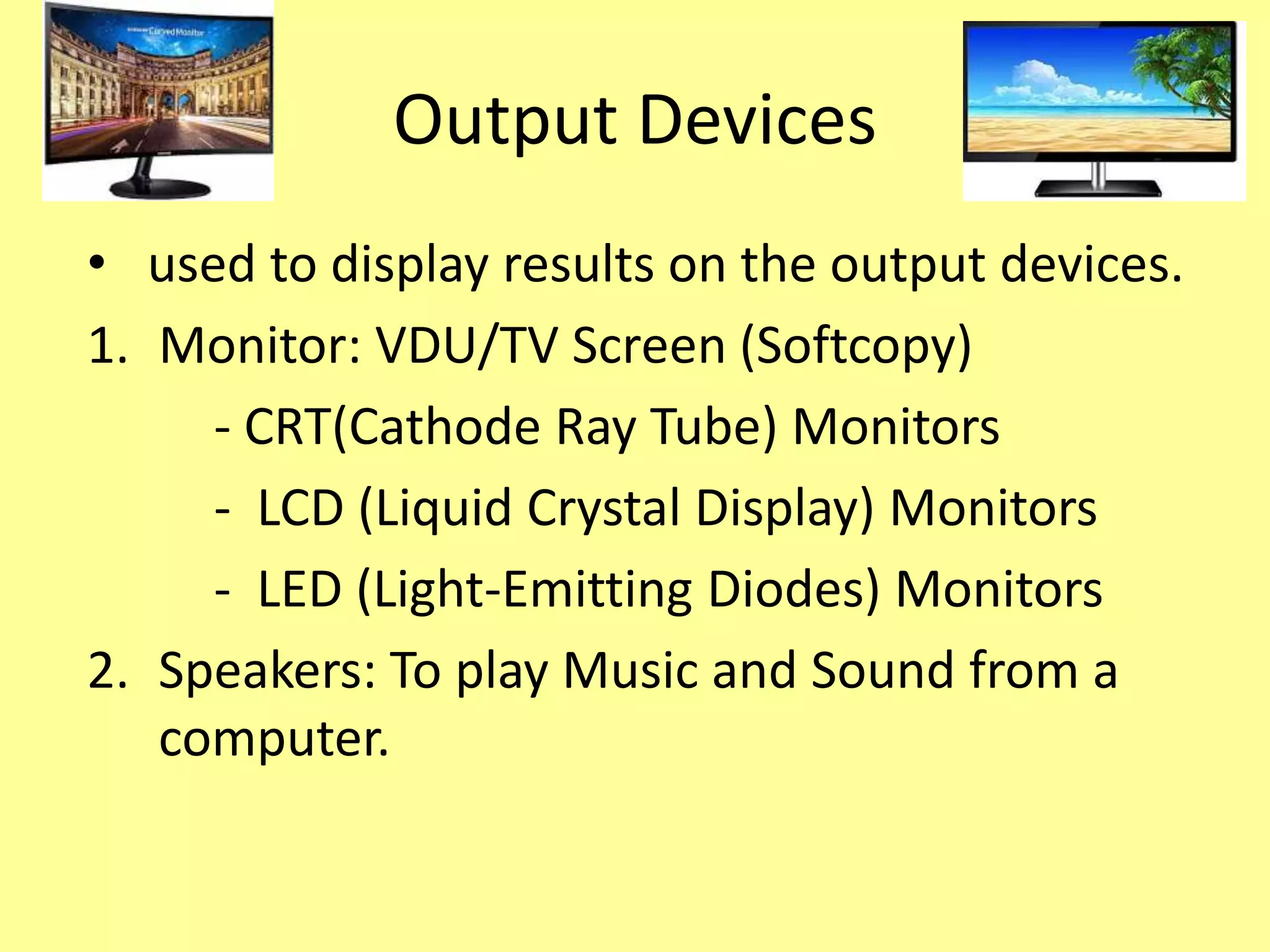
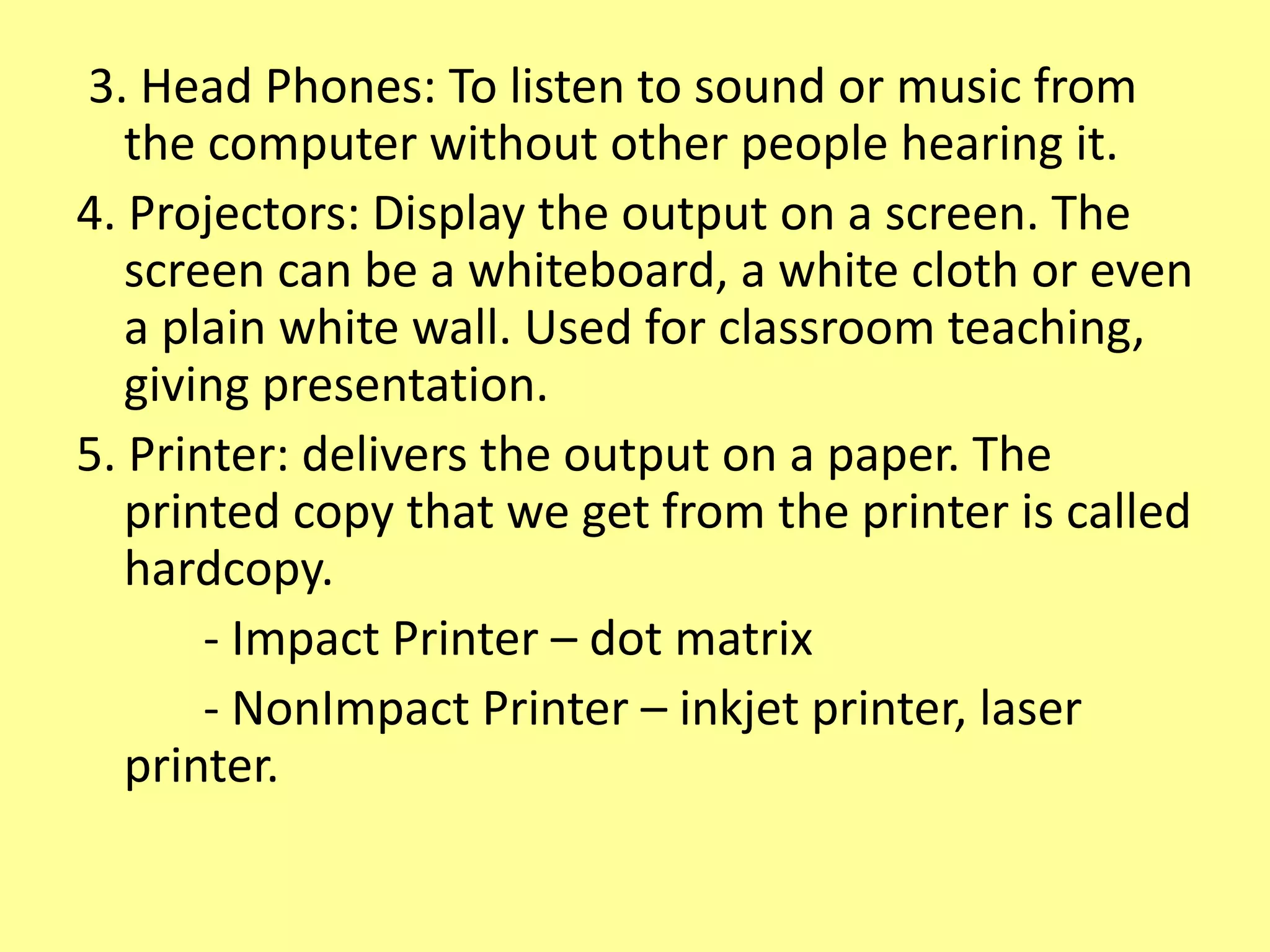
1. Monitor: VDU/TV Screen (Softcopy)
- CRT(Cathode Ray Tube) Monitors
- LCD (Liquid Crystal Display) Monitors
- LED (Light-Emitting Diodes) Monitors
2. Speakers: To play Music and Sound from a
computer.
3. Head Phones: To listen to sound or music from
the computer without other people hearing it.
4. Projectors: Display the output on a screen. The
screen can be a whiteboard, a white cloth or even
a plain white wall. Used for classroom teaching,
giving presentation.
5. Printer: delivers the output on a paper. The
printed copy that we get from the printer is called
hardcopy.
- Impact Printer – dot matrix
- NonImpact Printer – inkjet printer, laser
printer.
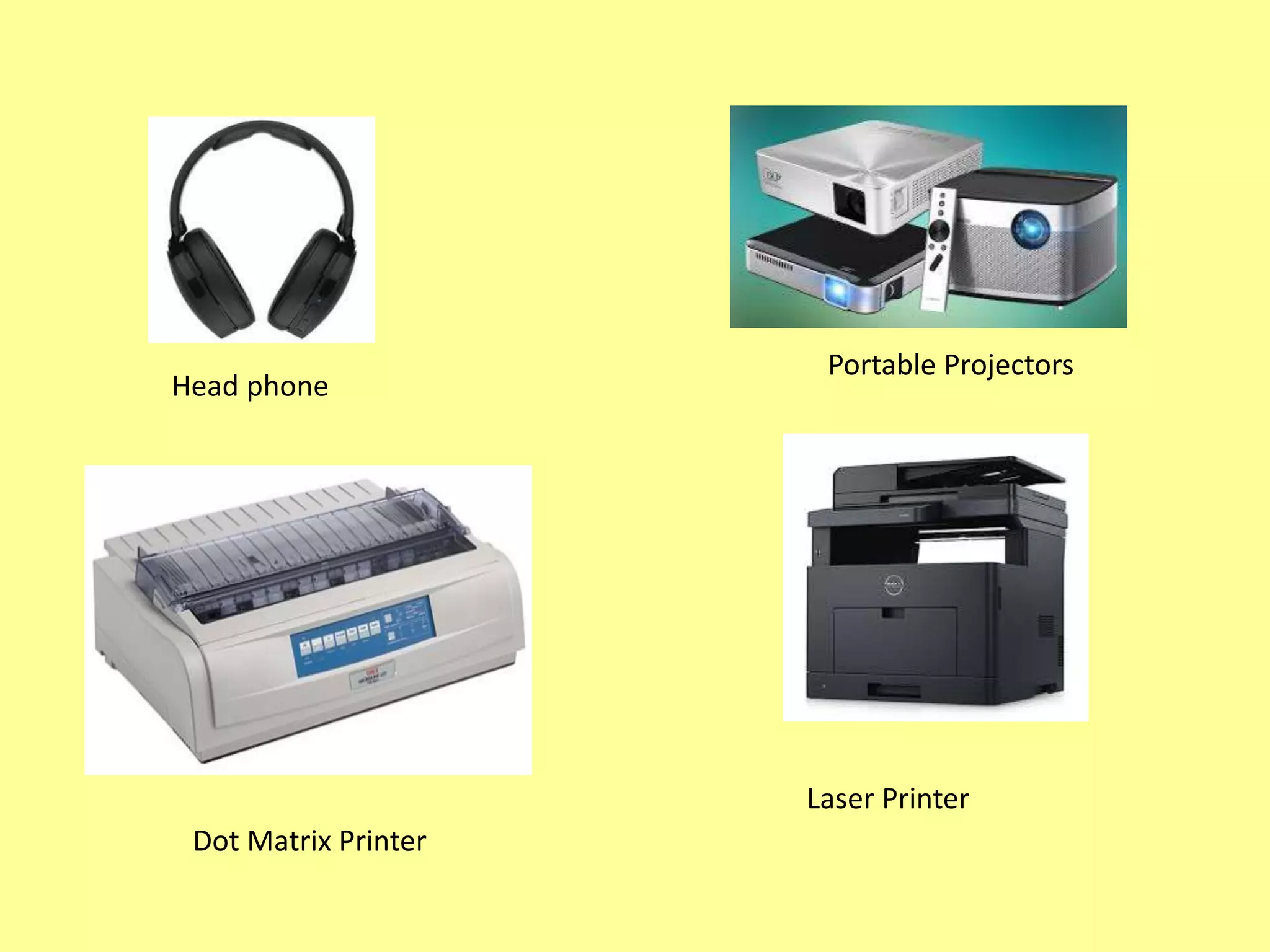
Head phone
Portable Projectors
Dot Matrix Printer
Laser Printer
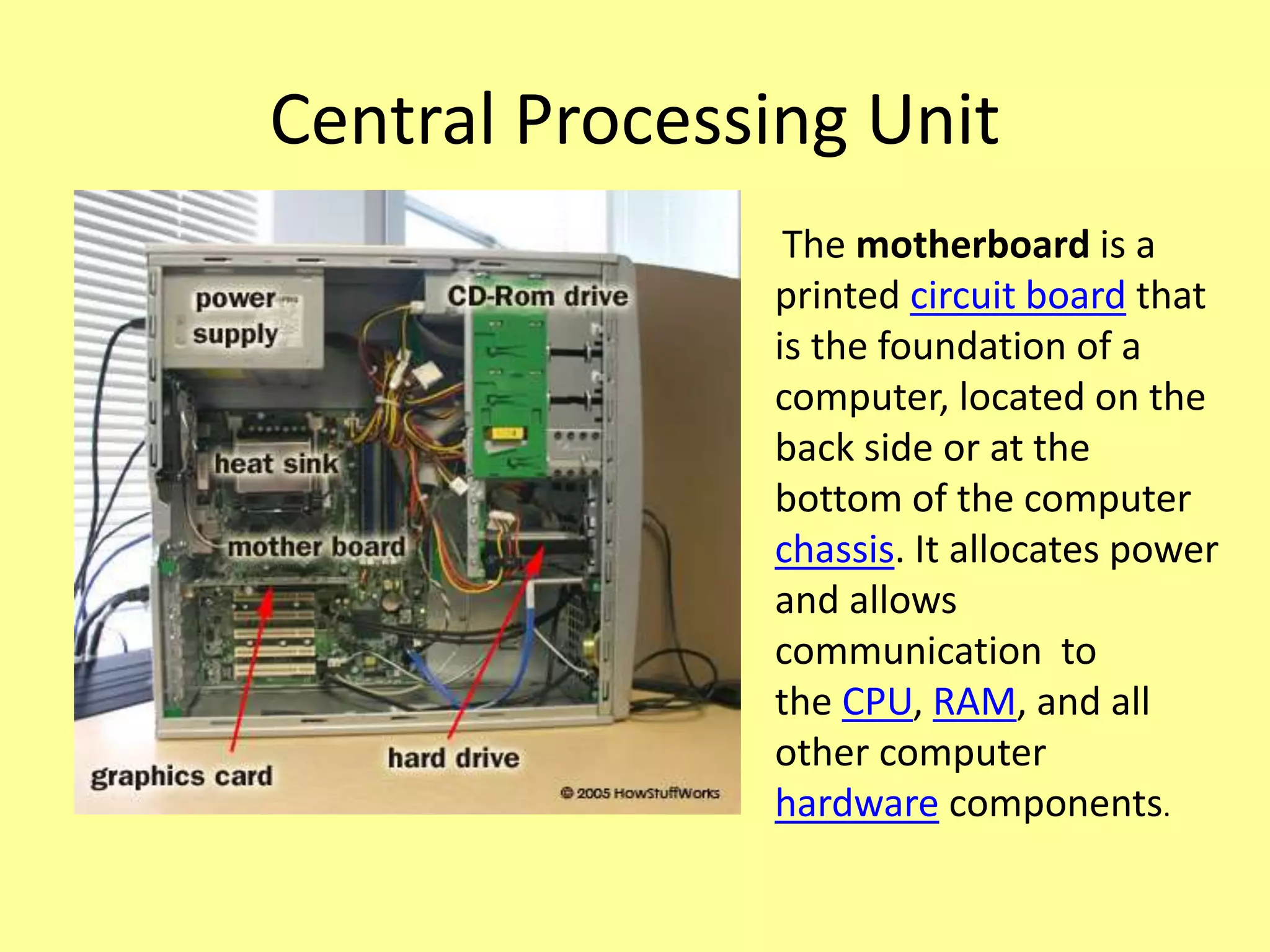
Central Processing Unit
The motherboard is a
printed circuit board that
is the foundation of a
computer, located on the
back side or at the
bottom of the computer
chassis. It allocates power
and allows
communication to
the CPU, RAM, and all
other computer
hardware components.
Memory
• Store data and instructions into the
memory.
• Types of Memory:
- RAM (Random Access Memory)
- ROM (Read Only Memory)
Random Access Memory
•RAM (Random Access Memory) is the internal
memory of the CPU for storing data, program, and
program result. It is a read/write memory which
stores data until the machine is working. As soon as
the machine is switched off, data is erased.
• Volatile memory
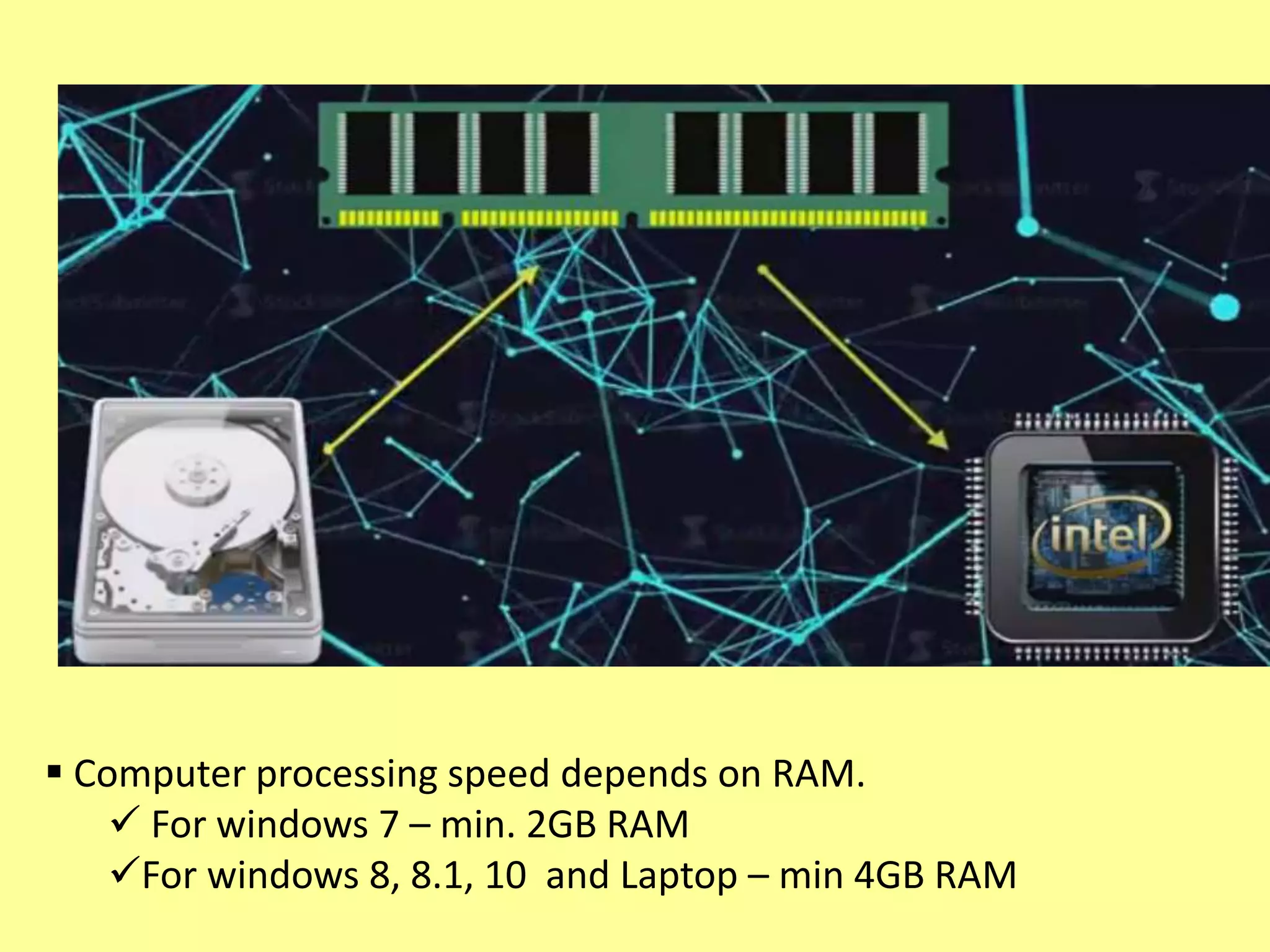
•If you want to use any application / data, first loaded
into RAM then accessed by the processor for
computation or process….
 Computer processing speed depends on RAM.
 For windows 7 – min. 2GB RAM
For windows 8, 8.1, 10 and Laptop – min 4GB RAM
Read Only Memory
• The memory from which we can only read but
cannot write on it. This type of memory is non-
volatile.
• The information(to start a computer) is stored
permanently in the memory during manufacture.
• (e.g) not only Computer, electronic items like
washing machine, mobile and microwave oven.
• Types: MROM (Masked ROM), PROM
(Programmable Read Only Memory), EPROM
(Erasable and Programmable Read Only Memory)
EEPROM (Electrically Erasable PROM)
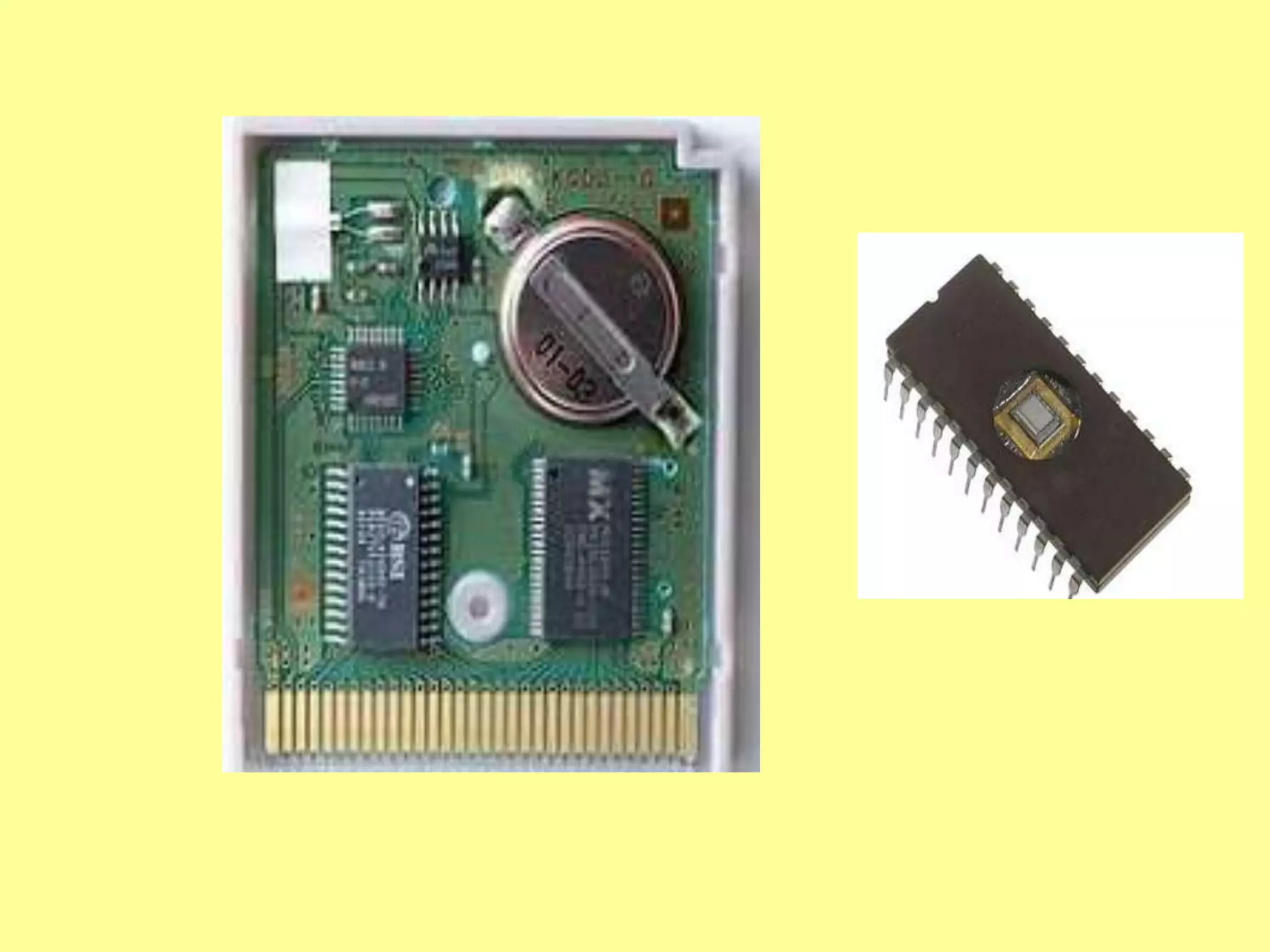
• MROM - The very first ROMs were hard-wired
devices that contained a pre-programmed set
of data or instructions.
• PROM- The user buys a blank PROM and
enters the desired contents using a PROM
program.
• EPROM- content can be erased by exposing it
to ultra-violet light for a duration of up to 40
minutes.
• EEPROM - an be erased and reprogrammed
about ten thousand times. Any location can be
selectively erased and programmed.
Storage Devices
Primary Storage device: medium that holds
memory for short periods of time while a
computer is running. (e.g.,) RAM, Cache
Secondary Storage Device:
external memory, secondary memory,
and auxiliary storage, asecondary storage
device is a non-volatiledevice that holds data
until it is deleted or overwritten.
(e.g.,) Hard drive
Teritary Storage Device:
• Typically it involves a robotic mechanism
which will mount (insert) and dismount
removable mass storage media into a storage
device. (e.g.,) Magnetic Tape, Optical Disc
(Blu-ray Disc, CD and DVD)
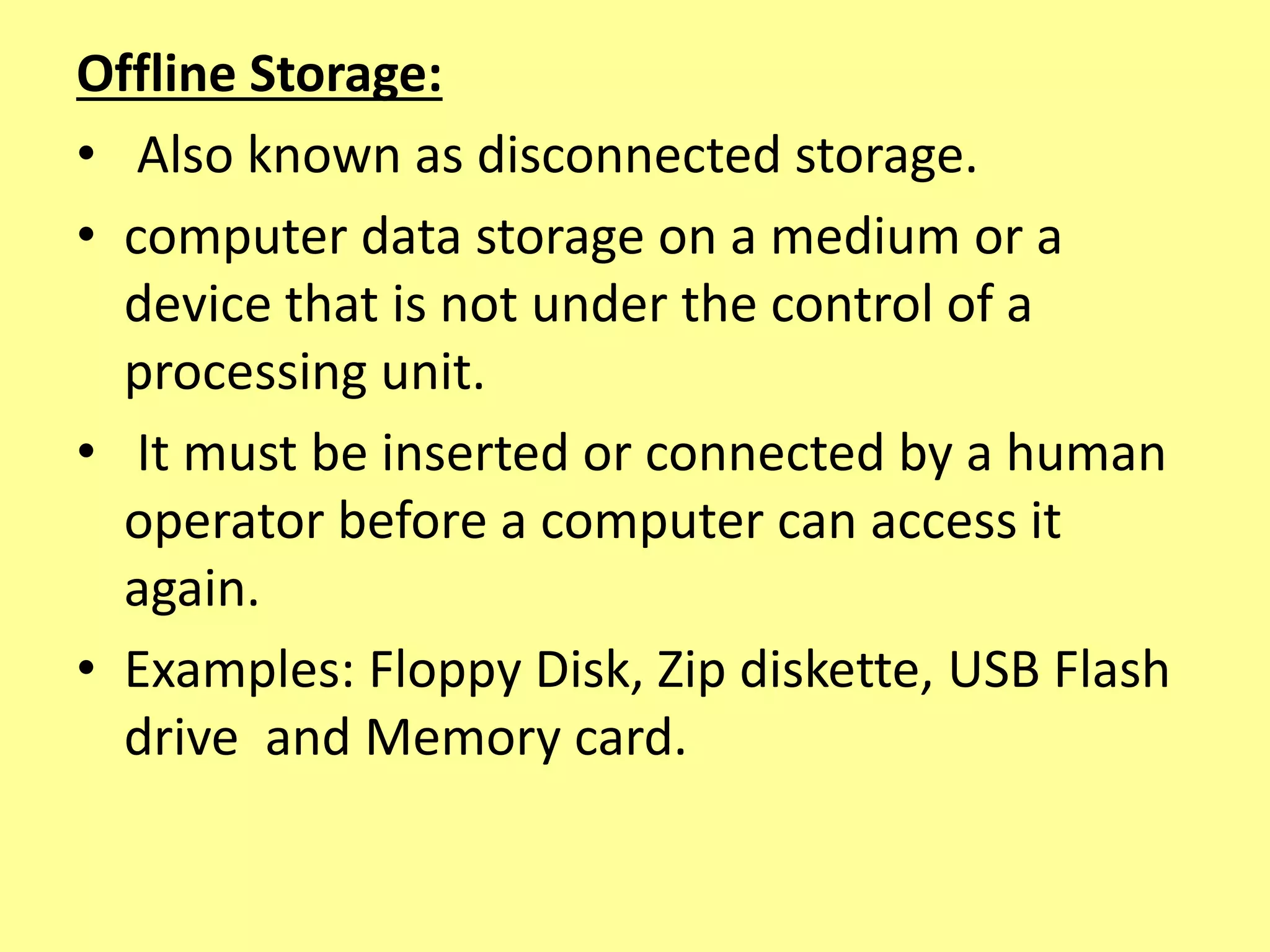
Offline Storage:
• Also known as disconnected storage.
• computer data storage on a medium or a
device that is not under the control of a
processing unit.
• It must be inserted or connected by a human
operator before a computer can access it
again.
• Examples: Floppy Disk, Zip diskette, USB Flash
drive and Memory card.
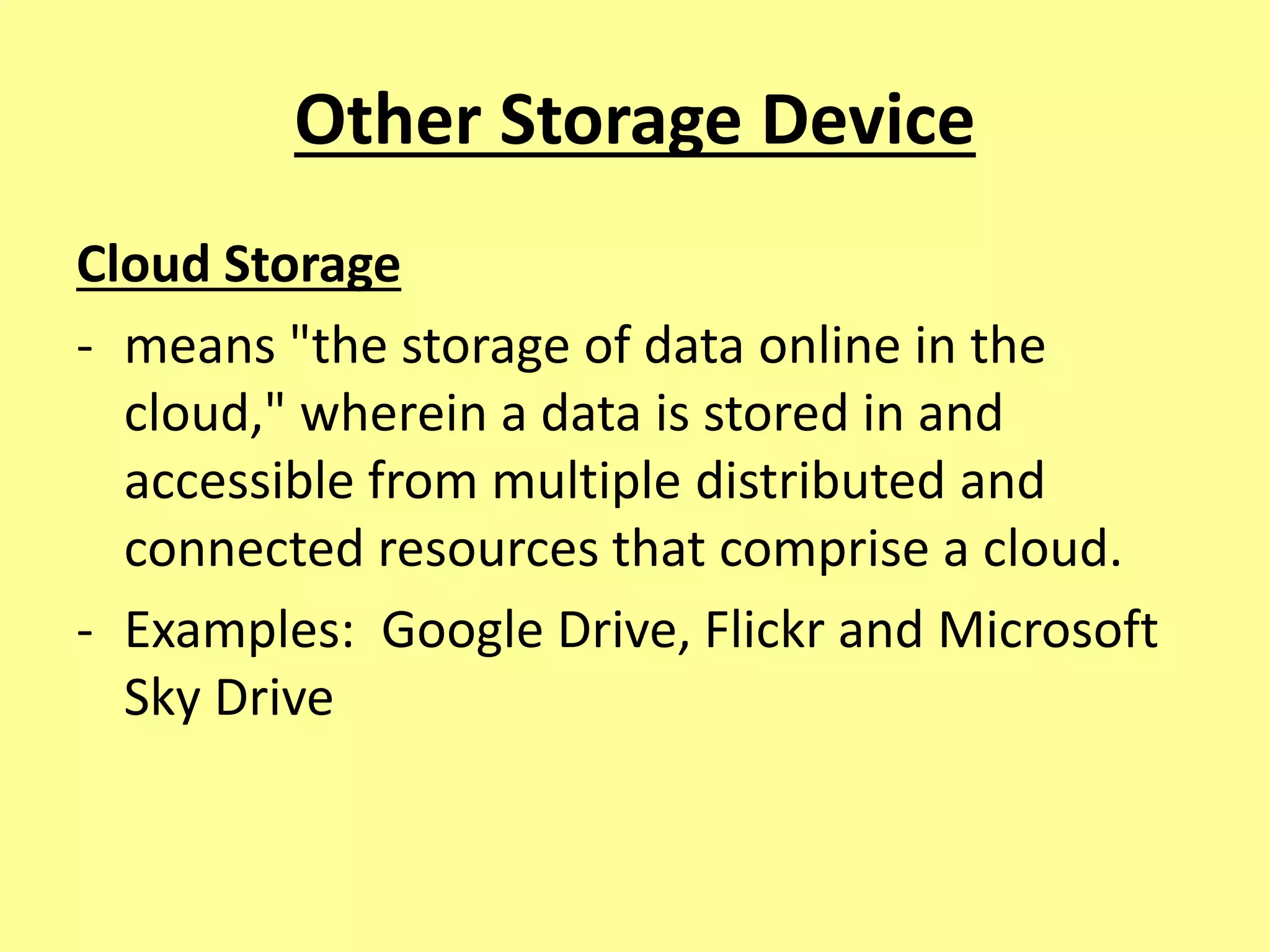
Other Storage Device
Cloud Storage
- means "the storage of data online in the
cloud," wherein a data is stored in and
accessible from multiple distributed and
connected resources that comprise a cloud.
- Examples: Google Drive, Flickr and Microsoft
Sky Drive
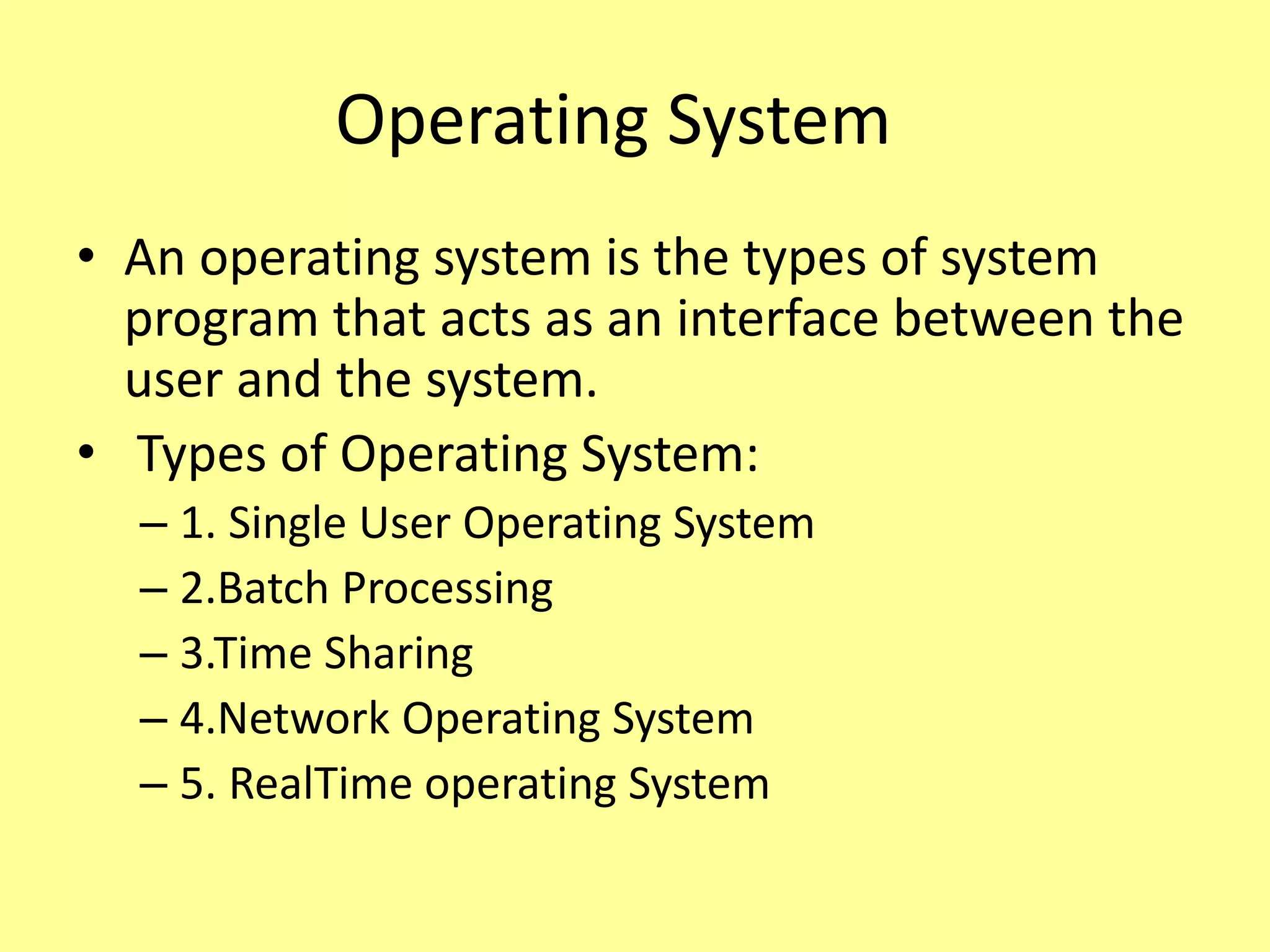
Operating System
• An operating system is the types of system
program that acts as an interface between the
user and the system.
• Types of Operating System:
– 1. Single User Operating System
– 2.Batch Processing
– 3.Time Sharing
– 4.Network Operating System
– 5. RealTime operating System
1. Single User Operating System
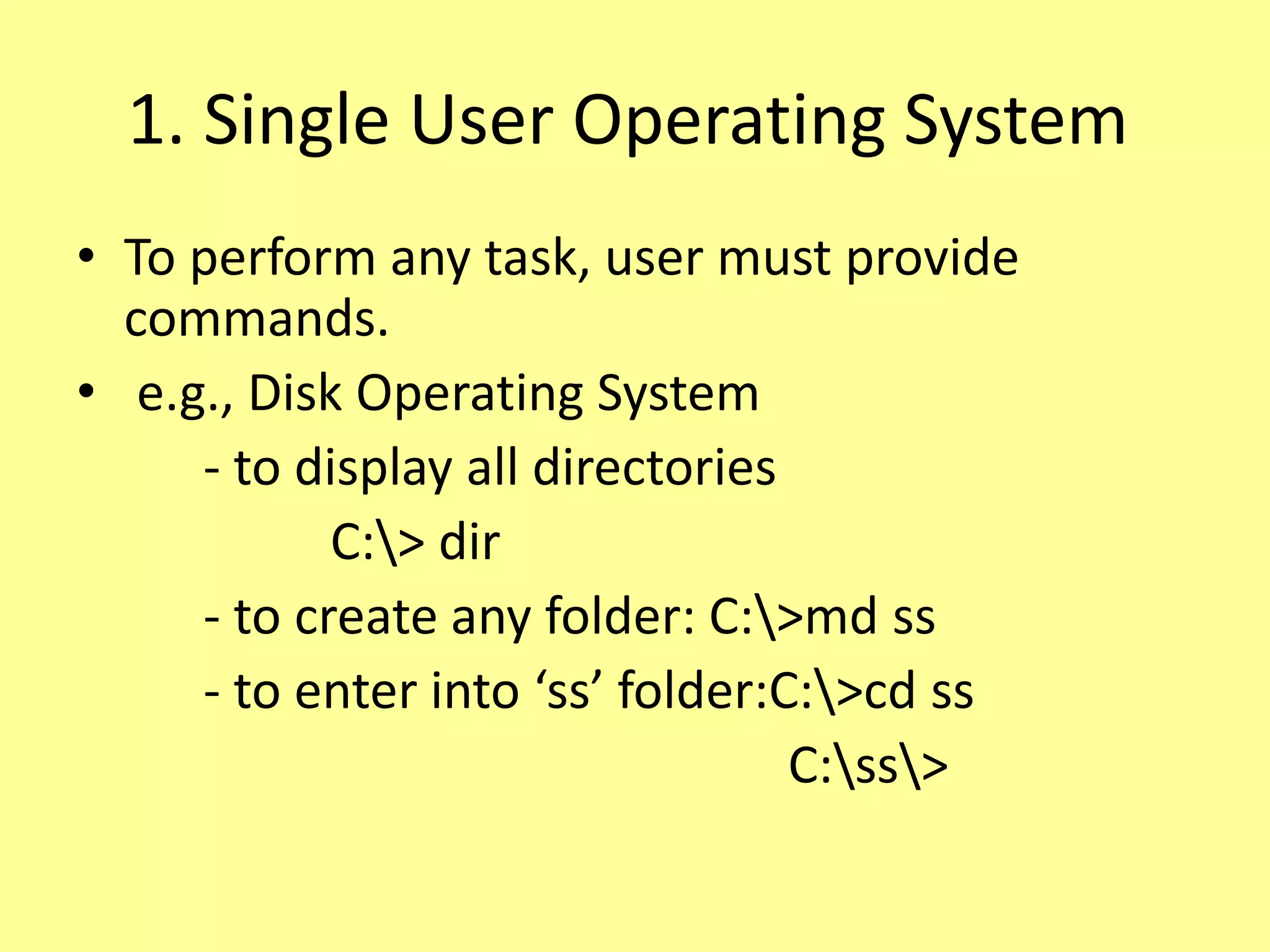
• To perform any task, user must provide
commands.
• e.g., Disk Operating System
- to display all directories
C:> dir
- to create any folder: C:>md ss
- to enter into ‘ss’ folder:C:>cd ss
C:ss>
2.Batch Processing OS
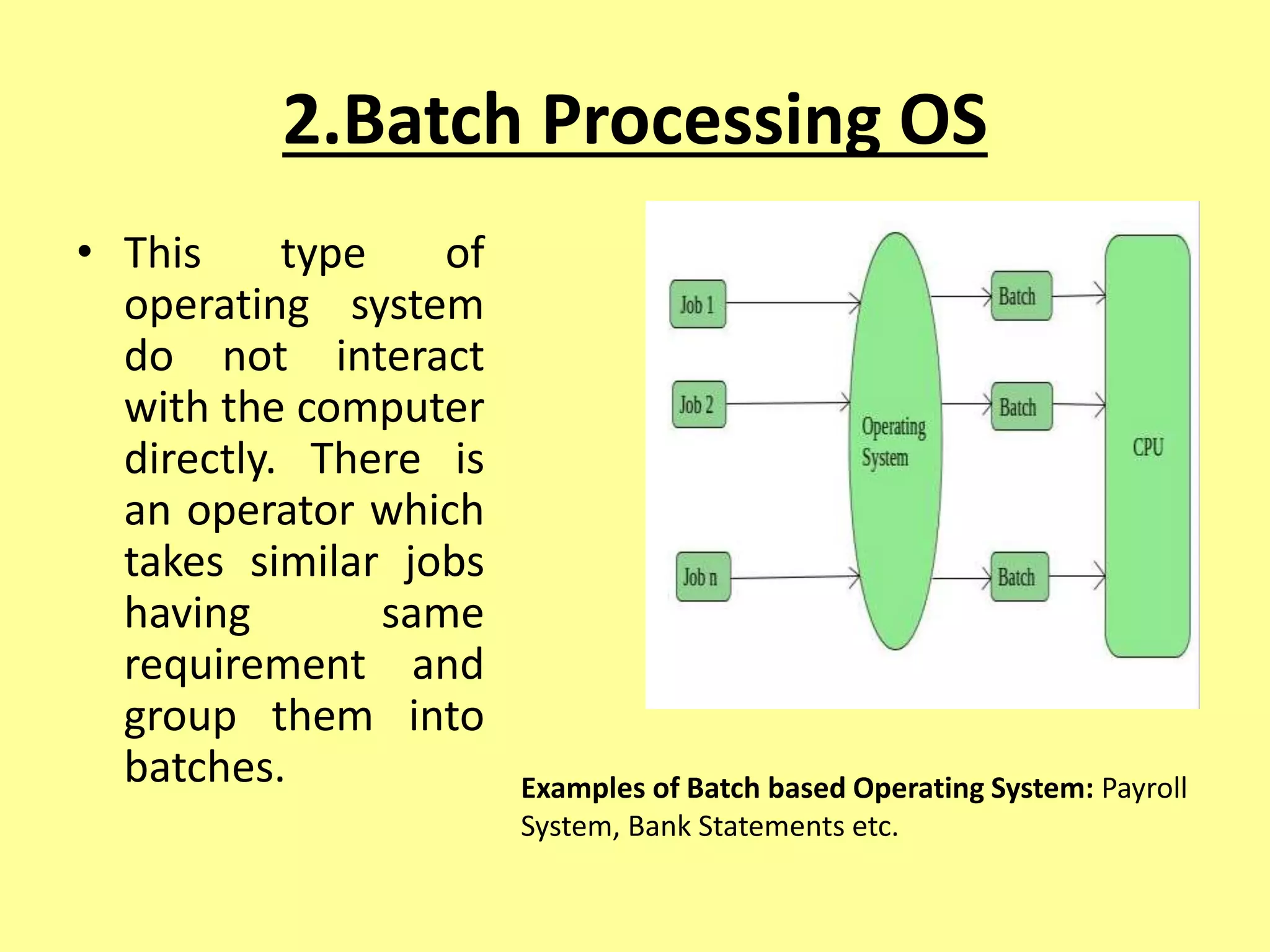
• This type of
operating system
do not interact
with the computer
directly. There is
an operator which
takes similar jobs
having same
requirement and
group them into
batches. Examples of Batch based Operating System: Payroll
System, Bank Statements etc.
3.Time Sharing
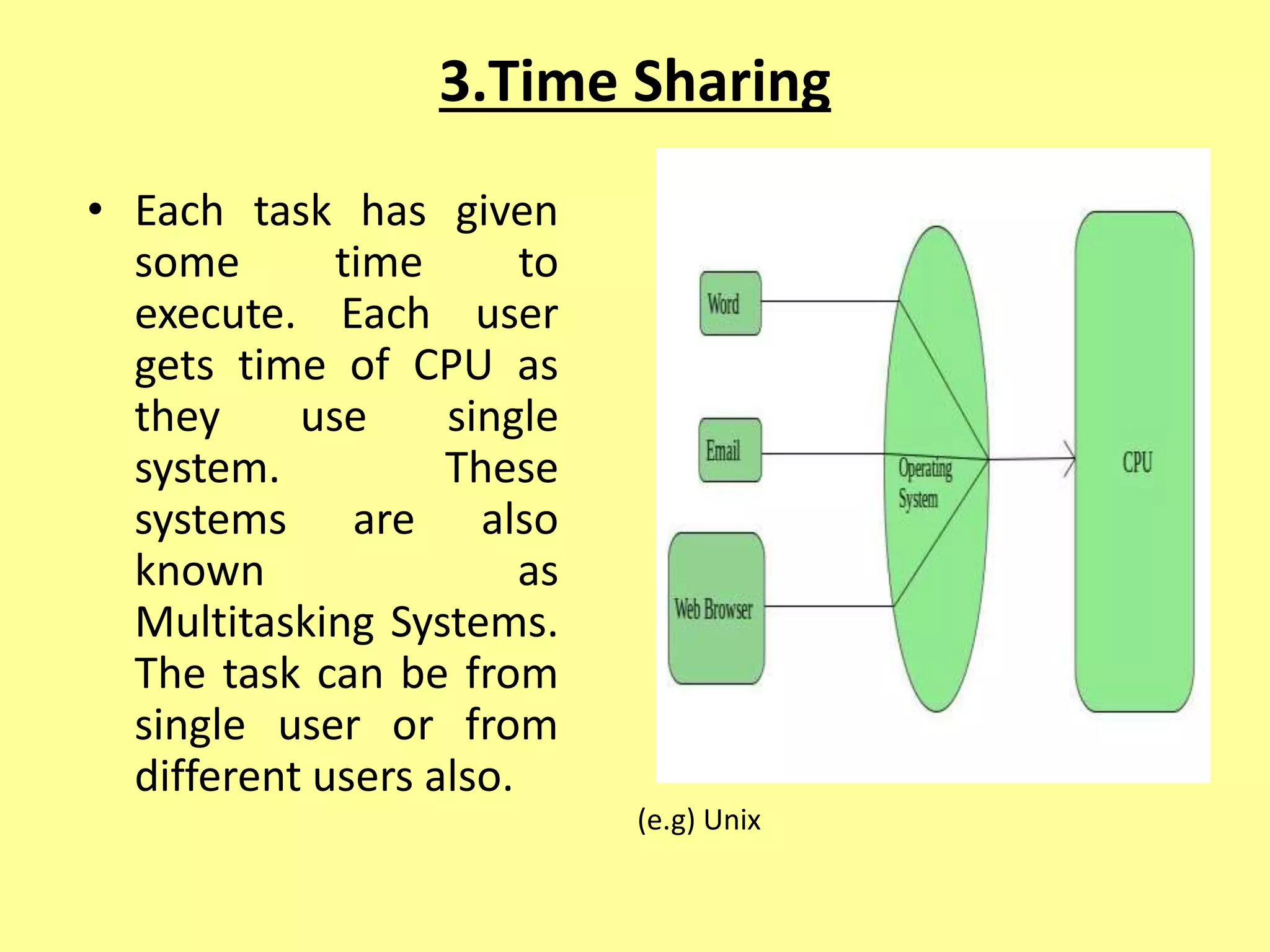
• Each task has given
some time to
execute. Each user
gets time of CPU as
they use single
system. These
systems are also
known as
Multitasking Systems.
The task can be from
single user or from
different users also.
(e.g) Unix
4.Network Operating System
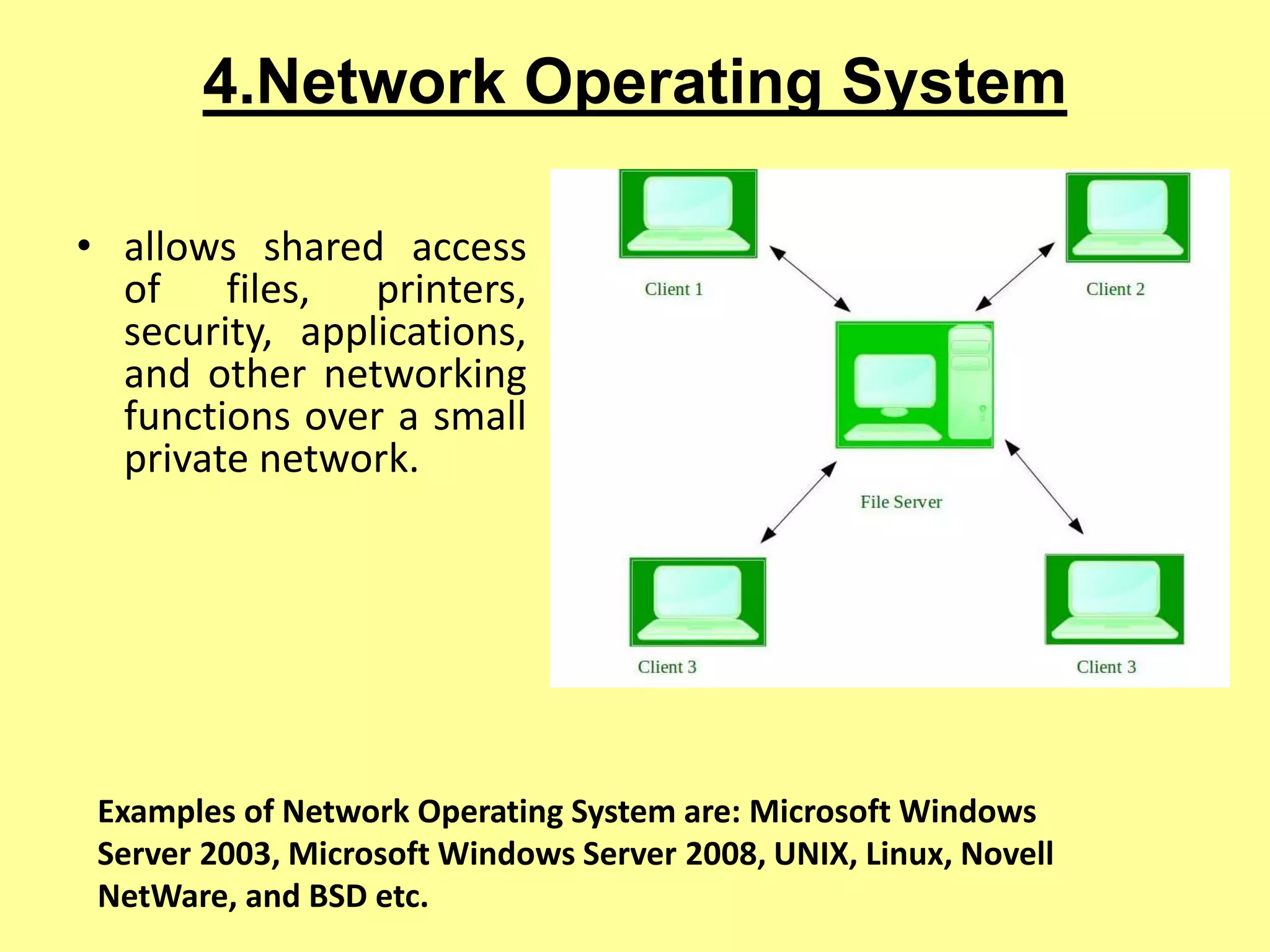
• allows shared access
of files, printers,
security, applications,
and other networking
functions over a small
private network.
Examples of Network Operating System are: Microsoft Windows
Server 2003, Microsoft Windows Server 2008, UNIX, Linux, Novell
NetWare, and BSD etc.
5. Real Time operating System
• Generally special-purpose ones designed to
run embedded or specialized systems.
• Nowadays embedded systems can be found all
around us. Be it on cellphones, air
conditioners, digital homes, cars etc. Little we
realize their contribution in making our life
comfortable and safe.
• Examples of Real-Time Operating Systems
are: LynxOS (LynuxWorks), OSE(Operating
System Embedded) , QNX , RTLinux, VxWorks,
Windows CE (Windows Embedded Compact)
Mobile Operating System
Android:
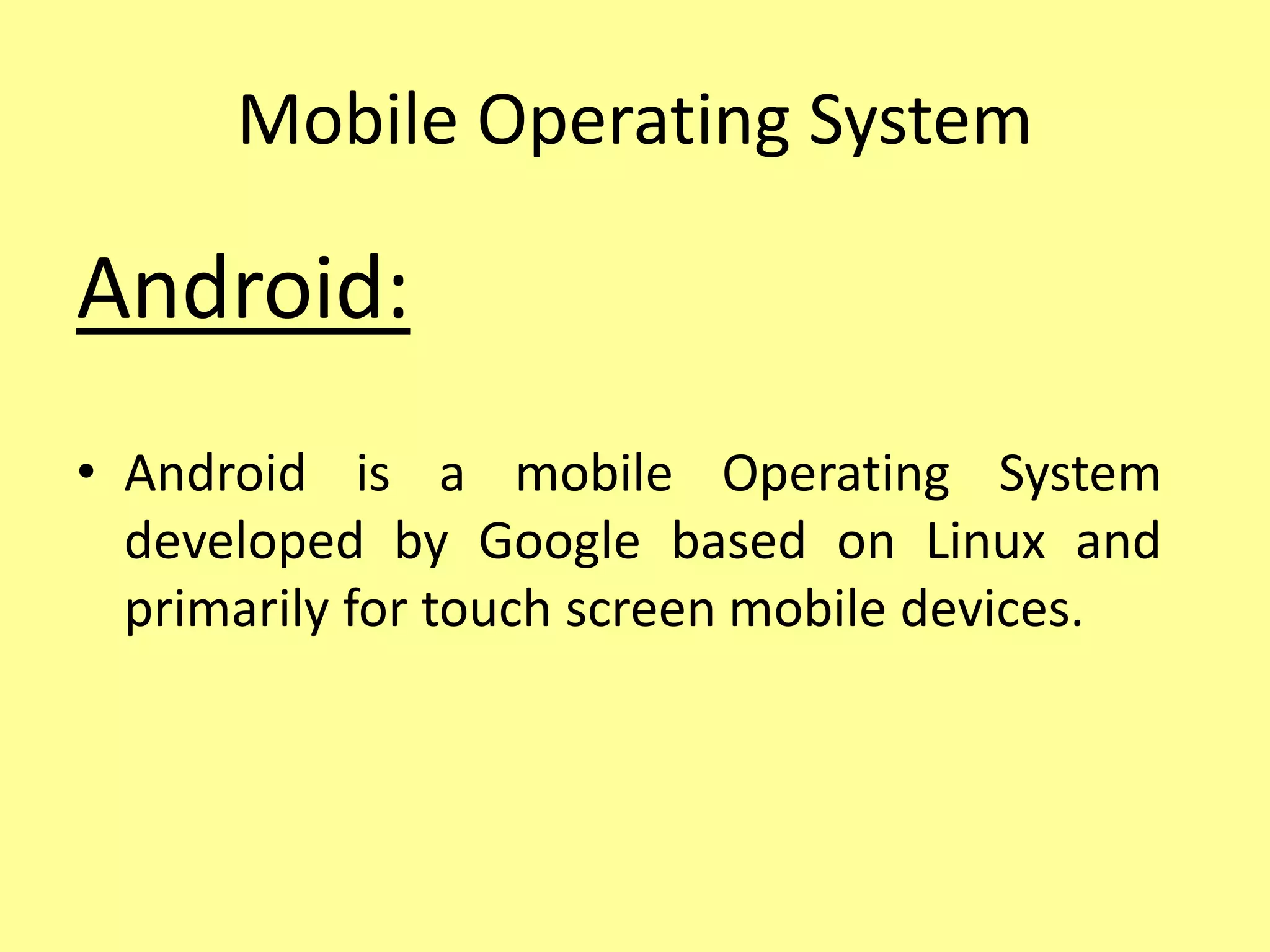
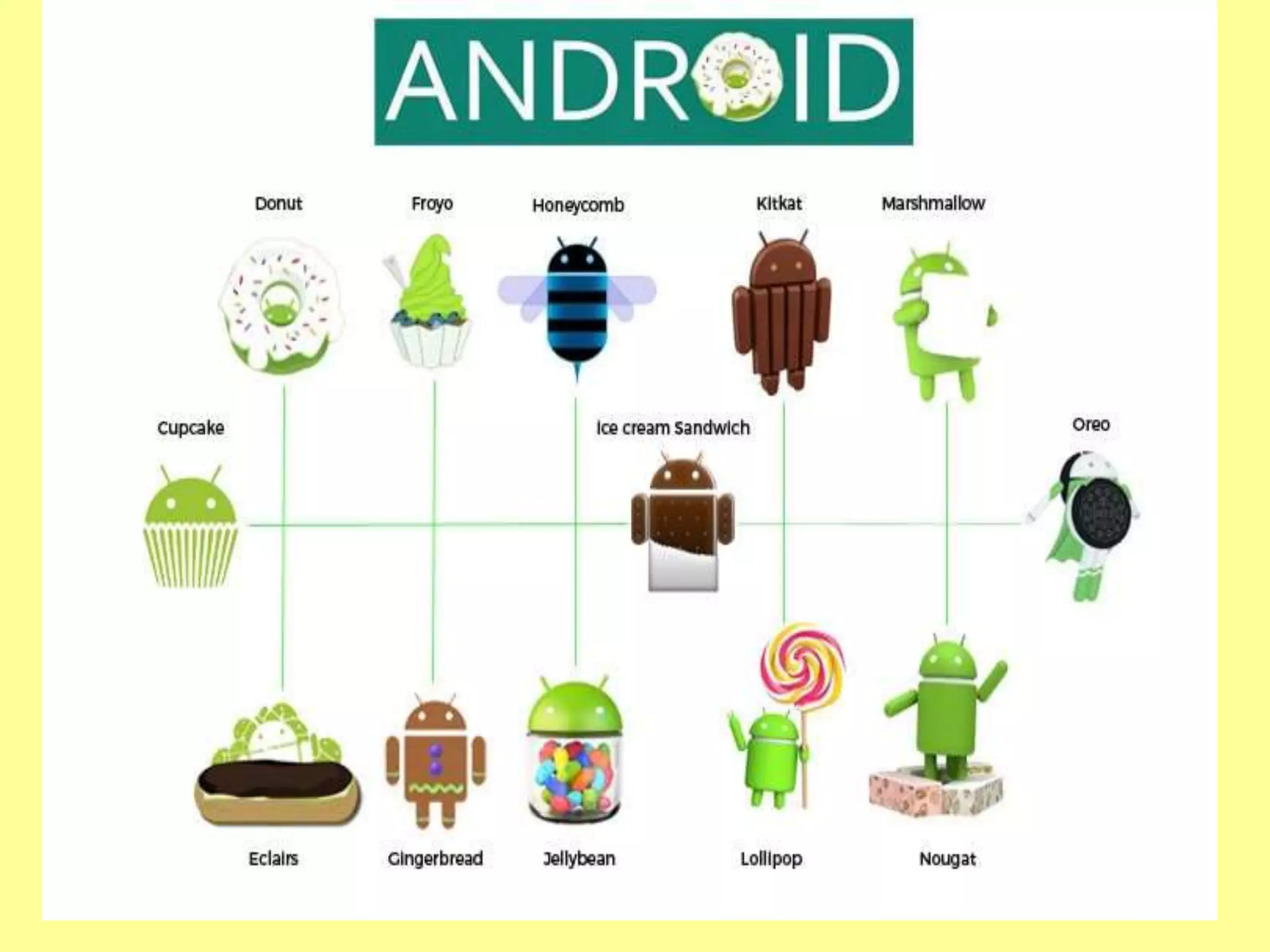
• Android is a mobile Operating System
developed by Google based on Linux and
primarily for touch screen mobile devices.
iOS - iPhone OS
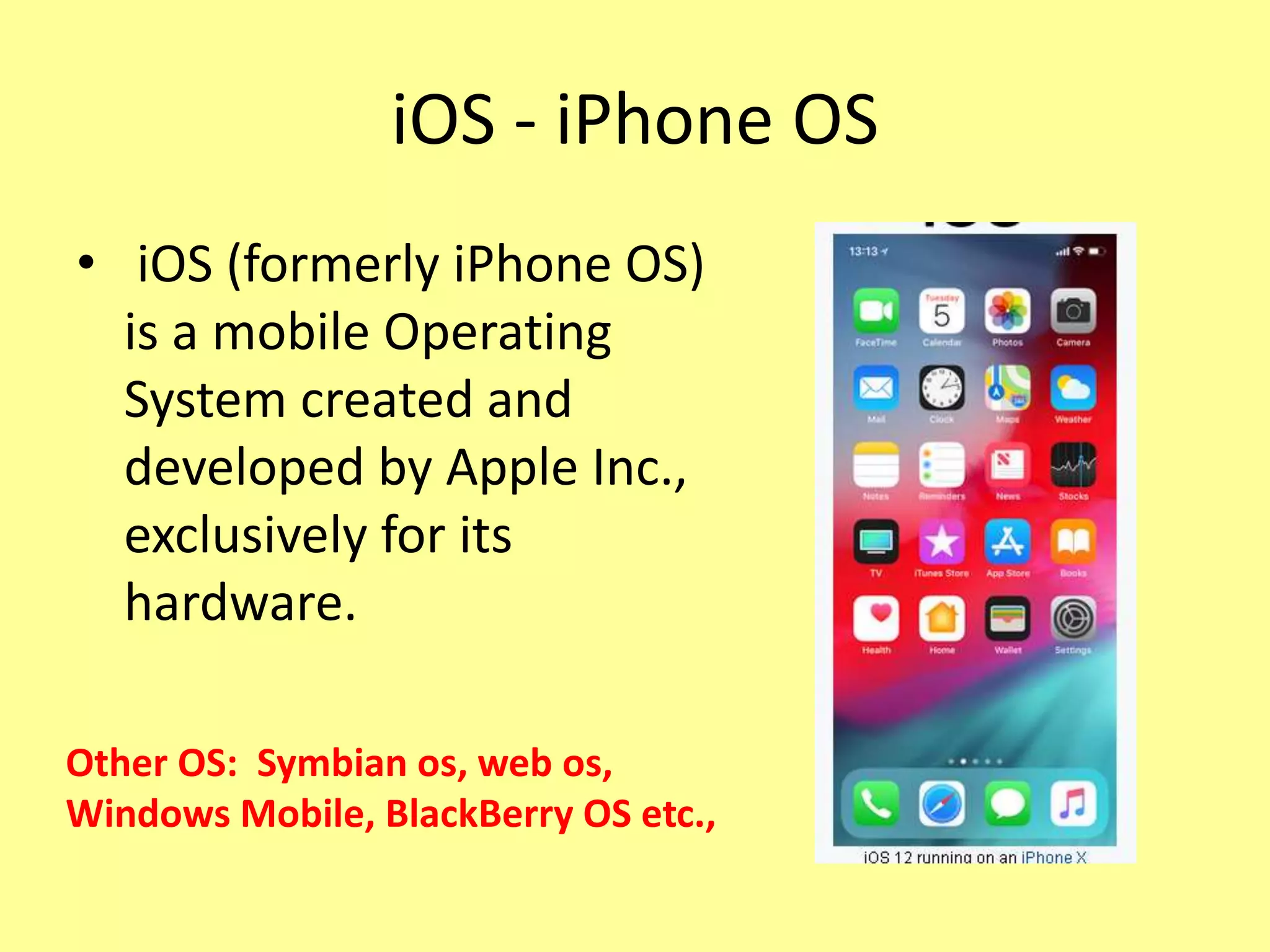
• iOS (formerly iPhone OS)
is a mobile Operating
System created and
developed by Apple Inc.,
exclusively for its
hardware.
Other OS: Symbian os, web os,
Windows Mobile, BlackBerry OS etc.,
Computer Fundamentals

Computer Fundamentals

  • 1.
  • 2.
    Input Devices • Purpose:send the data and instructions to the computer. • Types: 1.Keyboard – Functional keys for various operations. 2. Mouse – using click, double clicked or right clicked to perform task. 3. Trackball- similar to mouse, it has ball on the top rolled with finger. 4.Joystick – used to move objects (playing Games) 5. Light pen – for drawing objects directly on the screen. (pointing device)
  • 3.
    • Scanner –to scan or transfer photos. • Web Camera - camera attached with the system for video chatting and video conferencing. • Digital Camera - takes still photograph in digital form. • Microphone – input and record voice, sound and music.
  • 5.
    Output Devices • usedto display results on the output devices. 1. Monitor: VDU/TV Screen (Softcopy) - CRT(Cathode Ray Tube) Monitors - LCD (Liquid Crystal Display) Monitors - LED (Light-Emitting Diodes) Monitors 2. Speakers: To play Music and Sound from a computer.
  • 6.
    3. Head Phones:To listen to sound or music from the computer without other people hearing it. 4. Projectors: Display the output on a screen. The screen can be a whiteboard, a white cloth or even a plain white wall. Used for classroom teaching, giving presentation. 5. Printer: delivers the output on a paper. The printed copy that we get from the printer is called hardcopy. - Impact Printer – dot matrix - NonImpact Printer – inkjet printer, laser printer.
  • 7.
    Head phone Portable Projectors DotMatrix Printer Laser Printer
  • 8.
    Central Processing Unit Themotherboard is a printed circuit board that is the foundation of a computer, located on the back side or at the bottom of the computer chassis. It allocates power and allows communication to the CPU, RAM, and all other computer hardware components.
  • 9.
    Memory • Store dataand instructions into the memory. • Types of Memory: - RAM (Random Access Memory) - ROM (Read Only Memory)
  • 10.
    Random Access Memory •RAM(Random Access Memory) is the internal memory of the CPU for storing data, program, and program result. It is a read/write memory which stores data until the machine is working. As soon as the machine is switched off, data is erased. • Volatile memory •If you want to use any application / data, first loaded into RAM then accessed by the processor for computation or process….
  • 11.
     Computer processingspeed depends on RAM.  For windows 7 – min. 2GB RAM For windows 8, 8.1, 10 and Laptop – min 4GB RAM
  • 12.
    Read Only Memory •The memory from which we can only read but cannot write on it. This type of memory is non- volatile. • The information(to start a computer) is stored permanently in the memory during manufacture. • (e.g) not only Computer, electronic items like washing machine, mobile and microwave oven. • Types: MROM (Masked ROM), PROM (Programmable Read Only Memory), EPROM (Erasable and Programmable Read Only Memory) EEPROM (Electrically Erasable PROM)
  • 13.
    • MROM -The very first ROMs were hard-wired devices that contained a pre-programmed set of data or instructions. • PROM- The user buys a blank PROM and enters the desired contents using a PROM program. • EPROM- content can be erased by exposing it to ultra-violet light for a duration of up to 40 minutes. • EEPROM - an be erased and reprogrammed about ten thousand times. Any location can be selectively erased and programmed.
  • 15.
    Storage Devices Primary Storagedevice: medium that holds memory for short periods of time while a computer is running. (e.g.,) RAM, Cache Secondary Storage Device: external memory, secondary memory, and auxiliary storage, asecondary storage device is a non-volatiledevice that holds data until it is deleted or overwritten. (e.g.,) Hard drive
  • 16.
    Teritary Storage Device: •Typically it involves a robotic mechanism which will mount (insert) and dismount removable mass storage media into a storage device. (e.g.,) Magnetic Tape, Optical Disc (Blu-ray Disc, CD and DVD)
  • 17.
    Offline Storage: • Alsoknown as disconnected storage. • computer data storage on a medium or a device that is not under the control of a processing unit. • It must be inserted or connected by a human operator before a computer can access it again. • Examples: Floppy Disk, Zip diskette, USB Flash drive and Memory card.
  • 18.
    Other Storage Device CloudStorage - means "the storage of data online in the cloud," wherein a data is stored in and accessible from multiple distributed and connected resources that comprise a cloud. - Examples: Google Drive, Flickr and Microsoft Sky Drive
  • 20.
    Operating System • Anoperating system is the types of system program that acts as an interface between the user and the system. • Types of Operating System: – 1. Single User Operating System – 2.Batch Processing – 3.Time Sharing – 4.Network Operating System – 5. RealTime operating System
  • 21.
    1. Single UserOperating System • To perform any task, user must provide commands. • e.g., Disk Operating System - to display all directories C:> dir - to create any folder: C:>md ss - to enter into ‘ss’ folder:C:>cd ss C:ss>
  • 22.
    2.Batch Processing OS •This type of operating system do not interact with the computer directly. There is an operator which takes similar jobs having same requirement and group them into batches. Examples of Batch based Operating System: Payroll System, Bank Statements etc.
  • 23.
    3.Time Sharing • Eachtask has given some time to execute. Each user gets time of CPU as they use single system. These systems are also known as Multitasking Systems. The task can be from single user or from different users also. (e.g) Unix
  • 24.
    4.Network Operating System •allows shared access of files, printers, security, applications, and other networking functions over a small private network. Examples of Network Operating System are: Microsoft Windows Server 2003, Microsoft Windows Server 2008, UNIX, Linux, Novell NetWare, and BSD etc.
  • 25.
    5. Real Timeoperating System • Generally special-purpose ones designed to run embedded or specialized systems. • Nowadays embedded systems can be found all around us. Be it on cellphones, air conditioners, digital homes, cars etc. Little we realize their contribution in making our life comfortable and safe. • Examples of Real-Time Operating Systems are: LynxOS (LynuxWorks), OSE(Operating System Embedded) , QNX , RTLinux, VxWorks, Windows CE (Windows Embedded Compact)
  • 26.
    Mobile Operating System Android: •Android is a mobile Operating System developed by Google based on Linux and primarily for touch screen mobile devices.
  • 28.
    iOS - iPhoneOS • iOS (formerly iPhone OS) is a mobile Operating System created and developed by Apple Inc., exclusively for its hardware. Other OS: Symbian os, web os, Windows Mobile, BlackBerry OS etc.,