What is a Computer?
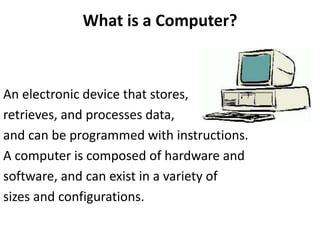
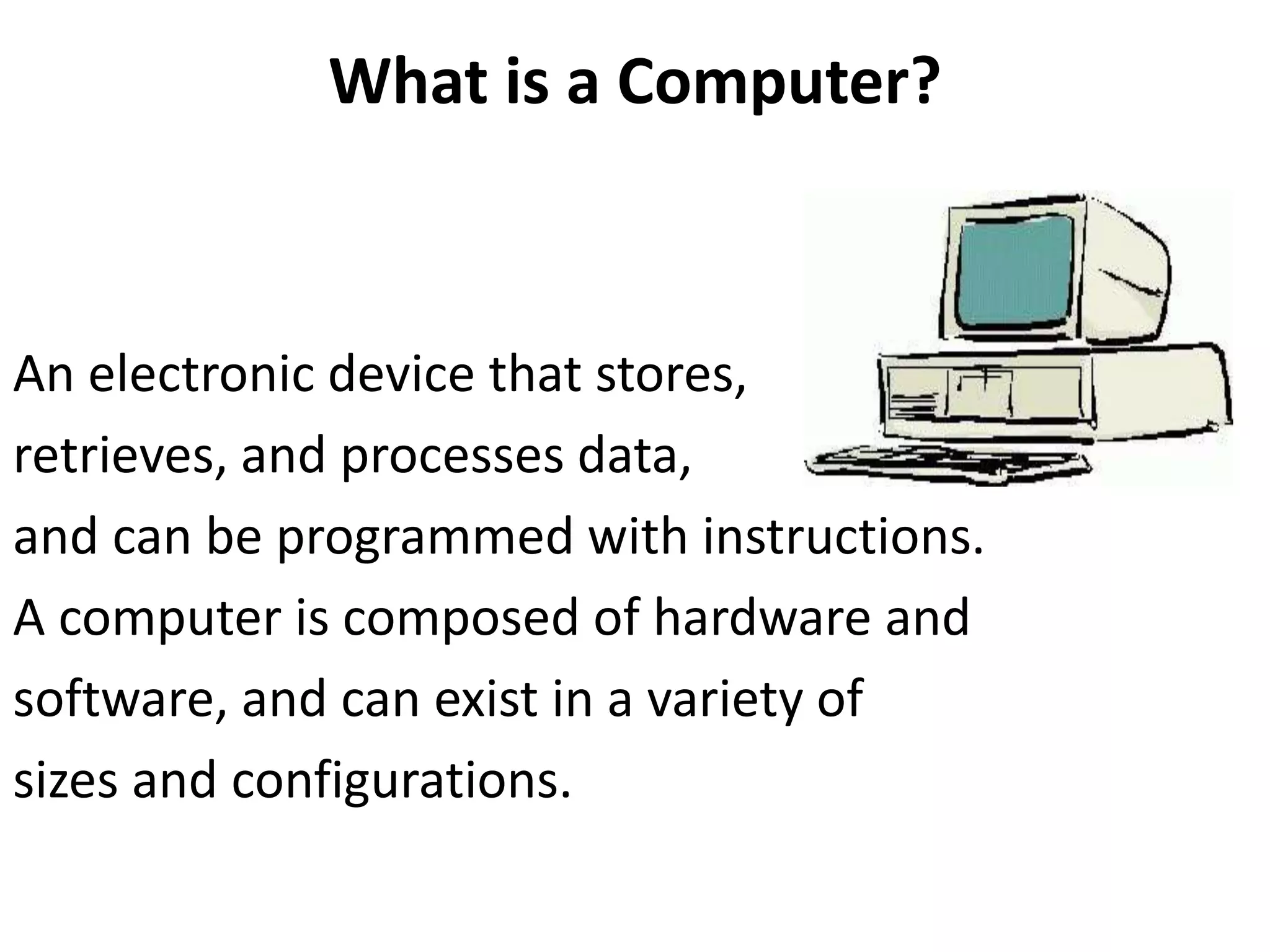
An electronic device that stores,
retrieves, and processes data,
and can be programmed with instructions.
A computer is composed of hardware and
software, and can exist in a variety of
sizes and configurations.
Hardware
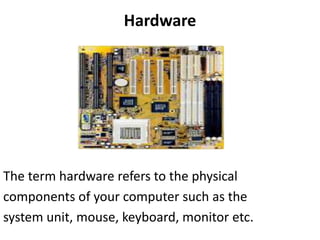
The term hardware refers to the physical
components of your computer such as the
system unit, mouse, keyboard, monitor etc.
Hardware Components
Input Devices -- "How to tell it what to do“
- A keyboard and mouse are the standard way to
interact with the computer. Other devices include
joysticks and game pads used primarily for games.
Output Devices -- "How it shows you what it is doing"
- The monitor (the screen) is how the computer
sends information back to you. A printer is also an
output device.
Hardware Components
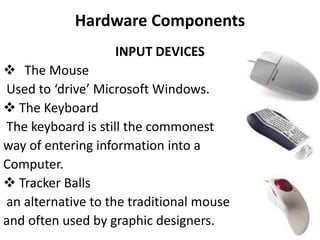
INPUT DEVICES
 The Mouse
Used to ‘drive’ Microsoft Windows.
 The Keyboard
The keyboard is still the commonest
way of entering information into a
Computer.
 Tracker Balls
an alternative to the traditional mouse
and often used by graphic designers.
Hardware Components
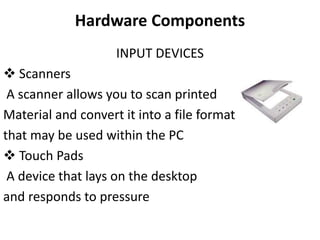
INPUT DEVICES
 Scanners
A scanner allows you to scan printed
Material and convert it into a file format
that may be used within the PC
 Touch Pads
A device that lays on the desktop
and responds to pressure
Hardware Components
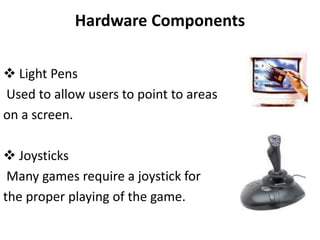
 Light Pens
Used to allow users to point to areas
on a screen.
 Joysticks
Many games require a joystick for
the proper playing of the game.
Hardware Components
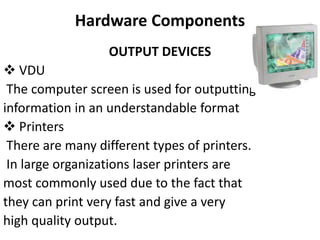
OUTPUT DEVICES
 VDU
The computer screen is used for outputting
information in an understandable format
 Printers
There are many different types of printers.
In large organizations laser printers are
most commonly used due to the fact that
they can print very fast and give a very
high quality output.
Hardware Components
OUTPUT DEVICES
 Plotters
A plotter is an output device similar to a
printer, but normally allows you to print
larger images.
 Speakers
Enhances the value of educational and
presentation products.
 Speech synthesizers
Gives you the ability to not only to display
text on a monitor but also to read the text
to you.
Hardware Components
Storage Devices
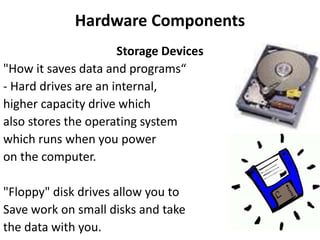
"How it saves data and programs“
- Hard drives are an internal,
higher capacity drive which
also stores the operating system
which runs when you power
on the computer.
"Floppy" disk drives allow you to
Save work on small disks and take
the data with you.
Hardware Components
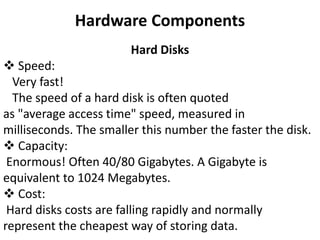
Hard Disks
 Speed:
Very fast!
The speed of a hard disk is often quoted
as "average access time" speed, measured in
milliseconds. The smaller this number the faster the disk.
 Capacity:
Enormous! Often 40/80 Gigabytes. A Gigabyte is
equivalent to 1024 Megabytes.
 Cost:
Hard disks costs are falling rapidly and normally
represent the cheapest way of storing data.
Hardware Components
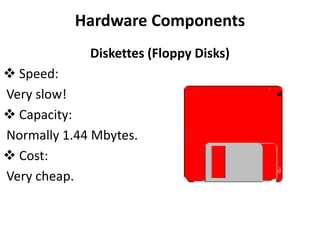
Diskettes (Floppy Disks)
 Speed:
Very slow!
 Capacity:
Normally 1.44 Mbytes.
 Cost:
Very cheap.
Hardware Components
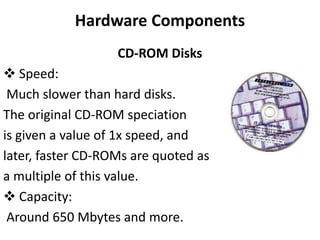
CD-ROM Disks
 Speed:
Much slower than hard disks.
The original CD-ROM speciation
is given a value of 1x speed, and
later, faster CD-ROMs are quoted as
a multiple of this value.
 Capacity:
Around 650 Mbytes and more.
Hardware Components
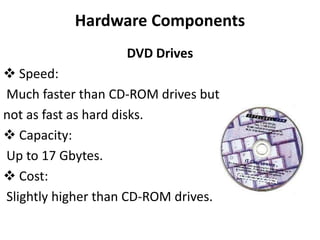
DVD Drives
 Speed:
Much faster than CD-ROM drives but
not as fast as hard disks.
 Capacity:
Up to 17 Gbytes.
 Cost:
Slightly higher than CD-ROM drives.
Hardware Components
Memory -- "How the processor stores and uses
immediate data“
RAM - Random Access Memory
The main 'working' memory used by the computer.
When the operating system loads from disk when you
first switch on the computer, it is copied into RAM.
As a rough rule, a Microsoft Windows based computer
will
operate faster if you install more RAM. Data and
programs stored in RAM are volatile (i.e. the information
is lost when you switch off the computer).
Main Parts of Computer
Memory
 ROM – Read Only Memory
• Read Only Memory (ROM) as the name suggests is a
special type of memory chip that holds software that
can be read
but not written to.
• A good example is the ROM-BIOS chip, which
contains read-only software.
• Often network cards and video cards also contain
ROM
chips.
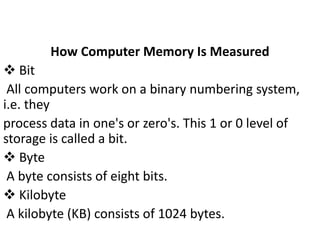
How Computer Memory Is Measured
 Bit
All computers work on a binary numbering system,
i.e. they
process data in one's or zero's. This 1 or 0 level of
storage is called a bit.
 Byte
A byte consists of eight bits.
 Kilobyte
A kilobyte (KB) consists of 1024 bytes.
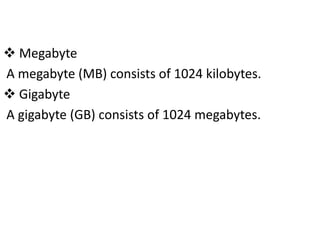
 Megabyte
A megabyte (MB) consists of 1024 kilobytes.
 Gigabyte
A gigabyte (GB) consists of 1024 megabytes.
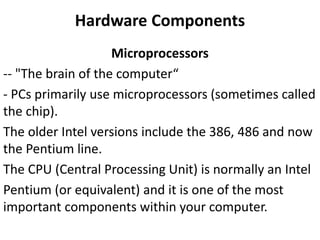
Hardware Components
Microprocessors
-- "The brain of the computer“
- PCs primarily use microprocessors (sometimes called
the chip).
The older Intel versions include the 386, 486 and now
the Pentium line.
The CPU (Central Processing Unit) is normally an Intel
Pentium (or equivalent) and it is one of the most
important components within your computer.
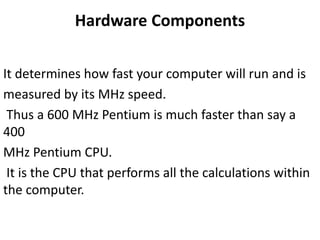
Hardware Components
It determines how fast your computer will run and is
measured by its MHz speed.
Thus a 600 MHz Pentium is much faster than say a
400
MHz Pentium CPU.
It is the CPU that performs all the calculations within
the computer.
Hardware Components
Some of the Factors
That Impact on a Computer's Performance
• CPU speed
• RAM size
• Hard disk speed and capacity

Lec 2

  • 1.
    What is aComputer? An electronic device that stores, retrieves, and processes data, and can be programmed with instructions. A computer is composed of hardware and software, and can exist in a variety of sizes and configurations.
  • 2.
    Hardware The term hardwarerefers to the physical components of your computer such as the system unit, mouse, keyboard, monitor etc.
  • 3.
    Hardware Components Input Devices-- "How to tell it what to do“ - A keyboard and mouse are the standard way to interact with the computer. Other devices include joysticks and game pads used primarily for games. Output Devices -- "How it shows you what it is doing" - The monitor (the screen) is how the computer sends information back to you. A printer is also an output device.
  • 4.
    Hardware Components INPUT DEVICES The Mouse Used to ‘drive’ Microsoft Windows.  The Keyboard The keyboard is still the commonest way of entering information into a Computer.  Tracker Balls an alternative to the traditional mouse and often used by graphic designers.
  • 5.
    Hardware Components INPUT DEVICES Scanners A scanner allows you to scan printed Material and convert it into a file format that may be used within the PC  Touch Pads A device that lays on the desktop and responds to pressure
  • 6.
    Hardware Components  LightPens Used to allow users to point to areas on a screen.  Joysticks Many games require a joystick for the proper playing of the game.
  • 7.
    Hardware Components OUTPUT DEVICES VDU The computer screen is used for outputting information in an understandable format  Printers There are many different types of printers. In large organizations laser printers are most commonly used due to the fact that they can print very fast and give a very high quality output.
  • 8.
    Hardware Components OUTPUT DEVICES Plotters A plotter is an output device similar to a printer, but normally allows you to print larger images.  Speakers Enhances the value of educational and presentation products.  Speech synthesizers Gives you the ability to not only to display text on a monitor but also to read the text to you.
  • 9.
    Hardware Components Storage Devices "Howit saves data and programs“ - Hard drives are an internal, higher capacity drive which also stores the operating system which runs when you power on the computer. "Floppy" disk drives allow you to Save work on small disks and take the data with you.
  • 10.
    Hardware Components Hard Disks Speed: Very fast! The speed of a hard disk is often quoted as "average access time" speed, measured in milliseconds. The smaller this number the faster the disk.  Capacity: Enormous! Often 40/80 Gigabytes. A Gigabyte is equivalent to 1024 Megabytes.  Cost: Hard disks costs are falling rapidly and normally represent the cheapest way of storing data.
  • 11.
    Hardware Components Diskettes (FloppyDisks)  Speed: Very slow!  Capacity: Normally 1.44 Mbytes.  Cost: Very cheap.
  • 12.
    Hardware Components CD-ROM Disks Speed: Much slower than hard disks. The original CD-ROM speciation is given a value of 1x speed, and later, faster CD-ROMs are quoted as a multiple of this value.  Capacity: Around 650 Mbytes and more.
  • 13.
    Hardware Components DVD Drives Speed: Much faster than CD-ROM drives but not as fast as hard disks.  Capacity: Up to 17 Gbytes.  Cost: Slightly higher than CD-ROM drives.
  • 14.
    Hardware Components Memory --"How the processor stores and uses immediate data“ RAM - Random Access Memory The main 'working' memory used by the computer. When the operating system loads from disk when you first switch on the computer, it is copied into RAM. As a rough rule, a Microsoft Windows based computer will operate faster if you install more RAM. Data and programs stored in RAM are volatile (i.e. the information is lost when you switch off the computer).
  • 15.
    Main Parts ofComputer Memory  ROM – Read Only Memory • Read Only Memory (ROM) as the name suggests is a special type of memory chip that holds software that can be read but not written to. • A good example is the ROM-BIOS chip, which contains read-only software. • Often network cards and video cards also contain ROM chips.
  • 16.
    How Computer MemoryIs Measured  Bit All computers work on a binary numbering system, i.e. they process data in one's or zero's. This 1 or 0 level of storage is called a bit.  Byte A byte consists of eight bits.  Kilobyte A kilobyte (KB) consists of 1024 bytes.
  • 17.
     Megabyte A megabyte(MB) consists of 1024 kilobytes.  Gigabyte A gigabyte (GB) consists of 1024 megabytes.
  • 18.
    Hardware Components Microprocessors -- "Thebrain of the computer“ - PCs primarily use microprocessors (sometimes called the chip). The older Intel versions include the 386, 486 and now the Pentium line. The CPU (Central Processing Unit) is normally an Intel Pentium (or equivalent) and it is one of the most important components within your computer.
  • 19.
    Hardware Components It determineshow fast your computer will run and is measured by its MHz speed. Thus a 600 MHz Pentium is much faster than say a 400 MHz Pentium CPU. It is the CPU that performs all the calculations within the computer.
  • 20.
    Hardware Components Some ofthe Factors That Impact on a Computer's Performance • CPU speed • RAM size • Hard disk speed and capacity